
- Best for
- Product-to-ad video with original footage
- Starting price
- See website (only a promo price was shown)
- Free plan
- No free tier shown
- Features listed
- 5 highlighted
Prices checked November 25, 2026
Advertising desk · 10 tools compared
10 Best AI Video Ad Creation Software Tools for 2026
Ten AI video ad tools ranked on output quality, creative range, price clarity, workflow speed, and brand control, with entry prices checked on 2026-11-25 and unverified figures flagged.
Higgsfield is the top pick for November 2026 when you need original product footage and ad variations from one suite, with Creatify close behind for URL-to-UGC drafts and HeyGen the choice for realistic avatar presenters. Higgsfield suits ecommerce brands that want product shots and cinematics, Creatify suits teams that start from a product page and want actor variants fast, and HeyGen suits demos, explainers, and multi-language versions. Prices below were checked on 2026-11-25, and any figure we could not verify is labeled unverified rather than repeated as fact.
Top 3 picks
- Best for
- URL-to-UGC video ads
- Starting price
- Standard, $10/mo billed yearly
- Free plan
- Yes, 10 monthly credits
- Features listed
- 4 highlighted
- Best for
- Scored ad variants at volume
- Starting price
- See website
- Free plan
- No, 7-day trial
- Features listed
- 4 highlighted
Disclosure for this page: Higgsfield is a paid Featured listing on this page and is labelled wherever it appears. The other 9 tools are unpaid editorial picks, and no vendor reviewed this page before publication. The position of a paid listing can be part of what the vendor pays for. The same rubric and the same honest cons apply to paid and unpaid rows. How we handle paid listings.
Compare all 10 at a glance
| Tool | Best for | Free plan | Actions | |||
|---|---|---|---|---|---|---|
| 1 |  HiggsfieldFeatured | Product-to-ad video with original footage | See website (only a promo price was shown) | No | ||
| 2 |  Creatify | URL-to-UGC video ads | Standard, $10/mo billed yearly | Yes | ||
| 3 |  AdCreative.ai | Scored ad variants at volume | See website | No | ||
| 4 | Pippit (formerly CapCut Commerce Pro) | Ecommerce ads inside CapCut | Free plan; paid plans: see website | Yes | ||
| 5 |  Arcads | High-volume UGC testing | See website | No | ||
| 6 | HeyGen | Realistic avatar presenters | Creator, $29/mo | Yes | ||
| 7 |  Synthesia | Corporate presenter videos | Starter, $29/mo billed yearly (regular price) | Yes | ||
| 8 | VEED | Browser editing and captions | Creator $10/user/mo (billed yearly) | Yes | ||
| 9 |  InVideo | Prompt-led video drafts | Basic, $4/seat/mo billed annually | Yes | ||
| 10 |  Canva | Template-led social ads | Free; Pro: see website | Yes |
On this page
- Key takeaways
- Top 3 picks
- Comparison table
- How we chose and scored these tools
- Scoring rubric
- 1. Higgsfield
- 2. Creatify
- 3. AdCreative.ai
- 4. Pippit (formerly CapCut Commerce Pro)
- 5. Arcads
- 6. HeyGen
- 7. Synthesia
- 8. VEED
- 9. InVideo
- 10. Canva
- What does AI video ad creation software actually do, and where does it stop?
- How do AI video ad tools charge, and which billing model fits your volume?
- Which AI video ad tool should you start with this month?
- Mistakes that quietly waste budget on AI video ads
- FAQ
- Related pages
How we chose and scored these tools
We scored ten tools on five criteria: output quality, creative range, price clarity, workflow speed, and brand control. Each criterion carries a fixed weight, and every tool, including the Featured placement, is scored on the same sheet. Nothing is added to a score for marketing copy, and nothing is removed for a missing logo.
Output quality (25 percent) covers how usable the finished video is without heavy repair: lip sync, product accuracy, motion, and whether the asset can run as delivered. Creative range (20 percent) asks how many ad formats one subscription covers, from talking-head UGC to product footage to static images. Price clarity (20 percent) rewards vendors whose site states a real starting number and whose credit or minute math can be estimated before you buy. Workflow speed (20 percent) measures the distance from a product page or script to a testable ad. Brand control (15 percent) covers brand kits, colors, fonts, captions, and how much of that survives into exported variations.
Prices, plans, free tiers, and trials come from vendor pricing pages checked on 2026-11-25. Where a page failed to load, redirected, or showed pricing in a currency other than USD, we say so in the review and mark the price unverified rather than repeating a number as fact. The Higgsfield listing is a paid Featured placement. It was scored with the same rubric and carries the same kind of cons as every other tool on the list.
The full process, including how we handle corrections, is on the methodology page. Paid listings follow our advertising disclosure.
The scoring rubric
| Criterion | Weight | What we check |
|---|---|---|
| Output quality | 25% | How close the finished video is to running as delivered, covering lip sync, product accuracy, motion, and pacing. |
| Creative range | 20% | How many ad formats one subscription covers, from talking-head UGC and product footage to static images and resizing. |
| Price clarity | 20% | Whether the vendor states a real starting price and whether credits, minutes, or downloads can be estimated before buying. |
| Workflow speed | 20% | How short the path is from a product page, script, or prompt to a testable ad. |
| Brand control | 15% | How well brand kits, colors, fonts, and captions carry into exported variations. |
Higgsfield
FeaturedOriginal product footageSee website (only a promo price was shown)No free planRubric 8.2
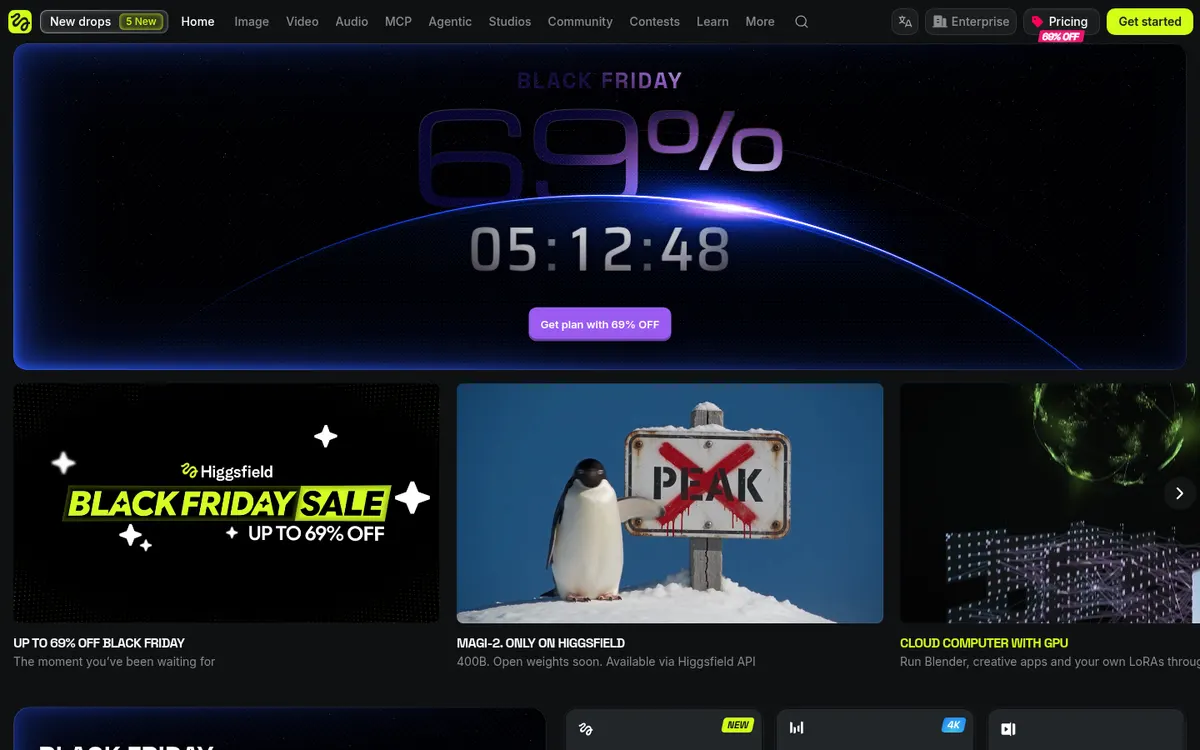
Best when you need original product footage plus ad variations in three sizes without leaving one suite.
Higgsfield is a marketing suite. Marketing Studio carries templates for product shots, motion, UGC, TikTok, ads, posters, and marketplace images. Ads Studio builds a brand kit from a website, pulling logo, colors, voice, and selling points, then imports products with names, images, and prices.
It generates original cinematic product footage instead of leaning only on stock clips or talking presenters, then returns variations in 1:1, 4:5, and 9:16 with headlines and calls to action. A 16:9 size is not listed for Ads Studio, so YouTube placements may need a separate export or resize. Review claims, prices, and product details before launch.
Pricing is credit-based. Basic is $9 per month billed yearly under a Black Friday promotion; entry pricing was $9 to $19 per month on annual billing depending on region and offers. Credits mean real cost depends on variants, re-runs, and templates, so test a realistic campaign. It suits ecommerce teams that want product footage and ad variations from one system. Teams needing only talking-head UGC will find narrower options further down this list.
Pros
- Original product footage generation
- Brand kit built from a website
- Three ad ratios with headlines and CTAs
Cons
- Credit plans need cost testing
- No 16:9 listed in Ads Studio
- Broad suite takes time to learn
Pick it if
You want generated product footage and matched ad variations from a single credit-based suite.
Skip it if
You only need talking-head UGC ads or a flat monthly price with no credit math.
Creatify
URL to UGCStandard, $10/mo billed yearlyFree planRubric 7.7
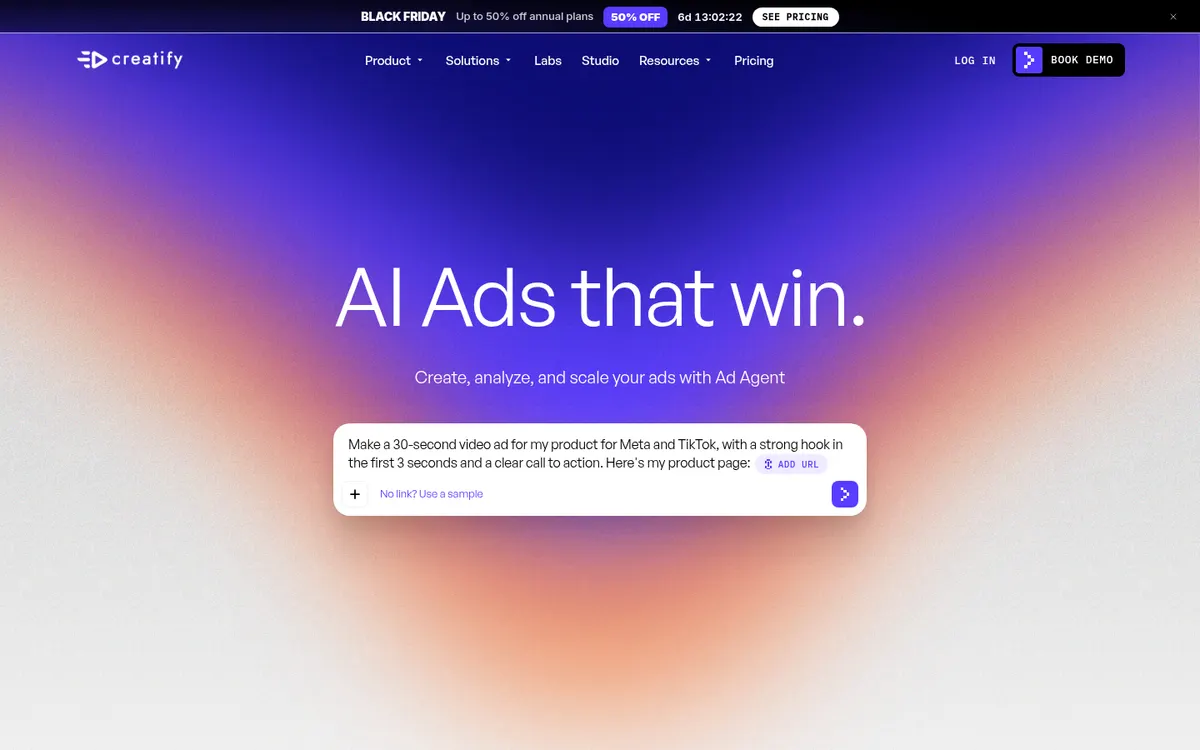
The fastest route from a product URL to actor-led UGC ad drafts you can actually test.
Creatify starts with a product URL and builds a UGC-style video ad draft. It pulls product details, writes a script, picks a voice, and assembles a video around an AI actor. The actor library is large, and batch mode runs one script across several actors and hooks.
The Standard plan lists 55 credits per month at $10 per month billed yearly, and the free plan gives 10 monthly credits. Higher resolution, longer clips, and premium models consume more credits, and unused credits expire after two months on the listed plans. A heavy test month can cost well above the headline price, so budget for experiments, not just winners.
Output is video only; image ads need another tool or designer. Quality tracks the source product page, so clean it before pasting. Pick it when your workflow begins with a product URL and you want volume across actors and hooks. Skip it if you need static creatives or flat, non-expiring pricing.
Pros
- Starts from a product URL
- Large actor library with batch mode
- Short path to a testable ad
Cons
- Credits expire after two months
- No static ad suite
- Premium models and longer clips cost more
Pick it if
You want to turn product pages into UGC-style video variants quickly and cheaply.
Skip it if
You need static ad creatives or dislike expiring monthly credits.
AdCreative.ai
Scored variantsSee websiteNo free planRubric 7.2
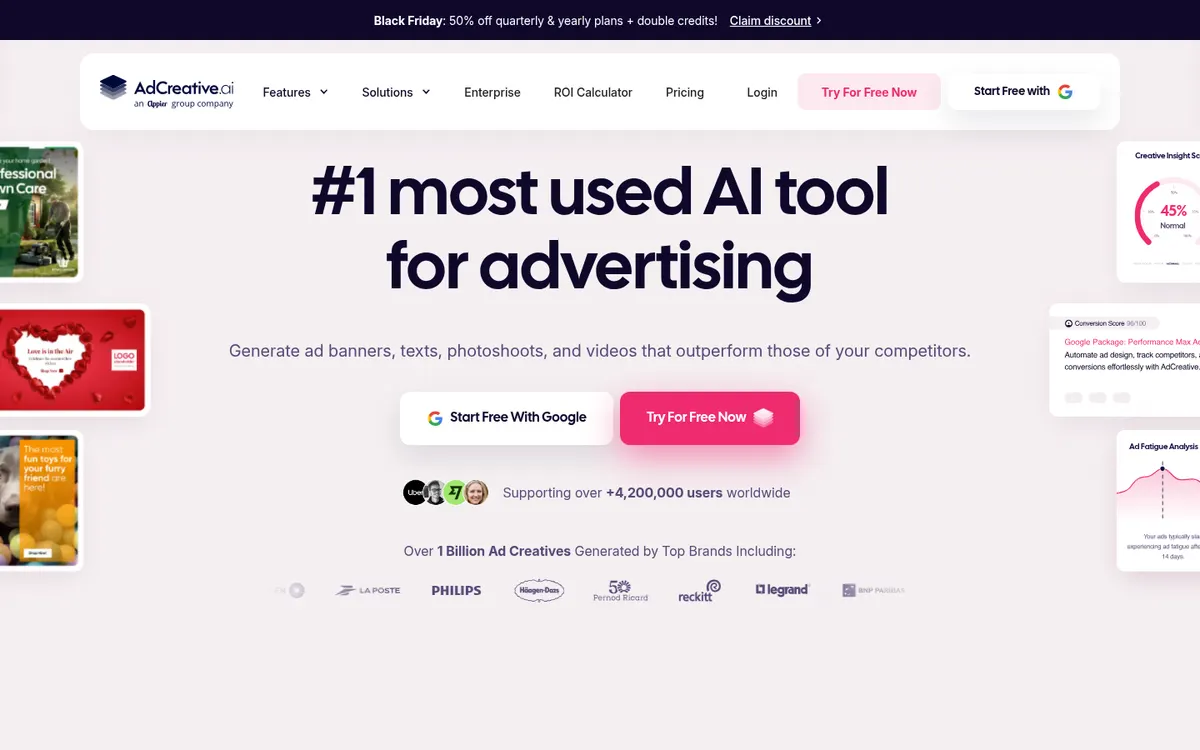
Best for teams producing static ad variants in bulk and wanting a ranking signal before media spend.
AdCreative.ai is a batch creative engine with a scoring layer. Set up a brand kit with logo, colors, fonts, and product images, generate variants in bulk, then rank them before spending on media. Scoring gives a ranked shortlist before spend. It covers static creatives for Meta, Google, LinkedIn, and other placements, and unlimited generation is standard on paid tiers.
The catch is download credits. Starter includes 10 download credits and unlimited generation, fitting small tests rather than daily production; video generation and creative scoring require Professional. Count downloads per campaign, not generations, when comparing it with flat-rate video tools. The pricing page returned no content at the time of writing, so confirm figures before budgeting.
The brand kit keeps dozens of variants on brand. It falls short on motion: if your media plan leans on video, it is a companion, not a replacement. Pick it if you produce static variants at volume and want a ranking signal. Skip it if video is the main deliverable or a 10-download Starter tier will not cover a week of testing.
Pros
- Batch variant generation
- Creative scoring before launch
- Brand kit controls across placements
Cons
- Starter is static only
- Download credits run out fast
- Video and scoring need the Professional tier
Pick it if
Static ad volume and pre-launch scoring matter more than video generation.
Skip it if
You mainly need video ads or need dozens of downloads on a small budget.
Pippit (formerly CapCut Commerce Pro)
Edit and publishFree plan; paid plans: see websiteFree planRubric 7.1
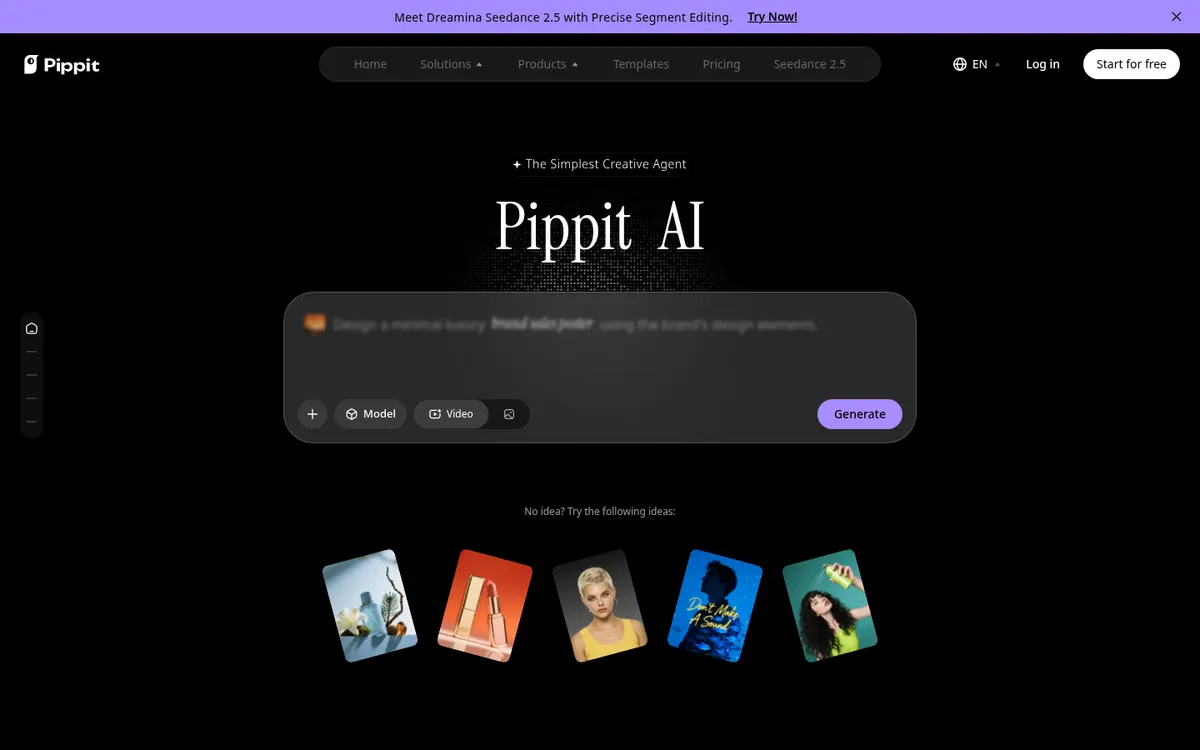
A CapCut-shaped editor with link-to-video drafts, best for teams that already edit there.
Pippit is the renamed CapCut Commerce Pro. The old commercepro.capcut.com address redirects to pippit.ai, positioned as a smart creative agent for ecommerce video. In practice it is an editor with generation features: paste a product link, get a draft, then trim, caption, add music, and publish in the same workspace. An avatar presenter handles on-camera scripts when no one can film.
Social scheduling and publishing, a large template and asset library, and familiar CapCut controls make it easy for existing editors to add AI drafts. But it is template-led rather than a pure scene generator, so original cinematic product footage still needs another tool or a camera. The free plan has daily credits, and paid tiers are metered: 1,800 credits monthly and 21,600 per year. Price could not be confirmed; the captured page was Pippit pricing in BDT, a different product. US availability has shifted, so check your market. Pick it if you already edit in CapCut and want link-to-video, captions, and publishing in one place. Skip it if you need finished scenes with no manual editing.
Pros
- Link-to-video drafts for products
- Editing, captions, and publishing in one workspace
- Large template and asset library
Cons
- Editor-first rather than pure generation
- Credit allowances cap monthly output
- Price and US availability unconfirmed
Pick it if
Your team already edits in CapCut and wants AI drafts plus publishing in one tool.
Skip it if
You need finished generated scenes without hands-on editing time.
Arcads
Batch hook testingSee websiteNo free planRubric 6.4
Narrow, expensive, and effective if your job is testing UGC hooks across many AI faces.
Arcads turns a script into a talking-head UGC ad using an AI actor. The library looks like phone-shot creator content rather than studio presenters, and batch creation across multiple actors lets you test the same hook on many faces.
Billing is per minute per actor, rounded up. A 15-second ad can consume the same credits as a 60-second ad, which punishes short tests. Expect cost to scale with actors in each test rather than campaigns. Starter has no free plan and no trial, so you commit before seeing output quality. The vendor pricing page could not be checked at the time of writing, so confirm pricing before sign-up and ask about refund or downgrade. Creative range is narrow on purpose: it focuses on talking-head UGC, so it works as one lane in a wider stack rather than a full replacement. Pick it if UGC hook testing is recurring and you want many faces fast. Skip it if you run occasional ads or need product footage and image ads from the same tool.
Pros
- Large UGC-style actor library
- Batch creation across actors
- Fast script-to-video turnaround
Cons
- No free plan and no trial
- High entry price
- Per-minute billing rounded up
Pick it if
You test UGC hooks every month and need many actor variants quickly.
Skip it if
You run occasional campaigns or need product footage alongside presenters.
HeyGen
Realistic avatarsCreator, $29/moFree planRubric 7.3
The best realistic avatar presenter here, with translation and voice cloning that hold up in ads.
HeyGen is the strongest option here for a realistic human presenter. You write a script, choose an avatar, and get a talking-head ad or explainer with clean lip sync. Translation with voice preservation extends the asset into other languages without re-recording, and voice cloning on paid plans keeps brand voice consistent. Demos and app walkthroughs fit because the presenter carries explanation without a filming day.
Pricing is credit-metered. Creator is $29 per month, or $24 per month on annual billing, for 600 credits; premium avatar rendering uses roughly 20 credits per finished minute. Scene changes that trigger re-renders spend credits again, so lock the script before rendering. The free plan allows three watermarked videos per month up to one minute, enough to judge lip sync and voice but not to run a campaign.
Output reads professional, which suits demos but less so short-form feeds. Pick it if you need credible presenters or demo videos without a studio. Skip it if you want UGC-style creator footage, where Arcads and Creatify are closer.
Pros
- Realistic avatar library
- Translation with voice preservation
- Voice cloning on paid plans
Cons
- Premium avatar minutes burn credits
- Re-renders cost credits again
- Free videos are watermarked
Pick it if
You want polished presenters and localized versions without filming anyone.
Skip it if
You need creator-style UGC footage rather than studio delivery.
Synthesia
Corporate presentersStarter, $29/mo billed yearly (regular price)Free planRubric 7.4
Polished corporate presenter video with strong language coverage, less suited to short-form ad feeds.
Synthesia is the corporate end of presenter video. The look is clean and studio-like, with brand colors, backgrounds, and captions applied consistently, which suits B2B messaging, internal explainers, and product announcements more than raw creator-style ads. Language coverage is broad, so one script becomes localized versions without new talent.
Paid plans are metered by video minutes, making cost predictable per finished asset. Starter is $29 per month, or $18 per month billed yearly under the Black Friday price shown, and free Basic provides a small watermarked monthly allowance for testing. Enterprise controls sit on higher tiers, so regulated teams should price those before assuming Starter will pass review.
The tradeoff is feel: presenter-led corporate video reads as an ad instantly in feed and short-form. On TikTok or Reels, test a UGC-style tool alongside it. Minutes are credit-metered, so long explainers consume the allowance faster than short bumpers; map runtime before choosing a tier. Pick it for polished, brand-consistent presenter video in multiple languages. Skip it if you need the unpolished creator look for short-form feeds.
Pros
- Clean presenter style for business video
- Brand controls for colors, backgrounds, captions
- Strong language coverage
Cons
- Less UGC feel than creator tools
- Minutes are credit-metered
- Enterprise controls sit on higher tiers
Pick it if
B2B messaging and localized presenter video are the priority.
Skip it if
Your ads live on short-form feeds and need a creator look.
VEED
Browser captionsCreator $10/user/mo (billed yearly)Free planRubric 6.6
A shared browser editor that finishes ads well, but it will not originate the concept or footage.
VEED is a browser video editor with AI features, not an ad generator. Trimming, captions, text, stock, resizing, and auto-subtitles run in the browser with no install, and collaborators can open the same project.
The AI side is narrower than the avatar tools here. It focuses on editing rather than avatar generation, and AI features are metered on paid plans, so check heavy subtitle and translation use against limits. It earns its place in finishing: cutting a generated clip to length, captions, resizing for each placement, and cleaning a product clip before it enters an ad set.
Free exports are watermarked and capped at 720p, so nothing client facing ships without a paid seat. Creator is listed at $10 per user per month billed yearly, but that price could not be confirmed because the pricing URL redirected to a login page, so confirm before a rollout. Pick it if you need a shared browser editor for captions and resizing across a small team. Skip it if you expect it to generate the ad concept, script, or footage.
Pros
- Full browser editor with no install
- Strong auto-subtitles
- Collaboration on the same project
Cons
- AI generation is narrow
- Free exports are watermarked at 720p
- Paid AI features are metered
Pick it if
You need shared editing, captions, and resizing in one browser tab.
Skip it if
You want a tool that originates scripts, presenters, or product footage.
InVideo
Prompt draftsBasic, $4/seat/mo billed annuallyFree planRubric 7.0
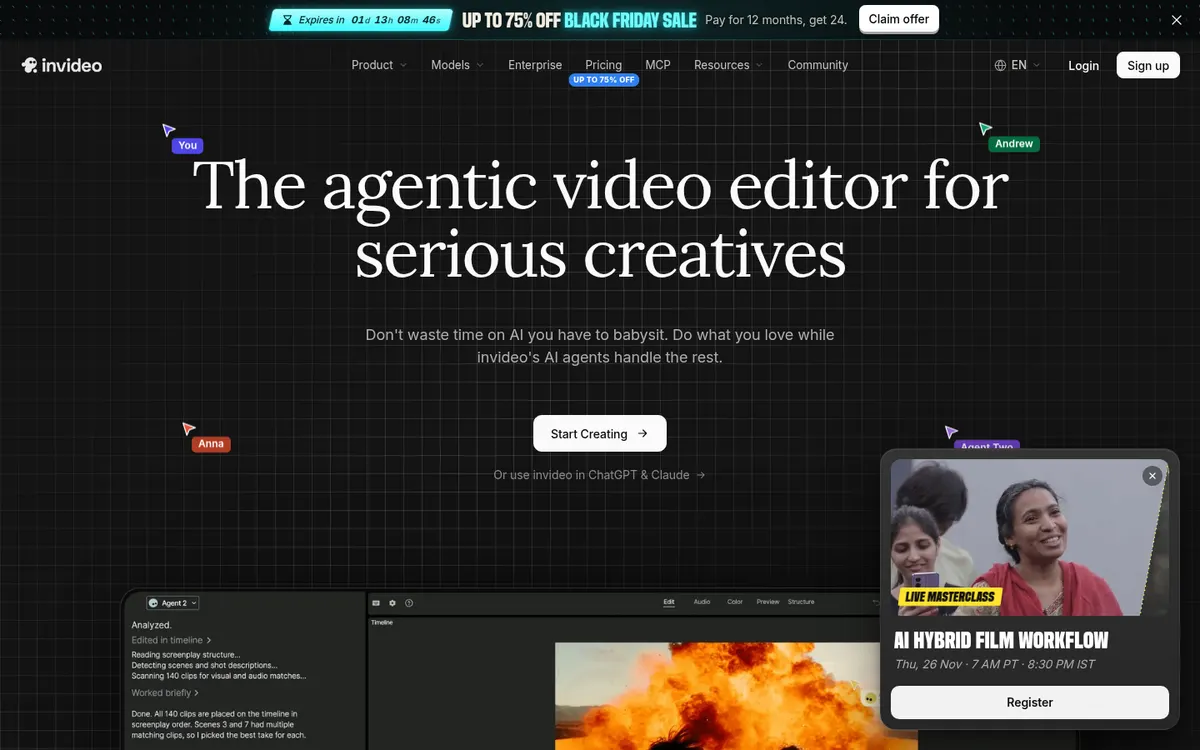
A low-cost prompt-to-video draft machine that gets something on screen today, then needs an editor.
InVideo is the fastest route to a first draft. You describe the ad, and it assembles a video from templates and stock footage that you edit in a chat-style interface or on the timeline. For a small team that needs something today, prompt-to-video removes the blank page. The library is large, with templates and stock covering ecommerce and service ad formats.
The ceiling is lower than the specialist tools: output still needs a human pass on scenes, pacing, and product details. Plan editing time even on fast turnarounds. Basic is $4 per seat per month billed annually. Free exports are watermarked with weekly limits, fine for evaluation, not a launch week. Per-seat pricing is worth checking against team size.
Chat-based editing is the most interesting part. Asking for a shorter cut or a different opening is faster than dragging clips, so review each revision. Pick it if you want prompt-led drafts and stock templates at a low entry price. Skip it if you need original product footage, a consistent AI presenter, or high-volume variant testing.
Pros
- Prompt-to-video drafts with chat editing
- Large template and stock library
- Low entry price per seat
Cons
- Free exports are watermarked with weekly limits
- Drafts still need human editing
- Per-seat pricing adds up for teams
Pick it if
You need a quick draft of a stock-based ad at a low per-seat price.
Skip it if
You need original footage, presenters, or batch variant testing.
Canva
Template libraryFree; Pro: see websiteFree planRubric 6.9
The best place to format, resize, and finish template-led social ads, not to generate them.
Canva is a design suite that includes video, and for template-led social ads that is often enough. The template library is enormous, the brand kit keeps colors and fonts consistent, and resizing takes one design across feed, story, and short-form placements. Non-specialists can produce something on brand without learning an editor.
Video features are basic, and AI video clip allowances are limited, so heavy generation is not the point. It is not built for high-volume UGC testing, so many hook variations would be manual work.
Pricing is on the vendor site, but the captured page showed Pro and Business prices only in BDT, so no USD starting price was confirmed. Canva Free is a genuine tier for evaluation, and trials let you test brand kit and premium assets. Canva finishes and formats ads better than it originates them. Use it for brand-led templates and resizing, and pair it with a generator for original footage. Pick it if your ads are template-led and your team is not designers. Skip it if you need batch UGC variants or original product footage.
Pros
- Huge template library
- Brand kit for colors and fonts
- Easy resizing across placements
Cons
- AI video clips are limited
- Not built for high-volume UGC testing
- Timeline editing is basic
Pick it if
You want fast, on-brand template ads and resizing from a familiar workspace.
Skip it if
You need generated product footage or batch actor variants.
What does AI video ad creation software actually do, and where does it stop?
AI video ad creation software takes an input you already have and returns a finished or near-finished ad video. The input is usually one of four things: a product URL, a written script, a text prompt, or your own footage. The software handles the middle, which is where most of the labor used to sit: writing or adapting a script, generating a voice, choosing or generating visuals, cutting the result to length, adding captions, and exporting in the aspect ratios each ad platform expects.
Within that broad definition, the tools here fall into a few families. Knowing which family you need removes most of the list before price matters.
- Avatar and UGC tools turn a script into a person talking, either in a polished studio style or a phone-shot creator style.
- Product footage tools generate original shots of the product itself, often with motion, then build variations around them.
- Batch creative tools generate many static or video variants and rank them before launch.
- Browser editors and design suites finish, caption, resize, and format assets that came from somewhere else.
What the category does not do is just as important. These tools do not buy media, they do not know your margins, and they do not verify that the price or claim in the generated ad is correct. A generated ad can carry an outdated discount into a live campaign without a warning. Approval, policy checks, and claim review stay with a person on your team.
They also do not replace creative strategy. The tool can produce twenty hooks, but it cannot tell you which promise your customer cares about, and it will happily generate twenty variations of the wrong idea. The strongest results in this category come from teams that bring a clear offer and a tested angle, then use software to multiply execution rather than to invent direction.
One practical note on exports: ratio support differs by tool, and widescreen is not universal. Check the ratio list on the plan page before you buy if YouTube or connected TV is part of your plan.
This comparison sits on the Advertising desk. Readers comparing neighbouring stacks often check our guides to email marketing platforms for ecommerce and free audio to text transcription software next.
How do AI video ad tools charge, and which billing model fits your volume?
AI video ad software bills in a handful of recognizable ways, and the model matters more than the headline number. A plan that looks cheap per month can cost more than a flat-rate competitor once you count the outputs you actually need, especially when credits expire or billing rounds up.
| Model | How it bills | Typical fit | Example from this list |
|---|---|---|---|
| Monthly credit subscription | A fixed fee with a credit allowance that resets each month | Steady output of variants | Creatify Standard, 55 credits per month |
| Per minute per actor | Charged by finished length for each actor, rounded up | High-volume UGC hook testing | Arcads |
| Download credits | Unlimited generation, paid downloads | Static variant testing at volume | AdCreative.ai Starter, 10 download credits |
| Per seat | Charged per user per month | Teams editing in one workspace | VEED Creator, InVideo Basic |
| Minute metering | Credits convert to finished video minutes | Corporate presenter video | Synthesia Starter |
| Free tier with watermark | No charge, limited or branded output | Evaluation before paying | HeyGen, three watermarked videos per month |
Three details move the real cost. Expiry: Creatify lists credits that expire after two months on listed plans, so a quiet month is lost budget. Rounding: Arcads rounds per-minute, per-actor billing up, so a 15-second ad can cost the same as a 60-second one. Re-renders: HeyGen spends credits again when a scene change triggers a new render, so late script edits are expensive.
Then there is verification. On 2026-11-25 several vendor pages returned no content, redirected to a login, or displayed prices only in a local currency other than USD. Where that happened we say so and mark the figure unverified instead of presenting it as current. Higgsfield entry pricing was listed at $9 to $19 per month on annual billing depending on region and offers, a reminder that promotional pricing moves quickly and should be confirmed at checkout rather than from a headline.
Every price above was checked on the vendor's own pricing page on November 25, 2026. Where a vendor does not publish a figure we write "See website" instead of guessing. To compare annual and monthly billing quickly, try the free percentage calculator.
Which AI video ad tool should you start with this month?
- Define the ad format first. Decide whether you need talking-head UGC, original product footage, presenter explainers, or template-led static and video ads. That single choice removes most of the list before price enters the conversation.
- Match your starting input to a tool. A product URL points to Creatify or Pippit, a script points to Arcads or HeyGen, a prompt points to InVideo, and existing footage points to VEED or Canva.
- Estimate one month of real output. Write down how many finished ads you need and in which ratios, then convert that into credits, minutes, or downloads on the plan page. Include re-runs, which most tools charge for.
- Use free access on your own product. Canva, HeyGen, Creatify, Synthesia, InVideo, VEED, and Pippit all show some free access, and AdCreative.ai offers a 7-day trial. Test with your actual product and your actual offer, not the demo assets.
- Confirm the current price and billing period. Several pages in this list failed to load, redirected, or showed another currency on 2026-11-25. Confirm the number, the currency, and whether it is monthly or annual before you sign.
- Assign the review step before launch. Someone has to check claims, prices, captions, and platform policy on every export. The software does not do it, and it is the step most likely to cause a real problem.
Mistakes that quietly waste budget on AI video ads
- Buying credits before testing output. A cheap tier looks safe until you render ten variants and find the voices or lip sync do not fit your product. Test on a free plan or the smallest paid tier first, then scale.
- Ignoring expiry and rounding rules. Creatify credits expire after two months and Arcads rounds per-minute billing up, so short ads can cost the same as long ones. Read the billing rules before committing to a volume.
- Assuming one tool covers every format. AdCreative.ai Starter is static only and Pippit is editor-first, so one subscription rarely covers UGC, product footage, and static ads at once. Plan the stack.
- Skipping the human review pass. Outdated prices and claims can survive into an export unchanged. A wrong price in a live ad costs far more than the subscription, and refunds do not cover the damage.
- Forgetting the ratio you actually need. Higgsfield Ads Studio lists 1:1, 4:5, and 9:16 but not 16:9, so a YouTube plan built on it needs a resize or a second export step you did not budget for.
Frequently asked questions
Which AI video ad tool suits a small ecommerce brand?
Start with the workflow you already have. If you sell from product pages and want actor-led ads fast, Creatify Standard at $10 per month billed yearly with 55 credits is an entry point for URL-to-UGC ads. If you want original product footage and multiple ratios, Higgsfield Basic at $9 per month billed yearly is the entry point. Canva Free covers template-led ads when budget is zero.
How should I budget a month of AI video ad production?
Count outputs, not features. Decide how many finished ads you need, then check what each costs in credits, minutes, or downloads on the plan you are considering. Watch the rules that inflate cost: Creatify credits expire after two months, Arcads rounds per-minute billing up, and HeyGen spends credits again when a scene change triggers a re-render. Then keep a buffer.
Do AI video ads still need a human editor?
Yes, in almost every case. Generated drafts can place copy over the wrong footage, drift on product details, and miss the pacing a placement needs. The tools here handle assembly: script, voice, footage, captions, and resizing. Reviewing claims and prices, cutting to length, and matching the platform style still take a person who knows the product.
Can AI actors replace creator-made UGC?
For testing, often yes; for brand building, not yet. Arcads and Creatify produce many face and hook combinations quickly, at a fraction of a shoot's logistics, which is what hook testing needs. Viewers still notice synthetic delivery in longer or more personal formats, so keep some real creator content in the mix and compare performance by placement instead of assuming one wins.
Which export sizes do these AI video ad tools support?
It varies by tool. Higgsfield Ads Studio outputs 1:1, 4:5, and 9:16 with headlines and calls to action, and does not list 16:9, so YouTube may need a separate export. VEED and Canva resize across placements in the editor. Check the ratio list on the plan page before buying if widescreen is a requirement.
Can I run AI-made ads on Meta and TikTok?
Each platform sets its own ad policy, and rules on synthetic or altered media change, so confirm the current version in each platform help center before launch. Disclose AI generation where the policy asks for it, and keep a record of which assets used it. The tool you choose does not grant approval; the ad review does.
Still choosing a tool?
Browse every comparison on the Advertising desk, with the same rubric and dated prices.