
- Best for
- Live meeting transcription with automated summaries
- Starting price
- Pro $8.33/user/month (annual billing)
- Free plan
- Yes (Basic, 300 minutes/month, 30-minute cap)
- Features listed
- 5 highlighted
Prices checked November 25, 2026
Transcription desk · 11 tools compared
Best Free Audio to Text Transcription Software 2026: 11 Tools
Eleven tools ranked by what their free plans actually allow, how accurate the transcripts are, and where your audio is processed.
Otter.ai is the best free pick for live meetings in November 2026, with 300 monthly minutes, speaker labels and automatic summaries. Fireflies.ai suits teams that sit in back to back calls, because its free plan does not meter transcription minutes and only caps storage. Oh So Video, the Featured listing, suits anyone who needs a private transcript of a recorded file with no account and no upload. Each tool below was scored on free plan value, accuracy features, privacy, workflow fit and price clarity, with prices checked on November 25, 2026.
Top 3 picks
- Best for
- Multilingual meetings and translation across teams
- Starting price
- Pro $8.17/mo (annual billing)
- Free plan
- Yes (120 minutes/month)
- Features listed
- 5 highlighted
- Best for
- Private, no-signup transcripts of audio and video files
- Starting price
- Free
- Free plan
- Yes (free, no watermark, no account)
- Features listed
- 4 highlighted
Disclosure for this page: Oh So Video is a paid Featured listing on this page and is labelled wherever it appears. The other 10 tools are unpaid editorial picks, and no vendor reviewed this page before publication. The position of a paid listing can be part of what the vendor pays for. The same rubric and the same honest cons apply to paid and unpaid rows. How we handle paid listings.
Compare all 11 at a glance
| Tool | Best for | Free plan | Actions | |||
|---|---|---|---|---|---|---|
| 1 |  Otter.ai | Live meeting transcription with automated summaries | Pro $8.33/user/month (annual billing) | Yes | ||
| 2 |  Notta | Multilingual meetings and translation across teams | Pro $8.17/mo (annual billing) | Yes | ||
| 3 |  Oh So VideoFeatured | Private, no-signup transcripts of audio and video files | Free | Yes | ||
| 4 |  Descript | Podcasters and creators who edit audio via text | Hobbyist $16/person/month (annual billing) | Yes | ||
| 5 |  Fireflies.ai | Teams needing unlimited free meeting transcription | Pro $10/seat/month (billed annually) | Yes | ||
| 6 |  TurboScribe | Free transcription of recorded audio and video files | Unlimited $10/month (billed yearly) | Yes | ||
| 7 |  Transkriptor | Affordable high-volume file and meeting transcription | Pro $8.33/month (annual, $99.99 billed yearly) | No | ||
| 8 |  MacWhisper | Private offline transcription on Apple Mac computers | Free; Pro €65 one-time licence | Yes | ||
| 9 | VEED | Captions and transcripts inside a video editor | Creator $10/user/month (billed yearly) | Yes | ||
| 10 |  Google Docs voice typing | Free live dictation without new software | Free | Yes | ||
| 11 |  Riverside | Remote interviews with high-quality transcripts | Pro $24/month (billed yearly) | Yes |
On this page
- Key takeaways
- Top 3 picks
- Comparison table
- How we chose and scored these tools
- Scoring rubric
- 1. Otter.ai
- 2. Notta
- 3. Oh So Video
- 4. Descript
- 5. Fireflies.ai
- 6. TurboScribe
- 7. Transkriptor
- 8. MacWhisper
- 9. VEED
- 10. Google Docs voice typing
- 11. Riverside
- What does audio to text transcription software actually do, and what does free cover?
- How do free plans, minute caps and one-time licences set the real cost?
- How to choose the right free transcription tool in six steps
- What mistakes should you avoid when picking a free transcription tool?
- FAQ
- Related pages
How we chose and scored these tools
We scored eleven tools against five criteria, using each vendor's own pricing and plan pages as the source. We checked each vendor's pricing page on November 25, 2026, and we say so in the entry where a price could not be confirmed. Prices move, and several vendors present annual billing as a monthly figure, so the monthly rate at checkout can be higher than the number quoted here. Free plan value carries the most weight at 30 percent, because a free tier that cannot handle a real recording is not free in any useful sense. We looked at monthly minutes, per-file and per-meeting caps, storage limits, export rules and whether a card is required. A 300-minute allowance with a 30-minute cap scores differently from 120 minutes with a 3-minute cap, even though both sound generous in a headline. Accuracy features take 25 percent: speaker labels, timestamps, language coverage, summaries and editing tools. Privacy control takes 15 percent, scored on where audio is processed, whether local or on-device options exist, and whether an account is required. Workflow fit at 20 percent asks a narrower question: does the tool match the job it claims, whether that is joining live calls, clearing a file backlog or sitting inside an editor. Price clarity at 10 percent rewards published, checkable pricing and marks down vendors whose pages we could not verify on the day. The Featured listing in this list is a paid placement. It was scored with the same rubric as every other tool, its weaknesses are listed in full, and its position is part of the paid placement, as the note at the top of the page says. Where a vendor page was in another currency or did not show pricing, we say so in the entry instead of guessing a number.
The full process, including how we handle corrections, is on the methodology page. Paid listings follow our advertising disclosure.
The scoring rubric
| Criterion | Weight | What we check |
|---|---|---|
| Free plan value | 30% | Monthly minutes, per-file and per-meeting caps, storage, export rules and whether a card is required. |
| Accuracy features | 25% | Speaker labels, timestamps, language coverage, summaries and the editing tools built around the transcript. |
| Privacy control | 15% | Where audio is processed, whether local or on-device options exist, and what an account exposes. |
| Workflow fit | 20% | Whether the tool matches the job it claims, from joining live calls to clearing a file backlog. |
| Price clarity | 10% | Whether pricing is published, checkable in US dollars, and honest about annual versus monthly billing. |
Otter.ai
Meeting summariesPro $8.33/user/month (annual billing)Free planRubric 8.2
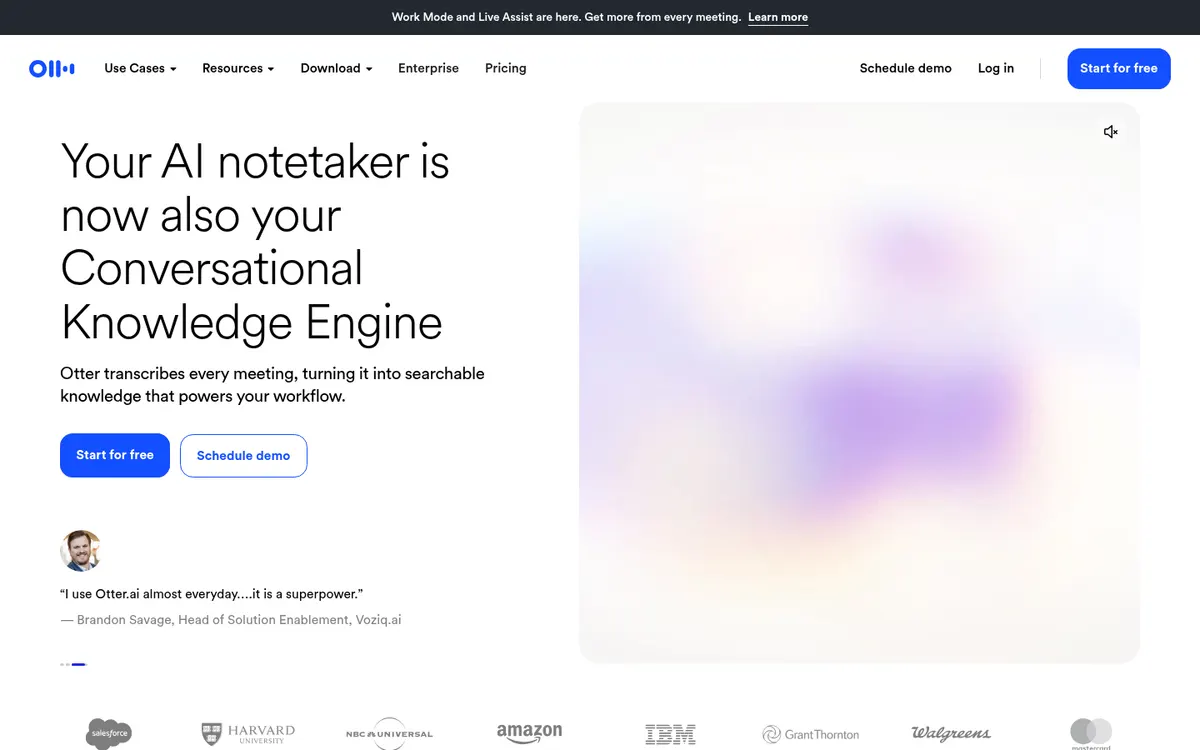
The default choice for scheduled meetings, with speaker labels and summaries that need very little cleanup afterward.
Otter.ai records and transcribes live meetings, labels speakers and writes a summary with action items. A calendar connection sends a bot into Zoom, Google Meet and Microsoft Teams calls, so scheduled sessions are captured. Uploaded audio works, and transcripts are searchable.
Free Basic allows 300 minutes a month and caps a single conversation at 30 minutes. A 50-minute call needs two captures or a restart. Free accounts get 3 lifetime file imports. Pro at $8.33 per user per month on annual billing raises the allowance to 1,200 minutes and 90-minute meetings, with Business at $19.99.
Accuracy on clean meeting audio is strong, and speaker labels rarely need heavy correction. Summaries read like meeting notes. It fits people who spend the week in scheduled calls and want notes without a manual step. It fits less well for long interviews or file backlogs, where the 30-minute cap and 3-import limit get in the way. Cloud processing means regulated conversations need review before the bot is invited.
Pros
- Calendar bot joins scheduled calls automatically
- Summaries and action items need little cleanup
- Search across past transcripts works well
Cons
- Free calls cap at 30 minutes each
- Only 3 lifetime file imports on the free plan
- Cloud processing only, with no local option
Pick it if
Your workday is a stack of Zoom, Meet or Teams calls and you want summaries waiting afterward.
Skip it if
You transcribe long recordings or need every file handled locally.
Notta
Live translationPro $8.17/mo (annual billing)Free planRubric 6.1
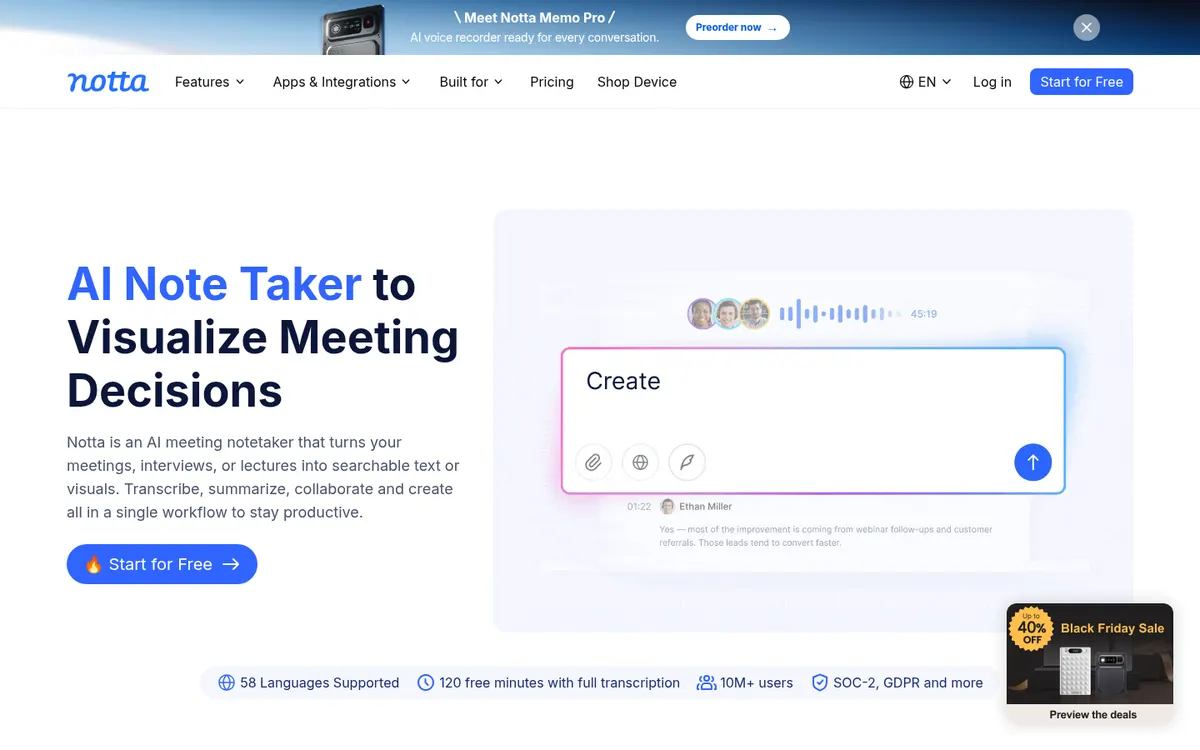
The multilingual option, with live translation across 58 languages that few rivals on this list match at all.
Notta transcribes in 58 languages and adds real time translation, which is why teams across markets look at it. It joins Zoom, Teams, Meet and Webex calls and runs in the browser plus iOS and Android apps. Summaries and speaker identification come standard.
The free plan gives 120 minutes a month, but each recording is capped at 3 minutes. That cap rarely matches how people work. Transcript export and AI summaries sit partly behind paid tiers, so free is a test drive. Pro on annual billing lists at $8.17 a month with 1,800 minutes.
The vendor page we checked is in Japanese with yen prices, and Premium shows at 1,185 yen per month billed annually. The dollar figure comes from the price pack and could not be confirmed there, so treat it as indicative. Multilingual support is the differentiator: live translation during a call, then a transcript in the original language. If meetings mix languages, the trade against a 3-minute free cap is worth it.
Pros
- Transcribes 58 languages with live translation
- Apps on web, iOS and Android
- Joins Zoom, Teams, Meet and Webex
Cons
- Free recordings cap at 3 minutes each
- Transcript export requires a paid plan
- USD pricing could not be confirmed on the vendor page
Pick it if
Your meetings regularly mix languages and you need translation alongside the transcript.
Skip it if
You want a free plan that can handle a full, unbroken meeting recording.
Oh So Video
FeaturedPrivate local processingFreeFree planRubric 7.7
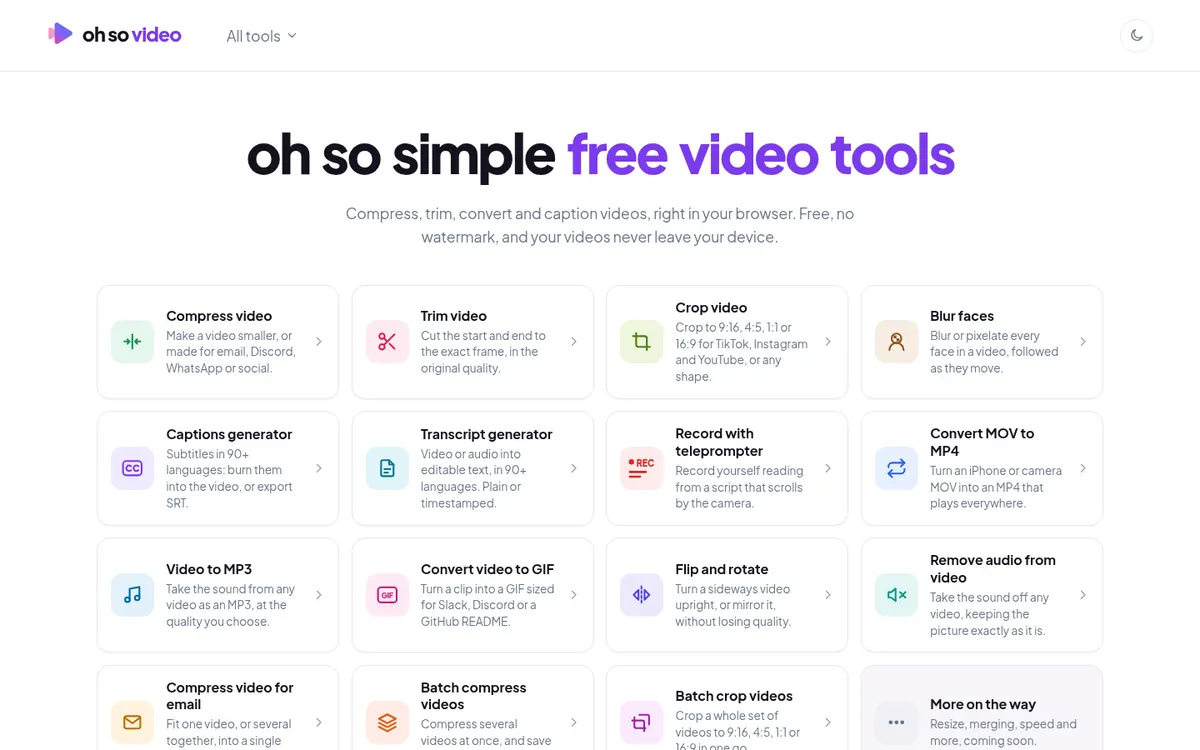
The privacy pick: browser transcription that never uploads your file, with no account and no file count limit.
Oh So Video runs the Whisper speech model inside the browser and never sends the file to a server. You drop in an audio or video file, the model runs on your machine, and a transcript appears for editing before export as plain text or with timestamps. No account, sign-up wall or watermark.
Free is the whole product: no cap on file count, 90+ languages, and per-file limits of 3 hours on desktop and 1 hour on mobile. Because processing is local, a long file takes roughly as long as your hardware allows, and a modest laptop feels slower than a cloud service. Accuracy is quoted up to 99% on clear recordings, so noisy rooms and overlapping speakers still need editing.
Files stay on the device, keeping the vendor out of the data chain. It launched recently, so track record is short. It does not join live meetings. For interview recordings and client calls on disk, no minute meter makes it easy to use repeatedly.
Pros
- Files never leave your device
- No account, no watermark, no cap on file count
- Editable transcripts with timestamped export
Cons
- Per-file time limits apply on desktop and mobile
- Short public track record after a recent launch
- Cannot join live meetings
Pick it if
You have recordings on disk that cannot be uploaded to a third party.
Skip it if
You need a bot inside live calls or a shared transcript archive.
Descript
Text-based editingHobbyist $16/person/month (annual billing)Free planRubric 6.8
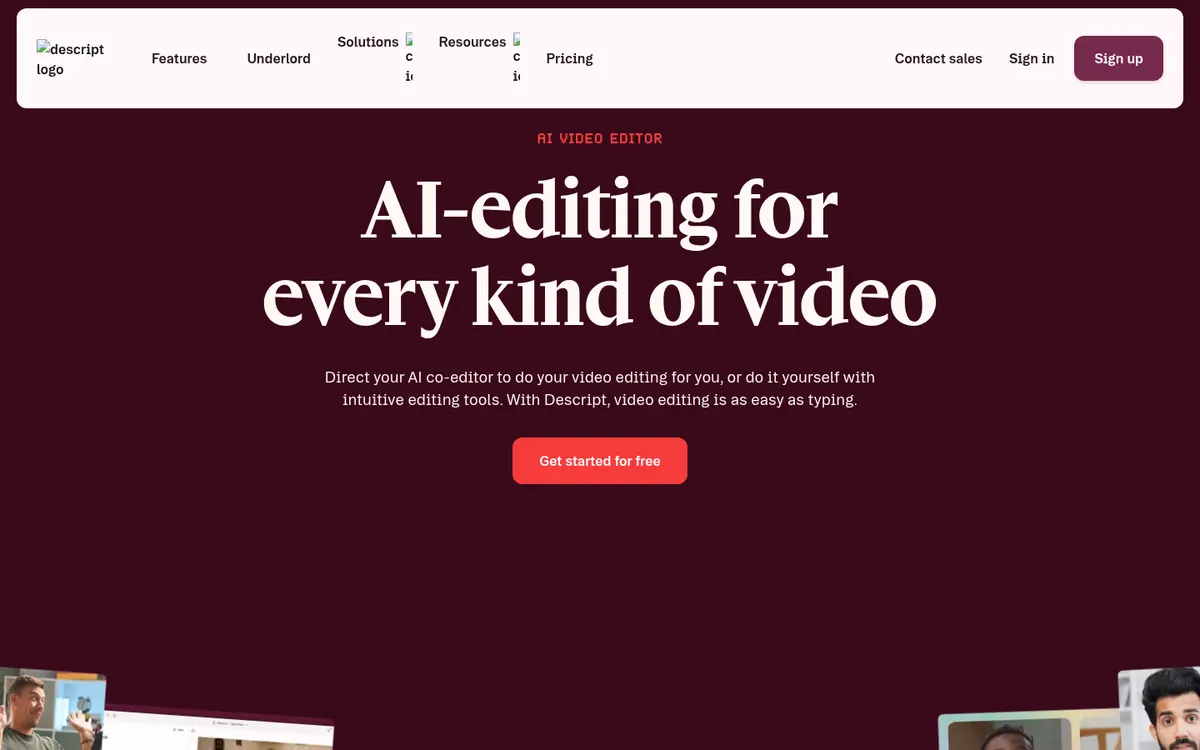
Text-based editing for people who publish audio, where deleting a sentence removes the matching sound.
Descript treats audio like a document. You transcribe a recording, then delete a word in the text and the matching audio disappears from the timeline. That reshapes podcast and video editing. The free tier covers 1 media hour a month plus 100 one time AI credits. Hobbyist at $16 per person per month on annual billing raises that to 10 hours and 400 monthly AI credits, and watermark free 1080p export needs a paid plan.
Accuracy is good enough that corrections are quick, though heavy accents and crosstalk still need hand fixes. Generative features consume AI credits, so the monthly allowance shapes what is practical.
It suits podcasters, course creators and marketing teams producing recorded audio and video. It does not suit someone who needs transcripts of 40 meetings a month, because the media hour allowance is the wrong shape. It also does not suit free bulk conversion: 1 hour a month is a sample, not a workflow.
Pros
- Editing the text edits the underlying audio
- Filler word removal and Studio Sound included
- Watermark-free 1080p export on the paid plan
Cons
- Free tier is 1 media hour a month
- More editor than transcriber
- Accuracy needs cleanup on crosstalk and accents
Pick it if
You produce podcasts or course audio and want editing and transcription in one tool.
Skip it if
You only need plain transcripts at volume and never touch a timeline.
Fireflies.ai
Unmetered free minutesPro $10/seat/month (billed annually)Free planRubric 7.8
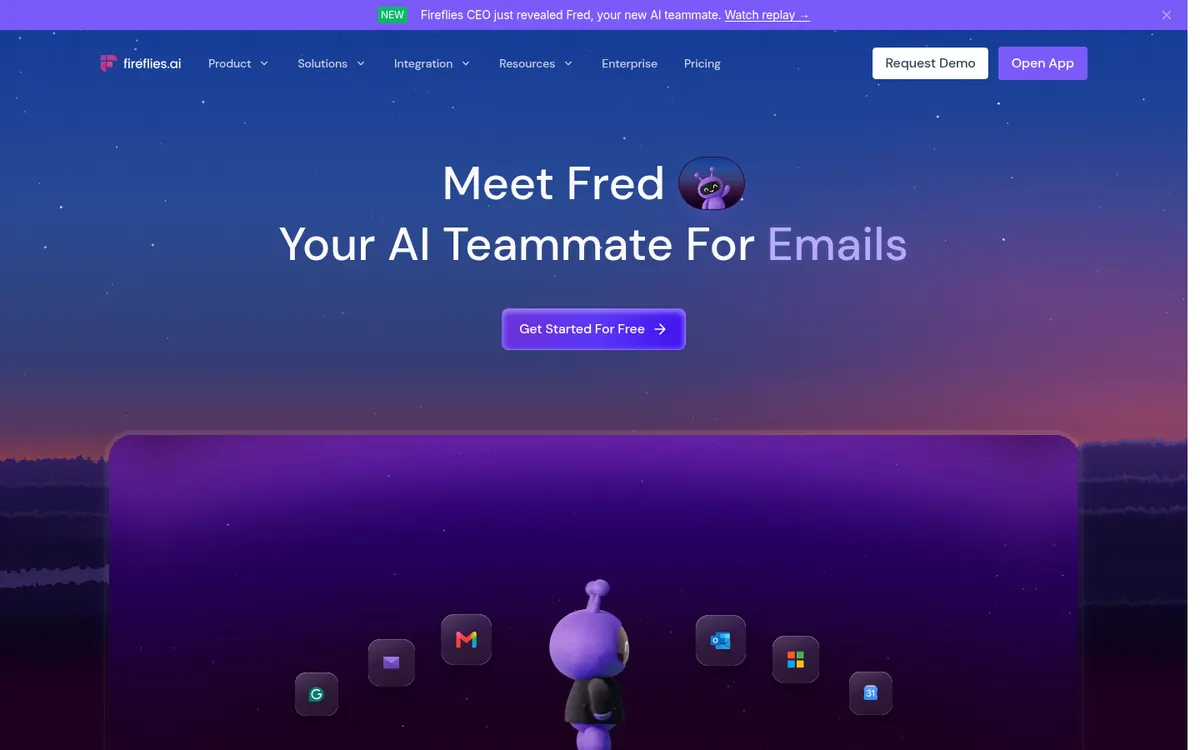
The team pick for volume, because free transcription is unmetered and only storage is capped.
Fireflies.ai sends a bot to Zoom, Meet and Teams meetings and transcribes them without a minute meter. The free plan does not count transcription minutes, and it covers file uploads, a Chrome extension and mobile apps. Summaries and search sit on top, with 100+ languages.
The catch is storage. Free accounts are capped at roughly 400 minutes per team, so the meter moves from time transcribed to time kept. A team in constant meetings will fill that quickly. AI summaries also draw on a limited credit pool. Pro at $10 per seat per month billed annually adds 8,000 minutes of storage per seat and unlimited summaries.
CRM and dialer connections push call notes into systems sales teams already use. Recording consent rules vary, and an automatic bot needs a written policy. It fits teams with high meeting volume who want searchable notes and can live inside a storage ceiling. Solo users who mostly transcribe files get more for nothing from TurboScribe or Oh So Video.
Pros
- Free transcription without a minute meter
- Wide integration list including CRM and dialers
- Bot joins Zoom, Meet and Teams automatically
Cons
- Free storage capped near 400 minutes per team
- AI summaries limited by a credit pool
- Needs a recording consent policy before rollout
Pick it if
Your team meets constantly and wants searchable notes plus CRM integrations.
Skip it if
You mostly transcribe files and need a long-term free archive.
TurboScribe
Daily free file quotaUnlimited $10/month (billed yearly)Free planRubric 7.2
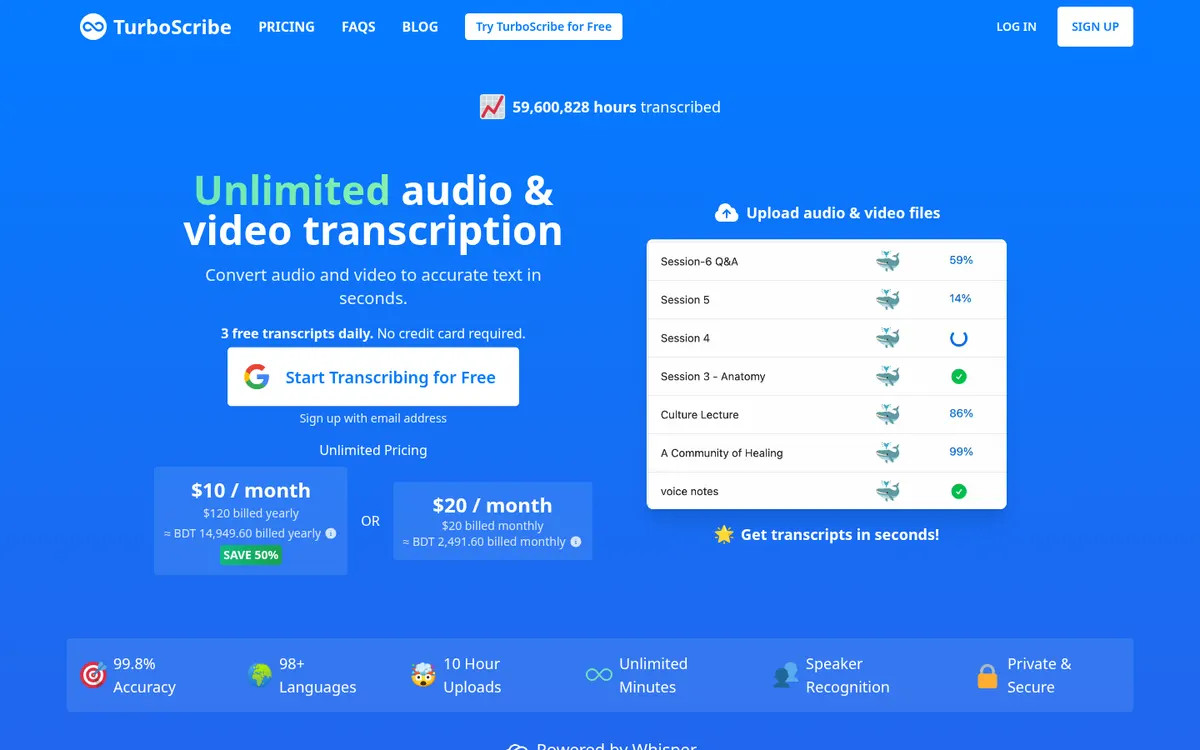
The best free file transcriber, with a daily reset and every export format included at no cost.
TurboScribe transcribes uploaded audio and video files using a Whisper based engine. There is no meeting bot and no live capture: you upload, pick a language, and get a transcript with speaker recognition plus DOCX, PDF, SRT and TXT exports.
Free covers 3 transcripts a day with uploads up to 30 minutes each. The daily reset suits a small backlog. Free files process at lower priority, so expect a queue at busy times. Unlimited at $10 a month billed yearly at $120 removes the daily cap and lifts file length to 10 hours.
Language coverage runs to 98+ languages for transcription and 134+ for translation. Accuracy follows Whisper closely: clean single speaker audio needs light editing, while noisy overlapping speech needs more. Speaker recognition can merge voices when participants talk over each other. It fits researchers, journalists and administrators working through recorded files who do not need a meeting bot or editor. It does not fit teams that want calls captured automatically.
Pros
- Three free transcripts a day with all export formats
- Files up to 10 hours on the paid plan
- 98+ languages plus translation into 134+
Cons
- No live meeting capture or meeting bot
- Free uploads cap at 30 minutes each
- Free files sit in a lower priority queue
Pick it if
You have a backlog of recorded files and need exports you can actually use.
Skip it if
You want a bot capturing calls as they happen.
Transkriptor
Volume pricingPro $8.33/month (annual, $99.99 billed yearly)No free planRubric 5.4
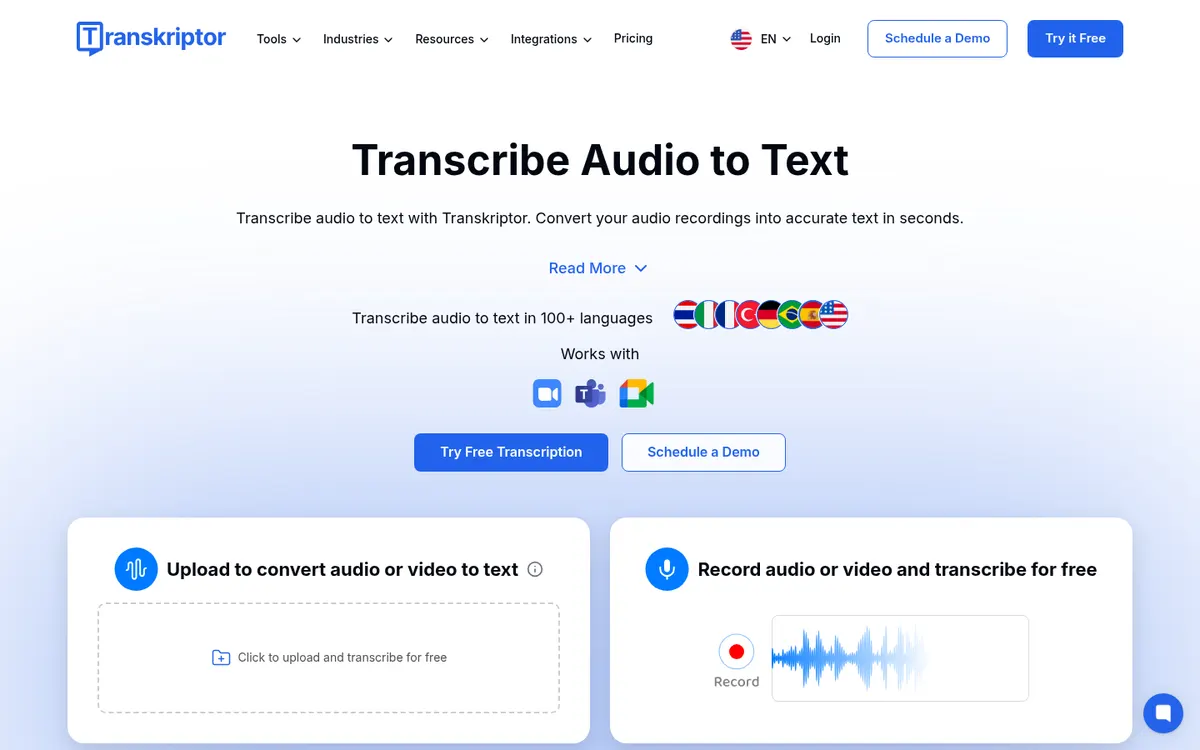
A low annual price for high volume transcription, but there is no free tier to test at length.
Transkriptor handles file transcription and meeting capture in one product, with speaker identification, timestamps, AI summaries and translation across 100+ languages. Bots join Zoom and Teams calls, and paid plans run from 300 to 2,400 minutes a month, so tiers map to volume.
There is no free tier. New users get a one time 90-minute trial, then a paid plan is required. Pro is the entry point at $8.33 a month billed annually at $99.99, or $19.99 month to month, and it carries 2,400 minutes.
Accuracy is solid on clear recordings and drops on noisy or overlapping audio. Timestamps make it easy to check a passage, and summaries are serviceable rather than polished. Translation is useful for mixed language teams, though a translated summary is a draft. It fits small teams wanting meeting bots and file uploads from one vendor at a low annual rate. It fits less well for testing tools before committing, because the trial is short and there is no free plan.
Pros
- Low annual price for 2,400 minutes
- Meeting bots and file uploads in one tool
- 100+ languages with translation
Cons
- No free tier beyond a 90-minute trial
- Accuracy drops on noisy overlapping speech
- Cheapest listed plan is now Pro
Pick it if
You already know you need volume and want bots plus file upload at a low annual rate.
Skip it if
You need to evaluate free before spending anything at all.
MacWhisper
Offline Mac processingFree; Pro €65 one-time licenceFree planRubric 7.2
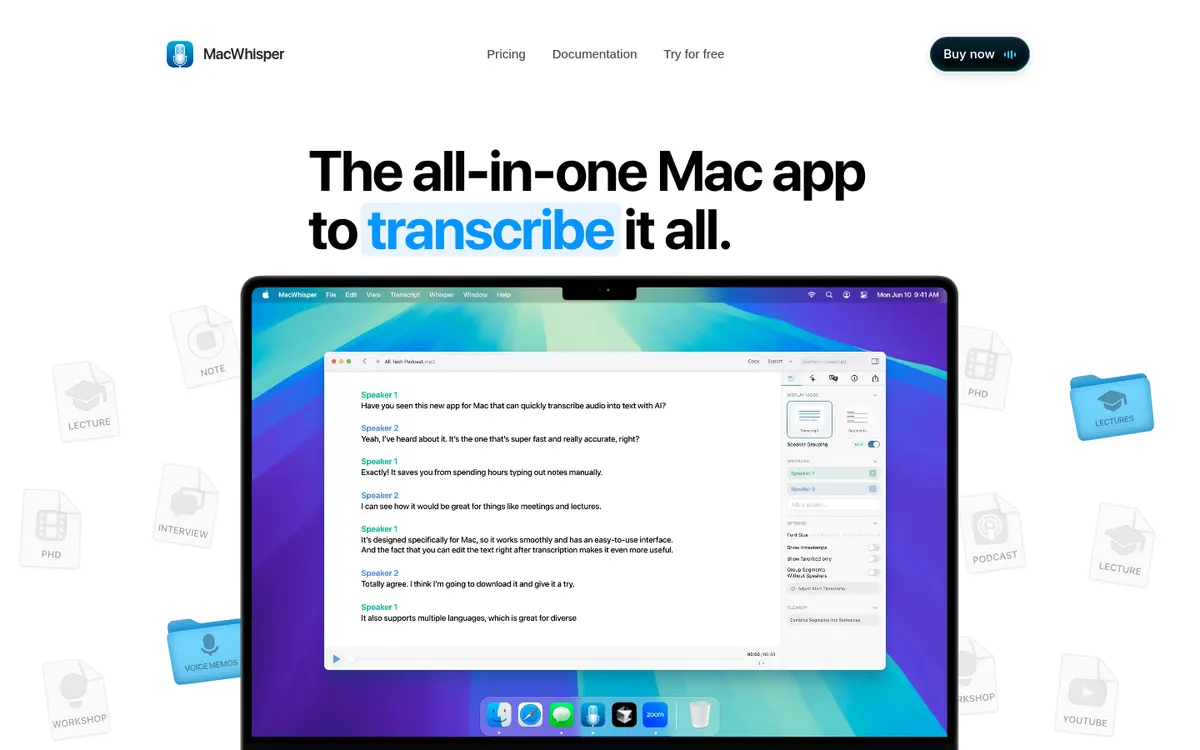
Offline Mac transcription with no minute limits and a one-time licence instead of a subscription.
MacWhisper runs Whisper models locally on a Mac. Audio never leaves the machine, there are no minute limits, and transcription works offline, which matters for sensitive or offline work. It is optimized for Apple Silicon, where it runs fast.
The free version covers basic transcription with the smaller models. Pro is a one time licence and unlocks larger models, batch processing and SRT and DOCX export. Larger models need more memory and take longer, so an older Mac will run the small models comfortably and struggle with the largest.
Accuracy tracks Whisper generally: strong on clear speech, weaker on heavy accents, crosstalk and background noise. There is no editor or collaboration layer, so transcripts export to wherever the work happens. It fits Mac users who transcribe regularly and care where the audio goes: lawyers, researchers, clinicians and journalists handling sensitive recordings. It does not fit Windows or Linux users, or teams needing shared transcript libraries or a bot in calls.
Pros
- Runs fully offline on a Mac
- No minute limits on any tier
- One-time Pro licence instead of a subscription
Cons
- Mac only, no Windows or Linux version
- Larger models need memory and time
- No meeting bot or shared workspace
Pick it if
You use a Mac and the recordings cannot leave your machine.
Skip it if
You are on Windows, or need shared access for a team.
VEED
Captions in editorCreator $10/user/month (billed yearly)Free planRubric 5.9
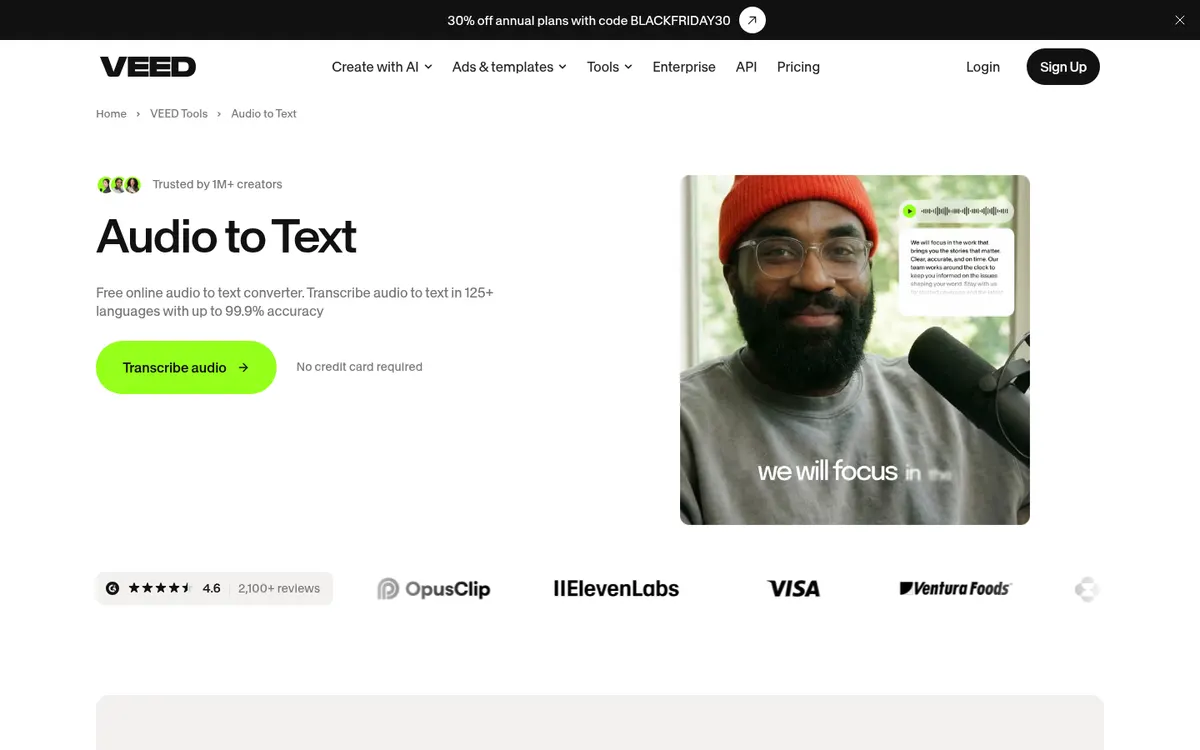
Captions and transcripts inside a browser video editor, useful for short video and awkward for long interviews.
VEED is a browser video editor that transcribes as part of editing. You upload a video, generate a transcript, then turn it into burned in subtitles or export an SRT.
The free plan exists but exports carry a watermark, so free output is fine for a draft and awkward for a client. Creator lists at $10 per user per month billed yearly. Transcription is a feature inside a wider editor, so anyone who only needs a text file pays for editing tools they will not touch. The Creator figure should be confirmed before purchase.
For social video and course material, the integration is the point. For a 60-minute interview that needs clean text, the editor gets in the way, and the watermark rules the free plan out for client work. It fits creators producing short video who want captions and a transcript in one pass. It fits less well for meetings or transcripts at volume, because pricing is built around seats and exports.
Pros
- Transcription sits inside a video editor
- Runs in the browser with no install
- Strong for captions on social video
Cons
- Free exports carry a watermark
- Editor-heavy for transcript-only work
- Pricing details were not verifiable at the check
Pick it if
You publish short video and want captions plus a transcript in one pass.
Skip it if
You need clean text files rather than edited video.
Google Docs voice typing
Zero-setup dictationFreeFree planRubric 6.1
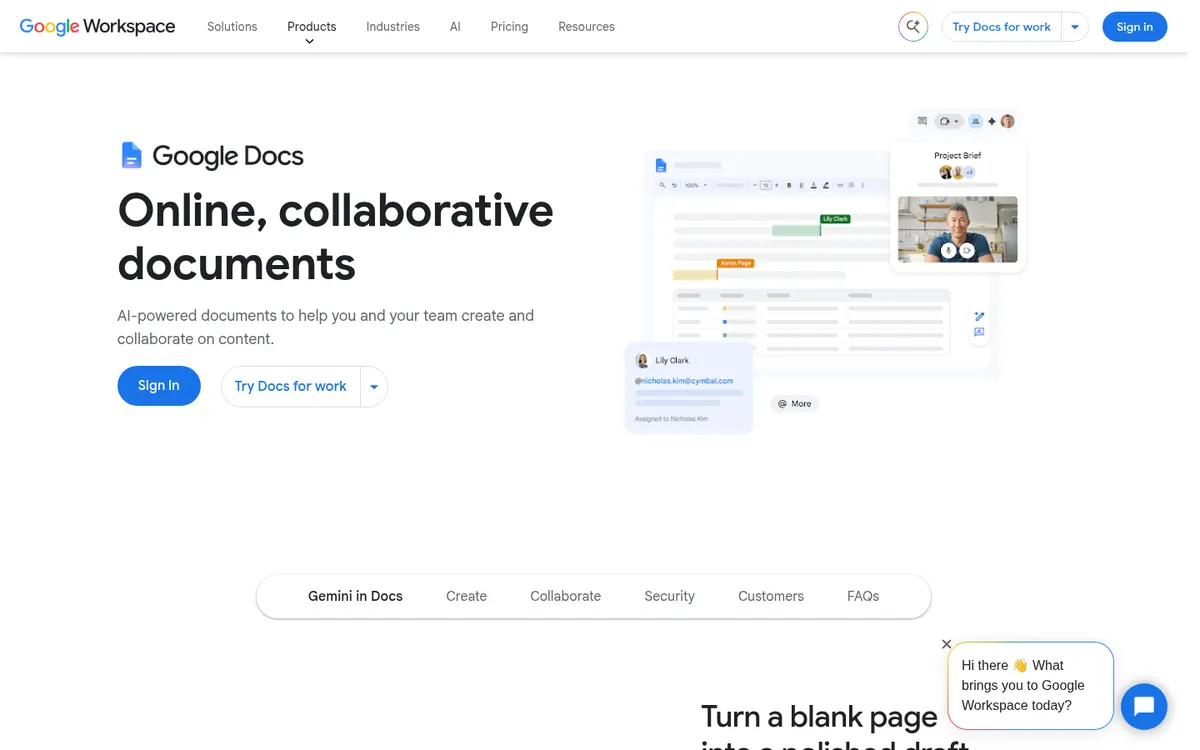
Free live dictation that is already installed, though it cannot touch a recorded file.
Voice typing in Google Docs turns live microphone speech into text. It is under Tools menu, costs nothing beyond a Google account, and works in Chrome with dozens of languages plus voice commands for punctuation.
It transcribes speech as you speak and cannot process a recorded file, so it will not help with a folder of interviews or a meeting that already happened. Accuracy holds up in a quiet room with clear speech and falls away with background noise, strong accents or fast delivery. There are no speaker labels and no timestamps, because it produces prose rather than a transcript.
Where it earns a place is drafting. Talking through a first version of a document, notes or a client recap is faster than typing, and the text lands in a Google Doc you can edit. It fits anyone who wants free dictation today with no setup. It does not fit transcription of existing audio, and it does not fit a searchable archive of past recordings.
Pros
- Free with any Google account
- No install and no new account
- Fast for drafting documents by voice
Cons
- Live dictation only, with no file upload
- Accuracy drops with noise and accents
- No speaker labels or timestamps
Pick it if
You want to draft a document by talking right now with zero setup.
Skip it if
You need existing recordings turned into text.
Riverside
Local track recordingPro $24/month (billed yearly)Free planRubric 6.2
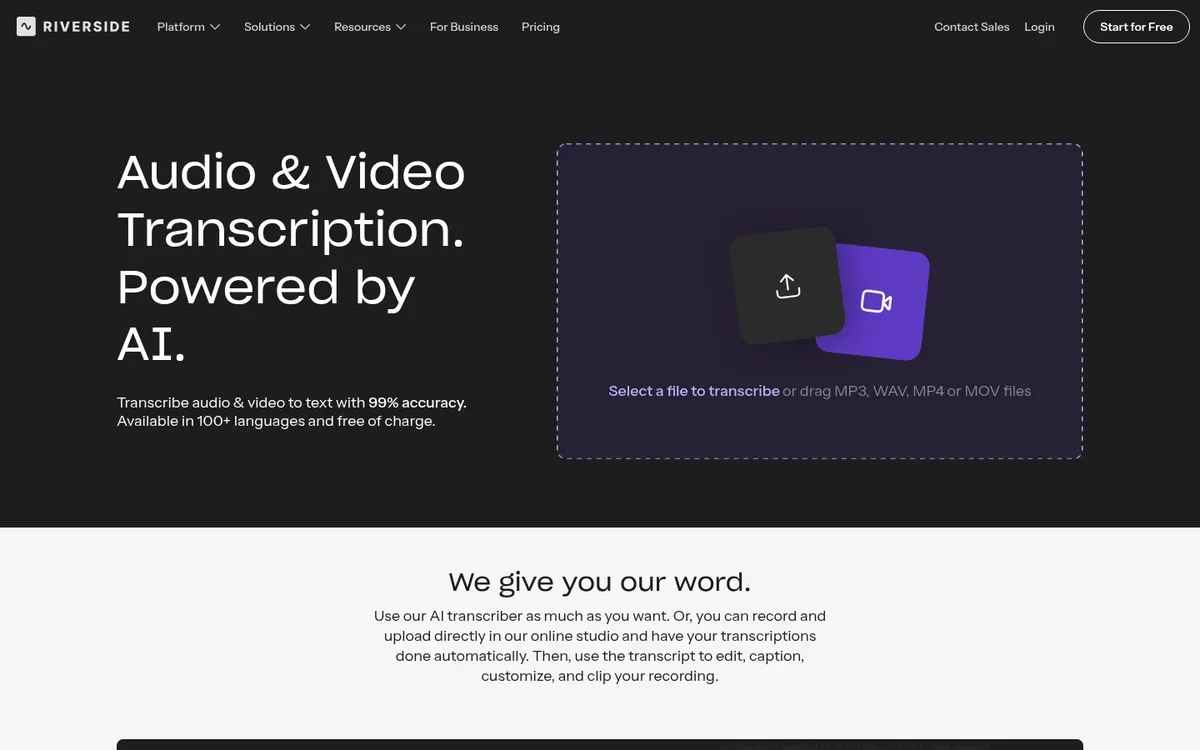
Recording-first software for interviews, where clean local tracks make the transcript better by default.
Riverside records interviews locally on each participant's machine, then transcribes the result. Because each person's audio arrives as a separate local track rather than a compressed call stream, speaker separation is more reliable. Guests join from a browser link without installing anything.
A free plan exists with limited recording hours. Pro lists at $24 a month billed yearly, and a 14-day free trial is offered. Confirm the Pro figure before an annual plan. Pricing is aimed at producers who record often.
Studio features and separate tracks are built for recording first and transcription second. If you want a transcript of a call you already had, Riverside cannot help, because the recording has to happen inside its studio. It fits podcasters, video interviewers and media teams who record regularly and want clean audio plus a transcript in one place. It fits less well for internal meeting notes, where Otter or Fireflies are cheaper, and it is not a tool for clearing a backlog of existing files.
Pros
- Local per-participant tracks improve transcript quality
- Guests join from a browser link
- Recording and transcription in one place
Cons
- Pricing details were not verifiable at the check
- Recording must happen inside Riverside
- Not built for existing file backlogs
Pick it if
You record interviews or a podcast regularly and want the transcript as a byproduct.
Skip it if
You need transcripts of calls that already happened elsewhere.
What does audio to text transcription software actually do, and what does free cover?
Audio to text transcription software listens to speech and writes it down, with timestamps, speaker labels and often a summary. The category splits into three shapes, and knowing which one you need removes most of the confusion in this list. The first shape is meeting software. A bot joins a scheduled call, records it, and produces a transcript with named speakers. Otter.ai, Fireflies.ai, Notta and Transkriptor live here, while Riverside records interviews in its own studio instead of joining calls. These tools are strongest when your audio is a calendar invite and weakest when your audio is a folder of files from last month. The second shape is file transcription. You upload a recording and get a document back. TurboScribe and Oh So Video work this way, and MacWhisper is the same idea run offline on a Mac. There is no bot, no calendar and no live capture, but there is usually a far more generous free allowance because the vendor does not pay for a bot sitting in every meeting. The third shape is transcription hidden inside another product. Descript puts it inside an audio and video editor. VEED puts it inside a browser video editor. Google Docs voice typing turns live speech into document text in Chrome and does nothing else. Free tiers differ in three numbers worth checking before you commit: - Monthly minutes, which set how much you can transcribe in total
- Per-file or per-meeting caps, which decide whether a single long recording is possible at all
- Storage and export rules, which decide whether you keep the transcript or only read it once Accuracy is the other variable. Modern speech models handle clear single speaker audio well, and most people find they edit lightly rather than rewrite. Heavy accents, crosstalk, poor microphones and background noise still produce errors across every tool listed here, so budget time for a correction pass on anything important. Privacy splits the list too. Cloud tools upload your audio and process it on vendor servers. Oh So Video runs Whisper in the browser and MacWhisper runs it on the Mac, so files stay put. That difference decides the choice for legal, clinical and HR recordings more often than accuracy does.
This comparison sits on the Transcription desk. Readers comparing neighbouring stacks often check our guides to ChatGPT alternatives and AI video ad creation software next.
How do free plans, minute caps and one-time licences set the real cost?
Free in this category rarely means unlimited. It means a defined allowance, and the shape of that allowance matters more than the size. A tool with 300 monthly minutes and a 30-minute cap per meeting cannot record a 90-minute session at all, while a tool with a 3-minute cap per recording is effectively unusable for meetings regardless of the monthly total.
Three billing models show up across the eleven tools below. Subscription plans meter minutes or seats, and most vendors price annual billing lower than monthly. One-time licences exist too: MacWhisper sells Pro as a single purchase priced in euros. Then there is free software with no paid tier at all, which is where Google Docs voice typing and Otter's free Basic tier sit, alongside a free-forever product such as Oh So Video.
| Model | How it bills | Typical fit | Example from this list |
|---|---|---|---|
| Free tier with caps | No charge, defined monthly and per-file limits | Testing a workflow or light personal use | Otter.ai Basic, 300 minutes a month, 30-minute cap |
| Per-seat subscription | Monthly or annual, priced per user | Teams with recurring meetings | Fireflies.ai Pro at $10 per seat per month billed annually |
| Flat monthly or annual | One price for a minute allowance | Individuals with steady file volume | TurboScribe Unlimited at $10 a month billed yearly |
| One-time licence | Single payment, no renewal | Mac users wanting offline processing | MacWhisper Pro, priced in euros |
| Free with no paid tier | No charge, no account | One-off private file transcription | Oh So Video |
| Trial only | Time or minute limited, then paid | Short evaluation | Transkriptor, 90-minute trial, no free tier |
Watch three things when comparing. First, whether export is included, because a transcript you cannot download has limited use. Second, whether storage is capped even when transcription is not, which is how Fireflies.ai structures its free plan. Third, whether the price you see assumes annual prepayment presented as a monthly figure, since the month to month rate is often much higher. Prices in this list were checked on November 25, 2026, and vendor pages change.
Every price above was checked on the vendor's own pricing page on November 25, 2026. Where a vendor does not publish a figure we write "See website" instead of guessing. To compare annual and monthly billing quickly, try the free percentage calculator.
How to choose the right free transcription tool in six steps
- Name your audio source. If your audio arrives as scheduled calls, you need a meeting bot. If it is a folder of recordings, you need file transcription. That single answer removes roughly half the list. 2. Measure your longest file. Check the per-file cap, not just the monthly total. A 30-minute meeting cap rules out Otter for long sessions, and a 3-minute cap rules out Notta for meetings. 3. Confirm export and storage. Check that the transcript can be downloaded on the free plan. Notta gates export to paid tiers and Fireflies caps free storage, so a large minute allowance means little without a way to keep the output. 4. Decide where audio can go. Cloud tools upload recordings to vendor servers. If the material is confidential, look at Oh So Video or MacWhisper, which process locally, and clear the approach with whoever owns compliance before uploading anything. 5. Test with your worst recording. Run the free allowance against a noisy, accented or crosstalk heavy file. Accuracy on a clean studio sample tells you very little about the meetings and interviews you actually record. 6. Price the paid step before you commit. Look at what the tier above free costs, whether it is annual only, and what it includes. A free plan that leads to a $24 a month step is a different purchase from one leading to a much lower paid tier.
What mistakes should you avoid when picking a free transcription tool?
Counting minutes and ignoring caps. A large monthly allowance with a short per-file limit fails on the one long meeting that matters. Read both numbers before choosing.
Assuming free export. Some tools let you transcribe freely and charge to download. Confirm the export button works on the free tier before you build a workflow around it.
Skipping the privacy question. Uploading a recorded HR interview or a client call to a cloud service is a data decision, not a convenience one. Check the vendor's handling before the first upload.
Trusting a clean-sample demo. Vendor samples are studio quality. Run your own noisy, accented recording through the free tier and edit the output before you judge accuracy.
Forgetting the annual billing maths. Monthly figures on pricing pages often assume annual prepayment. The month to month rate can be substantially higher, so check which number you are comparing.
Frequently asked questions
How do free transcription plans differ in minutes and caps?
They differ in two separate numbers: monthly minutes and per-file or per-meeting limits. Otter.ai gives 300 minutes a month but caps each conversation at 30 minutes. Notta gives 120 minutes a month but caps each recording at 3 minutes. TurboScribe allows 3 transcripts a day with 30-minute uploads. A large monthly total with a short per-file cap will not cover long sessions, so check both before you commit.
Which tools offer the most free transcription minutes?
Fireflies.ai is the most generous on paper because its free plan does not meter transcription minutes at all, though storage is capped around 400 minutes per team. Otter.ai offers 300 metered minutes a month with a 30-minute cap per conversation. TurboScribe resets at 3 files a day with 30-minute uploads. Oh So Video has no cap on file count but limits each file to 3 hours on desktop.
How do I transcribe a recorded meeting for free?
Export the recording from Zoom, Teams or Meet, then upload the file to a free file transcriber such as TurboScribe or Oh So Video. Both return an editable transcript, and Oh So Video processes the file in your browser without an upload. If the meeting has not happened yet, a free meeting bot such as Fireflies.ai or Otter.ai can capture it live instead.
Is free transcription accurate enough for professional work?
It is accurate enough for drafts and internal notes, with a correction pass. Modern speech models handle clear single speaker audio well, and most edits are small. Accuracy drops with heavy accents, crosstalk, poor microphones and background noise, which is common in real meetings. For published transcripts, legal records or clinical notes, budget editing time and keep a human reviewer in the loop.
Which tools integrate with Zoom, Teams and Google Meet?
Otter.ai, Fireflies.ai and Notta all send a bot into Zoom, Microsoft Teams and Google Meet calls, and Transkriptor covers Zoom and Teams. Notta also covers Webex. Fireflies.ai adds CRM and dialer integrations for sales teams. Riverside takes a different route: it records interviews in its own studio rather than joining calls on other platforms. File-only tools such as TurboScribe and Oh So Video do not join meetings at all.
How private is audio processed by free transcription tools?
It depends on where the model runs. Most free tools upload your audio to vendor servers, where it is processed and stored under the vendor's terms. Oh So Video runs Whisper in the browser and MacWhisper runs it on the Mac, so files stay on your device. For confidential recordings, local processing is the safer default, and you should still read the vendor's data policy before uploading.
Still choosing a tool?
Browse every comparison on the Transcription desk, with the same rubric and dated prices.