
- Best for
- Long-form writing and careful document work
- Starting price
- Pro $17/mo billed annually, $20 monthly
- Free plan
- Yes
- Features listed
- 4 highlighted
Prices checked November 25, 2026
AI desk · 10 tools compared
10 Best ChatGPT Alternatives for 2026, Ranked by Fit
Ten chatbots ranked on writing quality, research citations, model access and price per seat, with free tiers and paid plans checked on November 25, 2026.
Claude is the best ChatGPT alternative for long-form writing and document work, and Google Gemini is the best fit for people who live in Google Workspace and on Android. Abacus.AI ChatLLM Teams, a Featured listing, suits teams that want GPT, Claude, Gemini and other models inside one $10 per user per month plan. We ranked 10 tools on writing quality, research citations, model access, integrations and price, using vendor pricing pages checked on November 25, 2026. Free options such as DeepSeek and Meta AI cover lighter work.
Top 3 picks
- Best for
- Google Workspace and Android users
- Starting price
- Free; Google AI Pro: see website
- Free plan
- Yes
- Features listed
- 4 highlighted
- Best for
- Many top AI models and agents in one low-cost plan
- Starting price
- ChatLLM Teams $10/mo, $7 first month
- Free plan
- No
- Features listed
- 4 highlighted
Disclosure for this page: Abacus.AI ChatLLM Teams is a paid Featured listing on this page and is labelled wherever it appears. The other 9 tools are unpaid editorial picks, and no vendor reviewed this page before publication. The position of a paid listing can be part of what the vendor pays for. The same rubric and the same honest cons apply to paid and unpaid rows. How we handle paid listings.
Compare all 10 at a glance
| Tool | Best for | Free plan | Actions | |||
|---|---|---|---|---|---|---|
| 1 |  Claude | Long-form writing and careful document work | Pro $17/mo billed annually, $20 monthly | Yes | ||
| 2 |  Google Gemini | Google Workspace and Android users | Free; Google AI Pro: see website | Yes | ||
| 3 |  Abacus.AI ChatLLM TeamsFeatured | Many top AI models and agents in one low-cost plan | ChatLLM Teams $10/mo, $7 first month | No | ||
| 4 |  Perplexity | Research answers with sources you can verify | Pro $17/mo billed annually | Yes | ||
| 5 | Microsoft Copilot | Microsoft 365 and Windows users | Free; paid plans: see website | Yes | ||
| 6 |  DeepSeek | Free reasoning and coding help | Free (web and app) | Yes | ||
| 7 | Mistral Le Chat | European users who want fast, private chat | Pro $14.99/mo | Yes | ||
| 8 |  Grok | Real-time news and social context | Free; SuperGrok: see website | Yes | ||
| 9 |  Meta AI | Free chat inside WhatsApp, Instagram and Facebook | Free | Yes | ||
| 10 |  Poe | Many models behind one subscription | Free; paid plans: see website | Yes |
On this page
- Key takeaways
- Top 3 picks
- Comparison table
- How we chose and scored these tools
- Scoring rubric
- 1. Claude
- 2. Google Gemini
- 3. Abacus.AI ChatLLM Teams
- 4. Perplexity
- 5. Microsoft Copilot
- 6. DeepSeek
- 7. Mistral Le Chat
- 8. Grok
- 9. Meta AI
- 10. Poe
- What counts as a ChatGPT alternative in 2026?
- How AI chat plans bill: free tiers, seats, points and bundles
- A six-step path from your work to the right chatbot
- Five buying mistakes to avoid with AI chat subscriptions
- FAQ
- Related pages
How we chose and scored these tools
We scored 10 assistants on five weighted criteria, 1 to 10 each. The order above is editorial: fit for the buyer described in each entry, plus the disclosed Featured position, not one overall score. Sort the table by score to see the rubric view. Writing quality carries 25 percent, because most buyers arrive from ChatGPT wanting better drafts, editing and document handling. Research quality carries 20 percent and rewards answers you can check against a source. Model access, also 20 percent, asks how many capable models you can reach, whether that means one strong family or several providers under one bill. App integrations at 15 percent covers the everyday question of whether the assistant sits inside the email, calendar, documents and chat apps you already use. Price value, the last 20 percent, weighs the entry price against what the plan includes, so free products can score well without being the best overall pick. Prices, plan names and free tier details come from vendor pricing pages checked on November 25, 2026. Where a vendor price could not be read at that time, the entry sends you to the vendor site rather than quoting a number. Prices move, and annual discounts, introductory months and bundled storage all change the real cost, so confirm on the vendor site before you buy. The Abacus.AI ChatLLM Teams entry is a paid placement, marked Featured. Placement decides where that entry sits in the order. The review still lists its cons and scores it on the same five criteria as the rest, so the weaknesses are visible next to the strengths. We did not run benchmark tests. The comparison rests on published plan details, stated feature lists and the practical question of who each product fits, which is the part a feature table usually misses.
The full process, including how we handle corrections, is on the methodology page. Paid listings follow our advertising disclosure.
The scoring rubric
| Criterion | Weight | What we check |
|---|---|---|
| Writing quality | 25% | How well the assistant drafts, edits and holds tone across a long document. |
| Research quality | 20% | Whether answers are sourced, checkable and useful for factual work. |
| Model access | 20% | How many capable models you can reach, whether one family or several providers. |
| App integrations | 15% | Whether the assistant sits inside the email, documents, calendar and chat apps you already use. |
| Price value | 20% | What the entry price buys, including free tiers and annual discounts. |
Claude
Long document draftingPro $17/mo billed annually, $20 monthlyFree planRubric 7.8
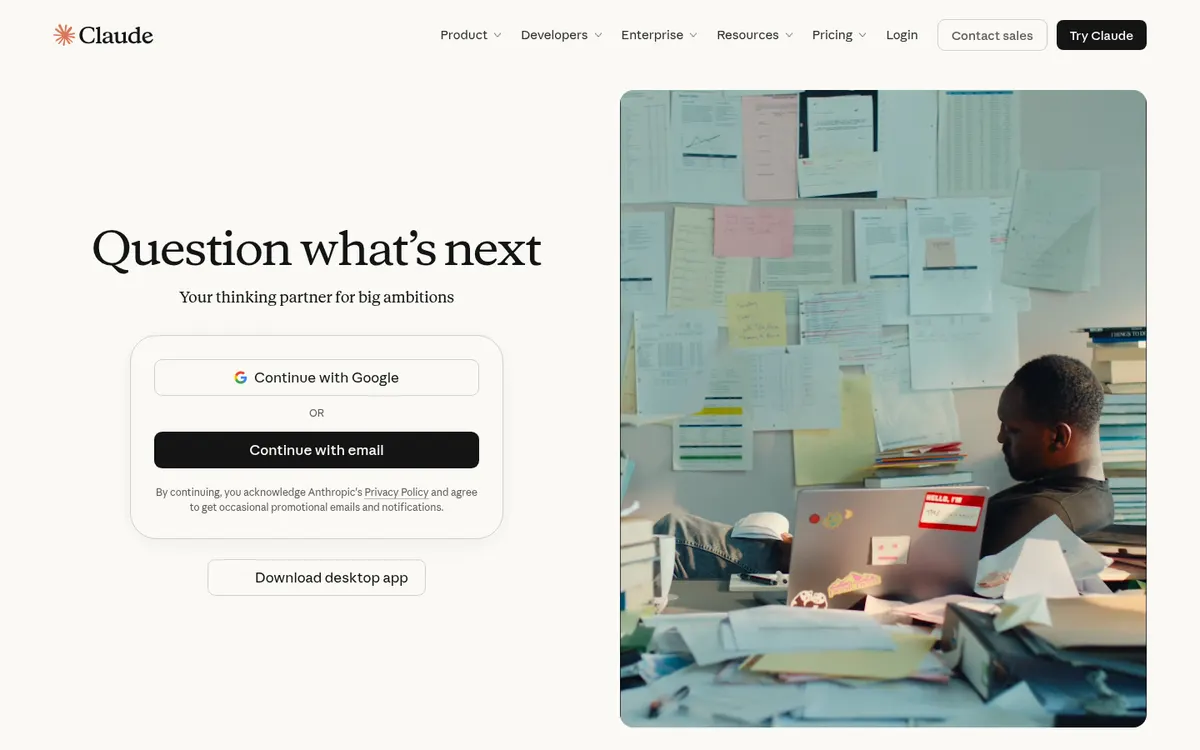
Best writing quality on the list, with a large context window and Projects, but it does not generate images or video.
Claude is the strongest writer. Anthropic's assistant holds tone across a long document instead of drifting paragraph to paragraph, which matters for proposals, reports and house style. A large context window lets you load the full source and ask for edits against the whole text, and Projects keeps that reference set attached between sessions.
There is more than chat. Claude Code covers programming inside the same subscription, so a writer who also maintains a site or small script avoids a second purchase. Pro is $20 per month, or $17 with annual billing. Max plans at $100 and $200 raise usage for people who hit limits daily.
The gap is media. Claude does not produce images or video, so a deck needing a generated chart image or clip needs another tool. Paid plans have usage limits, and a long session can pause until the window resets. It fits consultants, editors, analysts and anyone whose deliverable is prose or code. Start with Pro on annual billing.
Pros
- Excellent long-form drafting
- Large context for full documents
- Claude Code included
Cons
- No image generation
- No video generation
- Usage limits on paid plans
Pick it if
Your main output is long prose, editing or code that benefits from a big context window.
Skip it if
You need generated images or video in the same subscription.
Google Gemini
Workspace integrationFree; Google AI Pro: see websiteFree planRubric 8.1
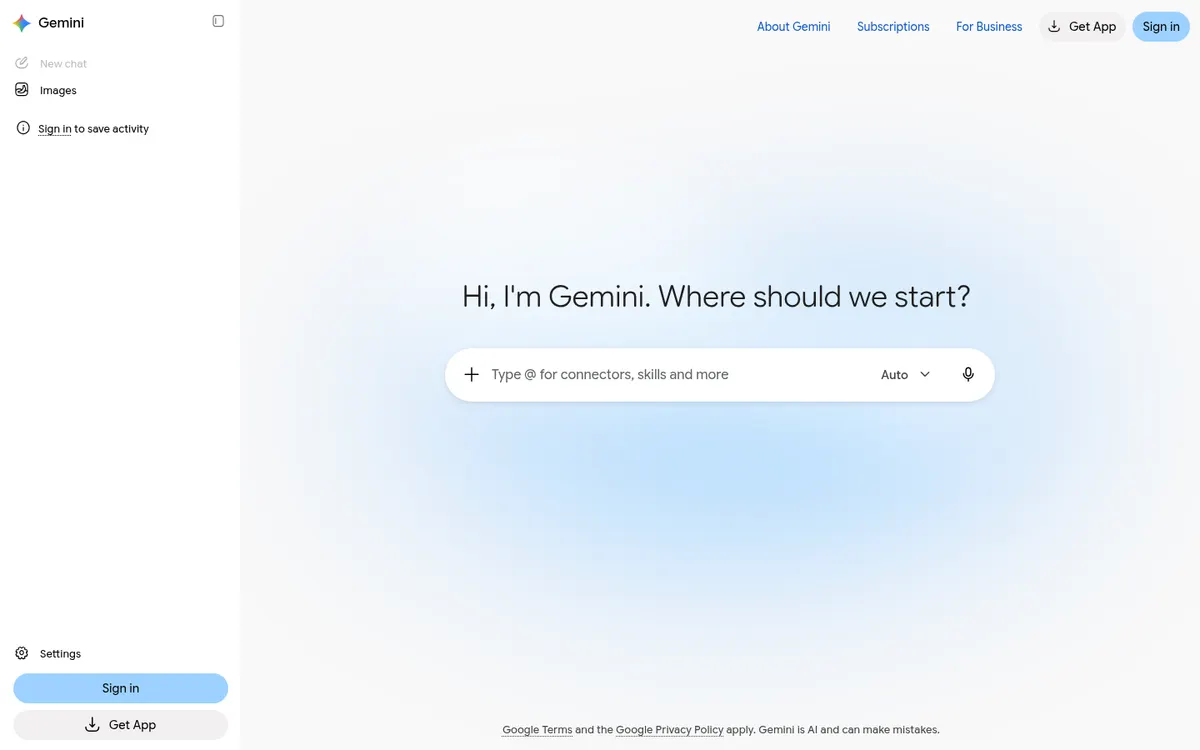
The right pick if your work already lives in Gmail, Docs and Drive, with a free tier that covers everyday chat.
Gemini's advantage is placement. It sits inside Gmail, Docs, Drive and YouTube, so it works on material you already have open rather than in a separate tab. It takes text, image, audio and video as input, so a screenshot, voice note or clip can be handed over directly. Android Assistant access puts the same assistant on a phone for field work.
Deep Research handles multi-step reports. The paid tier raises limits and bundles Google storage and services. That bundle is the reason to buy: the AI is one part of a wider subscription, and value depends on whether you would pay for those apps anyway.
Pricing is weak. The free tier covers everyday chat. Google AI Pro, priced on the vendor site, adds limits and Deep Research, but bundle contents change. Features vary by region, and model names and plan labels change often, so confirm before committing a team. It fits Google apps and Android users; buy it for integration, not the name.
Pros
- Deep Gmail, Docs and Drive integration
- Handles text, image, audio and video input
- Generous free tier
Cons
- Value depends on the whole Google bundle
- Some features vary by region
- Plan labels change often
Pick it if
Gmail, Docs, Drive and an Android phone are where your work already happens.
Skip it if
You do not use Google apps and only want a standalone chat subscription.
Abacus.AI ChatLLM Teams
FeaturedMulti-model chatChatLLM Teams $10/mo, $7 first monthNo free planRubric 8.4
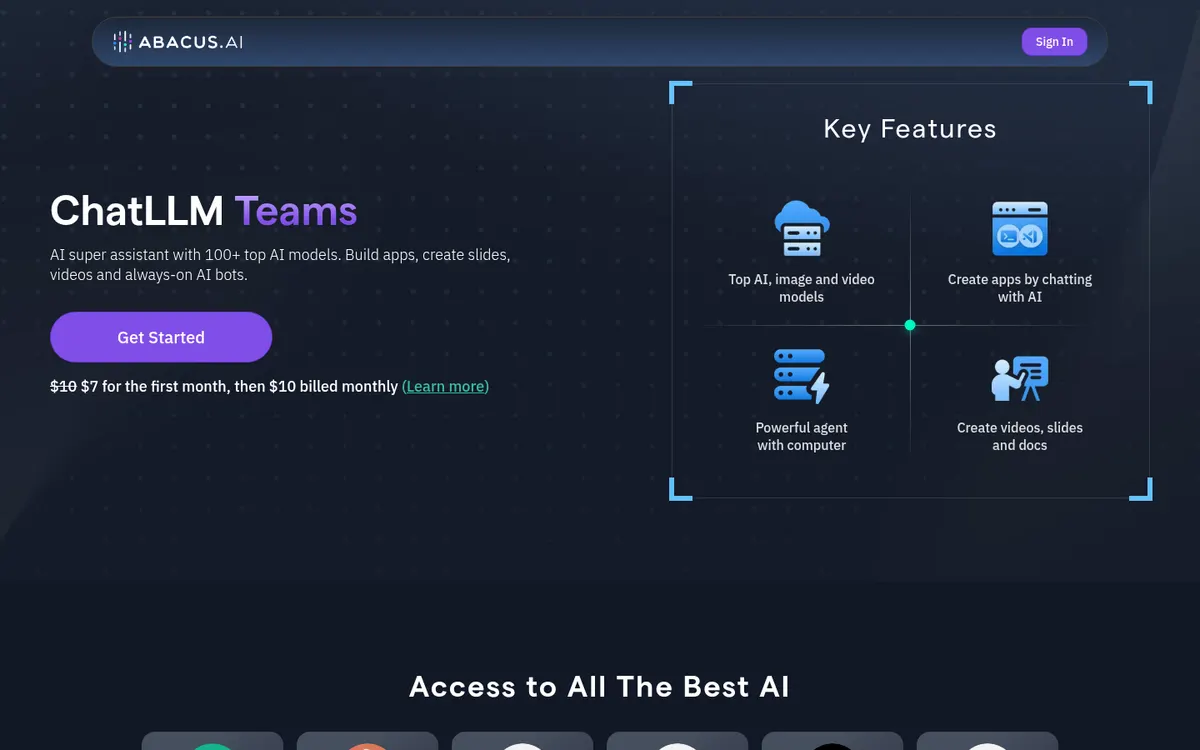
The cheapest way to reach GPT, Claude, Gemini and Grok in one chat, with agents and image generation on the same $10 seat.
Abacus.AI ChatLLM Teams is breadth at a low seat price. One chat switches between GPT, Claude Sonnet and Opus, Gemini, Grok, DeepSeek and Qwen, and the vendor says new models arrive within 24 to 48 hours. Compare answers in one thread.
The plan goes past text. Image generation runs on GPT Image 2.5, Nano Banana Pro and FLUX. Documents and spreadsheets can be analyzed with charts, and web search, deep research and a code playground are included. Abacus AI Agent builds apps and presentations and runs automated tasks, and custom chatbots can use your own data.
Price is $7 first month, then $10 per user monthly, with unlimited team members. No free plan; the trial is paid. The vendor says customer data is not used for training and cites SOC 2 Type 2 and HIPAA. Large attachments trigger rate limits and an automatic model switch, moving you off your chosen model. It fits small teams and agencies wanting several models and agents on one bill.
Pros
- Leading models from several providers in one chat
- $10 per user per month, below the other paid seats
- Agents, image generation and analysis included
Cons
- No free plan, only a discounted first month
- Large attachments trigger rate limits and model switches
- The wide feature set takes time to learn
Pick it if
You want several top models, image generation and agents on one low per-seat bill for a team.
Skip it if
You need a free tier to evaluate the product before paying.
Perplexity
Cited answersPro $17/mo billed annuallyFree planRubric 6.8
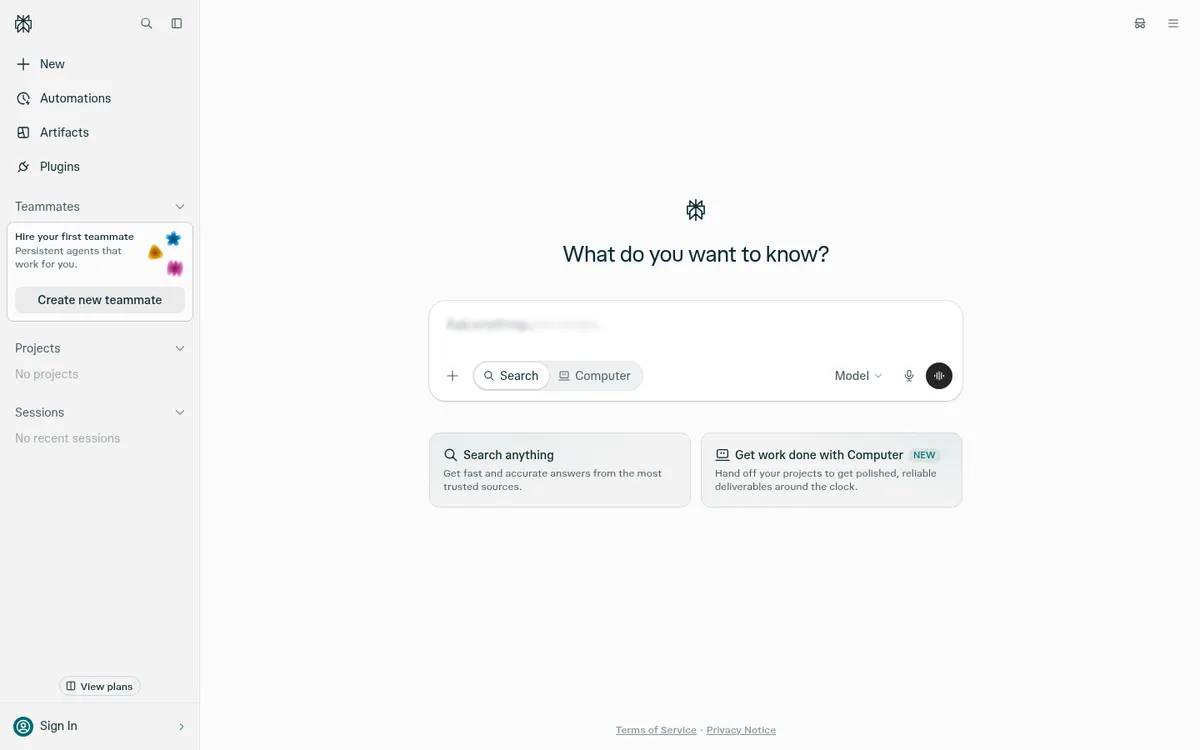
Best for research where you need to open the source, though it is not a drafting tool or a document workspace.
Perplexity answers a narrow question better than anything else here: what sources say and where. Nearly every answer carries linked citations, so a claim can be checked against its page. Deep Research extends that into longer reports from web sources, and Pro raises daily search limits and adds a choice of underlying model on Pro queries.
The interface is an answer engine, not a document workspace. It is weaker for long creative writing, not a place to keep and edit a fifty page draft, and its coding workspace is thinner than Claude's. Buyers expecting a general assistant find those edges quickly.
Pro is $20 per month, or $17 on annual billing. Citations need opening. A summary of a long document is not the document, and a linked page is not verified until you read it. The practical setup is Perplexity for research and a drafting tool such as Claude for writing. It fits analysts, journalists, students and anyone whose week includes checking what is true.
Pros
- Citations on nearly every answer
- Fast web search with strong limits on Pro
- Model choice on Pro queries
Cons
- Weaker for long creative writing
- Not a document workspace
- Limited coding workspace
Pick it if
Your work involves verifying claims and you want a source link beside each answer.
Skip it if
You need a single tool that drafts long documents and keeps them organized.
Microsoft Copilot
Office integrationFree; paid plans: see websiteFree planRubric 6.5
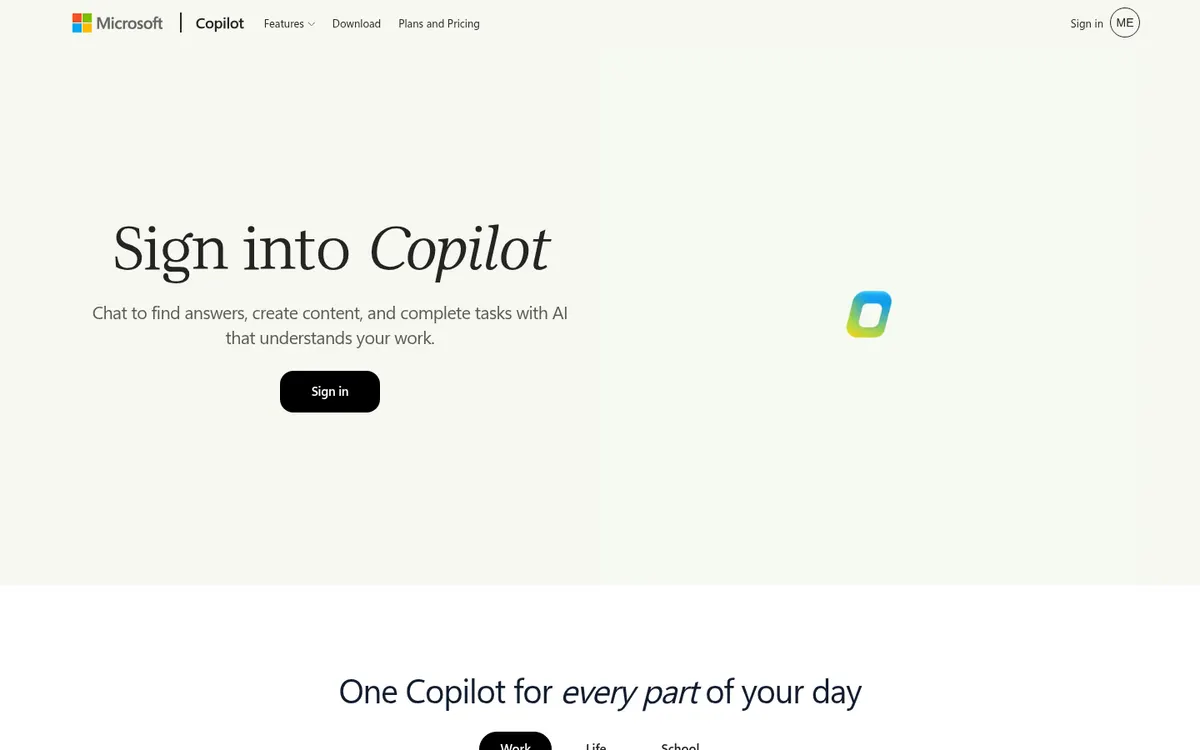
Worth it only if you already pay for Microsoft 365, since the AI now ships inside that subscription rather than beside it.
Copilot is the answer only inside Microsoft's stack. On Premium it works inside Word, Excel, PowerPoint and Outlook, so request can be made against document on screen. It summarizes email, analyzes spreadsheets, prepares slides and includes OneDrive storage, and Windows integration puts it a keystroke away.
The subscription changed in 2026. The standalone Copilot Pro plan was retired and its successor is bundled into Microsoft 365 Premium, priced on the vendor site, so you buy AI plus Office plus storage. That is good value if you would pay for the suite, poor if you only want chat. Business customers are quoted through Microsoft 365 business plans, licensed separately.
On family plans only the account owner gets Copilot AI features, so a household cannot share subscription. The effective price depends on what you pay for Office. It fits Microsoft 365 and Windows users wanting help in email, spreadsheets and slides. It is not the pick for long-form writing or cited research, where Claude and Perplexity are stronger.
Pros
- Works inside Word, Excel, PowerPoint and Outlook
- Windows integration and OneDrive storage
- Free chat tier available
Cons
- AI features require the larger Microsoft 365 subscription
- Only the account owner gets AI features on family plans
- Business licensing is structured separately
Pick it if
You already pay for Microsoft 365 and want AI inside email, spreadsheets and slides.
Skip it if
You do not use Office apps and want a standalone chat subscription.
DeepSeek
Free reasoningFree (web and app)Free planRubric 6.4
A free, strong reasoner for math and code, with the caveat that your data sits under Chinese law.
DeepSeek is the best free option for reasoning. Web and app chat cost nothing, and the models are strong on math, coding and logic problems. File uploads and web search are built in, and open-weight models are published for teams to run or tune.
Developers get a per-token API with low pricing, which suits prototypes and internal tools where a $20 seat per person would be overhead. There is no paid consumer tier, and the chat feature set is thin. Expect fewer built-in apps, integrations and support than commercial rivals.
The caution is legal, not technical. The company is Chinese and subject to Chinese data law, so client contracts, personal records, health details and unreleased product plans should stay out. That is real for a business and minor for a student. It fits students, hobbyists and developers who accept that trade-off, and is a sensible free fallback when a paid plan hits its limit. Keep sensitive material on a vendor with a stated training opt-out.
Pros
- Free chat with strong reasoning
- Low-cost API for developers
- Open-weight models published
Cons
- Data is handled under Chinese law
- Fewer built-in apps and integrations
- Thinner support ecosystem
Pick it if
You want free reasoning help for study, math or code and the data rules are acceptable to you.
Skip it if
You handle client files, personal records or anything confidential.
Mistral Le Chat
Low seat pricePro $14.99/moFree planRubric 6.5
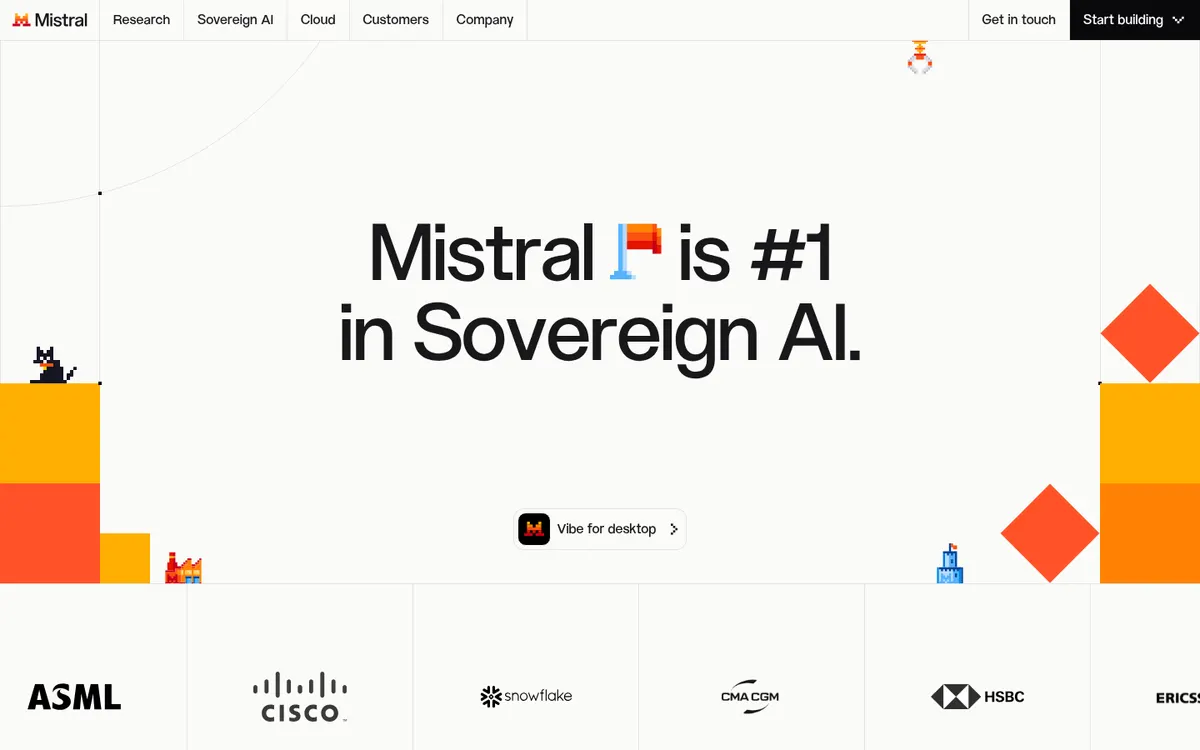
A low paid entry price at $14.99 per month, with fast answers and a European data stance, but a smaller app ecosystem.
Mistral Le Chat has one of the lowest paid entry prices. Pro is $14.99 per month, undercutting Claude Pro and Perplexity Pro at $20 monthly. For a single seat used all day, that gap is worth noticing.
It is fast, code handling is solid and multilingual support is a strength for teams working across European languages. Mistral is a European provider with a GDPR focus, and paid tiers include an opt-out from training on your data. That sells to legal, health and public sector buyers.
The ecosystem is weaker. There are fewer third-party integrations than Google or Microsoft offer, no equivalent of Copilot inside Office or Gemini in Gmail, and agent and workspace features are maturing. It uses the Vibe branding in some markets, so check your region's plan page. It fits European teams wanting a fast assistant with a clear data position, and individual developers wanting a cheap paid plan with a training opt-out. Less compelling for a company living inside Microsoft or Google.
Pros
- $14.99 per month, one of the lowest paid entry prices here
- Fast responses with strong code and language support
- European provider with a GDPR focus and training opt-out
Cons
- Smaller app ecosystem
- Fewer integrations than Google or Microsoft
- Agent and workspace features still maturing
Pick it if
You want a low seat price and a European data position with a training opt-out.
Skip it if
You need deep integration inside Microsoft 365 or Google Workspace.
Grok
Live X accessFree; SuperGrok: see websiteFree planRubric 5.6
Useful when the news breaks on X, weaker as a general drafting tool, and its plan names keep moving between years.
Grok's reason to exist is X. Built by xAI with a connection to the platform, it reads live posts and discussions, useful when a story is breaking and the detail sits in replies rather than articles. A large context window handles a long thread or document dump, and it generates images and handles voice.
Outside social topics the case weakens. Citations are looser than Perplexity's, so claims about a market, study or company policy need independent checking. The free tier covers basic chat, SuperGrok raises limits with pricing on the vendor site, and higher tiers exist. Pricing and tier names have changed, making budgeting harder.
Confirm the price and what it includes before committing a team. It fits media, marketing and trading users who need to know what is being said on X now, and anyone wanting image generation in the same chat as news. It does not fit research needing tight sourcing, or long document work where steady drafting counts more than live access.
Pros
- Live access to X posts and trends
- Large context window
- Image generation and voice features
Cons
- Citations are looser outside social topics
- Paid tier names have changed repeatedly
- Pricing needs confirming before purchase
Pick it if
Live social context and breaking news on X are central to your work.
Skip it if
You need tightly sourced research or disciplined long-form drafting.
Meta AI
No costFreeFree planRubric 6.2
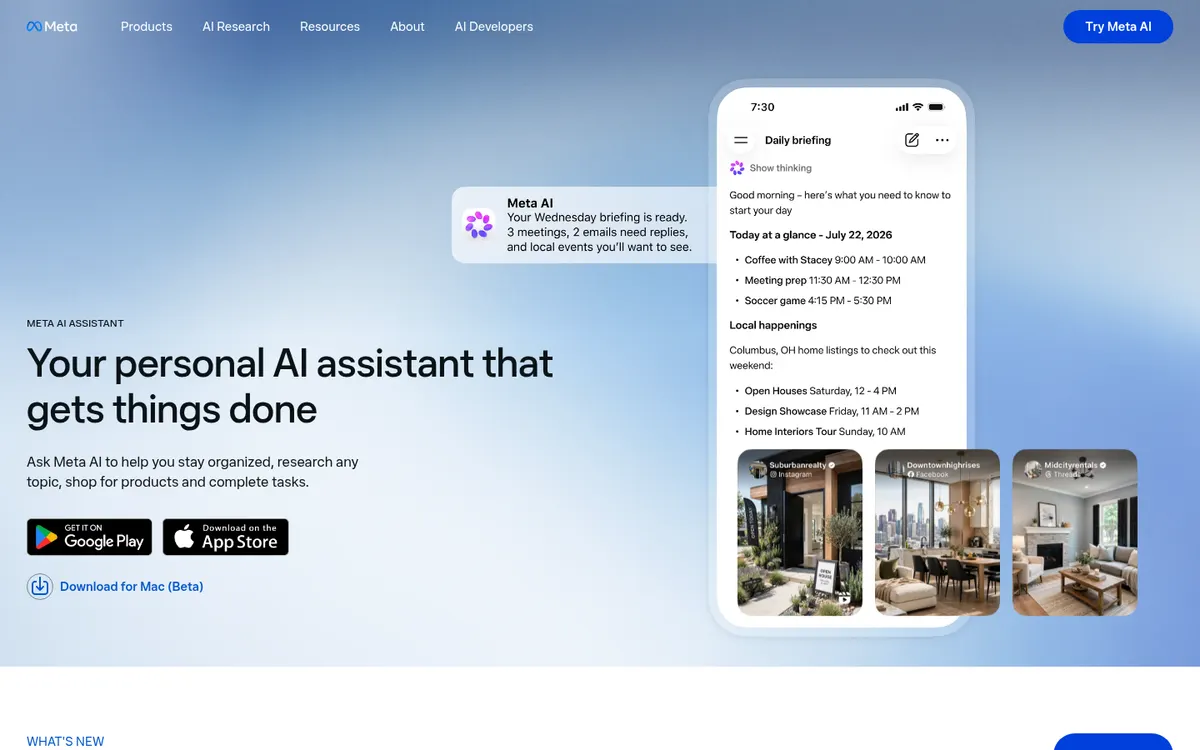
Free chat inside apps you already have, good for quick planning, not for documents or sensitive work.
Meta AI is the cheapest way into a chatbot because it costs nothing. It lives inside WhatsApp, Instagram, Facebook and Messenger, so users have it and need no account. A standalone app and website exist, image generation works in chat, and it handles small jobs: brainstorming, planning a trip, rewriting a message or a quick question.
There is no paid pro tier, the offer and the limit. Nothing is held back, and nothing is upgraded. Long-file work and project tooling are thinner than paid rivals, so a report from fifty sources belongs in Claude or Gemini. Expect limits when a task needs structure.
Data is the trade. Everything follows the policies of its social apps, fine for a dinner plan and wrong for client files, medical details or confidentiality. Treat it as an assistant, not a work system. It fits free everyday help inside apps people use, and small businesses drafting light social content. It does not fit regulated work, long documents or audit trails.
Pros
- Free with no subscription
- Already inside WhatsApp, Instagram and Facebook
- Image generation in chat
Cons
- No paid pro tier for heavy users
- Privacy concerns for sensitive work
- Limited document tools
Pick it if
You want free everyday help inside the messaging apps you already open.
Skip it if
You handle sensitive material or long document projects.
Poe
Model varietyFree; paid plans: see websiteFree planRubric 6.7
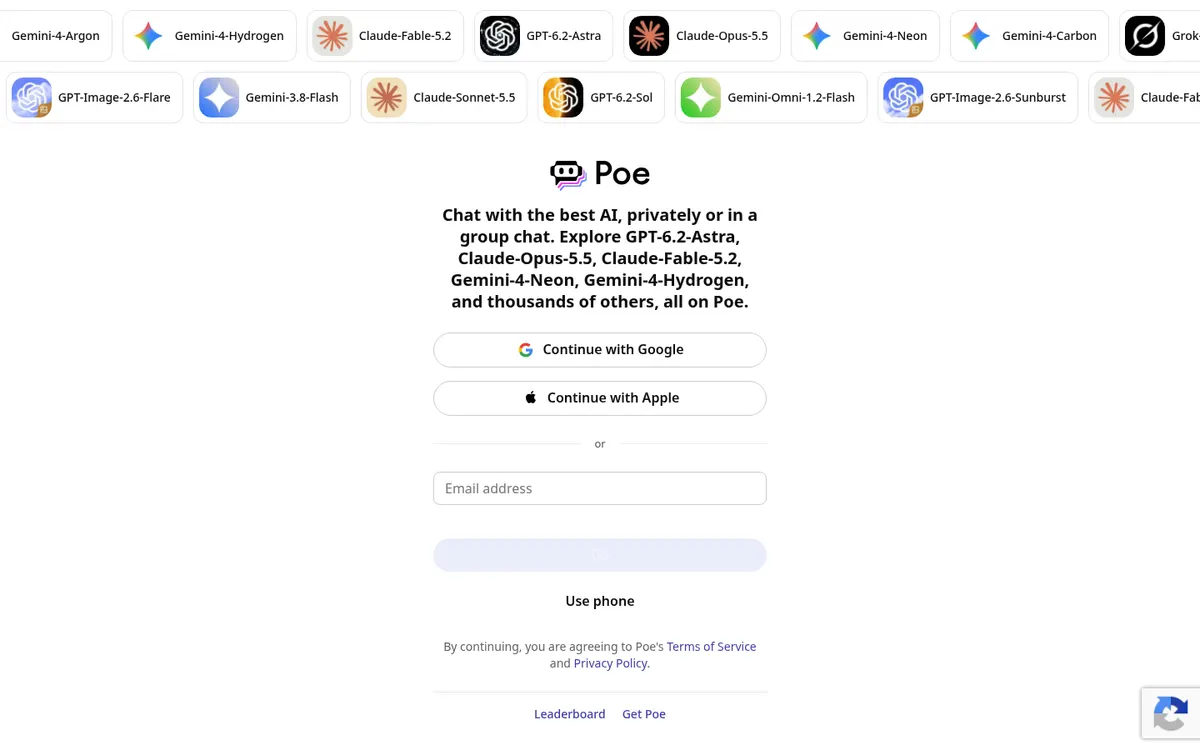
One subscription across providers with points metering, best for people who compare models rather than settle on one.
Poe is a subscription to model choice. One plan reaches models from OpenAI, Anthropic, Google and other providers, plus community bots built for writing, coding and image work. If the best assistant depends on the task, Poe lets you switch mid-project instead of paying two vendors for two seats.
The comparison habit is the feature. Running the same prompt through two models is the fastest way to learn where each is strong, and Poe makes that one click. Community bots cover narrow tasks without a separate subscription.
The billing shape is the catch. Usage is metered by points, so heavy use of capable models burns an allowance faster than a flat seat with a usage cap. Newest models may arrive after native apps. Premium pricing is on the vendor site, and Quora operates the service. It fits model comparers, bot hobbyists and teams wanting several providers on one invoice. It fits less if you want one model, unlimited within reason, at a predictable monthly cost.
Pros
- Models from several providers on one plan
- Easy side-by-side model comparison
- Community bots for narrow tasks
Cons
- Usage is metered by points
- Newest models may arrive after native apps
- Heavy use of top models burns points quickly
Pick it if
You want to compare models and switch between providers without buying several subscriptions.
Skip it if
You use one model heavily all day and prefer a predictable usage cap.
What counts as a ChatGPT alternative in 2026?
A ChatGPT alternative is any assistant you talk to in plain language that does comparable work: drafting, summarizing, answering questions, writing code, and increasingly reading files, searching the web and producing images. The label covers three different kinds of product, and knowing which one you are buying prevents most bad purchases.
- Model-first assistants. Claude, Gemini, Grok, DeepSeek and Mistral Le Chat come from labs that build their own models. Depth and writing quality tend to be the selling point.
- Assistants inside software you already own. Microsoft Copilot inside Word and Excel, Gemini inside Gmail and Docs, and Meta AI inside WhatsApp. The selling point is placement, not the model.
- Multi-model seats. Abacus.AI ChatLLM Teams and Poe route one subscription to several providers. The selling point is choice and a single bill.
Two things changed in 2026 and both affect buying. First, bundling: the standalone Copilot Pro plan was retired and its successor moved into Microsoft 365 Premium, and Google sells AI as part of a storage and apps package. Second, agents: several tools now run multi-step tasks, build slides or write small apps, which pushes the comparison away from answer quality and toward what the assistant can finish on its own.
What has not changed is that the models underneath move faster than the plans around them. Model names and plan labels change often, and a feature listed on a US page may not be live in your region. Judge a subscription by the work it does for you this month, on the plan page you can actually buy today, rather than by the announcement you read in the spring.
The practical test is narrow. Take three tasks from your own week, run them on two or three candidates, and keep the one that saves the most time. Everything else in this list is detail you can apply to that shortlist.
This comparison sits on the AI desk. Readers comparing neighbouring stacks often check our guides to free audio to text transcription software and SEO software next.
How AI chat plans bill: free tiers, seats, points and bundles
Most assistants in this category sell the same shape: a free tier, then one flat monthly seat with usage caps. The differences that decide your bill are what the seat includes, whether the price drops on annual billing, and whether you are buying chat alone or chat inside a software suite you already pay for. | Model | How it bills | Typical fit | Example from this list | | --- | --- | --- | --- | | Free tier | No charge, with caps on use | Casual chat, students, a first look at a vendor | DeepSeek, Meta AI, Gemini free | | Flat monthly seat | One fee per user, usage limits apply | Individuals and small teams who use it daily | Claude Pro $20/month, Mistral Le Chat Pro $14.99/month | | Bundled suite | AI inside a larger software bill | Buyers already paying for office apps or storage | Microsoft 365 Premium, Google AI Pro (pricing on vendor sites) | | Points metering | Usage counted in credits across models | People who switch models mid-project | Poe Premium (pricing on vendor site) | | Multi-model seat | One fee for several providers | Teams wanting choice without several vendors | Abacus.AI ChatLLM Teams $10 per user/month | | Per-token API | Billed on volume, not seats | Developers building their own product | DeepSeek API | Free tiers are real, not demos. Gemini, Perplexity, Grok, Meta AI and DeepSeek all give away usable chat, and Meta AI has no paid tier at all. A free plan usually means lower limits, fewer models and thinner document tools, so it suits casual use and first evaluations rather than daily production work. Flat seats are the standard paid model. Claude Pro is $20 per month, or $17 per month on annual billing, and Perplexity Pro leads with $17 per month on annual billing. Mistral Le Chat Pro is $14.99 per month, one of the lowest paid entries here. Annual billing is the simplest saving available, and it is worth taking only after a week of real use. Bundles need a different test. Microsoft 365 Premium and Google AI Pro both include AI plus apps and storage, with prices on the vendor sites. Judge those by the whole bill: if you would pay for the suite anyway, the AI is close to free; if you only want chat, you are overpaying. Points plans shift risk to you. Heavy use of the best models on Poe costs more than a flat seat with a cap. SuperGrok and several business plans are quoted on the vendor site, so confirm before you budget.
Every price above was checked on the vendor's own pricing page on November 25, 2026. Where a vendor does not publish a figure we write "See website" instead of guessing. To compare annual and monthly billing quickly, try the free percentage calculator.
A six-step path from your work to the right chatbot
- Start with the output, not the model. Write down what you produce in a week: draft documents, code, research summaries, slides or spreadsheet analysis. Claude leads for prose and Copilot leads for slides and spreadsheets, so the answer changes with the task. 2. List the software you already pay for. If your week runs through Gmail, Docs and Drive, Gemini adds AI to tools you have open. If it runs through Word, Excel and Outlook, Copilot inside Microsoft 365 Premium, priced on the vendor site, is the shorter path. 3. Run the free tier for a week before you pay. Gemini, Perplexity, Grok, Meta AI and DeepSeek all have free access. Use the same three real tasks on each. If the free limits hold, you may not need a seat at all. 4. Decide between one model and many. A single vendor gives deeper integration with its own apps. A multi-model seat such as Abacus.AI ChatLLM Teams at $10 per user per month, or Poe on its vendor pricing, gives breadth, though Poe meters usage by points. 5. Check the billing shape, not just the headline. Annual billing lowers Claude Pro and Perplexity Pro to $17 per month. Abacus.AI charges $7 for the first month, then $10. Copilot and Gemini hide the AI cost inside a larger subscription. 6. Set a data rule before rollout. DeepSeek is subject to Chinese data law and Meta AI follows the policies of the social apps it sits in. Keep client contracts and personal records on a vendor with a clear training opt-out, such as Mistral's paid tiers.
Five buying mistakes to avoid with AI chat subscriptions
- Buying before the free tier runs out. Gemini, Perplexity, Grok, Meta AI and DeepSeek all let you test the core chat for nothing. A week of real tasks tells you more than any feature list, and it costs you no seat. - Comparing headline prices across billing shapes. Claude Pro at $17 per month on annual billing and Copilot inside a Microsoft 365 Premium plan, priced on the vendor site, are not the same purchase. One is chat; the other adds Office apps and storage. - Sending sensitive material to the wrong vendor. DeepSeek is a Chinese company subject to Chinese data law, and Meta AI follows the policies of the social apps it lives in. Keep confidential files on a plan with a stated training opt-out. - Assuming a multi-model plan removes limits. Poe meters usage by points, and on Abacus.AI large attachments trigger rate limits and an automatic model switch. Heavy users of top models hit ceilings on any shared plan, including $10 seats. - Expecting one assistant to do documents and media. Claude has no image or video generation, and Meta AI has thinner document tools. If a workflow needs a long draft and a generated image, budget for two tools rather than one.
Frequently asked questions
Which ChatGPT alternative is best for long writing and document work?
Claude. Anthropic's assistant holds tone across long drafts, and its large context window lets you edit against full source documents, with Projects keeping that material together. Claude Pro costs $20 per month, or $17 per month billed annually. It does not generate images or video, so pair it with another tool if you need media as well as prose.
Which alternative is best for Google Workspace and Android users?
Google Gemini. It connects to Gmail, Docs, Drive and YouTube, accepts text, image, audio and video input, and is reachable through Assistant on Android. The free tier covers everyday chat, and the paid Google AI Pro tier, priced on the vendor site, adds higher limits and Deep Research, with bundled storage depending on the current offer. Check the live plan page, since names change often.
Which alternative is best for research with sources I can check?
Perplexity. Nearly every answer carries linked citations, and Deep Research builds longer reports from web sources. Pro at $20 per month, or $17 per month billed annually, raises daily search limits and adds model choice. Treat citations as starting points: open the pages before you rely on a claim, especially where a summary compresses a long document.
Are there good free ChatGPT alternatives?
Yes. Gemini, Perplexity, Grok, Meta AI and DeepSeek all have free tiers, and Meta AI has no paid tier at all. Free access usually comes with lower limits, fewer models and thinner document tools. DeepSeek is the strongest free option for reasoning and code, with the caveat that its data is handled under Chinese law.
Which alternative suits Microsoft 365 and Windows users?
Microsoft Copilot. It works inside Word, Excel, PowerPoint and Outlook, summarizes email, analyzes spreadsheets and prepares slides, and it is integrated with Windows. The standalone Copilot Pro plan was retired in 2026 and its successor is bundled into Microsoft 365 Premium, with the price on the vendor site. On family plans, only the account owner gets the AI features.
Which alternative puts many models under one bill?
Abacus.AI ChatLLM Teams and Poe. The Abacus plan runs $7 for the first month and then $10 per user per month for GPT, Claude, Gemini, Grok, DeepSeek and Qwen in one chat, plus image generation and agents, with no free plan. Poe Premium, priced on the vendor site, adds community bots but meters usage by points.
Still choosing an AI assistant?
Browse every comparison on the AI desk, with the same rubric and dated prices.