Ranked #1

GitHub Copilot
Editor coverage
Pro $10 per user/month
- Best for
- Individual devs and teams wanting AI inside their current editor
- Free plan
- Yes (Free $0)
- Rubric
- 8.6 / 10
Eight AI coding assistants compared on editor fit, agent quality, deployment control and price, with numbers taken from vendor pricing pages on November 25, 2026.
 Prices checked November 25, 2026

GitHub Copilot is the broadest default option for many teams in November 2026, because it runs inside the editors people already use and starts at $10 per user per month after a free tier. Cursor suits developers who will switch to an AI-native editor for multi-file agentic edits at $8 per month on the Plus plan. Tabnine is the pick for regulated organizations that need air-gapped or on-premises deployment, with pricing quoted on the vendor site. The eight tools below were checked on 2026-11-25.
Editor coverage
Pro $10 per user/month

Multi-file Composer
Plus $8/month

Air-gapped deployment
See website
Disclosure for this page: All 8 tools here are unpaid editorial picks. The position of a paid listing can be part of what the vendor pays for. How we handle paid listings.
| Tool | Best for | Free plan | Actions | |||
|---|---|---|---|---|---|---|
| 1 | GitHub Copilot | Individual devs and teams wanting AI inside their current editor | Pro $10 per user/month | Yes | ||
| 2 | Cursor | Professional developers who want an AI-native code editor | Plus $8/month | Yes | ||
| 3 | Tabnine | Enterprises with strict data policies that block public cloud AI | See website | No | ||
| 4 |  Amazon Q Developer | Teams building on AWS who want cloud-aware assistance | Pro $19/user/month | Yes | ||
| 5 |  Claude Code | Terminal-native developers tackling large, complex refactors | Pro $17/month annual ($200 up front) | Yes | ||
| 6 |  JetBrains AI | Developers committed to IntelliJ, PyCharm and the JetBrains suite | See website | Yes | ||
| 7 |  Replit | Building and shipping prototypes entirely in the browser | Core $20/month ($18 annual) | Yes | ||
| 8 |  Zed | Developers wanting maximum editor performance with built-in AI | Pro $10/month | Yes |
We scored eight AI coding assistants against five criteria that decide whether a tool survives contact with a real team: workflow fit, price and value, code quality, deployment control, and admin controls. Each criterion carries a fixed weight, shown in the rubric above, and every tool is scored 1 to 10 on each one.
Workflow fit asks whether the assistant meets developers in the environment they already use or demands a switch. Price and value weighs the published seat price against what that seat includes, including whether a free tier exists. Code quality covers completion relevance, agent behavior on multi-step tasks and how much review the output needs. Deployment control covers self-hosting, air-gapping and data retention. Admin controls cover policy, seat management and enterprise configuration.
Every price, plan, free tier and trial note in this list was taken from the vendor's own pricing page on 2026-11-25. Where a pricing page did not show a number, the entry says so and points to the vendor rather than estimating. Two vendors here currently publish no price at all, and both are flagged.
The order is editorial. Each entry is placed for the buyer it describes, and where a Featured position exists it is disclosed and treated as a paid placement. A Featured listing is scored with the same rubric, carries the same honest cons and receives no credit it has not earned on the criteria.
Nothing in the rubric rewards a vendor for marketing material. Features were confirmed from vendor documentation and product pages, and limits were checked against what each vendor itself says the product does not do well.
The full process, including how we handle corrections, is on the methodology page. Paid listings follow our advertising disclosure.
| Criterion | Weight | What we check |
|---|---|---|
| Workflow fit | 25% | How well the assistant meets developers in the editor, terminal or browser they already use. |
| Price and value | 20% | What the published seat buys, including free tiers, trials and usage allowances. |
| Code quality | 25% | Completion relevance, agent behavior on multi-step tasks and how much review output needs. |
| Deployment control | 15% | Self-hosting, air-gapped options, data retention terms and network boundaries. |
| Admin controls | 15% | Policy management, seat administration and enterprise configuration depth. |
The broadest default option: AI inside the editors teams already use, with a free tier and a $10 paid seat.
Copilot is the assistant you can switch on without changing anything else about how your team works. It runs inside VS Code, JetBrains IDEs and Neovim, suggests code inline as you type, and offers chat for code explanation and refactoring. Because it is wired into GitHub, chat can pull in issue text, pull request discussion and code search results. Agent mode goes further, taking a task description and executing changes across a workspace rather than one file at a time. It is useful for scoped chores such as updating call sites after a signature change. Agent mode is weaker than dedicated agentic tools. Treat agent output as a draft on anything involving complex logic and keep a reviewer in the loop. Pricing starts with a free tier at $0, which covers ordinary completion and chat well enough to evaluate the product properly. Pro is $10 per user per month, the same as Zed Pro. Model choice is a real differentiator: teams can switch between frontier providers rather than betting on one. Administration, policy controls and IP indemnification arrive on enterprise tiers, so regulated buyers should price those rather than the Pro seat. It fits individuals and teams who want broad, low-friction coverage and already live in GitHub. It fits less well if you need a terminal-native agent, air-gapped deployment, or the deepest available multi-file reasoning.
Your team wants AI inside the editors it already uses with low disruption.
You need a terminal-first agent or a self-hosted deployment inside your own network.
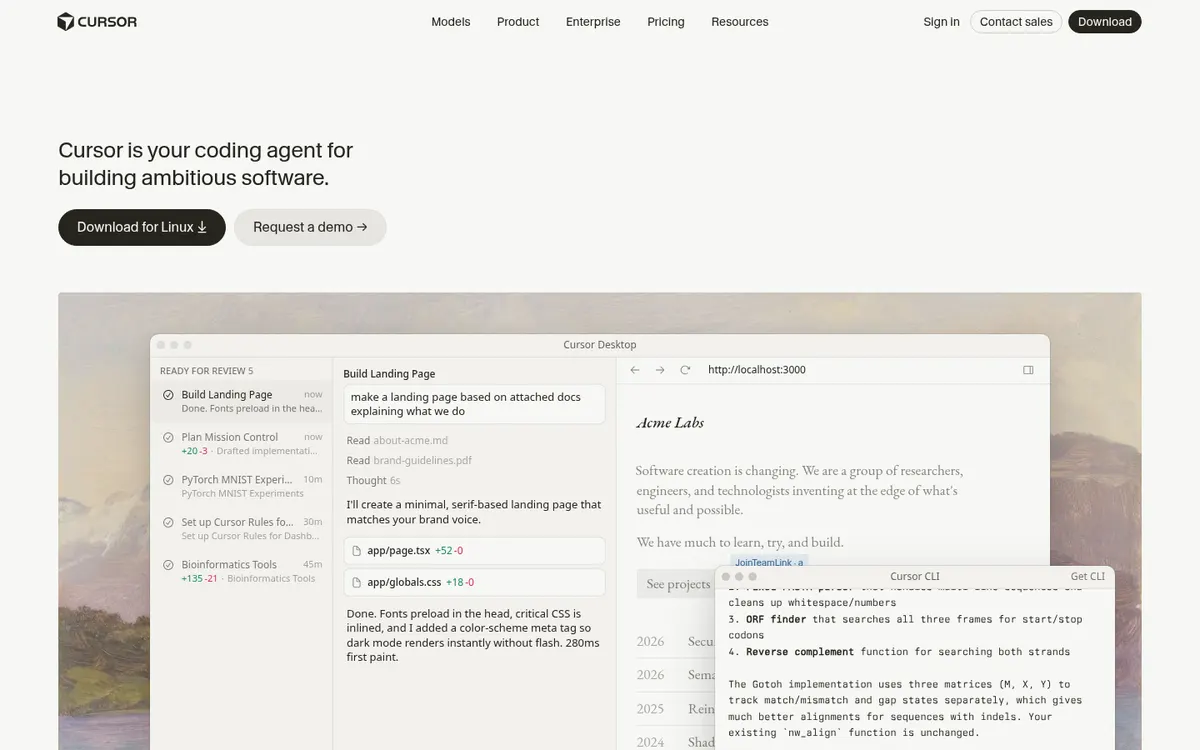
A genuine step up for multi-file agentic edits if your team will accept switching editors to get it.
Cursor is an editor, not a plugin. It is built as a fork of VS Code with AI at the center, which means the assistant can rewrite several files from one prompt instead of suggesting the next line. Composer takes a described change and applies it across the project, Cmd+K edits whatever you have selected, and the whole codebase is indexed so answers reflect your actual modules rather than a generic sample. That indexing is why Cursor feels different in practice. Codebase-wide context improves architectural answers. Ask for a refactor and it proposes edits to every relevant file, which is worth real time on anything larger than a single function. Because it is a VS Code fork, extensions and keybindings largely carry over. The catch is that adoption is a switch, not an install. A customized setup takes effort to rebuild. Pricing starts with a free Hobby plan at $0, which is usable for evaluation rather than a demo. The lowest paid tier is Plus at $8 per month; the Pro plan costs roughly twice the cheapest Copilot tier, and intensive agent use can exhaust plan usage limits and push you upward. Against Copilot's $10 Pro seat the entry prices are close, but the usage model behind them is not the same. It fits professional developers who want multi-file and codebase-aware editing and will accept the migration cost. It fits poorly where a locked-down, standardized VS Code install is mandatory.
Your developers will move to a new editor for stronger multi-file and codebase-aware editing.
Your environment is locked to a standard VS Code build or migration time is unavailable.
The governance pick for banks and defense teams that must keep source code inside their own network.
Tabnine answers a governance question before a coding one: can this organization use cloud AI at all? It ships in SaaS, VPC, on-premises and fully air-gapped configurations, with zero data retention options and self-hosted model choices. For a bank, a defense contractor or a hospital system where source code cannot leave a controlled network, that is often the deciding requirement, and no other vendor in this list matches it. Administrative controls are built for the same buyer. Policies, seat management and deployment choices are handled centrally. Coding capability is competent but not frontier: on raw suggestion quality it trails tools built on the newest public models, and an agentic tier sits above the core code assistant. Pricing is not published. The pricing link currently leads to a contact form, so you get a quote rather than a number. There is no free plan and no trial, so a pilot has to be a negotiated evaluation or a paid engagement. Budget for a sales cycle and for security review time, not just the seat. It fits regulated enterprises where self-hosting or air-gapping is a hard requirement rather than a preference. It fits badly for a small team that wants cheap autocomplete and a credit card checkout.
Source code cannot leave your network and you need the assistant to run inside your own environment.
You want published pricing, a free plan and the sharpest available model quality.
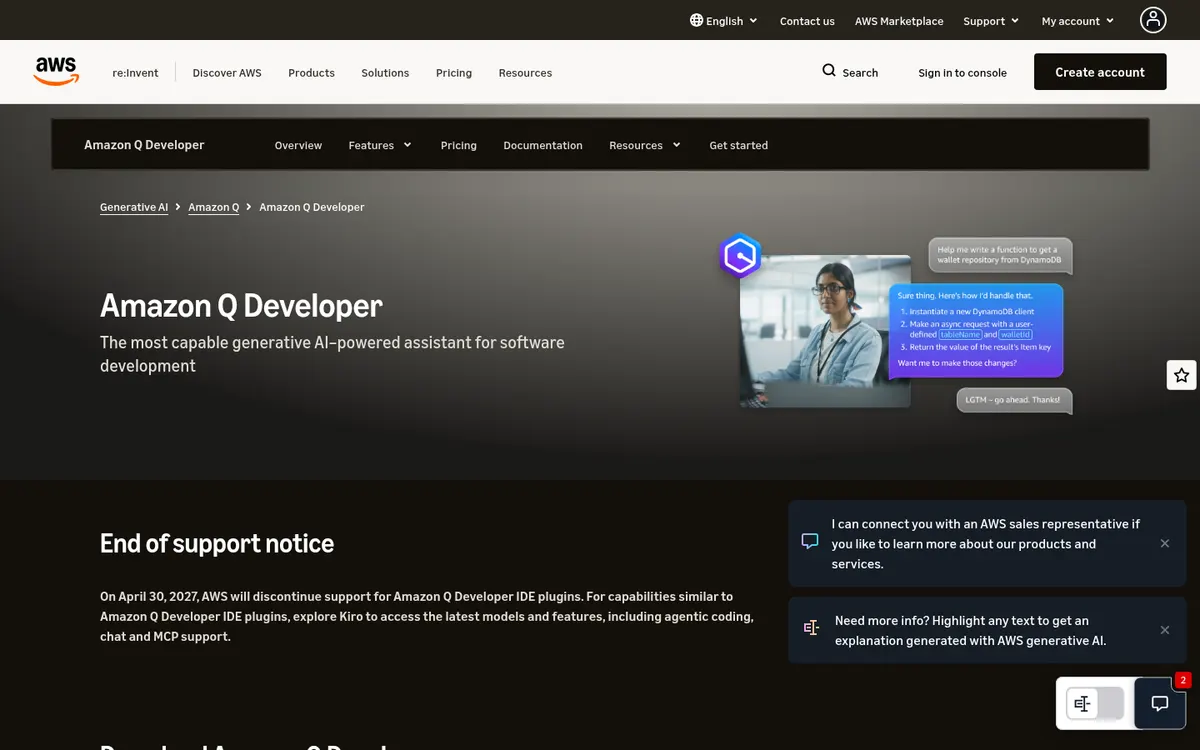
The AWS specialist: sharper than general assistants on Lambda, CDK and CloudFormation, weaker once work leaves the cloud console.
Amazon Q Developer is the right assistant when the work is AWS work. Suggestions lean on AWS documentation and recommended practice, so it is noticeably better than general tools at Lambda handlers, CDK stacks, CloudFormation templates and service configuration. It also supports migrations, which is often where the value shows up first: moving a workload or upgrading a runtime with guidance that knows the target platform. It is not confined to the IDE. Q Developer works from the CLI and the AWS console as well, so an operator debugging a deployment can ask for guidance without opening an editor. Outside AWS the advantage flattens. On a plain TypeScript or Python codebase with no cloud tie-in it behaves like a competent mid-tier assistant, and its agent capabilities lag the dedicated agentic tools in this list. Upper-tier capabilities sit behind the Pro subscription rather than the free tier, so the cost of the useful configuration is higher than the headline suggests. Pricing is straightforward. The free tier is generous enough for real evaluation, and Pro is $19 per user per month, roughly double Copilot Pro for a narrower but deeper specialty. For an AWS-heavy team the trade is easy to justify. For a team split evenly across clouds it is harder, because you pay specialist prices for coverage that only applies to part of the estate. It fits teams whose infrastructure lives on AWS. It fits badly as a general-purpose assistant for a polyglot team with no cloud concentration.
Most of your code touches AWS services and infrastructure templates.
Your estate is spread across clouds or has little cloud tie-in at all.
A strong multi-step agent for large refactors, provided your developers are comfortable living in a terminal.
Claude Code is built for the terminal. You describe a change, it reads the codebase, plans the steps and executes them iteratively. For large refactors, such as splitting a monolith module or threading a new abstraction through many call sites, it handles long multi-step tasks and large repositories well. The trade is ergonomic. If you live in a GUI editor and want suggestions in the margin, this is the wrong shape of tool; the workflow is commands, diffs and review in the terminal, with IDE extensions as a secondary surface. Developers who already script and automate will feel at home immediately. Others will find the initial experience uncomfortable and may not persist past it. Cost is the second consideration. Access is bundled with the Claude Pro subscription, listed at $17 per month on annual billing with $200 due up front, or $20 on monthly billing, and it can also be billed through API usage. There is no standalone trial, so evaluating it means paying for a subscription or spending against an API key. Heavy agent sessions on big repositories consume budget quickly. Data retention controls are available for API users, which matters to security reviewers comparing it with editor plugins. It fits terminal-native developers and platform engineers doing complex refactors. It fits badly for teams that need inline completion inside a GUI editor as the primary experience.
Your engineers work from the command line and have large refactors queued up.
Your team wants suggestions inside a GUI editor and a free way to try before paying.
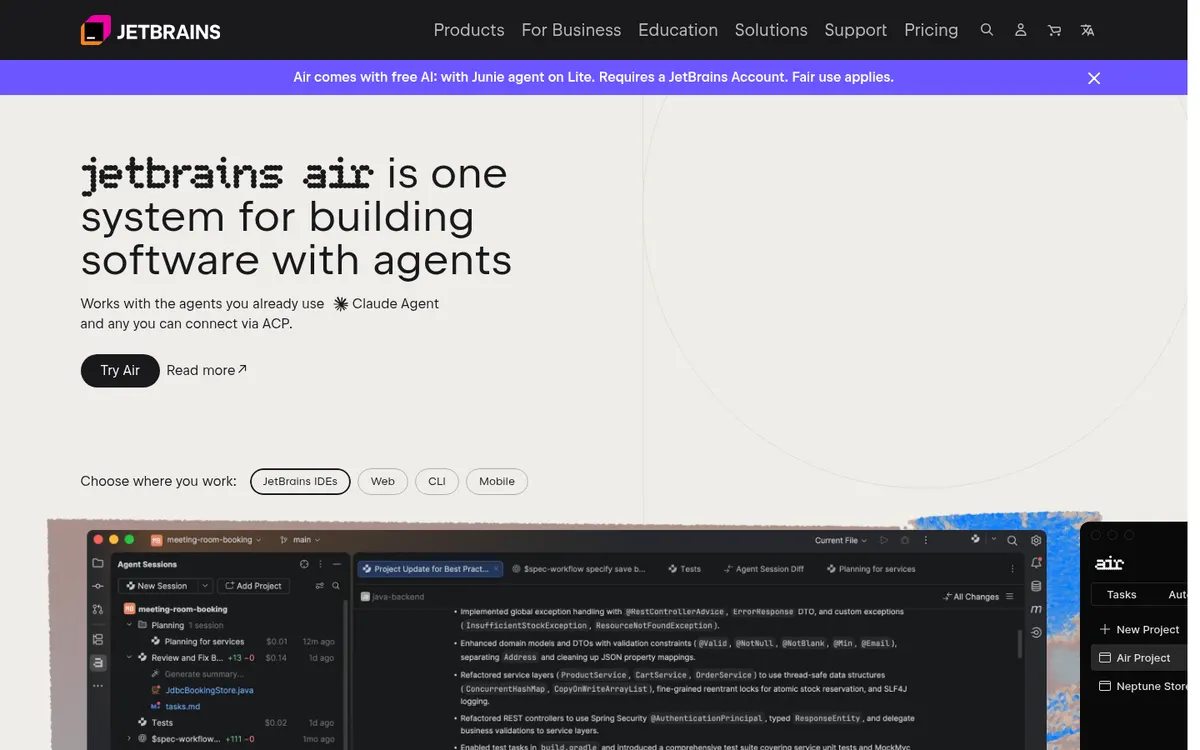
The right upgrade for teams already inside IntelliJ or PyCharm, and close to worthless if they are not.
JetBrains AI is the sensible choice if your team lives in IntelliJ IDEA, PyCharm, WebStorm or the rest of the suite, and a poor one if it does not. The assistant is native to the IDE, so it understands module structure, build configuration and the refactoring engine rather than guessing from open buffers the way a generic plugin does. Rename a class across a multi-module project and the difference is obvious.
For a codebase with heavy framework configuration, that structural awareness reduces how much context you have to paste into a chat window. The Junie agent adds autonomous task execution inside the same environment, and chat plus code generation cover the everyday cases. Where it trails the leaders is model breadth and agent maturity: fewer model choices, and an agent that is newer than the agent-first tools in this list.
JetBrains also bundles a free AI option through Air Lite, which makes basic assistance available without a purchase and gives the Pro tier a genuine on-ramp.
Pricing is the awkward part. The pricing page currently lands on the JetBrains Air page and does not show a price for the AI Pro plan, so confirm the current number in your account or with sales before you budget. What is clear is that the Pro tier has been positioned as affordable next to enterprise tools, and the free option lowers the cost of trying it.
It fits teams that have standardized on JetBrains tooling and want AI that respects the IDE's refactoring model. It fits badly for developers who might switch editors, because the value collapses outside the suite.
Your team has already standardized on IntelliJ, PyCharm or WebStorm.
Developers are free to change editors or already work mostly in VS Code.

A fast path from prompt to deployed app, built for prototypes rather than long-lived production codebases.
Replit removes setup from the equation. You open a browser, describe what you want and the Agent scaffolds an application: files, dependencies, a running process and a live URL. There is no local toolchain to install and nothing to configure, which fits prototypes, hackathons and learning where the goal is a working link rather than a maintainable repository. Deployment is one click and real-time collaboration is built in, so two people can work in the same project without screen sharing. For prototypes, MVPs and small internal tools, that compression of idea to running software is a genuine advantage. The limits appear as projects grow. It is not built for large production codebases with complex build pipelines, and the browser-only workflow constrains developers who depend on local debugging, native tooling or custom runtimes. Agent usage is also metered on top of the subscription, so heavy prompting produces a bill that the plan price does not predict. Pricing is Core at $20 per month, or $18 per month billed annually, with a free plan that covers evaluation and light use. That places the subscription in the same range as Claude Code monthly and above Copilot Pro, before usage charges are added. It fits founders, analysts and learners shipping prototypes fast. It fits badly for platform teams maintaining a large, long-lived codebase.
You need a working, deployed prototype today and do not want to install anything.
You maintain a large production repository with custom build and debug tooling.
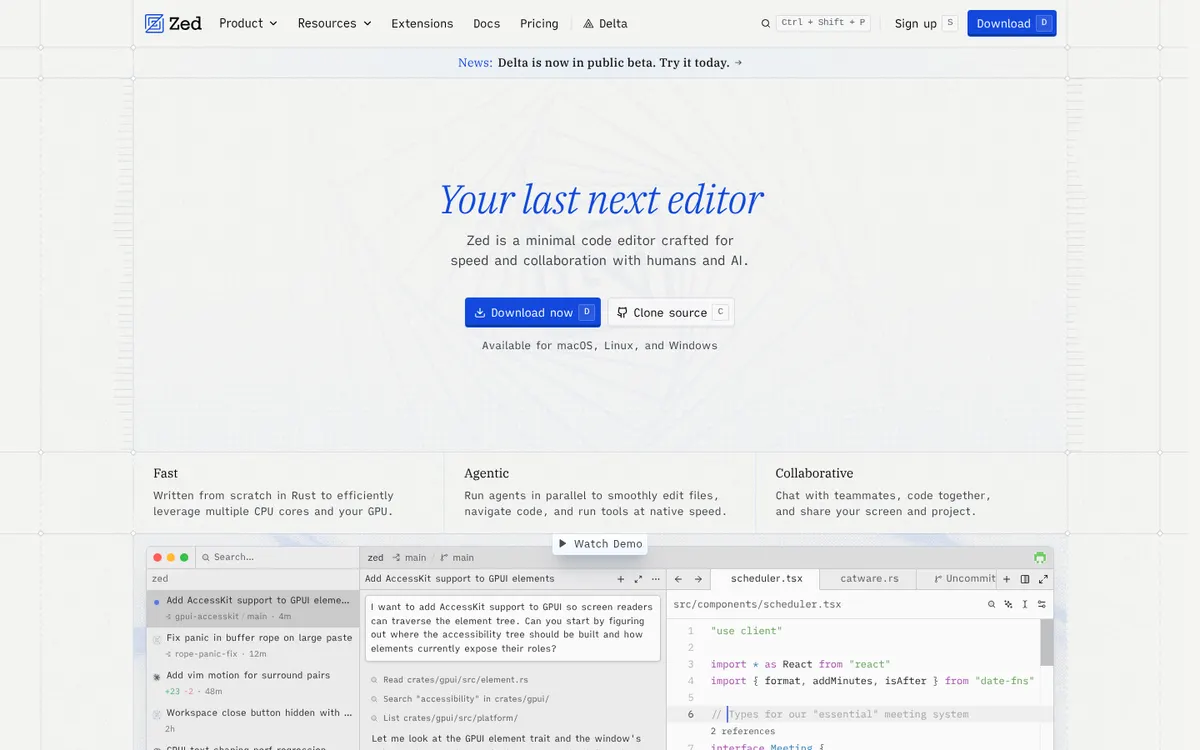
A fast, well-built editor with AI included, held back by a thinner ecosystem and younger AI features.
Zed's pitch is speed, and it holds up. The editor is written in Rust and uses both CPU and GPU, so large files open and scroll quickly. AI assistance is built in rather than bolted on through a plugin, so completions and chat do not add a second process and a second set of keybindings to learn. Real-time collaboration is native, which means multiplayer editing works the way it does in a shared document, without an extension or a session host. For pair programming and code review walkthroughs that is a practical advantage rather than a novelty. The AI is the newer half of the product and it shows. AI features are newer and less mature, the extension ecosystem is smaller than VS Code's, and some language and workflow support is still catching up, so check your stack before committing a team. Speed does not compensate for missing workflow support. Pricing is Pro at $10 per month, which includes token credits for the AI features, and a Personal free plan at $0. A 14-day Pro trial lets you test the paid tier rather than inferring it from the free one. The $10 seat matches Copilot Pro, which makes the choice a straight trade between editor speed and ecosystem depth. It fits developers who care about latency and will accept a thinner ecosystem. It fits badly for teams standardized on VS Code extensions they cannot replace.
Editor responsiveness is your main frustration and your stack is well supported.
Your workflow depends on VS Code extensions you cannot do without.
AI coding assistant software puts a language model next to your code so it can suggest, explain, edit or generate it. The category has split into three delivery shapes, and which shape you pick matters more than which model sits underneath, because the shape decides how much of your codebase the assistant can see. The first shape is a plugin inside the editor you already use. GitHub Copilot, Tabnine, Amazon Q Developer and JetBrains AI all work this way. Installation is trivial and adoption is low-friction, but the assistant inherits the editor's context model, so how much it understands about your project depends on the host. The second shape is a purpose-built editor. Cursor ships AI as part of the application, which lets it index the whole codebase and act on several files at once. Zed also ships AI as part of the editor. The trade is migration: your extensions, keybindings and settings have to move with you. The third shape is an agent in the terminal. Claude Code takes a task description, reads the repository and executes a plan across many files with no editor involved. Replit adds a fourth variation: a browser environment where the agent builds and deploys the application without any local setup. Across all four shapes, the same capabilities recur: - Inline completion that predicts the next line or block as you type
This comparison sits on the AI desk. Readers comparing neighbouring stacks often check our guides to ChatGPT alternatives and AI clipping software next.
Most AI coding assistants charge per seat per month, but the seat price rarely tells you what a team will actually spend. Several billing models appear in this list, and some vendors mix them. The simple model is a flat seat. GitHub Copilot Pro is $10 per user per month, Zed Pro is $10 per month and includes token credits, Cursor's lowest paid tier is Plus at $8 per month, and Amazon Q Developer Pro is $19 per user per month. You can forecast these to the dollar. The metered model adds usage on top of a seat. Replit charges Core at $20 per month, or $18 per month billed annually, and meters agent use beyond it. Claude Code comes through the Claude Pro subscription at $17 per month on annual billing with $200 up front, or $20 monthly, or through API usage where you pay for what you consume. The quoted model hides the number. Tabnine points pricing at a contact route right now, and JetBrains AI currently shows no Pro plan price on its pricing page. Regulated buyers usually land here because deployment options drive the contract.
| Model | How it bills | Typical fit | Example from this list |
|---|---|---|---|
| Flat seat | Per user, per month, forecastable | Teams that want a predictable line item | GitHub Copilot Pro at $10 per user per month |
| Seat plus credits | Base fee with token or agent allowances | Heavy agent users who want a ceiling | Zed Pro at $10 per month with included token credits |
| Metered usage | Subscription plus consumption charges | Prototypes and bursty workloads | Replit Core at $20 per month with metered agent use |
| API pass-through | Pay per token, no seat | Automation and scripting | Claude Code through API usage |
| Negotiated contract | Annual quote, deployment dependent | Regulated enterprises | Tabnine in VPC, on-premises or air-gapped form |
| Annual prepay | Discount for a yearly commitment | Teams that have already committed | Claude Code at $17 per month on annual billing, $200 up front |
Every price above was checked on the vendor's own pricing page on November 25, 2026. Where a vendor does not publish a figure we write "See website" instead of guessing. To compare annual and monthly billing quickly, try the free percentage calculator.
Map where developers actually work. List the editors, terminals and cloud consoles in daily use. An assistant that requires an editor switch costs migration time, so decide early whether your team will accept it.
Settle the data question first. Ask whether source code can leave your network. If it cannot, the shortlist collapses to vendors offering VPC, on-premises or air-gapped deployment, and Tabnine is the one here that goes fully air-gapped.
Decide how much autonomy you want. Inline completion, chat and multi-file agents are different products with different risk. Teams that only want suggestions can stay on a $10 seat; teams that want agents should budget for usage or credits.
Price the seat plus the usage. Take the published seat, add expected agent consumption and compare the total. Replit meters agent use beyond Core, Zed includes token credits, and Claude Code can be billed per token through the API.
Pilot two tools on one real task. Pick a refactor your team has already postponed and run it in both. Score completion quality, how much review the output needs and how long setup took.
Plan the admin path before you buy. Confirm policy controls, seat management, data retention terms and indemnification, then check which tier they sit on. Copilot puts these on enterprise tiers, not the Pro seat.
Most of the list charges a flat seat between $8 and $20 per user per month, but free access varies more than price. Copilot, Cursor, Amazon Q Developer, JetBrains AI, Replit and Zed publish a $0 tier. Tabnine publishes neither a free plan nor a trial. Claude Code has no standalone trial and comes through the Claude Pro subscription or API billing. Tabnine and JetBrains AI currently show no price on their pricing pages.
Claude Code is the terminal-first pick: it reads the repository, plans the steps and executes changes from the command line, with IDE extensions as a secondary surface. Editor-first teams should look at Copilot for broad editor coverage, Cursor for multi-file agentic editing inside a VS Code fork, or JetBrains AI where the team already runs IntelliJ or PyCharm.
Tabnine is the only tool in this list offering fully air-gapped deployment. It also covers SaaS, VPC and on-premises configurations with zero data retention options and self-hosted model choices. No other assistant here lists air-gapped deployment, so organizations that prohibit cloud AI have a shortlist of one before pricing is discussed at all.
When most of your code touches one cloud's services. Amazon Q Developer leans on AWS documentation and does noticeably better work on Lambda, CDK, CloudFormation and migrations than general tools, and it works from the CLI and console as well as the editor. If your estate is spread across providers, a general assistant usually wins on coverage.
It depends on how much agent work you plan. A $10 seat covers completion and chat usage for most developers. Heavy multi-file agent use runs into plan limits on Cursor, adds metered charges on Replit and consumes Claude Code budget quickly. Estimate one heavy agent user per team and price that case, not the lightest one.
Contact us through the site contact route with the vendor name, the field you believe is wrong and a link to the vendor's own pricing page so the change can be verified. Featured placement is a paid position and is labeled as Featured; it is scored with the same rubric as every other entry, with the same honest cons.
Browse every comparison on the AI desk, with the same rubric and dated prices.