Ranked #1
ServiceTitan
Skill aware dispatch
See website
- Best for
- Larger residential HVAC companies with complex dispatch needs
- Free plan
- No
- Rubric
- 8.6 / 10
Eight HVAC scheduling and dispatch tools ranked for November 2026, with what each costs, who it fits, and where the rollout gets hard.
 Prices checked November 25, 2026

ServiceTitan is the strongest fit for larger residential HVAC companies with complex dispatch, Jobber suits owner operated and small residential shops, and Housecall Pro fits growing residential companies booking work online. That is the order we would start in as of November 2026, but the right pick depends on truck count, how work arrives (phone, web, agreements), and whether you need QuickBooks sync. Prices below were checked on November 25, 2026; vendors that quote per company are marked See website rather than guessed.
Skill aware dispatch
See website

Easy shared calendar
See website

Online booking to dispatch
See websitecustom quote
Disclosure for this page: All 8 tools here are unpaid editorial picks. The position of a paid listing can be part of what the vendor pays for. How we handle paid listings.
| Tool | Best for | Free plan | Actions | |||
|---|---|---|---|---|---|---|
| 1 | ServiceTitan | Larger residential HVAC companies with complex dispatch needs | See website | No | ||
| 2 | Jobber | Owner operated and small residential HVAC shops | See website | No | ||
| 3 | Housecall Pro | Growing residential HVAC companies booking work online | See websitecustom quote | No | ||
| 4 |  FieldEdge | Established HVAC and plumbing firms running on QuickBooks | See website | No | ||
| 5 |  Service Fusion | Mid size HVAC companies wanting predictable non per seat pricing | See website | No | ||
| 6 | Workiz | Residential service companies whose growth comes from inbound calls | See website | No | ||
| 7 |  Service Autopilot | Businesses built on maintenance agreements and seasonal tune ups | $49Startup plan, per month, annual billing | No | ||
| 8 |  RazorSync | Very small HVAC shops needing basic dispatch on a budget | $85Solo plan, per month, annual billing | No |
We scored each tool on five criteria weighted to what HVAC operators pay for. Dispatch depth (25 percent) covers how the board assigns work and whether it accounts for skills, zones and priority. HVAC fit (25) asks whether agreements, equipment history and replacement quoting are first class or bolted on. Pricing clarity (20) rewards vendors that publish a number and marks down quote only models, not because quoting is wrong but because a buyer cannot budget from it. Recurring work (15) covers renewals, seasonal tune ups and repeat visits. Field mobile (15) covers what a technician can do from a phone on site.
Every price here was read from vendor pricing pages on 2026-11-25. Where a page returned nothing or now routes to a demo, we say so in the entry and mark the figure unconfirmed rather than filling in a number. Service Autopilot and RazorSync have starting figures we could match to a current page. The rest either quote per company or no longer publish plan prices.
Featured placements are paid. If a tool carries a Featured position it is scored on this same rubric, with the same cons shown, and it gets no relief on a weak pricing clarity score. No entry in this list holds a Featured position at the time of writing.
The order is editorial. It reflects fit for the buyer each entry describes, plus any Featured position, and it is not a weighted total of the scores. A tool can score well and still sit lower because it serves a narrower shop.
The full process, including how we handle corrections, is on the methodology page. Paid listings follow our advertising disclosure.
| Criterion | Weight | What we check |
|---|---|---|
| Dispatch depth | 25% | How the board assigns work and whether it accounts for technician skills, zones and job priority under pressure. |
| HVAC fit | 25% | Whether agreements, equipment history and replacement quoting are first class parts of the product or bolted on. |
| Pricing clarity | 20% | Whether a buyer can find a real number and budget from it before sitting through a sales call. |
| Recurring work | 15% | How well the tool generates maintenance visits, tracks renewals and keeps seasonal tune ups on schedule. |
| Field mobile | 15% | What a technician can actually see and close out from a phone while standing in a mechanical room. |
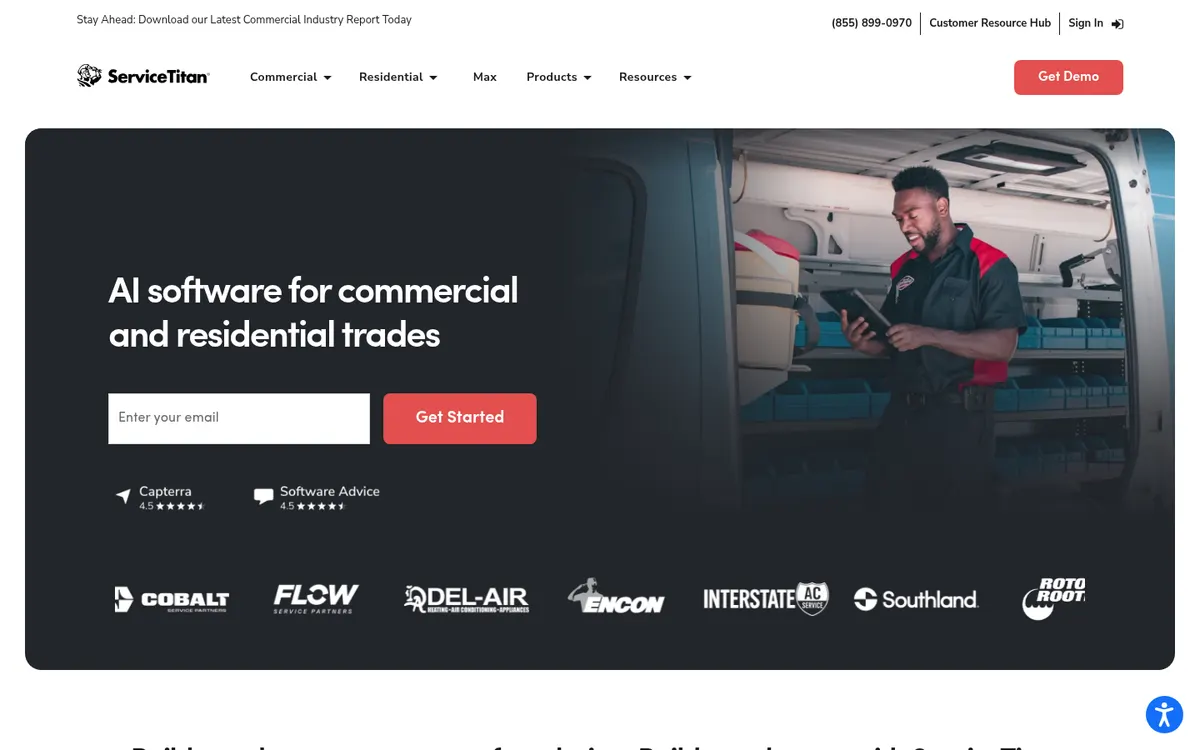
The deepest dispatch and sales tooling here, priced by quote and built for shops with real operational complexity.
The dispatch board is where most ServiceTitan conversations start. It weighs technician skills, location and job priority when it suggests who goes where, instead of leaving the dispatcher to hold all of that in their head. Call booking and call recording feed a phone performance score, so a manager can see which booking conversations turn into booked work. Maintenance agreements sit on the same record as the equipment history they relate to.
Pricebook and sales tools are built for replacement quotes rather than repairs alone. An advisor can build a quote, present options and take payment without leaving the system, marketing attribution reporting ties booked work back to the campaign that created the lead, and daily operational reporting gives an owner a read on the day without an export. Invoicing and payment handling live in the same product.
Pricing is quoted per company. No pricing page was fetched for this round, so the recorded price could not be checked and the vendor position is to contact them. The pack behind this list says quoted pricing typically lands well above small shop tools, and describes the best fit as operations past roughly fifteen trucks. A five truck company pays for capacity it will not use yet.
Rollout is the part buyers underestimate. The pack reports months of data cleanup and training before the system runs the way the demo promised: customers, equipment, agreements, then retraining dispatchers and technicians on new habits. That project is worth it for a company with genuine dispatch complexity and replacement sales. It is heavy for a shop whose main need is a calendar and an invoice.
You run past roughly fifteen trucks with complex dispatch and replacement sales that justify a real implementation.
You are a small shop that needs a calendar and invoices this month, not a rollout project.
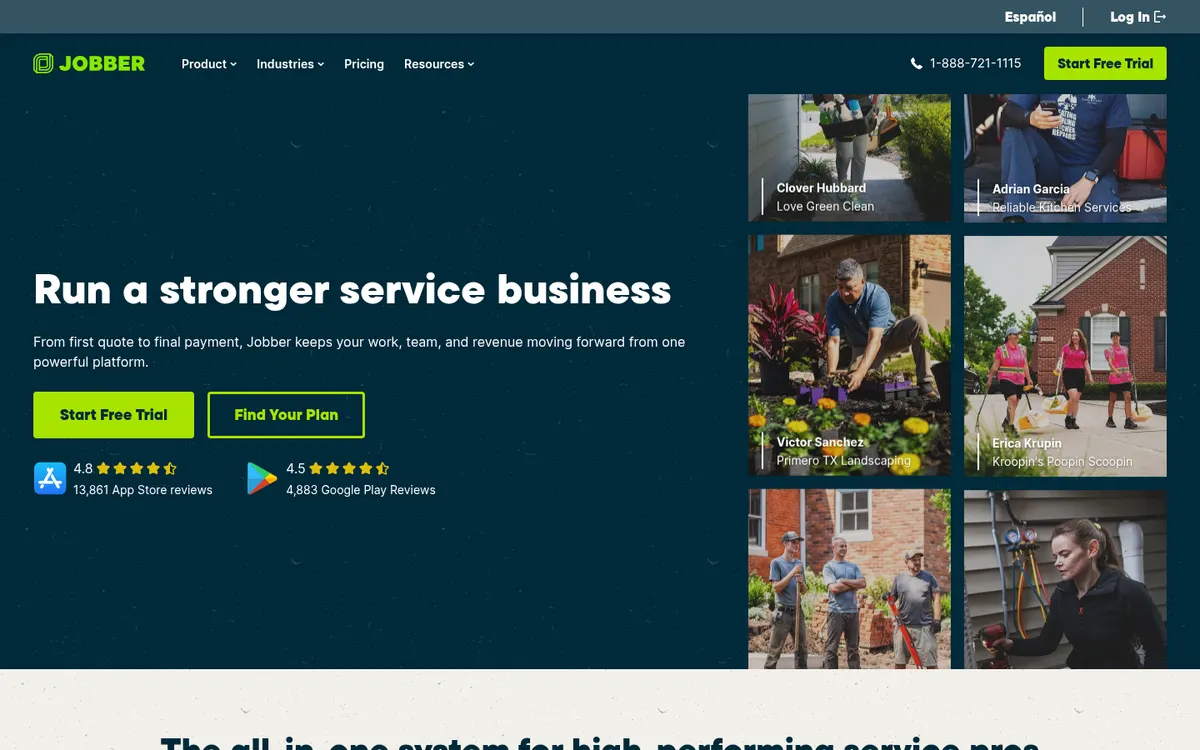
The quickest calendar to learn and the fastest to value for a small residential HVAC crew.
Jobber's center is a drag and drop calendar a new dispatcher can learn in an afternoon. Jobs are assigned to technicians, customers get an on my way text, and automated appointment reminders cut no shows without anyone making calls. Quotes, invoices and payments live on the same job record, so the office is not reconciling two systems at the end of the week. The client hub lets customers self serve, and technicians run their day from a mobile app. That combination fits owner operated and small residential HVAC shops, where one person handles the phone, the schedule and the invoicing. Entry pricing is published on the vendor site for a single user, with team tiers above it. The vendor pricing page returned no text when checked on 2026-11-25, so confirm the current figure on the Jobber pricing page rather than relying on older numbers. The ceiling shows up as you grow. Multi branch and commercial work get thinner support than the residential core, and the capability larger shops want, such as deeper reporting and more automation, sits on higher tiers. Reporting is not as deep as enterprise platforms, so an owner who wants daily margin reporting by technician will eventually outgrow it. For a shop with two to eight trucks, a published entry price and a calendar that needs no training project is the whole point. Jobber wins on speed to value, not on depth. Get the team tier price at your actual user count before you compare it to a quote from a larger platform, because the gap narrows once users are added.
You run a small residential shop and want scheduling, quotes and invoices working within a week.
You run several branches or commercial contracts that need deeper reporting and controls.
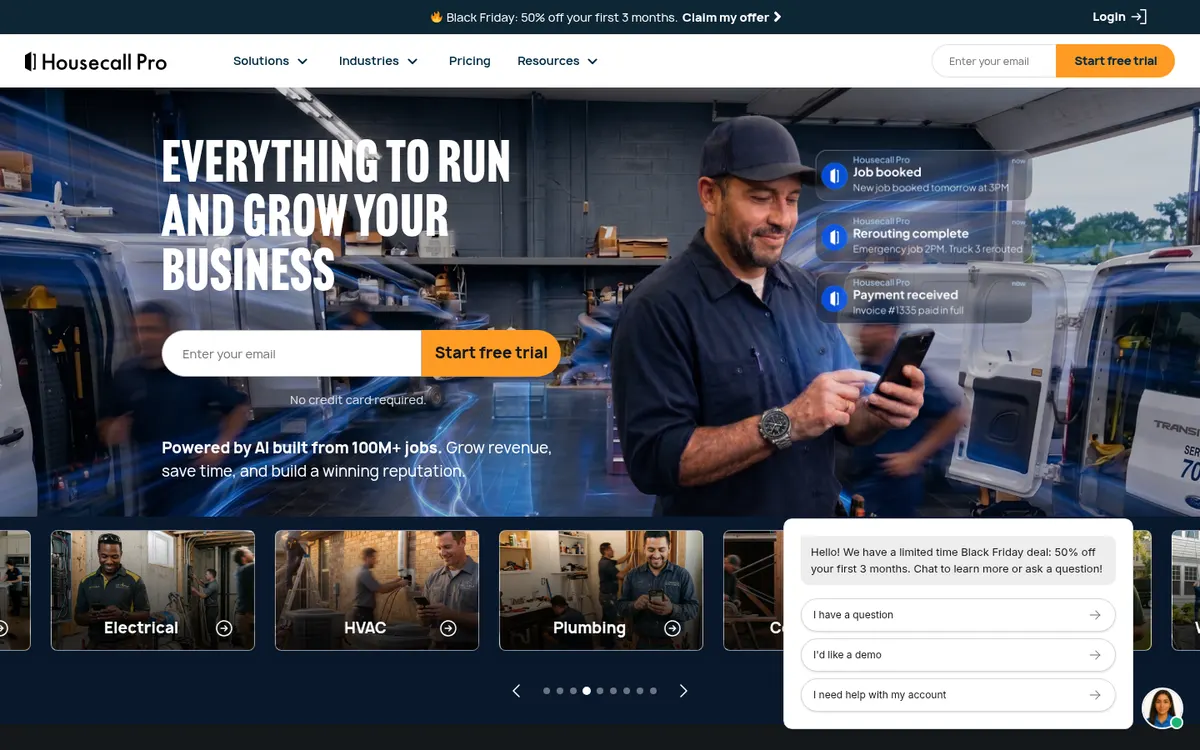
Best when leads arrive online, because booking drops jobs onto the dispatch board without a phone call.
Housecall Pro's strongest scheduling feature is the one that removes a phone call: online booking that drops jobs straight onto the schedule. A customer picks a slot, the job appears for dispatch, and the office sees technician location and status on the same board. The technician mobile app is the part field staff tend to mention first, and automated customer reminders run alongside it. Financing and payment tools are built in, which matters for replacement work. The trial is the clearest in this list: 14 days free with no credit card required. That is enough time to run real calls through online booking and see whether the slots it offers match how your crews actually finish work. On price, the vendor pricing page now routes visitors to a demo for tailored pricing and lists no plan prices, with higher tiers adding automation and scale. Confirm the current figure on the vendor site as of 2026-11-25. Budget for add ons and upper tiers, because the real monthly cost usually sits above the entry figure. Two limits matter. Depth for commercial and construction work is limited compared with platforms built for it, and some features are available only in the US. Tiered automation means the workflows you like in the demo may sit one plan up. For a growing residential company whose leads arrive online, the booking to dispatch flow is the reason to shortlist it.
Your leads come through a website and you want booking, dispatch and payments joined up.
You bid commercial projects or operate outside the US and need full feature parity.
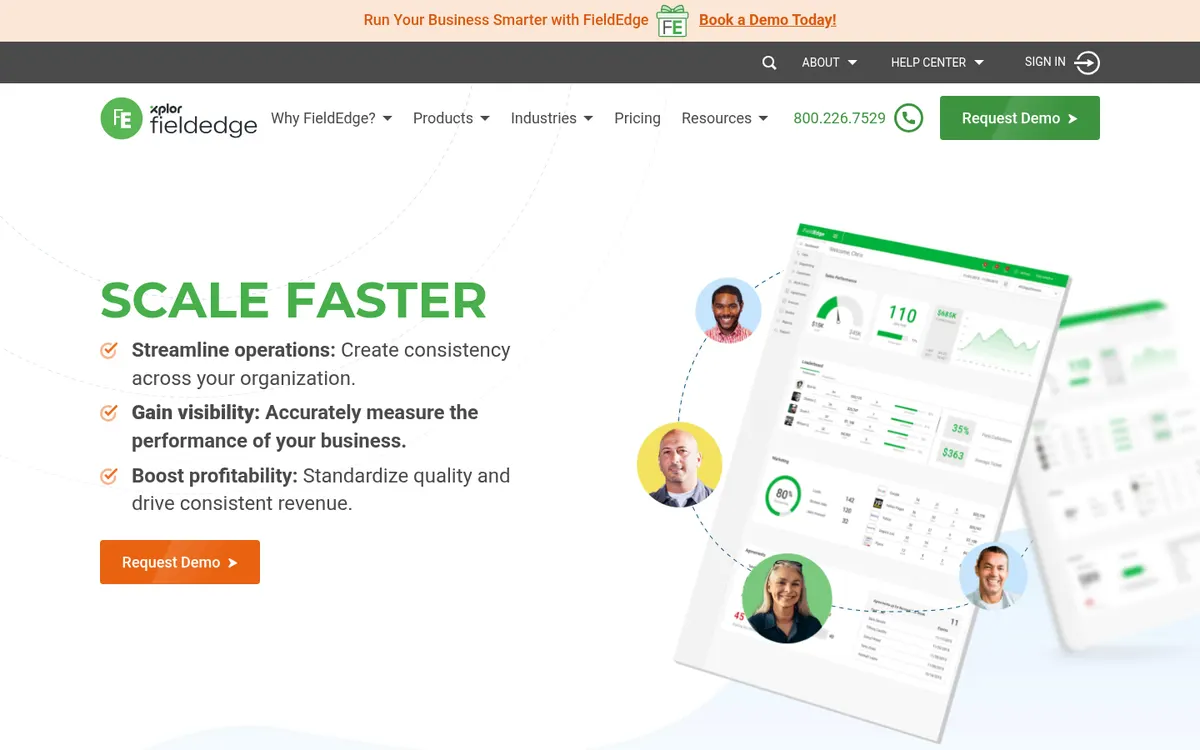
Agreements, equipment history and QuickBooks sync make it a natural home for established service firms.
FieldEdge was built by people who ran HVAC and plumbing shops, and it shows in the records. Service agreements and renewals are first class, so a maintenance contract generates its visits and its renewal without the office rebuilding it each year. Equipment history sits on the customer record, which means a technician can see what was installed, when it was serviced and what failed last time before arriving on site.
The dispatch board shows technician performance numbers next to the schedule, so a manager can see who is busy, who is closing and who is falling behind. QuickBooks syncing handles invoices and payments, invoicing and payment processing sit inside the product, and a mobile field app covers the technician side. For a firm already standardised on QuickBooks, that integration is often the deciding factor, because it avoids a second set of books and a month end reconciliation.
Pricing is quoted per company rather than published in tiers. No page content was captured when checked on 2026-11-25, so no price could be confirmed, and the honest guidance is to request a written figure covering users, payment processing and any add ons.
The trade off is feel. The interface reads older than newer competitors, and the value is tied closely to the QuickBooks ecosystem. Shops that have moved off QuickBooks, or plan to, lose one of the main reasons to choose it. Established HVAC and plumbing firms with a deep agreement base and long customer history get the most from it.
You run an established HVAC firm on QuickBooks with a large book of service agreements.
You have left QuickBooks or you expect a modern interface without a learning curve.
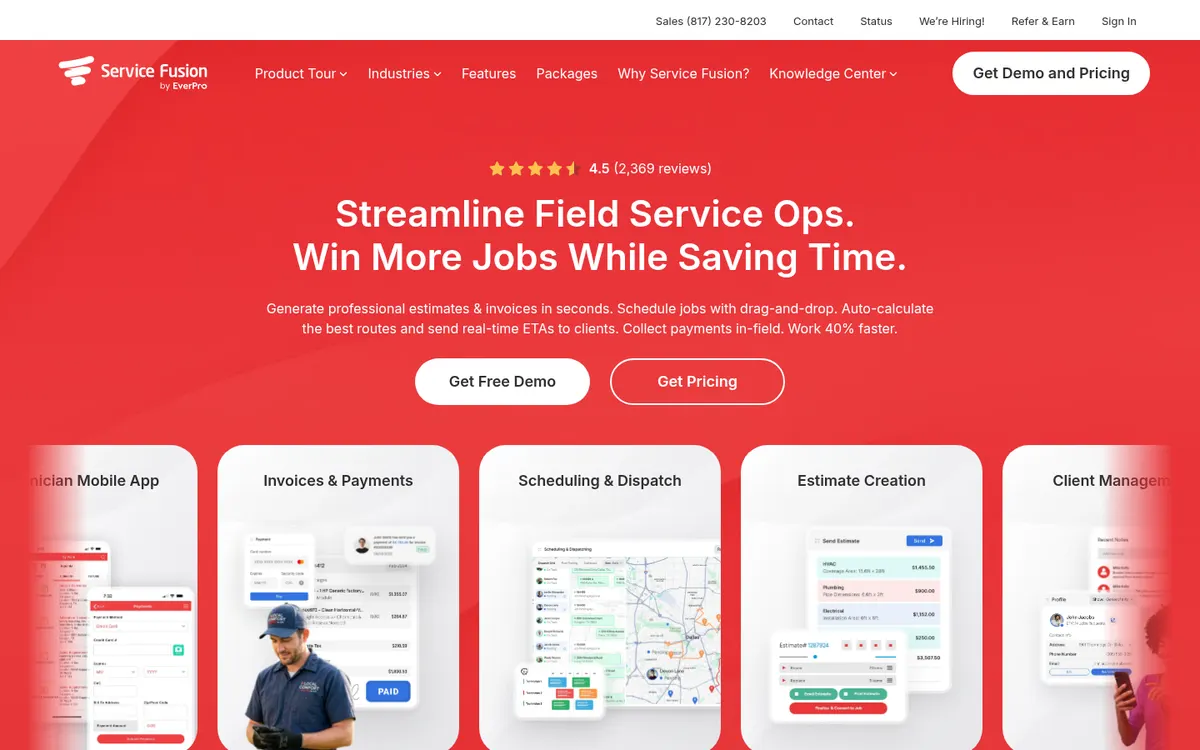
A broad suite with a history of non per seat pricing, useful for mid size shops with seasonal crews.
Service Fusion covers the working core: scheduling, dispatch, estimates and invoicing, customer and job records, and fleet GPS tracking so a dispatcher can see where the trucks are. It is aimed at companies from about five to fifty technicians, a band that often gets squeezed between small shop tools and enterprise quotes.
The pricing history is the interesting part. Service Fusion has been known for pricing without per user fees, which helps a business that adds seasonal crews in summer and cuts back in winter, and the pack notes a tradition of no long contracts. That combination is unusual in a category where per seat billing is the norm.
Read that history carefully, though. The pack flags that the pricing model and tiers have shifted over time, so the current quote needs documenting in writing before you budget. No page content was captured when checked on 2026-11-25, so no price could be confirmed for this list. Ask specifically whether users are unlimited on the plan you are quoted, and whether the contract term is still flexible.
The product is practical rather than modern, and marketing tooling is thinner than some rivals offer, so a company that lives on campaign tracking should look elsewhere. What you get is a broad suite at a predictable cost, which suits a mid size HVAC company that wants dispatch, GPS and invoicing under one roof without counting seats every time it hires.
You staff up and down seasonally and want dispatch, GPS and invoicing without per seat math.
Campaign attribution or a modern interface matters more than predictable billing.

Built for shops that live on inbound calls, tying recordings and ad sources directly to booked jobs.
Workiz is designed around the inbound call. Calls are tracked and recorded and attached to the job they produce, so a manager can hear what the customer asked for and what the CSR booked. Scheduling and dispatch start from those booked calls, invoicing follows, and automated reminders and follow ups run in the background. Ad source tracking shows which campaigns and which areas produce jobs, closing a loop most dispatch tools leave open.
That design fits residential service companies whose growth comes from the phone. If nearly every job starts with someone calling, the recordings and source data are worth more than a slightly nicer calendar, because you can coach the booking conversation and cut wasted ad spend with the same screen.
Pricing is the weak point for a buyer. The fetch failed and returned empty text when checked on 2026-11-25, leaving pricing unchecked for this list, and the pack notes tiered pricing that has moved upmarket. Verify current tiers before you budget, and ask which tier includes call tracking and ad source tracking, since those are the reasons to buy it at all.
Breadth outside phone centred work is thinner, and its presence in HVAC is smaller than the largest platforms. A large commercial operation will want more depth in agreements, equipment history and reporting. For a residential shop that lives on call volume, the path from ringing phone to booked job is the differentiator worth paying for.
Almost every job starts with a phone call and you want recordings and ad sources on the job record.
Your work is commercial, agreement heavy, or booked mostly online without a call.

The recurring engine for agreement and tune up businesses, with a learning curve and lighter HVAC sales depth.
Recurring scheduling is where Service Autopilot started and where it still earns its place. Agreement visits generate themselves, seasonal tune ups land on the calendar without an admin rebuilding them each year, and route planning groups work by area so trucks do not cross town twice. Automations chase renewals, reminders and follow ups, which is the difference between an agreement that renews quietly and one that lapses because nobody called.
Invoicing and payment handling sit in the same system, and client records are built for recurring service rather than one off jobs. It also runs lawn and other field service lines alongside HVAC, which suits a company that has diversified its revenue.
Entry pricing is the most concrete in this list. The Startup plan is listed at $49 per month on annual billing, and that figure still matched a current page when checked on 2026-11-25. The catch is that the strongest features, including the automation depth most buyers want, sit on upper tiers, so $49 is a floor rather than a budget.
Two limits matter. The interface takes time to learn, and HVAC specific depth such as pricebook tooling for replacement sales is lighter than enterprise HVAC platforms. A business built on maintenance agreements and tune ups will find the recurring engine worth the learning curve. A company whose revenue comes from big replacement quotes should check the sales tooling elsewhere first, then come back for the agreement engine.
Maintenance agreements and seasonal tune ups are the backbone of your revenue.
Your money comes from replacement quotes and you need deep pricebook and sales tools.
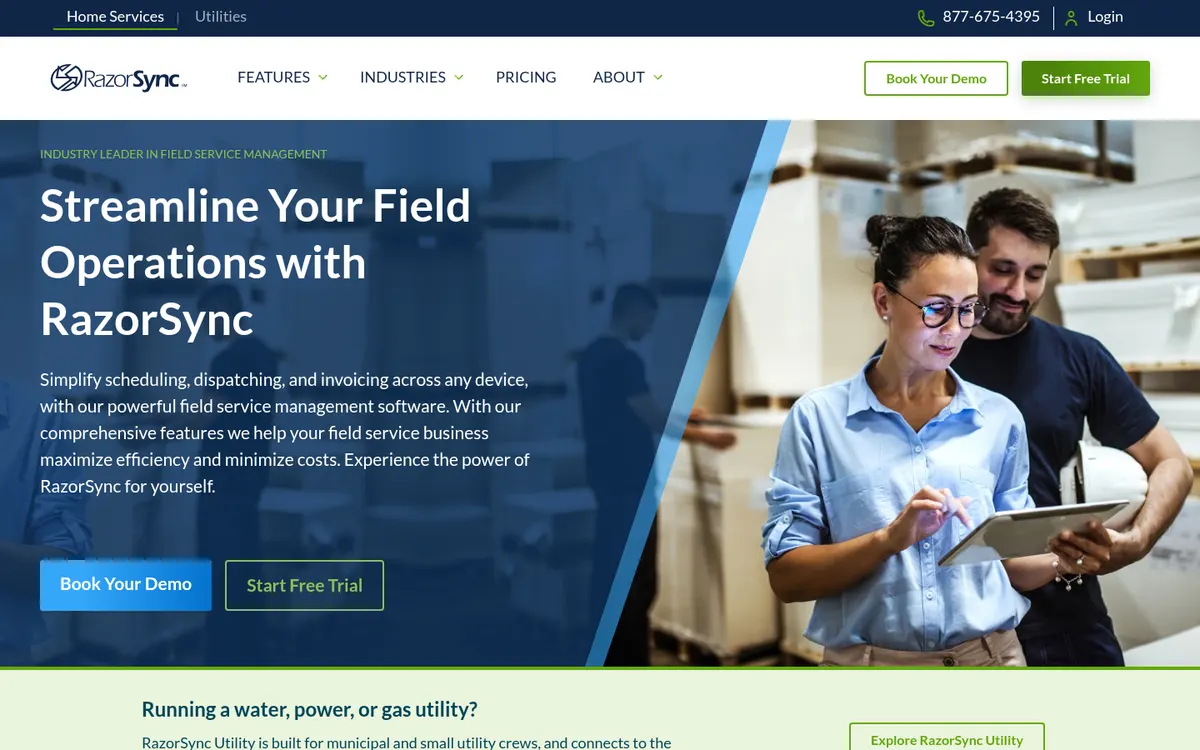
A modest, honest dispatch board for very small shops, with limited room to grow into.
RazorSync does three things: schedule jobs, assign them on a dispatch board, and invoice from the job record. QuickBooks integration is included, so invoices and payments land where the books already live, and a mobile app lets technicians see the job and close it out. There is not much beyond that, and for some shops that is the appeal.
The Solo plan is listed at $85 per month on annual billing, and that figure matched a current page when checked on 2026-11-25, replacing an unknown starting price in earlier records. Pricing varies by plan and user count, so confirm the number for your actual crew before comparing it to anything else. A 14 day free trial is available, enough to test whether the board fits how your dispatcher already thinks about the day.
The fit is a very small HVAC shop that needs a functioning dispatch board this year and nothing more. The vendor is smaller and development pace is slower, so new features arrive less often. Advanced automation and marketing tooling are limited, which means growth has to come from hiring and process rather than from the software.
Plan for that growth. The pack notes limited room to expand, and companies planning rapid expansion are likely to migrate within a few years. If you expect to double the crew, weigh the cost of a second migration against starting on a platform with more headroom. If you expect to stay small and want straightforward scheduling on a budget, the simplicity is the feature.
You run a handful of trucks and want a working dispatch board with QuickBooks sync and little else.
You expect to add crews quickly and would rather not migrate again in two years.
HVAC scheduling software puts jobs on a calendar. Dispatch software decides who goes and in what order. Most products sold to HVAC contractors do both, and whether a tool fits comes down to how much of the second job it actually does. A calendar alone is a shared list. A dispatch board adds context: which technician holds the right certification, who is already inside the zone, which call is a no heat emergency and which tune up can slide to Thursday. On a busy morning that context is the whole job. Without it the dispatcher holds the logic in their head, and the day falls apart when someone calls in sick. The category also carries what happens after the visit. Agreements and recurring maintenance are the revenue base of a residential HVAC business, so the software needs to generate those visits, keep equipment history and prompt a renewal before the agreement lapses. Invoicing, payments and QuickBooks sync usually sit in the same product, because splitting them creates duplicate entry. Where the products separate is depth. Jobber and RazorSync keep the calendar simple and add the essentials. ServiceTitan adds pricebooks, phone scoring and agreement records, while FieldEdge adds agreement and equipment records for companies running a real operation. Service Autopilot leans into recurring work, Workiz leans into the inbound call. None are wrong; they answer different questions. It is also worth being clear about what the category is not. These tools are not accounting systems, and the ones that sync with QuickBooks still expect the books to live in QuickBooks. They are not full marketing platforms, though several now track ad sources and call outcomes. Judging a tool against the job you need done beats counting features on a comparison grid.
This comparison sits on the Software desk. Readers comparing neighbouring stacks often check our guides to demand forecasting software and glp 1 companies next.
The category splits into three billing models, and the split usually matters more than the feature list. Some vendors publish a number per user or per plan. Some quote per company after a demo. A few let you trial first and price afterwards. Published prices make budgeting easy but rarely cover the whole cost. A single user entry price is a starting line, not a quote for a five truck shop, and add ons move the number. Quote only models hide the figure until a sales call, which slows comparison and pushes buyers toward the vendors who publish. Neither model is dishonest; they require different homework.
| Model | How it bills | Typical fit | Example from this list |
|---|---|---|---|
| Published per user or per plan | Flat monthly fee, cheaper on annual billing | Owner operated and small shops | Jobber publishes entry pricing on its pricing page |
| Published plan tiers | Monthly fee by tier, annual discount | Small to mid size shops | Service Autopilot Startup at $49 per month; RazorSync Solo at $85 per month |
| Quote per company | Written quote after a demo | Larger operations | ServiceTitan and FieldEdge quote per company |
| Trial first | Free trial, then a subscription | Buyers testing booking and dispatch | Housecall Pro 14 days, no credit card; RazorSync 14 days |
Every price above was checked on the vendor's own pricing page on November 25, 2026. Where a vendor does not publish a figure we write "See website" instead of guessing. To compare annual and monthly billing quickly, try the free percentage calculator.
Published small shop plans start low and scale up. Jobber publishes entry pricing on its site for one user, Service Autopilot lists a Startup plan at $49 per month on annual billing, and RazorSync lists a Solo plan at $85 per month on annual billing. Quote only platforms such as ServiceTitan and FieldEdge require a per company figure, which the pack says lands well above small shop tools. Add users and add ons before comparing.
Scheduling puts a job on a date. Dispatch decides who goes and in what order when the morning changes. A board is what makes that decision visible, showing technician status, location and workload in one place. ServiceTitan weighs skills, location and priority when suggesting assignments; simpler tools let a dispatcher drag jobs around. Either works, but only if it matches how your office thinks.
The stronger tools generate agreement visits automatically, keep equipment history on the customer record, and prompt a renewal before the plan lapses. Service Autopilot is built around recurring scheduling and renewal automation, FieldEdge treats agreements as a first class record, and ServiceTitan ties agreements to equipment history. Simpler dispatch tools may treat an agreement visit as just another job.
FieldEdge and RazorSync both list QuickBooks syncing, and each has workflows shaped around it. Before migrating, confirm which direction data flows, whether invoices and payments post automatically, and whether customer records merge or duplicate. Ask what happens to historical transactions and who fixes a mismatch. The books still live in QuickBooks; these tools feed them rather than replace them.
A small shop on a tool like Jobber can start with users, services and a calendar, because the setup is simpler. Larger platforms are projects. The pack behind this list reports months of data cleanup and training on ServiceTitan, covering customers, equipment and agreements before go live. Plan the overlap period, because crews need the old system running while the new one is being tested.
Several tools in this list list a mobile app for field technicians, covering job details and closeout, and some handle payments. Offline access is not documented in our source material for any of the eight, so treat it as a demo question. Ask specifically what a technician sees in a basement with no signal, and whether notes sync when the phone reconnects.
Browse every comparison on the Software desk, with the same rubric and dated prices.