Best Text Recruiting Software in 2026:8 Tools Ranked
Eight tools ranked by how well they put text messaging into recruiting workflows, from ATS connected platforms to low cost SMS tools small teams can run.
TextUs is the best text recruiting software for teams that want texting inside the applicant tracking system, and it tops our November 2026 list. Emissary follows for enterprise candidate engagement where a flat annual price matters, and Sense suits high volume talent teams that want chatbots and automated check ins alongside texting. The other five cover narrower needs: iCIMS shops, multi-channel campaigns, and small teams that just need texting running today. Prices were checked on 2026-11-25, and where a vendor page would not load, we say so.
Disclosure for this page: All 8 tools here are unpaid editorial picks. The position of a paid listing can be part of what the vendor pays for. How we handle paid listings.
Compare all 8 at a glance
Prices from vendor pages, checked November 25, 2026
We scored eight tools on the same five criteria and wrote each entry for the buyer it fits, not for a composite average. ATS fit carries the most weight at 25 percent because texting only becomes recruiting software when replies land on the candidate record. Pricing clarity, compliance controls and automation depth are 20 percent each, since a tool that hides its price, ignores consent rules or cannot automate follow up costs you time somewhere else. Setup speed takes the last 15 percent.
Prices come from vendor pricing pages, checked on 2026-11-25. Where a page would not load, the entry says so and the figure from our source materials is marked unconfirmed rather than presented as current. That affects Emissary, Trumpia and Heymarket here. We do not convert currencies, and we do not estimate overage costs on your behalf.
The order is editorial. Each position reflects how well a tool serves the specific buyer described in that entry, with a Featured position, where present, disclosed as a paid placement. This month no listing carries a Featured position. If one did, it would be scored on the same rubric and would show the same kind of cons as every other entry.
We also checked the basics that decide whether a tool is usable in recruiting at all: whether an ATS integration is documented by name, whether a trial exists, and whether compliance features are built in or left to the customer. Those checks, not feature counts, separate the recruiting platforms from the general SMS tools in this list.
How well text conversations land on the candidate record, measured by named integrations and native ATS access.
Pricing clarity
20%
Whether a buyer can find a real number, understand overages and compare plans without a sales call.
Compliance controls
20%
Consent capture, opt out handling, audit trails and help with carrier registration for application to person messaging.
Automation depth
20%
Campaigns, sequences, reminders and chatbots that reduce manual follow up between application and start date.
Setup speed
15%
How fast a working text pipeline goes live, counting trials, number provisioning and configuration work.
01
TextUs
Deep ATS integrations
$299No free planRubric 7.5
textus.com
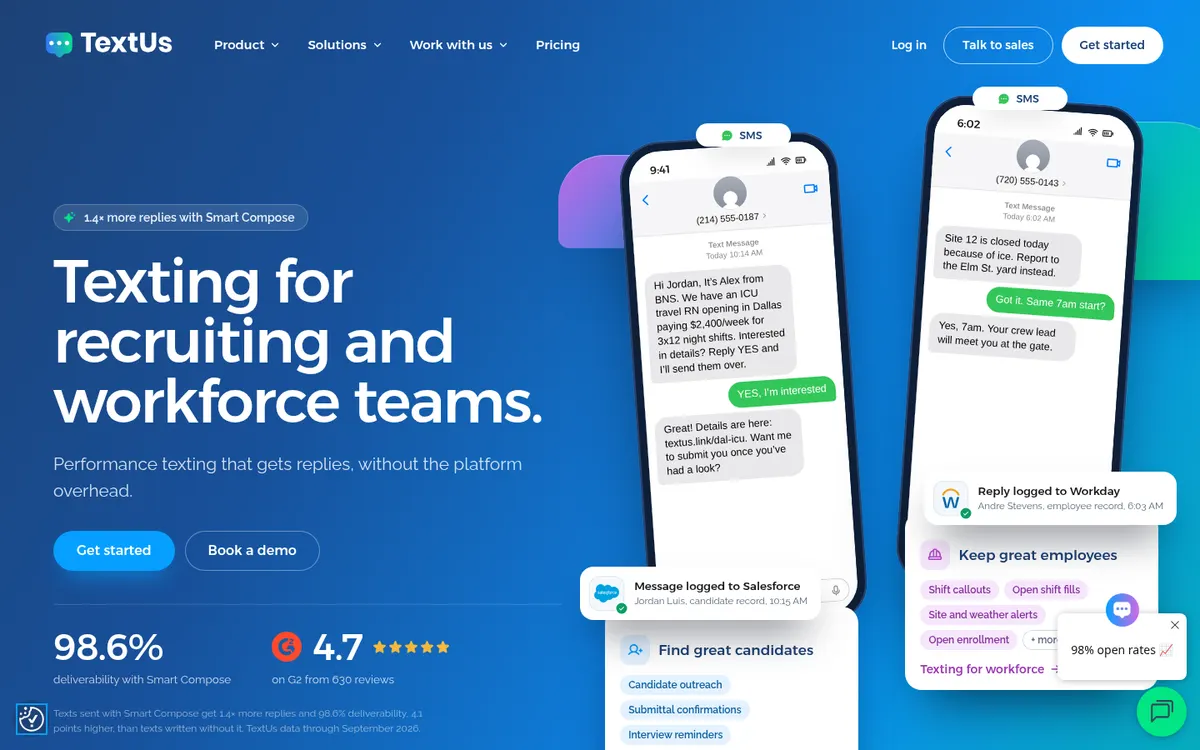
The official TextUs page at textus.com, captured by IdeaTruss on November 25, 2026.
Our verdict
The most complete recruiting texting platform here for teams whose recruiters already work inside an ATS.
TextUs is the strongest fit on this list for recruiters who work inside candidate records. Two-way SMS, bulk text campaigns, automated message sequences, a shared team inbox and engagement analytics sit in one product, and the Pro plan is priced at $299 per month on a 12 month term with unlimited contacts and users. For a desk of five recruiters texting the same pipeline, unlimited users removes the per seat math that makes general SMS tools awkward.
The Chrome extension is the part most teams notice first. It puts texting next to the ATS or CRM screen a recruiter already has open, and the listed integrations cover Bullhorn, Greenhouse, JobDiva, Salesforce and Oracle Taleo. That means replies land back on the candidate record instead of in a separate inbox someone has to check and reconcile.
Pricing asks for commitment. The $299 includes 5,000 messages and 5 phone numbers, then $0.02 per message and $49 per month for each additional number, so a team sending 20,000 texts a month adds $300 in overage before it buys anything else. There is no free trial, so you cannot test the ATS sync without buying, and enterprise pricing is quoted custom.
Fits staffing firms and corporate recruiting teams with steady texting volume and an ATS worth connecting. Skips teams texting a few hundred candidates a month, who would pay for campaigns and sequences they never configure.
Pros
Documented ATS integrations across Bullhorn, Greenhouse, JobDiva, Salesforce and Oracle Taleo
Unlimited contacts and users on the Pro plan
Campaigns, sequences and a shared inbox in one platform
Cons
High base price plus per message and per number fees
No free trial to test the ATS sync
More platform than a low volume team needs
Pick it if
Your recruiters live in an ATS and want texting, campaigns and a shared inbox in one connected platform.
Skip it if
You text only a few hundred candidates a month or need to trial the ATS sync before paying.
02
Emissary
Event short codes
See websiteNo free planRubric 6.0
emissary.ai
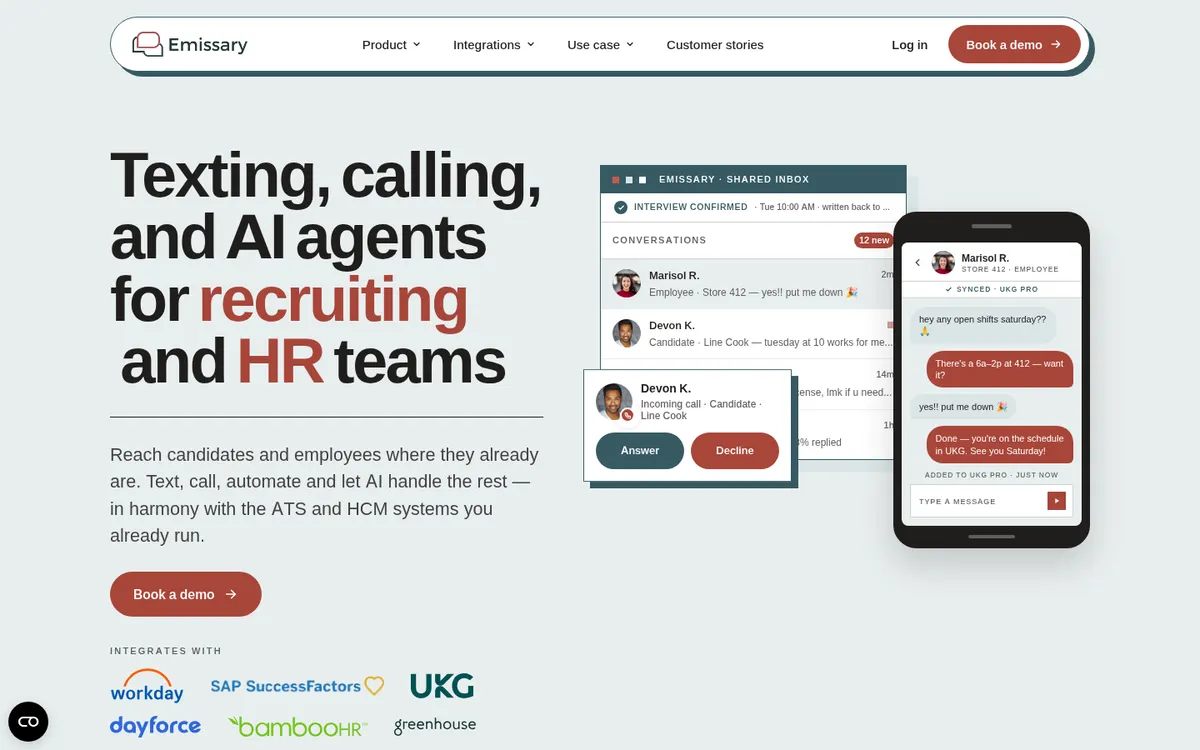
The official Emissary page at emissary.ai, captured by IdeaTruss on November 25, 2026.
Our verdict
A sensible enterprise engagement option with a simple yearly price, provided you confirm the ATS connector first.
Emissary is aimed at enterprise recruiting programs that want candidate engagement software without enterprise pricing, and the feature set is built around keeping candidates warm rather than running high volume blasts. One-to-one texting, text campaigns, scheduled messaging and apply reminders cover the common recruiting motions, and short codes give events and job fairs their own keyword so candidates can opt in on the spot. The pitch rests on price. Pricing is a flat annual fee billed yearly, with a free trial, and the vendor does not publish a rate we could confirm. A flat yearly fee is unusual for software sold to enterprise teams. We could not load a pricing page on 2026-11-25, so ask for a written quote before you build a budget around it. ATS integrations with major platforms are listed but not named. That matters: TextUs publishes its integration list by product, Emissary's entry here does not, so a Greenhouse or Workday shop should confirm the exact connector and check how replies land on the candidate record before signing. Fewer ATS integrations than TextUs is the honest summary. This is also a smaller vendor, which cuts both ways. Support may be more attentive, but there is less public roadmap and fewer connectors to lean on as your stack changes. Fits recruiting teams that want campaign style engagement and a flat yearly number they can defend in a budget meeting. Skips teams that need a documented integration for a specific ATS today.
Pros
Flat annual price billed yearly
Several engagement formats, including short codes for events
Free trial available before committing
Cons
Fewer ATS integrations than TextUs, and they are not named
Smaller vendor with a shorter public roadmap
Enterprise focus may mean less support for small teams
Pick it if
You want campaign style candidate engagement with a simple yearly price and you can verify your ATS connector first.
Skip it if
You need a named, documented ATS integration or a vendor with a large connector library.
03S
Sense
AI screening chatbots
See websiteNo free planRubric 6.0
web.archive.org
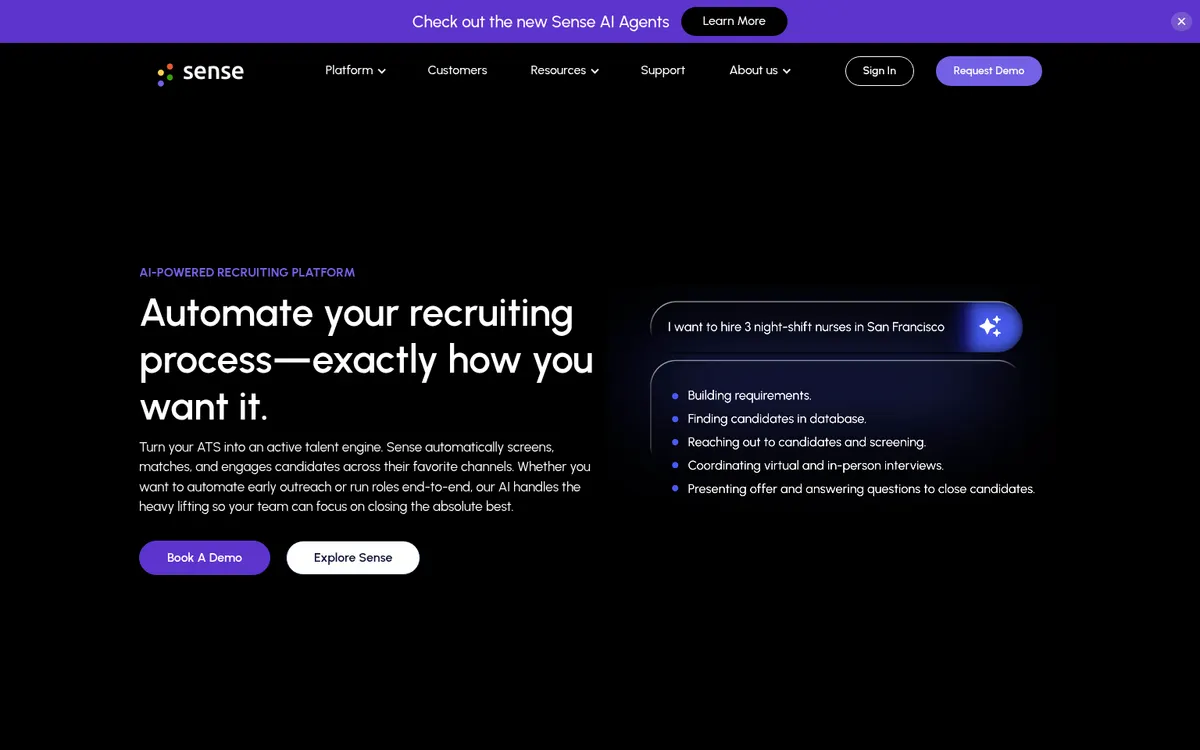
The official sensehq.com homepage, loaded through the Internet Archive because the live site blocked our browser. Captured November 25, 2026.
Our verdict
Built for volume hiring, with AI screening and check ins that replace recruiter admin, at a custom price.
Sense targets high volume talent teams: staffing agencies, RPOs and large employer brands that screen thousands of candidates and cannot answer every text by hand. The core is AI chatbots that screen candidates and book interviews, plus automated check ins that keep people warm between application and start date. Texting sits inside a wider lifecycle messaging product, and the platform integrates with major ATS platforms.
For the right buyer, the automation is the point. A chatbot that answers a candidate at 9pm and drops a booked slot into the recruiter's calendar removes real hours of admin from a fast moving hiring funnel. Engagement analytics show where candidates drop out, which is useful when you run the same req every week and need to know whether the drop happens at screening or at scheduling.
The trade offs are commitment and opacity. Pricing is a custom quote with no published rates, and the sales process is enterprise oriented, so a five person agency should expect a longer cycle than a self serve signup. There is no free trial, which makes a pilot harder to structure. Smaller teams will also pay for lifecycle automation they may never switch on.
Sense is the pick here when texting is one channel inside a broader engagement problem and you have the recruiting volume to justify configuration work. Fits organizations hiring at volume where recruiters lose hours to scheduling and follow up. Skips teams under a few hundred hires a year, and anyone who needs a published price before starting a conversation.
Pros
AI chatbots handle screening and interview scheduling
Covers the candidate lifecycle beyond texting alone
Automated check ins reduce recruiter admin at volume
Cons
Custom quote with no published rates
No free trial, and an enterprise sales cycle
More platform than small teams will configure
Pick it if
You hire at high volume and want chatbots handling screening, scheduling and candidate check ins.
Skip it if
You need a published price, a self serve trial or you hire only a few hundred people a year.
04
iCIMS Text Engagement
Data stays in ATS
See websiteNo free planRubric 6.9
icims.com
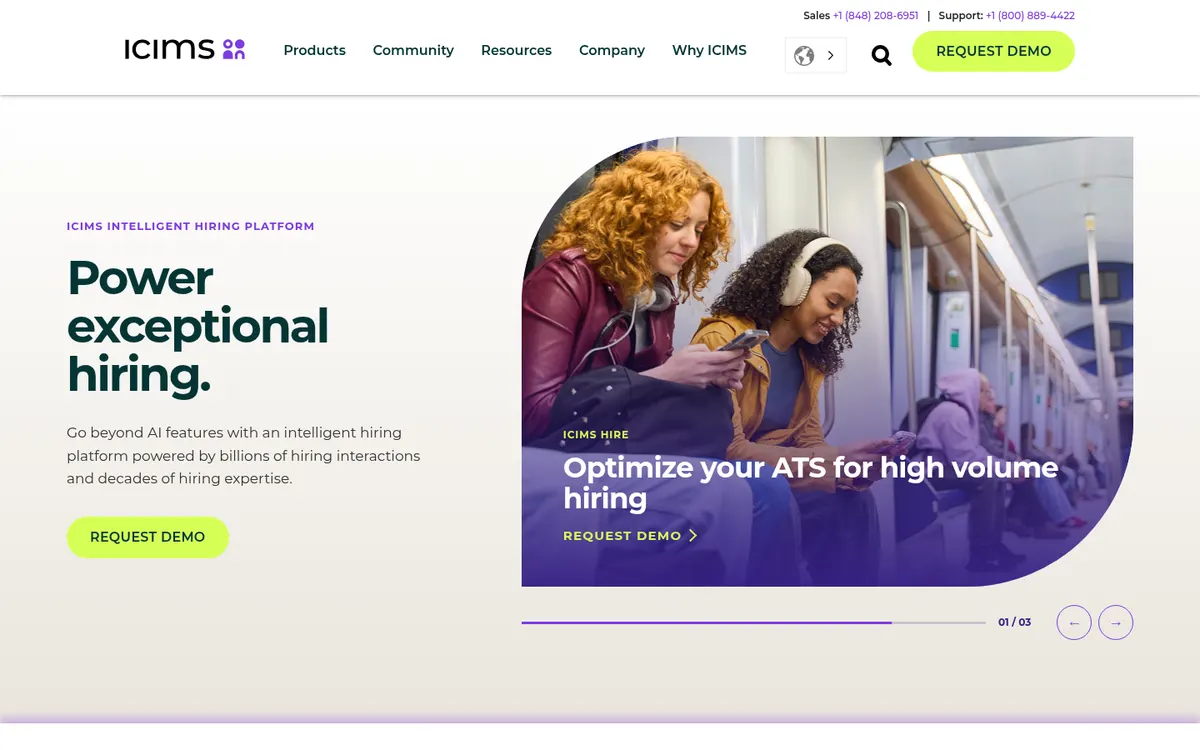
The official iCIMS Text Engagement page at icims.com, captured by IdeaTruss on November 25, 2026.
Our verdict
The cleanest answer for iCIMS customers, and irrelevant to everyone else because it cannot be bought alone.
iCIMS Text Engagement is the right answer only if you already run iCIMS, and in that case it is often the easiest answer. Texting is native to the platform, so there is no third party sync to maintain and candidate replies stay on the candidate record. Message templates, text campaigns, compliance controls and audit trails are built in, and candidate data does not leave the ATS.
The compliance piece deserves weight for regulated employers. Audit trails and controls inside the ATS mean a text thread becomes part of the same record your retention and reporting processes already cover, rather than a separate log in another system that has to be exported and matched during an audit.
The product is formerly TextRecruit, which iCIMS acquired, so it inherits a recruiting specific texting history rather than a marketing SMS tool repurposed for hiring. That shows in the templates and campaign structure, which assume candidates and reqs rather than contacts and promotions.
The catch is that you cannot evaluate it on its own. Pricing is custom and typically bundled into the iCIMS contract, there is no public price to compare, and there is no standalone path with a trial or separate signup. If your ATS is Greenhouse or Workday, this product is not a candidate at all. Fits existing iCIMS customers who want texting inside the system of record without adding another vendor. Skips everyone else, and skips iCIMS customers who want to prove texting works before committing budget inside a renewal.
Pros
No third party sync, because texting is native to iCIMS
Compliance controls and audit trails on the candidate record
Candidate data stays inside the ATS
Cons
Only useful if you already run iCIMS
Pricing bundled into the iCIMS contract with no public rate
No standalone trial or evaluation path
Pick it if
ICIMS is your ATS and you want texting, templates and audit trails without another vendor relationship.
Skip it if
You run a different ATS, or if you need to test texting before your iCIMS renewal.
05T
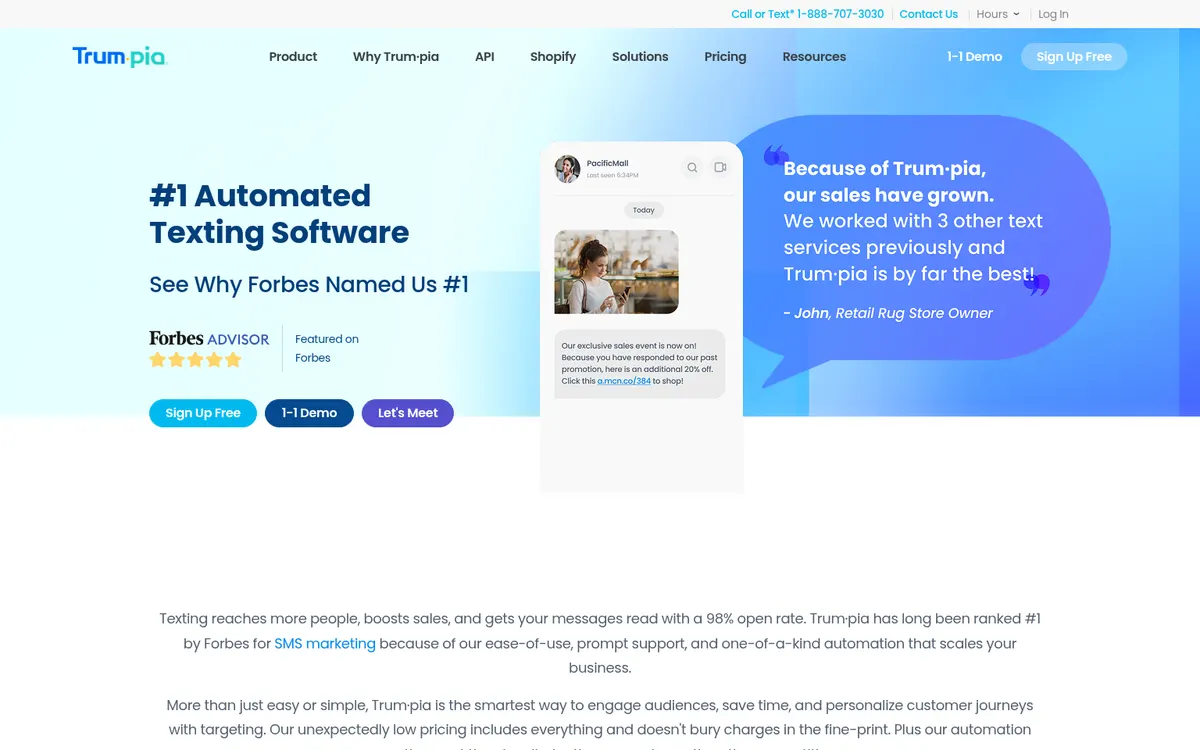
Trumpia
Multi-channel automation
See websiteNo free planRubric 5.1
web.archive.org
The official trumpia.com homepage, loaded through the Internet Archive because the live site blocked our browser. Captured November 26, 2026.
Our verdict
Cheap multi-channel automation for recruiters willing to rebuild marketing workflows around hiring.
Trumpia is a marketing automation platform that recruiters can bend toward hiring, and it is strongest when a team wants SMS, email and voice in one automated sequence. Drip campaigns, workflow automation, smart audience targeting and message bucket plans that scale from small to large volumes are all here. A recruiter can text an applicant, follow with an email, and trigger a reminder without leaving the tool. Cost is the reason to look. The vendor lists a Core plan covering 1,000 SMS and 5,000 emails per month, and message bucket plans scale with volume, but the pricing page did not load and we could not confirm current rates. The vendor pricing page would not load on 2026-11-25, so check current rates on the vendor site before you plan a budget. The entry point is low for a tool that spans three channels. The recruiting fit is the weak spot. There are no ATS integrations in this list, workflows are marketing shaped, and a recruiter will spend setup time rebuilding candidate stages as campaigns and audiences. Message bucket pricing means a heavy texting month forces an upgrade, and reporting is basic, which hurts when you want to show which source produced the hire. Fits small staffing shops and in-house teams that already run marketing style campaigns and want automation across more than one channel without a big monthly bill. Skips teams that need candidate records synced to an ATS, or that expect recruiting specific templates and reporting out of the box.
Pros
Multi-channel automation across SMS, email and voice
Low entry pricing on a message bucket plan
Drip campaigns and workflow automation included
Cons
Marketing oriented, so recruiting workflows need building
No ATS integrations on this list
Basic reporting and message buckets that force upgrades
Pick it if
You want automated drip campaigns across SMS and email at a low monthly cost and can adapt marketing workflows.
Skip it if
Candidate records must sync to an ATS or you need recruiting specific templates and reporting.
06
SimpleTexting
Fast setup
$39No free planRubric 5.3
simpletexting.com
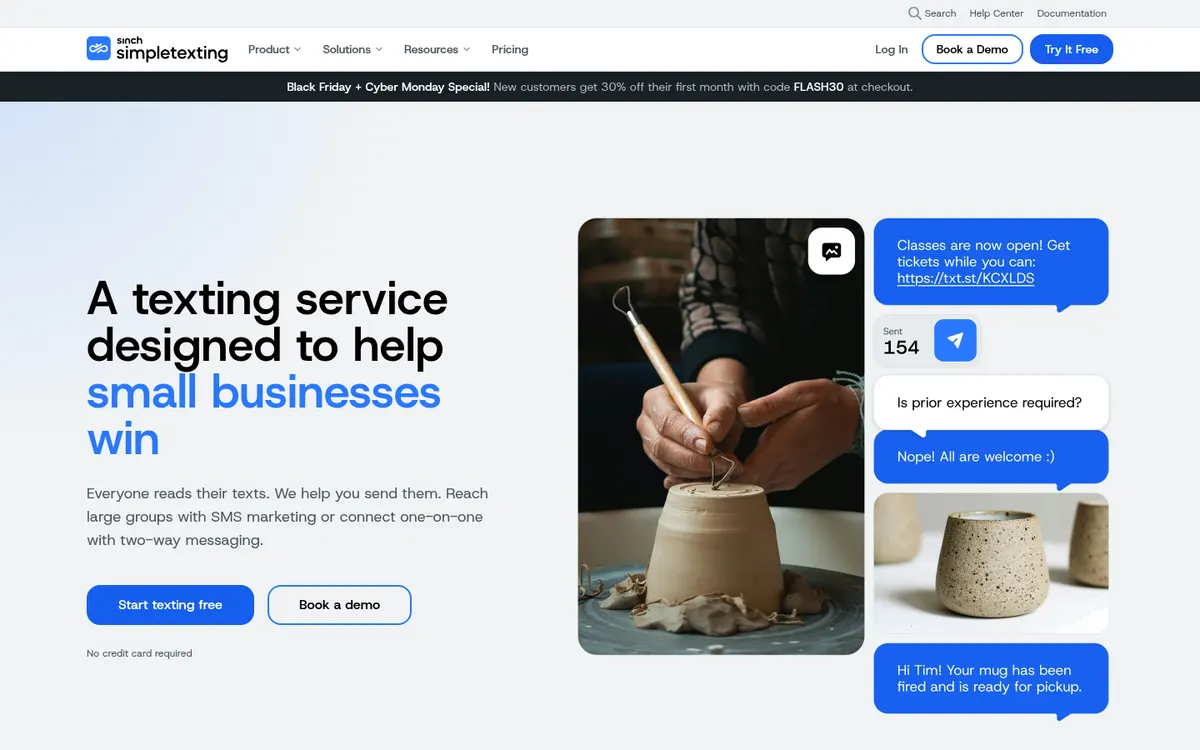
The official SimpleTexting page at simpletexting.com, captured by IdeaTruss on November 25, 2026.
Our verdict
The quickest route to live candidate texting, with no ATS sync and compliance work left to you.
SimpleTexting is the fastest way on this list to be texting candidates today, and it is not a recruiting product. Two-way SMS, mass text campaigns, autoresponders, contact management and business number provisioning are the whole feature set. Setup is a signup, a number and a first campaign, which is exactly why small teams reach for it.
Pricing is plain at the entry point: $39 per month for 500 credits and 3 users, plus a one time $4 carrier registration fee. The 14 day free trial lets you send real messages before paying, which matters when the question you are testing is whether candidates reply to texts at all. Credits rather than unlimited messages mean you should model monthly volume first, because a heavy screening week burns an allowance quickly.
The honest limits are ATS and compliance. There are no meaningful ATS integrations, so replies live in SimpleTexting and someone has to move them into the candidate record by hand. Compliance setup, including registration and opt out handling, is the customer's responsibility, which is fine if you know the rules and risky if nobody on the team owns them.
Fits small recruiting teams, independent recruiters and hiring managers running a few hundred conversations a month who want a simple inbox and a low entry price. Skips staffing firms that need texts filed against candidate records, and teams without someone who can own consent and registration paperwork.
Pros
Live in a day with a simple inbox and number provisioning
14 day free trial to test real candidate replies
$39 per month entry price for 500 credits and 3 users
Cons
No meaningful ATS integrations
Credit based pricing complicates monthly budgeting
Compliance and registration are the customer's job
Pick it if
You want candidate texting live this week at a low entry price and can manage consent and registration yourself.
Skip it if
Replies need to land on ATS candidate records or nobody on your team can own compliance.
07
SlickText
Unlimited users
$29Free planRubric 5.5
slicktext.com
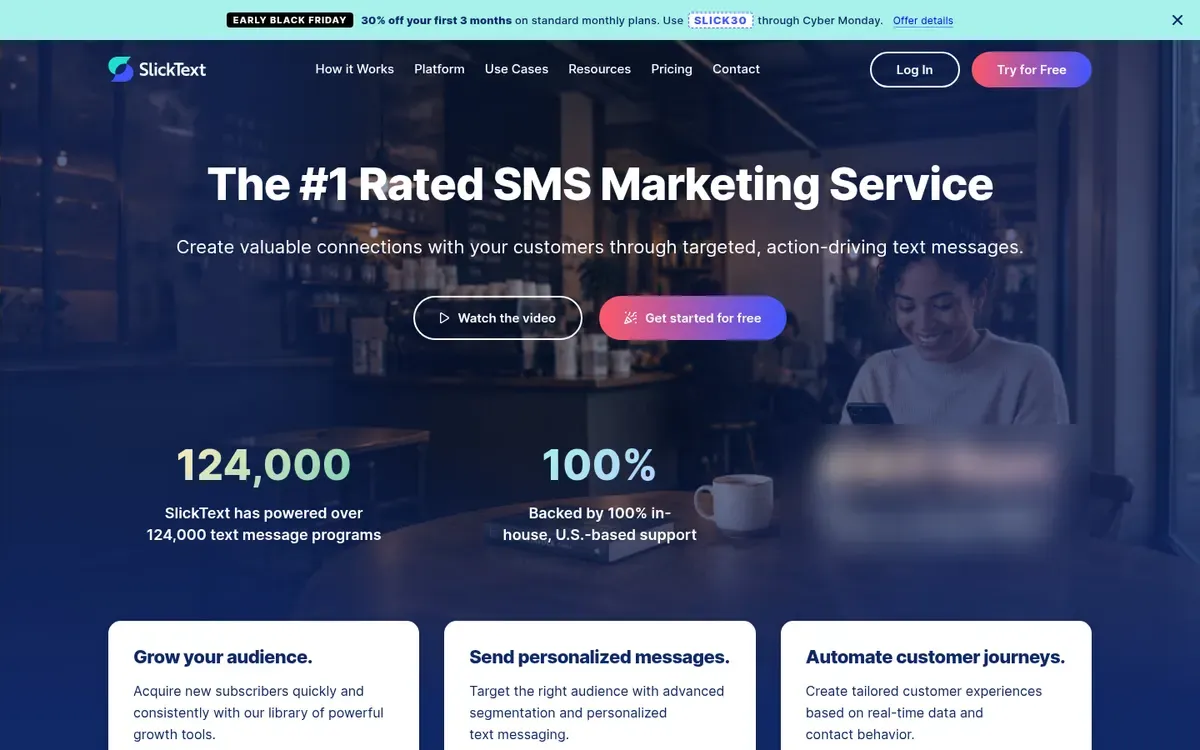
The official SlickText page at slicktext.com, captured by IdeaTruss on November 25, 2026. Third-party rating badges on the page are blurred, because we do not republish unverified ratings.
Our verdict
The cheapest way to test text recruiting, with unlimited users and no recruiting specific features.
SlickText is the budget option on this list: $29 per month for 500 credits with unlimited users and contacts, and a 14 day free trial. The pricing information we reviewed also shows a free plan with no credit card required, which makes it the cheapest way to find out whether texting candidates produces replies at all before you spend anything.
The feature set is marketing SMS with decent automation: broadcasts, automation workflows, drip campaigns and contact management. Unlimited users and contacts mean a small recruiting team can share one account without per seat costs, which is unusual at this price. For a two person agency running outreach to a new candidate pool, that is enough to start and enough to learn from.
Growth is where the cost reappears. Message limits push growing teams to higher tiers, and 500 credits goes quickly once you are screening in volume or sending interview reminders. There are no recruiting specific integrations, so nothing syncs to an ATS and no template library knows what a req, a phone screen or an offer stage is. You are buying texting, not a hiring workflow.
Fits budget conscious teams and solo recruiters who want to test text recruiting cheaply, with automation available once volume justifies a higher tier. Skips teams that need ATS sync, compliance audit trails, or reporting that connects texting to placement outcomes rather than to broadcast results.
Pros
Lowest entry price on this list at $29 per month
Unlimited users and contacts at that price
14 day free trial plus a free plan with no credit card
Cons
Marketing feature set with no recruiting integrations
Message limits push growing teams to higher tiers
No ATS sync or compliance audit trail
Pick it if
You want to test text recruiting on a small budget and share one account across a team.
Skip it if
You need ATS sync, recruiting templates or compliance reporting tied to candidate records.
08H
Heymarket
Shared team inbox
See websiteNo free planRubric 4.5
web.archive.org
The official heymarket.com homepage, loaded through the Internet Archive because the live site blocked our browser. Captured November 25, 2026.
Our verdict
A good shared inbox for recruiters on one number, with per seat pricing and no ATS connection.
Heymarket solves one problem well: several recruiters sharing one business number without answering the same candidate twice. The shared team inbox lets a conversation be claimed, so ownership is visible and replies come from a number candidates already recognize. Desktop and mobile access mean a recruiter can pick up a thread from a phone between interviews, and there is a free trial. Pricing is per user. Pricing is per user per month, and the vendor page would not load on 2026-11-25, so check the current rate on the vendor site before you commit. It scales linearly: ten recruiters is ten seats, whether or not each one texts every day. The limits are depth. There are no ATS integrations on this list, so nothing writes back to the candidate record, and there are no campaigns, sequences or recruiting templates. It is business texting software with a good inbox rather than a talent engagement platform. If your process already runs on a shared inbox and a spreadsheet, that is a fair trade for the price. Fits hiring teams and agencies where a handful of recruiters answer candidate texts from one number and speed of reply matters more than reporting. Skips teams that need texts attached to ATS records, automated nurture sequences, or compliance tooling beyond standard opt out handling.
Pros
Shared inbox with conversation claiming stops duplicate replies
Per user pricing ties cost to the number of recruiters
Works with existing business numbers on desktop and mobile
Cons
Per user pricing adds up for larger recruiting teams
No ATS integrations or recruiting templates
Less depth than dedicated recruiting texting tools
Pick it if
A small team answers candidate texts from one number and a claimable shared inbox is the main need.
Skip it if
You need ATS sync, automated sequences or reporting tied to placements.
What Counts as Text Recruiting Software, and What Should It Do?
Text recruiting software is messaging built for hiring. A recruiter sends an SMS to a candidate's mobile number, the candidate replies, and the conversation is stored somewhere the hiring team can see. That last part is what separates recruiting software from a general SMS tool. When the thread attaches to the candidate record in your applicant tracking system, a recruiter can see replies next to the application, the interview notes and the offer.
The core functions are consistent across the category:
Two-way conversations from a business number, not a personal phone
Bulk campaigns and automated sequences for outreach and reminders
Templates for screening questions, interview reminders and offer follow ups
A shared inbox so several recruiters can cover one pipeline
Reporting on delivery, replies and engagement
Compliance is the part buyers underestimate. In the United States, application to person messaging runs on registered 10DLC numbers, which means a brand and a campaign must be registered with the carriers before messages go out at volume. Unregistered traffic gets filtered or blocked. Recruiting adds its own rules on top: documented consent before the first text, an opt out path in every message, and a record of both.
Dedicated recruiting tools also understand hiring vocabulary: reqs, stages, interview slots and talent pools. General SMS platforms understand contacts and campaigns. Both can send a text. Only one of them knows what a phone screen is, and that difference shows up in setup time and in whether anyone has to copy replies between systems.
What Text Recruiting Software Costs, and Why the Models Differ
Entry prices here run from $29 to $299 per month, and the gap is about what the software knows, not how many texts it can send. A general SMS tool charges for messages and users. A recruiting platform charges for the ATS connection, the campaign logic and the compliance trail that sits behind every conversation.
Five billing models show up on this list:
| Model | How it bills | Typical fit | Example from this list |
| Monthly bundle | A base fee for a set message allowance, then per message and per number charges | Teams with steady, predictable volume | TextUs at $299 per month on a 12 month term, with 5,000 messages and 5 numbers |
| Credit plan | A monthly fee for credits, with tiers as volume grows | Small teams testing texting | SimpleTexting at $39 per month for 500 credits and 3 users |
| Per user | A monthly charge for each recruiter with a seat | Shared inbox teams | Heymarket, billed per user per month |
| Flat annual | One fee for the year, billed yearly | Programs that need budget certainty | Emissary, flat annual price billed yearly |
| Custom quote | Negotiated with sales, no published rate | High volume or enterprise teams | Sense |
| Bundled with ATS | Priced inside an existing ATS contract | Existing ATS customers | iCIMS Text Engagement |
Two things decide your real cost. First, overages: SlickText charges $29 per month for 500 credits, and a team sending 5,000 texts a month is not staying on that tier. Second, seat count: Heymarket's per user model is cheap for four recruiters and expensive for twenty.
Trials matter more than discounts. SimpleTexting, SlickText, Emissary and Heymarket offer one, so you can measure reply rates before signing. TextUs, Sense and iCIMS Text Engagement do not, which raises the cost of being wrong.
Every price above was checked on the vendor's own pricing page on November 25, 2026. Where a vendor does not publish a figure we write "See website" instead of guessing. To compare annual and monthly billing quickly, try the free percentage calculator.
How to Choose Between a Recruiting Platform and a General SMS Tool
Count your monthly text volume. Pull last quarter's outbound messages and replies. Under roughly 1,000 a month, a credit plan such as SlickText or SimpleTexting is enough. Above that, per message overages on a recruiting platform start to matter more than the base fee.
Name your ATS connector. Ask for the integration by product name and check that replies write back to the candidate record. TextUs publishes the list. Emissary and Sense say major platforms without naming them here. Four tools on this list have no ATS connection at all.
Decide who owns compliance. Somebody has to handle 10DLC registration, consent records and opt out language. If that person does not exist on your team, pay for a tool that builds it in rather than a $29 platform that leaves it to you.
Price the overage, not the base. Model your busiest hiring month, not the average one. Add the per number fee, the per message rate and the per seat charge, then compare totals rather than plan names.
Use a trial where one exists. SimpleTexting, SlickText, Emissary and Heymarket offer trials. Send real messages to a real candidate pool for two weeks and measure replies, because a tool nobody answers is a tool you should not buy.
Plan who answers replies. Shared inboxes with claiming, like Heymarket and TextUs, stop two recruiters texting the same candidate. Assign an owner for the inbox before rollout, not after the first duplicate message.
Five Mistakes That Sink a Text Recruiting Rollout
Sending before 10DLC registration clears. Application to person traffic on unregistered numbers gets filtered or blocked. Start the brand and campaign registration early, because it is paperwork with a waiting period, not a settings toggle you flip at launch.
Buying a marketing SMS tool for a recruiting process. Broadcasts and drip campaigns do not understand reqs, stages or interview slots. You will rebuild candidate stages as audiences and copy replies into the ATS by hand every week.
Comparing base prices only. A $29 plan and a $299 platform are not the same purchase, but they are also not the whole bill. Message overages, per number fees and per seat charges decide the real monthly number once you are hiring at volume.
Texting without documented consent. A candidate who gave a mobile number on an application has not automatically agreed to recruiting texts. Capture consent at the point of collection, state what you will send, and keep a record you can produce later.
Leaving replies unowned. Texting creates a second inbox. Without a shared inbox, conversation claiming and a named owner, candidates get duplicate messages or silence, and the channel loses the speed advantage that made it worth buying.
Frequently asked questions
What does text recruiting software actually do?
It sends and receives SMS with candidates from a business number and keeps those conversations attached to the hiring record. That means two-way threads instead of one way blasts, templates for screening and interview reminders, campaigns for outreach, and a shared inbox so several recruiters can cover one pipeline. The ATS connection is the dividing line: without it, replies live in a separate tool and someone moves them by hand.
What does text recruiting software cost?
Entry prices on this list run from $29 to $299 per month. SlickText starts at $29 per month for 500 credits with unlimited users, SimpleTexting at $39 per month for 500 credits and 3 users, and TextUs at $299 per month on a 12 month term with 5,000 messages and 5 numbers. Enterprise tools such as Sense and iCIMS Text Engagement are quoted custom, and Emissary's pricing page could not be loaded on 2026-11-25.
Which tools here integrate with an applicant tracking system?
TextUs has the broadest named list: Bullhorn, Greenhouse, JobDiva, Salesforce and Oracle Taleo. iCIMS Text Engagement is native to iCIMS. Emissary and Sense state integrations with major ATS platforms but do not name them in the information we reviewed. SimpleTexting, SlickText, Trumpia and Heymarket list no ATS integrations, so their replies stay in their own inboxes.
What is 10DLC, and why does it matter for recruiting texts?
10DLC is the registered application to person route on US carrier networks. Before sending at volume, a brand and a campaign must be registered with the carriers, and unregistered traffic gets filtered or blocked. Recruiting texts are business messages, so they fall under it. Some tools help with registration, but SimpleTexting, for example, leaves compliance setup to the customer, which is why buyers should ask who owns it.
What consent and opt-out rules apply to texting candidates?
Get documented consent before the first message, say what you will send and how often, and honor an opt out immediately. A mobile number collected on an application is not by itself agreement to recruiting texts, so capture consent separately and keep the record. Every message should include a way to stop, and your tool should suppress opted out numbers across campaigns, not just in the thread where they replied.
Should a recruiting team buy a dedicated tool or a general SMS platform?
Buy dedicated if texts must land on the candidate record and more than one recruiter shares the pipeline. TextUs and iCIMS Text Engagement exist for that. Buy a general platform if you are testing whether candidates reply at all, your volume is a few hundred messages a month, and one person can own consent and registration. SlickText and SimpleTexting are cheap ways to learn that before committing to a platform.
Related comparisons and tools
More from the Software desk and the rest of IdeaTruss:




 iCIMS Text Engagement
 SimpleTexting
 SlickText