Ranked #1

Appcues
Flow builder polish
$9,000Grow, per year, price scales with monthly active users up to 50,000
- Best for
- No-code in-product experiences for web product teams
- Free plan
- No
- Rubric
- 7.2 / 10
We scored nine product tour platforms on builder quality, targeting, analytics, pricing clarity and mobile support, so you can match the tool to your team's build capacity.
 Prices checked November 25, 2026
As of November 2026, Appcues is the best product tour software for most web product teams: a polished no-code builder, unlimited flows inside your MAU tier, and a Grow plan starting at $9,000 per year. Userpilot suits activation-focused teams that want tours and funnel analytics in one place, from $299 per month. Pendo fits organizations that buy analytics first and treat guides as part of the package, with a free tier up to 500 MAUs.
Flow builder polish
$9,000Grow, per year, price scales with monthly active users up to 50,000

Tours plus analytics
$299Starter, per month, up to 2,000 MAUs, 3 seats

Retroactive analytics
See websitecustom quote
Disclosure for this page: All 9 tools here are unpaid editorial picks. The position of a paid listing can be part of what the vendor pays for. How we handle paid listings.
| Tool | Best for | Free plan | Actions | |||
|---|---|---|---|---|---|---|
| 1 | Appcues | No-code in-product experiences for web product teams | $9,000Grow, per year, price scales with monthly active users up to 50,000 | No | ||
| 2 | Userpilot | Activation-focused onboarding with built-in analytics | $299Starter, per month, up to 2,000 MAUs, 3 seats | No | ||
| 3 | Pendo | Teams wanting product analytics plus in-app guides | See websitecustom quote | Yes | ||
| 4 |  UserGuiding | Startups needing low-cost onboarding flows | $249Starter, per month, billed yearly at $2,988, up to 2,000 MAUs, 3 seats | No | ||
| 5 |  Chameleon | Design-led teams needing precisely styled in-product UX | $279Startup, 2,000 MTUs, billing term not stated | No | ||
| 6 |  Userflow | Web app teams that value a fast, clean builder | See websiteEssentials and Studio tiers, 1,000 MAUs included, price rendered unreadably | No | ||
| 7 |  WalkMe | Enterprises standardizing guidance across many applications | See website | No | ||
| 8 | Intro.js | Developers building simple tours with no vendor cost | See website | Yes | ||
| 9 |  Shepherd.js | Developers wanting flexible open-source tour logic | See website | Yes |
Every listing was scored against the same five criteria, and the weights were fixed before we looked at any vendor page: builder quality (25%), targeting depth (20%), analytics value (20%), pricing clarity (20%) and mobile support (15%). Builder quality covers whether a non-engineer can ship a tour without a release. Targeting depth looks at segmentation by behavior, account or user attribute. Analytics value asks whether you can see completion, drop-off and downstream activation inside the same tool. Pricing clarity rewards published, self-serve rates and penalizes quote-only models. Mobile support separates tools with native SDKs from web-only platforms.
Prices, plan names, seat counts, MAU caps and trial terms were read from vendor pricing pages on 25 November 2026 and are reproduced without conversion or rounding. Where a page could not be fetched or rendered, the entry says so rather than guessing. Where a vendor changed its entry tier, the entry records the change.
A Featured position on this list is a paid placement. Where one appears, it was scored with the same five criteria and the same scrutiny as every other entry, honest cons included. Order reflects fit for the buyer each entry describes, plus any disclosed Featured slot. Use the scores as one input, and confirm current pricing on the vendor site before you sign, because MAU definitions and tier boundaries move.
The full process, including how we handle corrections, is on the methodology page. Paid listings follow our advertising disclosure.
| Criterion | Weight | What we check |
|---|---|---|
| Builder quality | 25% | How much a non-engineer can ship and change without a code release. |
| Targeting depth | 20% | Segmentation by user attribute, account, plan or observed behavior. |
| Analytics value | 20% | Whether completion and downstream activation are visible in the same tool. |
| Pricing clarity | 20% | Published, self-serve rates rather than quote-only enterprise contracts. |
| Mobile support | 15% | Native SDK coverage versus a web-only positioning. |
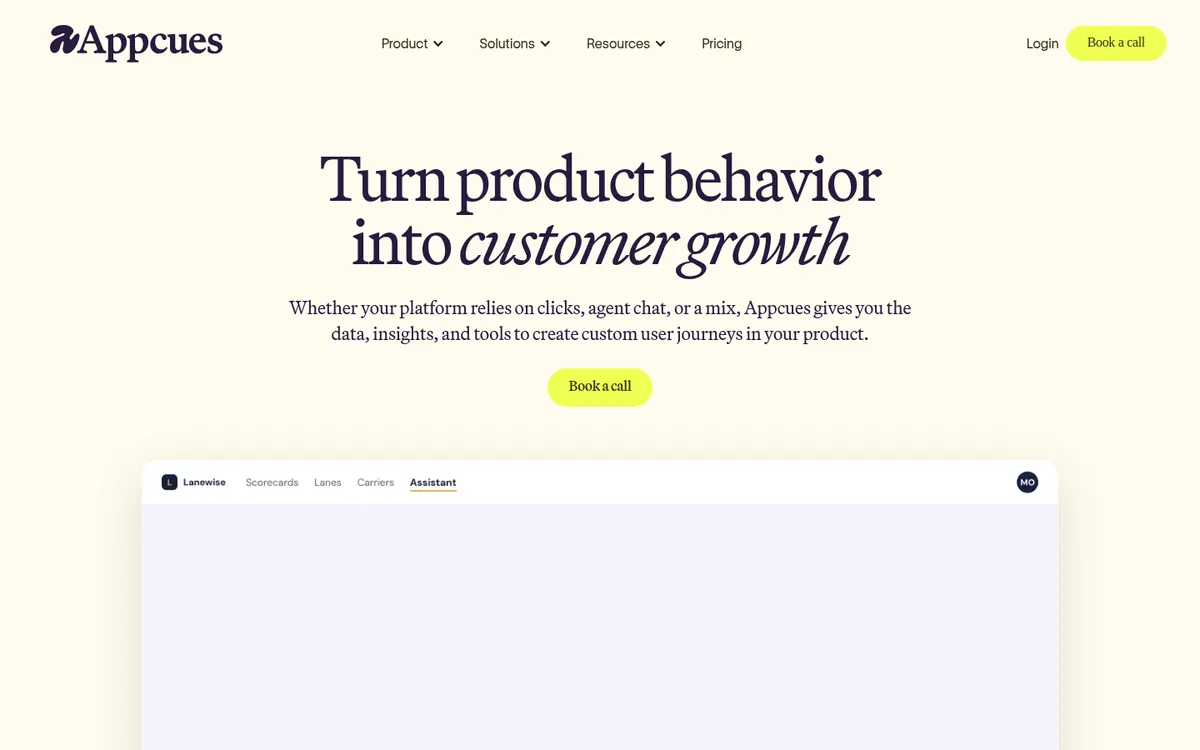
The most polished no-code builder here, best value for web teams that ship tours weekly, provided you accept demo-led evaluation.
Appcues is the reference point for no-code in-product guidance on the web. The visual builder covers walkthroughs, tooltips, modals, checklists and banners, and publishing does not require an engineering release. Audience rules target a flow at a user segment or a behavior, and inside the monthly active user tier you buy there is no cap on how many flows you run, which matters for teams that iterate every week.
Analytics are competent rather than deep. Completion and interaction reporting is included, and A/B testing with richer reporting sits on the Growth tier, but teams that want funnels, retention curves and session replay in one place will feel the gap. Mobile is the weaker surface: web and mobile SDKs are both offered, with noticeably stronger coverage on web. If native app onboarding is half your roadmap, test that path in the demo before you commit.
Pricing is where the evaluation sharpens. The vendor page now leads with Grow at $9,000 per year, scaled by monthly active users up to 50,000. The older Essentials figure of $249 per month billed annually for 2,500 MAUs no longer appears as the entry point. There is no free plan and no self-serve trial, so evaluation runs through a demo and a sales conversation.
It fits web product teams with a product manager or customer success lead who owns the tour roadmap and can ship changes without waiting on sprint capacity. Builder quality and the missing flow cap are the reasons to pay the premium. Buyers who need a published low entry price, a card-free trial, or heavy native mobile onboarding should weigh Userpilot, UserGuiding and the open-source libraries first.
A product manager will own onboarding and you need to ship and change flows without engineering releases.
You need a self-serve trial, published low entry pricing, or native mobile onboarding as a core surface.
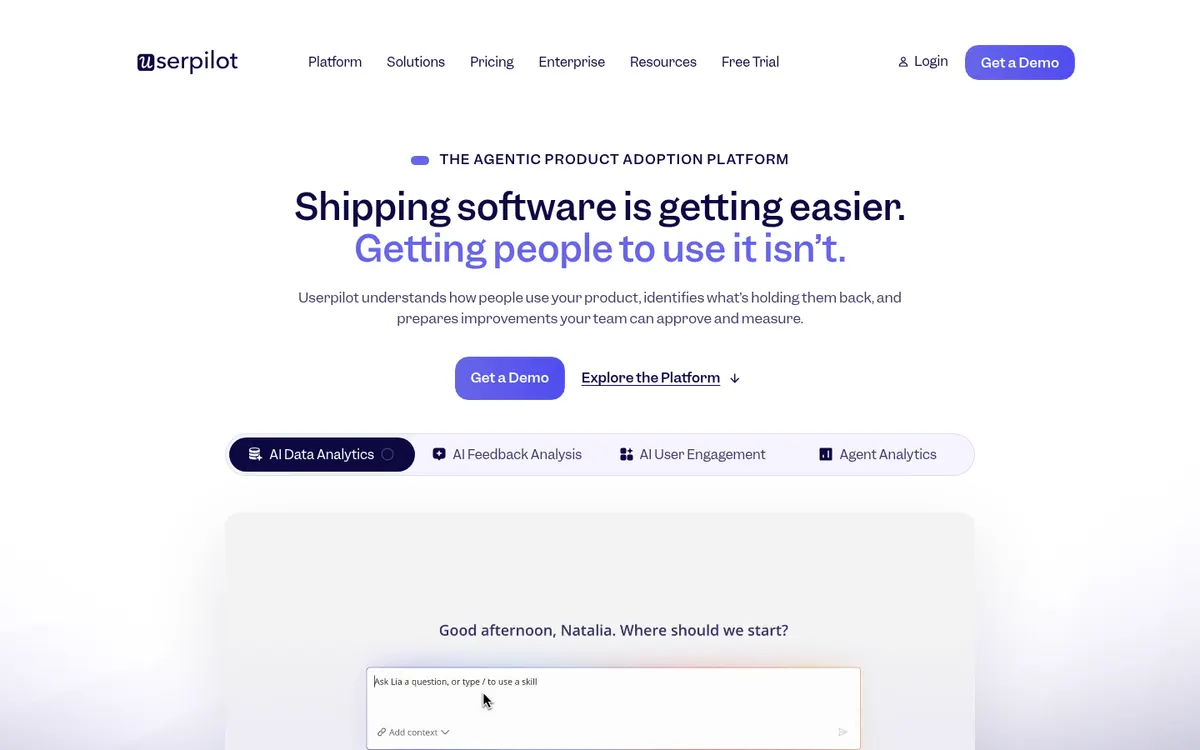
Tours plus product analytics in one subscription, a strong fit for activation work on web apps with 2,000 users or fewer.
Userpilot sells a tour builder and a product analytics stack as one subscription, which is the reason most teams shortlist it. You build tours, checklists and in-app NPS surveys in the same editor, then read funnel analysis and trend reporting on the same user segments you targeted the tour at. That loop, build a flow, watch the funnel, adjust the flow, is the product's core argument, and it works without a data team wiring events into a separate warehouse.
Growth adds session replays and engagement channels on top of the Starter feature set, along with advanced analytics. Behavioral targeting and audience segmentation decide who sees what. The constraint is platform reach: Userpilot covers web applications only, with no native mobile app support, so a mobile-first product is the wrong fit no matter how good the builder is.
Pricing is published, which is rarer than it should be. Starter is $299 per month billed annually for up to 2,000 monthly active users with 3 seats. Growth is $849 per month. The 2,000 MAU ceiling on Starter is firm, and upgrades are step changes rather than smooth scaling, so a product growing quickly past that band should price Growth from day one instead of treating Starter as permanent.
Pick it when onboarding and activation are the metric you are judged on and your analytics questions are about funnels and adoption rather than deep behavioral cohorts. Skip it if you ship a native mobile app, or if you need to start small and let spend scale smoothly with usage.
Activation is your headline metric and you want tours and funnel reporting in a single tool.
You ship a native mobile app or expect to grow past 2,000 MAUs quickly on a small budget.
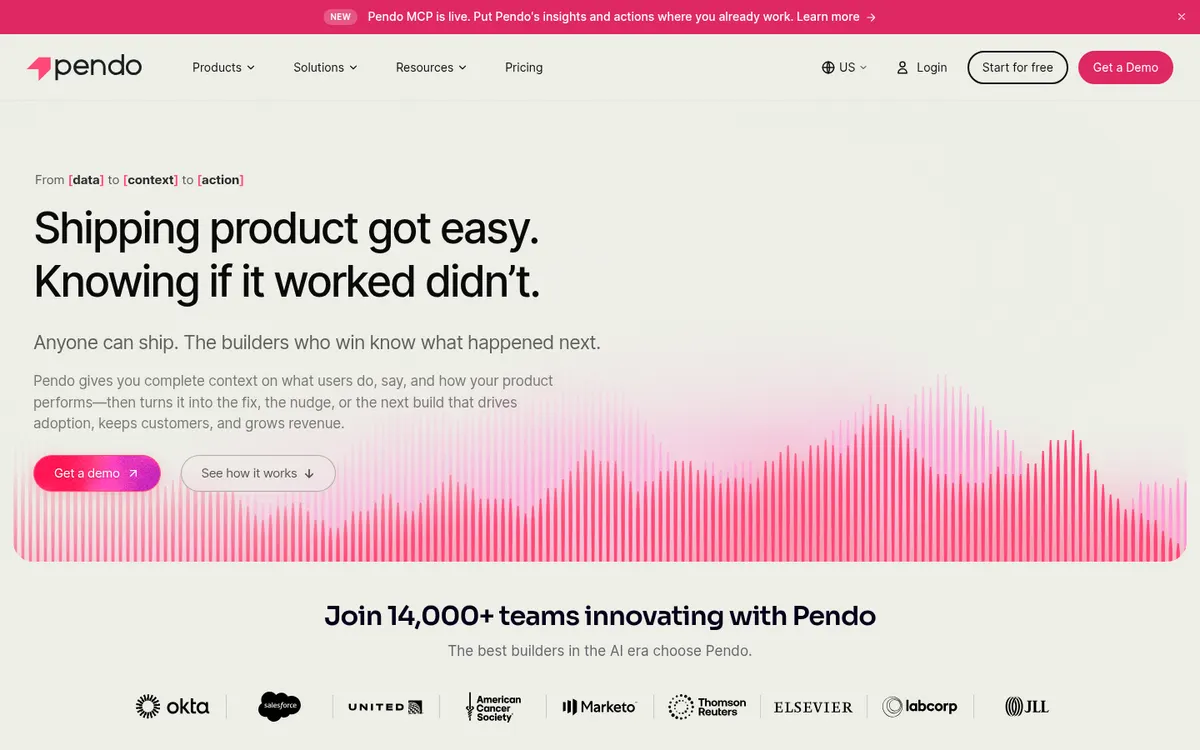
Analytics first, guides second: the right buy when product data matters more than a tour builder, with a real free tier.
Pendo leads with product analytics and sells guides as part of the same platform. That order of priorities shows in the data model: funnels, retention, feature usage and adoption reporting are the core, and one of the more useful capabilities is retroactive event definition, which lets you define an event after the data has already been collected instead of instrumenting it in advance and waiting a release cycle. In-app guides, walkthroughs and announcements are included and can be targeted by segment or behavior, but guide building feels secondary to the analytics engine. Teams that want a designer's level of control over tooltip styling, or a builder a customer success manager can operate unsupervised, usually notice the difference in the first week. Implementation also runs longer than the lighter no-code tools, which is the usual trade for a deeper data model. On price, the entry product is free: analytics plus basic guides for up to 500 monthly active users. Paid deployment sizes are quoted rather than published, so budget conversations need a sales contact. A 30-day trial is available through sales rather than self-serve. Pendo fits organizations that already know they need product analytics and want guidance to ride along, plus small teams willing to start on the free tier and prove value before requesting a quote. It is a poor first purchase for a team that only needs a handful of onboarding tours and wants a published monthly price and a self-serve trial.
You need product analytics as the primary purchase and want basic guides inside the same platform.
Tours are the whole job and you want a published price and a self-serve trial.
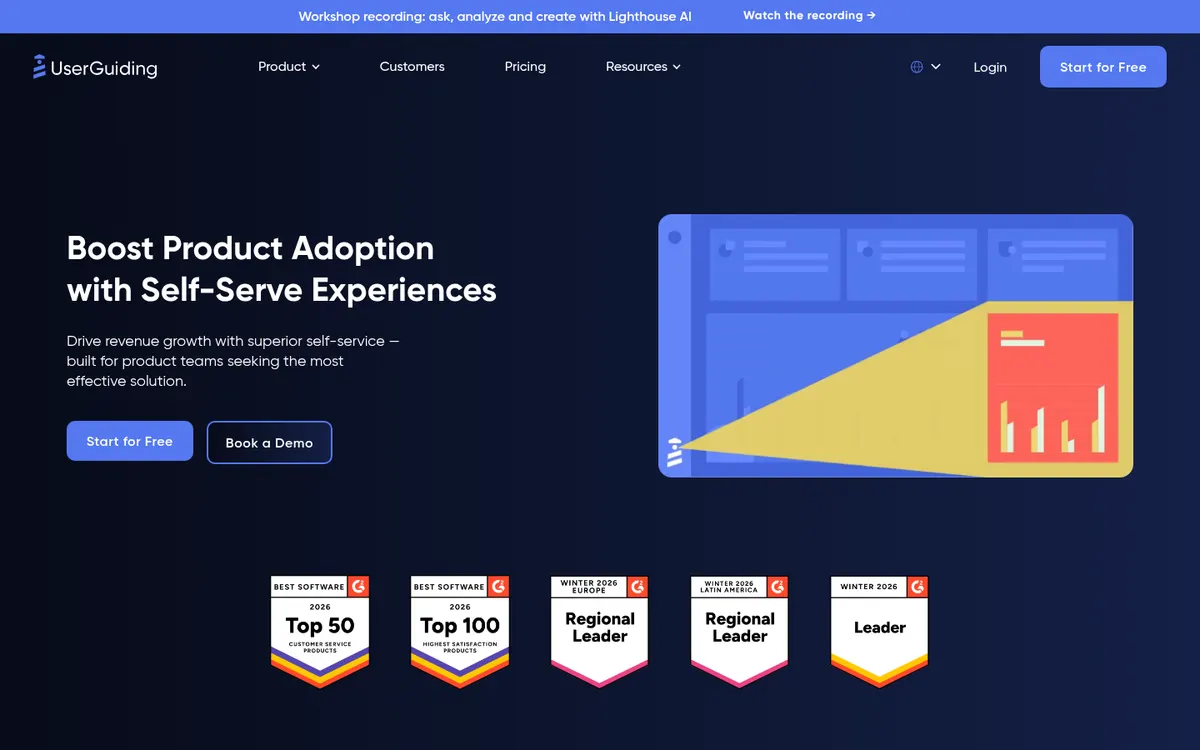
The cheapest published no-code entry here, with a usable builder and a knowledge base, but lighter analytics and less reliable targeting.
UserGuiding is the budget entry into no-code onboarding. The builder handles product tours, tooltips, checklists, in-app surveys and segmentation, and it bundles a knowledge base and resource center widget, which is more than most tools at this price include. Multilingual content support is there too, useful if you localize the product but not the onboarding. Setup is fast because element targeting is no-code.
The compromises show up in two places. Analytics are basic compared with analytics-led platforms, so you will export completion data or pair it with a separate tool. Targeting can be unreliable in single-page apps with dynamic user interfaces, where elements render after the page settles, so test your own app rather than a demo environment. Styling and customization options are also limited, which matters if brand fidelity inside the product is a hard requirement.
Pricing changed at the check date. Starter is now $249 per month billed yearly at $2,988 for up to 2,000 monthly active users and 3 seats. The Basic plan at $89 per month billed annually for 2,500 MAUs, covering tours, checklists, surveys and segmentation, is no longer the lowest paid tier, so the budget reputation now rests on undercutting Appcues and Userpilot rather than on being cheap in absolute terms.
Pick it if you are a startup that needs onboarding flows live this month, want a knowledge base in the same subscription, and can live without deep analytics. Skip it if your app is a heavily dynamic single-page product, or if reporting on adoption is how you justify the spend.
You need tours and a help center live quickly at the lowest published no-code price here.
You need adoption reporting or your app renders elements late in a single-page front end.
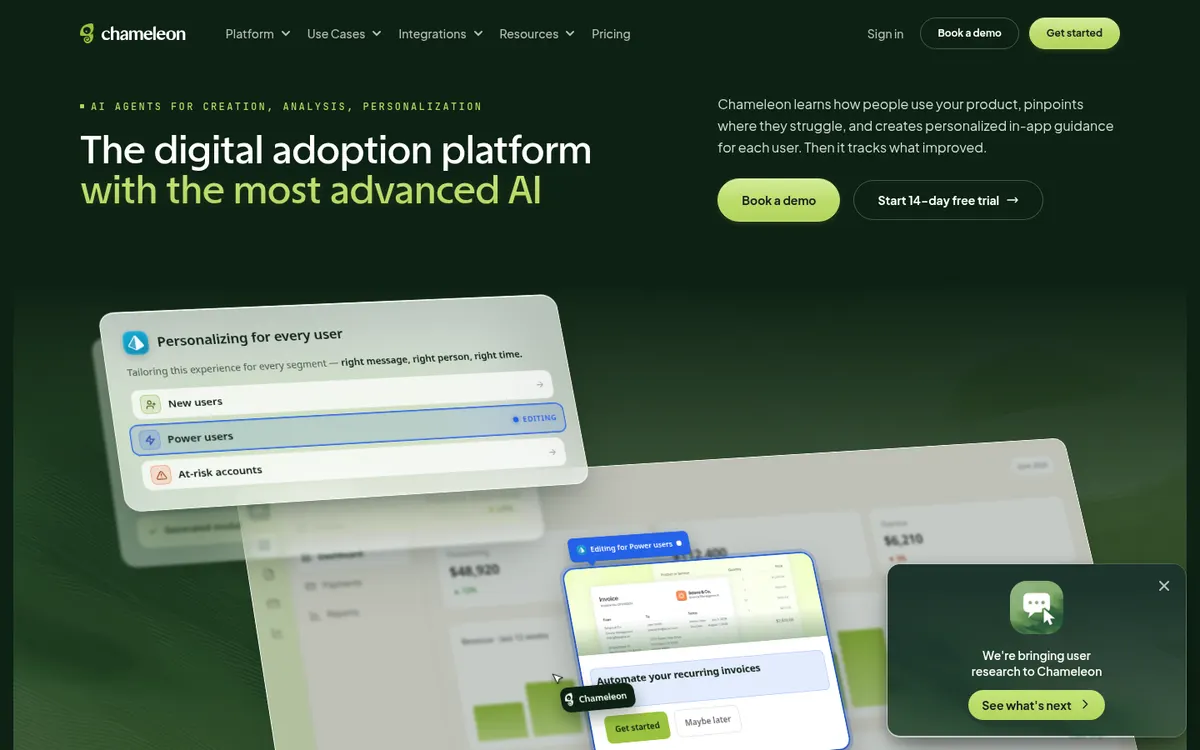
The styling leader: precise CSS control and microsurveys for design-led teams, now with published Startup pricing at $279.
Chameleon is built for teams that care what the guidance looks like. Custom CSS and styling control over tours and tooltips is the differentiator: you can match typography, spacing and brand rules closely enough that the tour looks like part of the product rather than a layer on top of it. Precise audience and behavior targeting, microsurveys embedded in the product, smart tips and launchers, and a help bar for self-serve support round out the toolkit.
A/B testing is included for iterating on experiences, which pairs well with the styling depth: you can test a variant without rebuilding it from scratch. The trade is configuration effort. All that control means more decisions per flow, and teams without a designer in the loop tend to underuse it. Chameleon is also a smaller company than the category leaders, which matters in procurement reviews and when you ask about long-term roadmap commitments.
Pricing is now published, which corrects the older assumption that every conversation starts with sales. Startup is $279 for 2,000 monthly tracked users, with the billing term not stated on the page, and Pro is listed at $750 per month. Note the unit: tracked users rather than active users, so compare that definition against Appcues and Userpilot before assuming the numbers are equivalent. There is no free plan, and a 14-day trial is available.
Pick it if in-product design quality is a brand requirement, your team has someone who will use the CSS controls, and microsurveys are part of how you learn from users. Skip it if you want a builder a non-designer can run alone, or if you need the lowest possible entry price for a basic walkthrough.
Tour design must match your brand exactly and you have a designer to use the CSS controls.
Nobody on the team will tune styling, or if you need a free plan to test the waters.
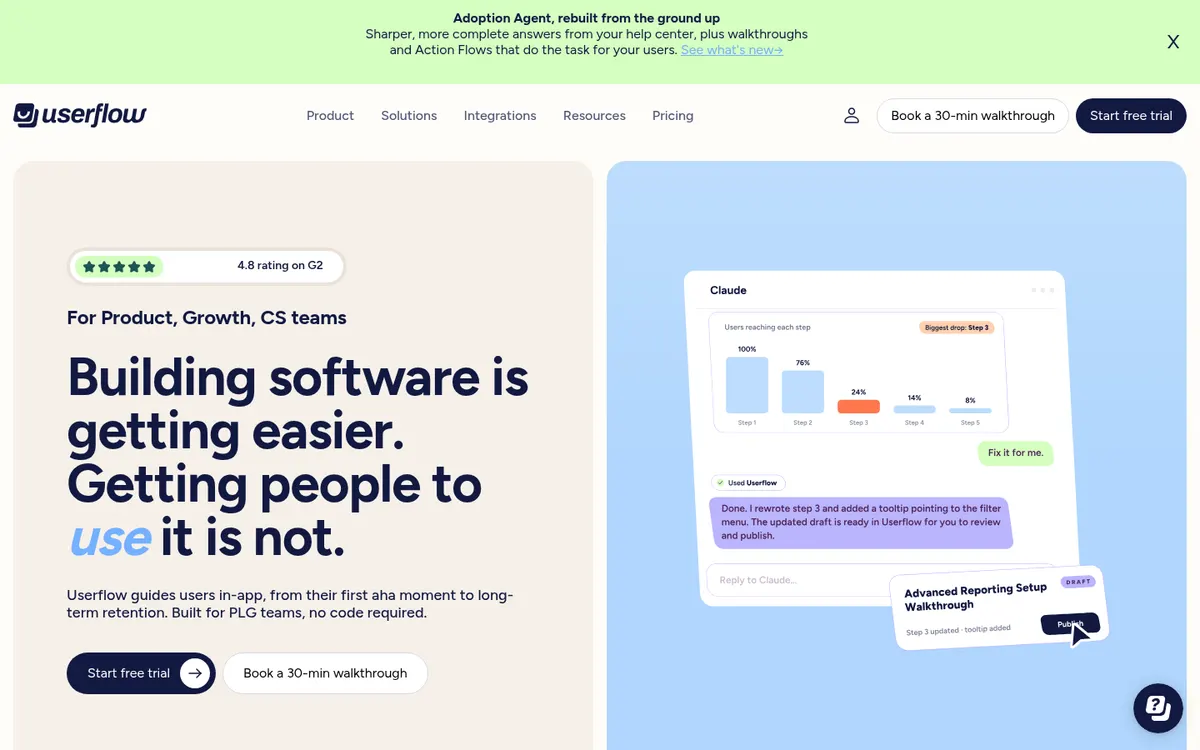
A fast, clean builder with resource centers and AI help, though its pricing page resisted reading and analytics stay basic.
Userflow is the builder product teams describe as pleasant to use. Tours and onboarding checklists come from a visual flow builder, resource centers give users a self-serve help surface inside the app, and AI-assisted flow creation shortens the blank-page phase. Behavioral targeting and segmentation are included, along with announcements and embedded surveys. For a small product team without a dedicated onboarding specialist, the learning curve is short.
The limits are ecosystem and depth. The integration catalog is smaller than what the largest platforms offer, so check the specific tools you depend on before you commit, particularly if your stack includes a data warehouse, a CRM or a support desk with a less common API. Analytics are less deep than analytics-first competitors, which pushes funnel and retention questions into another tool.
Pricing is MAU based with 1,000 MAUs included on the Essentials and Studio tiers, but the figures on the pricing page rendered as scrambled digits when we checked on 25 November 2026, so the starting price is listed as See website rather than guessed. An earlier published entry rate of $240 per month for 3,000 MAUs placed it between the budget and premium no-code options. There is no free plan and a 14-day trial is offered.
Pick it if you want a fast, clean builder plus resource centers and your integration needs are mainstream. Skip it if procurement expects a recognized enterprise brand, if you need analytics depth in the same tool, or if you cannot evaluate without a readable public price list.
You want a quick, tidy builder plus an in-app resource center and mainstream integrations.
You need deep analytics, uncommon integrations, or a readable public price before shortlisting.

Enterprise digital adoption across a software estate, priced by quote with implementation services, and overkill for simple tours.
WalkMe is a digital adoption platform, not a tour widget. It is built to guide people across many applications at once: employee training flows for internal systems, change management support when a company rolls out new software, customer onboarding journeys, and analytics on how guidance performs. For a large organization standardizing help across an estate of internal tools, that scope is the point.
The strengths follow from that positioning. It handles complex workflows and compliance requirements, and it ships enterprise security and governance controls that a lightweight no-code builder does not attempt. The same scope is why it rarely wins a bake-off for a simple product tour: configuration is heavier, the vocabulary is enterprise IT rather than product management, and a two person startup would be paying for capability it will never switch on.
Pricing is quote only, with multi-year contract terms and implementation delivered as a services project rather than self-serve setup. No pricing page could be fetched at the check date, so no figure is confirmed here and none is estimated. Budget for the services line as well as the license, because implementation effort is the part buyers underestimate.
Pick it if you are an enterprise with a portfolio of applications, a compliance mandate, and a team that will run a formal rollout with vendor services behind it. Skip it if you need a handful of onboarding tours on one web app, want to start this month on a card payment, or need to see a price before you take a meeting.
You are standardizing guidance across many internal and customer applications with a formal rollout.
You need a few tours on one web app and want a self-serve price and setup.
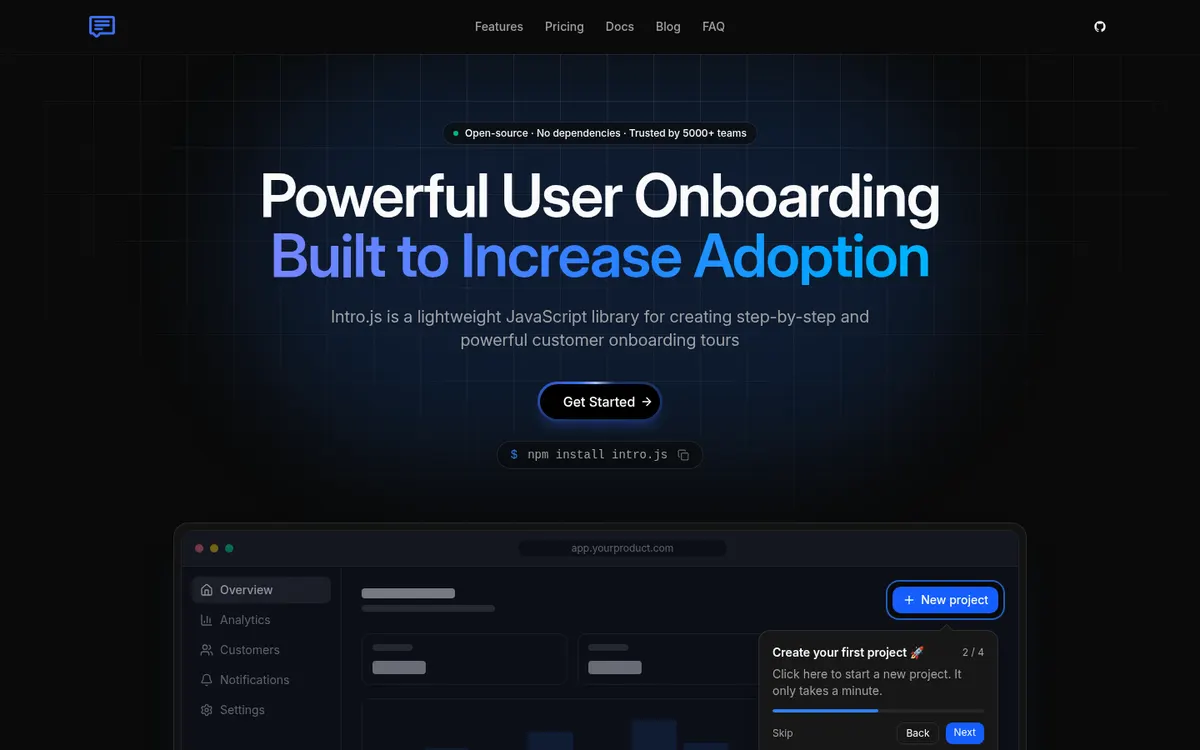
A free, tiny JavaScript library that gives developers full control and hands them every analytics and targeting job too.
Intro.js is a lightweight JavaScript library for step-by-step product introductions, and it does exactly one job. You define tour steps in code, style the tooltip and highlight, wire up keyboard navigation and step callbacks, and bundle the result into your own front end. There is no third-party script, no per-user metering and no vendor account, which is attractive for teams that treat onboarding as product code rather than marketing tooling.
The trade is everything the platform vendors sell. Every tour is hand-built by an engineer. There is no targeting interface, no completion analytics, no visual editor and no one to call when a selector breaks after a redesign. Ongoing maintenance falls to your team, and tours are usually the first thing to rot when a sprint gets tight. The absence of a vendor is a strength for control and a weakness for ownership.
Cost is the clearest part: it is distributed as an open-source library with no paid tier, so the real cost is engineering time and long-term maintenance rather than a subscription. No project page was available at the check date, so the open-source status comes from our records and the price is listed as See website. Confirm the current release and license terms on the project site before building it into a roadmap.
Pick it if you have engineering capacity, a small number of stable tours to ship, and no appetite for a recurring subscription. Skip it if non-engineers need to build or change tours, or if you need targeting, analytics and support as part of the purchase.
Engineers own onboarding and you want a few stable tours with zero license cost.
Non-engineers must edit tours, or if you need targeting, analytics and a support contact.
Flexible open-source tour logic with theming and framework support, ideal when engineers want control and no vendor metering.
Shepherd.js is the more flexible of the two open-source libraries here. It exposes clean JavaScript APIs for defining tour steps and progression logic, supports theming and styling, and offers integrations for modern front-end frameworks, so the tour lives inside the application's own component tree rather than alongside it. Positioning and modal behavior are customizable, and there is no usage metering or vendor lock-in. The flexibility is aimed at developers. There is no visual builder, so product managers cannot ship a flow without an engineer. Targeting, analytics and maintenance are yours to design and own, and support comes from a community rather than a contract, which is fine for a team already comfortable in the framework and risky for one that is not. The roadmap moves at community pace. It is maintained as a community project with no paid tier, so cost is measured in engineering hours and upkeep rather than license fees. No project page was available at the check date, so the open-source status comes from our records and the starting price is listed as See website. Verify maintenance activity, current framework support and license terms before you standardize on it, because open-source tour libraries are often quietly replaced. Pick it if engineers own onboarding, the app is component based, and tour logic needs to bend around unusual flows. Skip it if you need a no-code builder, any targeting UI, built-in analytics, or a support contract behind the tool.
Your engineers want flexible tour logic inside a component-based front end with no metering.
You need a visual builder, targeting screens, built-in analytics or contracted support.
A product tour platform is a layer that sits on top of your application and renders guidance inside the interface without a code release. You install a JavaScript snippet or SDK, tag the elements that matter (a nav item, a button, a form field), then assemble steps in a visual editor. The vendor's script decides which user sees which experience, records completion, and reports back.
What it actually does inside the application:
The build model splits the category in two. No-code platforms (Appcues, Userpilot, UserGuiding, Chameleon, Userflow) hand the builder to product, UX or customer success staff and charge by monthly active users or tracked users. Open-source libraries (Intro.js, Shepherd.js) hand the job to engineers: you write steps in code, own the styling and the analytics, and pay no license fee. Enterprise digital adoption platforms such as WalkMe add governance, multi-application coverage and services on top.
The distinction matters for budgeting. A no-code platform trades money for speed and for someone else's maintenance. A library trades engineering hours for control. Pick based on who will build the tour, how often it will change, and whether you need proof that it worked.
This comparison sits on the Software desk. Readers comparing neighbouring stacks often check our guides to demand forecasting software and glp 1 companies next.
Product tour software bills in four recognizable ways, and the model matters more than the headline number.
| Model | How it bills | Typical fit | Example from this list |
|---|---|---|---|
| MAU subscription | Annual or monthly, priced in monthly active user bands, seats bundled per tier | Web apps with predictable growth | Appcues Grow at $9,000 per year, scaled by monthly active users up to 50,000 |
| Tracked user tier | Contract priced on monthly tracked users | Design-led teams with a defined audience | Chameleon Startup at $279 for 2,000 MTUs |
| Free tier into quote | Capped free usage, paid tiers quoted by sales | Teams testing analytics before committing | Pendo, free up to 500 MAUs, paid tiers by quote |
| Open source | No license fee, engineering time and maintenance instead | Developer-led products | Intro.js and Shepherd.js |
Monthly active user billing counts the people who actually open the product in a month, not the seats on your account, so a seasonal traffic spike can move you into the next band. Most vendors count a user who performs a tracked action or loads at least one page in the period, but the exact rule varies, and a looser definition costs real money at renewal.
Annual billing is the norm. Userpilot lists Starter at $299 per month billed annually for up to 2,000 MAUs with 3 seats, and UserGuiding lists Starter at $249 per month billed yearly at $2,988 for the same 2,000 MAU ceiling and 3 seats. Compare annual totals, not monthly stickers.
Watch step changes. Several platforms jump from an entry band to a tier that unlocks analytics, testing or replays, and the price jump is larger than the usage jump. Model your MAU count twelve months out, then add a buffer.
Every price above was checked on the vendor's own pricing page on November 25, 2026. Where a vendor does not publish a figure we write "See website" instead of guessing. To compare annual and monthly billing quickly, try the free percentage calculator.
It renders guidance inside your product without a code release. You install a script or SDK, tag interface elements, and assemble steps in a visual editor or in code. The platform then decides which users see which flow and reports completion and downstream behavior, so onboarding, feature announcements and in-app surveys run from one place instead of from custom builds.
Published entry prices in this list run from $249 per month (UserGuiding Starter, billed yearly at $2,988 for 2,000 monthly active users) to $299 per month (Userpilot Starter, billed annually for the same cap). Appcues leads with $9,000 per year on Grow. Pendo and WalkMe quote instead of publishing, and Intro.js and Shepherd.js are free open source.
You pay for the number of people who use the product in a month, not for seats on your account. Most vendors count a user who loads a page or triggers a tracked event during the period, but definitions differ, and a looser one raises your bill. Ask for the exact rule in writing and model a peak month, not an average.
Buy no-code when non-engineers must ship and change tours, and when targeting, analytics and support are part of what you want to pay for. Choose an open-source library when engineers own the front end, tours change rarely, and you would rather spend hours than subscription money. The libraries carry no license fee and no safety net.
Coverage is uneven, so confirm it directly. Appcues offers web and mobile SDKs, with stronger coverage on web. Userpilot states it is web applications only, with no native mobile app support. The open-source libraries run wherever your front end runs, but your engineers build the experience. Most no-code options here are positioned around web products, so test the mobile path in a trial.
Pick the activation event before you ship the tour (first project created, first report shared) and compare cohorts who saw the flow with those who did not, matched on signup date and plan. Track step completion and drop-off to find the weak step, then watch whether the gain holds after the tour is retired.
Browse every comparison on the Software desk, with the same rubric and dated prices.