Ranked #1

illumine
AI enrollment calls
See website
- Best for
- Multi-site groups wanting AI-assisted enrollment and parent messaging
- Free plan
- See website
- Rubric
- 7.3 / 10
Nine daycare platforms ranked by fit for the buyer each one serves, with verified pricing, free plan terms and payroll costs where vendors publish them.
 Prices checked November 25, 2026

As of November 2026, illumine is the pick for multi-site groups that want AI-assisted enrollment and parent messaging across a single dashboard. Brightwheel is the simplest all-in-one for most single centers, with a free version for programs under 20 students. Procare Solutions fits large centers and franchises that need payroll, subsidy tracking and agency accounting in one system. The other six entries cover curriculum-led programs, very small budgets, home-based providers and centers that want payroll bundled with billing.
AI enrollment calls
See website

Billing automation
See website

Payroll and accounting
See website
Disclosure for this page: All 9 tools here are unpaid editorial picks. The position of a paid listing can be part of what the vendor pays for. How we handle paid listings.
| Tool | Best for | Free plan | Actions | |||
|---|---|---|---|---|---|---|
| 1 | illumine | Multi-site groups wanting AI-assisted enrollment and parent messaging | See website | No | ||
| 2 | Brightwheel | Most centers wanting one simple all-in-one system | See website | Yes | ||
| 3 | Procare Solutions | Large centers, franchises and multi-site operators needing deep finance | See website | No | ||
| 4 |  Lillio | Programs built around curriculum, observation and developmental assessment | See website | No | ||
| 5 |  Famly | Centers prioritizing parent communication and a simple interface | £79Foundation, per month | No | ||
| 6 | MyKidReports | New or very small programs watching every dollar | $0.99MKR Pro, per child per month | Yes | ||
| 7 | Kangarootime | Small to mid-size centers wanting billing and messaging together | See website | No | ||
| 8 |  KidKare | Family childcare providers and CACFP food program participants | See website | No | ||
| 9 |  Playground | Centers that want payroll inside the same system | See website | No |
We rank these nine platforms by fit for the buyer each one describes, not by a single composite score. Five criteria carry the weight: core operations (25 percent), pricing clarity (20 percent), finance depth (20 percent), scale fit (20 percent) and ease of rollout (15 percent). Core operations looks for enrollment, attendance, billing and parent messaging in one place, because that is the bundle most centers are actually shopping for. Pricing clarity rewards vendors who publish rates, free plan terms and trial lengths where a buyer can find them. Finance depth covers subsidy billing, payroll, agency accounting and reporting across locations. Scale fit asks whether a product serves home providers, single centers or multi-site groups without forcing them into a shape that does not fit. Ease of rollout weighs onboarding effort and staff training time.
Every price, plan and trial fact in this list comes from vendor pricing pages checked on 2026-11-25. Where a page could not be captured or showed pricing in another currency, we say so in the entry and treat the figure as unconfirmed rather than filling the gap with an estimate. Quote-only vendors are not penalized for selling through sales, but they score lower on pricing clarity because a buyer cannot budget from a website alone.
A Featured position is a paid placement. Where one appears, the entry is scored with the same rubric and carries the same kind of honest cons as every other entry. The order above reflects editorial fit for the buyer described in each entry, plus any disclosed Featured position.
The full process, including how we handle corrections, is on the methodology page. Paid listings follow our advertising disclosure.
| Criterion | Weight | What we check |
|---|---|---|
| Core operations | 25% | Enrollment, attendance, billing and parent messaging in one place, because that is the bundle most centers shop for. |
| Pricing clarity | 20% | Published rates, free plan terms and trial lengths that a buyer can actually find on vendor pages. |
| Finance depth | 20% | Subsidy billing, payroll, agency accounting and reporting across locations. |
| Scale fit | 20% | How well the product serves home providers, single centers or multi-site groups without forcing a shape that does not fit. |
| Ease of rollout | 15% | Onboarding effort, learning curve and the staff training time a switch costs. |
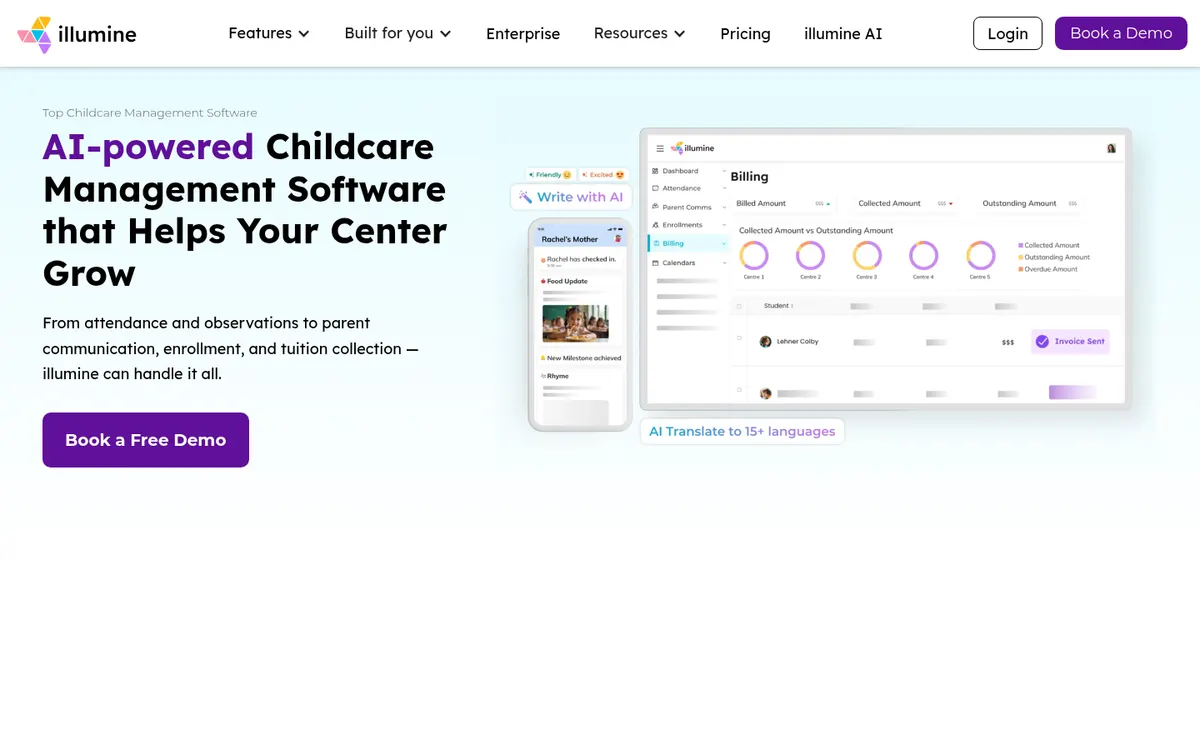
The strongest fit for multi-site groups, with AI handling enrollment calls and parent messaging from one dashboard.
illumine is built for operators who run more than one center. Owners and regional directors work from a single dashboard that rolls up enrollment, attendance and occupancy across every location, which is a different starting point from tools designed around one classroom. If your morning starts with a spreadsheet of site-level numbers, that is the problem this product attacks first.
The core covers enrollment management, billing and payment collection, attendance and occupancy tracking, and parent communication with real-time translation across 20 or more languages. Learning plans and child assessments sit alongside those operational tools. The AI layer is the differentiator: an agent answers inbound enrollment inquiry calls, and the system generates daily updates, newsletters and revenue insights. Whether that saves staff time depends on how much of your inquiry volume arrives by phone rather than by form.
Pricing is quote-only. No pricing page was captured during our November 2026 review, so we could not confirm starting prices or the terms of the free plan, and the vendor publishes no trial details. Budget for a sales conversation and ask for the quote in writing, broken out by center, before comparing it against per-child pricing from simpler tools. Cost per center is the number that matters at this scale, along with what the enterprise tier adds.
The honest caveat is market presence. illumine markets itself as AI-native childcare management and states it serves over 1,000 centers in the United States, but it has a shorter public track record than the longest-running competitors. Ask for references from groups your size with a similar mix of sites, and confirm which features sit behind the enterprise tier rather than assuming they are in the base quote.
You run several centers and want enrollment, billing, attendance and parent messaging under one roof.
You need a published price before you will book a demo.
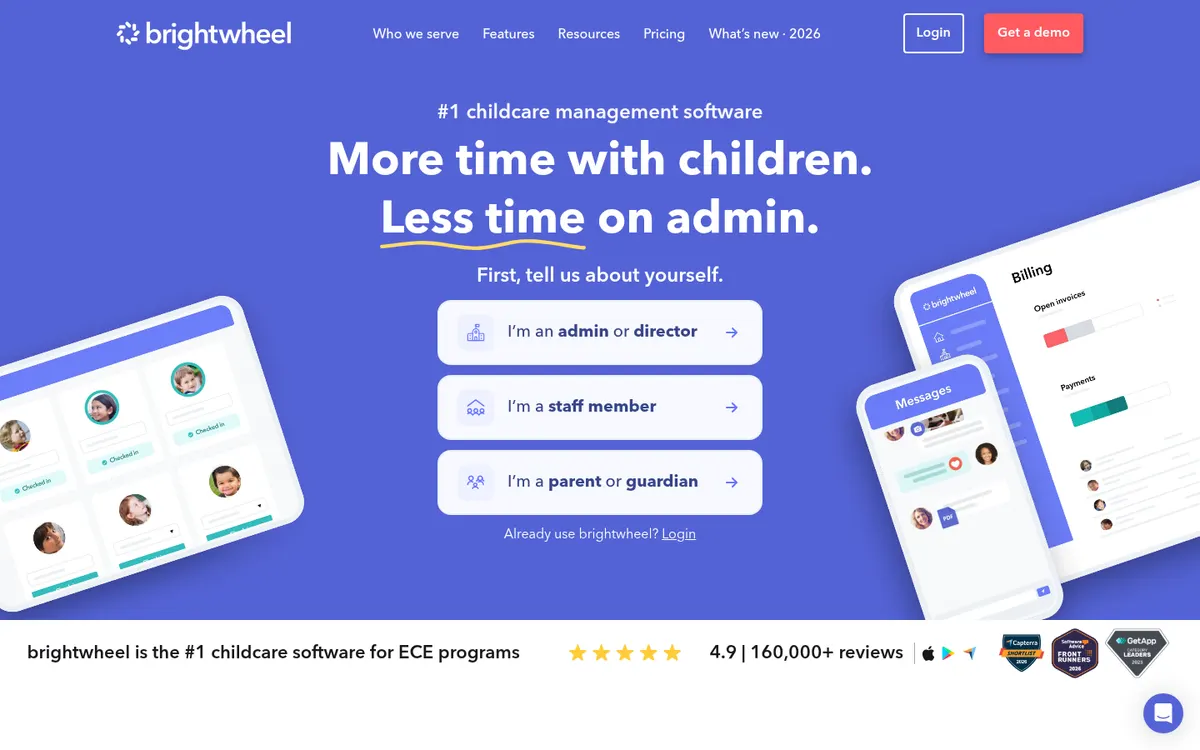
Simplest all-in-one for most single centers, with a free version for very small programs and billing that runs itself.
Brightwheel is widely adopted across the childcare market, and the reason is breadth. Enrollment management, billing with autopay and automated payment reminders, parent messaging, attendance and check-in, lesson planning, and staff scheduling with payroll integrations all live in one product. Staff tend to pick it up quickly, which matters when turnover is high and training time is short. Billing automation is the strongest part. Invoicing and follow-up happen without a director chasing balances, and online payment collection is built in, with processing fees applying. The free version is a real option for very small programs: under 20 students and one staff member, including messaging, check-in and online payments, but no video sharing. That fits a home-based provider testing the water, not a center with two classrooms and four staff. Premium is quoted against enrollment capacity and the price is not published, so you will not find a number on the site. Subsidy tracking, reporting and phone support sit behind the paid tier, which means the free version tells you very little about what the paid product actually does. Confirm whether subsidy tracking, reporting and multi-site controls are included in your quote before signing, because those questions are easy to defer and expensive to discover after go live. The trade-off is depth. Brightwheel is designed to be simple and broadly adopted, not to run payroll inside the platform or handle complex agency accounting. A franchise with several locations and layered funding streams will outgrow it. A single center that wants one system its staff will actually open every morning will not.
You run one center and want a system staff will learn without a training week.
You need payroll inside the platform or run several locations with separate books.
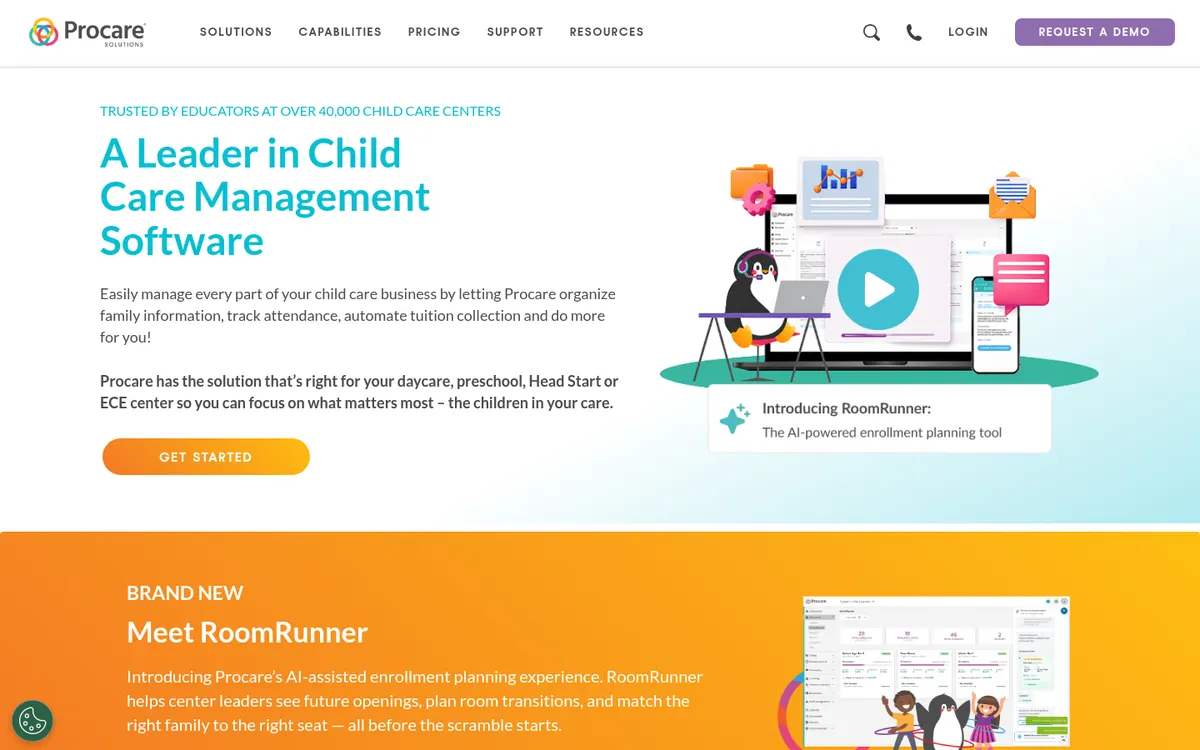
The deepest finance stack in this list, built for franchises that need payroll, subsidy tracking and agency accounting together.
Procare Solutions has served childcare businesses for more than thirty years, and its center of gravity is money. Billing and family accounting, attendance tracking, employee records, payroll, an agency accounting module and subsidy tracking sit in one system, with centralized reporting and payment processing across locations. If your back office runs on spreadsheets stitched to a dozen exports, this is what replaces them.
It is quoted as a single subscription per program rather than per child, which can work in your favor as enrollment grows. That structure suits larger centers and franchises where a per-child rate would climb quickly. There is no free plan and no self-serve trial, so evaluation happens through a sales process, and prices are not published. Ask what implementation includes, who handles migration of family and billing records, and how long a typical move takes for a center your size.
The trade-off is weight. Procare is likely more system than a single small center needs, and the learning curve is steeper than classroom-first apps. Longer onboarding is normal, so budget training time into rollout rather than assuming staff will absorb it in a week. The deepest financial feature set here is a real advantage only if you will use subsidy tracking, agency accounting and payroll rather than paying for the option.
Multi-site operators get the most: one central view of reporting and payment processing, payroll that does not need another vendor, and accounting for funded slots. A director running one 40-child center should ask honestly whether half the product will go unused, because the answer changes what the subscription is worth.
You run a large center or franchise and finance work is the bottleneck.
You have one small classroom and no payroll or subsidy complexity.
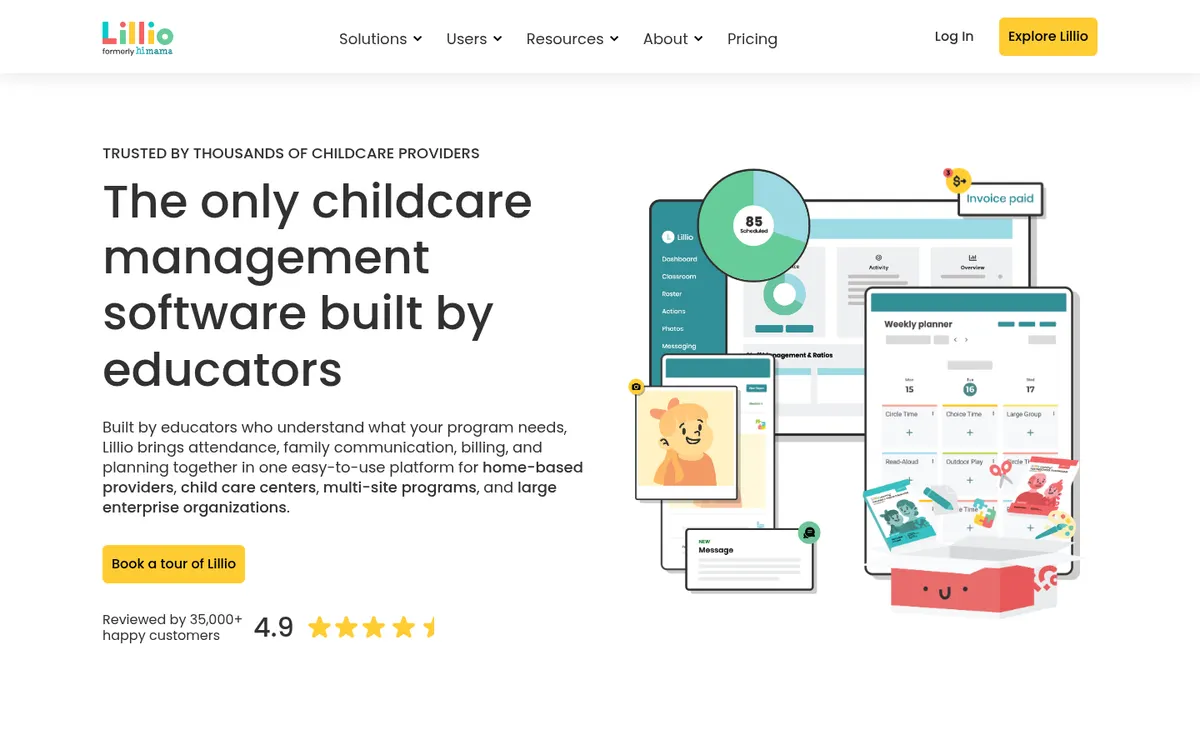
Best where documented observation and developmental assessment matter more than billing automation or price transparency.
Lillio, formerly HiMama, is built around what happens in the classroom rather than what happens in the office. Teachers capture observations with photos, document them, and track developmental assessment across domains, so a director can show families a record of growth instead of a folder of craft projects. That orientation makes it a natural fit for Montessori and play-based programs where documentation is part of the pedagogy, not paperwork on top of it.
The parent app is free for families at participating centers, which removes a common objection when you ask parents to adopt a new tool. On the business side it covers tuition plans with autopay and reminders plus subsidy tracking, so the essentials are there. Billing automation is less developed than Procare or Brightwheel, and a center with complicated invoicing or multiple funding streams will feel that. Expect to keep some finance work outside the system.
Pricing is quote only and no free trial is listed on the site. Directors should request figures in writing early, before the classroom tools win over the staff, and compare the quote against per-child pricing from simpler tools. The risk with a quote-only product is that enthusiasm inside the building outruns the budget conversation and the decision gets made on demo quality.
Assessment depth is the reason to choose Lillio and the reason to skip it. If licensing, curriculum or accreditation requires documented developmental progress, the tool earns its place and the family app does real work. If you mainly need invoicing, subsidy billing and parent texts, a finance-first product will serve you better and cost less.
Your program sells on documented developmental progress and classroom observation.
Billing automation is the main problem you are trying to solve.
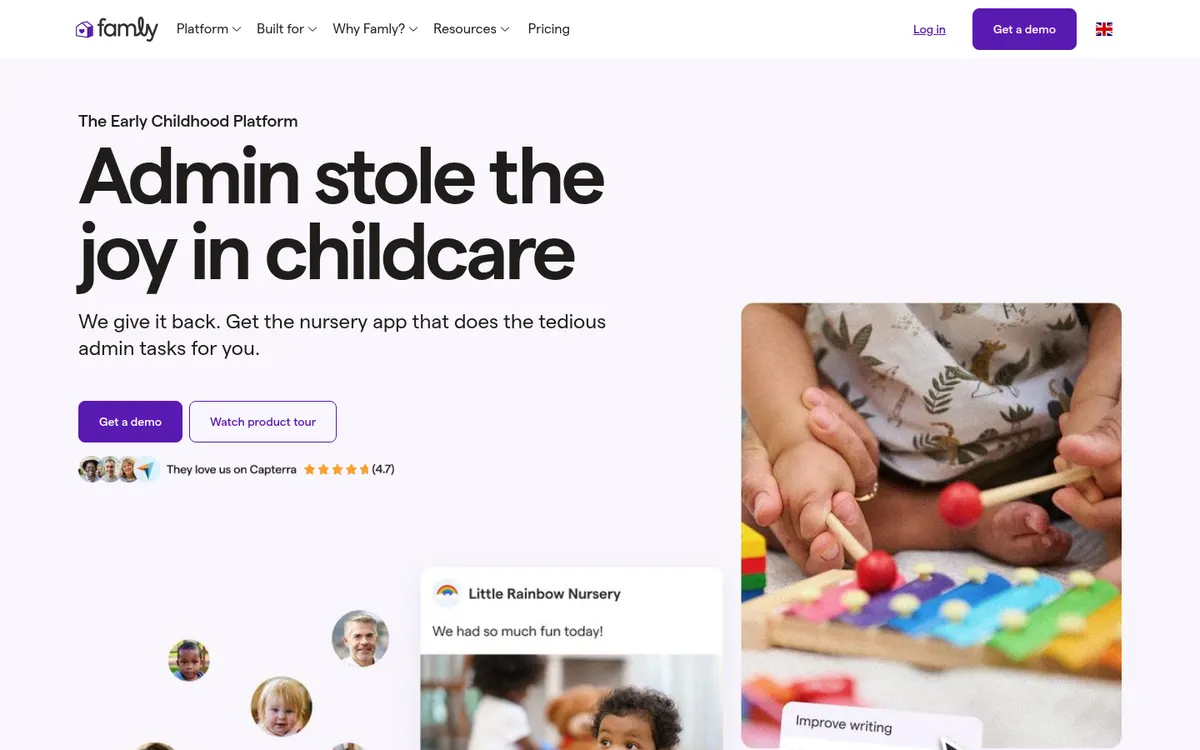
A parent app that feels like a consumer product, backed by solid enrollment and billing for single and multi-site centers.
Famly was founded in 2013 and is used by centers internationally, and the parent-facing app shows it. Real-time updates, photo sharing and messaging behave like a consumer product rather than a school admin portal, which is the main reason directors pick it. Parents open it without being nagged, and that reduces the daily friction of getting information home.
Behind the app sit digital enrollment, automated billing, staff scheduling and planning, document storage and multi-site support. Staff scheduling in the same product as billing and parent communication is unusual at this price level, and it saves a second subscription for smaller groups. Some advanced rota features draw mixed feedback, so test scheduling with your real shift patterns during the trial rather than assuming it handles split shifts and ratios the way you do.
Pricing is the confusing part. The captured page showed UK and Ireland pricing in GBP, with Foundation at GBP 79 per month, and the US page shows a $49 monthly entry point that scales with child count. There is no free plan, but there is a two-week free trial, which is enough time to test enrollment and billing. Two weeks is not enough to migrate a year of records, so spend the trial on the workflows you most need to see.
Get a quote based on your actual enrollment before comparing numbers with anyone else, because the entry price and the real price are different things in a per-child model. The site does not show how the figure grows as you add children, so make the vendor show you.
Parent communication is your weak point and you want scheduling in the same tool.
You need a fixed price you can predict without a per-child quote.
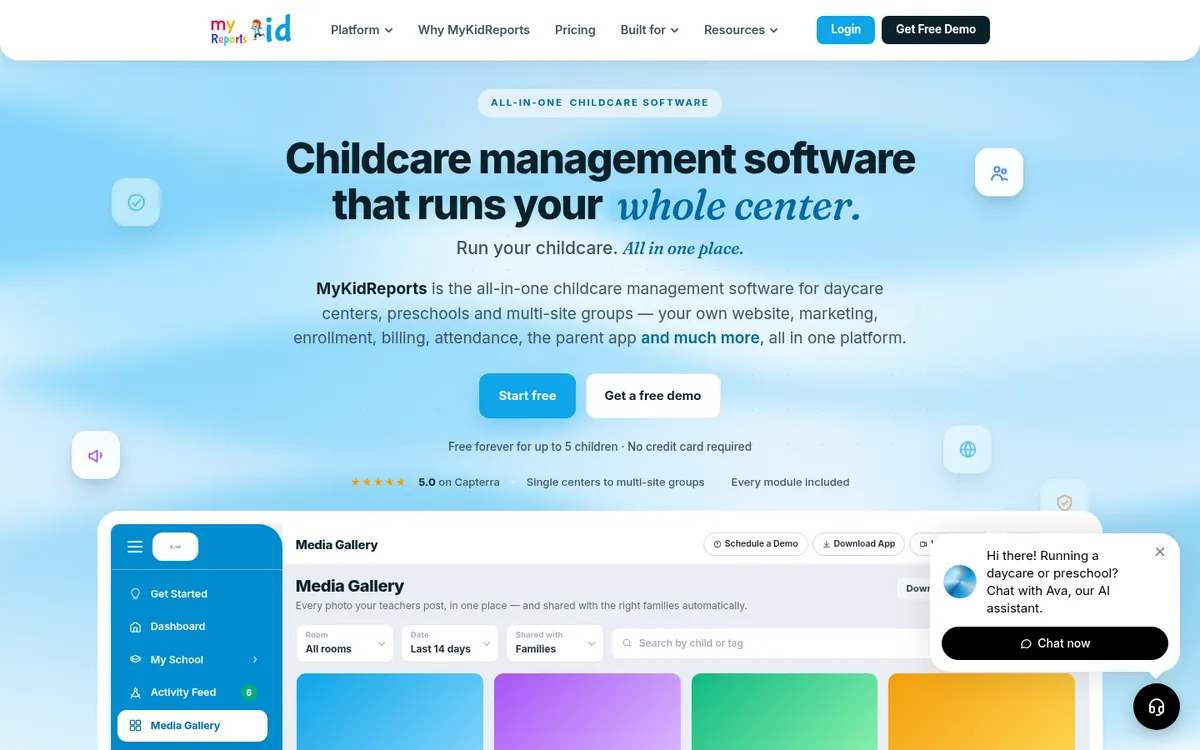
A low-cost published route into daycare software, with a free plan for five children and $0.99 per child after that.
MyKidReports is aimed at the operator watching every dollar, and the pricing reflects it. There is a free-forever Lite plan for up to five children that covers daily activity logs, attendance, check-in and messaging, with one staff account and one room. The paid Pro plan runs $0.99 per child per month, billed in blocks of 10, so 20 children comes to $19.80 per month. That is a low published per-child rate. Pro adds billing and payments, paperwork and admissions, food program tools, staff scheduling and custom reports. For a new program with a handful of families, that covers most of what a much more expensive platform does. The 14-day trial requires no credit card, so you can test the parent app with real families before committing to anything. The limits are structural. Pro covers a single center up to 100 children, so a second site means an Enterprise quote rather than a self-serve upgrade. Integrations and analytics are thinner than larger rivals, and the free Lite plan has no billing at all, which means most providers outgrow it as soon as they start invoicing tuition on a schedule. Expect the tool to be reliable on the basics and quiet on advanced reporting. If you are opening a home-based program or a small center and the budget conversation is short, start here. If you need multi-site controls, deep subsidy workflows or payroll, you will end up replacing it within a couple of years, and the migration will cost more than the savings.
You are starting small and want real software without a real software bill.
You already run multiple sites or need payroll and deep reporting.
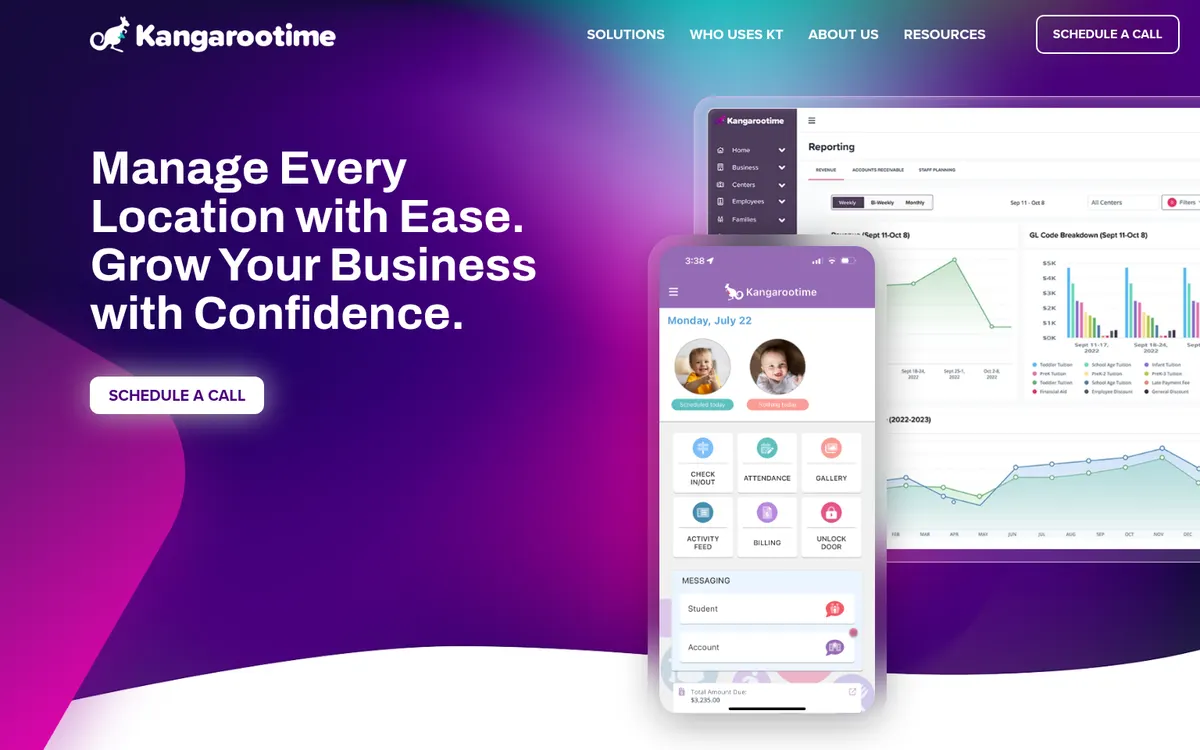
A middle path with stronger billing and reporting than classroom-first tools and less complexity than enterprise platforms.
Kangarootime sits between classroom-first tools and heavier enterprise platforms, and its weight is on the business side. Invoicing, automatic billing, subsidy billing, attendance tracking, parent messaging and a reporting dashboard run from one view, with separate mobile apps for parents, teachers, directors and owners. After-school programs are as much a fit as daycare centers, which matters if your enrollment mixes part-day and full-day schedules.
Billing capability is stronger here than in classroom-led products, and the dashboard gives owners a read on collections without exporting to a spreadsheet. Subsidy handling varies by state, so the demo should be about your specific reimbursement workflow rather than a generic walkthrough. Ask to see a claim cycle end to end, including what happens when a state changes a rate mid-month or rejects a claim.
Pricing is not published and there is no free trial listed, so access is arranged through a sales conversation. That is normal at this tier, but it means you cannot budget from the website, and you should ask for a written quote tied to your enrollment count and any add-ons. Confirm what implementation includes, since setup work is where a mid-size center loses the most staff hours before go live.
Compared with Procare it is less complex, and compared with Brightwheel it does more on billing and reporting. The third-party integration ecosystem is smaller than either, so list the tools you already depend on, from accounting to assessment, and check them before you sign.
You want stronger billing and reporting than a classroom-first app without enterprise weight.
You need a trial before you can get internal approval to buy.
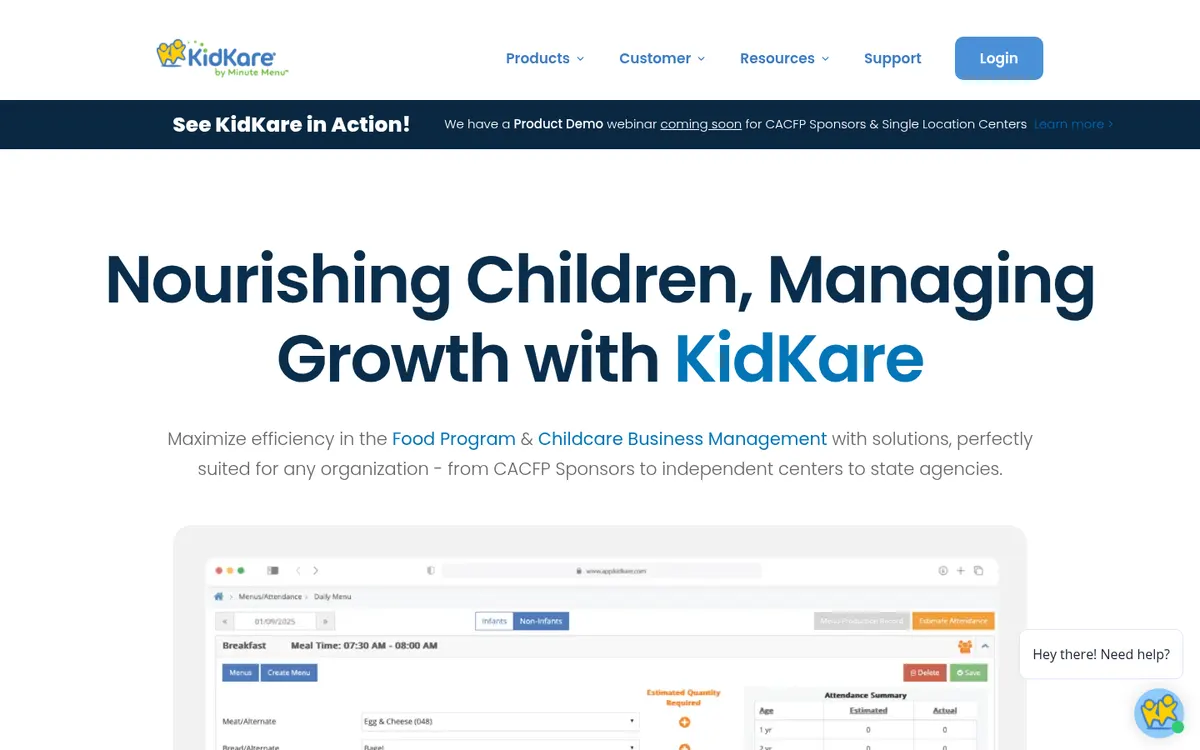
Purpose-built for home providers, with CACFP food program and tax tools that center-focused products do not match.
KidKare is the specialist in this list. It is built for family childcare providers and CACFP food program participants, with invoicing, income and expense tracking, mileage logging, tax reports, CACFP food program support and subsidy billing. A home provider who spends evenings reconciling meal counts and mileage will recognize the problem this solves. The core product has been rebranded as Parachute by KidKare. KidKare lists pricing for family childcare and center plans on its site, with a 30-day free trial. We could not confirm the figures on a captured pricing page during this review, so check the vendor site for current rates before you sign up. The 30-day trial gives you time to run a full month end before deciding. Center-focused features are thinner than rivals. There is no multi-site control, and the interface feels dated next to newer apps, which matters if you are asking staff to use it every day. For a home provider, those trade-offs are usually acceptable because the food program and tax tools are the reason to be there in the first place. Skip it if you run a center with classrooms, ratios to track and staff schedules to publish. Pick it if you are a home-based provider who needs CACFP paperwork, expense tracking and subsidy billing to line up at tax time without a shoebox of receipts.
You are a family childcare provider claiming CACFP meals and tracking expenses for taxes.
You run classrooms and need ratio tracking or staff scheduling.
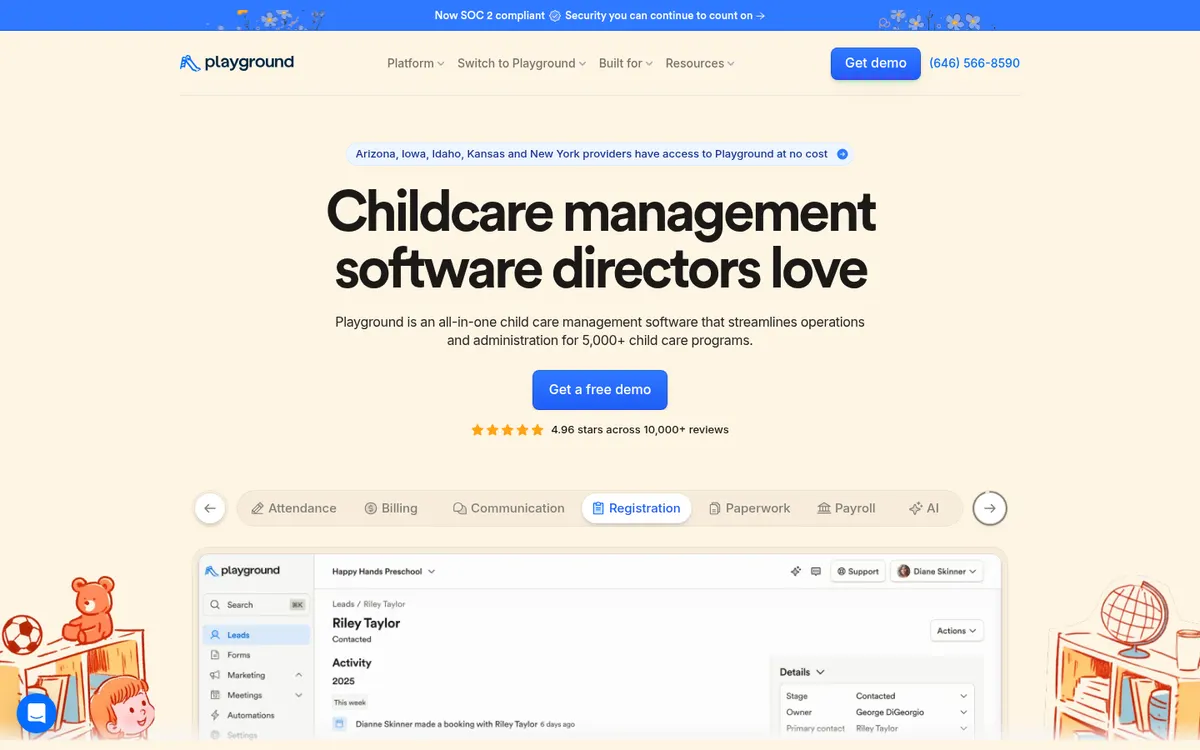
The pick when payroll has to live inside the same system as billing, attendance and parent communication.
Playground puts payroll in the same product as billing and attendance, which is the reason most centers shortlist it. Billing and invoicing, registration, parent communication, attendance and ratio tracking, expense tracking and financial reports, lesson planning and a parent app cover the day to day. The payroll add-on brings scheduling and time tracking with it, so hours worked flow into pay without a second system or a manual export.
That add-on costs $40 per month plus $10 per employee per month, on top of the subscription. Payroll may not appear at all for in-home programs, according to the vendor help center, so check eligibility before you plan around it. Subscription prices themselves are not published, so the total requires a quote and a conversation about which modules you need.
Programs in Arizona, Iowa, Idaho, Kansas and New York get the product free through state partnerships. If you operate in one of those states, that changes the math entirely and is worth checking before you evaluate anything else. The vendor states that more than 300,000 providers and teachers use the product, although it has a shorter track record than Procare or Brightwheel.
Live chat support is available, which suits operators who do not want to schedule a call for a small question. The trade-off is finance depth: payroll is here, but complex agency accounting and multi-location reporting are not the product's center of gravity. A franchise with layered funding should compare against Procare before committing.
You want payroll, billing and attendance without stitching two vendors together.
You run a franchise with layered funding and need agency accounting depth.
Daycare management software handles the administrative work that otherwise lands on a director at 7 p.m.: enrollment, tuition billing, attendance, staff records and parent communication. The category started as digital check-in and daily sheets, and it has widened. Most products now bundle billing with messaging, and the larger platforms add payroll, subsidy billing and multi-site reporting. The question is not whether you need one, but how much of the bundle you will use.
A typical system covers:
The differences between products come from which of those items is the center of gravity. Brightwheel and Famly lead with parent communication and simplicity. Procare leads with finance, payroll and subsidy accounting. Lillio leads with observation and assessment. KidKare leads with CACFP food program reporting for home providers. Reading a feature list without knowing that center of gravity produces a comparison that looks even and is not.
Size changes the answer more than any single feature. A home provider with six children needs attendance, invoicing, expense tracking and food program paperwork, and should not pay for ratio tracking across four classrooms. A single center with 80 children needs billing automation, subsidy workflows and a parent app parents will actually open. A group with five sites needs one dashboard and consistent reporting, and usually ends up on a quote-based enterprise plan.
Consider what you will stop doing. Most centers buy this software to retire a paper sign-in sheet, a spreadsheet of tuition balances and a group text thread. If a product does not remove all three, it is adding a subscription rather than replacing work.
This comparison sits on the Software desk. Readers comparing neighbouring stacks often check our guides to demand forecasting software and glp 1 companies next.
Daycare software is priced in four main ways, and the model matters more than the headline number. Vendor pricing pages were checked on 2026-11-25, and most products here do not show a starting price on the pages we checked.
| Model | How it bills | Typical fit | Example from this list |
|---|---|---|---|
| Per child, monthly | A rate for each enrolled child, often billed in blocks | Centers with predictable enrollment | MyKidReports MKR Pro at $0.99 per child per month, billed in blocks of 10 children |
| Flat monthly tier | A fixed fee per plan level, sometimes scaling with child count | Small and mid-size single centers | Famly Foundation at GBP 79 per month on the UK and Ireland page, with a $49 monthly US entry point |
| Per program subscription | One quoted price per site rather than per child | Large centers and franchises | Procare Solutions, quoted per program |
| Free tier or trial, then quoted paid plans | A limited free version or a timed trial, with paid tiers priced on request | Home providers testing the water | Brightwheel free version under 20 students and one staff member; MyKidReports Lite up to 5 children |
Every price above was checked on the vendor's own pricing page on November 25, 2026. Where a vendor does not publish a figure we write "See website" instead of guessing. To compare annual and monthly billing quickly, try the free percentage calculator.
MyKidReports and KidKare are the two most direct fits. MyKidReports offers a free Lite plan for up to five children and a Pro plan at $0.99 per child per month for a single center up to 100 children. KidKare targets family childcare with CACFP food program, expense and tax tools. Brightwheel also has a free version for under 20 students and one staff member.
Published prices range from under a dollar per child to flat monthly tiers, and most vendors will not tell you without a call. MyKidReports Pro is $0.99 per child per month, billed in blocks of 10, so 20 children is $19.80. Famly lists Foundation at GBP 79 per month on its UK page and shows a $49 monthly US entry point. Most vendors here quote instead.
Procare Solutions, Kangarootime, Lillio and KidKare all list subsidy billing or subsidy tracking, and Brightwheel includes subsidy tracking in its paid tier. Procare adds an agency accounting module for funded slots. Because state rules vary, ask each vendor to walk through a claim cycle for your state, including a rejection, rather than accepting a feature line on a comparison sheet.
Procare Solutions includes payroll with employee records and family accounting in one system. Playground sells payroll as an add-on at $40 per month plus $10 per employee per month, and notes that in-home programs may not see the option. Brightwheel offers staff scheduling and time tracking with payroll integrations, which means you keep a separate payroll provider.
Free plans come from Brightwheel (under 20 students and one staff member) and MyKidReports (Lite, up to five children). Free trials come from Famly at two weeks, MyKidReports at 14 days with no credit card, and KidKare at 30 days. Procare, Lillio, Kangarootime and Playground list no trial, and illumine publishes no trial details.
Only MyKidReports and Famly published a starting figure we could capture on 2026-11-25. illumine, Brightwheel, Procare Solutions, Lillio, Kangarootime, KidKare and Playground are quote-only or show no starting price on the pages we checked. Ask quote-only vendors for a written figure broken out by site and module before comparing them to a published per-child rate.
Browse every comparison on the Software desk, with the same rubric and dated prices.