Ranked #1

SeekOut
Technical filter depth
$149Sourcing Core, per month, paid annually upfront, 500 contact credits
- Best for
- Technical, cleared and diversity focused talent search
- Free plan
- No
- Rubric
- 8.1 / 10
Eight sourcing platforms sorted by who each one actually fits, with entry prices checked on vendor pages in November 2026 and the credit limits that decide real cost.
 Prices checked November 25, 2026

SeekOut is the best AI sourcing tool for technical, cleared and diversity focused search, with a published $149 per month entry plan. hireEZ fits high volume outbound programs that need sourcing, outreach and a light ATS in one place. Juicebox is the easiest start for recruiters who want plain English search, with a free tier to test. Prices below were checked on vendor pages on 2026-11-25, and the order weighs fit for the buyer each entry describes, not a score total.
Technical filter depth
$149Sourcing Core, per month, paid annually upfront, 500 contact credits

One stop outbound
$494Solo, per month, metered contact credits

Plain English search
$99Starter, per seat per month, unlimited searches, 500 contact credits
Disclosure for this page: All 8 tools here are unpaid editorial picks. The position of a paid listing can be part of what the vendor pays for. How we handle paid listings.
| Tool | Best for | Free plan | Actions | |||
|---|---|---|---|---|---|---|
| 1 | SeekOut | Technical, cleared and diversity focused talent search | $149Sourcing Core, per month, paid annually upfront, 500 contact credits | No | ||
| 2 | hireEZ | High volume outbound sourcing programmes | $494Solo, per month, metered contact credits | No | ||
| 3 | Juicebox | Natural language candidate search for any recruiter | $99Starter, per seat per month, unlimited searches, 500 contact credits | Yes | ||
| 4 |  Gem | Teams running sourcing as a talent CRM | $130Startup Program, 1 to 10 FTE, per month, yearly payment term, 10% off | No | ||
| 5 |  Findem | Attribute based talent data and diversity hiring | See website | No | ||
| 6 |  SourceWhale | Agencies running multichannel outreach campaigns | See website | No | ||
| 7 | LinkedIn Recruiter | Recruiters who work mainly inside LinkedIn | See websiteRecruiter Lite, per month, carried from older note | No | ||
| 8 |  Loxo | Agencies wanting sourcing and an ATS together | $149Core, per user per month, billed annually | No |
Every tool here was assessed against the same five criteria, and the weights are published so you can disagree with them. Database depth carried 25 percent because a sourcing tool is only as good as the searches it can run. Outreach workflow, price transparency and ease of start each carried 20 percent, which reflects how often buyers get stuck on sequencing, hidden costs or a product nobody opens after month two. Scale and fit took the remaining 15 percent, since a tool built for a ten person agency rarely suits a corporate talent team.
Prices and plan details came from vendor pricing pages and were checked on 2026-11-25. Where a vendor publishes nothing, this list says pricing is on the vendor site and does not guess a number. Where a figure was carried from an earlier check and could not be confirmed this cycle, the entry says so. Plan notes record the billing term, seat basis and credit allowance as given, because a monthly headline means little without them.
One slot in this format can carry a Featured placement, which is a paid position, and it does not change the scoring. A Featured tool is still measured on the same rubric, its weaknesses stay in the review, and its place in the list reflects fit for the buyer described. No tool in this list is marked Featured. The order is editorial judgment about who each product suits, not a weighted total of the scores.
The full process, including how we handle corrections, is on the methodology page. Paid listings follow our advertising disclosure.
| Criterion | Weight | What we check |
|---|---|---|
| Database depth | 25% | How broad the candidate coverage is and whether the filters can express the searches a specialist recruiter actually runs. |
| Outreach workflow | 20% | Whether sequencing, reply tracking and record keeping live in the same product as the search. |
| Price transparency | 20% | Whether a buyer can see a real starting figure, the billing term and the credit allowance without a sales call. |
| Ease of start | 20% | How quickly a recruiter can run useful searches and send messages, counted from signup rather than from contract signature. |
| Scale and fit | 15% | Whether the product suits the team size and hiring model it claims to serve, from a solo desk to an enterprise programme. |
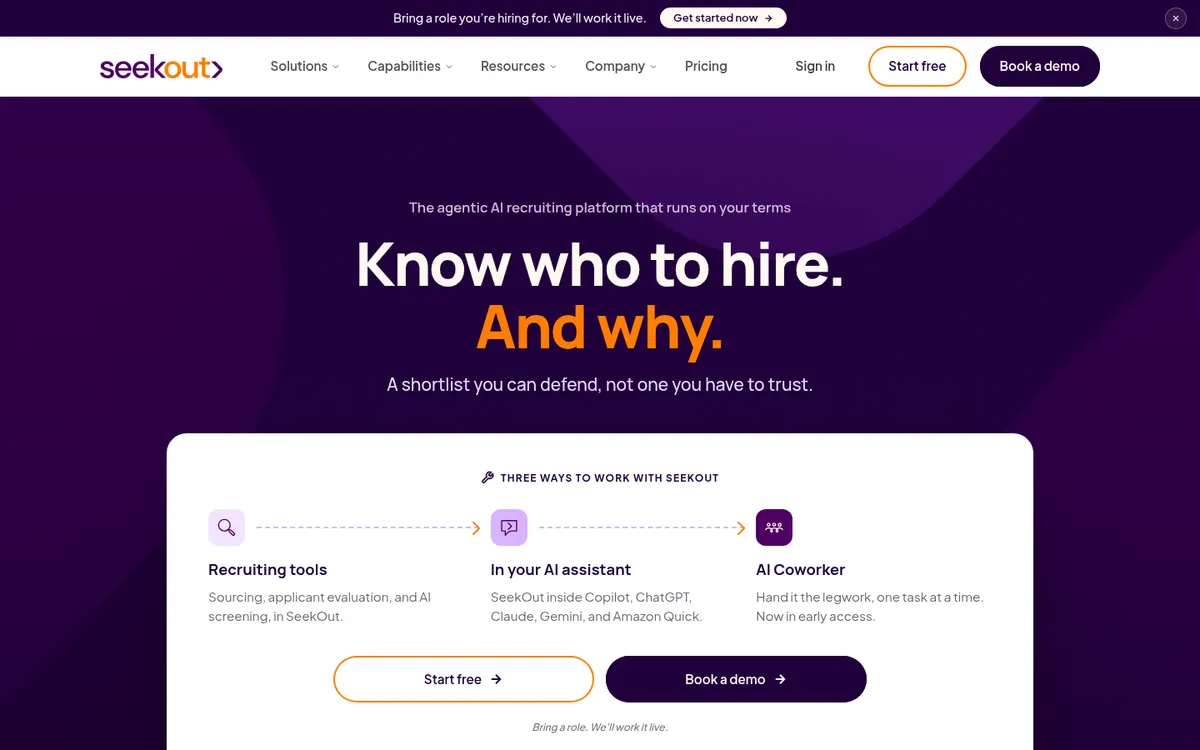
The strongest filter set for technical, scientific and cleared roles, with a published $149 entry plan that makes testing cheap.
SeekOut is a sourcing database built for searches that Boolean alone handles badly. It claims a database of more than one billion profiles and backs that with more than 300 filters, including signals for GitHub activity, publications, patents and clearance indicators. That combination is why it lands first for technical, scientific and cleared roles, and why the same filters make it a reasonable pick for diversity sourcing programs that need structured outreach rather than ad hoc messages. AI assisted ranking reorders matches so a recruiter can work down a list instead of rebuilding strings. Pricing is the reason it is easy to evaluate. Sourcing Core is a published self serve plan at $149 per month, billed annually upfront, with 500 contact credits attached. Team plans are quoted separately, and heavy usage moves a buyer into those quoted tiers, which is a very different number from the entry price. A 14 day free trial lets a buyer run their own searches against the database before signing anything, which is the only honest way to judge coverage. Credits are the constraint to watch. Five hundred contact credits disappear quickly on a high volume search, and email reveals are what consume them. ATS integrations sit on higher tiers, so a team that needs sourcing data to flow into an existing system should price that tier, not the entry plan. Coverage is strongest for technical and scientific roles and weaker for some clinical searches, which matters if you hire nurses or allied health staff. Judge it on how many qualified names your own hardest search returns, not on the headline profile count.
Your searches hinge on skills, code, research output or clearance status and you want a published price to test against.
You need deep clinical coverage or high volume contact reveals on a small budget.
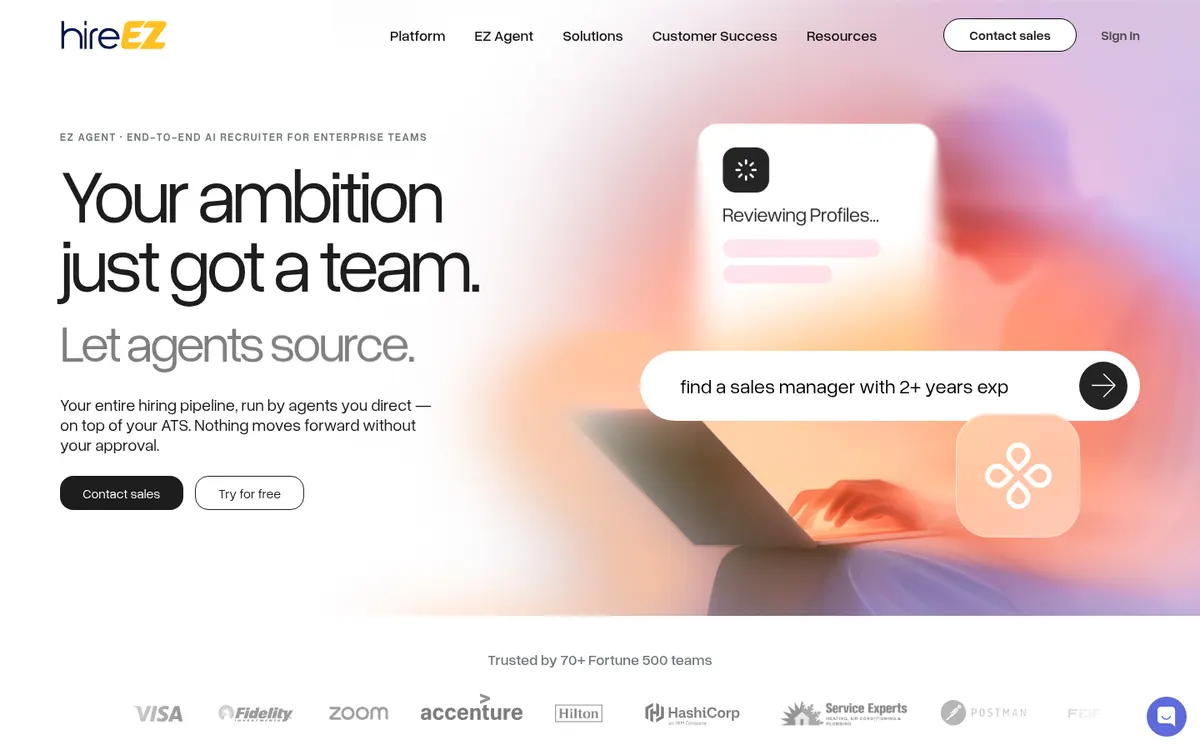
A complete outbound program in one product, priced at $494 per month on Solo, best where inbound applicants are thin.
hireEZ is a programme purchase rather than a seat. It aggregates profiles from more than 45 sources into a claimed database of over one billion people, then adds sequenced multichannel outreach, engagement and reply tracking, and a light applicant tracking layer. For teams running high volume outbound in tech or healthcare, where inbound applicants are thin, that combination removes a handoff between a sourcing tool and a separate outreach tool, and removes the arguments about which system holds the truth. The published entry price is the highest on this list: $494 per month on Solo, with contact credits metered. That number tells you less than it appears to, because cost per contact depends on how many reveals turn into replies. Enterprise scope is configured by sales, so a small team comparing on the Solo price may end up with a quote that reflects a replaced stack rather than a single seat. A 7 day trial exists but is short enough to test one role, not a full programme. The AI ranking is aimed at trimming longlists, which is the right use. Screening a long list into a shortlist is where recruiter hours disappear, and reply tracking closes the loop so a manager can see which messages earned responses. Setup and training take real time; the breadth of sources is only useful once recruiters know which ones to trust for their market and their titles. Judge it on cost per engaged candidate from a pilot rather than profile counts printed on a page. Pick it if outbound volume is the core of your hiring and you want sourcing, sequencing and a basic ATS under one contract.
Outbound sourcing is your hiring engine and consolidating three tools into one contract saves more than it costs.
You source occasionally or your budget cannot absorb a metered credit model.
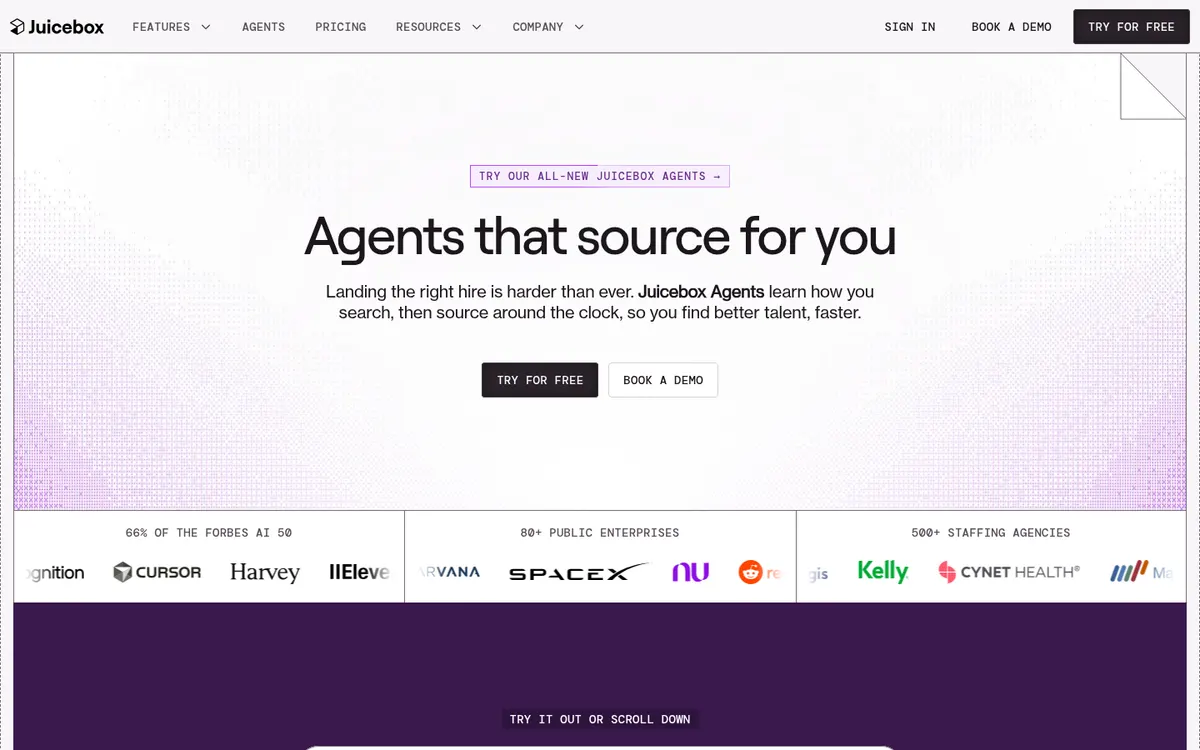
The lowest effort way to start sourcing, with plain English search and a free tier that proves quality before you pay.
Juicebox makes search a sentence. PeopleGPT takes a plain English query, ranks the results and returns a candidate list, which removes the Boolean skill barrier that keeps hiring managers out of sourcing tools. It searches more than 30 data sources and claims 800 million profiles. Email reveal credits and ATS integrations on higher plans round it out, and a free tier with limited free searches means a recruiter can test the model on their own roles before paying anything. The published Starter plan is $99 per seat per month with unlimited searches and 500 contact credits, and annual billing saves 15%. Buyers should confirm that figure at checkout: this vendor's Starter figures have shown inconsistency across its own pages, and it acquired Fetcher's assets in October 2026, so the product surface is still moving. Pricing on the vendor site is the only version that counts on the day you buy. The strength is accessibility. A solo recruiter, or a hiring manager sourcing their own team, can type what they want and get a ranked list without a training course, and the free tier gives real evidence about match quality rather than a promise. The weakness sits below the entry plan: lower tiers burn credits on email reveals, and ATS integrations deepen only on higher plans, so the cost of connecting it to an existing workflow is not in the Starter number. It is a younger platform than some established rivals on this list, so test coverage on your own hardest searches. Test that with your own hardest search.
You want plain language search, a free way to prove it works and a solo seat that does not require a sales call.
You need proven depth in unusual titles, non English markets or complex ATS routing.

Sourcing, CRM and sequencing in one system that rewards teams who commit to it as their record of truth.
Gem treats sourcing as a talent CRM rather than a search box with an email button. The database claims over 800 million profiles, and around it sit talent pools, CRM records, multichannel sequencing with deliverability tooling, and outreach analytics broken down by message and pool. Reporting links sourcing effort to hires, and the product extends into ATS capability for teams that want one vendor instead of three. Pricing is the friction. There is no published pricing sheet and no free tier. The Startup Program covers teams of 1 to 10 FTE on a yearly payment term with 10% off, but the price is not vendor published, so treat any figure as a conversation opener rather than a quote. Companies under 30 employees can get 6 months free, which is a genuine way to test whether the CRM becomes the system of record. Custom pricing is quoted by headcount, so always get it in writing before comparing. That last point is the real buying question. Gem's value compounds when recruiters live inside its pools and sequences daily; used as an occasional lookup, the CRM layer is overhead. Deliverability tooling matters more than it sounds, because sourcing at volume fails on inbox placement long before it fails on candidate supply. Re-engagement of past candidates is the other quiet benefit: pools built this year are the pipeline you draw on next year, and the reporting makes that visible to a hiring manager. Pick it if sourcing is a standing programme with pools, sequences and reporting that managers actually read, and you can make it your record of truth.
You want sourcing, talent pools and sequencing in one system and will make it the place recruiters work every day.
You need a published price or one seat for occasional searches.

A data layer for capability and diversity hiring, quoted privately, that pays off in enterprise redesigns rather than single seats.
Findem is built as a data layer rather than a conventional profile database. Instead of matching keywords in one profile, it assembles candidate records from attributes across sources, indexing skill, experience and company signals, and AI matching then works on capability rather than exact title strings. Diversity hiring search is a core design goal rather than an add on, and talent market intelligence reporting plus workforce planning data sit alongside it, which is why it turns up in enterprise sourcing redesigns.
Pricing is quote only. There is no published figure, no free tier and no self serve trial, just a demo. That is normal for enterprise data products, but it makes comparison hard: two vendors quoting on seat counts, profile limits or data volume produce numbers that cannot be lined up without a shared scope written down first.
Implementation is real work. Attribute based search asks recruiters to think in capabilities instead of titles, and that is a training task, not a toggle. Teams that skip it end up searching as they always did and conclude the data is thin, which is a costly way to learn the lesson. The market reporting is where a talent leader gets value, because it answers planning questions that a candidate list cannot, such as where a skill pool is growing and what a new office will cost to staff.
It is deeper than a small team needs, and structured outreach support is a supporting feature rather than the main event. Pick it if you are redesigning sourcing across an enterprise, particularly with diversity goals you have to evidence, and you can staff the change. Skip it if you want a published price and a login this week.
You are rebuilding an enterprise sourcing function and need attribute level data plus market intelligence to argue the case.
You need a published price, a quick start or one seat for a small team.
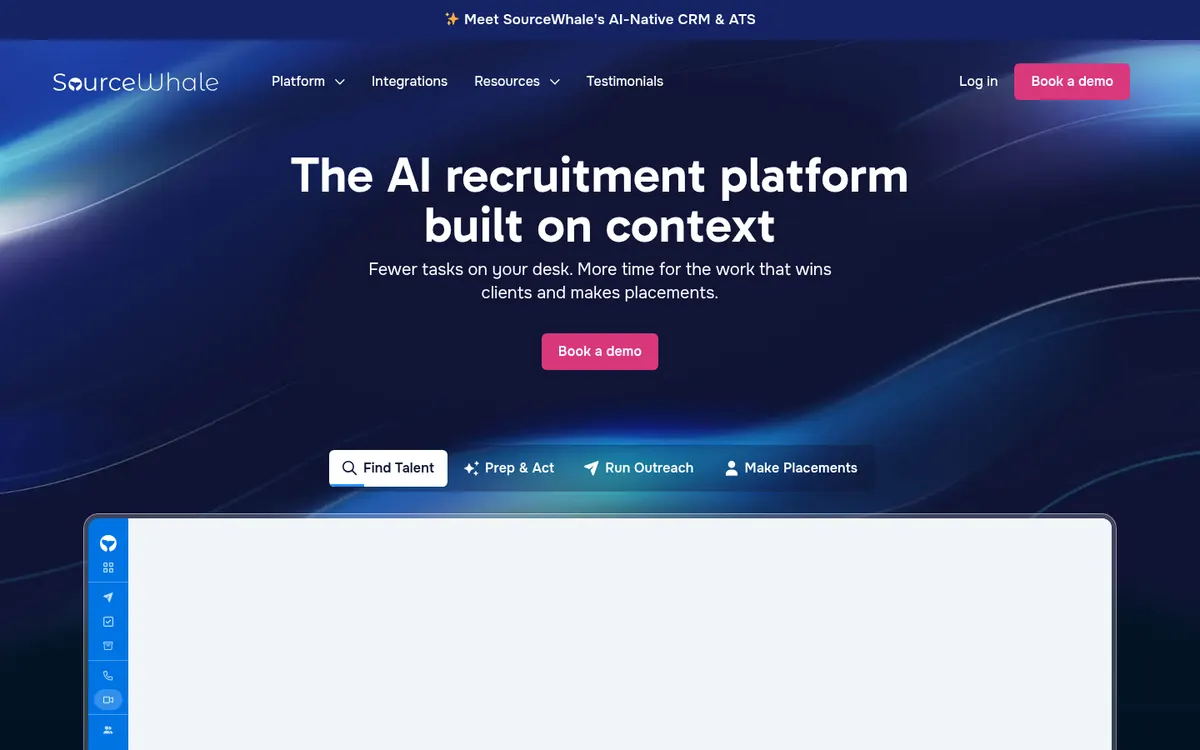
An outreach layer with no database of its own, worth it when reply rates rather than candidate discovery are the bottleneck.
SourceWhale is an outreach layer, not a database. It runs campaigns across email, LinkedIn and other channels with sequencing and multi touch cadences, personalisation prompts, reply tracking and inbox management. Campaign analytics break results down by step and message, so a manager can see which touch earns replies rather than guessing. It sits alongside the databases and ATS you already own, importing lists and enriching them, and consultant level reporting is shaped for agency teams that bill on placements. Because it holds no candidate data of its own, results depend entirely on the quality of the lists imported into it. A weak list under good sequencing is still a weak list, and no amount of cadence design fixes a market you cannot reach. Pricing is by quote and the public page is a demo booking form, so budget conversations start with a call rather than a pricing sheet, and two agencies of different sizes will not see the same number. The value case is measurable: reply rates and step level performance. Recruiters who already have a database and an ATS get a single campaign view across channels instead of tracking threads by hand, and the reporting imposes a discipline that agencies often lack when consultants run different approaches. That consistency is the product, more than any single feature. Small teams may not need another layer, and the add on cost has to be justified against the replies it produces. Pick it if you are an agency with sourcing and an ATS in place and reply rates are the constraint. Skip it if candidate discovery is your problem.
Your agency already sources well and the bottleneck is reply rates, cadence consistency and campaign reporting.
You still need to find candidates or you cannot justify another layer on top of your stack.
The only first party route into LinkedIn profiles, strongest for recruiters who already work inside the platform.
LinkedIn Recruiter is the only first party route into LinkedIn's member data, and that is the whole argument. Profiles are maintained by the members themselves, so a record reflects a job change without a scraper having to notice. InMail reaches people inside a platform they already open, and advanced search, saved projects, pipelines and tags cover the mechanics of a working desk. Hiring manager collaboration tools help when a panel needs to weigh in on a shortlist without emailing spreadsheets around. Solo recruiters get a defined entry point. Recruiter Lite pricing is on the vendor site, and this listing records an older figure that could not be confirmed this cycle, so check it before budgeting. Full corporate Recruiter is quoted per seat on one to multi year agreements through sales, which means the cost only becomes real when a contract term is on the table and the seat count is fixed. The limits are structural. Coverage stops at candidates with a LinkedIn presence, InMail credits and reply rates cap how many people you can actually reach in a month, and AI features here are developing rather than core to the product. Teams that expect the platform to generate a shortlist for them will be disappointed; it stores, searches and messages what a recruiter finds. Pick it if your sourcing already happens inside LinkedIn and you want current profiles plus in platform messaging and collaboration. Skip it if you need bulk AI matching across the open web or coverage of people who never post.
Your recruiters already live in LinkedIn and you need current profiles, in platform messaging and panel collaboration.
You need open web coverage, bulk AI matching or a published price you can budget from today.
Sourcing, CRM and agency ATS on a published $149 price, with the migration being the real cost.
Loxo puts sourcing, CRM and applicant tracking in one system built for agencies. The talent graph claims over 850 million profiles, AI assisted matching shortlists from it, and outreach happens inside the same record, so a consultant does not move between tools to send a message and log it. Submission and placement workflow, client job and pipeline management, and placement reporting are shaped around how agencies bill, which is a different model from corporate requisitions and hiring manager stages. Core publishes pricing from $149 per user per month billed annually, which makes it one of the few on this list a buyer can cost without a sales call. Professional is quote based, so the published number is a floor rather than a ceiling. A 7 day free trial is short for a system of record, but enough to test matching quality and whether the workflow fits the way your desk actually runs. The migration is the real cost. Replacing an ATS means moving jobs, candidates, notes and history, and that is a project, not an afternoon. Contact data depth varies by market, so test with the geographies and verticals you actually place in rather than the ones in a polished demo. In house corporate teams may find the agency shaped workflow exceeds what they need, particularly around requisitions and hiring manager steps. Pick it if you are an agency or search firm that wants to consolidate sourcing, CRM and ATS on one published price. Skip it if you are a corporate team that will not move off its current ATS.
You are an agency ready to consolidate sourcing, CRM and tracking on a price you can see before the demo.
You will not migrate your ATS this year or you run corporate requisition based hiring.
An ATS manages people who applied. An AI sourcing tool finds people who did not. That is the cleanest line between the two categories, and it explains why the products on this list are sold on search, matching and outreach rather than on requisition workflow. A sourcing tool starts from a database or a set of connected sources. You describe a candidate, either through filters or in plain language, and the tool returns a ranked list with contact routes attached. Modern versions add four things on top of search. They rank matches with a model rather than exact keyword logic, which matters when a job title varies between companies. They sequence outreach across email and LinkedIn. They store everyone you contacted in pools so the same person is not sourced three times. And they report on which messages and which pools produced replies. An ATS does none of that. It tracks applications, moves candidates through stages, collects interviewer feedback and produces the audit trail a compliance review will ask for. Some tools here, including Gem and Loxo, now do both, which is why the boundary is blurrier than it used to be. When one vendor covers sourcing and tracking, the question changes from which two tools to buy into whether its ATS is strong enough to replace the one you run. Practical differences buyers notice: - A sourcing tool is judged on coverage and match quality; an ATS is judged on workflow and audit trail.
This comparison sits on the AI desk. Readers comparing neighbouring stacks often check our guides to ChatGPT alternatives and AI clipping software next.
Pricing in this category resists direct comparison. Five of the eight entries here carry a starting figure and three say pricing is on the vendor site, and even the five are not equivalent: a monthly headline hides the billing term, the seat basis and the credit allowance that decide what you actually spend.
| Model | How it bills | Typical fit | Example from this list |
|---|---|---|---|
| Self serve subscription | Per seat, per month, with a credit allowance | Solo recruiters and small teams who want to start without a call | Juicebox Starter at $99 per seat per month with unlimited searches and 500 contact credits |
| Published entry plus quoted tiers | A named entry plan, then custom quotes for teams | Buyers who want a testable price but expect to grow | SeekOut Sourcing Core at $149 per month, billed annually upfront, with team plans quoted separately |
| Metered usage | Base subscription plus metered contact credits | High volume outbound where cost per contact must be tracked | hireEZ Solo at $494 per month with metered credits |
| Headcount quoted | Custom pricing by company size | Mid market and enterprise programmes | Gem, quoted by headcount, with 6 months free for companies under 30 employees |
| Quote only | Annual contract negotiated with sales | Enterprise data and planning buys | Findem and SourceWhale, both demo only |
Every price above was checked on the vendor's own pricing page on November 25, 2026. Where a vendor does not publish a figure we write "See website" instead of guessing. To compare annual and monthly billing quickly, try the free percentage calculator.
A sourcing tool finds people who have not applied; an ATS manages people who have. Sourcing tools center on database search, AI ranking and outreach sequences, and are often billed with metered contact credits. An ATS centers on applications, interview stages, feedback and compliance records. Gem and Loxo now sell both in one product, so the question becomes whether their tracking side can replace what you run today.
Published entry prices run from $99 to $494 per month. Juicebox starts at $99 per seat per month with unlimited searches and 500 contact credits, SeekOut and Loxo both list $149, and hireEZ Solo is $494 with metered credits. Gem quotes pricing by headcount and does not publish a pricing sheet, and Findem and SourceWhale are demo only while LinkedIn Recruiter pricing is on the vendor site or through sales.
You stay responsible for the data you hold. Sourcing tools assemble profiles from public and licensed sources, but consent, retention periods and deletion requests remain your obligations, and they vary by jurisdiction. Screening laws also restrict how attributes such as age or health can be used in selection. Assign an owner, record your lawful basis, and check what the vendor deletes when a contract ends.
Juicebox is the easiest start, because plain English search removes the Boolean barrier and a free tier with limited searches lets you test match quality before paying. SeekOut is close behind for technical roles: its $149 Sourcing Core plan is published and a 14 day trial covers real searches. LinkedIn Recruiter Lite suits solo recruiters already inside LinkedIn, though its figure is unconfirmed this cycle.
Divide total sourcing spend, including seats, credits and any integration tier, by the number of candidates who actually replied. Run it on two live roles over a short pilot and count replies rather than reveals. This figure exposes the difference between a cheap plan with tight credits and an expensive one that produces conversations, which profile counts never show.
Tools that add coverage outside LinkedIn pair best. SeekOut brings GitHub, publication and patent signals, Findem adds attribute based matching plus market data, and Juicebox adds plain English search across more than 30 sources. SourceWhale sits on top of an existing seat by running multichannel campaigns and reply tracking, rather than competing with LinkedIn for candidate data.
Browse every comparison on the AI desk, with the same rubric and dated prices.