Ranked #1

Pave
Live client benchmarks
See website
- Best for
- High-growth US tech startups making frequent offers
- Free plan
- No
- Rubric
- 6.9 / 10
Eight compensation platforms compared on market data depth, merit-cycle workflow, global coverage and published pricing, checked on November 25, 2026.
 Prices checked November 25, 2026

The best compensation management software depends on whether you need market data or a cleaner merit cycle. For November 2026, Pave suits high-growth US tech startups making frequent offers, Payscale suits mid-size to large employers that need defensible market pricing, and Lattice Compensation suits SMBs and mid-market firms already running performance reviews in Lattice. The other five entries cover global teams, venture-backed equity planning, enterprise pay rules, deep survey data and spreadsheet replacement.
Live client benchmarks
See website

Pay equity analysis
See website

Survey depth
See website
Disclosure for this page: All 8 tools here are unpaid editorial picks. The position of a paid listing can be part of what the vendor pays for. How we handle paid listings.
| Tool | Best for | Free plan | Actions | |||
|---|---|---|---|---|---|---|
| 1 | Pave | High-growth US tech startups making frequent offers | See website | No | ||
| 2 | Payscale | Mid-size to large employers needing defensible market pricing | See website | No | ||
| 3 | Salary.com CompAnalyst | Compensation teams needing deep survey data and formal structures | See website | No | ||
| 4 |  Lattice Compensation | SMBs and mid-market firms already using Lattice for performance | Compensation add-on, $6 per seat per month | No | ||
| 5 | Deel Compensation | Globally distributed startups and mid-market firms | See website | No | ||
| 6 |  Carta Total Comp | US venture-backed startups already using Carta for cap tables | See website | No | ||
| 7 |  beqom | Global enterprises with complex pay structures | See website | No | ||
| 8 |  SimplyMerit | Mid-size firms replacing merit-cycle spreadsheets | See website | No |
We scored eight compensation platforms against five criteria and weighted them for operators who have to make a buying decision, not for a feature-count contest. Data depth carries 30 percent because market benchmarks are the reason most teams buy this category at all. Workflow fit carries 25 percent, since a tool that cannot run a merit cycle cleanly just moves the spreadsheet. Pricing clarity gets 20 percent, global reach 15 percent and implementation 10 percent. Each tool received a 1 to 10 score per criterion, and those scores describe the tool, not the order of this list. The order is editorial: it reflects the buyer each entry is written for, plus the disclosed Featured position. No entry here is Featured, so placement did not move anything in this edition.
Prices, plan structures and trial terms come from vendor pricing pages checked on November 25, 2026, and from the plan facts supplied for this comparison. Where a page could not be read, we say so in the entry and do not guess a number. Several vendors in this category sell through a quote, so "See website" is a real finding about how they go to market, not a gap we filled with an estimate. Third-party cost figures are labeled as estimates and attributed as such.
We did not test these products hands-on in a live payroll environment, and we did not collect customer references. What we can compare is published capability, published or quoted pricing structure, and the operating context each vendor targets. Where a vendor's own claim is the only evidence (for instance a go-live timeline), the entry says the vendor claims it.
The Featured listing rule applies to every edition: a Featured vendor is a paid placement and is scored with this same rubric, with the same honest cons as any other entry. Buying a Featured position does not change a score.
The full process, including how we handle corrections, is on the methodology page. Paid listings follow our advertising disclosure.
| Criterion | Weight | What we check |
|---|---|---|
| Data depth | 30% | How broad and current the salary and equity benchmarks are, and whether the vendor supplies them or relies on partners. |
| Workflow fit | 25% | How well the tool runs merit cycles, bonus planning, approvals and offer creation without spreadsheets. |
| Pricing clarity | 20% | Whether rates, minimums and add-on structure are published or only available through a quote. |
| Global reach | 15% | Multi-currency support, country coverage and localized compliance for distributed teams. |
| Implementation | 10% | Setup effort, learning curve and how much internal or IT support a live rollout needs. |
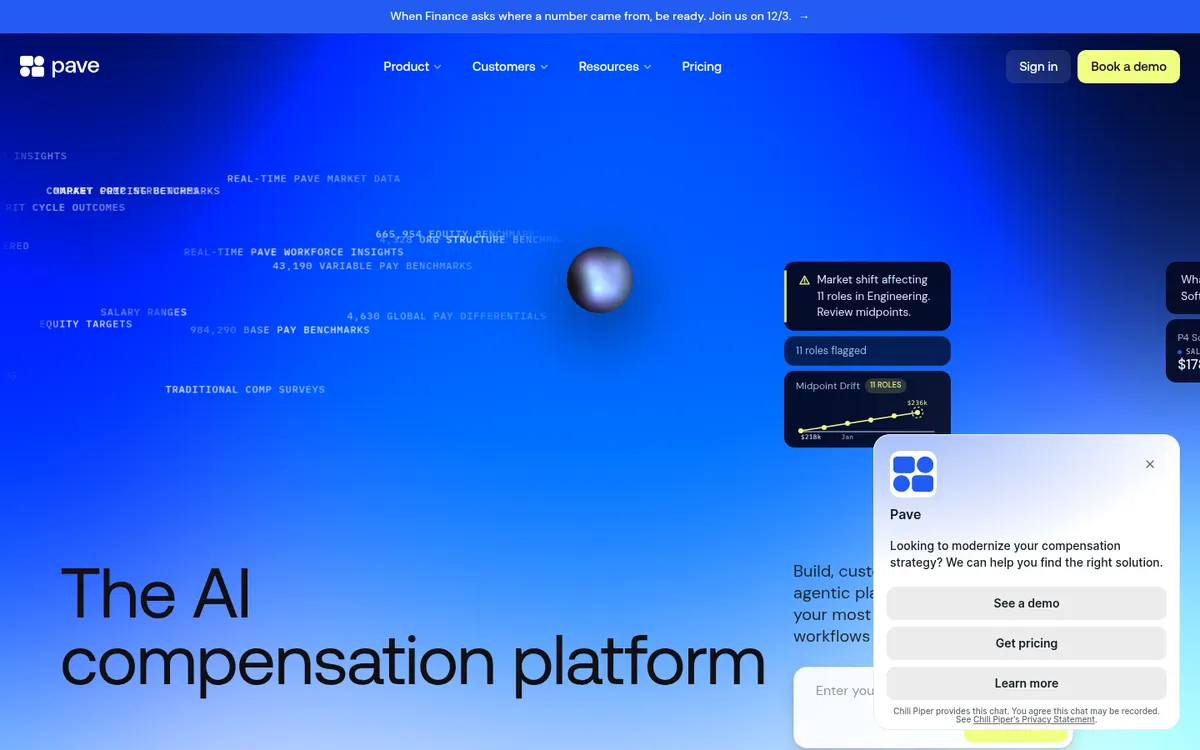
The strongest single system for a US tech startup that prices offers every week and wants benchmarks that keep moving.
Pave is built around market data that comes from its own customers. Instead of relying only on an annual survey, it aggregates compensation data from integrated clients and refreshes benchmarks continuously. For a startup hiring against competitors in the same talent pool, that recency matters more than a large historical dataset. The platform then carries that data into the work that follows: merit and bonus planning, offer letter creation, a total rewards portal and equity modeling for candidates weighing salary against stock.
The scope is the selling point. A recruiter can price a role, build the offer and model equity in one place, and HR can run the merit cycle in the same system with HRIS synchronization keeping employee records aligned. AI workflow add-ons sit on top for teams that want help drafting or checking work. Buying separate tools for benchmarking, planning and offers usually costs more in integration time than in license fees.
The weakness is transparency and coverage. Pave does not publish pricing, and market data is sold in separate tiers, so you cannot compare cost without a sales conversation. The dataset leans toward US technology companies. A hospital system, a manufacturer or a company hiring heavily in Europe should ask directly about sample sizes in its roles and geographies before signing. Fit outside the core sector needs that check.
Pave fits a venture-backed or growth-stage US tech company with a dedicated compensation or people-ops owner. It fits less well if you need a defensible global survey or a published price list to get budget approval.
You hire US tech talent constantly and want benchmarks, offers and merit cycles in one workflow.
You need global coverage or a published price to take into a budget review.
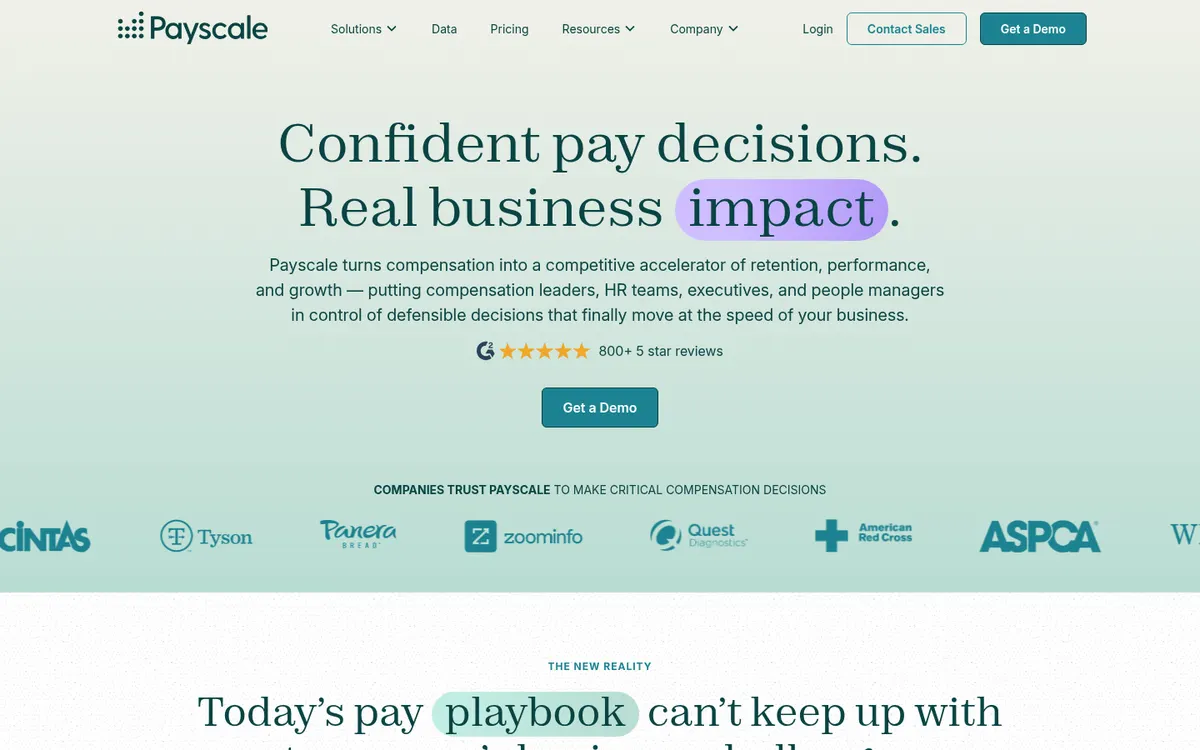
A defensible choice for larger employers that need wide market data, pay equity analysis and audit-ready reporting in one platform.
Payscale's case rests on the size of its market dataset and the formality of the tools around it. The data spans jobs, industries and locations, which matters when a single employer prices everything from warehouse roles to specialized engineering. AI-assisted job pricing speeds up matching a role to survey data, and salary structure design lets you turn that data into bands you can actually administer. Pay equity analysis and pay simulation are the features that justify the platform for many buyers. Running a simulation before a merit cycle, then producing reporting that stands up to a formal review, is work that spreadsheets handle badly. Tableau-based reporting gives analysts room to build their own views, and HRIS integrations keep employee data in sync. The costs are real. Payscale does not publish a price list, and contracts are sales-led. Pricing is quote-based and on the vendor site, which is a serious line item and one that small teams should test before assuming it applies to them. Setup is not trivial, and accuracy on niche roles can vary, so a validation pass on your hardest-to-price jobs is worth building into the evaluation. The fit is a mid-size to large employer with at least one person whose job includes compensation. If your merit cycle is a manager with a spreadsheet and a budget, the platform's depth will go unused while the contract still costs the same.
You need broad market data plus pay equity analysis that can withstand a formal review.
You have no dedicated compensation resource to run the platform.
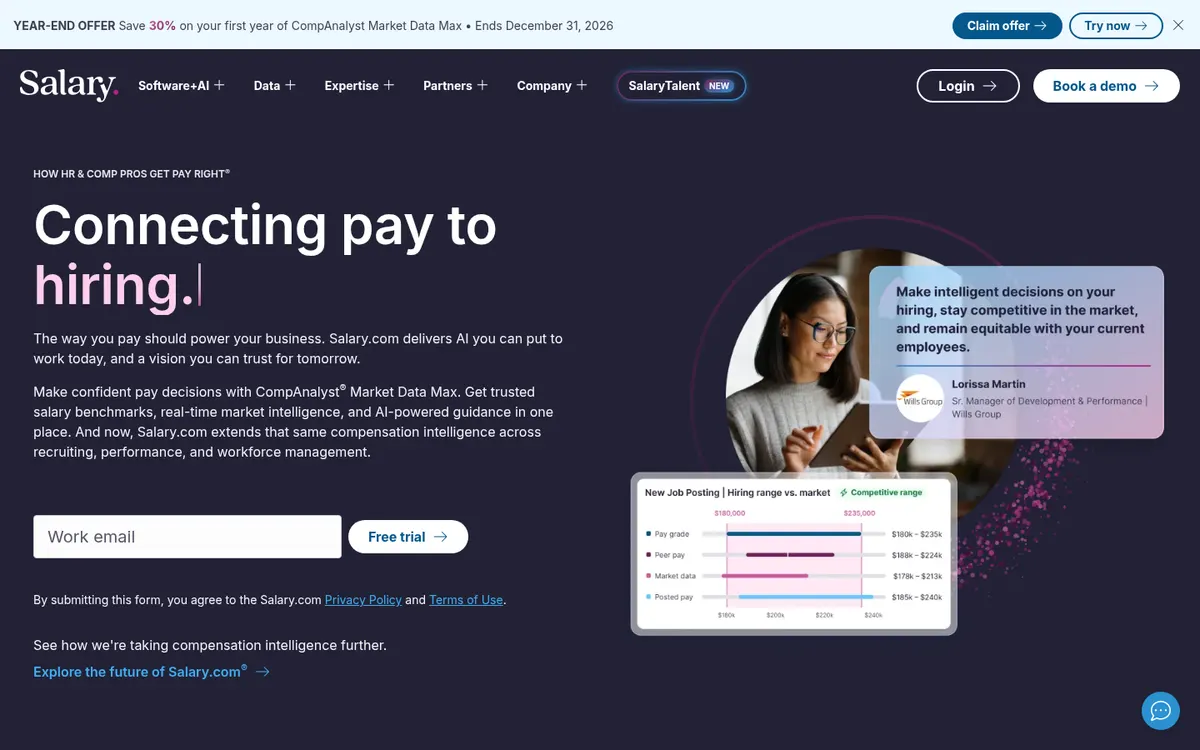
Deep survey data and a big report library for compensation teams, packaged in an interface that feels older than the competition.
Salary.com CompAnalyst is the conventional survey option in this list. Its strength is a deep dataset built from survey participation, combined with automated survey participation that lets a company contribute its own data and get more back. For a compensation team that has to price hundreds of roles against formal survey sources, that depth is the reason to buy.
The report library is large and prebuilt, which saves time when a manager asks for a market summary on a role and you do not want to build the cut yourself. Executive benchmarking covers the roles where informal data is worst. Pay equity analysis combines internal and external data, which is the right approach for identifying unexplained gaps rather than just comparing to a market midpoint.
The friction shows up in packaging and interface. Merit modeling, pay equity and the employee portal are separate products, so the headline price of any one module understates what a full program costs. Buyers should price the complete bundle before comparing against a suite. The interface feels dated next to newer entrants, and integrations often need IT support rather than a self-service connection.
This fits a compensation team that needs deep survey data and formal salary structures, with someone on staff who knows survey methodology. It does not fit a lean HR department that wants managers to self-serve through a modern interface.
Your compensation team lives in survey data and needs formal structures and reports.
You want an employee portal and merit cycle bundled at one predictable price.
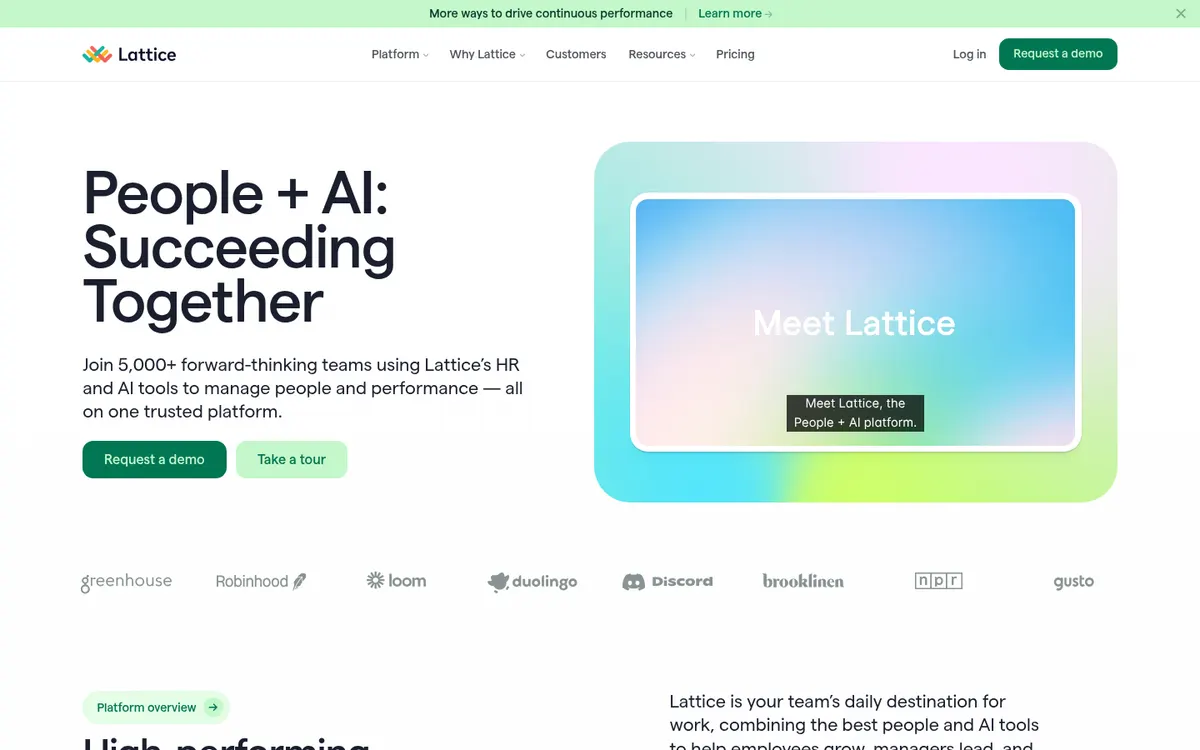
The easiest justification on this list for existing Lattice customers, because pay decisions sit next to the performance data that informs them.
Lattice Compensation is an add-on, and that shapes everything about it. If your performance reviews, goals and engagement data already live in Lattice, the compensation module lets a manager see an employee's review outcome while deciding a merit increase. That single connection removes the export-and-merge step that makes spreadsheet cycles error-prone, and it is the reason most buyers choose it.
Beyond that connection, the module covers compensation planning and budgets, pay bands, approval workflows, HRIS integrations and reporting. It is designed for HR generalists rather than compensation analysts: the interface follows the rest of Lattice, and a manager who has used the performance product needs little training to work through a merit cycle.
Pricing is unusually clear for this category. The compensation add-on is $6 per seat per month on the published pricing page, with a $4,000 annual minimum, and it sits on top of a Lattice base plan, where Foundations starts at $13 per seat per month. That minimum is the catch for small teams: a 20-person company pays the same add-on floor as a much larger one, so the effective per-head cost is steep until you grow.
The other limit is benchmarking depth. Lattice supports pay bands and benchmarking data, but its data work trails the specialists on this list, so a company that needs defensible market pricing across many roles will still want a dedicated source. This is a workflow purchase, not a data purchase.
You already run performance reviews in Lattice and want merit cycles to follow that data.
Market data quality is your main buying reason or you are not a Lattice customer.
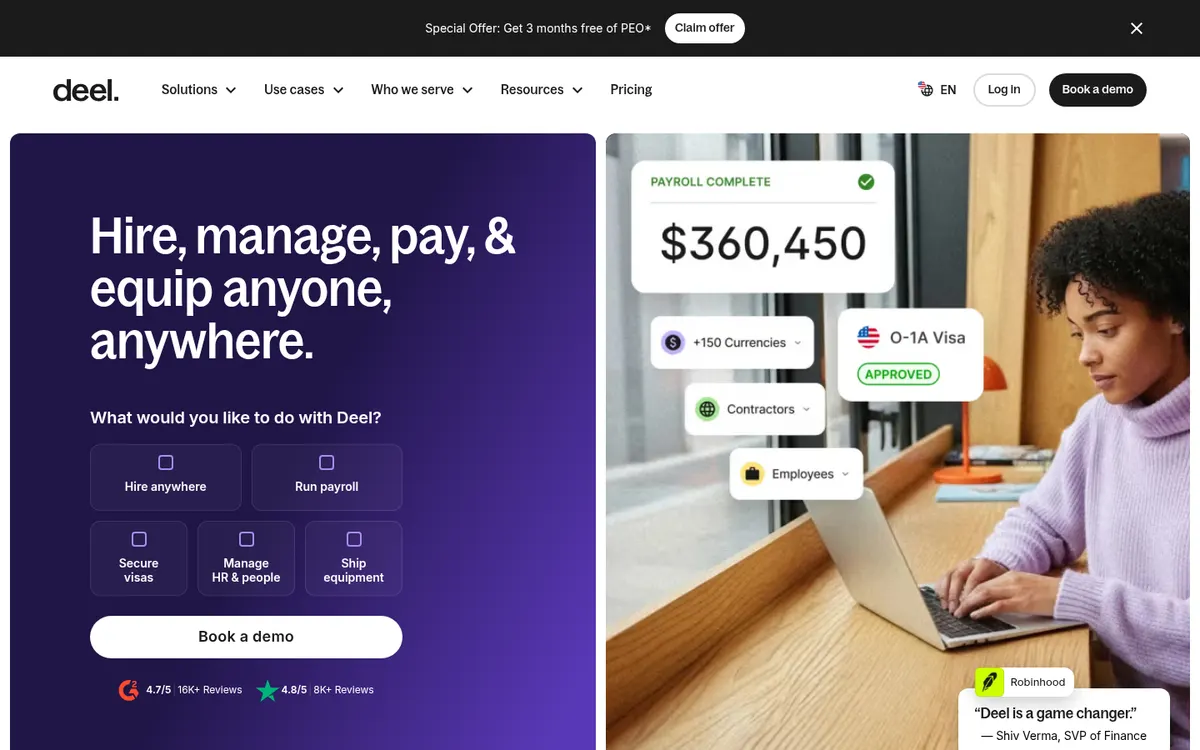
The practical pick for a distributed team that wants compensation sitting inside the HR and payroll system it already runs.
Deel Compensation is not a data product first. It is a compensation module inside a global employment platform, and it makes sense when payroll, contracts and HR records for employees and contractors in many countries already live in Deel. In that setup, salary benchmarking, review cycles and budgeting sit next to the payroll data they affect, which removes a reconciliation step.
The global angle is the differentiator. Multi-currency compensation data and localized compliance support for more than 150 countries address the question a distributed team actually asks: what is a fair salary in this country, and what do we owe on top of it. Regional market insights and budgeting dashboards help a finance lead build a cycle across countries without a separate spreadsheet per entity.
The honest limit is data. Benchmark data here is thinner than what specialist survey providers offer, and it is positioned for spot checks rather than primary survey work. There is also no advanced bonus or long-term incentive modeling, so a company with complex equity or commission structures will need something else for that piece. Admins also face a learning curve across multiple Deel products.
Pricing is the complication. Deel publishes per-employee rates for some products, but compensation is a paid add-on, and the pricing page we checked lists Hire and EOR rates without a compensation price. Deel's core HRIS is free for organizations under 200 people, which is a genuine entry point, but the add-on you are evaluating is not free.
Your workforce is spread across many countries and already paid through Deel.
You need deep survey data or complex bonus and equity modeling.
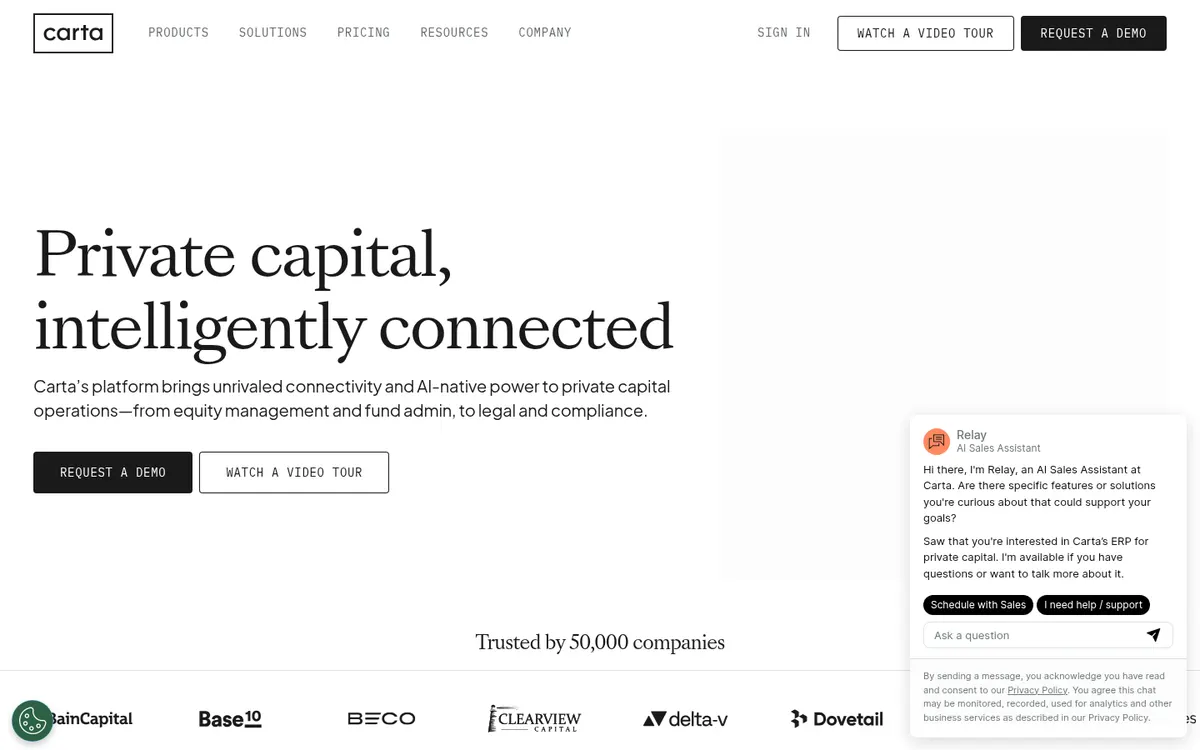
Equity-heavy planning for US venture-backed startups, strongest when the cap table already lives in Carta.
Carta Total Comp is the equity specialist in this list. Its private-market benchmarks come from about 20,000 private companies, which is a dataset that general survey providers cannot easily match for startup equity. For a company building an offer that mixes salary with a stock option grant, that is the number candidates actually push back on.
The product carries that data into offer benchmarking, refresh grant planning, compensation scorecards, offer letters and total rewards statements. Because it sits alongside Carta's cap-table product, planning connects to vesting and dilution: a hiring manager can see what a grant costs in ownership terms, not just in grant value. There are more than 100 HRIS integrations, so employee records can stay in sync with whatever system you run.
The limits follow from the focus. Cash compensation data is thinner than on a dedicated market data platform, so base salary decisions may need a second source. International coverage lags, which makes this a poor fit for a company hiring heavily outside the US. Pricing is an add-on to the equity platform and is quote-based; a free benchmarking tier exists for some cap-table customers, but Total Comp itself is paid.
This fits a US venture-backed startup that already uses Carta for its cap table and needs equity-aware offer and refresh planning. It does not fit a cash-compensation-heavy business or a company with significant non-US headcount.
You are a US venture-backed startup planning equity offers and refresh grants against real private-market data.
Cash benchmarking or non-US hiring is the bigger part of your problem.
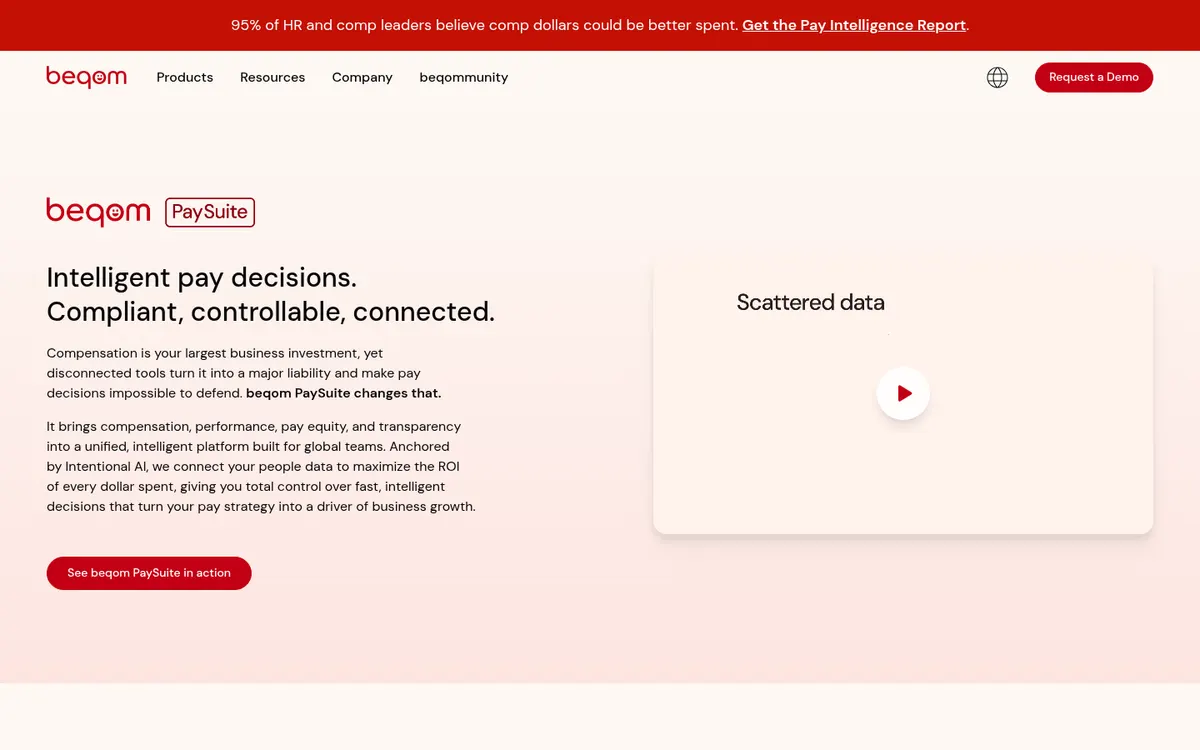
Enterprise pay infrastructure for organizations whose bonus, commission and equity rules cannot be expressed in a spreadsheet formula.
beqom is the heaviest tool here, and that is deliberate. It targets global enterprises whose pay structures are rule-based and complicated: sales commissions and bonus rules, equity and deferred compensation calculations, and country-specific rules that change what a payment means and when it is owed. If your pay logic needs a flowchart, this is the category of product that handles it. The platform is described in four parts covering management, intelligence, analytics and transparency. Rule-based automation handles bonus and commission calculation, pay equity analytics and pay transparency reporting cover the compliance side, and pay intelligence dashboards give leadership a view across countries and currencies. Integrations with Workday, SAP SuccessFactors, Oracle and UKG mean it can sit on top of an existing HCM rather than replacing it. Those integrations are also where the cost lives. Implementation is a significant project rather than a configuration exercise, and the learning curve is steep for administrators. Enterprise pricing is quote-only and, by structure, overkill for a small or mid-size team that runs one merit cycle a year. There is no free plan and no trial, only a demo. The fit is narrow and clear: a large, multi-country organization in a regulated or commission-heavy industry, with an HRIS team and a budget for a project. Everyone else will get more value from a lighter tool that does fewer things well.
Your pay rules are complex, multi-country and driven by compliance or commission logic.
You run a simple merit cycle and want to be live in weeks.
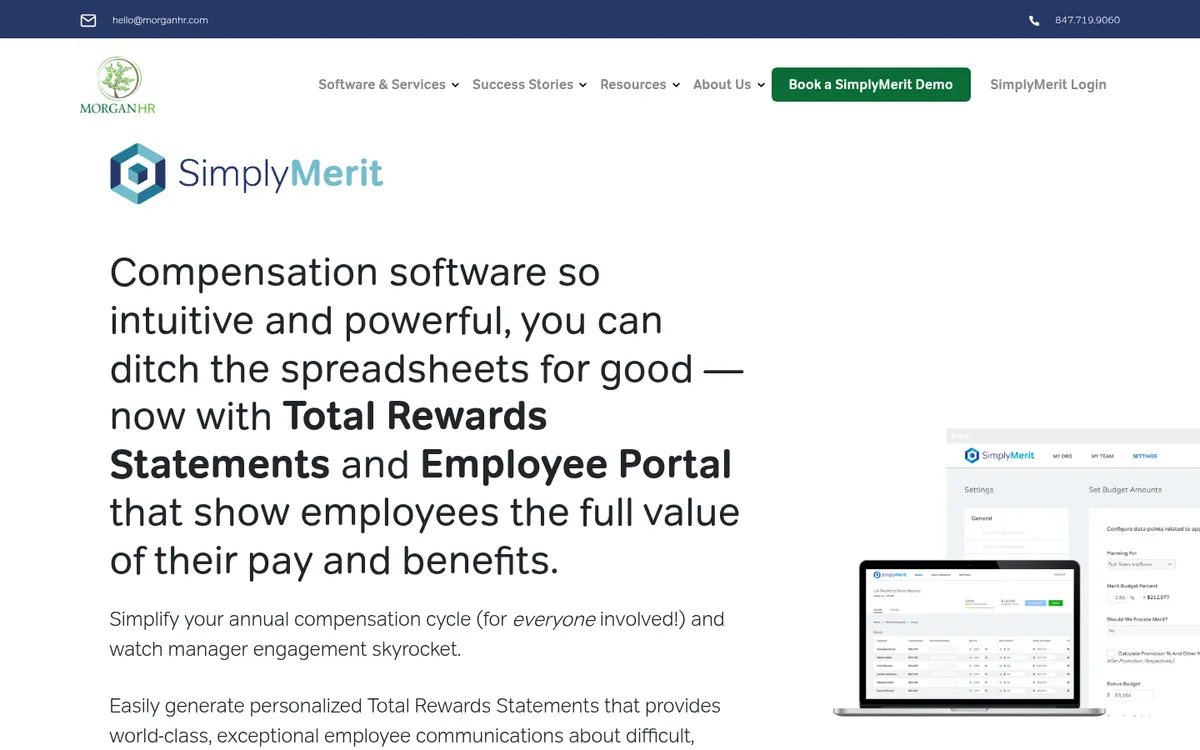
A focused merit-cycle tool that replaces the spreadsheet without selling you market data you may already buy elsewhere.
SimplyMerit does one job: run a salary, bonus and equity review cycle without spreadsheets. That focus is the appeal. Budget optimization lets you distribute a merit pool against rules instead of manual allocation, prorations handle mid-year hires and part-year eligibility, and currency conversion covers teams paid in more than one currency. Approval workflows and auto-generated adjustment letters remove the two most error-prone manual steps in a typical cycle. The manager experience is the part buyers notice. The vendor positions it as needing little training, which matters because a merit cycle succeeds or fails on whether dozens of managers complete their worksheets correctly in a short window. Manager self-service and vendor claims of go-live in under a week point at a tool built for a single seasonal push rather than year-round administration. The trade-off is scope. There is no market data, so this is not a benchmarking purchase; you keep whatever survey source you already use. Beyond review cycles the product is narrow, and it is a smaller vendor with fewer integrations than the platforms above, though the vendor lists ADP, Workday, UKG and Rippling among them. The vendor is MorganHR, founded in 2004. On pricing, this is one of the few entries with a free trial. Pricing is on the vendor site and scales by employee count, and the annual license includes unlimited support, which is a meaningful inclusion for a tool used in short bursts. Pricing should be confirmed with the vendor, since the pricing page we checked returned nothing.
You need a clean merit cycle this quarter and already have a data source you trust.
You need benchmarking, pay equity analytics or a broad compensation platform.
Compensation management software decides what people are paid and why. An HRIS stores what they are paid now: the record, the job title, the pay rate, the history. The compensation tool sits on top of that record and answers the forward-looking questions: what should this role pay in this market, what raise should this person get from this pool, what does this offer cost in equity, and can we defend the resulting pattern.
That difference explains why the category splits into two halves. One half is market data: benchmarks that tell you what a job is worth. Pave, Payscale, Salary.com CompAnalyst and Carta Total Comp compete here, and their datasets differ by sector, geography and whether they lean on cash or equity. The other half is workflow: the machinery of a merit cycle, with budgets, prorations, approvals and letters. Lattice Compensation, SimplyMerit and beqom compete here, and Deel Compensation straddles the line by embedding both inside a global payroll platform.
Most buyers need some of each, which is why the honest question is not "which tool is best" but "which half do I already have covered." A company with a survey subscription and a spreadsheet problem should buy workflow. A company with a working merit process and bad market data should buy data. Buying a suite to solve one half usually means paying for the other half twice.
A few capabilities are worth knowing by name when you evaluate:
An HRIS will not do the first, third or fourth well, and a compensation tool will not replace the system of record. Plan for both.
This comparison sits on the Software desk. Readers comparing neighbouring stacks often check our guides to demand forecasting software and glp 1 companies next.
Compensation software is priced in four broad ways, and the model tells you a lot about what the vendor expects you to need. Only one tool in this list publishes a rate, so expect a sales conversation for most of these. Where a vendor publishes nothing, treat a demo as a scoping call and go in with your headcount, role count and country count ready. The four models break down like this. Per-seat pricing is the easiest to budget and the easiest to compare, and it usually comes with an annual minimum that changes the math for small teams. Quote-based enterprise pricing reflects data licensing and implementation work, so the number depends on how much data you need and how much configuration your rules require. Add-on pricing means the compensation product rides on a platform you already pay for, which lowers the marginal cost and raises the switching cost. Annual license pricing suits a tool used in one or two cycles a year.
| Model | How it bills | Typical fit | Example from this list |
|---|---|---|---|
| Per seat | Monthly rate per seat, often with an annual minimum | SMB and mid-market teams already on the base platform | Lattice Compensation at $6 per seat per month, $4,000 annual minimum, on top of a base plan from $13 per seat per month |
| Quote-based data subscription | Annual contract priced by data tiers and users | Employers with a dedicated compensation function | Pave and Payscale, both quote-only; pricing is on the vendor site |
| Platform add-on | Added to an existing platform contract | Companies already running the parent product | Carta Total Comp as a paid add-on to the equity platform; Deel Compensation as a paid add-on with a free core HRIS under 200 people |
| Annual license | Yearly fee scaled by employee count | Single-purpose workflow tools | SimplyMerit, with pricing on the vendor site and scaling by headcount |
Every price above was checked on the vendor's own pricing page on November 25, 2026. Where a vendor does not publish a figure we write "See website" instead of guessing. To compare annual and monthly billing quickly, try the free percentage calculator.
Buying data you already own. Many companies have a survey subscription nobody checked before the evaluation started. Audit existing subscriptions and internal data first, or you will pay twice for benchmark access and use neither well.
Assuming a suite covers everything at one price. Modular portfolios are common. Merit modeling, pay equity and employee portals are frequently separate products, so a base quote can understate the program by a wide margin. Ask for the full bundle in writing.
Ignoring the annual minimum. A $6 per seat rate with a $4,000 annual minimum is excellent at 500 employees and poor at 25. Convert every published rate into a total annual cost at your actual headcount before comparing anything.
Treating an HRIS add-on as a data source. Compensation modules inside payroll or HR platforms are convenient, but their benchmarks are often positioned for spot checks rather than primary survey work. If defensible market pricing matters, budget for a specialist source as well.
Underestimating implementation on enterprise tools. Rule-based platforms that handle multi-country bonus and commission logic are projects, not sign-ups. Budget partner time, internal analyst time and a realistic timeline, or the first cycle will run late and in parallel with the old process.
Only Lattice Compensation publishes a rate in this list: $6 per seat per month for the add-on, with a $4,000 annual minimum on top of a base plan from $13 per seat per month. SimplyMerit's annual license pricing is on the vendor site and scales by employee count, though its pricing page was not readable when checked. Pave, Payscale, Salary.com CompAnalyst, Deel Compensation, Carta Total Comp and beqom are all quote-based.
Buy whichever half is currently broken. If you cannot state what a role pays in your market, buy data first, because a clean workflow built on bad numbers just produces confident mistakes. If you already have trustworthy benchmarks and the cycle still runs in spreadsheets, buy workflow. Companies with budget for both should buy data from a specialist and workflow from the cheapest tool that fits their cycle.
Pave fits high-growth US tech startups that make frequent offers and want continually refreshed benchmarks plus equity modeling. Carta Total Comp fits venture-backed startups whose cap table already lives in Carta and whose main question is equity, with benchmarks drawn from about 20,000 private companies. Neither publishes pricing, so both require a sales conversation before you can compare cost.
Deel Compensation is the practical pick for distributed teams, with multi-currency data, compensation review cycles and localized compliance support for more than 150 countries, all inside a platform that also runs payroll. Its benchmark data is thinner than specialist surveys, so treat it as spot-check data. beqom is the alternative for large enterprises with complex multi-country pay rules, but it is a heavy implementation project.
Sometimes, with care. Lattice Compensation at $6 per seat per month carries a $4,000 annual minimum, which is a heavy effective rate for small teams, and it requires a Lattice base plan. SimplyMerit uses an annual license with pricing on the vendor site, and a free trial to test fit. Data-first platforms like Pave and Payscale are harder to justify without a dedicated compensation owner.
An HRIS is the system of record: it stores who works where, their job and their current pay. Compensation management software decides what people should be paid and manages the process of changing it, covering market benchmarks, salary structures, merit and bonus pools, approvals, pay equity analysis and total rewards statements. Most companies need both, and the compensation tool usually pulls employee data from the HRIS.
Browse every comparison on the Software desk, with the same rubric and dated prices.