Ranked #1

Wise
Upfront rate preview
See websiteUsage-based fees, transfers from 0.52%, no subscriptions or plans
- Best for
- Freelancers and small firms wanting clear transfer costs
- Free plan
- Yes
- Rubric
- 8.0 / 10
Nine cross-border payment platforms ranked for freelancers, marketplace sellers and finance teams, with pricing checked on November 25, 2026 and honest limits on each.
 Prices checked November 25, 2026

Wise is a strong Payoneer alternative for freelancers, because it shows the exchange rate and fee before you send. Airwallex fits companies that run regular cross-border payouts, batch supplier payments and staff card spend. PayPal remains the practical pick when overseas clients already have an account and expect to pay by invoice or checkout. Prices and plan details below were checked on November 25, 2026, and every entry lists what it costs and where it falls short.
Upfront rate preview
See websiteUsage-based fees, transfers from 0.52%, no subscriptions or plans

Payer recognition
See website

Banking plus exchange
£3.99Plus, per month, Standard plan is free
Disclosure for this page: All 9 tools here are unpaid editorial picks. The position of a paid listing can be part of what the vendor pays for. How we handle paid listings.
| Tool | Best for | Free plan | Actions | |||
|---|---|---|---|---|---|---|
| 1 | Wise | Freelancers and small firms wanting clear transfer costs | See websiteUsage-based fees, transfers from 0.52%, no subscriptions or plans | Yes | ||
| 2 | PayPal | Getting paid by clients who already use it | See website | Yes | ||
| 3 | Revolut | Freelancers and travellers wanting banking plus exchange | £3.99Plus, per month, Standard plan is free | Yes | ||
| 4 |  Stripe | Online businesses collecting payments and paying out sellers | See websitePay per transaction, 2.9% + 30¢ for domestic cards, custom pricing available | No | ||
| 5 | Airwallex | Companies running regular cross-border payouts and expenses | $12Grow, per user per month, plus platform fee based on team size | Yes | ||
| 6 |  WorldFirst | Businesses and individuals moving larger sums with dealer help | See website | No | ||
| 7 |  OFX | High-value transfers needing phone support and rate tools | See website | No | ||
| 8 |  PingPong | Amazon and e-commerce sellers receiving multi-currency payouts | See website | Yes | ||
| 9 | Veem | SMBs paying overseas suppliers and contractors with tracking | $24.99Premium, per month, free Basic plan included | Yes |
Every platform here was assessed against the same criteria: transfer cost, currency coverage, business tooling, ease of use, and support and risk. Cost carries the heaviest weight at 30 percent, because a rate markup on a recurring payment compounds quickly. Business tooling sits at 22 percent for operators who pay suppliers or staff, currency coverage at 20 percent, ease of use at 15 percent, and support and risk at 13 percent. Scores are judgments about a typical buyer, not a benchmark of every corridor. Pricing facts come from each vendor's own pricing page, checked on November 25, 2026. Where a vendor publishes usage-based pricing without a headline number, the price reads See website and the review explains how billing works instead of guessing a figure. Plan names, billing terms and seat limits are reproduced as the vendor states them, and currency amounts stay in their original form rather than being converted. The order of this list is editorial. It reflects which platform fits the buyer described in each entry, not a weighted total of the scores. Where this page carries a Featured listing, that position is a paid placement, and the vendor is scored on the same rubric and carries the same kind of cons as every other entry. Two limits apply. Transfer costs move with the currency pair and the route, so the same amount should be tested on two or three platforms before you commit. And check whether a provider is a licensed bank in your market, because that matters for deposit protection.
The full process, including how we handle corrections, is on the methodology page. Paid listings follow our advertising disclosure.
| Criterion | Weight | What we check |
|---|---|---|
| Transfer cost | 30% | Rate markup, visible fees and what a typical corridor payment actually costs to complete. |
| Currency coverage | 20% | How many currencies and receiving accounts are supported, and how fast money arrives on busy routes. |
| Business tooling | 22% | Batch payouts, staff cards, expense controls and accounting integrations for teams rather than individuals. |
| Ease of use | 15% | Onboarding speed, interface clarity and how quickly a first payment can be sent without help. |
| Support and risk | 13% | Human help, rate-locking tools and how payment holds or account reviews are handled when things go wrong. |
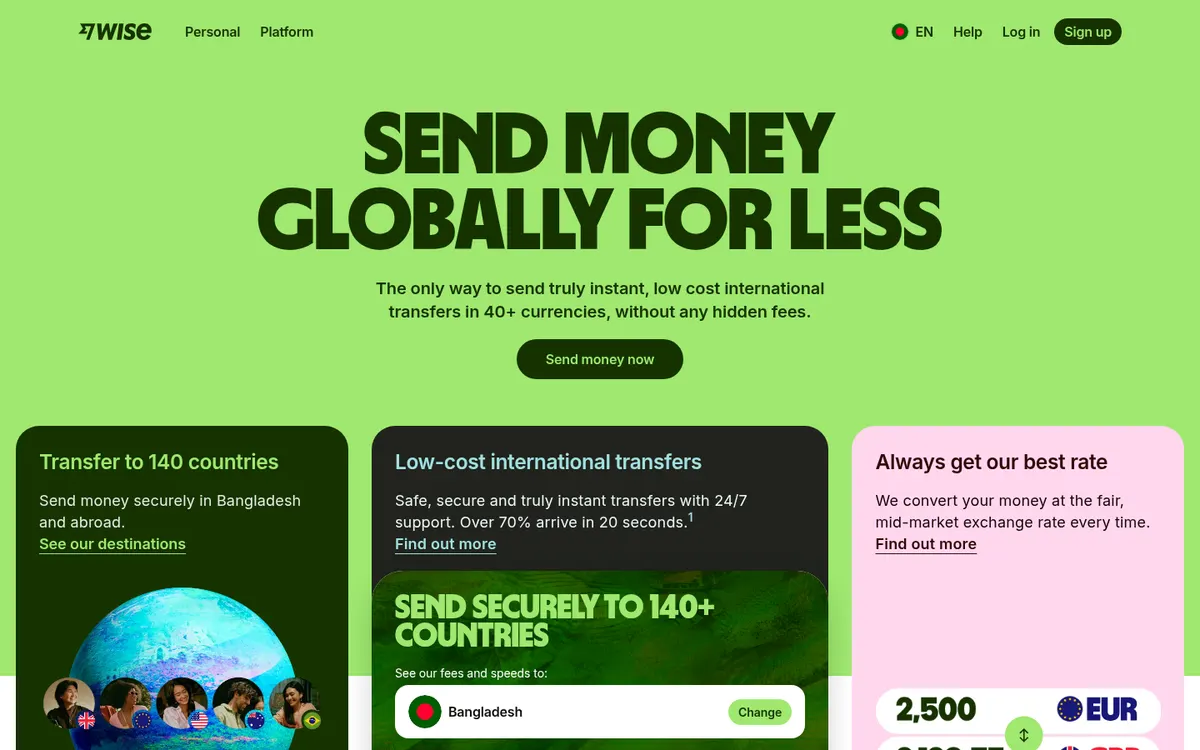
The clearest pricing of the group, best for freelancers who want to see the rate and fee before they send.
Wise, formerly TransferWise, is a common choice for freelancers after Payoneer. The core flow shows a mid-market exchange rate alongside the fee and the exact amount the recipient will receive before anything is confirmed, which removes the guesswork that dominates older transfer services. A multi-currency account holds balances, converts between them and links to a debit card for spending, and receiving account details in major currencies let clients pay in their own currency rather than pushing a conversion onto you. Pricing is usage-based. Wise advertises transfers from 0.52% and does not sell monthly plans or subscriptions, so there is no platform fee and no seat count to negotiate. A free plan exists and there is no trial, because there is nothing to trial beyond a live transfer. Pricing is quoted per corridor, which means the number that matters is the one shown for your specific currency pair on the day you send. The honest limits are institutional rather than functional. Wise is not a licensed full bank in every market it operates in, so deposit protection varies by country and it should not be treated as a straight substitute for a current account. Business payout and expense tooling is lighter than Airwallex, so a finance team running batch supplier payments and staff cards will find itself reaching for another system. Pick it if you receive freelance income from overseas clients in a handful of currencies and want the cost visible before you commit. Test the exact amount on a second platform before assuming Wise wins your corridor, because the advertised entry rate applies to specific routes, not all of them.
You want to see the mid-market rate and the fee before sending money to an overseas client or supplier.
You need batch supplier payouts, staff cards and expense controls inside a single finance system.

The lowest-friction way to get paid by clients who already have an account, at a higher conversion cost.
PayPal is the alternative you choose when the obstacle is not the transfer but the payer. Clients who already hold an account can pay an invoice or complete a checkout in a few clicks, and that recognition is worth real money in recovered sales. Invoicing and online checkout are ready without setup work, marketplaces and online stores accept it, mass payout sends money to multiple recipients, and a multi-currency balance can be held rather than converted immediately. Pricing sits on the vendor site rather than in a published plan structure, so treat the number quoted for a transaction as the number that applies to your account and your country. A free account exists and there is no trial to speak of. The cost that decides whether PayPal is cheap or expensive is the conversion: receiving in your own currency is a different proposition from holding a foreign balance and converting it later, and converting large amounts is the expensive scenario. The protection programs are a genuine differentiator. Buyer and seller protection policies cover transactions in a way that a pure transfer service does not. Against that, payment holds can block access to money you have already earned, and account limitations remain a recurring complaint among sellers who depend on the balance for cash flow. Pick it if your clients already use PayPal and you would lose work by asking them to switch. Skip it if you convert large foreign balances regularly or run supplier payouts at volume, where the conversion margin and the hold risk both bite harder than the convenience is worth.
Overseas clients already hold an account and paying you any other way would slow the invoice down.
You convert large foreign balances or need predictable access to incoming funds on a fixed schedule.
A banking app first and a transfer service second, useful when you want cards, budgets and exchange in one place.
Revolut is a consumer banking app that happens to handle currency exchange well, which makes it a reasonable Payoneer alternative for a freelancer who wants one place for income, spending and travel. Multi-currency accounts come with cards, in-app exchange, budgeting and savings tools, and ATM allowances that vary by plan. Paid tiers add travel cover and higher limits, and business accounts are available on paid plans. The Standard plan is free, and Plus is £3.99 per month. That entry price buys a bundle that includes cards, exchange and travel cover on paid tiers, and the paid tiers lift exchange allowances and ATM limits. There is no trial, but the free tier means you can run real transactions before paying anything at all. The main constraint is the allowance on the entry plan. Heavy converters can hit the cap, and the fix is an upgrade rather than a different provider. Business accounts require a paid subscription, so a sole trader invoicing overseas clients should check whether the personal plan covers the activity before assuming it does. Support is chat-first with no phone route, which matters on the day a payment is stuck and you need a person. Pick it if you want cards, budgeting and exchange in one app and your monthly conversion volume is modest. Skip it if you need dealer-style rate tools, batch supplier payouts, or a phone line when something goes wrong at the worst possible moment.
You want everyday spending, travel cover and currency exchange bundled into one app on a small monthly fee.
You convert frequently enough to hit the free allowance or need a phone line during a stuck payment.
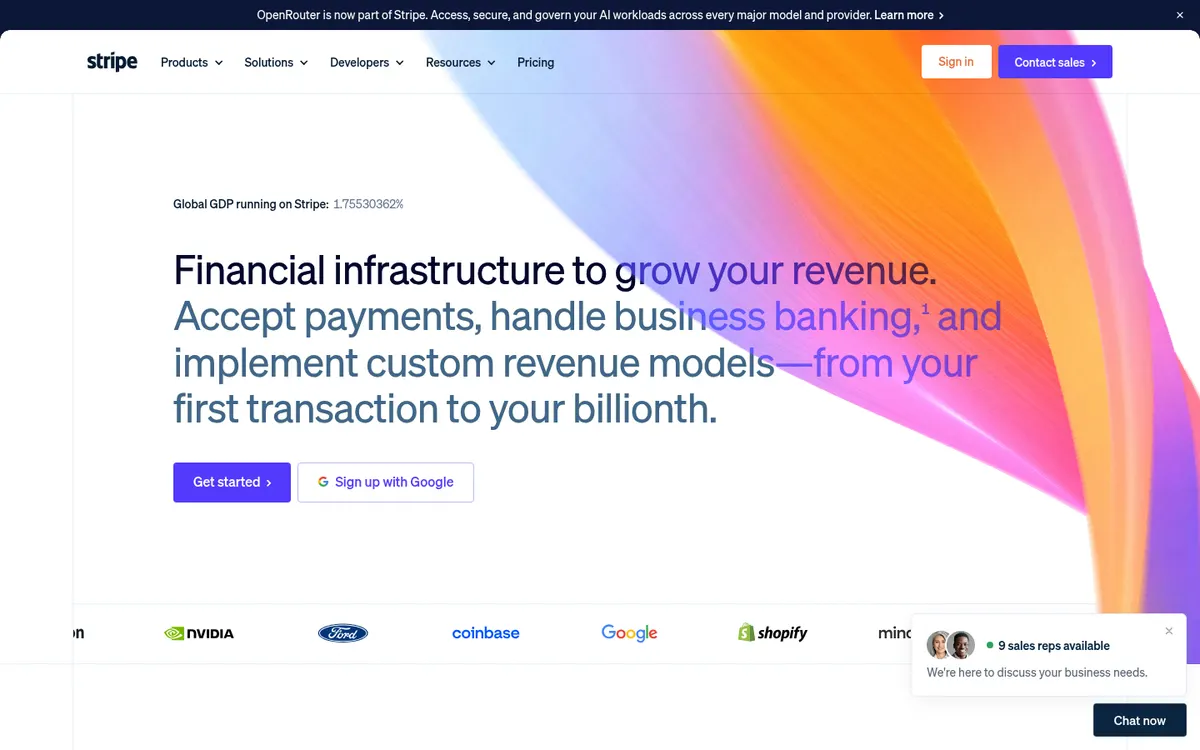
Infrastructure for businesses that collect payments online and distribute money to sellers, not a freelance receiving account.
Stripe is the wrong tool for a single freelancer and the right one for a platform. It accepts cards and local payment methods, exposes developer APIs and SDKs, runs billing and subscription tooling, applies fraud controls and dispute handling, and moves money outward through global payout infrastructure. The product that maps to a Payoneer comparison is Stripe Connect, which pays connected accounts: marketplaces, platforms and anyone distributing funds to sellers or contractors. Pricing is per transaction rather than per month. Domestic cards are quoted at 2.9% plus 30 cents, with custom pricing available, and there is no free subscription tier because there is no subscription to give away. The vendor site carries the detail for other payment methods and countries. Two operational realities are worth planning for. Payout speed differs by country and by risk assessment, so the same platform can pay a seller in one market in days and another more slowly. Account reviews can temporarily freeze funds, which is manageable for a business with reserves and painful for one living payment to payment. Pick it if you collect money online first and distribute it second, or if you are building a marketplace that needs payout logic inside your own product. Skip it if you are an individual receiving freelance income and want a receiving account, because you would be paying for infrastructure you will never use.
You run a marketplace or platform that collects from buyers and pays sellers from the same system.
You are a freelancer who simply wants a receiving account and a card without writing any code.
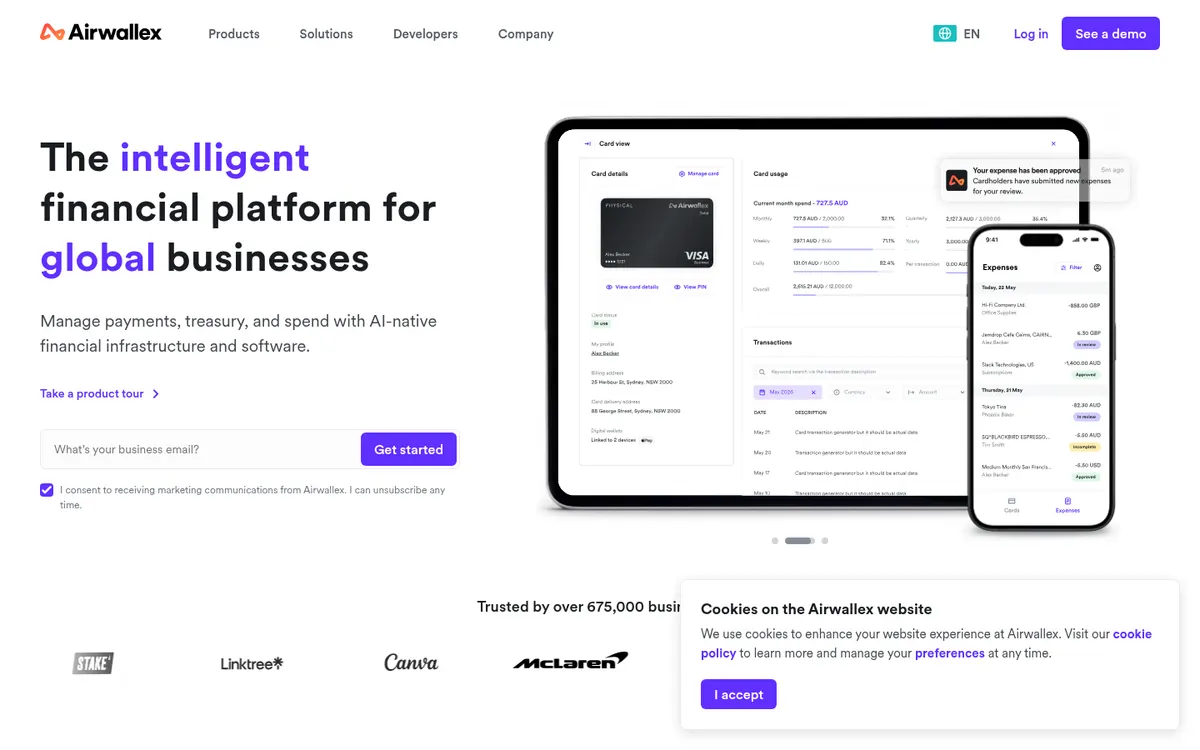
The strongest choice for a company consolidating multi-currency accounts, staff cards, batch payouts and expenses behind one login.
Airwallex is the option for a company that has outgrown stitching tools together. Business multi-currency accounts, corporate cards for staff spending, batch payouts to suppliers and employees, expense management with accounting integrations, global collection accounts and in-platform FX conversion all sit behind one login. The practical effect is that a finance team stops reconciling multiple systems and starts approving payments in one place. Grow is $12 per user per month, on top of a platform fee based on team size, and a free Explore plan sits underneath it. That structure rewards teams that will actually use the seats: cards, payouts and expenses draw on the same user list, so the per-seat cost covers several jobs at once. Smaller teams should model the platform fee before committing, because the headline per-user number is not the whole bill. The fit problem is size, not quality. Individuals find the product overbuilt, and a solo freelancer receiving client payments gets nothing from batch payouts or expense controls. Business verification adds onboarding time that a consumer app skips, and pricing differs by product line and volume tier, so the quote depends on which products you switch on. Pick it if you pay vendors, staff or creators across borders every month and want accounts, cards, payouts and expenses in one place. Skip it if you are an individual or a two-person operation, where a simpler consumer account costs less and asks less of you.
Your finance team runs regular cross-border payouts and wants cards, expenses and accounts under one login.
You are a solo operator whose needs stop at receiving client payments and converting them.
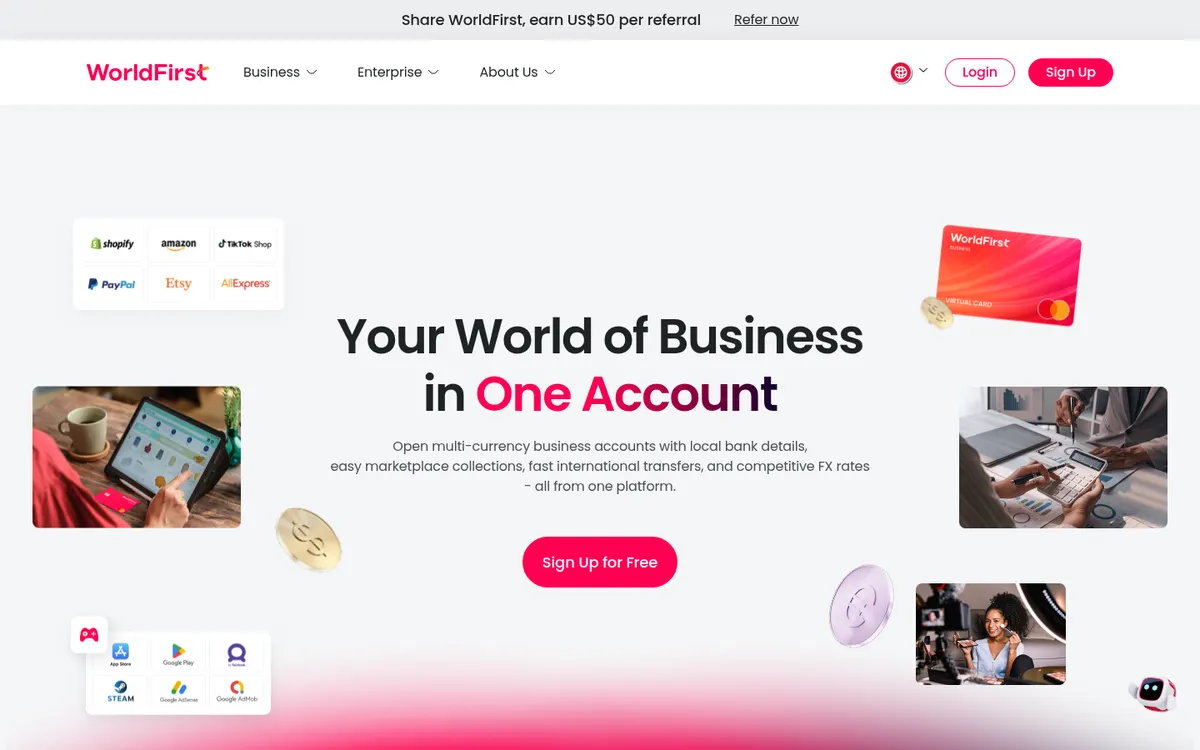
Built for larger, less frequent transfers where a named dealer and a rate conversation beat an app.
WorldFirst sits between an app and a brokerage. International transfers are available to businesses and to individuals moving larger personal amounts, a named dealer handles rate discussions, and multi-currency business accounts are part of the offer. Scheduled and recurring transfers are supported, and on larger deals the dealer can help with timing rather than leaving you to watch a chart on your own. There is no published plan list captured here, so pricing sits on the vendor site and depends on the corridor and the amount. There is no free personal tier comparable to Wise, and some products carry minimum amounts, which is the clearest signal about who the service is built for: fewer, bigger transfers rather than frequent small ones. A free account is not part of the offer, and the site is the only place to get a real number. The trade you make is self-service for a relationship. Online account management exists alongside dealer support, but the product is less self-serve than app-first competitors, and someone who wants to send a small amount quickly will find the whole experience heavy. Someone making a large payment or paying a supplier in another currency will find the reverse, because the dealer can talk through timing instead of leaving the rate to a screen. WorldFirst operates as part of Ant International. Pick it if you move larger sums a few times a year and want a person to discuss the rate with. Skip it if you want a free account, instant small transfers, or a card you can spend from, because none of those are the point of the product.
You move larger sums a few times a year and want a dealer to discuss the rate and timing with you.
You want a free account for small, frequent transfers started from your phone in a couple of minutes.
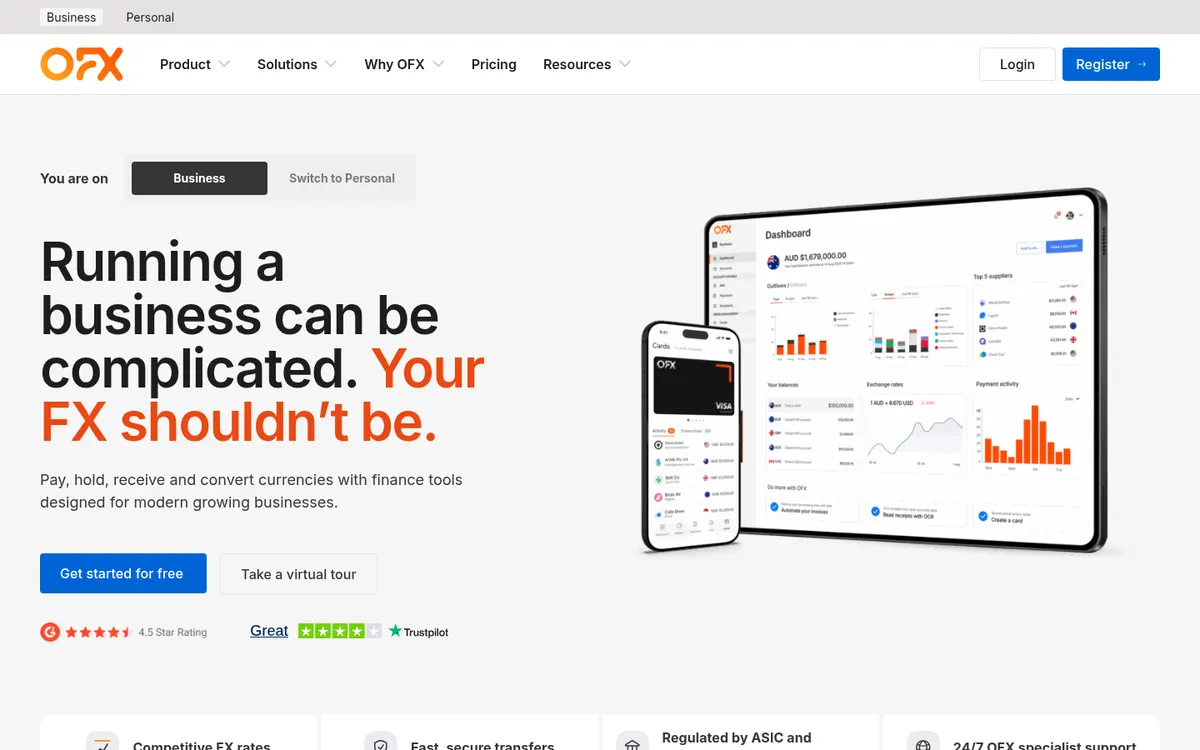
Rate tools and 24/7 phone support for property purchases and large one-off payments, with a dated interface.
OFX is built around the assumption that the transfer is large enough to deserve a conversation. A phone-based dealing team is available around the clock, forward contracts lock in an exchange rate for a future payment, and limit orders execute when a target rate is reached. Property purchases and supplier payments are explicitly supported, and recurring high-value transfers are handled as a routine case rather than an exception. Pricing is not published as a plan. The vendor site carries the detail per corridor, and there is no free account tier. For a large one-off payment the spread matters more than any subscription, which is why the dealer conversation exists at all. For small transfers the same structure works against you, and the cost often lands above app-based alternatives that publish a fee and a rate upfront. The interface is the weak point. Newer app-first rivals have simpler first screens, and OFX has not followed. What it offers instead is risk management: a forward contract removes the uncertainty of an exchange rate on a future completion date, and a limit order removes the need to watch the market constantly. Those tools matter when the amount is a house deposit and matter very little when it is a monthly invoice. Pick it if you are buying property abroad, paying a large supplier invoice, or moving high-value sums on a schedule and want rate tools plus a phone line. Skip it if your transfers are small, frequent, or need to be started from a phone in two minutes, since the strengths here only show up at size.
You are buying property abroad or paying a large supplier and want to lock a rate before completion.
Your typical transfer is a small monthly invoice and you want a clean app rather than a dealing desk.
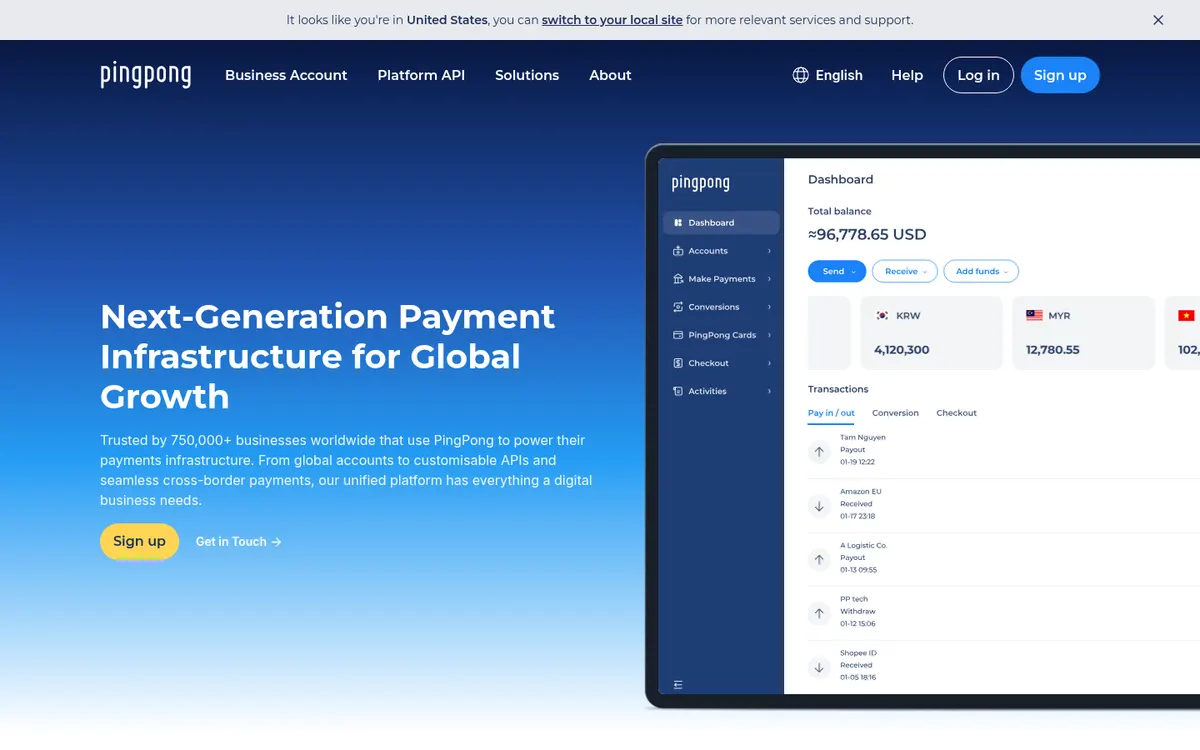
A marketplace seller's tool, with multi-currency receiving accounts for Amazon and e-commerce payouts but little else.
PingPong is a Payoneer replacement aimed squarely at marketplace sellers. Receiving accounts in major currencies collect payouts from Amazon and other e-commerce platforms, and the money can be converted or paid out from the same place. Account opening costs nothing, and the payout flows are designed around the way seller disbursements actually arrive: platform to receiving account, then conversion, then withdrawal to a local account. Pricing sits on the vendor site rather than in a published plan, and a free account is available. The claim that matters for a seller is competitive conversion on balances, and the way to test it is to price the same payout at PingPong and at a general multi-currency account before routing a month of sales through it. The product is focused on seller collections rather than domestic banking. The narrowness is deliberate and it is also the limit. The tools are shaped by marketplace cash flow rather than by invoicing clients or paying suppliers, so a seller who also does consulting work ends up with two providers. Business verification is mandatory, which adds setup time, and recognition outside seller communities is low. Pick it if you sell on Amazon or another marketplace and want receiving accounts plus conversion tuned to that workflow, with no monthly fee to carry in a slow month. Skip it if you are a freelancer invoicing clients, or if you need cards, expenses or supplier payouts alongside your collection accounts.
You sell on Amazon or a similar marketplace and want receiving accounts tuned to platform payouts.
You invoice clients directly or need cards, expenses or supplier payments alongside collections.
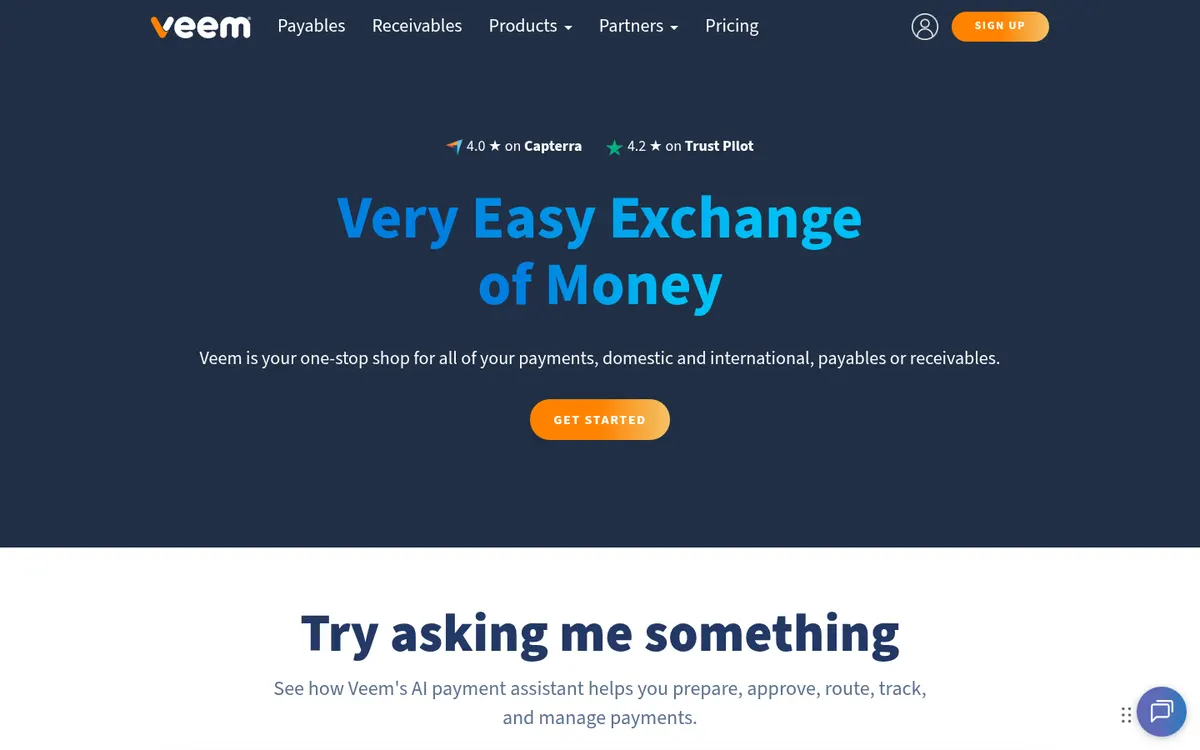
Supplier payments with shared tracking for both sides, priced per transfer on Basic and $24.99 per month on Premium.
Veem is built around paying suppliers and contractors. Payments carry status tracking that both the sender and the recipient can see, which removes the did it arrive email chain that surrounds international supplier payments. Multi-currency payments are supported, invoices can be linked to payment records, and the workflow is shaped around paying contractors and suppliers rather than around collecting from customers. Pricing has two shapes. A free Basic plan carries per-transfer charges, so the cost scales with volume, and Premium is $24.99 per month with a 30-day Premium trial to test whether the subscription pays for itself. Fees differ by funding method and corridor, so the total for a card-funded payment and a bank-funded payment to the same country will not match, and each route should be priced before a payment schedule is booked in. The network is the honest gap. Fewer recipients hold a Veem account than hold PayPal, so the tracking benefit is strongest when both sides are already on the platform and weaker when a supplier has never heard of it and wants a bank transfer instead. It is also business-oriented: there is no personal use case to speak of, and a freelancer receiving client income sits outside the design entirely. Pick it if you are an SMB paying overseas suppliers or contractors monthly and want visibility on each payment's status without chasing confirmations by email. Skip it if you are receiving money rather than sending it, or if your suppliers expect PayPal or a local bank transfer and will not open another account. The free Basic plan makes it cheap to test one corridor before moving a whole supplier schedule across.
You pay overseas suppliers monthly and want each payment's status visible to both sides without email chasing.
You are on the receiving side of the money or your suppliers will only accept PayPal or a local bank.
A Payoneer alternative is any service that lets you receive money from abroad, hold it in more than one currency, convert it and move it out, without necessarily being a bank. The category splits into three rough shapes, and knowing which one you need removes most of the confusion. The first is the multi-currency account, where receiving details in several currencies, conversion and a card sit in the same place. Wise and Revolut are the clearest examples. This is the shape most freelancers want, because a client can pay in their own currency and the conversion happens on your terms rather than theirs. The second is payment infrastructure, where the money is taken from customers first and distributed second. Stripe with Connect, Airwallex and Veem all fit here, and so does much of what an e-commerce seller uses. These products are built around payout runs, approvals, cards for staff and accounting records, not around a single person waiting for an invoice to clear. The third is dealer-assisted transfer, where a person helps with the rate on larger amounts. WorldFirst and OFX sit here, with dealer help and, at OFX, forwards and limit orders that manage exchange risk on a future payment. A short checklist of what to compare: - The rate and fee quoted for your actual currency pair, not the headline
This comparison sits on the Software desk. Readers comparing neighbouring stacks often check our guides to demand forecasting software and glp 1 companies next.
Several of these services charge a slice of each payment rather than a subscription, and that is the number to interrogate. A published entry rate such as transfers from 0.52% applies to specific corridors, so the only meaningful comparison is the quote you get for your own currency pair on the day you send. Several billing models appear on this list. Usage-based charging takes a percentage plus, sometimes, a fixed amount per transaction; Stripe quotes 2.9% plus 30 cents for domestic cards and Wise advertises transfers from 0.52%. Monthly subscription tiers bundle features and lift limits, which is how Revolut sells Plus at £3.99 per month. Per-seat pricing appears where the buyer is a team, with Airwallex Grow at $12 per user per month plus a platform fee based on team size. Veem mixes the last two: a free Basic plan with per-transfer charges, or Premium at $24.99 per month.
| Model | How it bills | Typical fit | Example from this list |
|---|---|---|---|
| Usage-based transfer fee | Percentage per transfer, quoted per corridor | Freelancers sending and receiving across borders | Wise, transfers from 0.52% |
| Transaction percentage | Percentage plus fixed fee per payment | Online businesses collecting card payments | Stripe, 2.9% + 30¢ for domestic cards |
| Subscription tiers | Monthly plan with feature and limit tiers | Individuals wanting banking plus exchange | Revolut, Plus at £3.99 per month |
| Per-seat plus platform fee | Per user per month plus a platform fee | Finance teams running regular payouts | Airwallex, Grow at $12 per user per month |
| Free account plus monthly option | Per-transfer charges, or a monthly plan | SMBs paying suppliers and contractors | Veem, Premium at $24.99 per month |
| Quoted on the vendor site | Pricing is on the vendor site | Varies by use case | WorldFirst, OFX, PayPal, PingPong |
Every price above was checked on the vendor's own pricing page on November 25, 2026. Where a vendor does not publish a figure we write "See website" instead of guessing. To compare annual and monthly billing quickly, try the free percentage calculator.
Wise is a strong answer, because it shows the mid-market rate and the fee before you confirm and does not charge a subscription. Revolut is a close second if you want cards and budgeting in the same app and your monthly conversion volume stays inside the free allowance. PayPal wins only when the client insists on it.
Airwallex. Business multi-currency accounts, corporate cards for staff spending, batch payouts to suppliers and employees, and expense management with accounting integrations all sit behind one login. Grow is $12 per user per month plus a platform fee based on team size, with a free Explore plan underneath. Individuals will find it overbuilt.
Often, but only corridor by corridor. Wise advertises transfers from 0.52% with no subscription, which is easy to compare against a quote for the same amount and currency pair. The comparison only holds for your route: cost per transfer shifts with the currency pair, so run the same amount through both before switching a recurring payment.
Yes. PingPong is the clearest fit, with receiving accounts in major currencies, marketplace payout collection and account opening at no cost. Wise also provides receiving account details in major currencies, and seller-focused alternatives usually build conversion around platform disbursements. Route one real payout first to check limits and verification.
Not fully. Wise is not a licensed full bank in every market, and other providers may be payment institutions, so check deposit protection. They replace the receive, convert and spend loop well, sometimes with a card, but it can make sense to keep a local bank for wages, tax and domestic direct debits. Treat them as an addition.
Send the same amount to the same country on the same day and compare what actually lands. Look at the exchange rate, the visible fee, any fixed per-transaction charge and the funding method, because Veem and others price differently by method and corridor. Then repeat on a second corridor if you get paid in more than one currency.
Browse every comparison on the Software desk, with the same rubric and dated prices.