Ranked #1

BambooHR
Clean employee records
$10Core, per employee per month, volume and non-profit discounts available
- Best for
- Firms wanting simple core HR, onboarding and time off
- Free plan
- No
- Rubric
- 7.3 / 10
Eight HR platforms compared for accounting practices in November 2026, from simple employee records to PEO benefits and overseas payroll, with the price and fit of each spelled out.
 Prices checked November 25, 2026

BambooHR is the best fit for most small accounting practices that want clean employee records, onboarding checklists and time off without a payroll overhaul. Rippling suits firms that want HR, payroll, benefits and device access driven from one employee record. Gusto is the pick for a small firm that needs payroll first and light HR second. Prices were checked on 25 November 2026 across eight tools, and the list runs from the simplest core HR system to PEO and global hiring options.
Clean employee records
$10Core, per employee per month, volume and non-profit discounts available

One record, every module
See websitecustom quote
Fast payroll setup
$49Simple, per month, plus $6 per person per month
Disclosure for this page: All 8 tools here are unpaid editorial picks. The position of a paid listing can be part of what the vendor pays for. How we handle paid listings.
| Tool | Best for | Free plan | Actions | |||
|---|---|---|---|---|---|---|
| 1 | BambooHR | Firms wanting simple core HR, onboarding and time off | $10Core, per employee per month, volume and non-profit discounts available | No | ||
| 2 | Rippling | Firms wanting HR, payroll, benefits and IT in one system | See websitecustom quote | No | ||
| 3 | Gusto | Small firms needing payroll first and HR second | $49Simple, per month, plus $6 per person per month | No | ||
| 4 | Deel | Firms hiring contractors or staff overseas | $14Talent sourcing, per worker per month, Deel HR Core price not shown on page | No | ||
| 5 | ADP Workforce Now | Large firms of 50 to 1,000 plus staff needing compliance depth | See website | No | ||
| 6 |  Paycor | Growing firms under 50 staff wanting HR and payroll together | See website | No | ||
| 7 |  isolved | Mid-size firms wanting one HCM suite for payroll and HR | See website | No | ||
| 8 | Justworks | Firms wanting a PEO for benefits and compliance | $50Payroll, per month base fee, plus $8 per employee per month | No |
We ranked eight HR tools for accounting firms on five criteria that decide whether a practice can run the system without a dedicated HR department. HR core covers employee records, onboarding, time off and self-service. Payroll and tax covers processing, filings and multi-state handling. Pricing clarity asks whether a firm can find a real number before a sales call, and how many modules sit outside it. Setup effort covers implementation time and configuration burden. Scalability and reach covers headcount growth, multi-site payroll and overseas hires.
Each tool was scored one to ten on those five criteria, and the scores appear on every entry so you can see the trade-offs rather than a single number. The written verdict reflects fit for a specific kind of buyer: a five-partner practice, a 60-person firm with two offices, and a firm hiring contractors abroad do not want the same product.
Every price in this list comes from the vendor's own pricing page, checked on 25 November 2026. Where a vendor publishes nothing, the entry says pricing is on the vendor site and no figure is guessed. Where a plan carries a qualifier, such as a monthly minimum or a single-state restriction, we state it as published. We did not convert currencies or estimate implementation costs beyond what vendors disclose.
BambooHR holds the Featured position, which is a paid placement. It was scored with the same rubric as every other tool and carries the same kind of cons, including paid add-ons and a $250 monthly minimum. Position in the list reflects editorial fit for the buyer described in each entry, plus that disclosed Featured placement.
The full process, including how we handle corrections, is on the methodology page. Paid listings follow our advertising disclosure.
| Criterion | Weight | What we check |
|---|---|---|
| HR core | 22% | How well the system handles employee records, documents, onboarding, time off and self-service. |
| Payroll and tax | 24% | Whether payroll runs inside the product, with tax filing, multi-state pay rules and time tracking close by. |
| Pricing clarity | 20% | Whether a firm can find a real number before a sales call, and how many modules sit outside the price. |
| Setup effort | 18% | How much implementation time and configuration the software demands before it works. |
| Scalability and reach | 16% | How the product handles headcount growth, multiple locations, contractors and hires outside the US. |
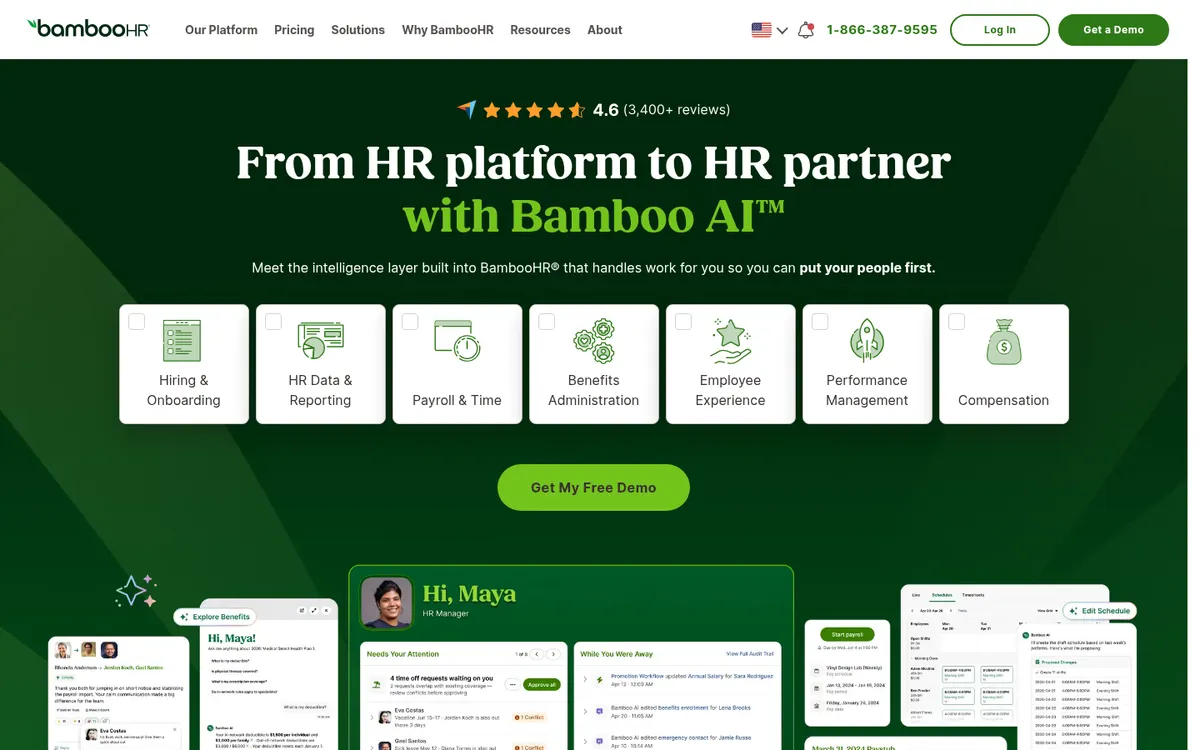
The easiest core HR system here for a small firm that wants clean records, onboarding checklists and time off approved without a project.
BambooHR covers the parts of HR that a practice manager touches every week. The employee database holds contracts, license dates and emergency contacts in one record, so a senior's CPA license renewal date does not live in a spreadsheet. Onboarding checklists run as task workflows, which matters when a firm adds several preparers before filing season. Time-off requests route to the correct approver out of the box, and headcount and turnover reporting is simple enough that a managing partner can run it without training. Document storage, employee self-service, the org chart and the directory are all included.
The limits sit in payroll and time tracking. Neither is in the base price, benefits administration is also an add-on, and the total bill runs above the headline per-employee rate. For a firm that wants one invoice covering pay, benefits and hours, that means a second purchase and a second support relationship.
Pricing runs on the Core plan at $10 per employee per month, with volume and non-profit discounts available. The published rate applies to teams above 25 staff, while smaller teams pay a flat monthly minimum of $250, which makes the platform costly for a five-person practice. Payroll and several HR modules sit outside the base price, so ask for a full quote before comparing it against a bundle. A 7-day trial is offered with no card required, enough time to test an onboarding checklist and an approval chain.
It fits a practice with 25 to 100 staff and one person who owns HR administration. Smaller firms should weigh the $250 minimum against the value of the records alone, and firms that want payroll, benefits and time tracking on one invoice should price an add-on quote against a bundled alternative.
You want simple core HR, onboarding and time off, and you are comfortable adding payroll from another vendor.
You have fewer than ten staff or need payroll, benefits and time tracking inside the base price.
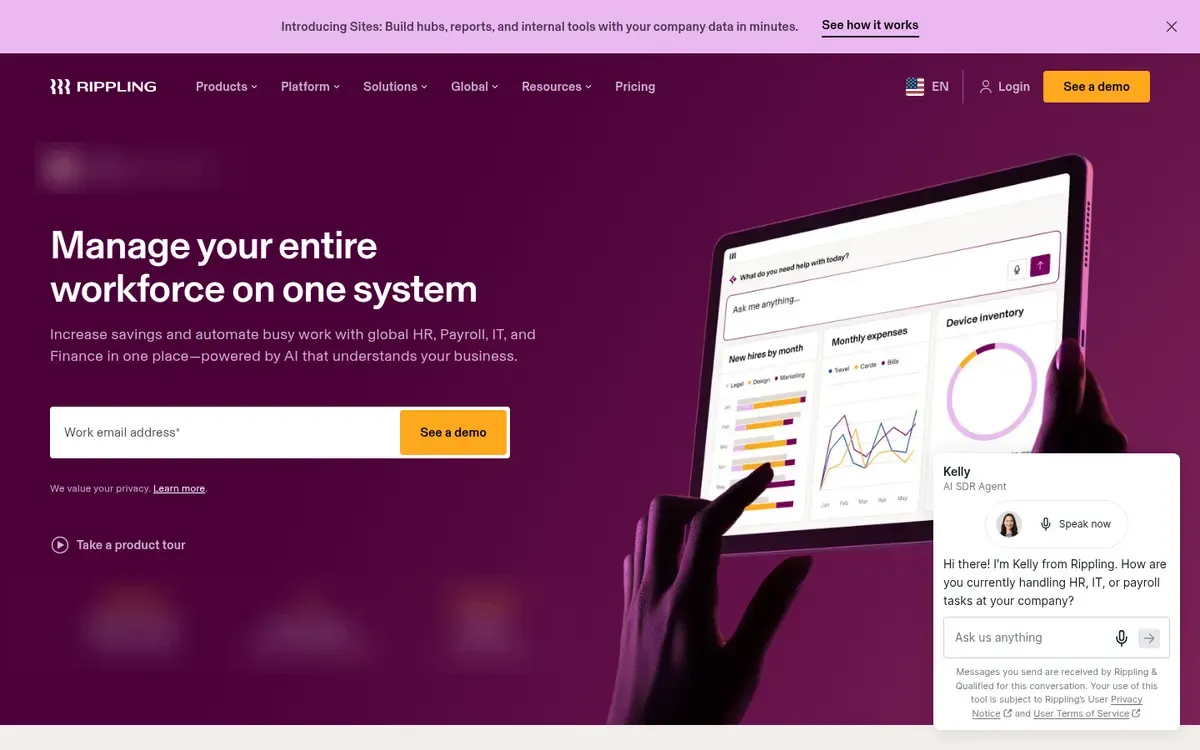
One employee record drives payroll, benefits and laptop access, which is powerful for firms with an IT-minded administrator and costly for everyone else.
Rippling is the widest system on this list. A single employee record drives payroll, benefits, time and attendance, and device and application provisioning, so onboarding a new accountant can create the payroll profile, enroll benefits and issue a laptop from one workflow. Offboarding runs the other direction and revokes access automatically, which is the feature most firms underrate until someone leaves with an active login.
The catch is that every module is billed separately. Any advertised entry rate covers a narrow module set, excludes a monthly base fee and works as a floor rather than a price. Pricing is quote only: the pricing page routes all visitors to a per-employee custom quote form with no published figure. Implementation fees typically run about 5 to 15 percent of the annual contract, and configuration complexity can be heavy for a small practice without an IT-minded administrator.
Firms that want one administrator to own the platform get the most from it. Bulk seasonal onboarding is where the automation pays back, since a cohort of new preparers can be created, equipped and enrolled in benefits from a single workflow, and the same rules reverse cleanly at the end of the season.
It fits a firm of 50 or more staff, often with more than one office, where HR and IT administration already sit with one person. A five-partner practice will pay for capability it never switches on, and should price a bundled alternative before signing anything.
You want HR, payroll, benefits and device access driven from one record and have someone to administer it.
You want a published price and a setup you can finish in a week.
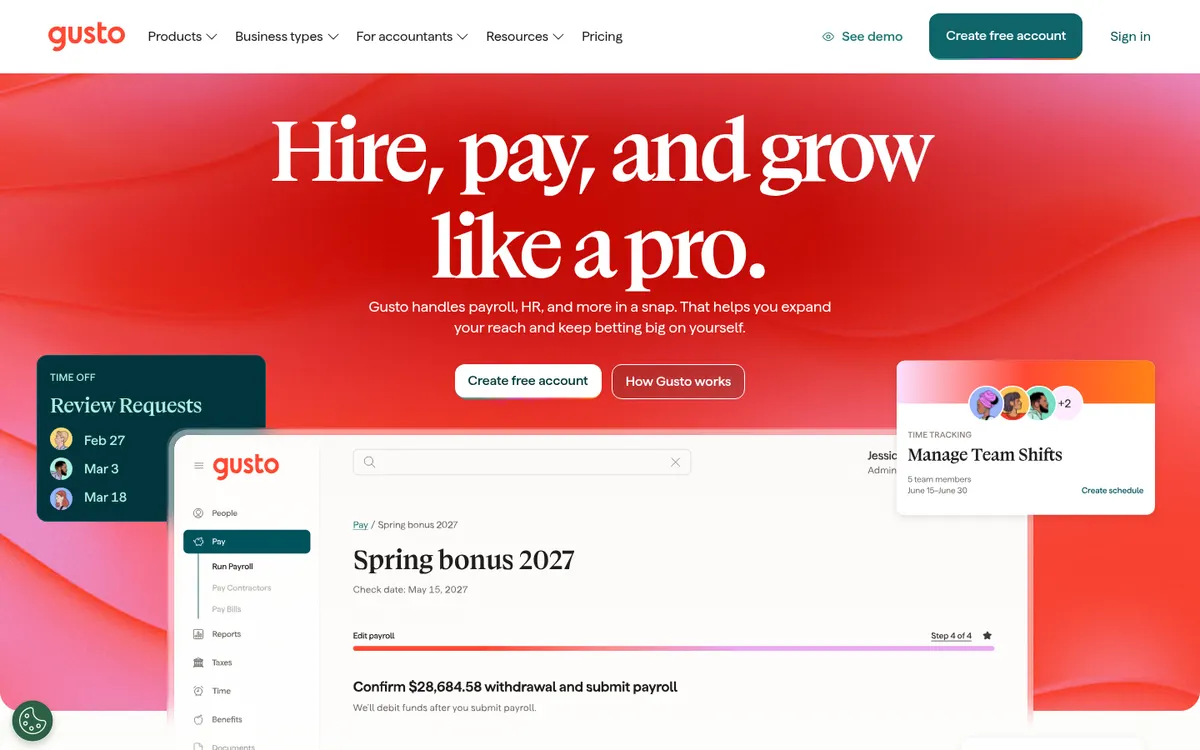
Payroll is the product here, and a small firm gets automatic tax filing, self-service and published prices without a sales call.
Gusto leads with payroll and adds enough HR to cover a small practice. Payroll runs with automatic tax filing, employees get self-service for pay stubs and direct deposit, and time-off requests and approvals are included. Contractor payments are useful for firms that pay seasonal preparers, and hiring and onboarding tools plus benefits administration round out the base product. The Simple plan covers payroll in one state only; multi-state payroll and time tracking require the Plus tier.
Pricing is the clearest on this list. Simple costs $49 per month plus $6 per person per month, published openly on the site, and nothing is charged until the first payroll is run, which functions as a free trial. A firm can be running payroll within a day without an IT department, and the employee self-service layer cuts the routine calls about pay stubs and direct deposit.
Depth is the trade-off. This is a payroll-led product, and HR features beyond time off, onboarding and benefits are thin next to BambooHR. There is no dedicated HR advisor below the Premium tier, which matters if you want help with an employee relations question rather than a software question. A firm with staff in three states will move to Plus and pay more than the headline rate suggests.
It fits the small firm that thinks of HR as payroll plus time off, usually under 25 staff in a single state. Firms that hire across state lines, or that want a real HR record system for licensing and reviews, should treat the payroll depth here as a starting point rather than a finished answer.
Payroll is your priority and your staff work in one state.
You need deep HR records for licensing and reviews, or hire across several states from day one.
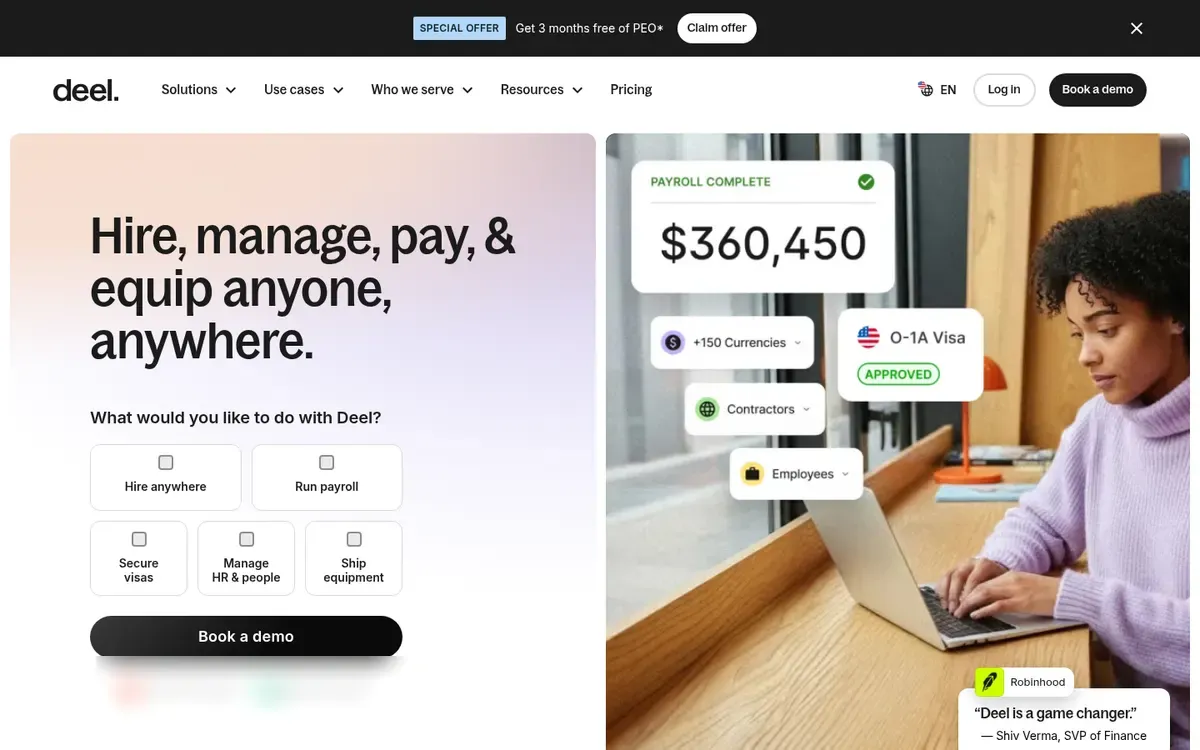
The only tool here built for cross-border hiring, with compliance support that domestic payroll products simply do not offer.
Deel exists for the firm that hires beyond its own state or country. It runs global payroll across many countries, manages contractors with payments in local currency, handles compliance for international employment, and offers employer of record and PEO services for firms that want to hire without setting up an entity. HR Core covers the domestic team, and one dashboard lists domestic and overseas staff together, with onboarding workflows for cross-border hires.
The cost structure is steep and tiered. HR Core is the low-cost domestic tier, while employer of record starts at $599 per employee per month, and EOR engagements require a refundable deposit of one to one and a half times the monthly fee. The lowest published starting price on the page is $14 per worker per month for talent sourcing, not for HR Core. Firms that only employ staff in the US will find every tier more expensive than a domestic payroll tool.
Compliance support is the part domestic payroll tools cannot match. Paying a contractor in another currency, withholding correctly and staying registered in that country is work most small firms cannot do in house, and it is the reason to accept the per-worker premium.
There is no self-serve trial. Demos are the route in, and the sales process is where country coverage and compliance detail get confirmed, so arrive with a list of the countries you actually hire in rather than a general inquiry. It fits an accounting firm serving cross-border clients that keeps a small overseas team or pays contractors in several currencies. A 20-person domestic practice should stay with a domestic product and revisit Deel at its first overseas hire.
You hire contractors or employees outside the US and want the compliance work handled.
Every person on your payroll lives and works in one US state.
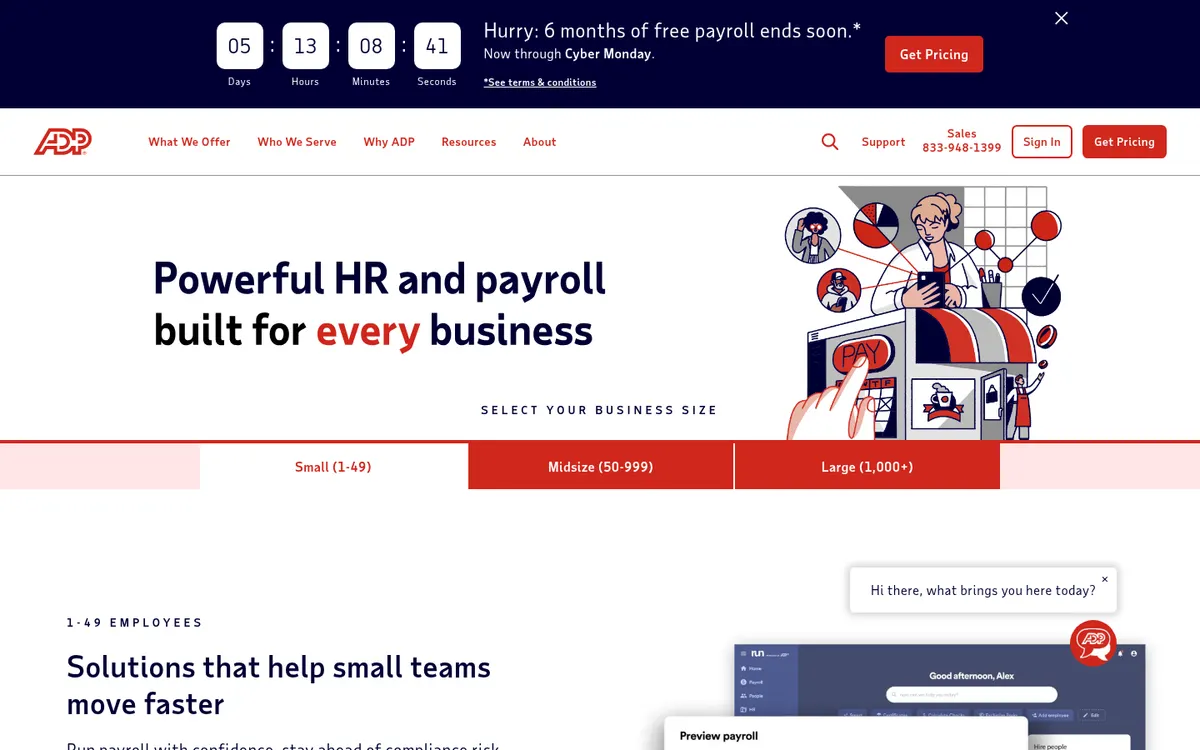
Deep, dependable payroll compliance for large multi-site firms, priced through a quote and delivered through an implementation project.
ADP Workforce Now is built for complexity. Multi-state payroll, configurable pay rules, tax filing and payment, benefits administration, time and attendance, compliance reporting and analytics sit inside one platform, and it scales to payroll across many sites and more than 1,000 employees. For a firm with staff in several states, shift differentials, bonus structures and a partner compensation cycle, the pay rule engine is the reason to look at it.
The trade-offs are price transparency and time. Pricing is quote only, and a quote typically includes an implementation fee. Invoicing can carry separate line items such as garnishment handling and W-2 printing, so the subscription rate is not the annual cost. Implementation is a project rather than a quick setup, and it usually needs a dedicated HR or finance owner inside the firm to keep it moving.
Capacity also exceeds what a small practice needs. A 12-person firm with one state and simple pay rules will pay for configuration it never uses and spend weeks in implementation for a payroll it could run elsewhere in a day. The reporting and analytics, strong as they are, assume somebody has time to read them. The product targets organizations with several hundred employees and a dedicated HR function, so a buyer below that size is purchasing headroom rather than fit.
It fits firms of roughly 50 to 1,000 plus staff with a dedicated HR function, multiple locations and compliance questions that need a vendor with depth. Before signing, confirm which services appear as separate invoice lines and ask for a first-year total rather than a per-employee rate.
You run complex, multi-state payroll for several hundred staff and have an HR owner.
You are under 50 staff or need a price before the first call.
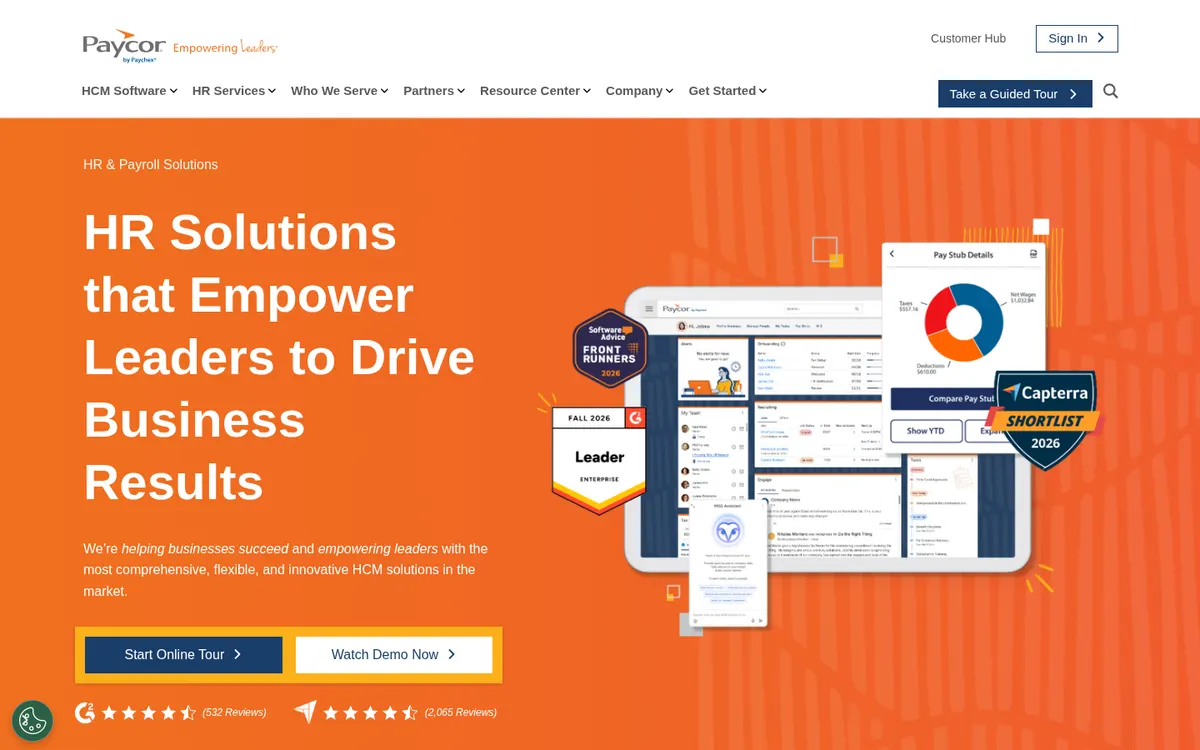
A reasonable bundle of recruiting, onboarding and payroll for a growing firm, held back by pricing that contradicts itself.
Paycor bundles recruiting, applicant tracking, onboarding, payroll, time tracking for hourly staff, HR administration, benefits administration and reporting dashboards into one product. For an accounting firm that hires a block of preparers each season, the recruiting and onboarding flow is the part that earns its keep, and payroll and time tracking sit in the same system rather than a separate one. Reporting dashboards give a partner a quick view of headcount and hours.
Pricing is the confusing part. Paycor publishes rates for employers under 50 staff, but its own pricing page shows conflicting per-employee figures, so the rate should be confirmed on the order form rather than taken from a marketing page. Setup fees run up to $199. Above 50 employees, pricing moves to a custom quote. There is no free plan and no standard trial, only promotions such as three months free.
Ownership is worth a question too. Paychex completed its acquisition of Paycor on 14 April 2025, and Paycor continues to operate under its own brand. Buyers who want to know who holds the contract and the roadmap in three years should ask directly during the sales process rather than assume the brand on the invoice is the whole answer.
It fits a growing firm under 50 staff that wants recruiting, onboarding and payroll from one vendor and is willing to confirm the number in writing. A larger firm should request the custom quote and compare it against ADP Workforce Now and isolved, and a very small practice should weigh the setup fee against the first-year saving.
You are under 50 staff and want recruiting, onboarding and payroll from one vendor.
You need a firm published rate or refuse to pay a setup fee.
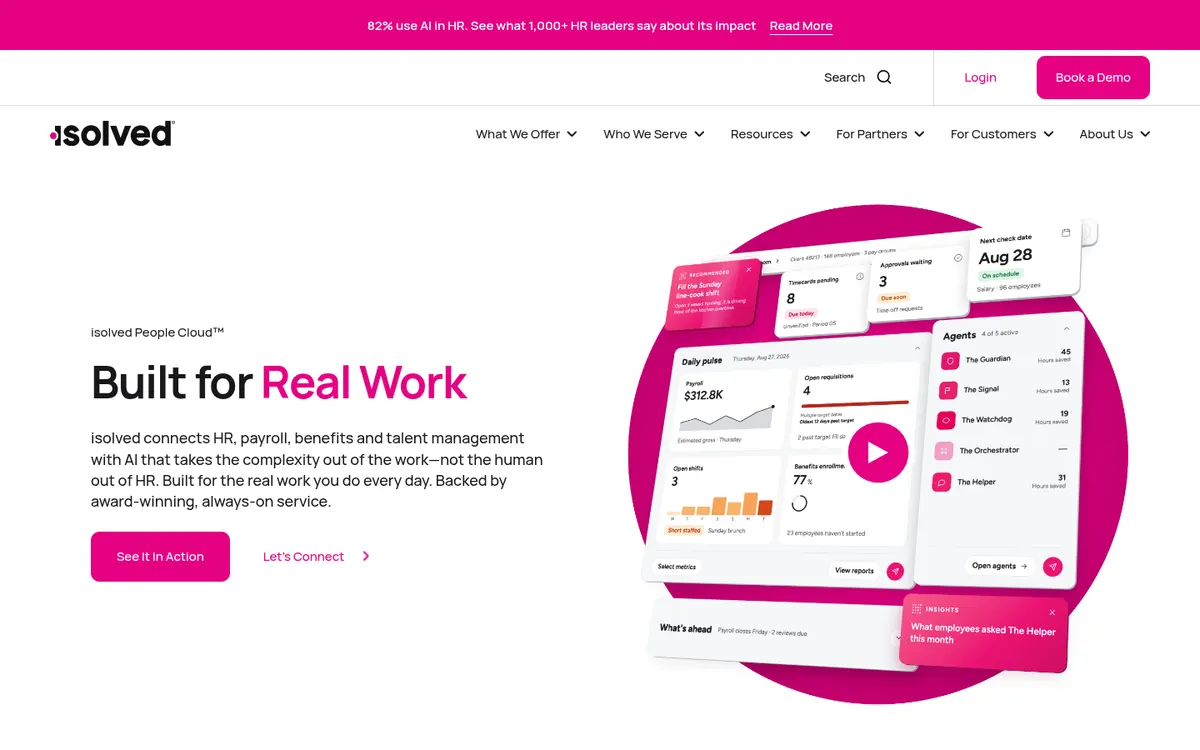
A solid single-record HCM suite for mid-size firms, sold through partners, which means the quote and the experience vary by channel.
isolved sells one HCM suite with a shared employee record across payroll, benefits, time and attendance, recruiting and talent tools. The draw is less duplicate data entry: a new hire is entered once and appears in payroll, benefits and time tracking without a second keying. The employee self-service portal shows pay history and answers the routine questions that otherwise interrupt an office manager, which is a real saving in a firm where partners bill by the hour.
Reporting is the soft spot. Advanced reporting is a paid add-on, so the dashboards a managing partner wants may sit outside the base package, and firms should confirm which reports are included before signing. There is no public price list at all, and deals are frequently partner-led, which means quotes vary by channel and budgeting is difficult without a sales conversation.
Buyers should expect a demo-led process and a scoped quote. Ask for the report list in writing, ask which modules the quote covers, and ask whether the partner who sells the deal also handles support after go live. Those three answers separate a workable partner relationship from a frustrating one, and they matter more here than in a product bought from the vendor's own pricing page.
It fits a mid-size firm, roughly 50 to 500 staff, that wants payroll and HR in one suite with a single record and is comfortable with a partner-led purchase. A small practice with simple needs will find the sales cycle and the add-on reporting heavier than it needs.
You want one HCM suite with a shared record and can work through a partner.
You need advanced reporting included or a price list before you talk to sales.
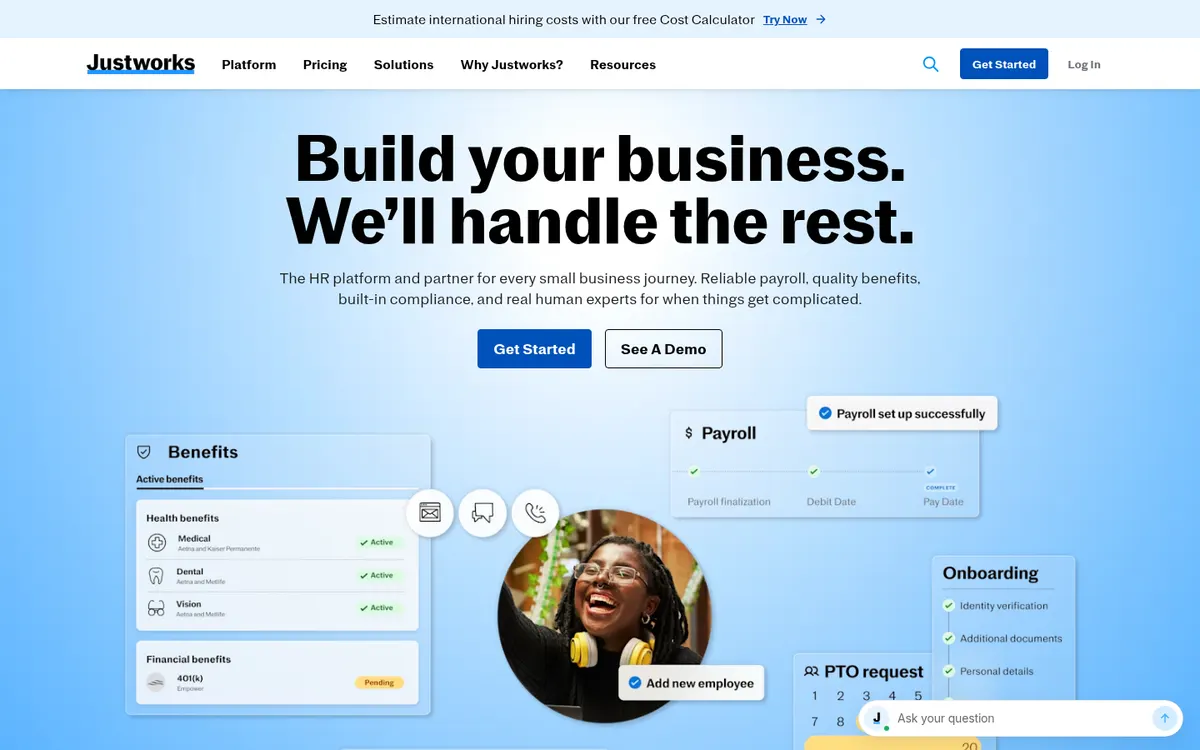
A sensible PEO route for a ten-person firm that wants large-group benefits and outsourced tax compliance, at a fee plus premiums.
Justworks is a professional employer organization, which means the provider becomes co-employer for tax and benefits purposes on its PEO tiers. In exchange, a small firm gets access to large-group health plans, workers compensation coverage, payroll tax administration and compliance work handled outside the firm, plus payroll processing, onboarding and time tracking. For a 15-person practice where health premiums are the main hiring obstacle, that access is the reason to buy.
The payroll-only plan is the simpler route. It costs $50 per month as a base fee plus $8 per employee per month, and it suits a firm that wants payroll and compliance without handing over co-employment. On the PEO tiers, health premiums and workers compensation are billed in addition to the per-employee fee, so total cost has to be modeled against headcount before you can compare it with a payroll product.
There is no free plan and no free trial, and the process is demo-led. Expect to share headcount, states and benefits history before you see a real number, and expect the quote to separate the platform fee from premiums and workers compensation.
It fits a firm of ten or more staff that values benefits access and wants tax and compliance work off its plate, and is comfortable with the provider acting as employer of record for tax and benefits. A solo practitioner, or a firm with staff spread across many states and no benefits need, should model the PEO cost carefully before committing, since premiums sit on top of the fee.
Benefits access and outsourced tax compliance matter more than the lowest per-employee fee.
You are a solo practice or want payroll without co-employment.
HR software for accounting firms is the system that holds employee records and runs the admin around them: payroll, time off, onboarding, benefits and, in some cases, the technology access a new hire needs on day one. For a firm of 10 to 100 people it replaces a mix of spreadsheets, shared drives and manual steps that usually sit with one office manager or with a partner who has no spare hours in filing season.
The category covers three different products, and buyers often confuse them.
What separates them is where the employee record lives. In a bundle, one record feeds payroll, benefits and time, so a change of address or a new hire is entered once. In a core HR tool, the record is cleaner but payroll sits elsewhere and somebody rekeys data. Neither approach is wrong. The question is whether your firm has the patience for two systems and a second invoice.
Accounting firms add a few twists. Hiring is seasonal, so onboarding and offboarding need to run in batches at speed. Staff hold licenses with renewal dates that must be tracked. Partners bill by the hour, so self-service that keeps routine questions away from an office manager has a measurable value. And a firm serving clients with overseas operations often ends up hiring abroad itself.
A tool that looks expensive per employee can still pay for itself if it removes a rekeying step, and a cheap per-employee rate can hide paid add-ons. Judge the software on the admin hours it removes in your own practice, with your own hiring pattern, rather than on the module list.
This comparison sits on the HR desk. Readers comparing neighbouring stacks often check our guides to payroll time clock software and accounting software for electrical contractors next.
Four billing models cover almost every tool on this list, and they produce very different first-year totals. Published per-employee rates are the easiest to budget: multiply headcount by the rate and add any plan fee. That works for BambooHR at $10 per employee per month on Core, until the $250 monthly minimum applies and a small team pays more than the multiplication suggests.
Base fee plus per-head pricing is the second model. Gusto Simple costs $49 per month plus $6 per person per month, and Justworks Payroll costs $50 per month plus $8 per employee per month. Both are published, both are predictable, and both rise with headcount.
Custom quotes are the third model and the most common among the larger suites. Rippling, ADP Workforce Now, Paycor above 50 staff and isolved all price through a sales conversation, with modules or services billed separately. Implementation fees land here too: Rippling's typically run about 5 to 15 percent of the annual contract, ADP quotes usually include an implementation fee, and Paycor charges setup fees up to $199.
Global and PEO pricing is the fourth. Deel charges per worker per month, with employer of record starting at $599 per employee per month and a refundable deposit of one to one and a half times the monthly fee. Justworks PEO tiers bill health premiums and workers compensation on top of the per-employee fee.
| Model | How it bills | Typical fit | Example from this list |
|---|---|---|---|
| Published per employee | Rate per employee per month, sometimes with a monthly minimum | Firms that want a number before a call | BambooHR Core at $10 per employee per month, with a $250 monthly minimum |
| Base fee plus per head | Monthly base fee plus a charge for each employee | Small payroll-led firms | Gusto Simple at $49 per month plus $6 per person; Justworks Payroll at $50 plus $8 |
| Custom quote | Per-employee quote after a sales call, modules billed separately | Firms buying a bundle or multi-state payroll | Rippling, ADP Workforce Now, isolved |
| Global or PEO | Per worker per month, with premiums or deposits added | Firms with overseas staff or PEO needs | Deel, with employer of record from $599 per employee per month |
Whatever model you see, ask for a first-year total that includes implementation, add-ons and any per-transaction charge. The headline rate is rarely the number that reaches the invoice, and the gap is widest exactly where the vendor publishes least.
Every price above was checked on the vendor's own pricing page on November 25, 2026. Where a vendor does not publish a figure we write "See website" instead of guessing. To compare annual and monthly billing quickly, try the free percentage calculator.
Count staff, states and countries. Write down current headcount, the states where people work, and any contractors paid abroad. This single list removes half the shortlist, because single-state payroll plans, multi-state suites and global tools solve different problems.
Decide whether payroll leads or follows. If payroll is the main pain, start with Gusto, ADP Workforce Now or Paycor. If records, onboarding and time off are the main pain, start with BambooHR and add payroll separately.
Set a price transparency bar. Decide before you call whether you will buy from a vendor with no published price. Requiring a published rate keeps Gusto, BambooHR and Justworks in play and pushes Rippling, ADP and isolved to justify a quote.
Test onboarding with one real hire. Run a new starter through the system during the trial or demo: create the record, assign a checklist, request time off, and check what the manager actually sees.
Ask the contractor and overseas question. If you pay contractors or hire abroad, get country coverage and deposit terms in writing from Deel or its competitors. Domestic payroll tools will not cover the compliance work.
Request a first-year total. Ask every vendor for subscription plus implementation plus add-ons plus per-transaction fees, in one number. Compare those totals rather than the per-employee rate on the landing page.
BambooHR fits most small practices that want core HR: employee records, onboarding checklists and time off, with payroll added separately. Gusto fits a firm that wants payroll first, with automatic tax filing and a published price of $49 per month plus $6 per person. Rippling and ADP Workforce Now are built for larger firms with an HR owner. Match the tool to the person who will run it, not to the feature list.
Published prices run from $10 per employee per month on BambooHR Core to $50 per month plus $8 per employee on Justworks Payroll, with Gusto at $49 per month plus $6 per person. Rippling, ADP Workforce Now, Paycor above 50 staff and isolved quote only. Deel adds global pricing, with employer of record from $599 per employee per month. Always ask for a first-year total, since implementation fees and add-ons sit outside these rates.
BambooHR offers a 7-day free trial with no card required, and Gusto charges nothing until the first payroll runs, which works as a trial. Rippling says a free trial is offered without publishing terms. Deel, ADP Workforce Now, isolved and Justworks are demo only. Paycor has no standard trial, only promotions such as three months free. Ask what a trial includes before you build a process around it.
Look at tools built for multi-state payroll. Gusto requires the Plus tier, since Simple covers one state only. ADP Workforce Now lists multi-state payroll processing, and Paycor moves to a custom quote above 50 employees; ask Rippling to confirm state coverage in its quote. Justworks handles payroll tax administration and compliance through its PEO arrangement. Confirm state registration and who files what in writing before the first payroll run.
A PEO makes sense when benefits access and compliance work matter more than the lowest per-employee fee. Justworks becomes co-employer for tax and benefits on its PEO tiers, which gives a small firm access to large-group health plans and workers compensation coverage. Health premiums and workers compensation are billed on top of the per-employee fee, so model the total against headcount. Below ten staff, run payroll directly and revisit later.
Deel is the tool built for this, with contractor payments in local currency, global payroll and employer of record from $599 per employee per month plus a refundable deposit. Its lowest published rate is $14 per worker per month for talent sourcing. Gusto pays contractors and handles seasonal preparers domestically. Rippling covers payroll, benefits and device access inside the US, and Justworks offers a PEO arrangement for US staff. Check country coverage against the places you actually hire.
Browse every comparison on the HR desk, with the same rubric and dated prices.