Ranked #1
Salesforce Health Cloud
Unified patient timeline
See website
- Best for
- Hospital systems and large healthcare networks
- Free plan
- No
- Rubric
- 7.3 / 10
Nine CRM platforms that will sign a business associate agreement, ranked by how well they hold up for clinics, telehealth groups, and hospital systems.
 Prices checked November 25, 2026

Salesforce Health Cloud fits hospital systems and large healthcare networks that need a unified patient timeline with EHR integration. HubSpot CRM fits patient acquisition and marketing teams, provided they run Enterprise hubs with sensitive data features on. Zoho CRM fits budget-conscious clinics that want a HIPAA-capable configuration at $14 per user per month on Standard. Prices were checked on November 25, 2026, and every tool here needs a signed business associate agreement before it touches protected health information.
Unified patient timeline
See website

Patient acquisition engine
$7Starter, per seat per month, annual billing, promo price for new customers
Lowest entry price
$14Standard, per user per month
Disclosure for this page: All 9 tools here are unpaid editorial picks. The position of a paid listing can be part of what the vendor pays for. How we handle paid listings.
| Tool | Best for | Free plan | Actions | |||
|---|---|---|---|---|---|---|
| 1 | Salesforce Health Cloud | Hospital systems and large healthcare networks | See website | No | ||
| 2 | HubSpot CRM | Patient acquisition and marketing | $7Starter, per seat per month, annual billing, promo price for new customers | Yes | ||
| 3 | Zoho CRM | Budget-conscious clinics | $14Standard, per user per month | Yes | ||
| 4 |  Insightly | Multi-location practices and specialty clinics | $29Plus, per user per month, billed annually | No | ||
| 5 |  GoHighLevel | Telehealth and small practices | $97Starter, per month, includes 3 sub-accounts | No | ||
| 6 |  ActiveCampaign | Automation-heavy intake workflows | $15Starter, per month, billed yearly for 1,000 contacts, 1 user seat | No | ||
| 7 |  Keap | Small healthcare practices | $320All features included, billed monthly, seats and contacts set at checkout | No | ||
| 8 |  Microsoft Cloud for Healthcare | Hospital systems standardized on Microsoft | See website | No | ||
| 9 |  Zendesk | Multi-channel patient communication | $19Support Team, per agent per month, paid yearly | No |
We started with a narrow filter: a CRM only makes this list if the vendor will sign a business associate agreement and offers a configuration that can hold protected health information. That knocked out plenty of otherwise good sales tools. From there we scored each platform 1 to 10 on five criteria, weighted to reflect what healthcare buyers actually weigh. HIPAA readiness carries 30 percent of the weight because a BAA on paper is worth little if PHI fields, audit logs, and access controls are thin. Clinical fit takes 25 percent, which rewards tools built around patient timelines, intake, and EHR data over generic pipelines. Pricing clarity gets 20 percent, time to value 15 percent, and scalability 10 percent. A tool can score badly on clinical fit and still belong here, as long as we say plainly who should not buy it. Where possible, prices and plan details come from vendor pricing pages checked on November 25, 2026. Where a page could not be fetched or a figure looked stale, we say so in the plan note rather than filling the gap with a guess. Plan names, billing terms, and seat counts are reproduced as the vendor publishes them. Listings marked Featured are paid placements. A Featured vendor is scored with the same five criteria as everyone else, and its cons stay in. The order of this list is editorial: it reflects fit for the buyer described in each entry, along with any disclosed Featured position.
The full process, including how we handle corrections, is on the methodology page. Paid listings follow our advertising disclosure.
| Criterion | Weight | What we check |
|---|---|---|
| HIPAA readiness | 30% | Whether a business associate agreement is available, which tiers it covers, and how PHI fields and audit logs are handled. |
| Clinical fit | 25% | How closely the tool matches patient-facing work like care coordination, intake, scheduling, and EHR data. |
| Pricing clarity | 20% | Whether rates are published, what the plan note spells out, and how much implementation or add-ons add. |
| Time to value | 15% | How quickly a practice can deploy and train staff, from a few weeks for small clinics to enterprise projects. |
| Scalability | 10% | Whether the same platform can serve one clinic or a multi-location network without a rebuild. |
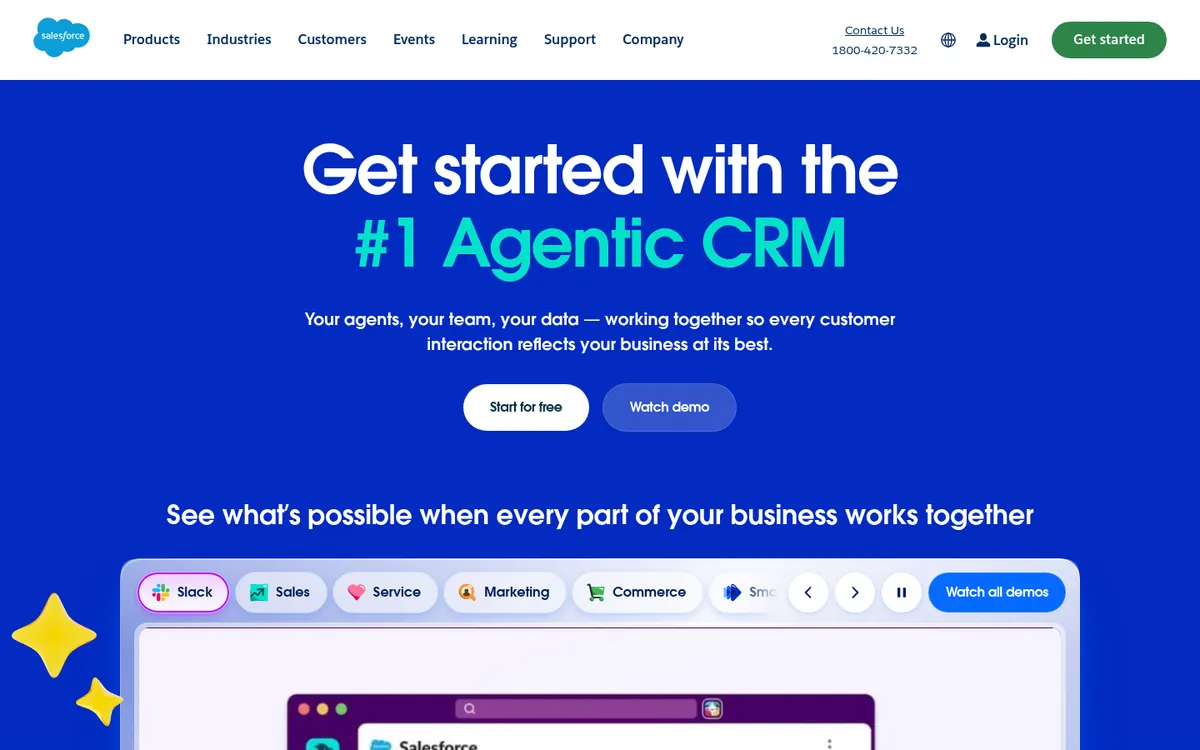
A comprehensive patient data platform, priced and staffed for health systems rather than small clinics.
Salesforce Health Cloud is a comprehensive patient data platform, and it is priced like one. The core object is a unified patient timeline that pulls patient data into one record, with care plan management, referral workflows, and predictive risk stratification on top. Integration runs through HL7 and FHIR connections to EHRs, and the custom object model means a health system can model almost any workflow it needs. Partner ecosystem apps extend the platform. The catch is that you build a lot of it. Health Cloud is not a product a clinic switches on over a weekend. It assumes dedicated Salesforce administrators, and that staffing requirement is the real cost driver, showing up long before the license invoice does. Pricing is on the vendor site rather than published as a fixed rate here, and the numbers that circulate are large. Enterprise edition is listed at about $325 to $350 per user per month, with Unlimited at $525. Implementation usually adds $50,000 to $200,000, and a 50-user, three-year deployment can exceed $450,000. The $350 Enterprise figure stays unconfirmed because the pricing page could not be fetched, so treat it as a planning range and get a written quote. Pick it if you are a hospital system or large network with an in-house Salesforce team and a genuine need for care coordination across sites. Skip it if you are a small clinic, because the implementation cost alone will dwarf years of a simpler CRM subscription.
You run a hospital system or large network with in-house Salesforce administrators.
Your budget is measured in hundreds per month rather than hundreds of thousands.
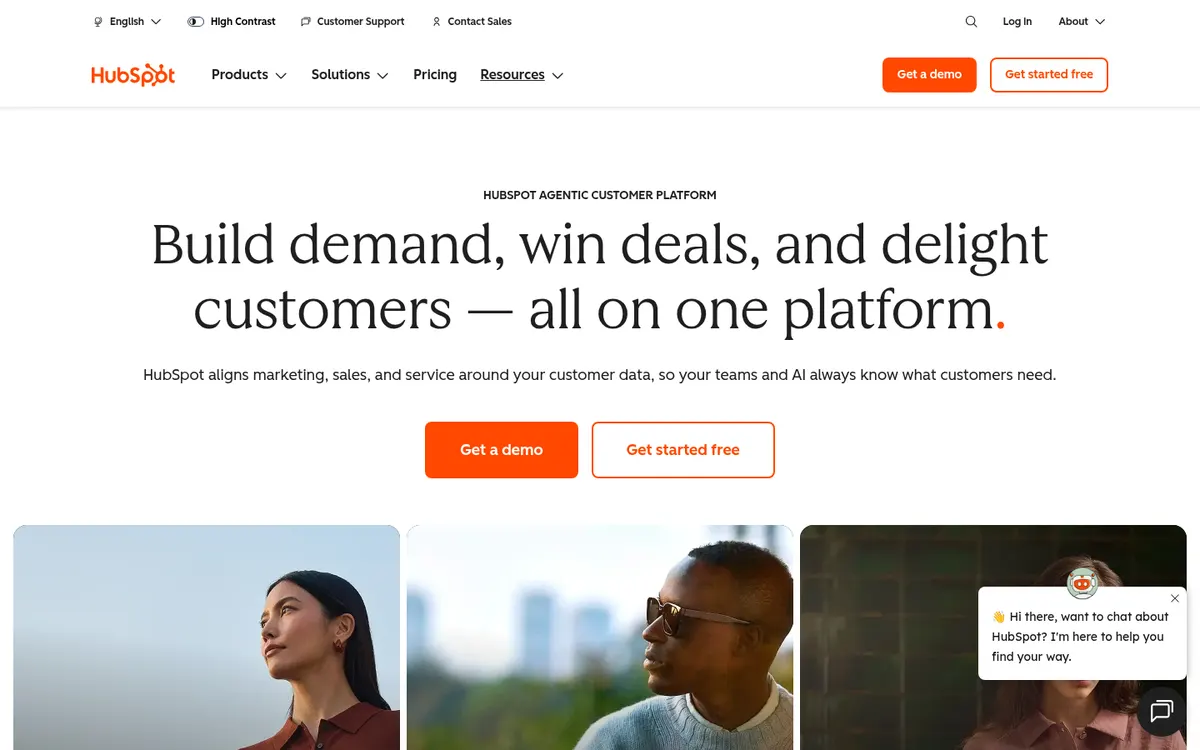
A strong patient acquisition engine that only becomes HIPAA eligible once you pay for Enterprise hubs.
HubSpot CRM is a marketing engine first and a patient system second, which is exactly why it lands this high: plenty of healthcare organizations need patient acquisition far more urgently than they need a clinical record. Email workflows, landing pages, ad attribution, and pipeline management are all in the box, and the interface is easy enough for marketing staff who have never touched a CRM to get started quickly. The HIPAA question is the whole decision. HIPAA eligibility starts at Enterprise-level hubs with sensitive data features enabled. Free and Pro tiers are not HIPAA-eligible at all, so a team that signs up on Starter at $7 per seat per month and starts logging symptoms or diagnoses is out of compliance. Sales Hub or Service Hub Enterprise is about $150 per user per month, and onboarding fees start at $3,500. Marketing Hub Enterprise is about $3,600 per month for five seats. Those numbers do not match the entry price the page leads with. Starter is listed at $7 per seat per month on annual billing as a promo for new customers, so confirm the current Enterprise rate in a quote before you build a budget around it. Pick it if your growth problem is getting new patients in the door and you have budget for Enterprise hubs. Skip it if you need care plans, referrals, or anything resembling a clinical record.
Patient acquisition and nurture campaigns are the priority and you can fund Enterprise hubs.
You need care coordination or a clinical record of any kind.
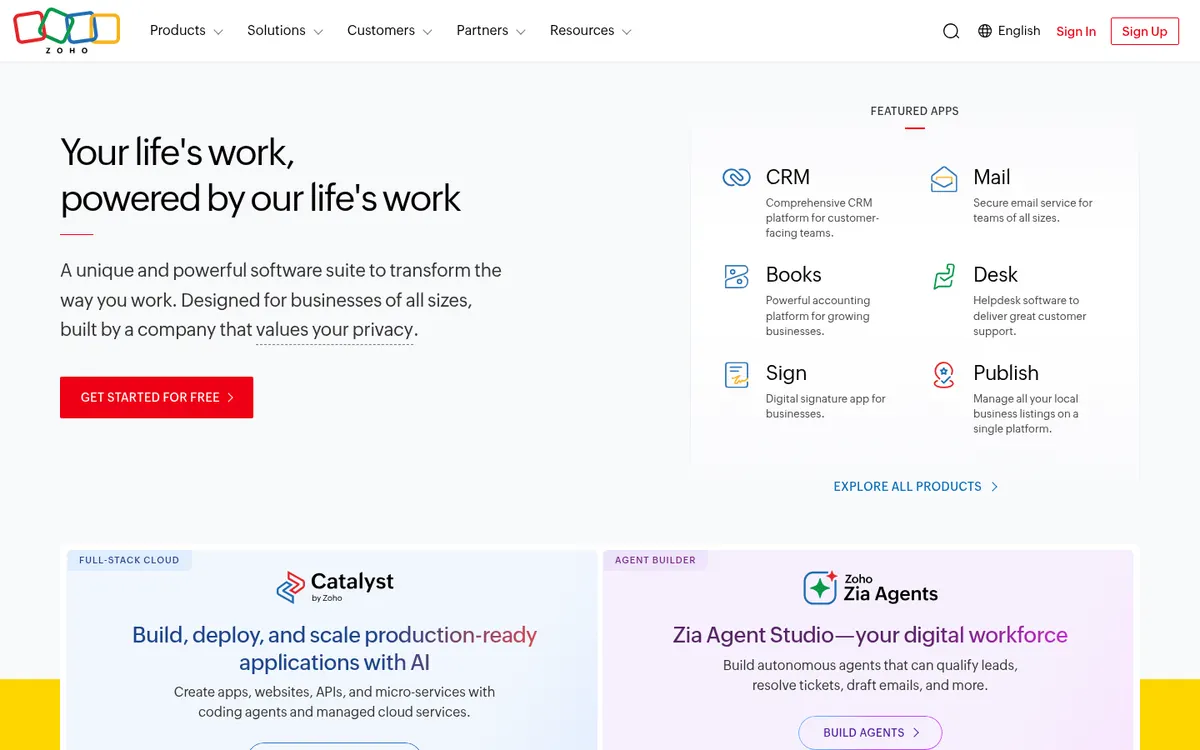
The cheapest credible HIPAA-capable CRM here, with caps on PHI fields and audit history to weigh.
Zoho CRM is the cheapest way onto this list with a real HIPAA configuration, which makes it the default answer for small clinics with tight budgets. Standard lists at $14 per user per month, and the HIPAA setup lets administrators mark PHI fields per module and keeps 60-day audit logs. Workflow automation, email integration, custom modules, reporting, and separate pipelines for multiple locations are all included, and the feature depth is genuinely surprising at this price. The limits are worth understanding before you commit. HIPAA features sit on upper-tier plans rather than every edition, the number of PHI fields you can mark per module is capped, and 60 days of audit log retention is shorter than what enterprise platforms keep. If your compliance officer expects a year of access history, Zoho will not satisfy that request without extra work. Zoho also has a smaller healthcare reference base. That matters less for a small practice and more for a group that wants peer references before signing. There is a free edition for up to 3 users plus a free trial, so a small team can test the HIPAA configuration before paying anything, and Standard still lists at $14 per user per month. Pick it if you run a clinic of a few dozen staff and want HIPAA-capable CRM without an implementation project. Skip it if you need long audit retention or deep EHR integration.
You are a budget-conscious clinic that can live with a 60-day audit window.
Your compliance policy requires long log retention or EHR-level integration.
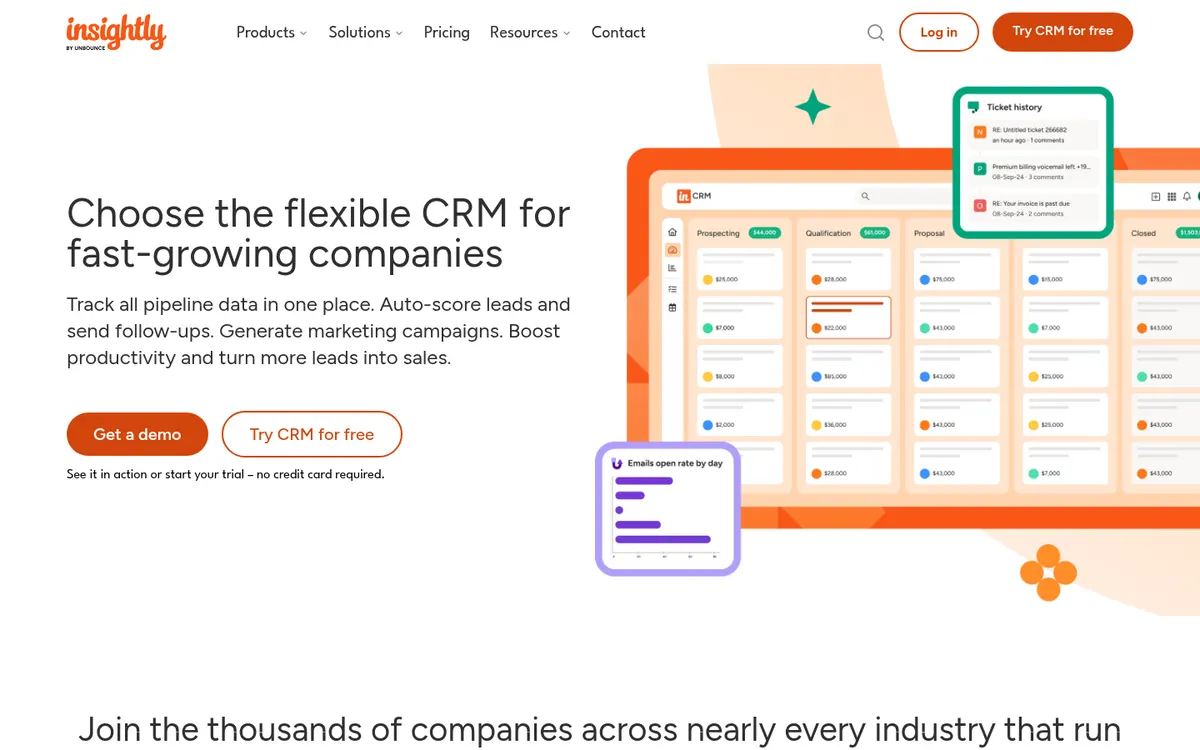
HIPAA included at every tier with predictable per-seat pricing, though healthcare depth and EHR integration are thin.
Insightly includes HIPAA compliance rather than selling it as an upgrade. Pricing spans $29 to $99 per user per month, and Plus starts at $29 per user per month billed annually, with compliance included rather than gated to the top plan. For a multi-location practice or a specialty clinic, that structure removes the awkward moment where the affordable tier turns out to be unusable for patient data. The product itself is a solid mid-market CRM with project management attached. Contact and pipeline management, custom workflows, task automation, reporting, and email integration cover the day to day, and the built-in project management is genuinely useful for practices coordinating intake, follow-up, or a multi-step treatment process across locations. Deployments are commonly measured in weeks, which matters when a front desk is waiting. Where it falls short is healthcare depth. There is no native EHR integration story, marketing automation is basic, and the app ecosystem is small compared with Salesforce or Microsoft. A practice that wants to sync appointment and chart data with an EHR will need a middleware layer or manual processes, and neither is free. There is no free plan, but a 14-day trial covers a real evaluation if you go in with a checklist and test the fields you will actually store. Pick it if you want predictable per-seat pricing and HIPAA included from the first seat. Skip it if EHR integration or advanced marketing automation is on your requirements list.
You want HIPAA compliance on every seat without a special quote.
You need chart data flowing between the CRM and your EHR.
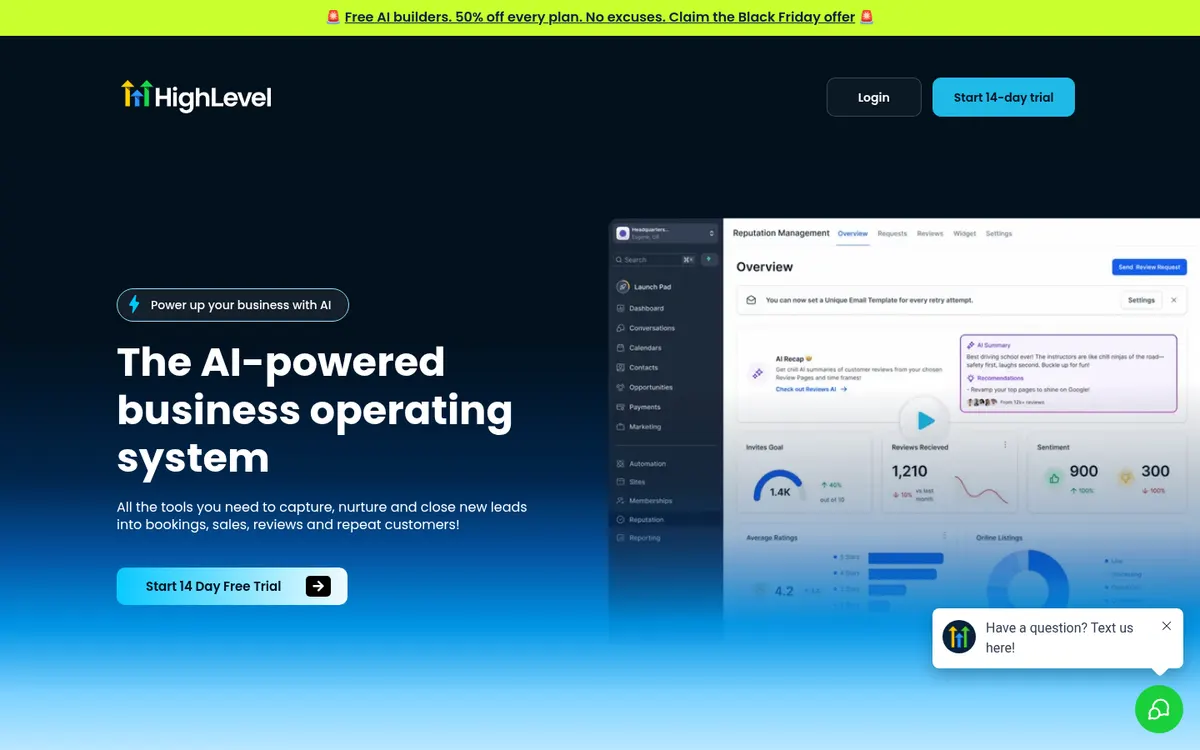
An all-in-one marketing and scheduling stack for telehealth, with HIPAA arriving only through a paid add-on.
GoHighLevel bundles CRM, email and SMS marketing, funnel pages, appointment scheduling, and pipeline automation into one subscription, which is why telehealth and wellness practices gravitate to it. The automation builder handles intake sequences, appointment reminders, and reactivation campaigns without stitching three vendors together, and agencies can run multiple practices from one account because the Starter plan at $97 per month includes 3 sub-accounts. The HIPAA piece costs extra. The compliance add-on runs about another $97 per month, so the practical starting point for a covered entity is the $97 base plan plus the separate HIPAA add-on, not the headline $97 alone. Budget for that before you compare it with anything else on this list, because the base plan without the add-on is not a place for patient data. Two other cautions. The interface is dense, and new users routinely feel lost in the number of settings and toggles, so plan for real setup time rather than a weekend. Support quality varies, which is uncomfortable when the thing you are supporting sends appointment reminders to patients. It is also less proven in traditional clinical settings. Its healthcare footprint is concentrated in telehealth and wellness practices rather than hospitals. There is a 14-day free trial. The Starter plan still lists at $97 per month, with the HIPAA add-on priced separately. Pick it if you are a telehealth or wellness practice that wants marketing, scheduling, and CRM on one bill. Skip it if you need clinical workflows or support you can rely on during patient-facing outages.
You want one subscription to run marketing, scheduling, and reminders in a telehealth practice.
Your budget cannot absorb the add-on or your team needs clinical workflows.
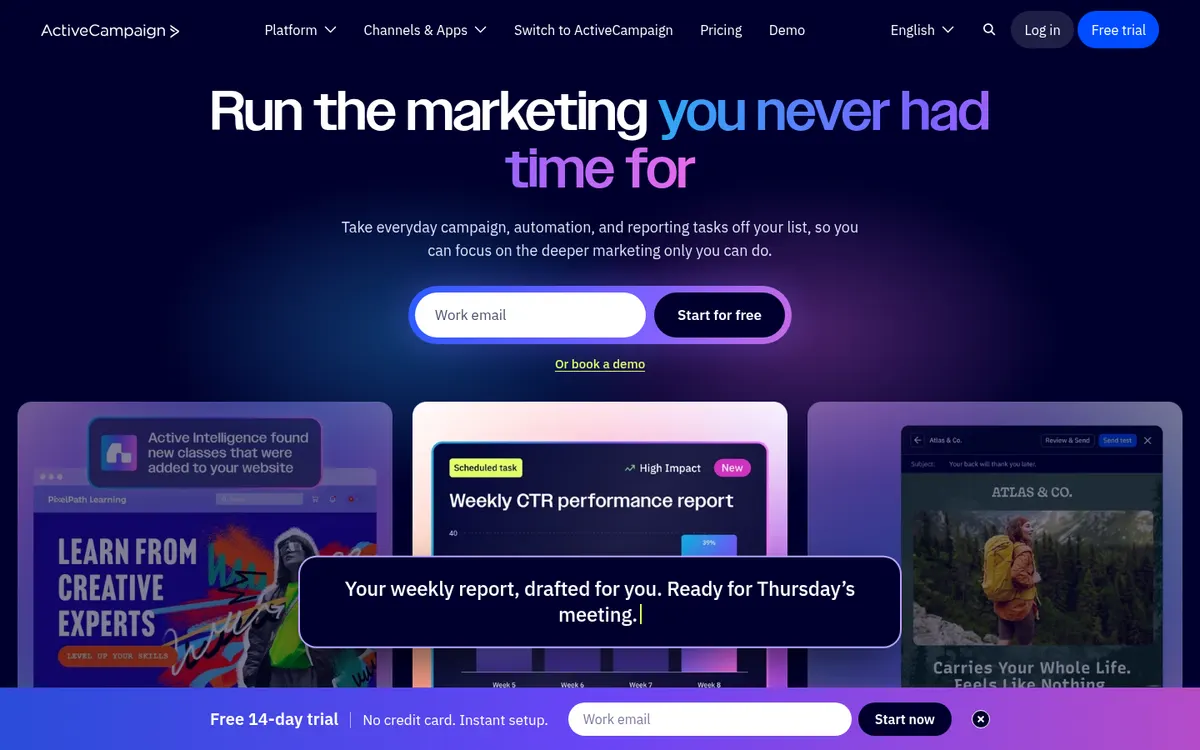
The best automation builder in the group, held back by unpublished HIPAA pricing and thin CRM depth.
ActiveCampaign has the best automation builder in this group, and for intake-heavy practices that single strength can justify the whole purchase. The visual builder supports branching logic, so a new patient inquiry can split by insurance type, location, or service line and follow a different path from there. Patient intake sequences, follow-up workflows, and nurture campaigns are straightforward to build once you understand the model, and email deliverability is consistently solid. HIPAA compliance is available around the Business tier and above, but the vendor does not clearly publish what that configuration costs. Buyers usually end up in a sales conversation, which makes budgeting harder in advance. Starter is listed publicly at $15 per month on annual billing for 1,000 contacts and 1 user seat, but that tier is not the one you deploy. The CRM side is thinner than dedicated platforms. Contact management and pipeline features work, but if you need case management, custom objects, or detailed reporting on patient journeys, ActiveCampaign will feel like a marketing tool wearing a CRM badge. Automation complexity cuts both ways. The same branching logic that makes it powerful can produce a tangle of overlapping automations nobody can debug, especially when two people build campaigns without a naming convention. There is no free plan, but a 14-day trial is enough to build one intake sequence end to end and see whether the builder suits how your staff think. Pick it if your intake and nurture workflows are the bottleneck and you can absorb a sales call to price HIPAA. Skip it if you need published pricing or a genuine patient record system.
Branching intake sequences are the core of your patient acquisition work.
You need a published HIPAA price before you can get budget approval.
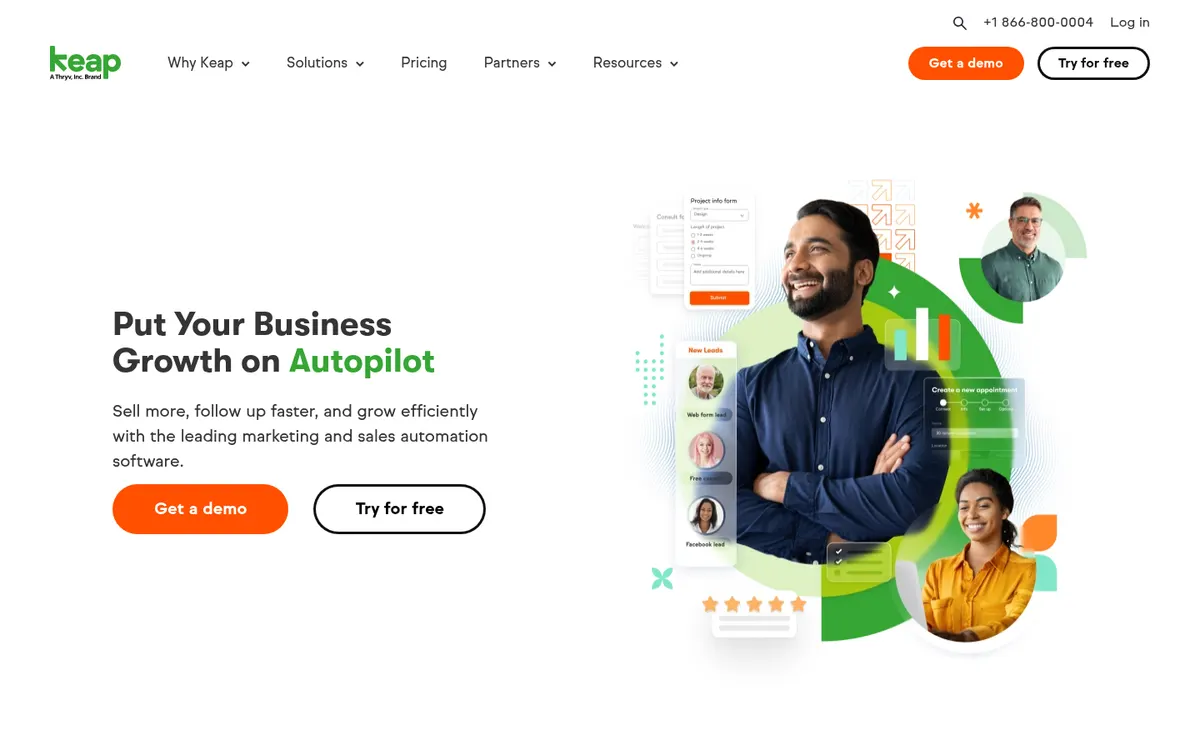
Simple, guided, and payment-ready for a small practice, but the $320 starting plan and shallow ceiling limit growth.
Keap, formerly Infusionsoft, targets small businesses that want CRM, marketing, and payments in one place without a consultant. Contact management, email marketing, appointment scheduling, payment collection, welcome sequences, reminders, and reactivation campaigns are all present, and the guided setup and templates are designed for an owner who is doing this between patients rather than a marketing department. For a small practice, the appeal is that one person can send a reminder, book the visit, and take a payment without juggling three logins. The pricing model is the sticking point. Keap now publishes a single plan starting at $320 per month, billed monthly, with seats and contacts set at checkout, and implementation services cost extra. That is a real number rather than a quote, but it is a big first step for a small practice, and the feature ceiling sits below mid-market tools, so you are paying for packaging and hand-holding as much as for capability. HIPAA-compliant configurations are available on its business tiers, though buyers still need a quote conversation to confirm exactly which tier they need and what it costs. The bigger limit is scale. Keap does not handle multi-location operations or complex clinical workflows well, and there are relatively few healthcare-specific features. A practice that grows past a handful of locations will likely migrate, and migration is never cheap. There is a free trial and no free plan. Pick it if you are a solo or small practice that wants one bill and guided setup. Skip it if you have multiple locations or any clinical workflow beyond scheduling and reminders.
You are a small practice that wants guided setup and payments in one system.
You operate multiple locations or need clinical workflow features.
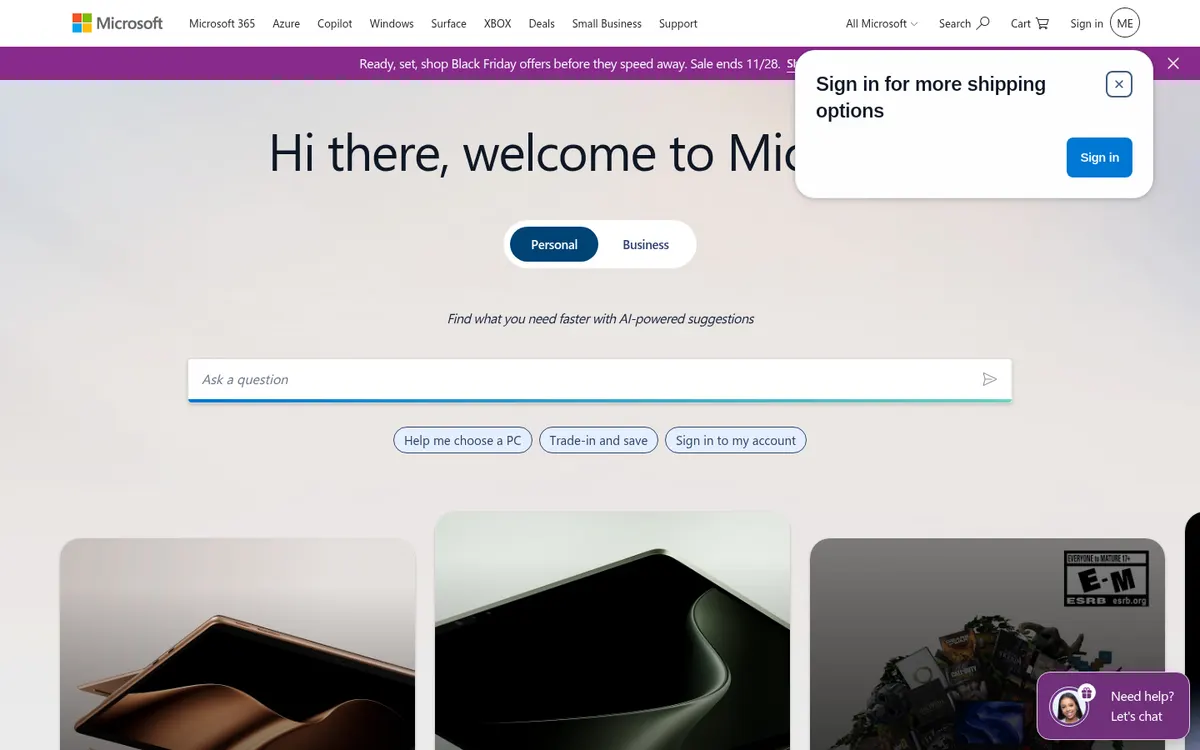
Enterprise-grade patient data inside the Microsoft stack, with no public price and no way to trial it.
Microsoft Cloud for Healthcare is the option for hospital systems that already run Dynamics 365, Azure, and Teams. It pulls a unified patient data model across Dynamics 365, connects to Azure Health Data Services, and puts care coordination and virtual care inside tools clinicians already have open. Power Platform integration lets analysts build apps and flows on top without waiting in a development queue, the analytics layer runs on data the organization already governs, and the whole thing inherits Microsoft's compliance foundation.
That inheritance is the strongest argument. For a covered entity that needs a security review to pass without a fight, running patient data inside an environment the security team already vetted is worth more than any feature comparison, and it shortens the internal approval cycle considerably.
There are no public rates and no self-serve path. Pricing is quoted through sales, and deployment is an enterprise project measured against an implementation partner's timeline rather than a trial signup. If you are not already committed to Dynamics 365, Azure, Teams, and Power Platform, the cost of getting there is the real number, not the license.
There is no free plan and no trial, which means evaluation happens through briefings, reference calls, and a paid pilot rather than hands-on testing with your own data.
Pick it if you are a Microsoft-standardized health system with an enterprise architecture team and an existing Dynamics footprint. Skip it if you are a clinic of any size, or if you want to test software before you buy it.
Your health system is already standardized on Dynamics 365, Azure, and Teams.
You need a published price or any hands-on trial before committing.
Excellent multi-channel support tooling and HIPAA-eligible configuration, but it is a queue, not a patient record.
Zendesk is a support platform, not a patient relationship system, and it makes this list because a lot of patient communication happens in exactly the channels it owns. Phone, chat, email, and messaging all land in one agent workspace with ticketing, macros, automation, multi-channel routing, and workforce management around them. AI agents handle routine volume, and HIPAA-eligible configurations with a business associate agreement are available on appropriate tiers. That is a narrow but real use case. A scheduling line, a billing question queue, or a nurse triage inbox with high message volume can benefit from routing rules and macros. The gaps are structural. There is no EHR integration, no care coordination, and no marketing automation depth, so Zendesk sits beside your CRM rather than replacing it. Per-agent costs add up quickly for a large team, and the HIPAA tier pricing requires a sales conversation rather than a published rate. Support Team entry is now published at $19 per agent per month, paid yearly. There is no free plan, but a 14-day trial lets a small team test routing and macros before committing to seats across a full department. Pick it if your problem is response time and channel coverage on patient inquiries. Skip it if you need a system of record for patient relationships rather than a queue for their questions.
Slow response times on patient calls and messages are your core problem.
You expect one system to hold patient records and care plans.
A HIPAA compliant CRM is not a product category with a certification behind it. There is no HIPAA seal, no approved vendor registry, and no audit that a CRM passes or fails. What exists is a contract and a set of controls: the vendor signs a business associate agreement, and the product offers the access controls, audit logging, and encryption that let a covered entity use it for protected health information without violating the Security Rule.
Protected health information is broader than most buyers expect. It covers names, dates, contact details, and other identifiers when combined with health information, which means a contact record holding an appointment type and a diagnosis note in the same row is PHI. That is why a marketing CRM with a notes field is a compliance question and not just a sales tool.
The business associate agreement is the piece buyers skip. Under HIPAA, a vendor that creates, receives, maintains, or transmits PHI on your behalf is a business associate, and you need a written agreement before any data flows. Without a signed BAA, using the tool for patient data is a violation even if the vendor's security is excellent.
Three practical tests separate real HIPAA configurations from marketing claims:
Free and low-tier plans almost never qualify. Vendors gate BAAs and the controls around them to Business or Enterprise tiers because compliance work costs money, and several tools on this list will not sign a BAA at their entry price at all.
The last piece is your own behavior. A compliant CRM used by staff who paste patient details into personal email or share logins is not compliant in practice, so training and access reviews matter as much as the contract.
This comparison sits on the Sales desk. Readers comparing neighbouring stacks often check our guides to PRM software and sales engagement platforms next.
Pricing in this category follows a handful of patterns, and knowing which one you are looking at tells you more than any single number. The table below maps each pattern to an example from this list.
| Model | How it bills | Typical fit | Example from this list |
|---|---|---|---|
| Per seat, per month | Flat rate per user, HIPAA controls on upper tiers | Clinics with predictable headcount | Zoho CRM at $14 per user per month on Standard |
| Base plus compliance add-on | Subscription plus a separate HIPAA fee | Telehealth and wellness practices | GoHighLevel at $97 per month plus about $97 for the add-on |
| Single platform fee | One monthly fee, seats and contacts set at checkout | Small practices buying simplicity | Keap at $320 per month |
| License plus implementation | Subscription plus a services project | Health systems | Salesforce Health Cloud, with implementation commonly $50,000 to $200,000 |
| Quote only | Sales-negotiated enterprise agreement | Hospitals already on the stack | Microsoft Cloud for Healthcare, no public rates |
Every price above was checked on the vendor's own pricing page on November 25, 2026. Where a vendor does not publish a figure we write "See website" instead of guessing. To compare annual and monthly billing quickly, try the free percentage calculator.
There is no certification. A CRM is usable for patient data when the vendor signs a business associate agreement and the product provides the access controls, audit logging, and encryption the Security Rule requires. The BAA has to cover the specific tier you buy, and your own staff policies have to hold up too, which is where most programs quietly fall short.
Usually no. Vendors gate business associate agreements and the controls around them to upper tiers because compliance work costs money. HubSpot free and Pro tiers are not HIPAA eligible, and Zoho requires upper-tier plans for HIPAA features. Assume the entry price is a demo rather than a deployment until the vendor confirms a BAA in writing.
Small practices can start near $14 per user per month on Zoho Standard, or at $97 per month with GoHighLevel plus the separate HIPAA add-on. Insightly lists at $29 to $99 per user per month, and HubSpot Enterprise is about $150 per user per month. Salesforce Health Cloud implementation alone commonly runs $50,000 to $200,000, and a 50-user, three-year rollout can exceed $450,000.
HIPAA treats any vendor that creates, receives, maintains, or transmits protected health information on your behalf as a business associate. The agreement makes the vendor legally responsible for safeguarding that data and for reporting breaches. Without a signed BAA, storing patient information in the tool is a violation regardless of how good the vendor's security happens to be.
Yes, with conditions. Salesforce Health Cloud is built for it, with HL7 and FHIR integration, though implementation usually adds $50,000 to $200,000 and you need dedicated administrators. HubSpot works only on Enterprise hubs with sensitive data features enabled. Sales Hub or Service Hub Enterprise is about $150 per user per month, and free and Pro tiers are not eligible.
Decide what the tool is for. If the job is getting patients in the door and reminding them about appointments, an all-in-one like GoHighLevel or Keap covers it at a predictable monthly cost. If clinicians need care plans, referrals, or chart data, a specialized platform wins and the price jumps accordingly. Most small practices need the first, not the second.
Browse every comparison on the Sales desk, with the same rubric and dated prices.