Ranked #1
When I Work
Scheduling plus time clock
$2.50Single location or schedule, per user per month, billed monthly or annually
- Best for
- Shift-based restaurants and retail teams wanting scheduling plus time clock
- Free plan
- No
- Rubric
- 7.0 / 10
Nine timekeeping tools ordered by fit for small teams, from free single-location clocks to per-user apps that tie hours to payroll, with prices checked on 2026-11-25.
 Prices checked November 25, 2026
The best timekeeping software for a small business in November 2026 depends on which number you need. When I Work suits shift-based restaurants and retail teams that want scheduling and the clock in one app, from $2.50 per user per month. Homebase suits a single-location hourly business, free for one site and up to 10 employees. Clockify suits freelancers and small agencies billing project hours, with a free plan for 5 users and paid seats from $3.99. Prices were checked on 2026-11-25.
Scheduling plus time clock
$2.50Single location or schedule, per user per month, billed monthly or annually

Free single-location setup
FreeBasic, free for 1 location and up to 10 employees, Essentials $30 per location per month

Compliance-aware scheduling
$5Lite, per user per month, annual or monthly billing, $30 monthly minimum spend
Disclosure for this page: All 9 tools here are unpaid editorial picks. The position of a paid listing can be part of what the vendor pays for. How we handle paid listings.
| Tool | Best for | Free plan | Actions | |||
|---|---|---|---|---|---|---|
| 1 | When I Work | Shift-based restaurants and retail teams wanting scheduling plus time clock | $2.50Single location or schedule, per user per month, billed monthly or annually | No | ||
| 2 | Homebase | Single-location hourly businesses such as shops, salons and restaurants | FreeBasic, free for 1 location and up to 10 employees, Essentials $30 per location per month | No | ||
| 3 | Deputy | Shift-based businesses needing structured scheduling and labor compliance controls | $5Lite, per user per month, annual or monthly billing, $30 monthly minimum spend | No | ||
| 4 |  Connecteam | Deskless frontline teams needing scheduling, tracking, chat and training in one app | $29Basic, per month billed annually, $35 month-to-month, first 30 users on one hub | No | ||
| 5 |  Clockify | Freelancers and small agencies wanting simple project time tracking with a free tier | $3.99Basic, per seat per month billed annually, $4.99 if billed monthly | Yes | ||
| 6 |  Toggl Track | Freelancers, consultants and remote teams billing hours by project | $9Starter, per user per month, annual billing, Premium $16 per user | Yes | ||
| 7 | QuickBooks Time (formerly TSheets) | Businesses already running QuickBooks Online that want time wired into payroll | $20Time Premium, base fee per month plus $10 per user per month, 70% off for 3 months | No | ||
| 8 | OnTheClock | Small hourly teams of 10 to 30 wanting GPS without enterprise pricing | $4Per employee per month plus $5 monthly base fee, billed monthly | No | ||
| 9 | Buddy Punch | Field crews, home services and multi-site teams where punch accountability matters | See websiteStarter, per user per month plus a monthly base fee, Pro $6.99 and Advanced $12.99 per user | No |
Every tool here was scored on five criteria: pricing fit at 25 percent, clock accuracy at 25 percent, payroll fit at 20 percent, free plan value at 15 percent and scheduling depth at 15 percent. Pricing fit carries the most weight because a small business rarely absorbs a bad per-seat structure for long, and a $4 per employee clock lands very differently from a $30 per location clock on a 15-person crew. Clock accuracy covers the punch itself: mobile GPS, geofencing, kiosk modes, photo capture, Face ID, and IP or device locks. Payroll fit weighs native payroll against the number of export routes. Scheduling depth asks whether shifts, swaps and PTO live in the same product. Free plan value separates a permanent free tier from a trial that ends.
Prices, plan names and trial terms come from each vendor's own pricing page, checked on 2026-11-25. Where a vendor charges a base fee plus a per-user rate, the base fee counts as part of the price, not a footnote. Where a pricing page would not load, we say so rather than estimate a number.
The order of this list is editorial. It reflects fit for the buyer each entry describes, not a weighted total of the scores.
Featured placement is paid. If an entry carries the Featured label, it was scored with this same rubric and is presented with the same kind of cons as every other entry.
The full process, including how we handle corrections, is on the methodology page. Paid listings follow our advertising disclosure.
| Criterion | Weight | What we check |
|---|---|---|
| Pricing fit | 25% | Whether the billing model, base fees and minimums land well on a small team's actual headcount and site count. |
| Clock accuracy | 25% | How solid the punch itself is, covering mobile, kiosk, GPS, geofencing, photo capture and device or IP locks. |
| Payroll fit | 20% | Whether payroll is inside the product or exported cleanly, and how many routes exist to a pay run. |
| Free plan value | 15% | Whether a permanent free tier exists and how much of the workflow it covers before you must pay. |
| Scheduling depth | 15% | Whether shifts, swaps, availability and PTO live in the same product or need a second subscription. |
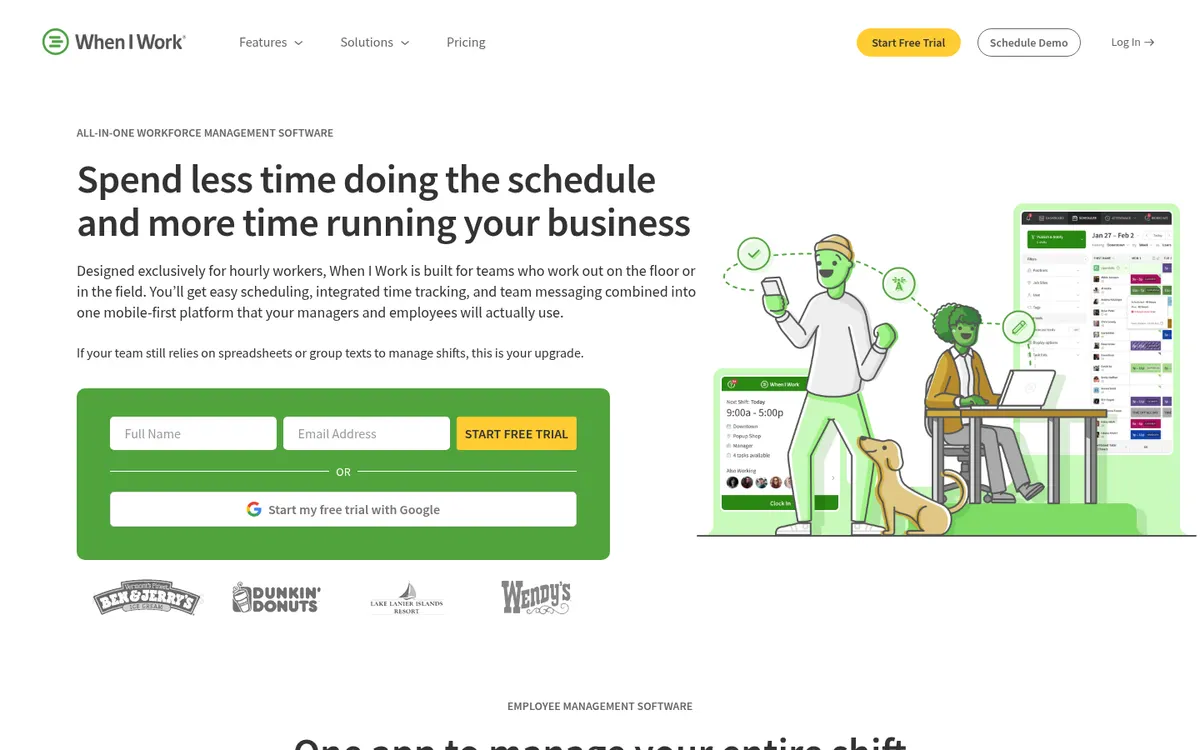
The strongest pick for shift-based teams that want scheduling, clock-in and messaging in one place at $2.50 per user.
When I Work leads with scheduling and treats the time clock as part of the same shift. Managers build a week from templates, drag shifts around and publish; staff swap shifts, set availability and request time off from the mobile app. Because the schedule and the punch sit together, a shift that changes after publish shows up in the timesheet without a second tool. Team messaging runs inside the same app, which cuts the group chat sprawl that comes with a separate clock. Clock-in happens on mobile with GPS and geofencing, so a punch outside the work site gets flagged rather than silently accepted. Timesheets feed payroll and POS integrations, and an API lets teams push hours elsewhere. The catch is tiering: API access and SSO sit on the Premium tier at $8 per user per month, which matters if single sign-on is a security requirement rather than a nice extra. Timesheets feed payroll, so hours are recorded before they reach payroll. Pricing is per user with no base fee, at $2.50, $5 or $8 per user depending on tier, billed monthly or annually with no long contract. That structure is cheap for a small shop and expensive for a larger restaurant, where Premium runs well above a flat per-location rival. There is no permanent free plan, only a 14-day trial with no credit card, so the commitment starts when the trial ends. Teams that schedule more than they track will get the most out of it.
Your team works shifts and you want the roster, the punch and the pay export in one place.
You have 20 or more hourly staff and a flat per-location price would cost far less.
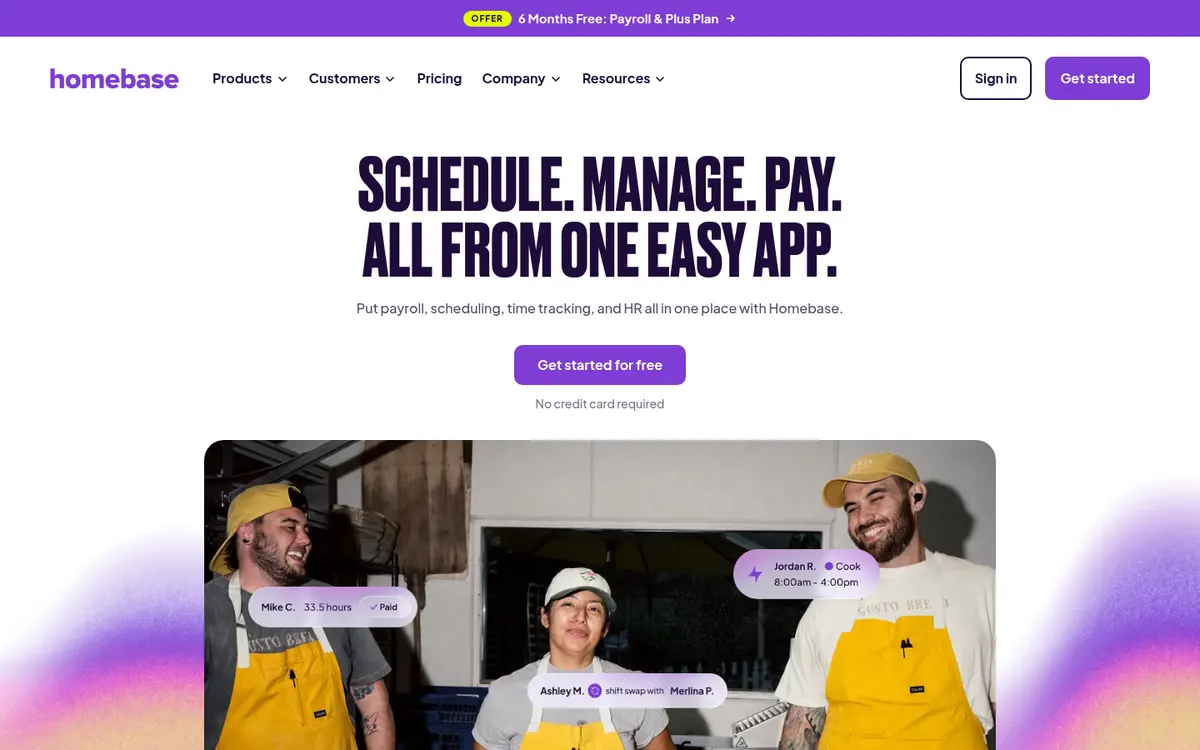
The best free starting point for a single-location hourly business, with paid tiers that stay flat as headcount grows.
Homebase is the easiest recommendation for a single-location business that pays hourly. The Basic tier is free for one location and up to 10 employees and includes scheduling, a time clock and timesheets, which is most of what a shop, salon or cafe needs on day one. Because billing is per location rather than per employee, adding another staff member does not move the monthly number at that one site. Paid tiers add the back office. Essentials, Plus and All-in-One run $24, $56 and $96 per location per month when billed annually, or $30, $70 and $120 month to month. Payroll is an add-on at $49 per month plus $6 per employee on every plan, so the payroll total is the base fee plus $6 for each employee on top of whatever plan you chose. Hiring and HR tools arrive on the higher tiers, and team messaging keeps shift changes out of text threads. Multi-site operators should read the model carefully: each location is billed separately, so a multi-site business pays for each location regardless of how few people work at each one. The 14-day All-in-One trial needs no credit card, which is enough time to run one pay period. For a single site with steady headcount the maths is hard to beat, and the free tier is a genuine operating plan rather than a countdown.
You run one location with hourly staff and want a free start that does not expire.
You operate several sites and would be billed per location for small teams.
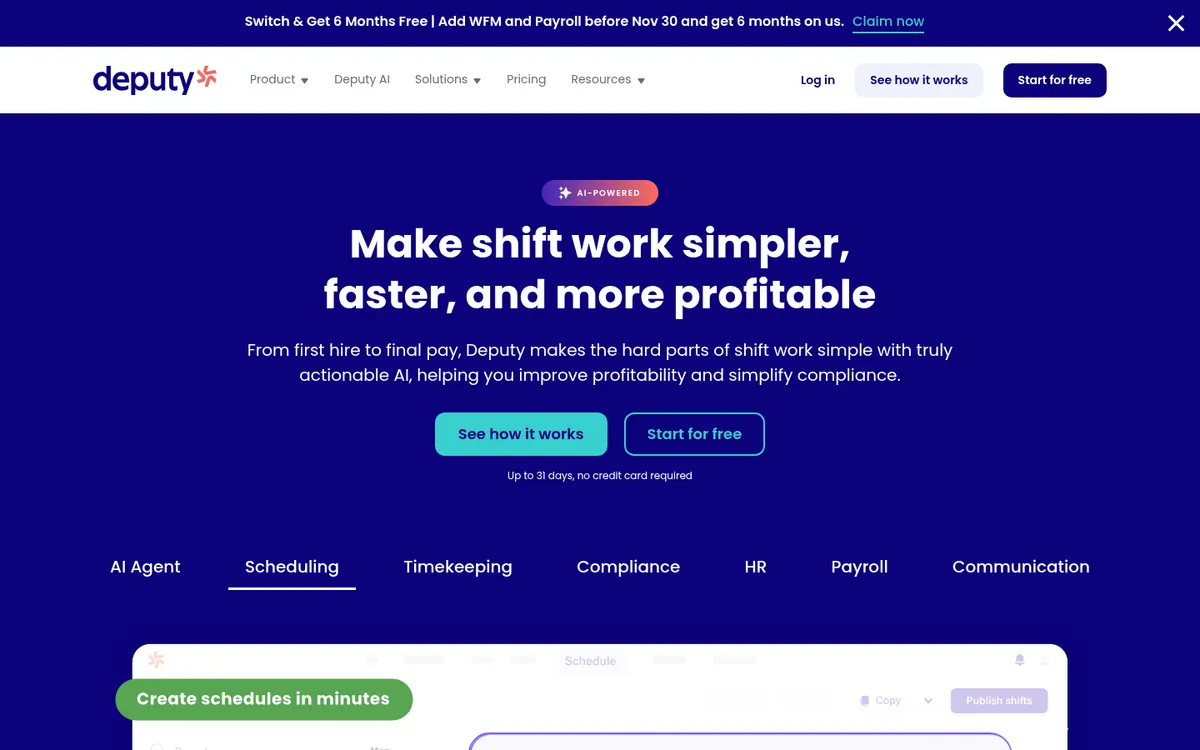
The right call when scheduling has to survive labor law scrutiny, provided you budget for the add-on modules.
Deputy is built for managers who schedule against demand rather than by habit. The scheduler pulls sales forecasts and labor budgets, proposes shifts, and flags where a week breaks a rule: fair workweek thresholds, mandated breaks, overtime. For restaurants, clinics and warehouses in states that police predictive scheduling, that automation is the difference between a defensible roster and a fine. The rules engine is the reason teams pick Deputy over a cheaper scheduler. On the clock side, Deputy offers mobile punches with GPS stamps, geofencing and biometric clock-in options. The integration catalog runs past 300 payroll, POS and HR connections. The trade-off is modularity: payroll, HR, messaging and analytics are paid add-on modules. Deputy also launched its own US payroll product in 2026, which turns a single purchase into a multi-product decision. Pricing starts at $5 per user per month on the Lite plan, billed annually or monthly, with a $30 monthly minimum spend. That minimum quietly changes the maths for a tiny team: the floor applies whether or not the seat count earns it. Because payroll, HR and analytics are separate, the Lite headline understates a full deployment. A business that only needs a schedule and a clock stays cheap; a business that wants one vendor for the whole back office should price the modules together before signing, and confirm current rates on the vendor page.
Your schedules have to satisfy fair workweek or overtime rules you cannot check by eye.
You only need a clock and simple shifts, since the add-on modules push the total up.
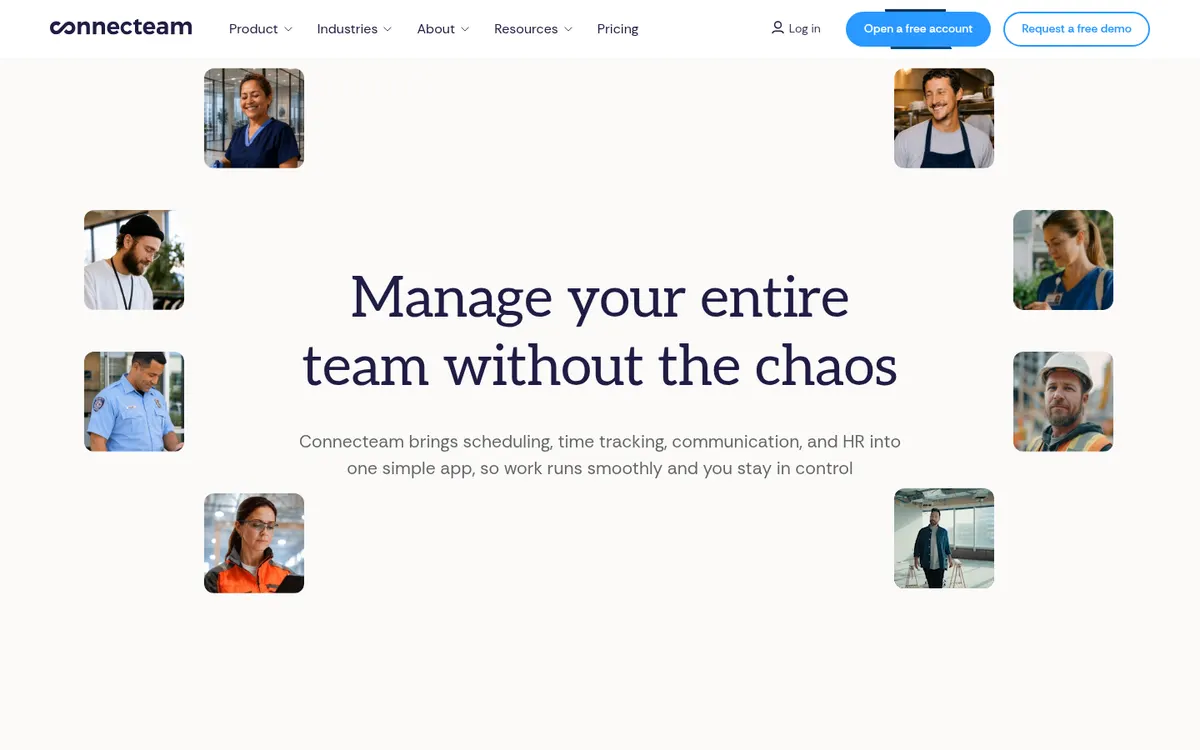
A flat-fee way to give a frontline crew of 30 a clock, chat, forms and training in one app.
Connecteam bundles the tools a deskless crew actually opens during a shift: a GPS time clock, scheduling, team chat, digital forms and checklists, and training content. All of it lives in one mobile app. A field tech clocks in, completes a job site checklist and sees the day's schedule without switching between four logins. Teams that have been running attendance on paper and coordination in group texts feel that consolidation quickly. The structure is unusual and worth understanding before you buy. Operations (scheduling and time tracking), Communications (chat and updates) and HR and Skills are three separate subscriptions priced per hub, so using all three multiplies the monthly cost. Scheduling is real but shallower than a dedicated scheduler, so a business with complex shift rules, union break requirements or multi-site coverage will notice the ceiling. Time tracking, GPS geofencing and forms are the strong parts. Basic runs $29 per month billed annually, $35 month to month, and covers the first 30 users on one hub; users beyond 30 are billed individually. That flat-fee band is where the value sits: compared with per-user tools at $5 to $8 a head, 30 users on Connecteam costs less. There is also a free Small Business plan for up to 10 users that includes all three hubs, plus a 14-day trial with no credit card. Read the bill per hub before you assume the free tier covers everything.
You run a frontline team near 30 people and want one app instead of four logins.
You need complex shift rules or you would pay for all three hubs at once.
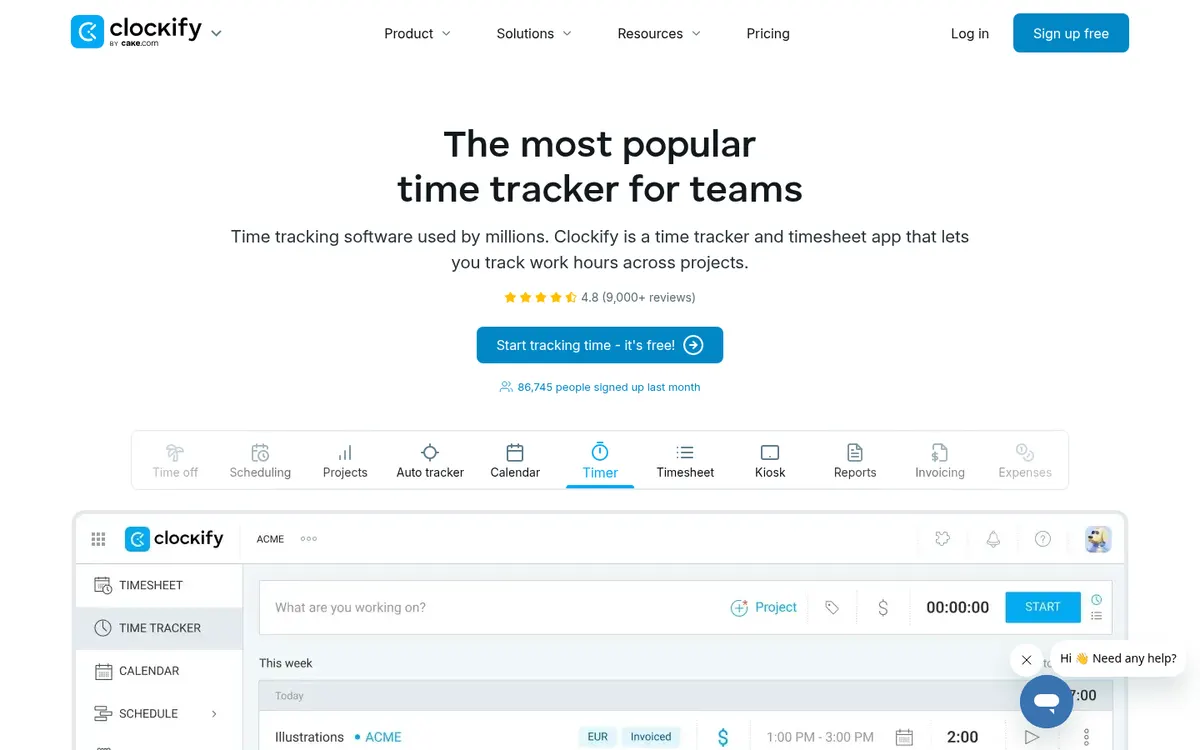
The cheapest serious time tracker here, best for billable project hours rather than shift attendance.
Clockify is a project time tracker first. The timer runs on web, desktop, mobile and browser extensions, workers start and stop it against a project and a task, and the free plan allows unlimited tracking for up to 5 users with no expiry. For a freelancer or a five-person agency billing by the hour, that covers the whole job. Paid tiers add invoicing, approval workflows, time off, scheduling, expense tracking and GPS. The clock side is thinner than the reporting side. A kiosk mode exists for shared-device punch-in, but you are not getting geofenced verification, photo capture or fair workweek rules. This is a tool for measuring billable effort, not for proving where a crew member stood at 7:02 a.m. If payroll accuracy under wage and hour scrutiny is the goal, a dedicated attendance clock is the better instrument and the wrong choice here will show up in an audit. Paid plans start at $3.99 per seat per month on Basic when billed annually, or $4.99 month to month. In 2026 the free plan changed from unlimited seats to a 5-user cap, which is the detail to check if you are scaling past a handful of people: a team larger than five users that used to sit free now pays for every seat. Setup is self-serve, with a 7-day trial of PRO features and no credit card, so a small team can evaluate without a sales call. Reporting and exports are the reason teams stay.
Your revenue comes from billable hours and you want a free start with room to grow.
You need geofenced punches or payroll-grade attendance records.
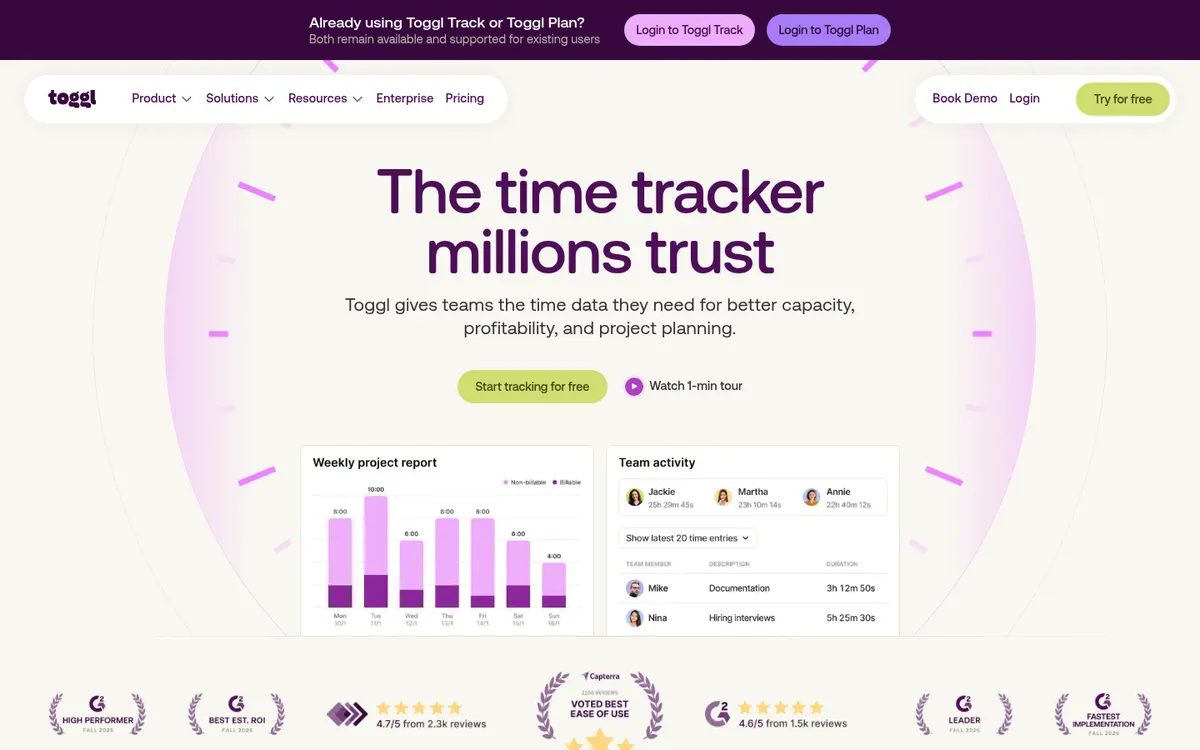
A low-friction timer for consultants who bill hours, though it costs more than Clockify and skips shift work.
Toggl Track does one thing well: it starts a timer in one click and keeps a record of what the hour was for. Desktop, web, mobile and browser extensions all work, the interface is spare, and reporting is organized around billable rates, project estimates, profitability and capacity. If your revenue comes from hours you bill to clients, that framing is more useful than a punch clock that only answers whether someone showed up. It is deliberately not a surveillance tool. The vendor states publicly that it does not take screenshots or log keystrokes, which is a selling point for consultancies hiring people who would resent monitoring. The same choice makes Toggl a poor fit for hourly shift work: there is no kiosk punch for a shared terminal, no geofencing and no real time clock to hand a restaurant manager. Choose it for billing discipline, not attendance policing, and expect to keep a separate system if you also run shifts. Starter is $9 per user per month billed annually, or $12 month to month, and Premium costs more per user. Every license is billable until you remove it, so a team that keeps seats for occasional contractors sees cost creep. A free plan covers up to 3 users, enough for a solo consultant plus a bookkeeper, and the 30-day trial is longer than most here, giving a real billing cycle to test before paying. Compared with Clockify it is the pricier option at every paid tier.
You bill clients by the hour and want a timer your team will actually keep running.
You pay hourly shift staff and need location proof on each punch.
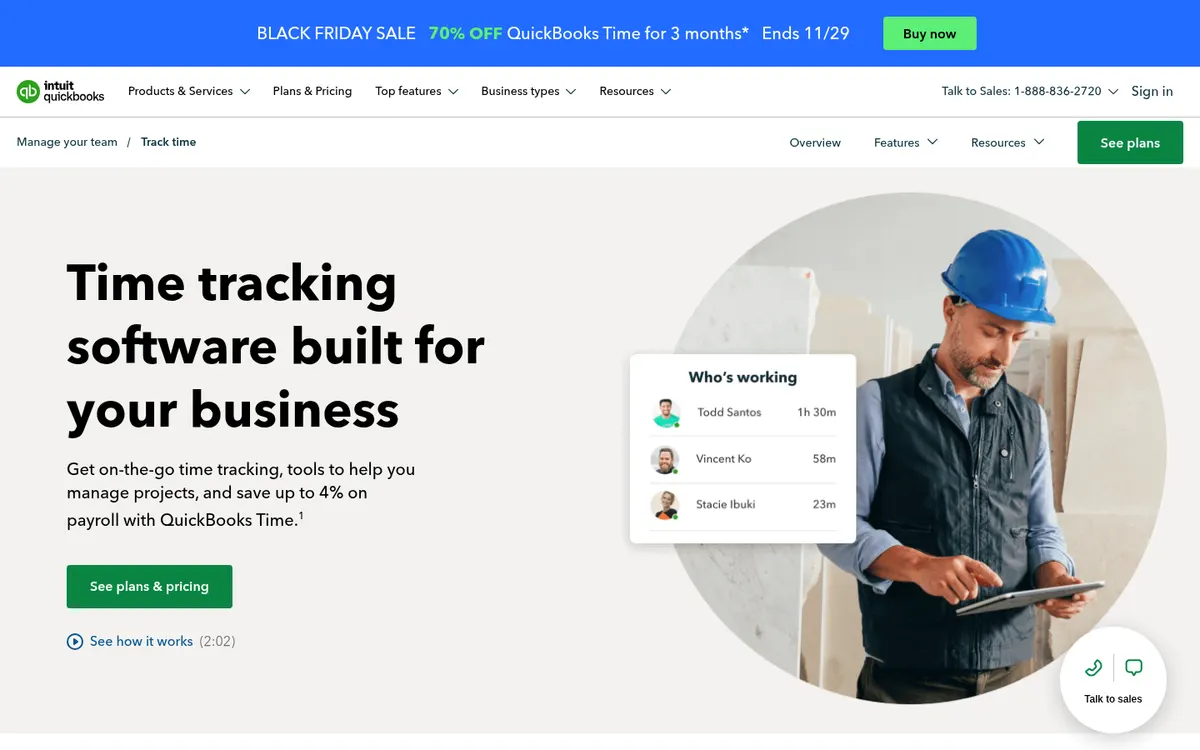
Unbeatable inside QuickBooks Online, overpriced anywhere else after the July 2026 per-user increase.
QuickBooks Time is the path of least resistance for a business already running QuickBooks Online. Tracked hours map to payroll items automatically; the same hours pull into an invoice without a spreadsheet. There is no connector to maintain and no reconciliation step, which is why teams stay on it even when the per-user price stings. The native flow is the product. Clock-in options are broad: the QuickBooks Workforce mobile app, a shared kiosk with facial recognition, GPS tracking and geofencing on the upper tier, and mileage tracking for drivers. Scheduling and time-off management are included rather than sold as an add-on. Support is unlimited by phone and chat at no extra cost, a genuine differentiator at this price point, and it covers the payroll questions that come up at quarter end. That price point moved. Intuit raised the per-user rate from $8 to $10 in July 2026, on top of a monthly base fee of $20, with a promotional 70 percent off for three months. Once any discount ends, the monthly bill is the $20 base fee plus $10 per user. There is no free plan and a 30-day trial without a credit card. If you are not on QuickBooks, the value proposition collapses: you pay premium per-seat rates for a clock whose main advantage is an integration you cannot use.
QuickBooks Online already runs your payroll or invoicing and you want no connector in between.
You use different accounting software, since you would pay premium rates for an unused integration.
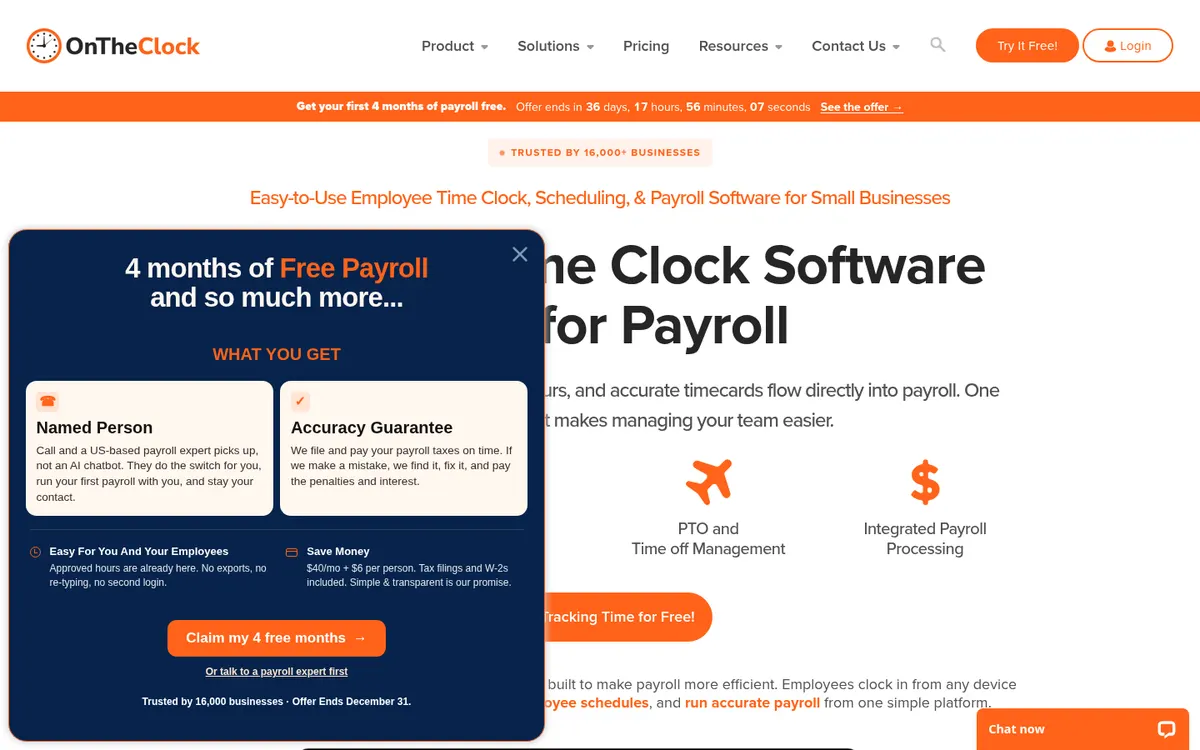
The simplest GPS clock for a small hourly crew, with transparent pricing and one notable job-costing limit.
OnTheClock sells one plan and puts the useful controls in it. GPS stamps and geofencing are part of the base price rather than an upgrade tier, so you can see where a punch happened without buying a higher edition. Clock-in works by web, mobile or kiosk, with optional photo capture, PIN entry and IP restrictions for teams that need a bit more proof. Scheduling and PTO management are included, which is more than some pricier rivals bundle.
Pricing is transparent to a fault: $4 per employee per month plus a $5 monthly base fee, billed monthly. A 15-person team pays $65 a month for tracking with GPS and geofencing, easy to check against any per-user competitor. The limitation is depth. Each employee carries one pay rate, so job costing across multiple rates or blended shift differentials gets awkward, and larger operations will feel the ceiling as soon as they run prevailing wage work or mixed crews.
Payroll is optional and priced separately at $6 per employee plus a $40 base fee, with a $250 one-time implementation charge. For a 15-person team that nearly doubles the monthly bill, so the decision is whether one system for timecards and pay runs is worth roughly the same again as tracking. There is no free plan; the 30-day trial with no credit card is long enough to run a full pay cycle before committing, which is the right way to test the export.
You run 10 to 30 hourly staff and want GPS proof without an enterprise contract.
Your crews work several pay rates per week and you need job-level costing.
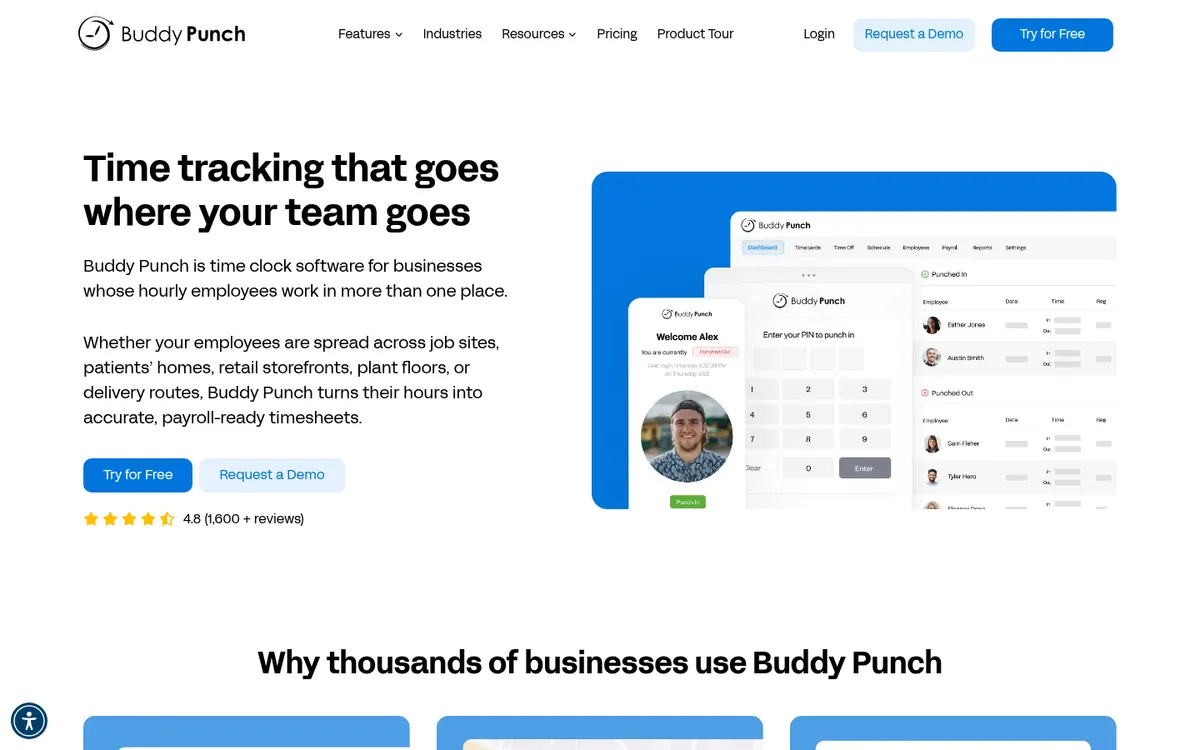
The accountability pick for field crews, though you must confirm pricing and budget for GPS and scheduling add-ons.
Buddy Punch is for operators who suspect the timecard is lying. Every punch can capture a webcam photo and GPS coordinates, and the system can lock a punch to an IP address or a registered device, verify identity with Face ID and restrict punches to a geofence. Admin users are unlimited and free, so supervisors and office staff can review without adding seats, which is unusual at this price level.
Payroll and accounting integrations plus Zapier cover the export side, and the product suits multi-site field crews where a supervisor needs proof rather than a promise. The catch is that the accountability features are spread across tiers: Pro runs $6.99 per user per month and Advanced $12.99 per user, with real-time GPS at $2 per user and scheduling at $1 per user as optional add-ons. Geofencing is not in the cheapest configuration, so the entry price is not the price you will pay for the full toolkit.
Published pricing could not be confirmed for this guide: the vendor's pricing page did not return content on 2026-11-25, so the Starter rate per user plus the monthly base fee must be checked directly before you build a budget. Treat the total as base fee plus seats plus whichever add-ons you need, and note that photo capture on every punch costs employees a few seconds each time. A 14-day trial is enough to find out whether the crew accepts it or starts clocking in from the parking lot.
Field crews punch from sites you cannot supervise and you want photo and location proof.
You need a confirmed price today or you want geofencing inside the base plan.
Timekeeping software records hours worked and turns them into something you can pay, bill or audit. That is the whole job. Small businesses buy it for three overlapping reasons, and the product that fits depends on which reason is yours. The first job is attendance: who showed up, when, and where. The record has to survive a wage and hour review, which means breaks, overtime rules and a clean edit trail matter more than a tidy dashboard. QuickBooks Time, OnTheClock and Buddy Punch are built around this job. The second job is billing: what the hour was spent on, for which client, at what rate. Clockify and Toggl Track are built around this one, and their reporting is about profitability per project rather than compliance per shift. The third job is the schedule, because a shift that changes after publish has to reach the timecard automatically. When I Work, Homebase, Deputy and Connecteam treat scheduling and the clock as one workflow. A basic feature set looks like this: - Mobile or kiosk clock-in with a timestamp
This comparison sits on the Software desk. Readers comparing neighbouring stacks often check our guides to demand forecasting software and glp 1 companies next.
Most small business timekeeping is priced per seat, and the seat price is rarely the whole bill. The common models, with examples from this list:
| Model | How it bills | Typical fit | Example from this list |
|---|---|---|---|
| Per user | A flat rate for each employee on the clock | Teams whose headcount moves with shifts | When I Work at $2.50 per user per month |
| Per location | A flat fee per site, seats bundled in | Single-site hourly businesses with steady headcount | Homebase Essentials at $30 per location per month |
| Flat fee with a user cap | One price covers a set number of users | Frontline teams of 10 to 30 | Connecteam Basic at $29 per month billed annually for the first 30 users |
| Base fee plus per user | A monthly base plus a rate per seat | Payroll-linked clocks | QuickBooks Time Premium at $20 base plus $10 per user |
| Per employee plus a base | A per-head rate with a small monthly base | Teams wanting a simple GPS clock | OnTheClock at $4 per employee plus a $5 base fee |
| Free tier | No charge under a user or site cap | Very small teams testing the workflow | Clockify free for up to 5 users |
Every price above was checked on the vendor's own pricing page on November 25, 2026. Where a vendor does not publish a figure we write "See website" instead of guessing. To compare annual and monthly billing quickly, try the free percentage calculator.
Count sites and seats first. Write down how many locations you pay people at and the highest headcount in a normal week. Per-location pricing rewards a single site with a big team; per-user pricing rewards a small team across many sites.
Decide which clock you need. If you pay hourly staff, you need attendance records that survive a payroll review. If you bill clients, you need project time tracking with rates and invoices. Only pick a tool built for the number you turn into money.
Test the free tiers against your headcount. Homebase covers one location up to 10 employees, Connecteam covers 10 users across all hubs, Clockify covers 5 and Toggl Track covers 3. If your team sits just above a cap, price the paid tier before you set up accounts.
Add the base fees and add-ons. Take the per-user rate, multiply by headcount, then add the base fee plus any module you actually need. QuickBooks Time, OnTheClock, Deputy and Buddy Punch all have extras that change the total.
Run a punch on a real phone at a real site. Geofencing that flags the parking lot as off-site, or a kiosk that needs a stable connection, will show up in the first shift. Use the trial for this, not for a demo.
Confirm the payroll export before you sign. One pay cycle through the export tells you more than any feature list. Check overtime handling, break deductions and whether the hours land on the right pay item without manual edits.
Four tools in this list have a permanent free tier. Homebase Basic covers one location and up to 10 employees with scheduling, time clock and timesheets. Clockify's free plan covers 5 users with unlimited tracking. Connecteam's Small Business plan covers 10 users across all three hubs. Toggl Track's free plan covers 3 users. Every other tool here offers a trial, and trial lengths vary by vendor.
Entry rates in this list run from $2.50 to $9 per user per month, or a flat per-location fee. When I Work starts at $2.50 per user, Clockify at $3.99 per seat billed annually, OnTheClock at $4 per employee plus a $5 base, Deputy at $5 per user with a $30 minimum and Toggl Track at $9. Homebase charges $30 per location per month for Essentials on month to month billing. Watch base fees and add-ons on top.
A payroll clock records when someone worked so hours can be paid, and it needs overtime rules, break handling and a clean export to payroll. Project time tracking records what the hour was spent on so it can be billed, and it needs clients, rates and invoices. Clockify and Toggl Track do the second. QuickBooks Time, OnTheClock and Buddy Punch do the first. Buying the wrong type creates manual work every pay period.
Pay for GPS when you cannot otherwise verify that a punch happened at a job site: field crews, home services, multi-site retail and construction. Geofencing adds a boundary so out-of-area punches get flagged instead of accepted. OnTheClock includes both in its single plan at $4 per employee plus a $5 base fee. Buddy Punch charges $2 per user extra for real-time GPS, and QuickBooks Time puts GPS on its upper tier.
Pick QuickBooks Time if QuickBooks Online already runs your payroll or invoicing, because hours flow into paychecks and invoices with no connector. At $20 base plus $10 per user per month after the July 2026 increase, it is expensive for anyone outside that ecosystem. A standalone clock such as OnTheClock or Buddy Punch plus an export is usually cheaper, at the cost of a reconciliation step each pay run.
Most of this list does. When I Work, Homebase, Deputy and Connecteam all pair shift scheduling with the clock, and When I Work adds shift swaps, availability and time-off requests. OnTheClock includes scheduling and PTO in its single plan. Buddy Punch sells scheduling as a $1 per user add-on. Clockify puts scheduling on paid tiers, and Toggl Track does not handle shift scheduling at all.
Browse every comparison on the Software desk, with the same rubric and dated prices.