Ranked #1

MRPeasy
Multi-level BOM depth
$49Starter, per user per month, from the 11th user $79 per 10 users
- Best for
- lightweight MRP for growing manufacturers
- Free plan
- No
- Rubric
- 7.7 / 10
We compared 10 manufacturing platforms on production depth, pricing clarity and fit, from free tiers for small brands to quote-only ERP for mid-market plants.
 Prices checked November 25, 2026
MRPeasy, Katana and Odoo are the top three picks in our November 2026 guide to the best manufacturing software. MRPeasy suits growing manufacturers that need real MRP logic at $49 per user per month. Katana suits ecommerce-driven makers who want a visual production board and unlimited users on a free plan for up to 30 SKUs. Odoo suits small businesses that want manufacturing, inventory and accounting in one ERP, starting from a free single-app plan. The remaining seven picks cover QuickBooks shops, job shops and mid-market ERP buyers.
Multi-level BOM depth
$49Starter, per user per month, from the 11th user $79 per 10 users

Visual production board
FreeFree plan, up to 30 SKUs, unlimited users, paid Advantage tier is custom pricing
One suite, low entry
FreeOne App Free, unlimited users, Standard from $7.25 per user per month billed yearly
Disclosure for this page: All 10 tools here are unpaid editorial picks. The position of a paid listing can be part of what the vendor pays for. How we handle paid listings.
| Tool | Best for | Free plan | Actions | |||
|---|---|---|---|---|---|---|
| 1 | MRPeasy | lightweight MRP for growing manufacturers | $49Starter, per user per month, from the 11th user $79 per 10 users | No | ||
| 2 | Katana | ecommerce-driven makers and small brands | FreeFree plan, up to 30 SKUs, unlimited users, paid Advantage tier is custom pricing | Yes | ||
| 3 | Odoo | full ERP on a small-business budget | FreeOne App Free, unlimited users, Standard from $7.25 per user per month billed yearly | Yes | ||
| 4 |  Fishbowl | QuickBooks-integrated manufacturing and warehousing | $200Essential, per location per month, Fishbowl GRM | No | ||
| 5 |  ERPAG | flat-rate cloud ERP for small manufacturers | See website | No | ||
| 6 |  Unleashed | inventory-first manufacturers needing forecasting | See website | No | ||
| 7 |  Fulcrum | job shops living on the production schedule | See website | No | ||
| 8 |  ProShop | machine shops needing paperless operations | See website | No | ||
| 9 | JobBOSS | make-to-order job shops | See website | No | ||
| 10 | Acumatica | mid-market manufacturers scaling up | See websitecustom quote | No |
Every product in this list was assessed on the same five criteria, weighted toward the thing manufacturers actually feel: production depth (30 percent), pricing clarity (20 percent), ease of use (20 percent), integration fit (15 percent) and scalability (15 percent).
Production depth asks whether the tool handles multi-level bills of materials, work orders, scheduling and traceability without a module purchase. Pricing clarity asks whether a buyer can find a number and predict the bill twelve months out. Ease of use covers time to a first work order and shop floor adoption. Integration fit covers the accounting and storefront systems small manufacturers already run, chiefly QuickBooks, Xero, Shopify and WooCommerce. Scalability asks what breaks at 50 users, several sites or multiple entities.
Prices, plan names and trial terms come from vendor pricing pages checked on 2026-11-25. Where a pricing page returned no content or listed no figures, the entry says pricing is on the vendor site and quotes no number. Nothing here is inferred from a reseller or a marketplace listing.
One position in this category can be sold as a Featured placement. A Featured vendor is scored on the same five criteria as every other entry and carries the same kind of cons; placement buys position in the list, not a better verdict. For November 2026 no vendor in this list holds that placement.
Feature claims come from vendor product pages, and the weaknesses are the ones that surfaced during evaluation: add-on stacking, onboarding fees, hourly stock refresh, quote-only sales processes. Where a vendor's own documentation contradicted a headline feature, we noted the contradiction rather than repeating the claim.
The full process, including how we handle corrections, is on the methodology page. Paid listings follow our advertising disclosure.
| Criterion | Weight | What we check |
|---|---|---|
| Production depth | 30% | Whether multi-level bills of materials, work orders, scheduling and traceability ship without a module purchase. |
| Pricing clarity | 20% | Whether a buyer can find a number and predict the twelve-month bill, add-ons and onboarding included. |
| Ease of use | 20% | Time to a first work order and how quickly shop floor staff adopt the screens. |
| Integration fit | 15% | Coverage of the accounting and storefront systems small manufacturers already run. |
| Scalability | 15% | What holds up at 50 users, several sites or multiple legal entities. |
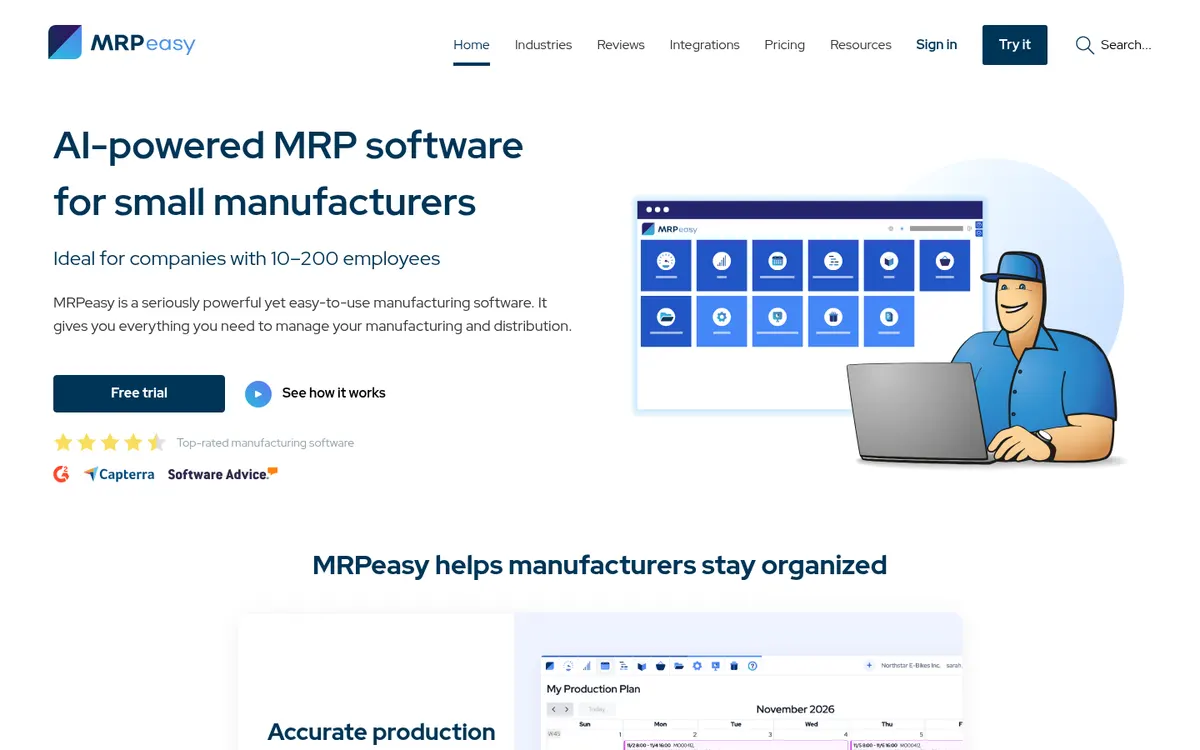
Deep MRP logic at a per-user price that small and mid-sized shops can budget for without a services contract.
MRPeasy is the strongest fit here for a manufacturer that has outgrown spreadsheets but does not want a full ERP project. Multi-level bills of materials, production planning and scheduling, lot traceability, purchasing and inventory sit in the product from the base plan, and basic accounting is included for shops that do not want a second ledger. The B2B customer portal arrives on the Professional tier; barcode scanning, multi-site and maintenance arrive on Enterprise.
Pricing is per user. Starter is $49 per user per month, with plan notes listing $79 per 10 users from the 11th user, and tiers step up at $69, $99 and $149 per user per month. API access is confined to the top tier, and annual billing includes an extra month at no charge. Few paid add-ons exist compared with module-stacked competitors, which keeps budget conversations short and makes the pricing sheet easy to read.
The limits are structural rather than cosmetic. Per-user fees grow with every hire, so a 40-person shop pays noticeably more than a 12-person shop for identical modules, and stock levels refresh on an hourly cycle rather than in real time, which matters if you sell from live inventory across several channels. Integrations cover Shopify, WooCommerce, QuickBooks and Xero, which is the right set for a small manufacturer selling both direct and through a storefront.
MRPeasy is built for shops of roughly 10 to 200 staff whose main pain is scheduling and stock control rather than multi-entity financials. A 15 plus 15 day free trial with no credit card is enough time to load a real BOM and a month of orders, which is the test that matters before you sign.
You need real MRP logic, BOM depth and traceability without an implementation project.
You run several sites with live multi-channel stock and need real-time inventory.
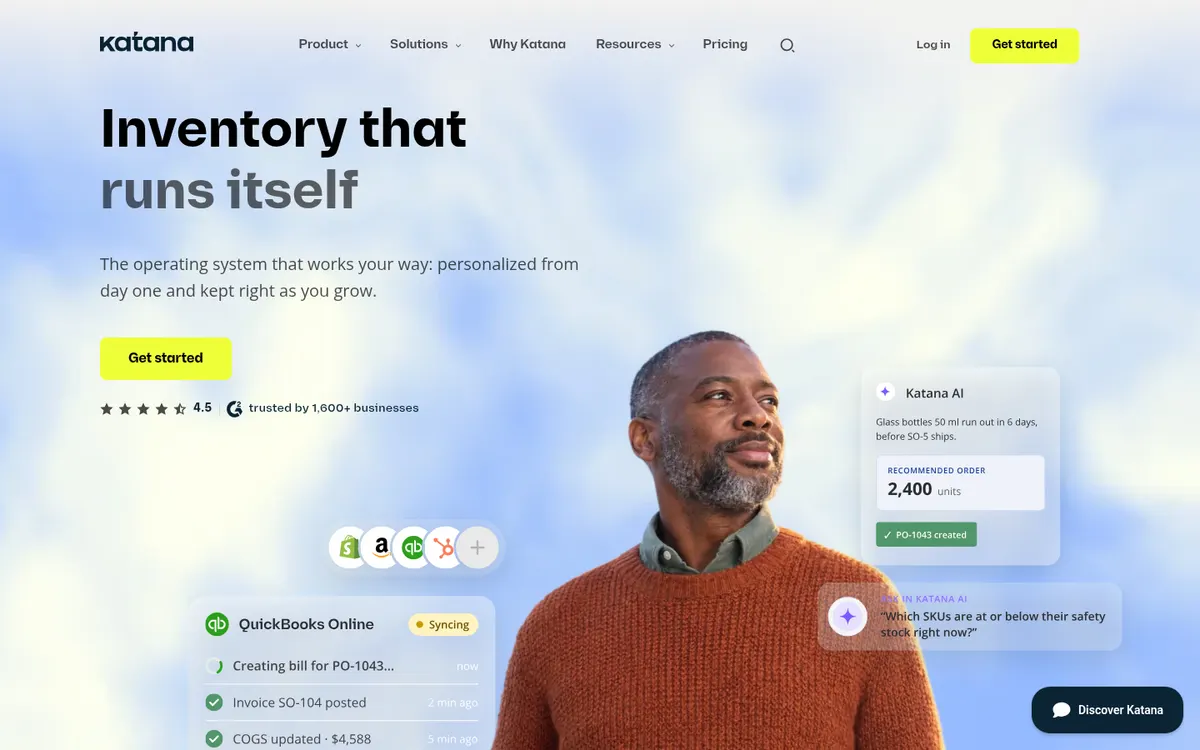
A quick-to-learn production board with unlimited users and a real free tier, backed by an add-on stack that adds up fast.
Katana leads with a visual production board that a shop can learn in an afternoon. Bills of materials and manufacturing orders sit in the core product, and every plan runs unlimited users, which removes the seat math that dominates per-user tools. The free plan covers up to 30 SKUs with unlimited users and needs no credit card, so a very small catalogue can run production at no cost while the team decides whether the workflow fits.
The paid path is where budgets move. The old Core plan is gone and Advantage is custom priced, so there is no published seat rate to compare. Real manufacturing capability arrives as add-ons: $199 for production routings, $249 for traceability, $149 for warehouse management and $199 for the shop floor app. Stack them and a realistic setup reaches about $498 per month. Paid plans also carry mandatory onboarding fees of $2,000 to $2,500, a large number for a shop that has not yet committed to the system.
Finite capacity scheduling and lot tracking are not in the base package, so buyers who need both from day one should price the add-ons before comparing Katana with per-user MRP tools. The trade is deliberate: Katana optimizes for clarity on the floor and for storefront speed rather than for planning depth.
It fits brands selling online that assemble or finish goods in house, where a Shopify or WooCommerce catalogue drives the order book and a non-technical team needs to see what to make next. It fits less well for a plant with complex multi-level BOMs and finite capacity constraints, where the add-on stack and onboarding fees buy less than a specialist MRP would.
Your order book comes from a storefront and the team needs a board they can read at a glance.
You need finite capacity scheduling and lot tracking without stacking four add-ons.
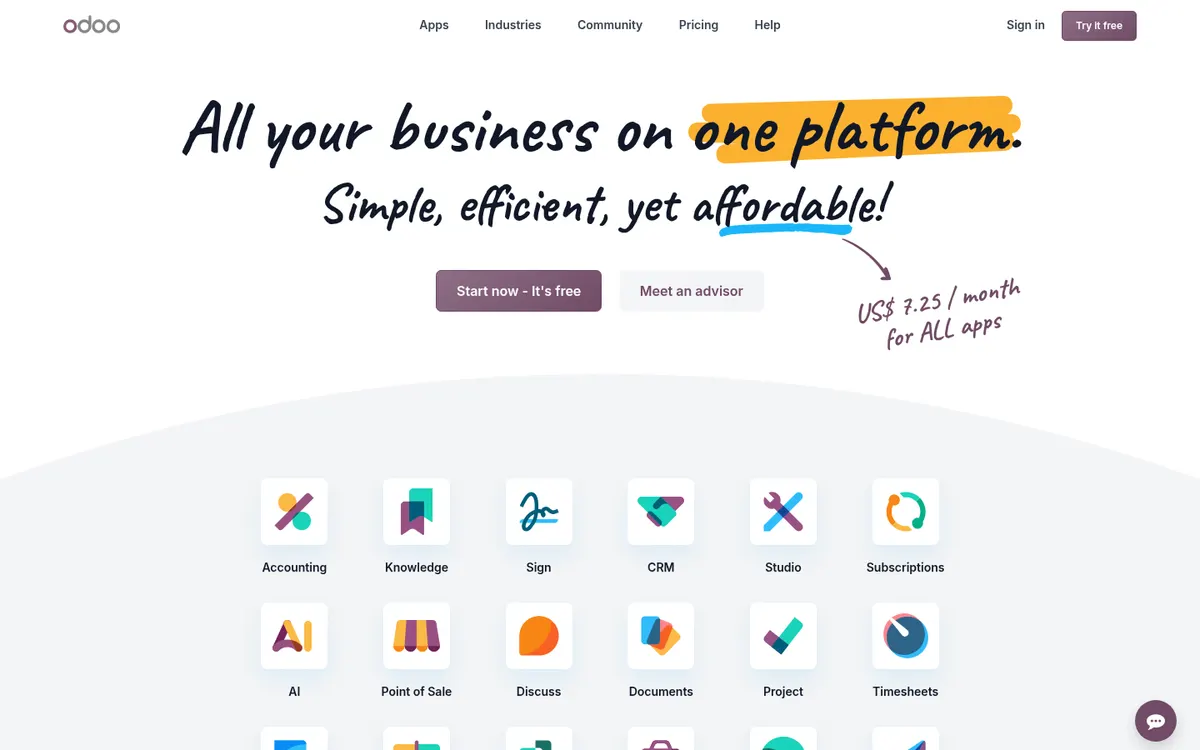
The cheapest route to a full ERP here, if you accept a partner implementation and a three-year price view.
Odoo is the lowest-cost route to a full ERP in this set, provided you accept an implementation project. Manufacturing includes MRP with work centers and shop floor control, quality and maintenance modules, and product lifecycle management, all sitting beside inventory, accounting, sales and CRM in one system. Because those modules share a database, a work order, a stock move and an invoice are views of the same record rather than exports between tools.
Entry is genuinely cheap. One App Free gives unlimited users a single application, Standard is $7.25 per user per month billed yearly and covers every app on cloud hosting, and Custom is $49 per user per month for Studio, multi-company and the external API. A 15-day free trial covers evaluation, and the self-hosted Community edition carries core manufacturing at no licence cost for teams with in-house technical staff.
The real cost sits outside the subscription. Partner-led implementations commonly run from $5,000 to $100,000, and promotional first-year rates renew at higher prices, so a three-year view matters more than month one. Deployment effort is heavier than a single-purpose MRP tool, and shops that only need scheduling and stock control usually get live faster elsewhere.
Odoo is the right call when you want one system for manufacturing, inventory, accounting and CRM on a small-business budget. It is the wrong call when you want the shortest possible path to a first work order, or when nobody on the team can own configuration and data migration.
You want manufacturing, inventory and accounting sharing one database on a small-business budget.
You have no one to own configuration and need to be producing in weeks.
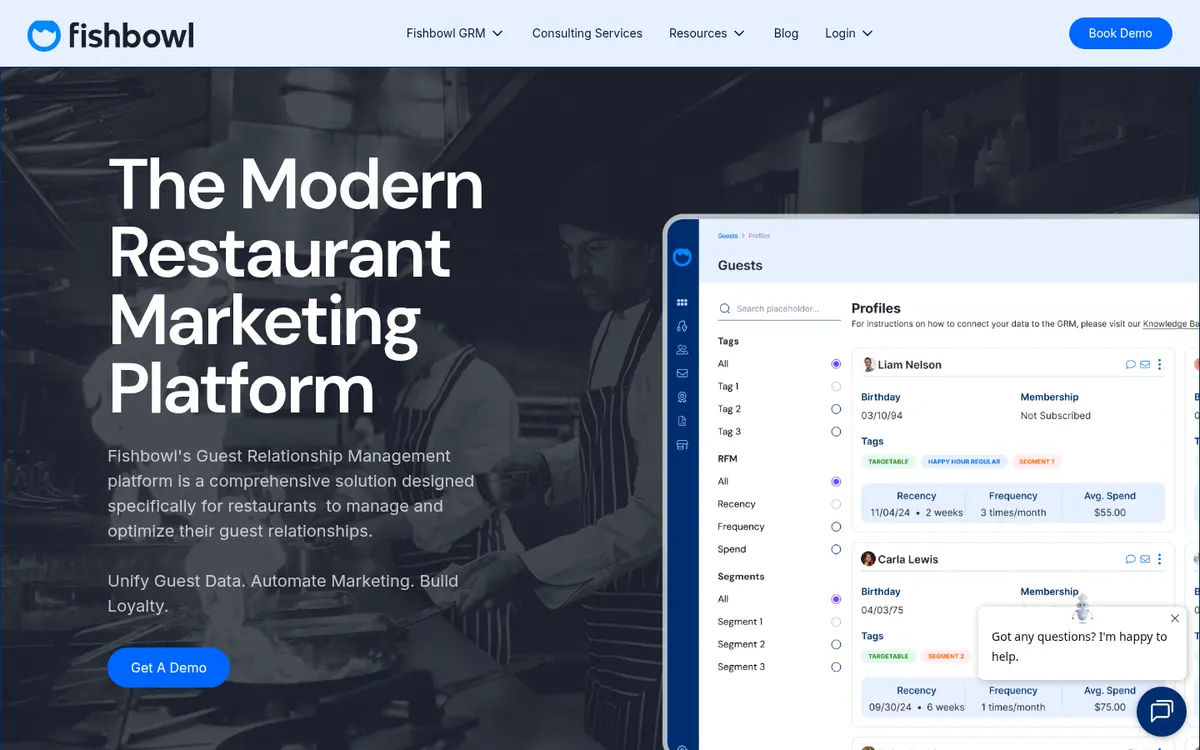
Mature warehouse and work order features wrapped around QuickBooks, with a manufacturing tier that is quoted rather than published.
Fishbowl pairs manufacturing and warehousing with QuickBooks, which is why it keeps appearing on shortlists at shops whose books already live there. Advanced work orders and bills of materials, lot tracking, multi-location stock control, part tracking that ties parts and labour costs back to vendors, plus EDI and 3PL support for fulfilment. For an operation shipping from several warehouses that needs the accounting to reconcile without a middleware layer, the integration is the product.
Pricing needs care. The $200 per location per month figure on Fishbowl's pricing page covers Fishbowl GRM, a restaurant marketing product, not the inventory plan a manufacturing conversation starts from. The $229 entry point covers stocking and selling finished goods, not production. Manufacturing needs the more expensive Advanced tier, which is priced by users and deployment and quoted individually. Perpetual licences were retired in favour of subscriptions, so the one-time purchase route is gone.
That makes the total harder to forecast than a published per-user tier, and it means a two-site manufacturer should expect a two-part quote. The feature set itself is long established rather than new: lot tracking and multi-location control are mature, and the work order modules have years of production use behind them.
Fishbowl fits warehouse-heavy operations on QuickBooks that need EDI and 3PL support alongside light assembly and work orders. It fits less well if your binding constraint is scheduling rather than stock and fulfilment, where Fulcrum or MRPeasy solve more of the problem and publish a number you can plan against.
You ship from several warehouses, run QuickBooks and need EDI or 3PL support in the same system.
Production scheduling is your bottleneck rather than stock control and fulfilment.
A flat-rate cloud ERP that pays off once your team passes about 10 users and you want one predictable bill.
ERPAG sells predictability. One flat monthly rate carries all features on every plan, five users are bundled into the base price, and additional seats cost roughly $9 per user per month. For a shop that dislikes seat math and wants a fixed line in the budget, that structure is the whole argument. Manufacturing management with work orders, inventory and sales management, and purchasing sit in the same product.
Higher tiers are $99 and $199 per month and add live support, customisation, a customer portal, automation and API access. Integrations cover Shopify, QuickBooks and shipping carriers, which is enough for a small manufacturer selling through a storefront and shipping parcels rather than pallets.
Pricing itself is on the vendor site. The pricing page returned no content when checked on 2026-11-25, so no figure is quoted here, and published pricing differs between sources, which means you should confirm the current tier price in writing during a trial rather than budget from a headline. The vendor is smaller than the ERP names around it and the integration ecosystem is thinner, so unusual connector requirements deserve a direct question early.
ERPAG fits teams of about 10 or more, where the flat rate beats per-user pricing and a five-seat bundle covers most of the staff who need access. It is worth a trial if you want manufacturing, inventory, sales and purchasing in one place without a services engagement, and less compelling for a three-person shop paying for unused seats.
You want predictable flat billing and roughly 10 or more people need access.
You depend on connectors outside Shopify, QuickBooks and shipping carriers.
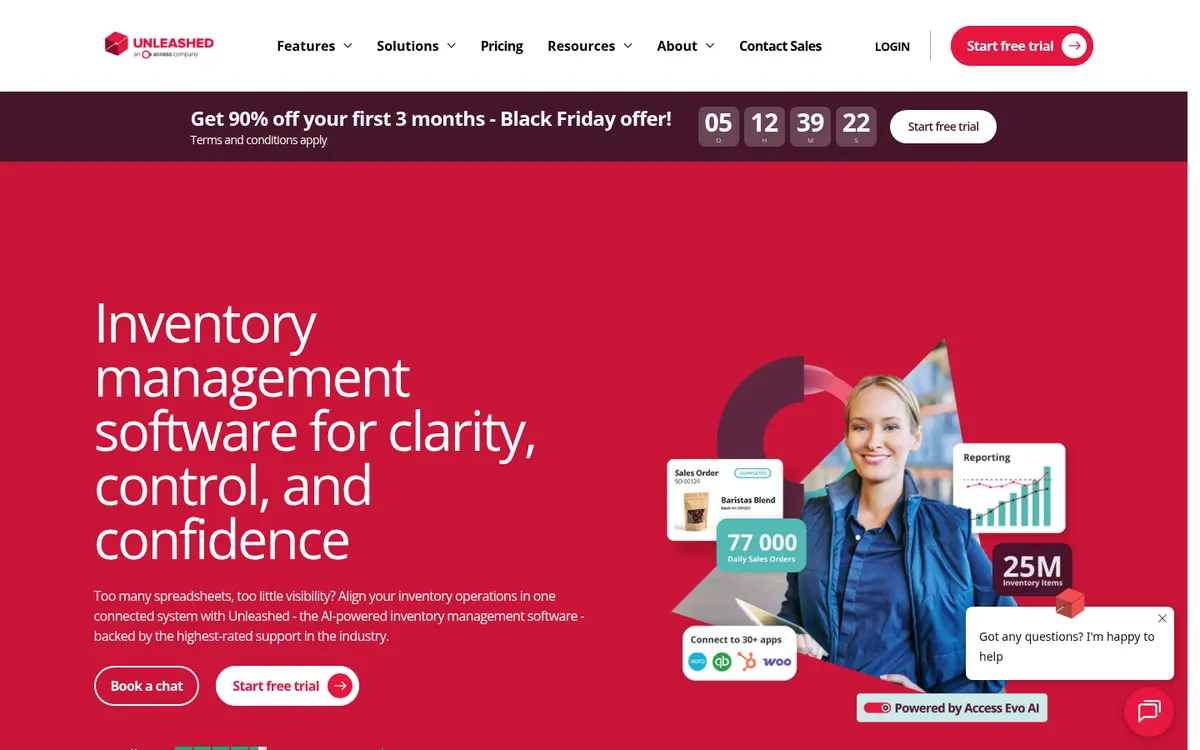
Strong inventory and forecasting with real production only on the Pro tier, priced above per-user MRP tools at that level.
Unleashed is an inventory system with manufacturing built in properly, and the order of priorities shows. Multi-warehouse management, serial and batch tracking, accounting integrations and business intelligence dashboards are the core strengths, and demand forecasting plus reporting views are the reason operations managers shortlist it. The dashboard is clean and quick to navigate, and the Xero integration runs deep.
Production is a Pro tier conversation. Bills of materials and assembly builds, MRP and demand forecasting, and multi-bin warehouse management all sit on Pro, and notes for this listing put Pro at $729 per month. Current pricing is on the vendor site: the pricing page shows no figures and links to a separate plans page, so confirm the rate before budgeting. There is no free tier, though a 14-day free trial needs no credit card.
Watch the volume allowance. Sales-order volume above the allowance adds fixed monthly charges, so a growing order book raises the bill without any change to headcount. At $729 plus potential overages, Unleashed prices above per-user MRP tools offering similar production depth, and you are paying for inventory and forecasting rather than scheduling sophistication.
Unleashed is now part of The Access Group. It fits inventory-first manufacturers and distributors that need forecasting and multi-warehouse control, and whose production is assembly rather than complex routing. It fits less well for a job shop where every order is a new estimate.
Inventory accuracy and demand forecasting matter more than scheduling depth.
You need MRP and BOMs without paying for the Pro tier and its overage risk.
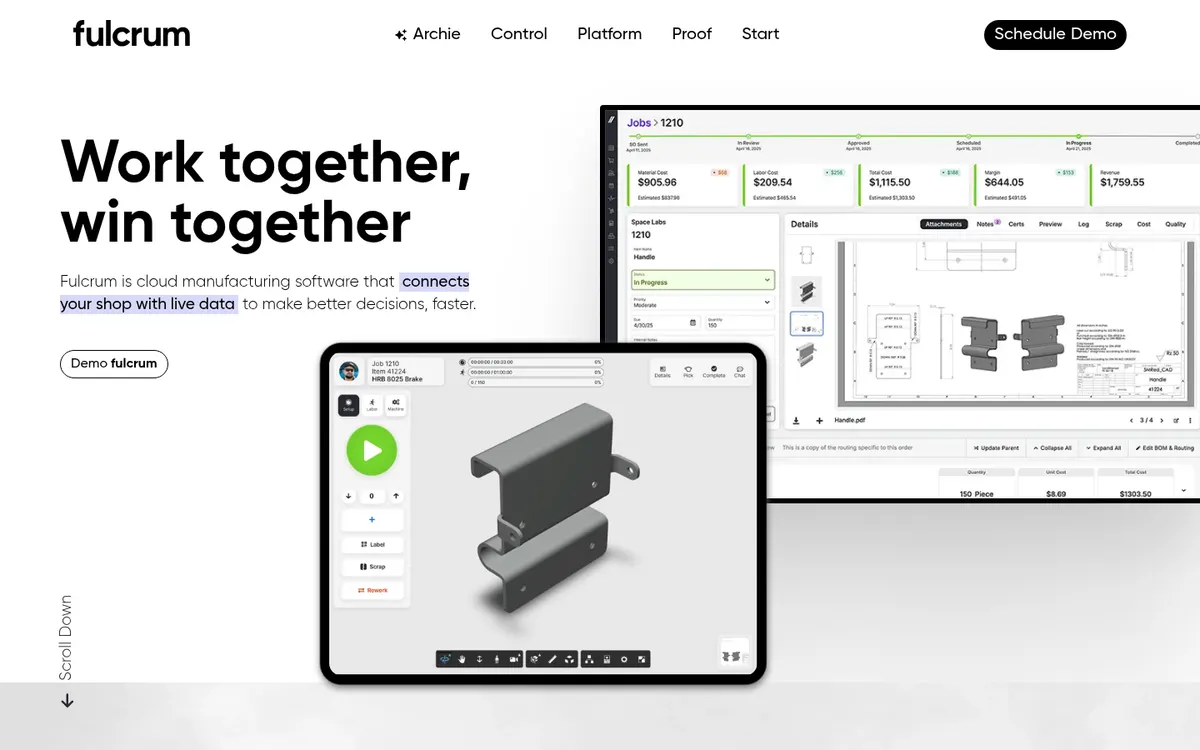
The best rescheduling engine in this list for shops where rush orders and machine downtime break the plan weekly.
Fulcrum is built around one problem: the schedule breaks when a rush order lands or a machine goes down. Its AutoSchedule engine reflows operations onto a live timeline, and a drag-and-drop priority change reschedules dependent jobs in seconds rather than in a spreadsheet rebuild. Multi-level BOM and routing import gets existing data in, and the shop floor view shows live status rather than yesterday's report.
That focus is narrow on purpose. Job tracking for custom and rush orders is the centre of the product, and buyers commonly evaluate it alongside JobBOSS and ProShop. If your production is steady, repeatable and forecast driven, the rescheduling engine solves a problem you do not have, and you would be paying for capability that sits idle.
Pricing is quote only and requires a sales conversation. No pricing page is available, so there is no published figure to compare and the custom quote listing stands. Quote-based pricing is normal at this tier, where configuration carries real cost, but it does mean you cannot benchmark from a web page and cannot budget before the first call.
Fulcrum fits custom shops where promise dates drive competitiveness: fabricators, machine shops and mixed-batch operations with frequent expedites. It fits less well when the main need is BOM structure, stock accuracy or accounting integration, where the specialist MRP tools in this list cover more ground for money you can see in advance.
Promise dates win your orders and the schedule changes several times a week.
You need published pricing and a quote before you will take a sales call.
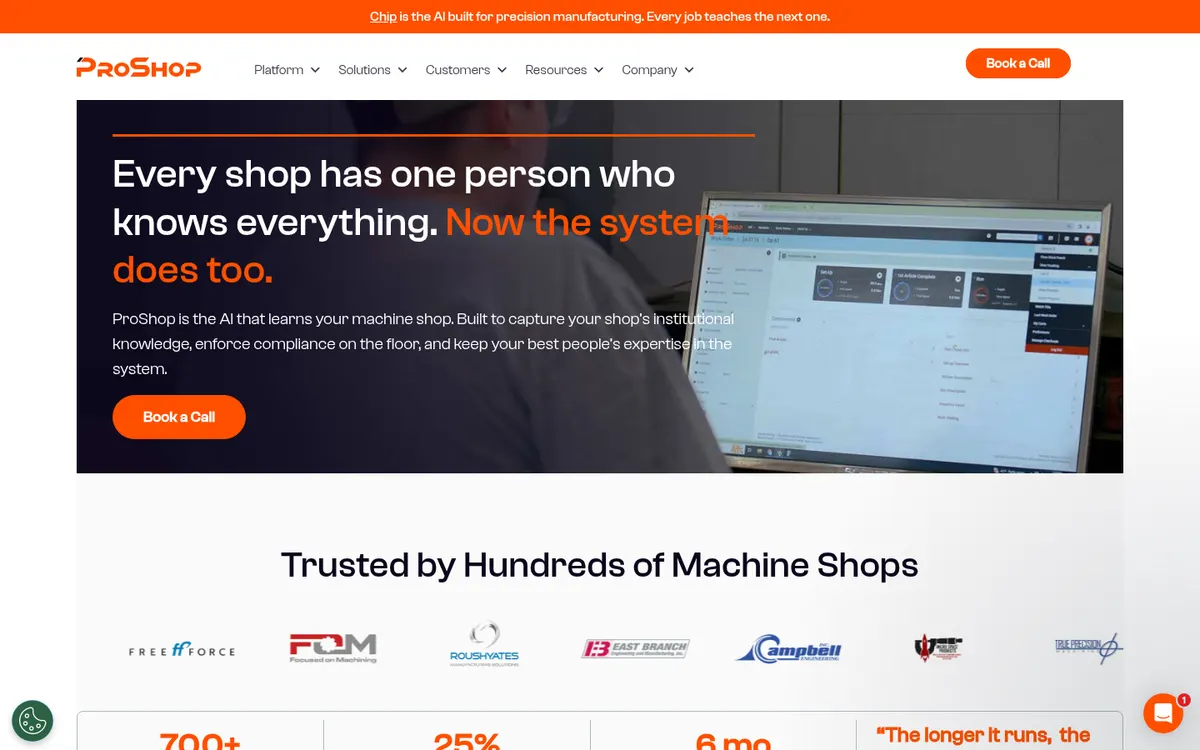
Paperless travellers, work instructions and quality documentation for machine shops whose customers audit them.
ProShop's differentiator is the paperless shop floor. Digital travellers replace paper job packets, electronic work instructions sit at the machine, and shop floor data capture feeds job status back into the system. Estimating and quoting are tied into job costing, so the number quoted and the number realized live in the same place. Quality documentation and a quality management module round it out.
The quality depth is what wins regulated work. Shops supplying aerospace, medical and defence customers need documentation that survives an audit, and ProShop treats that as a first-class requirement rather than a forms add-on. That makes it a different purchase from a scheduling tool, and it changes who sits in the evaluation, usually the quality manager as much as the shop owner.
Pricing is quote only. No pricing page is available, so the custom quote listing stands and you should expect a scoped sales process. Implementation effort assumes a committed team: someone has to own data migration, work instruction authoring and quality templates, and that is a project rather than a switch-on. A five-person shop will find more system than it needs.
ProShop fits machine shops bidding on contract work where documentation and traceability help win the order. It is often compared with JobBOSS on quoting and with Fulcrum on scheduling, which tells you the buyer is usually choosing between documentation depth and scheduling speed.
Your customers audit documentation and paper job packets are slowing the floor down.
You are a small shop without someone to own implementation and quality templates.
A quoting and job costing workhorse for make-to-order shops, held back by a dated interface and quoted pricing.
JobBOSS has served make-to-order and engineer-to-order shops for decades, and the product still reflects that world. Quoting for custom work, job costing against estimates, production scheduling, shop floor data collection and margin tracking by job form the core loop: quote it, run it, cost it, learn whether you made money. It is part of ECI Software Solutions, which gives it a broader manufacturing portfolio behind it.
The strength is estimating accuracy. Quoting links to actual job costs, so the next quote starts from what the last job really consumed rather than from a hopeful multiplier. For shops where every order is different and margin leaks quietly, that history is the reason to buy. Inventory polish is secondary, which matters if stock control is your main pain rather than estimating.
The interface feels dated next to cloud-native competitors, and that is a real daily cost in training and adoption. Pricing is quote only, so no published figure exists and the custom quote listing stands. Expect a scoped sales process and an implementation that includes your historical job data before the costing history becomes genuinely useful.
JobBOSS fits established custom shops that have a quoting and costing discipline to improve, particularly ones that have run the same processes for years. Newer shops sometimes favour cloud-native scheduling tools, and buyers who need documentation depth for regulated customers usually add ProShop to the shortlist.
Every order is a custom quote and you want costing history behind the next estimate.
Your team will not tolerate older screens or you need a published price to start.
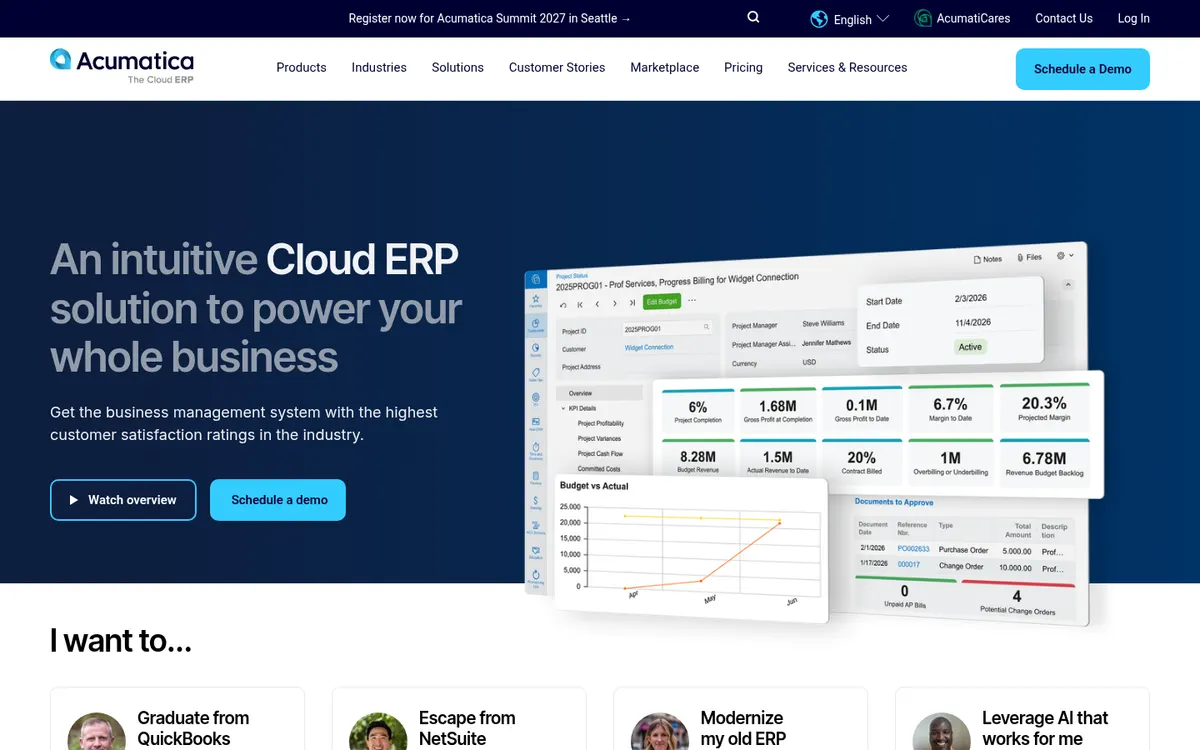
Resource-based licensing and full financials for mid-market manufacturers where seat pricing has become the constraint.
Acumatica is the mid-market option here, and its licensing model is the structural difference. Consumption-based pricing charges by resources used rather than by seat, so adding shop floor staff does not increase licence cost. For a plant that wants a terminal at every workstation, that single fact changes the arithmetic against per-user MRP tools.
The manufacturing edition carries MRP, visual scheduling, engineering change control and quality management, with full financials underneath. Multi-entity growth is handled in the same system, which is why the product appears once a company outgrows a single-site tool. It is a complete cloud ERP rather than a production module with accounting bolted on.
Pricing is quote only: consumption-based and available through a custom pricing review. Notes for this listing put typical budgets near $1,000 per month before services, and implementation services sit on top. That is a different order of commitment from a $49 per user plan, and the evaluation timeline reflects it, usually weeks rather than days.
Acumatica fits manufacturers past roughly 50 staff, or ones running multiple entities or currencies, where seat-based licensing becomes the constraint. Small shops should not start here: there is more ERP than a 10-person operation needs, and implementation overhead would swamp the benefit.
You are past about 50 staff or running multiple entities and per-seat costs have become the constraint.
You are a 10-person shop that needs a work order today, not an ERP project.
Manufacturing software is the system of record for what you make, what it consumes and what it costs. At minimum it holds bills of materials, creates work orders, tracks inventory and purchasing, and reports cost against actual production. Everything else is a layer on top: scheduling that sequences operations against capacity, traceability that follows a lot or serial number from receipt to shipment, quality checks and documentation, and maintenance for the machines themselves.
The three acronyms buyers trip over describe scope rather than quality:
Most small manufacturers need MRP first. If accounting, sales and CRM must share one database, a light ERP such as Odoo replaces two or three tools at once. A dedicated MES only pays off when machine-level data drives decisions, which is rare below a few dozen operators.
What separates products in practice is where they spend their complexity. MRPeasy spends it on multi-level BOMs and lot traceability. Katana spends it on a visual board and unlimited seats. Fulcrum spends it on rescheduling after disruption. ProShop spends it on paperless work instructions and quality documentation. Acumatica spends it on resource-based licensing and multi-entity financials. None of those choices is wrong; they simply fit different bottlenecks.
For a first purchase, list the three decisions you make badly today (promise dates, stock outs, job margin) and buy the tool that fixes those, not the one with the longest feature list. A 15-day trial on your own messy data answers more than any demo, and a shop of 10 staff rarely needs the edition built for 200.
This comparison sits on the Software desk. Readers comparing neighbouring stacks often check our guides to demand forecasting software and glp 1 companies next.
Cost depends less on feature count than on the billing model. Per-user pricing charges for every person who logs in. Flat-rate pricing bundles a set number of users. Consumption pricing charges for resources used. Quote-only pricing hides the number behind a scoping call. Each model rewards a different kind of company, and the same feature set can cost three times as much under the wrong one.
| Model | How it bills | Typical fit | Example from this list |
|---|---|---|---|
| Per user per month | seat count times rate, tiered by module | teams under about 25 | MRPeasy at $49 per user per month |
| Flat monthly | one rate, set users bundled | stable headcount, predictable budget | ERPAG, tiers at $99 and $199 per month with five users bundled |
| Per location | each site billed separately | multi-site warehousing | Fishbowl at $200 per location per month for Fishbowl GRM |
| Add-on stack | base plus priced modules | ecommerce makers | Katana add-ons at $149 to $249 each |
| Consumption or quote | resources used, plus services | mid-market and multi-entity | Acumatica, budgets near $1,000 per month before services |
Per-user plans are the easiest to start and the hardest to hold. MRPeasy's Starter is $49 per user per month and tiers step to $69, $99 and $149, so a growing team pays more each year without adding modules. Odoo Standard at $7.25 per user per month billed yearly is the cheapest seat in this set, but partner implementations commonly run $5,000 to $100,000, which dwarfs the subscription in year one.
Flat-rate pricing inverts the risk. ERPAG bundles five users into the base price, so a 12-person shop pays less than it would per seat, while a three-person shop pays for seats it does not use. Katana goes further with unlimited users on every plan, then recovers margin through add-ons and mandatory onboarding of $2,000 to $2,500 on paid plans.
Quote-only vendors are not hiding a cheap product. Fulcrum, ProShop, JobBOSS and Acumatica all price by configuration and services. Budget implementation as a separate line, and ask every vendor for the all-in first-year figure rather than the subscription alone.
Every price above was checked on the vendor's own pricing page on November 25, 2026. Where a vendor does not publish a figure we write "See website" instead of guessing. To compare annual and monthly billing quickly, try the free percentage calculator.
Core functions are bills of materials, work orders and routings, production scheduling, inventory and purchasing, lot or serial traceability, and costing against actual job or order data. Most products here also add quality checks, maintenance and reporting. MRPeasy includes multi-level BOMs and lot traceability from its base plan, ProShop adds electronic work instructions and quality documentation, and Acumatica adds engineering change control with financials underneath.
MRP plans materials and production: what to make, when, and from which components. ERP adds finance, sales, purchasing and CRM around that planning core. MES sits on the shop floor and captures machine and operator activity in real time. A small manufacturer should usually start with MRP or a light ERP: MRPeasy for planning depth, Odoo if accounting and CRM must share the same system, Katana if the team needs a visual board first.
Three models dominate. Per-user plans start at $49 per user per month at MRPeasy, with tiers at $69, $99 and $149, and Odoo Standard at $7.25 per user per month billed yearly. Flat-rate ERPAG bundles five users, with higher tiers at $99 and $199 per month. Quote-only tools such as Fulcrum, ProShop, JobBOSS and Acumatica publish no figure, and Acumatica budgets typically start near $1,000 per month before services.
Two picks have a permanent free plan. Katana's free tier covers up to 30 SKUs with unlimited users and needs no credit card. Odoo's One App Free gives unlimited users one application, and its self-hosted Community edition carries core manufacturing at no licence cost. Everyone else offers a trial only: MRPeasy runs 15 plus 15 days, Unleashed offers 14 days, Odoo's cloud trial is 15 days, and several others offer a trial without a stated length.
Pick visual when the order book comes from a storefront and the team needs to see the floor at a glance. Katana's board is quick to learn and runs unlimited users, but a realistic setup reaches about $498 per month once add-ons are counted, plus $2,000 to $2,500 onboarding. Pick per-user MRP when planning depth, BOM levels and traceability matter more than layout: MRPeasy includes those from $49 per user per month.
Small shops and start-ups: Katana's free tier, MRPeasy from $49 per user per month, and ERPAG's flat rate. Job shops: Fulcrum for rescheduling, ProShop for paperless quality documentation, JobBOSS for quoting and job costing. Warehouse-led operations on QuickBooks: Fishbowl. Inventory-first forecasting: Unleashed. Mid-market and multi-entity: Acumatica, and Odoo when one suite must cover manufacturing, inventory and accounting.
Browse every comparison on the Software desk, with the same rubric and dated prices.