Ranked #1
PandaDoc
Approval to payment chain
$25Starter, per seat per month, billed annually, $45 billed monthly
- Best for
- Sales teams with a repeatable proposal-to-signature process
- Free plan
- Free plan, 5 documents per month
- Rubric
- 8.2 / 10
Seven tools that turn a template into a signed, paid agreement, ranked by how well each fits sales teams, agencies and operations groups buying in 2026.
 Prices checked November 25, 2026

PandaDoc is the best fit for sales teams that need a repeatable run from proposal to signature and payment. Proposify suits agencies that win work on the look of the document itself. Qwilr fits teams selling through interactive web pages rather than PDFs. Prices were checked on November 25, 2026 where the vendor published them. The list covers seven tools that create documents, generate them from data, or do both, with notes on which tier you actually need to budget for.
Approval to payment chain
$25Starter, per seat per month, billed annually, $45 billed monthly

Branded interactive pricing
$39Build, per user per month, billed annually, $468 per user per year, $49 billed monthly

Video inside proposals
$35Starter, per user per month, billed annually, $49 per user per month billed monthly
Disclosure for this page: All 7 tools here are unpaid editorial picks. The position of a paid listing can be part of what the vendor pays for. How we handle paid listings.
| Tool | Best for | Free plan | Actions | |||
|---|---|---|---|---|---|---|
| 1 | PandaDoc | Sales teams with a repeatable proposal-to-signature process | $25Starter, per seat per month, billed annually, $45 billed monthly | Yes | ||
| 2 | Proposify | Agencies and sales teams wanting polished, on-brand proposals | $39Build, per user per month, billed annually, $468 per user per year, $49 billed monthly | No | ||
| 3 | Qwilr | Teams selling through modern interactive buyer experiences | $35Starter, per user per month, billed annually, $49 per user per month billed monthly | No | ||
| 4 |  Better Proposals | Freelancers, consultants and small agencies wanting proposals fast | See website | No | ||
| 5 |  GetAccept | Sales teams running collaborative deals with multiple stakeholders | $25eSign, per user per month, USD | No | ||
| 6 |  Formstack Documents | Operations teams auto-generating documents from data sources | See website | No | ||
| 7 |  Docupilot | SMBs automating routine paperwork like invoices and HR letters | $29Starter, per month, 100 documents delivered, 1 seat included | No |
Every tool here was scored on the same five criteria: workflow fit (30 percent), pricing clarity (22), integrations (20), design and output (16), and ease of setup (12). The weights reflect what decides a purchase in this category, where the real question is less about sticker price and more about whether the tool removes a manual step.
Workflow fit asks how far a document travels inside one product: draft, approval, signature, payment. Pricing clarity asks whether a buyer can find the cost of the working tier without a sales call. Integrations covers native connections to CRMs, forms, storage and messaging, because a tool that needs manual copying is only half useful. Design and output covers the finished file or page. Ease of setup covers time to a first live document, including template migration.
Prices come from vendor pricing pages checked on 2026-11-25. Where a page would not load or published no number, we say pricing is on the vendor site and do not estimate. Amounts are quoted in the currency the vendor states, with no conversion.
Scores inform the writing, but the order is editorial: it follows fit for the buyer each entry describes, plus the disclosed Featured position, not a weighted total. A listing marked Featured is a paid placement, scored on this rubric and carrying the same honest cons as every other entry. No entry in this list currently carries that label.
The full process, including how we handle corrections, is on the methodology page. Paid listings follow our advertising disclosure.
| Criterion | Weight | What we check |
|---|---|---|
| Workflow fit | 30% | How completely the tool carries a document from draft through approval, signature and payment for the buyer it targets. |
| Pricing clarity | 22% | Whether a buyer can find the real cost of the tier they need without a sales call, and how the per-seat or flat model scales. |
| Integrations | 20% | Native connections to CRMs, forms, storage and messaging tools that remove manual copying between systems. |
| Design and output | 16% | How good the finished document looks and whether it can be delivered as a PDF, a web page or a data-driven file. |
| Ease of setup | 12% | Time from purchase to a first live document, including template migration and training effort. |
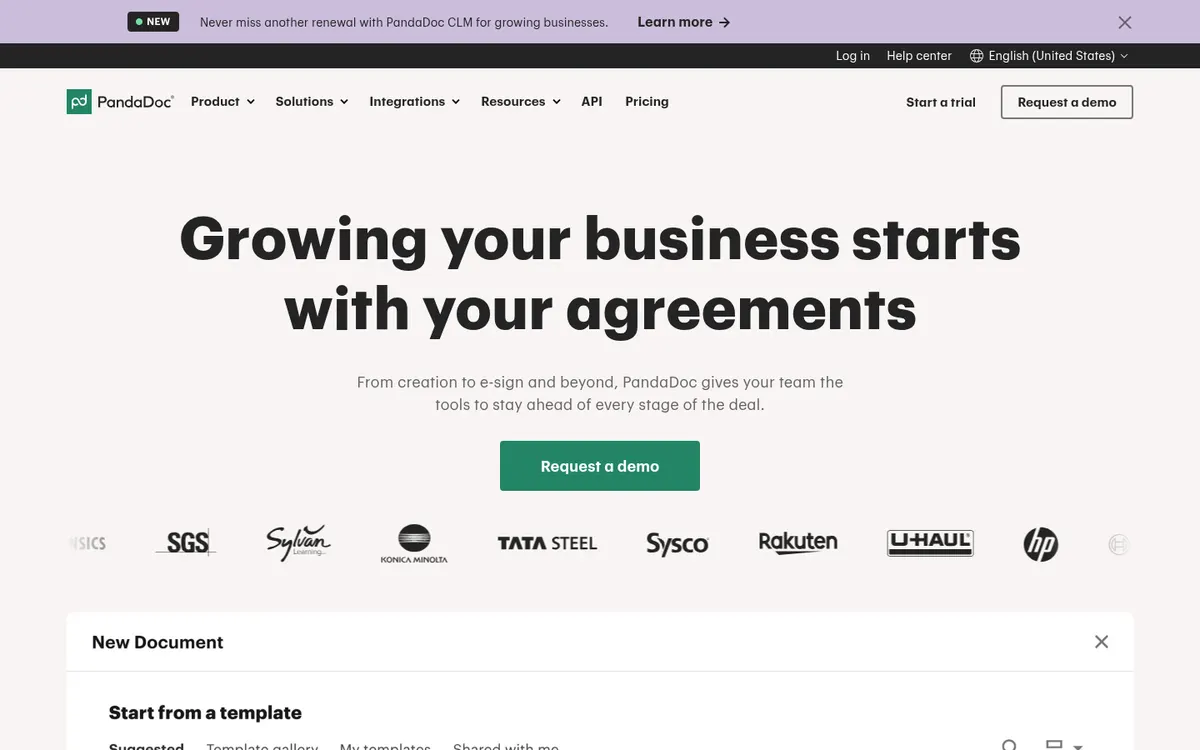
The most complete proposal-to-payment chain here, though per-seat costs climb once you need Salesforce, API access or CPQ.
PandaDoc covers the whole proposal chain in one workflow. A rep builds a proposal or quote from a shared content library, content locking protects approved language and pricing, and an approval workflow runs before anything reaches the buyer. E-signature sits in the same document, and an accepted document can collect payment without leaving the tool. Recipient tracking shows document activity. Pricing runs Starter, Business and Enterprise, all per user. Starter is $25 per seat per month billed annually, or $45 billed monthly, a gap worth planning around. Two limits matter more than the sticker. The Salesforce integration typically requires the Business tier, and API access plus CPQ features sit higher still. Bulk send is metered and can add fees on top of the subscription. Cost the tier you need before comparing it with anything else. The fit is a sales team with a repeatable proposal-to-signature process and enough volume to carry per-seat cost. CRM integrations pull deal and contact data so the document reflects the opportunity, and templates can be migrated from other tools. A free plan allows 5 documents per month, and a 14-day trial covers evaluation without payment. The tier that fits must be costed rather than the entry plan, because key integrations such as Salesforce sit above Starter. Per-user pricing scales steeply as the team grows, which is the structural weakness. Teams that only need to produce a document and send it for signature will find the surrounding workflow is more than the job requires, and cheaper options exist for that work. Teams that need approvals, locked pricing and payment on the same page will find every piece already connected.
Your reps build proposals, route them for approval, and need signature and payment in the same place.
You only need to produce a document and send it for signature, since per-seat pricing buys workflow you will not use.
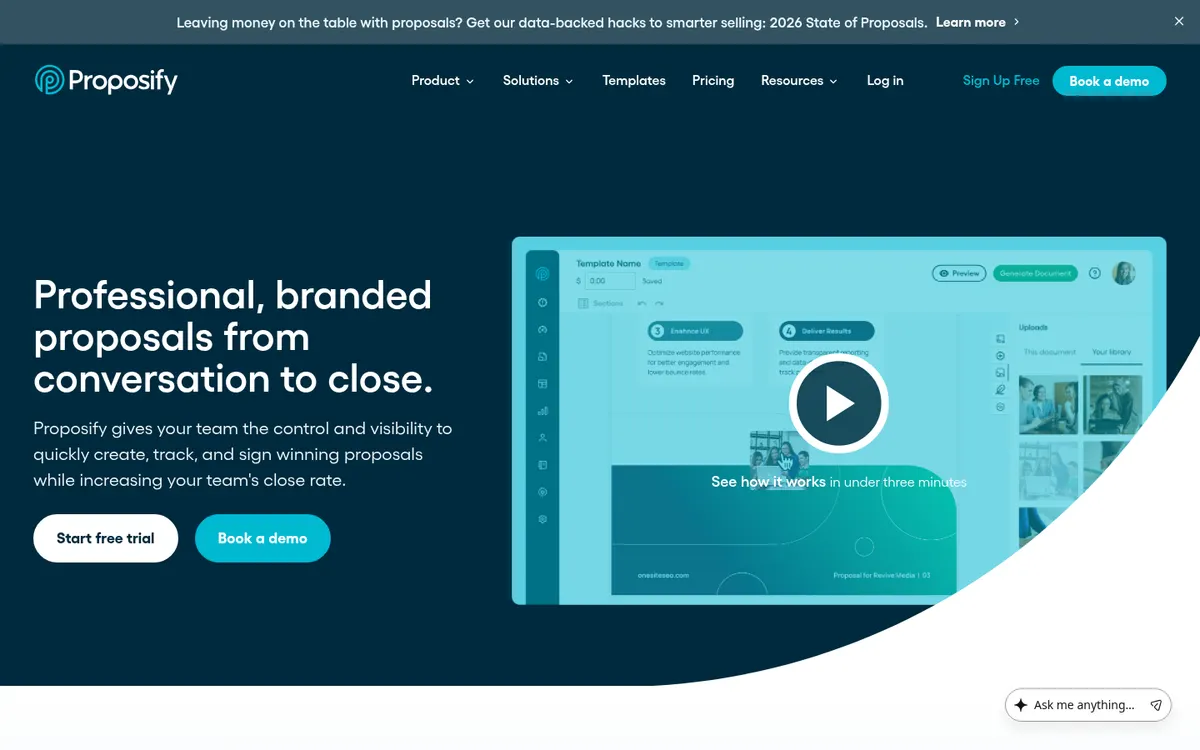
Polished proposals with interactive pricing that cuts email rounds, provided you budget for Team or Business.
Proposify sells on output quality, and the editor is the product. Brand templates, a content library of reusable sections and blocks, and interactive pricing tables that a client configures themselves all aim at one thing: a proposal that looks like part of the pitch. E-signature is included from lower tiers, engagement metrics show what the buyer read, and approval plus section assignment let several people edit without collisions. Build is the lowest paid tier at $39 per user per month billed annually, which is $468 per user per year, or $49 billed monthly. The catch is that Basic caps document sends, so an active team needs Team or above to run normal volume. Salesforce integration, SSO and API require the Business tier. There is no free plan, only a 14-day trial that does not need a card. It fits agencies and sales teams where the proposal is judged on design and where back-and-forth over price is a bottleneck. Interactive quoting lets a buyer pick options and watch the number change, which removes email rounds. The learning curve is shorter than a full sales suite because there is less back-office machinery to configure, and onboarding is light. Limits worth knowing: the design-first approach offers less back-office automation than broader platforms. Budget for Team or Business rather than Build. Once you do, compare the total with other suites at the same seat count. Setup is quick, so a trial can get you to a real document quickly.
The proposal is part of your pitch and interactive pricing would shorten the close.
You send at low volume and want a free plan, or if you need deep back-office automation.
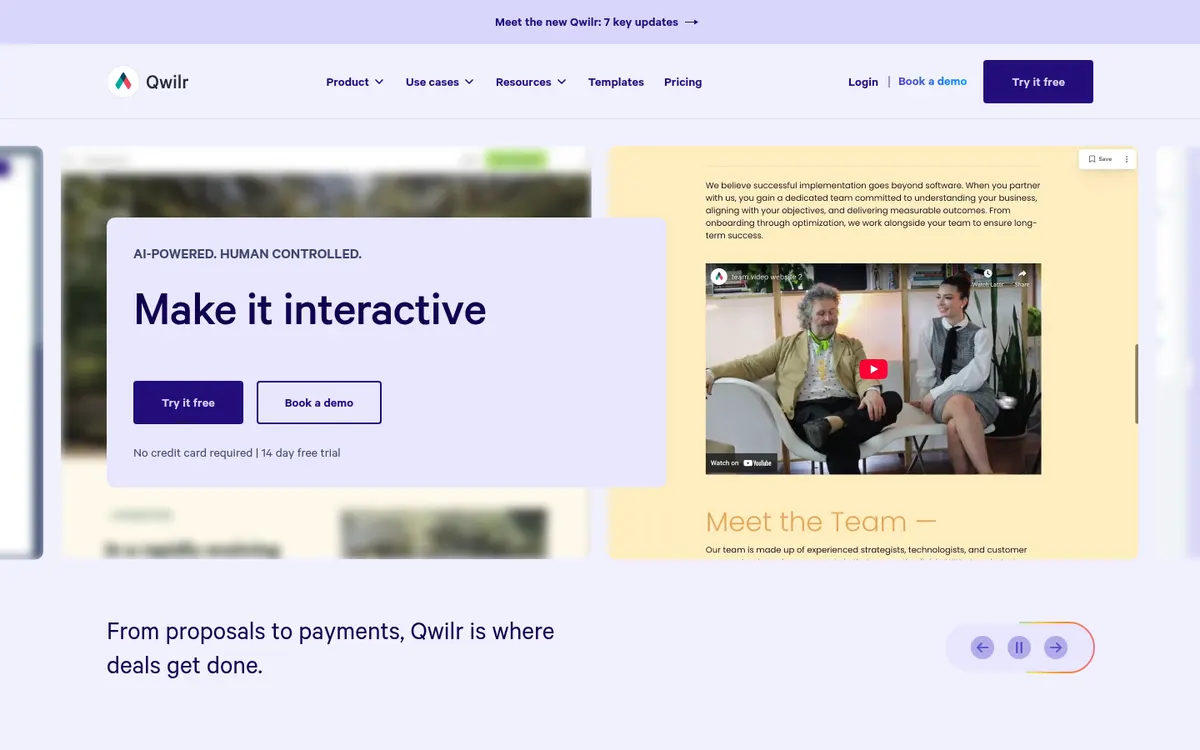
Turns a proposal into an interactive web page with video and page analytics, which suits browser-first deals rather than printable contracts.
Qwilr publishes proposals as interactive, mobile-responsive web pages rather than attachments. Embedded video and rich media blocks, expandable pricing sections, and accept plus sign directly on the page make the document behave like a landing page. Page-level analytics show reading behavior, which a static file cannot produce. Templates speed assembly, and integrations cover HubSpot, Salesforce and Slack. Starter is $35 per user per month billed annually, or $49 billed monthly. That is high for a single user, and the product is built for teams. There is no free plan, only a 14-day trial with no credit card required, and pricing is per user across the board. Entry pricing runs high for solo users, so a one-person consultancy will feel the cost before it feels the benefit. The fit is a consultative deal where the buyer is already in a browser and the seller wants to guide attention. Video inside the proposal changes the conversation, because a rep can walk through pricing on camera and see whether the buyer reached that section. Slack is listed among its integrations. The gap is contract work. Buyers who need a printable document for legal review, or who expect a PDF because that is how their process runs, will find the web-page format awkward. Teams with formal contract requirements often run Qwilr for the pitch and a conventional document tool for the paperwork, which means two line items to justify. If your deals close on a signed PDF, weigh that before committing.
Your buyers live in a browser and video or page analytics would change how you follow up.
You need printable documents that pass a formal legal review without a second tool.
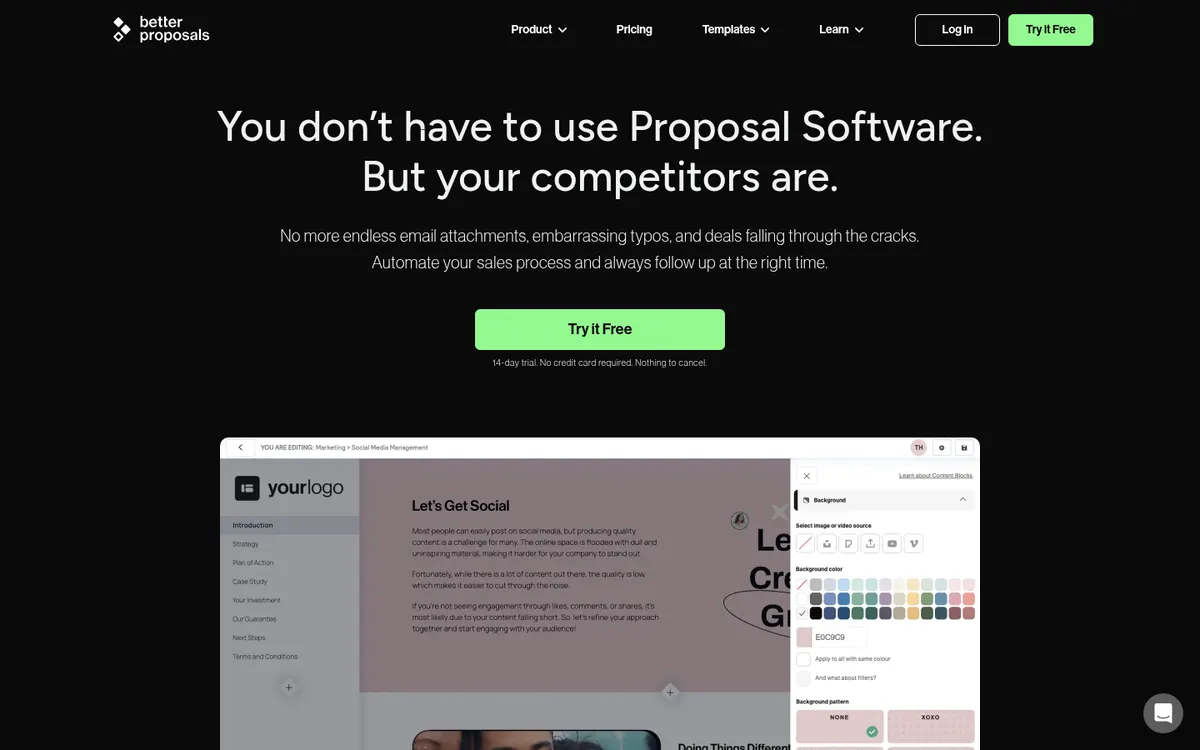
A template-first tool for freelancers and small agencies that gets a polished proposal out in hours, with limited governance.
Better Proposals is a template-first proposal tool aimed at freelancers, consultants and small agencies. You pick a design from a large library of ready-made layouts, swap in your sections and branding, and send. Open tracking and e-signature are part of the flow, and the workflow is simple enough that training is close to unnecessary. Setup is measured in hours.
Pricing is on the vendor site and could not be confirmed when we checked on November 25, 2026, so treat the number as something to verify before you budget. There is no free plan. A 14-day trial runs without a credit card, which is enough time to send three or four real proposals and see whether the designs match how you sell.
It fits a solo operator or a small agency that needs a polished proposal out the door today and does not want to configure a platform. The trade-off is depth. Approval chains, role-based permissions and governance are thin, and the integration ecosystem is smaller than what larger suites offer. A two-person consultancy will not notice that. A sales organization with a manager reviewing pricing before it goes out will.
Growing teams tend to outgrow it, usually at the point where more than one person has to sign off on a document, or where proposal data needs to sync back to a CRM without manual steps. If you are near that point, evaluate a broader platform now rather than migrating in a year. If you are not, the fast adoption and the template range are the reason to pick it.
You are a consultant or small agency that wants a polished proposal out today with minimal setup.
You need approval chains, role-based permissions or CRM sync without manual steps.
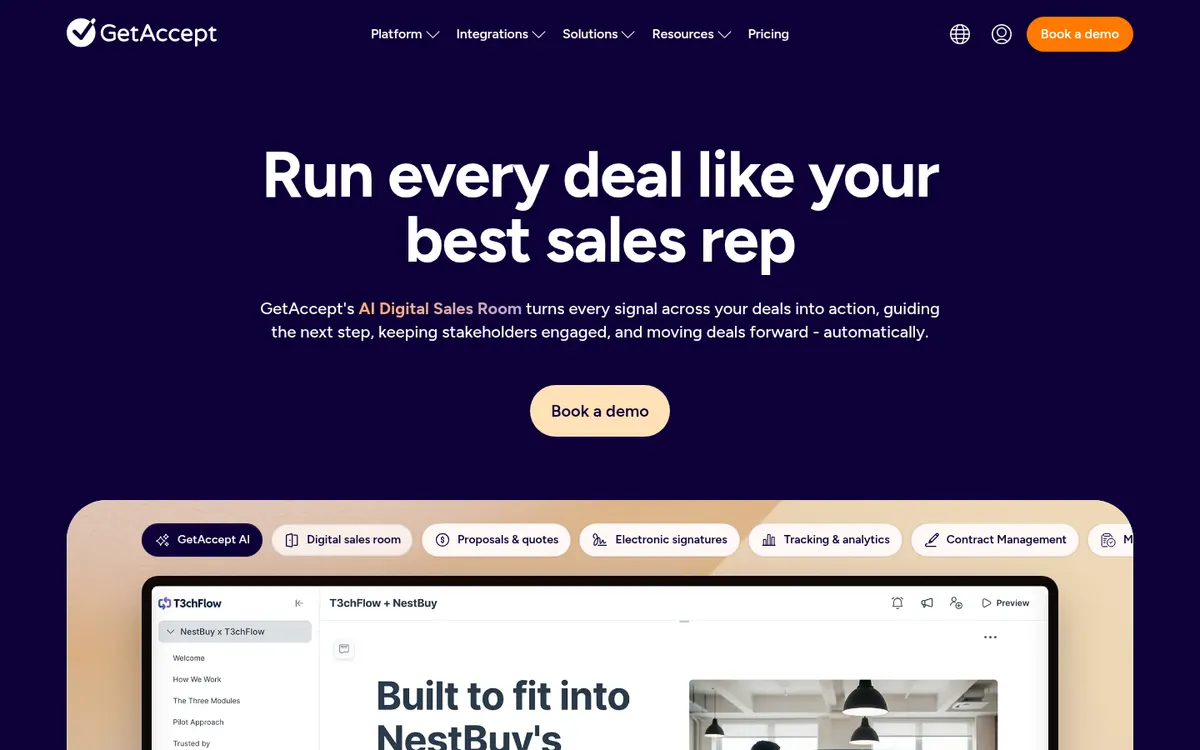
Digital sales rooms with video, chat and mutual action plans give stakeholder-level visibility on complex deals; pricing above eSign needs a quote.
GetAccept organizes a deal around a digital sales room rather than a single document. Proposals sit alongside personal video messages, live chat with the buyer, and a mutual action plan shared with the buying committee. Engagement analytics are tracked per stakeholder, so a rep can see which stakeholders have engaged with the document. E-signature happens inside the room, and Salesforce and HubSpot integrations are native. eSign is the lowest paid tier at $25 per user per month, and Enterprise requires contacting sales. Public pricing detail beyond that is thin, and annual commitment is the typical arrangement. Assume you will need a written quote for anything above the entry tier, and ask what seats cost at the count you expect in a year. The fit is a sales team running collaborative deals with multiple stakeholders, especially where a champion has to sell internally. The mutual action plan is the differentiator: it gives the buyer a shared checklist and gives the seller a read on momentum. Putting documents, video, chat and signature in one place cuts the number of links a buyer has to keep track of. The limit is scope. If all you need is to generate a document and collect a signature, the sales-room model is more structure than the job requires, and cheaper tools do that work. Pricing opacity is a practical problem when you compare on total cost. Get a written quote covering the tier you need before you shortlist it against per-seat tools with published numbers.
Several stakeholders have to agree and you want documents, video, chat and signature in one room.
You only need document generation, or if you cannot get a written quote for the tier you need.
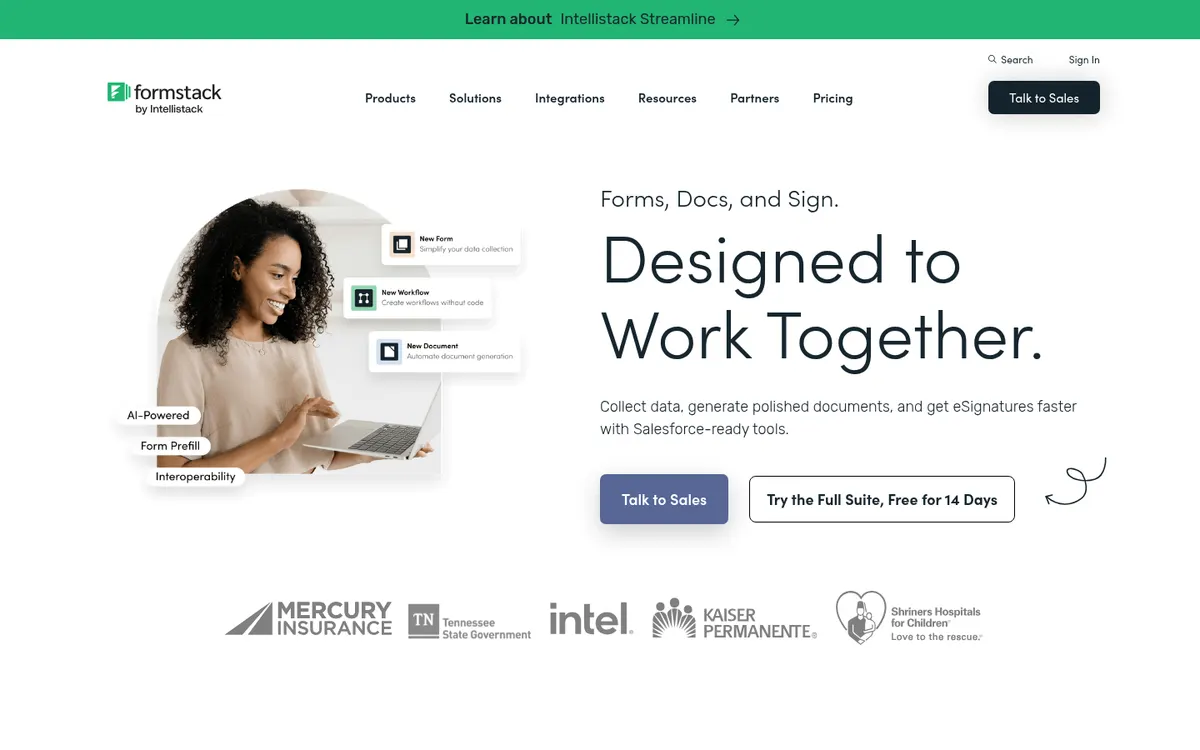
Generates documents from CRM and form data at volume, with audit trails and more than 100 integrations, but it is not a proposal writer.
Formstack Documents, formerly WebMerge, generates documents from data rather than from a blank page. You upload a template built in Word or PDF, map fields to a form, CRM or spreadsheet, and the system produces a finished file. Conditional logic changes what appears in the output, bulk generation handles volume, and audit trails record what was produced. Output covers PDF, Word, Excel and PowerPoint, delivered to e-signature, cloud storage or email.
Pricing is on the vendor site and could not be confirmed when we checked on November 25, 2026. Billing is by platform rather than by seat, which changes the math: at high volume it beats per-user tools, and at low volume it can cost more. There is no free plan, only a 14-day trial, and plan details change, so check the current structure before you commit.
It fits operations teams that auto-generate documents from data sources: contracts from a CRM opportunity, invoices from billing records, HR letters from a spreadsheet. More than 100 native integrations, Salesforce among them, do the pulling, and HIPAA-compliant handling covers regulated work. It can be bought standalone or as part of the wider Formstack platform.
This is not proposal software. There is no editor for persuasive writing, no sales negotiation flow and no interactive pricing for a buyer to configure. A team that needs a rep to assemble a pitch and send it for signature should look at the first three tools on this list. A team that needs thousands of identical documents a month produced from a database will find this the better fit, provided the platform price clears at their volume.
Your documents are assembled from CRM, form or spreadsheet data at volume and consistency matters more than design.
A person writes the pitch and needs an editor, approvals and interactive pricing.
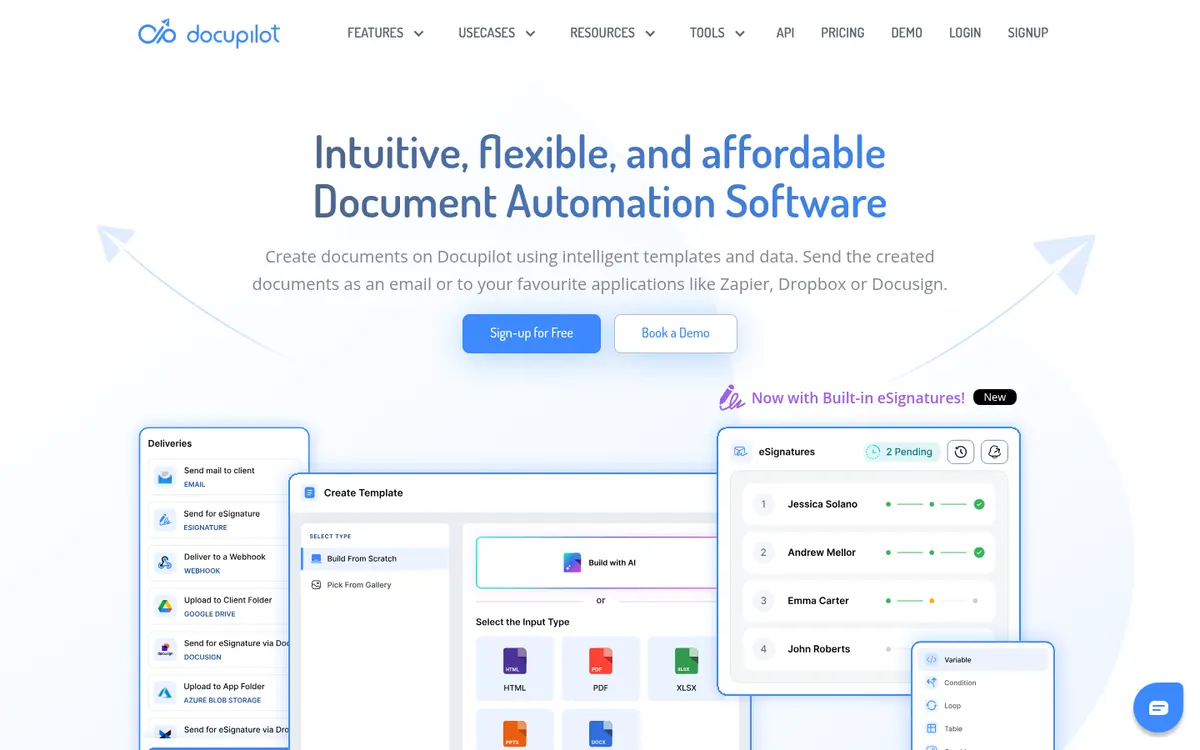
Flat-rate, no-code automation for invoices, contracts and HR letters, easy to adopt and lighter on enterprise governance than larger platforms.
Docupilot automates routine paperwork with no-code templates. You build a template, connect a data source through Zapier, a direct app integration or the API, and the system produces a PDF, DOCX, Excel or PowerPoint file. E-signatures are built into the generated document, so a contract can go out and come back signed without a second tool. Typical jobs are invoices, contracts, HR letters and reports. Starter is $29 per month flat with 100 documents delivered and one seat included. Pro and Teams sit above it with different limits, and billing is flat-rate monthly rather than per user, which suits a small business that knows roughly how many documents it produces. Plan limits vary by tier, so match the allowance to your busiest month rather than the average. A 14-day trial runs without a credit card, and there is no free plan. It fits an SMB automating standard paperwork where volume is predictable and templates do not change often. Time to value is short, the API covers the cases where no-code automation runs out, and the flat price is easy to forecast across a year. A small operations team producing a few dozen documents a week will find the pricing simple to justify. The limit is depth. Enterprise governance and complex document assembly are not the target, and the vendor is smaller and newer than the established names here. Less depth in governance can matter for regulated work. Check the document allowance on the tier you pick, because exceeding it mid-quarter is the failure mode that catches small teams.
You produce standard paperwork like invoices, contracts or HR letters and want flat, predictable pricing.
You need enterprise governance, complex assembly or very high volume beyond the plan allowances.
Document creation software covers two jobs that get sold under one name. The first is building a sales document: a proposal, quote or agreement that a rep assembles, sends, and watches. The second is generating a document from data: a contract, invoice or letter that no one writes by hand because the fields already exist in a CRM, a form or a spreadsheet. Most tools here lean one way, and a mismatch between what a buyer needs and what a vendor sells is a common reason a purchase disappoints. On the sales side, the work is persuasion plus process. Templates and a content library keep language consistent. Content locking stops a rep from rewriting approved pricing. Approval workflows catch a discount before it leaves the building. E-signature and payment collection close the loop, and recipient analytics show whether the buyer opened the document. Qwilr pushes this further by publishing the proposal as a web page with video. On the generation side, the work is accuracy at volume. A template is built once, fields are mapped, and conditional logic decides what appears in each output. The questions are different: how many documents per month, which systems hold the data, and whether an audit trail is required. Formstack Documents and Docupilot both sit here. Whatever the family, four checks separate a shortlist from a mistake: - Can the tool produce the format your buyer expects, whether that is a PDF, a web page or an editable Word file?
This comparison sits on the Software desk. Readers comparing neighbouring stacks often check our guides to demand forecasting software and glp 1 companies next.
Most tools in this category bill per seat, and the entry price is rarely the price you pay. Four models show up in this list.
| Model | How it bills | Typical fit | Example from this list |
|---|---|---|---|
| Per seat, annual | Fixed cost per user per month, discounted for annual commitment | Sales teams with stable headcount | PandaDoc at $25 per seat per month billed annually, $45 billed monthly |
| Per seat with caps | Per user, but sends or documents are limited on the entry tier | Small teams testing volume | Proposify at $39 per user per month annually, with Basic tier send caps |
| Flat monthly | One price per month with a document allowance and included seats | Predictable operational paperwork | Docupilot at $29 per month for 100 documents and one seat |
| Platform or quote | Priced by volume or negotiated with sales | High-volume generation, enterprise deals | Formstack Documents bills by platform; GetAccept quotes Enterprise |
The per-seat model is easy to compare and easy to misread. Two things break the comparison. First, feature gating: Salesforce integration on PandaDoc typically requires the Business tier, and Proposify puts Salesforce, SSO and API at Business. Second, metering: PandaDoc bulk send can add fees. A buyer who costs the entry tier and signs will meet both at renewal.
Flat monthly pricing inverts the risk. Docupilot's $29 covers 100 documents and one seat, so the limit is volume rather than headcount. That suits a business that knows its document count and dislikes surprise line items.
Where a vendor publishes no number (Better Proposals and Formstack Documents in this round), the honest move is to request a written quote for the tier you need, with the seat count you expect in twelve months, and compare that figure with the published annual price of a per-seat tool. Anything else is guesswork.
Every price above was checked on the vendor's own pricing page on November 25, 2026. Where a vendor does not publish a figure we write "See website" instead of guessing. To compare annual and monthly billing quickly, try the free percentage calculator.
Proposal software is built for a person assembling a persuasive document and sending it to a buyer, with templates, approvals and e-signature. Document generation software fills a prepared template from data in a CRM, form or spreadsheet, at volume and without a writer. PandaDoc, Proposify, Qwilr, Better Proposals and GetAccept sit on the proposal side. Formstack Documents and Docupilot sit on the generation side.
Budget for the tier that carries the features your process depends on, not the entry plan. On PandaDoc, Salesforce integration generally starts at the Business tier, with API and CPQ higher. On Proposify, Salesforce, SSO and API require Business, and Basic caps sends. Price that tier at your expected seat count for twelve months and compare that number.
Most do, but check the detail before you standardize. PandaDoc, Proposify, Qwilr, Better Proposals, GetAccept and Docupilot all include signing in the flow, and Formstack Documents delivers output to e-signature. GetAccept prices its eSign tier at $25 per user per month. Ask each vendor for the signing certificate and audit trail, then confirm your legal team accepts the format for the contracts you send.
Harder than vendors imply, and worth testing during the trial. PandaDoc notes that templates can be migrated from other tools, and Formstack Documents takes Word or PDF uploads, which is the easiest path. Design-led tools such as Proposify and Qwilr often mean rebuilding layouts rather than importing them. Take your three most used templates into the trial and time the rebuild before you commit.
It depends on which side of the category you sit on. Sales teams need the CRM first, because deal and contact data should populate the document: PandaDoc lists CRM integrations with Salesforce at the Business tier, while Qwilr and GetAccept list both Salesforce and HubSpot. Operations teams need the systems that hold the fields, which is why Formstack Documents advertises more than 100 native integrations. Zapier is the fallback when a native connection is missing.
Run one real document end to end during the trial: build it, route it for approval if you use one, send it, get it signed and confirm where the signed file lands. Then check the tier pricing at your twelve-month seat count and ask what export looks like if you leave. Every tool here offers a 14-day trial, and PandaDoc also carries a free plan capped at 5 documents per month.
Browse every comparison on the Software desk, with the same rubric and dated prices.