Best Payroll Time Clock Software for 2026:10 Tools Compared
We compared ten payroll time clocks on verification, payroll handoff, scheduling depth, pricing clarity and setup effort, so you can pick a system that matches how your team actually clocks in.
As of November 2026, the best payroll time clock software depends on whether you need a free clock or a full payroll chain. Homebase is the pick for a single-location hourly team that wants scheduling and a time clock at no cost. Connecteam suits deskless crews who need shifts, chat and GPS clock-ins in one app. Jibble wins when verified punches matter and the budget is zero, since its free plan has no user cap. Homebase sells payroll as an add-on and Jibble exports hours to QuickBooks and Xero rather than running payroll itself.
Disclosure for this page: All 10 tools here are unpaid editorial picks. The position of a paid listing can be part of what the vendor pays for. How we handle paid listings.
Compare all 10 at a glance
Prices from vendor pages, checked November 25, 2026
We scored ten tools against five criteria that decide whether a time clock survives contact with a pay period. Punch verification (20 percent) covers photo capture, facial recognition, GPS and geofencing, meaning how hard it is to record an hour you did not work. Payroll handoff (25 percent) carries the most weight, because a clock that produces hours nobody can pay from is a data entry exercise: it measures native sync, clean exports and whether payroll is included or an add-on. Price clarity (20 percent) asks whether you can estimate a monthly bill from the vendor's own published numbers without a sales call, and whether the model punishes growth in headcount or locations. Scheduling depth (20 percent) covers shift planning, swaps, break rules and multi-site structures, because most buyers are replacing a scheduling spreadsheet at the same time. Setup effort (15 percent) reflects how quickly a small operator can go live without an implementation project.
Prices come from vendor pricing pages, checked on 2026-11-25. Where a page would not load or publishes no figure, the entry says pricing is on the vendor site and we do not guess. Plan names, billing terms and seat limits are quoted as the vendor states them.
The order is editorial. It reflects fit for the specific buyer each entry describes, plus any Featured position, which is a paid placement. Featured or not, every tool is scored against the same rubric, and the cons listed are the ones we would raise in a buying conversation.
How hard the system makes it to record an hour that was not worked, through photos, facial recognition, GPS or geofencing.
Payroll handoff
25%
Whether approved hours reach payroll through a native sync, a clean export or a pay run inside the same product.
Price clarity
20%
Whether you can estimate a monthly bill from published numbers without a sales call, and how the model treats growth.
Scheduling depth
20%
Coverage of shift planning, swaps, availability, break rules and multi-site structures, since most buyers replace a spreadsheet.
Setup effort
15%
How quickly a small operator can add staff, set rules and run a real pay period without an implementation project.
01
Homebase
Free clock and schedule
FreeFree planRubric 7.3
joinhomebase.com
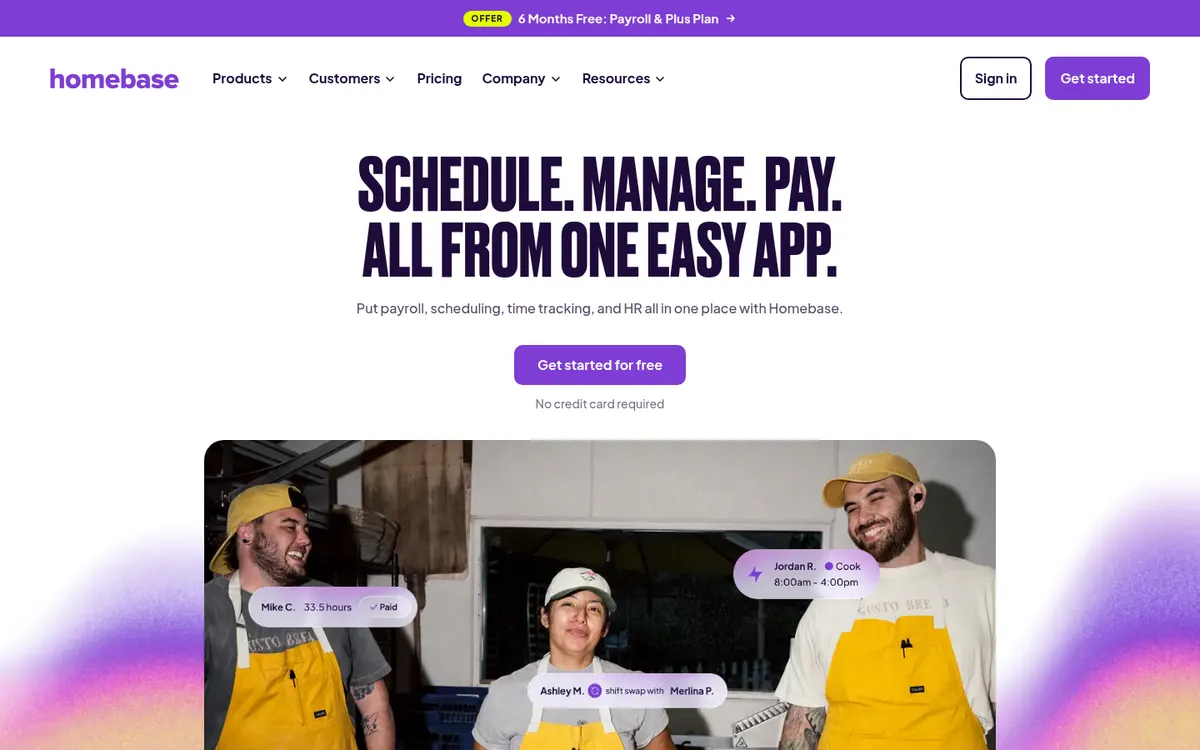
The official Homebase page at joinhomebase.com, captured by IdeaTruss on November 25, 2026.
Our verdict
A low-cost credible path from schedule to punch to pay for a one-site team, provided you buy the payroll add-on.
Homebase bundles employee scheduling with a time clock and team messaging, which is why it lands first for a single-location hourly business that wants to stop paying for three separate subscriptions. Shifts are planned in a calendar, employees clock in and out, and approved hours sit as timesheets ready to move. Hiring and onboarding tools ride along on the same account, so a new hire can be added without a second system. GPS and geofencing are available, but only on selected tiers, so a business that needs location proof at the punch should confirm which plan carries it. The pricing model is the unusual part. Basic is free for one location up to 10 employees, and paid tiers start at $30 per location per month with unlimited employees on the paid location plans. Cost tracks the number of sites rather than headcount, which rewards dense teams and penalizes operators who keep adding locations. A multi-site restaurant group pays the location fee for each site, which is a very different number from a per-seat bill. Payroll is not included. It is sold as an add-on at $49 per month plus $6 per person, and when it is switched on, approved hours flow into payroll without re-keying. That matters because the alternative is exporting timesheets and importing them into a payroll provider, which is where rounding disputes tend to start. The weakness is the flip side of the strength: you get a cheap or free clock, then pay for payroll as a separate line item, and the free tier's ten-employee cap often pushes a growing team onto paid tiers within a year. It is still the simplest path from schedule to punch to pay for a business that operates out of one address.
Pros
Free tier covers scheduling and a clock for one site up to 10 employees
Location billing keeps cost flat as headcount grows
Approved hours flow into the payroll add-on without re-keying
Cons
Payroll costs extra at $49 per month plus $6 per person
GPS and geofencing depend on the tier
Every extra location adds another fee
Pick it if
You run one location, staff are hourly, and you want scheduling plus a clock with no invoice at the start.
Skip it if
You operate several sites or need payroll included in the base price.
02
Connecteam
All-in-one crew app
FreeFree planRubric 6.8
connecteam.com
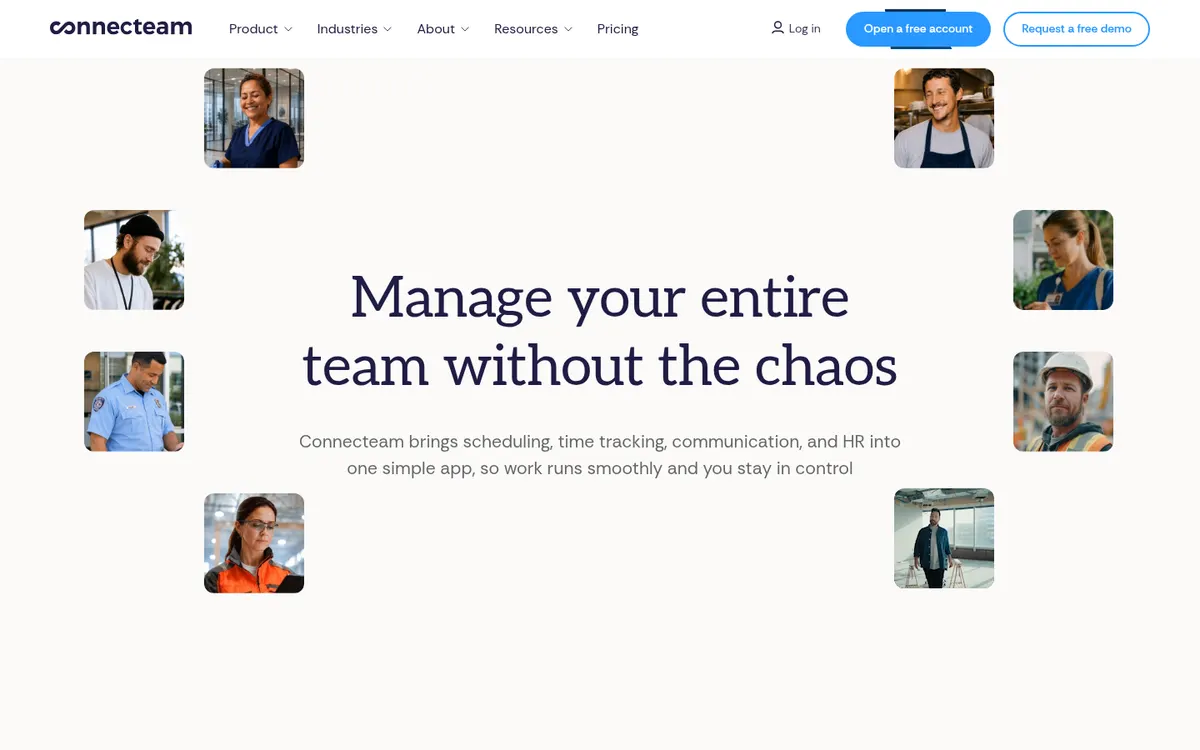
The official Connecteam page at connecteam.com, captured by IdeaTruss on November 25, 2026.
Our verdict
A practical single app for deskless crews, with a real free tier and a clock that needs connectivity to work.
Connecteam is an operations app for non-desk workers, and the time clock is one module inside it. Crews clock in from a mobile app with GPS attached, check published shifts, work through task checklists and message the office without leaving the same login. A field service or site-based business running attendance on paper, a group text thread and a spreadsheet gets all three in one place.
The free Small Business tier covers up to 10 users and includes the clock, so a small crew can verify attendance at no cost. Paid hubs start at $29 per month for the first 30 users, billed yearly. That shape differs from pure per-seat pricing: the first 30 people sit inside the base fee rather than multiplying it. Job costing sits on higher tiers, which matters when hours need splitting by site or client instead of landing in one payroll bucket.
Test offline behavior before committing. The time clock has no offline mode, so a crew in a basement, a rural site or a dead zone cannot punch until the phone reconnects. Trial it in the worst coverage your business operates in, not at head office.
Complex setups also accumulate cost, because the platform is organized as hubs and per-hub add-ons stack once a business wants more than the base modules. Advanced GPS and job costing are paid-tier features, so the free plan answers a scheduling and attendance question but not a cost allocation one. Budget for a paid tier if location rules must be enforced or hours must be attributed across jobs. It is a strong fit for dispersed crews and a weaker fit for a single fixed location with reliable wifi.
Pros
Free plan for up to 10 users includes the clock
First 30 users covered by the $29 hub fee
Scheduling and chat in the same app
Cons
No offline mode for clock-ins
Advanced GPS and job costing need paid tiers
Per-hub add-ons stack on complex setups
Pick it if
Your crews work across sites and you want shifts, chat and clock-ins in one app.
Skip it if
Staff regularly clock in where mobile coverage drops.
03
Jibble
Free verified clock-ins
FreeFree planRubric 7.0
jibble.io
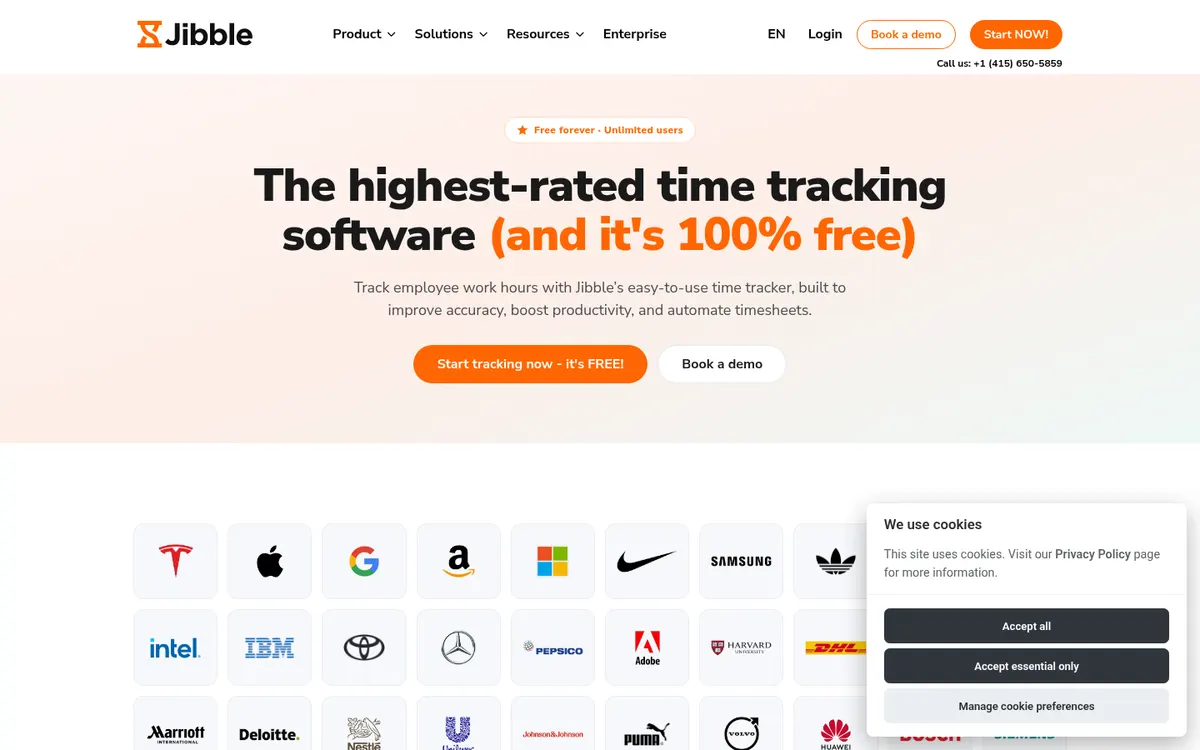
The official Jibble page at jibble.io, captured by IdeaTruss on November 25, 2026.
Our verdict
A strong no-cost option for verified attendance, as long as payroll can run from exports.
Jibble gives away what most competitors charge for. The free forever plan has no user cap and includes GPS and geofencing on clock-in, facial recognition verification, and clocking from a phone, the web, a desktop or a shared kiosk. Timesheets build automatically with overtime and break rules applied, and hours export to QuickBooks and Xero. For a business whose problem is proving who was on site, that combination is unusual at zero cost. A cleaning contractor pays nothing to verify that staff arrived at the right building at the right time. There is no trial to run because there is no paid gate in front of the basics: the free plan is the product for many buyers. The tradeoff is depth further downstream. The payroll integration ecosystem is thinner than the larger rivals, so payroll can run from an export rather than a native sync. Reporting and export depth sit behind paid plans, and support resources are less deep than what a bigger vendor offers. If payroll must be calculated inside the same system, look at Gusto or QuickBooks Time instead. Verification is where Jibble earns its place: facial recognition plus geofencing on a free tier is a genuine anti-buddy-punching setup for a distributed crew. Confirm which verification options remain free at the point of purchase, since that is the whole basis of the recommendation. For attendance data that feeds a payroll provider you already like, it is hard to beat on cost.
Pros
Free plan with no user cap
Facial recognition and geofencing at no cost
Clock-in by phone, web, desktop or kiosk
Cons
Thinner payroll integration list
Reporting and export depth need a paid plan
Support resources are less deep than larger vendors
Pick it if
Verified attendance matters and payroll can run from an export.
Skip it if
You need payroll calculated and filed in the same system.
04WI
When I Work
Low per-seat price
$2.50No free planRubric 6.6
wheniwork.com
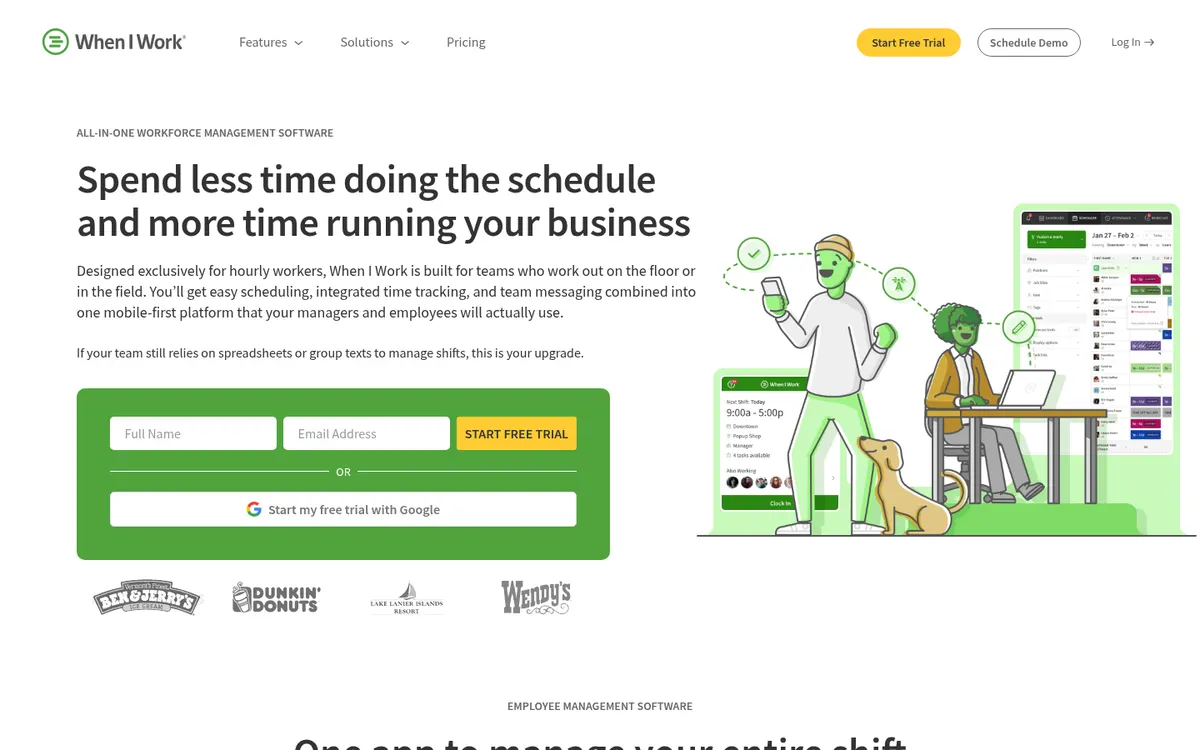
The official When I Work page at wheniwork.com, captured by IdeaTruss on November 25, 2026.
Our verdict
Cheap, quick shift scheduling with the time clock sold separately, which suits teams that already have payroll.
When I Work is a scheduling product with a time clock attached, not a payroll system. Shifts are built and published in a calendar, employees swap shifts and set availability from a phone, and reminders cut down on no-shows. Team chat sits in the same app. Setup is quick, which is why small hourly businesses reach for it first. The price is the headline: $2.50 per user per month for a single location or schedule, with a multi-location plan listed at $5 per user per month. That is the lowest per-seat entry in this set. A small shop pays $2.50 per user per month for scheduling, which can be less than the cost of one avoided scheduling error. The catch is that time tracking is not in the base plan. The clock is a paid add-on, and there is no native payroll module, so hours leave through integrations with Gusto, ADP, QuickBooks or Square. That chain works, but it means paying for a clock and a payroll provider separately, and any mapping error between the two lands on whoever runs payroll. Compliance tooling is also lighter than dedicated compliance platforms. A business in a state with strict predictive scheduling laws should check the specifics before assuming coverage. The product is best understood as a cheap, fast scheduling layer for hourly teams that already have payroll sorted. If the goal is one chain from punch to paycheck, the add-on plus integration route is more moving parts than a bundled platform.
Pros
$2.50 per user per month is the lowest entry here
Shift swaps and availability on mobile
Fast setup for small hourly teams
Cons
Time clock is a paid add-on
No native payroll module
Lighter compliance tooling
Pick it if
Scheduling is the main pain and you already run payroll elsewhere.
Skip it if
You want one system from punch to paycheck.
05
Deputy
Labor rule enforcement
$5No free planRubric 7.1
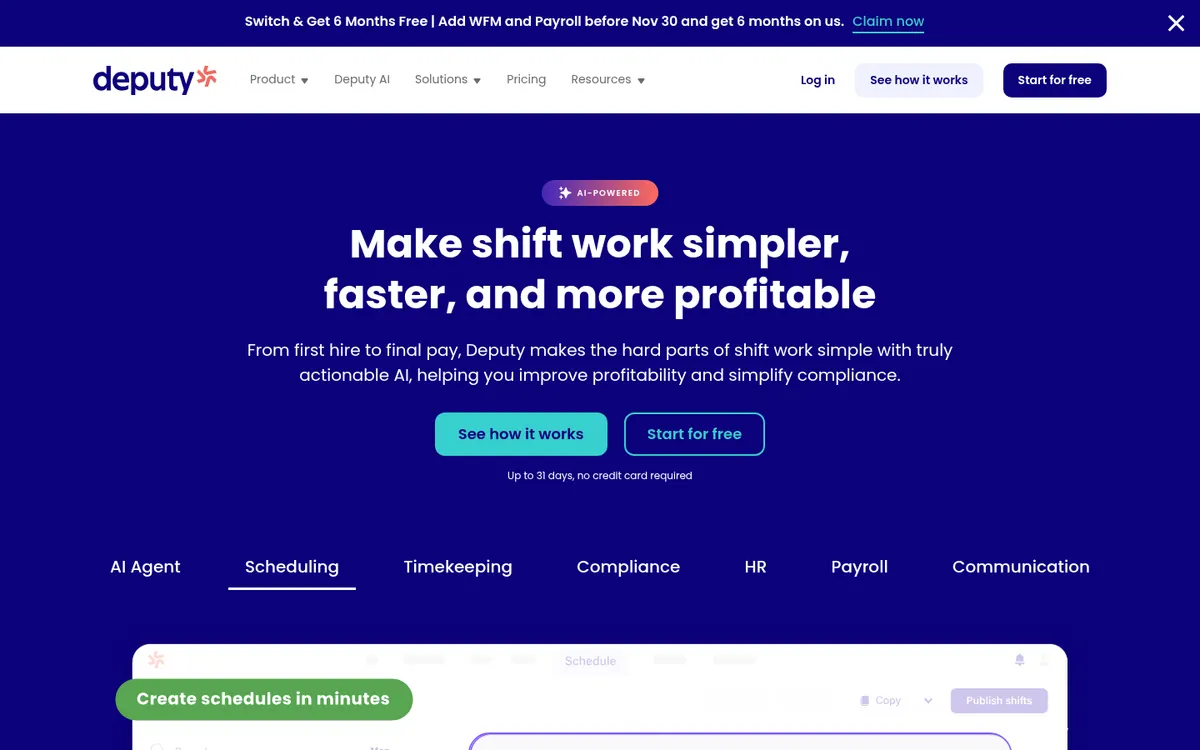
deputy.com
The official Deputy page at deputy.com, captured by IdeaTruss on November 25, 2026.
Our verdict
Built for operations where a scheduling mistake is a legal problem, with a 31-day trial to prove it.
Deputy is scheduling software built around labor rules, with the clock and payroll as adjacent pieces. Auto-scheduling accounts for labor rules, and the system enforces break and overtime thresholds as shifts are worked. Multi-location structures are handled properly, which is why hospitality and retail groups with several sites end up here. The Lite plan starts at $5 per user per month in USD excluding taxes, with a $30 per month minimum spend. That minimum matters for small teams: the per-seat fee scales with headcount, but a small site still pays the minimum. Per-seat fees scale with headcount, so a large operation should model the annual number before comparing it with a flat plan. Verification is decent. Facial recognition kiosks tie a punch to a face, and shift bidding lets staff pick up open shifts without a supervisor rebuilding the schedule. What Deputy does not have is offline mode in the main app, so a site with unreliable connectivity needs a fallback. Payroll is an add-on rather than built in, which means hours still leave the system before they become pay. The 31-day trial is the longest here, and it is the right way to test this product, because value depends on how much compliance exposure the business actually carries. A cafe with predictable shifts may never use the rules engine. A catering contract with rest break penalties will. Buy it for the scheduling logic and treat the clock and payroll as supporting parts.
Pros
Scheduling logic built around labor rules
Handles multi-location structures well
31-day trial to test the rules engine
Cons
Per-user fees climb with headcount
No offline mode in the main app
Payroll is an add-on
Pick it if
Scheduling errors carry legal or penalty risk across several sites.
Skip it if
Your shifts are simple and predictable.
06BP
Buddy Punch
Layered punch checks
See websiteNo free planRubric 6.5
web.archive.org
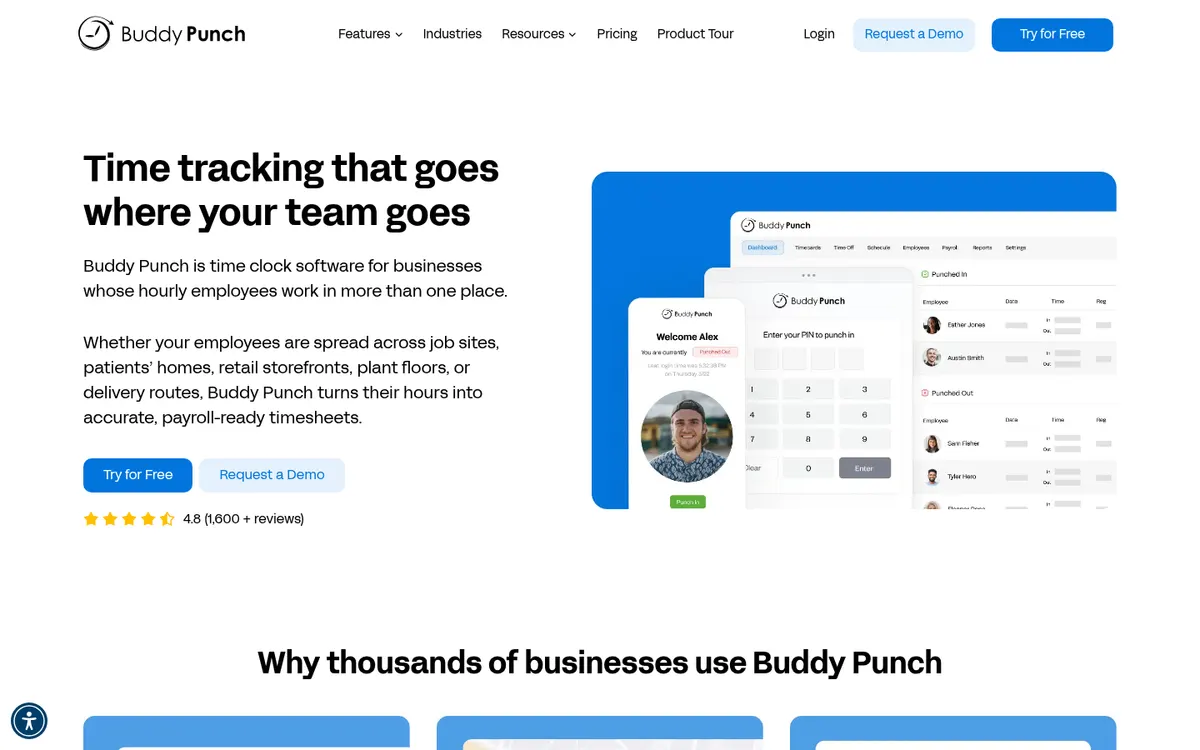
The official buddypunch.com homepage, loaded through the Internet Archive because the live site blocked our browser. Captured November 25, 2026.
Our verdict
Verification-heavy clocking for employers losing hours to buddy punches, with pricing that could not be confirmed.
Buddy Punch is organized around one question: did the person who claims to have worked actually punch in? Every punch can carry a photo, facial recognition confirms identity, GPS tags the location, and geofencing blocks clock-ins from outside the site. Overtime alerts surface approaching thresholds before the pay period closes rather than after. That layered approach is the reason to buy it. If a supervisor suspects one employee is clocking in for a friend who is still in bed, photo capture plus facial recognition plus a geofence is a harder combination to defeat than a PIN on a shared tablet. The clock connects to a wide list of payroll providers, and an optional payroll add-on exists for businesses that want the pay run in the same place. Pricing is the weak point, and we could not confirm it. The vendor's pricing page would not load at the time of checking, so this entry says pricing is on the vendor site. The plan structure could not be confirmed, so check the vendor site; a base fee plus a per-user charge is costly for very small crews and works better at medium team sizes. Confirm the numbers directly before shortlisting. Geofencing is restricted to higher tiers, so a small business that only wants location blocking may pay more than expected. The interface favors function over design, and staff will notice. This is not a general HR platform either: no benefits, no onboarding suite, no deep document management. It is a clock that takes verification seriously, and it fits employers where time theft is a measured problem rather than a theoretical one.
Pros
Photo, facial recognition and GPS on each punch
Geofencing blocks off-site clock-ins
Broad payroll connectivity
Cons
Pricing is not published and could not be confirmed
Geofencing sits on higher tiers
Interface is functional rather than polished
Pick it if
Time theft is a real, measured problem you need to stop.
Skip it if
You have a handful of employees and a tight budget.
07O
OnTheClock
One flat plan
$5No free planRubric 6.9
ontheclock.com
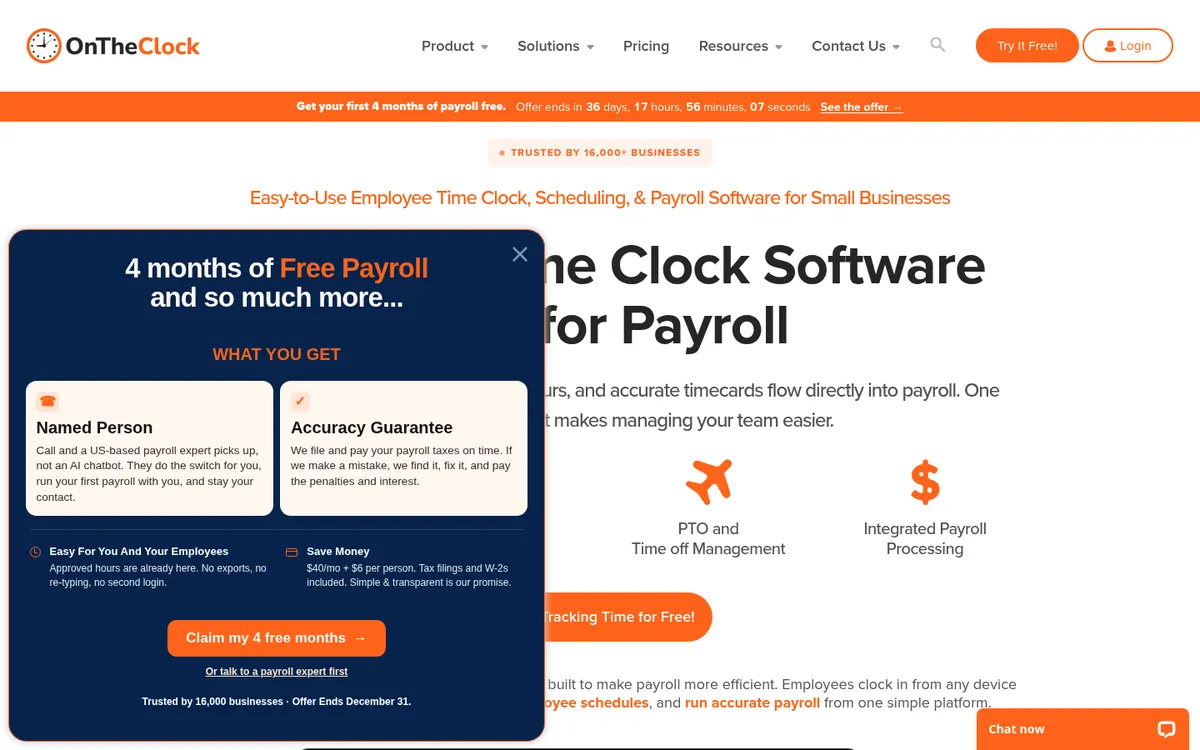
The official OnTheClock page at ontheclock.com, captured by IdeaTruss on November 25, 2026.
Our verdict
A plain, single-plan clock with GPS punches and a price you can calculate before you call anyone.
OnTheClock sells one plan rather than a ladder of tiers. GPS clock-in, geofencing, employee scheduling and payroll-ready exports are all included, so a buyer does not have to work out which feature lives where. The clock integrates with major payroll providers, and hours leave as clean exports. The price is $5 as a base fee per month plus $4 per employee per month, billed monthly after the free trial. A team can calculate its monthly bill from the base fee plus the per-employee rate without a sales call, which is rarer in this category than it should be. The 30-day free trial requires no credit card, so an evaluation can run through a full pay cycle before any commitment. Verification covers the basics well. A punch is tagged with GPS coordinates, geofencing keeps staff from clocking in at the wrong branch, and scheduling means the clock and the roster agree on who was expected. Hours leave as payroll-ready exports, which is what a payroll administrator actually needs from a small system. The limits are scale and breadth. OnTheClock is a smaller vendor with a shorter integration list than larger rivals, so check that your payroll provider is on it before you build a process around exports. The interface is utilitarian, and there are no broader HR modules. If you want a single login for people operations, this is not it. If you want a cheap, verifiable clock that produces a clean file for payroll, the flat structure is the attraction. Expect to pay separately for any payroll add-on.
Pros
One plan, no feature tiers
$5 base plus $4 per employee is easy to budget
30-day trial with no card required
Cons
Shorter integration list than larger vendors
Utilitarian interface
No wider HR modules
Pick it if
You want GPS punches and a price you can calculate up front.
Skip it if
You need HR, benefits or payroll inside the same tool.
08QT
QuickBooks Time
Native payroll sync
$20No free planRubric 7.3
web.archive.org
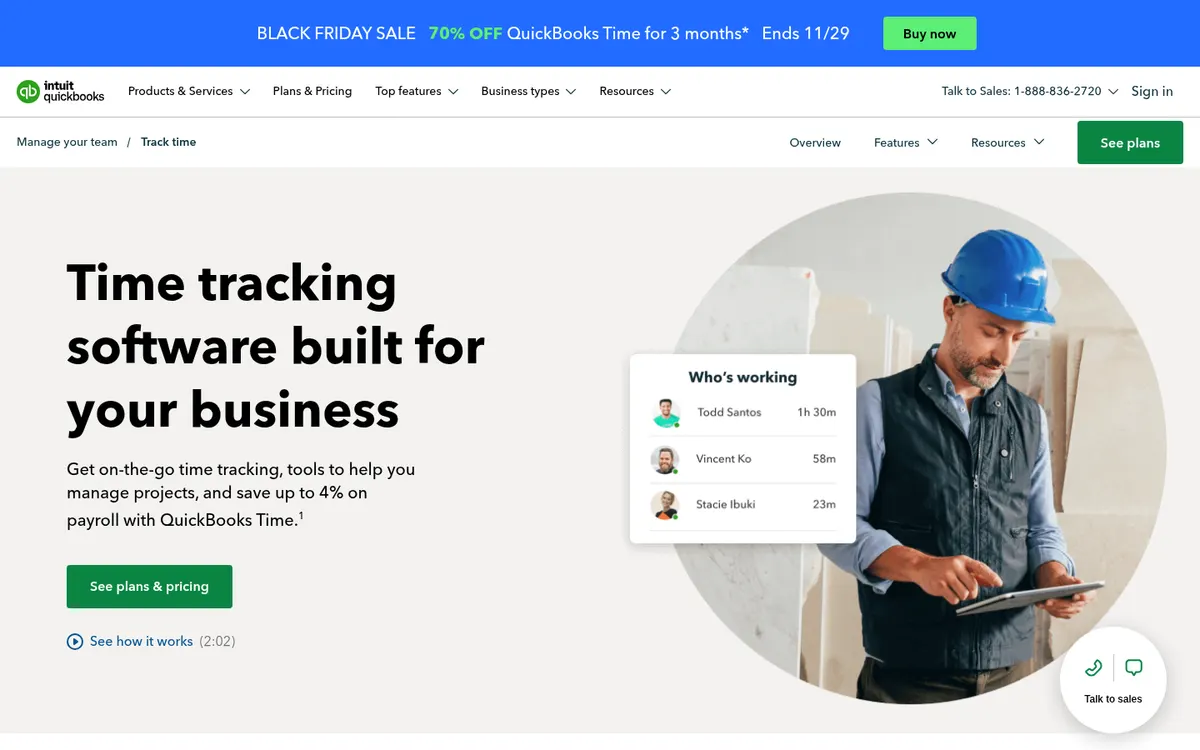
The official quickbooks.intuit.com homepage, loaded through the Internet Archive because the live site blocked our browser. Captured November 25, 2026.
Our verdict
The obvious clock for QuickBooks users and a hard sell for everyone else, especially after the 2026 price rise.
QuickBooks Time makes most sense as an extension of QuickBooks rather than a standalone purchase. Hours captured in the field sync natively into QuickBooks Payroll, and the same hours feed invoicing, so job hours can become a client bill without a spreadsheet in between. Job costing codes suit construction and field service crews who need time attributed to a site or a job. The clock itself is capable. GPS tracking and geofencing confirm where a punch happened, and staff capture time from a phone. Because the data flow is native, there is no mapping step where employee IDs get mismatched between a time tool and a payroll provider. That is the real product: fewer handoffs. Pricing is Time Premium at $20 as a monthly base fee plus $10 per user per month. Base and per-user rates rose in mid-2026, so confirm current numbers before you build a budget. Watch for promotional pricing on the vendor page, which can make the first months look cheaper than the ongoing rate. Outside the QuickBooks ecosystem the case weakens quickly. A business running another payroll provider gets no native benefit and pays a premium base fee for the privilege of exporting. The product was formerly sold as TSheets and is now branded under the Intuit name, which explains the tighter coupling. If your books are already in QuickBooks and your field staff need job costing, the integration is worth the price. If not, a cheaper standalone clock will do the same job.
Pros
Native sync removes the export step
Job costing suits field and construction work
Hours feed invoicing as well as payroll
Cons
Weak value outside the QuickBooks ecosystem
Base and per-user rates rose in mid-2026
Promo pricing can mask the real rate
Pick it if
QuickBooks already runs your books and payroll.
Skip it if
You use another payroll provider.
09G
Gusto
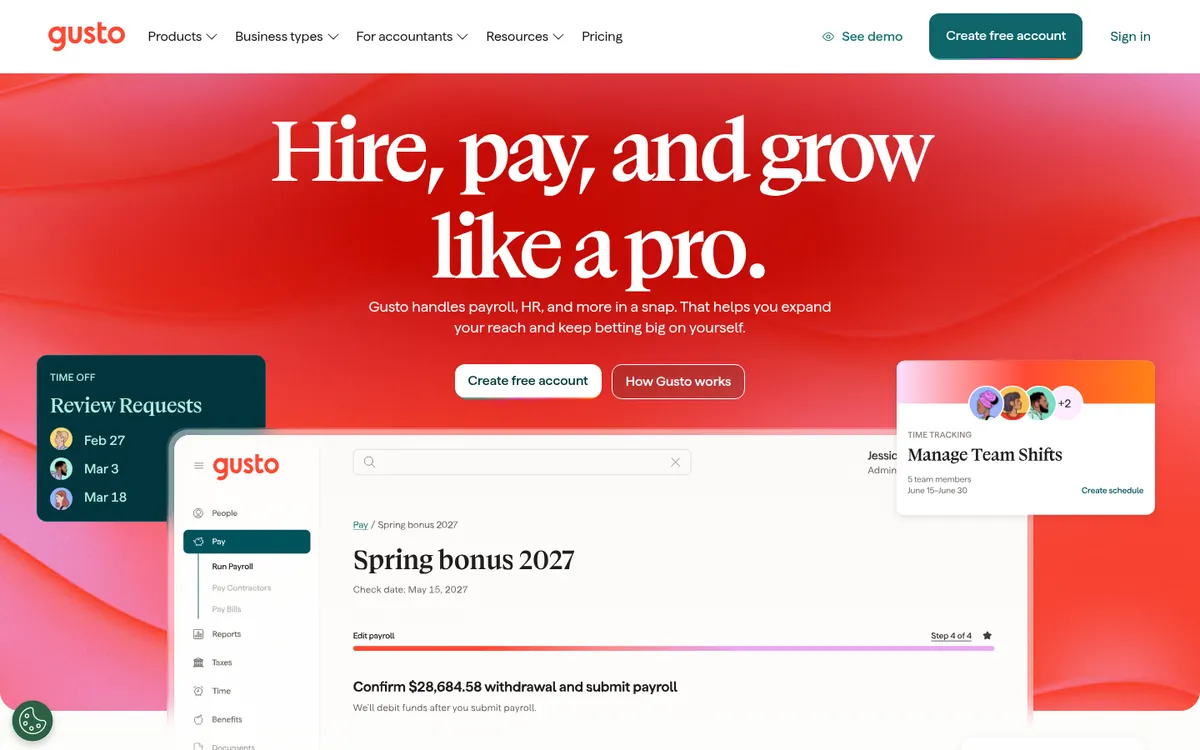
Closed payroll loop
$49No free planRubric 6.7
gusto.com
The official Gusto page at gusto.com, captured by IdeaTruss on November 25, 2026.
Our verdict
Payroll first, clock second: time tracking appears only on the higher tier, so check the tier you actually need.
Gusto is a payroll platform that added time tracking, not a clock that added payroll. Hours captured on the Plus plan feed the same pay run that calculates wages, files payroll taxes and administers benefits, so nothing is exported or re-keyed. Employee self-service, onboarding and HR records sit in the same login, which helps keep it simple to run. The pricing detail matters more than the headline. The Simple plan is $49 per month plus $6 per month per person, but the time clock and timesheet approvals live on Plus, so a business that wants to track hours is not buying at $49. Anyone comparing Gusto on the entry price alone will be surprised at checkout. There is no free trial, which makes an evaluation harder than with the standalone clocks here. What you get for the higher tier is a closed loop. A punch becomes an approved timesheet, becomes a paycheck, and the tax filing happens without a third party. For a business moving payroll at the same time as time tracking, that removes an entire category of reconciliation work. For a small team that only needs a clock, it is more platform than required, and the per-person fee applies across the roster. The right way to read Gusto is as a payroll decision with time tracking attached: if you are staying with an existing payroll provider, a standalone clock is cheaper. If payroll is up for review, the combined system is worth pricing properly.
Pros
Hours flow into payroll with no integration
Tax filing and benefits in the same login
Self-service for employees and managers
Cons
Time tracking sits on the higher priced tier, not the $49 entry
No free trial
More payroll platform than a clock-only team needs
Pick it if
You are moving payroll and want hours and paychecks in one place.
Skip it if
Your payroll provider is settled and you only need a clock.
10
Rippling
Single employee record
See websiteNo free planRubric 6.1
rippling.com
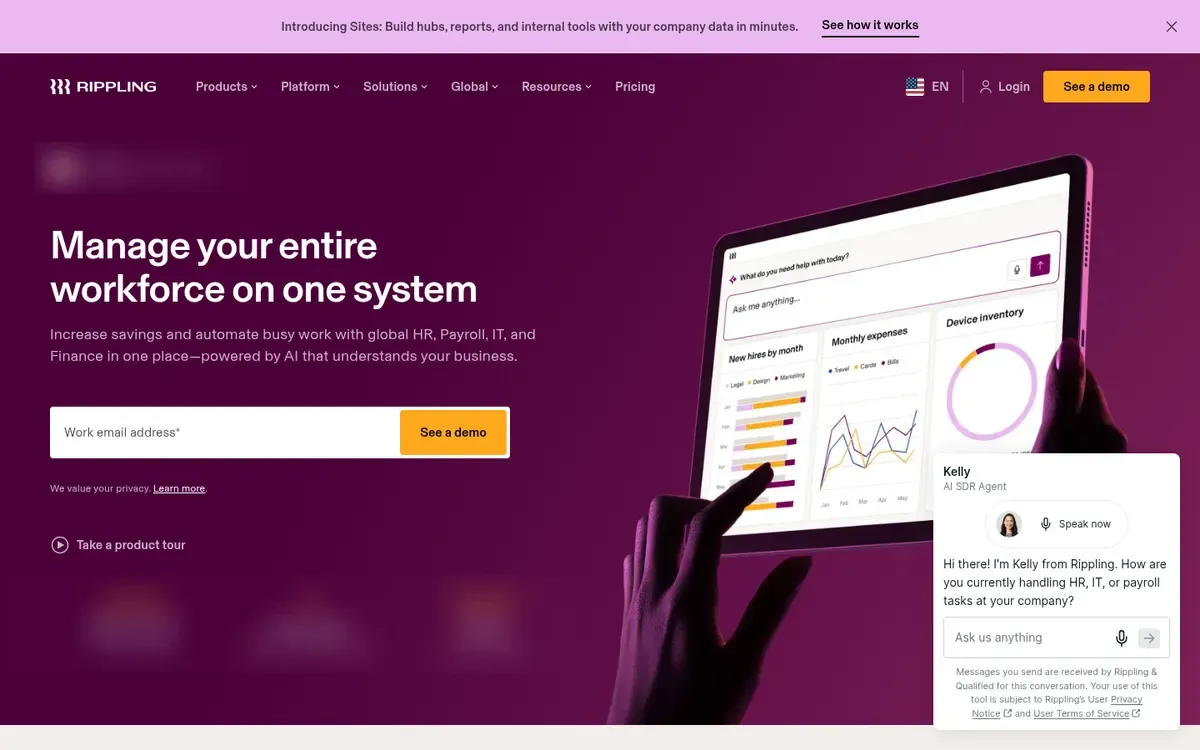
The official Rippling page at rippling.com, captured by IdeaTruss on November 25, 2026. Third-party rating badges on the page are blurred, because we do not republish unverified ratings.
Our verdict
One employee record driving time, pay and access is powerful, but the quote process and base fee keep it mid-market.
Rippling is a multi-module HR platform where one employee record drives time tracking, payroll, benefits and even device and application access. A new hire is created once, appears in onboarding, gets a laptop provisioned, lands on the payroll schedule and can clock in, all from the same record. Automation spans hire to first paycheck, which is the pitch. That architecture is genuinely useful at a certain size. A growing company with an HR function, multiple states and a stack of disconnected tools gets real value from consolidation, and the platform scales from small business to mid-market without a replatform. Time tracking tied to the single record means hours and pay cannot drift apart, and payroll sits in the same system rather than behind an integration. The commercial side is the obstacle. Rippling publishes no price: the page offers a custom quote form and nothing else, and the buying process runs through a demo. Expect a monthly base fee on top of per-user charges, which means the total depends on how many modules you switch on. A business that only needs a time clock will find the quote process and the base fee hard to justify. It is also heavier than a small team with no HR function can absorb. Modules, permissions and provisioning rules assume someone owns the system. For a small restaurant, that overhead buys nothing. For a growing company already paying for payroll, benefits and IT onboarding separately, the consolidation argument is strong enough to sit through the demo, get a number, and compare it against a standalone clock plus your existing providers.
Pros
One employee record drives time, pay and access
Automation runs from hire to first paycheck
Scales without a replatform
Cons
No published price, quote only
Monthly base fee on top of per-user charges
Heavier than a small team needs
Pick it if
You are consolidating HR, time and payroll and have someone to run it.
Skip it if
You need a clock and nothing else.
What is payroll time clock software and when do you need it?
A payroll time clock is the system that records when someone starts and stops work, then turns those punches into hours a payroll process can pay. The category overlaps with two neighbors: attendance apps that only track presence, and full payroll platforms that calculate tax and issue checks. Most tools in this list sit in the middle, capturing shifts and exporting or syncing hours.
The core job is unglamorous: capture a punch, apply rules, produce an editable timesheet, and move clean totals into payroll. Everything else is a variation on how much verification is attached to the punch and how much of the pay run sits inside the same product.
Verification is the first fork. A shared kiosk with a PIN is easy to use and easy to defeat. Photo capture at the punch, facial recognition, GPS coordinates and geofencing raise the effort required to record hours you did not work. The second fork is what happens after approval: a CSV export, a native sync with a payroll provider, or payroll inside the same system.
Expect these pieces in a typical product:
A clock surface: mobile app, web browser, shared tablet or physical terminal
A rule engine: breaks, overtime thresholds, rounding and shift differentials
Timesheet review: manager approval and corrections with a record of changes
Payroll output: export file, integration or an in-built pay run
Scheduling: published shifts, swaps and availability, increasingly bundled
Reporting: hours by employee, site, job or client
You need this software when hours are recorded somewhere other than the payroll system, when supervisors rebuild timesheets by hand, or when there is no defensible record of who worked. You probably do not need it if every employee is salaried and never clocks in, or if your payroll provider already includes an adequate clock and you have no verification problem.
Pricing in this category is a stack, not a single number. Almost every product charges a monthly base fee, then adds seats or sites, then charges extra for payroll. The free tiers exist because time tracking is a wedge: vendors give away the clock and charge for the pay run. Four models show up in this list. Seat pricing charges per user per month, so cost scales with headcount. Site pricing charges per location, which rewards dense teams and penalizes expansion. Base plus seat plans bundle verification and scheduling into one price with no tier ladder. Quote-only vendors hide the number behind a demo, usually because the module count changes the price. Watch the payroll line. At Homebase, payroll is an add-on at $49 per month plus $6 per person on top of the location fee. Deputy and When I Work sell payroll or the clock as a separate purchase too. A tool that looks cheap per user can cost more than a payroll platform once the extras land. Check minimums as well: Deputy applies a $30 per month minimum spend.
Model
How it bills
Typical fit
Example from this list
Free tier
No charge, capped by users or locations
A small crew testing the workflow
Jibble, free with unlimited users; Homebase, free for 1 location up to 10 employees
Per user
A flat rate for each employee per month
Teams whose headcount grows
When I Work at $2.50 per user per month; Deputy at $5 per user per month
Base fee plus per user
A monthly platform fee plus a seat charge
Steady crews with mixed roles
OnTheClock at $5 base plus $4 per employee per month; QuickBooks Time at $20 base plus $10 per user per month
Per location
A flat fee for each site
Dense single-site teams
Homebase paid tiers from $30 per location per month
Add-on payroll
Clock and pay run priced separately
Businesses keeping a payroll provider
Homebase payroll at $49 per month plus $6 per person
Quote only
Custom pricing after a demo
Multi-module HR buyers
Rippling is quote only; check Buddy Punch on the vendor site
Every price above was checked on the vendor's own pricing page on November 25, 2026. Where a vendor does not publish a figure we write "See website" instead of guessing. To compare annual and monthly billing quickly, try the free percentage calculator.
Which payroll time clock fits your operation? A six-step path
List every place people clock in. Write down each site, client address and home office where work starts. That list decides whether you need geofencing, a shared kiosk or a phone app, and it exposes locations with poor mobile coverage before you buy.
Decide what a punch must prove. A PIN on a shared tablet proves almost nothing. Photo capture, facial recognition and a geofence raise the bar. Match the verification level to your actual losses rather than to the demo you were shown.
Trace where hours go next. Follow an approved timesheet into payroll. If it ends in a CSV, check export depth. If it ends in a native sync, confirm your payroll provider is supported before you sign anything.
Model the bill at your real size. Take the per-user or per-location rate, multiply by headcount or site count, then add every add-on you need. Deputy's $30 monthly minimum and Homebase's payroll add-on both change the answer.
Test in the worst conditions. Run the trial in a basement, a rural site and on the oldest phone your team owns. Connecteam's clock has no offline mode and Deputy's main app does not either, so coverage gaps matter more than feature lists.
Run one full pay cycle before committing. A 14-day trial rarely covers a full period with overtime and a correction. Where a longer trial exists, use it: Deputy offers 31 days, OnTheClock 30 days and QuickBooks Time 30 days.
What buyers get wrong about payroll time clocks
Buying on the free tier alone. Free plans cap users or locations, and payroll is usually a separate purchase. Homebase's free tier stops at one location and ten employees, and its payroll add-on costs $49 per month plus $6 per person. Budget the paid shape from day one.
Skipping the offline test. Connecteam and Deputy both lack offline mode in the main app. A crew in a dead zone cannot punch, and the fallback becomes a paper timesheet that someone retypes later. Test where coverage is worst.
Adding payroll after the fact. Time tracking and payroll priced separately can cost more than one platform. Add the payroll line before comparing, or you will pick the cheapest clock and pay more overall across the year.
Ignoring per-location math. Homebase charges per location on paid tiers, so a growing multi-site operator pays for expansion every time. Count the sites you plan to open, not just the ones you have today.
Assuming verification is included. Geofencing sits on higher tiers at Homebase, Buddy Punch and Connecteam. Confirm the tier that includes the control you need, rather than the tier that includes the feature name in a comparison chart.
Frequently asked questions
Is GPS and geofencing worth paying for?
Only if you have a location problem. Geofencing blocks a punch when the phone sits outside a defined radius, and GPS tags where each punch happened, which matters for home care, cleaning, construction and delivery crews. For one fixed site with a supervisor on the floor, the extra spend buys little. Jibble includes both on its free plan, so test the workflow before paying anyone.
What is buddy punching and which features stop it?
Buddy punching is one employee clocking in or out for another, so the record shows hours nobody worked. Defenses layer up: a photo on every punch, facial recognition matching the face to the account, GPS coordinates, and geofencing that blocks off-site clock-ins. Buddy Punch and Jibble both list strong verification features, while Homebase and Connecteam offer GPS on selected tiers.
Can a free plan actually run payroll?
Usually no. Free tiers here cover the clock, and sometimes scheduling and messaging, but the pay run is either an add-on or somewhere else entirely. Homebase charges for payroll at $49 per month plus $6 per person, and Jibble's free plan runs on exports to QuickBooks or Xero rather than a native pay run. Free gets you verified hours; payroll is the paid step.
How do timesheet corrections and audit trails work?
A punch becomes a timesheet entry, a manager approves or edits it, and the edit should record who changed what and when. That record is what protects you in a wage dispute. Most tools here handle approvals and adjustments, and audit depth is worth asking about during a trial, especially where overtime rules or several approvers are involved. Export-only tools keep that record outside payroll.
Should time tracking and payroll live in one system?
It depends on whether reconciliation is costing you time. One system, as with Gusto, QuickBooks Time and Rippling, removes the export and import step and the mapping errors that come with it. Two systems, as with Homebase plus a payroll provider, or Jibble plus exports, keeps each part best of breed and usually costs less up front. Count your current reconciliation hours first.
How long does implementation take for a small team versus a multi-location one?
A single-site team on a standalone clock can usually be live in an afternoon: add employees, set rules, test a punch. Multi-location rollouts take longer because site structures, manager permissions and labor rules vary by jurisdiction, and platforms sold by quote, like Rippling, add a sales and setup cycle. Longer trials exist for that reason, including Deputy at 31 days and OnTheClock at 30 days.



 Deputy
 Rippling