Ranked #1

Exterro
One system of record
See websiteEnterprise quote, annual contract, scoping engagement required
- Best for
- Big legal departments and agencies consolidating the whole EDRM lifecycle
- Free plan
- No
- Rubric
- 7.4 / 10
Eight legal hold platforms compared on custodian coverage, preservation proof, and total cost, with plain guidance on which one fits your matter mix.
 Prices checked November 25, 2026
Exterro is the best fit for large legal departments and agencies that want one system from hold through forensics, as of November 2026. Onna suits corporate teams whose evidence lives in Slack, Zoom and Workspace, where in-place holds can start on day one. Logikcull is the practical entry point for firms and small legal teams bringing discovery in-house on a per-GB storage model. All eight tools here are quote-based, so treat published list prices as unavailable and budget for a scoping call before you can compare numbers.
One system of record
See websiteEnterprise quote, annual contract, scoping engagement required

Day-one collaboration holds
See websiteQuote-based, no self-serve tier

Tamper-evident web capture
See websiteQuote-based, scale add-ons priced separately
Disclosure for this page: All 8 tools here are unpaid editorial picks. The position of a paid listing can be part of what the vendor pays for. How we handle paid listings.
| Tool | Best for | Free plan | Actions | |||
|---|---|---|---|---|---|---|
| 1 | Exterro | Big legal departments and agencies consolidating the whole EDRM lifecycle | See websiteEnterprise quote, annual contract, scoping engagement required | No | ||
| 2 | Onna | Corporate legal teams whose evidence sits in Slack, Zoom and Workspace | See websiteQuote-based, no self-serve tier | No | ||
| 3 | Pagefreezer | Compliance and legal teams whose evidence is web, social or chat content | See websiteQuote-based, scale add-ons priced separately | No | ||
| 4 |  Logikcull | Firms and small legal teams bringing discovery in-house | See websitePay As You Go, per GB stored per month, 10 GB minimum, unlimited users | No | ||
| 5 |  Everlaw | Litigation teams that spend most of their time in document review | See websiteQuote-based enterprise agreement | No | ||
| 6 |  Casepoint | Agencies and regulated enterprises where security authorization comes first | See websiteEnterprise quote with white-glove implementation | No | ||
| 7 | Smarsh | Regulated firms where legal hold is really communications compliance | See websiteQuote-based enterprise agreement, SMB capture edition available | No | ||
| 8 |  Hanzo | Teams whose matters hinge on Slack, Teams and dynamic web content | See websiteQuote-based, enterprise sales process | No |
This guide scores eight platforms on five criteria, and the order reflects fit for the buyer described in each entry rather than a single number. Each tool is worth a different amount to a different team, so a low score on one axis is not a disqualification if that axis does not matter to you. Hold coverage (25 percent) asks how many custodian sources and channels a tool can place under hold and whether preservation happens in place. Preservation proof (25 percent) looks at audit trails, WORM storage, digital signatures and export formats, because the point of a hold is to defend it later. Lifecycle depth (20 percent) checks whether the platform stops at hold or carries through collection, review, production and investigations. Pricing clarity (15 percent) weighs how openly billing, minimums and tiers are described. Implementation load (15 percent) covers setup time and services dependency. Prices and plan details come from vendor pricing pages checked on 2026-11-25. All eight tools in this list returned no usable price at that check, so every entry shows pricing on the vendor site, and no number here should be read as a quote. Plan notes (billing term, minimums, seats) are reproduced as the vendor describes them. This list includes a Featured position, which is a paid placement. Any vendor in that slot is described using the same five criteria as everyone else, and its weaknesses are published in full. Nothing here comes from a paywalled analyst report or an unverified customer claim. Where vendor documentation did not answer a question, we said so rather than filling the gap.
The full process, including how we handle corrections, is on the methodology page. Paid listings follow our advertising disclosure.
| Criterion | Weight | What we check |
|---|---|---|
| Hold coverage | 25% | How many custodian sources and channels a tool can place under hold, and whether preservation happens in place. |
| Preservation proof | 25% | Audit trails, WORM storage, digital signatures and export formats that let you defend a hold after the fact. |
| Lifecycle depth | 20% | Whether the platform stops at hold or carries through collection, review, production and investigations. |
| Pricing clarity | 15% | How openly a vendor describes billing, minimums and plan tiers, and whether the model scales with matter size. |
| Implementation load | 15% | Setup time, services dependency and how much internal IT work the deployment demands. |
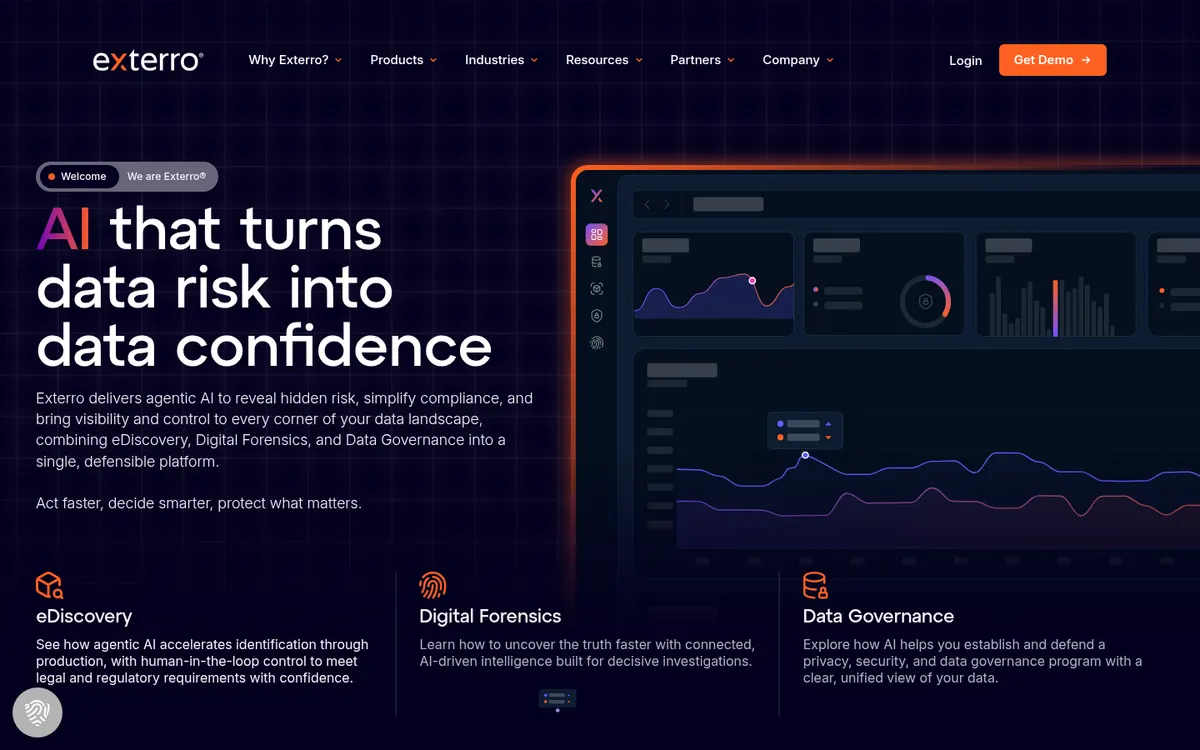
Best for departments that want one system from hold through forensics, provided they can absorb a long implementation.
Exterro is a suite, not a single-purpose hold tool. Legal hold issuance and custodian tracking sit inside the same platform as collection, processing, review, digital forensics and a data privacy and compliance module. Agentic AI coordinates the handoffs between workflow stages, so a matter does not stall in the gap between preservation, collection and review. For a department juggling four tools and a spreadsheet, that consolidation is the entire pitch.
Preservation is the strongest part of the story. More than 190 connectors preserve data in place behind the customer firewall, so evidence does not have to be migrated into a separate hold store before it is protected. That matters for agencies where data residency rules are non-negotiable. FedRAMP authorized deployment options open the door for public sector buyers who cannot run a legal matter on commercial cloud without an authorization in place.
The trade-off is weight. Implementation is long and services-heavy, and the vendor runs a scoping engagement before it quotes, so there is no path to a fast pilot. Pricing is on the vendor site and appears only after that scoping; the pricing page was unavailable when we checked on 2026-11-25, so no figure could be verified. Contracts are annual, which raises the cost of being wrong.
Small legal teams will find the platform oversized. Departments and agencies with steady matter volume, several data sources and a mandate to cut tool sprawl are the natural buyer, provided they budget for professional services alongside licensing. Everyone else should start narrower and revisit Exterro once a single hold process has to serve multiple teams and jurisdictions at the same time.
Your department runs steady matter volume across many sources and wants to retire three or four overlapping tools.
You need a working hold process this quarter, or if you have fewer than five people running discovery.
A fast preservation layer for collaboration data, so long as a separate review platform is already in place.
Onna is a preservation layer for collaboration data. It ships 29 or more no-code connectors for collaboration and productivity apps, and an in-place legal hold fires from a single action rather than a ticket to IT. Unified search spans Slack, Google Workspace, Zoom and Atlassian, and every preservation action lands in a full audit trail you can hand to opposing counsel.
Early case assessment and pre-export culling are the other half of the value. Teams can see what they have, drop the noise and export only the relevant set, which is where downstream review spend actually gets controlled. Setup is quick enough that a first collection is possible on day one, and legal can run it without waiting on infrastructure work. Connectors are configuration rather than custom development, which keeps the first matter cheap.
The limit is scope. Review work happens in Logikcull or Reveal, not in Onna, so this is a front end rather than a full discovery platform. Product direction now follows the Reveal suite roadmap, because Onna sits inside Reveal alongside Logikcull. Buyers who want one contract across preservation and review should ask directly how the two products are being merged.
Pricing is quote-based with no self-serve tier, and the pricing page was unavailable when we checked on 2026-11-25, so no figure could be verified. The natural buyer is a corporate legal team whose evidence sits in Slack, Zoom and Workspace and who already has a review tool downstream. Treat Onna as the preservation and culling stage of a stack, not a replacement for the review stage.
Your evidence is mostly Slack, Zoom and Workspace and you already own a review platform.
You expect one vendor to cover preservation and document review under a single contract.
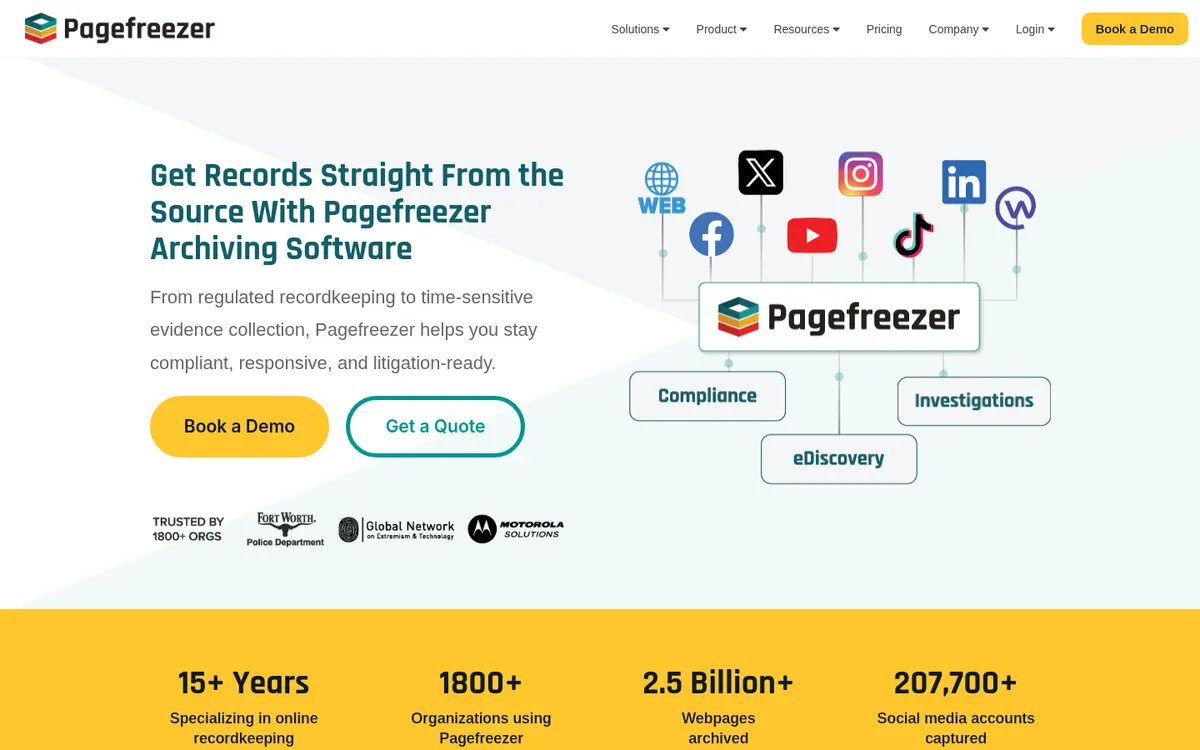
The right pick when the evidence is a webpage, a post or a chat thread, and review is somebody else's job.
Pagefreezer preserves the evidence that general hold tools handle badly: web pages, social posts and chat. It archives websites and social accounts in native interactive format rather than as screenshots, captures Teams and Slack conversations, and stores everything in tamper-evident WORM storage with digital signatures. Archives are replayable, so a reviewer can click through a page as it looked on the capture date, and exports are SHA-256 signed and can leave as EDRM-XML for an eDiscovery platform.
The one-click legal hold overrides retention schedules, which is the feature that matters when a scheduled deletion would otherwise destroy a post that has become relevant. Capture fidelity for dynamic pages and threaded posts is high, and the audit story fits FOIA, SEC and FINRA driven compliance programs where the question is not just what you kept but whether you can prove it was not altered.
It is not a review platform. There is no document review workspace here, so a complex matter still needs a separate review tool and a second export. Pricing is quote-based with scale add-ons priced separately, and the pricing page was unavailable when we checked on 2026-11-25, so the add-ons are the part to pin down in writing before signing.
Best value comes where a webpage, a post or a chat thread is the actual evidence, such as a marketing claim, a deleted post or a channel conversation. Compliance and legal teams running public-facing archiving should shortlist it. Ask for a sample export first and test how the EDRM-XML file loads in your review tool before you commit.
A webpage, social post or chat thread is likely to be the exhibit at the center of the matter.
You need document review in the same tool, or if your evidence is mostly email attachments.
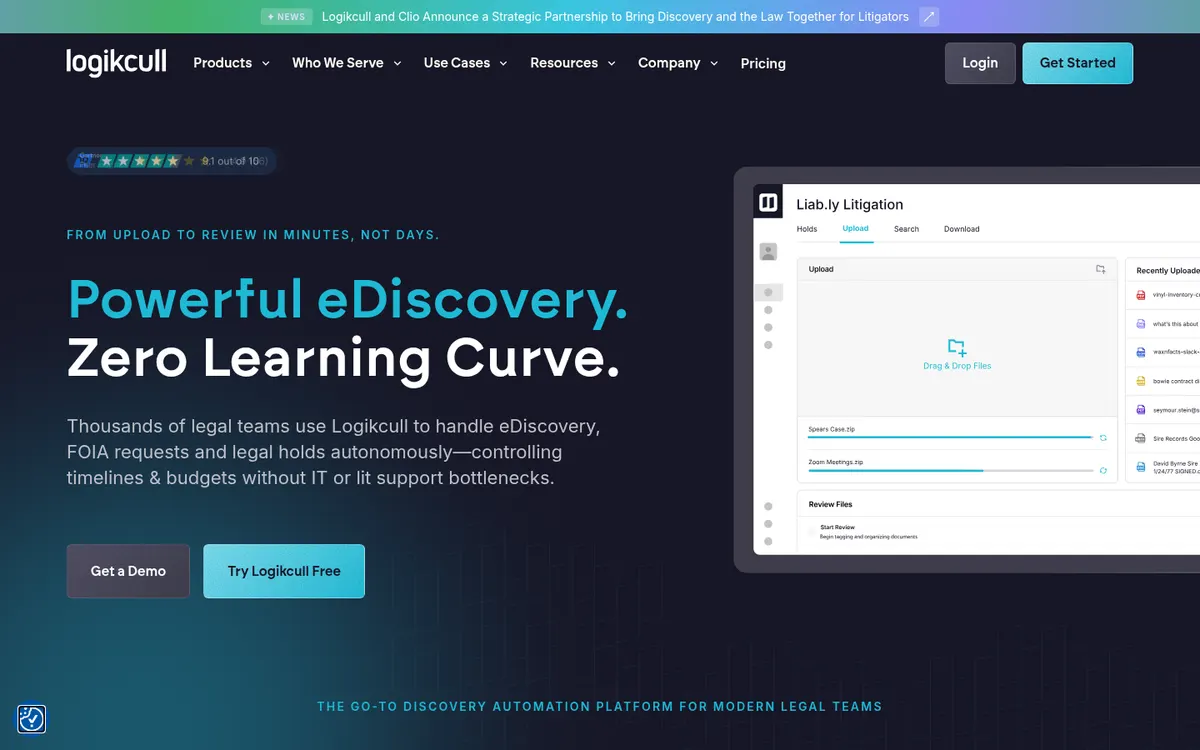
The gentlest entry to in-house discovery, with real hold depth reserved for the pricier Corporate Suite tier.
Logikcull is the tool most small teams can actually run themselves. Drag-and-drop upload and fast project creation sit on top of 300 plus automated processing steps, a three-step production wizard, bulk redaction, PII detection and automated deduplication. Collection covers 31 or more sources, and storage plans include unlimited users, projects and downloads, which removes the per-seat arithmetic that makes other platforms hard to forecast. Legal hold is real but tiered. Unlimited legal holds sit in the Corporate Suite, while the base plans are review-first, so a team that buys cheap and later needs deep hold and collection will be upsold. The self-service model is the reason the learning curve is gentler than anything else here, and storage-based pricing is predictable when matter volume is steady. Reviewers who have never touched eDiscovery software can get productive quickly. The weakness is volume economics. Per-GB cost rises sharply on data-heavy matters, and the model rewards teams that cull early and delete what they do not need. Matters that will run to hundreds of gigabytes deserve a fixed-fee conversation instead of a storage meter. There is no permanent free tier, though a sample matter is free and is the honest way to test whether reviewers take to the interface. Billing is pay as you go per GB stored per month with a 10 GB minimum and unlimited users. The page describes the pay-per-GB model but shows no dollar amount as of 2026-11-25, so no rate could be verified. Logikcull is now part of the Reveal group. Firms and small legal teams bringing discovery in-house for the first time are the right buyer.
You want your own team to run holds and review without a vendor standing over the process.
Most of your matters run past a few hundred gigabytes, where a storage meter gets expensive.
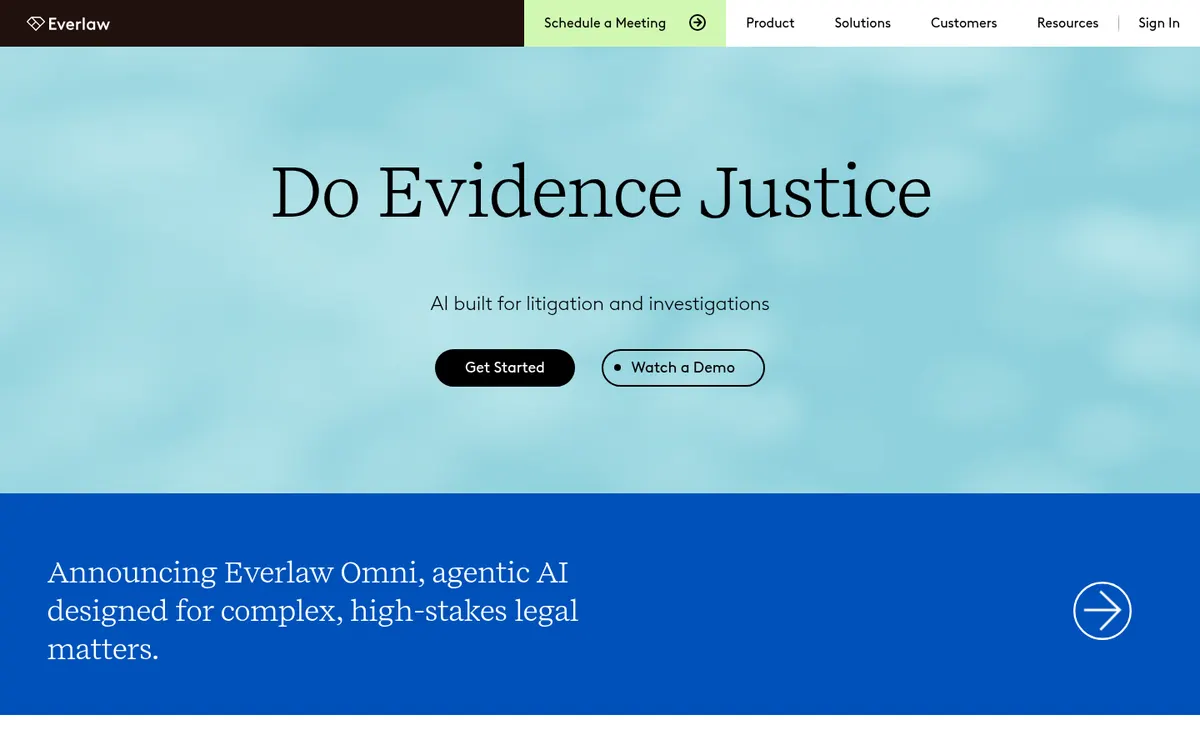
A review platform reviewers actually like, which needs a partner tool before it can hold or preserve anything.
Everlaw is a review platform, and it is judged here on how well it supports a hold program rather than on whether it runs one. AI clustering and predictive coding, advanced search across large document sets, storytelling and trial preparation tools, an open platform with API access and an MCP server for AI integrations make it the place reviewers want to be. Onboarding comes with unlimited training, and the platform is positioned as a single evidentiary system of record. Adoption is the underrated strength. Reviewers who spend months in a tool will use the one with a modern interface, and training bundled with implementation shortens the ramp. Search speed across large document sets matters when review time is the constraint. API access and the MCP server mean the platform can be wired into the rest of a legal stack rather than sitting in isolation. Legal hold is not the core function. Preservation requires pairing Everlaw with a partner tool such as Onna, Pagefreezer or Hanzo, which means two contracts, two implementations and a data flow to design. Ask both vendors to describe that handoff in writing, including who owns the chain of custody. Enterprise pricing is steep for small firms, and the advanced features make onboarding support close to mandatory. Pricing is a quote-based enterprise agreement, and the pricing page was unavailable when we checked on 2026-11-25, so no figure could be verified. Buy it when most of your hours are in review and the hold stage is already covered elsewhere. Do not buy it expecting a preservation system; that is a different purchase, made from a different vendor.
Document review is where your team spends its time and preservation is already solved.
You need one vendor to issue holds and prove preservation without a second contract.
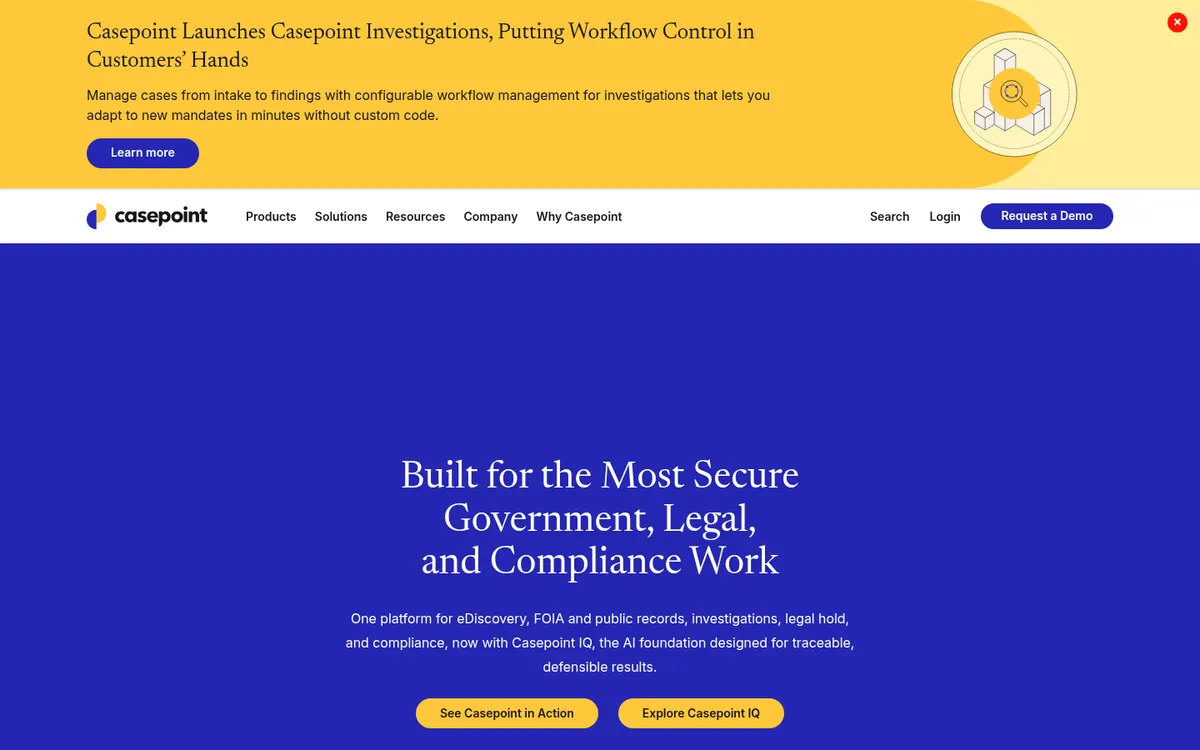
Authorization-heavy platform for agencies that must clear FedRAMP or DOD before a demo is even scheduled.
Casepoint sells security authorization as much as software. Legal hold management on a cloud-native base is the entry point to a suite that also covers eDiscovery collection, processing and review, FOIA request handling, investigations and compliance modules, all with AI models tuned on legal workflows. FedRAMP Moderate and High authorizations plus DOD Impact Level 5 and 6 authorizations are the headline, and few competitors in this category hold that combination. The modules are genuinely unified, so a matter can move from hold to review to a FOIA response without a second platform. Investigations and compliance modules reuse the same repository, which shortens the path from a hotline report to a defensible record. For agencies and defense-adjacent organizations, that matters because procurement is often decided on authorization paperwork before anyone sees a demo. Everything about the engagement is enterprise scale. Sales is led by the vendor with no public numbers, implementation and contract cycles run long, and the product is not sized for small practices. Plan for a procurement and implementation cycle, not a fast start. Expect scoping calls and demos before any pricing appears, and expect a services line in the quote. Pricing is an enterprise quote with white-glove implementation, and the pricing page was unavailable when we checked on 2026-11-25, so no figure could be verified. The right buyer is an agency or regulated enterprise where the authorization is non-negotiable and the matter volume justifies a multi-module contract. A ten-person firm should stop reading here.
An authorization requirement will decide the purchase before features are even discussed.
You are a small firm that needs a working hold process inside a month.

Communications archiving built for financial rules, where hold is a compliance control rather than a litigation tool.
Smarsh treats legal hold as a communications compliance problem, which is what it is for banks, brokers and insurers. It captures more than 100 communication channels, keeps context, metadata and threads in a single archive, and runs supervision and surveillance workflows over the same content. Legal hold sits on immutable WORM storage with a single-click workflow, and AI-assisted search and discovery help find the messages that matter. Channel coverage is unusually broad, including voice and messaging, and retention controls line up with financial rules such as SEC 17a-4, FINRA and MiFID II. Voice capture in particular is a requirement that narrows the shortlist. Supervision built into the same archive is the reason compliance teams buy it: the record being supervised is the record being held, so there is no reconciliation between two systems. It is archiving-first. Review-heavy matters will still export out to a dedicated review platform, and the quote-based enterprise cost structure does not suit small teams without a regulatory driver. Ask how a single message is exported for review when a matter escalates. The SMB capture-and-archive edition covers lighter capture needs for smaller firms that still carry a retention obligation. Pricing is a quote-based enterprise agreement with the SMB capture edition available, and the pricing page was unavailable when we checked on 2026-11-25, so no figure could be verified. The buy decision turns on which channels you must capture and which rules you must satisfy, not on review features. Regulated firms where legal hold is really communications compliance are the core buyer.
A regulator defines which channels you must capture and how long you must keep them.
Your matters are litigation-driven and document review is where the hours go.
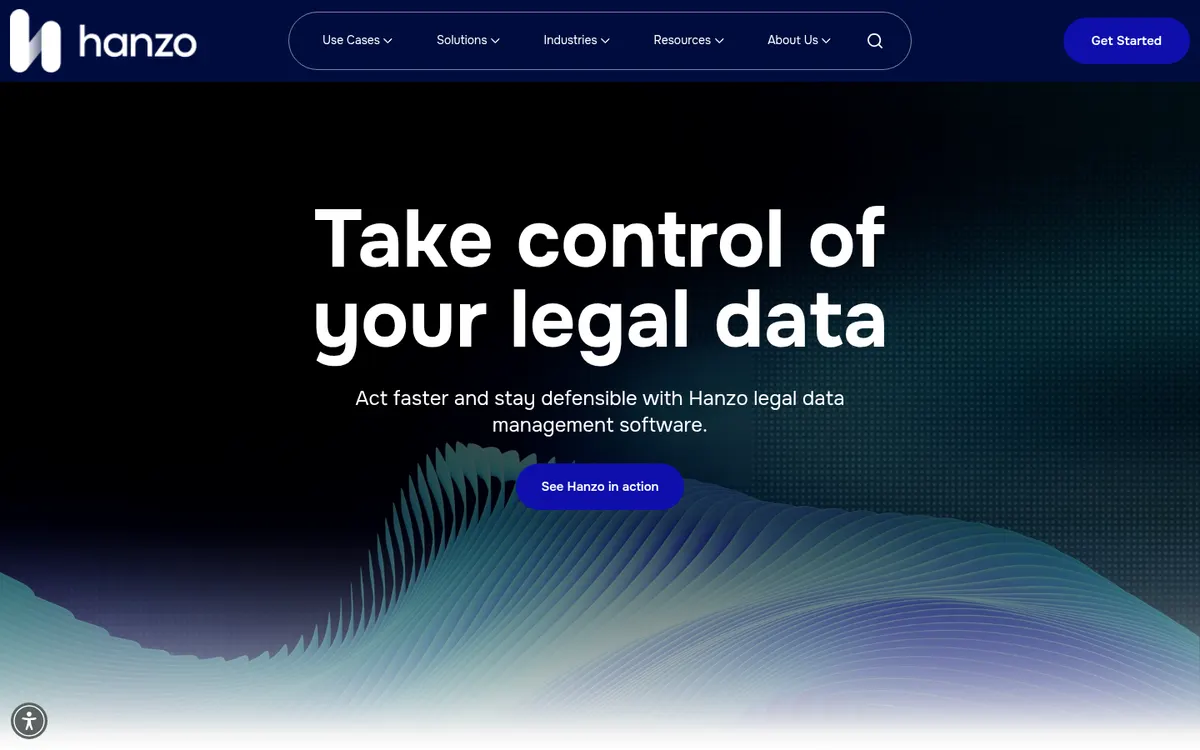
Keeps Slack and Teams context intact inside your own tenant, then hands the matter off for review.
Hanzo preserves collaboration data in place, inside the customer's own tenant. Slack and Teams data is kept with threads, reactions, edits and deletions intact, Google Workspace is covered, and nothing leaves your environment for the vendor's cloud. Chronicle handles forensic-grade website and social capture, Illuminate handles collaboration discovery, and Spotlight AI automates a first pass at relevancy. Threads survive export, so a reviewer reading the production sees the conversation as it happened.
Keeping context is the differentiator. Legacy collection flattens a threaded conversation into rows of text, which loses who replied to whom and what was edited afterward. In-tenant deployment answers the objection security teams raise about sending message data to a third-party store, and the AI pass cuts the manual hours a first-pass review would otherwise consume.
The scope is narrow by design. Hanzo does not run a full EDRM review, so a matter that goes to production will export to another platform. There is no published pricing and the sales cycle runs long, which frustrates a buyer who only wants a number to compare against two other quotes. Expect a security questionnaire and a scoping call before pricing is shared.
Pricing is quote-based through an enterprise sales process, and the pricing page was unavailable when we checked on 2026-11-25, so no figure could be verified. Security-sensitive buyers whose matters hinge on Slack, Teams or dynamic web content should shortlist it. Buyers who need one platform for hold, review and production should keep looking.
Security will not allow message data to leave your tenant and Slack context matters to the case.
You need production and review in the same tool, or if you cannot wait out an enterprise sales cycle.
Legal hold software manages the duty to preserve evidence once litigation, an investigation or a regulatory request is reasonably anticipated. In practice it does four jobs: it identifies the custodians who may hold relevant data, it sends and tracks written hold notices, it suspends automatic deletion so nothing is lost, and it records all of that in a defensible audit trail. Everything else in the category is an add-on to those four jobs. - Issue hold notices to custodians and track who was reached and when.
This comparison sits on the Software desk. Readers comparing neighbouring stacks often check our guides to demand forecasting software and glp 1 companies next.
Every tool in this list is quote-based, including the one with a clearly described billing model. None of the eight showed a usable price when we checked vendor pricing pages on 2026-11-25. That is not opacity for its own sake. Legal hold deals are scoped on data volume, custodian count, sources and deployment, so a list price would mislead more often than it would help.
| Model | How it bills | Typical fit | Example from this list |
|---|---|---|---|
| Per-GB storage | Pay as you go per GB stored per month, 10 GB minimum, unlimited users | Firms and small teams with variable matter volume | Logikcull |
| Scoped enterprise quote | Quoted after a scoping engagement, annual contract | Large departments and agencies | Exterro, Casepoint |
| Quote-based agreement | Quoted per engagement, no self-serve tier | Litigation teams and regulated firms | Everlaw, Smarsh, Hanzo, Onna |
| Quote plus priced add-ons | Base quote with scale add-ons priced separately | Web, social and chat evidence programs | Pagefreezer |
The practical consequence is that you cannot compare this category on a spreadsheet of monthly fees. Compare on what drives the quote instead. Ask each vendor for the pricing unit, the minimum commitment, the term and what happens when a matter triples in size mid-contract. The vendor that answers those four questions in writing before a demo is usually the vendor with the cleaner contract.
Logikcull is the only tool here whose model you can model yourself: per GB stored per month, a 10 GB floor, unlimited users. That still does not tell you the rate, because the page shows no dollar amount. Pagefreezer prices scale add-ons separately, so the base quote is not the total. Smarsh offers an SMB capture-and-archive edition, which is the one entry point here aimed below enterprise scale. Casepoint and Exterro both require scoping before numbers appear, and both will bundle professional services into the deal.
Every price above was checked on the vendor's own pricing page on November 25, 2026. Where a vendor does not publish a figure we write "See website" instead of guessing. To compare annual and monthly billing quickly, try the free percentage calculator.
It manages the duty to preserve evidence. A legal hold tool identifies custodians, issues and tracks hold notices, suspends deletion schedules, preserves data in place or copies it into a hold repository, and keeps an audit trail showing what was preserved and when. In this list, Exterro and Casepoint run that work alongside review, while Onna, Pagefreezer and Hanzo cover preservation as a standalone layer.
Because the deal is scoped, not listed. Vendors price on data volume, custodian count, sources and deployment, so a public number would mislead. All eight tools here showed no usable price when we checked on 2026-11-25. The workaround is to ask each vendor for the pricing unit, the minimum, the term and the overage rule in writing before a demo.
Legal hold is the front end: preservation, notice and proof. eDiscovery covers what happens after, including collection, processing, review, production and often investigations. They overlap because most eDiscovery platforms now include some hold capability, but depth varies. Here, Exterro and Casepoint span both, Everlaw is review-first and needs a preservation partner, and Logikcull puts unlimited holds in its Corporate Suite tier.
For a small organization whose data sits in one ecosystem, they can be enough to meet a basic preservation duty. They get thin when evidence spans Slack, Teams, a public website or personal accounts, because no single ecosystem tool covers all of it. This category earns its fee where holds cross platforms. Check whether your matters actually cross them before paying for a third-party tool.
Spoliation exposure. If relevant data is destroyed after a duty attaches, courts can allow adverse inference instructions, impose sanctions or order other remedies, and the client may face a malpractice claim. The defense is documentation: who was notified, when the hold started, what was preserved and whether the copy can be shown unaltered. That is why audit trails and WORM storage score heavily here.
Self-service tools can be quicker to set up than enterprise suites. Logikcull describes a self-service model and Onna reports a first collection possible on day one, while Exterro requires a scoping engagement before quoting and Casepoint sells white-glove implementation with long contract cycles. Budget calendar time for procurement, security review and source connection, not just for the software work.
Browse every comparison on the Software desk, with the same rubric and dated prices.