Ranked #1

Reface
Animated clip templates
See website
- Best for
- Animated face swap clips for social posts
- Free plan
- Yes
- Rubric
- 6.2 / 10
Nine face swap tools ranked by how much you get free, from browser photo swaps to video clips, with the limits and watermarks spelled out.
 Prices checked November 25, 2026
Reface is the pick for animated face swap clips for social posts, Remaker AI suits free browser photo and video swaps with no download, and Vidnoz AI fits anyone who wants face swaps alongside other AI video tools. All three have free tiers, and all three cap what free gets you. We checked pricing on vendor pages on 2026-11-25 and ranked nine tools on free plan value, output quality, swap range, ease of use and pricing clarity. Three publish a starting price; the rest leave it to the vendor site.
Animated clip templates
See website

Free group photo swaps
See website

Swaps plus video tools
See website
Disclosure for this page: All 9 tools here are unpaid editorial picks. The position of a paid listing can be part of what the vendor pays for. How we handle paid listings.
| Tool | Best for | Free plan | Actions | |||
|---|---|---|---|---|---|---|
| 1 | Reface | Animated face swap clips for social posts | See website | Yes | ||
| 2 | Remaker AI | Free online photo and video face swaps | See website | Yes | ||
| 3 | Vidnoz AI | Video face swaps plus AI video tools | See website | Yes | ||
| 4 | FaceSwapper.ai | Simple online photo face swaps | See website | Yes | ||
| 5 |  PixNova AI | Instant browser photo face swaps | Pay as You Go, 1600 credits, one-time $7.99 | Yes | ||
| 6 |  Pica AI | Photo face swaps with editing tools | See website | Yes | ||
| 7 |  DeepSwap | High-quality photo and video swaps | 1-Month Access, $9.99 first order | No | ||
| 8 |  Magic Hour | Video face swaps for creators | Creator, $15 per month billed yearly | Yes | ||
| 9 |  Artguru AI | Photo face swaps and art tools | See website | Yes |
We ranked nine face swap apps and websites for November 2026 on five criteria. Free plan value carries the most weight at 30 percent, because a list about free tools should reward what you actually get at no cost: no watermark, a usable amount of work, and output that is not deliberately hobbled. Output quality is 20 percent, and it covers how a swap looks on the material the tool is meant for, whether that is a photo, a short clip or longer footage. Swap range is 20 percent, scored on whether a tool handles photos only, photos and short video, or photos, video and GIFs. Ease of use is 15 percent, which rewards a short path from upload to download and penalizes tools that hide basic actions behind signup. Pricing clarity is 15 percent, and it is scored down where the vendor did not publish a rate we could verify. Prices come from vendor pricing pages checked on 2026-11-25. Where a page returned no text, or stated that pricing was unavailable, we say so and point you to the vendor site instead of guessing a number. Three of the nine publish a starting price; the rest leave it to the vendor to quote. We score every entry with the same rubric and report the cons for each. The order follows fit for the buyer each entry describes.
The full process, including how we handle corrections, is on the methodology page. Paid listings follow our advertising disclosure.
| Criterion | Weight | What we check |
|---|---|---|
| Free plan value | 30% | How much usable, unwatermarked work the free tier actually allows before it stops you. |
| Output quality | 20% | How good a swap looks on the material the tool is built for, photo, short clip or longer footage. |
| Swap range | 20% | Whether a tool covers photos only, photos and short video, or photos, video and GIFs. |
| Ease of use | 15% | How short the path is from upload to download, and whether signup blocks basic actions. |
| Pricing clarity | 15% | Whether the vendor publishes a rate a buyer can verify, rather than leaving pricing to a sales conversation. |
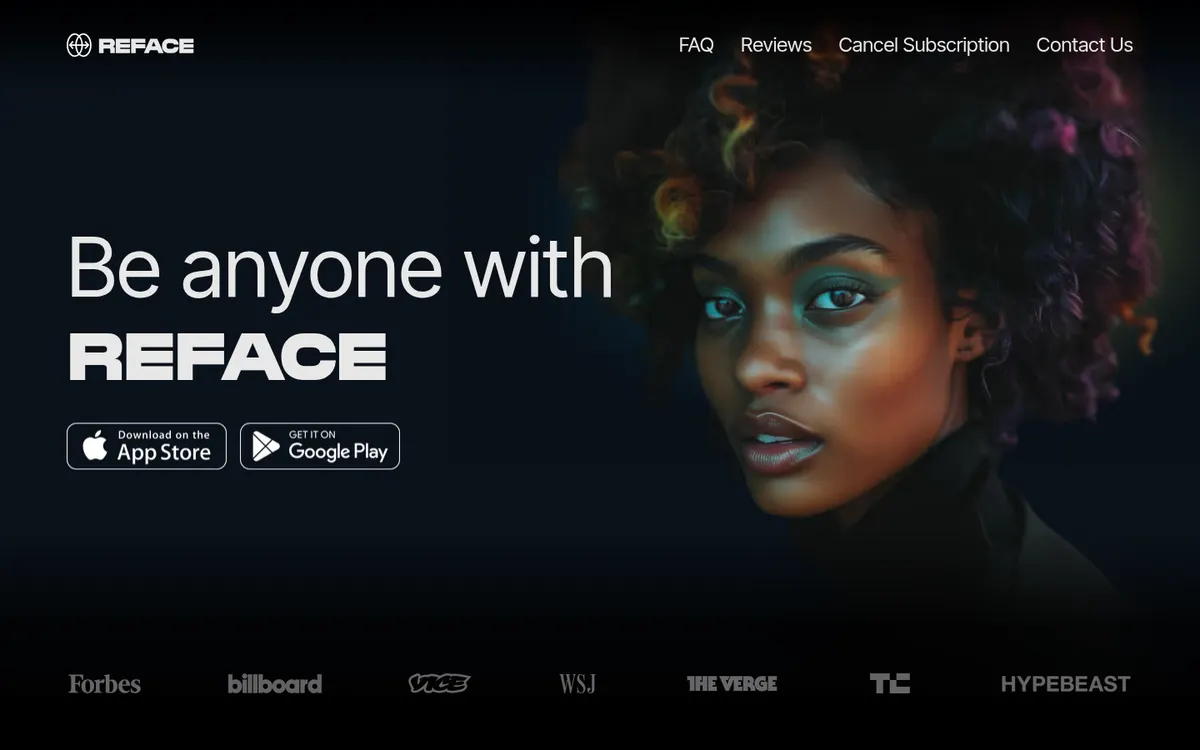
Reface turns a photo into a shareable animated swap clip fast, but free exports carry a watermark until you pay.
Reface is the mobile-first entry here. It does face swaps in photos and, more to the point, animated face swap clips assembled from a template library, which is what most people open a face swap app for in the first place. The workflow is built for short social video rather than for still images you plan to retouch, so the tool is narrow on purpose: take a template, drop in a face, export a clip.
Free use exists, but it is not a clean free run. Free exports carry a watermark, and the full feature set sits behind a paid plan, so anything you publish without paying will show the mark. Pricing is not published in a form we could check; the pricing page returned no text on 2026-11-25, and there is no separate trial noted. Plan on confirming the current rate on the vendor site before you build a workflow around it.
The template library is the reason to pick it. Face swap apps live or die on how fast you get from a photo to something postable, and prebuilt templates cut that to a couple of taps. Editors who want frame-level control over a swap, or who need to swap faces inside a longer clip, will find the template approach limiting rather than fast.
Fit is narrow and clear. Reface suits a social poster who wants a funny or uncanny short clip for a feed and does not mind a watermark until they pay. It does not suit anyone swapping faces in long video, anyone who needs an unwatermarked export for free, or anyone who wants to do the work in a desktop browser.
You want a fast animated face swap clip for a social post and can live with a watermark until you upgrade.
You need unwatermarked free exports, longer video swaps, or a desktop browser workflow.
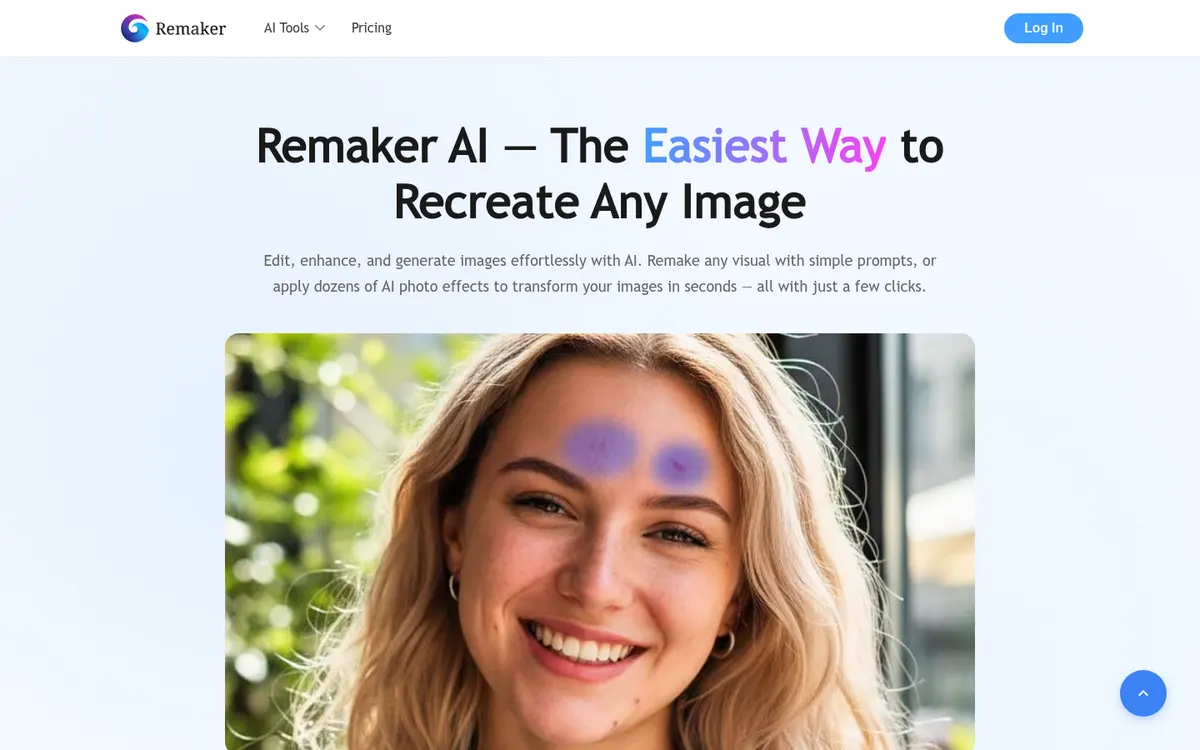
Remaker AI is the best free browser pick here for photo, group and short video swaps, with credits as the catch.
Remaker AI is the browser option for people who do not want to install anything. Photo swaps, short video swaps and group photo swaps all run in a tab, which matters when the photo you want to edit lives on a laptop rather than a phone. Group photo support is the standout feature here. Free usage is credit-limited. That is the trade: no download, no install, but a fixed amount of free work before the tool asks for money. Higher resolution output is reserved for paid plans, so free exports are workable for a feed and not for anything you would print or crop hard. Pricing is not listed on the vendor site as checked on 2026-11-25, so confirm the rate before you plan around it. No separate trial is noted. The free tier is the trial in practice, and credits are limited, so budget your attempts. Budget your attempts rather than your minutes. It fits casual and semi-regular use: a group shot for a birthday, a short clip for a story, a swap you want to try before deciding whether to pay. It also suits someone whose source images sit on a desktop and who does not want a phone app in the loop. It does not fit bulk work, since credits disappear fast once you start rerunning a swap, and it does not fit anyone who needs high resolution without paying. For a free browser photo swap, start here.
You want free browser swaps for photos, group shots and short clips without installing anything.
You need high resolution without paying or a large batch of swaps done on free credits.
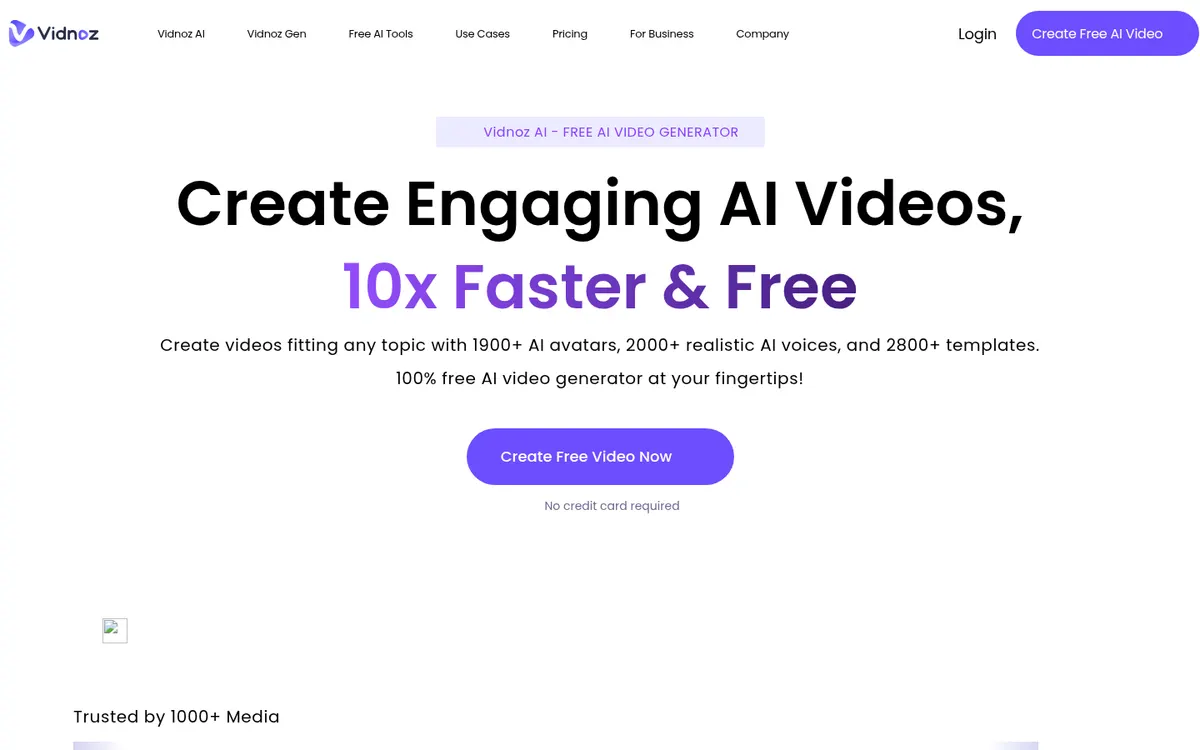
Vidnoz AI gives you photo swaps, video swaps and AI video tools in one browser account, with capped free output.
Vidnoz AI combines photo swaps, video swaps, AI video tools and AI avatar tools in one browser account. That breadth is the point. If you already use it for avatar videos or other AI video work, adding a face swap is one more menu item rather than another subscription and another login. The free tier is real but limited. Some free outputs are watermarked, output counts are capped, and full use requires a paid plan. There is no separate trial noted, so the free tier is what you evaluate with. Pricing is not listed in a form we could check on 2026-11-25; the pricing page returned no text, so confirm plan limits and rates on the vendor site before committing. The advantage of a combined tool is fewer moving parts. You can swap a face in a photo, swap a face in a video, then push the result into the same account's video tools without exporting to another service. The disadvantage is that the face swap module is one feature among many, so the free allowance can get spent on the other tools and leave nothing for swaps. It fits a small team or solo creator who already lives in a browser-based AI video stack and wants face swaps in the same place. It does not fit someone who only wants a single photo swap and nothing else, because the free caps and the watermarks will be the whole experience. Buyers who need clean, high-volume swaps should price the paid plan against a dedicated tool first, and check whether watermarks come off at that level.
You want face swaps inside an existing browser-based AI video toolkit rather than as a separate app.
You only need one clean photo swap and want no cap or watermark on the free path.
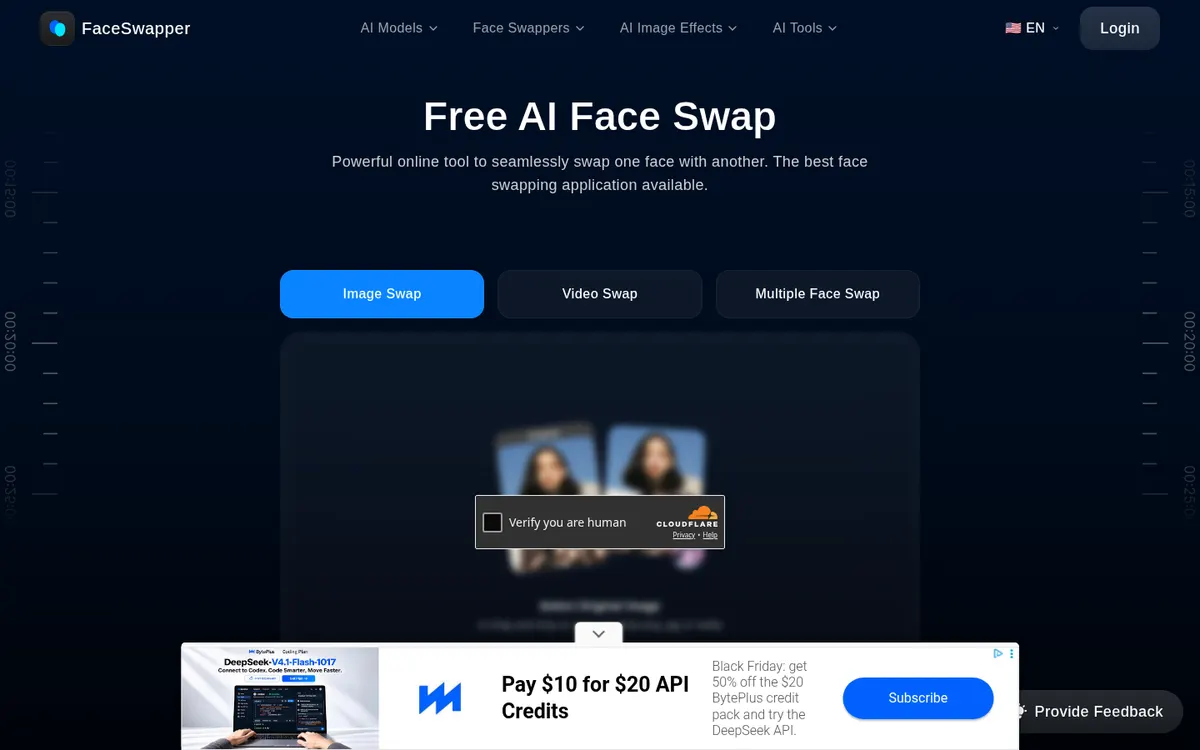
FaceSwapper.ai is a plain browser photo swapper that handles group shots, with daily free limits that punish bulk work.
FaceSwapper.ai does one thing plainly: browser photo face swaps, including group photos, with no software installation. The workflow is short. Upload the target photo, upload the face, run the swap, download. The tool is built around a simple browser workflow, which is either a virtue or a limitation depending on what you came for. Free use comes with daily limits. That makes it a good fit for occasional edits and a poor fit for bulk work, because you cannot clear a batch in one sitting on the free tier. Video features vary by plan, so anyone who needs moving pictures should check what their chosen plan includes before paying. Pricing could not be checked on 2026-11-25; the page loads but states pricing is unavailable, and only free usage is described. Group photo support is worth calling out. Swapping one face is easy; keeping a row of faces consistent in a single image is where cheap tools show their seams. Free use has daily limits, so check the allowance before you start a larger job. It fits a casual user who wants a clean photo swap in a browser now and does not want another app on the phone. It also fits someone testing a look before committing to a paid tool, since the daily limit is enough for a handful of trials. It does not fit a team processing client images regularly, since daily limits and plan-dependent video features are exactly the constraints that break a production workflow. There is no separate trial noted.
You want plain browser photo swaps, including group shots, for occasional personal edits.
You need to process a batch in one day or rely on video swaps at a known price.
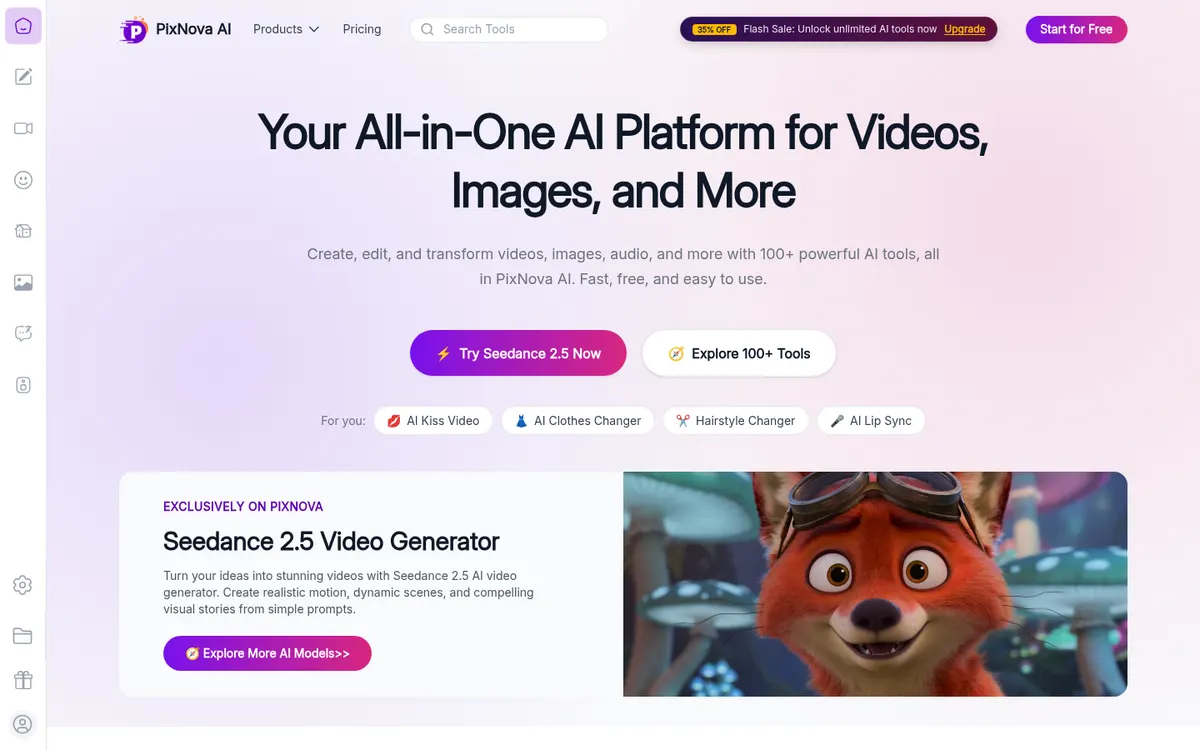
PixNova AI is the fastest free path to a swapped photo, with no login and a $7.99 credit pack when you need more.
PixNova AI is a quick path from nothing to a swapped photo. Basic photo swaps run in the browser without a login, which removes the signup step for a quick test. Instant access is the feature, and it is a real one when you are testing on a borrowed laptop or want to see whether the tool is any good before handing over an email address. Usage is capped on the free side, and larger projects need a paid plan. The published entry price is a one-time $7.99 for 1,600 credits under a pay as you go model, which we checked on the vendor site on 2026-11-25. That one-off structure suits people who swap faces in bursts rather than every week, and it avoids a recurring charge for a tool you open twice a season. Beyond photos, PixNova AI supports light video work. That is a modest claim and worth reading literally: if you need long clips with multiple faces, look at a dedicated video tool. The no-login rule applies to basic photo use, while paid plans cover higher volume. It fits someone who wants an instant browser swap, does not want to create an account for a one-off, and likes the idea of buying credits once instead of subscribing. It also fits a buyer who wants a checkable price rather than a sales conversation, since this is one of the few entries here that publishes one. It does not fit a heavy user who needs volume without caps, or a video-first creator, since the credit path and the light video support are aimed at smaller jobs. No separate trial is noted, because the free tier and the credit pack cover that ground.
You want an instant browser photo swap without an account and prefer buying credits once to subscribing.
You need long video swaps or uncapped volume on a free tier.
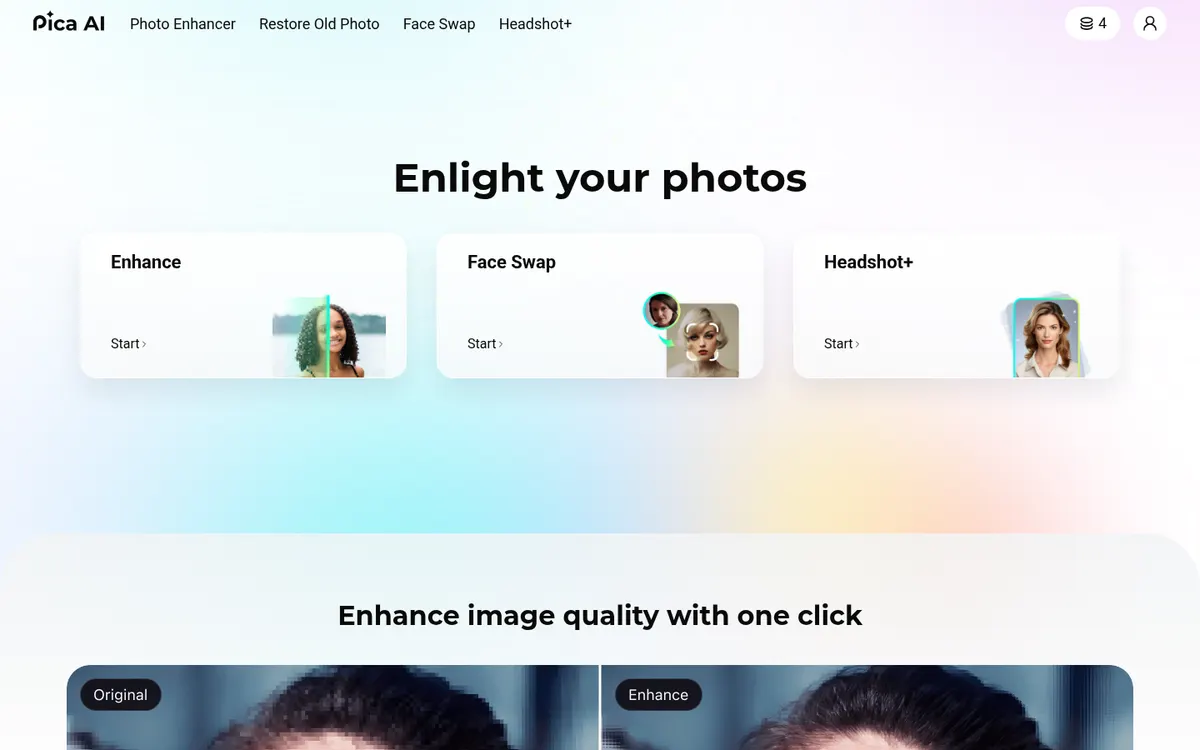
Pica AI adds photo editing to browser face swaps, which suits casual touch-ups but not deadline work or video.
Pica AI pairs photo face swaps with photo editing tools in the browser, so a swap does not have to be the last step. You can swap a face and then adjust the result in the same place rather than exporting to an editor and importing it back. For casual edits, that combination removes a hop and keeps the whole job in one tab.
Free credits are limited, and the free tier can involve wait times. Both constraints point the same way: this is a tool for occasional work, not for a queue of client images with a deadline. Pricing is not listed in a form we could check on 2026-11-25, because the pricing page returned no text, so confirm the current rate on the vendor site. There is no separate trial noted, so the free credits are the evaluation.
The editing tools are the differentiator. A swap often looks wrong for reasons that have nothing to do with the swap engine: mismatched color, soft edges, a face that is too bright against the rest of the frame. Having basic editing next to the swap lets you fix some of that without leaving the page, which is more than the bare photo swappers here offer.
The swap engine itself is photo-only, which matters. Anyone who needs video swaps, GIF swaps or long clips should look at Vidnoz AI, DeepSwap or Magic Hour instead. Anyone who wants a photo swap plus a few touch-ups in one browser session will find the flow shorter than stitching two tools together.
It fits a casual editor working on a handful of images at a time who wants the swap and the cleanup in one place. It does not fit high-volume work, since free credits run out and the free queue can make you wait, and it does not fit video work at all. Budget for wait times on the free tier if you are on a deadline.
You want a photo swap and a few edits in one browser session without switching tools.
You need video swaps or a predictable turnaround on a batch of images.
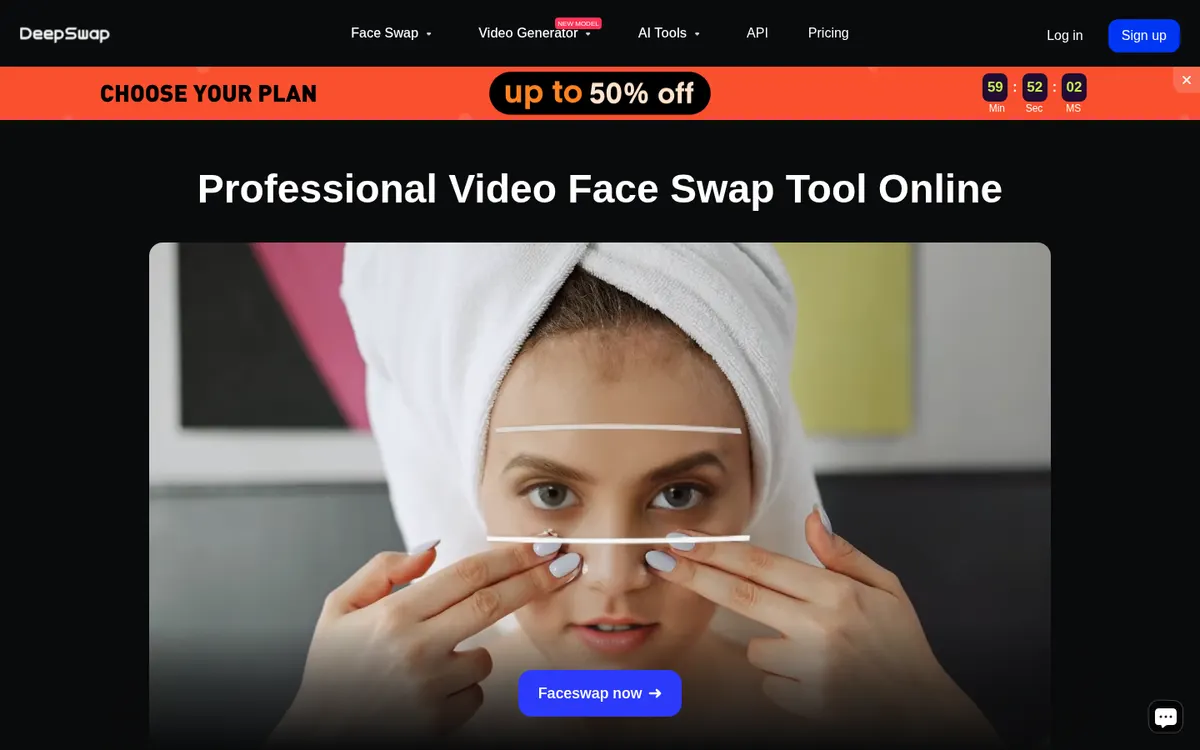
DeepSwap handles photo, video and GIF swaps with a quality focus, but free is a trial and most features cost money.
DeepSwap aims at output quality rather than volume of features. It handles photo face swaps, video face swaps and GIF face swaps in a browser, and the vendor positions the result around higher-quality output. For anyone who needs a swap inside moving footage, having photo, video and GIF in one tool is the reason to look here. Free use is a trial, not a plan. Most features require payment, so the practical question is what the subscription costs. The lowest paid tier is one month of access at $9.99 with the first order discount, and the 12 month option is $49.99, which we checked on the vendor site on 2026-11-25. Anyone evaluating should treat the free trial as a quality test, not as a permanent home. The quality focus comes with a trade. With no permanent free plan for full use, there is no long-term no-cost path, and a trial gives you limited time to judge whether the engine suits your footage. Test on the hardest material you have, low light or a face at an angle, before you commit to a year. The 1 month entry price is also a first order discount, so it is a poor guide to what a renewal costs. It fits a creator or small studio that needs photo, video and GIF swaps from one browser tool and is willing to pay for output quality. It does not fit someone hunting for unlimited free use, or someone who swaps once a month and would rather buy credits than a subscription. Starting with one month at $9.99 under the first order discount is the sensible way to test it against your own footage.
You need photo, video and GIF swaps from one tool and will pay for output quality after a trial.
You want a lasting free option or only swap a face once in a while.

Magic Hour puts video face swaps inside a creator video stack, with a $15 per month yearly rate and watermarked free output.
Magic Hour is built for creators, and the face swap sits inside a broader set of AI video features rather than standing alone. If your work already involves generating or editing video, the swap is one tool in a stack you are using anyway, which is a different value calculation from paying for a single-purpose app.
Free outputs may carry light watermarks in some cases, and full use requires a paid plan. Pricing leads with the Creator plan at $15 per month billed yearly against $24 month to month, checked on the vendor site on 2026-11-25. That gap is large enough that the yearly commitment is the number to weigh, not the monthly headline, because the lower figure only exists if you pay for twelve months up front.
The creator-oriented workflow is the selling point. Video face swaps are harder than photo swaps, and a tool that treats them as part of a video pipeline rather than a novelty filter tends to be the better home for repeat work. The trade is complexity: there is more on screen than a one-button photo swapper, and that is a cost if you only want a single still.
It fits a creator producing video regularly who wants face swaps alongside other AI video features and can justify a recurring plan. It also fits someone who would rather learn one video environment than juggle a swapper and an editor. It does not fit someone who swaps a face in one photo a month, because a subscription for that is poor value, or someone who needs a watermark-free free export. No separate trial is noted, so the free tier is the test.
You produce video regularly and want face swaps inside a wider AI video toolkit you will keep using.
You need a watermark-free free export or only edit a still photo now and then.
Artguru AI combines photo face swaps with art and editing tools, though free use is capped by volume and resolution.
Artguru AI combines photo face swaps with art tools and photo editing tools in a browser. The pitch is breadth inside the photo category: swap a face, then work on the image with creative effects and editing rather than exporting to another app. For someone making stylized images rather than straight portraits, that combination is more useful than a bare swap button.
Free use is limited by both volume and resolution. You get a certain amount of work at a certain size, and higher resolution requires a paid plan. That second limit is the one that catches people: a swap that looks fine at preview size can fall apart when you need it larger. Pricing is not listed in a form we could check on 2026-11-25, since the pricing page returned no text, so confirm on the vendor site.
There is no separate trial noted. The free tier is the evaluation, which is normal here, but it means you should test with the output size you actually need before deciding the tool is good enough. Testing at preview size and discovering the paid limit later wastes the free allowance.
The art tools are the differentiator and also the distraction. If you want a clean, straightforward swap of one face onto one photo, the extra creative options add clicks without adding value. If you want a stylized result that looks deliberately made rather than pasted, having them in the same place saves a round trip to an editor.
It fits a casual creator making stylized or art-directed photos who wants swaps and editing in one browser tab. It does not fit anyone swapping faces in video, since the tool is photo-only, or anyone who needs high resolution without paying. Compare the paid rate against PixNova AI's one-time credit pack if you only need volume occasionally.
You make stylized photos and want face swaps plus creative editing in one browser tool.
You need video swaps or high resolution output without a paid plan.
A face swap app or website takes a face from one image or clip and maps it onto a face in another, matching position and angle and, at the better end of the market, lighting and skin tone. Free in this category almost never means unrestricted. It means one of four things, and knowing which one you are looking at saves a wasted afternoon. - A free tier with a cap: a set number of swaps, credits or daily uses before the tool stops you.
This comparison sits on the Software desk. Readers comparing neighbouring stacks often check our guides to demand forecasting software and glp 1 companies next.
Pricing in this category falls into four models, and the free offer tells you which one a vendor is really selling. Most tools give you a capped free run, then charge by subscription or credit. A few use the free tier as a demo for a paid product with no free plan of consequence.
| Model | How it bills | Typical fit | Example from this list |
|---|---|---|---|
| Free tier with caps | No charge, with watermarks, daily limits or credit ceilings | Trying a tool before paying | Reface free exports carry a watermark |
| Credit pack | One-time purchase of a fixed credit balance | Occasional or bursty project work | PixNova AI, 1,600 credits for a one-time $7.99 |
| Trial then subscription | Short free access, then a recurring fee | Judging output quality before committing | DeepSwap, trial then 1 month at $9.99 with the first order discount |
| Monthly or yearly subscription | Recurring charge, with a discount for annual billing | Regular video or client work | Magic Hour, Creator at $15 per month billed yearly against $24 month to month |
Every price above was checked on the vendor's own pricing page on November 25, 2026. Where a vendor does not publish a figure we write "See website" instead of guessing. To compare annual and monthly billing quickly, try the free percentage calculator.
Fix the output type first. Decide whether you need a still photo, a short animated clip or footage with moving faces. That single answer removes most of the list before you look at a price, because photo-only tools cannot do video and video tools cost more.
Read the free allowance in units you will use. A daily limit of a few swaps suits a hobby, a credit pack suits bursts, and a watermark suits anyone who never posts publicly. Match the unit to your actual week rather than to the biggest number.
Check resolution before you commit. Several tools here reserve higher resolution for paid plans, so test at the size you actually need rather than at preview size, or you will pay to discover the export was soft all along.
Test on your hardest image or clip. Low light, angled faces and group shots are where swap engines separate. Run the free tier against the worst material you have, not a clean front-facing studio portrait.
Confirm the renewal price, not the first order price. First order discounts and yearly equivalents flatter a headline. Ask what the second payment is, whether watermarks come off at that tier, and whether you can cancel before it lands.
Get consent in writing. Before you swap anyone's face, confirm they agreed and that the use is personal or properly licensed. That step costs nothing and prevents the one mistake here that a refund cannot fix.
Buying a year after a five minute test. Annual plans carry the best headline rate and the least room to back out. Run the free tier or the cheapest month against your own worst footage before you trade flexibility for a discount.
Judging quality on a preview sized export. Free tiers often cap resolution. A swap that looks convincing at small size can fail at full size, so export at the dimensions your finished work needs before you decide.
Ignoring watermarks until publish day. Several free tiers mark exports. Check the export, not the preview, and decide early whether a marked image is acceptable, because finding out after you have scheduled a post is worse.
Swapping a face without permission. Likeness rights, defamation and synthetic media rules apply even to a joke clip. Keep swaps to people who agreed, keep personal use personal, and get the other person's answer before you upload rather than after.
Assuming free means the paid step is cheap. Six of the nine tools here did not show a checkable price on 2026-11-25. A generous free tier can sit in front of an expensive plan, so ask for the renewal rate before you build a workflow around it.
No tool on this list offers unlimited free use. Reface watermarks free exports, Remaker AI caps free credits, FaceSwapper.ai applies daily limits, Pica AI limits free credits and can make you wait, DeepSwap offers a trial rather than a free plan, and Magic Hour may watermark free outputs. Treat any claim of unlimited free swapping as a question to verify on the vendor's own terms page.
PixNova AI offers a quick basic photo swap because it needs no login, and it publishes a one-time $7.99 price for 1,600 credits. Remaker AI is the better pick for group photos and short video in a browser. FaceSwapper.ai is a simple option if you only want photo swaps and can work within daily limits. All three avoid installing anything.
Vidnoz AI, DeepSwap, Magic Hour and Remaker AI all handle video, but free access differs sharply. Vidnoz AI caps free output and watermarks some of it, Magic Hour may watermark free outputs, Remaker AI limits free credits, and DeepSwap gives you a trial rather than a free plan. For repeat video work, budget for a paid tier and test output quality first.
The main risk is using someone's likeness without permission. That can breach publicity or likeness rights, and a manipulated image can be defamatory or fall foul of synthetic media disclosure rules, which vary by country. Keep swaps to people who agreed, avoid implying a real person said or did something they did not, and treat commercial use as needing a written release rather than a verbal yes.
Start with a front-facing source face that is evenly lit and not obscured by sunglasses, hair or hands. Match the angle and head size between the source face and the target, because a profile onto a front-facing shot rarely lands. Higher resolution helps, which is why paid tiers that lift export size matter. Run one test at the output size you need before committing.
Vendors and readers can contact us through the site with the page URL and the specific fact that needs changing, such as a published price, a plan limit or a free tier change. We recheck vendor pricing pages before each update, most recently on 2026-11-25. Any paid placement is disclosed.
Browse every comparison on the Software desk, with the same rubric and dated prices.