Ranked #1

Harvest
One-click timers
$9Teams, per seat per month, billed annually at $108 per seat per year
- Best for
- Agencies and studios billing by the hour
- Free plan
- Yes, 1 seat and 2 projects
- Rubric
- 8.0 / 10
Seven time and billing tools compared on price, invoicing, trust accounting and free plans, with vendor prices checked on November 25, 2026.
 Prices checked November 25, 2026

Harvest is the best fit for agencies and studios billing by the hour, Clockify for budget-conscious teams of any size, and BigTime for consulting, accounting and engineering firms with client-specific billing rules. That is the short answer for November 2026, based on vendor pricing pages checked on November 25, 2026. The seven tools below cover hourly billing, legal trust accounting, flat-rate invoicing and free options. Paid prices start at $3.99 per seat per month for Clockify's Basic tier and reach $49 per user per month for Clio's Starter plan, and Zoho Invoice is free.
One-click timers
$9Teams, per seat per month, billed annually at $108 per seat per year

Lowest entry price
$3.99Basic, per seat per month, billed annually, $4.99 billed monthly

Full billing workflow
$20Essentials, per user per month
Disclosure for this page: All 7 tools here are unpaid editorial picks. The position of a paid listing can be part of what the vendor pays for. How we handle paid listings.
| Tool | Best for | Free plan | Actions | |||
|---|---|---|---|---|---|---|
| 1 | Harvest | Agencies and studios billing by the hour | $9Teams, per seat per month, billed annually at $108 per seat per year | Yes | ||
| 2 | Clockify | Budget-conscious teams of any size | $3.99Basic, per seat per month, billed annually, $4.99 billed monthly | Yes | ||
| 3 | BigTime | Consulting, accounting and engineering firms | $20Essentials, per user per month | No | ||
| 4 | Bill4Time | Small law firms and professional practices | $39Time and Billing, per user per month, billed annually | No | ||
| 5 |  Clio | Law firms that want billing inside practice management | $49Starter, per user per month | No | ||
| 6 |  Paymo | Creative teams that need tasks plus invoicing | $5.9Solo, per month, limited to 1 user, $5.9 for 3 months then $9.9 | Yes | ||
| 7 | Zoho Invoice | Freelancers and very small businesses | FreeSingle free plan, no paid tier | Yes |
Every tool here was scored against the same five criteria, and the weights reflect what buyers feel after the first invoice cycle. Billing workflow carries 30 percent, because a time tracker that cannot produce a correct invoice is a data entry tool. Price clarity carries 20 percent: published rates, published tiers and no surprises from usage fees. Time tracking depth takes another 20 percent, since capture speed decides whether the data is any good. Accounting fit, 15 percent, covers QuickBooks, Xero, Stripe, payment processing and legal e-billing formats. Fit and onboarding, the last 15 percent, weighs who the product is built for and how long it takes to go live, whether that is self-serve signup or a sales demo.
Prices, plan names, seat rules, free plans and trial terms come from vendor pricing pages checked on 2026-11-25. Where a vendor publishes only an entry tier, that is noted as a limitation rather than filled in with a guess. Where a vendor bills by usage beyond plan limits, the review says so, because the headline seat price is not the monthly bill for a busy firm.
The Featured listing is a paid placement. It is scored with the same rubric, its cons are listed in full, and it is not exempt from the weaknesses found in the others. Scores inform the write-up; the order is editorial, based on fit for the buyer each entry describes, plus that disclosed Featured position.
The full process, including how we handle corrections, is on the methodology page. Paid listings follow our advertising disclosure.
| Criterion | Weight | What we check |
|---|---|---|
| Billing workflow | 30% | How far the tool carries tracked hours through rates, approvals, invoicing and payment without manual repair. |
| Price clarity | 20% | Whether tiers, seat rules and usage charges are published, so the monthly bill can be modeled before signing. |
| Time tracking depth | 20% | How fast hours are captured on desktop and mobile, and whether rounding, task rates and approvals exist. |
| Accounting fit | 15% | Coverage of QuickBooks, Xero, Stripe, payment processing and legal e-billing formats such as LEDES. |
| Fit and onboarding | 15% | Who the product is built for and how quickly a team can go live, whether by self-serve trial or sales demo. |
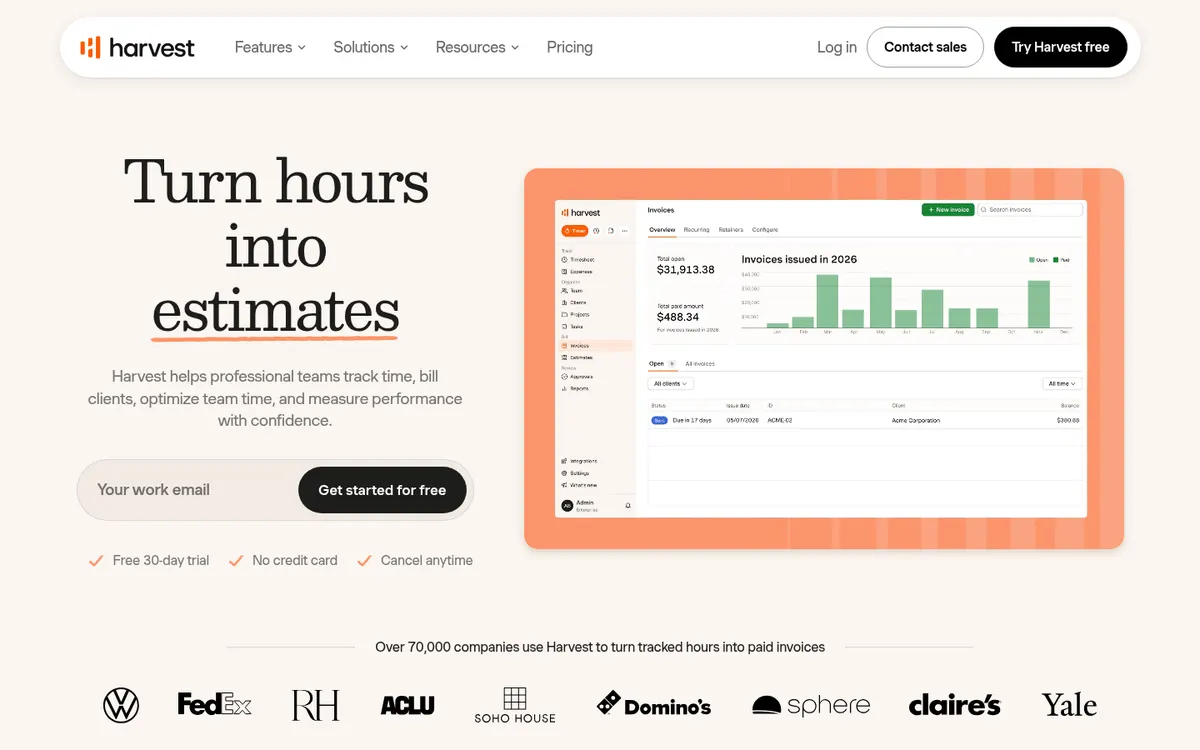
Harvest wins on fast timers and a clean invoice flow, though approvals and profitability reporting sit behind the $14 Enterprise tier.
Harvest is a time tracker that finishes the job with an invoice. Timers start in one click on the web app, the desktop app and mobile. Time rounding and budget tracking are included, so a studio can turn a month of tracked hours into a client invoice in a few steps. Invoices can be built from tracked time and expenses together, which keeps reimbursable costs on the same document as billable hours. Pricing runs on seats. Teams is $9 per seat per month, billed annually at $108 per seat per year. Enterprise is $14 per seat per month annually and adds timesheet approvals, profitability reporting by client and project, the activity log and SAML single sign-on. The vendor also charges by usage beyond plan limits for invoices, projects, clients and tasks, so heavy invoicing pushes the real bill above the headline seat price. QuickBooks Online, Xero and Stripe sync are available on paid plans, which matters if invoices need to land in the books without retyping. Seats can be added mid-cycle but not removed until renewal, a detail worth raising with finance before a headcount change. SAML single sign-on exists, but it sits on Enterprise alongside the other administrative controls rather than on the entry tier. It fits agencies, studios and consultancies that sell hours and want client-ready invoices without a full PSA suite. The mobile timers and simple approval path suit people who resist timesheets. Skip it if you need trust accounting, LEDES billing or per-matter legal workflows, and compare the all-in cost if you issue many invoices each month, since usage charges can outgrow the seat line.
You run an agency or studio that bills hourly and wants clean client invoices without a full PSA suite.
You need trust accounting, LEDES output or per-matter legal billing, or if you issue a high volume of small invoices.
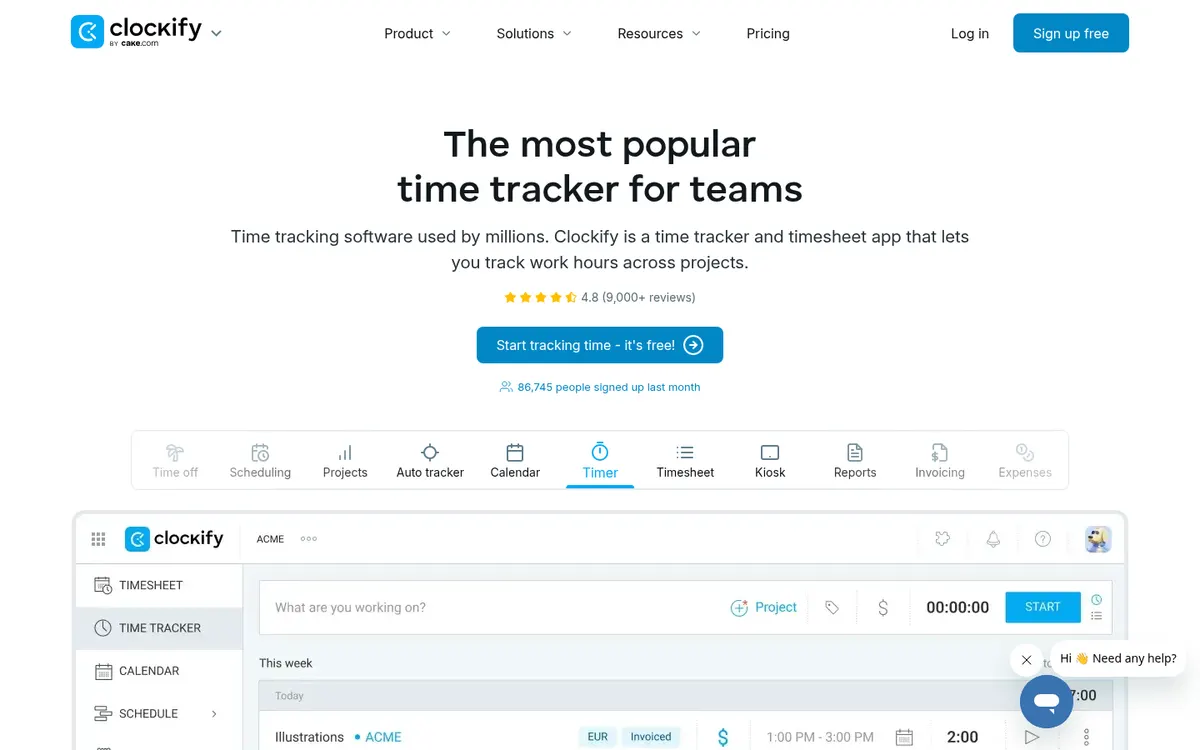
Clockify is a low-cost paid route to invoicing tracked hours, but invoicing starts at Standard and billing depth stops early.
Clockify separates tracking from billing, and the gap explains both its low price and its limits. Tracking is unlimited on every tier, including the free plan for up to 5 users, with unlimited projects. Billable rates arrive on Basic at $3.99 per seat per month on annual billing, or $4.99 billed monthly. Invoicing, time approval, locked timesheets and time rounding start on Standard, at $5.49 per user per month on annual billing. Standard also adds task rates and a QuickBooks integration, which adds an accounting sync option here. Pro, at $7.99 per user per month annually, brings expenses, budgets, estimates and profit reporting. Enterprise, at $11.99 per user per month annually, adds SSO and an audit log. A 7-day trial of PRO features is available without a credit card, so a team can test the billing tiers before choosing one. Because Clockify is a tracker first, billing depth is limited. If you need retainer rules, multi-currency invoices or approval chains that map to engagement letters, you will hit the ceiling and start maintaining exceptions by hand. Optional screenshots and activity monitoring are available, and they should be agreed with staff before anyone enables them, since monitoring changes the tone of adoption. Clockify fits teams of any size that want cheap, reliable hour capture with a simple invoice at the end, especially where five or fewer people can stay on the free plan indefinitely. That free tier is the strongest argument for it: unlimited tracking and projects at no cost is hard to match. Skip it if invoicing logic is central to how you bill, and look at BigTime, Bill4Time or Clio instead, or check whether the tiers you actually need still undercut those rivals once you add them up.
You want reliable hour capture and simple invoicing at the lowest per-user price here.
You need retainer rules, multi-currency invoices or approval chains tied to engagement letters.
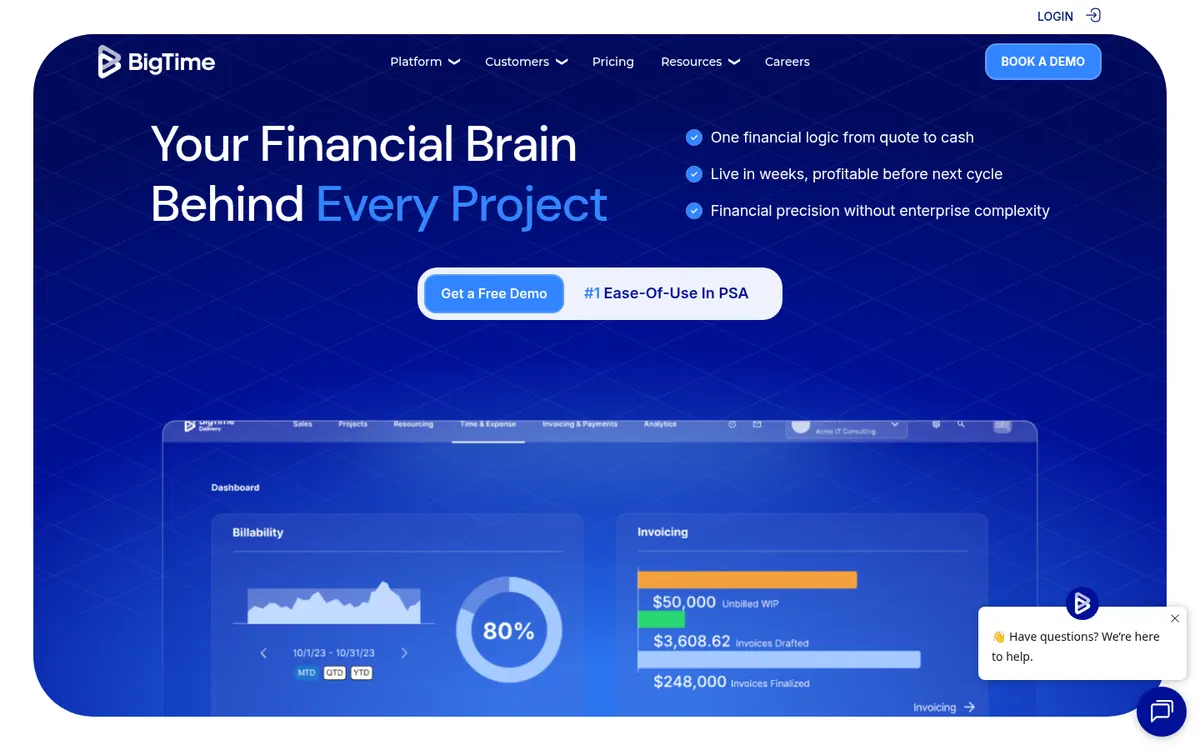
BigTime gives consulting firms a complete billing workflow on every tier, but only the $20 entry price is published.
BigTime covers time tracking, expense management, invoicing and payments on every plan, including Essentials at $20 per user per month. The QuickBooks connection is included at that entry level, which means a small firm can run the full cycle from hours to reconciled books without buying a higher tier. For consulting, accounting and engineering firms with client-specific billing rules, that completeness is the reason to shortlist it.
Higher tiers add the tools larger firms ask for. Advanced brings project templates and a custom reporting center. Premier adds project budgeting, custom cost and rate management, multi-currency invoicing and multi-level approvals. Custom invoice templates plus utilization and margin reporting cover the reporting side, which matters where partners review realization and margin by engagement rather than by client alone.
Buying is the friction. Only the Essentials price is published, and Advanced, Premier and the Enterprise PSA tier are quoted after a demo. That means a sales cycle, and it usually brings questions about contract length, onboarding fees and minimum seat counts. Ask those questions early, because a multi-year term and an implementation fee move the real cost far more than the $20 seat rate does on a small team.
BigTime fits professional services firms that need budgeting, rate management and margin reporting, and that have someone who can sit through a demo and evaluate a proposal on total cost. It also suits firms replacing a spreadsheet of pricing sheets with a system that enforces them. Skip it if you want to buy online today, or if your billing is straightforward hourly work that Harvest, Clockify or Bill4Time handles at a lower seat price.
You run a consulting, accounting or engineering firm with client-specific billing rules and want margin reporting built in.
You want to buy online in one sitting or if your billing is simple hourly work a cheaper tracker covers.
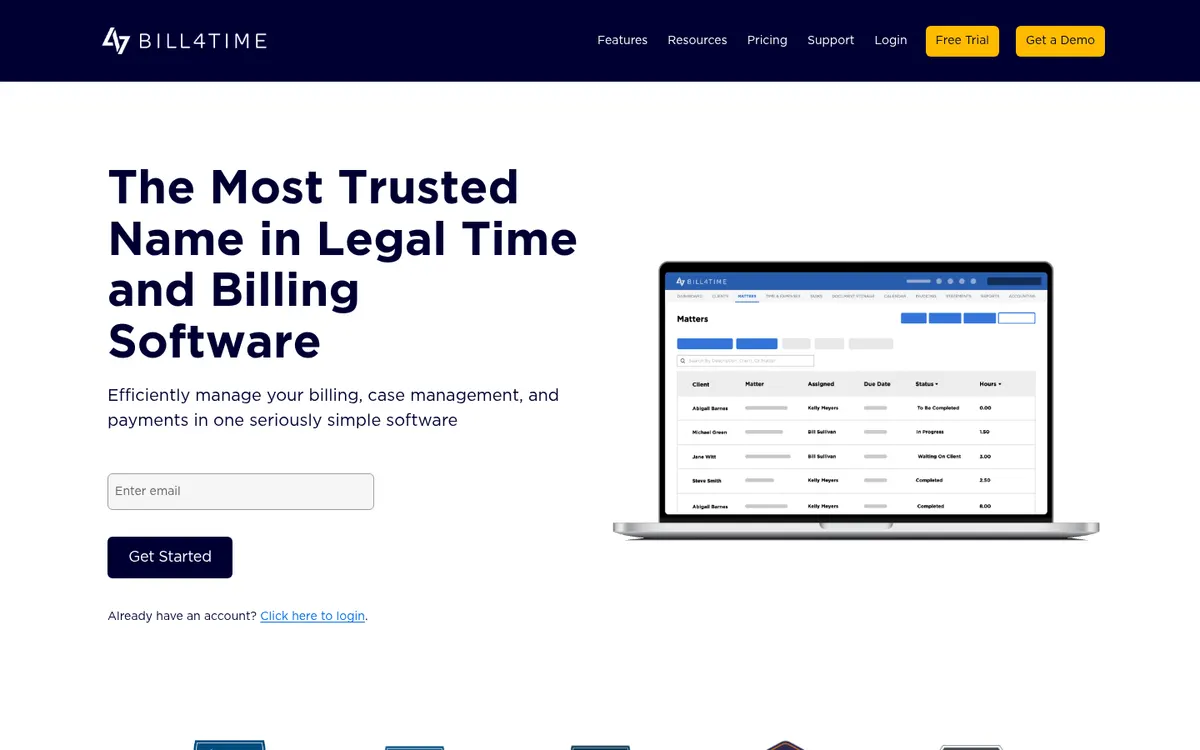
Bill4Time is the practical pick for small law firms, with trust accounting and LEDES in Legal Pro at $59 per user per month annually.
Bill4Time is a billing product with a practice layer on top, built for small law firms, accountants, consultants and architects. The base Time and Billing plan covers time capture, invoicing and payment collection, a client portal, document management, payment processing, invoice templates, calendar sync and a QuickBooks integration. That is a complete billing loop at $39 per user per month on annual billing, and a ten-seat deployment runs about $390 per month.
Legal Pro, at $59 per user per month on annual billing, is where the compliance features sit: trust accounting, a conflict checker, contingency billing, LEDES export with UTBMS codes, and Box or NetDocuments integration. Firms that hold client funds or bill corporate counsel should budget for Legal Pro from day one rather than treating it as a later upgrade, because retrofitting trust workflows mid-year is painful.
Enterprise adds custom data fields and a dedicated account manager. Pricing is published for all four tiers, which is unusual in this group and makes budgeting simpler for a managing partner. The trade-off is scope: project management beyond billing is thin, so teams that want tasks, resourcing and Gantt views will run a second tool alongside it and should count that cost.
Bill4Time fits small law firms and professional practices that need clean invoices, a client portal and trust accounting without a full practice management suite, and that will pay a higher per-seat rate for billing depth. It also suits accountants and architects who bill hourly with detailed expense recovery. Skip it if you are a general business billing hourly with no legal or trust requirements, where Harvest or Clockify cost far less per seat.
You run a small law firm or practice that needs trust accounting and LEDES billing without a full practice management suite.
Your billing is general hourly work with no legal or trust requirements.

Clio puts time, billing and practice management in one system, but Starter withholds accounting integrations and the client portal.
Clio is practice management with billing inside it, and that framing explains both its strength and its price. Starter covers time and expense tracking, hourly, flat-rate and contingency billing, trust account management and payment plans, LEDES output and UTBMS coding, matter, document and calendar management, online payment collection, and data export in nonproprietary formats. For a small law firm that wants one system of record, that is a lot at $49 per user per month. Where Starter stops matters. It lacks QuickBooks and Xero integrations, conflict checks, document templates and the client portal, so firms that need accounting sync or a branded client portal should ask Clio about higher tiers. Clio does not publish prices for Core, Signature or Elite, which makes an apples-to-apples comparison hard until you request a written quote and see how the tiers stack up against Bill4Time. Payment costs need modeling too. Clio lists 2.95 percent for credit and debit cards, 3.75 percent for Amex, and 1 percent for ACH and eCheck. On a firm processing large monthly volumes through the platform, those percentages can exceed the subscription line, so run last year's deposit totals through the math. Cancellation takes effect at the end of the current term, and data can be exported in open formats, which lowers the risk of trying it. Clio fits law firms that want billing, matters, documents and trust accounting under one login, and that would rather pay per user than stitch three tools together. Support runs by phone, email and chat on weekdays, which matters to small firms without an IT desk. Skip it if your billing is general hourly work with no trust funds, or if you need published pricing for every tier before a budget is approved.
You want billing, matters, documents and trust accounting under one login at a law firm.
You need published pricing for every tier or your billing carries no trust funds.
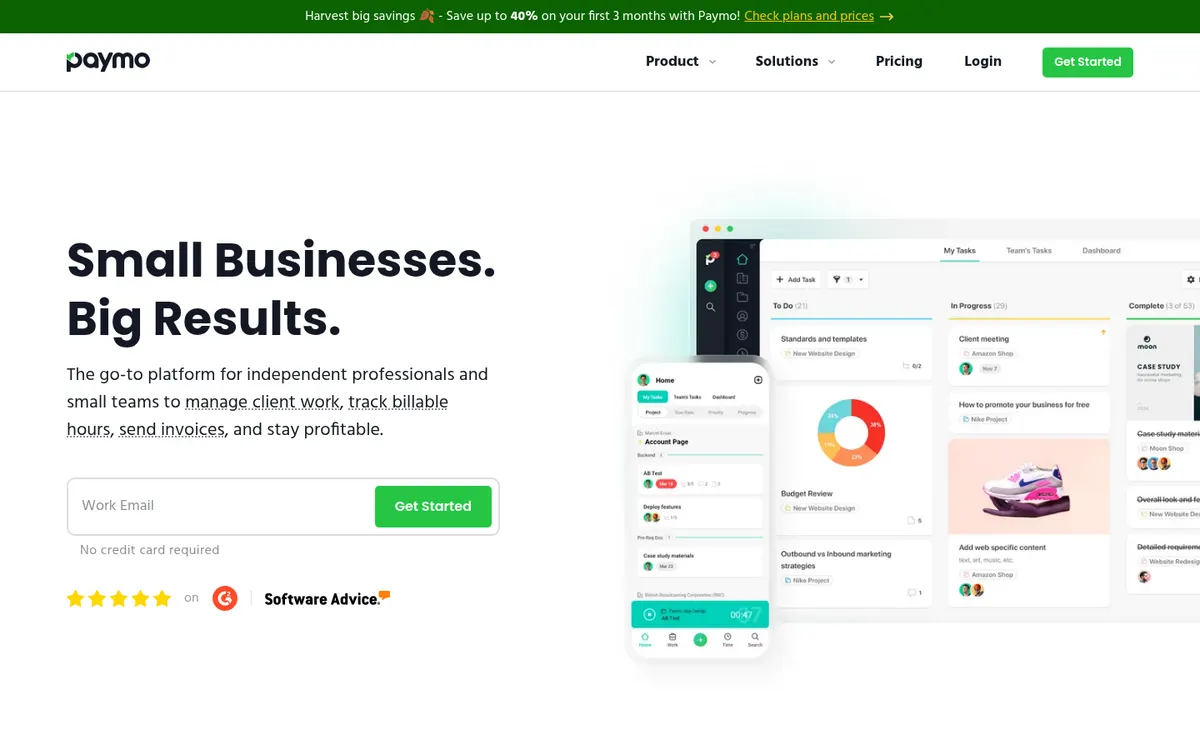
Paymo suits creative teams that want tasks and invoices in one place, but plan mixing is not allowed and refunds are not offered.
Paymo combines task management, time tracking and invoicing in one tool, which is the right shape for a design studio or small agency that already thinks in tasks. Timers sit on tasks, tracked hours flow into invoices, and estimates and budgets show whether a project is drifting. Plus adds advanced task management, reporting and project templates, along with proofing and versioning for design work. Pro adds resource scheduling, Gantt charts and leave management. Pricing has a quirk. Solo is $5.9 per month for a single user, but that figure covers three months and then moves to $9.9. Plus is $10.90 and Pro is $16.90 per user per month on annual billing. Annual billing lowers prices by up to 40 percent, according to the vendor. The free plan covers 1 user, 1 client and 2 projects, and the trial runs 15 days without a credit card. Two rules make Paymo harder to scale than the seat price suggests. Every user in an account must sit on the same plan, so one person who needs scheduling or Gantt charts pulls the whole account up to Pro. And the vendor does not offer refunds under its terms, which raises the stakes on picking a term and a tier before you have tested the workflow on real work. Paymo fits creative teams that need tasks, timers and invoices without buying a separate project management tool, and freelancers who can live inside one plan for one main client. Proofing and versioning are genuinely useful for studios handling design rounds. Skip it if billing rules differ per client, if you need trust accounting or LEDES output, or if your team's needs are uneven enough that mixed plans would save money.
You run a creative team that wants task management and invoicing without a second subscription.
Your team needs differ enough that mixed plans would save money, or if you need refund protection.
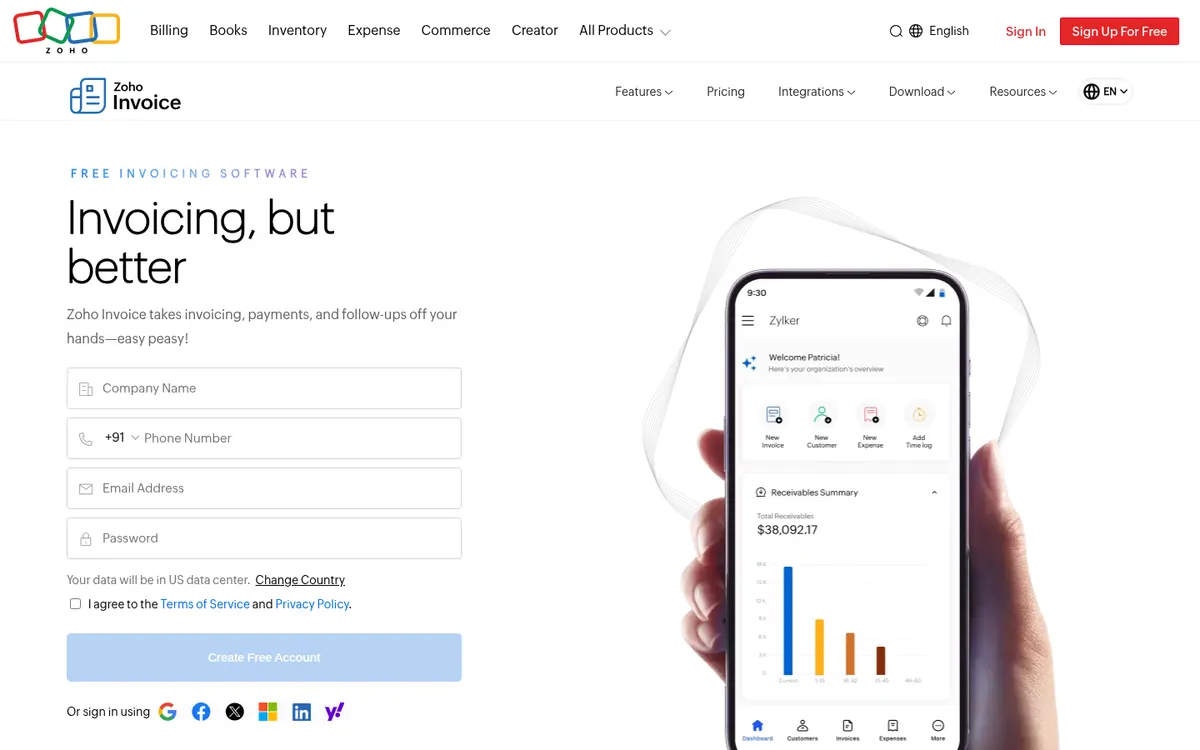
Zoho Invoice is free and covers quotes to payments, but its tracking and reporting stop well short of a billing-first tool.
Zoho Invoice is free and has no paid tier, which makes it the natural starting point for freelancers and very small businesses that want quotes, invoices and payment collection in one app. Time logs attach to projects, and quotes and invoices sit in one app, while payment gateway integrations, automated reminders and invoice templates cover the cycle from estimate to paid. iOS, Android and desktop apps are included at no cost, so hours can be logged away from a desk. The trade-off is depth. Time tracking is lighter than in a dedicated tracker: there are no utilization reports, approval workflows or pricing-sheet rules, so a firm with several billers and client-specific rates will spend time correcting figures by hand. Firms that need bookkeeping or payroll links must move to Zoho Books, which is a separate product, so the zero price is not the whole picture for a growing team. For a solo consultant with a handful of clients, that trade-off is easy to accept. You get a real invoicing application for nothing, reminders run themselves, and the mobile apps mean hours get logged before they are forgotten. The cost shows up later, when the business grows and the question shifts from whether you can invoice from tracked time to whether you can control rates, approvals and reporting across several people. Zoho Invoice fits freelancers, solo consultants and very small businesses that bill a few clients and want no subscription cost. Skip it if you need approvals, utilization reporting, pricing sheets, trust accounting or a paid support relationship with a billing specialist, and budget for a paid tool at that point rather than stretching this one.
You are a freelancer or very small business that wants invoicing from logged time at no cost.
You need approvals, utilization reporting, pricing sheets or trust accounting across several billers.
Time and billing software records hours against clients and projects, then turns those hours into an invoice and, usually, a payment. That sounds narrow, but the category covers a wide range of products. At one end sit simple timers with a billable rate and an invoice export. At the other end sit systems with trust accounting, multi-currency billing, approval chains and utilization reporting.
The category overlaps with two neighbors. Project management tools add tasks, scheduling and proofing. Practice management tools for law firms add matter files, documents, calendars and trust ledgers. A time and billing product can be standalone, as Harvest and Clockify are, or the billing module inside a larger system, which is how Clio works.
Four jobs matter most when you compare them:
You can tell you have outgrown a basic tracker when invoices need manual repair before they go out, when pricing sheets differ by client and nobody trusts the spreadsheet, when approvals need a paper trail, or when a second system is needed for trust accounting or e-billing formats such as LEDES. At that point the extra per-seat cost of a billing-first tool usually pays for itself in corrections avoided.
Two practical details separate a good demo from a good purchase. First, check what counts as a billable unit: some vendors charge extra beyond plan limits for invoices, projects, clients and tasks, so a firm that issues many small invoices pays more than the seat price suggests. Second, check how seats are handled: Harvest allows seats to be added mid-cycle but not removed until renewal, and Paymo requires every user in an account to sit on the same plan, so one power user can move the whole account up a tier.
This comparison sits on the Software desk. Readers comparing neighbouring stacks often check our guides to demand forecasting software and glp 1 companies next.
Time and billing software is priced per seat, almost without exception, and the seat price is rarely the whole bill. Vendors split the difference three ways: a flat per-seat rate with features fixed by tier, a per-seat rate plus usage charges beyond plan limits, or a ladder of tiers where each step unlocks billing features. A few publish only an entry price and quote the rest after a demo.
The table below shows each model with an example from this list. All prices were checked on 2026-11-25.
| Model | How it bills | Typical fit | Example from this list |
|---|---|---|---|
| Flat per seat, features fixed by tier | Per user per month, annual or monthly | Teams with stable headcount | Harvest Teams at $9 per seat per month billed annually |
| Per seat plus usage charges | Seat fee plus charges beyond invoice, project, client or task limits | Firms issuing heavy invoicing | Harvest usage charges beyond plan limits |
| Tier ladder | Per user per month, each tier unlocking features | Teams growing into approvals and reporting | Clockify Basic $3.99 to Enterprise $11.99 |
| Promotional entry rate | Low rate for a fixed window, then standard price | Freelancers testing a tool | Paymo Solo at $5.9 for 3 months, then $9.9 |
| Quoted after demo | Entry price published, higher tiers by quote | Firms with complex billing rules | BigTime, Essentials at $20 per user per month |
| Free, no paid tier | No subscription at all | Freelancers and very small businesses | Zoho Invoice |
Three patterns are worth noting. First, the cheapest seat price rarely includes invoicing: Clockify's Basic tier at $3.99 per seat per month on annual billing covers tracking and billable rates, while invoicing, time approval and QuickBooks sync start on Standard at $5.49. Second, legal features carry their own premium: Bill4Time's base plan is $39 per user per month annually, and Legal Pro, which adds trust accounting, conflict checking and LEDES export, is $59. Clio bundles trust accounting and LEDES into every plan, starting at $49 per user per month on Starter.
Third, annual billing is where the discounts sit. Clockify's Basic is $3.99 billed annually against $4.99 billed monthly, and Paymo states that annual billing lowers prices by up to 40 percent. Watch promotional rates: Paymo's Solo tier is $5.9 per month for 3 months, then $9.9, so the first-year total is not the advertised entry figure.
Where a vendor publishes only an entry tier, treat the missing tiers as unknown cost rather than a small one. BigTime quotes Advanced, Premier and the Enterprise PSA tier after a demo, and Clio does not publish Core, Signature or Elite. Ask for written quotes before comparing value.
Every price above was checked on the vendor's own pricing page on November 25, 2026. Where a vendor does not publish a figure we write "See website" instead of guessing. To compare annual and monthly billing quickly, try the free percentage calculator.
List your billing rules. Write down how you actually bill: hourly, flat rate, contingency, retainers, multi-currency, trust funds. A tool that cannot reproduce those rules on a sample invoice will cost more in manual fixes than it saves.
Count seats and invoices. Count the people who track time and the invoices you issue per month. Both numbers matter, because usage fees beyond plan limits change the math for firms that bill in many small invoices.
Find the tier that has invoicing. Locate the tier where invoicing, approvals and accounting sync actually live. Clockify needs Standard, Harvest needs Enterprise for approvals and profitability, and Bill4Time needs Legal Pro for trust accounting.
Decide self-serve or sales-led. If you want to be live this week, pick a tool with a published price and a trial: Harvest, Clockify, Bill4Time, Clio and Paymo all offer one. If your rules are complex, budget for a demo cycle with BigTime.
Test one real invoice. Run a live client invoice end to end during the trial, including expenses, tax and the accounting export. Ask the person who sends invoices whether they would rather use the new tool or the old one.
Read the exit terms. Check seat changes, refunds and data export before signing. Harvest allows seats to be added mid-cycle but not removed until renewal, Paymo does not offer refunds, and Clio lets you export data in open formats.
Comparing headline seat prices only. Clockify's Basic at $3.99 per seat does not include invoicing, and Harvest charges beyond plan limits for invoices, projects, clients and tasks. Compare the tier that includes what you need, not the entry tier.
Assuming the advertised entry rate is the annual price. Check the term and any promotional window. Paymo's Solo plan is $5.9 per month for 3 months and then $9.9, so the first-year total is higher than the number on the pricing page.
Buying legal features on a general tracker. Trust accounting, conflict checks and LEDES export are not add-ons you bolt on later. Bill4Time puts them in Legal Pro at $59 per user per month annually, and Clio includes them from Starter at $49.
Ignoring seat and plan rigidity. Paymo requires every user in an account to be on the same plan, so one person who needs Pro moves the whole team to $16.90 per user per month annually. Harvest seats cannot be removed until renewal.
Skipping the invoice test. A trial that only exercises timers tells you nothing about billing. Run a real invoice with expenses, tax and the accounting export before you commit a team to a twelve-month term.
It records hours against clients, projects or matters, applies rates, turns the result into an invoice, and collects payment. Most tools also handle expenses and sync with accounting software. Beyond that they diverge: some are timers with invoicing, like Harvest and Clockify, while others bundle trust accounting, documents and matter management, as Clio does.
Among paid tiers, Clockify's Standard is a low-cost route to invoicing on this list: $5.49 per user per month on annual billing adds invoicing, time approval, locked timesheets, time rounding and QuickBooks sync on top of Basic at $3.99. Zoho Invoice costs nothing and includes time logging and invoicing in one app, but its tracking and reporting are lighter than a dedicated tracker.
If you hold client funds or bill corporate and insurance clients, plan for both. Trust accounting keeps client money separate and auditable, and LEDES with UTBMS codes is a legal e-billing format. Bill4Time puts both in Legal Pro at $59 per user per month on annual billing; Clio includes trust accounting and LEDES from Starter at $49 per user per month.
Clockify, Harvest, Paymo and Zoho Invoice have free plans, with Clockify supporting up to 5 users, Harvest 1 seat and 2 projects, and Paymo 1 user, 1 client and 2 projects. Zoho Invoice is free with no paid tier. Trials run 30 days at Harvest, 15 at Paymo, 14 at Bill4Time, and 7 at Clockify and Clio. BigTime is demo only.
It varies by vendor and tier. Clockify's Basic plan is $3.99 per seat per month billed annually against $4.99 billed monthly, and Paymo states that annual billing lowers prices by up to 40 percent. Harvest lists $9 per seat per month on annual billing at $108 per seat per year. Ask for both figures before you choose a term.
Because complex deals are quoted, not listed. BigTime publishes Essentials at $20 per user per month and quotes Advanced, Premier and the Enterprise PSA tier after a demo, and Clio publishes Starter at $49 per user per month without publishing Core, Signature or Elite. Treat unpublished tiers as unknown cost and request a written quote before comparing.
Browse every comparison on the Software desk, with the same rubric and dated prices.