Ranked #1

ArcSite
Drawing to takeoff
Draw Basic, $10 per month billed monthly
- Best for
- Field drawing-based estimates and material takeoffs
- Free plan
- No (14 day trial only)
- Rubric
- 7.7 / 10
Nine fence estimating tools compared for takeoffs, proposals, payments and CRM, with pricing checked on November 25, 2026 and clear picks for small and growing crews.
 Prices checked November 25, 2026
As of November 2026, ArcSite is the best fence estimating software for field drawing based estimates and takeoffs, FastQuote suits residential fence contractors who want one app from estimate to payment, and Visual Fence Pro fits teams that want an all in one fence business system with a free entry tier. The other six tools cover specialized takeoff, CRM, instant online quotes and budget estimating. Prices were checked on November 25, 2026, and the comparison weighs estimating depth, field use, quote to cash workflow, integrations and value.
Drawing to takeoff
Draw Basic, $10 per month billed monthly

Estimate to payment
See website

Free satellite takeoff
See website
Disclosure for this page: All 9 tools here are unpaid editorial picks. The position of a paid listing can be part of what the vendor pays for. How we handle paid listings.
| Tool | Best for | Free plan | Actions | |||
|---|---|---|---|---|---|---|
| 1 | ArcSite | Field drawing-based estimates and material takeoffs | Draw Basic, $10 per month billed monthly | No | ||
| 2 | FastQuote | Residential fence contractors wanting one app from estimate to payment | See website | No | ||
| 3 | Visual Fence Pro | All-in-one fence business management | See website | Yes | ||
| 4 | QuoteIQ | Fencing CRM with estimating included | See website | No | ||
| 5 | Dirt Face | Contractors who also fabricate or wholesale fence | Solo, $78 per month billed monthly | No | ||
| 6 | Fence Cloud | Detailed material-based fence estimating | See website | No | ||
| 7 |  mySalesman | Instant online quotes that generate pre-qualified leads | See website | No | ||
| 8 |  Joist | Quick estimates and invoicing on a budget | Basics, $10 per month billed monthly | No | ||
| 9 |  Simpson Strong-Tie Fence Planner | Free fence design with a materials list | See website | Yes |
We compared nine products on five criteria: estimating depth, field usability, quote to cash workflow, integration options and pricing value. Estimating depth covers material takeoffs, supplier catalogs, labor and markup. Field usability covers tablet sketching, satellite measurement and offline use. Quote to cash covers proposals, e-signature, deposits, invoicing and payment collection. Integration options covers accounting, CRM and API links. Pricing value weighs the published entry price against what that tier actually includes.
Prices and plan facts come from vendor pricing pages checked on November 25, 2026. Where a page did not load or did not state a price, the entry says See website and flags any recorded figure that could not be confirmed. We do not fill gaps with estimates. Free plans and trials are described only when the vendor states them.
This list has no Featured mark this month. When a listing is marked Featured, that position is paid, and the product is scored with the same rubric and carries the same honest cons as every other entry. The order is editorial: it reflects fit for the buyer described in each entry, plus any disclosed Featured position. It is not a weighted total or a score sort. A tool with a lower score can appear above another when it serves the stated buyer better. Scores are shown per criterion so a buyer can see where a product is strong or weak.
The full process, including how we handle corrections, is on the methodology page. Paid listings follow our advertising disclosure.
| Criterion | Weight | What we check |
|---|---|---|
| Estimating depth | 30% | How well the tool builds material takeoffs from drawings, satellite images or supplier catalogs. |
| Field usability | 20% | How well it supports tablet sketching, remote measurement and jobsite use without a desk. |
| Quote to cash | 20% | How completely it carries a fence sale from proposal and signature to deposit, invoice and payment. |
| Integration options | 15% | How well it links to accounting, CRM, payment and custom workflow systems. |
| Pricing value | 15% | How much useful fence workflow the published entry price includes for the stated buyer. |
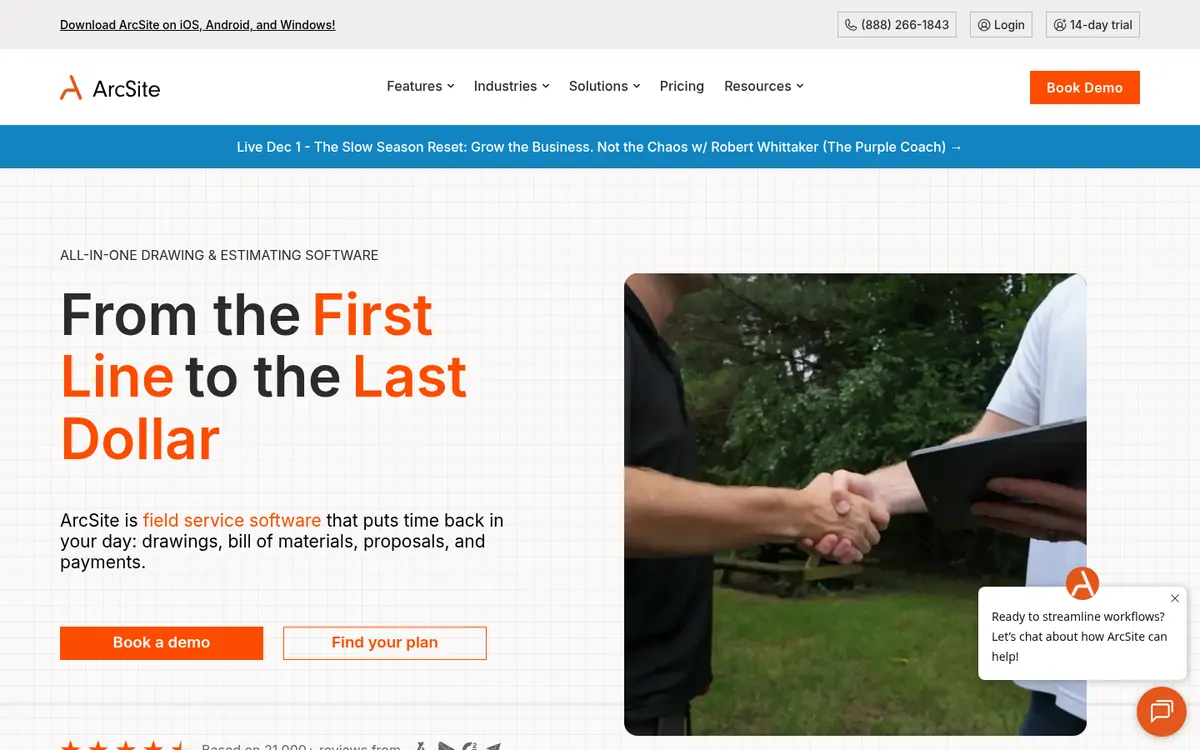
Best when a salesperson draws the fence in the field and needs the takeoff and proposal to follow automatically.
ArcSite fits contractors who start an estimate by drawing the fence line, not by typing rows into a spreadsheet. On a tablet, a salesperson can sketch runs and gates, trace a satellite image or scan with LiDAR, and turn the drawing into a bill of materials. Branded proposals come from the same drawing, and payment can be collected on site by card, ACH or financing. Offline use with cloud sync matters on rural jobs where a signal is unreliable. Pricing is tiered by capability. Draw Basic costs $10 per month billed monthly, Draw Pro runs $30 per month, and Takeoff is $99 per month. The 14 day trial is the only free option. The catch is that the $10 tier omits full takeoff, so a fence contractor that needs material counts and estimating will likely land on Takeoff. Per-user licensing also grows costly as crews add salespeople, and the highest tier is where the full estimating workflow sits. Integrations include QuickBooks, ServiceTitan and Salesforce, plus an API for custom work. The product began as a mobile CAD drawing app, which explains its strength in field drawing and its design-forward workflow. It is a strong fit for companies that sell in the yard or at the jobsite and want the drawing, takeoff and proposal to stay linked. It is weaker for a back-office estimator who mostly works from supplier catalogs and needs deep, catalog-driven material breakdowns. The drawing is the center of the workflow, not an afterthought. A crew that mostly quotes from a supplier parts list will find Fence Cloud more direct for catalog work.
Your sales team draws fences on a tablet and wants the takeoff and proposal to come from that drawing.
You need deep supplier catalog estimating or a low-cost plan for a large crew.
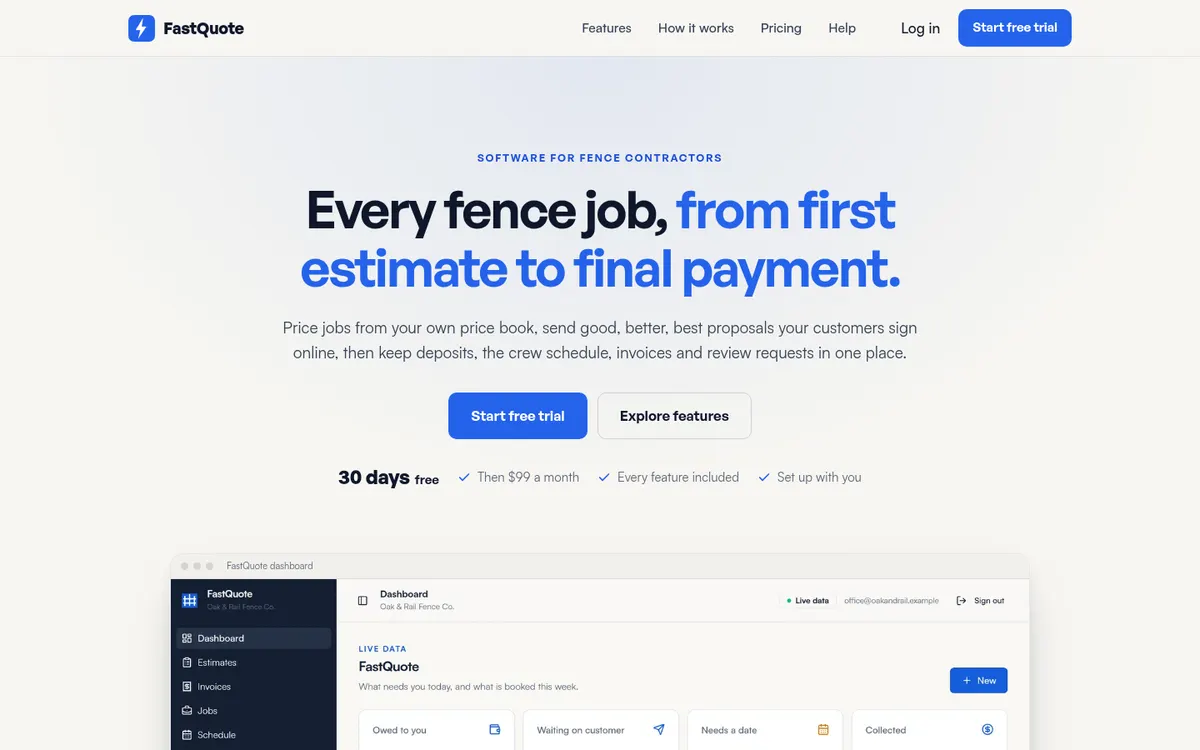
A focused residential fence system that carries one estimate from sketch to signed proposal, deposit and invoice.
FastQuote is built for residential fence contractors who want one app from the first sketch to the final payment. A salesperson can sketch fence runs and gates on a phone, tablet or desktop, price them from the company's own price book, and add markup and commission. Up to four styles can be priced from a single sketch. Good, better and best proposals are signed on the customer's phone, with a deposit collected at signing. Material counts for posts, pickets, rails and concrete feed supplier order lists. The system also tracks job cost and gross profit, then issues invoices with payment schedules and card or ACH links. A built in CRM handles review requests and automated follow ups, and the vendor sets up lead, estimate and invoice automation during onboarding. Because the plan covers estimating, jobs, invoicing and CRM, a small residential crew can avoid stitching together three subscriptions. The 30 day trial requires no credit card, which gives a crew time to run real quotes through the workflow. The limits are clear. FastQuote is purpose-built for fence work only, so it is a poor fit for a contractor who also sells decks, patios or remodels under the same brand. Card and ACH payments carry processing fees. There is one plan with no lower-cost entry tier, and the price is shown as See website. Pricing is on the vendor site and was not confirmed on November 25, 2026. The product comes from the team behind Fence Branders, and it is strongest for a residential fence sales team that wants the signed proposal and deposit as the center of the sale.
You run a residential fence company and want one app from sketch to signed proposal, deposit and invoice.
You sell multiple trades or need a lower-cost entry plan.
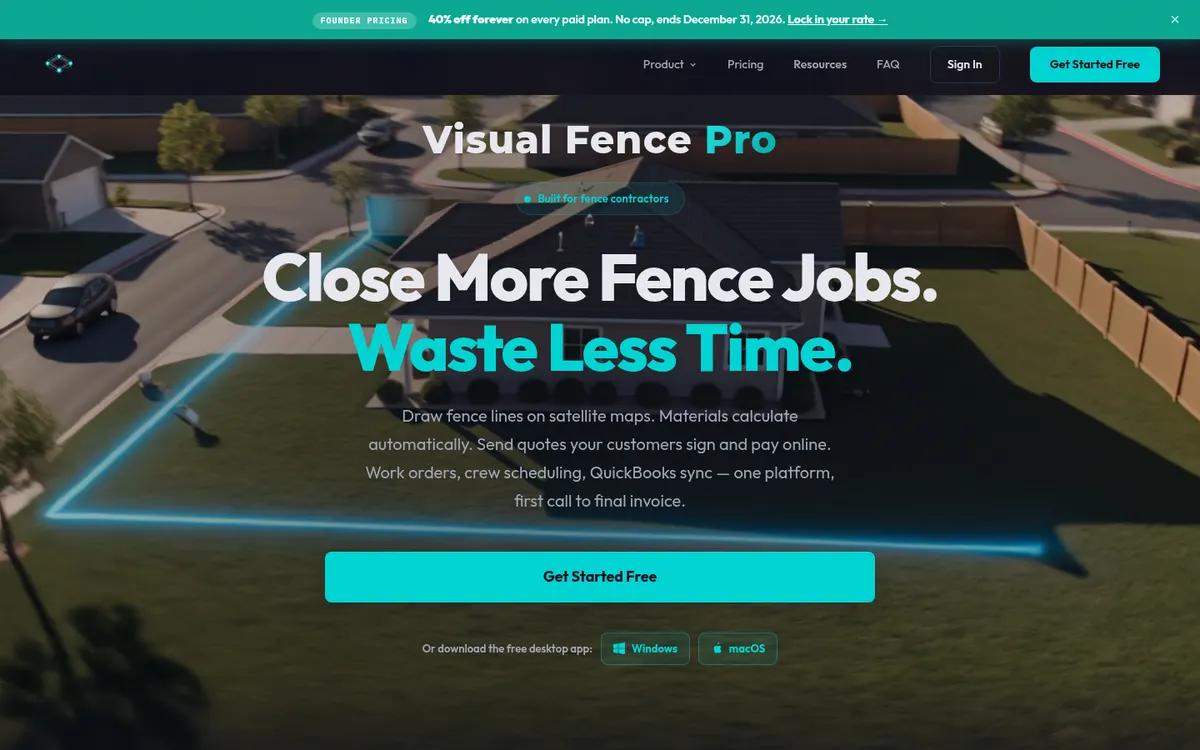
A free entry tier plus satellite takeoffs make this a practical all in one start for smaller fence teams.
Visual Fence Pro is the newest product in this list, and it aims to be the all-in-one system for a fence business rather than a single-purpose takeoff tool. The satellite estimator draws fence lines from an address, places posts automatically and produces a live bill of materials from the contractor's own prices. Quotes can be shared with e-signature and deposit payments. Accepted quotes convert into work orders and calendar events. The free plan is a real entry point, not a demo: one user and ten estimates per month. Paid plans add users at extra cost. The Pro tier includes QuickBooks sync, Stripe payments and a customer portal for progress tracking and change order approval; pricing is on the vendor site. Those three items matter for a growing company because they connect the sale to accounting, collection and the customer's view of the job. A smaller crew can start free and move up when estimate volume and payment needs justify the fee. The free tier is also capped at one user, so it will not cover a two-person sales team. Two cautions apply. Several capabilities that make the product an all-in-one system sit on the higher tier, so the free plan is best for testing the satellite takeoff and quote flow, not for running a busy office. The pricing page did not load during the November 25, 2026 check, so pricing is on the vendor site. Visual Fence Pro fits a fence contractor who wants one place for takeoff, quotes, work orders and customer updates, and who is willing to pay for Pro when those links become essential.
You want to test satellite takeoff on a free plan before moving to an all-in-one paid system.
You need QuickBooks sync, Stripe payments or the customer portal on the free tier.

The value pick for fencing CRM work, though real job costing waits for the Pro tier.
QuoteIQ is a fencing CRM with estimating included, not a takeoff tool that later added a contact list. Quoting, scheduling, invoicing and payments sit in one platform. The contractor CRM is configured for fencing, and each quote can show good, better and best options. MapMeasure pulls linear footage from satellite imagery. The Pro tier adds job costing and sales pipelines, plus ClientHub texting and QuickBooks sync. AI photo-based estimating and virtual call answering are included as standard. The main draw is entry price. Pricing is on the vendor site and could not be verified on November 25, 2026 because the page fetch failed, so confirm it with the vendor. Even so, the structure is clear: a solo operator can start with quoting and scheduling, then move to Pro when job costing, pipelines, texting and accounting sync become necessary. The 14 day trial is the only free option, so there is no permanent free tier. Several fence-specific capabilities are gated to higher tiers, and job costing requires the Pro plan. That makes the entry price less impressive for a contractor who needs true margin tracking from day one. QuoteIQ fits a fencing company that wants a CRM at the center, with estimates, options, scheduling and payments attached. It is less compelling for a pure estimator who wants deep supplier catalogs and material breakdowns, where Fence Cloud is more direct. The option display is useful for homeowners comparing gate styles or materials. AI call answering can catch missed leads, but it does not replace a takeoff.
You want a fencing CRM with quoting, options and payments at a low entry price.
Job costing and margin tracking are must-haves from day one.
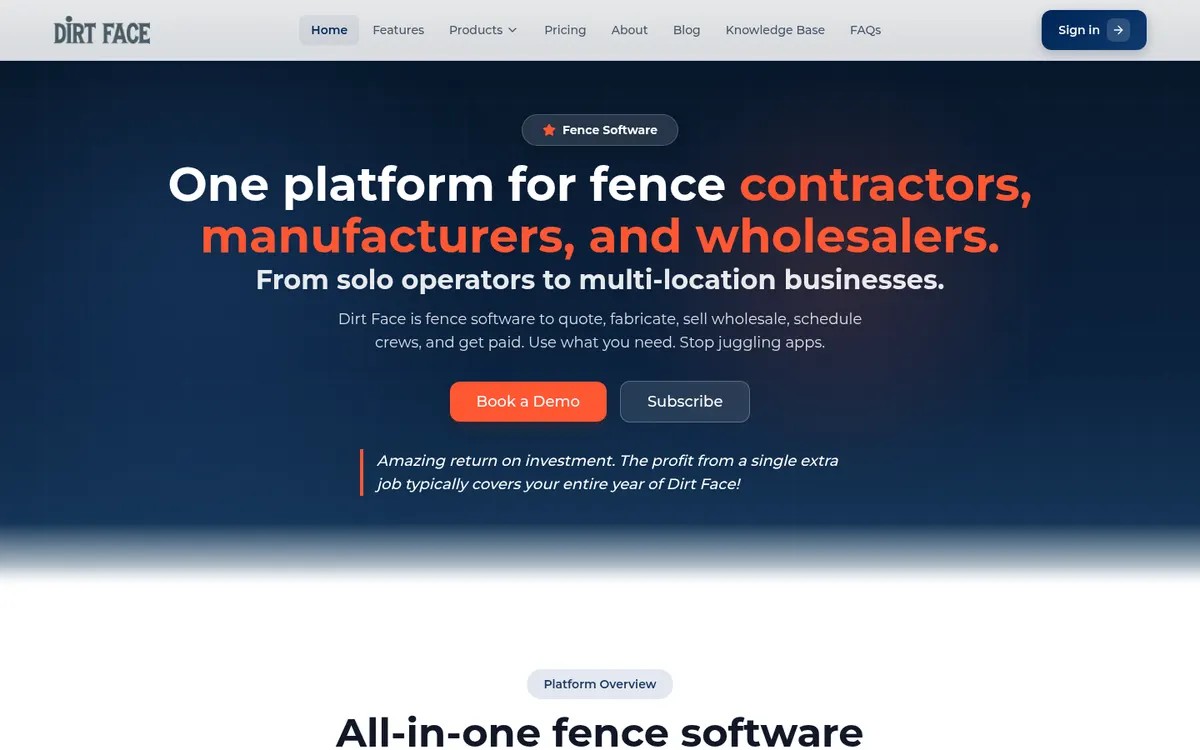
Built for fence businesses that install, fabricate or wholesale, with one catalog across every role.
Dirt Face is built for the whole fence supply chain, not only the installer. A contractor can estimate a fence with takeoffs, labor and markup, design it on a satellite map, and produce shop drawings with elevations for commercial work. The customer portal handles review, signature and payment. Two-way SMS stays tied to the relevant quote, which keeps the conversation with the job rather than in a separate inbox. Estimates can carry labor and markup alongside material counts, so the quote reflects the install, not just the parts. The platform goes further than most installer tools. A lead-generation app places instant quotes on a website. Production orders and shop routing serve manufacturers, while a dealer store adds price tiers, point of sale and online orders. Crew scheduling sits in the same system. That shared catalog across installation, fabrication and wholesale is the real differentiator: a business that both installs and fabricates can price from one set of items instead of maintaining two systems. The fit is narrower than the feature list suggests. A pure installer who only needs takeoff, proposal and invoice may find the manufacturing and dealer modules to be extra scope, and the product is newer to the market with a limited public track record. Pricing starts at Solo for $78 per month billed monthly. The 14 day trial lets a fence business test whether the shared catalog and production tools match how it actually sells, builds and delivers.
Your fence business installs, fabricates or wholesales and needs one catalog across those roles.
You are a pure installer who only needs a simple takeoff and proposal.
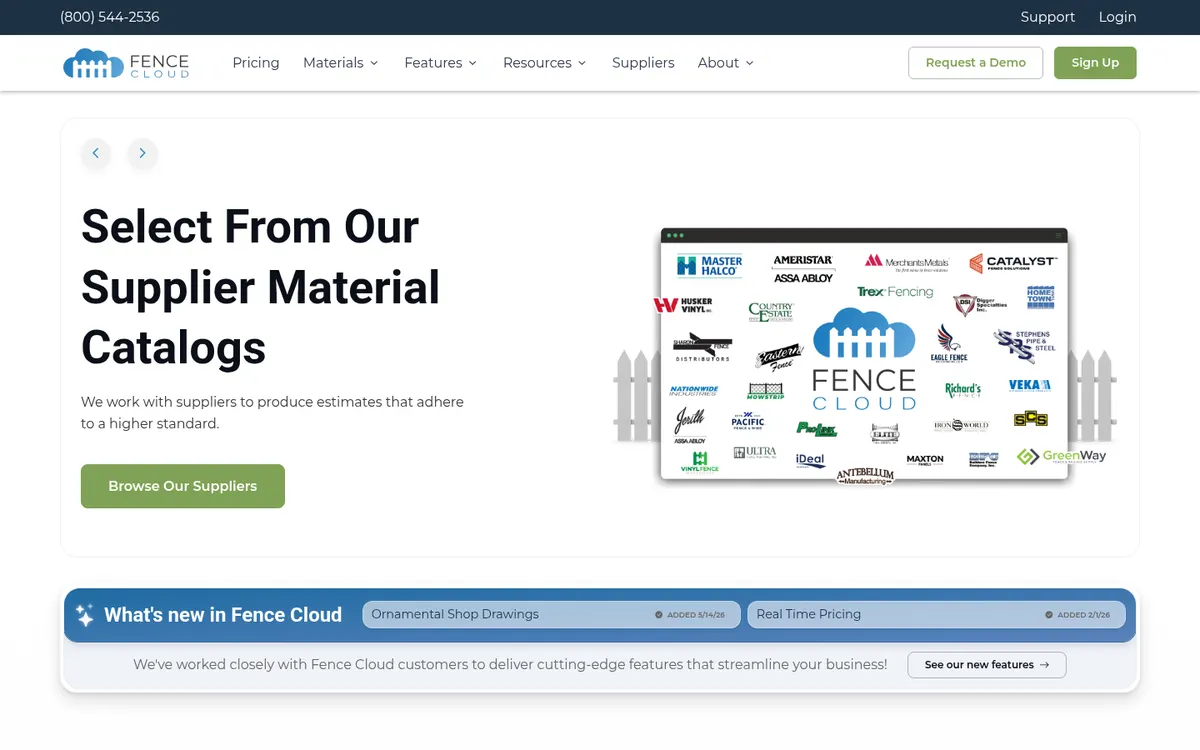
The deepest material takeoff tool here, with a supplier catalog library and no free trial.
Fence Cloud is the specialist takeoff tool in this list. It produces material-based estimates for chain link, vinyl, ornamental and wood fences, with selectable estimating engines and supplier catalogs. The material breakdown uses industry-standard part counts, which reduces the setup work that generic estimating software often demands. More than 100 manufacturer datasets and supplier catalogs are available, and job documents include shop drawings, contracts and packing lists. Labor worksheets and a CRM for leads, scheduling and contact management round out the system. The strength is depth. A contractor who prices complex chain link or ornamental jobs from manufacturer parts can lean on the preloaded catalogs instead of building every item from scratch. The estimating engines require little customization, according to the vendor. That makes Fence Cloud a fit for an estimator who lives in part numbers, supplier availability and detailed material lists, and for a company that wants the takeoff to be the center of the sale rather than a quick field sketch. The trade-offs are cost and scope. Fence Cloud has the highest entry price among the pure estimating tools, though the page returned no text on November 25, 2026 and pricing is on the vendor site. There is no free plan and no public trial. Its focus is takeoff and job documents rather than full business management, so a crew that needs CRM, payment collection and scheduling may need another system. It is developed by Software Design Associates, which has a long history in fencing software. The product suits a detail-driven fence estimator, not a small crew looking for a cheap all-in-one app.
You price complex fence jobs from manufacturer parts and want deep supplier catalogs.
You need a free trial, CRM, payments or a low-cost start.

A lead capture tool that turns website visitors into budgeted fence inquiries, not construction grade takeoffs.
mySalesman is a lead capture tool for fence contractors, not a construction takeoff system. An embeddable website tool lets homeowners draw fence lines on an aerial view of their property, choose materials and receive an instant budget range. The report goes to both the contractor and the homeowner, so a salesperson starts with a pre-qualified inquiry instead of a blank form. The plan includes unlimited users and no contract commitment, and the tool has an official integration with ArcSite. The value is in pre-qualification. A homeowner who has already traced a fence line and picked a material has a budget range in mind before anyone calls. That can filter out shoppers and shorten the first conversation. The vendor reports more than $2.87 billion in qualified leads processed through the platform. For a fence company that spends on ads and wants the website to do more than collect a name and email, the always-on quoting flow is the main reason to consider it. The limits are important. The output is a budget figure, not a construction-grade takeoff, so it does not replace material counts, labor and markup. It works best alongside ArcSite, which adds to the monthly cost. Pricing starts at a relatively high point: the pricing page returned no text on November 25, 2026, so pricing is on the vendor site. mySalesman fits a company with steady website traffic that wants better leads before the first site visit.
Your website gets traffic and you want homeowners to self-qualify with drawn fence lines and budget ranges.
You need construction-grade takeoffs or a stand-alone estimating system.

A low cost estimate and invoice layer that suits small crews but needs a fence takeoff partner.
Joist is a general contractor tool for quick estimates and invoicing, not fence-specific takeoff software. A crew can build an estimate on a phone at the jobsite and convert it into an invoice in one click. Payments arrive by card, bank transfer or PayPal, and homeowner financing options are available. QuickBooks sync and expense tracking cover the books, while job scheduling and an AI receptionist handle missed calls. The Basics plan costs $10 per month billed monthly, with a 14 day free trial.
The appeal is speed and price. A small fence crew that already knows the material count can turn a verbal scope into a professional estimate and invoice without buying a heavy estimating suite. The payment options are a practical advantage because the contractor can collect without a separate processor. The vendor states that more than 1.3 million contractors use the platform, which speaks to the size of the general contractor market rather than the depth of fence features. For repeat customers, that speed can matter more than a long feature list.
The gap is fence-specific work. Joist has no fence material takeoffs or supplier catalogs, so it cannot count posts, pickets, rails and concrete from a drawing. A contractor who needs accurate takeoffs has to pair it with a fence estimator such as Fence Cloud, ArcSite or Visual Fence Pro. Joist is the invoicing and payments half of a stack, not the whole stack. It fits a budget-conscious crew that wants fast estimates, card and PayPal payments and a simple path to invoices. The homepage does not publish pricing, so confirm the Basics tier at signup.
You need fast estimates, invoices and payments at $10 per month and already have a way to count materials.
You need fence takeoffs or supplier catalogs in the same tool.
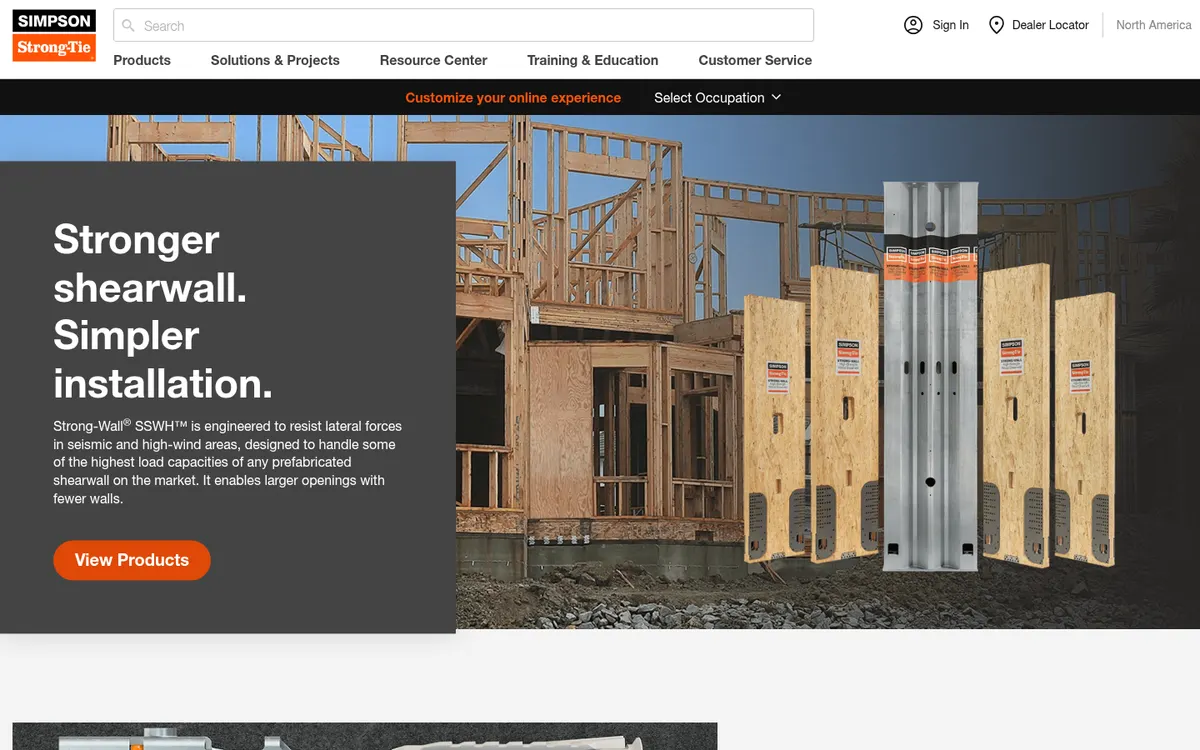
A free design and materials aid for early sales conversations, not a quoting or business system.
Simpson Strong-Tie Fence Planner is a free design aid, not a quoting or business system. A contractor or homeowner can design a fence in minutes by choosing styles, materials, colors and connector hardware, then view the finished yard in 2D and 3D. The tool produces a project guide with a materials list and a connector location sheet. It is part of the vendor's free Outdoor Living Solutions suite, so there is no subscription and no trial. The connector sheet is a practical extra for wood fence builds.
The best use is the early customer conversation. A homeowner who cannot picture how a fence style will look can see the design before any proposal is written. The materials list gives the contractor a starting point for a small job that does not justify a full takeoff. The 2D and 3D views also reduce back and forth on color and hardware choices. For a salesperson who wants to move from inspiration to a scope discussion, the free tool is useful.
The limits define the fit. It cannot produce branded proposals, track a pipeline, schedule a crew or collect a payment. It has no CRM and no supplier pricing, so it does not replace Fence Cloud, ArcSite or FastQuote for a real estimate. A contractor should treat it as a design aid that feeds a quoting system, not as the quoting system itself. It suits a company that wants a free visual aid for homeowner meetings and small jobs, and it is not enough for a crew that needs takeoffs, signatures and invoices.
You want a free 2D and 3D design aid for homeowner conversations and small fence jobs.
You need proposals, takeoffs, CRM, scheduling or payments.
Fence estimating software is the part of a contractor's stack that turns measurements and material choices into a priced scope. A spreadsheet can hold a price list, but it cannot draw a fence line on a satellite image, count posts and pickets from that line, apply labor and markup, and send a signed proposal back to the office in one pass. The category sits between field measurement and business management.
The core job is a takeoff. For fencing, that means linear feet, post spacing, gates, rails, pickets, concrete and hardware, priced from the contractor's own catalog or a supplier dataset. Some tools specialize in material takeoffs and supplier catalogs. Others begin with a sketch on a tablet and derive the bill of materials from the drawing. A third group starts with a website lead and returns a budget range before anyone visits the property.
Estimating software differs from a full fencing CRM in scope. A takeoff tool answers what the job needs and what it costs. A CRM answers who the lead is, who owns the follow up, when the crew is scheduled, whether the deposit cleared and how the job grossed out. Many products here blend both, but the depth varies. Visual Fence Pro and QuoteIQ lean toward business management. Fence Cloud leans toward catalog-driven estimating. ArcSite and FastQuote connect the field estimate to the proposal and payment.
Use this short list to separate the jobs:
A buyer who needs only the first two may not need a CRM. A buyer who runs several crews may need the whole chain, plus accounting links and payment processing. The mistake is buying a design aid and expecting it to run the business, or buying a CRM and expecting it to count pickets.
This comparison sits on the Software desk. Readers comparing neighbouring stacks often check our guides to demand forecasting software and glp 1 companies next.
Fence estimating tools usually bill one of five ways: a per-user subscription, a flat monthly plan, a free tier with a paid upgrade, a tiered subscription or a free design tool. The model matters because a low entry price can leave out takeoff, payments or accounting links. Match the billing model to the number of people who will quote and the depth of material breakdown you need.
| Model | How it bills | Typical fit | Example from this list |
|---|---|---|---|
| Per-user subscription | Monthly fee for each user, with tiers by capability | Sales teams that draw in the field and need takeoff later | ArcSite: Draw Basic $10 per month, Draw Pro $30, Takeoff $99 |
| Flat monthly plan | One monthly price for the main system | Residential contractors who want one app from estimate to payment | FastQuote: See website |
| Free tier plus paid plan | Limited free use, then a higher monthly tier | Small crews testing satellite takeoff before committing | Visual Fence Pro: free for one user and ten estimates per month; paid plan pricing on the vendor site |
| Tiered subscription | Entry tier for quoting, higher tier for costing and integrations | Fencing CRM buyers who add job costing later | QuoteIQ: See website |
| Free tool | No charge | Design conversations and simple material lists | Simpson Strong-Tie Fence Planner: free |
Every price above was checked on the vendor's own pricing page on November 25, 2026. Where a vendor does not publish a figure we write "See website" instead of guessing. To compare annual and monthly billing quickly, try the free percentage calculator.
Published prices in this list include ArcSite Draw Basic and Joist Basics at $10 per month, and ArcSite Takeoff at $99 per month. Visual Fence Pro, QuoteIQ, Fence Cloud and other vendors show See website, so confirm the tier that includes takeoffs, payments and integrations.
Visual Fence Pro has a free plan for one user and ten estimates per month, and Simpson Strong-Tie Fence Planner is free. ArcSite, QuoteIQ, Dirt Face and Joist offer 14 day trials, while FastQuote offers 30 days with no credit card. Fence Cloud and mySalesman list no free plan or public trial, so ask the vendor for a walkthrough.
Estimating software turns measurements and material choices into a priced takeoff and proposal. A full fencing CRM adds lead tracking, scheduling, job costing, invoicing and payment follow up. QuoteIQ and Visual Fence Pro lean toward the CRM side, while Fence Cloud leans toward catalog-driven takeoffs. ArcSite and FastQuote connect field estimates to proposals and payments, but they are not full general business suites.
ArcSite explicitly supports offline field use with cloud sync, which suits jobs with weak signal. FastQuote lets crews sketch fence runs on a phone, tablet or desktop. Joist is mobile-first for estimating and invoicing. Visual Fence Pro, QuoteIQ, Dirt Face and ArcSite also use satellite imagery for remote measurement, so you can size a fence before visiting the property.
Yes, several tools here support remote measurement. Visual Fence Pro draws fence lines from an address and places posts automatically. QuoteIQ includes MapMeasure linear footage from satellite imagery. Dirt Face offers satellite map fence design, ArcSite supports satellite map tracing, and mySalesman lets homeowners draw fence lines on an aerial view for a budget range.
For design only, Simpson Strong-Tie Fence Planner is free. For light quoting, Visual Fence Pro's free plan covers one user and ten estimates per month, and Joist Basics costs $10 per month for estimates, invoices and payments. For drawing and takeoff on a tablet, ArcSite Draw Basic is $10 per month, but full takeoff requires the $99 Takeoff tier. Confirm user limits before you commit.
Browse every comparison on the Software desk, with the same rubric and dated prices.