Best Accounting Software for Electrical Contractors 2026:10 Tools
Ten accounting and operations tools for electrical contractors, compared on job costing, trade fit, pricing clarity and QuickBooks sync, with prices checked on November 25, 2026.
QuickBooks Online is the safest default for most electrical contractors as of November 2026, because US accountants know it and Plus adds job costing at $140 per month for five users. Knowify is the better pick for project-heavy shops that need bids, change orders and live job costs synced into QuickBooks, at $99 per month billed annually for one user. Jobber fits residential service crews that want scheduling, dispatch and invoicing in one app, with Core at $49 per month on monthly billing for a single user. Ten tools follow, ranked for different sizes of electrical business.
Disclosure for this page: All 10 tools here are unpaid editorial picks. The position of a paid listing can be part of what the vendor pays for. How we handle paid listings.
Compare all 10 at a glance
Prices from vendor pages, checked November 25, 2026
Every tool on this list was scored against the same five criteria, and the weights reflect what electrical contractors actually pay for: job costing and trade workflow fit carry 25 percent each, growth headroom carries 20, pricing clarity and integrations carry 15 each.
Job costing is weighted heavily because electrical work hides its margin in materials, labor hours and change orders, and software that cannot show cost against a specific job leaves the owner guessing. Trade fit asks whether the product understands change orders, retainage, dispatch and service calls rather than generic retail invoicing. Pricing clarity rewards vendors that publish numbers and penalizes quote-only sales processes. Integrations are weighted toward QuickBooks sync, since most electrical contractors keep their books there and run operations somewhere else.
Prices and plan details come from vendor pricing pages checked on November 25, 2026, plus the plan structures we recorded earlier where a page did not load. Where a page returned no text, the starting price is shown as on the vendor site and no number was guessed. Promotional rates are noted but never used as the planning figure, because a four month discount is not an annual cost.
Featured placements, when they appear in this format, are paid. Any such entry is scored with the same rubric as every other entry, carries the same kind of honest cons, and placement does not move a score.
The order of the list is editorial. It reflects which tool fits the buyer described in each entry, not a calculated total, so a lower entry can be the better purchase for a specific shop.
How well the tool tracks costs, budgets and margin against a specific electrical job.
Trade workflow fit
25%
How closely the workflow matches electrical work, from change orders and retainage to dispatch.
Pricing clarity
15%
Whether the vendor publishes usable prices and how predictable the monthly bill stays.
Growth headroom
20%
How far the software stretches as users, crews, service lines and branches are added.
Integrations
15%
Range of connections, weighted toward QuickBooks sync and field-service apps.
01QO
QuickBooks Online
Accountant-standard bookkeeping
$38Free planRubric 8.1
quickbooks.intuit.com
The official QuickBooks Online page at quickbooks.intuit.com, captured by IdeaTruss on November 25, 2026.
Our verdict
The default choice for electrical contractors who want their accountant, bank and field apps to work with the books.
QuickBooks Online is widely used by US accountants, which is a common reason electrical contractors pick it. An owner can invoice from the truck, categorize expenses from a bank feed, and hand the file to a bookkeeper without exporting anything. Intuit's app store carries more than 800 integrations, including the field-service tools that handle dispatch and scheduling, so QuickBooks often sits under a stack rather than running it alone. The catch is that the entry plan is thin for trade work. Simple Start at $38 per month covers one user plus two accountant seats, but job costing, project profitability and materials inventory all sit on Plus at $140 per month for five users. Payroll is a separate add-on at every tier. Intuit showed a 70 percent promotion at $11.40 per month for three months when we checked on November 25, 2026, and a temporary rate like that is not a planning number for next year. For a contractor with crews running several jobs at once, Plus is the realistic tier, and the per-job profitability report is what makes the jump worth it. For a one-truck shop doing service calls, Simple Start plus a separate scheduling app is often enough. There is also a QuickBooks Free tier at $0 per month, though it will not carry job costing. Watch headcount. QuickBooks prices by user on the higher tiers, so five field supervisors plus an office manager changes the math quickly. A 30 day free trial is available, and the useful test is whether your accountant will accept the file as it stands.
Pros
US accountants already know the file
Huge integration catalog including field-service apps
Job costing and inventory on Plus
Cons
Entry plan lacks job costing
Payroll is a paid add-on
Per-user fees climb with headcount
Pick it if
You want the accounting platform your bookkeeper, bank and trade apps already connect to.
Skip it if
You need job costing on the cheapest tier or have no outside accountant to lean on.
02
Xero
Unlimited users, one price
See websiteNo free planRubric 6.6
xero.com
The official Xero page at xero.com, captured by IdeaTruss on November 25, 2026.
Our verdict
A clean reconciliation and invoicing platform for small electrical shops that do not want to pay per seat.
Xero's pitch to a contractor is simple: unlimited users on every plan, so the office manager, the owner and a bookkeeper can all work in the same file without a seat fee. Bank reconciliation is the strongest part of the product, and online invoicing with payment links works well for progress billing and service work. The app marketplace covers trade gaps, from inventory tracking to field scheduling, without forcing you into a single vendor.
The weakness is depth on the trade side. Job costing needs the Established tier or an add-on, and fewer US trade accountants know the Xero file than the QuickBooks file. US payroll runs through partner providers rather than natively, which adds a vendor and a handoff every pay period. For job costing we recorded an Established tier figure of $90 per month.
Pricing is the awkward part right now. Xero's starting price shows as on the vendor site in our data because the pricing page returned no text when we checked on November 25, 2026, so the October figure could not be reconfirmed. The plan structure we recorded is Early, per month, with unlimited users. Treat any number you have seen quoted elsewhere as unverified and check the page yourself before you budget.
Where Xero fits best is a contractor with two or three people who all need to be in the books daily and who does not want to pay per seat. Where it fits worst is a project-heavy electrical shop needing job costing out of the box, because you will buy a higher tier or bolt on a third-party app to get there. A 30 day free trial is offered and there is no free plan.
Pros
No per-seat fees on any plan
Strong bank reconciliation and invoicing
Marketplace add-ons fill trade gaps
Cons
Fewer US trade accountants use it
US payroll is not native
Job costing needs a higher tier or add-on
Pick it if
Three or more people need daily access and you want one flat fee instead of seat charges.
Skip it if
Your bookkeeper works in QuickBooks or you need job costing on the entry plan.
03
FreshBooks
Invoice and time tracking
$23.00No free planRubric 5.0
freshbooks.com
The official FreshBooks page at freshbooks.com, captured by IdeaTruss on November 25, 2026.
Our verdict
Best for a solo electrician whose real problem is slow invoices and estimates that never get followed up.
FreshBooks is built around the invoice, which suits an electrician who bills by the hour or by the job and wants the paperwork to take minutes. Time tracking flows straight to the invoice, estimates turn into proposals, and recurring invoices handle maintenance contracts. It is the easiest of the ten tools to hand to someone who has never kept a set of books.
The limits bite on both users and clients. Lite at $23.00 per month allows one user and five billable clients, which is a hard ceiling for anyone with a repeat customer list. Plus at $43 per month adds fuller accounting reports, and extra team members cost $11 each. When we checked on November 25, 2026, the page led with a 90 percent discount at $2.30 per month for four months. That is a promotion, not the rate to put in next year's budget.
There is no meaningful job costing and no inventory, so a contractor tracking wire, conduit and fixture stock across jobs will run out of product quickly. Reporting stops short of work in progress, and nothing here ties a job's labor hours to its final margin in the way a lender or a bonding agent will ask for.
Pick it for a solo electrician or a two-person shop where the real pain is unpaid invoices and quotes that went cold. Skip it as soon as you need to know what a job earned after materials and labor, because that answer lives in another product. A 30 day free trial is offered and there is no free plan.
Pros
Simple invoice and time-tracking workflow
Built for owners who are not accountants
Estimates and proposals included
Cons
Lite caps at one user and five billable clients
No meaningful job costing or inventory
Extra team members cost $11 each
Pick it if
You bill mostly by invoice and time and want proposals and reminders in one place.
Skip it if
You carry material inventory or need margin by job.
04
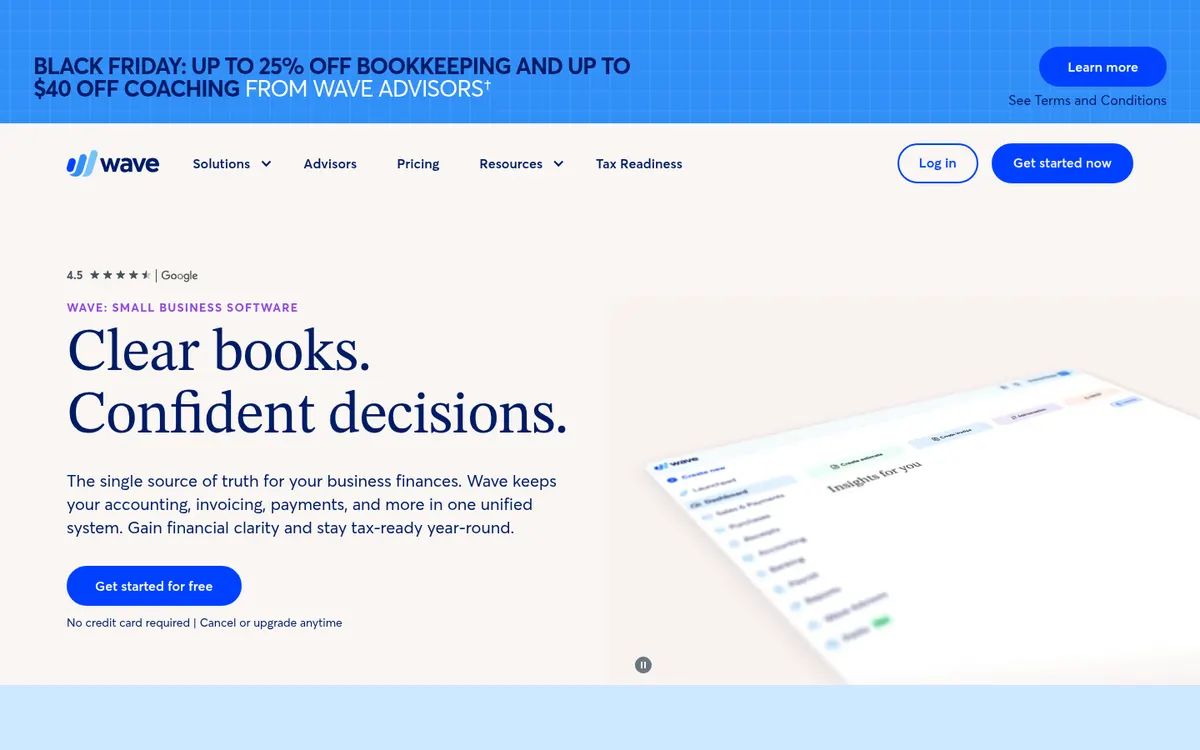
Wave
Free core bookkeeping
See websiteFree planRubric 4.0
waveapps.com
The official Wave page at waveapps.com, captured by IdeaTruss on November 25, 2026.
Our verdict
Free bookkeeping and invoicing for a one-truck electrician, with few features past the basics.
Wave's offer is unusually generous: free double-entry bookkeeping, unlimited invoices and estimates, bill tracking and expense capture, with no trial clock running. For a one-truck electrician who needs to send invoices and keep clean books for tax season, that is a real answer at $0.
The free tier is manual. You enter transactions yourself rather than pulling a bank feed, and there is no job costing, no time tracking and no inventory. Pro at $19 per month adds bank transaction imports, receipt scanning and multi-user access, which is the upgrade most owners make within a few months of volume. Payment processing runs through Wave and carries fees, so the free plan is not free of transaction cost.
Our data shows the starting price as on the vendor site because the pricing page returned no text when we checked on November 25, 2026, so the free Starter plan could not be reconfirmed. What we can report from the plan structure we recorded is that Starter is free and Pro is $19 per month. There is no free trial because the free tier serves that purpose.
Where Wave fits: a solo owner, low transaction volume, no crew on payroll through the software, and no need to know per-job margin. Where it does not: any shop with employees, material inventory, or an accountant asking for job cost reports. It also leaves you without scheduling or dispatch, so a field-service app becomes a separate purchase. Treat it as bookkeeping rather than an operations system and it holds up well.
Pros
Free core accounting and invoicing
Quick setup for a solo owner
Pro tier costs only $19 per month
Cons
No job costing, time tracking or inventory
Manual transaction entry on the free tier
Payment processing fees apply
Pick it if
You are a one-person operation that needs clean books and invoices at no monthly cost.
Skip it if
You have a crew, stock materials, or need to see profit by job.
05
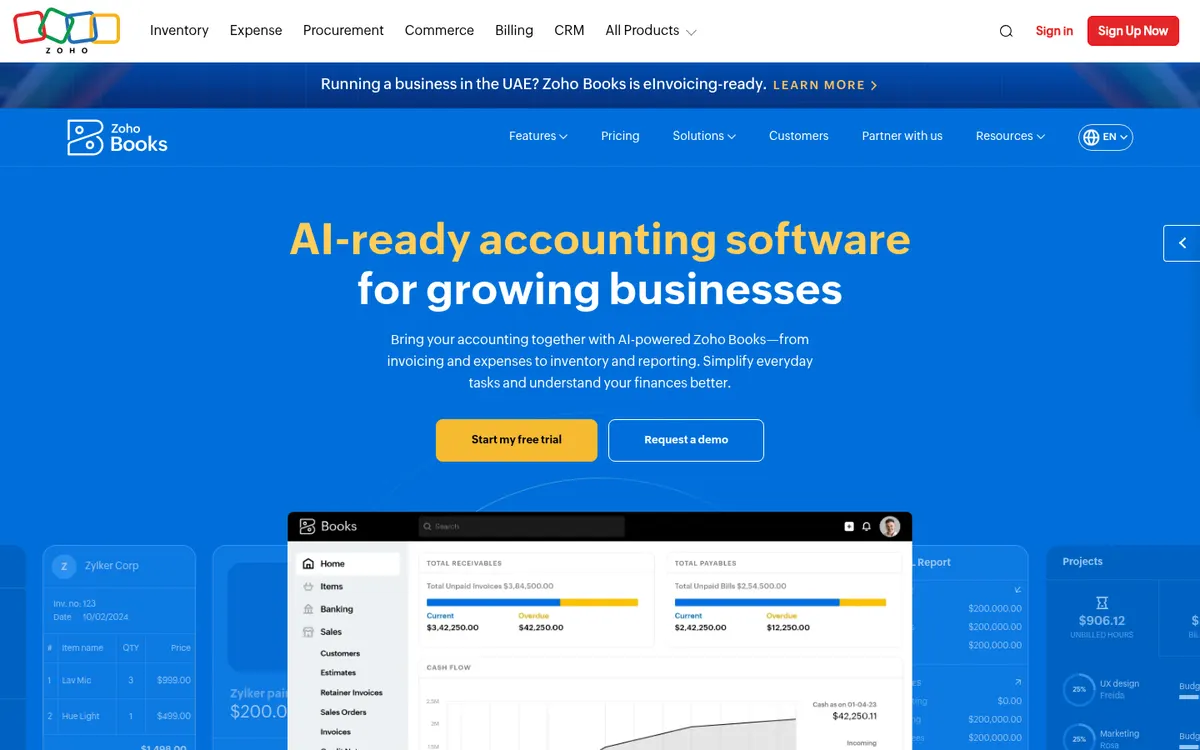
Zoho Books
Low cost per organization
$10Free planRubric 5.9
zoho.com
The official Zoho Books page at zoho.com, captured by IdeaTruss on November 25, 2026.
Our verdict
A low-cost way for a small electrical shop to get real double-entry books with room to add users.
Zoho Books is the value play on this list. A free plan covers one user, and the first paid tier, Standard, runs $10 per org per month billed annually for three users, or $12 billed monthly. Pricing is per organization at that entry point rather than per user, which keeps the bill flat as a small office adds a second or third person.
The product itself is credible accounting: bank feeds, recurring invoices, multi-user access, and projects with timesheets once you reach Professional. Inventory tracking arrives on the higher tiers, which matters if you stock fixtures, panels and conduit. What it lacks is depth in the trade-specific pieces. There is no dispatch board and no price book, and Zoho's US field-service integrations are thinner than what QuickBooks or Jobber offer.
The free plan carries revenue and invoice limits that a working contractor will hit, so treat it as a trial without a clock rather than a long-term home. US payroll needs a separate Zoho product, which means another bill and another login. US accountants are also less likely to have worked in Zoho Books than in QuickBooks, so ask yours before you commit.
The fit is a small electrical contractor, two or three people, that wants real books at a low monthly cost and will trade some trade-specific depth for the price. The mismatch is a project-driven shop needing change orders, AIA billing or live job costing, because those are not what this product was built to do. A 14 day free trial is offered on the paid tiers.
Pros
Free plan for micro businesses
Low paid tiers priced per organization
Projects and timesheets on Professional
Cons
Less familiar to US accountants
Thinner US field-service integrations
US payroll needs a separate product
Pick it if
You want real books for two or three people at the lowest credible monthly cost.
Skip it if
You need change orders, progress billing or a price book in the same system.
06
Knowify
Project job costing
$99No free planRubric 8.4
knowify.com
The official Knowify page at knowify.com, captured by IdeaTruss on November 25, 2026.
Our verdict
The strongest job costing on this list for electrical contractors who already keep their books in QuickBooks.
Knowify is the closest thing here to software written for trade contractors rather than adapted for them. Bidding, contracts, change orders, purchase orders, progress billing and AIA billing all live in one system, and job costs update as invoices and bills land. It syncs with QuickBooks Online and QuickBooks Desktop, so a contractor can keep QuickBooks as the book of record and run the work in Knowify. Change orders deserve a mention. Change orders and progress billing sit in the same system, which is exactly where spreadsheet-based job costing breaks down on electrical work. Real-time job costing then shows whether the added work actually paid. Pricing needs reading carefully. Core at $99 per month billed annually includes one user, and each additional user costs $29. Job costing, budgets and work-in-progress reporting, the features most contractors come for, require Advanced at $329 per month. Service dispatch is a separate Service Pro add-on at $99 per month, and equipment history is another add-on. That structure means a five-person shop with dispatch is pricing several line items, not one. Run the total before comparing it to QuickBooks Plus at $140 per month, because the two do different jobs: QuickBooks records the books, Knowify manages the work. Where Knowify earns its place is an electrical contractor running multiple projects with change orders, retainage and billing schedules, especially one unwilling to migrate the ledger. Where it does not fit is a service-call shop with no project work, since bidding and progress billing would sit unused while you pay Advanced rates for job costing. A 14 day free trial is offered and there is no free plan.
Pros
Built for trade contractors
Deep QuickBooks Online and Desktop sync
Project billing and job costing together
Cons
Core covers one user, extras cost $29 each
Job costing and budgets need Advanced at $329
Overkill for service-call-only shops
Pick it if
You run projects with change orders and want live job costs without leaving QuickBooks.
Skip it if
Your work is same-day service calls with no contracts or billing schedules.
07
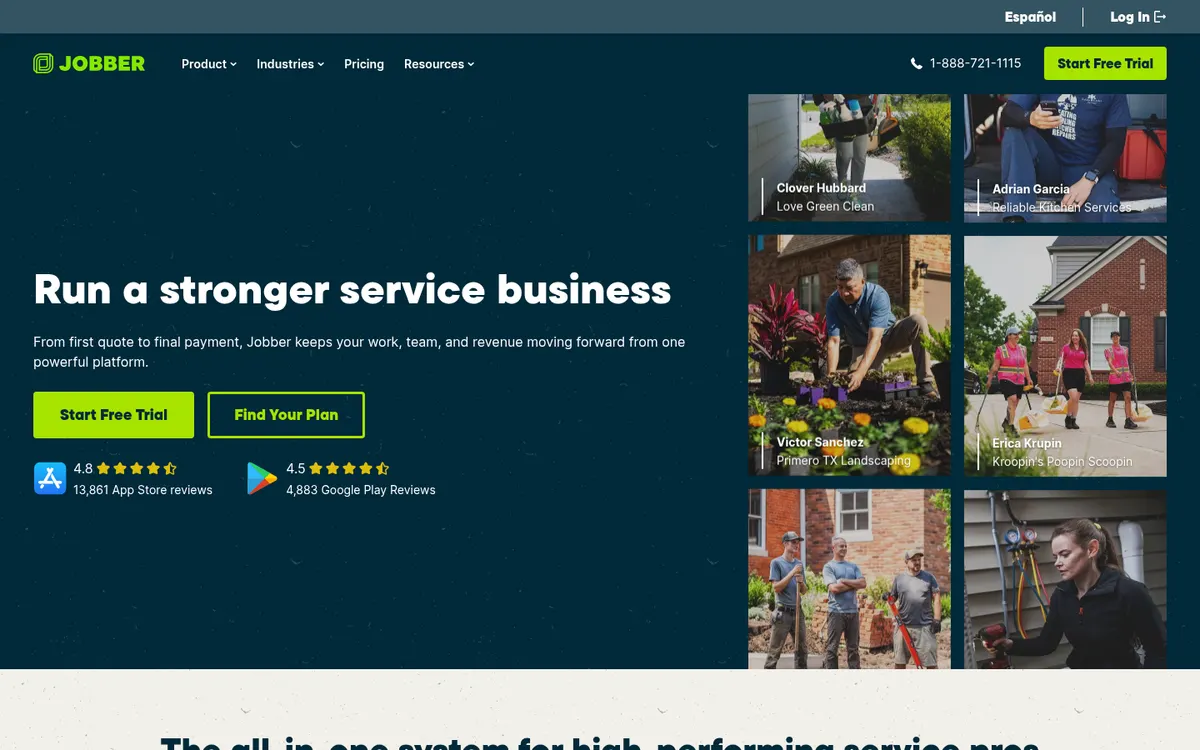
Jobber
Scheduling and dispatch
See websiteNo free planRubric 7.3
web.archive.org
The official getjobber.com homepage, loaded through the Internet Archive because the live site blocked our browser. Captured November 25, 2026.
Our verdict
The field workflow most residential electrical shops want, with accounting left to a QuickBooks subscription.
Jobber handles the field side of a residential electrical business: quoting, scheduling, dispatch, invoicing, online payments, automated reminders and a client hub. The mobile app is what technicians actually use on site, and the path from quote to schedule to invoice to payment is why shops choose it. It is not a full accounting system. QuickBooks Online sync begins on the Connect tier, and job costing begins on Grow at $199 per month, a big step up from entry. Core is listed at $49 per month on monthly billing or $29 per month billed annually for one user. Our starting price shows as on the vendor site because the pricing page returned no text when we checked on November 25, 2026, so the Core figure could not be reconfirmed. Per-user costs grow with the crew, and a five-technician shop pays for five users plus a QuickBooks subscription to keep the books straight. Two-way texting also waits for Grow, which matters if customer communication is central to how you win repeat work. Pick Jobber when the operational problem is scheduling and getting invoices paid, not when the problem is knowing whether a wiring job made money. A residential service shop with two to eight technicians is the sweet spot, and the automated reminders cut down on the follow-up calls that eat an office morning. Skip it for commercial project work with change orders and billing schedules, and skip it if you want one system that both books the revenue and runs the crew. A 14 day free trial is offered and there is no free plan.
Pros
Field-service workflow built for home services
Mobile app technicians will actually use
Published entry tier for a solo operator
Cons
Not a full accounting system
Job costing only on Grow at $199
Per-user costs grow with the crew
Pick it if
Your days are spent scheduling technicians and chasing payments on residential jobs.
Skip it if
You bid commercial projects or want the books and the crew in one platform.
08
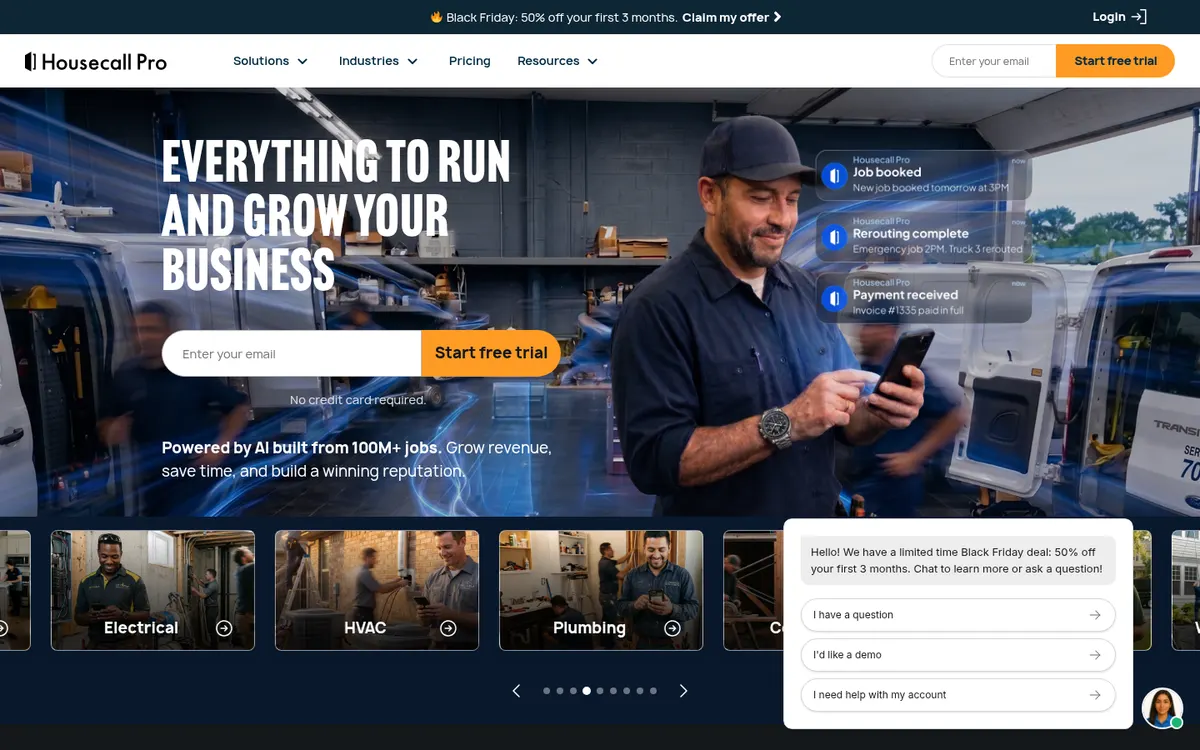
Housecall Pro
Customer follow-up automation
See websiteNo free planRubric 6.6
housecallpro.com
The official Housecall Pro page at housecallpro.com, captured by IdeaTruss on November 25, 2026.
Our verdict
Strong customer communication and flat-rate pricing for service electrical work, with lighter reporting underneath.
Housecall Pro targets the customer-facing side of service work. A dispatch board, on-my-way texts, on-site card payments, automated review requests and a price book for flat-rate service pricing all sit in one app, with QuickBooks sync for the books. For a residential electrical company that lives on same-day calls, that combination removes a lot of phone tag. Where it earns its place is repeat residential work. The price book supports service pricing, on-my-way texts cut no-show calls, and review requests go out automatically. Those wins show up in booked revenue rather than in a general ledger. Pricing has become less transparent. Housecall Pro no longer publishes plan prices and routes prospects to a demo for a tailored quote, so the starting price in our data is on the vendor site. The figures we recorded previously were Basic at $79 per month on monthly billing or $59 per month billed annually for one user, Essentials at $189 and Max at $329. Basic covers one user, and tiers climb quickly once you add technicians. Reporting and job costing are lighter than in project-focused platforms, so a contractor needing work in progress and retainage will not find it here. The fit is a service-first electrical business, maybe two to ten technicians, where the owner cares about booking rate, review volume and getting paid on site. The mismatch is a contractor bidding commercial projects against a schedule of values, or a shop that wants published per-seat pricing. A 14 day free trial is offered and there is no free plan.
Pros
Customer communication automation
Price book for consistent service pricing
Dispatch and payments in one app
Cons
Basic covers only one user
Higher tiers climb quickly
Job costing and reporting are lighter
Pick it if
You run same-day residential service calls and want reviews and payments automated.
Skip it if
You need work-in-progress reporting or transparent published pricing.
09S
ServiceTitan
Multi-branch operations
See websiteNo free planRubric 7.8
servicetitan.com
The official ServiceTitan page at servicetitan.com, captured by IdeaTruss on November 25, 2026.
Our verdict
An all-in-one operations platform for large electrical contractors, sold through demos with no published prices.
ServiceTitan is an operations platform rather than an accounting package. Dispatch, call booking, CRM, price book management, marketing automation, payroll-adjacent HR, reporting across crews and branches, and accounting integrations with Sage and Viewpoint all sit inside one system built for multi-crew contractors. The accounting integrations matter more than they look. Contractors already running Sage or Viewpoint can keep the ledger where it is and let ServiceTitan own dispatch, pricing and branch reporting. That architecture is why the platform suits a company with a controller more than a company with a part-time bookkeeper. The buying process is the blocker for small shops. Pricing is quote-only and sales-led, with no published plans and no self-serve trial, only a demo. The vendor does not publish prices, so ask for a quote. For an electrical contractor running several crews, multiple branches and a call center, that cost can be justified against the coordination labor it removes. For a shop of five technicians, it usually cannot. The honest read is that ServiceTitan is the ceiling of this list and the wrong first purchase for most readers. Budget for the implementation project and the contract term as carefully as the monthly fee, and ask for references from electrical contractors of similar size before signing. Demo only, no free plan, no published price.
Pros
Broad all-in-one operations platform
Built for multi-crew and multi-branch contractors
Integrations with Sage and Viewpoint
Cons
No published pricing
Quote-only sales process
High estimated cost per technician and long contracts
Pick it if
You run multiple crews and branches and need dispatch, pricing and reporting in one database.
Skip it if
You are under ten technicians or need a public price before you can budget.
10
Sage 50
Desktop job costing
$132.17No free planRubric 7.6
sage.com
The official Sage 50 page at sage.com, captured by IdeaTruss on November 25, 2026.
Our verdict
Desktop accounting with job costing deep enough for established electrical contractors and their office teams.
Sage 50, formerly Peachtree, is desktop accounting with job costing that holds up under real construction work. Job costing, materials inventory, multi-company accounting and support for up to 40 users make it a fit for an established contractor with an office team and a bookkeeper who knows debits and credits.
Change orders are the feature contractors ask about, and they arrive on Premium and Quantum rather than the entry tier, so a shop that regularly issues change orders should price those tiers before deciding. Pro Accounting runs $132.17 per month for one user on monthly billing, up from $128.67 when we last checked. Pro Cloud starts at $128.67 per month, with Premium and Quantum above it. Payroll is a separate paid module, so the true monthly cost of a working setup runs higher than the headline figure.
The trade-off is age. The interface looks dated next to QuickBooks Online, and remote access needs the cloud tier or third-party hosting if the owner wants to see numbers from a job site. Nothing here syncs to a modern field-service app the way QuickBooks Online does, so dispatch usually stays in a separate product or on paper.
Pick Sage 50 when job costing and inventory depth matter more than a modern interface, and when the office already runs a desktop workflow with a bookkeeper comfortable in it. Skip it for a mobile-first shop, a solo electrician, or anyone who wants technicians entering time and photos from a phone. A free trial is available and there is no free plan.
Pros
Deep job costing and materials inventory
Scales to larger office teams
Construction-friendly change-order features
Cons
Dated interface
Remote access needs the cloud tier or hosting
Payroll is a separate module
Pick it if
Your office team needs serious job costing and inventory and works from desktops.
Skip it if
You want technicians on phones or your crew works entirely in the field.
What does accounting software actually do for an electrical contractor?
Accounting software keeps the books. For an electrical contractor that means recording revenue from invoices, capturing bills from suppliers, matching both against the bank, and producing statements a lender, a bonding agent or the IRS will accept. Everything else, from dispatch to price books to review requests, is a different category of software that happens to talk to the books.
The distinction matters because the two categories overlap in marketing and not in function. A field-service app like Jobber or Housecall Pro can schedule a technician, collect a signature and take a card payment, then push an invoice into QuickBooks. What it does not do is maintain a general ledger, close the year, or produce a balance sheet. Buy one expecting the other and you will be exporting spreadsheets by month three.
What you should expect from the accounting layer itself:
Double-entry bookkeeping with a chart of accounts you or your bookkeeper control
Bank and card feeds with reconciliation rules
Invoicing, estimates and, for project work, progress billing
Expense and bill capture, including supplier invoices for wire, panels and fixtures
Reports: profit and loss, balance sheet, aged receivables, and ideally job cost
Job costing is the piece electrical contractors ask about most, and it is not standard. It usually means cost codes or projects tied to labor hours, materials and subcontractors, so the software can report what a job earned after everything landed. In most products that capability sits on a mid or upper tier. In others, it lives in a separate operations tool that syncs to the ledger. Deciding which of those two shapes you want is the single biggest fork in this purchase, and it drives both the monthly cost and the number of logins your office staff juggle.
How do electrical contractors actually end up paying for this software?
Most contractors pay per month, per user or per organization, and the tier you land on matters more than the vendor's headline price. Entry tiers rarely include job costing, so the number on the pricing page is often not the number you will pay by year two.
Model
How it bills
Typical fit
Example from this list
Per user, per month
Flat fee for one seat, each extra seat billed
Solo owners and very small shops
FreshBooks Lite at $23.00 per month for one user and five billable clients
Per organization, per month
One fee covering a set number of users
Small teams sharing one set of books
Zoho Books Standard at $10 per org per month billed annually for 3 users
Unlimited users
One fee with no per-seat charge
Shops with several people in the books daily
Xero Early, per month, unlimited users
Tier ladder
Higher tiers unlock job costing, inventory or reporting
Contractors adding project work
QuickBooks Online Plus at $140 per month for five users
Add-on stack
Core platform plus paid modules and dispatch
Shops mixing office and field work
Knowify Core at $99 per month billed annually, plus Advanced at $329 for job costing
Quote-only platform
Sales-led quote, often priced per technician
Larger multi-crew contractors
ServiceTitan, quote-only with no published pricing
Desktop subscription
Monthly fee for installed software, cloud optional
Established offices with deep job costing
Sage 50 Pro Accounting at $132.17 per month for one user
Two patterns are worth flagging. First, promotional rates are real but temporary: FreshBooks showed 90 percent off at $2.30 per month for four months, and QuickBooks showed 70 percent off at $11.40 per month for three months, both checked on November 25, 2026. Budget the standard rate and treat the discount as a bonus. Second, free tiers exist but come capped. Wave's Starter plan is free with manual transaction entry, and Zoho Books offers a free plan for one user with revenue and invoice limits. Both are legitimate starting points for a solo electrician and neither will carry a crew.
Every price above was checked on the vendor's own pricing page on November 25, 2026. Where a vendor does not publish a figure we write "See website" instead of guessing. To compare annual and monthly billing quickly, try the free percentage calculator.
How should an electrical contractor choose, step by step?
Map how you earn revenue. Write down whether the work is same-day service calls, scheduled residential installs, or commercial projects with contracts and billing schedules. That answer eliminates half this list before you look at a single price.
Decide whether you need job costing now. If you cannot say what a rewiring job earned after materials and labor, you need it. Expect to pay for a mid tier (QuickBooks Plus at $140 per month, Jobber Grow at $199) or a separate operations tool.
Do the seat math. Count everyone who touches the software: owner, office manager, estimator, bookkeeper, field supervisors. Unlimited-user plans beat per-seat plans at three or four people, and per-seat plans beat everything else at one.
Ask your accountant what they will accept. If your bookkeeper works in QuickBooks, choosing something else means either a new bookkeeper or a monthly export ritual. Shared books with an accountant are a feature, not a formality.
Run one real month before you commit. Use the trial period (30 days for QuickBooks, Xero and FreshBooks, 14 days for most others) to enter actual invoices, bills and a payroll run. Any setup headache shows up in week one, not month six.
Budget three years, not one. Add the tier you will need after growth, the add-ons, payment processing fees, and implementation if the vendor charges for it. A quote-only platform needs a contract review before anything is signed.
Which buying mistakes cost electrical contractors the most?
Buying job costing you will never use. Advanced tiers cost real money each month. If every job is a two-hour service call billed flat rate, the project module mostly collects dust while the subscription climbs.
Ignoring per-seat costs. A five-technician shop on a per-user plan pays five times, plus the office. Price the whole team, not the first seat, and recheck the number every time you hire.
Mistaking a field-service app for bookkeeping. Jobber and Housecall Pro run the crew and invoice the customer. Neither closes your year. Budget for a QuickBooks subscription alongside them.
Treating a promo price as the annual cost. A 90 percent discount for four months or 70 percent for three months is a trial incentive. Build the budget on the standard rate and let the discount land as savings.
Signing a multi-year contract before a pilot. Quote-only platforms often bundle implementation and a long term. Insist on a scoped pilot, written deliverables and references from electrical contractors of similar size before signing.
Frequently asked questions
What is the safest default accounting platform for an electrical contractor?
QuickBooks Online is the safest default, because most US accountants and bookkeepers already work in it and more than 800 integrations connect to it. Simple Start at $38 per month covers one user plus two accountant seats. Plan on Plus at $140 per month for five users once you need job costing, project profitability or materials inventory.
When does electrical work actually require job costing?
Job costing pays off as soon as jobs run longer than a day or involve change orders, purchased materials and several labor hours. If you cannot currently answer what a specific job earned after wire, fixtures, permits and labor, you need it. For flat-rate same-day service calls, a price book and clean invoicing usually matter more than cost codes.
What do entry-level plans cost per month for a small electrical shop?
Entry tiers run from free to about $38 per month. Wave's Starter plan is free with manual transaction entry, Zoho Books has a free plan for one user, and its Standard tier is $10 per org per month billed annually for three users. QuickBooks Simple Start is $38 per month, and FreshBooks Lite is $23.00 per month for one user and five billable clients.
How do field-service tools differ from accounting software?
Field-service tools schedule, dispatch and invoice, while accounting software keeps the ledger. Jobber and Housecall Pro own the customer visit, the price book and the payment, then sync to QuickBooks. Neither produces a balance sheet or closes your year. Most electrical contractors end up buying one of each, which is why QuickBooks sync appears so often in this list.
Can QuickBooks Online handle job costing, and which tools sync with it?
Yes, on Plus and above. Job costing, project profitability and materials inventory require Plus at $140 per month for five users, not the $38 entry plan. On the sync side, Knowify connects to QuickBooks Online and Desktop, and Jobber starts QuickBooks Online sync on its Connect tier. Housecall Pro syncs as well, though not job costing.
What should a larger electrical contractor budget for operations software?
Expect a wide range and a sales conversation. ServiceTitan publishes no pricing and sells through a quote-only process. Knowify is more transparent: Core at $99 per month billed annually, Advanced at $329 for job costing, and a Service Pro dispatch add-on at $99 per month.
Related comparisons and tools
More from the Finance desk and the rest of IdeaTruss:



 Wave
 Zoho Books
 Knowify
 Jobber
 Housecall Pro
 Sage 50