Ranked #1

Jobber
Linked customer record
See website
- Best for
- Small home service firms needing customer records, quotes, booking and payments
- Free plan
- No
- Rubric
- 8.2 / 10
Eight home service CRMs compared on customer records, recurring maintenance, pricing models and trials, with the trade-offs that decide which one a small or growing crew should buy.
 Prices checked November 25, 2026
As of November 2026, the best CRM for home service business depends on how you bill. Jobber suits small firms that want customer records, quoting, booking and payments in one place. ServiceM8 suits one or two person shops that want a permanent free tier and job based pricing. Kickserv suits small teams that want flat pricing by user tier and automated review requests. Each of the eight tools here handles customer history, scheduling and invoicing. They differ on billing model, recurring maintenance support, and whether you get a trial or only a demo.
Linked customer record
See website

Permanent free tier
FreeFree plan, 1 user, 30 jobs per month, lowest paid plan Starter at $29 per month for 50 jobs

Price book and costing
See website
Disclosure for this page: All 8 tools here are unpaid editorial picks. The position of a paid listing can be part of what the vendor pays for. How we handle paid listings.
| Tool | Best for | Free plan | Actions | |||
|---|---|---|---|---|---|---|
| 1 | Jobber | Small home service firms needing customer records, quotes, booking and payments | See website | No | ||
| 2 | ServiceM8 | Small home service firms wanting a free tier and job-based pricing | FreeFree plan, 1 user, 30 jobs per month, lowest paid plan Starter at $29 per month for 50 jobs | Yes | ||
| 3 | Housecall Pro | Home service firms wanting online booking, a price book and review management | See website | No | ||
| 4 |  Kickserv | Small home service teams wanting straightforward CRM, flat pricing and review requests | $60Start, 5 users, per month billed monthly, save 20% with annual subscription | No | ||
| 5 |  Service Fusion | Growing home service crews wanting unlimited users for one flat fee | See websitecustom quote | No | ||
| 6 | ServiceTitan | Larger home service operations needing deep CRM, dispatch and marketing attribution | See websiteQuote only, no public price list | No | ||
| 7 |  FieldEdge | Multi-truck HVAC, plumbing and electrical shops needing flat-rate pricebook and QuickBooks sync | See websitecustom quote | No | ||
| 8 | Workiz | High-call-volume home service trades such as HVAC, plumbing, locksmiths and junk removal | See website | No |
We scored eight home service CRMs on five criteria and weighted them to reflect what small and mid-sized operators actually pay for. CRM depth carries the most weight because a customer record that does not link quotes, calls, jobs and invoices creates duplicate entry and lost history. Pricing fit covers how a vendor bills rather than how cheap it looks, since a per-seat plan and a job-based plan diverge sharply as a crew grows. Recurring work covers maintenance plans, service agreements and stored cards for automatic charging. Trial access rewards vendors that let you test with real customer data before signing. Quote to cash covers estimates, scheduling, invoicing and payment in one path. Plan names and trial terms come from the vendor sites checked on 2026-11-25. Where a vendor does not publish a price, or the pricing page did not render, we say so in the entry and point you to the vendor site rather than guessing. Order in this list is editorial: it reflects fit for the buyer each entry describes. A strong CRM score does not offset an unpriced add-on or a contract you cannot exit. Featured placement, where it appears, is a paid position, and Featured tools are scored with the same rubric and given the same honest cons as every other entry.
The full process, including how we handle corrections, is on the methodology page. Paid listings follow our advertising disclosure.
| Criterion | Weight | What we check |
|---|---|---|
| CRM depth | 25% | How well customer records, history, notes and lead tracking support repeat work. |
| Pricing fit | 20% | Whether the billing unit and the published tiers match how small and mid-sized crews actually grow. |
| Recurring work | 20% | Support for maintenance plans, service agreements and stored cards that charge automatically. |
| Trial access | 15% | Whether you can test the product with real customer data before signing a contract. |
| Quote to cash | 20% | How cleanly estimates, scheduling, invoicing and payment run as one path. |
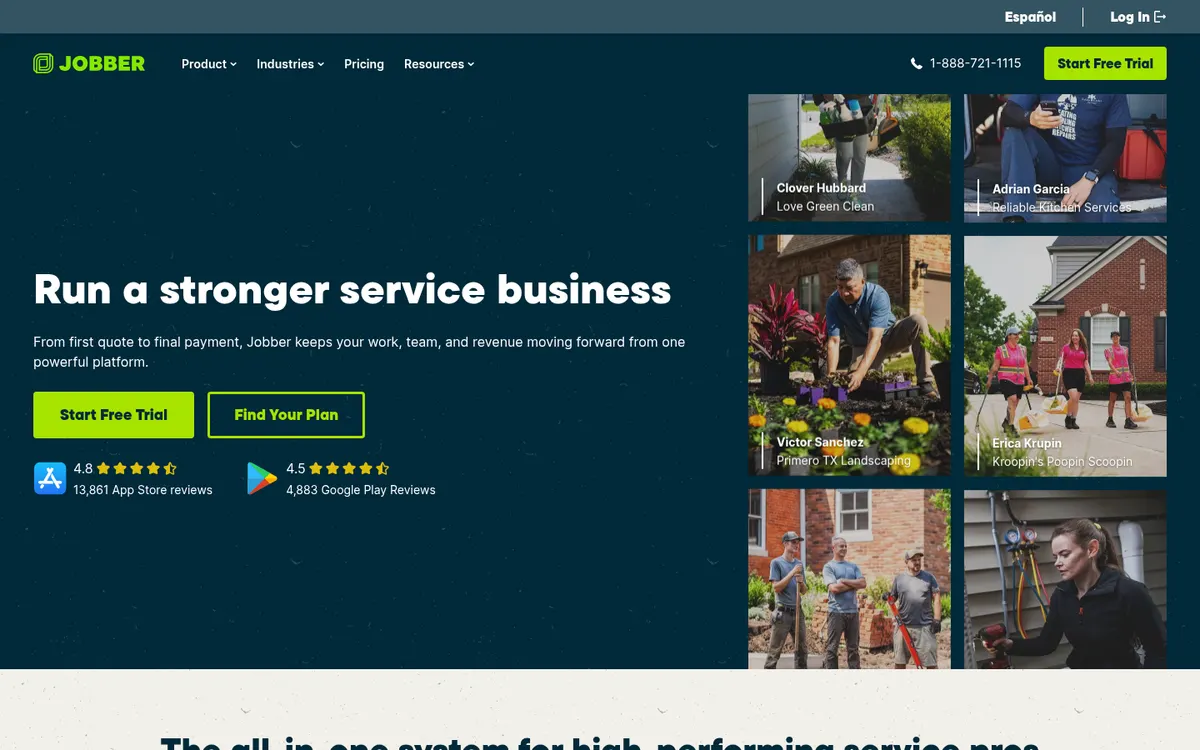
Best overall for small home service firms that want customer records, quotes, booking and payments in one system.
Jobber puts the customer record at the center and links the work that follows from it. A client carries contact details, property information, job history and notes, and from that record you can send a quote for signature approval, take a booking through the client hub, schedule a crew, invoice and collect payment. For a small firm doing all of that in a notebook, a spreadsheet and a card reader, the consolidation is the product. The Core plan covers the essentials. What sits above it matters. Automated reminders, quote and invoice follow-ups and QuickBooks sync appear only on Connect, and a sales pipeline view is an add-on below Plus. Core has no two-way texting, which rules Jobber out for shops that live on text threads with customers. Recurring work is handled well: recurring jobs can hold a card on file and charge automatically, which suits maintenance plans and seasonal service agreements. Pricing is per user across the Core, Connect and Grow tiers, and a 14 day free trial needs no credit card. The vendor pricing page returned no text when we checked on 2026-11-25, so see the Jobber website for current figures. Jobber fits small firms that want one system for the office side of the business. Because reminders and QuickBooks sync sit on Connect, budget for that tier rather than Core if those matter. Shops that need two-way texting from day one should check messaging support before committing.
You run a small home service firm and want customer records, quotes, booking, scheduling and payments in one place with a 14 day trial to test it.
You need two-way texting, or want automated reminders and QuickBooks sync without stepping up to Connect.
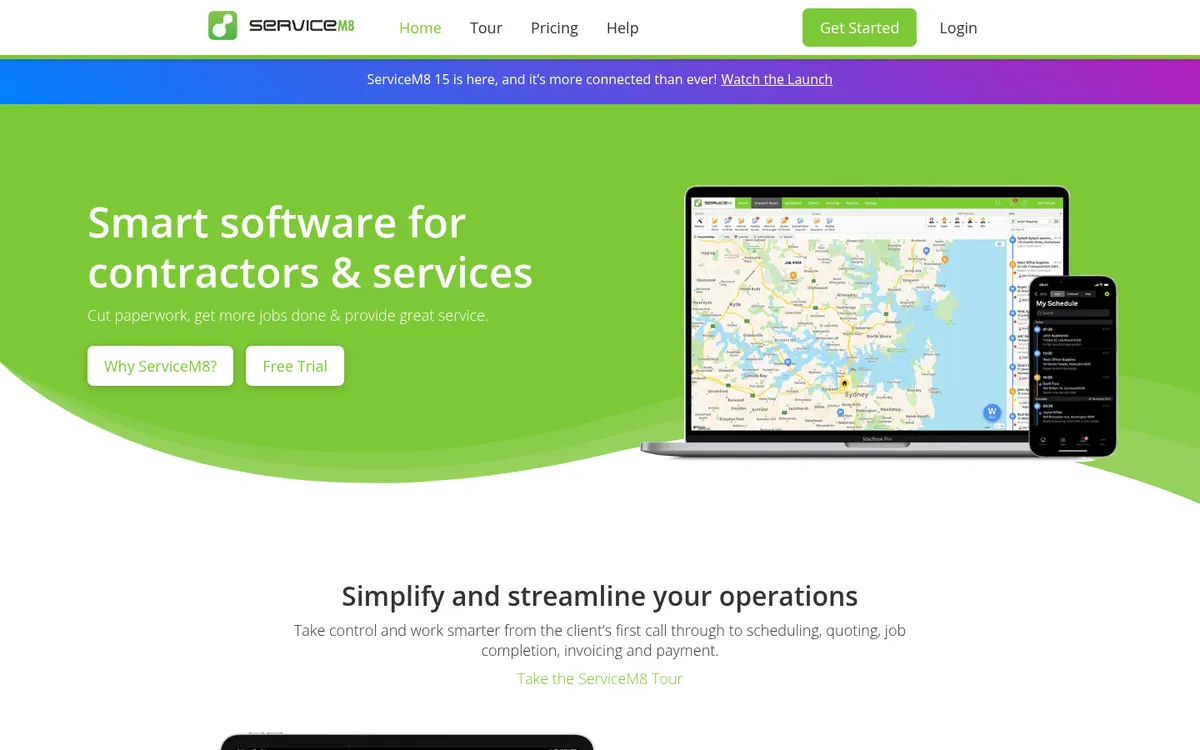
Best free starting point: a permanent one user, 30 job tier with paid plans that bill by job volume, not seats.
ServiceM8 wins on how you get started. The free tier is permanent, covers one user and 30 jobs per month, and includes client and job history with notes, photos, emails and messages, online booking, quoting with online acceptance, scheduling, invoicing, and automated confirmations, quote follow-ups and payment chasers. A solo operator can run real work on it without a card on file.
Paid plans change the unit of billing. Instead of charging per seat, ServiceM8 charges by monthly job volume: $29 per month for 50 jobs at the Starter level, up to $349 for 1,500 or more jobs, with unlimited users on paid plans. That is attractive for a small crew where everyone needs a login. The catch is the cap. A busy month pushes you into overage fees, and firms with volatile volume can end up paying more than a per-seat plan would cost. SMS beyond the plan allowance is billed extra.
On the price check: the vendor page confirmed the free tier and showed Starter at $29 per month as the first paid plan when we looked on 2026-11-25, but it did not render the full range. The wider $29 to $349 span comes from checks dated September and October 2026, so treat the upper figures as less certain than the free tier.
ServiceM8 fits one to five person shops that want a CRM without a subscription floor and are comfortable watching job counts. It suits maintenance and repair work with predictable volume. It fits less well as a high volume operation that needs unlimited jobs and predictable bills.
You are a solo operator or small crew that wants a free tier now and job based pricing as volume grows.
Your monthly job count swings widely and overage fees would make a per-seat plan cheaper.
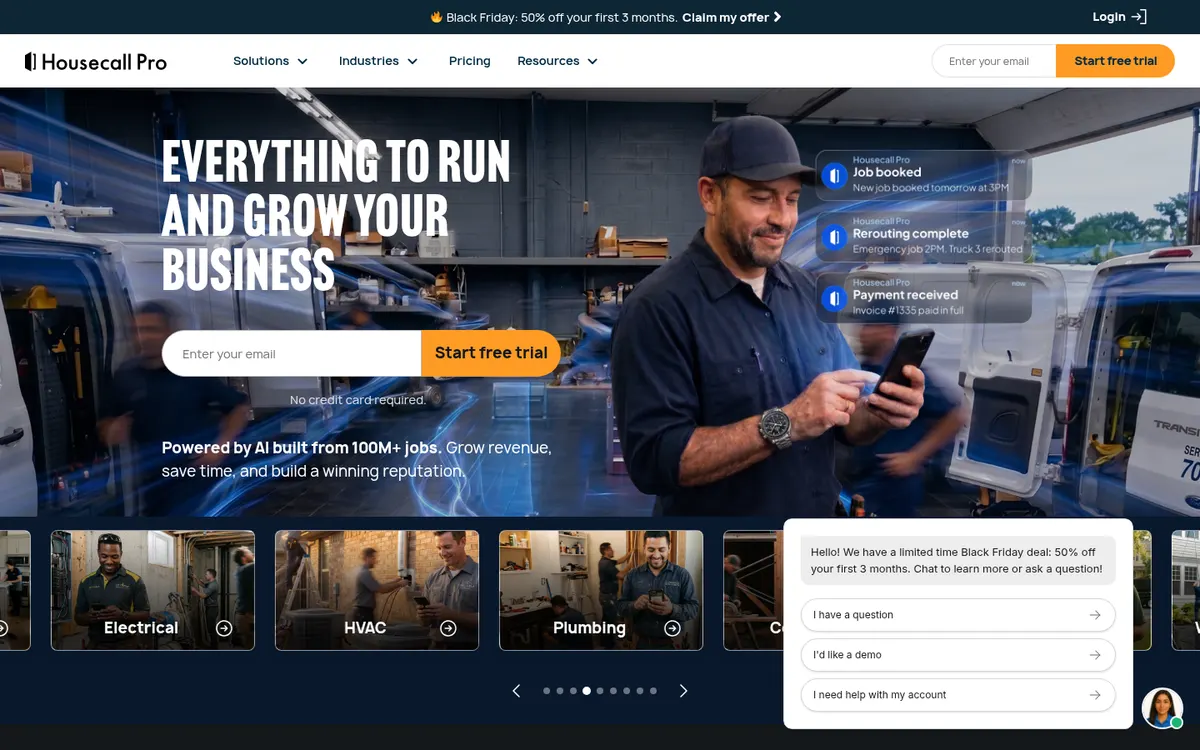
Strongest for firms that win work online, with a price book, job costing and review management on the entry plan.
Housecall Pro leans toward firms that win work online and care about their reputation. Basic includes a price book, job costing, online booking and review management, which is an unusual amount of selling and costing machinery at the entry tier. From there the job runs through estimates, scheduling and dispatch to invoicing, with customer records and job history underneath. The plan structure is banded rather than strictly per seat, running from Basic through Essentials to MAX. See the Housecall Pro website for current figures. Recurring Service Plans and automated follow-ups sit on MAX, which matters if maintenance revenue is a goal. MAX is also where Zapier and open API access live, so any integration work needs the top tier. Three limits show up in practice. Basic lacks route and GPS tracking, which a dispatcher will miss. Add-on prices are not published, so the cost of extras is unknown until you talk to sales. And the pricing page did not render its figures when we checked on 2026-11-25, so the tier prices are unconfirmed against the page that day. Housecall Pro fits a residential firm that wants booking, a price book, job costing and review requests in one place and expects to grow into MAX. It fits less well for a shop that needs GPS tracking on the cheapest plan or wants published add-on pricing before it commits.
You win work through online booking and reviews and want a price book and job costing on the entry plan.
You need GPS tracking on the cheapest tier or published add-on prices before you sign.
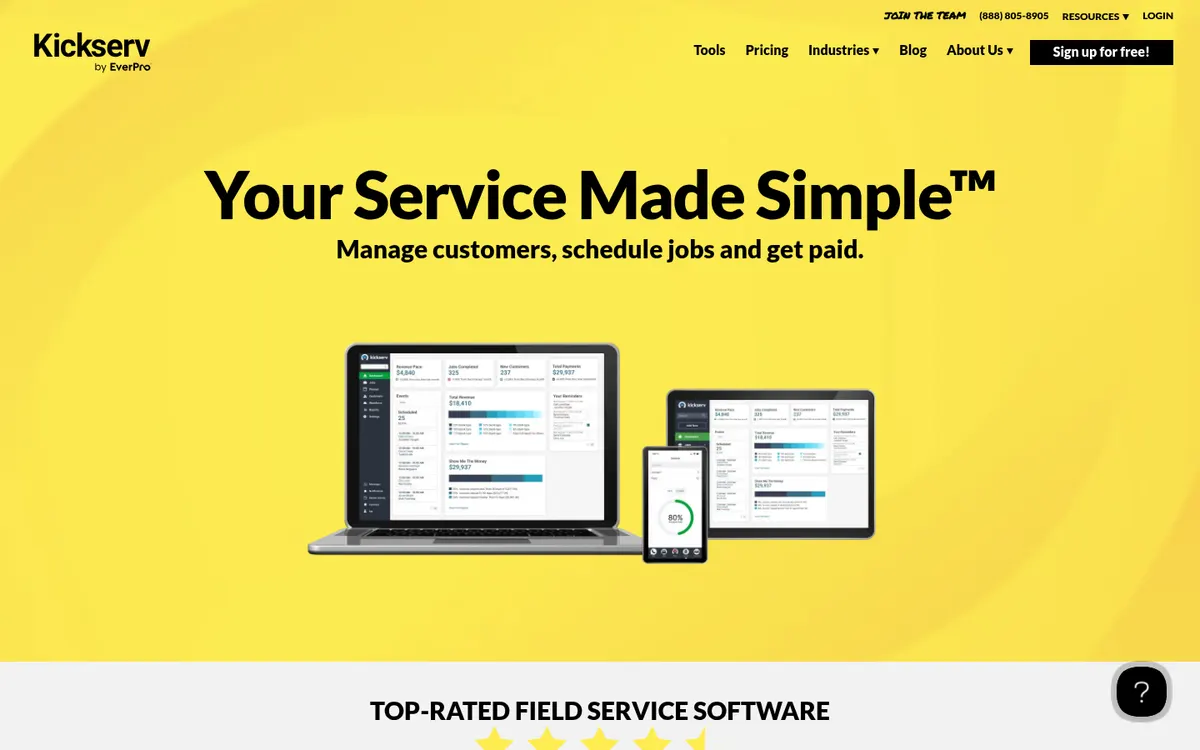
Flat pricing for 5 to 20 users and a 30 day trial, but no two-way texting on any plan.
Kickserv is the straightforward option. The product covers a CRM and customer center, an embeddable website contact form, estimates with signature approval, scheduling, invoicing and automated reminders, and it prices by user band rather than per seat. Start covers 5 users at $60 per month billed monthly or $48 billed annually, Run covers 10 users at $119 and Scale covers 20 users at $199. There is a 30 day free trial on all plans, which is the longest in this list.
The feature set is deliberately plain. There is no two-way SMS on any plan, only one-way automated reminders, so a team that texts customers back and forth will feel the gap immediately. Automated review requests appear on Scale, not on Start. API tokens are reserved for a Premium plan that carries no published price, and QuickBooks Desktop sync costs an extra $50 per month on Run and above.
Read the pricing carefully. The vendor page leads with $60 per month for Start on monthly billing rather than the $48 annual figure, so the headline number is the higher one. The annual saving is 20 percent, which is worth taking if cash flow allows.
Kickserv suits small home service teams of around 5 to 20 people that want a clean record of customers, jobs, estimates and invoices without paying per seat, and that can live without two-way texting. It does not suit shops that need SMS conversations or deep integration work on a budget.
You have 5 to 20 users, want flat pricing and can work without two-way texting.
Your team texts customers back and forth, or you need API access without buying an unpriced plan.
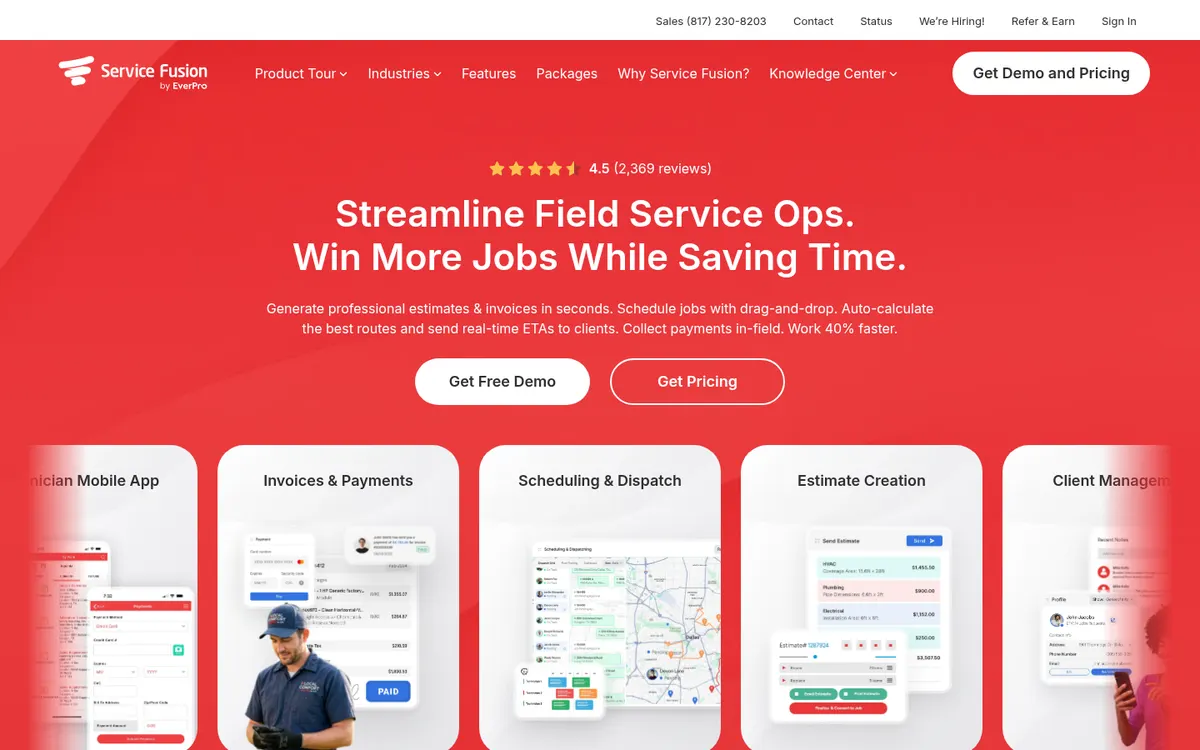
Unlimited users for one company fee with two-way QuickBooks sync, if you can pay a year upfront without a trial.
Service Fusion sells unlimited users for a flat per company fee, and that single decision drives everything else. Adding a technician does not add a seat charge, so the economics improve as the crew grows. The base plan includes scheduling and dispatching, estimates and job management, invoicing with integrated payments, two-way QuickBooks Online and Desktop sync, and a technician mobile app for jobs, invoices and payments. Starter is the thin tier. Job photos, inventory, job costing, eSign, the customer portal and progress billing sit on Plus or Pro, or arrive as add-ons. A shop that needs job costing from the start should price Plus rather than Starter. Annual billing also requires the full year upfront, and the vendor publishes no figures: Starter, Plus and Pro are priced through a demo. There is no stated trial. The vendor offers a demo instead, so you cannot test with live data before signing, and the pricing page showed the tiers but no figures when we checked on 2026-11-25. Service Fusion fits a growing crew of 5 to 20 technicians that adds people steadily, wants QuickBooks sync in both directions and would rather pay one company fee than count seats. It fits less well for a two person shop that needs job costing immediately, or for anyone who will not pay a year upfront without a trial.
You add technicians regularly and want unlimited users for one flat company fee with two-way QuickBooks sync.
You need job costing and eSign immediately, or you will not pay a full year upfront without a trial.
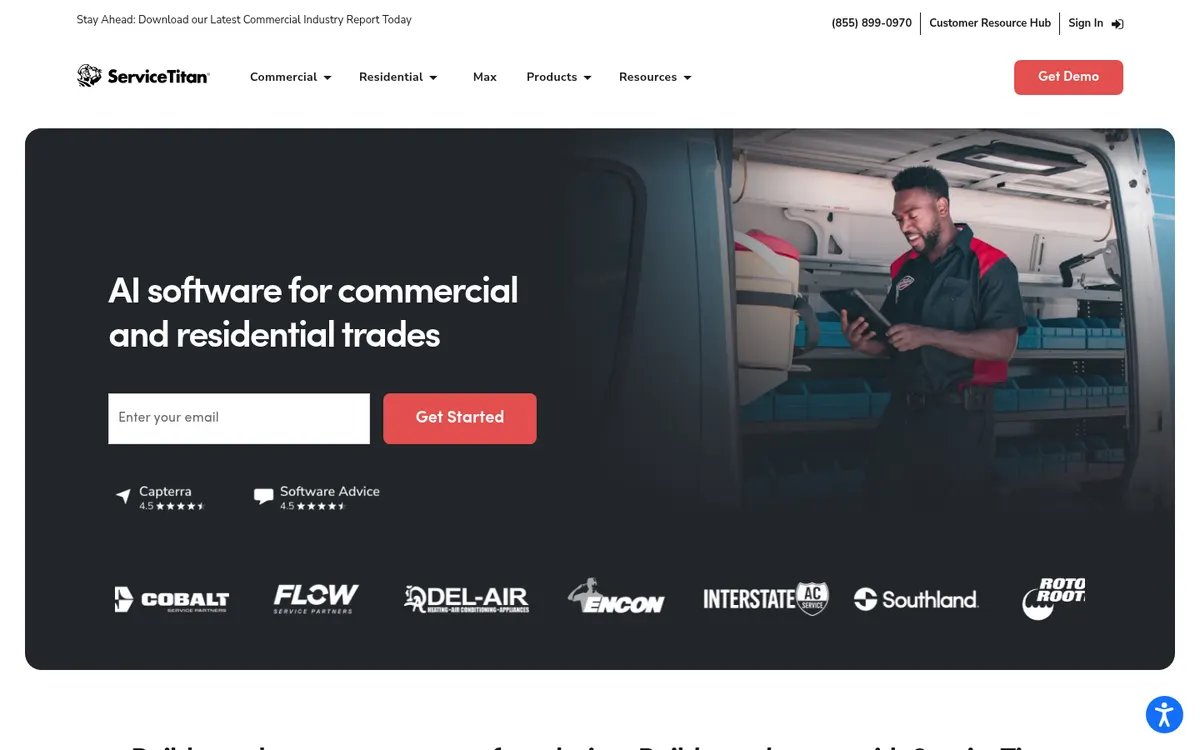
Deep dispatch and marketing attribution for large operations, with a quote only sales process and a heavy implementation.
ServiceTitan is built for operations that have outgrown the small shop tools. Call booking sits next to full customer history, intelligent dispatch assigns work across a large technician base, a dynamic flat-rate pricebook supports on-site quoting, memberships cover recurring maintenance, and Marketing Pro attributes booked revenue back to ad spend. For a company spending real money on marketing, that attribution loop is the reason to look. The buying process is the problem. There is no self-serve signup and no public price list, so everything starts with a demo and a sales conversation. The vendor states no prices and no contract terms up front, and we could not confirm any figure on a pricing page because none exists. Scale is the other constraint. The platform is overkill for shops under 15 to 20 technicians, where the implementation effort outweighs the dispatch and attribution gains. Below that size, a tool with published pricing and a trial is usually the better first purchase. ServiceTitan fits a larger home service operation, typically 20 or more technicians, with a marketing budget and a dispatch team that needs attribution from ad spend to booked revenue. It fits less well for a small shop without the volume to absorb the setup effort.
You run 20 or more technicians with a marketing budget and need attribution from ad spend to booked revenue.
You are under 15 to 20 technicians, or you want published pricing and self-serve signup.
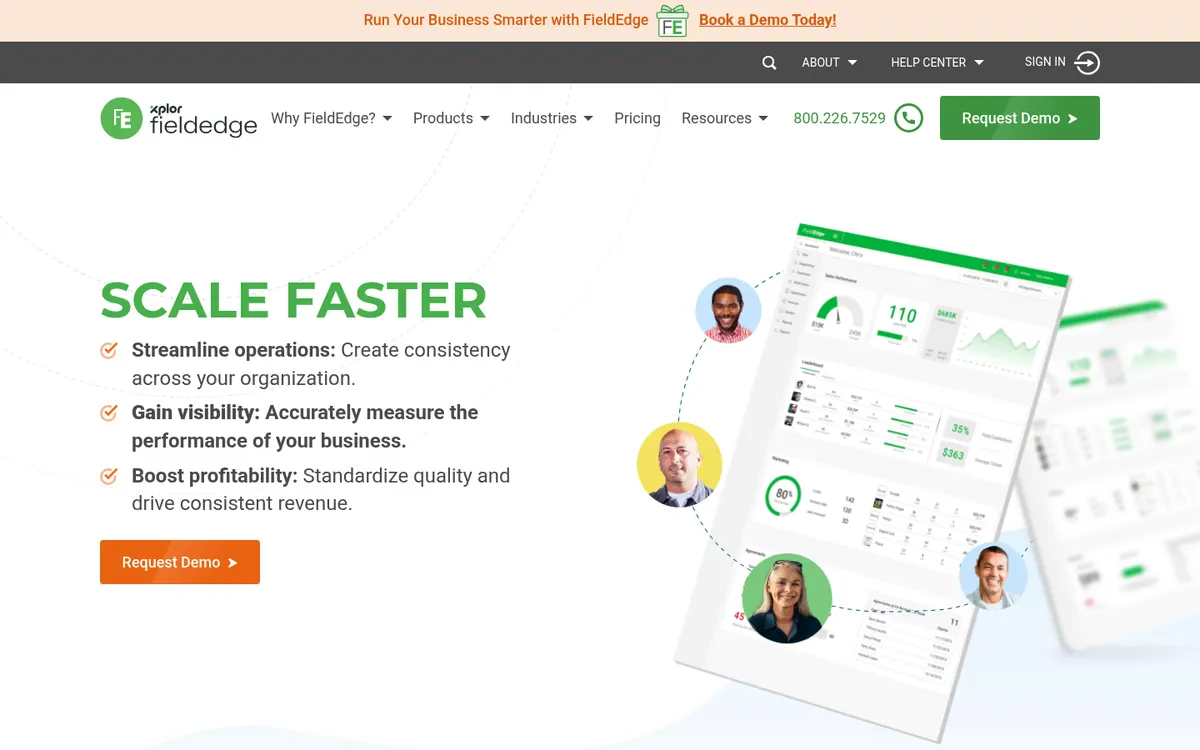
Best QuickBooks alignment for multi truck HVAC and plumbing shops, with a mandatory onboarding and no trial.
FieldEdge is aimed squarely at multi truck HVAC, plumbing and electrical shops, and its strongest card is accounting. Two-way QuickBooks Desktop and Online sync keeps invoices and payment records aligned, which removes the reconciliation work that per-seat tools often leave behind. On top of that sit customer management with full history, lead and prospect tracking, a flat-rate pricebook for on-site quoting and service agreements for recurring maintenance. The buying model is guided rather than self-serve. The vendor lists Select, Premier and Elite tiers, but all three show request pricing instead of published figures when we checked on 2026-11-25. There is no free trial, only a demo and a mandatory onboarding period of roughly 5 weeks. That onboarding is a real cost in staff time, and it means you should plan the switch for a slow season rather than mid summer. Two gaps matter for residential work. FieldEdge has no native GPS tracking and no native review management. Both require paid third-party add-ons, so the true cost of a competitive setup is higher than the tier price suggests. FieldEdge publishes no tier figures, so you have to request pricing to see the cost. FieldEdge fits a shop of several trucks that lives in QuickBooks, quotes from a flat-rate book and sells maintenance agreements. It fits less well for a small shop that wants a trial, transparent pricing, or native review requests and GPS.
You are a multi truck shop that lives in QuickBooks and quotes from a flat-rate pricebook.
You need a trial, transparent pricing, or native GPS and review management.

Built for high call volume trades, with call history and AI lead routing, but base pricing stays behind a quote.
Workiz is built around the phone. Client management links to call and message history, so whoever answers a call sees what was said last time before dispatching a technician. Genius AI triages inbound leads and routes them without a dispatcher, which is the feature that separates Workiz from the general purpose tools in this list. Online booking, scheduling and dispatch, estimates, invoicing and automations for follow-ups and reminders round out the base product.
Pricing is the weak spot. Base prices require a sales quote, and the only rates published are extra user rates: Standard at $46 to $55 per month and Pro at $54 to $65 per month, per the vendor FAQ. Service plans and inventory management sit on the Ultimate tier, which is custom priced. A buyer comparing Workiz to Jobber or Kickserv has to complete a sales call before the comparison can be made on cost.
The trial is short. Workiz offers 7 days with no credit card, which is enough to test call handling and dispatch but tight for evaluating reporting and automations on real data. The pricing page returned no text when we checked on 2026-11-25, so no base price could be confirmed.
Workiz fits high call volume trades such as HVAC, plumbing, locksmiths and junk removal, where the phone is the front door and leads are lost when nobody answers. It fits less well for a shop that wants published base pricing and a longer trial before committing.
The phone is your front door and you lose leads when nobody answers.
You need published base pricing and a trial long enough to test reporting on real data.
A home service CRM is the system that holds the customer record and the work that follows from it: the call, the quote, the scheduled visit, the invoice and the payment. Generic CRMs store contacts and pipeline stages. Field service tools add dispatch boards, technician mobile apps, price books and job costing, because the unit of work is a truck rolling to an address rather than a deal moving through a stage. The category splits into two broad shapes. Office-first tools concentrate on customer records, quoting, booking and invoicing, then add scheduling. Dispatch-first tools start from the board and the technician app, then add CRM. Both cover the same ground eventually, but the starting point tells you who the vendor built for. Four questions sort most of the market: - Does the customer record link quotes, calls, jobs, invoices and payments, or does each live in its own tab?
This comparison sits on the Sales desk. Readers comparing neighbouring stacks often check our guides to PRM software and sales engagement platforms next.
Pricing in this category follows five models, and the model matters more than the headline number. A per-seat price looks cheap until the fifth technician needs a login. A job-based price looks cheap until a busy month pushes past the cap. A flat company fee looks expensive until you divide it by ten users.
| Model | How it bills | Typical fit | Example from this list |
|---|---|---|---|
| Per user | A rate multiplied by each user who needs access | Firms with a few heavy office users | Jobber Core, priced per user on the vendor site |
| Per job volume | A monthly cap on jobs, with unlimited users | Small crews with steady, modest volume | ServiceM8 free at 30 jobs per month, $29 for 50 jobs |
| Flat per team tier | One price for a band of users | Small teams that add people often | Kickserv Start at $60 per month for 5 users |
| Flat per company | One fee with unlimited users | Growing crews adding technicians | Service Fusion Starter, priced by quote |
| Custom quote | A sales conversation, no public price | Larger operations and complex setups | ServiceTitan, FieldEdge and Workiz base plans |
Every price above was checked on the vendor's own pricing page on November 25, 2026. Where a vendor does not publish a figure we write "See website" instead of guessing. To compare annual and monthly billing quickly, try the free percentage calculator.
Count your users and jobs. Write down how many people need a login and how many jobs you complete in a typical month. That ratio tells you whether per-seat, per-job or flat company pricing will be cheaper over a year.
Decide if recurring maintenance matters. If service agreements or memberships are part of the plan, keep only tools with a real recurring construct: Jobber recurring jobs with stored cards, Housecall Pro Recurring Service Plans on MAX, ServiceTitan memberships or FieldEdge service agreements.
Test the customer record. Ask whether quotes, calls, jobs, invoices and payments all attach to one customer. If they sit in separate tabs, you are buying a scheduler rather than a CRM, and the admin work comes back.
Check the accounting sync on your tier. QuickBooks sync is gated at Jobber Connect, charged at $50 per month extra for QuickBooks Desktop at Kickserv, and included on base plans at Service Fusion and FieldEdge. Confirm which plan carries it.
Take the trial or accept the demo. Jobber, ServiceM8, Housecall Pro, Kickserv and Workiz offer trials of 7 to 30 days. Service Fusion, ServiceTitan and FieldEdge offer demos only, with FieldEdge adding roughly 5 weeks of onboarding.
Price the add-ons before you sign. Route and GPS tracking, review management, API access and extra SMS can all sit outside the headline price. Ask for a written total at your expected volume before you compare finalists.
ServiceM8 is the only tool in this list with a permanent free plan. It covers one user and 30 jobs per month with no stated end date, and it includes client and job history, online booking, quoting, scheduling, invoicing and automated payment chasers. Paid plans start at $29 per month for 50 jobs and scale by job volume, with unlimited users.
The billing unit explains most of the gap. ServiceM8 is free for 30 jobs per month, then $29 for 50 jobs. Kickserv Start is $60 monthly for 5 users. Jobber and Housecall Pro price per user, and their figures are on their sites. ServiceTitan, FieldEdge and Workiz do not publish base prices.
Jobber Core is per user and gates automated reminders, quote and invoice follow-ups and QuickBooks sync to Connect. Housecall Pro Basic includes price book, job costing, online booking and review management, but leaves route and GPS tracking to higher tiers and keeps Zapier and API access for MAX. Both price per user, and neither pricing page rendered its figures when we checked on 2026-11-25, so check the vendor sites for current numbers.
No. Review requests and reputation management are features inside a broader job system, not substitutes for one. Housecall Pro bundles review management on Basic, and Kickserv adds automated review requests on Scale. Neither replaces customer records, scheduling, quoting, invoicing or payment collection, which are the core of a home service CRM. FieldEdge has no native review management and points buyers to paid third-party add-ons.
Recurring work is handled in several ways here. Jobber runs recurring jobs with a card on file and automatic charging. Housecall Pro sells Recurring Service Plans on MAX. ServiceM8 supports recurring jobs for maintenance plans. ServiceTitan sells memberships and FieldEdge sells service agreements. Kickserv, Service Fusion and Workiz do not list a dedicated maintenance plan feature in the material we reviewed, so confirm before you buy.
Trials: Jobber and ServiceM8 offer 14 days with no credit card, Housecall Pro offers 14 days on MAX features with no credit card, Workiz offers 7 days, and Kickserv offers 30 days on all plans. Demos only: Service Fusion, ServiceTitan and FieldEdge. FieldEdge pairs its demo with a mandatory onboarding of roughly 5 weeks, and ServiceTitan has no self-serve signup.
Browse every comparison on the Sales desk, with the same rubric and dated prices.