Ranked #1

Tidio
Shopify actions in chat
Starter $33/mo billed annually ($390/yr)
- Best for
- Small ecommerce stores and service sites
- Free plan
- Yes (Free plan, 50 conversations/month, 10 seats)
- Rubric
- 8.2 / 10
We ranked eight live chat tools for small teams on price, free plan limits, setup speed and AI costs, using vendor pricing pages checked on November 25, 2026.
 Prices checked November 25, 2026
Tidio is the best live chat software for small business in November 2026 for most ecommerce and service sites, because its free plan covers 50 conversations a month across 10 seats and Starter costs $33 a month billed annually. Crisp is the pick for small teams that want one shared inbox at a flat $45 per workspace per month. HubSpot wins when chat should land on a free CRM contact record. LiveChat and Zendesk fit teams that expect ticketing to matter within a year.
Shopify actions in chat
Starter $33/mo billed annually ($390/yr)

Flat-rate shared inbox
Mini $45/month per workspace

Fin AI resolutions
See website
Disclosure for this page: All 8 tools here are unpaid editorial picks. The position of a paid listing can be part of what the vendor pays for. How we handle paid listings.
| Tool | Best for | Free plan | Actions | |||
|---|---|---|---|---|---|---|
| 1 | Tidio | Small ecommerce stores and service sites | Starter $33/mo billed annually ($390/yr) | Yes | ||
| 2 | Crisp | Startups and small teams wanting one shared inbox | Mini $45/month per workspace | Yes | ||
| 3 | Intercom | B2B SaaS teams doing product-led support and sales | See website | No | ||
| 4 | LiveChat | Support desks and sales teams wanting a proven tool | Essential $19/user/month billed annually | No | ||
| 5 |  Zendesk | Support teams growing into tickets, knowledge base and omnichannel | Support Team $19/agent/month paid yearly | No | ||
| 6 |  HubSpot | Small businesses already running or adopting HubSpot CRM | Starter $20/mo/seat (promo from $7/mo/seat) | Yes | ||
| 7 |  Olark | Small service businesses wanting a simple, brandable chat box | Live Chat only $29/agent/month | No | ||
| 8 |  Drift | B2B teams where one chat conversation can close a five-figure deal | See website | No |
Every tool here was scored against the same five criteria, weighted for what small teams actually pay for: price value 25 percent, feature fit 25 percent, scaling cost 20 percent, free plan access 15 percent and setup speed 15 percent. Price value asks what the entry paid plan buys, not the headline number. Feature fit asks whether the features a small business needs, such as routing, chatbots and ecommerce actions, sit in the base tier or are sold separately. Scaling cost models the bill at 10 seats or at 2,000 conversations a month. Free plan access measures how usable the free tier is without a credit card. Setup speed covers install, CRM import and time to a first live conversation.
Prices, plan names, trial lengths and free tier limits come from vendor pricing pages checked on November 25, 2026. Where a vendor publishes no pricing, we say so and do not estimate a figure. We did not run a multi week hands on test of every product. The comparisons rest on published plan limits and documented features, and a quota that meters human, AI and automated conversations separately counted against a tool.
Order is editorial: it reflects fit for the buyer each entry describes, plus any listing marked Featured. A Featured listing is a paid placement and is scored with the same rubric as every other entry, including the same scrutiny of its cons. Where a vendor changed a price recently, the entry flags the current figure so you do not budget from an outdated number.
The full process, including how we handle corrections, is on the methodology page. Paid listings follow our advertising disclosure.
| Criterion | Weight | What we check |
|---|---|---|
| Price value | 25% | What the entry paid plan actually buys at the price the vendor publishes today. |
| Feature fit | 25% | Whether the chat, routing and ecommerce features a small business needs are included rather than sold separately. |
| Scaling cost | 20% | What the bill looks like at 10 seats or at 2,000 conversations a month. |
| Free plan access | 15% | How usable the free tier is for a real pilot, including seat and conversation limits. |
| Setup speed | 15% | Time from signup to a first live conversation, including install and CRM import. |
The best default for small ecommerce teams that want Shopify actions and a usable free tier.
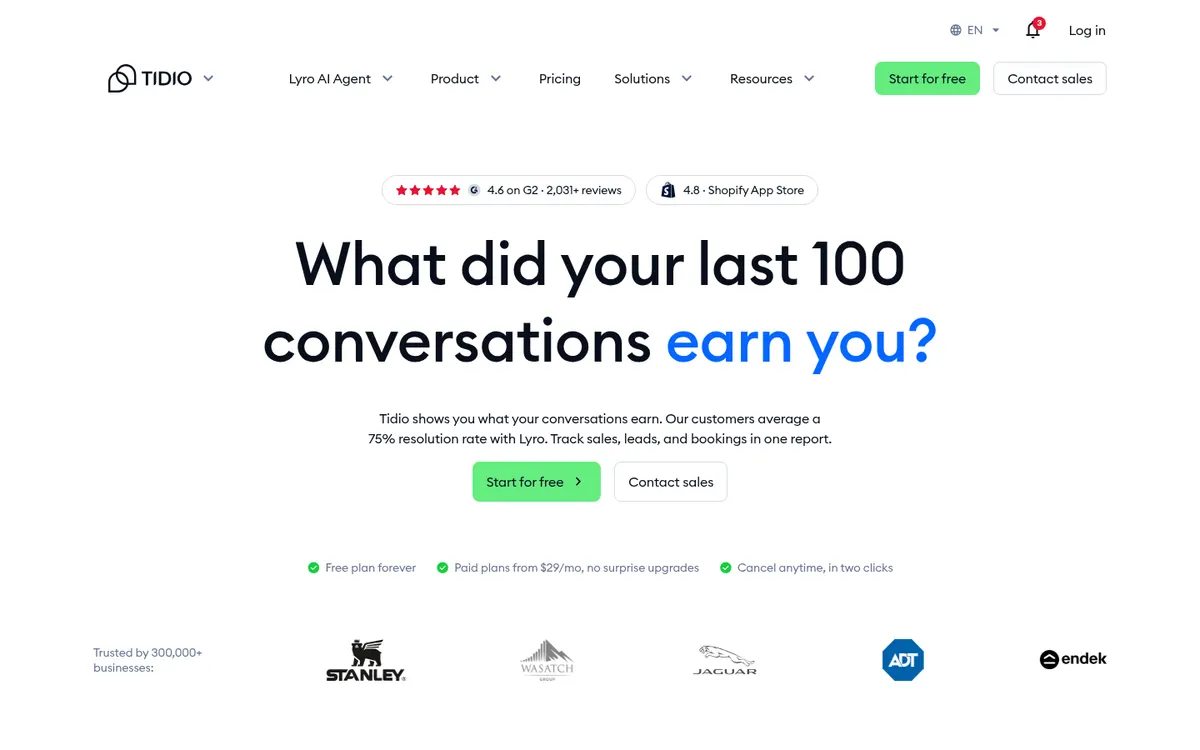
Tidio is the strongest fit on this list for a small ecommerce store that wants chat to do something beyond answering questions. On Shopify, agents can issue refunds and edit orders from inside the conversation instead of switching to the admin. Install is a one line script or the Shopify app, so a store can be live quickly. The plans matter more than the feature list. The Free plan gives 50 conversations a month across 10 seats, which is unusual at this price point, and a 7 day trial sits on top of that. Starter is $33 a month billed annually, or $390 a year, for 50 AI plus human conversations. That replaces an older $29 listing for 100 billable conversations, so budget from the current number rather than the figure in older write ups. Costs build in two places. Lyro, the AI agent that answers routine questions, and Flows, the visual automation builder, are billed separately from the base plan. Conversations are also metered on separate meters for human, AI and automated chats, so a busy month can cost more than the plan price suggests. Removing the Tidio branding is an extra as well, which matters if you care about a clean widget. Model a realistic month before you commit: a store doing 50 human chats plus a few hundred automated bot replies is not on the same bill as one doing 50 chats total. For a small team that wants Shopify actions, a real free tier and per conversation pricing, Tidio is the easiest recommendation here. Teams that expect high chat volume should price the next tier up and compare it against flat rate tools before signing an annual plan.
You run a Shopify or service site with modest chat volume and want a free tier to test on.
You expect thousands of chats a month and need a flat, predictable bill.
A flat rate shared inbox that keeps chat costs stable as a small team adds agents.
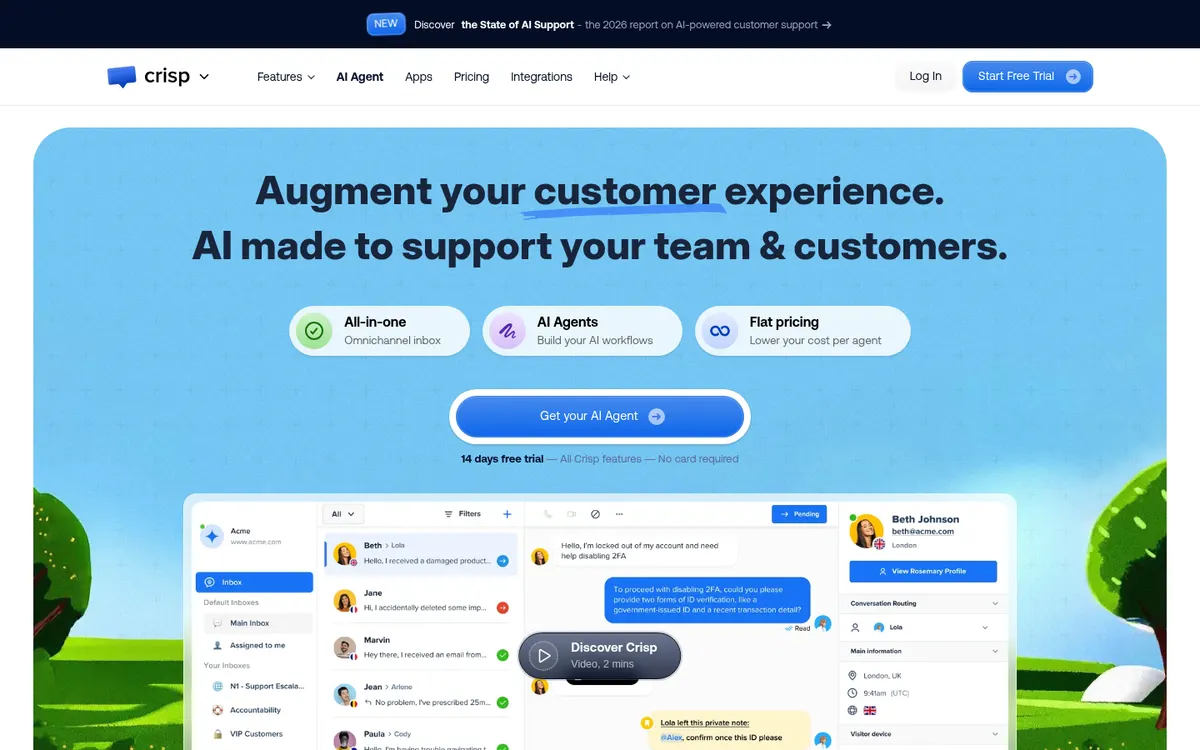
Crisp sells itself on one shared inbox, and for a small team that is the whole argument. Website chat, email, WhatsApp, Instagram and SMS all land in the same place, so an agent does not need five tabs to answer a customer who switched channels halfway through a question. Mini is $45 a month per workspace and covers 4 seats, billed flat rather than per head. That flat model is the reason to shortlist it. A flat workspace fee keeps the chat bill predictable as the team adds agents, and co-browsing, which lets an agent view and guide a visitor screen, is included rather than sold as an add-on. The free plan is free forever with 2 seats and no AI credits, and there is a 14 day trial. The limits are real. The chatbot builder and advanced automations sit on the Essentials tier at $95, so a team that wants automated qualification pays more than double the Mini price. Customer profile allowances start at 100 on the free tier and scale to 200,000, which means a contact heavy business can hit a profile cap before it hits a seat cap. AI usage beyond the included credits is metered. Fits best: a startup or small support team that wants one inbox, predictable seat economics and a built in CRM with contact profiles. Less good for a team that needs sophisticated bots on day one, since the tier that includes them costs $95 a month, and less good for a business whose main problem is ecommerce actions inside chat rather than channel consolidation.
You want one inbox for chat, email and social with a bill that does not grow with every new hire.
You need a chatbot builder or heavy automation on the entry plan.
Powerful in-app messaging for SaaS teams, with a per resolution AI fee that punishes high volume.
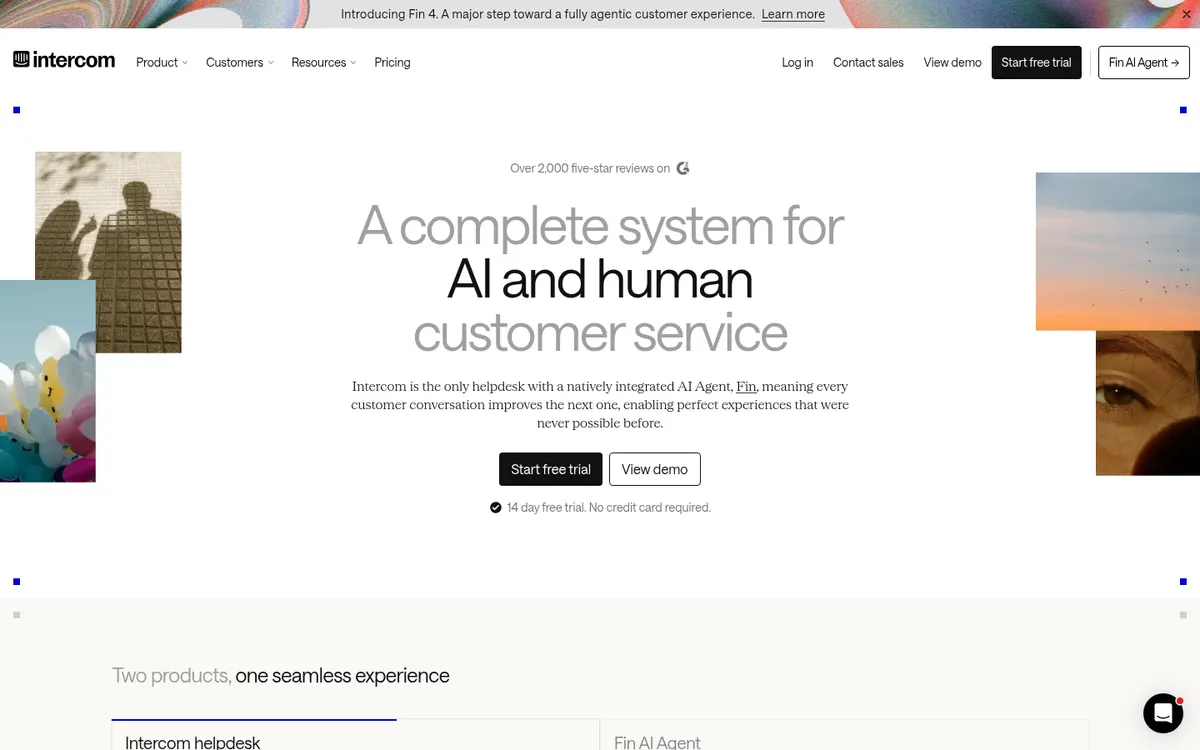
Intercom is built for B2B SaaS teams that treat chat as part of the product, not a widget bolted onto a marketing site. The Messenger SDK puts support and onboarding conversations inside the app, the Fin AI agent resolves routine questions, and the helpdesk workspace, help center and workflow automation sit in the same platform. For a product led team that wants one vendor for in-app messaging and support, the breadth is the point. Pricing is where small businesses get hurt. Intercom publishes no simple entry price on the page we checked, with seat prices hidden behind animated digits, so the only legible rate was $0.99 per Fin AI resolution. Seat pricing is on the vendor site, and the only legible rate was $0.99 per Fin AI resolution. At low volume that reads like a bargain next to per seat competitors. At high volume the AI line can pass the seat line quickly. There is no free plan, only a 14 day trial, so evaluation has a deadline. Implementation is not a one line install either: SDK work, content import and workflow design typically take days, which is fine for a funded SaaS team and heavy for a five person service business. Set spend alerts before you commit, because usage driven bills can surprise small teams. Fits product led SaaS teams with engineering time to spare and a support volume they can model. Skip it for a local service business or a small store, where the entry price sits above most small business chat tools and the per resolution fee buys nothing the business needs.
You run a SaaS product and want chat, helpdesk and an AI agent behind one vendor.
You need a free tier or a predictable monthly bill at high chat volume.
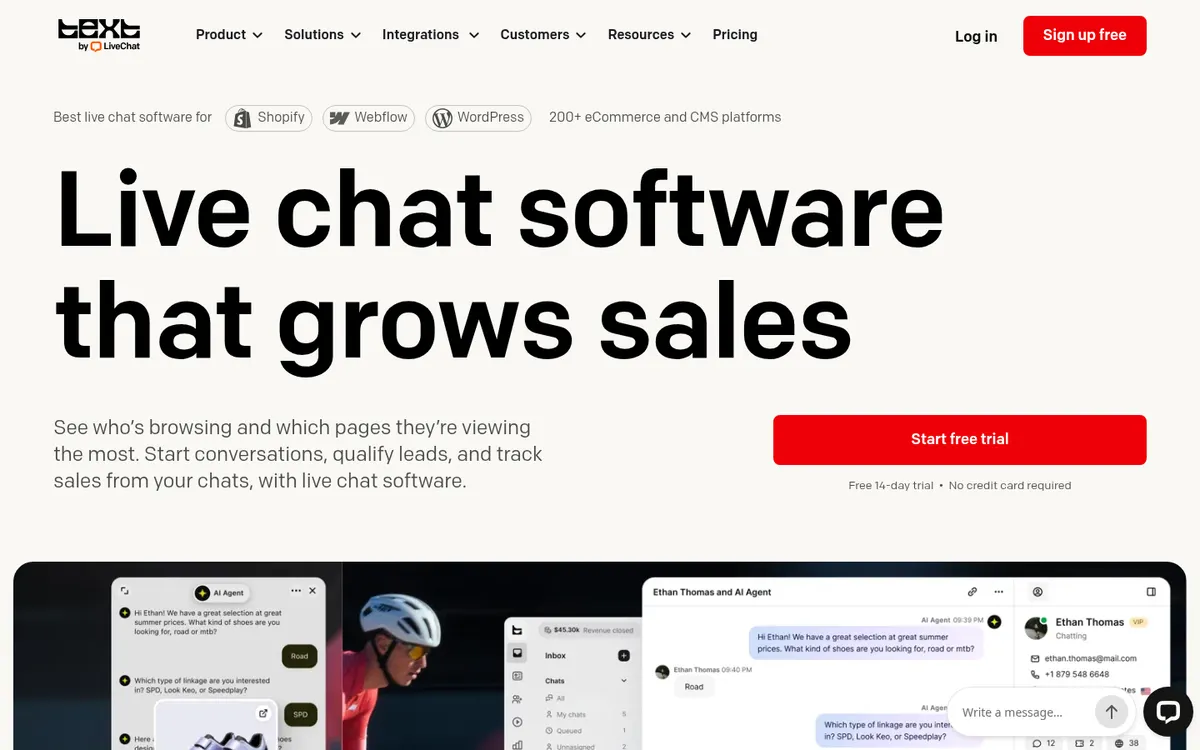
A mature, reliable chat workspace with a broad integration catalog and more than 200 native integrations.
LiveChat is the mature option: a fast loading widget, an agent workspace refined over roughly two decades, routing rules, built in ticketing and automation for repetitive tasks. The integration catalog is the headline, with more than 200 native integrations including Shopify, HubSpot, Salesforce and Zendesk. If your stack already includes one of those, chat data moves without middleware.
Pricing is per agent. The entry plan lists at $19 per user per month billed annually, with month to month at $25, and there is no free plan. A 14 day trial without a credit card covers evaluation. Per agent billing is fine for a two person team and awkward for shift coverage: three part time agents covering one desk still count as three seats.
The product now sits inside the Text portfolio, and AI chat features are sold as separate Text products with their own pricing rather than bundled into the chat plan. That is worth checking before you assume AI is included, because competitors on this list fold at least some automation into the base tier. The upside of the split is that a team which does not want AI is not paying for it.
Fits support desks and sales teams that want a proven tool with deep CRM connections and are willing to pay per seat for reliability. Less good for a business that wants AI answers included, and less good for a team that needs a free tier to run a long pilot before buying.
Your CRM or helpdesk is already on the integration list and you want a battle tested agent workspace.
You staff three shifts on one desk or need AI answers bundled into the plan.
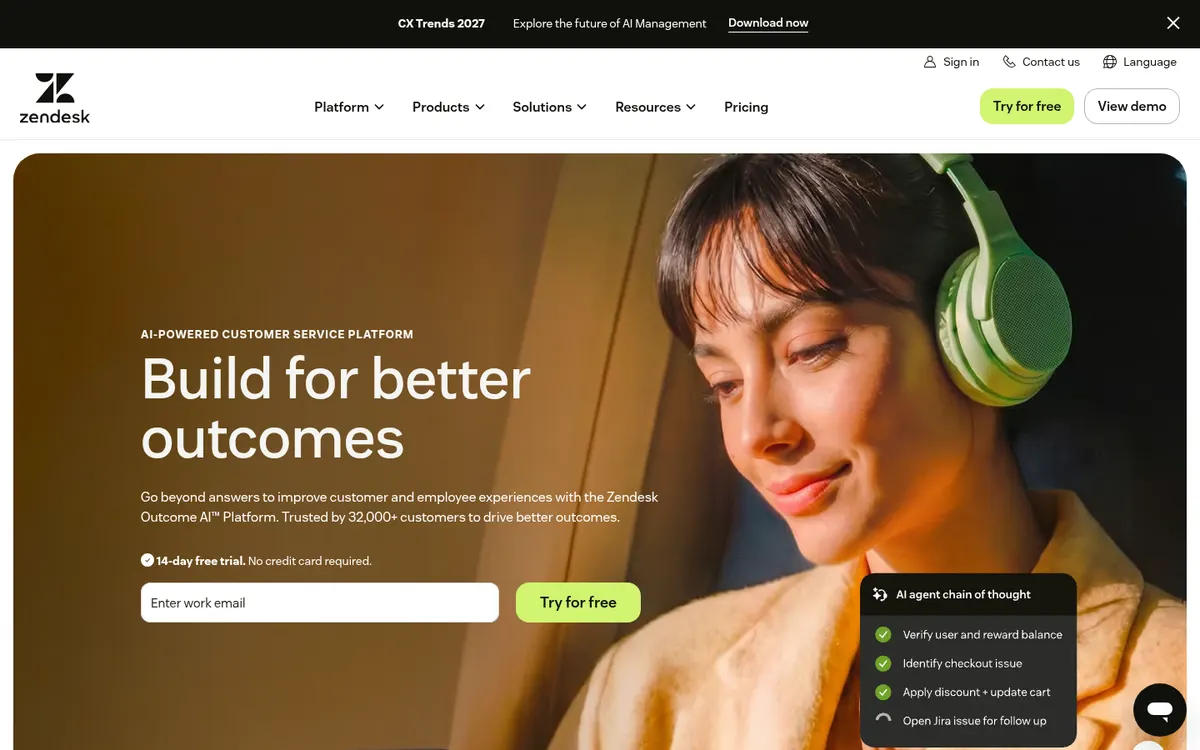
The right upgrade when chat volume turns into ticket volume, priced for teams that will use the suite.
Zendesk is a helpdesk first and a chat tool second, which is exactly why some small teams end up on it. Chat sits inside a shared agent workspace alongside email and voice, with a knowledge base for self service, triggers and automations for routing, and reporting across every channel. If you expect chat volume to grow into ticket volume within a year, buying one platform beats stitching two together later.
The price ladder shifted. Support Team at $19 per agent per month paid yearly is now the lowest paid plan, while Suite Team remains $55 per agent per month billed annually. Committed AI agent resolutions are published at $1.50 each. For chat only use, $55 per agent is a lot to pay for capability you will not touch, and even $19 buys a helpdesk you may not need yet.
Expect implementation time. Full suite setup with triggers, automations and knowledge base content can take weeks, and annual contracts are typical. The learning curve is the trade for depth: the same configuration that slows a two person team in month one is what makes a 20 person team manageable in month twelve. Advanced AI and routing sit on higher tiers, so check which tier includes what before you compare against a chat only tool.
Fits support teams that are outgrowing a widget and want ticketing, knowledge base and omnichannel in one place, with AI resolution pricing that is at least published. Skip it if you only need a chat box on a brochure site, because you would be paying for a suite and maintaining it.
You expect chat to merge into ticketing and want one system to run both.
Chat is the only channel you will ever staff.
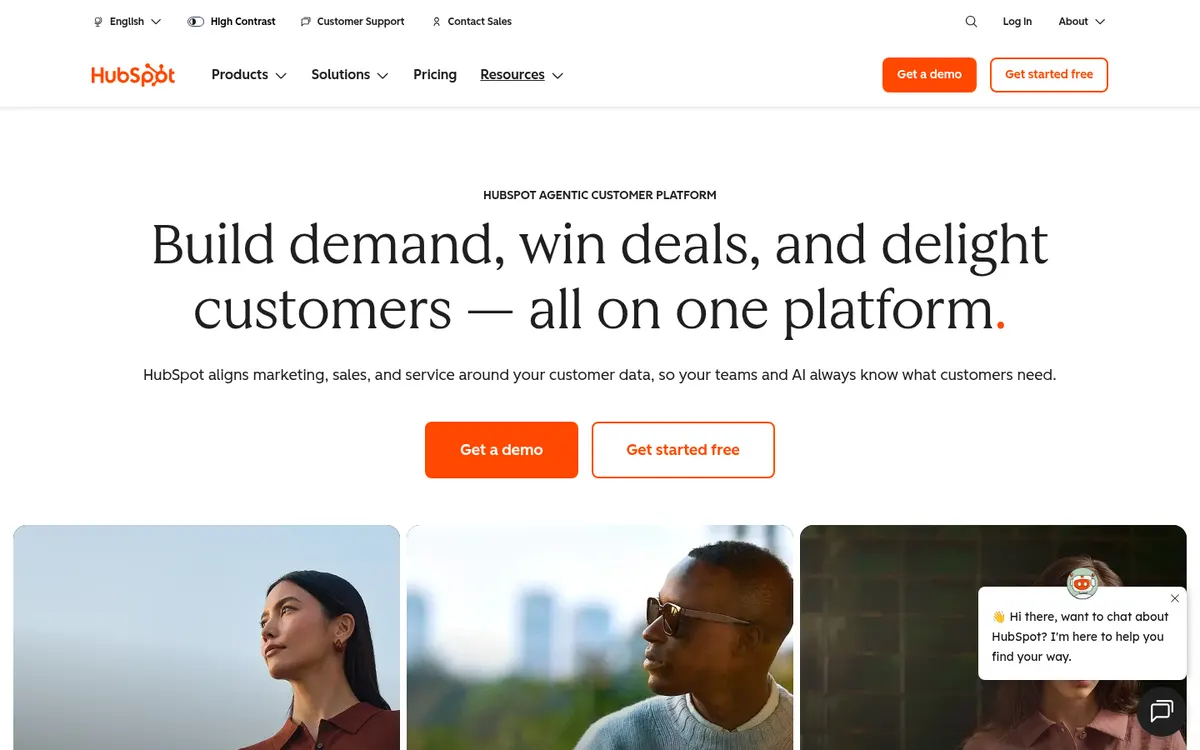
The cheapest path to chat tied to a real CRM record, provided you stay inside HubSpot.
HubSpot's argument is simple: live chat is already in the free CRM. Every conversation attaches to the contact timeline, so an agent answering a chat sees the same record the sales team sees, and nobody pays a per agent chat fee on the free tier, which supports up to 2 users. For a small business already running HubSpot, or about to, that removes a tool and a bill. Setup is quick: drop in the tracking code, import contacts, and chat is live. Starter is $20 per seat per month, with a promotional $7 per seat for new customers, and Service Hub Pro runs $90 per seat. There is no trial in the usual sense, but the free tier does the job of one, which is why the missing trial matters less here than it would elsewhere. The ceiling arrives fast. Chatbot flows, advanced routing, multiple pipelines and cross hub reporting need paid Service Hub tiers, and the free tier carries usage limits that a busy site will notice. Costs also compound when you stack marketing, sales and service hubs. Fits a small business whose inbound funnel already lives in HubSpot and wants chat tied to contact records without adding a vendor. Skip it if you need sophisticated bots on a small budget, or if you are not using HubSpot CRM, because the chat features alone do not justify moving your customer data onto the platform.
Your leads already live in HubSpot and you want chat on the same record at no cost.
You need chatbot flows on the free tier or do not use HubSpot CRM.
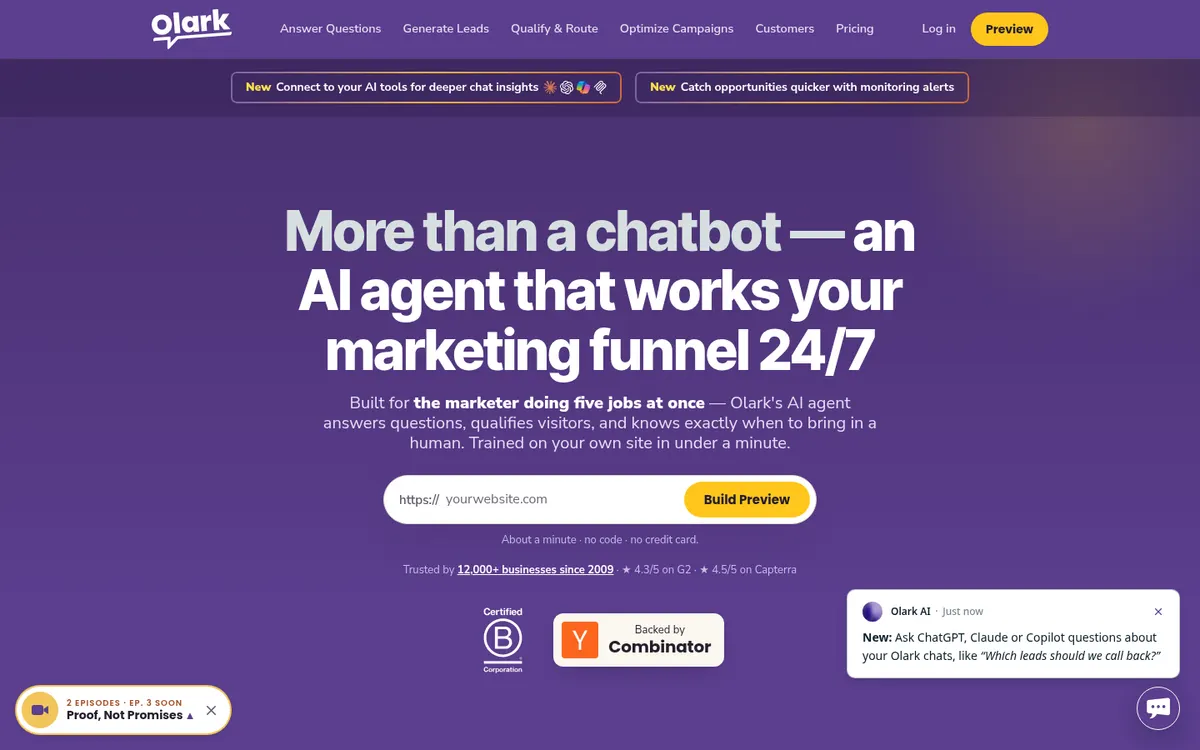
A brandable, easy to learn chat box for small service businesses, with an AI add-on priced far above them.
Olark does one thing and has done it for a long time: a chat box you can match to your site branding, with an agent interface that requires little training. The widget is customizable, pre chat and offline messaging are included, and targeting rules let you decide which visitors see an invitation. For a small service business that wants a friendly box in the corner, that is often enough. Pricing starts at $29 per agent per month for the Live Chat only plan. PowerUp add-ons extend functionality without switching tools, which keeps the stack stable but spreads the cost across line items. The AI Website Agent add-on runs $400 per month billed annually, a figure that puts automation out of reach for most small teams and signals where the vendor is investing. A 14 day trial without a credit card is available. The channel list is shorter than omnichannel competitors. Teams that need WhatsApp or Instagram handle those in separate tools, which means two inboxes and two sets of rules. Compare the total against a flat rate multichannel workspace before buying, especially if you already answer customers on social channels every day. Fits small service businesses that value a brandable widget and minimal training over breadth. Skip it if $29 per agent for a single purpose widget is hard to justify, or if you need AI answers, since the AI add-on at $400 a month is priced for a different buyer entirely.
You want a simple, brandable chat box that requires little training.
You need social channels in the same inbox or AI answers on a small budget.
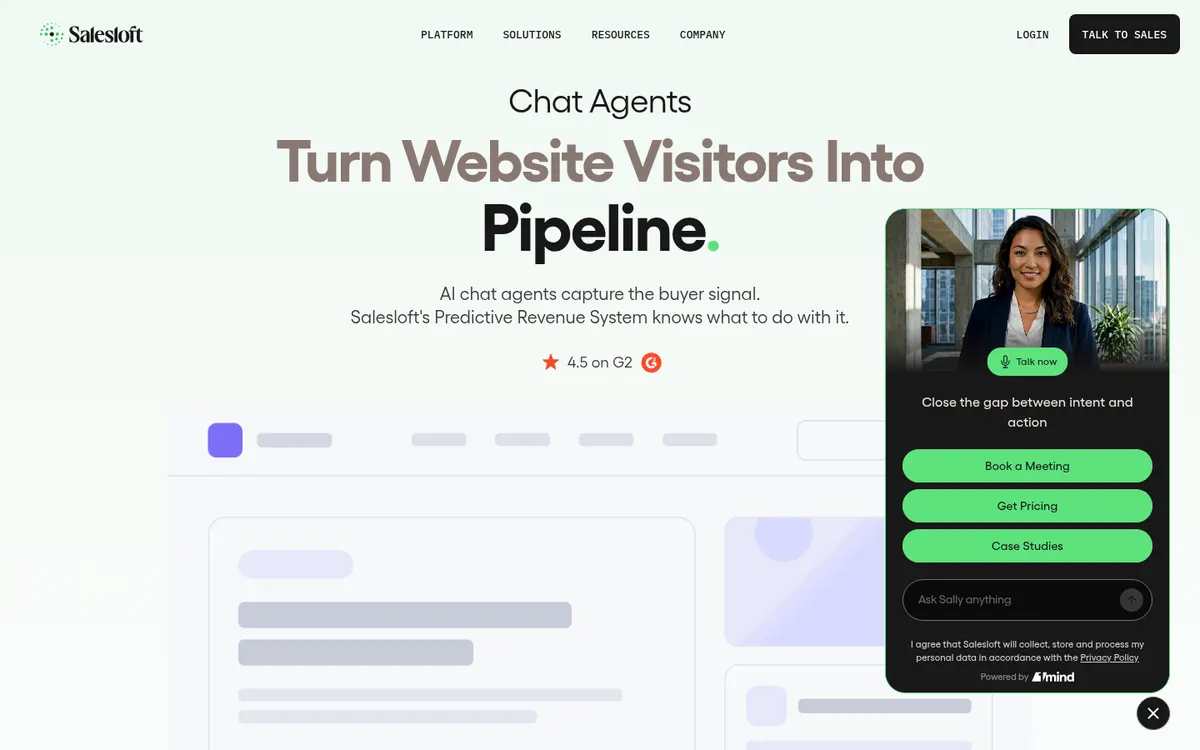
Conversational sales built for large B2B deals, and a poor fit for routine support chat.
Drift is conversational sales software rather than support chat. Playbooks target named accounts, high value visitors get routed to the right rep in real time, meetings book inside the conversation, and pipeline attribution ties revenue back to the chat that started it. For a B2B team where one conversation can close a five figure deal, that framing makes sense.
Buying is sales led. There is no published pricing on the page we checked, only a demo request, and annual contracts with playbook design support during implementation are the norm. A small business cannot self serve a quote, which means budgeting starts with a call and a discovery process rather than a pricing page. We could not retrieve pricing content, so treat any figure you hear as unconfirmed until it appears in writing.
The trade is real. Account based targeting and pipeline attribution are genuinely strong for the use case, and routine support chat is not what the product optimizes for. A five person service business that wants quick answers to billing questions will pay for targeting logic it never configures.
Fits B2B teams with large contract values and a marketing team that will actually build and maintain playbooks. Skip it for routine website chat, for ecommerce, and for any team that needs to see a price before starting a conversation with sales.
One qualified conversation is worth more than a year of chat software.
You need a published price or you are answering support questions all day.
Live chat software puts a message box on your website and a workspace behind it where your team answers. That is the whole category at its core. What separates tools is what happens around that box: routing rules that send a pricing question to the right person, canned replies, chatbots that answer before a human wakes up, and a record of the conversation that lands somewhere useful, such as a CRM contact or a helpdesk ticket.
For a small business, the practical questions are narrower than the feature lists suggest.
A two person team usually needs three things: a widget that loads fast, a mobile app so someone can answer from a phone, and a transcript that reaches the place where customer history already lives. A store with a Shopify catalog has a fourth need: order context inside the chat, so an agent does not ask for an order number the customer already typed. A B2B team selling a considered purchase has a different fourth need: routing that sends a known account to a named rep.
AI agents change the math but not the category. A tool that charges per AI resolution can be cheap at 200 resolutions a month and expensive at 2,000, and a tool that charges per seat can be cheap for a large team and expensive for a small one. Neither model is wrong; they reward different shapes of business. Before you compare plans, write down your monthly conversation count and your agent count, because most pricing confusion in this category comes from comparing a per seat number against a per conversation number.
This comparison sits on the Customer support desk. Readers comparing neighbouring stacks often check our guides to PRM software and workout tracker app next.
Live chat pricing comes in four shapes, and the shape of the plan matters more than the number on the pricing page. A per seat plan looks cheap for a two person team and expensive once you staff evenings and weekends. A per conversation plan looks cheap until a launch week triples your chat volume. A flat workspace fee looks expensive at two agents and cheap at eight.
| Model | How it bills | Typical fit | Example from this list |
|---|---|---|---|
| Per seat | A fixed monthly fee for every agent who can log in | Stable headcount and predictable volume | LiveChat at $19 per user per month billed annually |
| Per conversation | A metered bundle of chats, with AI and automation on separate meters | Ecommerce stores with spiky traffic | Tidio Starter at $33 per month billed annually for 50 AI plus human conversations |
| Flat workspace | One fee covers a set number of seats | Startups adding agents | Crisp Mini at $45 per workspace per month for 4 seats |
| Seat plus usage | A seat fee with a charge for each AI resolution | Product led SaaS that can model volume | Intercom: see website for seat pricing, with $0.99 per Fin AI resolution |
Every price above was checked on the vendor's own pricing page on November 25, 2026. Where a vendor does not publish a figure we write "See website" instead of guessing. To compare annual and monthly billing quickly, try the free percentage calculator.
Yes, in three of the tools here. Tidio's free plan covers 50 conversations a month across 10 seats, Crisp is free forever with 2 seats and no AI credits, and HubSpot includes chat in its free CRM for up to 2 users. Paid tiers add chatbot builders, routing rules, AI answers, branding removal and higher volume. Free tiers carry usage limits, so price the paid tier you would need in a busy month before you commit.
For two to five agents on a mainstream tool, entry plans here run from $19 to $45 a month: LiveChat at $19 per user billed annually, HubSpot Starter at $20 per seat, Tidio at $33 billed annually and Crisp at $45 per workspace for 4 seats. Add AI and automation costs separately. The budget climbs quickly once you need chatbots, advanced routing or thousands of conversations a month.
It pays off when repeat, low stakes questions are frequent enough that a per resolution fee beats agent time. Intercom charges $0.99 per Fin resolution on top of seats, Zendesk publishes $1.50 per committed AI resolution, and Olark's AI Website Agent runs $400 a month billed annually. Below a few hundred routine questions a month, a canned reply library usually costs less.
Tidio is the clearest fit, because agents can issue refunds and edit orders inside the conversation and install takes one line of script or the Shopify app. LiveChat also lists Shopify among its more than 200 native integrations if you prefer a longer established agent workspace. For a store selling through Instagram and WhatsApp too, Crisp puts those channels in the same inbox as website chat.
Not entirely. Chat captures visitors who have a question and are willing to type, while a form still catches people who arrive outside staffed hours and prefer to leave details. Most tools here handle the gap with offline messaging, and HubSpot attaches every chat to a contact record, which comes closest to replacing a form. Keep a form for after hours and complex requests.
Check the seat count, the conversation quota and what happens when you exceed it. Tidio Starter covers 50 AI plus human conversations a month billed annually, Crisp Mini covers 4 seats per workspace, and LiveChat bills each agent, which matters when you hire a third. Confirm cancellation terms, whether onboarding help is included, and whether AI features are billed separately.
Browse every comparison on the Customer support desk, with the same rubric and dated prices.