Ranked #1

Apollo.io
One seat coverage
$49Basic, per seat per month, billed annually, 30,000 credits
- Best for
- Lean teams wanting one seat for find, enrich, send
- Free plan
- Free plan, 900 credits, AI assistant
- Rubric
- 8.1 / 10
Eight AI prospecting tools ranked for fit, from a $15 per seat LinkedIn capture tool to enterprise data platforms quoted per contract, with prices checked on November 25, 2026.
 Prices checked November 25, 2026

Apollo.io is the best single seat for lean teams that need to find, enrich and email prospects, Clay fits teams building custom research workflows across many data providers, and ZoomInfo is the pick for large sales organizations that need deep enterprise data and intent signals. Prices below were checked on November 25, 2026. Entry paid tiers run from $15.00 per month at LeadIQ to $167 per month for Clay's Launch plan, while ZoomInfo and Cognism quote per contract. Each entry states who it fits and where it falls short.
One seat coverage
$49Basic, per seat per month, billed annually, 30,000 credits

Waterfall enrichment
$167Launch, per month, price scales with actions volume, annual list shown from $54 per month

Enterprise intent data
See websitecustom quote
Disclosure for this page: All 8 tools here are unpaid editorial picks. The position of a paid listing can be part of what the vendor pays for. How we handle paid listings.
| Tool | Best for | Free plan | Actions | |||
|---|---|---|---|---|---|---|
| 1 | Apollo.io | Lean teams wanting one seat for find, enrich, send | $49Basic, per seat per month, billed annually, 30,000 credits | Yes | ||
| 2 | Clay | Teams building custom enrichment and research workflows | $167Launch, per month, price scales with actions volume, annual list shown from $54 per month | Yes | ||
| 3 | ZoomInfo | Large sales orgs needing enterprise data and intent | See websitecustom quote | No | ||
| 4 |  Lusha | Individuals needing fast contact and phone lookups | $37.45Starter, per month, billed yearly, 4,800 credits per year, 1 seat | Yes | ||
| 5 |  Cognism | Teams prospecting across EMEA with compliance needs | See websitecustom quote | No | ||
| 6 |  Regie.ai | Teams wanting AI drafted outreach inside a prospecting flow | $41Pro, per month, billed annually, $49 if billed monthly | Yes | ||
| 7 |  LeadIQ | Reps running outbound mainly through LinkedIn | $15.00Pro, per month, 5 users included | Yes | ||
| 8 |  useArtemis | Small teams wanting AI personalized multichannel sequences | $69Starter, per month, billed monthly | Yes |
Every entry here was scored on the same five criteria, and the weights are published so you can disagree with them. Data coverage carries 25 percent because a prospecting tool that cannot find your buyer is not a prospecting tool. Workflow fit and AI personalization carry 20 percent each, since the difference between a usable seat and shelfware is whether research, sequencing and drafting live in one place. Pricing clarity gets 20 percent, because a quote only model hides the number you need to compare. Verification and compliance gets 15 percent, reflecting how much of the real cost sits in checking records before you send.
Prices and plan details come from vendor pricing pages checked on November 25, 2026. Where a vendor publishes no price, the entry says pricing is on the vendor site and gives no number. Where a public figure has been inconsistent, we say so rather than picking a version that reads better.
The Featured position is a paid placement. This edition has no Featured vendor, so the order reflects editorial fit for the buyer described in each entry. If a vendor does buy that slot in a future edition, it is scored on this same rubric and its drawbacks stay in the copy. Placement does not buy a higher score.
Two things are deliberately not in the rubric: the size of a vendor's marketing budget and the length of its integration list. Both are easy to advertise and hard to evaluate. We weighed what an operator can check in a trial: whether the contacts are right, whether the workflow holds and whether the bill matches the plan.
The full process, including how we handle corrections, is on the methodology page. Paid listings follow our advertising disclosure.
| Criterion | Weight | What we check |
|---|---|---|
| Data coverage | 25% | How deep and reliable the contact, company and phone data is for the buyers you actually target. |
| Workflow fit | 20% | Whether research, enrichment, sequencing and CRM handoff live in one usable place. |
| AI personalization | 20% | How much the AI layer actually researches, drafts and improves outreach rather than relabeling a template. |
| Pricing clarity | 20% | Whether you can see the number, understand credits and forecast the bill without a sales call. |
| Verification and compliance | 15% | How well the tool checks records and handles consent rules before a send or a dial. |
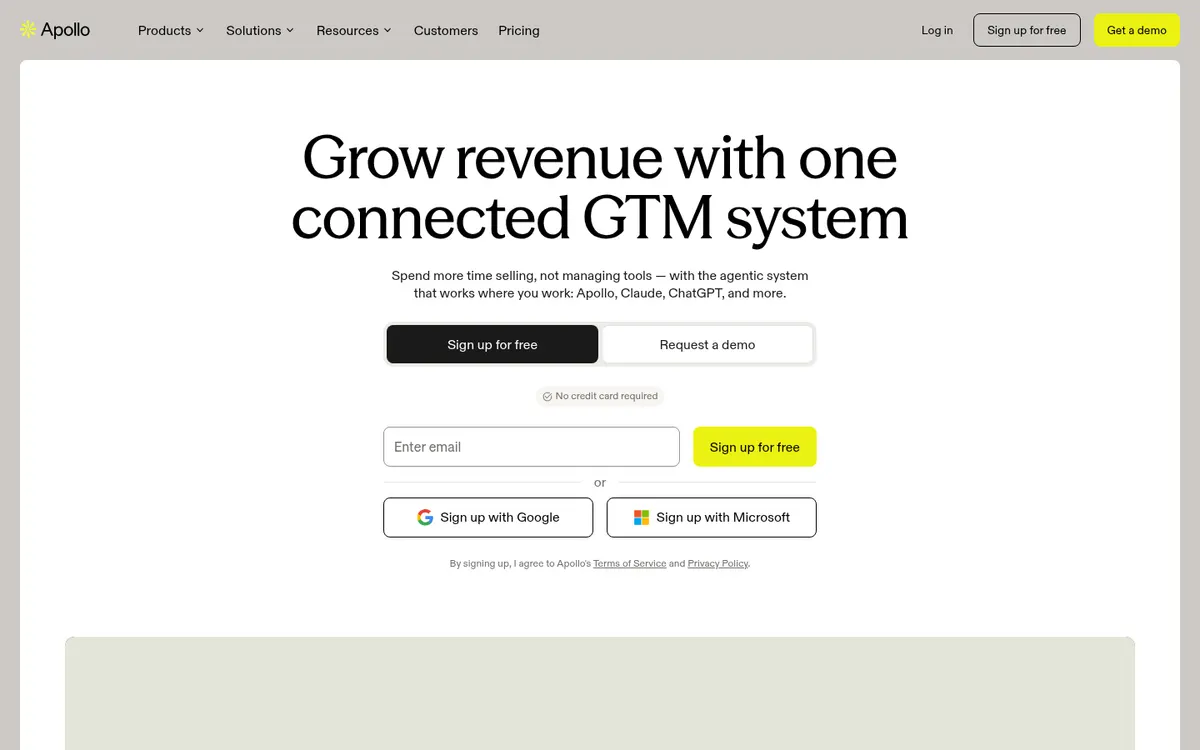
One seat covers search, enrichment and sending at a price small teams can approve without a procurement cycle.
Apollo.io is the closest thing in this list to one seat that covers the whole top of the funnel. A paid seat includes the contact and company database, enrichment and verified email lookup, outbound sequences with email sending, and an AI writing assistant for outreach copy. Lead scoring and meeting intelligence sit alongside, and the Chrome extension lets a rep prospect from a browser tab without switching tools. For a two or three person team, that removes the usual stack of a data vendor, an email tool and a scoring add on.
The Basic plan is $49 per seat per month on annual billing with 30,000 credits. A free plan gives 900 credits and the AI assistant, which is enough to test coverage in your market before you commit, and Professional carries a 14-day trial. Because the entry tier already includes sequencing and enrichment, the per seat number is easier to justify than a data only subscription at a similar price, and the free tier means an evaluation costs nothing but time.
The limits appear at volume. Contacts frequently need verification before sending, so plan a verification step or keep a second tool for the domains that matter most. Monthly credits expire on paid tiers rather than rolling over, which is awkward for seasonal pipelines, and the advanced enterprise capabilities sit in higher priced plans. The company positions the product as an all in one layer for small sales teams, and the pricing sheet supports that read.
Pick it when you want one login and one bill for finding, enriching and emailing prospects. Look at Clay if your research needs are custom, and at ZoomInfo if enterprise data depth outweighs budget.
You want one tool and one bill for finding, enriching and emailing prospects.
You need custom multi source research or an enterprise data contract.
The most flexible research workspace here, if you can absorb the learning curve and an actions based bill.
Clay is a data orchestration workspace, not a contact list with a search bar. You build a table, add the fields you need, and the platform routes each lookup across more than 100 data providers, including waterfall enrichment that tries one source and then another until a field fills. Firmographic and technographic columns sit beside the contact data, so a single table can hold account fit, technology stack and the person to email, and the workflow builder adds conditional logic on top. Claygent, the built in AI agent, runs multi source research on a lead and writes the result into a field you can use in messaging. AI generated personalized messaging is part of the platform, and integrations with CRM and outbound tools mean enrichment can run before a sequence rather than inside it. Teams that want to encode their own research process will find the flexibility unusual in this category, because most competitors fix the workflow and only vary the data. The cost of that flexibility is complexity. New users describe a steep learning curve, and a table that works well takes design work. The Launch plan is listed at $167 per month, with price scaling by actions volume and an annual list shown from $54 per month. Confirm the current Launch figure on the vendor page before budgeting, since pricing scales with actions volume. Credit based usage expires monthly, and a free plan gives 6,000 actions per year plus a 14-day trial. Pick it if research quality is the constraint and someone on the team enjoys building workflows. Skip it if you need a rep to log in and start sending today, or if a predictable monthly cost matters more than depth.
You want to build a repeatable, custom research process across many data sources.
Nobody on the team has time to design and maintain enrichment tables.
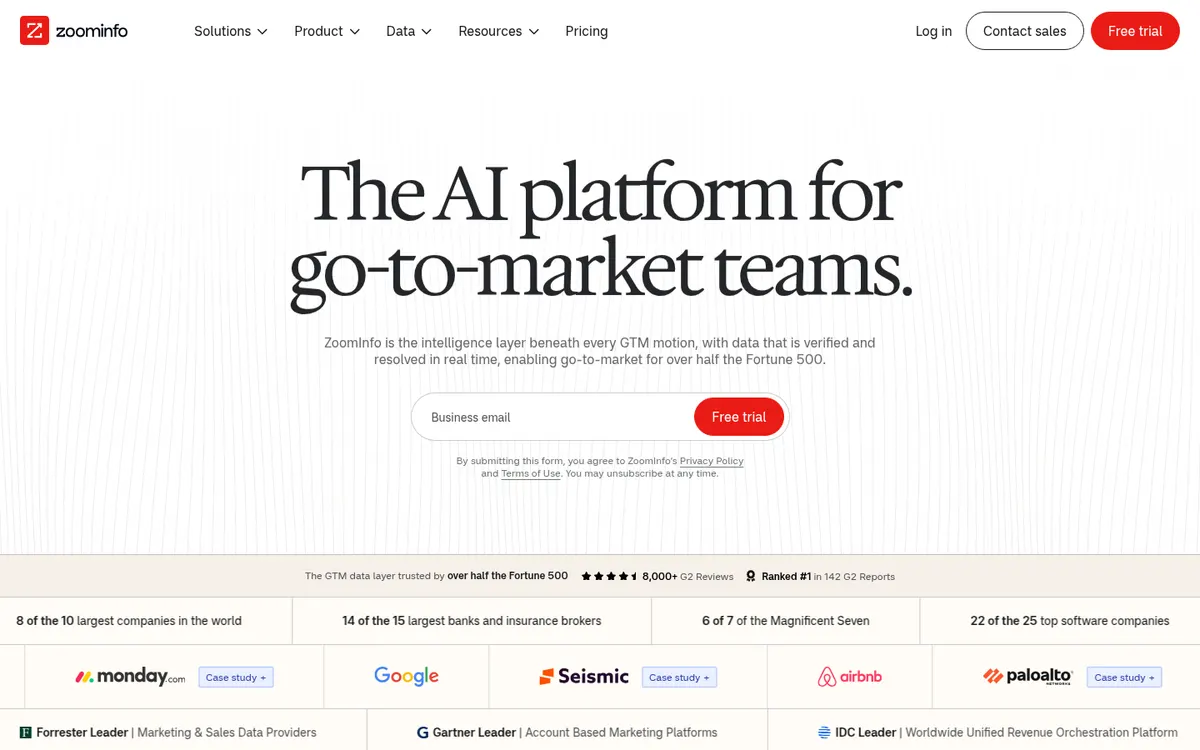
Deepest enterprise data and intent in the pack, sold only through annual contracts that small teams cannot justify.
ZoomInfo is the enterprise option, and it prices like one. The database covers companies and contacts at a depth the other tools here do not match, with direct dial and mobile coverage that matters for cold calling. Copilot surfaces accounts and prospects worth attention, buying group and org intelligence map who actually decides, and intent signal data flags accounts researching a category before anyone fills in a form. The product is built for organizations that sell to named accounts rather than to a broad list. Data hygiene is part of the pitch. CRM enrichment and data hygiene keep records current, and the compliance and security controls are built for organizations that run procurement and legal review before a purchase. For account based selling at scale, buying group mapping is the feature that separates it from a lookup tool, because it turns one contact into the people who influence the deal and shows you where the gaps are. There is no self serve entry point. Pricing is quoted per contract through a sales form and depends on seats and data scope. Contracts are annual only, so negotiate usage terms, seat definitions and multi year pricing before signing. A free trial exists, but the buying process is a sales cycle rather than a checkout. For a small team that structure is out of reach, and that is the honest trade. Pick it when data depth, intent signals and compliance controls justify a contract. Skip it if you need a card and a login this week, or if a $49 seat covers your list.
You sell to named enterprise accounts and need intent data plus verified phone coverage.
You need transparent pricing or a low cost seat for a small team.
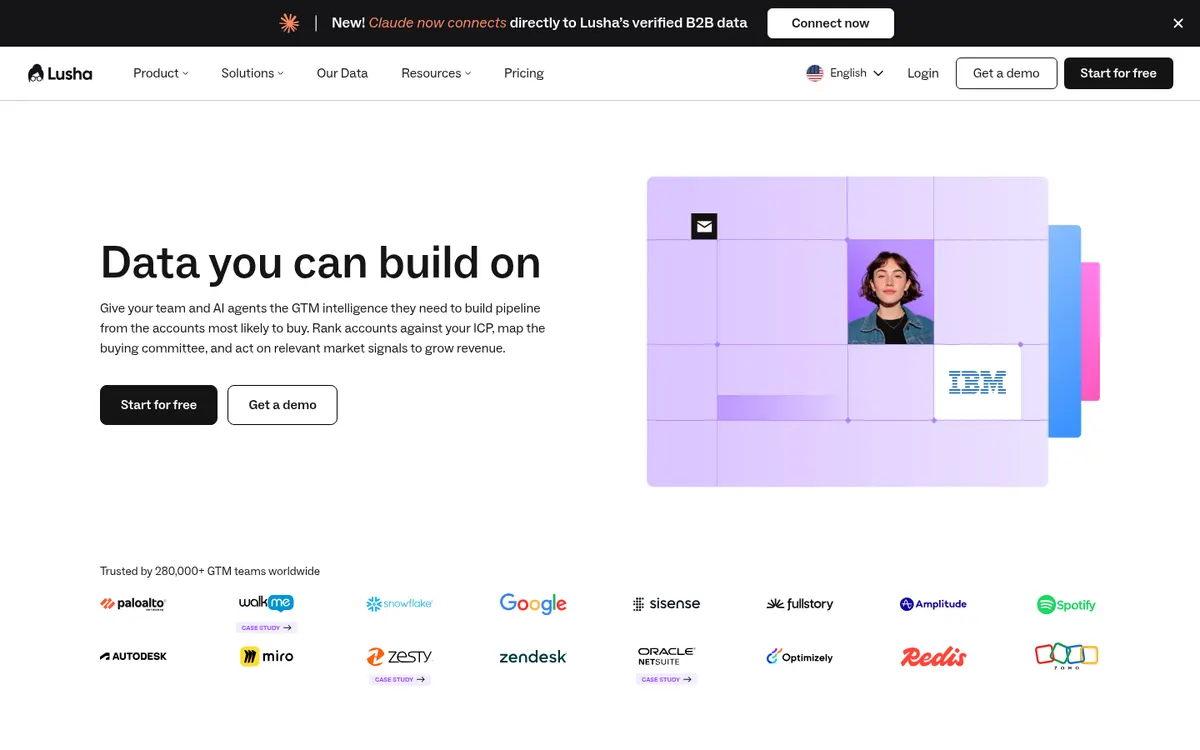
A fast lookup utility for emails and phone numbers that works best as a second tool, not a platform.
Lusha is a lookup utility, and it is honest about that. The browser extension captures a contact from the page you are already on, the platform returns an email or a direct dial, and list building and export with contact and company filters turn a browsing session into a list. CRM and sales engagement integrations push records where they need to go, and paid plans add buyer intent tracking. The Starter plan is $37.45 per month billed yearly, which covers 4,800 credits per year on a single seat. A free plan gives 40 credits per month for one seat, enough to test accuracy in your region, and there is no trial, so the free tier is the way to check before paying. Lookups are fast, which is the point of the product: a rep who needs a number now, not a platform to run a whole program from. The workflow is deliberately narrow, and that keeps it simple. Two limits matter. The database is smaller than the large platforms, so expect gaps on niche titles and smaller markets, and coverage accuracy varies by region, so spot check the countries you sell into. Pricing for the Pro tier is on the vendor page, so check there before you choose a plan. The pricing sheet on the vendor site lists the current tiers. Pick it as a second tool beside a broader platform, or for an individual who needs quick emails and phones. Skip it if you want enrichment, sequencing and lead scoring in one place.
You need quick, cheap phone and email lookups beside an existing workflow.
You want one platform for data, sequencing and scoring.
Verified European mobile numbers and compliance screening, priced through a demo and aimed at enterprise buyers.
Cognism sells verified mobile numbers and compliance, a narrow pitch that matters a great deal in Europe. Phone verified mobile numbers are a core part of the data set rather than an add on, and GDPR and global compliance screening is applied to records, which suits teams working under strict consent rules. Diamond Data verified contact records are the headline, and for many European buyers the verification step is the reason to pay.
Coverage across European markets is strong, and the EMEA focus is why many teams shortlist it. Intent enriched contact data and CRM enrichment extend the use beyond dialing, and territory and list building let a manager carve a region without exporting to a spreadsheet. US data depth trails the largest US providers, so a team selling into North America as well as Europe will likely need a second source.
There is no transparent self serve pricing. Standard and Pro tiers are described, but no figures are published, and the buying process is a demo rather than a trial. Contracts combine a subscription with credit allowances, so cost tracks list volume and the shape of your territory. The product is aimed at larger, enterprise buyers, which means security review, procurement and a negotiation cycle before anyone prospects.
Pick it if European coverage and documented compliance are the requirements and you can run a proper buying process. Skip it if you want a self serve trial, or if your market is the US and depth there is the priority.
You prospect into Europe and need verified mobiles with documented compliance.
You need a self serve trial or your pipeline is mostly US based.
A low cost drafting and sequencing layer that speeds up writing, with human review still required before sending.
Regie.ai leans on the writing half of prospecting. It runs AI prospecting and lead research, drafts personalized email automatically, and manages sequences and engagement in the same place. Content and persona libraries keep messaging consistent across reps, and rep coaching with message feedback gives a manager something to review beyond open rates. CRM and sales engagement integrations keep the flow connected to the system of record.
Pricing is approachable. The Pro plan is $41 per month billed annually, or $49 billed monthly, and a free plan gives 1,000 one time credits per person. That entry point is low for a tool that covers research, drafting and sending, and it makes the platform easy to test against a small list before rolling it out to a team. The monthly option matters for teams that cannot commit to an annual term yet.
The honest limit is accuracy. AI copy can insert inaccurate prospect details, and output requires human review before sending. The company frames AI as a drafting assistant rather than a replacement for rep judgment, which matches what users see: reps keep control over when messages send. Database depth is also smaller than the large data platforms, so most teams pair it with a data source rather than treating it as the list.
Pick it if your bottleneck is writing volume and sequence management rather than raw contact data. Skip it if you need the largest possible database, or a hands off autopilot that sends without review.
Writing volume is your bottleneck and reps will review drafts before they send.
You need a large verified database or fully automated sending.
LinkedIn native capture and champion tracking at a per seat price that now favors teams over solo reps.
LeadIQ is built around LinkedIn. A rep browsing a profile captures the contact in real time, and the record syncs to the CRM with deduplication, so the list builds itself while research happens. Champion tracking follows buyers when they change companies, which is genuinely useful for account teams working a long cycle. Account and lead list building, contact and account data enrichment, and email verification fill out the workflow. The Pro plan is shown at $15.00 per month with 5 users included. On the new number the per seat math favors teams rather than solo reps, and the 30-day free trial on any plan is generous enough to test capture quality against your own network. A free plan covers one user and 50 credits. The limits follow from the design. Outside LinkedIn based workflows the value drops sharply, captured records still need verification, and the product does not attempt to be a full sequencing platform. If your reps prospect from a CRM or a database search rather than a social profile, another tool on this list will fit better, and you will not pay for a capture surface you barely use. Pick it if your outbound starts on LinkedIn and you want the CRM to fill as reps browse. Skip it if your team works from a database search, needs multichannel sequences out of the box, or you are a solo rep watching cost.
Your reps live in LinkedIn and you want CRM records created as they browse.
Prospecting starts from a database search or you need multichannel sequences.
Affordable AI personalization across LinkedIn and email from a younger vendor that still needs copy review.
useArtemis combines lead finding with AI personalized LinkedIn messages and email sequences, then runs the campaign across both channels. Prospect search and contact enrichment feed the list, multichannel campaign management handles the sequence, and inbox and reply handling keeps responses in one place instead of scattered across tabs. CRM integrations keep the record clean after the reply lands, and lead finding means the list and the message live in the same tool.
The Starter plan is $69 per month billed monthly, and a free account requires no credit card, which lowers the cost of finding out whether the personalization reads well in your market. Starter also carries a 7-day free trial with a card required. The mid range entry price sits between the cheap lookup tools and the enterprise contracts, and monthly billing means you can stop without a negotiation.
Two caveats. The vendor is newer and smaller than the established platforms, so check support terms, uptime expectations and roadmap before you build a process on it. Deliverability depends on the customer's domain setup rather than the tool, so warm your domain and watch bounce rates from the first campaign. AI generated copy needs review before sending, and LinkedIn personalization carries platform risk that no vendor controls.
Pick it if you want AI personalization across LinkedIn and email at a mid range price and you have someone to check copy. Skip it if you need a large verified database or an established enterprise vendor with a long track record.
You want multichannel AI personalization at a mid range monthly price.
You need a large verified database or a vendor with enterprise support terms.
AI sales prospecting tools help a rep answer three questions faster: who should I contact, how do I reach them, and what do I say. They combine a contact and company data source with enrichment, some form of scoring or signal, and increasingly an AI layer that drafts outreach or researches an account before a rep opens it.
The category splits into a few shapes. Pure data platforms sell access to a database and phone or email verification. Orchestration tools route lookups across many providers and let you build custom research tables. Engagement tools take a list and run sequences. Writing tools draft and coach. Most vendors now claim all four, which is why the real differences show up in data depth, credit models and how much review the AI output needs.
What the tools actually do:
The AI part deserves plain language. Drafting is real and useful, and it saves time on first lines and follow ups. Autonomous research is also real on tools like Clay and Regie.ai. Fully hands off sending is not something to expect, because models still insert wrong details about a prospect, and a wrong detail in a first email costs more than the time it saved. Treat AI as a drafting and research assistant with a rep as the last check.
Signal based selling means leading with a trigger rather than a static list: a company that just hired three account executives, raised a round, or started searching for your category. Tools that surface intent and job change data sell exactly that, and it changes the message from a cold introduction into something that reads as timely. The value depends on how fresh the signal is and whether your team can act on it within days rather than weeks.
This comparison sits on the AI desk. Readers comparing neighbouring stacks often check our guides to ChatGPT alternatives and AI clipping software next.
Pricing in this category comes down to three levers: how many people need access, how many contacts or actions you consume, and whether you sign for a year. Almost every vendor here charges on at least two of them, which makes headline numbers misleading.
| Model | How it bills | Typical fit | Example from this list |
|---|---|---|---|
| Per seat subscription | Fixed fee per user per month with credits included | Small teams wanting predictable cost | Apollo.io at $49 per seat per month on Basic, billed annually, 30,000 credits |
| Actions based | Price scales with enrichment actions or credits consumed | Teams with variable research volume | Clay, listed at $167 per month on Launch, scaling with actions volume |
| Contract plus credits | Subscription paired with a credit allowance | Enterprise buyers negotiating terms | Cognism, which combines a subscription with credit allowances |
| Custom quote | Priced per contract by seats and data scope | Large organizations with procurement | ZoomInfo, quoted per contract through a sales form |
| Free tier plus upgrade | Limited free credits, paid plan unlocks volume | Individuals testing coverage | Lusha, free plan with 40 credits per month, 1 seat |
Every price above was checked on the vendor's own pricing page on November 25, 2026. Where a vendor does not publish a figure we write "See website" instead of guessing. To compare annual and monthly billing quickly, try the free percentage calculator.
Buying data before checking coverage. A trial on your own target list costs nothing and tells you more than any demo. Test niche titles, small markets and the countries you actually sell into before signing anything.
Ignoring credit expiry. Monthly credits that reset rather than roll over punish seasonal pipelines. Model your quiet months, not just your best quarter, and ask whether unused volume carries over.
Sending AI copy unchecked. Models insert wrong details, and one wrong detail in a first email ends the conversation. Build a review step into the sequence or the speed gain turns into a reputation cost.
Skipping verification. Contacts from several tools here still need a verification pass. Watching bounce rates after an import is too late; verify before the send and protect your domain reputation.
Signing annual before a real test. A free tier or trial on your own list beats a demo. Teams that skip this step discover in month four that their buyer titles are not covered.
Apollo.io. At $49 per seat per month on annual billing with 30,000 credits, one seat covers database search, enrichment, sequencing and AI copy drafting, and a free plan with 900 credits lets a small team test coverage first. Teams with custom research needs should weigh Clay, but it costs more and takes more setup time.
Not safely. Regie.ai and useArtemis both draft personalized messages, and both need review, because models insert wrong details about a prospect and one wrong detail in a first email costs the reply. Regie.ai leaves reps in control of when messages send, and useArtemis copy should be checked before a campaign goes live.
Rules differ by region, so get legal advice for your own case. In the US, cold business email is generally permitted with accurate sender identity and a working opt out. In Europe, GDPR and local privacy rules generally require a lawful basis and clear identification, which is why Cognism sells compliance screening and verified numbers alongside its data.
Expect a contract, not a list price. ZoomInfo quotes per contract depending on seats and data scope, and Cognism publishes no figures at all. Ask for renewal terms in writing before signing.
Often, yes. Apollo.io contacts frequently need verification before sending, LeadIQ captured records still need checking, and Lusha coverage accuracy varies by region. Build one verification pass into the workflow, especially for the domains that carry your best accounts, and watch bounce rates after any list import.
Signal based selling leads with a trigger instead of a static list: a funding round, a hiring spike, a job change or a burst of research in your category. ZoomInfo sells intent signal data, Lusha adds buyer intent on paid plans and LeadIQ tracks job changes, because a timely message earns a reply that a generic one does not.
Browse every comparison on the AI desk, with the same rubric and dated prices.