Ranked #1

Strong
Fast set logging
See website
- Best for
- Lifters who want fast set-by-set gym logging
- Free plan
- Yes, with a PRO upgrade
- Rubric
- 6.3 / 10
Nine workout tracker apps scored on logging speed, analytics, free tier limits and price, with notes on which lifters, home exercisers and endurance athletes each one fits.
 Prices checked November 25, 2026
Strong is the best workout tracker app for lifters who want fast set-by-set gym logging, Hevy is the best free gym log with community features, and Fitbod suits lifters who want the app to program the session. The order is editorial: it reflects fit for the buyer each entry describes, and any Featured position is labeled. All nine apps were scored on the same five criteria, and prices were checked on 2026-11-25 for this November 2026 list.
Fast set logging
See website

Free social logging
See website
Auto-generated workouts
See website
Disclosure for this page: All 9 tools here are unpaid editorial picks. The position of a paid listing can be part of what the vendor pays for. How we handle paid listings.
| Tool | Best for | Free plan | Actions | |||
|---|---|---|---|---|---|---|
| 1 | Strong | Lifters who want fast set-by-set gym logging | See website | Yes | ||
| 2 | Hevy | Free gym logging with social and community features | See website | Yes | ||
| 3 | Fitbod | Lifters who want the app to program their workouts | See website | Yes | ||
| 4 |  Reps: Gym Workout Log | Lifters who want a free log with no account | See website | Yes | ||
| 5 |  JEFIT | Data-driven lifters who want a large free exercise library | Elite Annual first year $2.92/mo | Yes | ||
| 6 |  Nike Training Club | Home exercisers wanting free trainer-led video workouts | See website | Yes | ||
| 7 |  Strava | Runners, cyclists and endurance athletes tracking outdoors | Student Subscription $2.50/mo annual | Yes | ||
| 8 |  Freeletics | AI-coached bodyweight HIIT with no equipment | See website | Yes | ||
| 9 |  StrongLifts 5x5 | Beginners following one simple strength program | See website | Yes |
We scored every app on this list against the same five criteria, and the order you see reflects fit for the buyer each entry describes plus any Featured position, not a weighted total.
Logging speed carries 25 percent, because a tracker that is slow between sets gets abandoned. We looked at how sets, reps and weight are entered, whether previous numbers pre-fill, and whether rest timers and plate math sit inside the logging flow. Free tier value takes another 25 percent: what the no-cost plan actually covers, whether it carries ads, and where the routine caps and chart paywalls land. Progress analytics at 20 percent covers one-rep-max estimates, volume charts and muscle recovery views. Programming support at 15 percent asks whether the app supplies routines, adaptive plans or progression on its own. Price clarity at 15 percent covers how easy it is to find real plan numbers, what each tier unlocks, and whether a lifetime option exists.
Pricing facts come from vendor pricing pages checked on 2026-11-25. Where a vendor publishes no plan prices, we say so and mark price clarity down rather than guessing a number. Two apps on this list have no pricing page because they cost nothing to use.
Any listing marked Featured is a paid placement. It is scored with the same rubric as every other entry and carries the same kind of honest cons, and placement affects position, not scores.
We did not run a training block in every app. The strengths and limits below come from the product facts supplied for each one, including plan structure, exercise library size and platform support, plus the pricing pages we could reach.
The full process, including how we handle corrections, is on the methodology page. Paid listings follow our advertising disclosure.
| Criterion | Weight | What we check |
|---|---|---|
| Logging speed | 25% | How quickly you can enter sets, reps and weight mid-session, plus rest timers and watch input. |
| Free tier value | 25% | What the no-cost plan actually covers before a paywall, including ads, routine caps and history limits. |
| Progress analytics | 20% | Charts, one-rep-max estimates and volume tracking that show whether training is working. |
| Programming support | 15% | Whether the app supplies routines, adaptive plans or coach-style progression on its own. |
| Price clarity | 15% | How easy it is to find real plan prices, what each tier unlocks and whether a lifetime option exists. |
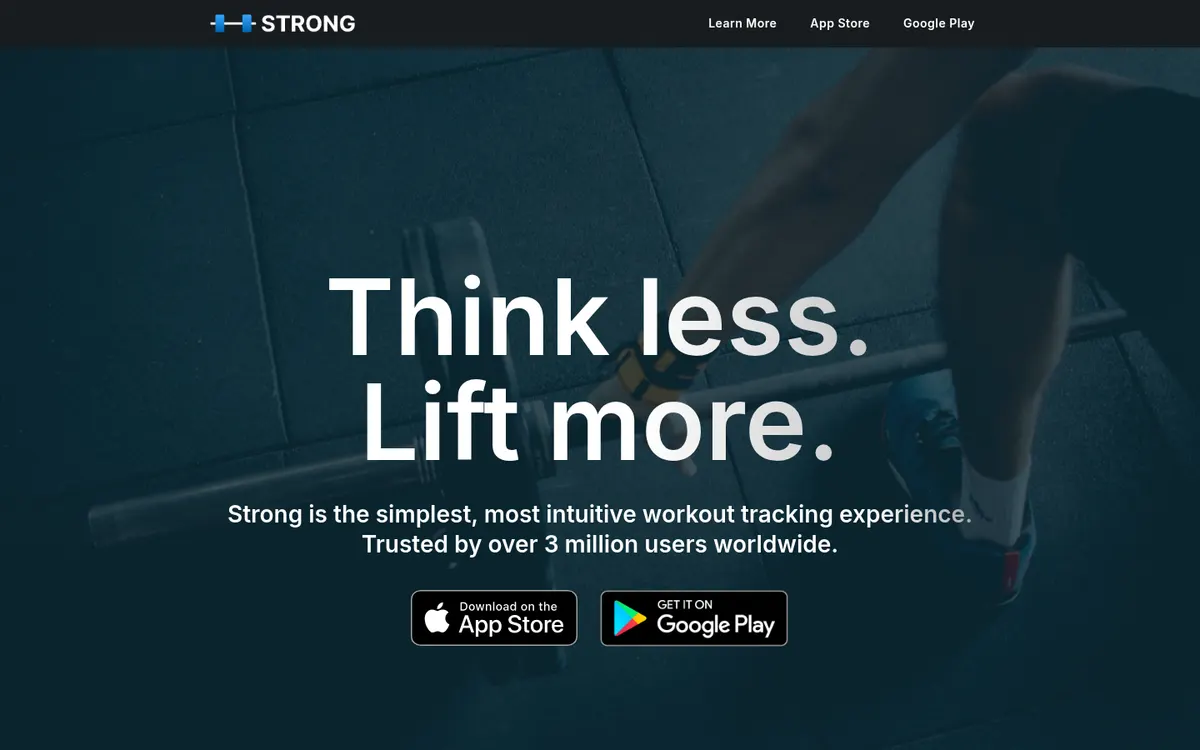
The fastest pure logger here for lifters with their own program, provided you accept that charts and unlimited routines cost money.
Strong is a gym log built around one job: getting numbers in fast between sets. You build a routine once, and every exercise row pre-fills the previous session so most entries are a tap, not a typed number. Warm-up weight and plate calculators sit on the logging screen, which removes the math you would otherwise do with a loaded bar in front of you. Estimated one-rep max and volume charts track whether the work is actually moving.
The free tier covers core logging but caps how many custom routines you can keep. PRO lifts that cap and unlocks charting plus fuller CSV export of your training data. It is sold as a monthly plan, a yearly plan or a one-time purchase. No pricing page was fetchable on 2026-11-25, so confirm the current numbers on the vendor site before you commit to a tier.
What Strong does not do is program for you. There are no built-in training programs, so you arrive with your own plan already written. Apple Watch and Wear OS apps let you log from the wrist, and cloud sync keeps devices aligned. The interface is plain in a way that suits the gym floor: few taps, no feed to scroll, no coaching prompts interrupting a working set.
It fits lifters who already know what they are doing and want the recording to be frictionless. It is a weaker fit if you want the app to decide your sets and loads, or if you refuse to pay for charts, since the deeper analytics and fuller export both sit behind PRO.
You already follow your own program and want the quickest logging flow in the gym.
You want the app to hand you a routine or you need charts without paying.
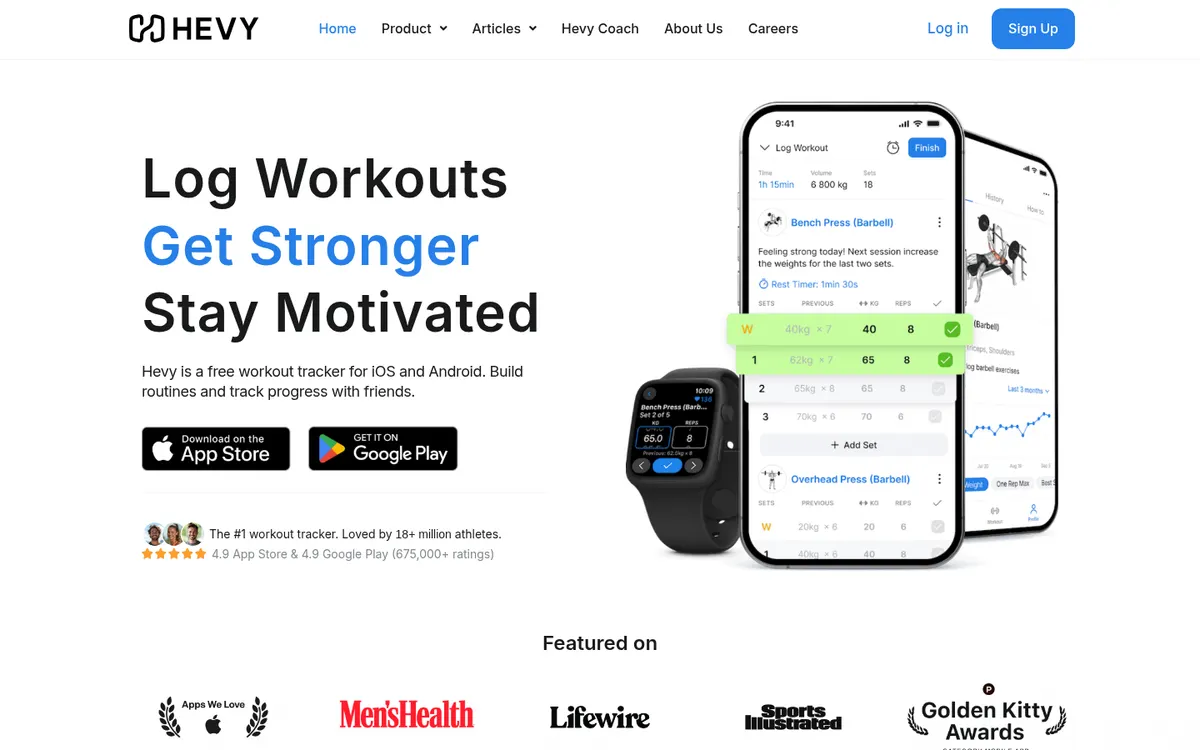
The best free gym log with a paid tier on top, and the social feed is the main reason to pick it or skip it.
Hevy takes the logging pattern most lifters know (routine, exercise, set, rep, weight) and puts a community layer on top. Rest timers run between sets, and the planner lets you save routines and reuse them across weeks. You can follow friends and copy their workouts, which is the feature that separates Hevy from quieter loggers and the one that decides whether it suits you.
The free tier is the reason Hevy gets recommended so often. It is ad-free and covers core logging, so a beginner can run a full program without paying anything. Hevy Pro lifts routine limits and opens the complete graph history, which matters once you want more than a few weeks of trend line. No plan prices are shown on the product page, so check the vendor site for current numbers rather than assuming a figure.
Two things to weigh before committing. The social feed is optional but present, and some lifters find logging next to other people's posts distracting mid-session. And the free tier's routine cap will eventually bite anyone running several mesocycles or juggling more than one training block at a time.
Apple Watch and Wear OS apps cover wrist logging, and a web dashboard makes reviewing history easier than squinting at a phone screen between sets. It fits someone who wants a genuinely usable free gym log and does not mind a social layer, and it is a poor fit for anyone who wants programming generated for them or wants zero community features inside the app.
You want a free, ad-free gym log with friends and a desktop dashboard alongside it.
You want a quiet log with no social feed or you need unlimited routines at no cost.
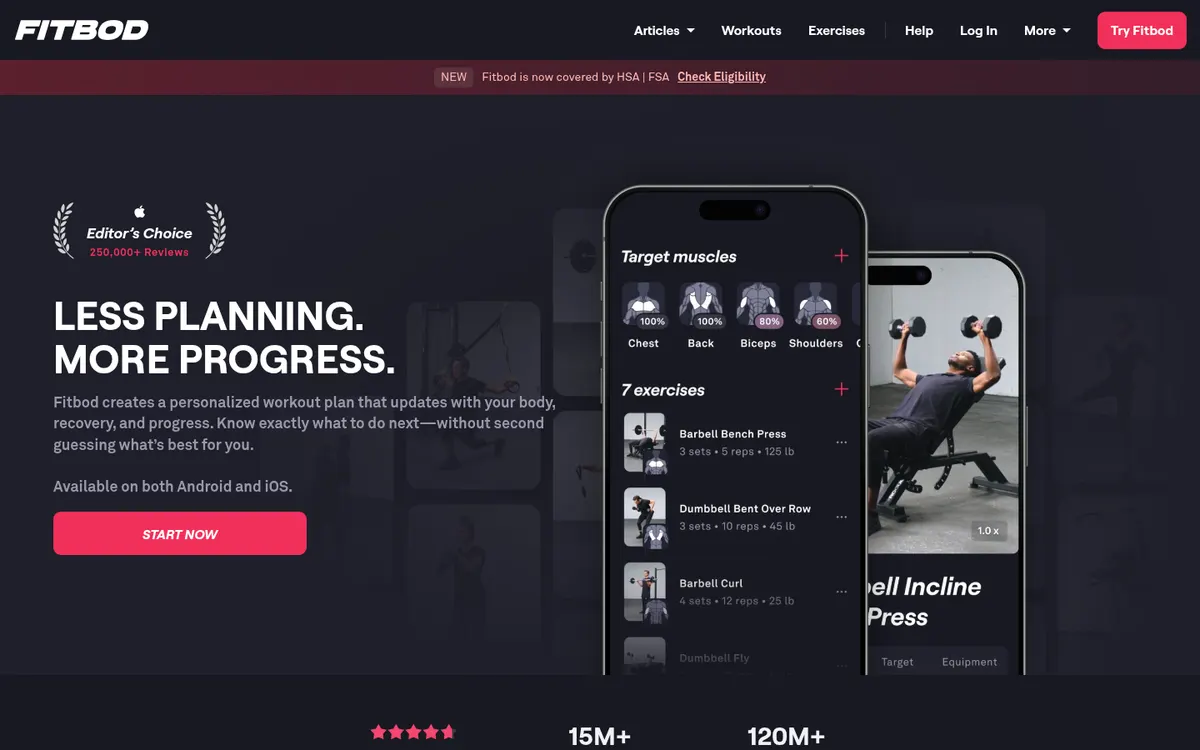
Best for lifters who want the session decided for them, with a large video library and a subscription that never becomes a purchase you own.
Fitbod inverts the usual model. Instead of you entering a program, you tell it your goal, your available equipment and how many days you train, and it builds each session. A muscle recovery and freshness map shows which groups are ready, and volume adjusts to that recovery state, so you are not repeating the same push day on tired tissue.
The exercise library is the other draw: 1,600+ video demonstrations, which is useful when a machine at your gym is unfamiliar or you are training somewhere new. Multiple gym profiles for home, gym and travel let one account generate different sessions from different equipment lists, which is the feature that makes it practical for people who train in more than one place.
The catch is commercial. Fitbod is subscription only, sold monthly or annually, with no lifetime purchase. The free plan is limited enough that it behaves like a trial, and there is a 7-day free trial on top of that. No pricing page was fetchable on 2026-11-25, so get the current figures from the vendor site before you commit.
There is also no human coach in the loop. The algorithm picks movements and loads from what you log, which is fine for someone who wants decisions removed but is not a substitute for a person checking your squat depth or bar path. It fits lifters who want the app to program the session and who train across more than one location. It is a poor fit if you already have a coach or a program you trust.
You want each session generated for you and you train in more than one gym setup.
You follow a coach's program or you want a one-time purchase.
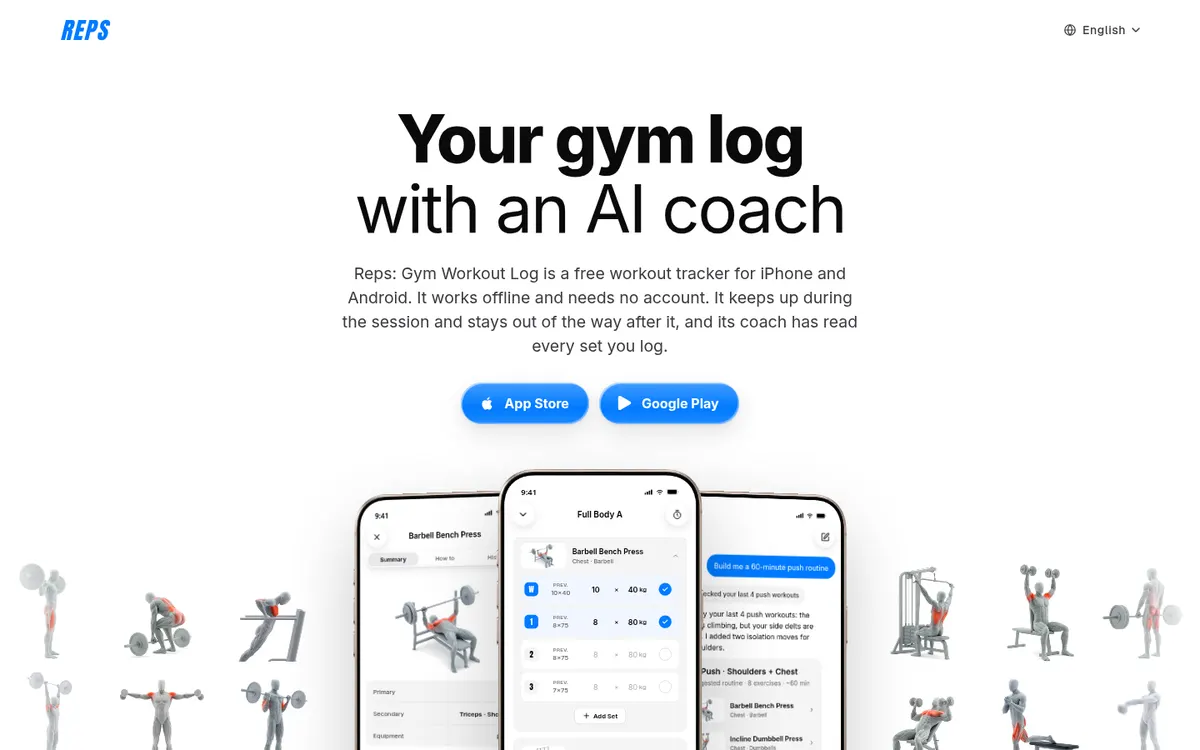
Free, ad-free and offline, with no watch app or health sync, which is a fair trade for lifters who want a private log.
Reps: Gym Workout Log is the rare tracker with no visible business model inside the app. Every feature is free, there are no ads, and you can log a session without creating an account. It works fully offline, which matters in basement gyms, on planes and anywhere the signal drops mid-workout.
The logging flow pre-fills previous session numbers per row, runs a rest timer between sets, and charts per-exercise progress with an estimated one-rep max. Exercise demos carry step-by-step instructions in multiple languages. A year calendar view shows training consistency at a glance, and JSON export gets your data out. An optional free account adds cross-device sync and unlocks the AI coach, which can turn a photo of a paper plan into a routine and has a daily message limit. The coach needs internet access to work.
The gaps are real and worth naming. There is no Apple Watch app, no Apple Health or Health Connect integration, and no way to import history from another tracker, so switching means starting your charts from zero. Without an account there is also no cloud backup, so a lost phone means a lost log.
It fits lifters who want a free, private, offline log and do not need wearable logging or health platform sync. It is a poor fit for anyone deep in the Apple Watch ecosystem or carrying years of history in another app that they are unwilling to abandon.
You want a completely free, ad-free log that works with no account and no signal.
You log from a watch or need Apple Health, Health Connect or imported history.
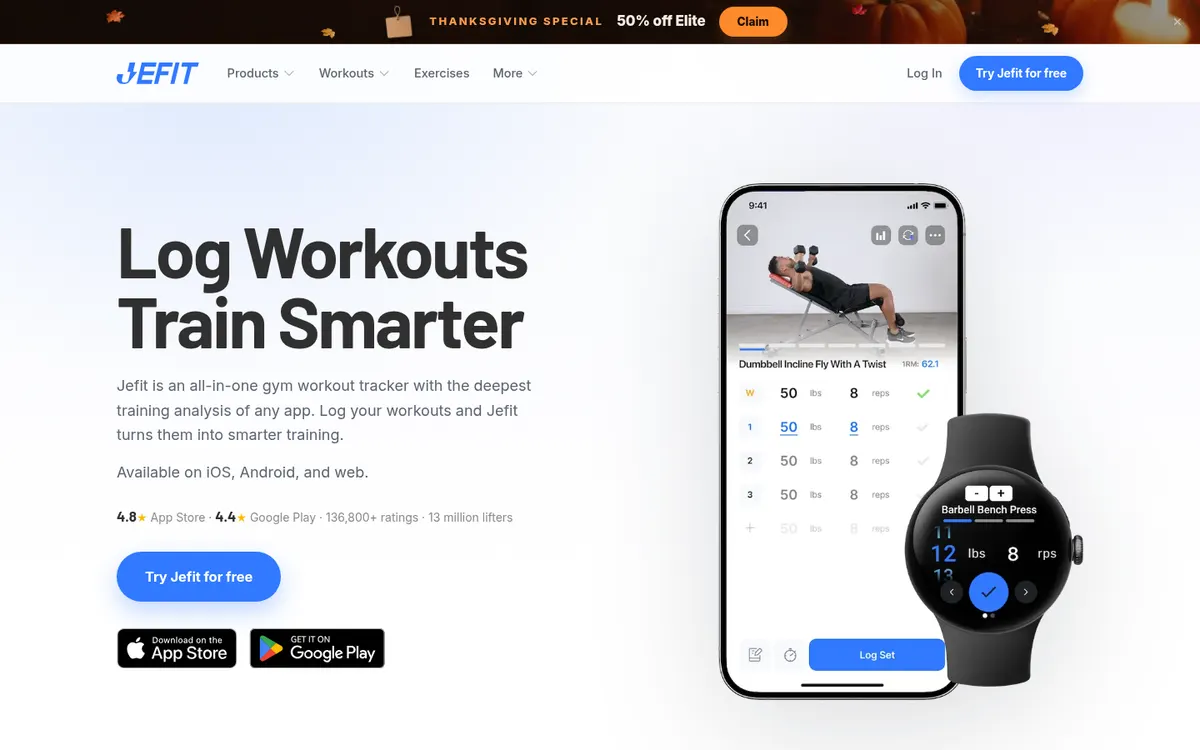
Deep free analytics and a 1,400+ exercise library wrapped in a dated interface, with a renewal price that deserves a second look.
JEFIT has been available since 2010, and it shows in both directions: an unusually deep exercise database and analytics set, and an interface that feels older than the newest loggers. The free tier carries 1,400+ exercises with instructions, body-part volume tracking, training graphs, one-rep-max projections and muscle recovery charts. That is a lot of analysis for zero dollars.
Elite adds an adaptive AI coach, premium analytics and videos, and removes the ads that appear on the free tier. Pricing is the detail to watch: the promotional first-year annual rate is $2.92/mo, and it renews at $69.99/year. That renewal is the number to budget for, not the headline, so divide the annual figure before you call it cheap.
There is a community routine library if you would rather borrow a plan than build one, and a web app lets you plan on a desktop before logging on a phone. The trade-off is polish. Competing loggers move faster between sets, and the free tier shows ads even though the analytics are generous.
It fits data-driven lifters who like charts, want a large free exercise library and will tolerate a dated interface to get both. It is a poor fit if fast set entry is your priority, if ads on a free tier are a dealbreaker, or if you need the newest interface conventions to stay consistent with logging.
You want the deepest free analytics and a huge exercise library, and you can live with an older interface.
Ad-free fast logging matters more than chart depth.
A free, well-produced video workout library for home training, and not a set-and-rep tracker at all.
Nike Training Club is not a set-and-rep logger, and judging it as one misses the point. It is a library of trainer-led video workouts covering strength, conditioning, HIIT, yoga and recovery, with multi-week guided programs and both gym and home workout options. Production quality is high, and the whole thing is free to Nike Members.
What it does not do matters just as much. There is no set, rep and weight logging, no one-rep-max charts, and no progression engine reading your last session. If you want to know whether your bench went up over eight weeks, this is the wrong tool. It is guided training, not measurement, and the app never pretends otherwise.
It also requires a Nike account, which is the price of entry rather than a subscription. Content that Nike previously charged for is now free to Nike Members, so there are no upsells to dodge and no paywall waiting after week two. That combination of no cost and high production value is rare in this category.
It fits home exercisers who want to press play and be told what to do, especially anyone mixing strength, conditioning and mobility in the same week. It also suits people returning to training who want structure without a spreadsheet. It is a poor fit for barbell lifters tracking loads, and it offers no equipment-based programming engine to adapt sessions around what you actually own.
You train at home and want free, well-made video workouts with no subscription.
You need to log sets, reps and weight or track strength progress over time.
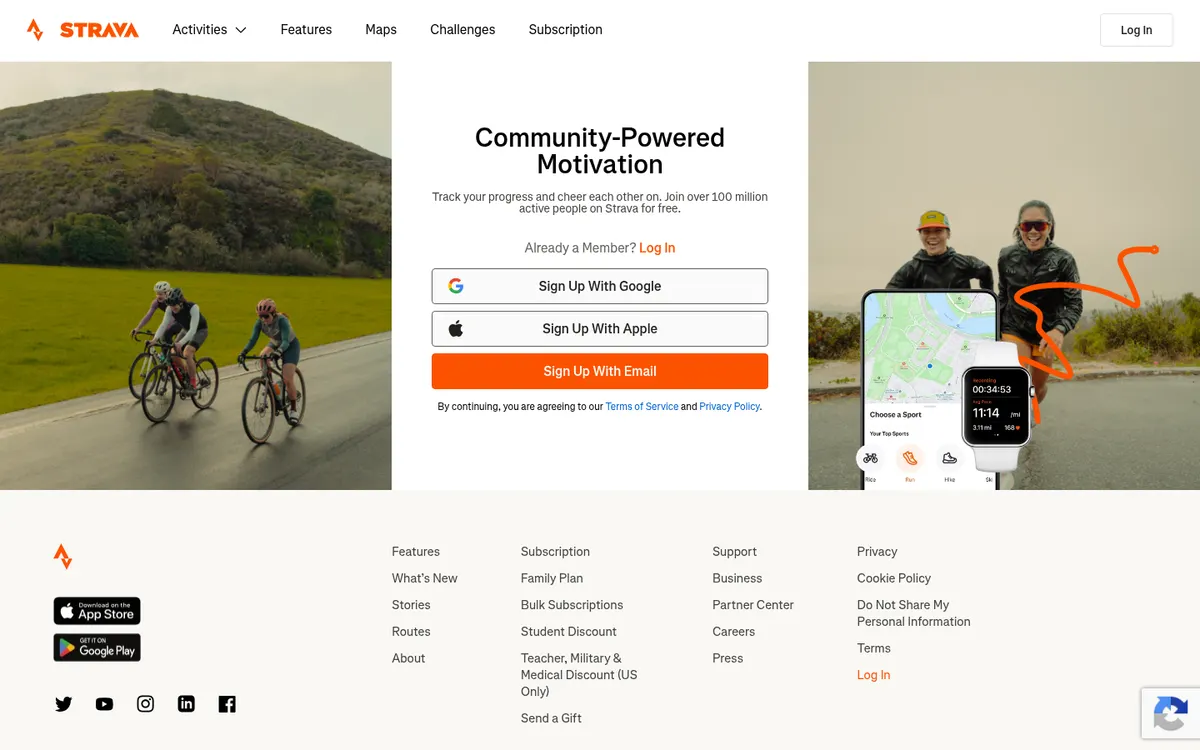
The default outdoor tracker for runners and cyclists, with no strength logging and full analytics behind a subscription.
Strava is the default for endurance athletes and a poor fit for anyone whose main lift is a barbell. It records GPS activity across 50+ types, from runs and rides to hikes, builds segments and leaderboards on popular routes, and suggests routes from paths other people actually use. Sync covers Garmin, Apple Watch and hundreds of other devices.
The free tier handles activity recording and the social layer: kudos, comments and a feed of what your friends did. A subscription adds training plans, goals, deeper analysis and AI-powered Athlete Intelligence insights. There is a 30-day free trial to test the paid side. Pricing verified on 2026-11-25 shows a student subscription at $2.50/mo on the annual plan, and an individual annual plan at $5.00/mo.
The limits are structural rather than cosmetic. There is no strength training logging beyond recording a session as an activity, so no set, rep or weight tracking. Full analytics sit behind the paywall. And the social layer is loud: if leaderboards make you chase segments you did not plan to run, that is a real training cost, not just a distraction.
It fits runners, cyclists and triathletes who want outdoor GPS tracking and a large community to compare against. It is a poor fit for lifters, for anyone who wants a quiet training log, and for anyone who wants strength progress charts alongside their runs.
You run, ride or hike outdoors and want GPS, segments and a big community around it.
You lift primarily or you want a quiet log with no leaderboards.
Adaptive bodyweight HIIT that travels well, with the coaching engine behind a subscription and little for heavy lifters.
Freeletics sells a coaching engine, not a logbook. Onboarding asks about your goal and level, then an adaptive AI coach builds weekly bodyweight HIIT sessions and adjusts them from your feedback. There are 20+ training journeys spanning strength, conditioning and running, plus built-in deload weeks so the plan backs off before it breaks you.
The equipment requirement is close to zero, which is the point. Sessions work in a hotel room, a park or a small apartment, and the app stays usable while traveling. That portability is the strongest argument for it over a gym logger that assumes a rack and a bench.
Two limits matter before you buy. The free tier is genuinely limited: a small number of workouts plus community features. The adaptive engine requires the Coach subscription, so the feature the product is named for is the paid one. No pricing page was fetchable on 2026-11-25, so check the vendor site for current plan costs. Second, the programming skews toward endurance and conditioning over maximal strength, so a powerlifter will find little here.
It fits people who train at home or on the road, want coached HIIT and will accept bodyweight and minimal equipment. It is a poor fit for anyone chasing a big barbell total, running a powerlifting block, or who wants detailed set and weight logging as the core of the app.
You want coached bodyweight HIIT that adapts weekly and works anywhere.
You train heavy barbells or you want the adaptive engine without paying.
One proven beginner program with automatic progression, which is exactly enough for a new lifter and too little for anyone else.
StrongLifts 5x5 is one program and a tracker wrapped around it. You squat, bench, row, overhead press and deadlift on a fixed three-day-a-week rotation, starting with an automatic weight calculation and adding load as you complete sets. The app tells you what to lift next session and handles the warm-up and plate math for you.
That narrowness is the feature, not a flaw. A beginner does not have to choose exercises or decide when to add weight, which removes the most common way new lifters stall in the first three months. There is a large user community and a long track record behind the template, and it targets raw strength rather than size.
The cost of that focus is repetition. There is only one program on offer, and after a few months of the same five lifts most people want variety the app cannot give them. Experienced lifters tend to outgrow it, and anyone training for hypertrophy rather than a bigger squat will want a different structure entirely.
Pricing is split: the app downloads free and full features need a subscription. The page shows the free download but no subscription price, so confirm the number on the vendor site. It fits complete beginners who want a proven simple structure and zero programming decisions. It is a poor fit for intermediate lifters, for bodybuilding goals, and for anyone who already knows they want to run their own plan.
You are new to barbell training and want one proven plan with automatic progression.
You are past beginner stage or you want to run your own program.
A workout tracker app records what you did in a session and shows you the pattern over time. That is the core job: sets, reps, weight, rest, and a chart that tells you whether the number on the bar is climbing. Everything else (routine builders, rest timers, watch apps, social feeds) is scaffolding built around that record.
The category splits into four kinds of product, and buyers often compare across the split by mistake.
The split matters because the questions you should ask differ by type. For a logger, ask how many taps it takes to enter a set and whether the free tier caps routines. For a programmer, ask whether the algorithm's choices match your goals and whether you can override them. For a guided library, ask whether you care about measuring progress at all.
A second axis is hardware. Watch apps are convenient but not required. Strong, Hevy and Fitbod list watch apps for wrist entry, Strava syncs from Garmin and Apple Watch, and Reps lists none. Health platform integration with Apple Health or Health Connect is patchier than buyers expect, and switching apps is painful when history cannot be imported from the old one.
A third axis is price shape: free with no ads, free with a paid upgrade, subscription only, or brand funded. Several apps on this list publish no plan prices at all, which tells you how unsettled pricing in this category still is.
This comparison sits on the Software desk. Readers comparing neighbouring stacks often check our guides to demand forecasting software and glp 1 companies next.
Workout tracker pricing comes in four shapes, and the shape matters more than the sticker: a free tier with a cap, a free tier with the useful engine behind a paywall, a pure subscription, or no billing at all.
| Model | How it bills | Typical fit | Example from this list |
|---|---|---|---|
| Free, no ads, no paywall | Nothing to bill | Lifters who want a private log | Reps: Gym Workout Log |
| Free tier plus paid upgrade | Monthly, yearly or one-time | Lifters who want a usable free base | Strong (PRO), Hevy (Pro), JEFIT (Elite) |
| Subscription only | Monthly or annual | Lifters who want programming done for them | Fitbod, Freeletics |
| Brand funded, fully free | Nothing to bill | Home exercisers following video | Nike Training Club |
| Subscription with a free tier | Monthly or annual | Endurance athletes | Strava (student annual $2.50/mo, individual annual $5.00/mo) |
Two lessons from the prices we could verify on 2026-11-25. First, headline rates lie by omission: JEFIT Elite shows $2.92/mo as a promotional first-year annual rate, then renews at $69.99/year. Budget the renewal, not the promotion. Second, several vendors publish no plan prices at all. Strong, Hevy, Fitbod, Freeletics and StrongLifts 5x5 all came back as "See website" when we checked, and Reps and Nike Training Club have no pricing page because there is nothing to buy.
That gap is why the rubric scores price clarity separately from price level. A vendor that hides its numbers is harder to compare even if the product is strong, and a free app that stays free scores highest on that criterion by default.
Practical advice: work out which tier you would actually need before comparing. A routine cap only matters if you run several programs at once, and a chart paywall only matters if you review progress weekly. Then check the renewal figure and whether a lifetime purchase exists, because Strong is the only app here that offers one.
Every price above was checked on the vendor's own pricing page on November 25, 2026. Where a vendor does not publish a figure we write "See website" instead of guessing. To compare annual and monthly billing quickly, try the free percentage calculator.
Name the job first. Decide whether you want to log training you planned, have the app plan it for you, or follow a video. A logger, a programmer and a guided library solve different problems, and mixing them up is the most common buying error.
Count your routines. If you run several programs a year, a free tier that caps custom routines will force an upgrade fast. Check the cap before you build your training around the app.
Log one real session free. Test with an actual workout, not a demo. Count the taps per set and see whether rest timers and plate math sit where you need them mid-session, with chalked hands.
Confirm your watch and health sync. Apple Watch, Wear OS, Apple Health and Health Connect support varies by app. Reps lists no watch app and no health platform integration, so verify the specific integration you rely on.
Read the renewal price. Promotional first-year rates and missing pricing pages both hide real cost. JEFIT Elite renews at $69.99/year after a $2.92/mo first year, and five apps on this list publish no numbers at all.
Plan your exit before you start. Import support is rare across this category. Reps cannot import history but does offer JSON export, so check how your data leaves the app you pick before you invest a year of training into it.
Paying before testing the free tier. Hevy's free plan is ad-free and covers core logging, and Reps is free outright with no paywall. Run a full week on the no-cost version before you hand over card details.
Buying a video library to track barbell loads. Nike Training Club is free and well produced, but it has no set and rep logging at all. If you want to know whether your squat moved, it is the wrong product.
Ignoring the routine cap. A free tier that limits custom routines feels generous in week one and cramped by month three. Unlimited routines are one of the first things most paid tiers unlock.
Assuming your watch will log everything. Wearable support is uneven across this list. Reps has no Apple Watch app, and health platform sync is not universal, so check the specific integration you rely on.
Forgetting the renewal rate. A $2.92/mo headline on JEFIT Elite becomes $69.99/year at renewal. Divide the annual figure by twelve and compare that number with the rest of your shortlist.
Reps: Gym Workout Log, because every feature is free with no ads and no account, including charts and JSON export. Hevy is the strongest free option that also has a paid tier above it, since its free plan is ad-free and covers core logging. JEFIT gives the deepest free analytics, though ads do appear.
Both log sets fast, and both support Apple Watch and Wear OS. Hevy's free tier is ad-free and covers core logging, with Pro needed for unlimited routines and full graph history. Strong caps custom routines on free and puts charts behind PRO, but PRO is sold as a one-time purchase as well as monthly or yearly. Strong suits pure loggers, Hevy suits community-minded ones.
It can replace the plan, not the judgment. Fitbod builds sessions from your goal, equipment and recovery state, which removes daily decisions and works well across multiple gym setups. What it cannot do is check your form or work out that your bench has stalled for a specific reason. Lifters with a coach or a program they trust get less from it.
No. No app on this list watches your movement or holds you to a commitment. Video libraries show the demo (Fitbod lists 1,600+ exercise videos), and adaptive coaches adjust volume from your feedback, but neither sees your bar path. Use an app for the record and the plan, and a person for form checks and accountability.
No, but it helps in a crowded gym. Strong, Hevy and Fitbod list watch apps for wrist entry, and Strava syncs with Garmin, Apple Watch and hundreds of devices. Reps has no watch app at all and instead works offline on a phone. Logging on a phone between sets is fine if you keep the screen on the current exercise.
Nike Training Club and Freeletics lead here. Nike Training Club is fully free and mixes strength, conditioning, HIIT, yoga and recovery with gym and home options. Freeletics runs bodyweight HIIT with an adaptive coach and needs no equipment, though the adaptive engine sits behind the Coach subscription. Fitbod also helps, since multiple gym profiles let you define a home setup.
Browse every comparison on the Software desk, with the same rubric and dated prices.