Ranked #1

AlayaCare
Multi-branch scheduler
See website
- Best for
- Larger agencies juggling complex, multi-branch schedules
- Free plan
- No
- Rubric
- 7.2 / 10
Eight home care platforms, ranked by how well they handle scheduling, visit verification, billing and caregiver retention, with prices checked on November 25, 2026.
 Prices checked November 25, 2026

AlayaCare is the best fit for larger agencies with complex, multi-branch schedules, AxisCare suits agencies of most sizes that want intake through payroll in one place, and WellSky Personal Care fits private-duty agencies that want a family portal. That ranking reflects editorial fit for the buyer each entry describes, as of November 2026. Every tool here is priced on a quote except Aaniie, which starts at $195 per month for up to 15 clients, so budget conversations start with a demo in most cases.
Multi-branch scheduler
See website

Caregiver matching engine
See websitecustom quote

Family visibility portal
See website
Disclosure for this page: All 8 tools here are unpaid editorial picks. The position of a paid listing can be part of what the vendor pays for. How we handle paid listings.
| Tool | Best for | Free plan | Actions | |||
|---|---|---|---|---|---|---|
| 1 | AlayaCare | Larger agencies juggling complex, multi-branch schedules | See website | No | ||
| 2 | AxisCare | Home care agencies of all sizes | See websitecustom quote | No | ||
| 3 | WellSky Personal Care | Private-duty agencies that want a family portal | See website | No | ||
| 4 |  CareTime | Small agencies that want simple scheduling | See website | No | ||
| 5 |  Rosemark | Agencies that want scheduling plus payroll | See website | No | ||
| 6 |  Axxess Home Care | Agencies needing documentation and billing depth | See website | No | ||
| 7 |  CareSmartz360 | Agencies that prefer per-client pricing | See websitecustom quote | No | ||
| 8 |  Aaniie | Small agencies focused on caregiver engagement | $195All-inclusive, per month, up to 15 clients at signing, annual or monthly plans | No |
We ranked these eight tools on five criteria, weighted for the way a home care agency actually buys software. Scheduling and EVV carries 30 percent, because a system that cannot put the right caregiver on the right visit at the right time fails at the first job. Billing and payroll takes 20 percent, caregiver experience takes 20 percent, pricing clarity takes 15 percent and implementation fit takes 15 percent. Each tool was scored 1 to 10 on all five, and the scores appear on every entry so you can reweight them for your own priorities.
The rank order is editorial. It reflects fit for the buyer each entry describes, not a weighted total, and it is not a claim that one product is better for every agency.
Prices were taken from vendor pricing pages checked on November 25, 2026. Where a vendor publishes no figure, the entry says pricing is on the vendor site and does not guess a number. Some pages could not be retrieved at all that day, and those entries say so plainly, because an unverified quote-only note is different from a confirmed one.
This list has no Featured placement this month. When a vendor does buy that position, the label appears on the entry, and the tool is scored on the same rubric as every other row, honest cons included.
We do not score on awards, analyst mentions or peripheral marketing claims. Cons come from documented limits in the product itself, such as per-client billing that scales with caseload, add-on costs that change the effective total, or an interface that trails newer competitors.
The full process, including how we handle corrections, is on the methodology page. Paid listings follow our advertising disclosure.
| Criterion | Weight | What we check |
|---|---|---|
| Scheduling and EVV | 30% | Whether the tool assigns caregivers to visits efficiently and captures verified visit times in formats states accept. |
| Billing and payroll | 20% | How completely visit data turns into invoices, claims and payroll without manual re-entry. |
| Caregiver experience | 20% | How usable the caregiver mobile app is for schedules, care plans, notes and messaging in the field. |
| Pricing clarity | 15% | Whether a buyer can find a real number before a sales call, and whether the billing model scales fairly. |
| Implementation fit | 15% | How much time and internal effort going live demands from an agency of the size the tool targets. |
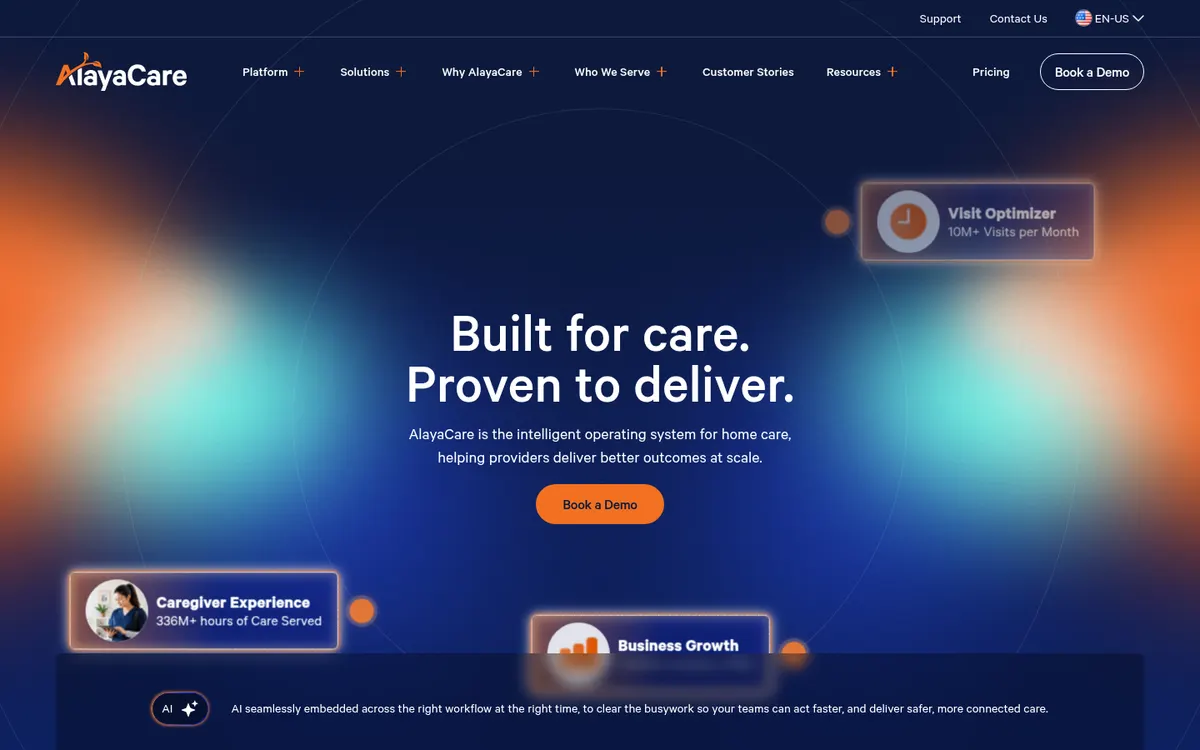
Best for large, multi-branch agencies that need scheduling, clinical notes and telehealth on one platform, and can absorb a long rollout.
AlayaCare is built for agencies that run several branches and service lines at once. The scheduler is visual, so coordinators can see caregiver availability, client needs and travel time on one screen, and route optimization shortens the drive between visits. Clinical documentation and telehealth sit inside the same system, which means a nurse and a scheduler work from one record instead of two. Electronic visit verification is configurable rather than fixed, which matters if you operate in states with different capture rules.
The trade-off is weight. A single branch with a dozen caregivers pays for capacity it will not use, and setup is a project: data migration, configuration by service line, and staff training before the first live shift. Agencies that need to be running in two weeks should look at lighter tools. Agencies with a large caregiver roster across locations, or with both personal care and clinical visits, tend to get more from it.
Pricing is quote only. No pricing page was available to check on November 25, 2026, so the quote-only finding stands unconfirmed, and you should treat any figure you hear as negotiable until it is in writing. Ask the vendor to itemize implementation, training, and any per-user or per-client fees separately from the subscription, because those line items are where budgets usually break. Expect a demo and a scoped proposal rather than a checkout page.
Comparable tools in this list handle scheduling well; fewer combine it with clinical documentation. If your agency is adding skilled services to a personal care business, that combination is the reason to shortlist AlayaCare rather than a scheduling-first product.
You coordinate multiple branches and want scheduling, route optimization and clinical workflows on one platform.
You run a single small branch and need a working schedule within a few weeks.
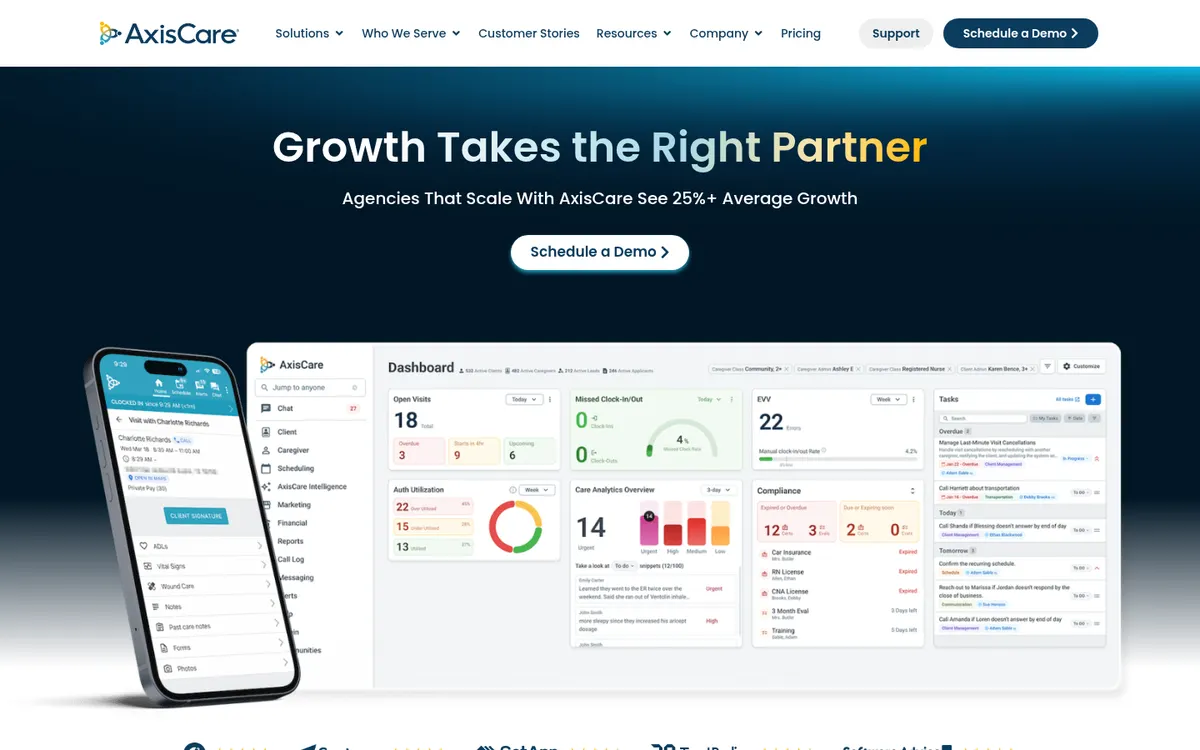
Covers intake to payroll in one system with caregiver matching and broad billing integrations, which suits agencies from small to large.
AxisCare covers the whole agency workflow rather than one slice of it: intake and referral management, caregiver matching by skills, location, language and availability, care plans, visit documentation, GPS and geofenced electronic visit verification, billing, payroll exports and reporting. The matching logic is the part coordinators notice first, because it narrows the list to caregivers who can actually take the shift instead of showing a flat roster.
Billing integrations are unusually broad for this band: Waystar, Change Healthcare and QuickBooks. Payroll exports and reporting close the loop, so hours recorded at the visit flow into pay and invoices without a parallel spreadsheet. The caregiver app handles schedules, clock-ins and messaging, which cuts phone traffic at the desk during busy mornings.
Pricing is a custom quote. The page publishes no entry price and asks agencies to request a quote by size bracket, and entry pricing sits near $200 per month with tiers set by agency size, with add-ons such as texting raising the total. That was the only figure available to check on November 25, 2026, so get a full quote for your headcount and confirm which extras are included rather than assumed.
Small agencies get a system they will not outgrow quickly. Larger agencies get broad coverage without the clinical depth of AlayaCare or Axxess. Some users report occasional desktop glitches, so ask during the demo how support works and how often releases ship.
You want intake, matching, EVV, billing and payroll exports from one vendor with strong accounting links.
You need deep clinical documentation or a fixed public price before your first call.
The family portal and phone-based shift claiming make this a strong pick for private-duty agencies, though per-client billing grows with caseload.
WellSky Personal Care, previously sold under the ClearCare name, targets private-duty agencies. Scheduling and care plan management sit alongside billing and invoicing, human resources tools, and CRM features for referral and client pipelines, so a private-duty office can run sales, staffing and billing in one place rather than stitching three systems together.
The family portal is the differentiator: relatives can see the care plan and visit activity without calling the office for updates. Caregivers can claim open shifts from a phone, which shortens the scramble when someone calls out. A telephony clock-in option covers staff who are not comfortable with smartphone apps, a real constraint in some markets and among older caregivers.
The billing model is per active client, so cost rises directly with caseload. An agency that grows from a modest roster to double that size doubles this line item even if office headcount stays flat. Medicaid-heavy agencies with tight margins should model that against flat-fee alternatives before signing. No pricing page was available to check on November 25, 2026, so the per-client figure could not be verified and needs confirming in writing.
Third-party integrations are limited compared with AxisCare, so check any payroll, accounting or billing partner you rely on before committing. Agencies that mainly need family communication, shift claiming and simple scheduling will find a better fit here than those needing deep clinical documentation.
You run a private-duty agency and want relatives to see care plans and visits without calling the office.
Your caseload is growing fast and a flat fee would protect your margin better.
A straightforward option for small agencies that want scheduling, EVV and payroll without enterprise weight, plus a trial to test it.
CareTime is aimed at small agencies that need scheduling, caregiver management, electronic visit verification, billing and basic payroll without an enterprise implementation. The caregiver app shows upcoming shifts and lets staff add client notes, which covers the essentials for a team of a few dozen caregivers and one or two coordinators.
The appeal is speed of adoption: core workflow without enterprise complexity, a short training curve, and a free trial before you commit. For a new agency, or one moving off spreadsheets and group texts, that combination lowers the risk of a bad first purchase and lets coordinators test the schedule against real shifts.
Limits show up as you grow. The integration ecosystem is smaller than larger rivals, custom reporting is limited, and multi-state enterprise complexity sits outside its comfort zone. An agency planning to add branches or skilled services within a year should weigh that before signing a long term.
Pricing is not published. No simple public pricing sheet exists, and quotes are tied to client volume, so the number you get reflects caseload more than headcount. No page was retrieved on November 25, 2026, and the trial flag carries over from earlier research rather than a live check, so confirm both the trial and the quote terms directly. Confirm which EVV method your state accepts before signing, because that single answer decides whether the built-in method works for you or becomes rework.
You are a small agency that wants scheduling, EVV and billing running quickly, and you want a trial first.
You need custom reports, many integrations, or a system that spans several states.
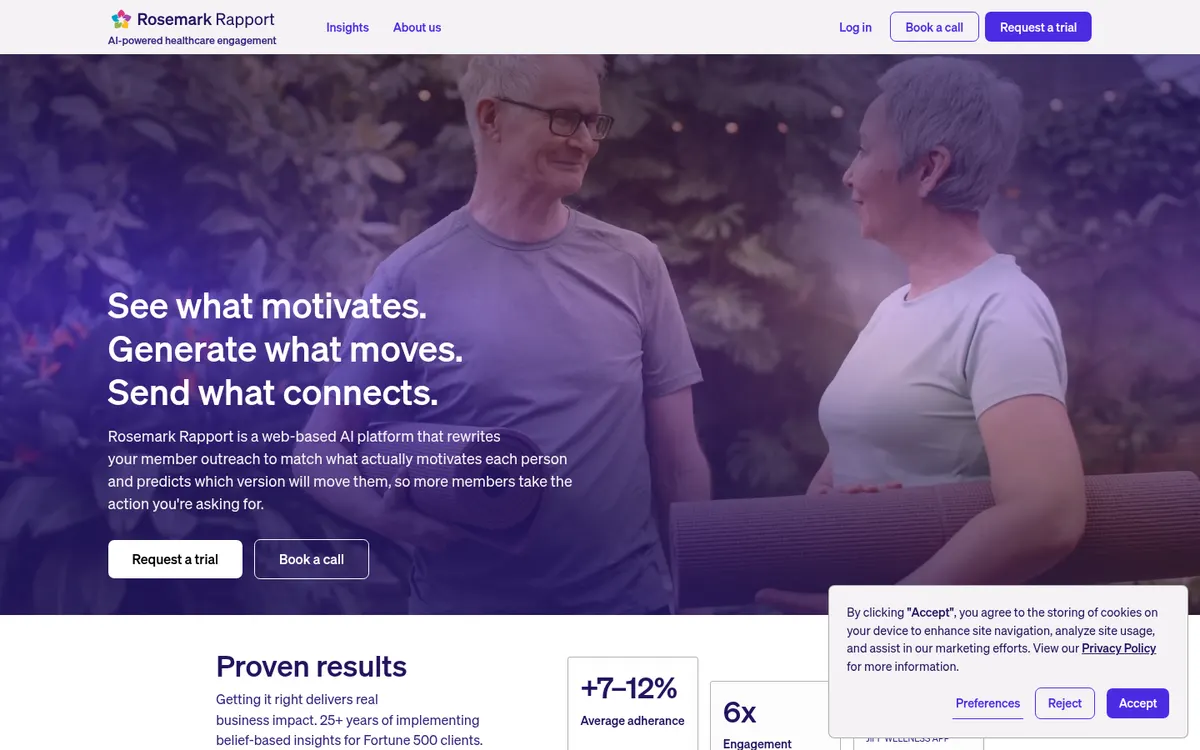
Best when visit data needs to flow straight into payroll and invoicing, though the interface trails newer competitors.
Rosemark's pitch is that visit data should not be typed twice. Scheduling and care coordination feed billing, invoicing and payroll processing from the same record, so hours captured during a visit flow into pay and into invoices. For an agency losing several hours a week to re-entry, that is the whole argument in one sentence.
Caregivers document visits in the app, and owners get reporting aimed at running the business rather than satisfying a compliance checkbox. Because payroll and invoicing draw on the same records, disputes over hours are easier to settle, which matters in a sector with high turnover and frequent schedule changes. Visit documentation and care coordination stay in one place instead of living in a binder.
The interface feels dated next to newer rivals, and pricing requires a sales conversation with no public figure. No page was retrieved on November 25, 2026, so the quote-only finding remains unconfirmed and should be verified directly with the vendor. During the demo, test the system against your own shift patterns and payer mix, since those two factors decide fit more than any feature comparison table.
Agencies that bill Medicaid and private pay in the same week should check how each payer type flows through invoicing before committing. Rosemark fits agencies that value payroll accuracy over a modern interface, and for them it fits well.
Payroll accuracy matters most and you want visit hours to reach pay and invoices without re-entry.
A modern interface and self-serve pricing are high on your list.
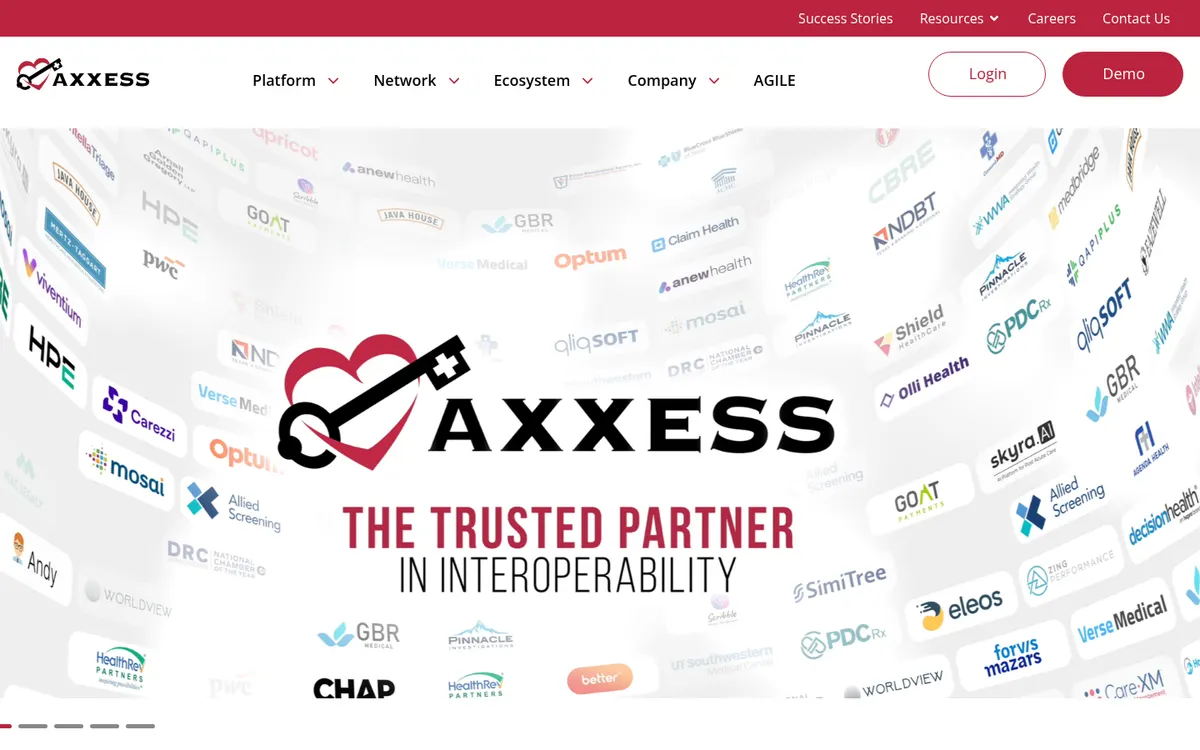
Documentation and claims depth suit agencies that bill heavily, and the shared platform leaves room to add home health later.
Axxess Home Care leans on documentation and billing depth. Scheduling, mobile documentation at the point of care and electronic visit verification feed billing and claims workflows, so the note taken during a visit is the same record that supports the claim. Family communication features sit alongside, which keeps relatives informed without pulling coordinators off the phone.
Capturing notes at the visit cuts end-of-day paperwork, and linking claims to visit records can shorten the gap between delivered care and payment. The product shares a platform with the vendor's home health products, so an agency that may add skilled services later can stay on one system instead of migrating a second time.
Buying is enterprise style: quote-only pricing, an implementation process that scales with agency size, and support that varies depending on how large you are. No page was retrieved on November 25, 2026, so quote-only pricing remains unconfirmed. Get onboarding, training and support hours confirmed in writing before signing, and ask what a named support contact looks like at your size.
Agency owners who mainly need a simple schedule will find the depth unnecessary and the buying process slow. Agencies with heavy billing volume, or with an eye on home health services in the next two years, get considerably more from it.
Billing volume is high and you want visit notes and claims working from the same record.
You want a quick self-serve purchase or only need basic scheduling.
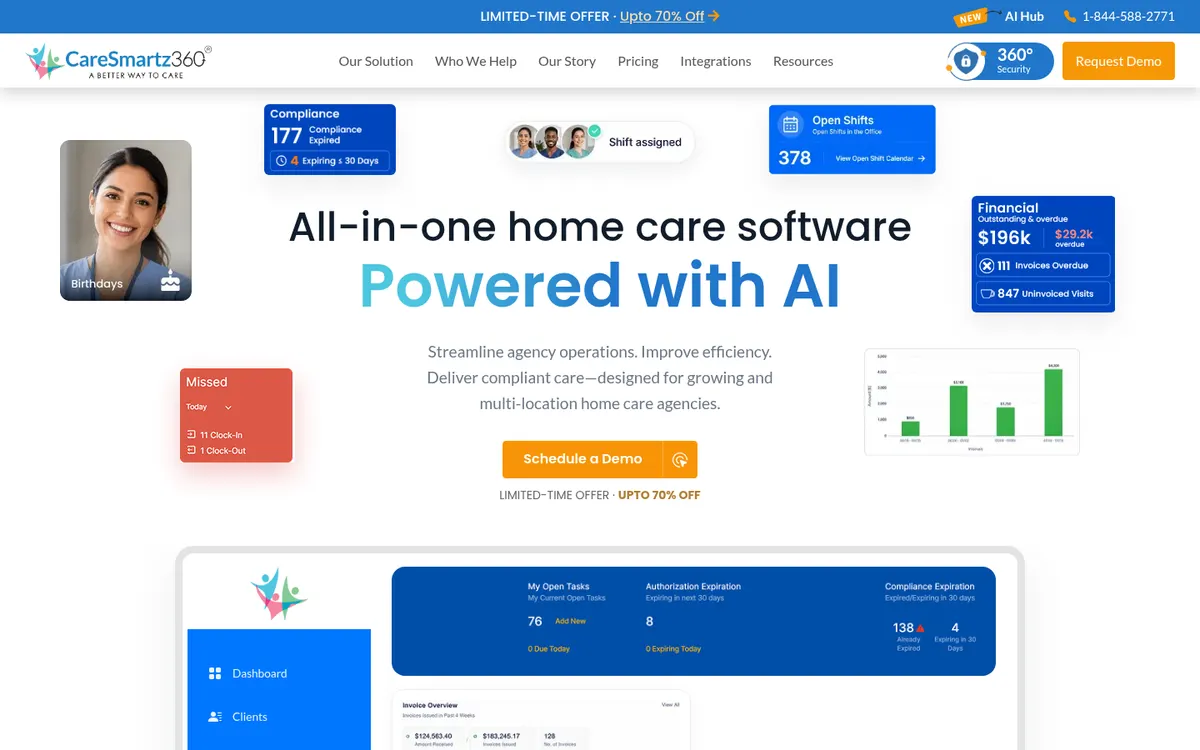
Per-client pricing and built-in GPS EVV fit small and franchised agencies, but expect a learning curve and add-on costs.
CareSmartz360 combines quick scheduling, GPS-based electronic visit verification, billing, caregiver management and payer management, plus a family portal and franchisor tools for multi-location operators. The per-client model is the draw for a small agency: you pay for caseload rather than for a full enterprise platform you may not need yet. GPS EVV is built in rather than bolted on, which simplifies compliance reporting and removes a separate vendor from the stack. Franchise and multi-location controls let a brand keep standards across offices while each office schedules its own caregivers, which is the problem most multi-site operators raise first. Users report a learning curve, and support is not 24/7 on standard plans, which matters for agencies running evening and weekend shifts. Add-ons raise the effective total above the headline rate. The page confirms client-count based pricing but shows no figure, only a quote request, so no number could be verified on November 25, 2026; the headline rate starts near $10 per client per month, though the full configuration is the number to compare. Compare the fully configured total rather than the per-client headline, and ask which add-ons you would need on day one versus which can wait until you grow. A franchised agency should also ask how reporting rolls up from individual offices to the brand.
You prefer paying per client and you want GPS EVV and family updates without a separate tool.
You need round-the-clock support or a short ramp for new coordinators.
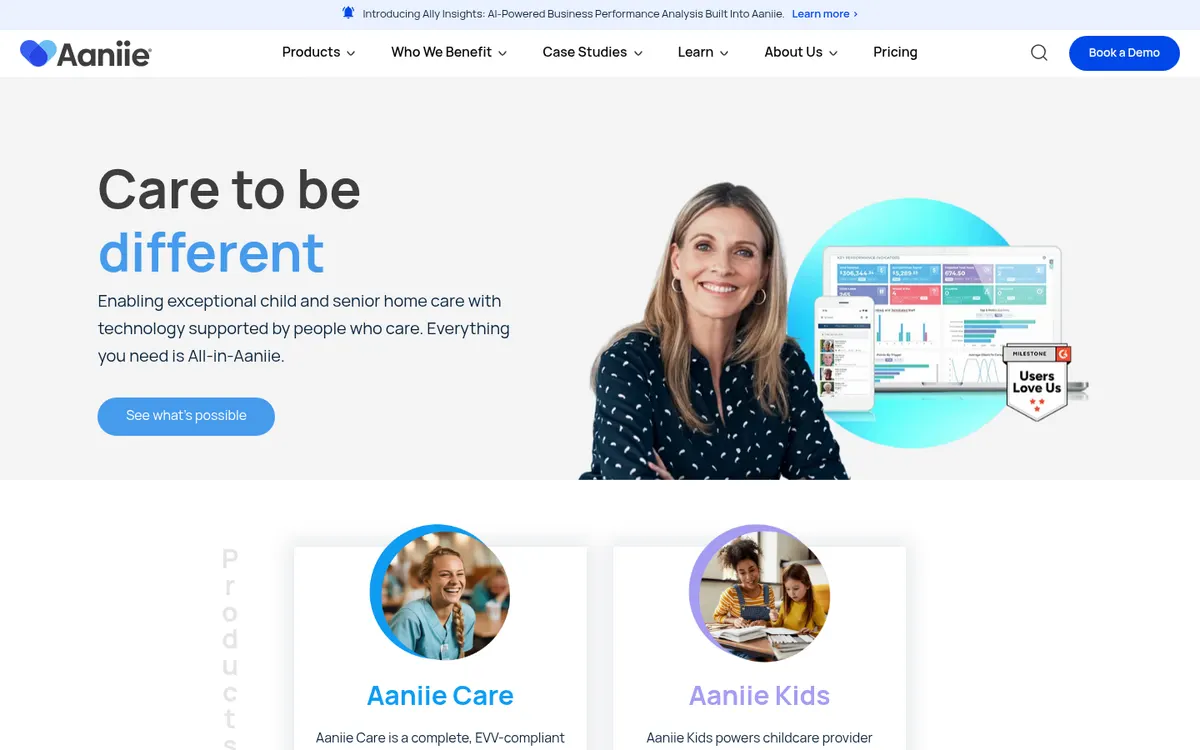
The only tool here with a public starting price, and caregiver rewards make it a reasonable first system for a very small agency.
Aaniie, which previously operated as Smartcare, is the one tool in this list with a published starting price: $195 per month on an all-inclusive plan covering up to 15 clients at signing, available annually or monthly. Drag-and-drop scheduling, color-coded calendars and shift reminders make the working day easy to read for a coordinator who is also answering the phone.
Caregiver engagement is the differentiator. Rewards and recognition tools sit inside the same app that shows schedules, care plans and secure messaging. In a sector where turnover drives recruiting cost, retention features are a practical argument rather than a nice extra, and they give small agencies a benefit larger competitors charge more for.
Reporting is thinner than enterprise rivals, the integration list is less detailed, and data-hungry agencies will hit a ceiling quickly. For a small agency, though, an approachable all-in-one interface and a clear caregiver mobile experience cover most of the job, and staff can learn the system without a formal project.
Pricing is the clearest of the eight: the lowest paid tier matches earlier research at $195 per month with no free plan listed, checked on November 25, 2026. The company also mentions per-client options, so confirm the current plan structure during a demo and ask what happens at the boundary, specifically what you pay once you pass 15 clients.
You have a small caseload, want a published price, and care about caregiver retention tools.
You need deep reporting, many integrations, or headroom well past 15 clients on one plan.
Care management software runs the operational core of a home care agency: who visits which client, what happened during the visit, and how that visit turns into a bill and a paycheck. It replaces the mix of spreadsheets, shared calendars and paper visit notes most agencies start with, and it produces a record that survives staff turnover.
The core modules are consistent across the eight tools here. Scheduling assigns caregivers to clients and shifts. Caregiver management tracks credentials, availability and contact details. Care plans hold the instructions a caregiver needs before walking in the door. Documentation captures notes at the point of care, usually on a phone. Billing turns visits into invoices, payroll turns them into hours worked, and reporting shows what all of it costs.
What to expect in a typical build:
Electronic visit verification deserves its own paragraph. Most states require proof a visit happened, when it started and ended, and where. Capture methods differ: GPS on a caregiver phone, a landline call from the client's home, or a fixed device. A state that accepts telephony may not accept GPS, and rules change. Confirm the accepted method before you sign, because a system that verifies the wrong way creates rework instead of removing it.
Two other things separate these tools. The first is depth: some are scheduling-first products with light billing, and others are billing-first products with light scheduling. The second is the caregiver app. If the app is slow or confusing, caregivers work around it with texts and paper, and the record you paid for stops matching reality. Ask to see the app on a phone, not a desktop demo.
This comparison sits on the Software desk. Readers comparing neighbouring stacks often check our guides to demand forecasting software and glp 1 companies next.
No two tools here price the same way, and the model matters more than the headline number. Per-client billing grows with your caseload, flat fees cap your cost, and quote-only pricing keeps the number hidden until a sales conversation.
| Model | How it bills | Typical fit | Example from this list |
|---|---|---|---|
| Flat monthly | One fee for a set client cap | Very small agencies | Aaniie, $195 per month up to 15 clients at signing |
| Per client | Monthly fee for each client on the books | Agencies with slow, steady growth | CareSmartz360, priced by client count |
| Per active client | Fee tracks clients actually receiving care | Private-duty agencies with steady intake | WellSky Personal Care |
| Size-banded quote | Tier set by agency size | Agencies from small to mid-size | AxisCare, entry near $200 per month |
| Quote only | Custom proposal after a demo | Larger or multi-branch agencies | AlayaCare, Axxess Home Care, Rosemark, CareTime |
Per-client models look cheap at 10 clients and expensive at 200. A flat monthly fee does the opposite: comfortable at a small caseload, tight once you pass the plan cap and need a higher tier. Run your own caseload projection over 24 months through each model rather than comparing first-month numbers.
Add-ons change the total. Texting, extra integrations, additional locations and premium support usually sit outside the base plan, and both AxisCare and CareSmartz360 note that extras raise the effective cost. Ask for a written quote that lists every line item separately, including anything described as optional.
Implementation is a cost too, even when it carries no fee. Data migration, configuration by service line and staff training consume office hours you would otherwise spend on intake. AlayaCare and Axxess both describe rollout as a project. Budget those hours before you compare subscription prices, because a cheap subscription with a long setup can cost more in year one.
Prices here were checked on November 25, 2026. Where a vendor publishes no figure, this list says so rather than estimating.
Every price above was checked on the vendor's own pricing page on November 25, 2026. Where a vendor does not publish a figure we write "See website" instead of guessing. To compare annual and monthly billing quickly, try the free percentage calculator.
It runs scheduling, care plans, visit documentation, electronic visit verification, billing and payroll reporting in one system. Instead of a shared calendar plus paper notes plus a separate billing process, the agency works from one record. The practical gain is fewer hours lost to re-entry and a visit history you can defend to a payer.
EVV captures when a visit started and ended, who delivered it and where, usually through GPS on a caregiver phone, a landline call, or a fixed device. State rules matter because each state approves specific capture methods and deadlines. A system that verifies in a way your state rejects creates rework and puts claims at risk.
Per-client plans bill for each client on the books, per-active-client plans bill only for clients receiving care, and flat fees cover a set cap. Per-client is cheaper at low volume and expensive as you grow, while flat fees protect larger agencies. Model your own caseload over 24 months before choosing between them.
Most of the tools here list a caregiver mobile app, though depth varies. Typical coverage is schedules, clock-in and out, care plans, visit notes and secure messaging with the office. Aaniie adds rewards and recognition, and WellSky Personal Care lets caregivers claim open shifts. Test the app on a phone during the demo, since caregivers rarely work from a desk.
It depends on agency size and data. Lighter tools aimed at small agencies can be live in weeks, while AlayaCare describes rollout as a project that typically includes data migration and staff training. Ask the vendor how many office hours you must commit and when the first live visit can run.
Get a signed business associate agreement, a recent security assessment or penetration test summary, breach notification terms, and details on encryption in transit and at rest. Ask where data is hosted and who can access it, and confirm role-based permissions exist for office staff. Put every answer in writing before legal review rather than trusting a sales call.
Browse every comparison on the Software desk, with the same rubric and dated prices.