Ranked #1

Jamf Pro
Apple policy depth
$4Jamf Now, per device per month, for organizations with under 25 employees
- Best for
- Apple only fleets needing deep macOS and iOS control
- Free plan
- No
- Rubric
- 6.7 / 10
Eight unified endpoint management tools ranked for fit, from Apple specialists to per device bargains, with the prices we checked on November 25, 2026.
 Prices checked November 25, 2026

Jamf Pro is the strongest pick for an Apple only fleet, Scalefusion suits small teams that want fast setup at $2 per device per month, and ManageEngine Endpoint Central fits Windows heavy IT shops at $1.09 per endpoint per month. All prices here were checked on November 25, 2026. None of these tools replaces Intune feature for feature, so weigh platform coverage, conditional access dependencies and per device cost before you migrate.
Apple policy depth
$4Jamf Now, per device per month, for organizations with under 25 employees

Zero trust control
See website

Fast kiosk setup
$2Essential, per device per month, billed annually, 10-device minimum
Disclosure for this page: All 8 tools here are unpaid editorial picks. The position of a paid listing can be part of what the vendor pays for. How we handle paid listings.
| Tool | Best for | Free plan | Actions | |||
|---|---|---|---|---|---|---|
| 1 | Jamf Pro | Apple only fleets needing deep macOS and iOS control | $4Jamf Now, per device per month, for organizations with under 25 employees | No | ||
| 2 | VMware Workspace ONE | Large mixed estates with Windows, Mac, iOS and Android | See website | No | ||
| 3 | Scalefusion | Small teams wanting fast, simple device management | $2Essential, per device per month, billed annually, 10-device minimum | Yes | ||
| 4 |  Miradore | Small and mid sized teams wanting affordable cloud MDM | See website | Yes | ||
| 5 | ManageEngine Endpoint Central | Windows heavy IT teams also managing Mac and mobile | $1.09Professional, per endpoint per month, volume pricing by endpoint count | Yes | ||
| 6 |  Hexnode UEM | Fleets with unusual or wide ranging device types | $2.2Pro, per device per month, annual billing saves 10%, 15-device minimum | No | ||
| 7 |  Kandji | Apple fleets wanting automation and compliance templates | See websitecustom quote | No | ||
| 8 |  NinjaOne | MSPs and IT teams focused on endpoint operations | See websitecustom quote | No |
We built this list around the questions buyers actually ask when they start pricing Intune alternatives: which platforms are covered, what the entry price really buys, how much configuration work sits in front of you, and how far the product scales before you outgrow it. Five criteria carry the comparison. Platform coverage (25%) asks how many device types one console handles. Management depth (25%) looks at policy granularity, patching, compliance reporting and automation. Pricing clarity (20%) rewards published per device rates over quote only models, because a buyer cannot budget what a vendor will not publish. Setup effort (15%) weighs implementation time against the size of team that will run it. Ecosystem and automation (15%) covers enrollment integrations, scripting and the workflows that remove manual work. Prices and plan details were taken from vendor pricing pages and published plan notes checked on 2026-11-25. Where a pricing page could not be read, the entry is marked as pricing on the vendor site and no number is guessed. The order is editorial. Each position reflects fit for the specific buyer described in that entry, not a weighted total, and a tool ranked lower here can still be the better buy for your estate. Every entry is scored with the same rubric and carries the same honest cons as the rest.
The full process, including how we handle corrections, is on the methodology page. Paid listings follow our advertising disclosure.
| Criterion | Weight | What we check |
|---|---|---|
| Platform coverage | 25% | How many device platforms, from Windows and macOS to iOS, Android and specialty hardware, one console manages. |
| Management depth | 25% | How granular the policy engine is, and how strong patching, compliance reporting and automation are. |
| Pricing clarity | 20% | Whether the vendor publishes a per device or per endpoint rate a buyer can budget against without a sales call. |
| Setup effort | 15% | How long it takes to enroll real devices and enforce real policy, measured against the size of team running it. |
| Ecosystem and automation | 15% | Enrollment program integrations, scripting, workflow automation and the manual work the product removes. |
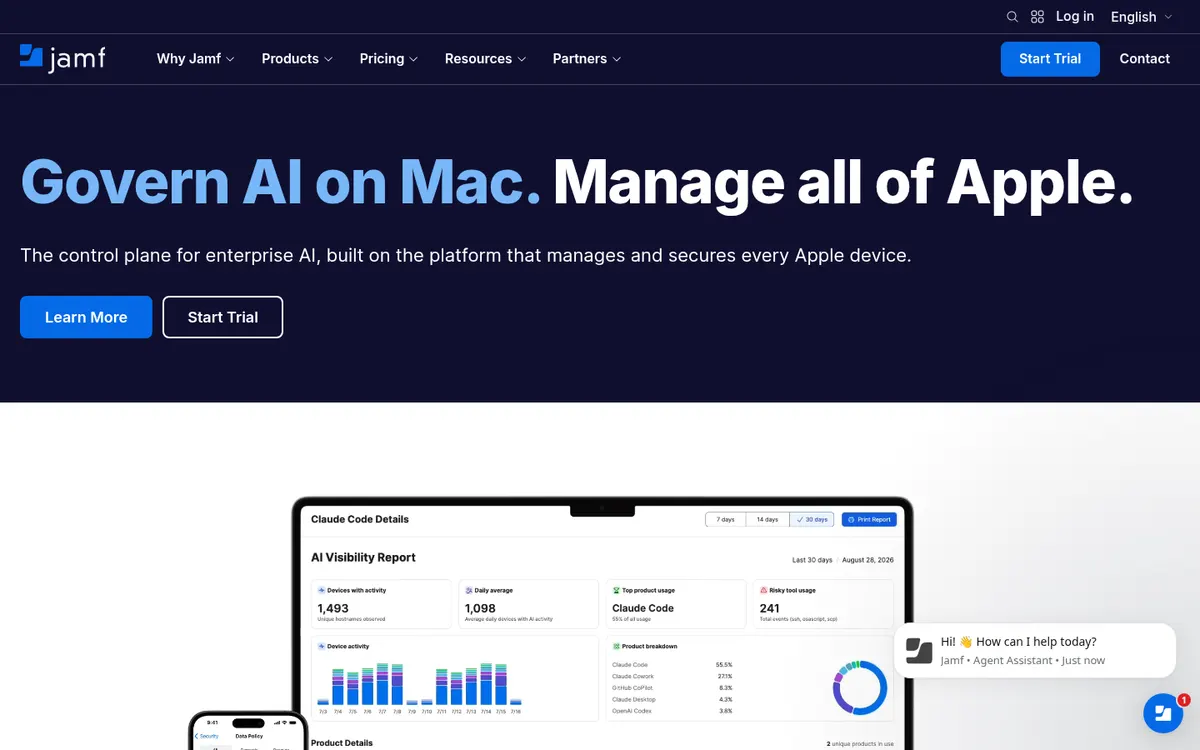
Deepest Apple control in this list, and the obvious first call when the fleet is Mac and iPad only.
Jamf Pro is the reference point for Apple device management, and it earns that position on depth rather than breadth. Enrollment runs through Apple Business Manager, so a new Mac, iPhone or iPad can arrive configured without a technician touching it. Configuration profiles and policy management cover Mac, iPhone and iPad, smart groups scope settings dynamically to devices and users, and the Self Service app catalog gives employees a place to install approved software themselves. Patch management, compliance reporting and detailed fleet analytics fill out the working day.
Where it pulls ahead of general purpose tools is the long tail of Apple administration: granular inventory, scriptable policy and reporting that Mac admins actually use in anger. Where it pulls behind is everything not made by Apple. There is no Windows or Android management, so a mixed estate needs a second product alongside it and pays for both.
Pricing starts at $4 per device per month on Jamf Now, the plan the vendor positions for organizations with under 25 employees. The Jamf for Mac and Jamf for Mobile tiers are listed separately, so the entry figure is rarely the figure a mid sized organization ends up paying. Expect a quote, and budget for the migration work of pulling existing Macs into a new enrollment workflow.
Pick it when Apple hardware is the whole fleet, or the part of the fleet generating the most support tickets, and when someone on staff already knows Apple administration. The learning curve is real, and the payoff is control that a cross platform tool treating macOS as one checkbox among five will not give you.
Your fleet is Mac, iPhone and iPad with little else to manage.
A large share of your devices run Windows or Android.
The broadest console here for mixed estates, provided you have the IT team to configure it properly.
Workspace ONE is the broadest single console in this list. It manages Windows, Mac, iOS and Android from one place, delivers apps through a catalog, enforces device compliance and conditional access, and supports rugged and specialty hardware that general MDM tools ignore. Identity and access integration is part of the platform rather than a bolt on, which matters in regulated sectors where every access decision has to follow the current state of the device. The trade off is complexity. Configuration takes real planning, and small teams without a dedicated endpoint engineer tend to use a fraction of what they bought. Several capabilities that win enterprise deals, including the analytics and AI driven insights, sit in upper tiers, so the product in the demo is not always the product on the entry quote. Add ons push the total up again. Pricing is on the vendor site, so there is no number to put in a budget line here. Ask for a written quote that names the tier required for every capability on your list, then compare it against a per device tool on the same device count. The platform now ships under the Omnissa business following its separation from VMware, so confirm the contracting entity, the support terms and the roadmap before you sign anything multi year. It fits large mixed estates with compliance obligations and an IT team big enough to configure it properly, and it repays that investment at scale. It does not fit a small company that wants devices managed by Friday.
You run a large mixed estate with formal compliance obligations.
You have no dedicated endpoint engineer to configure it.
Fast, cheap and simple for frontline devices, with policy depth that stops short of enterprise compliance.
Scalefusion is built for speed. Bulk enrollment gets a batch of devices into the console quickly, kiosk mode and device lockdown turn tablets and phones into single purpose hardware, and remote actions let support staff fix problems without walking to the device. App push, content and profile distribution and location tracking cover the everyday needs of a frontline fleet. Android, iOS, macOS and Windows are all supported, along with bring your own device and multi device owner scenarios.
Depth is where it stops. Policy controls are thinner than enterprise suites once compliance rules get complicated, conditional access and multi tenant setups are limited, and some advanced security controls are restricted. If your requirement list includes certificate based authentication at scale or conditional access tied to identity, test those exact flows during the trial before you commit.
The entry price is $2 per device per month on the Essential plan, billed annually with a 10-device minimum. Growth, Business and Enterprise cost more. A free tier covers basic management, which is unusual at this price, and a free trial runs alongside it. Schools, retail chains, logistics operators and small IT teams are the natural buyers, and the per device model means a 30 device pilot is cheap to stand up.
It suits teams that want devices managed this week without an implementation project. It does not suit organizations whose compliance team writes the requirements before IT sees them.
You need frontline tablets and phones locked down and managed fast.
Your requirements include complex conditional access at scale.
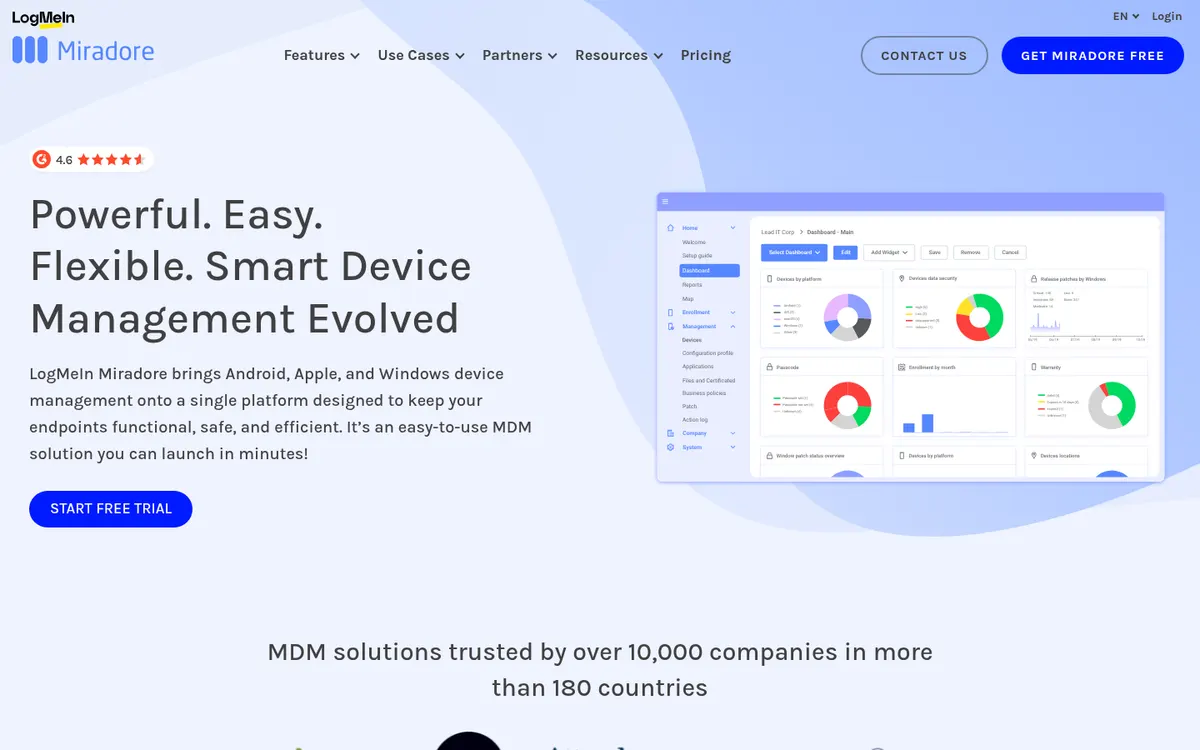
A free tier and four platform coverage make this the lowest risk way to try cloud MDM.
Miradore is cloud MDM without the infrastructure. There is no server to run: you enroll Android, iOS, macOS and Windows devices into a browser console, push apps, set security policies, and use remote actions such as lock and wipe when a device goes missing. Inventory and reporting give a readable picture of what is out there, and basic automation workflows handle the routine chores. Location tracking is included for mobile devices.
The limits are around sophistication rather than coverage. Automation is shallower than enterprise UEM suites, large scale reporting and compliance workflows are restricted, and support depth varies between plans, so the response on a low tier is not the response an enterprise buyer gets. Organizations with formal audit requirements will hit the ceiling quickly.
Pricing is on the vendor site, so no figure can be quoted here. Basic management is available on a free tier, which means a small team can evaluate the console without a sales cycle, and there is a free trial on the paid plans. That free tier is the real differentiator: it lets a 20 person shop run a managed fleet while it decides whether it needs more.
It fits small and mid sized teams that want four platform coverage from one console and no infrastructure to own. It does not fit a regulated enterprise with complex policy and reporting demands.
You want to manage phones and laptops from a browser with no capex.
You need deep automation or audit grade reporting.
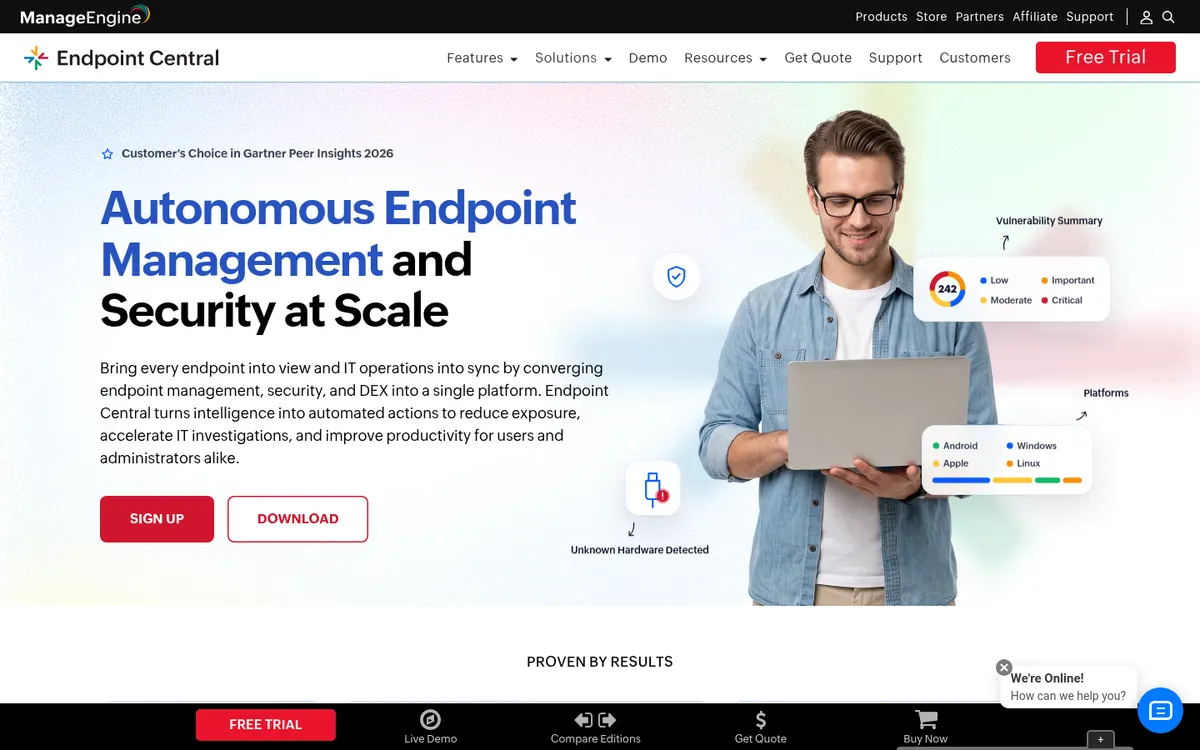
Patching, remote support and MDM in one console at the lowest published entry rate here.
Endpoint Central is a Windows management product that grew into an endpoint suite. Patch management covers the operating system and third party applications, software deployment pushes packages out, asset inventory tracks hardware and installed software, and remote control handles troubleshooting without a desk visit. Mobile device management for phones and tablets, configuration and compliance policies, endpoint security controls and reporting dashboards sit in the same console, which is the appeal: one agent, one interface, one bill for most of the estate.
The cost of that breadth is a dense interface with many modules to learn. A very large deployment needs careful planning, and the sheer number of features can slow the first setup while you work out which modules to switch on. Teams that only want mobile management will find more product than they need.
The entry rate is $1.09 per endpoint per month on Professional, with volume pricing that falls as endpoint count rises, and a free edition covering 25 endpoints. The product was formerly sold as Desktop Central and rebranded to Endpoint Central, so older documentation and quotes may use the old name. MDM focused plans are the entry point, and wider endpoint editions cost more.
It fits Windows heavy IT teams that also have Macs and phones to look after, and it is the cheapest route in this list to patching, remote support and MDM in one place. It does not fit a team that wants a minimal interface.
Windows desktops dominate your support workload.
You want a small, simple console for phones only.
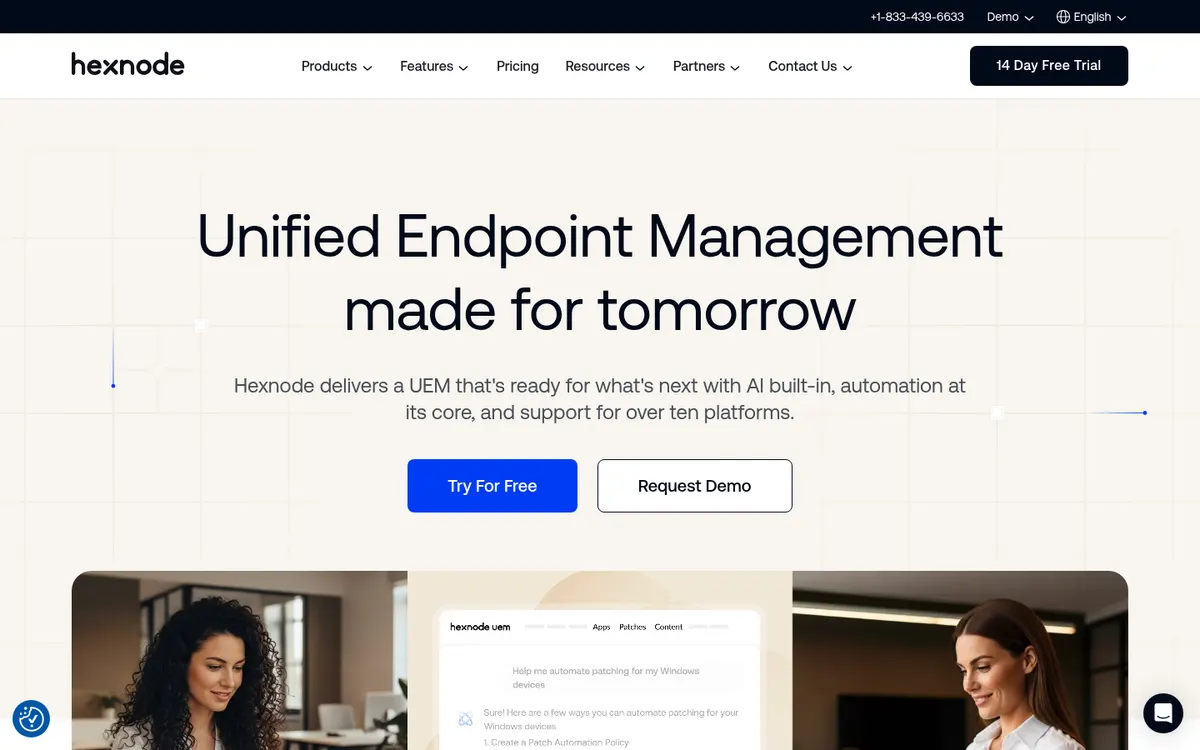
The widest device type support in this list, with Apple automation that trails the specialists.
Hexnode covers more device types than anything else here. iOS, Android, Windows, macOS and ChromeOS are all managed from one console, and tvOS and rugged hardware are supported too, which matters for retail signage, hospital carts and warehouse scanners. Kiosk mode and lockdown policies handle shared devices, the app catalog handles deployment, and compliance policies, device restrictions, remote actions, location tracking and content management cover the routine work. Enrollment program support lets Apple devices arrive configured rather than assembled by hand.
Breadth costs depth in one direction: Apple automation is less deep than the Apple specialists offer, and advanced Apple workflows lag dedicated platforms. Some enterprise integrations require higher plans, so the feature shown in a demo may sit a tier above the plan you were quoted.
The Pro entry price is $2.2 per device per month, with annual billing saving 10% and a 15-device minimum applying. That is among the lower published entry figures in this comparison, though the minimum means small pilots commit to 15 licenses to start. Education, healthcare, retail and logistics fleets are the natural fit, particularly where device variety matters more than platform depth.
It fits an organization with an awkward mix of hardware and one IT team to run it. It does not fit a Mac first organization that needs the deepest possible Apple policy engine.
Your estate includes ChromeOS, tvOS or rugged devices alongside laptops.
MacOS policy depth is your deciding requirement.
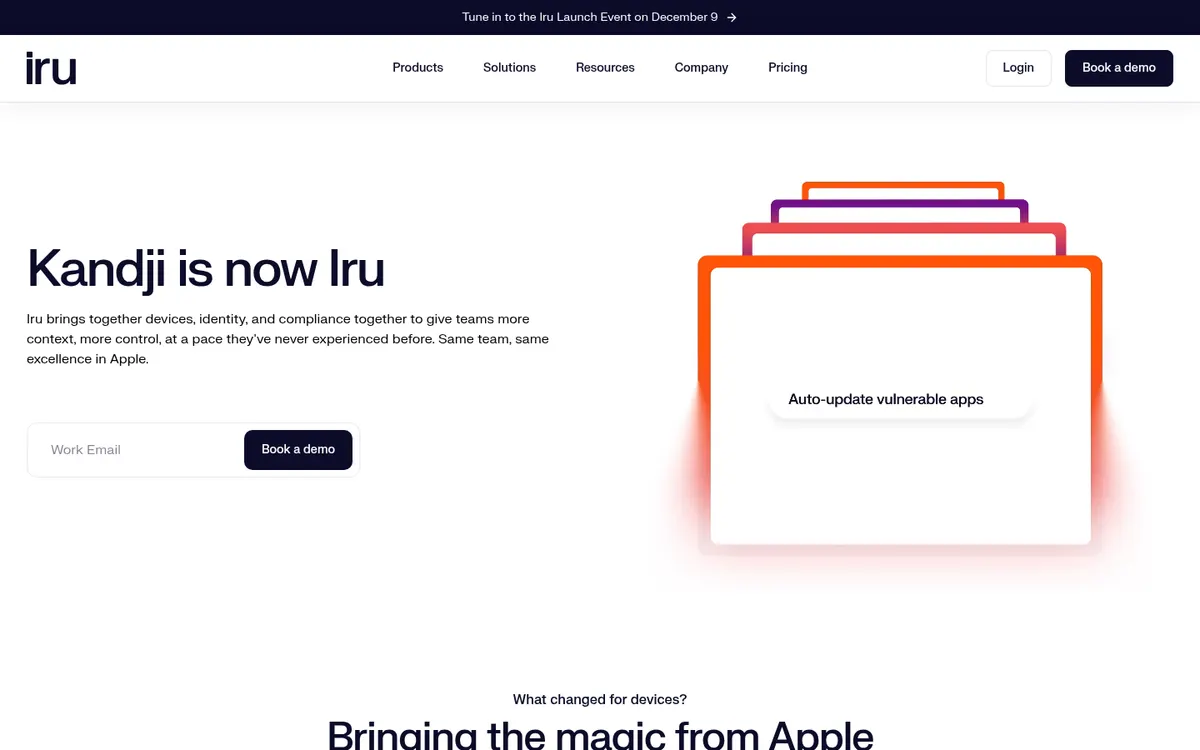
Apple management with compliance templates and automation built in, priced by quote rather than a list rate.
Kandji is Apple management built around automation. Macs, iPhones and iPads are set up automatically, prebuilt compliance templates give you a security baseline without writing it yourself, and automated app updates and vulnerability remediation workflows handle maintenance that otherwise lands on a human. Enrollment and onboarding automation, policy enforcement with drift detection, fleet visibility and zero touch deployment complete the picture. The admin interface is unusually clean for this category.
The constraints are the ones every Apple specialist carries. It manages Apple platforms only, so a mixed fleet needs a second tool, and quote based pricing sits above the basic MDM products in this list. For a small Mac estate, that gap is hard to justify against a per device tool that also handles phones.
Pricing is not published as a list rate and requires a custom quote, so get one early in evaluation rather than at the end. The vendor's pricing material now runs under the Iru brand and quotes modular licensing, which means the bundle you are offered may be assembled from components rather than sold as one per device rate. Ask for the per device equivalent so you can compare it with the rest of this list.
It fits Apple centric organizations that want compliance templates and automated remediation rather than a blank policy engine. It does not fit a buyer who needs a published price before the first call.
You run a modern Mac fleet and want automation over policy writing.
You cannot start evaluation without a published price.
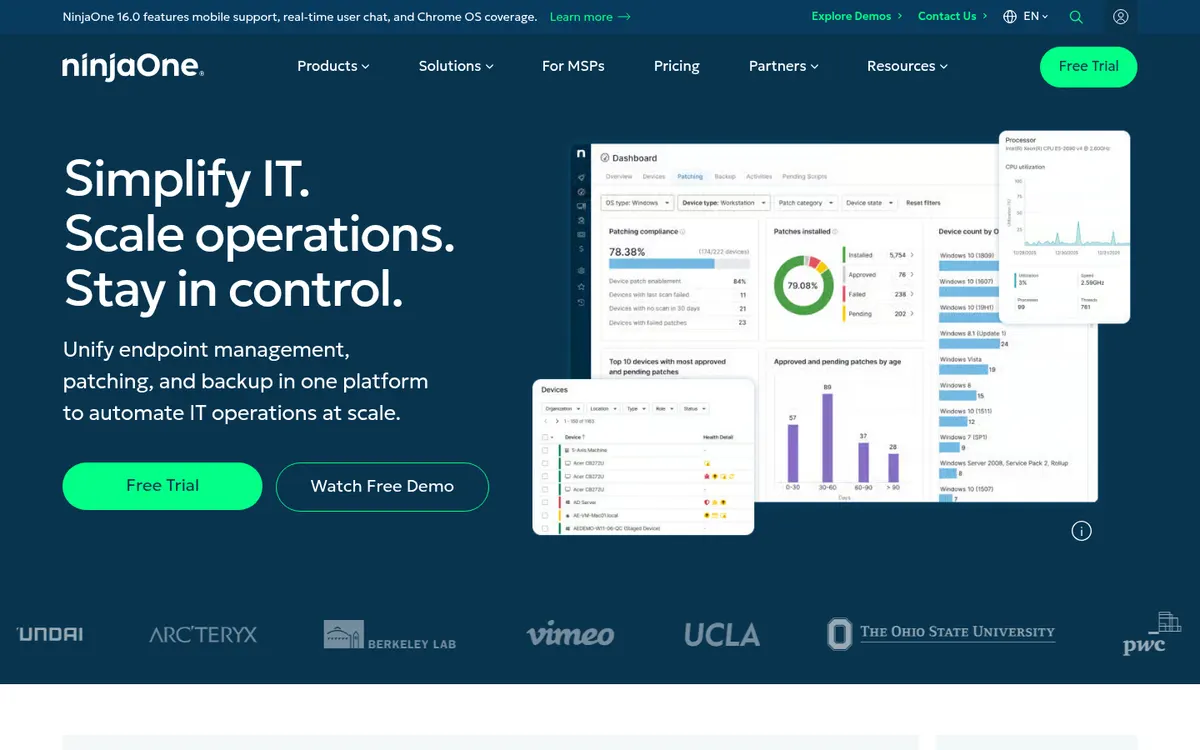
Endpoint operations with MDM attached, a strong MSP fit but not a deep mobile management tool.
NinjaOne is endpoint operations first and device management second. Real time monitoring and alerting, patching across Windows, macOS and Linux, scripting and automation policies, remote access and remote control, and asset and software inventory are the core. Native multi tenancy is built for managed service providers running many client environments from one console, which is why MSPs are its natural market. Mobile device management basics and backup and endpoint protection add ons extend the platform sideways.
For mobile heavy organizations, that ordering matters. MDM here is more basic than a dedicated platform, and there is no direct replacement for identity linked conditional access, so a phone first estate will feel the gaps. The value is having monitoring, patching, automation and remote access in one operating view rather than four.
Pricing is not published. The page routes visitors to a quote form, so budget time for a scoping call and ask for per endpoint rates at your actual device count. Compare that quote against a per device MDM plus a separate remote support tool, because that is the combination NinjaOne usually replaces.
It fits MSPs and internal IT teams whose daily work is keeping desktops and servers healthy, with phones as a secondary concern. It does not fit an organization that needs deep mobile policy and conditional access as the primary requirement.
You manage many client environments and want one operations console.
Phones are the fleet and policy depth is the priority.
Unified endpoint management is the umbrella term for software that configures, secures and updates every device an organization issues or tolerates: laptops, phones, tablets, and increasingly kiosks and rugged hardware. Mobile device management is the older, narrower category that started with phones. UEM folds desktop management into the same console, so one policy engine handles a Windows laptop, a Mac, an iPhone and an Android scanner.
What the software actually does falls into a short list of jobs:
Intune sits inside Microsoft's stack, which is why leaving it is rarely a straight swap. Its device management leans on Entra ID for identity and conditional access, on Autopilot for Windows provisioning, and on the Microsoft 365 licensing many organizations already own. A non Microsoft alternative can replace the device management work, often very well, but the identity and provisioning pieces need a plan of their own.
The tools in this list fall into four rough families. Apple specialists such as Jamf Pro and Kandji go deepest on Mac and iOS. Cross platform UEM suites such as Workspace ONE and Hexnode cover the widest device range. Endpoint operations tools such as NinjaOne and ManageEngine Endpoint Central lead with patching and remote support. Low cost per device MDM such as Scalefusion and Miradore gets a small fleet managed quickly. Knowing which family matches your estate narrows eight options to two or three fast.
This comparison sits on the Software desk. Readers comparing neighbouring stacks often check our guides to demand forecasting software and glp 1 companies next.
Most Intune alternatives bill per device per month, and the sticker price is usually the smallest tier with a minimum seat count attached. Read the plan note before you compare numbers, because a $2 rate with a 10-device minimum is not the same offer as a $4 rate without one.
Three models dominate. Per device pricing is the simplest: you count enrolled devices, multiply, and the bill scales with the fleet. Per endpoint pricing works the same way with volume tiers that reduce the rate as the count rises. Quote based pricing hides the number until a sales conversation, which is common among enterprise suites and Apple specialists.
| Model | How it bills | Typical fit | Example from this list |
|---|---|---|---|
| Per device, annual billing | Per device per month, billed annually, device minimum | Frontline and shared device fleets | Scalefusion at $2 per device per month on Essential, 10-device minimum |
| Per endpoint, volume tiered | Per endpoint per month, rate falls as count rises | Windows heavy IT estates | ManageEngine Endpoint Central at $1.09 per endpoint per month on Professional |
| Small business per device | Per device per month on a plan capped by company size | Small Apple estates | Jamf Pro at $4 per device per month on Jamf Now, for organizations under 25 employees |
| Per device with annual discount | Per device per month, discount for annual commitment | Mid sized cross platform fleets | Hexnode UEM at $2.2 per device per month on Pro, annual billing saves 10%, 15-device minimum |
| Custom quote | Negotiated, no published rate | Large or complex estates | Kandji and NinjaOne, both custom quote |
Two things swing the real cost. First, minimums: a device floor makes a small pilot more expensive than the headline rate suggests. Second, tiers: analytics, advanced security and some integrations usually sit above the entry plan. Get a quote at your actual device count, with every capability you need switched on, not at the entry tier. Free tiers at Scalefusion, Miradore and ManageEngine Endpoint Central are useful for evaluation, but they are not a substitute for pricing the paid plan you will actually run.
Every price above was checked on the vendor's own pricing page on November 25, 2026. Where a vendor does not publish a figure we write "See website" instead of guessing. To compare annual and monthly billing quickly, try the free percentage calculator.
Count devices by platform. Write down how many Windows, Mac, iOS, Android and specialty devices you manage today. If one platform is more than 80 percent of the estate, a specialist tool is viable. If not, cross platform coverage comes first.
List the Intune features you actually use. Conditional access, Autopilot, app protection policies, compliance reporting. Anything you rely on daily has to exist in the replacement or be rebuilt elsewhere, and that work belongs in the budget.
Decide where identity lives. Most alternatives assume a separate identity provider for conditional access. Confirm what your candidate uses for device trust, then decide whether that sits with your identity team or your endpoint team.
Shortlist two and trial both. Free trials are available on all eight tools here, so enroll real devices with real policies rather than touring a demo tenant. Week three of a trial tells you more than any sales deck.
Price at your real device count. Ask for a quote at your current count plus 20 percent growth, on the tier that includes everything you shortlisted. Compare total annual cost, not the monthly headline.
Plan the exit before you sign. Agree how devices are removed, how data is exported and how long the old console stays readable. Migration is the part that overruns, and a documented exit process shortens it.
Buying on the entry price. The cheapest per device rate is often a tier without the compliance reporting or advanced security you need. Price the tier that covers your requirements, then compare.
Assuming an Apple tool covers everything. Jamf Pro and Kandji manage Apple hardware only. A mixed estate that buys one still needs a second console and a second contract.
Forgetting conditional access. Many Intune users rely on identity linked access rules. Non Microsoft tools handle device compliance, but the access decision usually moves to your identity provider, which is a separate project.
Skipping the pilot. Every tool here offers a free trial. Running a demo tenant instead of enrolling real devices hides the enrollment friction and policy gaps that surface in week three.
Ignoring removal costs. Devices have to be unenrolled from Intune and re-enrolled elsewhere. Without a planned sequence, users lose access to email and apps during the switch.
Jamf Pro is, with Kandji as the main challenger. Jamf Pro goes deepest on policy, inventory and reporting, starts at $4 per device per month on Jamf Now for organizations under 25 employees, and has a long established Mac admin community and documentation. Kandji competes on automation and prebuilt compliance templates but requires a custom quote. Both manage Apple hardware only, so neither helps if Windows appears later.
Scalefusion, Miradore and ManageEngine Endpoint Central each have a free tier. ManageEngine's free edition covers 25 endpoints, while Scalefusion and Miradore free tiers cover basic management. The other five tools in this list offer a free trial but no free plan, so evaluation ends in a purchase decision rather than a permanent free deployment. Check what the free tier excludes before you standardize on it.
ManageEngine Endpoint Central at $1.09 per endpoint per month on Professional, then Scalefusion at $2 per device per month on Essential, then Hexnode UEM at $2.2 per device per month on Pro. Jamf Pro's $4 rate applies to Jamf Now for organizations under 25 employees. Read the minimums: Scalefusion requires 10 devices, Hexnode requires 15, and volume tiers change the effective rate.
It can replace the device management layer, but not for free and not always in one step. Configuration, app delivery, patching and compliance reporting all move cleanly to products in this list. Identity linked conditional access usually moves to your identity provider, and Windows Autopilot provisioning has to be rebuilt or handled by the new tool. Budget for both projects separately.
NinjaOne, because native multi tenancy is built into the platform and monitoring, patching, automation and remote access sit in one view per client. VMware Workspace ONE fits larger MSPs with enterprise contracts, though multi tenant setups are limited on cheaper tools such as Scalefusion. MSPs typically pair a multi tenant operations tool with a dedicated MDM for mobile heavy clients.
They are the two items most likely to extend a migration. Conditional access rules live in Entra ID, so a replacement tool feeds compliance signals into identity rather than owning the access decision. Autopilot handles Windows provisioning, so the new console needs its own enrollment path or you keep a Microsoft dependency for Windows builds. Map both before you cancel licensing.
Browse every comparison on the Software desk, with the same rubric and dated prices.