Ranked #1

Stessa
Tax-ready reporting
Manage $12 per month, paid annually
- Best for
- Rental investors focused on financial tracking and tax reporting
- Free plan
- Yes (Essentials, $0)
- Rubric
- 6.5 / 10
Nine tools ranked by fit for the landlord in front of them, from free DIY rent collection to full property accounting, with prices checked on November 25, 2026.
 Prices checked November 25, 2026

As of November 2026, the right rental software depends on what you are actually running. Stessa suits rental investors who care most about tracking income, expenses and tax-ready reports, and it starts with a free Essentials tier. TurboTenant fits DIY landlords self-managing a small portfolio, with a free tier and Essentials at $12.42 per month. Innago is the pick for landlords who want full management features at no monthly cost, funded by optional tenant-paid fees. Every entry below is judged on fit for a specific buyer.
Tax-ready reporting
Manage $12 per month, paid annually

End-to-end DIY flow
Essentials from $12.42 per month
Free tenant placement
See website
Disclosure for this page: All 9 tools here are unpaid editorial picks. The position of a paid listing can be part of what the vendor pays for. How we handle paid listings.
| Tool | Best for | Free plan | Actions | |||
|---|---|---|---|---|---|---|
| 1 | Stessa | Rental investors focused on financial tracking and tax reporting | Manage $12 per month, paid annually | Yes | ||
| 2 | TurboTenant | DIY landlords who self-manage a small portfolio | Essentials from $12.42 per month | Yes | ||
| 3 | Avail | Tenant placement and simple DIY rent collection | See website | Yes | ||
| 4 |  Innago | Landlords wanting free full-featured management software | Free (no monthly fee) | Yes | ||
| 5 |  RentRedi | Flat-price management with unlimited properties and tenants | Annual Plan $12 per month, billed annually | No | ||
| 6 |  TenantCloud | Landlords scaling from one unit to a portfolio | Essentials $12.42 per month | Yes | ||
| 7 |  DoorLoop | Small and mid-size managers wanting a modern all-in-one | DoorLoop One $2.50 per unit per month | No | ||
| 8 |  Buildium | Professional managers needing strong property accounting | Essential $65 per month | No | ||
| 9 |  AppFolio | Large diverse portfolios needing a full platform | Core $1.49 per unit per month | No |
We scored nine tools against the job a landlord is actually hiring software to do, not against a feature checklist. Five criteria carry the weight. Core management (30 percent) asks whether the tool covers the daily loop of listing a unit, screening a tenant, collecting rent and handling a repair. Pricing clarity (22 percent) looks at whether you can work out your bill before you sign, including free tiers, annual commitments and per-unit math. Accounting depth (20 percent) covers categorization, trust accounting, owner statements and tax-ready reports. Tenant workflow (18 percent) judges the tenant-facing experience, since software tenants refuse to use is software you stop using. Room to grow (10 percent) asks how far the same account stretches as doors are added.
Every price, plan, trial and free-tier fact here comes from vendor pricing pages that we checked on 2026-11-25. Where a page did not load, or a vendor had moved to quote-only pricing, we say so in the entry instead of filling the gap with a number. We also flag what changed against our earlier notes, such as DoorLoop moving from flat pricing to a per-unit model and Buildium's Essential tier rising to $65 per month.
The order of this list is editorial. It reflects fit for the buyer described in each entry, plus the disclosed Featured position. A Featured listing is a paid placement, and it is scored with the same rubric as every other tool, cons included.
The full process, including how we handle corrections, is on the methodology page. Paid listings follow our advertising disclosure.
| Criterion | Weight | What we check |
|---|---|---|
| Core management | 30% | Does it cover the daily loop of listing, screening, collecting rent and handling repairs? |
| Pricing clarity | 22% | Can you work out your real bill before signing, including free tiers, annual terms and per-unit math? |
| Accounting depth | 20% | How well does it categorize income and expenses, report to owners and produce tax-ready output? |
| Tenant workflow | 18% | How usable is the tenant side, since software tenants avoid is software landlords abandon? |
| Room to grow | 10% | How far does the same account stretch as doors, staff and owners are added? |
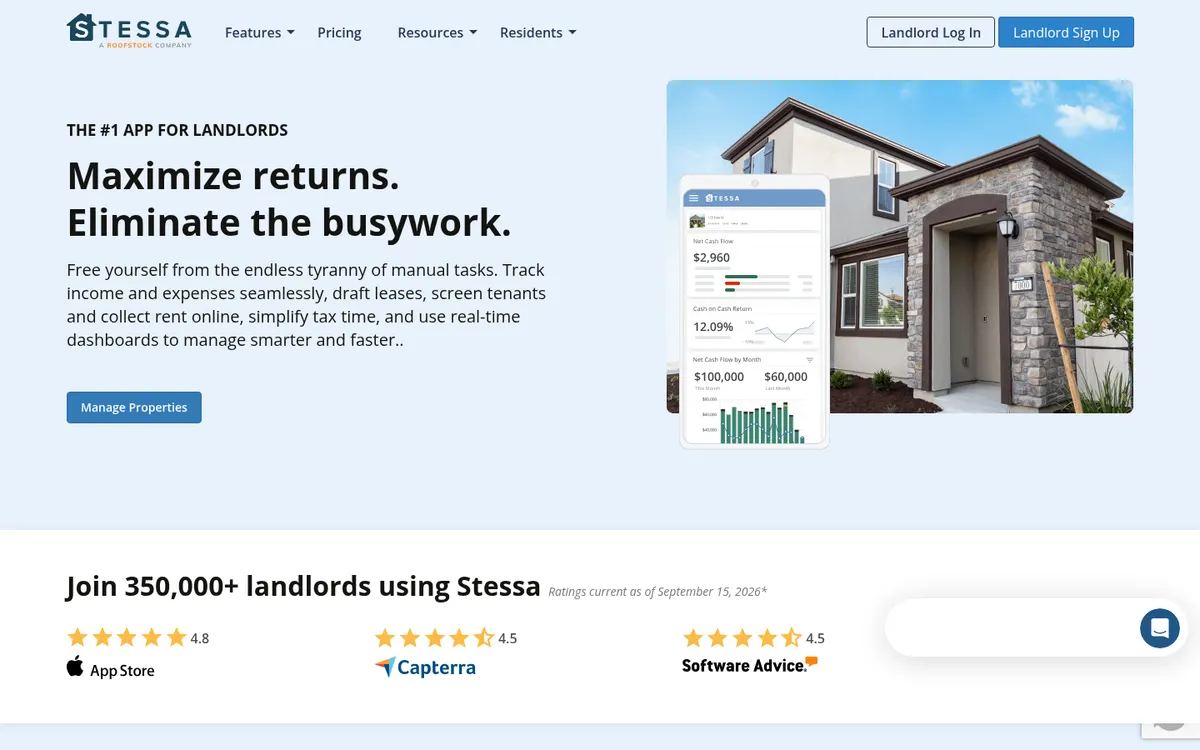
Best for investors who want rental income, expenses and tax reports in one place, not a full management suite.
Stessa is built around the money side of rentals rather than the tenant side. You connect bank accounts, and the platform sorts rental income and expenses into categories automatically, then rolls them into portfolio performance dashboards. At tax time that structure pays off: reports are organized for filing and exports are set up for a CPA to work with, which is the part most generic bookkeeping tools make you assemble by hand.
Pricing is where Stessa stands apart from the management suites below. The Essentials tier is $0 and covers core financial tracking, so a landlord with a handful of doors can start without a card. The Manage plan is $12 per month when paid annually and adds more automation, legal forms and e-signature, plus support for short-term rentals. Our check on 2026-11-25 showed the same $12 per month annual figure, with the free Essentials tier still listed.
The trade-off is scope. Stessa is not a full property management suite. Tenant-facing tools exist but are newer and thinner, so if you need applications, screening and a maintenance queue that tenants actually use, you will end up pairing it with something else. The paid tiers also matter most to short-term rental hosts, where the extra automation earns its keep; a long-term landlord with simple books may never need to leave the free tier.
Fit is narrow and clear. Rental investors who think in portfolios (income, expenses, equity, tax) get the most from it. Landlords who think in work orders and lease renewals should look further down this list.
Your main job is knowing what your portfolio earns and what you owe at tax time.
You need applications, screening and maintenance requests in the same account as your books.
A complete DIY loop from listing to rent check, priced by unit count and backed by a free starter tier.
TurboTenant covers the whole do-it-yourself cycle in one account. You publish a vacancy listing, take online applications, run tenant screening, sign the lease electronically and collect rent online, which means a self-managing landlord with a few units does not need a second tool for any of those steps. The workflow is the product here; there is no separate accounting module to learn.
Pricing is by unit count. A free tier lets you test the workflow without a contract, and Essentials runs from $12.42 per month, which matches $149 per year for 1 to 10 units. That annual requirement is the catch: you pay for the year upfront rather than month to month, so a fair comparison against a monthly-billed competitor has to be done on the annual number. Business pricing is custom, which means a quote rather than a published rate.
The limits show up when your books get complicated. Advanced accounting is lighter than what Buildium offers, so a landlord with multiple entities, owner statements or trust accounting will outgrow it. The free tier is a genuine starting point but it is capped, and you will feel the ceiling as you add units or want more of the workflow included.
Fits the landlord who self-manages and wants one clean path from listing to rent received. Skip it if you need property-level accounting depth or you manage property for other owners who expect monthly statements.
You self-manage a small portfolio and want one tool from vacancy listing through rent collection.
You are not ready to pay for a year upfront or you need owner-level accounting.
Free listings, applications and rent collection, with FastPay and richer leases behind a per-unit upgrade.
Avail handles the front end of the rental process: listing a unit, taking applications with screening, and getting a lease signed using state-specific templates. Rent collection is included, and FastPay moves deposits faster than standard processing. It sits in the Realtor.com network, which matters if you already work inside that ecosystem and want your rental activity near your listing activity. The free tier is the reason to look. Listings, applications and rent collection are covered at no monthly cost, which is unusual for a tool with screening attached. Unlimited Plus adds FastPay, waived ACH fees and customizable leases, and its price is on the vendor site. Our pricing check on 2026-11-25 returned no content from the pricing page, so confirm current numbers on the vendor site before you decide. Two things to watch. The free tier is structured to nudge you toward paid add-ons, and A per-unit fee is cheap for one door and noticeable at twenty. Maintenance tools are basic, so repairs and work orders will likely live somewhere else in your stack. Fits a landlord whose main need is placing a tenant and collecting rent simply, without a subscription to start. Skip it if you want deep maintenance tracking or property accounting in the same account.
You place tenants occasionally and want a free path to applications, leases and rent collection.
You need maintenance tracking or you manage enough units that the per-unit fee outweighs a flat plan.

Full management features with no monthly fee, funded by optional tenant-paid services rather than a landlord subscription.
Innago's pitch is simple: no subscription. Listings, online applications, tenant screening, e-signed leases, online rent collection and maintenance requests are all included at no monthly cost to the landlord. There is no paid subscription tier to upgrade into, so the question of when to move up a plan never comes up, and the page we checked on 2026-11-25 confirms no setup fee and no monthly fee.
The money comes from somewhere else. Revenue is generated by optional usage-based fees that tenants pay for certain services, which keeps the landlord's line at zero but means the tenant experience carries some of the cost. That is worth explaining to applicants before they apply, especially if you compete for tenants on total move-in cost.
Depth is the trade-off. Innago is a smaller company with less market presence than the established names on this list, and advanced accounting features are thinner. If you need trust accounting, owner statements or reporting for multiple property owners, this is not the tool that gets you there. If your books are simple and your priority is not paying a monthly bill, it covers more ground than most free tiers and removes a line item from your budget entirely.
Fits the hands-on landlord with a small to mid-size portfolio who wants real management features without a subscription. Skip it if you manage for other owners or you need detailed accounting.
You want listings, screening, leases, rent collection and maintenance without a monthly bill.
Your tenants would object to usage fees or you need owner statements and trust accounting.
One flat price covers unlimited properties and tenants, with a money-back guarantee standing in for a free tier.
RentRedi sells one plan and removes the unit math. Online rent collection, tenant screening, maintenance tracking and rental listings are included, and properties and tenants are both unlimited, so adding doors does not change the price. The interface is mobile-first, which suits a landlord who handles repairs and messages from a phone rather than a desk.
The plan costs $12 per month when billed annually, $20 per month on semi-annual billing and $29.95 month to month. There is no free tier, so the entry cost is real from day one, and the 30-day money-back guarantee is the replacement for one. That is a fair structure for a landlord who is ready to commit and a poor one for someone still comparing, because you have to pay before you can explore. There are no contracts, so you can cancel when you choose.
The feature set is simpler than the larger platforms. You get the core workflow, not trust accounting, owner statements or deep reporting, and the mobile-first design will feel constrained on a desktop for anyone used to a full dashboard. For a landlord whose books are straightforward, that simplicity is the point rather than a flaw.
Fits a landlord with many units and simple books who wants a predictable flat bill. Skip it if you need a free tier to evaluate the software or you need professional accounting.
You have many units and want one flat bill that does not change as you add doors.
You need to try before paying or you need trust accounting and owner statements.
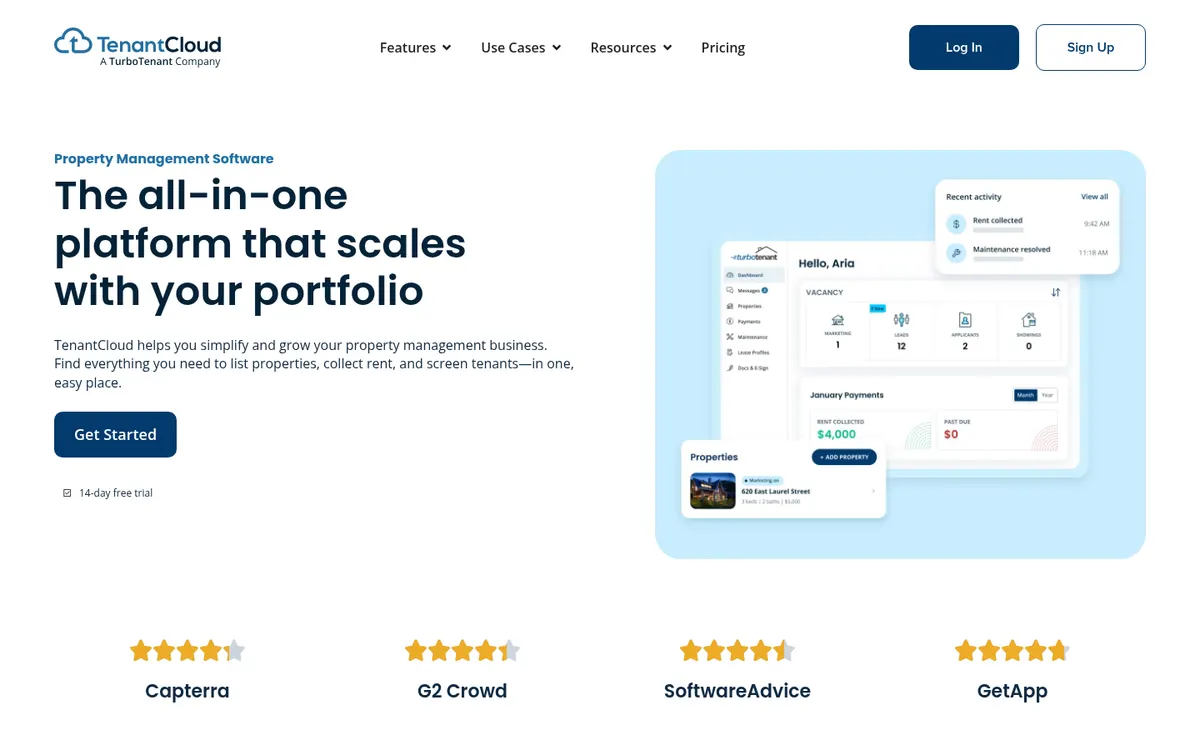
A free start and paid tiers that unlock accounting and team tools as a small portfolio becomes a bigger one.
TenantCloud is built for the transition point. The free tier covers core basics, so a landlord with a single unit can start without paying, and paid plans unlock advanced accounting, team management and automation as the portfolio grows. The platform reports more than 100,000 landlords using it, which is a useful signal of longevity in a category full of small vendors that disappear.
Pricing moved since our earlier note. Our check on 2026-11-25 showed the lowest paid tier at $12.42 per month rather than the $15 recorded before, and a 14-day trial appears on the Business plan. Both details are worth confirming on the vendor site, because a trial on one tier and not the others changes how you evaluate the upgrade path.
The honest caveat is fit and finish. Advanced accounting and team tools sit behind premium tiers, so read the feature gates carefully before assuming a plan covers your workflow. The interface is functional rather than polished, and a landlord coming from a modern fintech tool will notice the difference in the first ten minutes.
Fits a landlord who wants to start free and grow into accounting and team features without switching platforms. Skip it if you need polished design, or you want every feature sitting on the entry plan rather than spread across tiers.
You want a free starting point that can grow into accounting and team tools.
You want every feature on one plan or you judge software on interface polish.
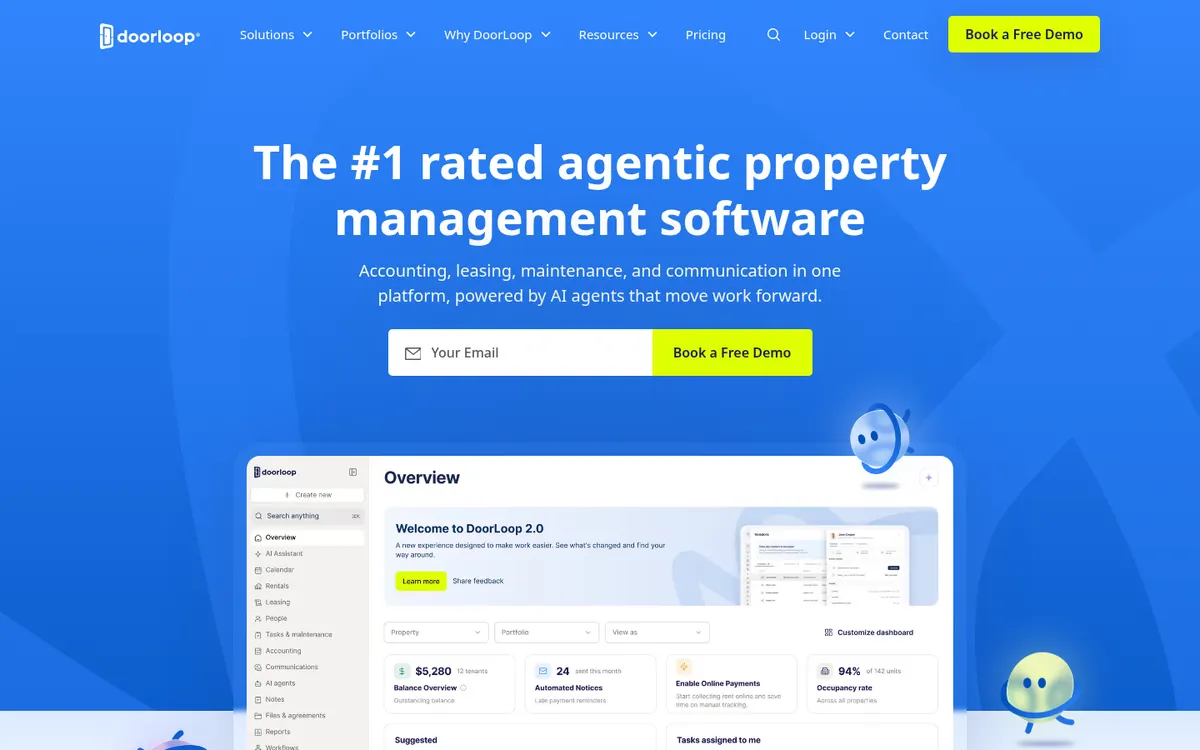
A modern all-in-one with real accounting and a clean interface, priced per unit and sold through demos.
DoorLoop is the closest thing here to a modern all-in-one for a small or mid-size manager. Accounting, online rent collection, maintenance management, tenant portals, leasing tools and owner reporting all sit in the same system, which means one login instead of a stack of subscriptions. The interface is the differentiator: it is easy to learn, and that matters when you are onboarding staff or a co-owner who does not love software.
Pricing changed. DoorLoop One now starts at $2.50 per unit per month, subject to minimum spend and unit requirements, where the earlier flat model started at $69 per month. Per-unit pricing favors larger portfolios and works against a landlord with two or three doors, so run your own unit count through the minimums before you get attached to the headline rate.
There is no free tier and no trial, only a demo. That combination asks you to commit on the strength of a sales conversation, which is a real obstacle for a cautious buyer who wants to test the accounting with live numbers. The platform is also newer than the established enterprise players, though the bundled feature set is strong for the money.
Fits a manager with enough units to clear the minimums and a team to onboard. Skip it if you have a handful of doors or you will not buy without a trial.
You want accounting, maintenance and owner reporting in one modern system and have the units to clear the minimums.
You have only a few doors or you refuse to buy software without a trial.
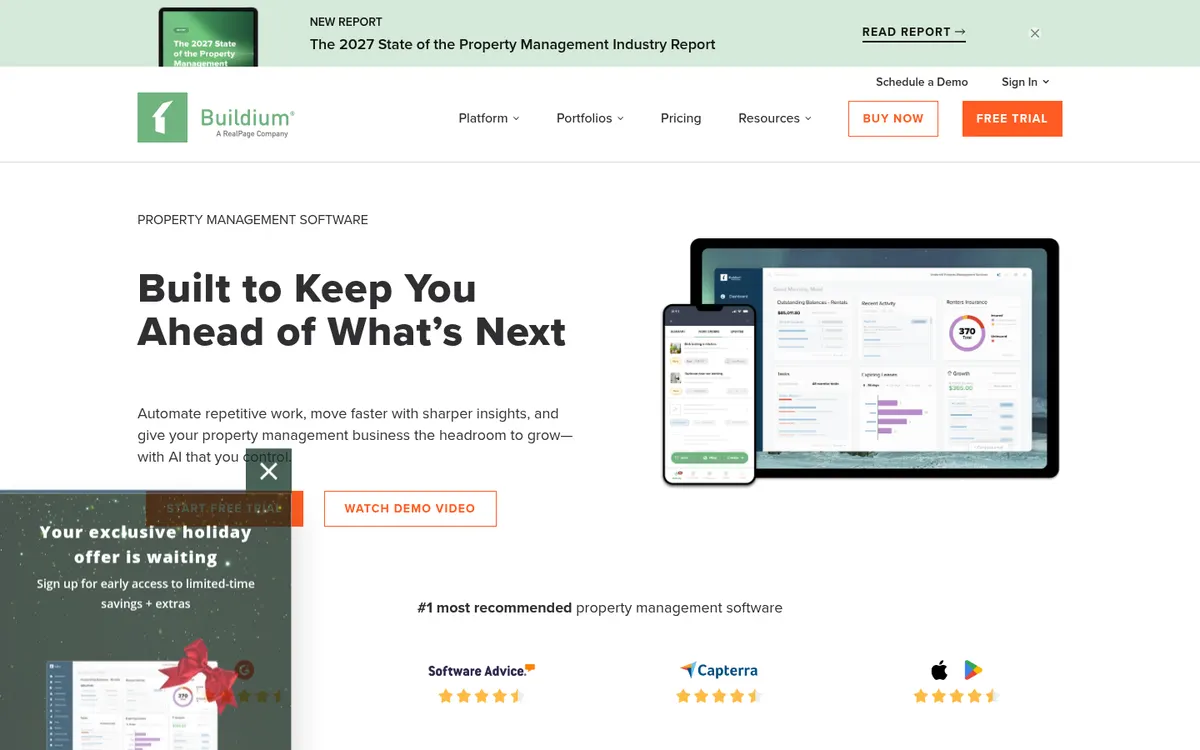
Property accounting deep enough for professional managers, at a monthly price that assumes you run this as a business.
Buildium is the accounting answer. Trust accounting, owner statements, financial reporting and bank reconciliation are built for property management rather than adapted from generic bookkeeping, and that shows when you close a month or hand a statement to an owner. Residential property management is the core, and the plan tiers scale from a small manager to a large portfolio.
Pricing went up. Essential now starts at $65 per month, up from the $62 recorded in October, with Growth at $192 and Premium at $400. A 14-day free trial is included, which is the right way to test whether the accounting depth fits before you pay. It is part of RealPage, so it carries the weight and the roadmap of a larger organization behind it.
The costs are learning curve and bank feeds. Accounting depth means setup work and a stretch of discomfort if you have been running on spreadsheets for years. Bank-feed automation lags the newer fintech tools on this list, so reconciliation can still involve manual cleanup when a feed misses or misreads a transaction.
Fits a professional manager who needs owner statements and trust accounting and will pay for them. Skip it if you self-manage a few units and want a simple, cheap rent collector.
You manage property for owners and need trust accounting, statements and clean financial reporting.
You self-manage a few doors and want something you can learn in an afternoon.
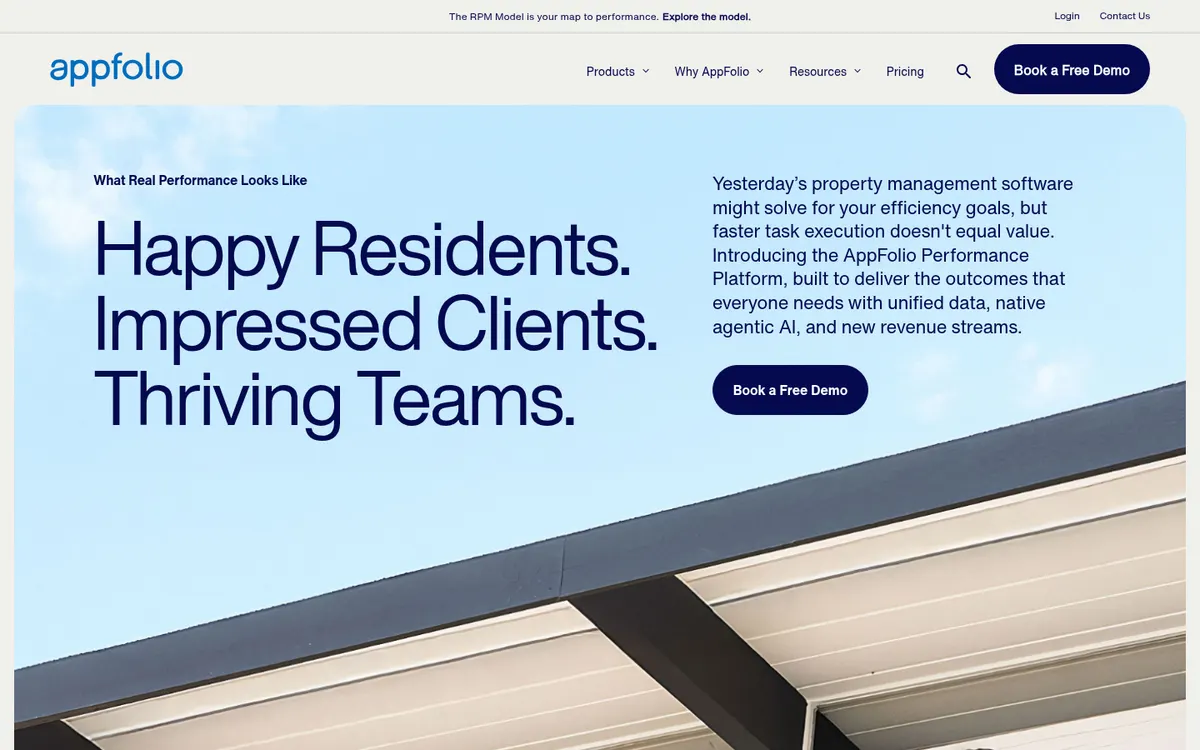
A full platform with AI leasing and maintenance tools for large mixed portfolios, gated by minimums that rule out small landlords.
AppFolio is the platform for operators running mixed portfolios. Residential, commercial and student housing live in one system, and the AI features (leasing chats, maintenance dispatch, invoice reading) target the repetitive work that eats staff time at scale. A strong mobile app covers field workflows, which matters when maintenance techs, not office staff, are the primary daily users.
Pricing is the gate. AppFolio is quote-only, and the check on 2026-11-25 showed a published starting per-unit price for Core at $1.49 per unit per month, subject to a 50-unit minimum and a minimum spend. Our earlier notes put monthly minimums near $298 with a 50-unit floor. Either way, a landlord with four doors cannot buy this, and a landlord with forty should still expect a quote rather than a published bill.
The other constraint is integration. There is no open API for custom integrations, so if your stack depends on connecting to other systems, you are limited to what the vendor supports. That is a deliberate trade for a closed, well-tested platform, and it is a deal breaker for some operators.
Fits a larger operator with a diverse portfolio and staff to run it. Skip it if you are below the unit floor or you need an open API to connect your own systems.
You run a large mixed portfolio and want AI-assisted leasing and dispatch in one platform.
You are under the 50-unit floor or your stack needs an open API.
Rental software for landlords is the system that runs the tenancy: advertising a vacancy, screening an applicant, signing a lease, collecting rent and tracking the repair that follows. It replaces the spreadsheet, the paper lease and the stack of checks with one account that both landlord and tenant log into.
Not every tool on this list does the same job, and that is the first thing to settle before you compare prices. The category splits into two halves.
The first half is investor software. Stessa is the clearest example: bank connections, automatic categorization of rental income and expenses, portfolio dashboards, tax-ready reports and CPA-friendly exports. These tools answer "how is my portfolio performing, and what do I owe?" They assume the tenant relationship is handled somewhere else, or handled thinly.
The second half is management software. TurboTenant, Innago, RentRedi, TenantCloud, DoorLoop, Buildium and AppFolio answer "what needs doing today, and who is doing it?" They cover the operational loop:
Most landlords start in the first half and migrate to the second as doors are added, or when they begin managing property for other people. Owner statements are usually the trigger, because once you owe an owner a monthly report, a spreadsheet stops being acceptable.
Size determines which half fits. A landlord with two units needs rent collection and a lease template. A manager with two hundred needs trust accounting, owner reporting and a maintenance queue that staff can work from a phone. Buying at the top of that range when you are at the bottom means paying for modules you will not use, and buying at the bottom when you are at the top means rebuilding your process within a year.
This comparison sits on the Software desk. Readers comparing neighbouring stacks often check our guides to demand forecasting software and glp 1 companies next.
Pricing in this category follows six models, and the model matters more than the number on the page, because the model decides what happens when you add a door.
| Model | How it bills | Typical fit | Example from this list |
|---|---|---|---|
| Free with usage fees | No landlord subscription, optional tenant-paid fees | Small portfolios, cost-first landlords | Innago |
| Free tier plus paid upgrade | $0 tier, paid tier adds automation | Investors starting out | Stessa, Essentials at $0 |
| Per unit | A rate multiplied by units, often with a minimum | Managers with a growing portfolio | DoorLoop One from $2.50 per unit per month |
| Flat monthly | One fee per month, sometimes tiered by feature | Managers who want a predictable bill | Buildium Essential at $65 per month |
| Annual subscription | One payment covering a year | DIY landlords with 1 to 10 units | TurboTenant Essentials at $149 per year |
| Quote only | Sales quote with unit floors and minimum spend | Large operators | AppFolio Core from $1.49 per unit with a 50-unit minimum |
Per-unit pricing looks cheap in a headline and behaves differently once minimums apply. DoorLoop One starts at $2.50 per unit per month subject to minimum spend and unit requirements, and AppFolio's published starting rate comes with a 50-unit floor. Run your own unit count through both before you compare them with a flat plan.
Annual billing trades flexibility for a lower rate. RentRedi's $12 per month is the annual number, while monthly billing is $29.95 and semi-annual is $20 per month. TurboTenant's $149 per year has to be paid upfront, so a fair comparison against a monthly plan uses the annual figure.
Payment processing is separate from the subscription. Fees vary by vendor and payment method, Avail waives ACH fees on Unlimited Plus, and Innago funds itself through optional fees tenants pay for services. Confirm the fee schedule in writing before you commit, because it moves with rent volume rather than unit count.
Every price above was checked on the vendor's own pricing page on November 25, 2026. Where a vendor does not publish a figure we write "See website" instead of guessing. To compare annual and monthly billing quickly, try the free percentage calculator.
Buying for a portfolio you do not have. A landlord with three doors who buys Buildium Premium or clears AppFolio's 50-unit floor pays for modules and minimums that produce no rent. Buy for the portfolio you operate this quarter and plan the upgrade later.
Ignoring annual billing. A $12 per month headline is often the annual rate, and TurboTenant's $149 per year is paid upfront. Compare annual figures against annual figures, or you will misjudge which tool is actually cheaper over twelve months.
Picking software tenants will not use. Rent collection, maintenance requests and lease signing all depend on the tenant logging in. A tool with a weak tenant side creates phone calls instead of removing them, and you end up back on text messages.
Assuming accounting comes standard. Trust accounting, owner statements and bank reconciliation sit on premium tiers or in professional platforms. Read the feature gates line by line, because a plan named Essentials rarely includes the accounting you assumed it would.
Skipping the export question. Ask what happens to your data if you leave, and whether an API exists for the systems you already run. Some vendors publish export paths and others do not, and discovering the answer after two years of records is an expensive way to learn it.
Five tools here have a free plan. Stessa Essentials at $0 covers core financial tracking with automated income and expense categorization. TurboTenant offers a free tier with limits before Essentials at $12.42 per month. Avail's free tier covers listings, applications and rent collection. Innago is free for landlords with no subscription at all, funded by optional tenant-paid fees. TenantCloud also has a free tier for core basics.
It ranges from nothing to several hundred dollars. Innago charges no monthly fee, Stessa Essentials is $0 with Manage at $12 per month paid annually, TurboTenant Essentials is $149 per year for 1 to 10 units, and RentRedi is $12 per month billed annually. Buildium Essential starts at $65 per month, and AppFolio prices by quote with a 50-unit minimum.
Move when a spreadsheet starts creating work rather than saving it: when you owe an owner a monthly statement, when you cannot tell which tenant has paid without opening a bank app, or when a repair request lives in a text thread. Rent collection and lease signing are usually the first two jobs worth automating.
It depends on the vendor and the payment method. Avail waives ACH fees on its Unlimited Plus plan, and Innago funds itself through optional usage-based fees that tenants pay for certain services. TurboTenant and RentRedi publish subscription prices but not fee schedules in our notes. Confirm the current fee table with the vendor before you commit.
Stessa produces tax-ready reports and CPA-friendly exports, and its paid Manage plan adds automation and legal forms. Buildium is the strongest on owner reporting, with trust accounting, owner statements, financial reporting and bank reconciliation. DoorLoop includes owner reporting in its all-in-one platform. TurboTenant, Avail, Innago and RentRedi are lighter here.
Sometimes, and it varies enough to check before signing. Stessa advertises CPA-friendly exports, which matters if your accountant works outside the platform. AppFolio has no open API for custom integrations, so you are limited to vendor-supported connections. Ask for the export formats in writing and test one export during a trial or free tier.
Browse every comparison on the Software desk, with the same rubric and dated prices.