Ranked #1

meetergo
Integrated service stack
12.90 EUR
- Best for
- Service businesses seeking GDPR-compliant scheduling with integrated customer workflows
- Free plan
- Free plan, EUR0, up to 3 people
- Rubric
- 7.4 / 10
Ten tools ranked for November 2026, from free single-user schedulers to service suites that take deposits, sell packages and run intake forms before the appointment.
 Prices checked November 25, 2026

Updated November 2026. The best appointment scheduling software depends on what happens after the booking. meetergo suits service businesses that want GDPR-focused scheduling wired into CRM, forms, e-signatures and invoicing. Calendly suits one person booking meetings who needs fast setup and easy guest links. Acuity Scheduling suits service businesses selling packages, memberships and gift certificates with intake forms attached. Prices below were checked on 2026-11-25 against vendor pricing pages, and free plans are noted wherever they exist.
Integrated service stack
12.90 EUR

Guest-friendly booking links
Standard Plus $18/seat/month, yearly billing save 25%

Packages and intake forms
Starter $16/month billed annually
Disclosure for this page: All 10 tools here are unpaid editorial picks. The position of a paid listing can be part of what the vendor pays for. How we handle paid listings.
| Tool | Best for | Free plan | Actions | |||
|---|---|---|---|---|---|---|
| 1 | meetergo | Service businesses seeking GDPR-compliant scheduling with integrated customer workflows | 12.90 EUR | Yes | ||
| 2 | Calendly | One person booking meetings | Standard Plus $18/seat/month, yearly billing save 25% | Yes | ||
| 3 | Acuity Scheduling | Service businesses with intake forms and packages | Starter $16/month billed annually | No | ||
| 4 |  Cal.com | Open-source scheduling with a generous free plan | Teams $12/user/month billed yearly | Yes | ||
| 5 |  TidyCal | Solo pros who want a lifetime deal | Individual Lifetime $29 one-time | Yes | ||
| 6 | SimplyBook.me | Feature-rich booking priced by volume | Basic $11.90/month billed annually | Yes | ||
| 7 |  Setmore | Small teams that want to pay nothing | Pro $5/user/month billed annually | Yes | ||
| 8 | Zoho Bookings | Teams already on Zoho | Basic $6/user/month billed annually | Yes | ||
| 9 |  Square Appointments | In-person services taking card payments | See website | Yes | ||
| 10 |  Fresha | Salons and spas with a client marketplace | See website | No |
Every tool was read against the same five criteria, weighted for what a buyer feels in the first month. Booking fit carries 30 percent because a meeting scheduler and a clinic booking suite solve different problems. Pricing clarity carries 25 percent, since seat counts, booking volumes and add-ons decide the real bill. Payments and intake carries 20 percent, covering deposits, card payments and forms collected before the appointment. Team and resources carries 15 percent for round robin routing, shared availability and bookable rooms. Setup and admin carries 10 percent for how fast a working page goes live.
Each tool gets a score from 1 to 10 on all five criteria, and the write-ups flag where it loses points. The numbered order is editorial: it reflects fit for the buyer each entry describes, plus the disclosed Featured position. It is not a computed total from those scores.
meetergo holds the Featured position, which is a paid placement. It was scored with the same rubric as every other entry, and its cons are listed next to its pros.
Prices, plan names, free tiers and trial lengths come from vendor pricing pages checked on 2026-11-25 and appear as published. Where a page showed a currency we could not verify in US dollars, or returned an error, we say so instead of converting or guessing. Where pricing is marked as being on the vendor site, we did not substitute a number.
This update is a documentation review, not hands-on testing. Feature claims come from vendor material and published plan limits. Use the list as a shortlist to trial and recheck pricing before you buy.
The full process, including how we handle corrections, is on the methodology page. Paid listings follow our advertising disclosure.
| Criterion | Weight | What we check |
|---|---|---|
| Booking fit | 30% | How well the tool matches the buyer it targets, from single-person meeting links to multi-staff service workflows. |
| Pricing clarity | 25% | Whether plans, seats, booking volumes and add-on costs are stated plainly enough to budget. |
| Payments and intake | 20% | Whether the tool can take deposits or card payments and collect forms before the appointment. |
| Team and resources | 15% | Round robin routing, shared availability, staff calendars and bookable rooms or equipment. |
| Setup and admin | 10% | How quickly a working booking page goes live and how much upkeep it needs afterward. |
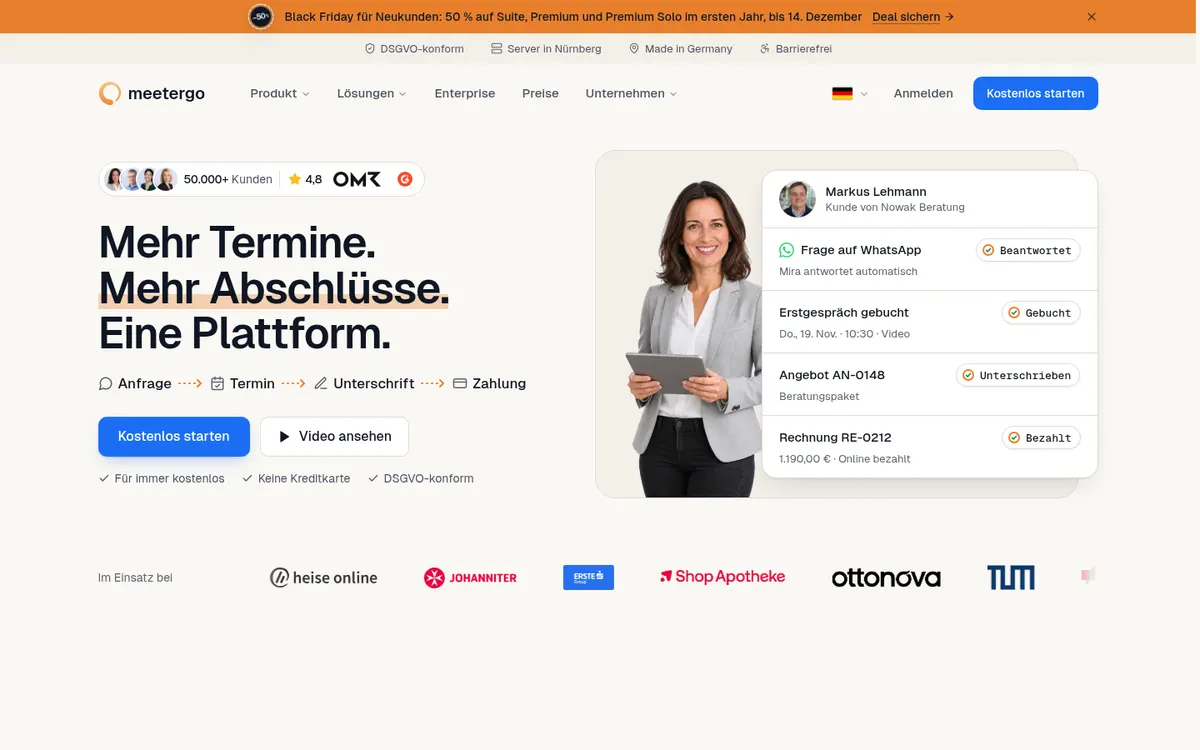
Best for service teams that want GDPR-focused scheduling, payments, forms and invoicing in one stack, with a three-person free tier to start.
meetergo is a scheduling platform built around service workflows rather than plain meeting links. Booking pages show real-time availability, connect to your calendars, and handle team scheduling with round robin assignment and routing forms that send each booking to the right person. Resource booking covers rooms, equipment or anything else with limited capacity, which matters for clinics, studios and workshops that cannot double-book a space.
What separates it from meeting schedulers is the stack around the calendar. You can take payments at booking, run automated reminders and follow-up workflows, hold video meetings inside the tool and keep AI meeting notes attached to the appointment. CRM, forms, e-signatures and invoicing live in the same product, so a booked slot can become a signed agreement and an invoice without a second system. The vendor hosts in Germany, which is why GDPR-focused buyers shortlist it.
Pricing starts with a free plan for up to three people and three meeting types. Light lists at EUR 15.90 per person per month, or EUR 12.90 billed annually, and a Black Friday discount brings the first year to EUR 10.32 before it returns to EUR 12.90. The trial runs 7 days with no credit card. Watch two limits: several plans include only up to three people, and SMS plus some other services are add-ons rather than included features.
It fits a service business that wants scheduling, paperwork and invoicing in one place and cares where the data sits. It fits less well if you only need a shareable link and a calendar sync, because you would pay for modules you never open.
You run a service business that needs scheduling, forms, signatures and invoicing in one GDPR-focused system.
All you need is a shareable booking link for one person's meetings.
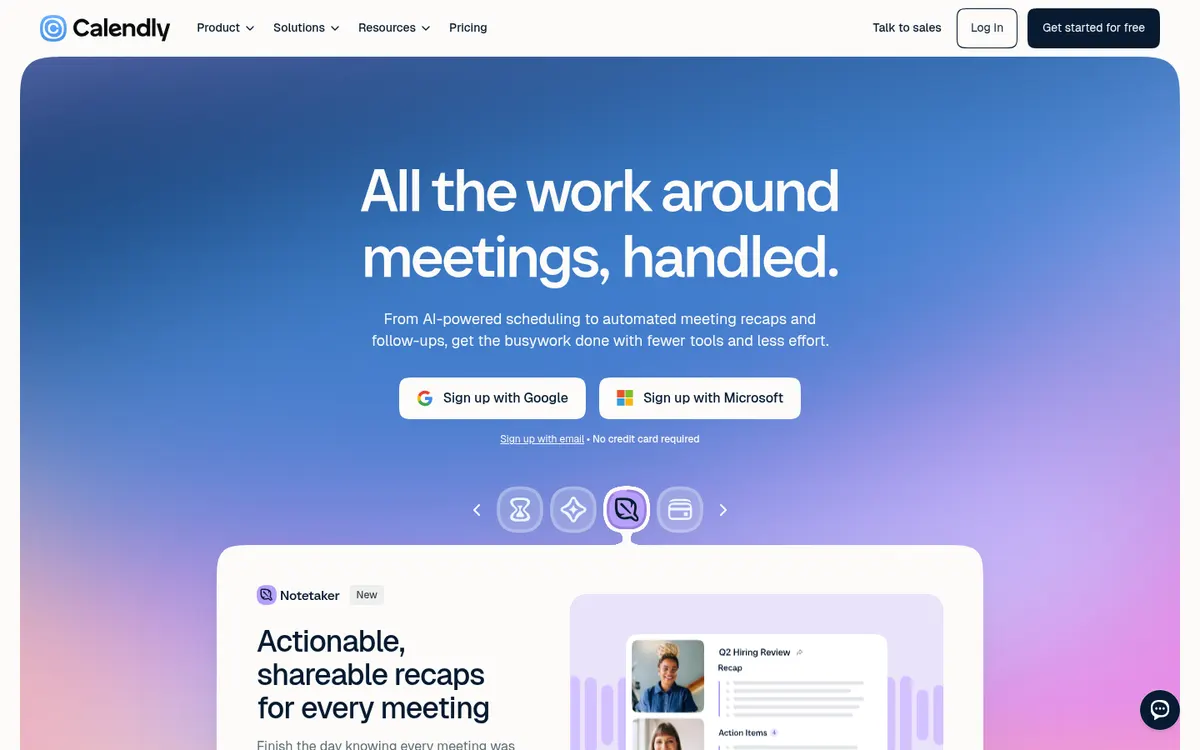
The safest default for one person booking meetings: fast setup, a familiar guest experience, and automations from the Standard tier upward.
Calendly is widely recognized, which is a genuine advantage: guests do not need an account or instructions to pick a slot. You publish availability from connected calendars, share a link, and the booking lands with confirmations and reminders attached. Setup takes minutes, and the free plan is enough to test the flow, though it allows only one event type. Standard and above are where it becomes a working calendar rather than a demo. Unlimited event types and multiple calendar connections arrive there, along with automations such as Notetaker, and per-seat administration lets an owner manage seats for a team. The guest experience stays simple, which is why it suits one person booking meetings and calls. Pricing is per seat. The pricing page now leads with Standard Plus at USD 18 per seat per month, with a 25 percent saving on yearly billing, and the older USD 10 annual Standard rate is no longer the entry point shown. There is no free trial. Across a team of eight, that per-seat line is what sends buyers looking at flat-rate alternatives such as Acuity Scheduling. Where Calendly stops is the service counter. It is a meeting scheduler, not a checkout: there are no native packages, memberships or service payments, so a salon, clinic or trainer selling bundles needs a second system. It fits one person or a small team booking meetings, and it fits buyers who value a familiar guest experience over breadth of features. The free plan's single event type is the real constraint. Two event types, such as a 30-minute call and a 60-minute session, already means paying.
One person or a small team books meetings and you want the least friction for guests.
You sell packages, take deposits or need intake forms before the appointment.
A flat-rate service booking suite for studios and clinics that sell packages, collect intake forms and take deposits at the time of booking.
Acuity Scheduling is a service business tool that happens to have a booking page. Appointments can carry intake forms and questionnaires, so the client fills in health history, preferences or a brief before the slot arrives. Packages, memberships and gift certificates turn a single booking into repeat revenue, and deposits or full payments can be collected at booking. Staff and calendar scheduling keeps several practitioners from colliding on the same hour.
Pricing is flat rather than per seat, which changes the math for a small studio with several people taking appointments. Plans run from USD 16 to USD 61 per month, and Starter sits at USD 16 billed annually with a single calendar. The trade-off is a longer setup than a meeting scheduler: forms, package rules and payment settings take an afternoon rather than five minutes, and the interface feels dated next to newer tools. Acuity is now part of Squarespace, which matters if your site already runs there.
There is no free plan, but the 7-day trial needs no credit card, which is enough time to build a real booking page and run one client through intake and payment.
The single calendar on Starter is the limit to watch. A second practitioner or a second room pushes you up a tier, so price your actual configuration rather than the entry number. Pick it for a studio, clinic or coaching practice that sells packages and needs intake data attached to the booking. Skip it if you only need meeting links, or if a modern interface matters more to your front desk than packages and deposits.
You sell packages or sessions and need intake forms and deposits inside the booking flow.
You need one person's meeting links and nothing more than a calendar sync.
The pick for teams that want open-source scheduling they can self-host, with a free individual plan that covers unlimited event types.
Cal.com is open-source scheduling you can run yourself. The hosted product behaves like a modern booking tool: calendar sync, shared availability, round robin routing and collective events where several people attend one booking. Payments and more than 100 integrations connect it to the rest of a stack, and teams that want to own their infrastructure can self-host the whole thing rather than rent it. The free individual plan is generous: one user with unlimited event types, which beats Calendly's single event type at the same price of nothing. Teams runs at USD 12 per user per month billed yearly and includes a 14-day trial, a straightforward way to test routing before committing a department to it. Where it loses ground is polish. Out of the box it feels less finished than Calendly, and small interface details take a click or two more than you expect. Self-hosting is an option, not a free lunch: someone has to own upgrades, backups and uptime, and that someone needs to exist before you migrate. The template ecosystem is smaller, so a niche CRM may need a workaround rather than a listed integration. It fits engineering-adjacent teams, privacy-sensitive organizations and anyone who wants round robin and collective events without per-seat lock-in at the low end. It fits less well for a clinic that needs intake forms, packages and deposits, where a service suite does the job with far less assembly. If you have a developer on hand and a reason to control the data, the trade is worth it.
You want open-source scheduling, generous free limits or the option to self-host.
You need packages, intake forms and deposits without assembling extra pieces.
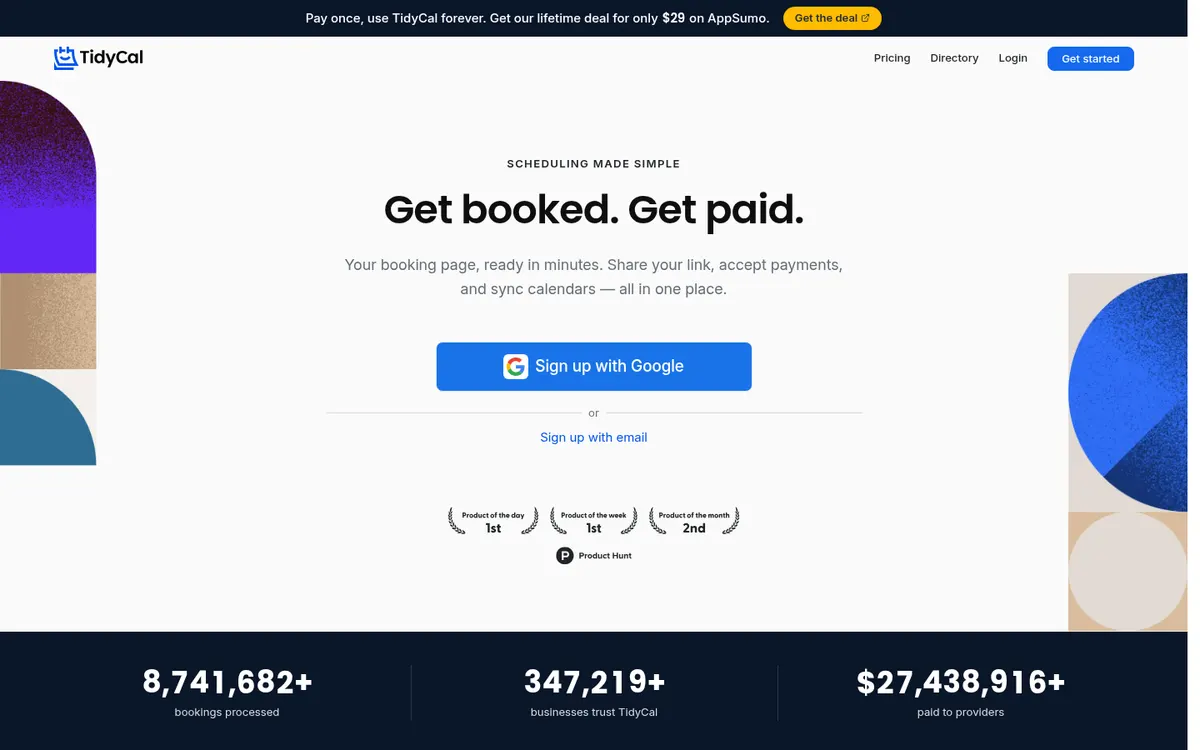
A cheap lifetime bet for solo bookers: USD 29 once, a free plan with unlimited booking types, and paid appointments built in.
TidyCal's pitch is simple: pay once. The Individual Lifetime license is USD 29 as a one-time payment, and the free plan is USD 0 forever with unlimited booking types. You get shareable booking links, and paid appointments with payment collection are supported, so a consultant, coach or tutor can charge for a session without adding a checkout tool. That combination suits solo operators who resent subscriptions. A single USD 29 payment for a booking link, unlimited booking types and payment collection is easy to justify, and there is no renewal date to remember. There is no trial, because the free plan does that job, and a Pro subscription is listed for buyers who would rather pay monthly than once. The limits are structural rather than hidden. Team features are thinner than in enterprise-oriented tools, so round robin routing and shared availability across a staff of ten are not why you buy it. The vendor is smaller than the larger rivals here, which is a consideration if you need support commitments or a long public roadmap. Lifetime deal terms are channel-specific, so read the terms attached to the offer you actually buy instead of assuming they match another page. Pick it if you are one person selling sessions and want to stop paying monthly for a booking link. Skip it if you need team scheduling, resource booking or intake forms as part of the appointment flow, or if a small vendor is a risk your business cannot carry.
You are a solo operator who wants a booking page and payments without a subscription.
You need staff scheduling, rooms or intake forms in the same tool.
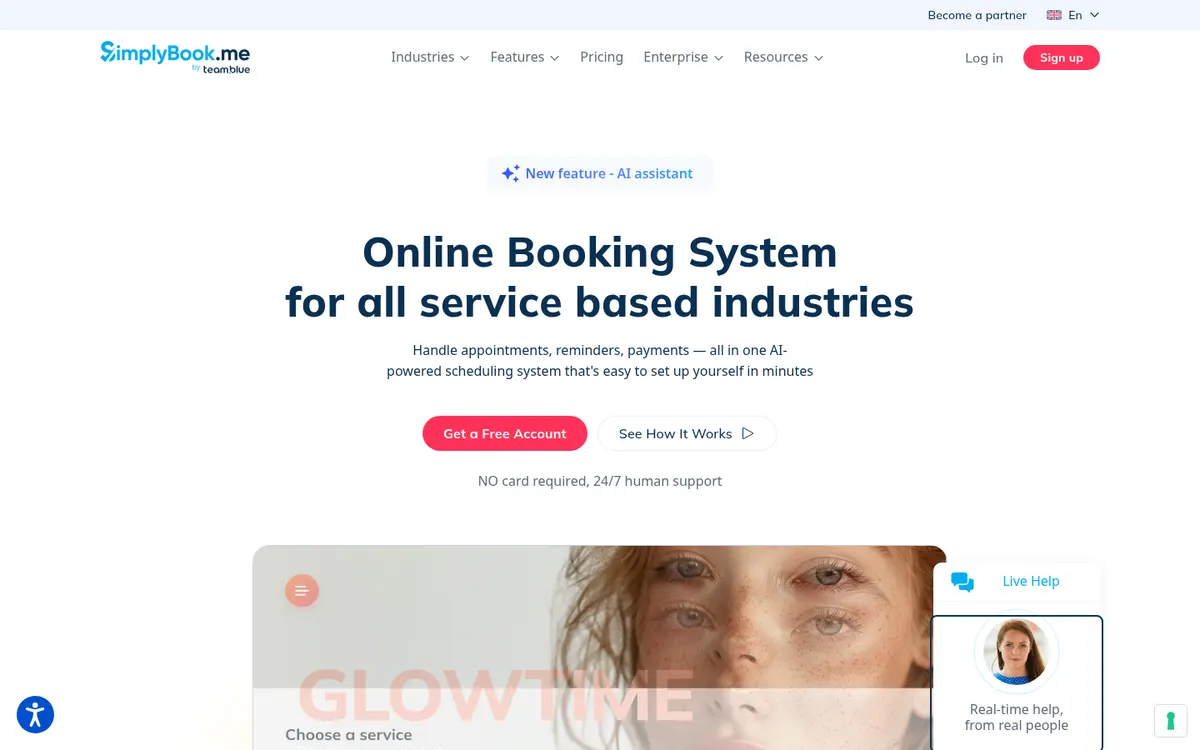
A broad feature checklist for clinics, classes and multi-location studios, though you pay by booking volume and setup takes real work.
SimplyBook.me has a very broad feature checklist, and that is both the appeal and the problem. Classes, resource booking, memberships, a point of sale, multiple locations and multi-staff support are all present, and custom booking workflows switch on through toggles rather than code. A clinic that runs group sessions, rents equipment and sells class packs can model all of it inside one tool. The catch is that you pay by booking volume, not by user. Basic is USD 11.90 per month billed annually, or USD 13.90 monthly, with 100 included bookings, and the free plan covers 50 bookings a month. That suits a business with a predictable calendar. A seasonal business that spikes in December needs to plan tier changes rather than absorb them, because the bill follows the bookings. Setup takes real work. The toggles interact, and the interface is dense, so the first configuration is a project rather than an afternoon. A team that wants a five-minute booking page should look at Setmore or Calendly instead. The 7-day trial is enough to prove one workflow, not the whole configuration, so build the hardest one first. Pick it when your requirements genuinely are complex: classes plus memberships plus multiple locations plus staff. Skip it when you need a simple calendar link, because you will pay in setup time and monthly fees for features you never switch on. The multi-staff and multi-location support is real; the question is whether you need it.
You run classes, memberships or several locations and need one tool to model all of it.
You want a booking page live in ten minutes with no configuration.
A low-cost route for a small team that mainly needs a booking page on its website, with a free tier for four users.
Setmore aims at the small team that wants a booking page without a subscription. The free plan covers up to four users and 200 appointments, which is enough for a two-chair salon or a small tutoring operation to take real bookings online at no cost. You get an online booking page and a website appointment flow, and setup is quick enough to finish before lunch. Pro starts at USD 5 per user per month billed annually and adds the extras small teams tend to want once volume grows. There is no trial, because the free plan does the job of one, and you can publish a booking page on the free plan. The trade-off is depth. Booking logic and reporting are thinner than in Acuity Scheduling or SimplyBook.me, so deposits, packages, complex staff rotations and detailed reporting are not the reason to choose it. The free tier has real limits: 200 appointments arrives faster than most businesses expect once repeat clients and reminders are counted, and the four-user cap means a fifth person forces an upgrade. It fits a small team with a simple service menu and a website that needs a Book Now button, and it fits a business testing whether online booking changes anything at all. It fits less well for a business selling packages, collecting deposits or running several locations. Think of it as the lowest-cost credible way to stop taking bookings by phone, with a clear upgrade path when volume justifies the Pro seats.
A small team needs a free booking page on its website this week.
You need deposits, packages, intake forms or detailed reporting.
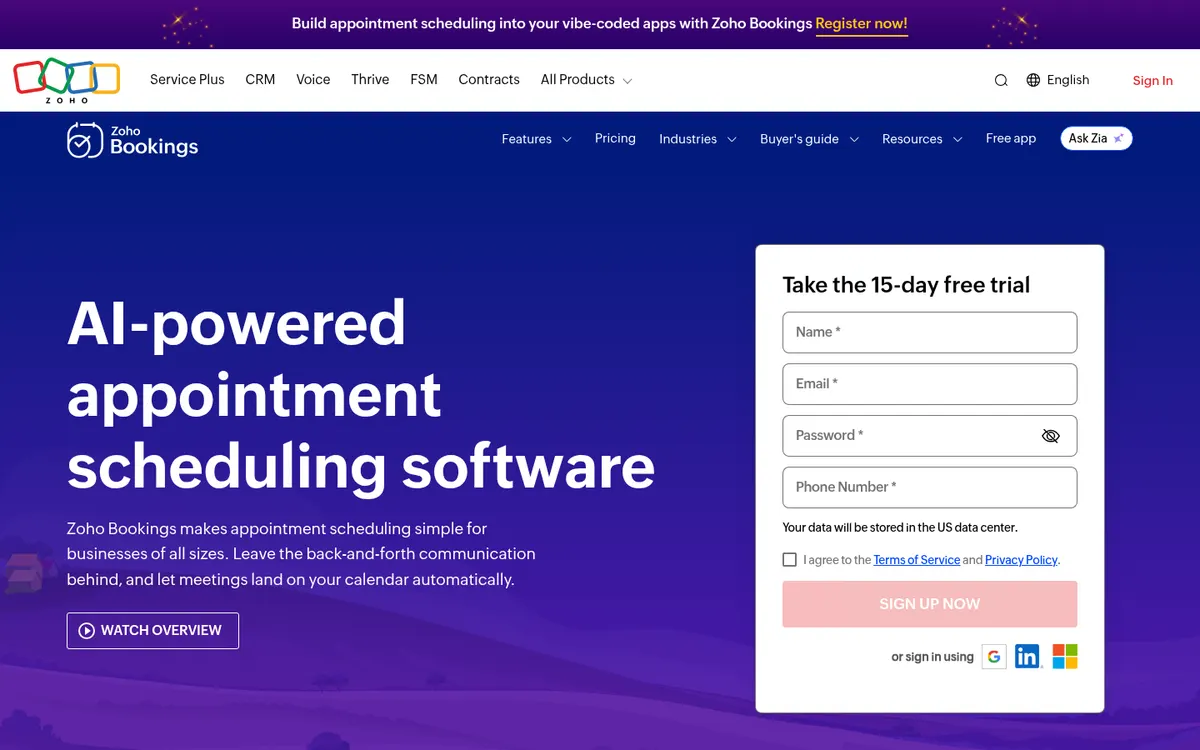
Worth it only if Zoho CRM already holds your customer records; the native link between booking and contact history is the whole argument.
Zoho Bookings is the scheduling arm of the Zoho suite, and it is best judged that way. A booking made by a client flows into the customer record, and staff scheduling and resource scheduling work alongside Zoho Calendar and Zoho CRM. If your pipeline already lives in Zoho, the native connection removes the copy-and-paste step that makes small teams abandon scheduling tools after a month.
Pricing shown on the vendor page is Basic at USD 6 per user per month billed annually, with a free plan for a single user and a free trial. Plan pricing beyond Basic is not published as one simple figure, so build a quote at your actual seat count rather than assuming the entry price holds once you switch features on.
Outside the Zoho ecosystem the argument weakens. Payments support is thinner on the free plan, so a business taking deposits at booking will need either a paid tier or a second tool. The interface will feel unfamiliar to anyone who does not already use Zoho products, and setup assumes you know how Zoho modules fit together.
Pick it if Zoho CRM holds your customer records and you want bookings to appear in them automatically, with staff and resource scheduling attached. Skip it if you run Google Workspace with a standalone CRM, or if deposits, packages and intake forms are central to the appointment. The free single-user plan is a fair way to test the CRM link before you pay.
Your customer records already live in Zoho CRM and you want bookings to land there.
You are not a Zoho customer or need deposits and packages in the booking flow.
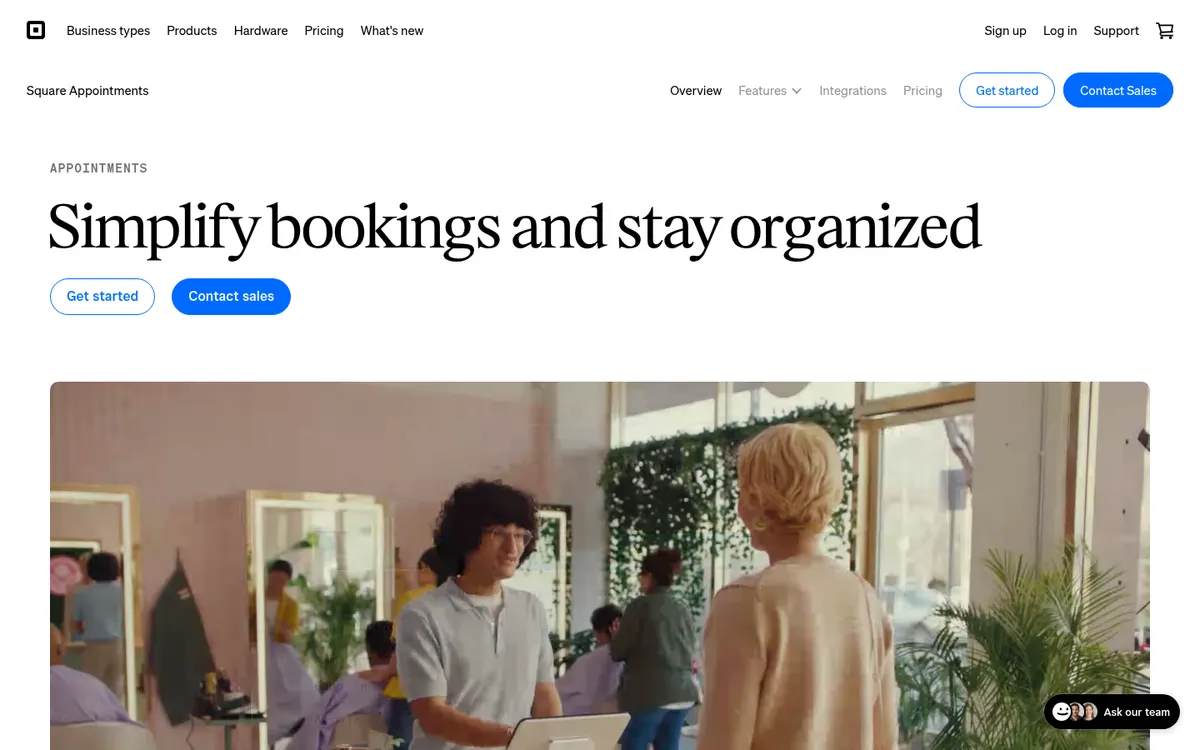
The natural fit for a shop already running Square terminals: booking and in-person card payments share one customer record and one system.
Square Appointments is the scheduling layer of a payment company, and that shapes both what it does well and where it stops. Booking, a point of sale, in-person card payments and customer records share one system, so a client books, arrives, pays at the counter and the transaction lands against the same record. For a barber, nail studio, massage therapist or small service counter already running Square hardware, that is a strong argument. The free plan covers a single location. Plus is USD 49 per location per month and Premium is USD 149, and card processing fees sit on top of the subscription rather than inside it. We could not verify the entry price for this update: the vendor pricing page returned an internal error, so treat the plan figures above as the last recorded numbers and confirm them on the Square site before committing. The dependency is real. Booking logic is built for a business that takes payments through Square, and the value drops if you process cards elsewhere or need features outside the Square ecosystem. The single-location restriction on the free tier rules out multi-site operators unless they move up a plan. Pick it if you take card payments in person and want booking and checkout in one place with one customer list. Skip it if you are online-only, sell packages, or want scheduling that does not route payments through a particular processor. The pricing opacity is the risk to manage before you migrate a front desk onto it.
You take card payments in person and already run Square hardware.
You sell online only or want to keep your payment processor separate.
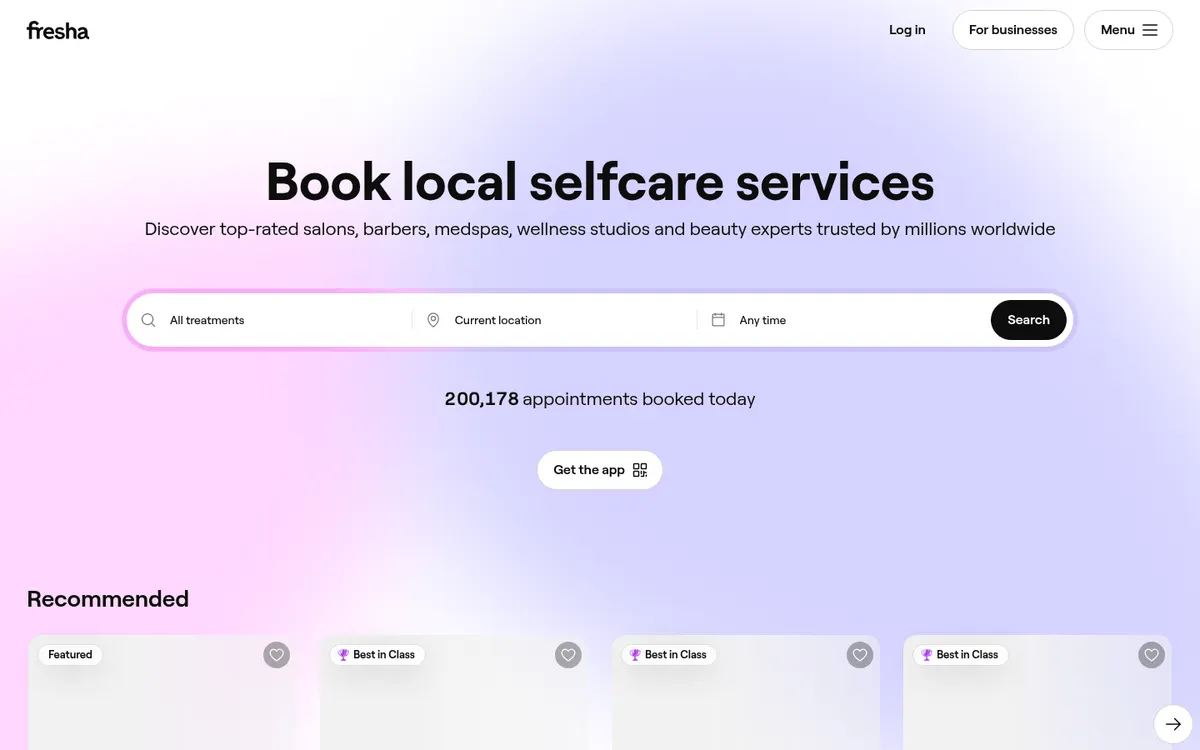
Built for salons and spas that want marketplace demand alongside booking, messaging and marketing, with commission on new marketplace clients.
Fresha is booking software for salons, spas and beauty businesses, and it comes with a client marketplace attached. That marketplace is the differentiator: instead of only taking bookings from clients who already know you, the platform can surface your business to people browsing for treatments, which is how it justifies a modest subscription against tools that only manage your own calendar.
The commission model is the part to read carefully. New clients sourced through the marketplace carry a 20 percent commission with a USD 6 minimum, so a strong month of marketplace bookings costs more than the plan price suggests. The software itself includes messaging and marketing tools plus Independent and Team plan options.
Pricing is quoted per bookable team member. Team is listed at USD 14.95 per bookable team member per month and Independent at USD 19.95 per month in the figures we hold, but the vendor page was showing BDT pricing at the time of this update, so no US dollar figure can be confirmed. Check the currency and the current rate on the Fresha site before you budget. There is no free plan, and the trial runs 7 days.
Pick it if you run a salon or spa and want marketplace demand plus booking, messaging and marketing in one product. Skip it if you are a general service business: the workflows, the vocabulary and the marketplace are built around beauty and wellness, and the commission only makes sense if you want what the marketplace brings.
You run a salon or spa and want marketplace discovery alongside your own bookings.
You serve general service clients or cannot absorb commission on new clients.
Appointment scheduling software turns open calendar time into bookable slots, then keeps the record straight afterward. At its simplest it publishes your availability behind a link, lets a client or colleague pick a slot, writes the booking into your calendar and sends confirmations and reminders. At its fullest it also collects intake forms, takes a deposit, sells a package of sessions, assigns staff by round robin, books a treatment room and pushes the customer record into a CRM. The market splits into two families, and choosing the wrong one is the most expensive mistake on this list. - Meeting schedulers (Calendly, Cal.com, TidyCal) are built around one-to-one or group meetings. Setup is fast, guests need no account, and the main variables are calendar connections, routing rules and reminders.
This comparison sits on the Software desk. Readers comparing neighbouring stacks often check our guides to demand forecasting software and glp 1 companies next.
Pricing in this category follows six models, and the model matters more than the headline number. A per-seat price looks cheap for two people and expensive for twelve. A flat monthly plan looks expensive for one person and cheap for eight. Volume pricing is comfortable in a quiet month and awkward in your busy season.
| Model | How it bills | Typical fit | Example from this list |
|---|---|---|---|
| Per seat | A monthly fee for each person who takes bookings | Teams where everyone books meetings | Calendly Standard Plus at $18 per seat per month |
| Flat monthly | One price regardless of how many staff take bookings | Small studios with several chairs | Acuity Scheduling Starter at $16 per month billed annually |
| Booking volume | The price rises with the number of appointments used | Seasonal or class-heavy businesses | SimplyBook.me Basic at $11.90 monthly annual, 100 bookings |
| Per location | A fee for each site | Multi-site clinics and retail counters | Square Appointments Plus at $49 per location per month |
| Commission | A low subscription plus a cut of new clients | Salons wanting marketplace demand | Fresha at 20 percent on new marketplace clients, USD 6 minimum |
| One-time | A single payment with no renewal | Solo operators | TidyCal Individual Lifetime at $29 |
Read the trial and free plan terms next to the price. Acuity Scheduling and meetergo both offer 7-day trials without a credit card, Cal.com offers 14 days, and Calendly, Setmore, TidyCal and Square Appointments list no trial at all, which raises the cost of a wrong pick. Free plans are generous in places: Setmore covers four users and 200 appointments, meetergo covers three people, and SimplyBook.me covers 50 bookings a month.
Then price what sits outside the subscription. meetergo charges for SMS and some other services as add-ons. Square Appointments adds card processing fees on top of its plan. Fresha takes 20 percent commission on new marketplace clients. Annual billing moves the number again: Calendly advertises a 25 percent saving on yearly billing, and meetergo's Black Friday offer drops Light to EUR 10.32 in year one before it returns to EUR 12.90.
Currency is the last trap. meetergo prices in euros and Fresha's page showed BDT at the time of this update, so a like-for-like comparison needs a current rate rather than an old figure. Square Appointments lists pricing on its own site, and that page returned an error during this check.
Every price above was checked on the vendor's own pricing page on November 25, 2026. Where a vendor does not publish a figure we write "See website" instead of guessing. To compare annual and monthly billing quickly, try the free percentage calculator.
Start with what happens after the booking. If the appointment ends as a meeting, a scheduler such as Calendly, Cal.com or TidyCal is enough. If it ends with a payment, an intake form, a package balance or a staff member plus a room, you need a service suite such as Acuity Scheduling, SimplyBook.me or Square Appointments. Packages, deposits and memberships are the clearest divider.
Eight tools here have a free plan. meetergo gives three people and three meeting types, Calendly one event type, Cal.com one user with unlimited event types, TidyCal unlimited booking types, SimplyBook.me 50 bookings a month, Setmore four users and 200 appointments, Zoho Bookings one user, and Square Appointments a single location. Acuity Scheduling and Fresha have no free plan.
Paid plans on this list start at USD 5 per user per month for Setmore Pro billed annually and reach USD 61 per month at the top of Acuity's range. Entry tiers vary by vendor. Calendly Standard Plus is USD 18 per seat per month, Cal.com Teams is USD 12 per user per month billed yearly, and Acuity Starter is USD 16 per month billed annually. TidyCal sells a USD 29 lifetime license instead.
It can help through confirmations, reminders and, more powerfully, a deposit taken at booking. Calendly and meetergo both list automated reminders, and meetergo adds follow-up workflows. Payment at booking is the stronger lever, and Acuity Scheduling, meetergo and TidyCal support deposits or payment at booking, while Square Appointments handles card payments in person. Turn the reminder settings on during your trial rather than assuming they are on.
Often yes for one person booking meetings. A calendar-native booking page covers availability, the invite and the reminder at no extra cost. It falls short when several staff take bookings at once, or when you need round robin assignment, intake forms, deposits, packages or a customer record that reaches a CRM. At that point Cal.com for routing or Acuity Scheduling for packages earns its fee.
Fresha is built for salons and spas, with a marketplace that charges 20 percent commission on new marketplace clients with a USD 6 minimum. Square Appointments suits in-person services already using Square terminals. Acuity Scheduling and meetergo fit clinics needing intake forms and deposits, and Acuity Scheduling also handles packages. Take payment at booking when a no-show costs real money or the slot holds a scarce room or staff member.
Browse every comparison on the Software desk, with the same rubric and dated prices.