Ranked #1

Workato
Governed business-user automation
See websiteQuote-based, no published list price
- Best for
- Enterprise automation with governance and scale
- Free plan
- No
- Rubric
- 6.8 / 10
Nine API integration platforms compared on connectors, governance, billing models and the price you will actually pay, checked on November 25, 2026.
 Prices checked November 25, 2026

Workato is the best API integration platform for enterprises that need governance at scale, Boomi is the strongest choice for a usage-based start inside an enterprise stack, and MuleSoft Anypoint suits large organizations treating integrations as reusable APIs. We ranked nine platforms in November 2026 on connectors, governance, billing model and fit, with prices checked on November 25, 2026. Cheap entry points exist (Zapier from $19.99 per month, n8n from $20), but enterprise governance and self-serve automation rarely belong in the same contract.
Governed business-user automation
See websiteQuote-based, no published list price

Atom runtime flexibility
See websiteUsage-based pay-as-you-go tier, per month, plus consumption charges

API lifecycle catalog
See websiteEntry level reported per month, billed annually, vCore consumption model applies
Disclosure for this page: All 9 tools here are unpaid editorial picks. The position of a paid listing can be part of what the vendor pays for. How we handle paid listings.
| Tool | Best for | Free plan | Actions | |||
|---|---|---|---|---|---|---|
| 1 | Workato | Enterprise automation with governance and scale | See websiteQuote-based, no published list price | No | ||
| 2 | Boomi | Enterprise iPaaS with a low-cost usage-based entry point | See websiteUsage-based pay-as-you-go tier, per month, plus consumption charges | No | ||
| 3 | MuleSoft Anypoint | API-led integration and API lifecycle management in large enterprises | See websiteEntry level reported per month, billed annually, vCore consumption model applies | No | ||
| 4 |  Celigo | Mid-market SaaS-to-SaaS integration, especially NetSuite and ecommerce | See websiteSales-led pricing with flat-rate endpoint model | No | ||
| 5 |  Tray.ai | Enterprise workflow automation and AI agent workflows | See websiteQuote-based, enterprise-oriented | No | ||
| 6 | Zapier | No-code teams that need the widest app catalog | $19.99Professional, starting price, per month, billed annually | Yes | ||
| 7 |  Make | Visual workflow building on a tight budget | See websiteCredit-based plans, annual payment cheaper than monthly | Yes | ||
| 8 |  n8n | Technical teams that want self-hosted control | $20Starter, per month, billed annually, 2,500 workflow executions | Yes | ||
| 9 |  Microsoft Power Automate | Organizations already on Microsoft 365 | $15.00Premium, per user per month, paid yearly | Yes |
Every platform on this page was scored on the same five criteria, and the weights are printed above so you can re-run the math with your own priorities. Connector coverage and governance controls carry 25 percent each, because buyers usually arrive needing either a specific app connected or an IT sign-off. Pricing clarity takes 20 percent, billing model 15 and deployment effort 15. The order of the list is editorial: it reflects fit for the buyer each entry describes, plus any disclosed Featured position. It is not a weighted total.
Prices, plan names, seat terms, free tiers and trials come from vendor pricing pages checked on November 25, 2026. Where a vendor publishes nothing, the entry says pricing is on the vendor site and we print no number. Reported entry figures we could not confirm are marked as unconfirmed in our working notes and left out of the copy rather than dressed up as rates. Volume limits, such as Zapier's 100 free tasks or n8n's 2,500 cloud executions, are quoted as the vendor states them.
A Featured position is a paid placement and is scored with the same rubric as every other entry, cons included. This edition of the list carries no Featured entry. What the scores cannot tell you is whether a tool fits your team, so the pick and skip lines exist: read those against your own connector list, approval chain and monthly run volume before you book a demo.
The full process, including how we handle corrections, is on the methodology page. Paid listings follow our advertising disclosure.
| Criterion | Weight | What we check |
|---|---|---|
| Connector coverage | 25% | How many of the apps, databases and legacy systems you actually run have a maintained connector or a workable path. |
| Governance controls | 25% | Whether SSO, role-based access, audit logs, separate environments and change control exist for the team that has to sign off. |
| Pricing clarity | 20% | Whether a published price, free tier or trial lets you budget and test before a sales conversation starts. |
| Billing model | 15% | Whether the meter charges per step, per operation, per execution or per user, and how that punishes your workflow shape. |
| Deployment effort | 15% | How much specialist skill and elapsed time stand between signing and a working production integration. |
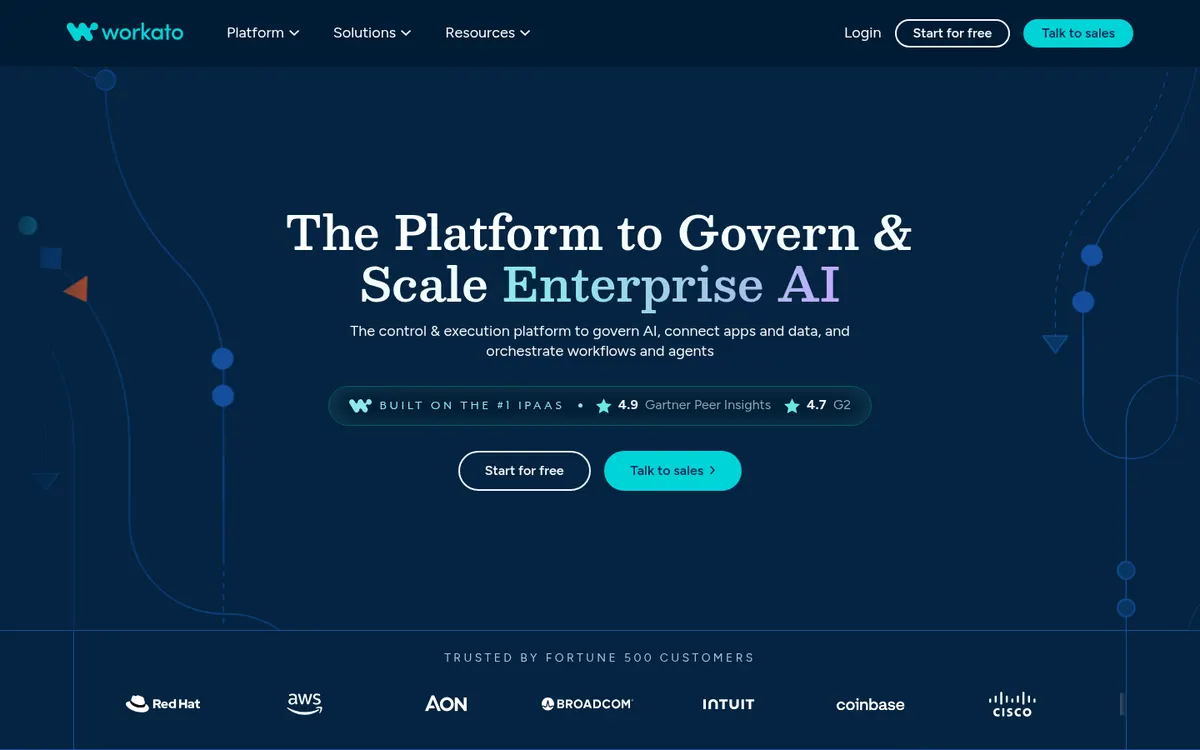
Enterprise automation with real governance, priced for organizations that already know they need it.
Workato sits in the enterprise tier: a recipe-style builder that business analysts can drive, wrapped in IT controls. The connector library runs past 1,000 apps and enterprise systems, and the platform layers SSO, role-based access control, audit logs and environment controls on top of whatever departments build. AI and agent capabilities are aimed at non-developers, which matters if you want operations staff assembling automations without filing a ticket for every change. Pricing is quote-only. Workato publishes no list price, so budgeting starts with a sales cycle and a proposal that moves with connector count, task volume and environment count. Workato does not publish entry pricing, so treat any budget figure as a planning placeholder until you have a written quote. There is no free plan and no trial, so you cannot build first and negotiate after. The platform earns its cost when automation spreads across departments and someone has to keep it coherent. Governance is the product here, not a bolt-on: audit trails, environment promotion and access control are what stop a hundred departmental recipes becoming a hundred unowned liabilities. If you are syncing two SaaS tools, that layer is overhead you pay for and never open. Best fit is a large organization standardizing automation across finance, sales operations, HR and IT, with a platform team able to own rollout and enforce naming, review and promotion rules. Ask for task-volume bands in writing, since the quote is built on them. Mid-market buyers with a handful of integrations should price Celigo, Make or Zapier first, and revisit Workato when governance becomes the constraint rather than the ambition.
Several departments are already building automations and nobody can say who owns them.
You need three integrations connecting and a price you can see today.
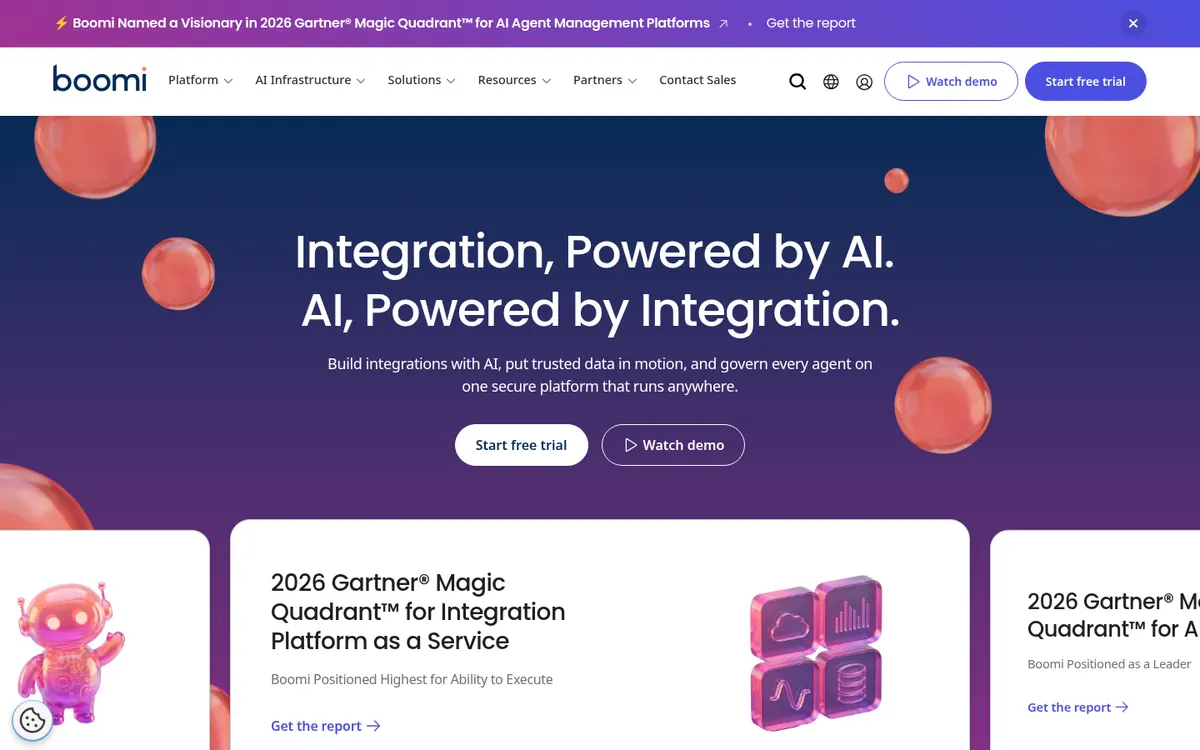
A broad enterprise integration stack with an unusually low entry rung and a steep climb above it.
Boomi's pitch is breadth with a soft entry. The connector library runs past 1,500 systems, the drag-and-drop builder handles mapping without code, and lightweight Atom runtimes can sit on-premises next to private systems such as ERP or run in the cloud. Application integration, B2B/EDI and data hub scenarios share one stack, with prebuilt process libraries to start from instead of a blank canvas.
Pricing opens with a usage-based pay-as-you-go tier, billed per month plus consumption charges, which is unusual for an enterprise-grade platform. That entry suits low transaction volumes: once volumes climb, buyers move to quoted tiers that escalate quickly. A 30-day free trial exists and there is no free plan. Boomi publishes no list prices, so the number comes from a sales conversation about volume, runtimes and support.
Hybrid deployment is the differentiator. Atoms running inside your network reach systems that never touch the public internet, so ERP and legacy data stay where they are while cloud apps get integrated. The trade is complexity: coverage of integration, EDI and master data means a learning curve even for a two-system job, and specialist help shortens it.
Boomi is now owned by SAP while retaining its broad enterprise positioning, which is worth knowing if you already run SAP and worth checking if you do not. Pick it when hybrid runtimes and EDI belong in one contract and you want to start at low volume. Skip it for simple SaaS syncs, where a metered no-code tool costs less and needs no implementation partner.
Private systems must stay on your network and B2B or EDI lives on the roadmap.
You run a handful of SaaS syncs and want a price without a scoping call.
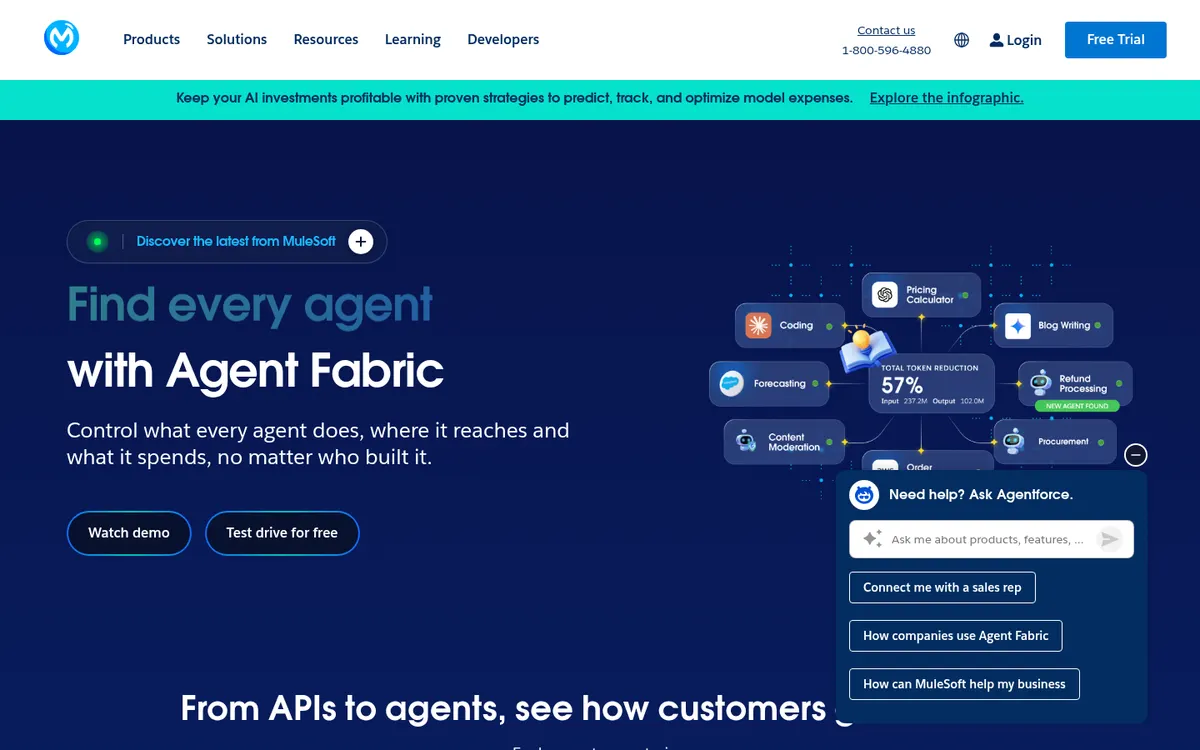
The strongest API lifecycle platform here, and the one most likely to blow a mid-market budget.
MuleSoft Anypoint is the reference platform for treating integrations as APIs. Design, publish, govern and monitor sit in one lifecycle, and Anypoint Exchange acts as a catalog where past work becomes reusable assets other teams can consume. Runtime governance and monitoring cover deployments managing hundreds of integrations. In Salesforce-heavy estates the hooks run deep enough that Anypoint often arrives with the CRM rather than after it. It is also the most expensive option here and the least transparent. Metering runs on vCore consumption, so two teams with identical connector counts can pay very different bills. Entry pricing is not published, and compute usage drives real contracts, so ask for a written quote scoped to your usage. Ask about discounts during negotiation, because final contracts can differ from list figures. The skills requirement is real. API-led design rewards teams with integration architects and disciplined API product ownership, where each service has an owner and a version. A small team without that capacity will rebuild point-to-point spaghetti inside a more expensive wrapper. A 30-day free trial exists and there is no free plan. Choose Anypoint when APIs are a product your organization publishes, when reuse across teams is the point, and when Salesforce is central to the business. Model your own compute before you sign anything, because the vCore meter is the invoice. Skip it for departmental automation or a first integration project: Celigo, Make or Zapier deliver the same business outcome with a smaller commitment and a published price.
Your integrations are published internal products with owners, versions and consumers.
You have no integration architects and your first project is connecting two SaaS apps.
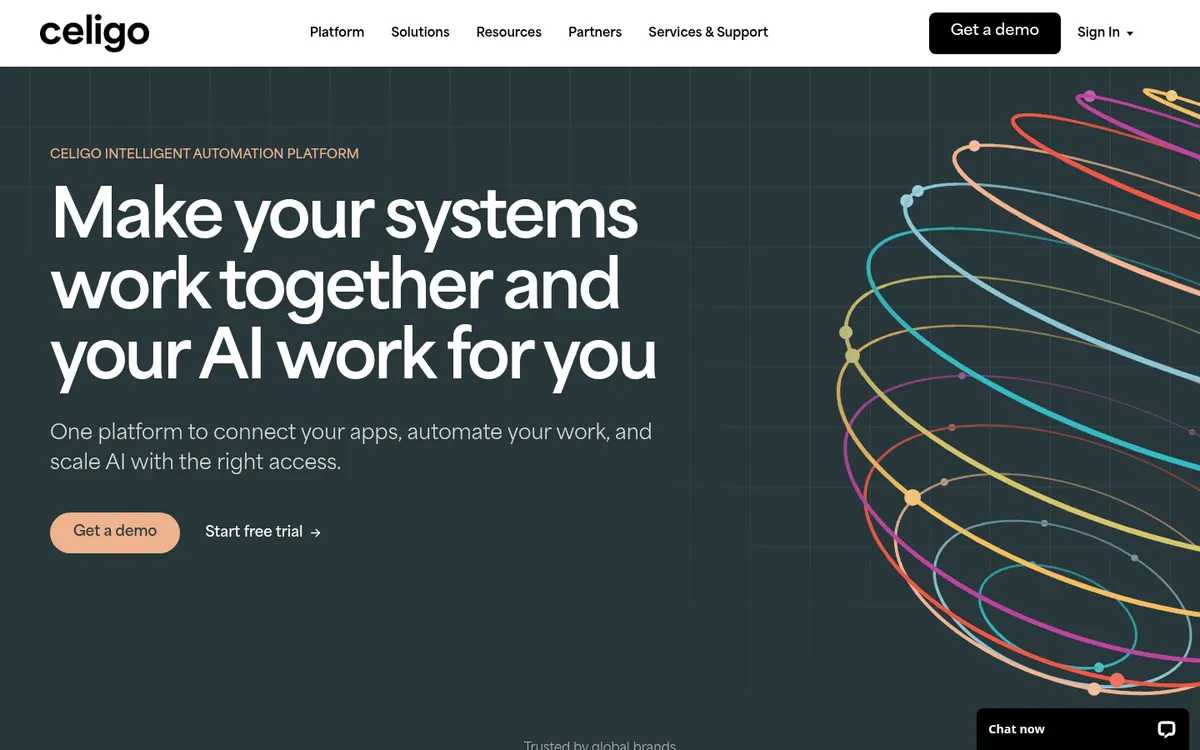
Prebuilt NetSuite and ecommerce flows that go live fast, as long as your scope stays SaaS-to-SaaS.
Celigo is built for mid-market SaaS estates, with prebuilt integration apps covering order to cash and procure to pay instead of blank-canvas builds. NetSuite, Shopify and ecommerce connectors do the heavy lifting, and managed flows mean a finance or operations team can run a working integration without an integration developer on staff. That is a different product from an iPaaS toolkit, and it is priced and sold accordingly. Pricing is sales-led with a flat-rate endpoint model. Celigo publishes no rates, so the number arrives in a quote after a scoping call. Celigo does not publish rates, so the entry price depends on your endpoint count and support level and arrives in a quote. A 30-day free trial lets you test the prebuilt flows before you commit to a term. The endpoint model is the practical advantage. Because cost tracks the number of connected systems rather than transaction volume, a storefront pushing thousands of orders does not cost more than a quiet one with the same endpoints. That predictability is rare in this category, where volume-based meters make budgeting a monthly guess. Scope is deliberately narrow. There is no B2B/EDI program and no API management layer, so a company onboarding trading partners or publishing internal APIs ends up buying a second tool. Pick Celigo when NetSuite sits at the center and the job is order, inventory and customer data moving between storefront, ERP and CRM. Skip it when integration is a platform discipline rather than a back-office function.
NetSuite, a storefront and a CRM need to share orders and inventory this quarter.
You need EDI, partner onboarding or an internal API catalog.
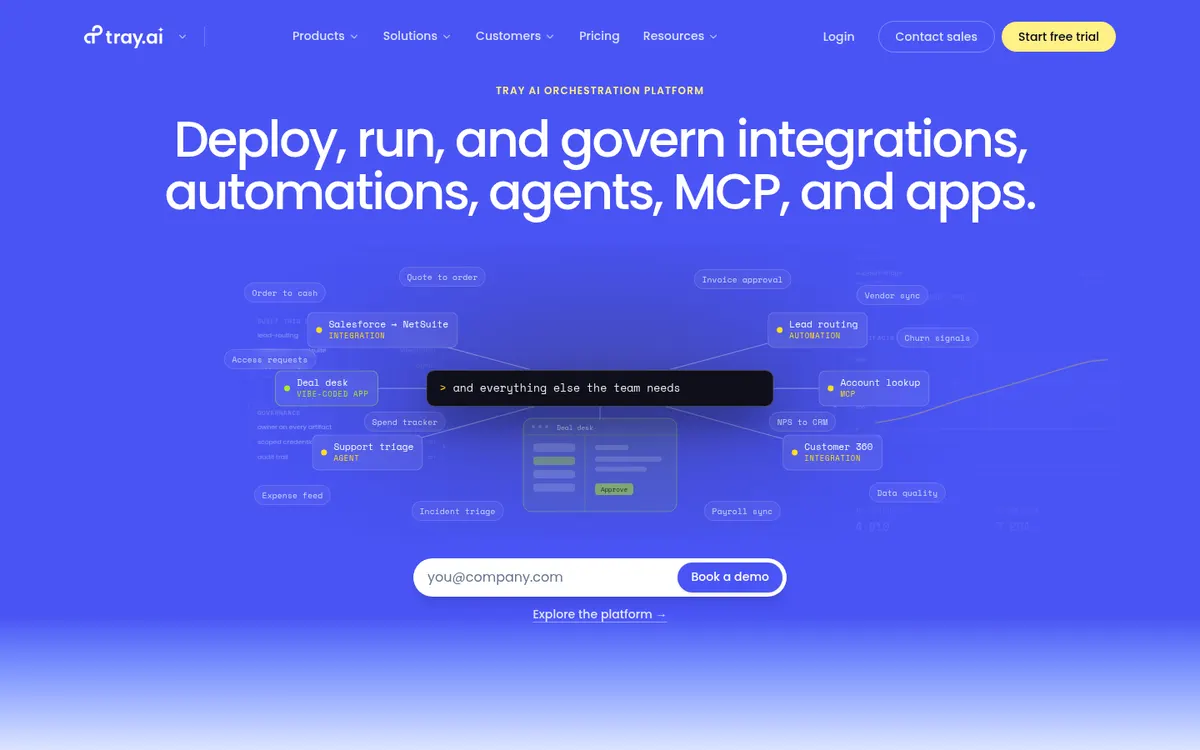
Complex branching and embedded integrations for software vendors, sold through enterprise quotes rather than a self-serve page.
Tray.ai sits between no-code automation and full iPaaS. The visual builder handles genuinely complex multi-step logic with branching, so workflows that would become unreadable in a linear builder stay maintainable. The same tooling can be embedded in a SaaS product, so your customers run integrations you shipped rather than integrations they assembled themselves. That embedded story is the reason many buyers arrive here rather than at a cheaper tool.
AI agents that branch and decide inside workflows are the current pitch. In practice a workflow can evaluate a case, choose a path and call a model instead of firing a fixed trigger-action pair. Governance controls exist for enterprise deployments, including the oversight scaffolding IT wants before a departmental tool becomes a company-wide one.
Pricing is quote-based and enterprise-oriented, with no free plan and no trial listed. That combination changes how you evaluate: you scope requirements, speak to sales, then test. Teams used to self-serve tools find the friction in the buying model rather than the product, and budget approval has to happen before the build, not after it.
Pick Tray.ai if your workflows outgrew linear builders and you want one platform serving internal automation and embedded integration for customers, with governance that survives a security review. Write the scope down before pricing talks, because quote-based vendors price what you describe. Skip it if you need a handful of straightforward syncs, where Make or Zapier do the same work at a published price.
You want to ship integrations inside your own product and keep internal automation on the same platform.
You need to try the tool before anyone will discuss a price.
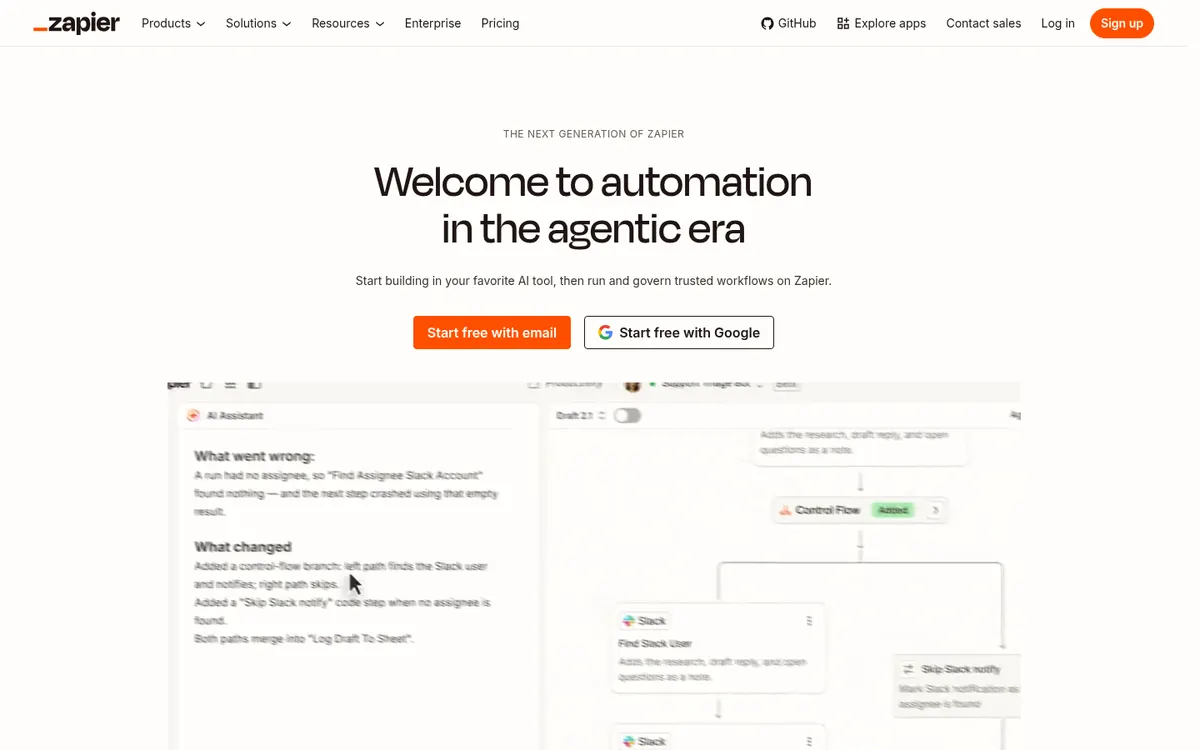
The widest catalog and the fastest start, with a task meter that punishes long workflows.
Zapier wins on catalog. More than 7,000 app integrations mean whatever tool your team signed up for last quarter is almost certainly supported, and the linear Zap builder is the easiest on this list for people with no technical background. Free triggers and filters mean you are not charged for checking whether a record changed, only for acting on it.
Billing is task metering on completed action steps. The free plan is free forever with 100 tasks per month and two-step automations, enough for simple notifications and record creation. Paid plans start at $19.99 per month billed annually on the Professional plan. A five-step workflow running daily consumes about 150 tasks a month, and 10,000 tasks lands around $129 a month, so long chains get expensive fast.
That structure rewards short, high-value automations and punishes sprawling ones. Triggers and filters stay outside the meter, so a Zap that checks ten conditions before acting costs the same as one that acts immediately. If a workflow needs eight steps and a loop, Zapier will build it and the bill will reflect every action. There is no self-hosted option, and the code and branching depth does not match n8n or Make for logic-heavy work.
Pick Zapier when breadth of app support and speed of setup matter more than cost per run, and when the people building automations are not developers. Skip it when workflows are long, volumes are high, data must stay on infrastructure you control, or per-step costs would outrun a flat enterprise quote.
The app you need connected is obscure and the person building the Zap is not technical.
Your workflows run eight steps deep and the volume keeps climbing.
Visual branching logic at a low cost per operation, if someone on the team thinks in flowcharts.
Make presents scenarios as a flowchart: modules on a canvas, connected by routes that branch, filter and handle errors. That model fits multi-branch logic better than a linear step list, and routers, filters and error handlers are first-class parts of the builder rather than features you bolt on later. For anyone who thinks in diagrams, it is the clearest canvas here.
Billing runs on credits, and a standard module action costs one credit. A free plan includes 1,000 credits per month, enough for genuine testing before you pay anything. Paid plans are credit bundles, and paying annually costs less than paying monthly. Make's current plan prices sit behind its own signup flow rather than a published price list, so confirm the credit bundle you need on the vendor site before you build a budget around it.
Cost per operation is the draw. Credit metering on module actions tends to land below step-billed rivals for workflows with many branches, because routing and filtering do not add the same way extra steps would. Credit accounting still needs planning: scenarios that poll on a schedule or loop over records burn credits faster than a single clean sync.
The app catalog is smaller than Zapier's, and the flowchart paradigm takes a non-technical user longer to learn than a straight step list. Pick Make when someone on the team is comfortable with logic diagrams and the budget needs to hold at low volume. Skip it when the integration depends on an obscure app or when the builder has to be usable by anyone on day one.
Your workflows branch and someone on the team is happy drawing them.
The first builder is a non-technical user who needs a straight step list.
Self-hosted control and per-execution billing for engineering teams that are willing to run the server themselves.
n8n is the technical option. The Community edition is self-hosted under a fair-code license, which means no license fee and no execution meter, so a modest server covers effectively unlimited workflow runs. Data stays on your own infrastructure, which is often the deciding factor for regulated teams and for anyone who has been asked where the customer records actually live. Cloud plans bill per whole workflow execution rather than per step, with the Starter plan at $20 per month billed annually for 2,500 workflow executions. A 30-node workflow and a 3-node workflow cost the same to run, which changes the economics of deep integrations. JavaScript and Python code steps sit inside the workflow, so custom logic does not require a separate service. A free trial with no credit card is available. The node library runs to roughly 400 integrations, well short of Zapier's catalog. For common business apps that is enough, and custom code can cover the rest, but you will write more yourself. Self-hosting also means owning uptime, patching, backups and security: the license carries no operations team, and a broken server takes every workflow with it. Pick n8n when you have engineers who want code-level control, high execution volumes, and data that cannot leave your network. Do the arithmetic on hosted executions against your real run volume before choosing cloud over self-hosting. Skip it when nobody on staff wants to run a server, when a business user must build the workflows, or when the integration depends on an app that only the biggest catalogs cover.
Engineers own the automations and the data cannot leave your infrastructure.
Nobody on staff wants to patch a server or debug a workflow.
The obvious option if you already pay for Microsoft 365, and a per-seat trap if you do not.
Power Automate is the default for Microsoft shops. Connectors reach Teams, SharePoint, Dynamics 365 and Azure Logic Apps natively, desktop RPA flows handle legacy applications with no API at all, and the full connector catalog arrives on the Premium plan. If the business already runs on Microsoft 365, the first integration is often a connector choice rather than a procurement project.
Premium costs $15.00 per user per month paid yearly, and licensing is per user, which scales badly across a large team of builders. Many organizations already hold automation rights inside their Microsoft 365 plans, so auditing current entitlements before buying seats is the highest-value step in the whole evaluation. A 30-day free trial and a free plan both exist, so you can test connectors before committing budget.
The trade is usability and fit. The flow builder draws complaints next to Make's canvas, and outside the Microsoft ecosystem the value case weakens quickly: you pay per seat for connectors a metered tool would reach for less. Inside the ecosystem the opposite holds, particularly where desktop RPA covers a screen-only system nobody wants to replace.
Pick Power Automate when Microsoft 365, Dynamics or Azure already run the business, when RPA is on the roadmap, and when finance would rather pay per seat than meter usage. Check what your existing licenses already include before adding seats. Skip it when the stack is mostly non-Microsoft SaaS, or when dozens of occasional builders would each need a paid seat for a few runs a month.
Microsoft 365 already runs the business and RPA covers a screen-only system.
Dozens of occasional builders would each need their own paid seat.
An API integration platform connects software systems that were never designed to talk to each other, using connectors, triggered or scheduled runs, and a runtime that keeps the connection alive. The label covers several different products, and the differences matter more than the shared vocabulary.
The main groups:
The subcategory you need usually follows from two questions. First, who builds the integrations: business users, engineers, or a platform team. Second, what happens when one breaks: does someone need an audit trail and an approval, or does a person simply fix the Zap and move on?
Connector counts are the most quoted and least useful number. A platform with 7,000 connectors is not better than one with 400 if the five systems you run appear in both. Check your specific apps, including the awkward one nobody mentions in demos, and check whether the connector supports the operations you need rather than only the object types.
Governance is the other dividing line. SSO, role-based access, audit logs and separate environments are what let a hundred departmental automations stay accountable. They also add cost and setup time that single-team projects never recover.
Billing shapes behavior as much as budget. Per-step and per-credit meters make long workflows expensive, per-execution meters make them cheap, and per-user licensing makes broad adoption expensive instead. Model your real run volume before comparing headline prices, because a cheap entry tier and a cheap contract are not the same thing.
This comparison sits on the Software desk. Readers comparing neighbouring stacks often check our guides to demand forecasting software and glp 1 companies next.
Published prices in this category are the exception. Three of the nine platforms here list a starting price; the rest send you to sales, which means the comparison you can do alone is limited to the shape of the meter rather than the number on the invoice. The meter matters because it decides which workflows are cheap. Task and step billing charges every completed action, so a long chain costs more than a short one at the same volume. Credit billing charges standard module actions instead, which treats branching more kindly. Execution billing charges once per whole run, which is why n8n can carry a 30-node workflow for the price of a 3-node one. Per-user billing charges people, not runs, so a small number of heavy builders is cheap and a large number of light users is not.
| Model | How it bills | Typical fit | Example from this list |
|---|---|---|---|
| Task or step metering | Each completed action step counts as a task | No-code teams running short, frequent automations | Zapier Professional at $19.99 per month billed annually |
| Credit metering | Standard module actions consume credits, annual payment cheaper than monthly | Budget-conscious teams with branching workflows | Make, with 1,000 free credits per month |
| Per-execution billing | One charge per whole workflow run, not per step | Technical workflows with many nodes | n8n Starter at $20 per month billed annually for 2,500 executions |
| Per-user licensing | A seat fee per person, paid yearly | Organizations standardized on a productivity suite | Power Automate Premium at $15.00 per user per month |
| Usage-based plus consumption | A monthly platform tier plus metered usage | Enterprise buyers starting at low volume | Boomi pay-as-you-go tier with consumption charges |
| Quote-only contract | Annual agreement scoped on connectors, volume, environments and support | Multi-department rollouts under change control | Workato, MuleSoft, Celigo and Tray.ai |
Every price above was checked on the vendor's own pricing page on November 25, 2026. Where a vendor does not publish a figure we write "See website" instead of guessing. To compare annual and monthly billing quickly, try the free percentage calculator.
iPaaS stands for integration platform as a service: a cloud service that connects applications, data and processes through prebuilt connectors and a managed runtime. Workato, Boomi, MuleSoft Anypoint, Celigo and Tray.ai all fit that definition. Zapier, Make, n8n and Power Automate are better described as workflow automation tools, though the line blurs as they add connectors and governance features.
Published no-code plans are monthly line items: Zapier Professional starts at $19.99 per month billed annually, n8n Starter is $20 per month billed annually for 2,500 executions, and Power Automate Premium is $15.00 per user per month paid yearly. Enterprise platforms publish nothing here, so Workato, Boomi, MuleSoft, Celigo and Tray.ai all require a quote scoped on volume, connectors and support.
Choose self-serve when one team owns the workflow, the connectors already exist, and nobody outside that team needs an audit trail. Choose a governed platform when several departments build automations, when change control applies to production, or when a failed integration carries financial or regulatory consequences. Governance costs money, so buy it when the alternative is losing track of what runs where.
Self-hosted n8n Community edition is the cheapest route to effectively unlimited runs, because the license carries no fee and there is no execution meter; you pay for a server and the time to maintain it. Among hosted plans, execution-based metering beats step-based metering for long workflows, since a 30-node run costs the same as a 3-node run.
They change it by the shape of your workflows, not just the volume. Step billing counts every completed action, so long chains multiply cost. Credit or operation billing charges standard module actions, which makes branching cheaper relative to long linear chains. Execution billing charges once per workflow run regardless of node count, which favors deep technical workflows that touch many systems per run.
Deployment time follows governance scope more than brand. No-code tools such as Zapier and Make can produce a working two-step automation in an afternoon, because nothing needs approval. Mid-market work with Celigo or self-hosted n8n adds connector mapping, credential handling and testing. Enterprise rollouts on Workato, Boomi or MuleSoft add security review, environment design and, for MuleSoft, specialist architects.
Browse every comparison on the Software desk, with the same rubric and dated prices.