Ranked #1

Cube
Excel-first planning layer
$40Starter, per developer per month
- Best for
- Startups that plan in spreadsheets
- Free plan
- Free forever
- Rubric
- 8.2 / 10
Nine FP&A tools, from spreadsheet-native planners to enterprise suites, ranked by who each one actually fits, with published prices where vendors offer them.
 Prices checked November 25, 2026

FP&A software handles budgeting, forecasting, reporting, and variance analysis in one system instead of scattered workbooks. As of November 2026, Cube is our pick for startups that plan in spreadsheets, Datarails for Excel-heavy teams that want automation, and Vena for Microsoft-centric midsize finance departments. The other six entries cover close-plus-planning, enterprise connected planning, SaaS metrics, and small-business reporting. Prices were checked on 2026-11-25. Cube publishes $40 per developer per month, Jirav starts at $50 and Fathom at $59, while most enterprise suites in this list quote per deal.
Excel-first planning layer
$40Starter, per developer per month

Automation on Excel
See websitecustom quote

Governed spreadsheets
See website
Disclosure for this page: All 9 tools here are unpaid editorial picks. The position of a paid listing can be part of what the vendor pays for. How we handle paid listings.
| Tool | Best for | Free plan | Actions | |||
|---|---|---|---|---|---|---|
| 1 | Cube | Startups that plan in spreadsheets | $40Starter, per developer per month | Yes | ||
| 2 | Datarails | Excel-heavy finance teams needing automation | See websitecustom quote | No | ||
| 3 | Vena | Microsoft-centric midsize finance teams | See website | No | ||
| 4 |  Planful | Mid-market companies combining close and planning | See website | No | ||
| 5 |  Anaplan | Enterprise connected planning across departments | See website | No | ||
| 6 | Workday Adaptive Planning | Companies already running Workday | See website | No | ||
| 7 |  Mosaic | SaaS finance teams and board reporting | See website | No | ||
| 8 |  Jirav | Small businesses and fractional CFOs | $50Controller Essentials, per month, accounting and CFO firm wholesale pricing | No | ||
| 9 |  Fathom | Management reporting and cash flow visibility | $59Fathom Pro Starter, per month, 1 company included | No |
Every tool here was scored against the same five criteria, weighted toward what a finance team has to live with after signing. Spreadsheet fit (25%) asks whether the tool keeps Excel or Google Sheets as the working surface without losing control of the numbers. Pricing clarity (20%) asks whether the vendor publishes a starting price a buyer can budget against. Implementation speed (20%) covers how long a typical deployment takes before finance can close a cycle inside the tool. Planning depth (20%) looks at driver-based modeling, scenario work, consolidation and reporting beyond one annual budget. Ecosystem fit (15%) measures how tightly the product connects to the ERP, CRM, HRIS and billing systems a buyer already runs.
Prices and plan details come from vendor pricing pages checked on 2026-11-25. Where a page returned no content, a contact form or an unrelated page, the entry says pricing is on the vendor site and no figure is estimated. Where a vendor publishes a starting price, the plan name and billing term come from that page. Tools with no verifiable price scored lower on pricing clarity, which is the honest result rather than a penalty for being expensive.
The Featured entry is a paid placement. It is scored with the same rubric, carries the same kind of cons, and earns nothing for placement. Fit for the buyer described in each entry, plus the disclosed Featured position, decides the sequence. The order is editorial, not a computed total.
The full process, including how we handle corrections, is on the methodology page. Paid listings follow our advertising disclosure.
| Criterion | Weight | What we check |
|---|---|---|
| Spreadsheet fit | 25% | How well the tool keeps Excel or Google Sheets as the working surface without giving up control of the numbers. |
| Pricing clarity | 20% | Whether the vendor publishes a starting price and a plan structure a buyer can budget against. |
| Implementation speed | 20% | How long a typical deployment takes before finance can close a planning cycle inside the tool. |
| Planning depth | 20% | Coverage of driver-based modeling, scenario work, consolidation and reporting beyond a single budget. |
| Ecosystem fit | 15% | How tightly the product connects to the ERP, CRM, HRIS and billing systems a buyer already runs. |

The best published-price option for startups that want to keep modeling in Excel without losing version control.
Cube is a planning platform that treats the spreadsheet as the interface rather than something to replace. Finance teams build budgets, forecasts and reports in Excel or Google Sheets while Cube holds the data in a centralized layer with version control. Connections to source systems bring actuals in from the general ledger, so the number in the board deck matches the number in the model.
The fit is early stage. Startups and small finance teams that already plan in spreadsheets get the most from it because nobody has to relearn modeling. Implementation is positioned as a short project measured in weeks, which is fast for this category, and the vendor publishes a real starting price instead of a quote form. That price visibility is unusual in a category where most vendors route every inquiry to a salesperson.
Pricing starts at $40 per developer per month on the Starter plan, which replaces the older $1,500 per month Cube Go figure. Cube Go is still listed at $1,500 per month and Pro at $2,800 per month. A free forever tier exists and the trial is demo only. Extra users and data sources can raise the total, so model the all-in number rather than the headline.
The limits appear as the business matures. Heavy customization depends on spreadsheet formulas, so a badly structured workbook follows you into the tool. Complex ad hoc reporting needs extra setup, and ERP sync is less deep than enterprise suites, which matters once you run multiple entities. None of that is fatal at startup scale. It becomes a problem when the planning cycle spans entities and currencies.
Your team models in spreadsheets today and wants control and version history without a long rollout.
You need deep multi-entity consolidation or heavy ERP-driven close work.
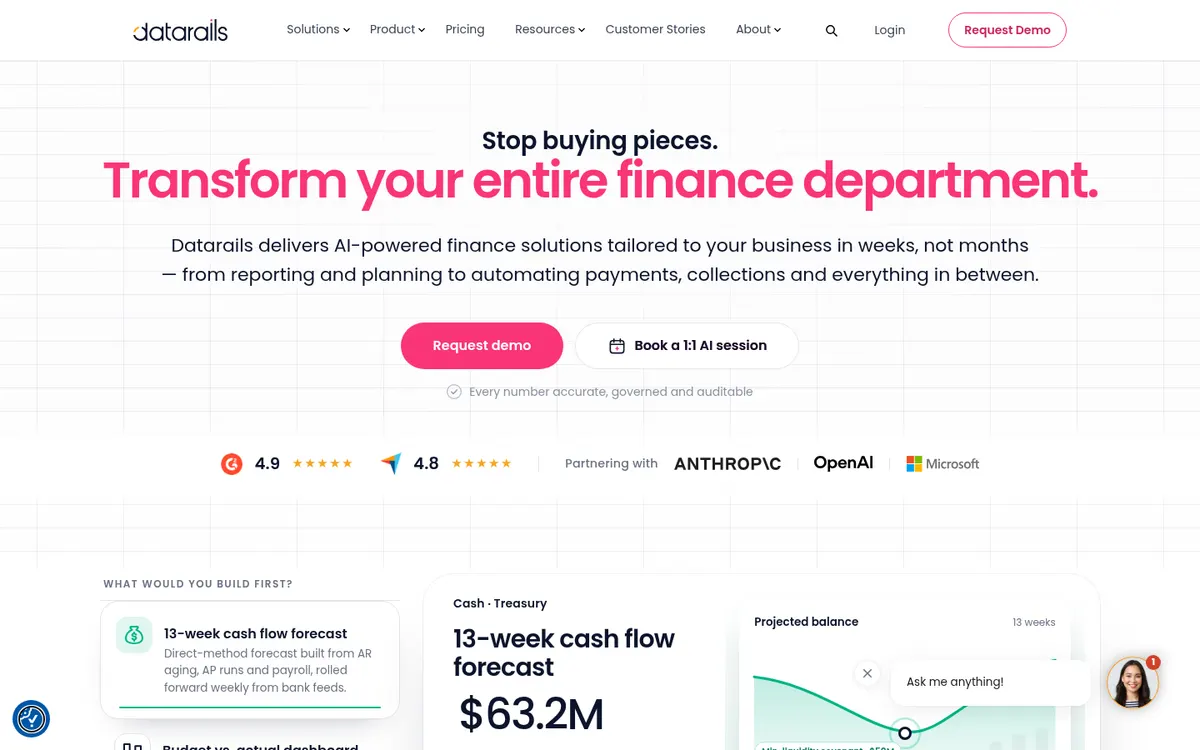
A strong automation layer for finance teams whose models already live in Excel and are not moving.
Datarails puts an automation layer under the Excel workbooks a finance team already uses. Models stay in Excel, and the people who built them keep working in a tool they know. What changes is where the numbers come from: automated imports from accounting, ERP and CRM systems replace manual copy and paste, and reports update automatically when source data moves. Storyboard reporting packages output for executives, and FP&A Genius lets people ask questions in plain language instead of building another tab. The appeal is continuity. A team with substantial spreadsheet logic does not have to rebuild it. Automated report updates and conversational querying remove work that used to sit with one person and vanished when that person took a vacation. Pricing is the friction. Every plan shows a request quote form, and the vendor publishes no starting figure. Pricing is quote based, and onboarding fees can be significant, so the total commitment is real money for a small department. There is no free plan and the trial is demo only, which means evaluation happens through a sales process with a scoped pilot attached. The product targets established small and midsize firms rather than very small teams. With a small finance team and a single entity, the automation may not repay the onboarding cost. With many spreadsheet power users, a multi-entity close and a monthly board pack, the case is much stronger. Weigh the onboarding fee against the hours it removes before signing, and ask what year two costs once the first contract ends.
Your finance team runs on Excel and the manual refresh work has become the bottleneck.
You have a small single-entity team and no appetite for a five-figure onboarding project.
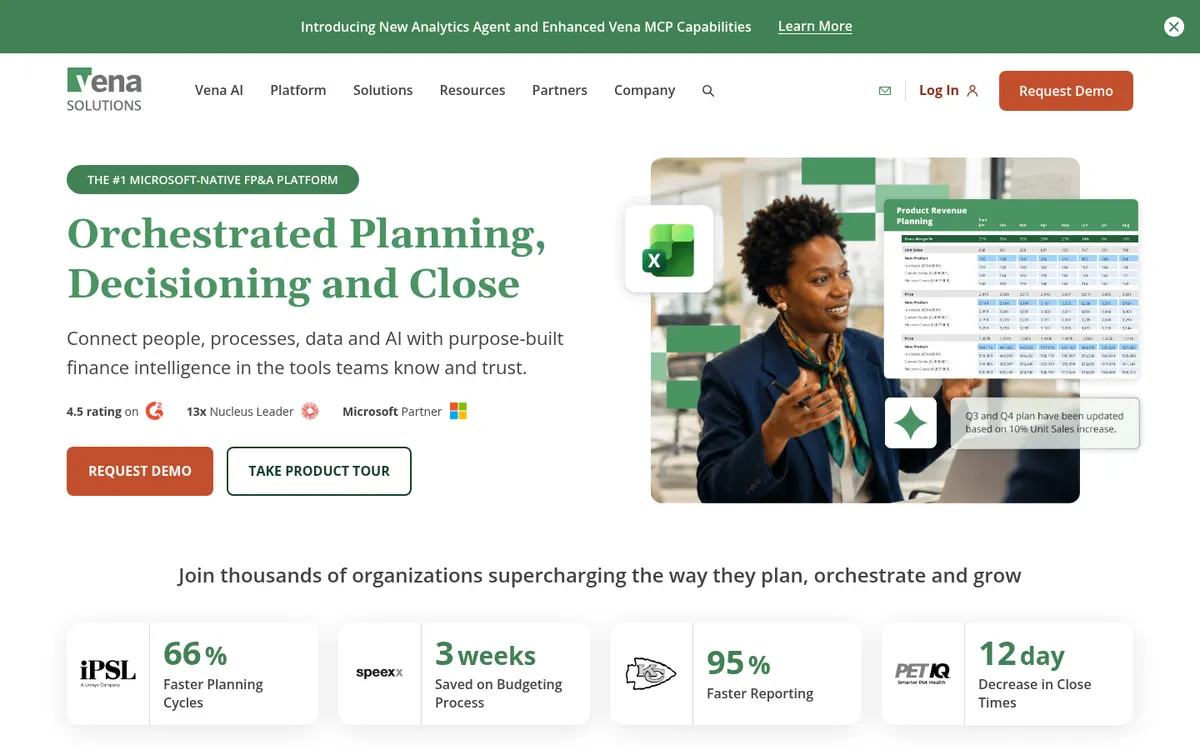
Governed Excel planning for Microsoft shops that need approvals and audit trails more than modeling novelty.
Vena keeps Excel as the front end and adds governance behind it. Planners work in a familiar grid, but the data sits in a controlled database rather than a folder of linked workbooks. Workflows and approvals move budgets through reviewers, audit trails record who changed what, and Microsoft 365 integration means the tool lives where the rest of the company already works. Teams and Power BI connectivity push planning data into the places people already look. That combination suits Microsoft-centric midsize finance departments, especially ones that have been burned by a broken spreadsheet link the week before a board meeting. Governance is the product here. If your problem is version control rather than modeling capability, Vena addresses it directly, and the audit trail answers questions an external auditor will eventually ask. Pricing is quote based and the vendor site did not return a figure when checked on 2026-11-25, so budget on the vendor's number rather than a guess. Implementation requires consulting, can span months, and onboarding costs can reach five figures. Vena is positioned as mid-market to enterprise software, and the cost may be excessive for companies under 100 employees. The practical question is whether you need approvals and audit trails at all. A small company with one budget owner does not. A larger company with several cost center owners, a reforecast cycle and an auditor asking questions does. Vena also leans on Microsoft 365, so a Google Workspace shop loses part of the value before the first model is built. Compare the all-in cost including consulting against a spreadsheet-native tool with a published price.
You run Microsoft 365, submit budgets through several owners and need a defensible audit trail.
You are a small single-entity team or standardized on Google Workspace.

One system for close and planning, priced for mid-market companies with several legal entities.
Planful covers two jobs that usually live in separate systems: financial close and planning. Consolidation and multi-entity consolidation handle the monthly close, while budgeting, forecasting and reporting run off the same data. AI anomaly detection flags numbers that look wrong before a reviewer sees them, which matters in a close with many accounts across several entities. The pitch lands with mid-market companies that are tired of reconciling a consolidation tool against a planning tool and explaining why the two disagree. One data set, one close calendar and one reporting layer is a real operational gain once you have multiple legal entities and a group finance function doing the consolidating. Pricing is by quote and the vendor sells modules separately, so the first number you hear is rarely the number you pay, and support tiers add cost on top. Implementation length depends on entity complexity and can run from several weeks to several months. The pricing page returned no content when checked on 2026-11-25, so there is no published figure to budget against. There is no free plan and the trial is demo only. The trade is scope against speed. A team that needs a rolling forecast and a department budget will pay for close machinery it does not use. A team that closes several entities in spreadsheets and then rebuilds the same numbers for the forecast will feel the difference in the first cycle. Ask for a module-by-module quote and a written timeline with named milestones before comparing it with anything else on this list.
You consolidate several entities and want the close and the forecast in one place.
You only need a forward budget and have no consolidation work to absorb.

The broadest connected planning engine here, and the one that demands the most internal ownership.
Anaplan is a modeling platform that happens to be very good at finance. An in-memory engine runs multi-dimensional models, plans update in real time across users, and the same platform covers finance, sales, supply chain and workforce planning. That breadth is the point: a demand plan, a hiring plan and a revenue forecast can share dimensions and drivers instead of living in three files that never agree. Enterprise connected planning is the use case, and the fit is a company with a planning center of excellence, not a very small FP&A team. Models scale to a size that spreadsheet-born tools cannot match, and the enterprise footprint is real. The cost matches the footprint, and implementations often run for months. Model builders or administrators are typically required, because Anaplan does not configure itself. There is no published price. The page captured on 2026-11-25 was a contact form with no pricing or quote language, so the only honest statement is that pricing is on the vendor site. There is no free plan and the trial is demo only. Buyers should expect a negotiated enterprise agreement and should plan for consulting alongside the license. The risk is organizational rather than technical. A platform this flexible will happily host a model nobody documents, built by a contractor who leaves. Budget for an internal owner and for model governance from day one, or the connected planning story becomes a maintenance bill. If you need one department's budget and nothing else, the platform is far more than the problem requires. If planning crosses functions and the spreadsheets have already failed, the breadth earns its keep.
Planning crosses finance, sales and supply chain and you can staff an internal model owner.
You need one department's budget and have no administrator to run the platform.

Excellent headcount planning if you already run Workday, and an expensive detour if you do not.
Workday Adaptive Planning is strongest inside Workday. Headcount, compensation and hiring plans connect to Workday HCM, actuals flow from Workday Financials, and workforce planning gets the detail that finance teams usually rebuild by hand. Budgeting, forecasting and reporting sit on top, and the interface is cleaner than most tools in this category.
The value depends on the ecosystem. A company running Workday for HR and finance gets one version of headcount, one version of the cost of that headcount, and a planning cycle that does not start with an export. Workday administrators find it familiar, which shortens the internal sell. For everyone else the integration advantage evaporates, and you are buying a competent planner at an enterprise price.
Pricing is quote based and no pricing page was available when checked on 2026-11-25, so the figure comes from the vendor. The product was formerly known as Adaptive Insights. Implementations rely heavily on consulting and sales cycles run long, both of which push the first useful forecast further out than the demo suggests.
The honest read is that this is an ecosystem purchase. If your HR and financial data already live in Workday, the tight coupling is worth the cost and the wait. If you run NetSuite or Sage Intacct with a separate HR system, you are paying for integrations you will not use, and a quote-based tool with a long cycle is a hard comparison against a spreadsheet-native planner with a published price. Test the headcount planning workflow first, because that is where the product separates from generic planners.
Workday already holds your HR and financial data and you want headcount tied to the plan.
You run a different ERP and HR stack, where the integration advantage disappears.
Purpose-built for SaaS boards and metrics, and narrow by design once you leave that model.
Mosaic is built for SaaS finance. ARR, net revenue retention, CAC payback and burn multiple are native metrics rather than formulas someone maintains in a hidden tab. Connections to accounting, CRM, HRIS and billing systems pull the inputs, rolling forecasts update from them, and the output is a board-ready dashboard instead of a deck rebuilt from scratch every quarter. The fit is a SaaS company with a small finance team, a board that expects recognizable metrics, and a monthly reporting cycle that takes significant time. Time to value is short for that segment because the model structure is closer to correct on day one than a general-purpose planner configured from a blank canvas. Pricing is quote based with no published figure, so treat the number as coming from the vendor site. The page captured on 2026-11-25 showed no Mosaic pricing at all. The product is generally positioned below enterprise suites, which matters for a team that needs board reporting without enterprise-sized pricing. There is no free plan and the trial is demo only. The specialization cuts both ways. Services firms, manufacturers and complex multi-entity businesses will fight the SaaS metric model and lose features they need. Mosaic is also newer than the large incumbents, which is less about stability than about how much configuration help exists when your revenue model has an unusual wrinkle. If your board pack is a SaaS metrics pack, the focus is the feature, and the limits sit outside your use case.
You are a SaaS company whose board asks for ARR, NRR and burn multiple every month.
You sell services or goods, or consolidate several unrelated entities.
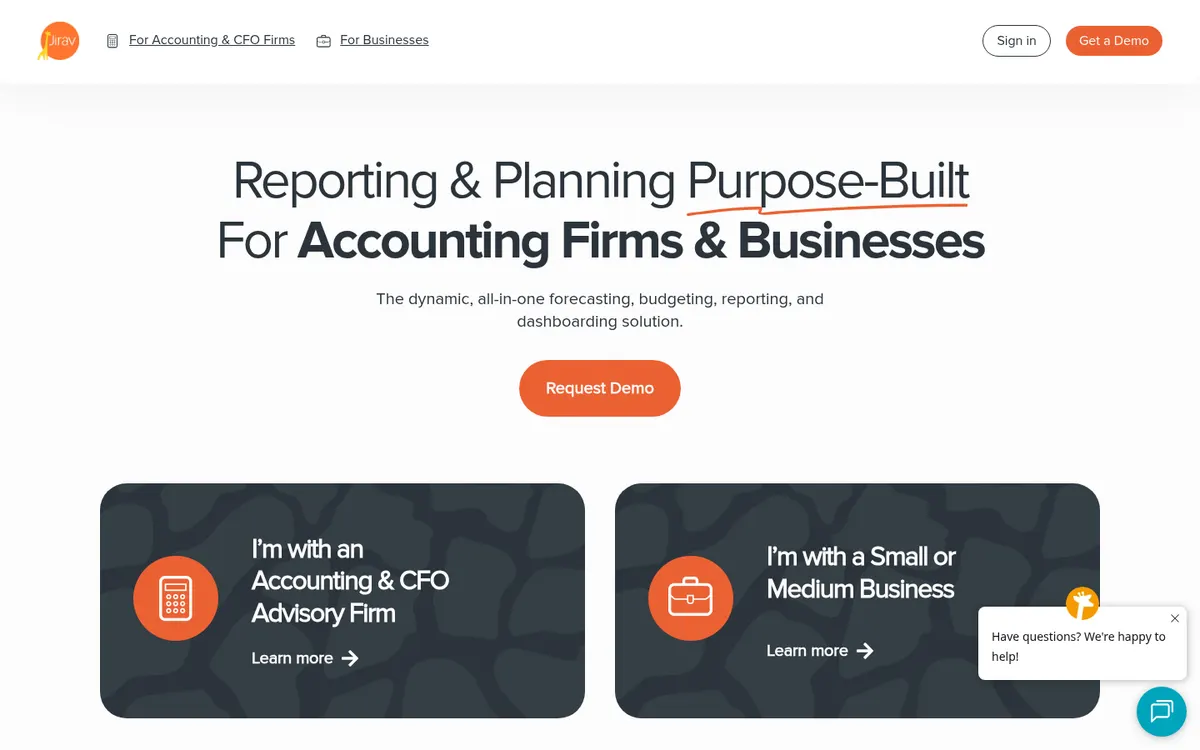
The practical choice for small companies and CFO firms that need a plan without a modeling project.
Jirav targets the gap between a spreadsheet and a mid-market suite. Budgeting, forecasting and dashboard reporting arrive with small-business templates, so a company without a modeling specialist can produce a plan and a monthly package without designing the structure first. Multi-client support makes it usable by outsourced CFO and accounting firms running the same process for many clients. The fit is a small business with a bookkeeper or a fractional CFO, or a firm that delivers reporting as a service. Reporting is template driven, which is why it is fast and also why customization stops where the template stops. Companies needing complex consolidation or a model shaped around an unusual revenue stream will hit that ceiling quickly. Pricing is published, which is rare here. The listed figure is $50 per month on Controller Essentials under accounting and CFO firm wholesale pricing. There is a free trial and no free plan. That entry point is published, though the figure assumes the wholesale firm arrangement, so a direct buyer should confirm their own rate with the vendor rather than assuming the same number applies. Compare it against a spreadsheet-native planner if your team still wants to model in Excel, and against Fathom if the main need is management reporting and cash visibility rather than a forward plan. Jirav sits in the planning camp. The practical test is whether the standard templates match how you actually sell, because the product's speed comes from not asking you to design the model yourself.
You are a small business or a fractional CFO firm that wants a plan running quickly.
You need complex consolidation or a model with non-standard structure.
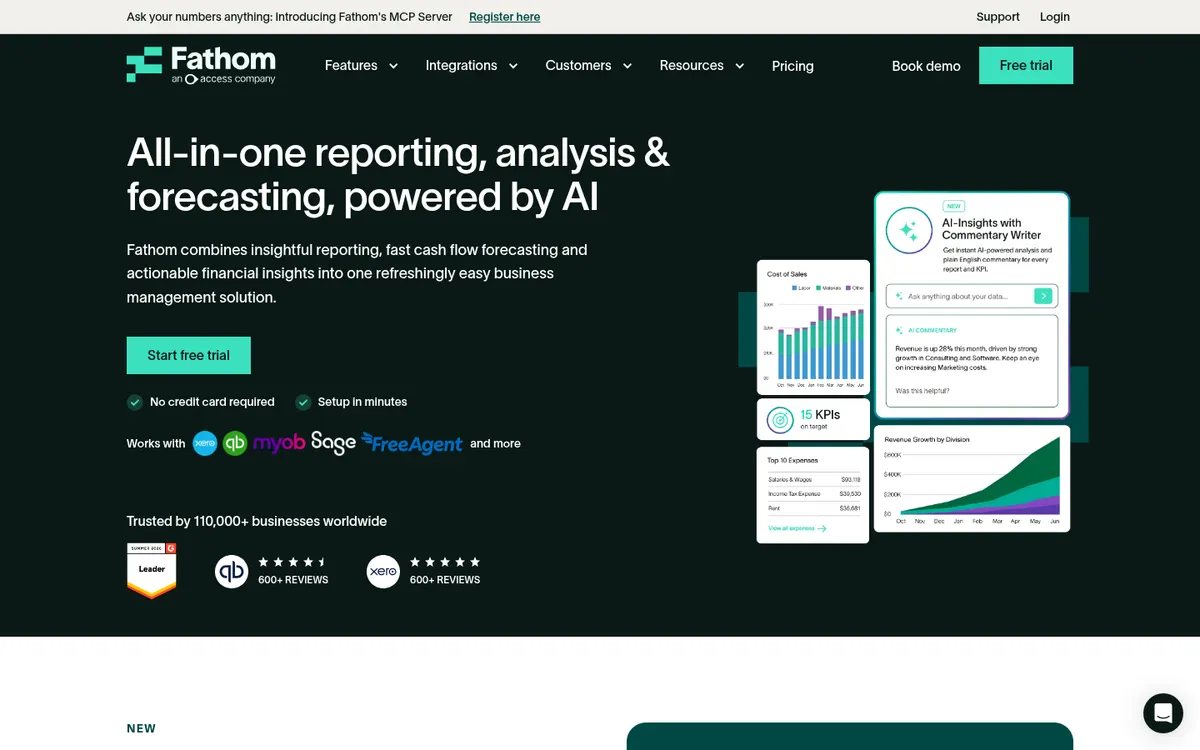
Cheapest route to management reporting and cash forecasting, with planning depth kept deliberately thin.
Fathom is a reporting and cash visibility tool, not a full planning suite. It connects to Xero, QuickBooks or MYOB, pulls the ledger, and produces management reports, KPI dashboards and cash flow forecasts that a client or a manager can read without an explanation. Client-ready reporting is the core output, which is why accounting firms and advisors use it across a book of clients. The fit is small. A company with a single trading entity or a handful, a bookkeeper already reconciling in Xero or QuickBooks, and a need to see cash in the near term rather than a driver-based operating model. Setup is quick because the source system already holds the data and the report structure is built for you. Pricing is published at $59 per month on Fathom Pro Starter, with one company included, and a 14 day free trial. That makes it the cheapest route on this list to management reporting and cash forecasting, provided your accounting system is one of the three it connects to. There is no free plan. The limits are structural. It is not a full FP&A suite, driver-based planning is limited, and scenario modeling is thin. A team that wants to flex headcount, pricing and churn assumptions across three scenarios will run out of room. A team that wants a clean monthly pack and a cash forecast refreshed from the ledger will not. Know which one you are before comparing it with Cube or Datarails, because the price difference is real and so is the capability gap.
You want management reports and a cash forecast running from your ledger quickly.
You need driver-based plans and multi-scenario modeling across the business.
FP&A software runs the planning cycle: budget, forecast, variance analysis and the reporting that goes with them. It replaces the linked workbook that one person understands and everyone else works around. The category sits between the general ledger and the board deck, and it is where assumptions about hiring, pricing and demand turn into numbers.
The core jobs are consistent across products:
Two things separate FP&A tools from BI tools. BI reports on what happened and reads from a warehouse. FP&A writes forward: planners enter assumptions, the system calculates a plan, and version history shows how the plan changed. That write-back requirement is why a dashboard product cannot substitute, even when both end up showing charts.
Excel is not disqualifying. Cube, Datarails and Vena keep spreadsheets as the front end and add a governed data layer, version control and automated imports behind them. The design accepts how finance teams work. The trade is that spreadsheet habits travel too, including formulas nobody documents.
Prices track company size more than feature count. Small teams see published plans in the tens of dollars per month. Mid-market suites are quoted per deal, often with onboarding in the low five figures. Enterprise connected planning is negotiated and usually includes consulting.
Implementation follows the same curve. Spreadsheet-native tools advertise projects measured in weeks, mid-market suites run several weeks to several months, and enterprise platforms often run for months with a dedicated model builder.
The real question is how much structure your planning cycle needs and how many people must contribute to it. Answer that before you compare screenshots.
This comparison sits on the Software desk. Readers comparing neighbouring stacks often check our guides to demand forecasting software and glp 1 companies next.
FP&A pricing comes in two shapes: a published subscription aimed at small teams, and a negotiated quote aimed at everyone else. Six of the nine tools here quote per deal, so the first number you hear is rarely the one you sign.
| Model | How it bills | Typical fit | Example from this list |
|---|---|---|---|
| Published developer seat | Per developer per month, tiered by plan | Startups building in spreadsheets | Cube at $40 per developer per month on Starter |
| Published company plan | Per month, one company included | Small firms wanting reports and cash forecasts | Fathom at $59 per month on Fathom Pro Starter |
| Firm wholesale pricing | Per month, for accounting and CFO firms | Firms delivering plans to many clients | Jirav at $50 per month on Controller Essentials |
| Custom quote | Contract scoped per deal | Mid-market finance departments | Datarails, Vena, Planful, Mosaic |
| Contact sales | Negotiated enterprise agreement | Large connected planning programs | Anaplan, Workday Adaptive Planning |
Every price above was checked on the vendor's own pricing page on November 25, 2026. Where a vendor does not publish a figure we write "See website" instead of guessing. To compare annual and monthly billing quickly, try the free percentage calculator.
FP&A software runs the forward-looking side of finance: budgets, rolling forecasts, variance analysis, scenario models and the reporting that goes with them. It stores drivers and assumptions in a structured model, writes plans from them, and compares plan to actual once the ledger closes. Most tools also handle consolidation across entities and some level of workforce planning, which is why the category overlaps with close management.
Small teams see published subscriptions: Cube at $40 per developer per month, Jirav at $50 per month and Fathom at $59 per month. Mid-market suites are quote based, and Datarails notes onboarding fees can be significant. Enterprise platforms such as Anaplan and Workday Adaptive Planning are negotiated deals with consulting attached.
Only when the spreadsheet has become a risk rather than a tool. A small company with one budget owner and a single entity gets little from a suite. A company with a board pack, several cost centers and a monthly reforecast gets real value from published-price tools like Jirav or Fathom, which publish starting prices.
Yes, and three tools here are built that way. Cube, Datarails and Vena keep Excel or Google Sheets as the front end while adding a governed data layer, version control and automated imports behind them. That preserves existing models and skills. The catch is that spreadsheet habits travel with the spreadsheet, including formulas nobody else can audit.
Cube positions implementation as a short project measured in weeks. Planful implementations run from several weeks to several months depending on entity complexity, Vena implementations can span months with consulting, and Anaplan often runs for months and needs a dedicated model builder or administrator, while Workday Adaptive Planning implementations often run long and rely on consulting. Published prices rarely include implementation, so ask for that number separately.
BI reports on what already happened by reading a data warehouse. FP&A software writes forward: planners enter drivers and assumptions, the model calculates a plan, and the system tracks plan against actual. BI is read-only and analysis oriented. FP&A needs write-back, versioning and a planning cycle, which is why a dashboard tool cannot substitute for it even when both produce charts.
Browse every comparison on the Software desk, with the same rubric and dated prices.