Skip to content
Price watch
Checked Nov 25, 2026
Software desk8 tools compared

8 SIEM alternatives for 2026:ranked for security buyers

Eight platforms that log, correlate and alert, ranked by who they actually fit: Microsoft shops, Splunk veterans, Elastic engineers, budget teams and everyone paying per gigabyte.

Illustrated portrait of Leora Hart
Leora Hart, Editorial DirectorUpdated 21 min read
Prices checked November 25, 2026
IdeaTruss cover illustration: a flat abstract illustration of stacked translucent geometric planes in cool blues and grays.
Tools compared
8
Publish a price
1 of 8
Free plan
3 of 8
Checked
Nov 25, 2026

The short answer

Microsoft Sentinel is a strong SIEM alternative for organizations already living in Microsoft 365, Azure and Defender, because identity, email and cloud logs arrive natively and automation is bundled. Splunk Enterprise Security remains the pick for large teams with existing search expertise and complex investigations. Google Security Operations suits very high log volume with long retention, since a year of telemetry storage is included. All three are quote or consumption priced, checked on 2026-11-25, so budget from your own 30-day ingest numbers.

Top 3 picks

Ranked #1

Microsoft Sentinel

Native Microsoft coverage

See websitePay-as-you-go per GB ingested, stored and analyzed, commitment tiers reduce the rate

Best for
Organizations standardized on Microsoft 365, Azure and Defender
Free plan
No
Rubric
7.3 / 10

Disclosure for this page: All 8 tools here are unpaid editorial picks. The position of a paid listing can be part of what the vendor pays for. How we handle paid listings.

Compare all 8 at a glance

Prices from vendor pages, checked November 25, 2026

The ledger8 tools, sortable

8 of 8 tools shown

ToolBest forFree planActions
1Microsoft SentinelOrganizations standardized on Microsoft 365, Azure and DefenderSee websitePay-as-you-go per GB ingested, stored and analyzed, commitment tiers reduce the rateNo7.3
2Splunk Enterprise SecurityLarge security teams with existing Splunk search skillsSee websiteQuote-only, priced across ingest, workload and activity modelsNo6.5
3Google Security OperationsTeams with very high log volume and long retentionSee websitePackage-based on ingestion, Standard, Enterprise and Enterprise Plus tiers, all quote-pricedNo6.8
4Cortex XSIAMPalo Alto Networks network and endpoint customersSee websiteQuote-based, replaces separate SIEM, XDR and SOAR purchasesNo6.7
5CrowdStrike Falcon Next-Gen SIEMExisting CrowdStrike Falcon endpoint customersSee websiteSIEM sold as an add-on module on higher bundles, Falcon Go bundle from $7.99 per device per monthNo6.6
6Elastic SecurityEngineering teams already running ElasticsearchSee websiteBasic self-managed license at no cost, Elastic Cloud Standard from about $99 per month, serverless ingest from about $0.09 per GBYes6.3
7WazuhBudget-conscious teams with in-house operations skillsSee websiteOpen-source core with no endpoint cap, Wazuh Cloud from about $571 per month for small deploymentsYes6.8
8GraylogMid-market teams wanting predictable SIEM costsFreeGraylog Open, free forever, source-available under SSPL, no volume restrictions, paid Enterprise from $15,000 per yearYes6.5
On this page
  1. Key takeaways
  2. Top 3 picks
  3. Comparison table
  4. How we chose and scored these tools
  5. Scoring rubric
  6. 1. Microsoft Sentinel
  7. 2. Splunk Enterprise Security
  8. 3. Google Security Operations
  9. 4. Cortex XSIAM
  10. 5. CrowdStrike Falcon Next-Gen SIEM
  11. 6. Elastic Security
  12. 7. Wazuh
  13. 8. Graylog
  14. What does SIEM software actually do for a security team?
  15. How SIEM pricing works, and why your ingest number decides the bill
  16. Which SIEM fits your team? A six-step decision path
  17. Five SIEM buying mistakes that show up on the first invoice
  18. FAQ
  19. Related pages

How we chose and scored these tools

We assessed these eight platforms against five weighted criteria, not on market share or brand recognition. Detection depth (30 percent) asks whether correlation, behavior analytics and managed detection content catch real threats without months of tuning. Cost predictability (25 percent) asks how easily an operator can forecast the bill from measured ingest before signing. Ecosystem fit (20 percent) covers connectors, integrations and how much value you get from the platforms you already run. Operational load (15 percent) counts the engineering time the product demands. Response tooling (10 percent) checks whether SOAR, case management and automation arrive included or as separate purchases. Pricing and plan details come from vendor pricing pages and plan documentation checked on 2026-11-25. Where a page would not load or listed no figures, the entry says so, and we did not fill the gap with a guess. That is why several tools show "See website" rather than a number: quote-only pricing is a fact about the vendor, not a missing data point we invented around. Where a vendor does not publish a figure, the entry says so rather than guessing. Paid placements are disclosed. Where a vendor appears as Featured, that position is paid, and the vendor is scored with the same rubric and carries the same honest cons as every other entry. Placement never changes a score. The order is editorial. It reflects fit for the buyer each entry describes, plus any disclosed Featured position, rather than a single composite number. A team with Falcon agents on every endpoint will get different value from this list than a team running Elasticsearch clusters, and the verdicts are written for that difference.

The full process, including how we handle corrections, is on the methodology page. Paid listings follow our advertising disclosure.

The scoring rubric

CriterionWeightWhat we check
Detection depth30%Whether correlation, behavior analytics and maintained detection content catch real threats without months of tuning.
Cost predictability25%How easily an operator can forecast the bill from measured ingest volume before signing anything.
Ecosystem fit20%How much value you get from connectors, integrations and the security platforms you already run.
Operational load15%How much engineering and tuning time the platform demands from the team that has to run it.
Response tooling10%Whether SOAR, case management and automation arrive included or as separate purchases.

Microsoft Sentinel

Native Microsoft coverage
See websiteNo free planRubric 7.3
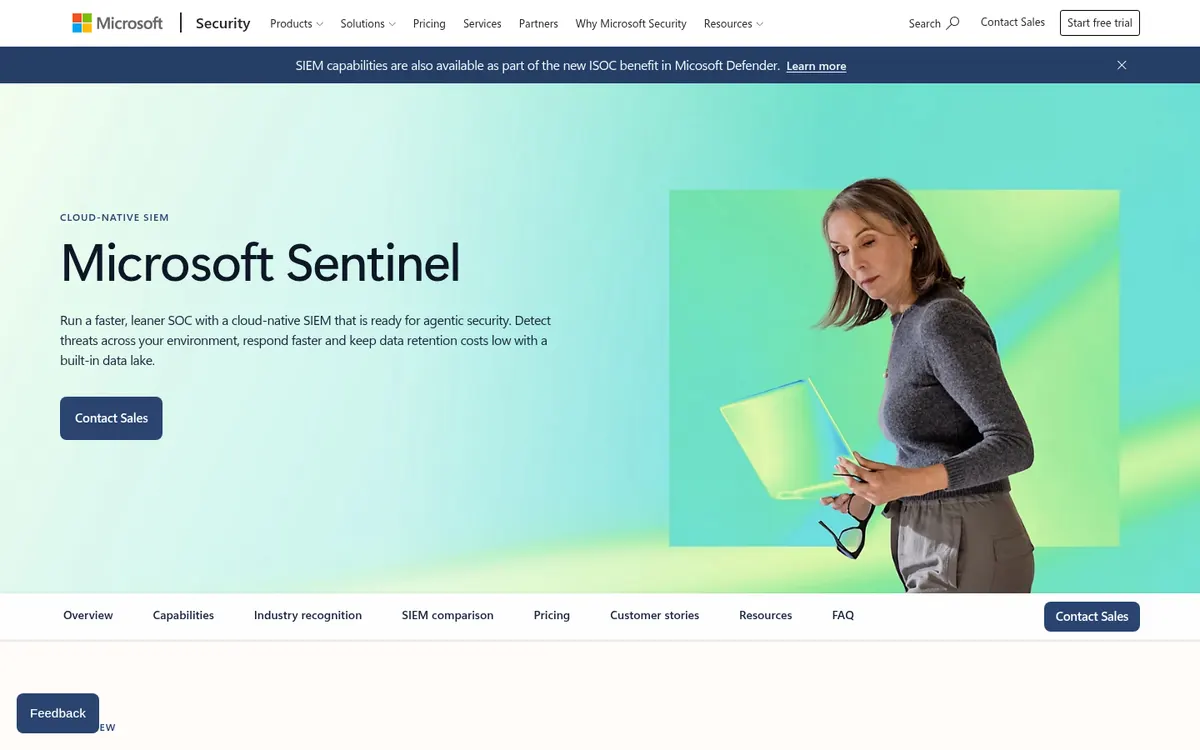
Screenshot of the Microsoft Sentinel website
The official Microsoft Sentinel page at microsoft.com, captured by IdeaTruss on November 25, 2026.
Our verdict

Best fit for Microsoft-centric estates where Defender and identity logs already flow, though per-GB ingestion punishes network telemetry.

Sentinel is a cloud-native SIEM delivered from Azure, and its main appeal is that you do not buy the surrounding pieces separately. SOAR automation, user and entity behavior analytics and case management are bundled, threat intelligence is wired into incident workflows, and the incident view is shared with Microsoft Defender. There are more than 450 data connectors, a built-in data lake for long-term storage, and commitment tiers for teams that ingest steadily enough to negotiate a lower rate. The commercial model is consumption. Pricing is on the vendor site as pay-as-you-go per GB ingested, stored and analyzed, with commitment tiers reducing the rate. You need an Azure subscription and cloud administration skills, and the bill tracks log volume rather than seats, so a chatty firewall or DNS feed can move the number more than a new hire does. Some log sources carry ingest charges while others are free, which means the connector catalog is also a cost map. Microsoft has said the Sentinel experience leaves the Azure portal after 31 March 2027 and lives fully in the Defender portal. Plan training and runbooks around that move. The pricing table on the page showed no figures, only region selection and commitment tier descriptions, so the per GB rate could not be confirmed at the time of writing. It fits Microsoft 365, Azure and Defender shops best. Teams running mostly Linux and AWS telemetry will find the value thinner and the ingestion math harsher. Budget a proof of concept that includes your noisiest firewall feed, not just identity logs, because that feed decides the monthly number.

Pros

  • Automation, UEBA and case management included
  • Deep native Microsoft 365, Azure and Defender coverage
  • More than 450 data connectors

Cons

  • Ingest bill climbs fast with firewall and network logs
  • Requires an Azure subscription and cloud administration skills
  • Per GB rate is not shown on the pricing page

Pick it if

Your identity, email and endpoint logs already live in Microsoft 365, Azure and Defender.

Skip it if

You need a fixed annual figure before the first invoice or run mostly non-Microsoft infrastructure.

Splunk Enterprise Security

Custom correlation language
See websiteNo free planRubric 6.5
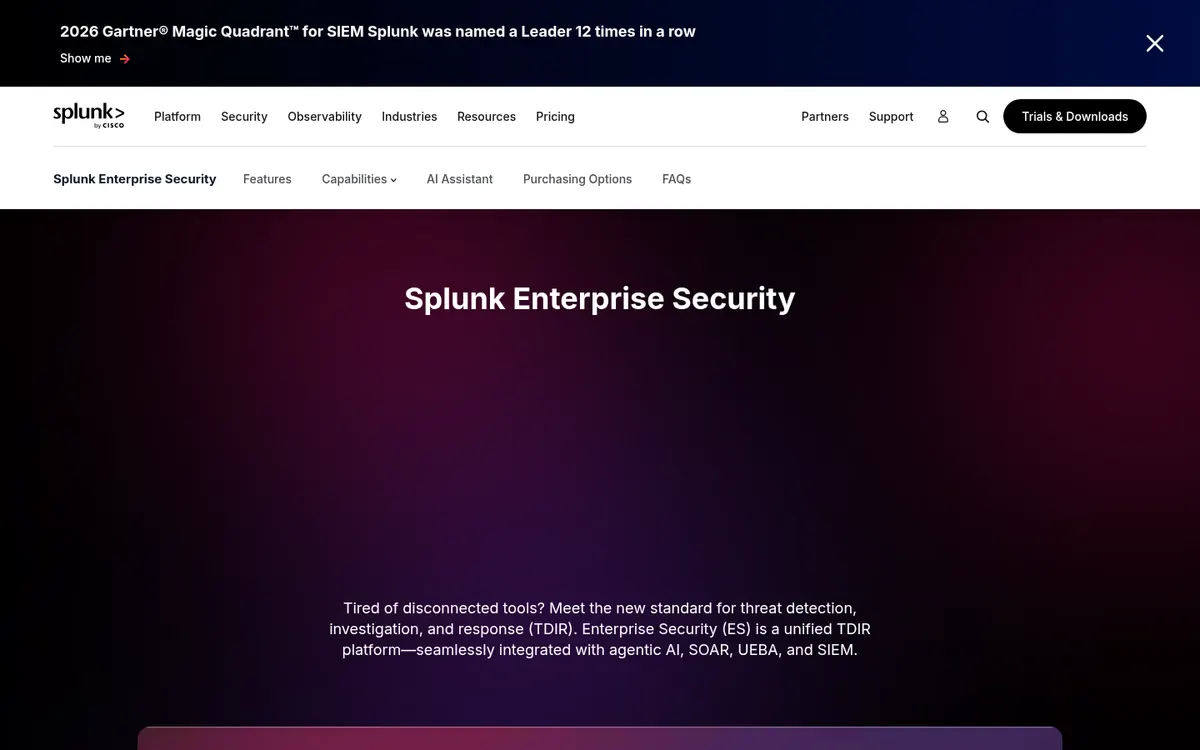
Screenshot of the Splunk Enterprise Security website
The official Splunk Enterprise Security page at splunk.com, captured by IdeaTruss on November 25, 2026.
Our verdict

Deep, flexible and expensive: the right SIEM if you already employ Splunk engineers and need custom correlation at scale.

Splunk Enterprise Security is the SIEM that security operations centers grow into. Risk-based alerting consolidates weak signals into fewer, better incidents, user behavior analytics sits inside the same platform, and SOAR capabilities are available alongside the SIEM rather than in a separate tool. You can run it as Splunk Cloud or self-managed, write custom analytics in the search processing language, and pull from a catalog of more than 1,000 apps and add-ons. The underlying data platform spans security and observability, which helps if you already pay for Splunk elsewhere in the business. Pricing is quote-only, structured across ingest, workload and activity models, and there is no published list price. Budgeting therefore needs a sales cycle rather than a calculator. Costs scale directly with data ingest, and dedicated Splunk engineering expertise is close to mandatory, both to keep search performance sane and to author the correlation logic that makes the product worth its price. User behavior analytics and SOAR are separate purchases from the SIEM. Cisco acquired Splunk in March 2024, which is worth tracking if roadmap continuity matters at your next renewal. The tooling for complex enterprise investigations is mature and the ecosystem is unusually deep, so the platform rarely loses a bake-off on capability. It loses on cost and staffing. No pricing page could be fetched for this round, so the quote-only description stands unverified. It suits large teams with existing Splunk skills and messy, heterogeneous data. Small teams without a Splunk owner should look elsewhere first, because the learning curve is paid in analyst hours.

Pros

  • Highly flexible search and correlation language
  • More than 1,000 apps and add-ons
  • Mature tooling for complex investigations

Cons

  • No published list price, so budgeting needs a sales cycle
  • Requires dedicated Splunk engineering expertise
  • User behavior analytics and SOAR cost extra

Pick it if

You already run Splunk, have engineers who write search processing language, and investigate complex multi-source incidents.

Skip it if

You have no Splunk owner on staff or need a per-GB rate you can read before contacting sales.

Google Security Operations

Included long retention
See websiteNo free planRubric 6.8
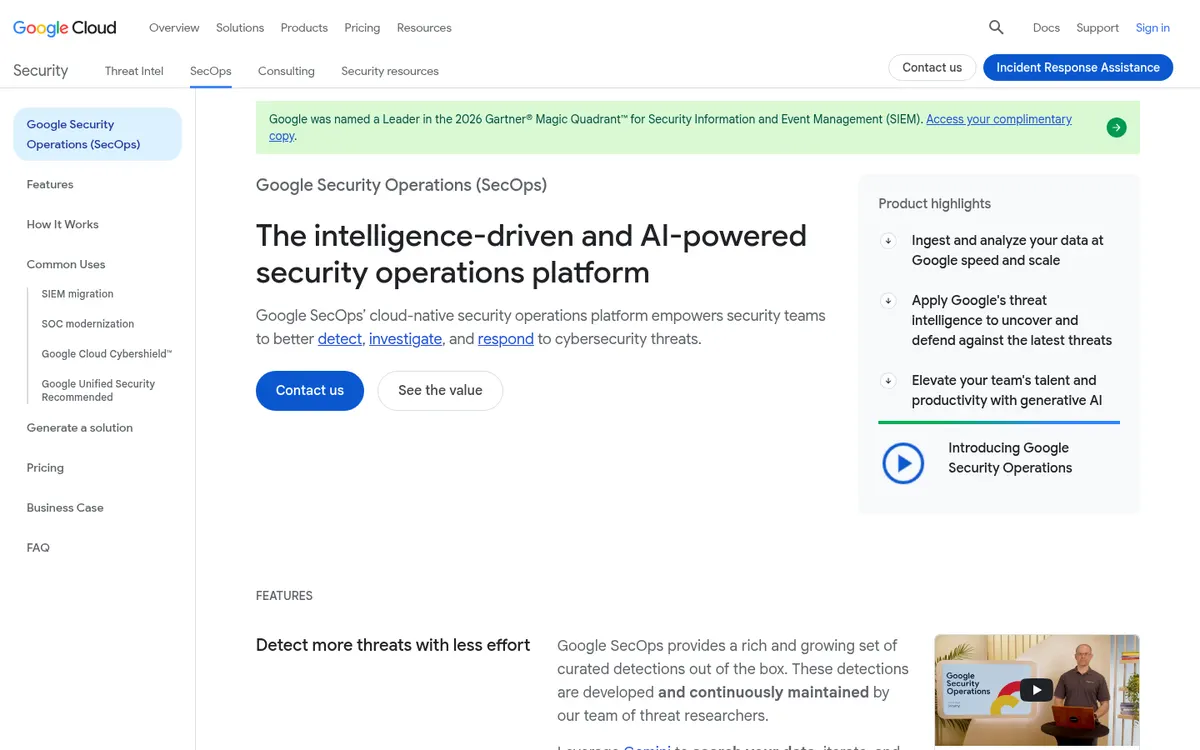
Screenshot of the Google Security Operations website
The official Google Security Operations page at cloud.google.com, captured by IdeaTruss on November 25, 2026.
Our verdict

Best for very high volume with long retention, since a full year of telemetry storage is included in the package.

Google Security Operations puts SIEM, SOAR and threat intelligence behind one interface, which reduces the number of consoles a lean team has to watch. Detections are curated and maintained by Google researchers, custom rules are written in YARA-L, and playbooks can orchestrate more than 300 tools across more than 700 log parsers. Gemini-assisted search lets analysts ask questions in natural language instead of composing query syntax, which shortens the ramp for new hires. One year of security telemetry retention is included in the package.

That retention inclusion is the commercial argument. Long-horizon storage is where per-GB SIEM bills quietly compound, so bundling a year of telemetry changes the math for teams that keep data for investigations and compliance. Pricing is package-based on ingestion across Standard, Enterprise and Enterprise Plus tiers, and all three are quote-priced. There is no public price list, and the pricing URL returned a 404 page during this round, so no figure could be read.

Two cautions. First, the tiers are not just volume bands: detection rule limits and the depth of threat intelligence differ between Standard, Enterprise and Enterprise Plus, so a cheaper quote may be a narrower product. Second, the platform was previously marketed as Chronicle, and older internal documentation and job descriptions may still use that name when your team searches for guidance.

It fits teams with very high log volume and long retention requirements. Teams with modest volume and a tight budget will usually get more from a fixed-price or open-source option, where the platform cost is visible before the first call.

Pros

  • One year of security telemetry retention included
  • Fast search across large data sets
  • Curated detections maintained by Google researchers

Cons

  • No public price list; tiers must be quoted
  • Detection rule limits and intelligence depth differ by package

Pick it if

You ingest very large volumes and need long retention without paying separately for cold storage.

Skip it if

You want a published price or your retention window is measured in weeks rather than a year.

Cortex XSIAM

Tool consolidation
See websiteNo free planRubric 6.7
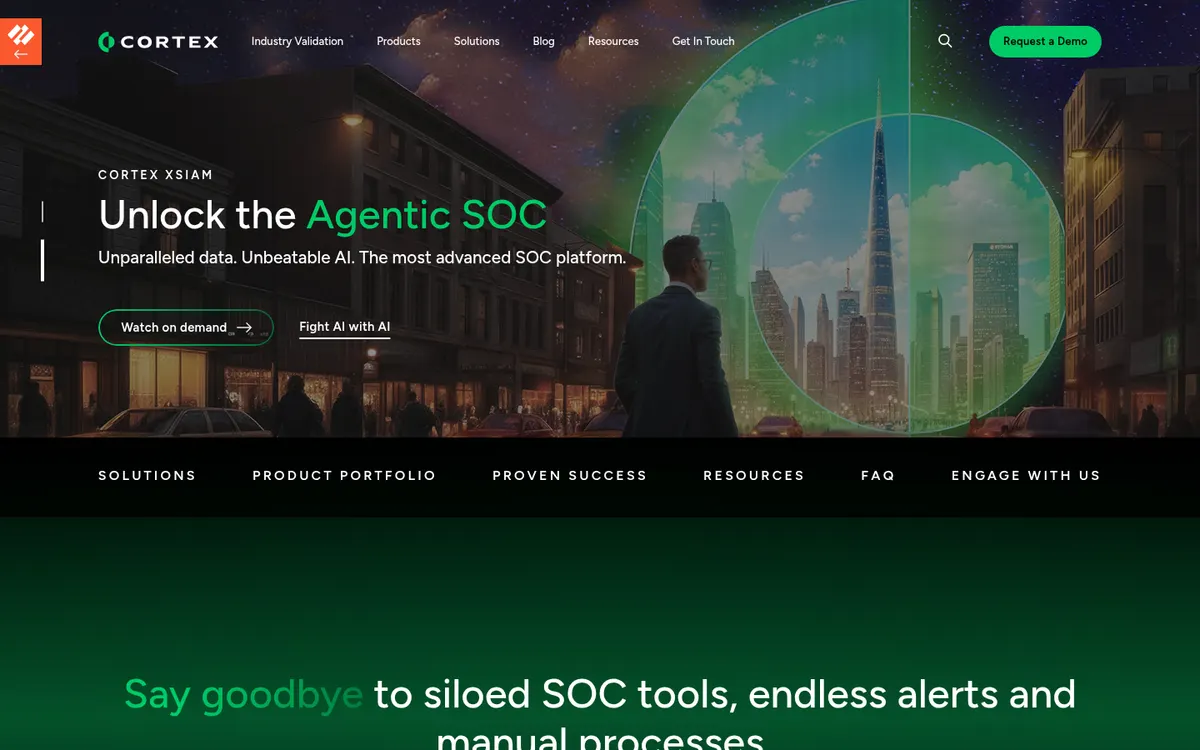
Screenshot of the Cortex XSIAM website
The official Cortex XSIAM page at paloaltonetworks.com, captured by IdeaTruss on November 25, 2026.
Our verdict

A strong consolidation play for Palo Alto Networks estates, and a weaker value if most of your telemetry comes from elsewhere.

Cortex XSIAM is a consolidation bet. SIEM, XDR and SOAR arrive as one platform with a shared data model across network, endpoint and cloud telemetry, AI-driven analytics on top, and playbook execution for response. There are more than 700 partner integrations and one console for detection and investigation, which is the point: fewer tools, fewer handoffs, fewer places for an alert to stall between teams. The value curve depends on how much Palo Alto Networks you already run. Organizations with Palo Alto firewalls and Cortex agents get tight alignment on day one. Everyone else faces more onboarding work for third-party sources, and the unified data model stops being an advantage when half your data arrives through custom parsers. Budget a real onboarding project for those feeds, with parser work and tuning, before you assume the platform's automation will cover the gap. Pricing is quote-based and replaces separate SIEM, XDR and SOAR purchases, so the comparison that matters is against your combined spend on those three, not against a standalone SIEM line item. There is no public starting figure, and no official pricing page existed to fetch for this round, so the quote-based status could not be verified. Treat vendor performance claims carefully. Palo Alto Networks states the platform scans roughly 480 billion endpoints daily and claims about a 90 percent reduction in mean time to respond across its platform; both are vendor-reported figures, not independent measurements, and should be validated in a proof of concept against your own detection and response times.

Pros

  • Tight alignment with Palo Alto firewalls and Cortex agents
  • One console replaces several security tools
  • More than 700 partner integrations

Cons

  • Value depends heavily on running the wider Palo Alto stack
  • No public starting figure for budgeting
  • Third-party source onboarding takes more work

Pick it if

You run Palo Alto Networks firewalls and Cortex agents and want to retire several consoles at once.

Skip it if

Most of your telemetry comes from non-Palo Alto sources or you need a public price to start a budget.

CrowdStrike Falcon Next-Gen SIEM

Endpoint-native telemetry
See websiteNo free planRubric 6.6
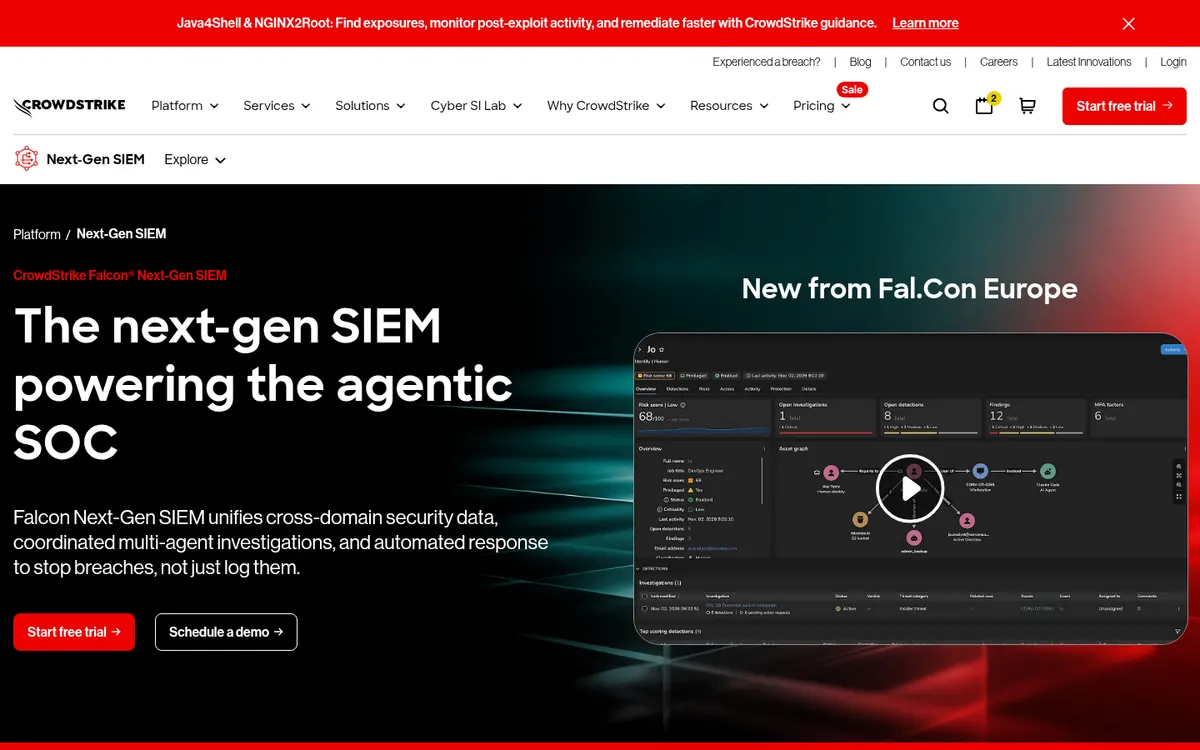
Screenshot of the CrowdStrike Falcon Next-Gen SIEM website
The official CrowdStrike Falcon Next-Gen SIEM page at crowdstrike.com, captured by IdeaTruss on November 25, 2026.
Our verdict

A sensible add-on if Falcon agents already sit on every endpoint, otherwise the endpoint-first design limits the payoff.

Falcon Next-Gen SIEM is built on telemetry the Falcon agent already collects, which is the whole pitch. Endpoint data feeds the SIEM without a separate ingestion fee, third-party logs can be onboarded alongside it, and detection, triage and response automation happen in the console your endpoint team already uses. AI-assisted detection and triage plus workflow tooling are part of the module, and the single agent means no second piece of software on the fleet. Pricing is bundle-based. The SIEM is sold as an add-on module on higher bundles, with entry bundles such as Falcon Go starting at $7.99 per device per month, while Next-Gen SIEM appears on higher bundles and Falcon Complete. That structure is friendly if you are already buying Falcon and awkward if you are not, because the SIEM line has no published standalone price. A free trial is available, which is the practical way to test log onboarding and detection quality before committing. The endpoint-first design shapes what the product optimizes for. If most of your telemetry is endpoint and identity, that is an advantage. If your investigative questions start with firewall, proxy or SaaS audit logs, you will be paying for third-party ingestion on top of a platform tuned for its own agents. The fit depends on your specific log mix, so test it in a trial. The page fetch for this round returned nothing, so the bundle pricing and add-on packaging could not be reconfirmed. Verify current bundle contents with the vendor before modeling costs. It fits existing Falcon customers extending the console into SIEM work, and it fits them well.

Pros

  • Falcon endpoint data feeds the SIEM without separate ingestion fees
  • Free trial available for evaluation
  • One agent and one console across endpoint and security data

Cons

  • Limited advantage for organizations without Falcon agents
  • SIEM pricing is not published separately from bundles
  • Endpoint-first design shapes what the product optimizes for

Pick it if

Falcon already covers your endpoints and you want SIEM work to happen in the console your team knows.

Skip it if

You run a different endpoint platform or need to price SIEM on its own before choosing a bundle.

Elastic Security

Shared search platform
See websiteFree planRubric 6.3
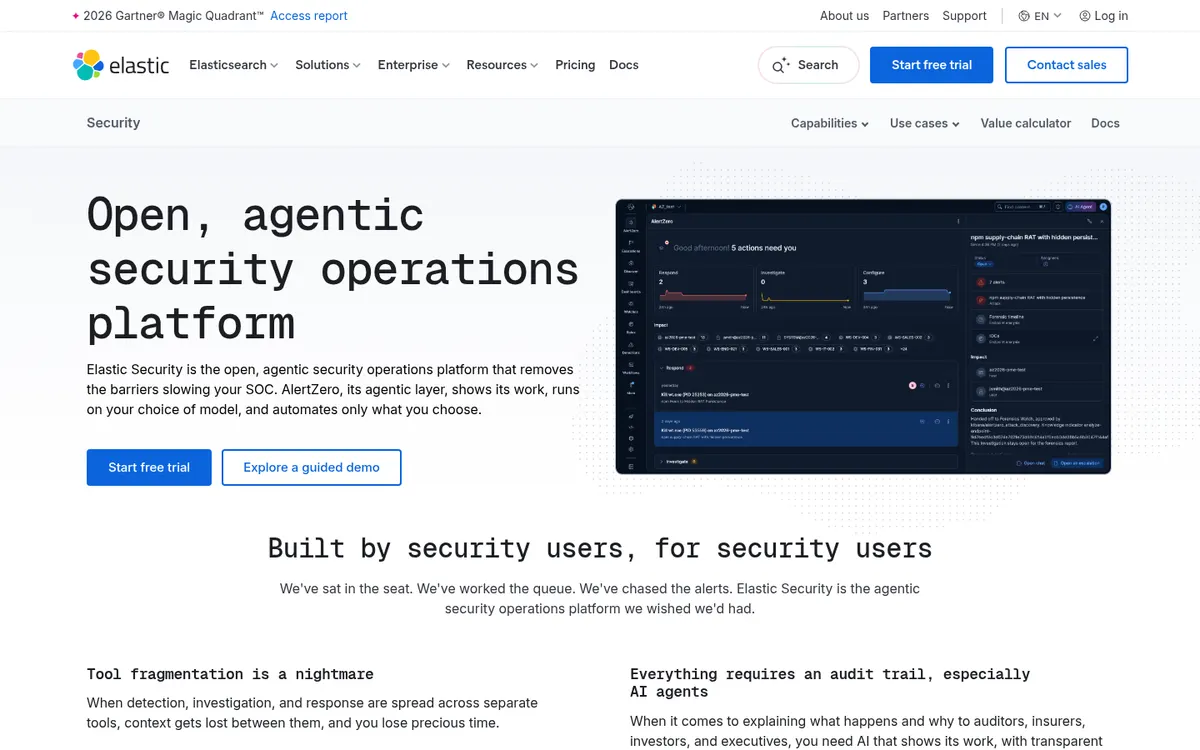
Screenshot of the Elastic Security website
The official Elastic Security page at elastic.co, captured by IdeaTruss on November 25, 2026.
Our verdict

Good value if you already run Elasticsearch clusters, costly once you count infrastructure and the engineers who tune them.

Elastic Security is a SIEM built on the Elasticsearch platform, so the question is rarely whether the search engine is capable. It is. Detection rules and prebuilt integrations ship with the product, machine learning handles anomaly detection, and the same cluster can serve search, observability and security data. Deployment options cover Elastic Cloud, self-managed clusters and serverless, and a free Basic license exists for self-hosted use. The free tier is a genuine on-ramp and also a trap for the unwary. A free license does not mean a free deployment: someone has to size shards, manage hot and warm tiers, handle upgrades and tune rules. Elasticsearch skills are common in the market, but they are not the same as detection engineering skills, and most teams need some of both on the same person. Pricing on the vendor site runs from the free Basic self-managed license to Elastic Cloud Standard from about $99 per month, with serverless ingestion from about $0.09 per GB. Those numbers look cheap against per-GB SIEM quotes until you add infrastructure and people. All-in cost at scale includes infrastructure and engineering time, which is the number to hold in your head during a renewal conversation. It fits engineering teams already running Elasticsearch who want to reuse that platform for security work. Teams without an Elastic owner should weigh the staffing cost honestly, because the cluster will not tune itself. The page fetch returned nothing for this round, so the free Basic tier could not be reverified.

Pros

  • Free self-managed Basic license lowers entry cost
  • Search performance and schema flexibility
  • One cluster can serve observability and security data

Cons

  • Cluster tuning demands specialist skills
  • Per-GB rates hide infrastructure and engineering time

Pick it if

You already run Elasticsearch and have people who can size, tune and upgrade clusters.

Skip it if

Nobody on your team owns an Elastic deployment or you need support bundled into the license price.

Wazuh

Open-source core
See websiteFree planRubric 6.8
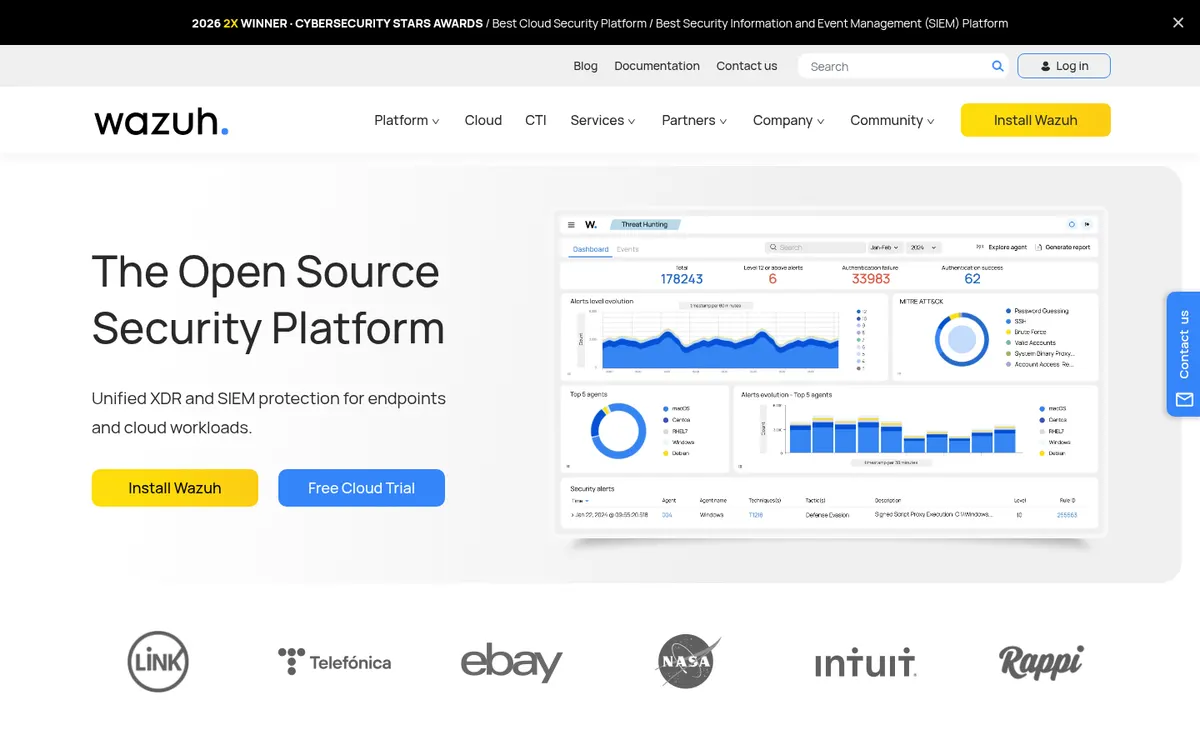
Screenshot of the Wazuh website
The official Wazuh page at wazuh.com, captured by IdeaTruss on November 25, 2026.
Our verdict

An open-source route to SIEM plus XDR, provided you have the operations staff to run and tune it.

Wazuh is the open-source route to SIEM and XDR functionality in one stack. Agents collect and analyze logs, events are correlated in real time, and active response can trigger remediation on the device itself. File integrity monitoring, configuration assessment, vulnerability detection and cloud workload and container monitoring are all part of the same deployment, which is a wide feature set for a platform with no license fee on the core. The core is open source with no endpoint cap, and a managed Wazuh Cloud service is available from about $571 per month for small deployments. A free plan and a trial both exist, so evaluation costs nothing but time. Wazuh reports more than 15 million protected endpoints, over 100,000 enterprise users and about 30 million downloads a year, which is a large enough installed base that documentation and community answers are usually findable when you hit a problem at 2 a.m. The trade is operational. Self-hosting means running the manager, indexer and dashboard, sizing storage, tuning rules and handling upgrades, and the effort is ongoing rather than a one-time install. Commercial support is a separate purchase. It fits budget-conscious teams with in-house operations skills and a mandate to control cost. Teams without a platform engineer on call should price the cloud option and the support contract together before assuming the free core is the whole answer. The page fetch for this round returned nothing, so the free open-source core could not be reverified.

Pros

  • No license cost for the core platform
  • SIEM and XDR functionality in one stack
  • No endpoint cap on the open-source core

Cons

  • Self-hosting requires ongoing operational effort
  • Commercial support is a separate purchase

Pick it if

You have operations staff who enjoy running infrastructure and want SIEM coverage without a per-GB contract.

Skip it if

Nobody on your team can own a Linux deployment or you need vendor support included by default.

Graylog

Predictable pricing
FreeFree planRubric 6.5
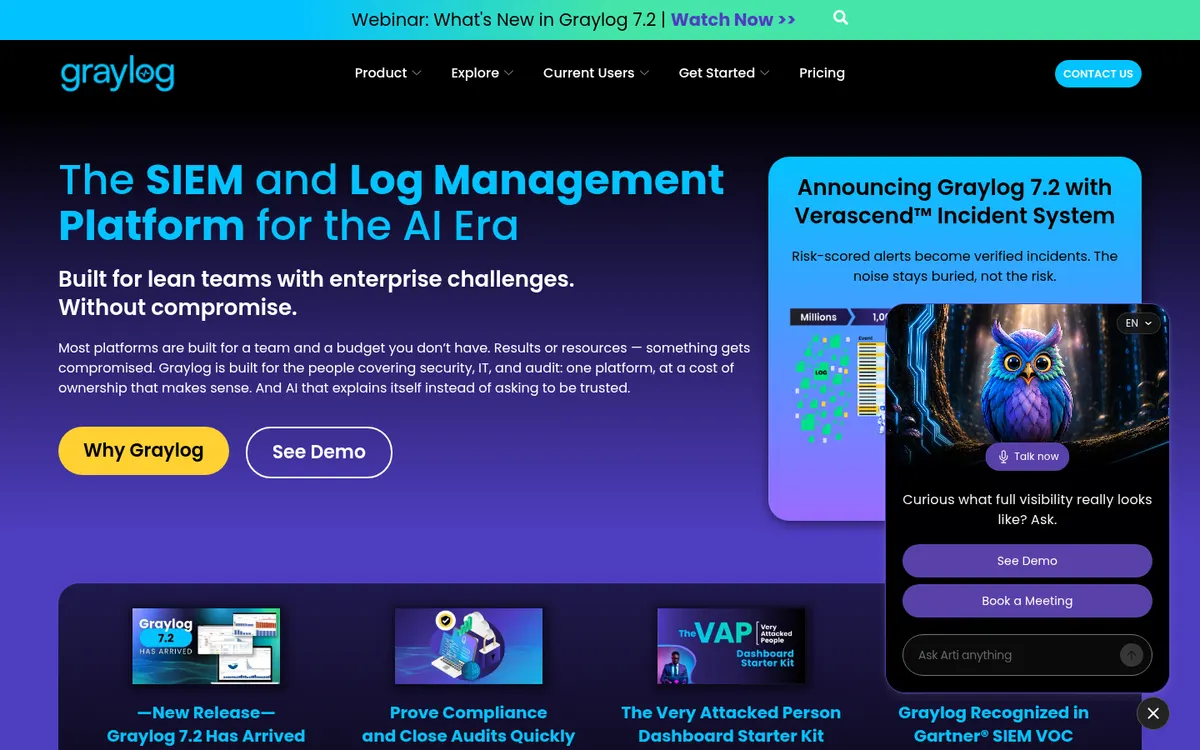
Screenshot of the Graylog website
The official Graylog page at graylog.org, captured by IdeaTruss on November 25, 2026.
Our verdict

Predictable fixed-style pricing and quick triage make this the mid-market pick, if a smaller integration catalog is acceptable.

Graylog bundles security monitoring and enterprise log management in one product, and the design choices favor triage speed over catalog breadth. Alerts are risk-scored and grouped into verified incidents, investigations assemble automatically from related events, a prebuilt detection content library covers common cases, and AI explanations cite the evidence behind a finding rather than asserting a conclusion. Air-gapped deployment is supported, which matters in regulated and industrial environments where outbound traffic is not an option. Graylog Open is free forever, source-available under SSPL, with no volume restrictions. That is the starting price on the vendor site: Free. Paid Enterprise editions start at $15,000 per year, which works out to about $1,250 per month, and the security tier is priced higher than that. Cloud Operations is quoted near $1,250 per month at 10 GB per day. The practical effect is fixed-style pricing you can forecast, which is rare in this category and useful for mid-market teams that cannot absorb a surprise ingestion bill in a quarter. Expect a smaller app and integration ecosystem than Splunk, Elastic or the hyperscaler platforms offer. That shows up when you need a connector for an unusual source or a niche detection pack, and it is the honest limit of the product. Graylog is aimed at mid-market teams that want predictable costs and fast triage. It fits mid-market teams wanting predictable costs and fast triage without a platform engineering team. The open edition is still free and paid editions start at $15,000 per year, about $1,250 per month.

Pros

  • Graylog Open is free with no volume limits
  • Fixed-style pricing avoids per-GB surprises
  • Explainable alerting speeds triage for small teams

Cons

  • Security tier pricing is quoted rather than listed
  • Smaller app and integration ecosystem than larger platforms

Pick it if

You are a mid-market team that needs a forecastable SIEM budget and fast incident triage.

Skip it if

You depend on a long tail of niche integrations or need the deepest possible detection content library.

What does SIEM software actually do for a security team?

A security information and event management platform does three jobs in a loop: it collects logs and telemetry, it correlates them into a small number of things worth investigating, and it gives an analyst somewhere to investigate and respond. Plain log management stops after the first job. You get storage, search and maybe some dashboards, but no detection logic, no incident workflow and no response path.

That third job is where SIEM products now compete. Most of the platforms here bundle SOAR (security orchestration, automation and response), case management and some form of user and entity behavior analytics. The old pattern of buying a SIEM and then buying automation separately is fading, though not everywhere: Splunk still sells user behavior analytics and SOAR as separate purchases, and CrowdStrike packages its SIEM as an add-on to endpoint bundles.

What separates one platform from another comes down to four things:

  • Where the data already lives (Microsoft 365 and Azure tenants, Falcon agents, Palo Alto firewalls, Elasticsearch clusters)
  • Whether detection content is written for you or by you
  • How long telemetry stays hot and searchable
  • How the vendor charges for the volume you generate

The last one deserves emphasis because it is where budgets break. A SIEM is not priced like a seat-based SaaS tool. It is priced against the data you send it, and security data grows faster than headcount. A team of six can produce more ingest than a team of sixty if the six run verbose firewall logging and the sixty do not.

Practically, a SIEM is a shared workspace for detection engineers, tier-one analysts and incident responders. Success depends less on the feature matrix than on whether your team can keep detection content current and the triage queue short. That is why the same platform can be excellent at one company and an unused renewal at another with the same headcount and the same budget.

This comparison sits on the Software desk. Readers comparing neighbouring stacks often check our guides to demand forecasting software and glp 1 companies next.

How SIEM pricing works, and why your ingest number decides the bill

SIEM pricing is a data volume contract more than a software license, and the model you choose decides how much of your budget is predictable.

Model How it bills Typical fit Example from this list
Per GB consumption Charged for data ingested, stored and analyzed each month, with commitment tiers lowering the rate Cloud-first teams whose volume moves with product growth Microsoft Sentinel
Quote-only packages Vendor prices ingest tiers and feature levels after a scoping call Enterprises that can produce 30 days of volume data Splunk Enterprise Security, Google Security Operations, Cortex XSIAM
Bundle add-on SIEM attached to a platform subscription priced per device Teams already standardized on the endpoint platform CrowdStrike Falcon Next-Gen SIEM, with Falcon Go bundles from $7.99 per device per month
Open source plus paid editions Core platform free, with paid support, cloud hosting or enterprise features sold separately Budget teams with operations skills in house Wazuh, Elastic Security (free Basic license), Graylog (Open free, Enterprise from $15,000 per year)

Every price above was checked on the vendor's own pricing page on November 25, 2026. Where a vendor does not publish a figure we write "See website" instead of guessing. To compare annual and monthly billing quickly, try the free percentage calculator.

Which SIEM fits your team? A six-step decision path

  1. Measure before you shop. Export 30 days of log volume from firewalls, DNS, proxies, cloud audit trails and endpoints. Note how long you must retain it. Every quote gets anchored to those two numbers, and vendors will otherwise anchor you to theirs.
  2. Inventory the platforms you already pay for. List which endpoint, identity, cloud and network tools you run. Sentinel, Cortex XSIAM and Falcon Next-Gen SIEM deliver the most value when your existing telemetry already lives inside them.
  3. Decide whether you need bundled automation. If nobody on your team will maintain playbooks and detection rules, buy a platform where SOAR and behavior analytics are included rather than separate purchases you will defer forever.
  4. Test detection content against your own logs. Ask for a proof of concept with your data and count how many alerts you would actually investigate. Curated content from Google or CrowdStrike reduces authoring work, while Splunk assumes you will write your own.
  5. Model the all-in number. Add license or consumption cost, infrastructure and a realistic slice of engineer time. A free tier with heavy tuning has a real cost even when the invoice reads zero, and so does a low per-GB rate that needs two specialists.
  6. Budget the cutover. Parallel running, parser work, runbook rewrites and training land in the same quarter. Microsoft's move of Sentinel out of the Azure portal after 31 March 2027 is a reminder that portal transitions consume analyst time too.

Five SIEM buying mistakes that show up on the first invoice

  • Buying on the per-GB sticker price. The cheapest rate per gigabyte rarely wins once retention, storage and analyst time are counted. Model the full year at your measured volume, not the demo volume the vendor quotes.
  • Skipping the 30-day volume measurement. Teams that guess at ingest usually guess low, then discover the firewall and DNS feeds in month two. Pull real numbers first, because every negotiation depends on them.
  • Assuming the free tier includes the team. Open-source cores from Wazuh, Elastic and Graylog cost nothing to license and plenty to operate. Count the salary hours before declaring a free platform cheaper.
  • Ignoring retention in the comparison. One year of included telemetry changes a total cost materially. Compare storage windows side by side, or you are comparing two different products with the same label.
  • Choosing a platform your analysts cannot run. Detection content only pays off when someone keeps it current. A deep platform nobody tunes is worse than a simpler one your team actually operates daily.

Frequently asked questions

What does a SIEM do that plain log management does not?

A SIEM correlates events into detections and gives analysts a workflow to investigate and respond, while log management stops at storage and search. The difference is the loop: collection, correlation, response. Most platforms here also bundle case management and SOAR automation, leaving plain log management tools to handle compliance archives and ad hoc search.

Which SIEM options are free or open source?

Graylog Open is free forever under SSPL with no volume restrictions, Wazuh's core is open source with no endpoint cap, and Elastic Security offers a free Basic self-managed license. Wazuh Cloud starts around $571 per month for small deployments and paid Graylog editions start at $15,000 per year. The free tiers are real, but they shift cost into engineering time.

Which SIEM is best for Microsoft-centric organizations?

Microsoft Sentinel, because identity, email, endpoint and Azure logs arrive natively and the incident view is shared with Defender. SOAR, behavior analytics and case management are included rather than sold separately. Watch the consumption bill on firewall and network logs, and plan for the move out of the Azure portal after 31 March 2027.

Which platforms bundle SOAR and behavior analytics?

Microsoft Sentinel, Google Security Operations and Cortex XSIAM bundle automation and analytics into the platform price. Elastic Security and Graylog include detection and investigation features. Splunk sells user behavior analytics and SOAR as separate purchases from the SIEM, and CrowdStrike positions its SIEM as an add-on module on endpoint bundles.

How do I measure 30-day ingest and retention before signing?

Export event volume per source for 30 days, in GB per day, from firewalls, DNS, proxies, cloud audit logs and endpoints. Multiply by your retention window and add room for growth. Separate hot search from cold storage if the vendor prices them differently, then ask each vendor to quote that exact profile in writing.

Why do firewall, DNS and cloud audit logs dominate SIEM cost?

They are verbose. A firewall logs every connection, DNS logs every lookup and cloud audit trails log every API call, so volume grows with traffic rather than with incidents. Security value per gigabyte is lower than identity or endpoint telemetry, which is why ingest bills surprise teams that forward everything. Filter at the source before negotiating a per-GB rate.

Side-by-side

Still choosing a tool?

Browse every comparison on the Software desk, with the same rubric and dated prices.

Open the Software desk