Ranked #1
Zapier
Widest app catalog
$19.99Professional, per month, starting, monthly or annual billing toggle
- Best for
- Teams wanting the widest app catalog and a fast first automation
- Free plan
- Yes (100 tasks per month)
- Rubric
- 7.3 / 10
Ten automation platforms ranked by how well they handle real ops work in 2026, from task-based Zaps to self-hosted agents with approval gates.
 Prices checked November 25, 2026

As of November 2026, the best AI tools for business automation depend on who is building. Zapier wins for teams that need 7,000+ apps connected fast by nontechnical staff, starting at $19.99 per month. Make wins when flows branch heavily and you want canvas logic without enterprise pricing. n8n wins for technical teams building AI agents or self-hosting, at $20 per month billed annually or free on the Community Edition. The other seven cover code-first APIs, browser scraping, agent platforms and Microsoft-native governance.
Widest app catalog
$19.99Professional, per month, starting, monthly or annual billing toggle

Visual branching canvas
See website

Self-hosted AI agents
$20Starter, per month, billed annually, 2.5k workflow executions
Disclosure for this page: All 10 tools here are unpaid editorial picks. The position of a paid listing can be part of what the vendor pays for. How we handle paid listings.
| Tool | Best for | Free plan | Actions | |||
|---|---|---|---|---|---|---|
| 1 | Zapier | Teams wanting the widest app catalog and a fast first automation | $19.99Professional, per month, starting, monthly or annual billing toggle | Yes | ||
| 2 | Make | Complex branching flows without enterprise pricing | See website | Yes | ||
| 3 | n8n | Technical teams building AI agents or self-hosting | $20Starter, per month, billed annually, 2.5k workflow executions | Yes | ||
| 4 |  Pipedream | Developers wiring APIs together with real code | $99Startup, per month, billed annually, 10,000 usage credits, 100 users included | Yes | ||
| 5 |  Bardeen | Sales teams scraping and enriching lead data in the browser | $10Basic, billed monthly, 100 credits per month | Yes | ||
| 6 | Gumloop | Ops teams that want AI workflows and agents in one builder | $37Pro, per month, 20k included credits, unlimited seats | Yes | ||
| 7 |  Lindy | Delegating inbox, scheduling and meeting follow-up to an AI teammate | $29.99Team, per month, billed per active user, 3,000 credits | Yes | ||
| 8 |  Microsoft Power Automate | Organizations standardized on Microsoft 365 | $15.00Premium, per user per month, paid yearly | No | ||
| 9 |  Activepieces | Open-source automation with a friendlier builder than n8n | $20Plus, flat per month, 10,000 credits, up to 5 users | Yes | ||
| 10 |  Relevance AI | No-code AI workers with defined roles and escalation rules | See websitecustom quote | No |
I scored every tool on the same five criteria and weighted them by what decides a purchase, not by what is easy to count. App coverage carries 25 percent because the connector library is usually the first thing that disqualifies a platform. Flow complexity carries another 25 percent, covering branching, error handling and whether long multi-step automations stay readable. Pricing fit at 20 percent looks at how the meter matches the work: per-task, per-run, compute time, credits or seats. AI agent depth at 20 percent covers model nodes, agent actions, knowledge bases, MCP support and escalation. Low ops burden at 10 percent asks how much setup, patching and uptime work lands on your team.
Prices, plan names, task and credit allowances and free-plan limits come from vendor pricing pages checked on 2026-11-25. Where a vendor page returned no plan cards, I say so in the review and cite the plan detail I have on file rather than inventing a number. Where a starting price is listed as See website, the review says pricing is on the vendor site and no figure is guessed.
IdeaTruss sells a Featured position at the top of comparison pages. This list carries no Featured entry. When a vendor does buy that position, the placement is labeled, and the tool is scored against the same five criteria and carries the same kind of honest cons.
The order of this list is editorial. It reflects which tool fits the buyer described in each entry, plus any disclosed Featured position, not a weighted total of the scores. Two tools can score similarly and sit far apart because they suit different teams.
The full process, including how we handle corrections, is on the methodology page. Paid listings follow our advertising disclosure.
| Criterion | Weight | What we check |
|---|---|---|
| App coverage | 25% | How many of your actual apps connect natively, and how far the catalog reaches beyond the common SaaS stack. |
| Flow complexity | 25% | Whether branching, parallel routes and error handling are native or something you bolt on with extra steps. |
| Pricing fit | 20% | How closely the billing unit matches your workflow shape, whether that is tasks, runs, compute seconds or credits. |
| AI agent depth | 20% | Model nodes, autonomous agents, knowledge bases, MCP support and confidence-based escalation out of the box. |
| Low ops burden | 10% | How much setup, patching, backup and uptime work the tool leaves with your team. |
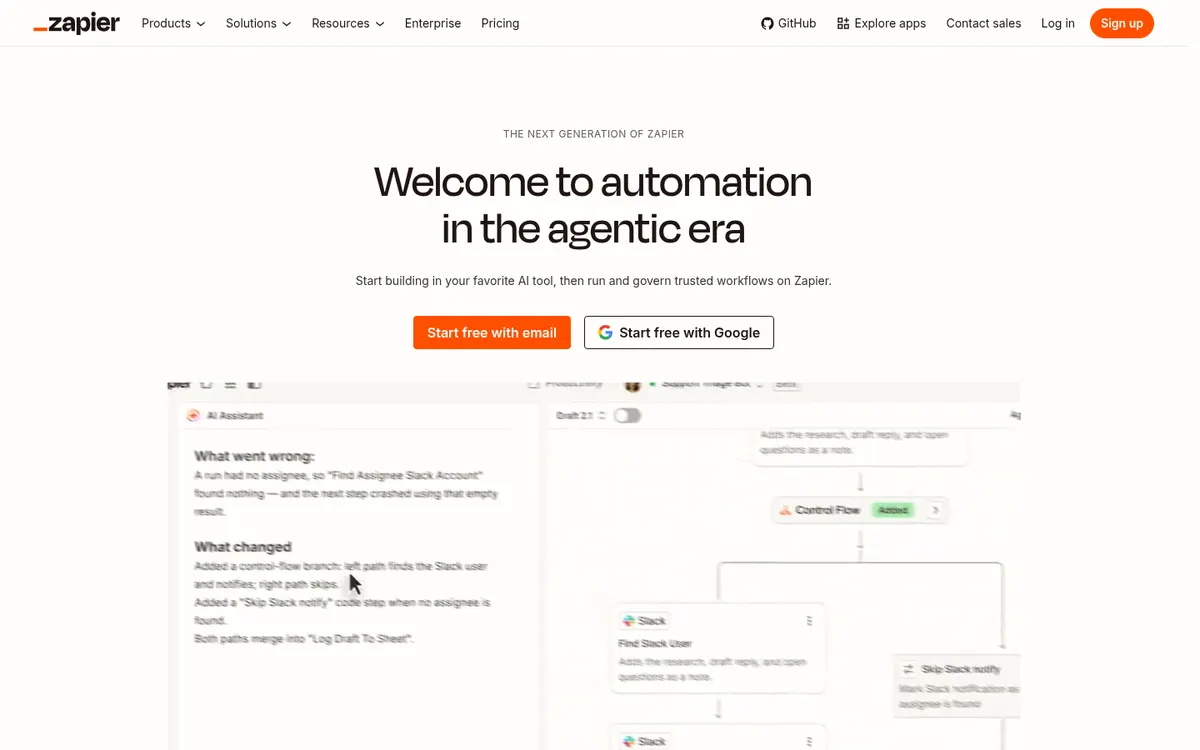
The widest integration catalog here, and the fastest path from an idea to a working automation for a nontechnical team.
Zapier is the tool most teams reach for when nobody on staff wants to read documentation first. The catalog covers 7,000+ apps, and the natural-language builder drafts workflow steps from a plain description, so a first automation can be live in minutes rather than after a scoping meeting. Multi-step Zaps add filters, formatting and branching, and AI steps and agent actions run in the same flow as ordinary app actions, so a model call can sit between a form submission and a CRM record without a second tool.
Pricing starts at $19.99 per month on the Professional plan, with a monthly or annual billing toggle, and the free plan covers 100 tasks per month. Read the task meter before you commit. Every completed action step counts, so a five-step workflow run 1,000 times consumes 5,000 tasks. Starter includes 750 tasks per month, which is generous for simple two-step Zaps and thin for anything with a loop in it. Budget by step count, not by workflow count.
Branching is the real limit. Zapier supports paths and filters, but canvas-based builders show the whole route at once, and parallel or deeply conditional logic is easier to reason about there. There is also no self-hosting option, so teams that need data to stay inside their own network should look at n8n or Activepieces instead. Shared workspaces and team permissions are solid, which matters more than it sounds once two or three people own the same flows.
Pick Zapier when app coverage matters more than flow complexity and the people building automations are not engineers. It is the safest first purchase in this category: quick to prove, easy to hand over, and predictable on price as long as your workflows stay short.
You need many apps connected fast, the people building are not engineers, and most flows stay under about five steps.
Your automations branch heavily or your task volume would make per-step billing painful.
Canvas routing and a strong price-to-power ratio make it the pick for branching flows, if your team will climb the learning curve.
Make shows the automation as a canvas, with modules as nodes and lines between them carrying data. That single design choice explains most of its appeal: routers split a scenario by condition, iterators chew through arrays, and error handling paths hang off each route so a failure in one branch does not kill the whole run. Scheduled and instant triggers are both available, and API access sits on the Core plan. The trade is a learning curve. Linear builders ask what should happen next; Make asks you to think about data structure and route order, and the first hour in the editor feels busier than Zapier's. Teams that get past it usually stop going back, because branching and parallel routes are native rather than bolted on. The app library is smaller than the largest catalog in this comparison, though it covers the common SaaS stack without trouble. There is no self-hosting option. Pricing is quoted on the vendor site, and the page checked on 2026-11-25 returned FAQ copy with no plan cards or prices. Our plan detail puts Core at $9 per month for 10,000 credits, where one credit equals one module execution, after paid tiers were reduced by roughly 25 percent. The trigger step does not consume credits, which matters more than it sounds over a year of polling. The free plan gives 1,000 credits per month, enough to test a real scenario before paying. One operational detail catches people: the free tier enforces a 15-minute minimum interval between runs, so it is fine for testing and wrong for anything time-sensitive. Make fits operations teams that want serious flow logic without enterprise pricing, and operators who are comfortable treating an automation as a small data pipeline rather than a list of if-this-then-that rules.
Your flows branch, loop and need error paths, and someone on the team enjoys mapping data between modules.
The builder needs to be learnable in an afternoon by a busy admin with no data background.
The best option for technical teams that want AI agents, per-run billing and a free self-hosted edition with no execution cap.
n8n is built for people who are comfortable with nodes, JSON and the occasional line of JavaScript. The editor handles long multi-step flows without collapsing into spaghetti, code steps and custom HTTP requests let you escape the connector library when it runs out, and 70+ AI and LLM nodes cover the model work. Billing is per execution regardless of how many nodes a run touches, so a 40-node flow costs the same as a two-node one.
Cloud Starter is $20 per month billed annually for 2,500 workflow executions, and a free trial is available with no credit card required. The Community Edition is free and self-hosted with no execution cap, and it typically runs on a server costing roughly $5 to $10 per month. That combination is why agencies and internal platform teams like it: the software cost is near zero and the ceiling is your own infrastructure.
The catch is that self-hosting hands you updates, backups, uptime and security patching. A solo operator can run it on a small server; a regulated business needs someone on call. The native integration catalog is also smaller than the hosted leaders, so more work lands in generic HTTP nodes than nontechnical teams expect. Users without a technical background hit a wall quickly, and the first agent build usually takes a day of reading rather than an afternoon.
Pick n8n when you are building AI agents with real tool calling, or when data cannot leave your own network. It rewards engineering time and punishes improvisation, which is a fair trade for the teams it suits.
You have engineering capacity, want agents with tool calling, or need the workflow runtime to sit on your own servers.
Nobody on the team wants to own a server, patch releases and debug JSON payloads.
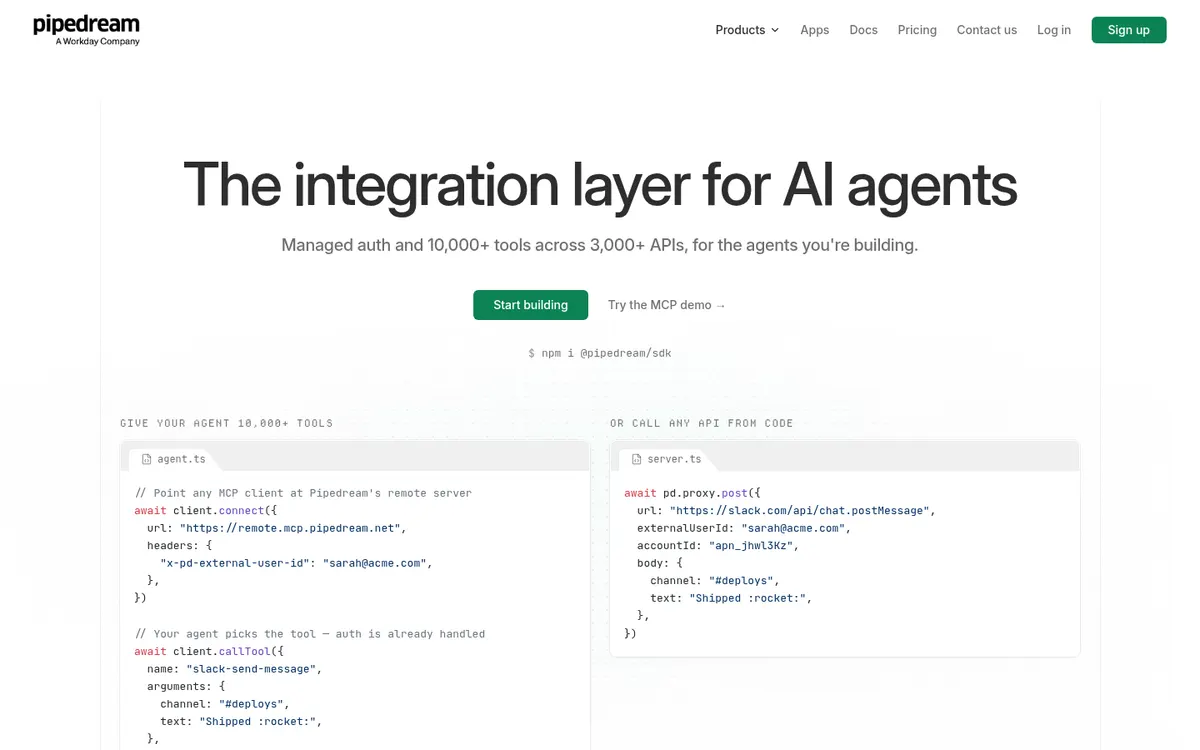
A developer's automation platform where every step is real code, priced by compute time rather than by workflow step.
Pipedream assumes you can write code and gets out of the way. Every step accepts Node.js, Python, Go or Bash, managed OAuth handles authentication for thousands of APIs, and cron or event-driven triggers start a workflow without a separate scheduler. Error handling and alerting steps are built in, and HTTP and webhook sources mean an inbound request can be the starting point of a flow.
The pricing model is compute time: one credit per 30 seconds of runtime at 256 MB. That is cheap for workflows that fire a short sequence of API calls and exit, and expensive for workflows that sit waiting on something. The first paid tier now lists at $99 per month billed annually on Startup, which includes 10,000 usage credits and 100 users. A Basic plan at $29 per month billed annually with 2,000 credits, 10 active workflows and 5 connected accounts still appears in plan detail.
Those caps are the constraint on cheaper tiers. Ten active workflows and five connected accounts is fine for a prototype and tight for a team running a dozen integrations. Control-flow operators require the Advanced tier, so branching logic sits behind another step up. The free plan is development only, with 3 active workflows and 3 connected accounts, and there is no trial to extend the evaluation.
This is not a tool for nontechnical staff and it does not pretend to be. It fits engineering teams who want to glue APIs together with real code, debug against logs they can actually read, and avoid maintaining their own runner. If your team already writes JavaScript for a living, the mental model takes minutes rather than days.
Your builders are developers who want to write real code and pay for compute rather than for steps.
The people maintaining automations are in operations and do not write code.
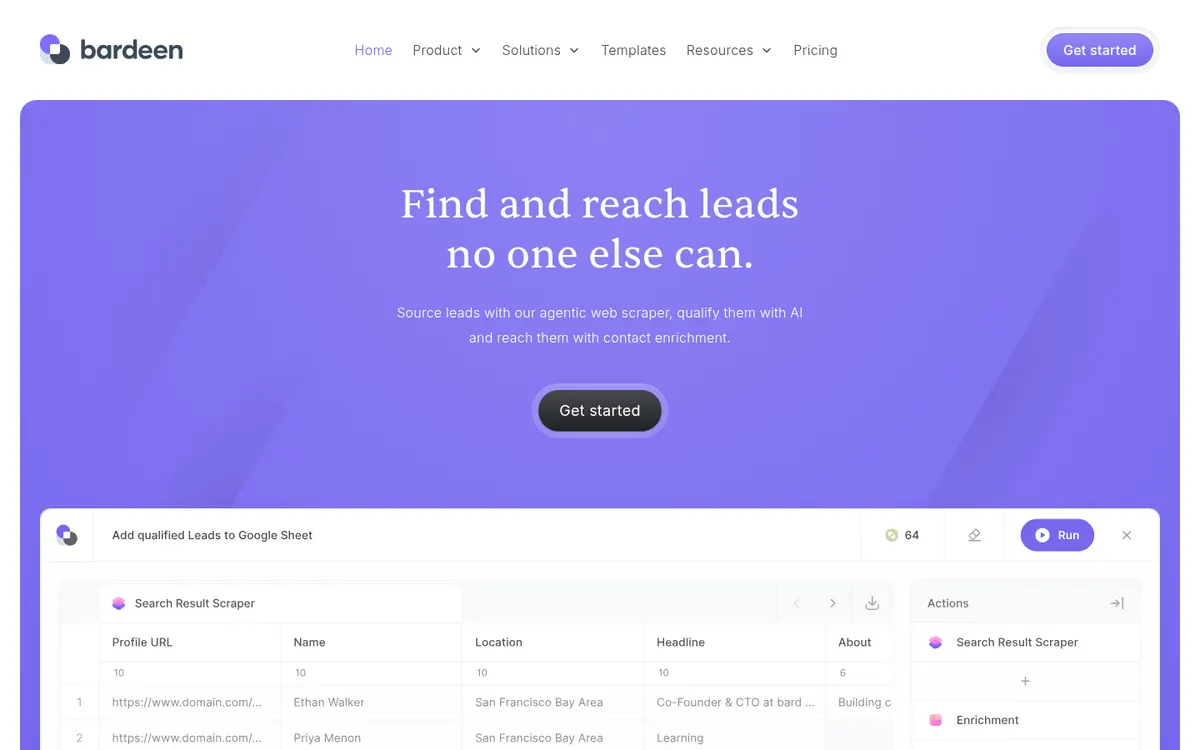
A browser-native agent for scraping and enriching lead data, with credit multipliers that punish large list builds.
Bardeen works inside browser tabs rather than in the cloud, and that changes what it can reach. It scrapes search results and page content, pulls contact details from the web, and pushes the results to sheets and other tools. For sales teams assembling target lists, that covers work cloud automation cannot touch, because the data only exists after a page renders.
Setup is plain language: describe the agent's job and it assembles the steps. The built-in scrapers and enrichment actions are the strongest part of the product and the main reason to consider it ahead of a general automation platform. Credit metering is simple to understand and easy to underestimate.
Basic is $10 per month billed monthly with 100 credits per month, and there is a free plan with 100 credits for testing. The detail that catches people is the multiplier: enrichment actions cost three credits per row against one credit for standard actions, so a 500-row list build burns 1,500 credits. Unused credits expire at the end of each month, so a quiet month cannot fund a busy one. High-volume list work needs a credit budget before the first campaign, not after.
Scope is narrow by design. Bardeen is not the tool for app-to-app sync, order processing or anything that must run unattended on a server, and it will not replace a general automation platform. It fits go-to-market teams doing lead scraping, enrichment and handoff to a CRM, priced so a single salesperson can try it without a procurement cycle.
Your sales or research team builds lists from web pages and wants enrichment without a data vendor contract.
You need unattended server-side automation or your list volumes run into the thousands each month.
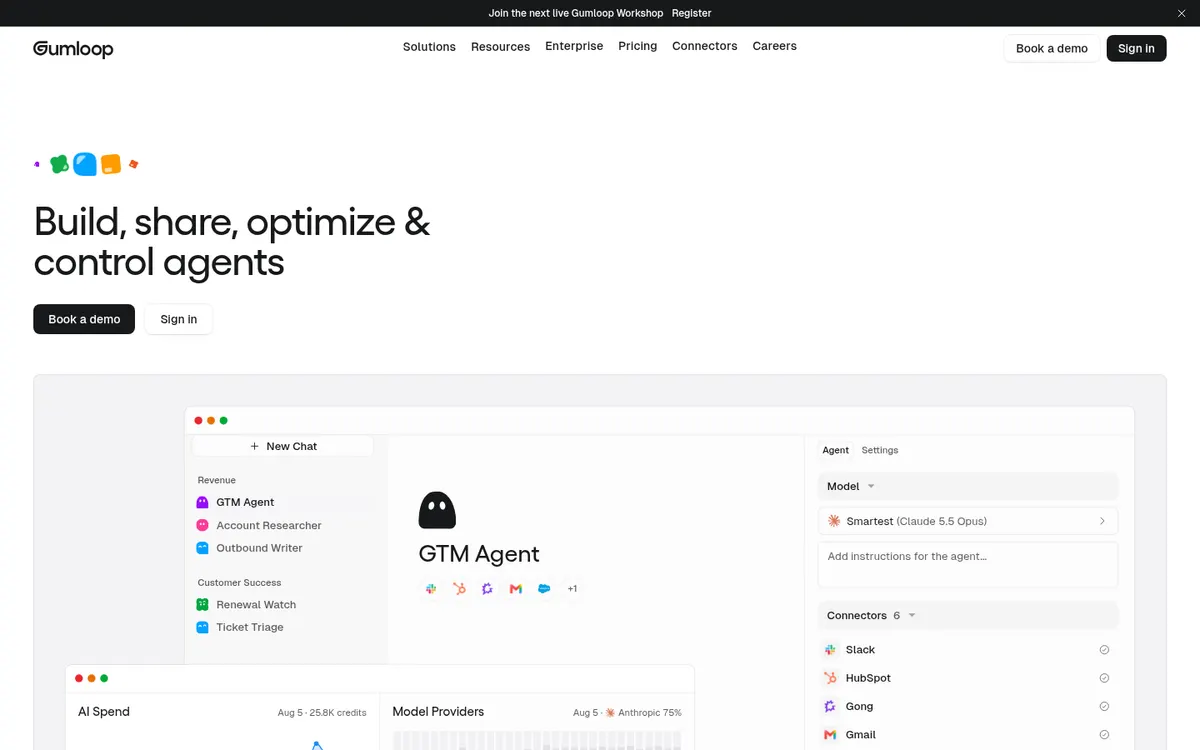
Workflows and autonomous agents in one builder, with models included and credit costs that climb on advanced AI calls.
Gumloop puts deterministic workflows and autonomous agents in the same builder. A flow can run fixed steps where you need the same output every time, then hand a segment to an agent that decides how to proceed. Premium language models are included without your own API keys, MCP connectivity reaches tools that have no native connector, and a natural-language builder assembles a first version of a flow. Deployment to Slack and other destinations is built in.
The entry paid tier, now named Pro, lists at $37 per month with 20,000 included credits and unlimited seats. The free plan gives 2,000 credits per month, enough to test a real workflow rather than a toy one. Team collaboration starts at $244 per month, which is a steep jump for a small operations team that only needs shared ownership of a few flows.
Credit math decides the bill. Standard AI calls consume 2 credits and advanced model calls consume 20, so a flow that runs a reasoning model across 1,000 items eats 20,000 credits in a single pass. Budget by token-heavy step count rather than by workflow count, and test the advanced model on ten rows before you point it at ten thousand. The platform is young and the editor still produces occasional UI quirks.
It fits operations teams that want agents but do not want to hand an entire process to one. Keeping the deterministic parts fixed and the agentic parts bounded is the sane pattern here, and Gumloop is built to support exactly that split.
You want agents inside controlled workflows and you would rather not manage model API keys yourself.
Your flows are mostly advanced model calls across large datasets, where the credit meter will bite.
An AI teammate for inbox and scheduling work, with approvals built in and no permanent free tier to test on.
Lindy sells an AI teammate rather than a workflow editor. You delegate inside Slack threads, and the product handles inbox triage, scheduling and meeting prep with 1,000+ integrations behind it. Permissions are split into read and write, and write actions pass through built-in approvals, so a drafted email or a calendar change can require a human yes before it happens. That approvals layer is the strongest argument. With other agent platforms you often build a confirmation step yourself, which is where governance projects stall. Credits are pooled across the whole workspace, so a heavy user in sales does not need a separate allowance from a light user in support, and the split between read and write permissions is enforced by the product rather than by a prompt. The entry paid tier, now called Team, is $29.99 per month per active user with 3,000 credits. Pro runs $99.99 per user per month with 15,000 credits and Max $199.99 with 35,000. There is no permanent free tier: new users get $50 in free credits over 7 days, which functions as a trial under another name, alongside a 7-day free trial. Support is self-serve below Enterprise. Predicting spend is the hard part. Everyday requests use 2 to 250 credits and large builds can reach 2,500, so one ambitious agent can reshape a month's bill. Start with narrow roles (triage, scheduling, follow-up) and measure before widening scope. It fits teams that want delegation with a paper trail, not teams that want a flow diagram.
You want an agent handling inbox and calendar work and you need human approval before anything sends.
You need a standing free plan for testing or your processes are structured rather than conversational.
The right automation layer if you already run Microsoft 365, and an expensive misfit if you do not.
Power Automate is the automation layer inside Microsoft 365. Flows live in your tenant and honor data loss prevention policies, connectors to SharePoint, Outlook, Teams and Dynamics are native, and attended desktop RPA runs on Windows, so a legacy desktop application can be part of a flow. For an organization already governed through Microsoft, that removes a stack of integration and compliance work.
Premium is $15.00 per user per month, paid yearly, and adds premium connectors, attended desktop RPA, 5,000 AI Builder credits and process mining. There is no free plan, only a 30-day free trial. Unattended bots need a separate Process license at $150 per bot per month, or $215 for hosted bots, and that is where budgets surprise people: bot licenses are per bot, not per user, so a finance team running three unattended jobs pays three times.
Licensing is a spreadsheet exercise across user and bot tiers, and the flow designer has a steeper learning curve than the marketing suggests. Outside the Microsoft ecosystem the value drops sharply, because you are paying premium connector rates to reach apps that other platforms connect on a cheap plan. Teams on Google Workspace usually regret the purchase within a quarter.
It fits enterprises where IT already controls the tenant and wants automation inside the same audit boundary as email and documents. The governance is the product here, not the editor, and that is a legitimate reason to pay more per user than the alternatives.
Your organization already runs Microsoft 365 and IT wants automation inside the existing tenant boundary.
You live in Google Workspace or you need unattended bots, where the Process license adds a second budget line.
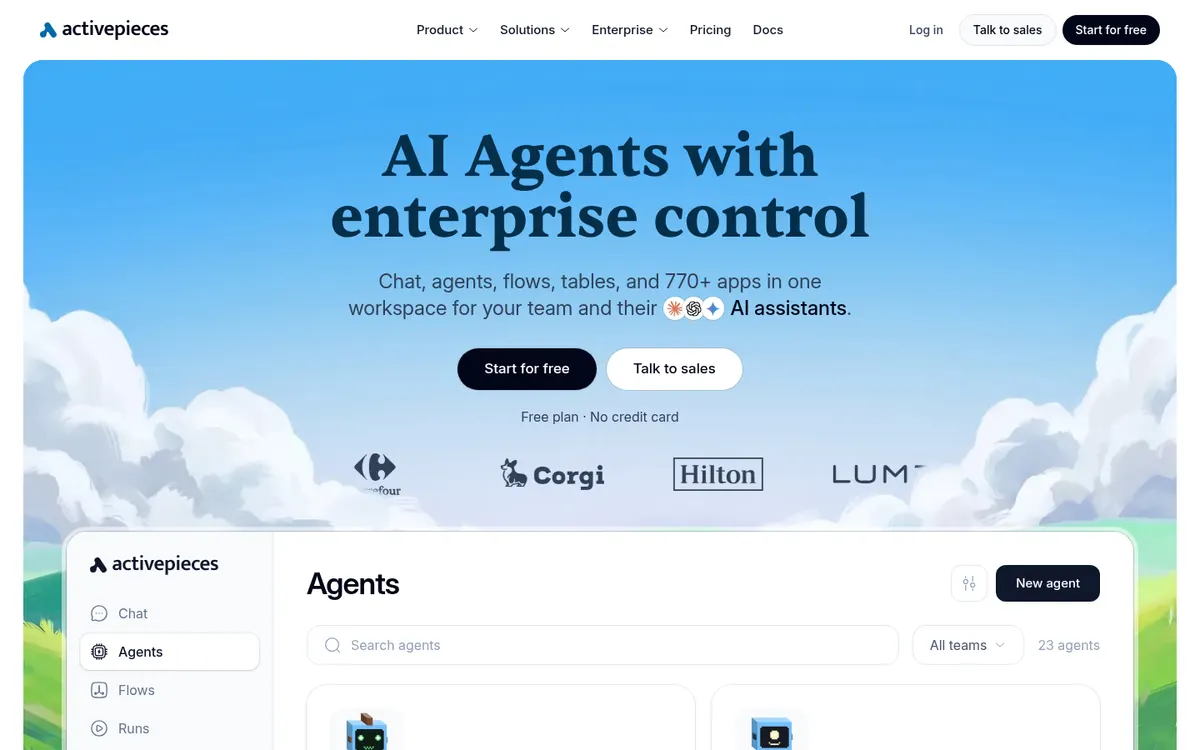
Open-source automation with an MIT license, per-run credits and a builder that nontechnical operators can learn quickly.
Activepieces is the open-source option for teams that found n8n harder than it needed to be. The Community Edition is MIT licensed, which is more permissive than most competitors and matters if you plan to embed automation inside a commercial product. The visual builder is approachable, and flows and AI agents share context, so an agent can read from and write to the steps around it. Native MCP support widens reach beyond the built-in pieces.
Credits are counted per full flow run rather than per step, so a 20-step flow costs one credit, and long workflows stay predictable in a way task-based tools do not manage. Plus is a flat $20 per month with 10,000 credits and up to 5 users, or $16 per month on annual billing. Team is $200 per month for 50,000 credits. The free plan gives 1,000 credits a month for up to 5 users.
Bring your own AI key and AI steps drop to one credit; without it they consume extra, so model costs land in two places and the comparison is not as clean as the headline. The community is smaller than n8n's, native integrations and nodes are fewer, and an unusual app usually means an HTTP step. Self-hosting is available if you want the cost to stay flat, with the maintenance burden that any self-hosted tool carries.
It fits small teams and product companies that want open-source automation, predictable per-run billing and a builder a non-engineer can learn in an afternoon. The MIT license is the differentiator for anyone shipping automation to their own customers.
You want open-source automation you can embed, with per-run billing and a builder a non-engineer can own.
You need a long tail of niche connectors or a large community to lean on when something breaks.
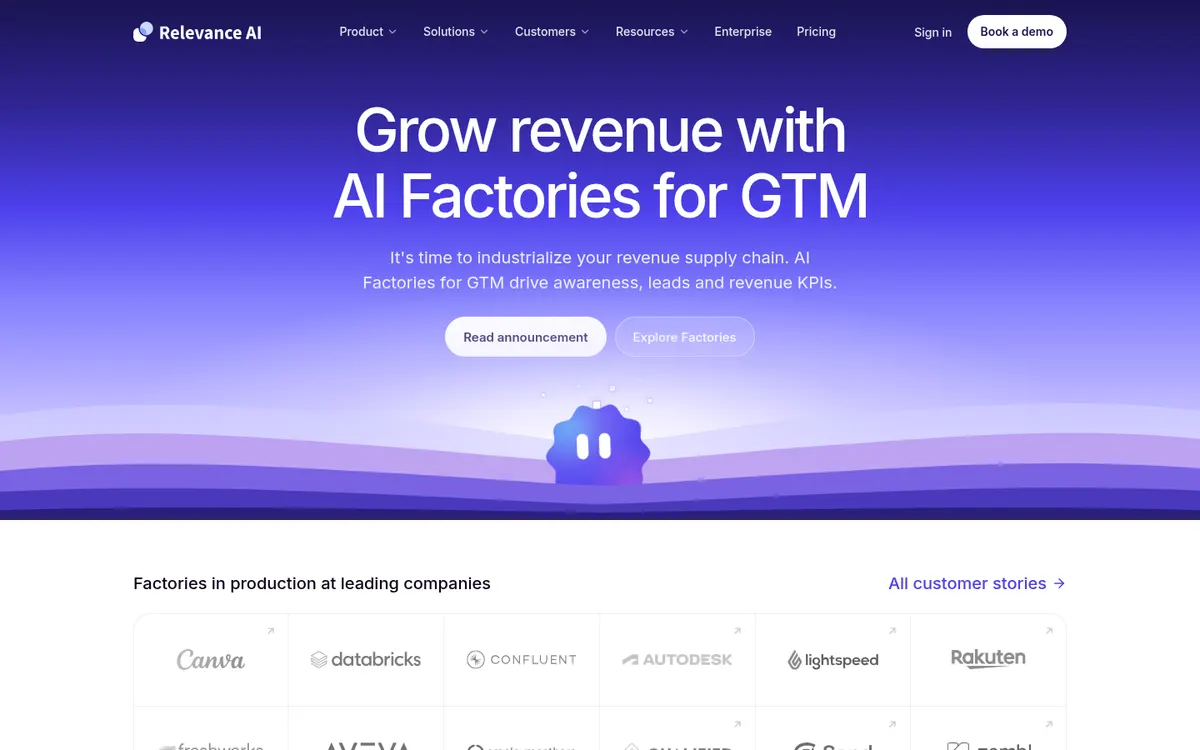
Agent-first automation built around named AI workers with escalation paths, now sold through a sales conversation.
Relevance AI organizes automation around AI workers rather than workflow diagrams. Each worker gets a defined role, skills and a knowledge base, and it runs actions through tools. Escalation is a first-class concept: confidence thresholds trigger a handoff to a person, which is the pattern most support and sales operations teams need before they let an agent reply to a customer.
Metering has two dials. Actions are counted per tool run, and vendor credits pass through for model and third-party costs at no markup, so AI spend appears on the same invoice rather than a separate model provider bill. That is convenient and also the reason forecasting takes practice: two meters move at once, and a worker that starts calling more tools moves both.
Pricing is now quoted through sales. The vendor's pricing page shows only an Enterprise plan with a contact form, so budget a conversation rather than a self-serve checkout. The tiers on file put Pro at $19 per month billed annually with 2,500 actions and $20 in vendor credits, and Team at $234 per month annual ($349 monthly) with 7,000 actions and $70 in credits. The free plan is closed to new signups, so new customers start on a paid plan.
The jump from entry to Team pricing is steep for a small team, and dual metering needs someone watching it weekly. It fits sales, support and operations teams deploying named AI workers with governed escalation, not teams that want a simple app-to-app connector.
You are deploying named AI workers in support or sales and you need confidence thresholds to route exceptions to staff.
You want self-serve pricing today or your automations are simple app-to-app syncs.
The category covers four kinds of product sold under one label. The first is a workflow platform with AI steps inside a mature connector library, which is where Zapier, Make and Power Automate sit. The second is a code-first tool where every step is arbitrary code, like Pipedream. The third is agent-first, where a named worker gets a role, tools and knowledge, like Lindy and Relevance AI. The fourth is open-source, self-hostable infrastructure like n8n and Activepieces, where you own the runtime and the update schedule. All four share the same skeleton: a trigger, one or more actions, stored credentials, retries and some way to see what actually ran. What separates them is how much of the decision making is fixed before the run and how much the model decides at runtime. A fixed workflow takes the same path every time, which makes it testable, cheap to explain to an auditor and predictable on a bill. An agent picks its own steps, which handles messy inputs but makes both cost and output harder to forecast. Three things to check before any trial: - Where credentials live. A managed OAuth vault is faster to set up; secrets stored in your own environment are easier to defend in a security review.
This comparison sits on the AI desk. Readers comparing neighbouring stacks often check our guides to ChatGPT alternatives and AI clipping software next.
There is no standard unit, and that is the single biggest source of budget surprises. Six billing models show up in this list, and the same monthly volume can land in very different places depending on which one a vendor uses. Compute the unit cost against your own workflow shape before you compare headline prices.
| Model | How it bills | Typical fit | Example from this list |
|---|---|---|---|
| Task or action based | Each completed action step consumes a task from a monthly allowance | Short flows that touch many apps | Zapier, from $19.99 per month on Professional |
| Per workflow run | One credit per full execution regardless of step count | Long multi-step flows and technical teams | n8n at $20 per month billed annually; Activepieces at $20 flat |
| Compute time | Credits consumed by runtime, about one per 30 seconds at 256 MB | Short API call sequences that exit quickly | Pipedream, first paid tier at $99 per month billed annually |
| Weighted AI credits | Standard and advanced model calls cost different amounts | Agent and AI-heavy flows | Gumloop at 2 credits standard and 20 advanced; Bardeen at 3 per enrichment row |
| Seat plus pooled credits | Per active user per month, with credits shared across the workspace | Delegation to individuals across a team | Lindy at $29.99 per user per month |
| User plus bot licenses | Flat per user, with separate per-bot charges for unattended RPA | Microsoft 365 organizations | Power Automate at $15.00 per user, Process at $150 per bot |
Two rules follow from the table. First, long workflows and per-task billing are a bad match, because a five-step flow run 1,000 times consumes 5,000 tasks. Second, AI-heavy flows need a credit multiplier in the model: Gumloop's advanced calls cost ten times its standard calls, so a reasoning step across a large dataset can empty a month's allowance in one run.
Free plans are useful for testing and rarely enough for production. Where a vendor quotes pricing only through sales, treat the number as negotiable and the credit allowance as a starting position.
Every price above was checked on the vendor's own pricing page on November 25, 2026. Where a vendor does not publish a figure we write "See website" instead of guessing. To compare annual and monthly billing quickly, try the free percentage calculator.
Choose a workflow tool when the process has a known sequence and the same answer every time. Zapier, Make and n8n are cheaper per run and easier to test. Choose an agent-first platform like Lindy or Relevance AI when the input is unstructured, such as an inbound email, and a person has to approve the output before it leaves.
Budgets land in three bands. Light use, meaning one or two simple flows, sits near the entry tiers: $19.99 on Zapier Professional, $20 on n8n Starter billed annually or Activepieces Plus, or free on the 1,000-credit plans. Moderate use adds a second tool or a bigger allowance. Agent-heavy work is the costly band, because advanced calls cost 20 credits on Gumloop and Lindy requests run 2 to 250 credits.
No for most of them. Zapier, Make, Gumloop, Lindy, Bardeen and Activepieces all offer a visual or conversational way to set up work that a nontechnical operator can use. Code becomes necessary with Pipedream, which expects Node.js, Python, Go or Bash in steps, and it helps with n8n once the connector library runs short and you reach for an HTTP request.
At minimum a read and write permission split, a human approval before any external write, and a confidence threshold that escalates to a person. Lindy enforces approvals as a product feature and Relevance AI builds escalation around confidence thresholds. Elsewhere you wire the confirmation step yourself, and you should cap spend so a runaway agent cannot consume a month of credits in an hour.
Often on the subscription line, rarely on total cost. n8n's Community Edition is free with no execution cap and typically runs on a server costing roughly $5 to $10 per month, and Activepieces is MIT licensed and self-hostable. The hidden line item is engineer time for updates, backups and uptime, which is why self-hosting suits teams already running infrastructure.
Anything with a known sequence and a verifiable answer: invoice routing, order status sync, lead assignment, onboarding checklists, report assembly. These run cheaper per execution and fail in predictable ways. Keep agents for triage, drafting and research where the input varies, and route their output through a fixed workflow for the actual system writes.
Browse every comparison on the AI desk, with the same rubric and dated prices.