Nine interactive demo platforms compared on formats, pricing and analytics, with clear guidance on which fits marketing tours, sales rooms or enterprise presales.
Storylane is the best demo software overall for B2B SaaS go-to-market teams as of November 2026, because it treats screenshot, HTML and video demos as equal formats in one library. Supademo suits teams that want one shared library across sales, onboarding, support and training, with a free tier that supports real projects. Navattic fits marketing teams that need HTML captures of the real interface and detailed engagement analytics. All prices below were checked on November 25, 2026.
Disclosure for this page: All 9 tools here are unpaid editorial picks. The position of a paid listing can be part of what the vendor pays for. How we handle paid listings.
Compare all 9 at a glance
Prices from vendor pages, checked November 25, 2026
Every tool on this list was scored against the same five criteria with the same weights. Demo formats carries 25 percent, because the number of ways a team can publish a demo decides how many jobs one platform absorbs: screenshot, HTML capture, video or a cloned sandbox. Pricing clarity, analytics depth and personalization carry 20 percent each. Published entry prices and per-seat math decide whether a tool survives procurement, engagement data decides whether a demo program keeps its budget, and account-level personalization separates sales-led teams from marketing ones. Time to launch holds the remaining 15 percent, since a tool that needs engineering support rarely ships on schedule.
Pricing came from vendor pricing pages checked on November 25, 2026. Plan notes record the billing term, seat count and limits shown at that time. Where a vendor publishes no figure, the entry says pricing is on the vendor site and no number is estimated. Contract ranges for quote-only tools appear only where the vendor's own information supports them, and buyers should confirm them before signing.
The Featured listing at the top, Storylane, is a paid placement. It was scored with the same rubric and carries the same kind of cons as every other entry, including HTML capture gated to a higher tier. Order is editorial: each position reflects fit for the buyer described in that entry, plus the disclosed Featured slot. All checks were run on November 25, 2026.
How many ways a team can publish a demo, from screenshot captures to HTML, video and cloned sandboxes, inside one library.
Pricing clarity
20%
Whether entry prices, seat math and tier gates are published and easy to model before a sales conversation.
Analytics depth
20%
How much step-level and per-viewer engagement data the tool exposes for marketing and sales follow-up.
Personalization
20%
Whether demos can be adapted per account, per stakeholder or per deal stage without rebuilding from scratch.
Time to launch
15%
How quickly a new user can capture, edit and publish a working demo without engineering or design support.
01
Storylane
Three formats, one library
$40Free planRubric 8.5
storylane.io
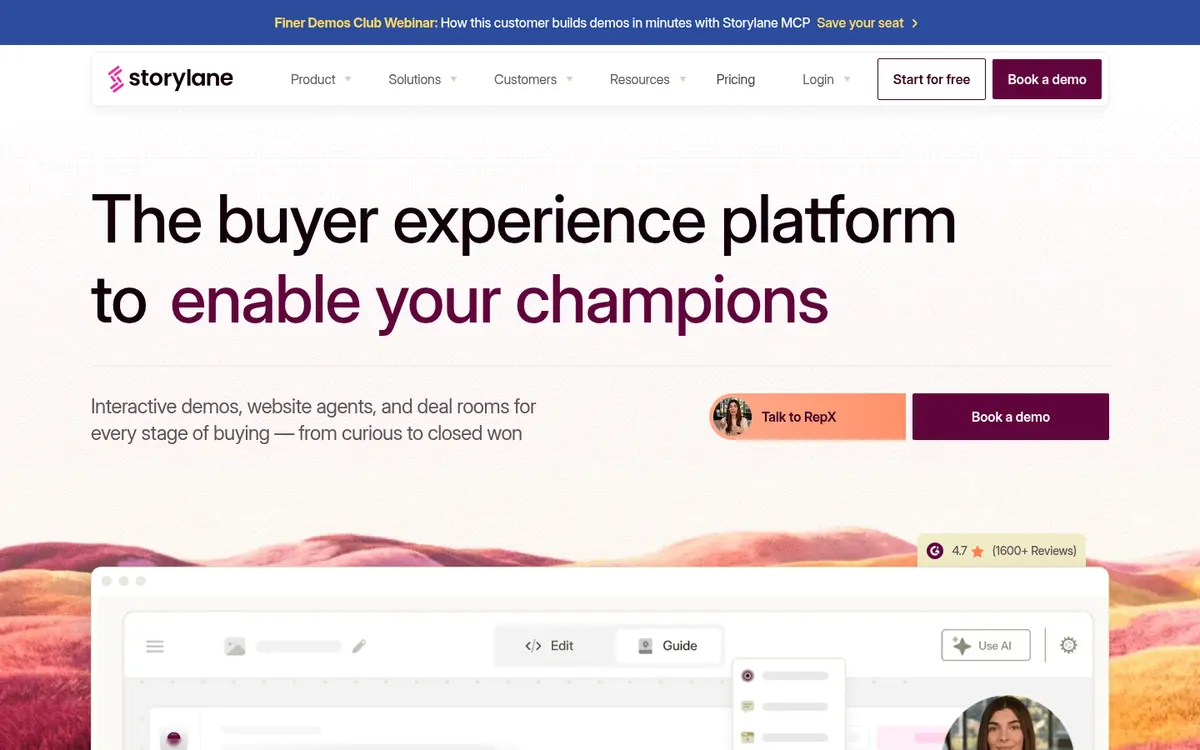
The official Storylane page at storylane.io, captured by IdeaTruss on November 25, 2026.
Our verdict
Screenshot, HTML and video in one library, with an unusual conversational AI agent.
Storylane treats screenshot demos, HTML captures taken from the live product, and video as first-class formats inside a single content library. A small team can publish a quick screenshot walkthrough on Monday and an HTML demo of the real interface later without switching vendors. The same library feeds demo hubs and digital sales rooms, so a seller assembles a leave-behind page from assets that already exist rather than rebuilding slides for every deal. The AI sales agent is the differentiator. It talks with viewers conversationally while they browse, which is unusual in a category where most tools stop at clickable hotspots and tooltips. Higher tiers add deal intelligence and personalization, showing which sections a buyer revisited and adapting the next view to the account, and website tours are published from the same source material. Pricing starts at $40 per month on the Starter plan for one creator seat, with additional seats at $40 each. Starter covers screenshot demos, which is enough for a small team testing demand but not for a marketing team that needs HTML capture: that unlocks on Growth. Sandbox-style demos sit behind enterprise agreements, so a buyer who needs a resettable environment should expect a sales cycle rather than a checkout page. Per-seat pricing also compounds as the team grows, worth modeling before a growing go-to-market team commits. It fits B2B SaaS go-to-market teams that want several demo formats and one library behind them. It is a weaker match for product teams that mainly need in-app onboarding tours, or for anyone who wants flat pricing with unlimited viewers.
Pros
Screenshot, HTML and video in one library
Conversational AI agent on demos
Entry tier priced for small teams
Cons
HTML capture needs the Growth tier
Per-seat pricing adds up as teams grow
Pick it if
You want screenshot, HTML and video demos managed from a single library and can budget for Growth once HTML capture matters.
Skip it if
You need sandbox demos on a self-serve plan or flat pricing with unlimited seats.
02
Supademo
Broadest format coverage
$38Free planRubric 8.0
supademo.com
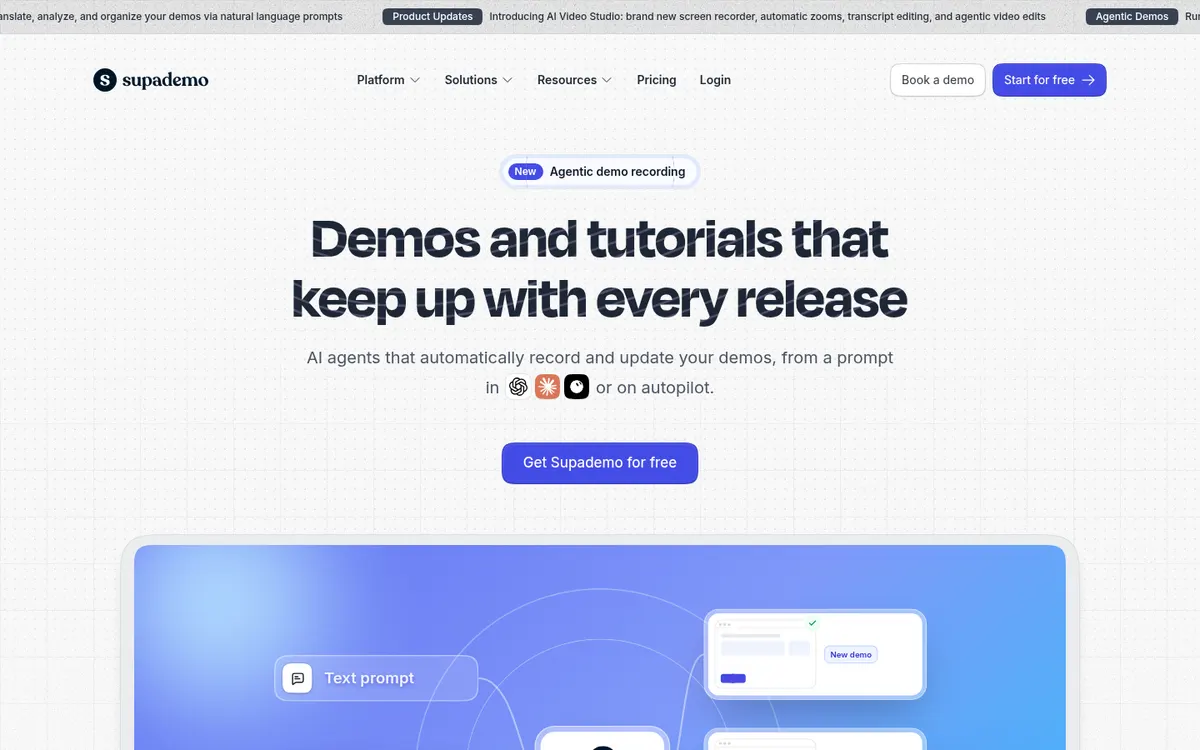
The official Supademo page at supademo.com, captured by IdeaTruss on November 25, 2026.
Our verdict
The broadest format list under one free tier, with a steep jump to HTML and sandbox.
Supademo covers more demo formats than any other tool here: screenshot demos, HTML demos, video recordings, desktop capture and Figma imports, all landing in one library. Sales, onboarding, support and training teams can share that library instead of maintaining separate tools. AI translation, branching and analytics are included on Pro, so one demo can serve multiple audiences and a multilingual site without rebuilding each version, and demos can be embedded in-app. The free tier is the practical reason many teams start here. It allows one creator, five demos, unlimited views and in-app embedding, which is enough for a real pilot rather than a canned evaluation. A 14-day trial on paid plans lowers the risk of moving up, and the free plan is described as free forever rather than a credit that expires. Paid pricing starts at $38 per creator per month on the Scale plan, billed annually. The catch is the format ladder: HTML and sandbox demos sit in the Growth tier at $350 per month for 5 creators, a large step up from Pro. A team that buys on the $38 headline and later needs HTML capture faces a large jump, so decide early whether the real interface matters to your buyers. Analytics are solid but shallower than the specialist platforms, and the brand is less known than larger rivals, which occasionally matters in procurement. It fits teams across sales, onboarding, support and training that want one library and a free tier that supports genuine work, and it fits them best when HTML demos are a later problem rather than a launch requirement.
Pros
Widest format list in one library
Free tier usable for real projects
14-day trial lowers entry risk
Cons
HTML and sandbox start at $350 per month
Analytics less deep than specialists
Pick it if
You want the broadest set of demo formats, a free tier that carries a real pilot, and can absorb the jump to Growth later.
Skip it if
HTML demos are a launch requirement, since the tier that unlocks them costs $350 per month.
03
Navattic
Editable HTML capture
See websiteFree planRubric 7.3
navattic.com
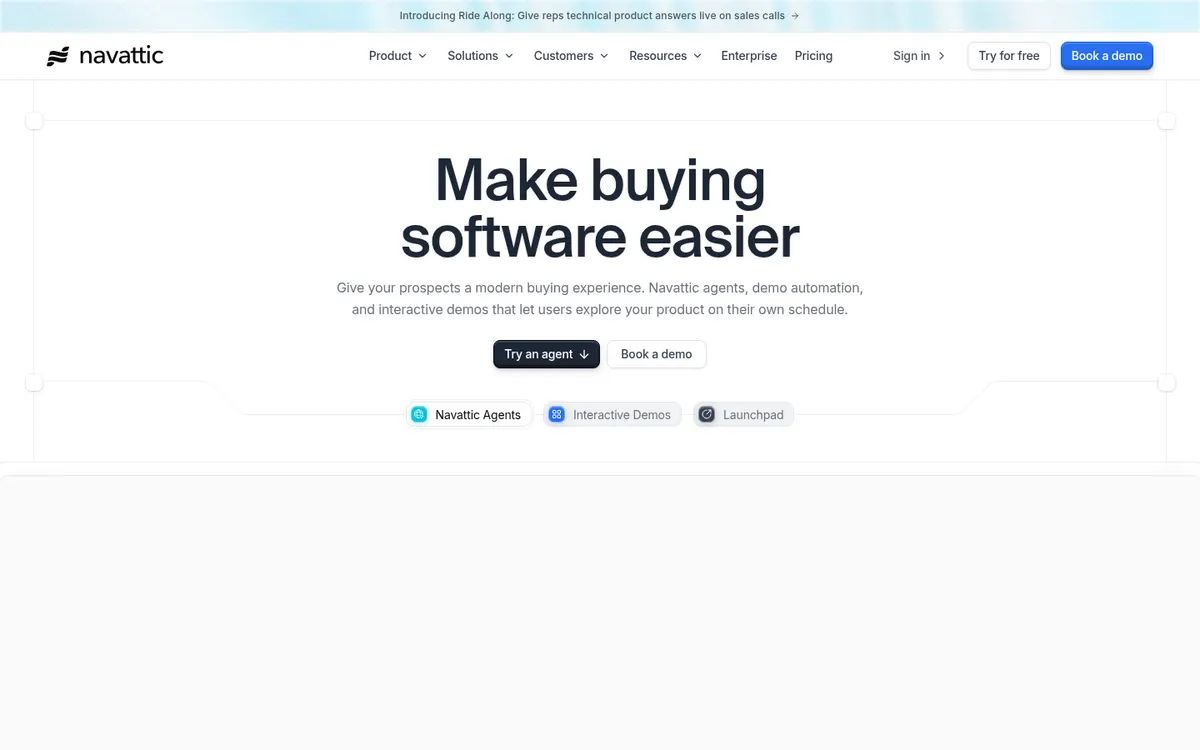
The official Navattic page at navattic.com, captured by IdeaTruss on November 25, 2026.
Our verdict
Native HTML capture and detailed engagement analytics, priced for teams that already know they need them.
Navattic captures the actual product interface as HTML and hands back editable markup, so marketing can adjust copy, hide elements and fix a broken step without recapturing anything. That is the core difference from screenshot tools, where a single UI change means a fresh capture of every affected screen. Engagement analytics are detailed, and the integrations push demo activity into the sales stack for lead capture and routing, which lets marketing report demos as a pipeline source rather than a vanity metric. Website tours and ABM campaign assets are built from the same demos, so a paid landing page and a named-account pitch share source material instead of drifting apart. Pricing is the sticking point. The Base plan is billed annually and includes five seats, and no figure appeared on the page when checked on November 25, 2026, so treat any number as a quote from the vendor site. The Base tier sits at the top of the self-serve range in this category, and the free Starter plan covers a single demo, which is closer to a sample than a pilot. Translation and other features are gated to the Growth tier listed at $1,000. It fits marketing teams that have committed to HTML captures of the real interface and want engagement data detailed enough to route leads. It is a poor fit for a team that wants to test several demos for free, or buy a low-cost seat without a sales conversation.
Pros
Native HTML capture, not screenshots
Detailed engagement analytics
Five seats on the Base plan
Cons
Highest self-serve entry price in the category
Free plan covers a single demo
Translation gated to the Growth tier
Pick it if
You want editable HTML captures of the real interface and engagement data detailed enough to feed lead routing.
Skip it if
You need a free pilot with several demos or a low-cost single seat bought without a quote.
04
Arcade
Fast branded capture
$59Free planRubric 7.3
arcade.software
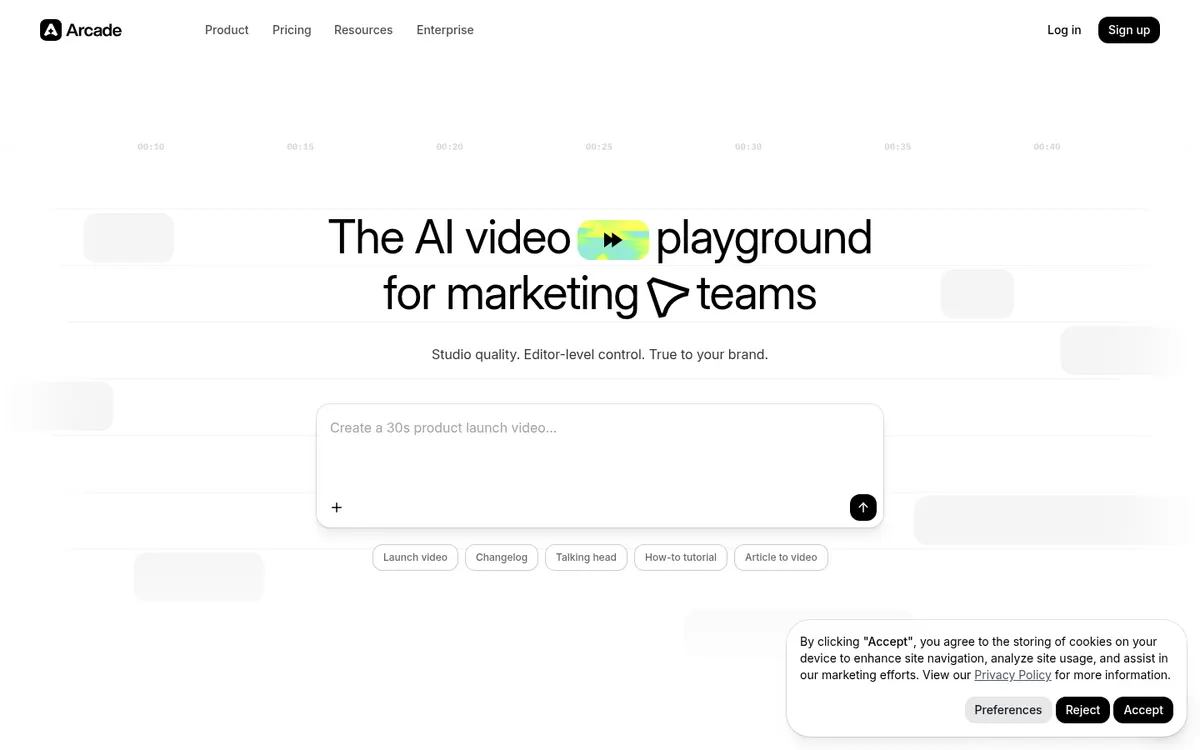
The official Arcade page at arcade.software, captured by IdeaTruss on November 25, 2026.
Our verdict
A very fast capture-to-demo path, with default styling that looks designed rather than accidental.
Arcade turns a capture of your product into a styled interactive demo with very little work. The capture tool renders the demo with branded, on-theme styling, so it looks deliberate rather than accidental, which matters when the demo sits on a landing page and stands in for the brand.
AI video generation is a genuine extra: one capture can produce a demo and short clips for a launch or a social campaign. Collaboration tools and engagement analytics come with the paid plans, and HTML capture arrived during 2026 on the Growth tier and above, so the format list is broader than it was a year ago.
Pricing is $59 per month on the Pro plan, billed annually, covering up to 10 seats, which keeps the per-seat cost low for a mid-sized team. The free plan runs on 250 one-time credits rather than a monthly allowance, so it produces a few demos and stops there. Pricing was restructured during 2026 and costs rose for small teams, so check the current page before you budget.
The hard limit is sandbox demos, which Arcade does not offer on any tier. A team that needs a resettable environment with representative data will have to add a second vendor or move up to a presales platform. Analytics cover engagement but not deep workflow behavior. It fits marketing teams that want fast, on-brand screenshot demos and social clips, and fits them less well than teams that need sandbox control or heavy personalization.
Pros
Very fast capture-to-demo workflow
Attractive default styling
AI video clips for launches
Cons
No sandbox demos at any tier
HTML capture requires the Growth tier
2026 pricing changes raised small-team costs
Pick it if
You want a branded screenshot demo and social clips published in an afternoon, and can live without sandbox demos.
Skip it if
You need a resettable cloned environment or HTML capture on the entry plan.
05
Guideflow
In-app guided tours
$35Free planRubric 6.4
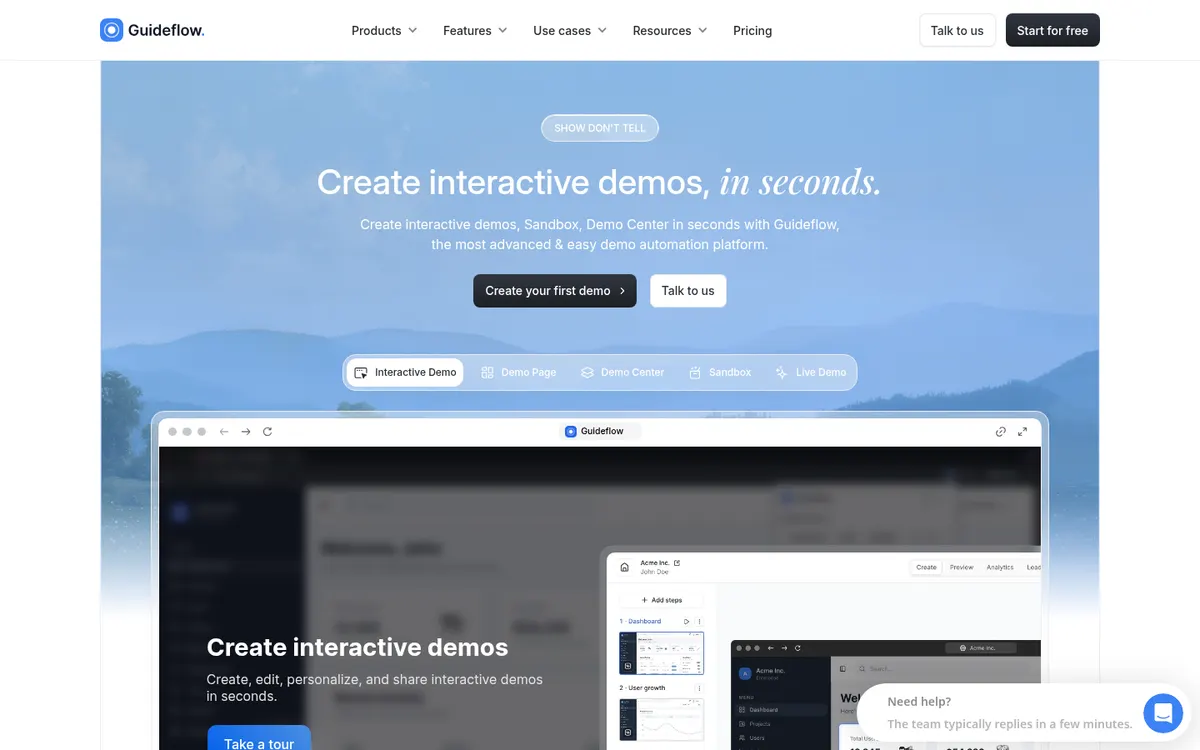
guideflow.com
The official Guideflow page at guideflow.com, captured by IdeaTruss on November 25, 2026.
Our verdict
A low-cost tour builder for product teams, though HTML and sandbox demos sit on far higher tiers.
Guideflow is a no-code builder for guided tours and in-app guidance: onboarding flows, feature announcements and widgets that walk a user through the product inside the product. Nothing in the workflow requires engineering or design support, which is the point, and a product manager can publish a flow without waiting on a sprint.
The free plan allows 5 guideflows, which is generous enough for a real use case rather than a sample. Paid pricing starts at $35 per month on Solo with one member included, and additional users cost $35 each, so the bill scales with the number of people authoring tours.
The format ladder is steep. HTML demos are gated to the $499 tier and sandbox demos only appear at $1,499, so a team that starts on Solo for tours and later wants a demo of the real interface faces a large jump. There is also no multi-format hub, no deal intelligence and no sales room, which keeps the tool on the product side of the house rather than in front of buyers.
It fits product and onboarding teams publishing guided in-app tours on a small budget, and the free plan makes it easy to trial without a procurement cycle. It is a poor fit for a sales organization that needs personalized demos and account-level engagement data, or for a marketing team that needs HTML demos without paying for an enterprise tier.
Pros
Generous free plan for real use
No engineering or design support needed
Low $35 entry price
Cons
HTML demos only at the $499 tier
Sandbox demos only at $1,499
No hub, deal rooms or deal intelligence
Pick it if
You publish in-app tours and onboarding flows and want a simple builder with a free plan you can use today.
Skip it if
You need HTML demos, sandbox environments or sales-facing personalization without a large tier jump.
06
HowdyGo
Flat-rate HTML demos
See websiteNo free planRubric 5.8
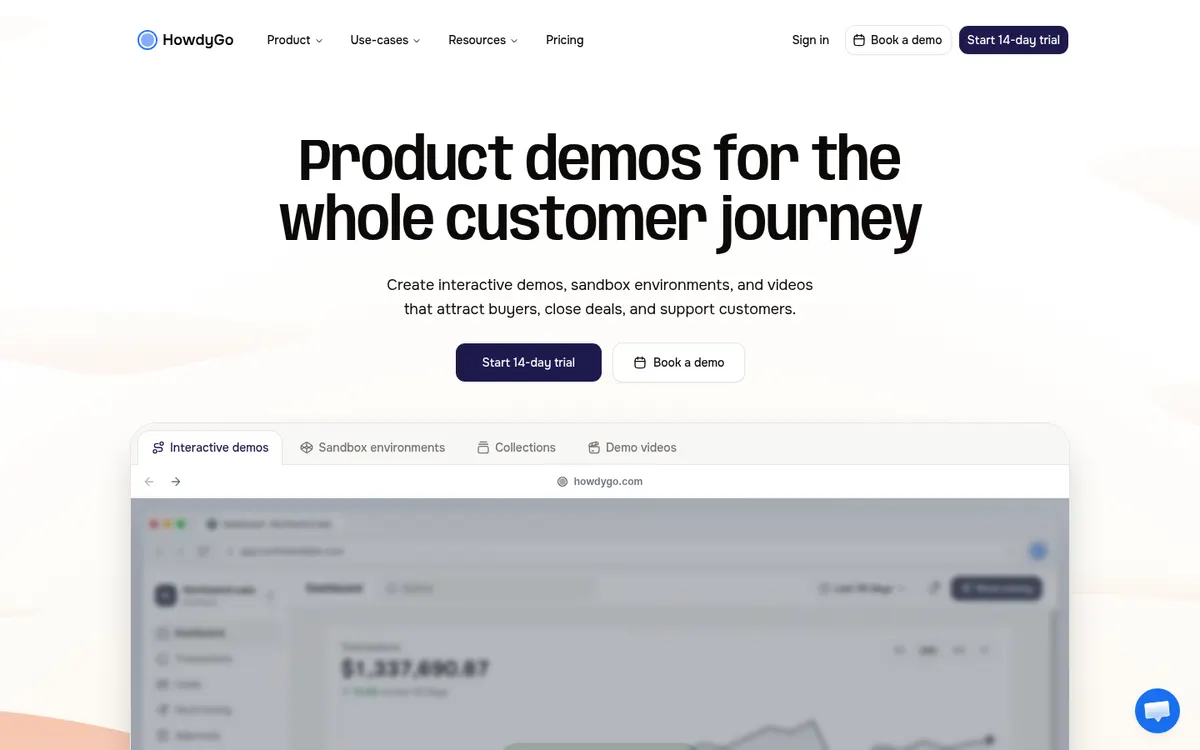
howdygo.com
The official HowdyGo page at howdygo.com, captured by IdeaTruss on November 25, 2026.
Our verdict
Flat-rate HTML demos with unlimited users, kept deliberately narrow so small teams can move fast.
HowdyGo does one thing: capture the product as HTML, allow light in-place editing, and publish in one click. The interface carries no extra modules, and a new user becomes productive quickly. The pricing model is the differentiator. Paid plans are a flat monthly rate with unlimited users, so the cost does not move when more people need to build or view demos. Against HTML rivals that charge per seat, that structure is easier to defend in a budget review. Pricing is on the vendor site. The pricing page could not be fetched when checked on November 25, 2026, so confirm the current rate directly before you plan around it. There is no free plan, only a 14-day trial, which means the evaluation has a deadline and no permanent fallback if the budget is refused. Scope is deliberately limited. There is no video, no sandbox and no mobile capture, and AI features are thin compared with the rest of this list. The feature set stays close to HTML capture, editing and publishing. It fits small teams that want flat-rate HTML demos with unlimited users and no seat math, and it fits them badly if you need multiple formats, personalization or a cloned environment.
Pros
Flat pricing with no per-seat math
Unlimited users on paid plans
Quick to learn and immediately productive
Cons
No free plan, only a 14-day trial
No video, sandbox or mobile capture
Limited AI and shallow analytics
Pick it if
You want HTML demos at a flat rate with unlimited users and do not need video or sandbox formats.
Skip it if
You need a free plan, multiple demo formats or account-level personalization.
07
Consensus
Buyer intent signals
See websiteNo free planRubric 6.4
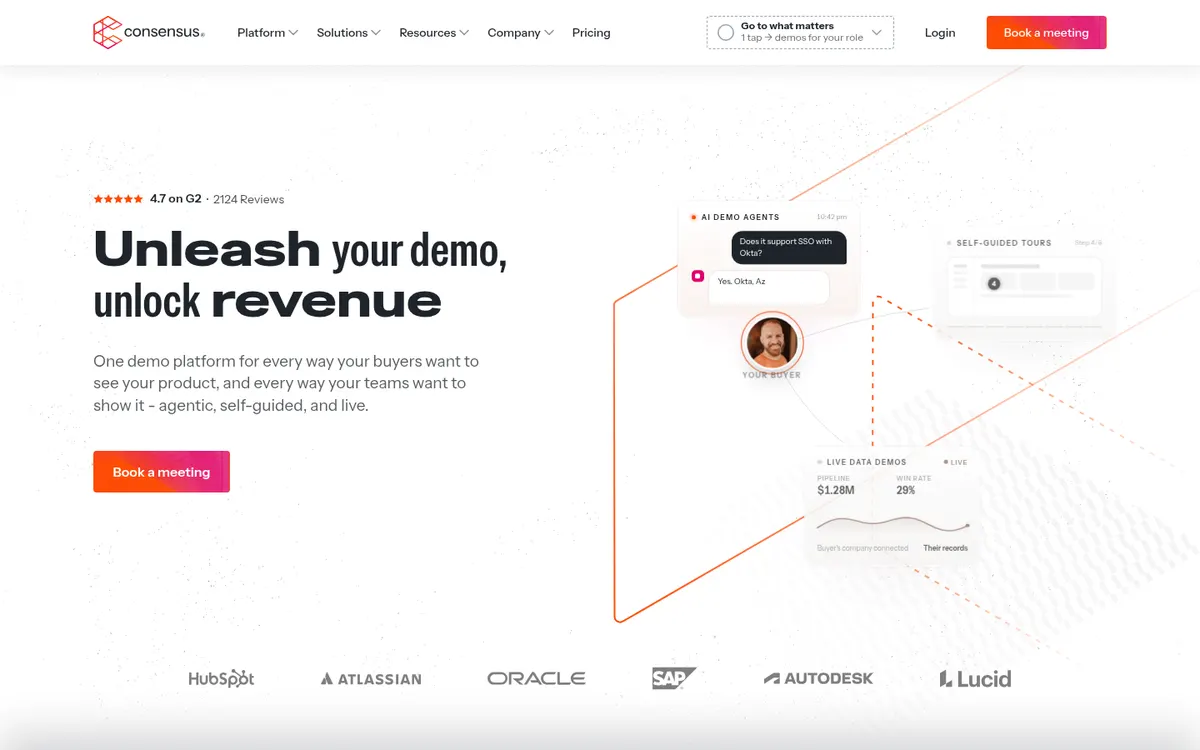
goconsensus.com
The official Consensus page at goconsensus.com, captured by IdeaTruss on November 25, 2026.
Our verdict
Built for buying committees, it uses personalized video demos rather than clickable product tours to reach every stakeholder.
Consensus approaches demos from the sales side. Instead of a clickable product tour, it centers on personalized video demos that a champion can send to each stakeholder in a buying committee, with each person watching on their own schedule and no coordination required. The analytics are built for that workflow. Engagement shows which sections each buyer watched, and intent signals flag when a stakeholder revisits or shares the material. For a deal with several decision-makers, that per-person view is more useful than a single completion rate on a website demo, and it supports the multi-stakeholder cycles the tool is designed around. Pricing is quote-only on annual contracts, with no free plan and no trial, so evaluation runs through a guided pilot rather than a self-serve signup. Confirm current terms directly with the vendor, since no public price page exists to check. The trade-off is format. Consensus is video-led and less clickable than interactive demo tools, so it does not replace a product tour on the website. It fits enterprise sales teams that sell asynchronously to committees and want per-stakeholder visibility, and it is excessive for a startup with one buyer, a short cycle and a website demo.
Pros
Per-stakeholder engagement data
Fits committee deals
Established in enterprise sales organizations
Cons
Quote-only annual pricing
No free plan and no trial
Video-led, less clickable than rivals
Pick it if
Your deals involve several decision-makers and you want per-stakeholder viewing data from asynchronous video demos.
Skip it if
You need a clickable website demo, a trial, or a price you can see before a sales call.
08
Walnut
Salesforce-native personalization
See websiteNo free planRubric 7.1
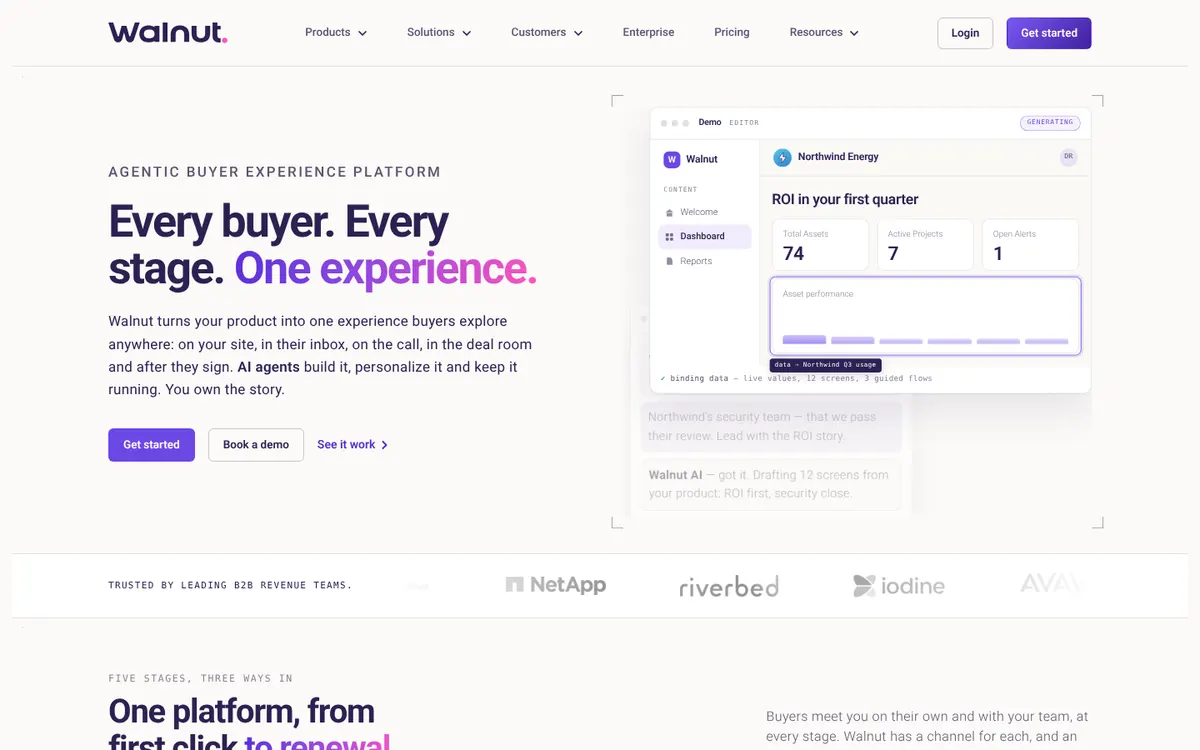
walnut.io
The official Walnut page at walnut.io, captured by IdeaTruss on November 25, 2026.
Our verdict
Account-level personalization and deep Salesforce integration for sales teams that build a demo per named deal.
Walnut is built around the idea that a demo should be assembled for a named account. Teams create account-specific versions of the demo, house buyer-facing assets in a deal room, and track engagement per account rather than in aggregate. The Salesforce integration is strong. Demo activity and account data stay in the CRM, so a rep sees which stakeholders engaged without leaving the record. Sandbox capabilities and extra editor seats sit on higher tiers, which means the entry contract is not the full product and the quote will move as the program matures. Pricing is quote-only, on annual contracts, and there is no free plan or trial. That structure suits a sales operations team that already runs an annual software cycle and badly suits a marketing manager working with a monthly budget and a quarterly test. The fit is narrow by design. Walnut personalizes sales demos; it is not a marketing tour builder or an in-app onboarding tool, and teams looking for those jobs should look elsewhere in this list. It fits sales-led teams that build a demo per account and live in Salesforce, and it fits them badly if the demo program is owned by marketing or product.
Pros
Strong Salesforce integration
Per-account personalization
Deal rooms for buyers
Cons
Quote-only annual contracts
No public price
Weak fit for marketing tours or onboarding
Pick it if
Reps need a personalized demo and deal room for each named account, with activity landing in Salesforce.
Skip it if
Marketing or product owns the demo program, or you cannot commit to an annual contract.
09
Reprise
Resettable product clones
See websiteNo free planRubric 6.5
reprise.com
The official Reprise page at reprise.com, captured by IdeaTruss on November 25, 2026.
Our verdict
Realistic cloned product environments for complex software, priced and sold more like enterprise infrastructure than a marketing tool.
Reprise is for products that cannot be demoed with a screenshot. It builds full clones of the product with representative data, resettable per prospect, with role-based views and coverage of deep workflows and integrations. Nothing depends on the production system, so a demo cannot break live data or expose a real customer record.
Guided tours and live demo environments sit alongside the clones, so presales can choose how much freedom to give a prospect on any given call. The result is a demo that behaves like the product, including the awkward steps and permission layers that screenshot tools quietly skip.
Pricing is custom and typically quoted annually, with the usual range running from $30,000 to $50,000 per year. Evaluation is consultative rather than self-serve, and the trial is a demo rather than a free workspace. Building and maintaining a clone takes real effort from the vendor and from your team, which is why the contract lives with presales leadership rather than marketing.
That makes Reprise excessive for marketing tours, onboarding flows or a company without a dedicated presales function, and impossible to justify on a self-serve budget. It fits enterprise presales teams that need cloned environments for complex software and can absorb the annual spend across deals large enough to carry it.
Pros
Realistic sandboxes for complex products
Per-prospect resettable environments
Role-based views and deep workflows
Cons
Custom pricing, commonly $30,000 to $50,000 per year
Consultative evaluation, no self-serve trial
Overkill for simple marketing tours
Pick it if
Presales needs a resettable clone of a complex product with representative data and role-based views.
Skip it if
You are building marketing tours, onboarding flows or anything with a monthly budget.
What does interactive demo software actually do?
Interactive demo software lets a buyer click through your product without a live call and without a login. The tool captures the interface, either as screenshots, as HTML from the running app, or as a cloned environment, then adds hotspots, tooltips, branching and lead forms on top. A visitor follows the sequence a sales engineer would have walked them through, on their own schedule, and you see which steps they completed and where they stopped. A product tour and an interactive demo are not the same thing, though the terms get swapped constantly. A product tour is usually guidance inside the live app, shown to a signed-in user during onboarding: point at the new button, explain the setting. An interactive demo is a replica of the interface used before a purchase decision, shared by marketing or sales. The overlap is real. Guideflow builds in-app tours, Navattic builds pre-sale HTML demos, and Storylane publishes both from one library, which is why format coverage is the first thing to check. Demand comes from a simple problem: buyers research when no rep is available. A demo embedded on a pricing page, linked in a follow-up email, or dropped into a deal room keeps the evaluation moving, and it produces data a slide deck cannot. You learn that a buying committee replayed the reporting step multiple times and never opened the integrations tab, which is a better input to the next call than a form fill. Four formats do the work, and each behaves differently: - Screenshot demos: fastest to build, cheapest, and they go stale the moment the interface changes.
HTML captures: taken from the real product, editable as markup, closer to the truth than a screenshot.
Sandbox clones: a replica with representative data that behaves like the product, and the most expensive to maintain.
Video demos: easy to watch and impossible to click, better as a leave-behind than a substitute. Staleness is the ongoing cost. Demos age at the speed of your release cycle, so ask who recaptures screens, who edits the markup, and whether fixing one screen is a quick job or a rebuild.
How do interactive demo platforms price, and where does the bill grow?
Interactive demo pricing splits into several models, and the model matters more than the headline number. Per-seat subscriptions look cheap at entry and get expensive as creators multiply. Flat-rate plans cost more up front and stop moving. Tiered gates put HTML, sandbox or translation behind a large jump from the entry price. Quote-only contracts hide the number until a sales call, and they are usually annual.
Model
How it bills
Typical fit
Example from this list
Per-seat subscription
Monthly or annual, priced per creator
Small teams with one or two creators
Storylane, $40 per month for one creator seat, additional seats $40
Per-creator annual
Annual billing, priced per creator
Teams standardizing one library
Supademo Scale, $38 per creator per month, billed annually
Flat rate
One price per month, unlimited users
Teams avoiding seat math
HowdyGo Starter with unlimited users
Feature-gated tiers
Higher tiers unlock formats
Teams growing into HTML or sandbox
Guideflow at $499 for HTML demos, $1,499 for sandbox demos
Quote-only contract
Custom annual quote
Enterprise presales and sales
Reprise, commonly $30,000 to $50,000 per year
Every price above was checked on the vendor's own pricing page on November 25, 2026. Where a vendor does not publish a figure we write "See website" instead of guessing. To compare annual and monthly billing quickly, try the free percentage calculator.
Which demo tool fits your team? A six-step path
Name the format first. Write down whether you need screenshot walkthroughs, HTML captures, video, or a cloned sandbox. That single answer eliminates many options before you look at a price.
Name the owner. Decide whether marketing, sales or product runs the demo program, because the three buy different tools. Marketing wants tours and analytics, sales wants personalization and CRM sync, product wants in-app guidance.
Check the gate on your format. Confirm which tier unlocks what you named. Guideflow charges $499 for HTML and $1,499 for sandbox, and Storylane reserves HTML for Growth, so the entry price is not your price.
Model seats at twelve months. Multiply the per-creator rate by the number of people who will build or edit demos next year, not today, then compare that with a flat rate like HowdyGo's unlimited-user plan.
Run a real pilot on one demo. Build a live demo of a real flow in your shortlisted tools, embed it where buyers will see it, and compare step-level analytics instead of feature checklists.
Assign the update owner. Ask who recaptures screens when the interface changes and budget that time. A demo several releases out of date damages more trust than no demo at all.
Five mistakes that waste a demo software budget
Buying for a format you might build. A $40 screenshot plan looks efficient until launch needs HTML capture, and the upgrade runs through a tier costing hundreds a month. Buy for the format you need this quarter.
Ignoring seat math. Per-creator pricing at $35 to $40 is fine for a small team and painful for a larger one. Run the twelve-month number before comparing tools on their pricing page headline.
Treating free tiers as evaluation only. Supademo's free plan allows 5 demos with unlimited views, and Guideflow's allows 5 guideflows. Both can carry a real pilot, which is cheaper than starting on a paid tier you have not scoped.
Assuming sandbox is on the roadmap. Arcade offers no sandbox on any tier, while Storylane puts it behind enterprise agreements and Guideflow behind a $1,499 tier. Verify it before you sign.
Skipping the update owner. Demos go stale with every release. A program with no named owner for recaptures ends up with a library showing last year's navigation and a sales team that stops sending links.
Frequently asked questions
What does interactive demo software do for a buyer?
It lets a buyer explore a working replica of the product without a sales call or a login. The tool captures the interface, adds clickable steps, tooltips and forms, and reports which steps each visitor completed. For the buyer, that means evaluating on their own schedule instead of waiting for a scheduled walkthrough with a sales engineer.
What do these tools cost, from self-serve to enterprise?
Self-serve plans start at $35 to $59 per month: Guideflow Solo at $35, Supademo Scale at $38 per creator, Storylane Starter at $40 and Arcade Pro at $59 for up to 10 seats. Mid tiers jump sharply, with Supademo Growth at $350 per month and Guideflow's HTML tier at $499. Enterprise tools like Reprise commonly run $30,000 to $50,000 per year.
How is a product tour different from an interactive demo?
A product tour guides a signed-in user inside the live app, usually during onboarding. An interactive demo is a replica of the interface shared before purchase, often on a website or in a sales follow-up. Some tools do both: Storylane publishes demos and website tours from one library, while Guideflow concentrates on in-app tours.
Do interactive demos improve mid-funnel engagement?
They give buyers something to do when no rep is available, which is most of the mid-funnel. Rather than a slide deck, a buyer clicks through the actual flow and the vendor sees which steps were replayed or skipped. That step-level data is a better input to the next call than a form fill, though results depend on where the demo sits.
Can you personalize a demo per account for ABM?
Yes, and it is the main split between marketing tools and sales tools. Walnut builds account-specific demos with deal rooms and Salesforce tracking, Consensus personalizes video demos per stakeholder, and Storylane adds personalization and deal intelligence on higher tiers. Screenshot-first tools generally do not, which is why sales-led teams end up paying for a second platform.
How fast do demos go stale, and what does updating them involve?
They age with your release cycle, so a monthly shipping cadence can leave a demo wrong within weeks. Screenshot demos need a fresh capture of each changed screen. HTML captures are editable markup, so a copy fix is quick, but a redesigned flow needs a recapture. Cloned sandboxes need vendor work. Assign an owner before launch.
Related comparisons and tools
More from the Software desk and the rest of IdeaTruss:



 Arcade
 Guideflow
 HowdyGo
 Consensus
 Walnut
 Reprise