Ranked #1

WalkMe
Cross-platform automation
See website (custom quote)
- Best for
- Large enterprise digital transformation programs
- Free plan
- No
- Rubric
- 7.4 / 10
Ten digital adoption platforms compared on guidance, automation, analytics and price, with the facts on what each costs and who each one actually fits.
 Prices checked November 25, 2026

WalkMe is the pick for large enterprise transformation programs, Whatfix for regulated enterprises that need sandbox practice, and Pendo for product teams that want analytics with guidance. That is the short answer to the best digital adoption platform question as of November 2026. The 10 tools below split into two camps: enterprise DAPs that guide desktop and virtualized applications, and product adoption tools that live inside your own web or mobile app. Prices were checked on 25 November 2026, and four of the ten publish a starting figure.
Cross-platform automation
See website (custom quote)

Sandbox practice
See website (custom quote)

Retroactive analytics
See website (custom quote)
Disclosure for this page: All 10 tools here are unpaid editorial picks. The position of a paid listing can be part of what the vendor pays for. How we handle paid listings.
| Tool | Best for | Free plan | Actions | |||
|---|---|---|---|---|---|---|
| 1 | WalkMe | Large enterprise digital transformation programs | See website (custom quote) | No | ||
| 2 | Whatfix | Regulated enterprises needing simulation-based software training | See website (custom quote) | No | ||
| 3 | Pendo | Product teams wanting analytics plus in-app guidance | See website (custom quote) | Yes | ||
| 4 |  Userpilot | Mid-market SaaS onboarding with built-in analytics | Starter $299/mo (2,000 MAU) | No | ||
| 5 |  Appcues | Fast no-code onboarding for product teams | Grow from $9,000/year | No | ||
| 6 |  UserGuiding | Budget-friendly no-code onboarding for small SaaS teams | Starter $249/mo (billed yearly) | Yes | ||
| 7 |  Chameleon | Design-focused teams wanting polished in-app tours | Startup from $279 (2,000 MTUs) | Yes | ||
| 8 | Apty | CRM process compliance at mid-market firms | See website | No | ||
| 9 |  Userlane | GDPR-friendly guided workflows for web apps | See website (custom quote) | No | ||
| 10 |  Spekit | In-workflow training inside tools teams already use | See website (custom quote) | No |
Every tool here was scored against five criteria, and the weights describe what buyers in this category feel first. Guidance depth carries 30 percent because the core promise is a user who can finish a task without a support ticket. Workflow automation takes 20 percent, since the gap between pointing at a button and completing a form is the gap between a tour tool and a real digital adoption platform. Adoption analytics gets 20 percent, pricing clarity 15 percent, and implementation fit 15 percent.
Pricing clarity is scored low for every vendor that hides the number behind a form, even when the product is strong, because an operator cannot build a business case out of a PDF request. Implementation fit scores how much of your own team the tool consumes: an authoring model that needs a trained specialist is a different purchase from a builder a product manager can pick up.
Prices and plan facts come from vendor pricing pages, checked on 25 November 2026. Where a page published nothing, we say so and do not estimate. Confirm the figure yourself before you sign, because entry prices change and the number on a pricing page is rarely the number on a contract.
The order of this list is editorial. Each entry is placed for the fit described in its verdict, plus one Featured position, which is a paid placement. The vendor in that position is scored with this same rubric and carries the same kind of cons as everyone else. Scores inform the write up; they do not set the order.
The full process, including how we handle corrections, is on the methodology page. Paid listings follow our advertising disclosure.
| Criterion | Weight | What we check |
|---|---|---|
| Guidance depth | 30% | How far the tool can guide users across applications, screens and edge cases without breaking. |
| Workflow automation | 20% | Whether the platform only points at the next step or completes forms and multi-step tasks for the user. |
| Adoption analytics | 20% | The quality of funnels, cohorts and friction reporting behind the guidance you ship. |
| Pricing clarity | 15% | Whether an operator can see a starting figure and forecast the bill without a procurement cycle. |
| Implementation fit | 15% | How much of your own team the tool consumes to build, launch and maintain guidance. |
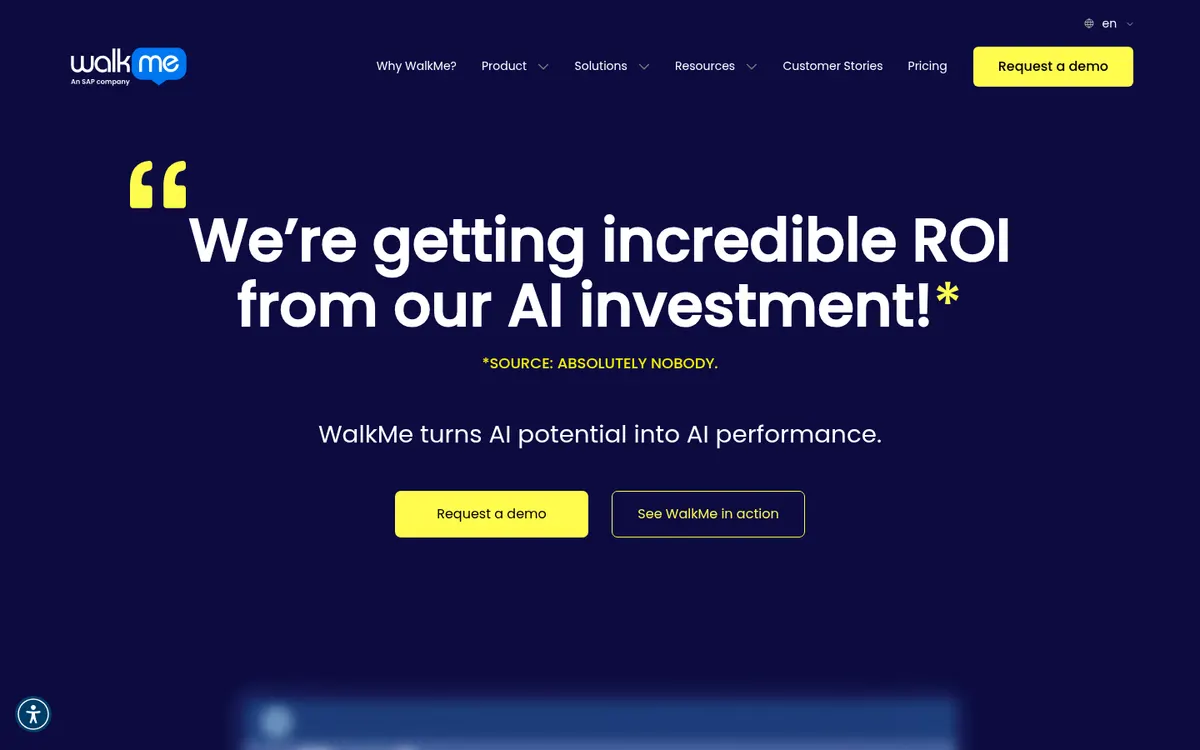
The broadest enterprise DAP here, with automation and cross-platform coverage that mid-market budgets rarely justify.
WalkMe is the reference point at the enterprise end of this category. It puts on-screen guidance in front of users across web, desktop, mobile, and virtualized applications, which matters when a single business process runs through a browser tool, a Citrix session, and a desktop client in the same afternoon. The automation layer goes further than most rivals: it completes forms and multi-step tasks rather than only pointing at the next field. The rest of the platform covers the administrative side large IT teams ask for. There are SAP ecosystem integrations, adoption analytics, in-app self-help, and content authoring with admin controls, so a central team can build and version guidance for many business units. It has a large enterprise footprint in this category, and that matters when you need contractors who already know the tool. Pricing is the obstacle. There is no published rate, the pricing page only offers a quote request, and the entry point sits around $9,000 a year with typical enterprise contracts far higher. Implementation is heavy, the authoring model has a steep learning curve, and mid-size firms usually find both the cost and the complexity hard to justify. Ask for a written scope covering seats, applications, and environments so the number you compare is the same number you will sign. WalkMe fits large enterprises running multi-application transformation programs, especially SAP-heavy estates where guidance and automation must cover desktop and virtualized software, not just a website. If your scope is a single SaaS product with 3,000 users, this is more platform than the job requires.
You are a large enterprise guiding staff across several applications, including desktop and virtualized software.
You are mid-size, need a published price, or only have to guide users inside your own web app.
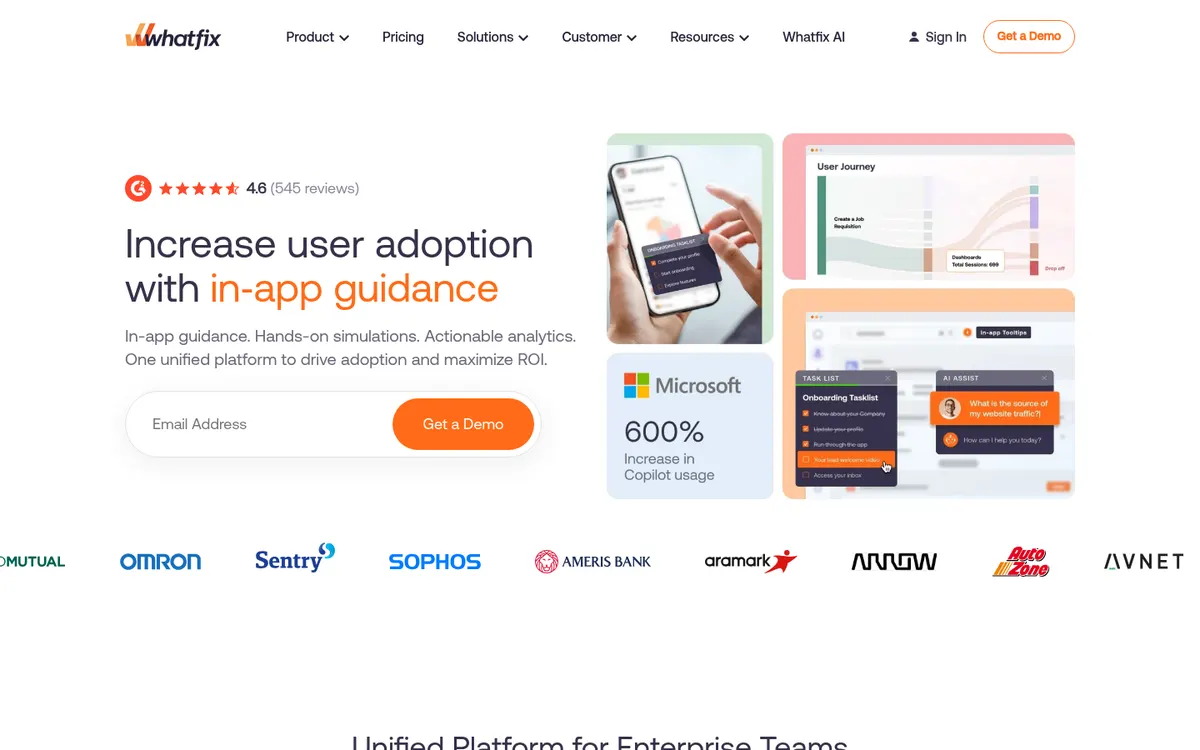
The enterprise DAP to shortlist when users must practice risky workflows on a copy before touching live data.
Whatfix sits closest to WalkMe in scope and is the usual shortlist partner in enterprise deals. Its differentiator is Mirror, a sandbox copy of the application where users practice a workflow without touching live data. For regulated processes such as claims handling, patient intake, or financial approvals, practicing on a copy is often the only way training gets signed off.
Guidance in the live app, embedded self-help, and analytics on task completion and friction points round out the platform. Content updates automatically when application interfaces change, which removes the maintenance slog older guidance tools create, and the analytics show where users stall rather than only whether they finished. Support for regulated workflows is central to how the vendor positions the product.
Pricing is quote only. The pricing page routes everyone to a sales conversation with a Get Pricing form, and there is no free tier and no trial, so evaluation costs time before it costs money. Implementation effort is comparable to WalkMe, and the total cost lands at enterprise scale. Mid-market buyers often say it is easier to implement than WalkMe, but easier is not the same as easy.
Choose Whatfix when you are in a regulated industry and need simulation training plus live guidance from one platform, or when you want a genuine alternative quote to WalkMe. Skip it if you need a self-serve product adoption tool for your own app, or if your budget is under five figures and you want a published price before the first call. Ask both vendors to scope the same applications so the quotes are comparable.
You run regulated workflows and need sandbox practice alongside live in-app guidance.
You want to self-serve a trial and see pricing before talking to sales.
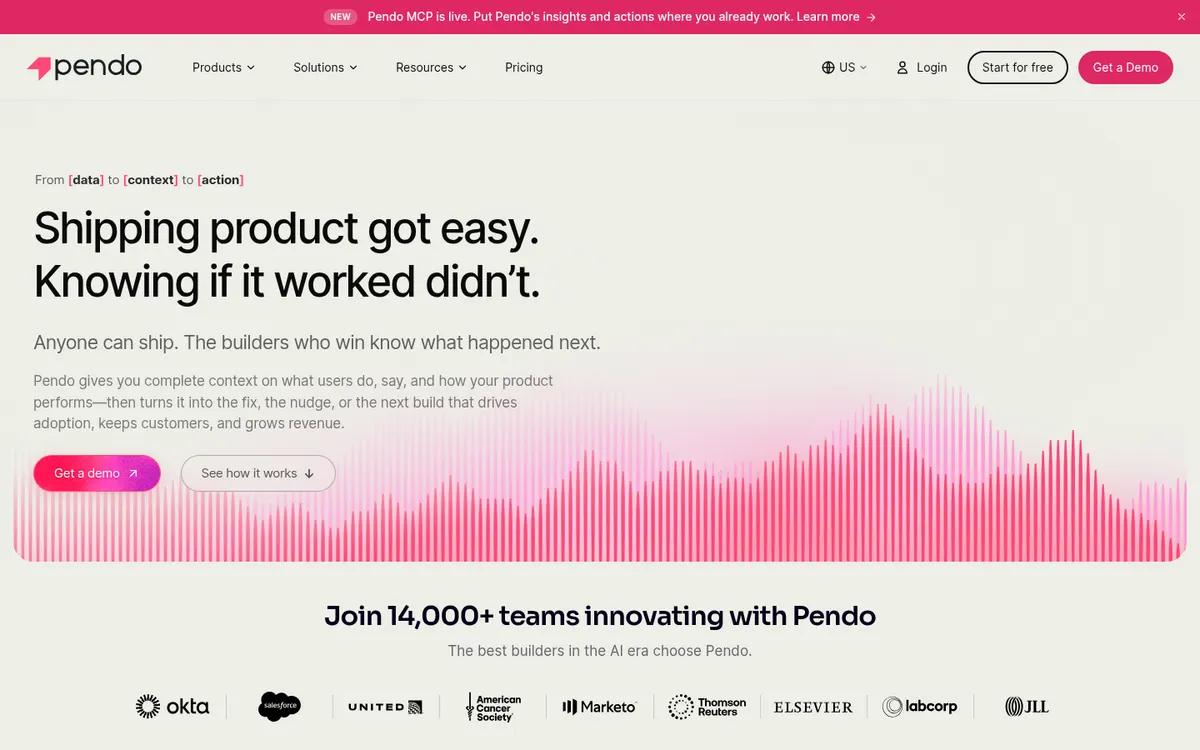
Best value on this list for product teams, with a free tier and analytics that answer real activation questions.
Pendo is a product analytics platform that also does guidance, which is the reverse of how most tools here are built. Retroactive event capture means you can look back at user behavior from before you instrumented the guide, and funnels, cohorts, and path analysis come standard. Guides, tooltips, surveys, polls, and roadmaps live in the same product, so a product team can ship an onboarding tour and measure it without buying a second tool.
The commercial terms are the friendliest here for a pilot: a free tier up to 500 monthly active users and a 30-day trial. Paid plans (Base, Core, and Ultimate) require requested pricing and rise with monthly active users, so cost scales with your success rather than your seat count.
The limits are about depth and context. Guidance features are less deep than a dedicated DAP: you get guides, tooltips and surveys, not multi-step automation across desktop and virtualized applications. It is also a poor fit for training employees on third-party enterprise software, because Pendo is designed to run inside the product you build.
Pick Pendo when you own the application, your questions are about activation, retention, and feature adoption, and you want those answers next to the nudges rather than in a separate analytics tool. Skip it when the job is getting 4,000 staff through a new ERP or CRM rollout, where you need cross-application guidance, sandbox practice, and validation rules. The free tier makes the pilot decision easy.
You own the product and want adoption analytics sitting next to your in-app guidance.
Your users are employees inside software you bought rather than software you built.
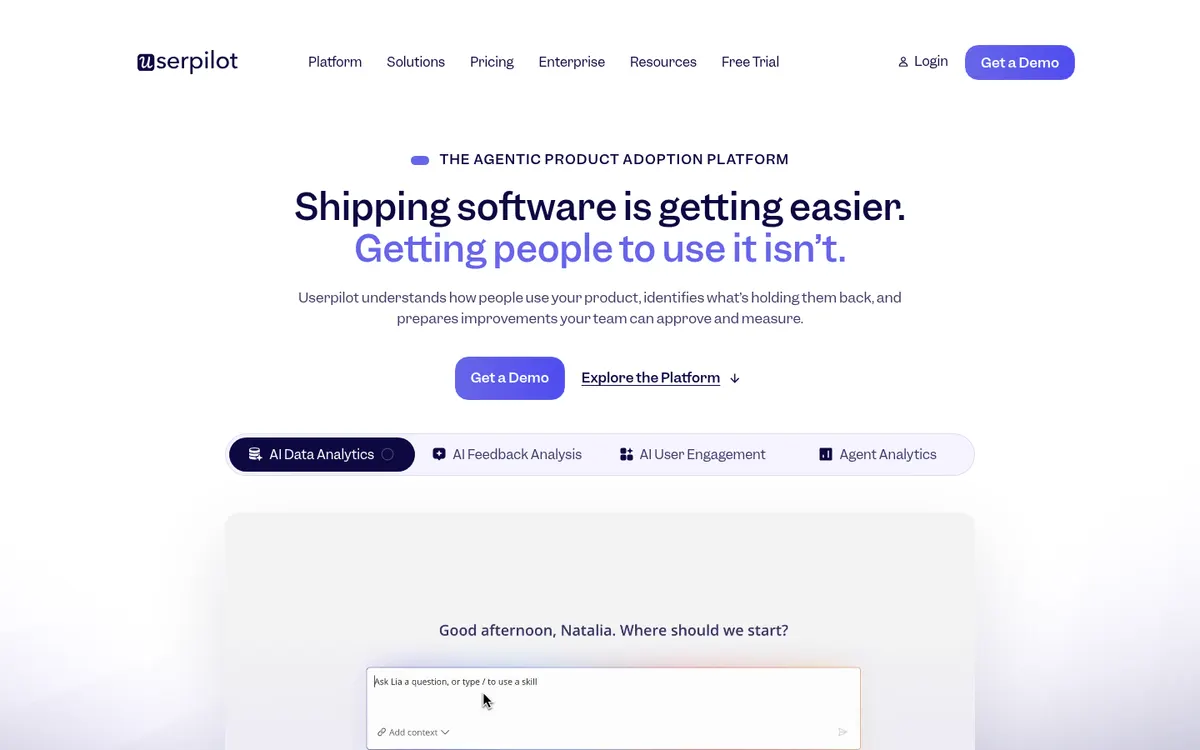
The clearest mid-market buy: published per-MAU pricing plus analytics deep enough to replace a second tool.
Userpilot is the mid-market option with the clearest price list. Starter is $299 per month for up to 2,000 monthly active users, and it covers guides, hotspots, checklists, segmentation, NPS surveys, and resource centers across web and mobile. A 14-day free trial is available and there is no free plan.
The reason to look past Starter is the analytics. Growth starts around $799 per month and adds product analytics with funnels and cohorts, session replays, resource centers, and A/B testing. That combination is the argument for Userpilot over Appcues: you get the numbers behind the onboarding flow without bolting on a separate tool, and you can test two versions of a flow without a second contract.
The pricing has traps. Several advanced features sit behind Growth, add-ons are restricted to higher tiers, and mobile analytics only appear further up the range, so the $299 headline can mislead a team that actually needs the full stack. Budget from the Growth figure if analytics and experimentation are part of the requirement, then check what each add-on does to the bill.
Userpilot fits a mid-market SaaS company whose product team wants onboarding and analytics under one contract with a per-MAU price it can forecast. It also suits teams moving off a heavier enterprise DAP. It fits less well if your users are employees inside third-party enterprise software, or if you need automation that completes forms and multi-step tasks rather than guiding them.
You are a mid-market SaaS team that wants onboarding and analytics on one forecastable bill.
The $299 Starter plan is your ceiling and you need session replays or A/B testing.
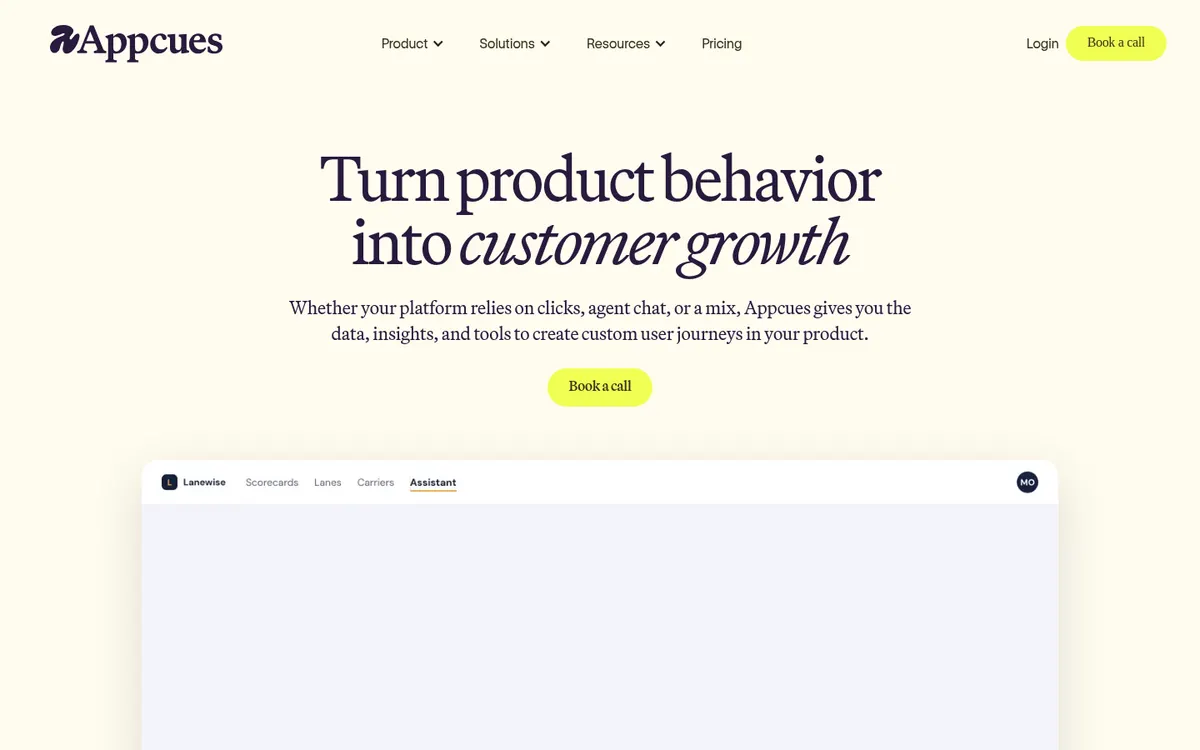
The fastest no-code route to live onboarding, with analytics that stop short of what the price suggests.
Appcues is the fastest route from needing onboarding to having onboarding live. The drag-and-drop builder and the onboarding pattern library for checklists, modals, and tooltips mean a product manager can ship a flow without engineering time, and native iOS and Android SDKs are included rather than sold separately. There is a free trial, which is enough to test the builder against your own app. Reporting covers flow completion, and targeting and segmentation are built in, so you can send different flows to different user segments. Setup is genuinely no-code, and the pattern library saves the blank-page problem that stalls a lot of onboarding projects. Pricing changed shape. The page now leads with an annual figure of $9,000 for Grow instead of the older monthly number, Essentials covers 2,500 monthly active users, and everything above Essentials is custom. Mid-market contracts can reach five figures annually, so get the quote in writing before you build the business case. Analytics is the honest gap. Flow completion reporting tells you whether people finished, but funnels, cohorts, and session replay are thinner than Userpilot at a similar price, and teams that want experimentation usually end up adding a second tool. The annual framing also makes a cheap three-month pilot harder to arrange. Pick Appcues for a product team that values speed and design consistency over analytical depth and has a defined onboarding problem to solve this quarter. Skip it if onboarding analytics is part of the requirement or if you need guidance outside your own web and mobile apps.
You need a polished onboarding flow live this month and have a designer, not an engineer, to build it.
Funnels and cohorts are part of the brief, or if you need guidance outside your own app.
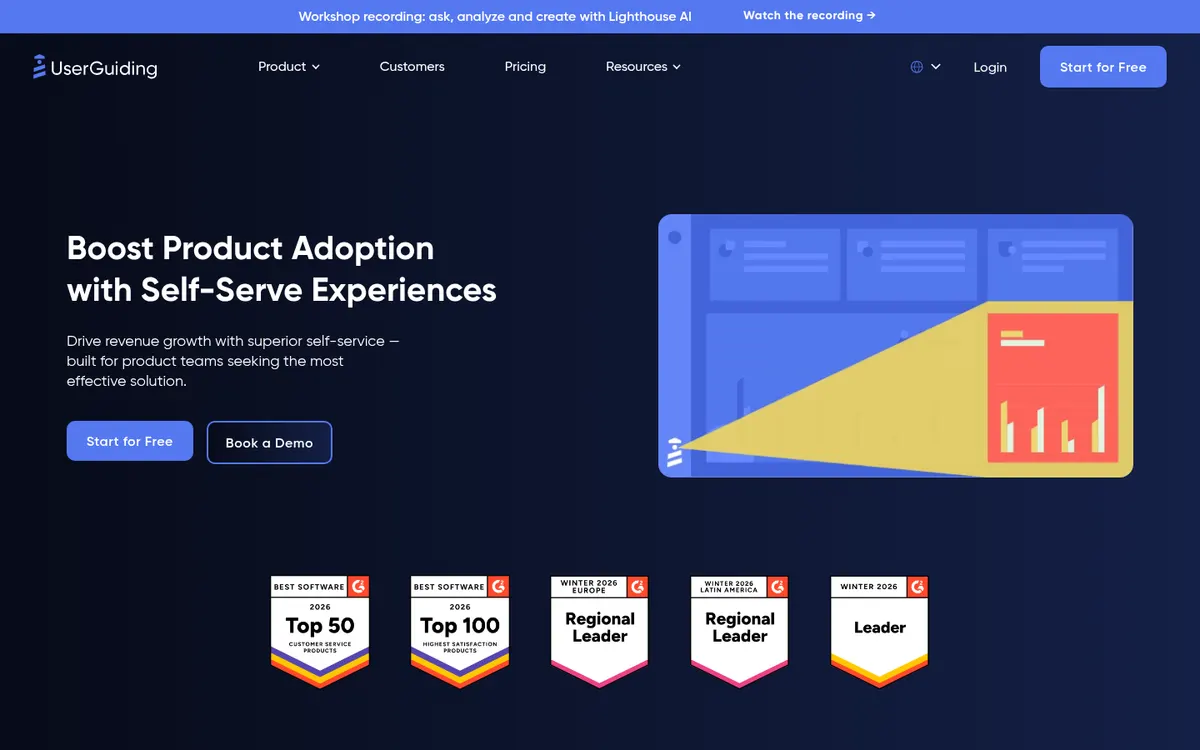
Cheapest paid entry here and fine for web-only tours, but mobile products and design-led brands should look upmarket.
UserGuiding is the cheapest paid entry in this comparison. Starter is $249 per month billed yearly for up to 2,000 monthly active users, and a 14-day free trial is available. For a small SaaS team that needs product tours, checklists, hotspots, a resource center, NPS surveys, and a standalone knowledge base, that is a lot of surface area for the money.
The Chrome extension builder is a practical touch: you can build and preview guidance without asking engineering for a staging environment, and same-day setup is realistic for a simple tour. An AI assistant appears on some plans, so content drafting is partly automated. Compare it with the free tiers elsewhere before you commit, since Pendo's free tier covers 500 monthly active users.
The trade-offs are visible. There is no native mobile support, which rules it out for mobile-first products, and the interface is less polished than pricier rivals. The builder is also less refined than Appcues: fewer layout controls, less precise targeting, and more manual cleanup on complex flows.
Treat the low price as a starting point. Yearly billing is required for that figure, and the plan is capped at 2,000 monthly active users, so growth pushes you up the tiers. Confirm what the AI assistant and knowledge base include on the tier you are buying, because feature availability changes by plan.
UserGuiding fits a bootstrapped or early-stage SaaS team on web only, with a small user base and no designer on staff. Skip it if you ship a mobile app, need sophisticated segmentation, or expect to pass 2,000 monthly active users within a year.
You are a small web-only SaaS team that needs tours and a knowledge base on a tight budget.
You ship a native mobile app or expect rapid user growth past the 2,000 MAU cap.
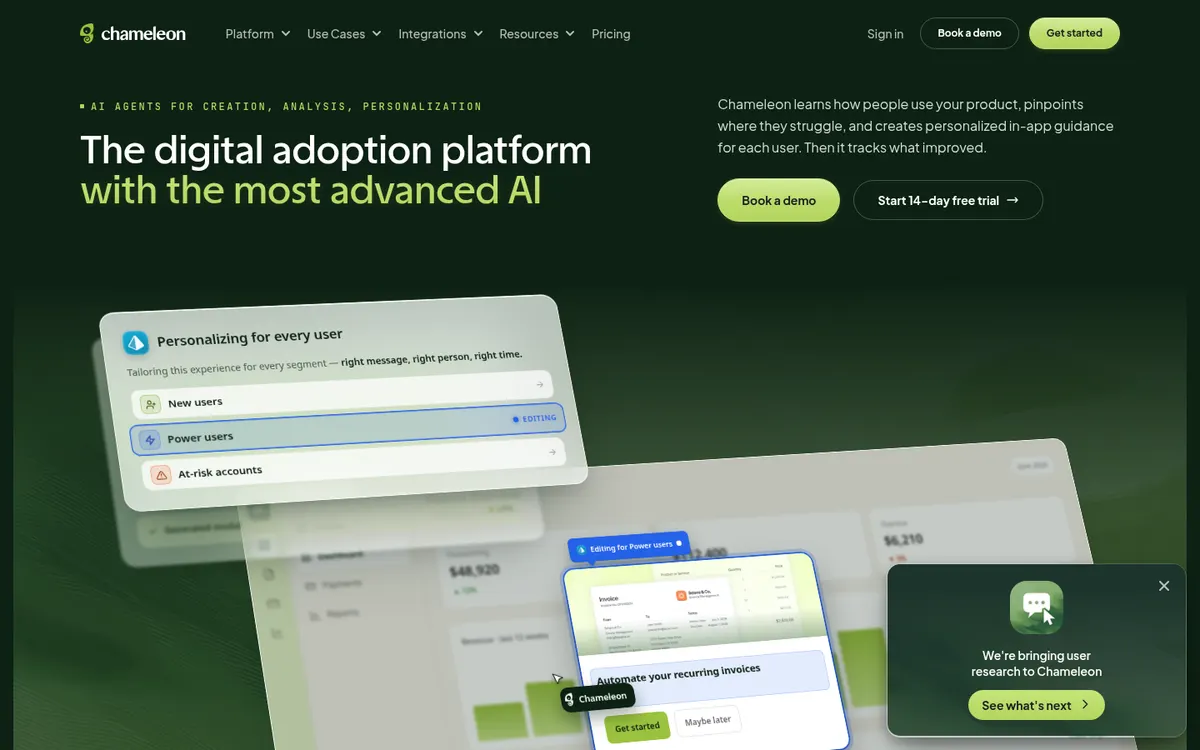
The design-led pick for web products, with CSS control that buys polish and costs setup time.
Chameleon is the choice for teams who care what the tour looks like. Full CSS control, embedded banners and cards, and advanced targeting give a designer room to build guidance that matches the product rather than sitting on top of it. Interactive product demos are included in the platform and available on a free plan. Targeting is granular enough to reach a specific account, plan, or user state. Microsurveys and A/B testing are part of the same product, so you can test two versions of an onboarding flow or ask a question at the moment of hesitation without adding another tool. Startup starts at $279 for 2,000 monthly tracked users, and a 14-day free trial is available. Two caveats. It is web only with no mobile SDKs, so native app guidance is out of scope. Setup takes longer than Appcues because the customization is the point: CSS-level control means CSS-level work, and someone has to own it. Growth plans reach around $15,000 a year, which puts the upper end of the range well past mid-market expectations. Ask for the annual figure early, because the monthly view understates it. Chameleon fits a design-led SaaS company with a front-end person who enjoys the control, a web-only product, and a brand standard the onboarding has to meet. It fits less well for a lean team that wants a flow live by Friday, and not at all for mobile-first products. Run the free interactive demo plan first to see whether your designs actually fit its model.
You have front-end skills in house and the guidance has to match a strict brand standard.
Nobody on the team writes CSS or you need to guide users inside a native mobile app.
Narrow and useful: it enforces process compliance in browser business apps, especially CRM rollouts.
Apty is a narrower tool with a sharp purpose: making people follow a process inside a browser-based business application. Workflow validation rules and step-by-step process execution paths mean the tool does not just show where to click, it enforces that the right data goes in before the user moves on.
That focus suits CRM rollouts, especially Salesforce. Data entry enforcement, analytics on process deviation, and in-app guidance for browser apps give an operations team the two things it needs: people complete the steps, and the deviation report shows where they break the process. Implementation is lighter than a broad enterprise DAP because you are not covering desktop, mobile, and virtualized applications.
Pricing is quote only. The pricing page returned no content when checked on 25 November 2026, so nothing could be confirmed and any figure you hear should be treated as unverified until it is in writing. Ask the vendor which applications are officially supported before you scope, because that list defines the project.
The limits follow from the focus. The scope is thinner than WalkMe or Whatfix: no automation of complex multi-step tasks, and nothing aimed at company-wide digital transformation. Browser apps are the boundary.
Choose Apty if your problem is process compliance in CRM or another browser tool and you want validation rules rather than another layer of tooltips. Skip it if you need to guide desktop or virtualized software, or if you are buying one platform for an entire workforce across many applications.
Your CRM data quality depends on people following a fixed process in the browser.
You need cross-application coverage or automation of multi-step tasks.
A lighter DAP with a European compliance story, best where data residency decides the purchase.
Userlane targets European buyers who need guided workflows without a large IT project. Its pitch is simple interactive guidance, basic analytics, simpler administration than the big DAPs, and a compliance posture built around GDPR and data residency.
That last point is often the deciding one. For a German, Dutch, or Nordic company where the works council or data protection officer has to sign off, data residency and GDPR emphasis can remove months of review. Administration is deliberately simpler than WalkMe or Whatfix, so a small team can run it without a dedicated platform owner. Ask specifically which data centre region your tenant sits in, because that is the question your DPO will ask.
The trade-off is depth. The feature set is thinner than the enterprise leaders, and basic analytics stop short of the funnel and cohort work you get from product analytics tools. Reporting is the other gap: you learn that a user completed a flow, not which step caused the drop off, so pair it with product analytics if that question matters. Automation and simulation training lag the category leaders, and if you need users to practice a risky workflow on a copy of the application, Userlane is not that product.
Pricing is quote only across all three tracks, with no published price, so start the sales conversation early if budget approval runs through procurement.
Userlane fits a mid-size European company that needs guided workflows across web apps, values data protection compliance, and wants something a business analyst can administer. Skip it if you need desktop or virtualized coverage, deep automation, or sandbox practice for regulated processes.
European data protection requirements are the gate your purchase has to pass.
You need sandbox practice, desktop coverage, or deep automation.
Not a full DAP: it delivers knowledge inside Salesforce, Slack, and the browser where sales teams already work.
Spekit does not try to be a full digital adoption platform. It delivers training content inside the tools people already use: Salesforce, Slack, and the browser. Definitions, process docs, and playbooks appear in the workflow, so a rep can look up a term or a step without opening a separate learning portal or pinging a colleague. A free trial is available.
The value is reduced context switching. Sales enablement teams use it to keep messaging, objection handling, and process documentation current and in front of the rep at the moment of need, and because it sits inside Salesforce and Slack, adoption does not depend on people remembering a second destination. The content model is lightweight, which is why enablement teams can maintain it without a technical author.
The scope is deliberately limited. There is no workflow automation and no simulation training, so it will not replace WalkMe, Whatfix, or Apty for process execution and compliance. It is knowledge delivery, not application control, and buying it expecting enforcement will end badly.
Pricing is not published. Per-seat packages are quoted through sales rather than listed, so the per-user cost is the number to chase first, because a knowledge tool priced per seat gets expensive across a large sales organization.
Choose Spekit when your problem is knowledge in the flow of work, particularly sales enablement inside Salesforce and Slack, and you already have guidance or training elsewhere. Skip it if you need automation, validation, or sandbox practice, or if you want one platform to cover onboarding, analytics, and process compliance. Check how many seats the pilot requires before you start.
Sales enablement content needs to live inside Salesforce and Slack rather than a separate portal.
You need automation, validation rules, or sandbox practice on a copy of the app.
A digital adoption platform puts instruction, and in some cases automation, directly on top of another application. Users see a prompt, a checklist, or a tooltip inside the software they are already using, so they learn the task in the place the task happens. That definition sounds narrow, but it covers two quite different products, and mixing them up is the most common buying error in this category.
The first group is enterprise DAPs, built for employees using software the company bought rather than built. WalkMe, Whatfix, Apty, and Userlane sit here. They guide across web, desktop, mobile, and virtualized applications, and the leaders add automation that completes forms and multi-step tasks, sandbox copies for practice, and analytics on where processes break. Buyers are IT, HR, and operations teams running ERP, CRM, or claims rollouts across thousands of staff.
The second group is product adoption tools, built for software companies guiding their own users. Pendo, Userpilot, Appcues, UserGuiding, and Chameleon sit here. The scope is your web or mobile app, and the emphasis is onboarding flows, in-app messaging, surveys, and product analytics rather than cross-application coverage.
What the two groups share is the underlying job:
Where they differ is the hard part. An enterprise DAP has to survive single sign-on, iframes, desktop clients, and SAP screens. A product adoption tool has to survive your own release cycle and produce funnel data. Spekit is a third kind, closer to knowledge delivery: it injects training content into Salesforce, Slack, and the browser without automating or enforcing anything.
Ask one question before you compare features: are you guiding employees through software you bought, or users through software you built? The answer removes about half of this list.
This comparison sits on the Software desk. Readers comparing neighbouring stacks often check our guides to demand forecasting software and glp 1 companies next.
Digital adoption platform pricing splits into two behaviors: a published number or a form. Four tools on this list publish a starting price, and six route you to sales. That split is not random. Product adoption tools sold to SaaS companies compete on price transparency and publish per-MAU bands; enterprise DAPs sold to procurement teams scope each contract to users, applications, and environments, and will not post a number that would be wrong for most buyers. Per-MAU billing is the model to understand. You pay for monthly active users in bands, so the bill moves with your usage and your growth. Userpilot prices Starter at $299 per month for 2,000 monthly active users, Appcues leads with an annual $9,000 figure for Grow, with Essentials covering 2,500 monthly active users, and Chameleon quotes Startup at $279 for 2,000 monthly tracked users. Pendo publishes a free tier to 500 monthly active users and a 30-day trial, then quotes paid plans. Quote-only contracts hide two things worth asking about: the annual minimum and what counts as a user. A contract scoped at 2,000 named users behaves differently from one scoped at 2,000 monthly actives, and the difference shows up at renewal.
| Model | How it bills | Typical fit | Example from this list |
|---|---|---|---|
| Quote only | Annual contract scoped to users and applications | Large enterprises with procurement review | WalkMe, Whatfix, Apty, Userlane, Spekit |
| Monthly active users | Monthly or annual, banded by MAU | SaaS product teams | Userpilot $299/mo for 2,000 MAU; Pendo free to 500 MAU |
| Annual platform fee | Yearly, custom above the entry tier | Mid-market product teams | Appcues Grow from $9,000/year |
| Monthly tracked users | Monthly, banded by tracked users | Design-led web products | Chameleon Startup from $279 for 2,000 MTUs |
| Monthly billed yearly | Monthly rate on an annual commitment | Small web-only SaaS teams | UserGuiding Starter $249/mo billed yearly |
Every price above was checked on the vendor's own pricing page on November 25, 2026. Where a vendor does not publish a figure we write "See website" instead of guessing. To compare annual and monthly billing quickly, try the free percentage calculator.
Write down the applications. List every system the guidance must cover, including desktop clients and virtualized sessions. If the list is one web product you built, stop here and shop the product adoption tools, which cost less and ship faster.
Separate guidance from enforcement. Decide whether users need to be shown the step, helped through it with automation, or blocked until the data is correct. Apty enforces data entry, WalkMe and Whatfix automate tasks, and Appcues and UserGuiding mostly guide.
Set a pilot scope you can measure. Pick one workflow, one user group, and one metric such as completed tasks or ticket volume. Pendo's free tier to 500 monthly active users and the 14-day trials here are enough to test the builder against real screens.
Force a written quote. Send the same scope to every vendor. Ask what counts as a user, what the annual minimum is, and which features sit on the next tier. Userpilot's $299 Starter and Growth at around $799 are a useful benchmark.
Test the authoring model with your own team. Have the person who will maintain the content build a flow during the trial. If only a trained specialist can do it, add that headcount to the annual cost before you compare totals.
Plan the maintenance owner. Interfaces change and guidance breaks. Ask who updates content after launch and how changes reach production. Whatfix updates content automatically when UIs change; most others leave that work with you.
Buying from the demo. A polished demo shows the vendor's best flows on a clean staging app. Ask to build one of your own screens during the trial, including a slow page and a form with conditional fields.
Comparing a published price to a quote. A $299 Starter plan and a quote-only enterprise contract are not comparable numbers. Get both into annual totals with the same user count before you show anything to finance.
Forgetting the authoring burden. Guidance is content, and content rots. A tool that needs a specialist author is a headcount decision, while a no-code builder shifts the work to a product manager who already has a full calendar.
Assuming mobile is included. UserGuiding has no native mobile support and Chameleon is web only. If your users are on phones, check for native SDKs before you shortlist rather than after the contract is signed.
Treating analytics as a bonus. If you cannot see which step loses people, you cannot fix the flow. Pendo and Userpilot build the numbers in, while Appcues reports flow completion, which is a narrower question.
It puts guidance, and sometimes automation, on top of another application so users can finish tasks without leaving the screen or filing a ticket. The strongest versions also measure completion and let a non-engineer edit the guidance without a release. Enterprise DAPs cover desktop and virtualized software, while product adoption tools cover the vendor's own web or mobile app.
Published entry points on this list run from $249 to $299 a month. UserGuiding Starter is $249 per month billed yearly, Chameleon Startup is $279 for 2,000 tracked users, and Userpilot Starter is $299 for 2,000 monthly active users. Appcues leads with an annual $9,000 figure for Grow. Enterprise DAPs publish nothing, and WalkMe's entry point sits around $9,000 a year.
WalkMe goes deeper on automation and cross-platform coverage, including desktop, mobile, and virtualized apps, and has the larger enterprise footprint. Whatfix leads with Mirror, a sandbox copy of the application for practicing risky workflows, plus content that updates automatically when interfaces change. Both are quote only and both are heavy implementations.
When the users you are guiding are your own customers inside your own app. If the question is why trial accounts do not activate, or which step loses people, a tool like Pendo, Userpilot, or Appcues answers it with funnels, cohorts, and guides in one place. You need a full DAP when guiding employees through software you bought, especially across desktop or virtualized applications.
Three publish a sub-$300 starting plan: UserGuiding Starter at $249 per month billed yearly, Chameleon Startup at $279 for 2,000 monthly tracked users, and Userpilot Starter at $299 for 2,000 monthly active users. Pendo's free tier covers up to 500 monthly active users if you want to start at zero. Each entry plan has limits, so check the next tier up.
No-code product adoption tools can be live in days. UserGuiding advertises same-day setup and Appcues is the fastest in the mid-market band here, though Chameleon takes longer because CSS control takes work. Enterprise DAPs are heavier: WalkMe and Whatfix require comparable implementation effort, while Apty and Userlane sit lighter because their scope is narrower.
Browse every comparison on the Software desk, with the same rubric and dated prices.