Ranked #1

Timly
Unlimited users
See website
- Best for
- Equipment-heavy teams needing QR scanning, assignment and maintenance planning
- Free plan
- No (10-day free trial)
- Rubric
- 7.9 / 10
Ten tools, matched to the buyer each one fits, with published prices where they exist, free editions where they last, and the limits that decide the pick.
 Prices checked November 25, 2026
Timly is the top pick for equipment-heavy teams that need QR scanning, assignment and maintenance planning in one system. AssetTiger suits small and mid-size teams that want a low published price with unlimited users. Snipe-IT is the pick for IT teams willing to run their own server, because the open-source edition is free with no asset or user limits. All three were checked on 2026-11-25. Prices below are listed only where a vendor publishes them, and several tools now quote on request.
Unlimited users
See website

Broad report library
See website

Open source
See website
Disclosure for this page: All 10 tools here are unpaid editorial picks. The position of a paid listing can be part of what the vendor pays for. How we handle paid listings.
| Tool | Best for | Free plan | Actions | |||
|---|---|---|---|---|---|---|
| 1 | Timly | Equipment-heavy teams needing QR scanning, assignment and maintenance planning | See website | No | ||
| 2 | AssetTiger | Small and mid-size teams wanting the lowest published price | See website | No | ||
| 3 | Snipe-IT | IT teams comfortable running their own server | See website | Yes | ||
| 4 |  Sortly | Small businesses moving off spreadsheets with non-technical staff | See website | No | ||
| 5 |  UpKeep | Maintenance and facilities teams that live in work orders | See website | No | ||
| 6 |  Fiix | Plants and facilities that want to start on a free CMMS | See website | Yes | ||
| 7 |  Asset Panda | Enterprises and regulated industries needing deep customization | See website | No | ||
| 8 |  EZO EAM (formerly EZOfficeInventory) | Mid-market operations teams outgrowing basic tracking | See website | No | ||
| 9 |  Cheqroom | Teams where equipment is constantly checked out and shared | See website | No | ||
| 10 | ManageEngine AssetExplorer | IT departments that need hardware plus software tracking | See website | Yes |
We scored ten tools against five criteria and weighted them for the buyer each one describes, not for a hypothetical average company.
Buyer fit (25%) asks whether the product solves the problem its intended user actually has. Tracking depth (25%) covers the core record: custom fields, labels, scanning, custody events and reporting. Price clarity (20%) rewards published prices, free editions and trial terms a buyer can evaluate without a sales call. Maintenance and support (15%) covers preventive schedules, work orders and the support terms a buyer can rely on. Setup effort (15%) weighs time to first useful report, including hardware, servers and configuration.
Prices and plan facts come from vendor pricing pages checked on 2026-11-25. Where a page returned no readable text, we say so in the entry rather than filling the gap with an older figure presented as current. That is why some entries describe a price as last recorded and others simply point to the vendor site.
The Featured position is a paid placement. It is scored on the same five criteria as every other entry, it carries the same kind of honest cons, and it gets no credit on tracking depth, price clarity or anything else for being Featured. Placement affects position in the list; it does not affect the scores.
The order is editorial. Each entry is placed for the buyer it fits, plus the disclosed Featured position. It is not a weighted total, and two tools with similar scores can sit far apart because they suit different teams. Use the scores to compare within a shortlist, not to rank the page.
The full process, including how we handle corrections, is on the methodology page. Paid listings follow our advertising disclosure.
| Criterion | Weight | What we check |
|---|---|---|
| Buyer fit | 25% | How well the product solves the actual problem of the team it is aimed at. |
| Tracking depth | 25% | Coverage of the core record: custom fields, labels, scanning, custody events and reporting. |
| Price clarity | 20% | Whether published prices, free editions and trial terms let a buyer evaluate without a sales call. |
| Maintenance and support | 15% | Preventive schedules, work orders and the support terms a buyer can count on after launch. |
| Setup effort | 15% | Time and skill needed to reach a first useful report, including hardware, servers and configuration. |
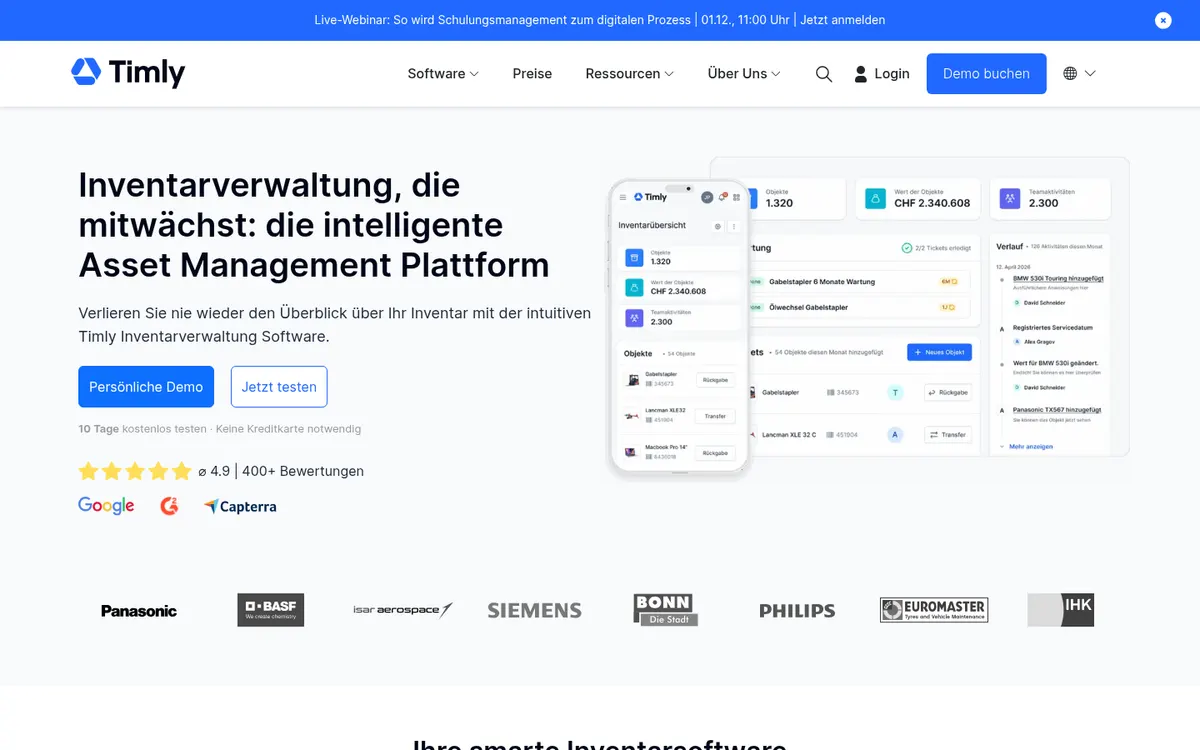
Best for equipment-heavy teams that want QR scanning, custody logs and maintenance planning in one system, if the entry price fits.
Timly is a cloud inventory system that holds equipment, tools, machines, IT assets, vehicles and consumables in one register. Rather than forcing every record into a single template, it lets you build custom category structures and set per-item fields, so a forklift and a laptop can carry different data without splitting the system in two. Access runs in the browser and through iOS and Android apps, which matters for crews who register and look up items on the floor. The tracking workflow is built around labels. You scan QR codes with a phone, and you can bulk register items from barcodes. Assignment covers employees, locations, containers or projects, and each handover is logged. Maintenance is not an afterthought: recurring maintenance, inspections and deadline scheduling live against the same asset record, and a defect reported in the mobile app can create a ticket. RFID and Bluetooth tracking are optional for teams that need faster bulk reads. Pricing is the sticking point. Plan details are on the vendor site, with Essential+, Professional and Enterprise tiers and unlimited users on every plan. That model can be generous for a large team and expensive for a very small one. Digital signatures, GPS tracking and warehouse management are add-ons, and REST API access requires the Professional plan. When we checked the pricing page on 2026-11-25 the text was empty, so the entry price could not be confirmed. The service runs in European OVHcloud data centers and a GDPR data processing agreement is available, which suits European operators. It fits equipment-heavy organizations that want scanning, custody and maintenance planning in one place, and it is heavy for a team that just wants a clean list of who has which laptop.
You track mixed equipment, tools and vehicles and need handover logs and maintenance deadlines on the same record.
You have a handful of users and a tight budget, because unlimited seats are priced into the entry tier.
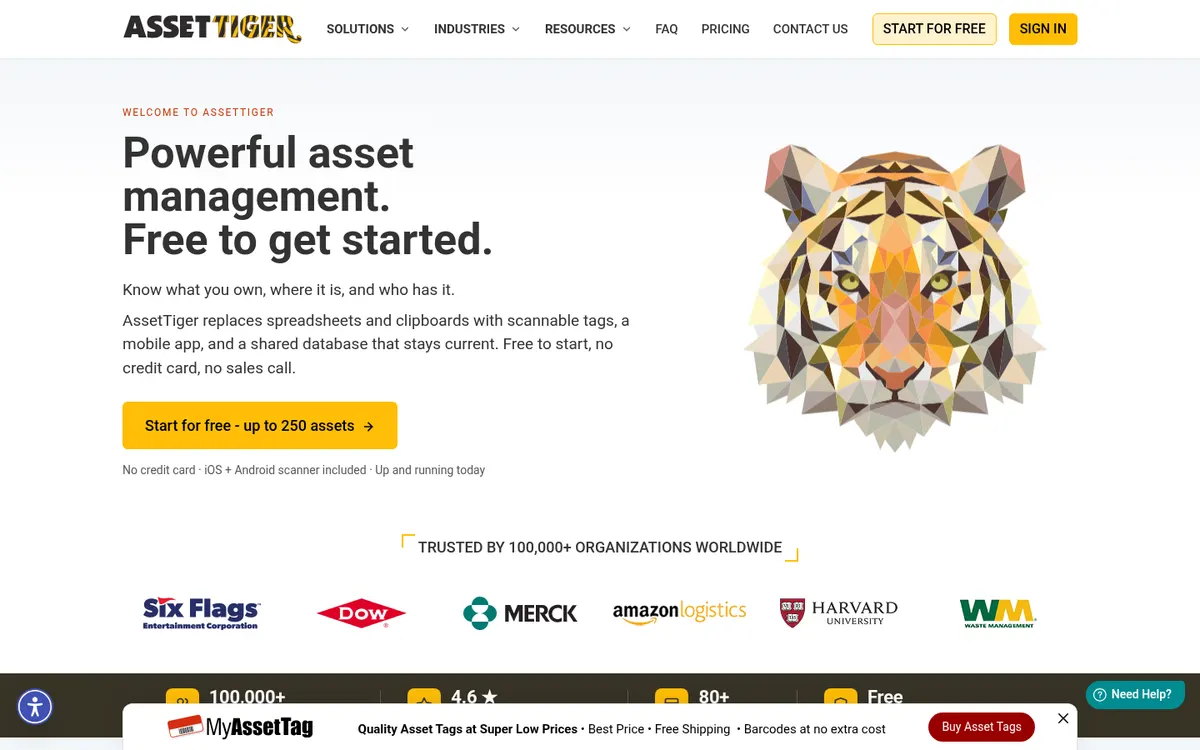
The lowest published entry price here, with unlimited users and broad reporting, but shallow automation and light maintenance.
AssetTiger is a cloud asset tracker aimed at small and mid-size teams, and its main argument is price. Plans scale by asset count only, pricing is on the vendor site, and users are unlimited on every plan. That structure is easy to budget: you count what you track, not who logs in. The 30-day trial covers up to 250 assets, and there is no permanent free plan. The feature set covers the basics well. You create barcode and QR labels, print them on a standard office printer, and scan with a phone. Check-in and check-out produce custody logs with timestamps. Maintenance alerts fire against assets, and depreciation reporting is included. The reporting library is broad, with more than 80 built-in report types, which is more than most tools at this price offer. The limits are in depth and polish. The interface appears dated next to newer tools, and workflow automation is thin compared with enterprise platforms. Maintenance is alert-based rather than a full preventive-maintenance engine, so teams with scheduled service routines, parts inventories and work orders will outgrow it. When we checked the pricing page on 2026-11-25 the text was empty, so the entry price could not be confirmed. It fits a small or mid-size company tracking laptops, tools and furniture, where an office manager wants labels, a custody log and a depreciation report without a sales call. It does not fit a plant running preventive maintenance on machines, or an IT department that needs software license compliance and network discovery.
You want the lowest published price, unlimited logins and a report for almost everything.
Machines need scheduled preventive maintenance, parts and work orders.
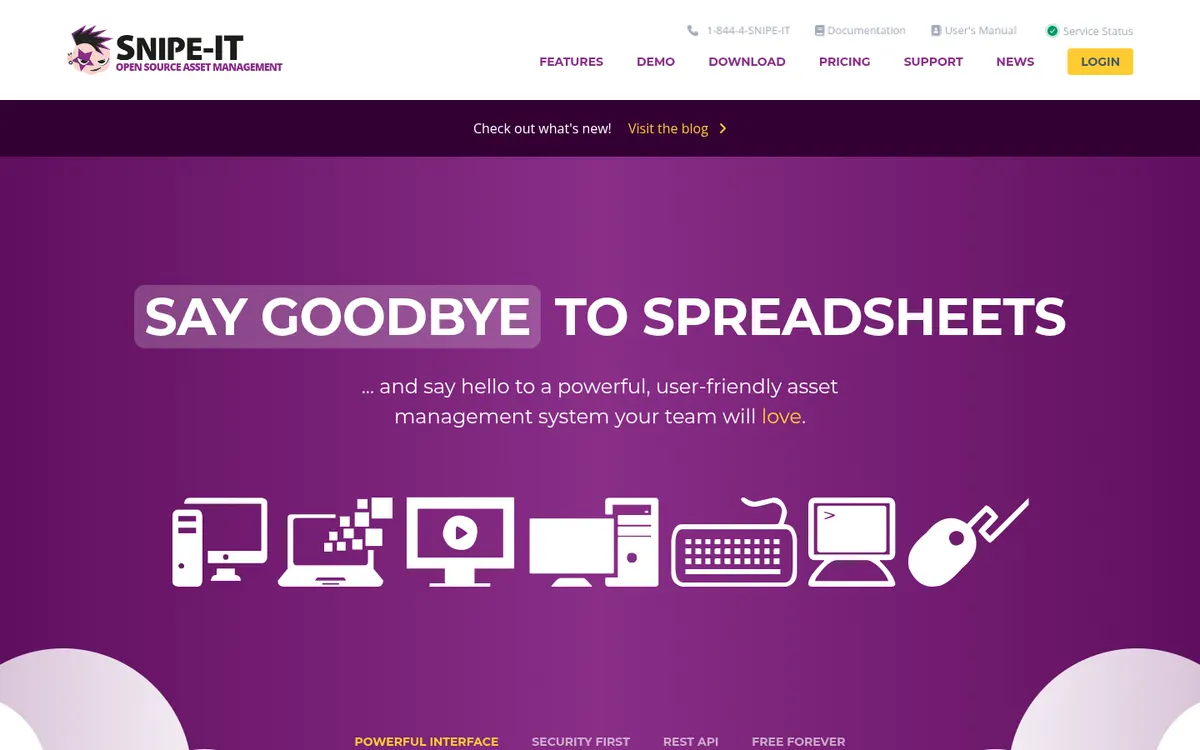
The free, self-hosted choice for IT teams with Linux skills, limited only by the effort of running your own server.
Snipe-IT is open-source IT asset management you host yourself, and the free edition has no asset or user limits. For an IT team with Linux skills and a server, that combination is hard to beat on cost: the license is free, and you pay in setup time and ongoing maintenance. A vendor-hosted plan adds a 99.99% uptime SLA and priority support; pricing is on the vendor site. What it tracks is IT-shaped. You get asset check-in and check-out, license tracking, consumable stock with low-stock notifications, warranty expiration tracking and a full user assignment history. A REST API supports custom integrations, and because the code is open source and auditable, there is no vendor lock-in. For a team managing laptops, monitors, phones and software seats, the core model is right. The costs are operational. Self-hosting requires Linux and LAMP skills, and installation and maintenance stay your responsibility on the free version. The interface is functional rather than polished, and community support is the only support unless you pay for hosting. There is no sales team or onboarding call on the free edition, which is fine for a capable admin and frustrating for a team without one. When we checked the pricing page on 2026-11-25 the text was empty, so the hosted plan price could not be confirmed. It fits an IT department that wants control, an audit trail and an API without a subscription, and it suits organizations with strict data residency needs because the data never leaves their infrastructure. It does not fit facilities teams tracking tools and machines, and it does not fit a team with nobody to own the server.
You have an admin who can run a server and you want IT asset control with no license fee.
Nobody on your team wants to patch, back up and maintain the installation.
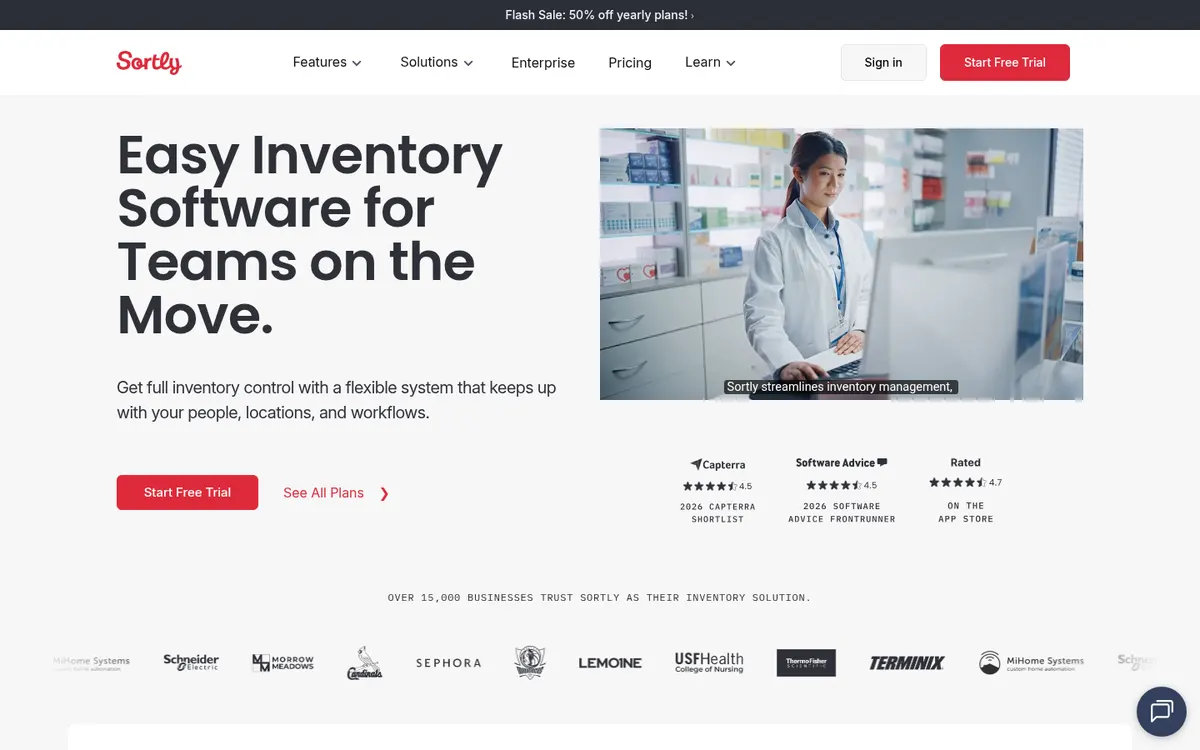
The easiest start for non-technical small teams, with photo cards and labels, but opaque pricing and basic reporting.
Sortly is a visual inventory app for small businesses moving off spreadsheets. Items are photo-based cards, which sounds cosmetic until you watch a warehouse temp identify a part by picture instead of a SKU. You generate QR and barcode labels, scan them in the app, set low-stock alerts and add custom fields. Cloud sync covers phones, tablets and desktops, and offline mobile access means a stockroom with bad Wi-Fi still works. Setup is the selling point. There is no scanning hardware to buy, no server to run and no consultant in the room. A small team can start labeling shelves quickly. The visual search suits staff who do not think in asset IDs, and that is often the difference between a system that gets used and one that gets abandoned. The weaknesses are pricing transparency and depth. Pricing is not shown on the homepage, and paid plans depend on entry counts and user licenses, so the bill moves with both how much you store and how many people log in. Monthly billing costs roughly double the annual rate, which pushes buyers toward an annual commitment to get a fair price. Reporting is basic compared with dedicated asset platforms, and maintenance coverage is not listed in the vendor features. It fits a small business, studio or workshop with a few hundred items, non-technical staff and a need that sits closer to inventory than to asset lifecycle management. It does not fit an operation that needs depreciation schedules, multi-tier approvals, preventive maintenance on machines or license compliance. The 14-day trial is long enough to test labeling and search with real stock before you commit.
Your staff are not technical and you want photos, labels and search working this week.
You need depreciation, approvals or preventive maintenance on machines.
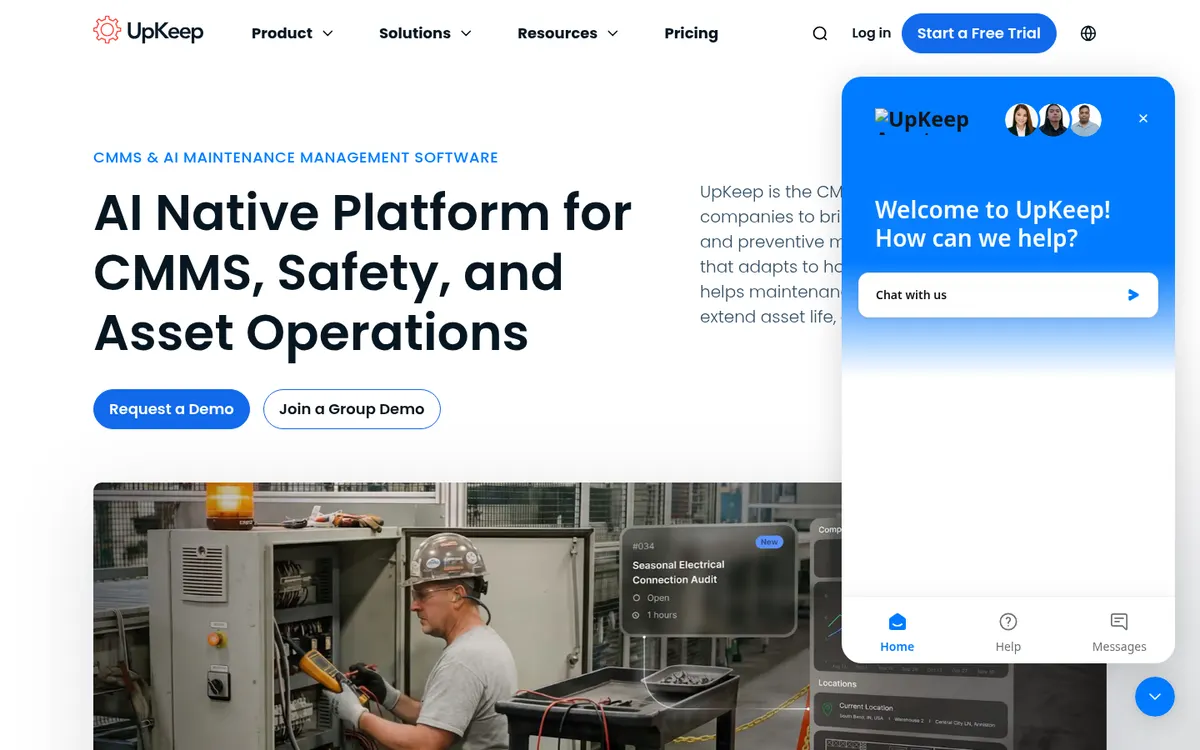
The maintenance-first pick, with strong work orders and PM scheduling, though per-user pricing punishes large technician teams.
UpKeep is a mobile-first CMMS, which means it is built around work orders rather than around a register of things you own. The field app is the center of the product: technicians open work orders, scan QR codes on equipment and log repairs from a phone. Preventive maintenance schedules can be driven by usage rather than only by calendar, and parts and inventory costing is tied to the work. The asset record exists to support maintenance. Repair history accumulates against each asset, so you can see what a machine has cost over time. An AI assistant handles work orders and flags issues, and it is included rather than sold separately. The product uses per-user pricing, with Essential and Premium tiers and higher tiers quoted; pricing is on the vendor site. When we checked the pricing page on 2026-11-25 the text was empty, so those per-user figures could not be confirmed. Per-user pricing is the structural issue. A small maintenance crew is affordable; a large technician operation pays for every seat, and occasional users still consume budget. The platform is also split into separate products, so what you buy depends on which module you need, and the buying process takes longer than a single-tier tracker. There is a free trial with no credit card required, but no permanent free plan. It fits facilities and maintenance teams that already think in work orders, PM schedules and parts, and it is a good match for a manufacturer or property manager with a defined crew. It does not fit a team that just wants to know who has which laptop, and it is overkill for a simple asset register. If your tracking problem is custody rather than repair, a lighter tool will cost less and take less time to adopt.
Your day revolves around work orders, repairs and scheduled service on assets.
You only need a custody register and labels, because the maintenance layer is wasted spend.
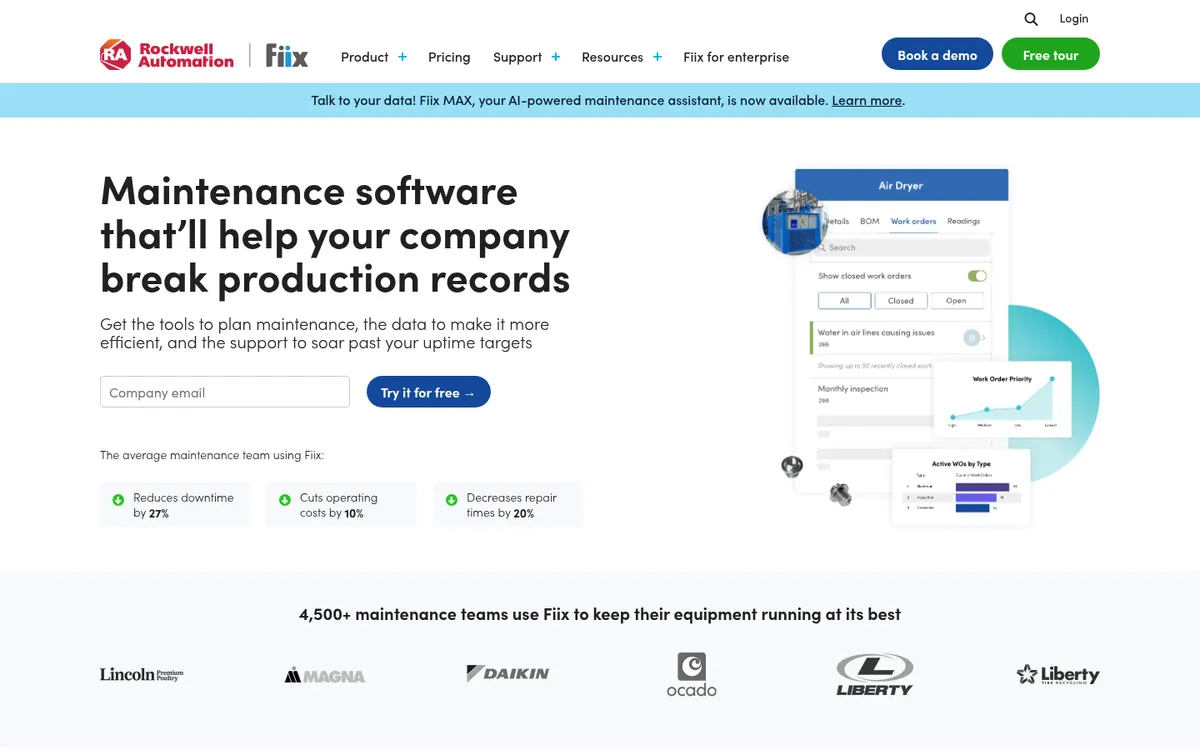
A credible manufacturing CMMS you can start on free, but paid tiers are quote-only and setup takes real effort.
Fiix is a CMMS with a free tier, which makes it the easiest maintenance platform here to try without a budget line. The free tier provides a CMMS starting point, and the product includes work order management, preventive maintenance, parts and supplies tracking, asset hierarchy, mobile access for technicians and an asset insights dashboard for maintenance spending, with alerts when an asset costs more than expected. The maintenance model is the point. Work orders, PM schedules and spare parts sit against a hierarchy of assets, so a plant can see cost and reliability at the machine, line or site level. Mobile access means technicians close work orders at the asset rather than at a desk. The vendor is part of Rockwell Automation, which gives it manufacturing credibility and a roadmap tied to industrial automation rather than to generic inventory. Pricing is where the evaluation stalls. The free tier is real but limited, and paid plans are quote-only, scoped by users and modules, so you cannot compare it to a published price without a sales conversation. Advanced features require configuration work, which means an implementation project rather than an afternoon. That is normal for a CMMS and unusual for a buyer coming from a spreadsheet tracker. It fits a plant, facility or manufacturing operation that wants to start on a free CMMS and grow into paid modules as maintenance discipline improves. It does not fit an IT department tracking hardware and software licenses, and it is not the right first purchase for a small company with a modest asset list and no maintenance schedule. Expect to spend time in setup before the asset insights mean anything.
You run a plant or facility and want maintenance discipline before you commit budget.
You need a published price this week or you are tracking IT hardware rather than machines.
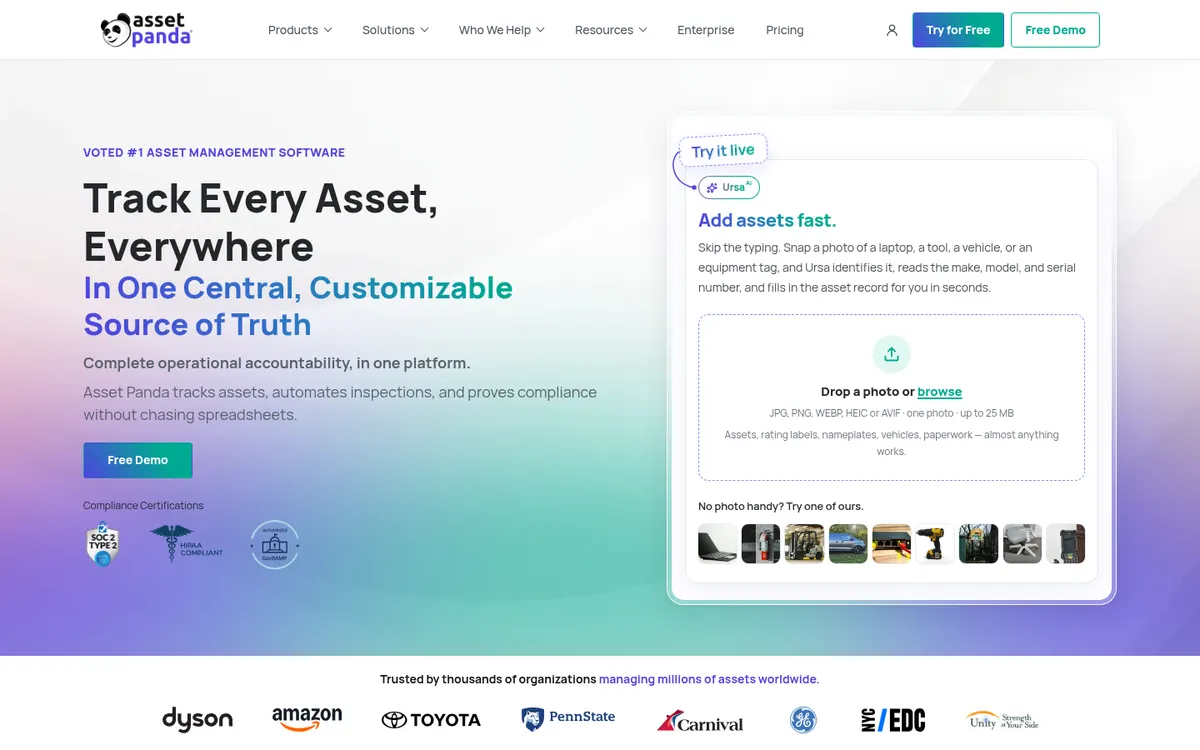
Deep customization and compliance certifications for regulated enterprises, at the cost of opaque pricing and heavy setup.
Asset Panda is built for customization. Fields, workflows and reports are highly configurable, and mobile barcode and QR scanning feeds records that can carry photos, voice notes and signatures. It works with limited connectivity, which matters for field crews and warehouse corners, and it keeps an audit trail on every record. Compliance certifications include SOC 2, HIPAA and GovRAMP.
That configurability is aimed at regulated and complex environments: government, healthcare, education, construction and manufacturing. Instead of bending your process to the software, you configure the software to the process. Guided onboarding supports that, and the audit trail plus certification set is often the deciding factor in a procurement review rather than an afterthought.
The trade-offs are cost visibility and speed. Pricing is not published and is quoted based on users and asset volume, so the sales-led process is slower and harder to compare. Heavy customization means more upfront configuration work, and that work has to be owned by someone after launch or the system drifts. For a simple need, the platform is more machinery than the job requires. A 14-day trial is available. When we checked on 2026-11-25 the pricing page was empty and there was no pricing URL, so the custom-quote status could not be verified.
It fits an enterprise or regulated organization that needs signatures, audit trails, offline capture and compliance documentation, and where a 14-day trial is enough to confirm the configuration approach. It does not fit a small team that wants a list price and a self-serve signup, and it is a poor match for a buyer who cannot commit time to configuration.
You operate in a regulated field and need signatures, audit trails and compliance paperwork built in.
You want a listed price and a self-serve signup this afternoon.
Broad lifecycle coverage with unlimited users and strong integrations, held back by unpublished pricing and a longer setup.
EZO EAM is the renamed EZOfficeInventory, and the new name signals a move from asset tracking toward enterprise asset management. The lifecycle runs from procurement to disposal, with check-out and reservations, preventive maintenance, depreciation tracking, multi-tier approvals and a self-service employee portal. RFID, barcode and QR are all supported, and integrations cover Zendesk, Jira, QuickBooks, Xero, Okta and Azure AD. That breadth is why mid-market operations teams land here. It carries more structure than a simple tracker (approvals, lifecycle stages, maintenance) without the configuration burden of an enterprise platform. Pricing is asset-count based with unlimited users, which keeps cost predictable as you add occasional users. The integration list matters for teams that already run their help desk, accounting and identity in other systems. Two things slow an evaluation. The rebrand means older documentation, help articles and internal references still use the EZOfficeInventory name, which can confuse a search or a training rollout. Pricing is not published on the product page, so you need a quote before you can compare. The learning curve is longer than a simple tracker because there are more objects to set up: categories, approval chains, maintenance schedules and depreciation rules. When we checked the pricing page on 2026-11-25 the text was empty, so no plan price could be read. It fits a mid-market operations team that has outgrown spreadsheets and a basic tracker but is not ready for a full EAM implementation, particularly one that needs approvals and accounting integrations. It does not fit a very small team that wants labels and a custody log, and the extra structure would be unused weight.
You need approvals, depreciation and accounting integrations in one mid-market platform.
A very small team just needs labels and a simple check-out log.
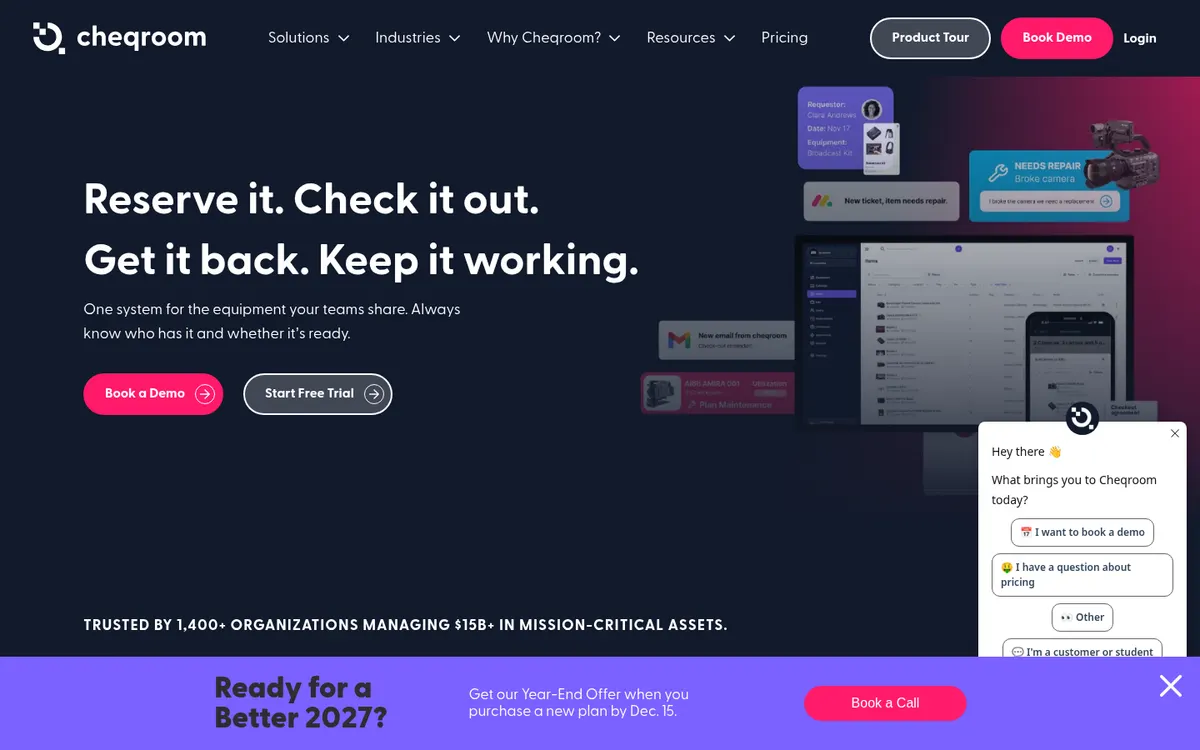
Checkout-first design for shared gear, with digital agreements and availability forecasting, but no free plan and no list price.
Cheqroom is built around checkout, not around storage. The reservation system prevents double bookings, checkout workflows carry digital loan agreements and signatures, and overdue items trigger alerts. Availability forecasting tells a producer whether the camera is free on Thursday. Maintenance tickets can be raised from a damaged return, and identification works by QR, barcode, RFID and GPS on a smartphone.
That design fits teams whose equipment leaves the building constantly: AV crews, event production, university equipment pools, media departments and IT loaner desks. The value is in the handoff. A signed agreement, a timestamp and an overdue alert solve most of the disputes that shared gear creates. Tying maintenance and availability to the same record means a broken return is visible before the next booking.
The limits are fit and transparency. There is no free plan and no published pricing, so you cannot self-serve an evaluation and you need a quote. The feature set is deepest for AV and events and thinner for IT asset management, so license compliance, software inventory and depreciation schedules are not the reason to choose it. Smaller teams may find the reservation and agreement machinery more than they need. When we checked the pricing page on 2026-11-25 the text was empty, so no plan price or offer could be confirmed.
It fits a media, university, event or production team with expensive shared equipment and a recurring problem of double bookings and late returns. It does not fit a manufacturer tracking fixed machines, and it is not a substitute for a CMMS or an ITAM platform. The strongest signal is whether your assets travel. If they do, this belongs on the shortlist; if they sit in one place, it does not.
Shared gear leaves your building daily and late returns are a weekly argument.
Your assets never move, or if you need software license compliance rather than loan tracking.
Automated IT discovery and license compliance with a free edition that never expires, though the interface and focus are strictly IT.
ManageEngine AssetExplorer is IT asset management for teams that need hardware and software in one system. Agent-based and agentless network discovery finds what is on the network, hardware and software inventory keeps it current, and unauthorized software detection plus license compliance tracking answer the questions auditors and finance actually ask. A built-in CMDB ties assets to services, and purchase order and contract tracking sit alongside.
The free edition is unusually generous for a commercial vendor: it never expires and covers up to 50 cloud nodes or 25 on-premises nodes. For a small IT department, that can be a permanent solution rather than a trial. Paid Professional licensing scales by node count and is available on request. The vendor is ManageEngine, part of Zoho, which matters if you already run other tools from that portfolio.
The trade-offs are focus and presentation. The product is built for IT, so facilities equipment, tools and vehicles are not its native territory; a CMMS or an equipment tracker fits those better. The interface feels dated next to newer platforms, and paid pricing is not published, which means a quote and a node count you have to forecast. License-based pricing grows as you add managed nodes, so the free tier is also a way of learning where the ceiling sits. When we checked the pricing page on 2026-11-25 the text was empty, so the free edition limits and the paid price could not be confirmed.
It fits an IT department that wants automated discovery, software license compliance and a CMDB, and that can live within 50 cloud nodes to start. It does not fit a plant tracking machines, and it is not a first purchase for a non-technical office manager.
You manage an IT estate and need discovery and license compliance without a subscription to start.
You are tracking tools, machines or vehicles rather than networked computers.
Asset tracking software keeps a record of what you own, where it is and who is responsible for it. That definition covers a wider range of products than the label suggests, and the tool you need depends on which question you are trying to answer at 9am on a Monday. If the question is who has laptop 47, you need a custody register: an asset record, a check-out event, a timestamp and a user. If the question is why line 3 stopped twice this month, you need a maintenance system: work orders, preventive schedules, parts and repair history. If the question is whether you are running unlicensed copies of an office suite, you need IT asset management: network discovery, software inventory and license compliance. Most buyers need one of these three, and the common mistake is buying the one with the longest feature list. Asset tracking differs from inventory quantity management in one important way. Inventory software counts units of a consumable: 400 bolts, 12 boxes of gloves. Asset tracking follows individual, identifiable items with a history attached, which is why serial numbers, QR labels, photos, custody logs and depreciation schedules appear in asset tools and rarely in stock tools. Some platforms do both, and those are usually described as equipment or inventory management rather than narrow asset tracking. Expect these building blocks in almost every product: - A record per item with custom fields for serial number, location, category and cost
This comparison sits on the Software desk. Readers comparing neighbouring stacks often check our guides to demand forecasting software and glp 1 companies next.
Asset tracking pricing follows a handful of common models, and the model matters more than the number, because the model decides whether your bill stays flat or climbs as you grow. The quiet trap is the unit that gets counted. Per-asset billing punishes a tidy inventory. Per-user billing punishes a team that wants everyone to log in. Unlimited-user plans with a flat or asset-based fee are kinder to organizations where many people occasionally look something up. Before you compare headline prices, count the assets you would register today, double it, then count the people who would need a login. There is also a transparency gap. Several vendors in this list do not publish prices at all and quote based on users, modules and asset volume. That does not make them expensive, but it does mean you cannot shortlist on price alone, and the sales conversation becomes a qualification step. Where we could not read a published page on 2026-11-25, we say so rather than filling the gap.
| Model | How it bills | Typical fit | Example from this list |
|---|---|---|---|
| Per-asset tiers | A monthly fee that rises with the number of assets stored | Teams with a known, stable asset count | AssetTiger, pricing is on the vendor site |
| Per-user | Each named technician adds to the bill | Maintenance teams with a defined crew | UpKeep, pricing is on the vendor site |
| Flat platform fee | One price with unlimited users | Organizations with many occasional users | Timly, pricing is on the vendor site |
| Open source, self-hosted | No license fee; you pay in servers and staff time | IT teams with Linux skills | Snipe-IT free edition |
| Custom quote | Vendor scopes users, modules and asset volume | Regulated enterprises and plants | Fiix, Asset Panda, Cheqroom, EZO EAM |
| Free tier with a cap | Free edition limited by node count | IT departments starting out | ManageEngine AssetExplorer, 50 cloud or 25 on-premises nodes |
Every price above was checked on the vendor's own pricing page on November 25, 2026. Where a vendor does not publish a figure we write "See website" instead of guessing. To compare annual and monthly billing quickly, try the free percentage calculator.
AssetTiger and UpKeep publish plan pricing on their sites. AssetTiger scales by asset count and UpKeep bills per user; confirm current prices on the vendor sites. Timly and Snipe-IT also show plan details on their sites. Fiix, Asset Panda, EZO EAM, Cheqroom, Sortly and ManageEngine do not publish prices. Several pricing pages had no readable text when checked on 2026-11-25, so confirm any figure on the vendor site.
Snipe-IT is free and open source when self-hosted, with no asset or user limits. Fiix offers a free CMMS tier, and ManageEngine AssetExplorer has a free edition that never expires, capped at 50 cloud nodes or 25 on-premises nodes. Trials run 10 days for Timly, 14 days for Sortly and Asset Panda, 15 days for EZO EAM and 30 days for AssetTiger, which covers up to 250 assets. UpKeep has a free trial with no credit card required. Cheqroom lists no trial.
Usually not. Most tools here scan QR and barcodes with a smartphone camera, and several let you print labels on a standard office printer, which is how AssetTiger works. Dedicated scanners help at volume because they read faster and cope with damaged labels. RFID is optional and only worth it where you need to read many tags at once. Timly, EZO EAM and Cheqroom list RFID support, and Timly also offers Bluetooth tracking.
Asset tracking follows individual items with a history, such as a specific laptop with a serial number, a custodian and a repair record. Inventory quantity management counts units of a consumable, such as 400 bolts or 12 boxes of gloves. The records differ, so the reports differ: asset tools produce depreciation, utilization and audit trails, while stock tools produce reorder points and stock levels. Some platforms, including Timly and Sortly, handle both.
AssetTiger includes depreciation reporting and more than 80 built-in report types. EZO EAM tracks depreciation as part of the asset lifecycle from procurement to disposal. UpKeep and Fiix tie cost data to maintenance and repair history rather than to finance schedules. Cheqroom and Sortly do not list depreciation among their core features in the vendor data. Timly's published feature list does not name depreciation, so ask before you assume it. If depreciation is a finance requirement, confirm the report format and the export.
It depends on the product type. A small tracker with photo cards and labels, such as Sortly or AssetTiger, can be quick to start because there is no hardware and no server. A mid-market platform such as EZO EAM takes longer because categories, approval chains and maintenance schedules need setting up. Network discovery depends on how clean your network and directory are. A CMMS with asset hierarchies and preventive schedules usually takes substantial configuration.
Browse every comparison on the Software desk, with the same rubric and dated prices.