Ranked #1

Semgrep
Custom rule authoring
$30Teams, per contributor per month
- Best for
- Custom rules and fast CI scans
- Free plan
- Free Edition, up to 10 contributors and 10 repositories
- Rubric
- 8.6 / 10
We compared eight static application security testing tools on rule flexibility, language coverage, free tiers and published pricing, with figures checked on November 25, 2026.
 Prices checked November 25, 2026
Semgrep, SonarQube and Snyk Code are our top three picks for November 2026. Semgrep suits teams that need custom rules and CI scans that finish in seconds. SonarQube fits teams that want quality gates and security findings in one pass or fail signal. Snyk Code is for developer-first teams that want findings inside the IDE, though Snyk Code pricing is quote based. Every price below was checked on November 25, 2026.
Custom rule authoring
$30Teams, per contributor per month

Quality gates
$34Team plan, per month, up to 100k lines of code

In-IDE findings
See websitecustom quote
Disclosure for this page: All 8 tools here are unpaid editorial picks. The position of a paid listing can be part of what the vendor pays for. How we handle paid listings.
| Tool | Best for | Free plan | Actions | |||
|---|---|---|---|---|---|---|
| 1 | Semgrep | Custom rules and fast CI scans | $30Teams, per contributor per month | Yes | ||
| 2 | SonarQube | Quality gates combined with security scanning | $34Team plan, per month, up to 100k lines of code | Yes | ||
| 3 | Snyk Code | Developer-first security inside the IDE | See websitecustom quote | Yes | ||
| 4 |  Checkmarx | Enterprise compliance and deep taint analysis | See websitecustom quote | No | ||
| 5 |  Veracode | Audit-ready and attestation-driven security programs | See website | No | ||
| 6 |  Codacy | Affordable combined quality and security for small teams | $18Team, per developer per month | No | ||
| 7 |  DeepSource | Automated review with low-noise verified autofixes | $24Team, per user per month, billed yearly | No | ||
| 8 |  Qodana | Teams standardized on JetBrains IDEs | $5Ultimate, per active contributor per month, billed annually, minimum 3 contributors | No |
Every tool in this list was scored against the same five criteria, weighted toward the things buyers actually trip over: rule flexibility (25%), language coverage (20%), developer workflow (20%), pricing clarity (20%) and signal quality (15%). Rule flexibility asks how far a team can write or tune detections without waiting on a vendor roadmap. Language coverage counts the languages an engine analyzes out of the box. Developer workflow looks at where findings land, in the editor, on the pull request or in the CI log. Pricing clarity rewards vendors who publish a starting price a buyer can forecast against. Signal quality weighs how much triage a finding stream creates, including false positive handling and fix guidance.
Prices and plan details come from vendor pricing pages checked on November 25, 2026. Where a vendor publishes no list price, we say so and do not guess a number. Where estimates exist for quote-only products, they are labeled as estimates.
The Featured placement at the top is a paid placement for Semgrep. It was scored with the same rubric as every other entry, keeps its honest cons, and you should weigh it on the same evidence. Placement does not change a score.
The order of the list is editorial. We sequence entries by fit for the buyer each entry describes, with the Featured position disclosed. It is not a ranking by score.
The full process, including how we handle corrections, is on the methodology page. Paid listings follow our advertising disclosure.
| Criterion | Weight | What we check |
|---|---|---|
| Rule flexibility | 25% | How far teams can write, tune or override detection rules without waiting on the vendor. |
| Language coverage | 20% | How many programming languages the engine analyzes out of the box. |
| Developer workflow | 20% | How well findings land in the IDE, pull request or CI run where developers already work. |
| Pricing clarity | 20% | Whether a buyer can find a published starting price and forecast cost before a sales call. |
| Signal quality | 15% | How much triage work findings create, judged by false positive handling and fix guidance. |
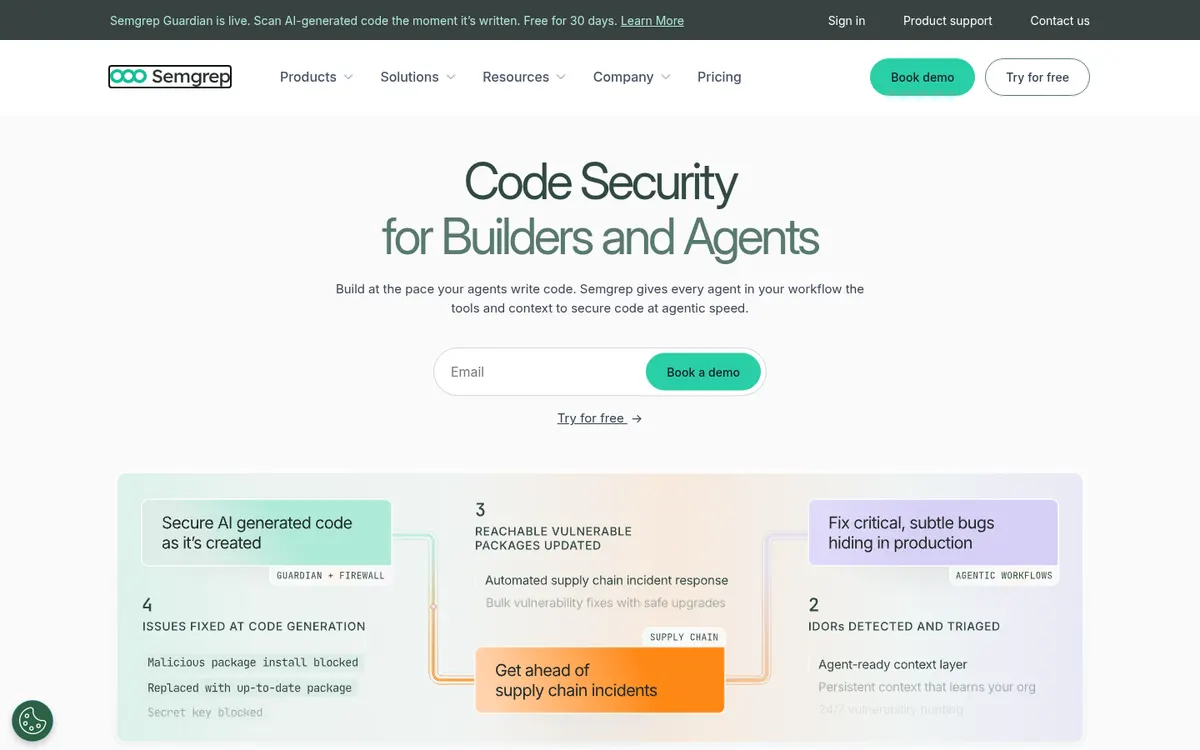
The best fit for teams that want to write their own detection rules and get sub-minute CI feedback on every pull request.
Semgrep starts with an open-source scanning engine, a CLI and a community rule registry, which means a team can run its first scan without a purchase order. The part that distinguishes it is rule authoring: you can write custom patterns for in-house frameworks, internal APIs and coding standards the vendor has never seen. Coverage runs to 30 or more languages, findings come back as native pull request comments, and CI scans typically finish in seconds rather than minutes. Taint tracking and AI-assisted triage sit on the commercial Pro engine, not the open one. That split matters. The open engine is genuinely free and the community rules carry no cost, but the deeper analysis that catches a value flowing from a user input into a SQL call needs the paid Pro tier. Teams buying Semgrep for taint analysis should test Pro early, because the open engine is a pattern matcher at heart. Pricing is per contributor. The Free Edition covers up to 10 contributors and 10 repositories, which is enough for a small team or a pilot. The Teams tier lists at $30 per contributor per month, and a $35 per contributor figure still circulates from earlier pricing, so confirm the current rate on the vendor page before you forecast. Trials are not stated on the pricing page, so ask. Pick it if your engineers are comfortable writing rules and your CI pipeline is the center of gravity. A platform team that wants a custom rule for an internal auth library will get value quickly. Skip it if you need deep interprocedural analysis out of the box and will not pay for Pro, or if you want a vendor to hand you a curated policy set with no authoring work.
Your engineers will write and tune their own rules and you want fast pull request feedback without a sales call.
You need deep taint analysis without paying for Pro, or you want a vendor-curated policy set and no authoring work.
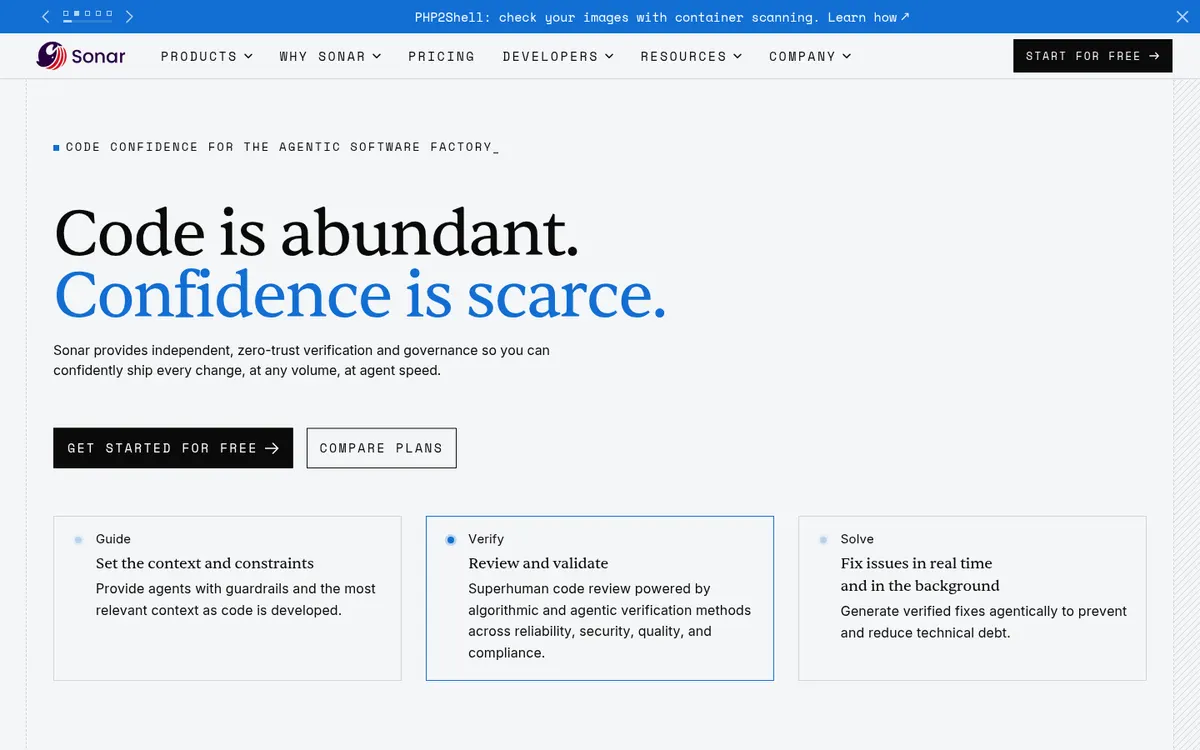
A quality gate platform that turns security and maintainability findings into one pass or fail decision at pull request time.
SonarQube sells a pass or fail signal. Quality gates let a team define what done means, then enforce it on every pull request, so a merge is blocked on a coverage drop, a duplicated block or a security finding rather than on a reviewer's memory. Quality and security analysis come from one platform, which is the reason many teams consolidate here: the same dashboard answers questions about maintainability and about injection risk.
Deployment splits into two shapes. The Community Build is self-hosted and carries no contributor cap, which suits teams that need source to stay inside their network and cannot buy seats for every engineer. Cloud plans are split by lines of code instead, with Developer and Team tiers; the Team plan lists at $34 per month for up to 100,000 lines. The free tier covers private projects up to 50,000 lines, and a 14-day trial needs no credit card. Coverage runs to 35 or more languages, with branch and pull request analysis included.
The costs that do not show up on the price list are operational. Self-hosting means upgrades, database care and plugin compatibility on your own schedule. Scan performance trails newer analysis engines, and the interface feels older than the tooling that surrounds it.
Pick it if you want one gate that developers, architects and auditors all read the same way, and you have someone who can own a server. Skip it if you need the fastest possible scan on a monorepo, or if nobody on the team wants to administer a self-hosted install.
You want quality and security enforced by one gate that developers and auditors read the same way.
Nobody on your team wants to run a server, or you need the fastest scan on a very large monorepo.
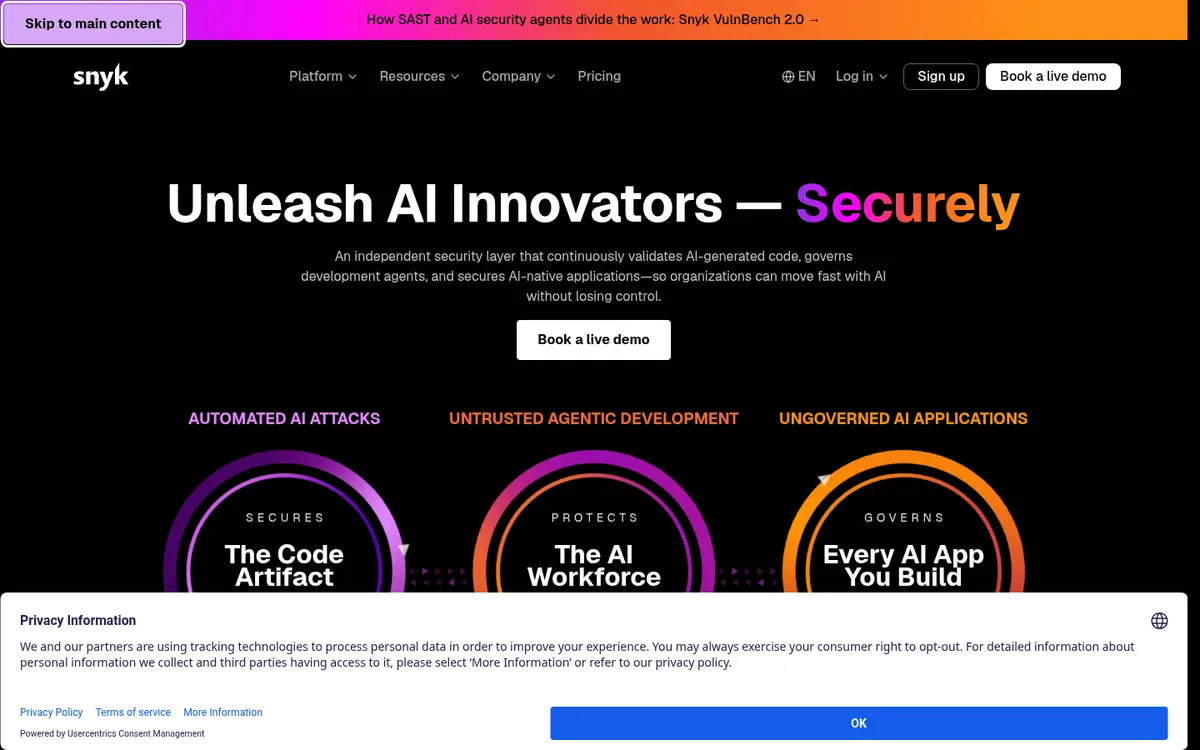
The strongest in-editor experience here, pairing fast dataflow scans with dependency and container coverage from one vendor.
Snyk Code puts the scan where the code is being written. The IDE integration flags a dataflow problem while a developer is still in the file, and the same finding reappears on the pull request and in CI, so nothing depends on someone remembering to check a dashboard. The analysis engine is AI-driven dataflow rather than pure pattern matching, coverage runs to 19 or more languages, and false positive output is low for a commercial scanner. It is a module, not a standalone product. Snyk Code sits inside a platform that also covers open source dependencies, containers and infrastructure, and most buyers evaluate the whole thing at once. Snyk Code itself requires a Team, Ignite or Enterprise plan and is not part of the open-source offering. The free tier covers one user with limited scan volume, and open source projects are free. Beyond that, pricing is on the vendor site: the platform has moved to a credit-based model where one credit equals $1, and a sales conversation is required, so there is no published starting price to plan against. That quote-only motion is the main practical obstacle. A small team that wants a number before a call will not find one, and the credit model takes a meeting to translate into a monthly cost. Pick it if developer adoption is your bottleneck and you also need dependency scanning from the same vendor. Skip it if you need a published per-seat price on day one, or if your language inventory sits outside its coverage.
Developer adoption is the bottleneck and you want dependency scanning from the same vendor.
You need a published per-seat price before a call, or your languages sit outside its 19-language coverage.
Deep taint analysis and audit-ready reporting for regulated buyers, sold only through negotiated enterprise contracts with no free tier.
Checkmarx is built for buyers who answer to an auditor. Its analysis combines dataflow, taint and AI-based techniques across 25 or more languages, and the output feeds policy controls that decide what blocks a release and what merely gets logged. Compliance-oriented reporting is a first-class part of the product rather than an export bolted on, which is why regulated teams end up here. The portfolio is broader than static analysis. Alongside SAST, the vendor sells software composition analysis, infrastructure as code scanning, API testing and supply chain coverage, and the appeal for a large organization is consolidating several disciplines under one contract and one set of policies. Scan speed is moderate compared with newer engines, and in a large monorepo that shows up as queue time. There is no free tier and no self-serve trial; evaluation runs through a demo. Pricing is negotiated, and the vendor publishes no list price. Ask for a scoped quote. Treat any figure as indicative until you have a quote in hand. Pick it if you need deep taint analysis, audit reporting and one vendor for several application security disciplines, and you have a procurement process that can handle a negotiated enterprise contract. Skip it if you want to try before you talk to sales, or if you need a low-cost self-serve tool.
You need deep taint analysis, audit reporting and one vendor across several application security disciplines.
You want to try the product before talking to sales, or your budget is measured in hundreds per month.
Binary scanning plus framework-mapped reporting for programs that must attest to compliance, sold through quote-only enterprise contracts.
Veracode's differentiator is binary analysis. It can scan compiled artifacts without source code access, which is the only practical route for third-party components, vendor-delivered builds and old codebases whose source has wandered off. Source-based dataflow analysis with AI assistance sits alongside it, coverage runs to 25 or more languages, and a policy engine gates releases on findings rather than leaving the decision to a reviewer. Reporting is aimed at attestation. The platform maps findings to frameworks such as FedRAMP, PCI and HIPAA, and application profiles track each application separately so a program office can show where a given system stands. That combination suits formal security programs. Pricing is quote only and the vendor publishes no list price. Ask for a scoped quote. There is no free tier, and a trial is not stated, so plan on a sales-led evaluation. Application profile setup usually leans on customer success assistance, which is fine in an enterprise contract and awkward if you wanted self-service. Pick it if you must scan binaries you cannot get source for, or if your compliance team needs framework-mapped reporting and release gating in one system. Skip it if you are a small team wanting a published price and a self-serve signup, or if every codebase you own is yours and open in a repository.
You must scan binaries you cannot get source for, or your compliance team needs framework-mapped reporting.
You want a published price and self-serve signup, or every codebase you own sits in your own repository.
Low-cost published entry here, with 49 languages and one dashboard, but shallower analysis than enterprise taint engines.
Codacy bundles several analysis engines behind one interface and has a low published entry price. Coverage runs to 49 languages, the widest in this comparison, so a team with a mix of languages gets findings from one integration. Pull request comments are native, scan turnaround is quick, and quality metrics sit next to security checks rather than in a separate product. The trade is depth. Analysis is rule-based and multi-engine, not a deep interprocedural taint engine, so the classes of bug that require following data across many files and functions will be under-reported compared with Checkmarx or Semgrep Pro. False positive output sits in the low to medium range, which is acceptable at this price and noticeable on a large legacy codebase. Expect to spend time tuning which rules are on. Pricing is per developer. The Developer plan is free forever at $0 with usage limits, the Team tier lists at $18 per developer per month, and a 14-day trial needs no credit card. Per-user pricing can vary by billing term, so check the current rate on the vendor page. The Team tier is published, which is the point. Pick it if you are a small team that wants one dashboard for quality and security across an odd mix of languages, and you want to start free this afternoon. Skip it if you need deep taint analysis for a regulated audit, or if your codebase is large enough that rule noise becomes a support burden.
You are a small team wanting one dashboard for quality and security across a mixed language stack.
You need deep taint analysis for an audit, or rule noise would become a support burden.
Verified autofixes turn findings into accepted patches, which cuts the triage work that stalls most static analysis rollouts.
DeepSource is built around the step after detection. Its analysis is rule-based, and the fix suggestions are AI-generated and verified, which means a developer can accept a patch in the pull request instead of opening a ticket about a finding. That single design choice changes the economics of a scan: fewer findings turn into backlog items, and the ones that do arrive with a diff attached. Coverage runs to 16 languages, narrower than most competitors, and the review runs automatically on pull requests with native repository and CI integration. Scans are fast and false positive output is low, which matters more when every alert comes with a proposed patch and a wrong patch costs trust. There is no ongoing free tier. Evaluation is a 14-day trial, and paid plans are per user. The Team plan lists at $24 per user per month billed yearly. A Business tier is also sold at a higher per-user rate, so confirm the tier you need before you model cost. For a larger team the per-user math is the whole budget conversation, so decide early whether you are buying for everyone or only for the engineers who touch reviewed repositories. Pick it if your team's real complaint is that findings pile up unread, and you want autofixes to clear the easy ones without human time. Skip it if you need broad language coverage, or if a free tier outside a trial is a hard requirement for your budget cycle.
Unread findings are the real problem and you want autofixes to clear the easy ones without human time.
You need broad language coverage, or a free tier outside a trial is a hard budget requirement.
Extends JetBrains inspections into CI, which fits Java and Kotlin shops and frustrates polyglot teams outside that family.
Qodana takes the inspections developers already run in IntelliJ IDEA and runs them in CI. If your team lives in JetBrains editors, the profiles, severities and suppressions carry over, so the pipeline reports the same problems the IDE reports and nobody argues about a second rule set. Dataflow analysis adds security findings on top of the style and correctness checks, and deployment is available as cloud or self-hosted. Language coverage is 17 languages, the smallest in this comparison. That is a natural consequence of the design: the analysis is built on JetBrains inspection engines, which are deepest for the languages JetBrains IDEs support best and thinner outside them. A polyglot shop with languages outside the JetBrains family may find gaps. There is a free Community edition, and paid Ultimate tiers are sold per active contributor. The public starting price is $5 per active contributor per month on annual billing, with a minimum of three contributors, and a 30-day trial. Published pricing has been sparse, so confirm the current rate and how 'active contributor' is counted before you budget. Pick it if your engineering organization already standardizes on JetBrains tools and you want CI findings that match what developers see in the editor without a second vendor. Skip it if your stack leans on languages outside the JetBrains family, or if you need a large third-party integration ecosystem around the scanner.
Your teams already standardize on JetBrains IDEs and want CI findings that match the editor.
Your stack leans on languages outside the JetBrains family, or you need a wide integration ecosystem.
Static application security testing reads code without running it. A SAST tool parses source files, and sometimes compiled binaries, builds a model of how data moves through the program, and reports places where untrusted input reaches a sensitive operation, or where a pattern matches a known-risky construct. Because nothing executes, it can find problems in code paths that tests never reach, and it can run on every commit rather than waiting for a deployed environment.
The contrast is with dynamic testing. DAST sends requests at a running application and watches what comes back; it finds misconfigurations, authentication gaps and injection that only appears at runtime, and it cannot tell you which line of code caused the problem. SAST points at the line but cannot see how the app behaves behind a proxy or a web application firewall. Most mature teams run both, because the two see different things:
Inside a SAST engine, two mechanisms do most of the work. Pattern rules match syntax: a call to a dangerous function, a hardcoded credential, a weak cipher. Dataflow and taint analysis follow values from a source, such as an HTTP parameter, to a sink, such as a database query, and flag the path. Rules are cheap and fast; taint analysis is expensive and finds the bugs that matter in custom code. That is why products split tiers along exactly that line, with taint on the paid engine.
Where it fits operationally matters as much as detection quality. A scanner that reports on a nightly schedule produces a backlog nobody owns. A scanner that comments on the pull request, or in the IDE, produces fixes while the author still has context. Rule authoring, language coverage, false positive rate and fix guidance decide whether a rollout survives its third month. So does pricing: per contributor, per line of code, per application and quote-only contracts produce very different budgets for the same headcount.
This comparison sits on the Software desk. Readers comparing neighbouring stacks often check our guides to demand forecasting software and glp 1 companies next.
SAST pricing comes in five shapes, and the shape matters more than the headline number. Two vendors with similar headline prices can produce very different budgets once your headcount and codebase are applied.
| Model | How it bills | Typical fit | Example from this list |
|---|---|---|---|
| Per contributor | Monthly or annual rate multiplied by named users or active contributors | Teams that can name who scans | Semgrep at $30 per contributor per month on Teams; Qodana at $5 per active contributor per month billed annually, minimum 3 contributors |
| Per developer with a quality bundle | Monthly per developer, sometimes with a free tier | Small teams mixing quality and security | Codacy Team at $18 per developer per month; DeepSource Team at $24 per user per month billed yearly |
| Lines of code | Monthly tiers by scanned LOC | Codebases that grow faster than headcount | SonarQube Team at $34 per month for up to 100k lines, free tier up to 50k lines |
| Quote only | Negotiated annual contract on applications, LOC and modules | Regulated enterprises with procurement | Checkmarx and Veracode, both listed as See website |
| Credit based | Platform credits with one credit equal to $1, sales contact required | Buyers combining several scanners | Snyk Code, priced on the vendor site |
Every price above was checked on the vendor's own pricing page on November 25, 2026. Where a vendor does not publish a figure we write "See website" instead of guessing. To compare annual and monthly billing quickly, try the free percentage calculator.
Start with Codacy or DeepSource for a small team, Semgrep if you write your own rules, SonarQube if you want quality gates. Regulated enterprises should look at Checkmarx and Veracode, which sell negotiated annual contracts with audit reporting and, in Veracode's case, binary scanning. Snyk Code fits product teams that want findings in the IDE and already buy dependency scanning.
Semgrep's Free Edition covers up to 10 contributors and 10 repositories, SonarQube's free tier covers private projects up to 50,000 lines, Codacy has a free Developer plan and Qodana has a free Community edition. Snyk Code is free for open source projects, with a one-user free tier. Checkmarx and Veracode publish no free tier at all.
Per-developer plans start low: Semgrep at $30 per contributor per month, Codacy at $18 per developer per month, DeepSource at $24 per user per month billed yearly, Qodana at $5 per active contributor per month billed annually with a three-contributor minimum. Enterprise contracts are quote based, so ask each vendor for a scoped quote. Normalize both to cost per developer per year before comparing.
SAST reads source code or binaries without running the application, so it can run on every commit and point at the exact line. DAST sends requests at a running application and reports request-level evidence, catching runtime and configuration problems that static analysis cannot see. Most teams run both: SAST in the pipeline, DAST before release against a deployed environment.
They reduce the work after a finding, not always the number of findings. Semgrep uses AI-assisted triage on Pro, Snyk Code pairs AI-driven dataflow with low false positive output, and DeepSource offers verified autofixes a developer can accept directly. Checkmarx also applies AI-based analysis. The saving is largest on routine issues and smaller on logic bugs that need human context.
Codacy covers 49 languages, the widest in this list, followed by SonarQube at 35 or more, Semgrep at 30 or more, Checkmarx and Veracode at 25 or more, and Snyk Code at 19 or more. Qodana covers 17 and DeepSource 16. Coverage counts matter less than depth in the languages you actually ship.
Browse every comparison on the Software desk, with the same rubric and dated prices.