Ranked #1

CloudTalk
Global number coverage
$25Starter, per user per month, billed annually, minimum 1 license
- Best for
- SMB and B2B teams dialing across multiple countries
- Free plan
- No
- Rubric
- 7.8 / 10
We ranked nine cold calling platforms on dialer depth, pricing transparency, integrations, coaching, and compliance fit for November 2026 buyers.
 Prices checked November 25, 2026
As of November 25, 2026, the best cold calling software for most teams is CloudTalk, with PhoneBurner and Kixie close behind for narrower needs. CloudTalk fits SMB and B2B teams dialing across multiple countries. PhoneBurner suits small North American outbound teams prioritizing connect quality over volume. Kixie works for US teams on HubSpot or Pipedrive that want phone plus power dialer. CloudTalk starts at $25 per user per month on Starter billed annually, PhoneBurner at $140 on Standard billed annually, and Kixie pricing is on the vendor site.
Global number coverage
$25Starter, per user per month, billed annually, minimum 1 license

Answer rate protection
$140Standard, per user per month, billed annually, monthly $165

CRM click-to-call
See websiteThree tiers listed with unlimited US and Canada minutes, no prices displayed
Disclosure for this page: All 9 tools here are unpaid editorial picks. The position of a paid listing can be part of what the vendor pays for. How we handle paid listings.
| Tool | Best for | Free plan | Actions | |||
|---|---|---|---|---|---|---|
| 1 | CloudTalk | SMB and B2B teams dialing across multiple countries | $25Starter, per user per month, billed annually, minimum 1 license | No | ||
| 2 | PhoneBurner | Small North American outbound teams prioritizing connect quality over volume | $140Standard, per user per month, billed annually, monthly $165 | No | ||
| 3 | Kixie | US teams on HubSpot or Pipedrive wanting phone plus power dialer | See websiteThree tiers listed with unlimited US and Canada minutes, no prices displayed | No | ||
| 4 |  JustCall | Growing teams wanting dialer, sequences, SMS and AI coaching together | $23Team, per user per month, billed annually, minimum 2 licenses, Black Friday sale, list price $39 | No | ||
| 5 |  Aircall | Mixed inbound and outbound teams valuing integrations and reliability | $30Essentials, per license per month, billed annually, minimum 3 users | No | ||
| 6 |  Dialpad | Teams centered on AI coaching and live call intelligence | See websitePage captured shows only custom pricing for AI agents, no tier prices visible | No | ||
| 7 |  Orum | High-volume SDR floors running parallel dialing at scale | See websitePer user, billed annually, quote only | No | ||
| 8 |  Nooks | Outbound teams consolidating calling, sequencing, signals and coaching | See websiteQuote only, seats plus usage-based AI action credits | No | ||
| 9 |  Close | SMB outbound teams wanting CRM, calling, email and SMS together | $9Solo, one user, per month billed annually, monthly $19 | No |
We compared nine cold calling tools on five criteria that determine whether a sales team can run consistent outbound without adding extra systems. Dialer depth covers power, parallel and predictive modes. Pricing clarity checks whether a buyer can see the real entry cost without a sales call, including seat minimums and annual terms. CRM fit looks at native logging, sync and workflow hooks. Coaching and AI covers live guidance, transcription and scoring. Compliance fit weighs answer-rate protection, number health, DNC handling and dropped-call exposure.
Each criterion carries a weight, but the weights do not set the order. The order is editorial, based on fit for the buyer each entry describes, with any Featured position disclosed. A Featured listing is a paid placement and receives the rubric and honest cons as every other tool. We do not award points for brand recognition or claims we cannot verify.
Pricing facts come from vendor pricing pages checked on November 25, 2026. Where a vendor publishes a pricing sheet, we used the entry plan, billing term, seat minimum and trial terms shown at that time. Where pricing is quote only, the review says so and avoids estimates. We did not convert currencies. For products with sale pricing, we note the sale and the list price only when the vendor published both.
We also read the product limits that affect cold calling: whether parallel dialing requires a higher tier, whether AI coaching is bundled or an add-on, and whether the tool replaces a phone system or layers on top of one. Features are described as the vendor presents them. Buyers should confirm terms, porting timelines and compliance obligations with each vendor before signing.
The full process, including how we handle corrections, is on the methodology page. Paid listings follow our advertising disclosure.
| Criterion | Weight | What we check |
|---|---|---|
| Dialer depth | 25% | Measures the range of power, parallel, and predictive dialing modes a team can actually use on a realistic plan. |
| Pricing clarity | 20% | Checks whether entry pricing, seat minimums, billing terms, and higher-tier requirements are visible before a sales call. |
| CRM integrations | 20% | Assesses native call logging, sync, workflow hooks, and whether the product reduces or adds tool switching. |
| Coaching AI | 20% | Covers live coaching, transcription, scoring, summaries, and AI features that improve rep performance. |
| Compliance fit | 15% | Weighs answer-rate protection, number health, DNC handling, and dropped-call exposure for outbound teams. |
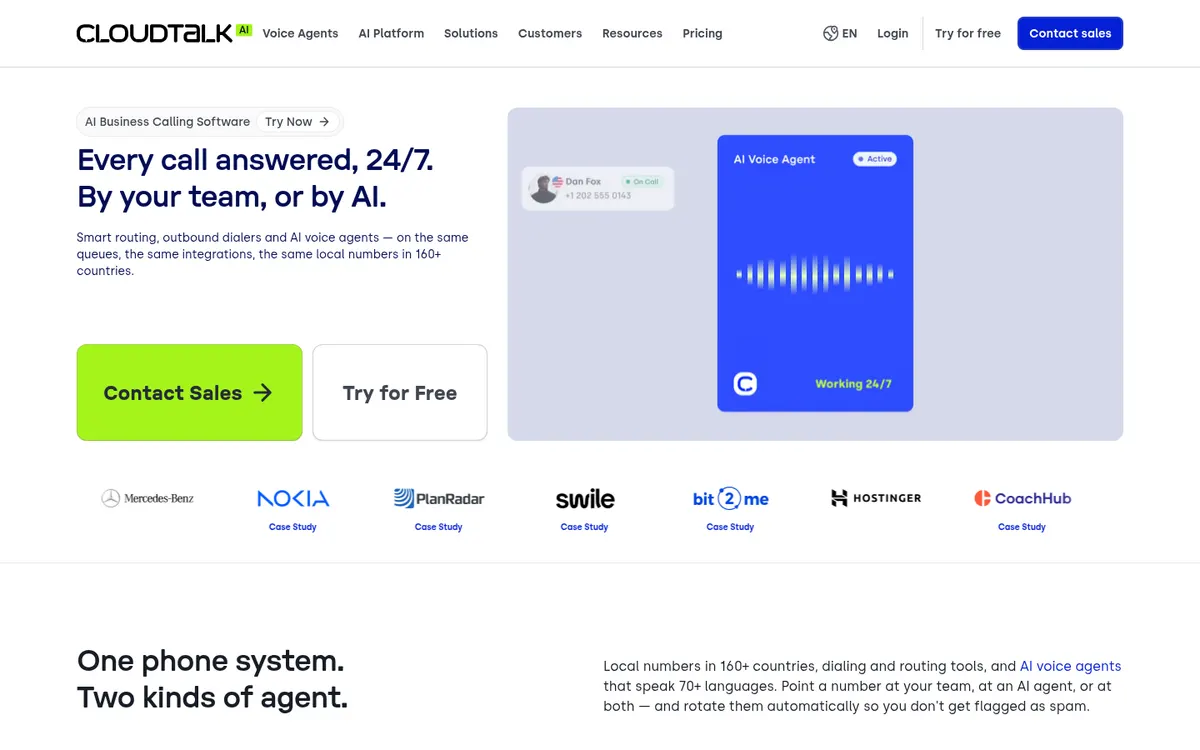
CloudTalk is the broadest fit for cross-border SMB outbound, provided you budget for the Expert tier to get parallel dialing.
CloudTalk puts smart, power and parallel dialing in one workspace, which lets a team move from manual calling to higher-volume sessions without changing vendors. Local presence numbers cover 160+ countries with automatic number rotation, and live call monitoring plus recording give managers a way to coach inside the same interface. A domestic calling package is bundled into every license tier, and the platform lists 100+ native integrations with two-way CRM sync. AI voice agents are billed separately by the minute. Pricing starts at $25 per user per month on Starter billed annually with a minimum of one license. The useful cold calling configuration is less simple: parallel dialing sits on the Expert tier, and AI conversation intelligence is an add-on or a premium tier feature. That gap matters because the entry figure can make CloudTalk look cheaper than the outbound setup a volume team actually needs. The page checked now shows USD pricing, but earlier euro presentation means USD budgets should confirm currency and billing terms before approval. CloudTalk fits SMB and B2B teams dialing across multiple countries that want dialing, inbound and international numbers from one vendor. Same-day go-live with no setup fees and onboarding on every plan lowers the startup burden, and number porting is described as roughly two weeks. Month-to-month billing is available, so a pilot does not have to start on an annual commitment. A 14-day free trial with no card lowers the test barrier. The trade-off is tier depth and add-on pricing. Teams that need parallel dialing should price Expert from the start, while teams that mainly need a clean international phone system can stay lower.
You need one vendor for international numbers, inbound and outbound calling with a clear path to parallel dialing.
You are a solo rep on a tight budget or need parallel dialing without stepping up to Expert.
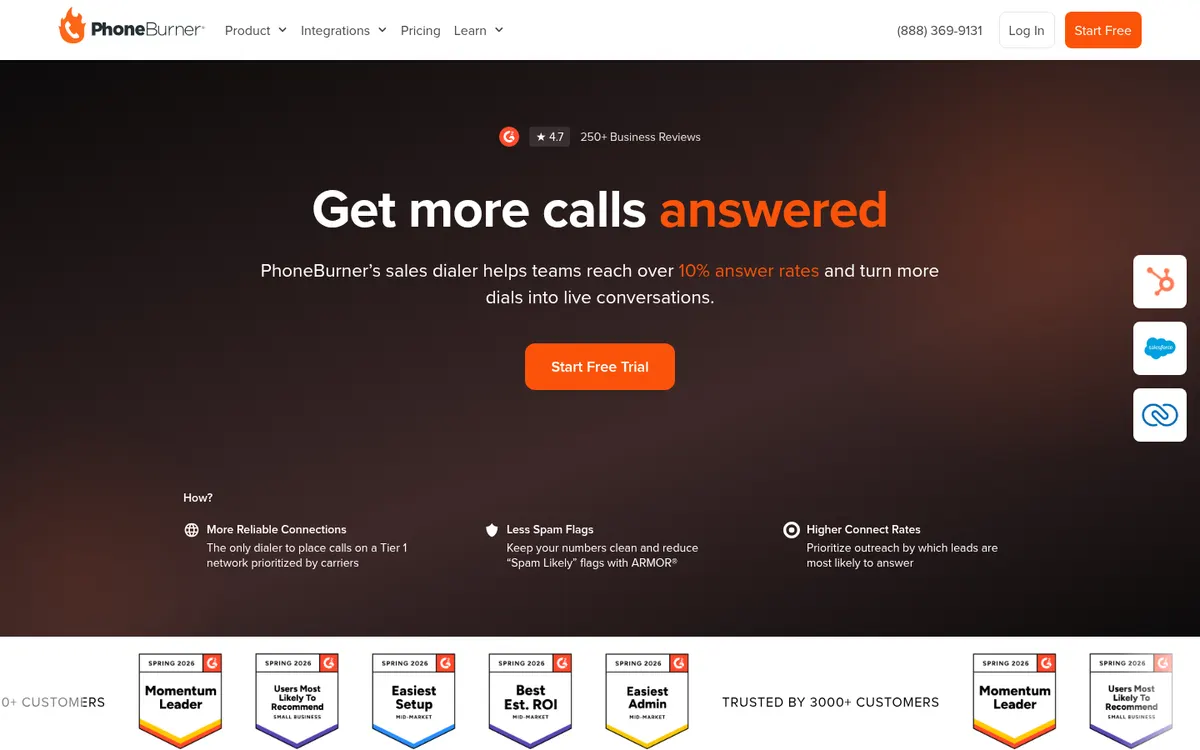
PhoneBurner is a strong choice for small North American teams that value connect quality, but its single-line dialer caps high-volume floors.
PhoneBurner is built for single-line power dialing, not for floors that need parallel or predictive volume. The dialer connects reps with zero-delay on answered calls, skips dead and disconnected numbers, and keeps one-click disposition buttons inside the calling session. From there a rep can log a call and trigger an email or SMS without leaving the workflow. Voicemail drop and onboarding specialist support round out the package. The ARMOR answer-rate tooling is the differentiator. It monitors spam flags and gives connect scores, which helps a team see whether number reputation is damaging pickup rates before it blames the list. That matters when a team has already burned through numbers and needs to repair pickup rates. PhoneBurner lists fast rep workflows of up to about 80 dials per hour, a useful benchmark for small teams that care about conversations rather than raw attempts. It is still a dialer rather than a full phone system, so inbound calling needs another tool. Standard costs $140 per user per month billed annually, or $165 monthly. That is a high per-seat entry price next to per-user competitors, and the single-line design caps throughput. There is no predictive or parallel mode, so a team that needs 10 lines must look elsewhere. The offer makes more sense for small North American outbound teams prioritizing connect quality over volume. Accounts run month to month with no contracts and no setup fees, which keeps the commitment low even when the seat price is high. A free trial with no credit card lets a team test connect quality before committing.
Your small North American team wants zero-delay single-line dialing and number reputation monitoring.
You need parallel or predictive dialing, inbound phone service or a lower per-seat price.
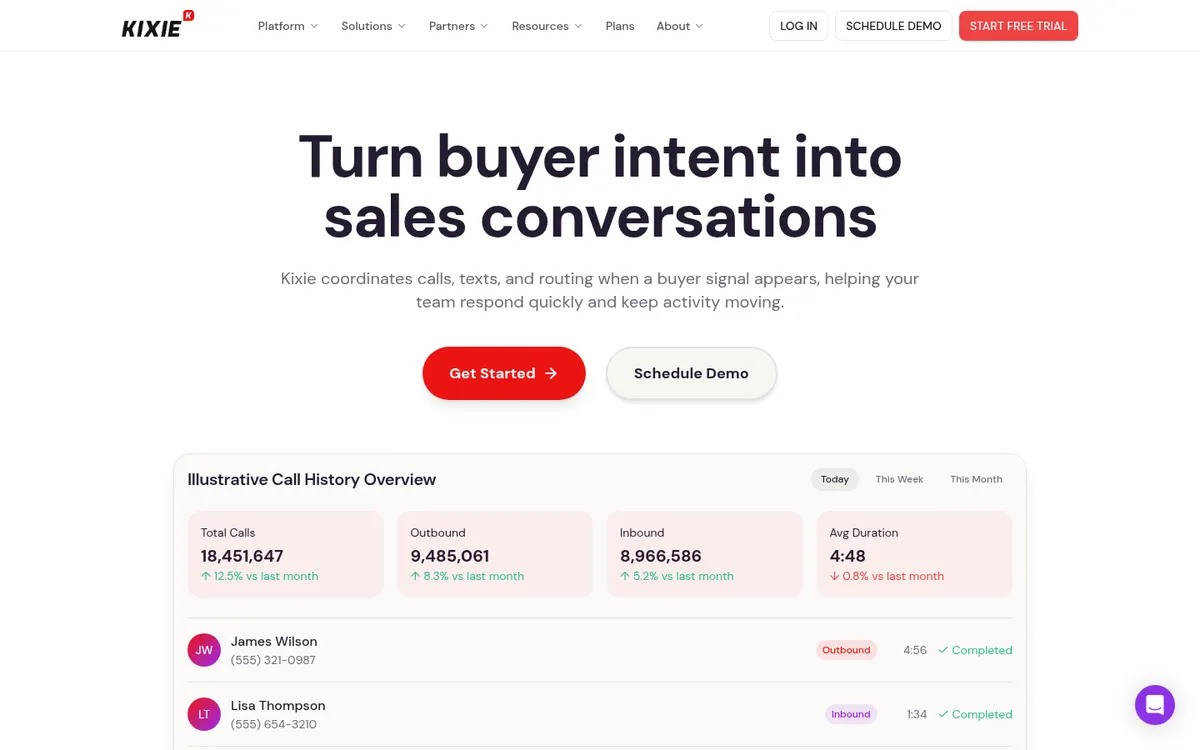
Kixie fits US HubSpot and Pipedrive teams that want a phone plus four-line power dialer, though pricing requires a sales call.
Kixie combines a business phone with a multi-line PowerDialer, which is the reason many US teams consider it. The Chrome extension makes calls from inside the CRM and logs them automatically, so a rep can work a list without toggling between tabs. PowerDialer supports up to four lines, and local presence plus voicemail drop are built into the calling workflow. Live call coaching gives managers a way to listen and guide during conversations, while SMS runs from the same platform.
The integration story is strongest around HubSpot and Pipedrive. Native hooks keep call activity close to the record, and free number porting plus a two-minute signup make evaluation easy. That makes the product easier to adopt for teams that already run their pipeline in either CRM. ConnectionBoost is the number reputation add-on, which matters because caller reputation can decide whether a prospect answers at all. Teams dialing outside the US and Canada will find less value, since the product's center of gravity is North American calling with unlimited US and Canada minutes on its listed tiers.
Pricing is the main friction. Kixie lists three tiers and describes features, but the page checked shows no price figures at all, so buyers must contact sales to build a budget. That slows comparison shopping and makes it hard to judge whether the four-line PowerDialer is worth the step up. A 7-day free trial with no credit card lowers the risk of a short evaluation. Kixie fits US teams already using HubSpot or Pipedrive that want phone plus power dialer in one place. It is a weaker fit for international outbound or teams that need public pricing before a sales conversation.
Your US team lives in HubSpot or Pipedrive and wants a four-line power dialer inside the CRM.
You dial outside the US and Canada or will not proceed without public plan pricing.
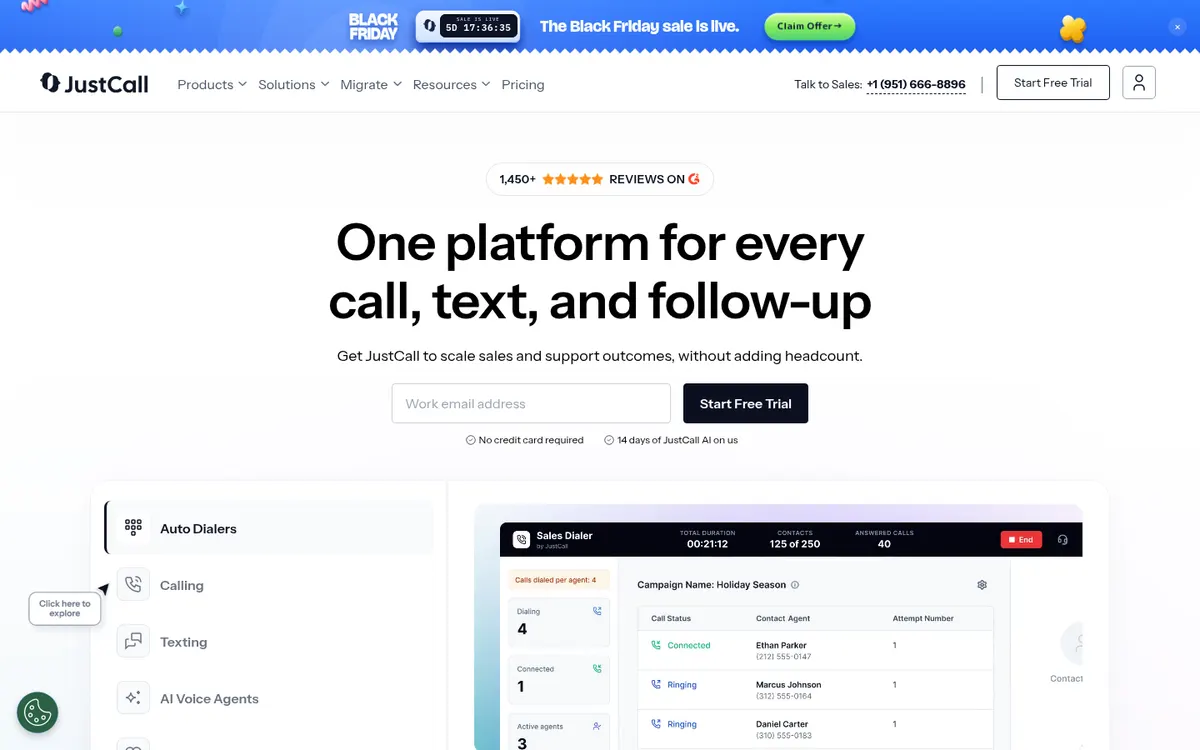
JustCall packs dialing, messaging, number health and AI coaching into one workspace, but the real sales dialer starts above the headline tier.
JustCall is a broad outbound workspace that puts power, predictive and dynamic dialers next to SMS, WhatsApp and email follow-up. The top tier supports up to 10 lines, and one-click voicemail drop is available on every plan. Number health management covers registration, CNAM and DNC scrubbing, while smart reattempt rules and CRM logging keep drops and calls attached to the right record. AI voice agents, transcription and AI call scoring add coaching and automation. That combination reduces the number of tools a rep needs during a sequencing run.
The catch is plan structure. The entry Team tier does not include the sales dialer, predictive dialing requires Pro, and the 10-line dialer requires Pro Plus. Advanced AI features cost materially more than the base plan, so the $23 headline is not the price of a full cold calling setup. Buyers should price the dialer tier they need before comparing JustCall with CloudTalk or Aircall. Setup is quick: import contacts, connect a CRM and dial the same day.
The Team plan is $23 per user per month billed annually with a minimum of two licenses during the current Black Friday sale; the list price is $39. That makes the entry offer attractive for growing teams, but the two-user minimum and the missing sales dialer change the math for solo buyers. A 14-day free trial with no credit card lets a team test the dialer tier before the sale ends. JustCall fits teams that want dialer, sequences, SMS and AI coaching in one place and are willing to step up for predictive or 10-line mode. It is less compelling for a single rep or a team that only needs basic click-to-call.
You want dialing, SMS, WhatsApp, number health and AI coaching in one workspace and can budget for Pro or Pro Plus.
You are a solo buyer or only need the Team tier, because it lacks the sales dialer.
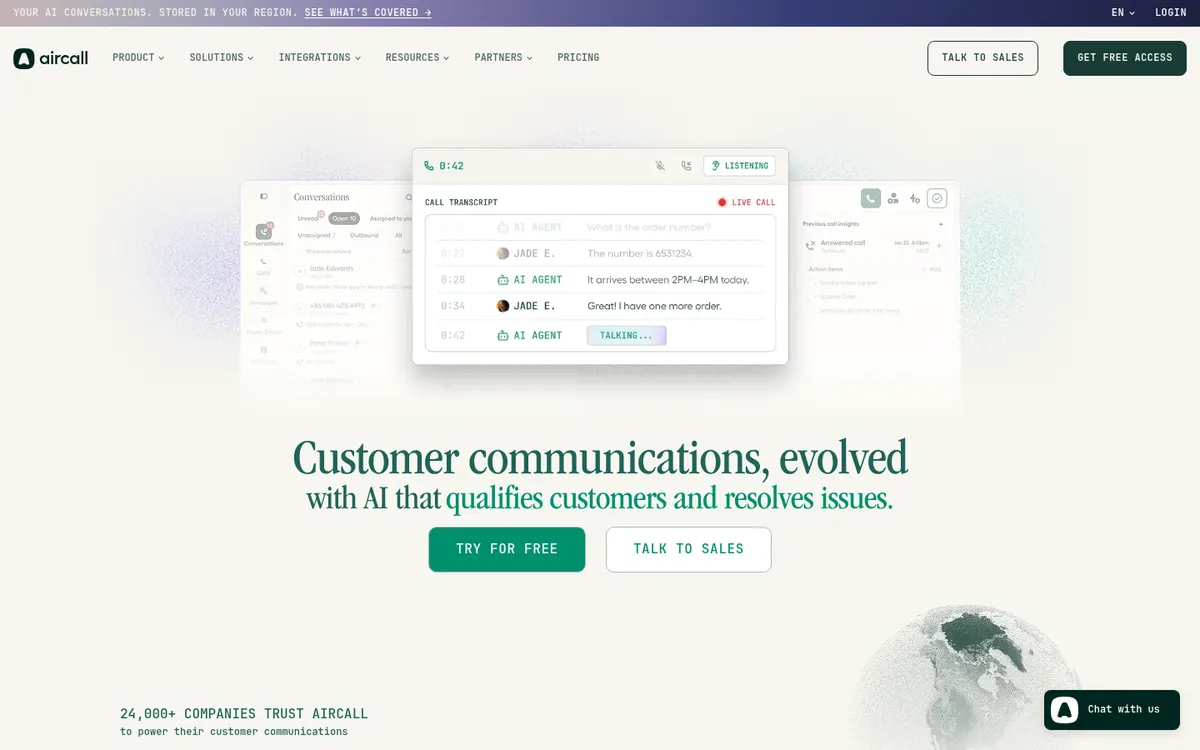
Aircall suits mixed inbound and outbound teams that value integrations, not high-volume floors that need parallel dialing.
Aircall is a cloud phone system with a power dialer from the entry Essentials tier. That makes it a reasonable choice for teams that split time between inbound and outbound and do not want a separate dialer. Calls, notes and recordings sync automatically to the CRM, and IVR, smart routing, call recording and analytics cover the inbound side. AI transcription, summaries, sentiment analysis and live coaching are available, though the sales engagement and advanced AI features sit on higher tiers.
The integration catalog is the main draw. Aircall advertises broad CRM and helpdesk coverage on every plan, which reduces custom work for teams already standardized on a CRM. For a team that lives in a helpdesk or CRM, that can shorten setup and keep call data in one place. Outbound SMS is available in selected countries, so follow-up can stay in the same tool for some markets. The dialer is the limit: there is no parallel or multi-line dialing for high-volume floors. Teams that measure success in dials per hour will outgrow the outbound depth, even if the phone system itself is reliable.
Essentials starts at $30 per license per month billed annually with a minimum of three users. That is clear pricing, but the three-seat minimum matters for very small teams. A trial is available, and there is no free plan. Aircall fits mixed inbound and outbound teams that value integrations and reliability over maximum dial volume. It is a weaker fit for a dedicated SDR floor that needs parallel dialing or for a two-person team that cannot use three licenses.
You need a reliable phone system for mixed inbound and outbound work with broad CRM and helpdesk integrations.
You need parallel dialing for a high-volume floor or cannot meet the three-user minimum.
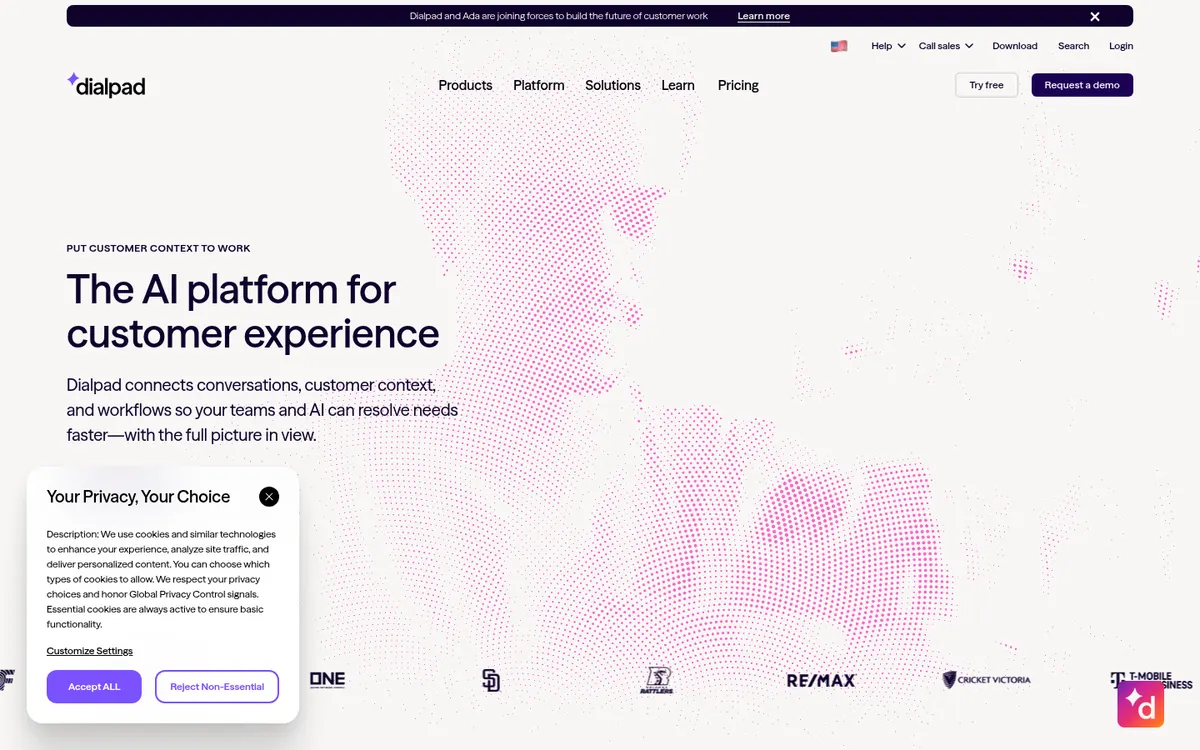
Dialpad is best for teams that want live AI coaching and Salesforce workflows, not the cheapest cost per dial.
Dialpad is strongest when live call intelligence matters more than raw dial volume. Its live transcription, AI coaching cards and playbooks give managers and reps guidance during conversations, and conversation intelligence with scorecards supports review after the call. The Salesforce-embedded power dialer, local dial and voicemail drop cover outbound basics, while unified voice, video and messaging keep the stack in one place. Dual-cloud infrastructure is presented as a resilience feature.
The outbound feature set is tier-dependent. The Salesforce power dialer and live coaching start at the Advanced tier, and the step from Essentials to Advanced is steep. The Advanced tier is therefore the real entry point for a sales team that wants coaching and a Salesforce dialer. There is no true parallel multi-line dialing mode, so a high-volume floor will find a ceiling. Teams optimizing purely for dials per hour are better served by a dedicated parallel dialer. The product makes more sense where call quality, coaching and CRM discipline drive results.
Pricing is on the vendor site, but the page checked shows only custom pricing for AI agents and no visible tier prices. That opacity is a real evaluation cost when you are trying to compare a per-seat budget with CloudTalk or Aircall. Buyers must confirm plan pricing with sales, which makes comparison harder. A free trial is available, and there is no free plan. Dialpad fits teams centered on AI coaching and live call intelligence, especially those already using Salesforce. It is a weaker fit for a team that needs the lowest cost per dial or a parallel dialer as the core workflow.
Live AI coaching, transcription and Salesforce-embedded dialing matter more than raw dial volume.
You need public tier pricing, parallel dialing or the lowest cost per outbound seat.
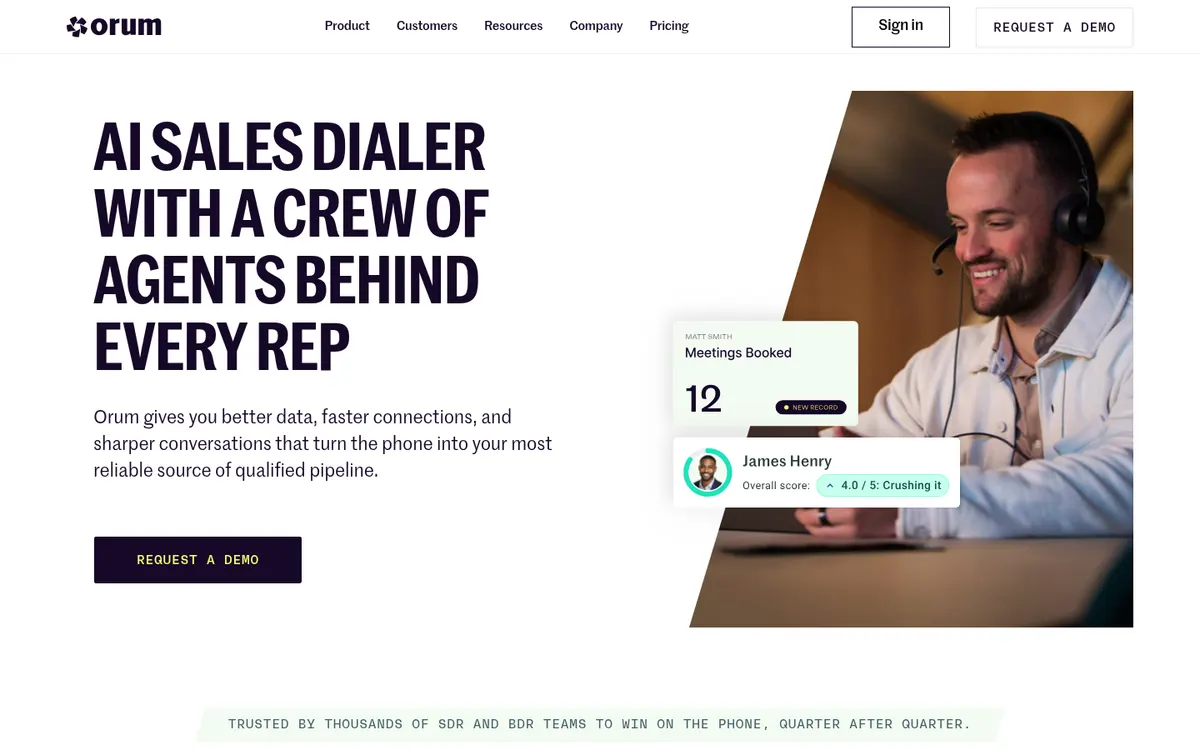
Orum is a focused parallel dialer for high-volume SDR floors, with quote-only annual contracts and no self-serve trial.
Orum is built for one job: putting reps in front of live humans at high volume. Its AI parallel dialer runs up to 10 lines, uses live-answer detection with sub-second connect times and handles voicemail, screeners and phone trees automatically. Answer detection covers 20+ languages. Hot Numbers adds connect-rate intelligence with daily spam monitoring, which is important when caller reputation can quietly reduce pickup rates. The product layers onto existing CRM and sales engagement stacks rather than replacing them. For a team whose bottleneck is conversations per hour, that is a direct solution. That focus is useful for SDR floors that already have a phone system and a CRM. Reps speak only to live answers, and call outcomes flow into the systems teams already use. The trade-off is commitment. Orum is quote only, sold per user on annual contracts with team-size minimums. Those minimums push it toward established outbound organizations. There is no self-serve trial, so a buyer cannot test the dialer without a sales process. Setup involves dedicated onboarding over several days, which is reasonable for a floor but heavy for a small team. Orum is quote only, and no public pricing page was available at the time checked. That makes Orum hard to compare on a per-seat basis with CloudTalk or JustCall. It also is not a replacement for a full phone system, so inbound and general business calling need another tool. Orum fits high-volume SDR floors running parallel dialing at scale. It is a poor fit for solo reps, small teams without annual budgets and anyone who needs self-serve evaluation.
You run a high-volume SDR floor that needs a 10-line parallel dialer and can commit to an annual contract.
You need a self-serve trial, public pricing or a full inbound phone system.
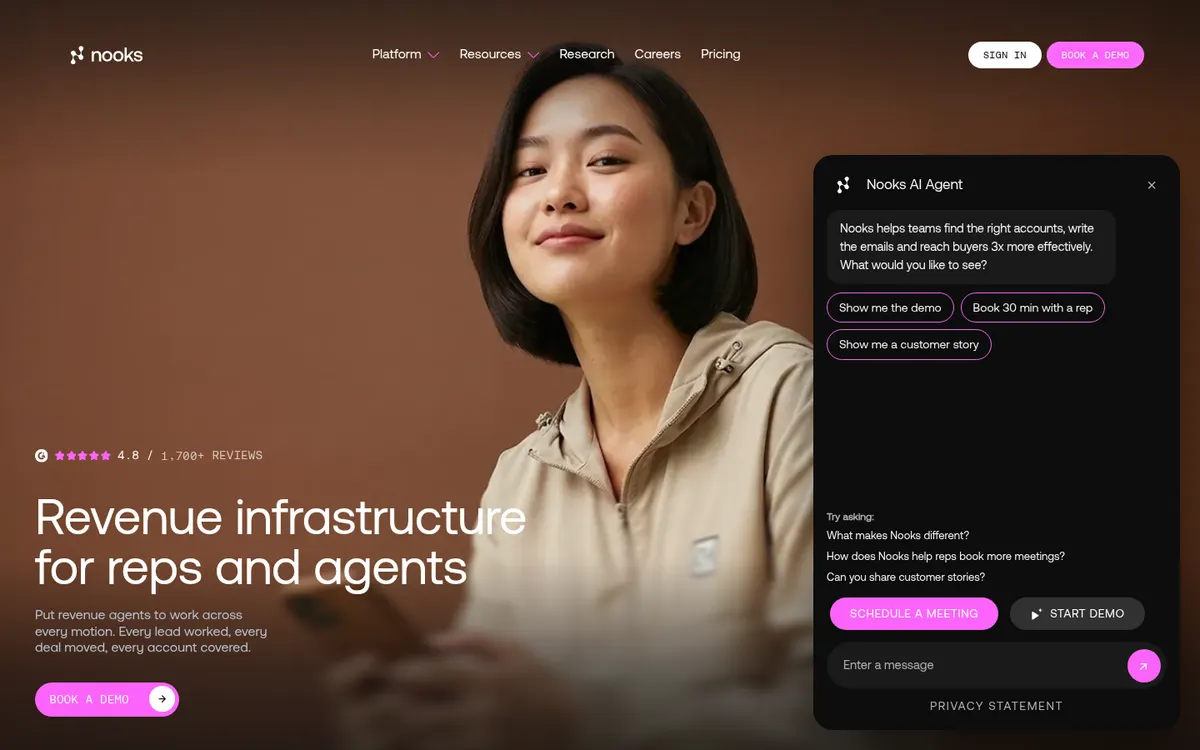
Nooks consolidates calling, sequencing, signals and coaching for outbound teams, but its quote-only, credit-based model is heavy for small teams.
Nooks bundles parallel dialing with sequencing, signals and coaching in one execution layer. The AI parallel dialer automates answer detection and phone-tree navigation, so reps spend less time waiting through menus. A virtual sales floor adds live call coaching and AI scoring, which is useful for distributed SDR teams that need remote accountability. AI sequencing, signals and account research sit alongside the dialer, and automation agents handle prospecting research, email drafting and follow-up. Real-time battlecards surface during calls. That combination is aimed at teams that want one place to run outbound rather than a dialer bolted onto a CRM. The breadth is the appeal and the risk. A team can consolidate several tools, but the bundled complexity is heavy for a small sales team that only needs a dialer. Pricing combines per-seat fees with usage-based AI action credits, so flat budgeting is difficult. There is no self-serve trial, and vendor-led onboarding typically runs from days to several weeks. Buyers should map which AI actions consume credits before they forecast cost. Nooks is quote only, and no pricing page was available at the time checked. That puts it in a quote-based evaluation pattern: a sales conversation and a pilot designed with the vendor. It fits outbound teams consolidating calling, sequencing, signals and coaching, especially distributed teams that want one system for execution and accountability. It is a weak fit for a small team with a simple list and a fixed monthly budget. Teams that need a phone system for inbound should pair it with one.
You want calling, sequencing, signals and coaching in one execution layer for a distributed outbound team.
You are a small team with a fixed budget or need transparent per-seat pricing before a sales call.
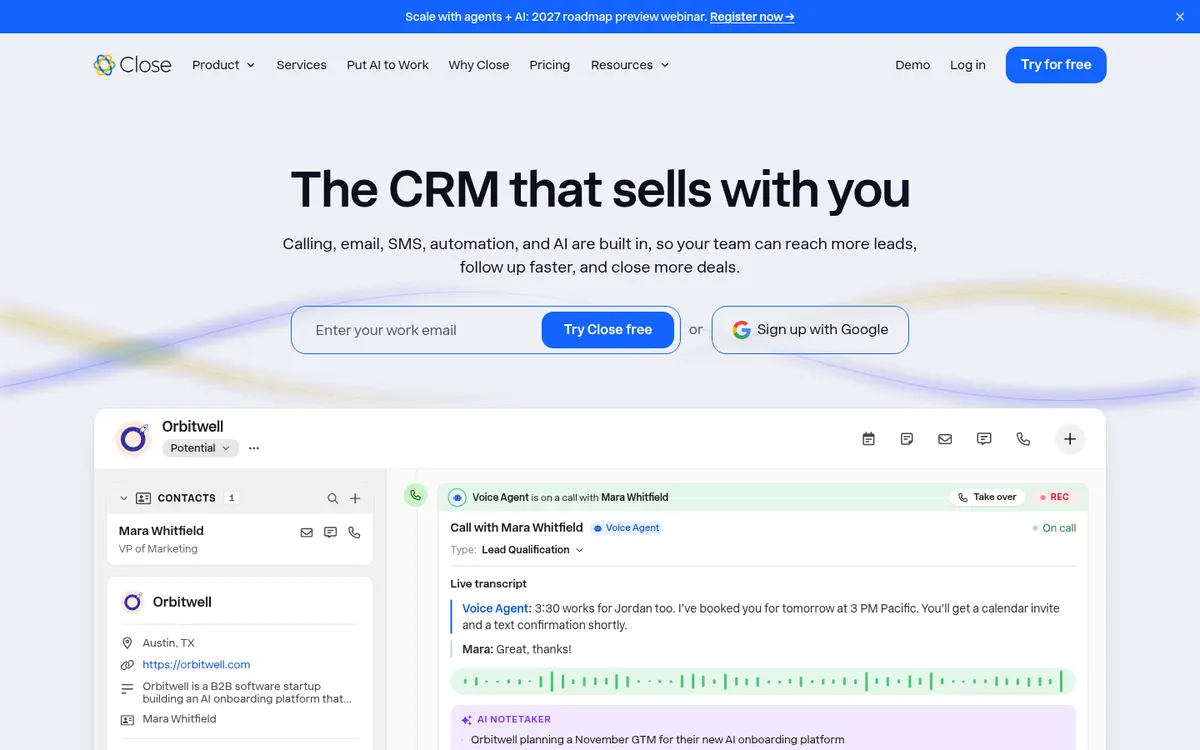
Close fits SMB teams that want CRM, calling, email and SMS together, though power dialing requires the $99 Growth tier.
Close puts a CRM, calling, email and SMS in one product, which removes the need for a third-party dialer integration. The built-in power and predictive dialers sit inside the CRM, and one-click calling works from lead lists and saved views. Calls, transcripts and AI summaries log automatically to the contact record, so a rep does not have to reconstruct activity after a session. Chloe, the AI sales agent, can call new leads and book meetings, and email plus SMS sequences keep follow-up in the same workflow.
The tier split is sharp. Essentials offers click-to-call only, while power dialing requires the Growth tier at $99 per user per month. That means the $9 Solo price is not the cost of a cold calling setup for a team. Solo is one user, billed annually, with a $19 monthly rate. The phone system is basic next to contact-center specialists, so a team that needs advanced routing, parallel dialing or deep call-center controls will need another tool. For a small outbound team, the CRM context is the advantage.
Close offers a 14-day free trial with no credit card and a 30-day money-back guarantee, which lowers the risk of testing the workflow. Self-serve signup and published pricing make evaluation faster than quote-only vendors. Close fits SMB outbound teams that want CRM, calling, email and SMS together and are willing to pay for Growth to unlock power dialing. It is a poor fit for a team that already has a CRM or needs a standalone dialer with parallel lines.
You want a CRM with built-in calling, email and SMS and are ready to pay for Growth to unlock power dialing.
You already have a CRM or need parallel dialing and advanced phone-system controls.
Cold calling software is the layer that sits between a list of phone numbers and a rep who needs to have conversations. At its simplest, it places calls from a browser or desktop app and records the outcome. In practice, a modern platform combines several jobs that used to require separate tools: dialing, number management, call logging, coaching and follow-up.
The dialer is the core. A power dialer places one call after another and connects a rep when a person answers. A parallel dialer places several calls at once and routes the first live answer, which raises conversations per hour but requires careful pacing. Predictive dialing uses answer patterns to decide how many calls to launch, and it usually needs a larger team to justify the compliance work. The mode a team chooses should match its list quality, close rates and tolerance for abandoned calls.
Around the dialer, buyers should expect local presence numbers, voicemail drop, call recording and automatic disposition logging. The better products add a CRM sync that writes calls, notes and recordings back to the contact record, plus SMS or email sequences so a rep can follow up without switching tabs. Number health matters more than many buyers expect. Spam labeling and poor caller reputation can cut answer rates, so tools that monitor number reputation or rotate local numbers solve a real operational problem.
A short checklist for evaluation:
Compliance is part of the product decision, not a legal afterthought. Autodialing rules, consent, call recording notices and do-not-call handling vary by market. A tool can automate parts of the workflow, but the buyer remains responsible for consent records, calling hours and local rules. Ask vendors how they handle DNC scrubbing, dropped calls and recording consent before you run a pilot.
This comparison sits on the Software desk. Readers comparing neighbouring stacks often check our guides to demand forecasting software and glp 1 companies next.
Cold calling software usually bills per seat, per month, with a discount for an annual commitment. Entry prices are rarely the price a serious outbound team pays, because the dialer mode, AI features and number reputation tools often sit on higher tiers. The table below uses only published facts from the pages checked on November 25, 2026.
| Model | How it bills | Typical fit | Example from this list |
|---|---|---|---|
| Per seat, annual | Per user per month with annual commitment | Teams that can forecast seats and want lower rates | CloudTalk Starter at $25 per user per month billed annually |
| Per seat, annual with minimum | Per license per month, annual, minimum seats | Teams standardizing a small group | Aircall Essentials at $30 per license per month billed annually, minimum 3 users |
| Per seat, sale price | Discounted per user per month, annual, list price shown | Buyers who can move during a sale | JustCall Team at $23 per user per month billed annually, list price $39 |
| Per seat, monthly or annual | Monthly rate or annual discount | Teams testing a dialer without a long commitment | PhoneBurner Standard at $140 per user per month billed annually, monthly $165 |
| CRM bundle | Per user per month, annual, one user on entry | Small teams that want CRM and calling in one | Close Solo at $9 per month billed annually, monthly $19 |
| Quote only | Per user, annual, quote from sales | Larger floors with volume minimums | Orum and Nooks, pricing on the vendor site |
The headline price misleads when the dialer mode sits higher. JustCall Team at $23 does not include the sales dialer. CloudTalk needs Expert for parallel dialing. Close needs Growth at $99 per user per month for power dialing. Kixie, Dialpad, Orum and Nooks do not show complete plan prices on the pages checked, so their real cost is unknown until sales quotes.
Trial terms also vary. CloudTalk, JustCall and Close offer 14-day trials, PhoneBurner offers a free trial, Kixie offers 7 days, and Aircall and Dialpad list trials. Orum and Nooks list no trial. A trial is useful only if it tests the dialer mode and CRM logging you will actually use.
Every price above was checked on the vendor's own pricing page on November 25, 2026. Where a vendor does not publish a figure we write "See website" instead of guessing. To compare annual and monthly billing quickly, try the free percentage calculator.
Cold calling software combines dialing, caller number management, call logging, recording and often CRM sync. The strongest platforms add local presence, voicemail drop, SMS follow-up, live coaching and AI summaries. Buyers should check whether the dialer mode they need is on the entry plan, because many products reserve parallel or predictive dialing for higher tiers.
Entry prices range from $9 per month for Close Solo billed annually to $140 per user per month for PhoneBurner Standard billed annually. Headline figures mislead because the cold calling feature set often sits higher. JustCall Team at $23 lacks the sales dialer, and CloudTalk parallel dialing requires Expert. Kixie, Dialpad, Orum and Nooks did not show complete plan prices on the pages checked, so ask sales.
A power dialer places one call at a time and connects a rep when someone answers. A parallel dialer launches several calls and routes the first live answer, which raises conversations per hour. Predictive dialing uses answer patterns to pace outbound volume and usually fits larger teams. PhoneBurner is single-line, Kixie supports up to four lines, and Orum runs up to 10 lines.
Close is the strongest small-team fit because Solo costs $9 per month billed annually and the CRM is built in. Essentials offers click-to-call, while power dialing requires Growth at $99 per user per month. For a team that only needs dialing, PhoneBurner starts at $140 per user per month billed annually, and JustCall Team requires two licenses.
Use local presence, rotate numbers where the platform allows it and monitor caller reputation. PhoneBurner bundles ARMOR spam-flag monitoring and connect scores. Kixie sells ConnectionBoost as an add-on. Orum includes daily spam monitoring with Hot Numbers, and JustCall bundles number health work such as registration, CNAM and DNC scrubbing.
Autodialing can trigger consent, do-not-call, recording notice and abandoned-call rules that vary by country and state. The software can scrub DNC lists and log consent, but your team remains responsible for calling hours, disclosure and record keeping. Ask vendors how they handle dropped calls and recording consent, then confirm the rules for every market you dial.
Browse every comparison on the Software desk, with the same rubric and dated prices.