Ranked #1

MadCap Flare
Multi-format output
$263Starter, Flare Desktop, per author per month, billed annually
- Best for
- Full-featured technical documentation for professional writers
- Free plan
- No
- Rubric
- 7.1 / 10
Nine help authoring tools assessed on output breadth, content reuse, collaboration, setup effort and value, with prices from vendor pricing pages checked on November 25, 2026.
 Prices checked November 25, 2026

As of November 2026, the best help authoring tools split along three lines. MadCap Flare, at $263 per author per month on the Starter plan for Flare Desktop, billed annually, suits professional writers who publish one content set as HTML5 help, PDF, Word and eBooks. Adobe RoboHelp fits enterprise teams already standardized on Adobe tools, with quote-based pricing. HelpNDoc is the budget pick, because its free Personal Edition covers real authoring work for solo writers on Windows. Further down, Paligo handles structured multilingual reuse and Document360 launches an AI-assisted knowledge base quickly.
Multi-format output
$263Starter, Flare Desktop, per author per month, billed annually
Legacy source imports
See websiteQuote-based pricing, no simple published price list

Free edition
See websiteFree Personal Edition available, paid editions priced per license
Disclosure for this page: All 9 tools here are unpaid editorial picks. The position of a paid listing can be part of what the vendor pays for. How we handle paid listings.
| Tool | Best for | Free plan | Actions | |||
|---|---|---|---|---|---|---|
| 1 | MadCap Flare | Full-featured technical documentation for professional writers | $263Starter, Flare Desktop, per author per month, billed annually | No | ||
| 2 | Adobe RoboHelp | Enterprise help teams inside the Adobe ecosystem | See websiteQuote-based pricing, no simple published price list | No | ||
| 3 | HelpNDoc | Budget desktop authoring for solo writers and small teams | See websiteFree Personal Edition available, paid editions priced per license | Yes | ||
| 4 |  Paligo | Structured, reusable component content across products and languages | $15,000Business, annual subscription, per-author licensing, 2 authors and 2 languages included | No | ||
| 5 |  ClickHelp | Cloud help authoring with built-in reader analytics | $194Starter, per month, before tax, 1 documentation site | No | ||
| 6 |  Document360 | AI-assisted knowledge bases for support and product docs | See websitecustom quote | No | ||
| 7 |  Helpjuice | Easy knowledge bases maintained by support teams | $249Customized Knowledge Base, per month, 30 users and 12GB storage included | No | ||
| 8 |  Help+Manual | Word-processor-simple desktop authoring for technical writers | See websitePer-license desktop pricing, check vendor site for current rates | No | ||
| 9 |  GitBook | Developer-adjacent docs teams that work in Git | $65Essential, per site per month, billed annually, plus $12 per user per month | Yes |
Nine tools made this list because each solves a different version of the same job: getting accurate documentation in front of readers and keeping it current. Every entry was scored on five weighted criteria.
Output and publishing (25 percent) asks how many formats one source set can reach. Content reuse (22 percent) covers topics, components, variables and conditional tags. Collaboration (20 percent) looks at how reviewers, translators and distributed authors work inside the tool. Ease of adoption (18 percent) measures time to a first published project. Value for money (15 percent) weighs what the entry plan buys at the published or quoted rate.
Scores come from each product's stated capabilities and plan terms, not from lab testing, so treat them as a starting hypothesis to confirm in a trial. Prices, plan names and trial terms come from vendor pricing pages checked on November 25, 2026. Where a vendor publishes no price, the entry says so and no number is estimated. Currencies appear as published and are never converted.
Featured listings are paid placements. Any Featured entry is scored with the same five criteria and carries the same honest cons as every other entry. The order reflects editorial fit for the buyer each entry describes, not a weighted total.
Two rules shaped the write-ups. A free edition counts as value only when it covers work a real team does, which is why HelpNDoc's Personal Edition is named. And each tool is judged against the buyer it names, so a support knowledge base is not penalized for lacking DITA publishing.
The full process, including how we handle corrections, is on the methodology page. Paid listings follow our advertising disclosure.
| Criterion | Weight | What we check |
|---|---|---|
| Output and publishing | 25% | How many formats and channels one source set can reach, from web help to print and eBooks. |
| Content reuse | 22% | How well topics, components, variables and conditional tags let writers avoid duplicating text. |
| Collaboration | 20% | Whether reviewers, translators and distributed authors can work inside the tool without workarounds. |
| Ease of adoption | 18% | How quickly a new writer or support agent becomes productive, and how much setup a first project takes. |
| Value for money | 15% | What the entry plan buys at the published or quoted rate, and whether the terms fit a small budget. |
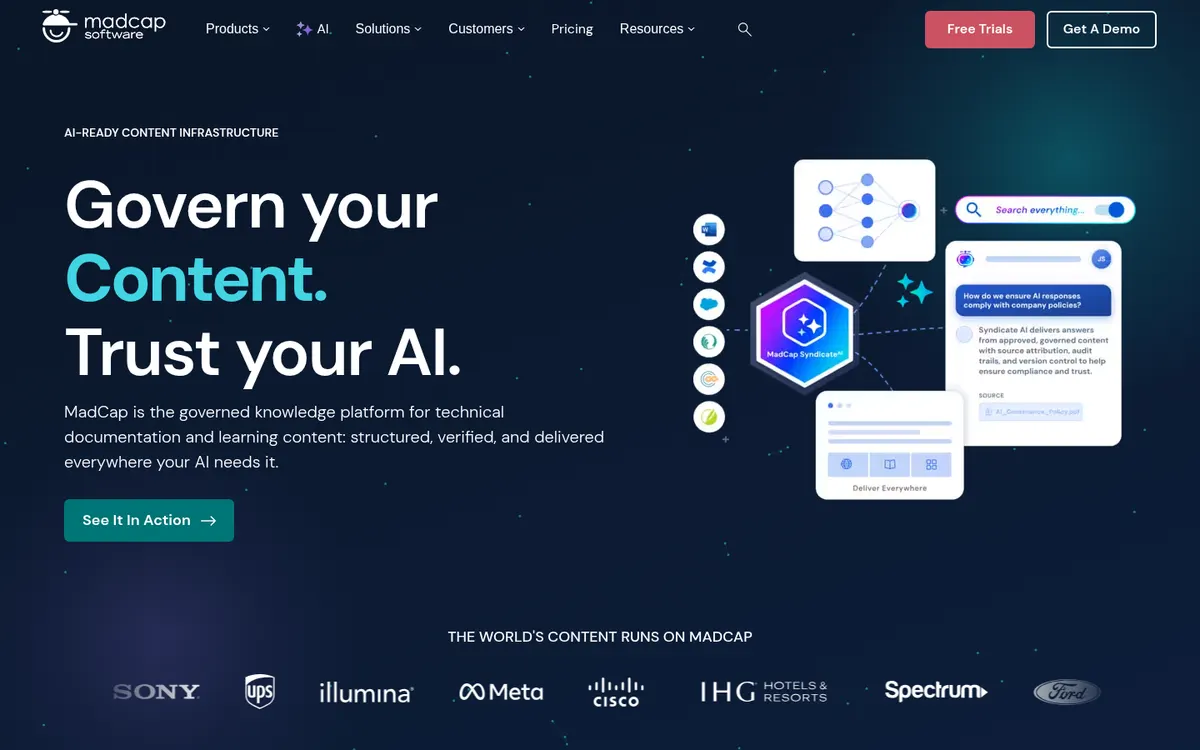
The broadest multi-format publishing in this list, best for documentation teams with large libraries and time to learn it.
MadCap Flare is the reference point for desktop technical authoring, and it earns the first slot for teams that publish one content set as HTML5 help, PDF, Word and eBooks. Topic-based writing puts each subject in one file, and you assemble deliverables from those topics instead of maintaining parallel documents. Conditional tags decide which passages appear in which output, while variables and snippets keep product names and reused paragraphs consistent across a library. Master pages control layout once per project, and every output target carries its own stylesheet, so a print manual and a help site can share content while looking nothing alike. On a library with hundreds of topics across several products, that structure pays for itself. Flare also absorbs volume that would slow lighter editors, and output targets stay manageable per deliverable. The cost is time. New authors face a genuine learning curve, and the desktop-only workflow means one writer edits a file at a time. A team that needs a help center live this month will spend longer configuring setup than the job deserves, and a simple help center carries weight it does not need. Pricing is published: $263 per author per month on the Starter plan for Flare Desktop, billed annually. That is a real per-seat commitment, so Flare fits teams that publish in several formats on a schedule. If your only output is a web knowledge base, ClickHelp or Document360 gets you there faster.
Your team publishes the same content in several formats and can invest in training.
You need a browser-based help center live within days.
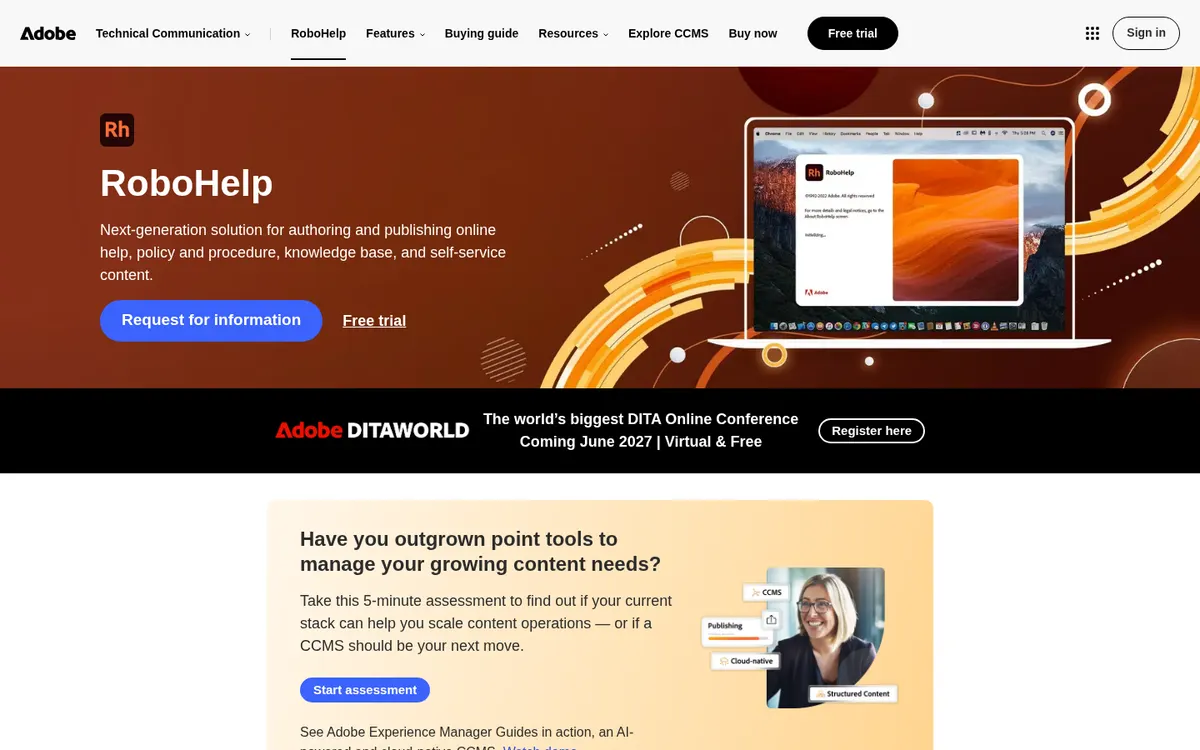
A strong fit for Adobe-standardized enterprises, with dependable legacy imports and responsive HTML5 output, but pricing stays behind a quote.
Adobe RoboHelp is the enterprise option here, and it makes most sense where the design and publishing stack already comes from Adobe. One source publishes to responsive HTML5 help, so the same topics serve phones and desktops without a separate mobile build. Import paths cover Word, FrameMaker and DITA, which matters when a team inherits documentation written in several tools over several years.
Content reuse runs through a shared source project, and output can be pushed to multiple branded channels. Responsive HTML5 output works without front-end work, so a small team can get a usable help site without a developer. Organizations already standardized on Adobe products find procurement, support and review workflows simpler because the tool sits inside an existing relationship.
The limits are practical. Pricing requires a quote, and the vendor publishes no simple price list, so you cannot set the figure next to ClickHelp's $194 or Flare's $263 without a sales conversation. Trial access is not stated in the material reviewed, so ask before you plan an evaluation. The interface feels older than the browser-based editors in this list, and small teams will pay for capability they never open.
RoboHelp fits larger organizations with established review processes and existing Adobe licenses. Request a quote and test imports of your real Word, FrameMaker or DITA content, because import quality decides whether a migration takes weeks or quarters.
You run an Adobe-centered shop with legacy Word, FrameMaker or DITA content to bring across.
You need a published price and a browser editor before the next release.
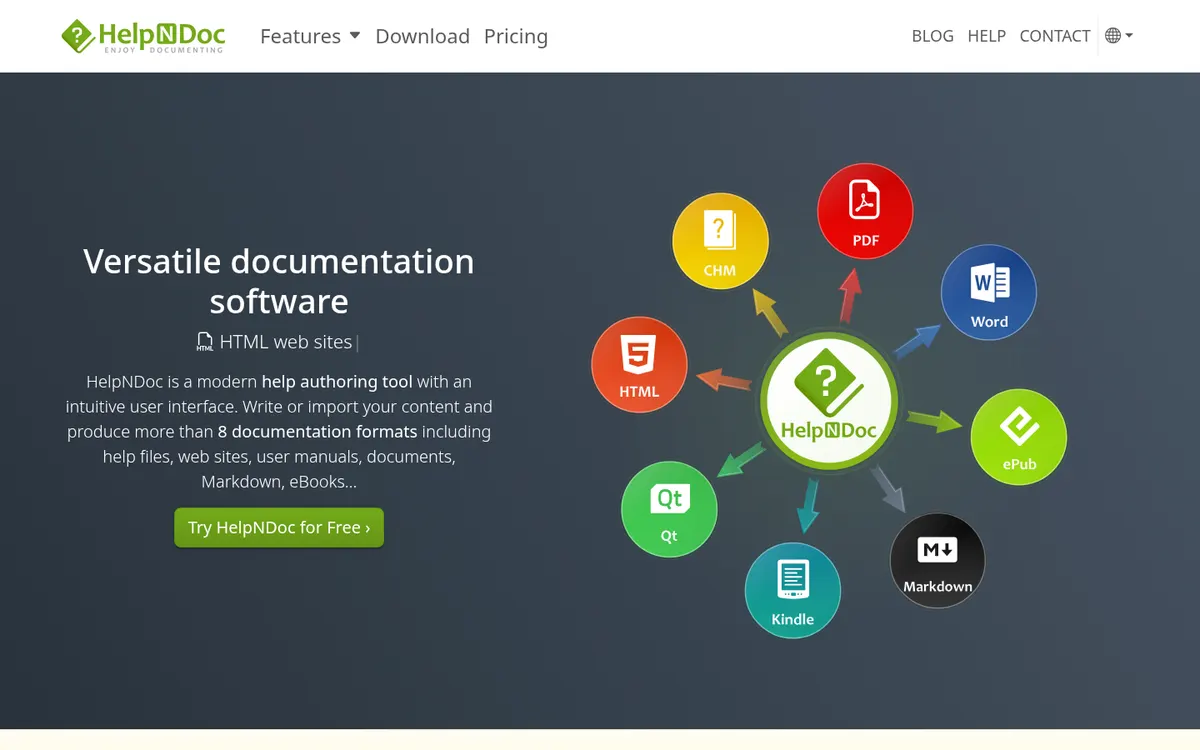
A no-cost route into desktop authoring, because a free Personal Edition covers real help projects for Windows writers.
HelpNDoc is the value play in this category, and the free Personal Edition is the reason. It covers substantial authoring work at no cost, which makes it one of two entries here with a free option. The editor behaves like a word processor, so a writer who knows Word becomes productive quickly rather than after a long training course. Output includes compiled HTML Help (CHM), a responsive HTML site, PDF, Word and ePub from one project. The topic tree provides reusable content, and the free edition is not a teaser: it handles the everyday job of writing topics and compiling them. For a solo writer documenting a Windows application, CHM output plus a short learning curve is hard to beat on cost. Paid editions are priced per license, and the pricing page was not retrievable when this list was checked, so confirm current rates with the vendor. The trade-offs arrive with the second person. There is no browser-based co-editing and no built-in review workflow, so feedback travels by email or through a separate tracker. The application runs on Windows only, which rules out Mac-based writers unless they virtualize. Collaboration features are thin next to Paligo, ClickHelp or GitBook. HelpNDoc suits one or two authors who want a capable desktop tool without a subscription. If support agents review your drafts, an agency translates them, or writers sit in different time zones, the savings from the free edition get eaten by manual coordination.
One or two writers need capable desktop authoring and a no-cost start.
Reviewers, translators or Mac users must work in the same tool.
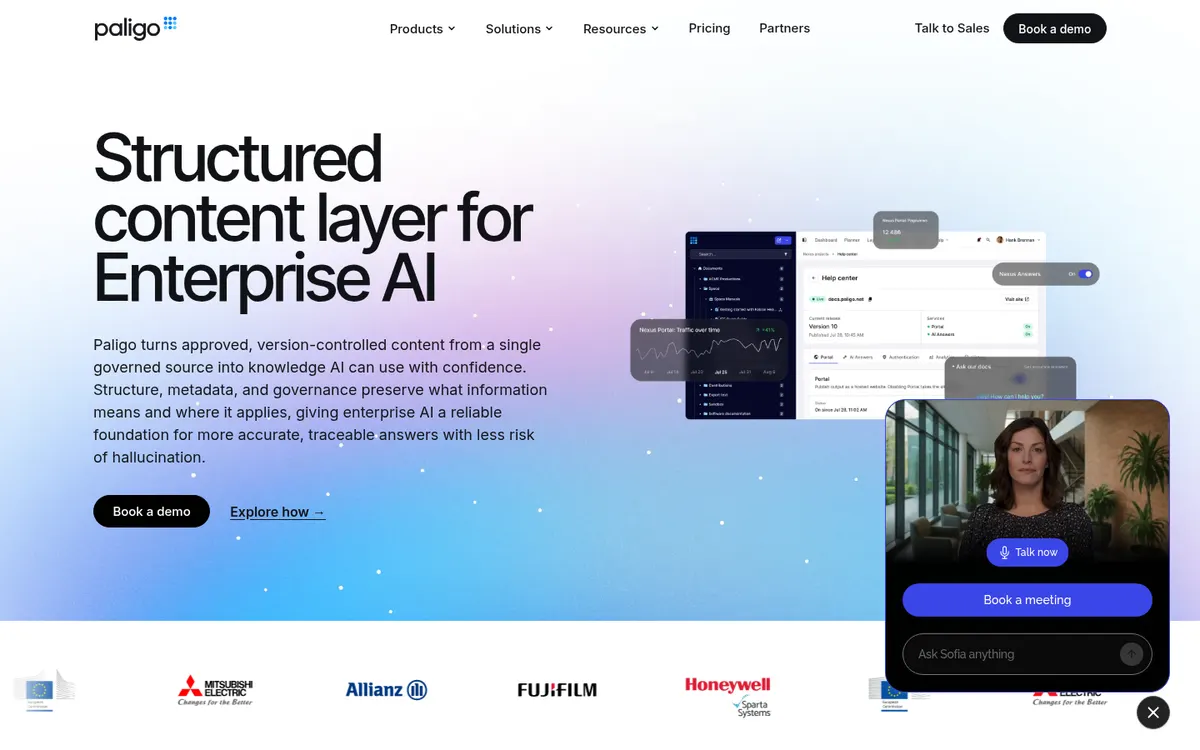
The strongest reuse and translation model here, if your team can absorb structured authoring and a $15,000 annual commitment.
Paligo is built around components rather than documents. A warning, a configuration step or a product name lives once, and every document that references it updates when the component changes. That model is what large catalogues and multilingual manuals need, and it is why Paligo scores highest here on content reuse. Variables and a structured content model keep terminology consistent across products.
Translation is the second differentiator. Components go out to a translation service and come back with structure intact, so a translated manual does not collapse into formatted text. Cloud collaboration puts distributed writers in the same project, and publishing reaches several output channels from the one source, so a print manual and a web help center stay in step.
The price reflects the ambition. The Business tier is an annual subscription starting at $15,000, licensed per author, with 2 authors and 2 languages included, so extra seats and languages add cost. Structured authoring also needs training and a defined content model before benefits appear. A single help center does not need this scaffolding, and teams that skip the conventions end up with a component library full of duplicates.
Paligo fits regulated, multilingual documentation with heavy reuse, typically in manufacturing, software platforms or medical devices. Agree a content model and a naming scheme before rollout, and budget the annual rate plus author and language additions as one number.
The same content is reused across products and languages and must stay consistent.
You have one product, one language and no appetite for structured authoring.
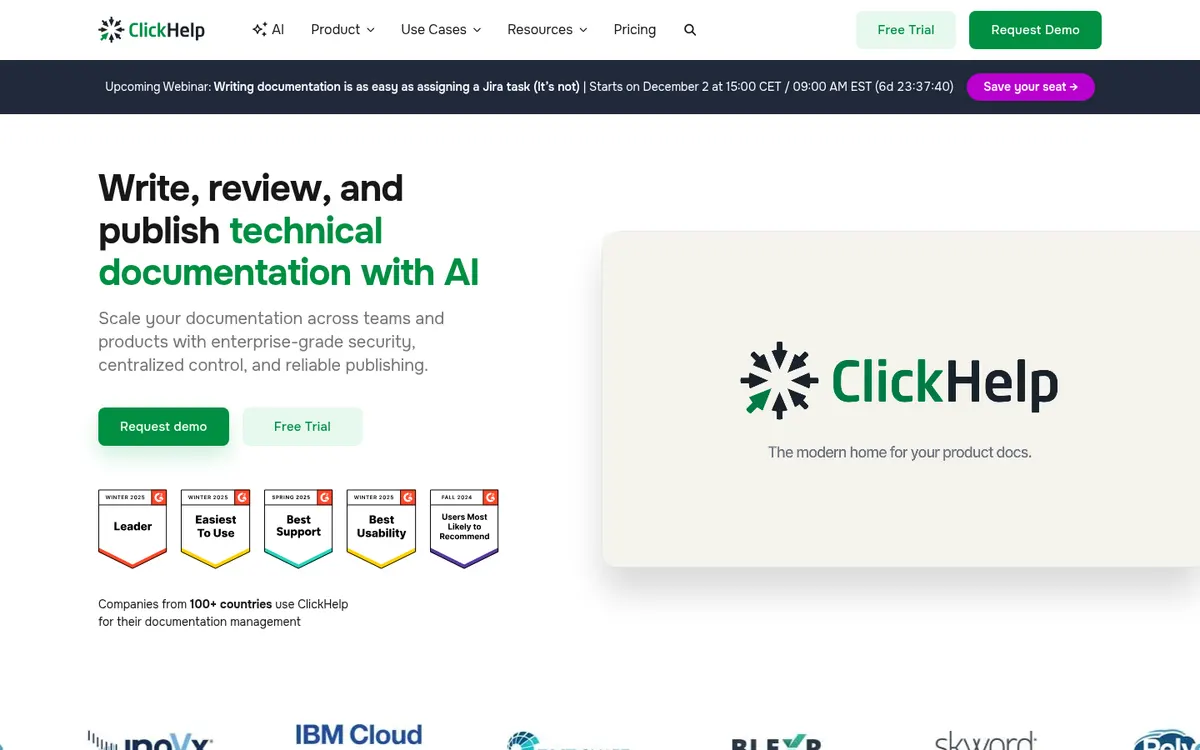
Browser-based help authoring with reader analytics included, a good fit for small product teams chasing content gaps.
ClickHelp is browser-based from the first click, with no desktop install and no per-machine licensing to manage. Writers create topics in the browser, reuse text through variables and snippets, and publish a branded customer-facing help portal from the same workspace. Team authoring and review happen inside the tool, so a small team shares one workspace instead of exchanging files.
Reader analytics separate it from desktop suites. Article views and failed searches are reported inside the product, and topic-level reporting shows where readers gave up. That turns documentation into something you can prioritize: a search term returning nothing is a content gap rather than a guess. Small product teams get evidence about what to write next without buying a separate analytics tool.
The trade-offs are ecosystem and integrations. ClickHelp has a smaller partner ecosystem than the established desktop tools, and fewer third-party connections than Document360 offers. Niche output formats need checking during the trial, especially if you still produce print manuals or older Windows help files. The learning curve is gentler than Flare or Paligo, but the structured authoring depth is not in the same class.
Pricing is published at $194 per month on the Starter plan before tax, covering 1 documentation site, with a free trial available. ClickHelp fits small and mid-sized product teams that want a web help center with reader evidence built in. Confirm any integration you depend on during the trial rather than after the invoice.
You want a browser help center and reader data to decide what to write next.
Your roadmap depends on deep DITA structure or specialized print output.
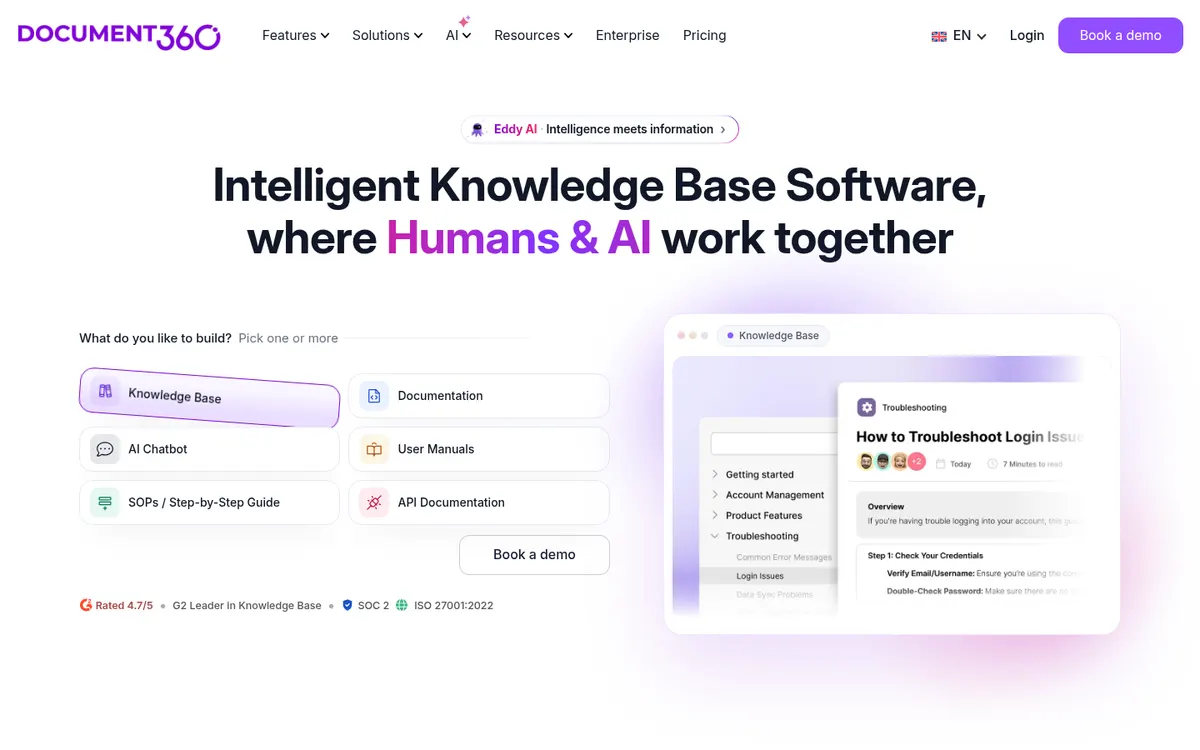
Fast to launch and AI-assisted, ideal for support knowledge bases, though weaker for strict structured authoring.
Document360 targets teams that want a knowledge base live quickly and improved with AI afterwards. The structure is familiar: categories and articles in a clean editor, portal branding and customization, version control and analytics switched on by default. Nothing about the first week is heavy, which is why it scores high here on ease of adoption. A support lead can outline categories and publish a readable portal without a writing toolchain.
Recent releases added AI search that answers reader questions from existing content, AI-assisted drafting, and tooling that makes documentation usable by AI agents. Integrations cover Slack, Zendesk, Salesforce and GitHub, so support and product teams can connect the knowledge base to where work already happens. Versioning matters for products on a release cadence, and built-in analytics removes a separate purchase.
The limits are structural. Document360 is not built for DITA-style structured authoring, so teams with strict content models and heavy component reuse should look at Paligo or Flare. Cost climbs with team size and advanced features, and the vendor states that pricing is customized and gathered through a guided form, so there is no headline number to set against ClickHelp's $194 or Helpjuice's $249. Trial status is not stated, so ask about evaluation access.
Document360 fits customer self-service portals, product documentation and internal wikis where AI search is the point. Ask for a quote covering your expected seat count, and test AI search against your own content before signing.
Your priority is a polished self-service portal with AI answers on top.
You need strict content models, component reuse or a published price today.

The easiest editor here for support staff, built around forgiving search and turning resolved tickets into articles.
Helpjuice is a knowledge base built for support teams rather than technical writers, and the editor shows it. Articles are quick to create, formatting is simple, and non-writers can contribute without a long training course. That matters when the people closest to customer questions are the ones who should be writing the answers. Search is the strongest part. It tolerates typos and matches intent, so a customer typing a misspelled product name still lands on the right article. AI search and AI help extend that, and the tool can turn resolved tickets into draft articles. Analytics report article reads and unsuccessful searches, and multi-language support covers more than 50 languages. Portal design and branding controls keep the site on brand. The trade-offs are control and output. There is less control over structured content than Paligo or Flare gives you, so component reuse and conditional publishing are not the point here. Design customization has limits, and the platform is not built for complex multi-format output such as print manuals or legacy Windows help. If documentation doubles as a product deliverable, look elsewhere. Pricing is shown openly at $249 per month on the Customized Knowledge Base plan, with 30 users and 12GB of storage included, and a 14-day free trial. Helpjuice fits support teams trying to cut ticket volume with self-service content. Check the user and storage limits against your article count before committing.
Support agents will maintain the knowledge base and search quality is the goal.
You need conditional publishing, print manuals or rigid content models.
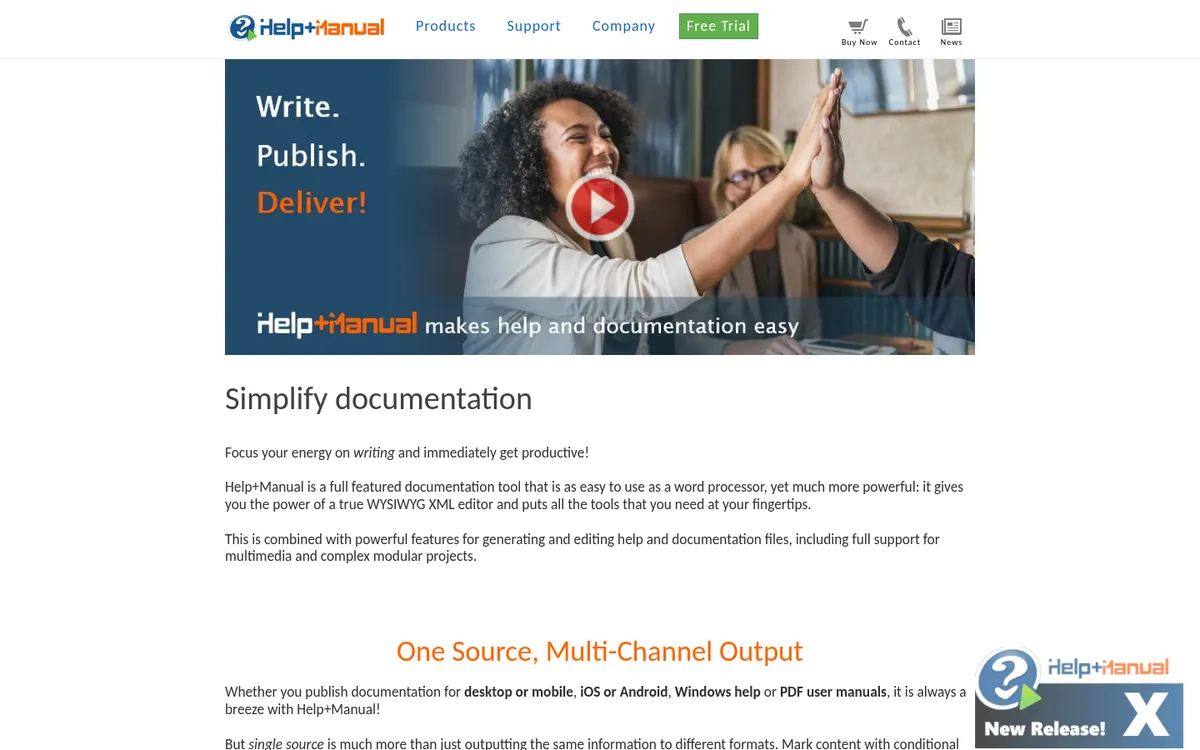
A Word-familiar editor over structured XML, with unusually broad import and output coverage for teams migrating formats.
Help+Manual puts a word-processor interface over structured XML, which is the combination many migrating writers ask for. Authors work in a WYSIWYG view that feels like Word while the underlying content stays structured enough for conditional publishing. Output covers responsive Webhelp, Windows HTML Help, PDF and eBooks from one source, with conditional tags controlling what appears in each channel.
Import support is unusually broad: Word, HTML, WinHelp, RoboHelp and Author-It sources, plus help for documenting Visual Studio source. For a team retiring an old help format, that list shortens a migration considerably. Multi-user editing and version control are included for teams, and plugins cover DeepL machine translation and PDF peer review, two jobs that otherwise need separate tools.
The limits come from the desktop model. It is Windows software only, and real-time collaboration is thinner than the cloud tools here, so distributed teams will notice. Reviewers without the application cannot open a link and comment in a browser the way ClickHelp or Document360 allow. Pricing is per license, and the vendor site should be checked for current rates because no price is listed in this comparison.
Help+Manual fits technical writers coming from Word who need single-source output and generous import options without a cloud migration. Ask about the current license price, multi-user terms and trial access, then test an import of your real Word or legacy help project before committing.
Your writers know Word and you need to import legacy help formats cheaply.
Reviewers must comment in a browser or your team works on Macs.
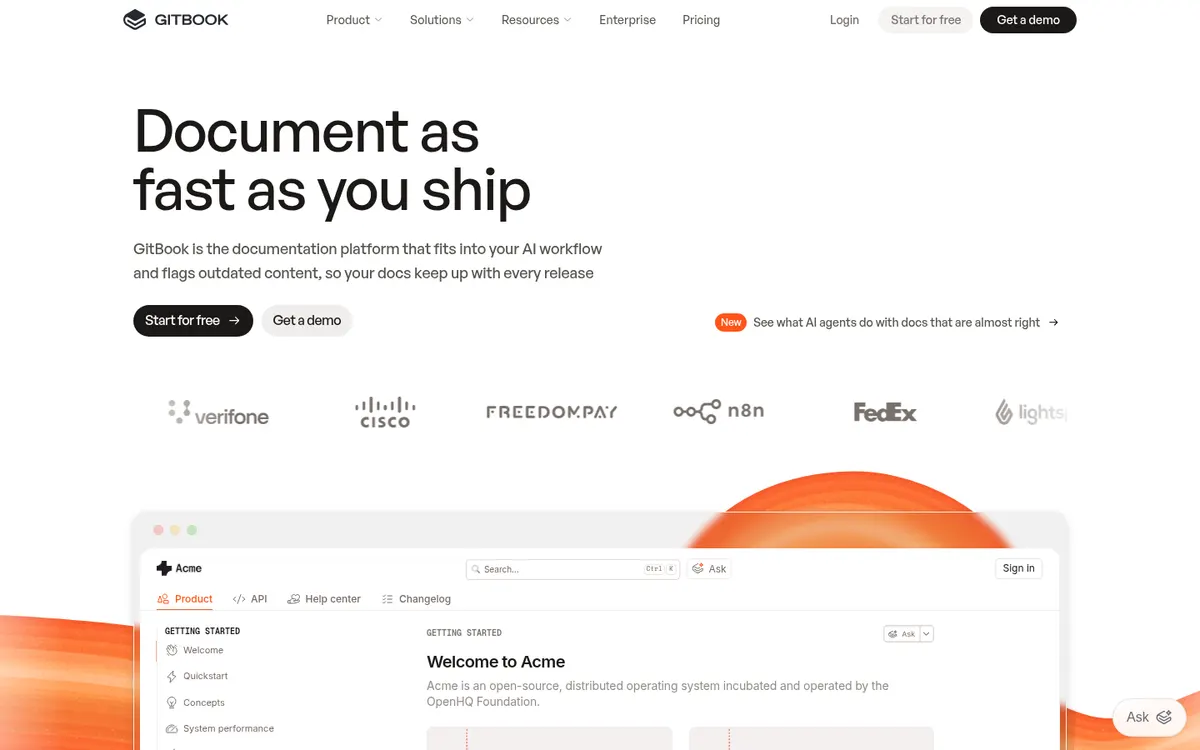
Best where writers and engineers share repositories, because documentation follows the same review flow as code.
GitBook started as an open-source documentation tool and grew into a docs platform that still thinks like a repository. Git sync brings branching, review and merge to documentation, so a change to an API guide follows the same pull request path as a code change. Where writers and engineers share a repository, that removes a whole category of handoff.
The reader experience is strong: public docs and API guides load fast and read cleanly, which is not true of every tool built primarily for internal authoring. An AI assistant answers reader questions from the published content, so answers stay tied to what you actually wrote. Agent tooling flags content that has fallen out of step with the product, a useful nudge when release notes and docs drift apart.
The limits are about fit rather than quality. GitBook is less suited to strict DITA structured authoring, so regulated documentation with rigid content models belongs in Paligo or Flare. Advanced capabilities sit behind paid plans, and the free plan is for individuals, so a team evaluating it will be testing a paid tier. Reviewers without repository habits may find the branching workflow unfamiliar at first.
Pricing is published at $65 per site per month on the Essential plan, billed annually, plus $12 per user per month, with a free plan for individuals and a 14-day free trial. GitBook fits developer-adjacent docs teams that already live in Git. Add the site and user charges together before comparing it with per-author pricing elsewhere.
Your writers and engineers already share repositories and pull request habits.
You need rigid content models or reviewers who never open a repository.
A help authoring tool is software for writing and publishing the documentation that ships with a product: online help, knowledge bases, user manuals, API references and release notes. It differs from a wiki in intent and control. A wiki is built so anyone can edit anything at any time, which is why internal wikis fill with contradictory pages. A dedicated authoring tool adds structure, review, conditional publishing and, usually, a customer-facing portal with search that behaves.
Single-source publishing is the concept most buyers underestimate. You write a topic once, tag it, and the tool assembles different deliverables from the same content. A paragraph marked for the enterprise edition is left out of the standard edition's PDF. A step reused across five products is edited in one place and updated everywhere. That is what Flare, Paligo, Help+Manual and RoboHelp are selling, and it is the reason they cost more than a simple knowledge base.
Three broad families appear in this list:
Migration is the practical question. Most tools import Word, HTML or older help formats, but imports rarely arrive clean: styles scatter, conditional text gets lost, and screenshots need relinking. Budget time for a test import before you sign, and keep the old output live until the new one is verified.
Structured authoring, meaning content built from typed components rather than free text, delivers the biggest reuse gains and demands the most discipline. Teams must agree on a content model, naming and ownership before the library grows. A smaller team usually does better with a light tool that ships in a week than with a powerful one it never finishes configuring.
This comparison sits on the Software desk. Readers comparing neighbouring stacks often check our guides to demand forecasting software and glp 1 companies next.
Price lists in this category rarely line up, because vendors charge for different things. Some bill per author, some per documentation site, some per user bundle, and four in this list publish no simple number at all. Compare total annual cost for the same team size, not headline figures.
| Model | How it bills | Typical fit | Example from this list |
|---|---|---|---|
| Per author, published | $263 per author per month, billed annually | Teams publishing several formats | MadCap Flare, Starter |
| Per site plus seats | $65 per site per month plus $12 per user per month, billed annually | Docs that follow code review | GitBook, Essential |
| Flat monthly site fee | $194 per month before tax, 1 documentation site | Small product teams | ClickHelp, Starter |
| User bundle | $249 per month, 30 users and 12GB storage | Support self-service | Helpjuice, Customized Knowledge Base |
| Annual platform | $15,000 per year, 2 authors and 2 languages | Multilingual regulated docs | Paligo, Business |
| Quote | Guided form or sales call | Enterprises with vendor relationships | Adobe RoboHelp, Document360, Help+Manual |
| Free edition | No charge for Personal Edition, paid editions per license | Solo writers | HelpNDoc |
Two lines deserve attention. Per-author pricing looks simple until you count reviewers and translators who also need seats, which is where a $263 Starter rate becomes a five-figure annual line. Annual platform pricing bundles capacity: Paligo's Business tier includes 2 authors and 2 languages, so the useful comparison is cost per author per language, not the platform total.
Quote-based vendors are not automatically more expensive, but they push the work onto you. Give every one of them the same brief: number of authors, reviewers, documentation sites, languages and required formats. Ask for a written annual figure and a renewal term.
Free tiers are the last trap. A free Personal Edition or individual plan is fine for validation and for one writer, and rarely enough for team review, versioning or translation. Check which paid tier you need before the trial ends, because switching after a migration is expensive.
Every price above was checked on the vendor's own pricing page on November 25, 2026. Where a vendor does not publish a figure we write "See website" instead of guessing. To compare annual and monthly billing quickly, try the free percentage calculator.
A dedicated help authoring tool controls what readers see and who can change it; a wiki usually does neither. Authoring tools add conditional publishing, reusable topics, review workflow, versioning and a searchable customer portal. A wiki is faster to start and better for internal notes that change daily. If documentation is a product deliverable with release cycles, the authoring tool earns its cost; if you need shared internal notes, a wiki is enough.
It means one set of topics produces several deliverables. You tag content, and the tool assembles an HTML5 help site, a PDF manual and an eBook from the same source, leaving out passages that do not apply. MadCap Flare, Adobe RoboHelp, Help+Manual and Paligo all work this way. The payoff arrives when a product change updates every output at once; the cost is upfront structure.
Two. HelpNDoc offers a free Personal Edition, and GitBook has a free plan for individuals. Neither covers team review, translation and versioning at the level a documentation group needs, so treat both as entry points. Everything else requires a paid plan or a quote. Flare, Paligo, ClickHelp and GitBook list free trials, and Helpjuice offers 14 days.
Three patterns. Paligo sends components to translators and receives them back with structure intact, which suits manuals reused across markets. Helpjuice supports portals in more than 50 languages for customer self-service. Help+Manual offers a DeepL machine translation plugin. Paligo's Business tier includes 2 languages at $15,000 per year, so extra languages are a budget line, not a setting.
Harder than demos suggest, but rarely a blocker. Adobe RoboHelp imports Word, FrameMaker and DITA; Help+Manual imports Word, HTML, WinHelp, RoboHelp and Author-It. Styles, screenshots and conditional text usually need cleanup after import. Send a messy sample to the vendor and time the result before you sign anything, and keep the old output live during the transition.
Because their deals are sized to the buyer: seats, sites, languages, support and procurement terms all move the number. Adobe RoboHelp, Document360 and Help+Manual ask for a quote, and Document360 collects details through a guided form. That is not automatically a red flag, but you cannot compare shortlists on price until each vendor gives a written annual figure for the same team size.
Browse every comparison on the Software desk, with the same rubric and dated prices.