Ranked #1
ServiceTitan
Pricebook and reporting
See websitecustom quote
- Best for
- Larger HVAC firms with multi-technician operations
- Free plan
- No
- Rubric
- 6.9 / 10
Eight HVAC tools for November 2026, ordered by fit for the buyer each entry describes, with pricing and trial facts checked on vendor pages on 2026-11-25.
 Prices checked November 25, 2026

ServiceTitan is the pick for larger HVAC firms running multiple technicians, Housecall Pro suits small shops that need fast setup, and Jobber fits small home-service teams that want simple scheduling and a client hub. That is the short answer as of November 2026. The rest of this list covers five more tools, from FieldEdge for dispatch and job costing to Kickserv at 60 USD per month for five users. Prices and trial terms below were checked on vendor pages on 2026-11-25.
Pricebook and reporting
See websitecustom quote

Fast small-shop setup
See websitecustom quote

Customer client hub
See website
Disclosure for this page: All 8 tools here are unpaid editorial picks. The position of a paid listing can be part of what the vendor pays for. How we handle paid listings.
| Tool | Best for | Free plan | Actions | |||
|---|---|---|---|---|---|---|
| 1 | ServiceTitan | Larger HVAC firms with multi-technician operations | See websitecustom quote | No | ||
| 2 | Housecall Pro | Small HVAC firms needing fast setup | See websitecustom quote | No | ||
| 3 | Jobber | Small home-service firms wanting simple scheduling | See website | No | ||
| 4 |  FieldEdge | HVAC firms focused on dispatch and job costing | See websitecustom quote | No | ||
| 5 |  Service Fusion | Mid-size firms needing core job management | See websitecustom quote | No | ||
| 6 | Workiz | Budget-conscious small HVAC teams | See website | No | ||
| 7 |  Kickserv | Small firms wanting simple job tracking | $60Start plan, 5 users, per month | No | ||
| 8 |  Simpro | Larger trade firms with complex projects and inventory | See website | No |
We scored eight HVAC tools against the same five criteria, and the order reflects fit for the buyer each entry describes rather than a single overall total. Each criterion carries a weight: HVAC fit at 25 percent, pricing clarity at 20 percent, scheduling and dispatch at 20 percent, invoicing and payments at 20 percent, and setup effort at 15 percent. HVAC fit asks whether the tool handles the work that defines the trade: dispatch across technicians, equipment and customer history, and job costing on parts and labor. Pricing clarity asks a simpler question: can a buyer find a number before a sales call? A tool that publishes a rate scores higher than one that routes every buyer to a demo. Scheduling and dispatch covers the calendar, the dispatch board and routing. Invoicing and payments covers quotes, invoices, card payments and customer self-service. Setup effort covers training and implementation time, the cost that never appears on a quote. Prices, plan names and trial terms come from vendor pricing pages checked on 2026-11-25. Where a page listed no rate, we say so and do not estimate. Two vendors, Jobber and Workiz, returned no pricing page text on that date, so those entries read See website with no figure attached. Simpro had no pricing page content to check at all. Paid placements, where they appear, are scored with the same rubric and carry the same kind of cons as every other entry. Paid status moves position but does not move scores.
The full process, including how we handle corrections, is on the methodology page. Paid listings follow our advertising disclosure.
| Criterion | Weight | What we check |
|---|---|---|
| HVAC fit | 25% | How well the tool handles dispatch across technicians, equipment history and job costing on parts and labor. |
| Pricing clarity | 20% | Whether rates, quotes or trial terms are stated plainly enough to budget before a sales call. |
| Scheduling and dispatch | 20% | Strength of the calendar, dispatch board and technician routing tools. |
| Invoicing and payments | 20% | Coverage of quoting, invoicing, card payments and customer self-service. |
| Setup effort | 15% | How much training and implementation time a small or mid-size shop should expect. |
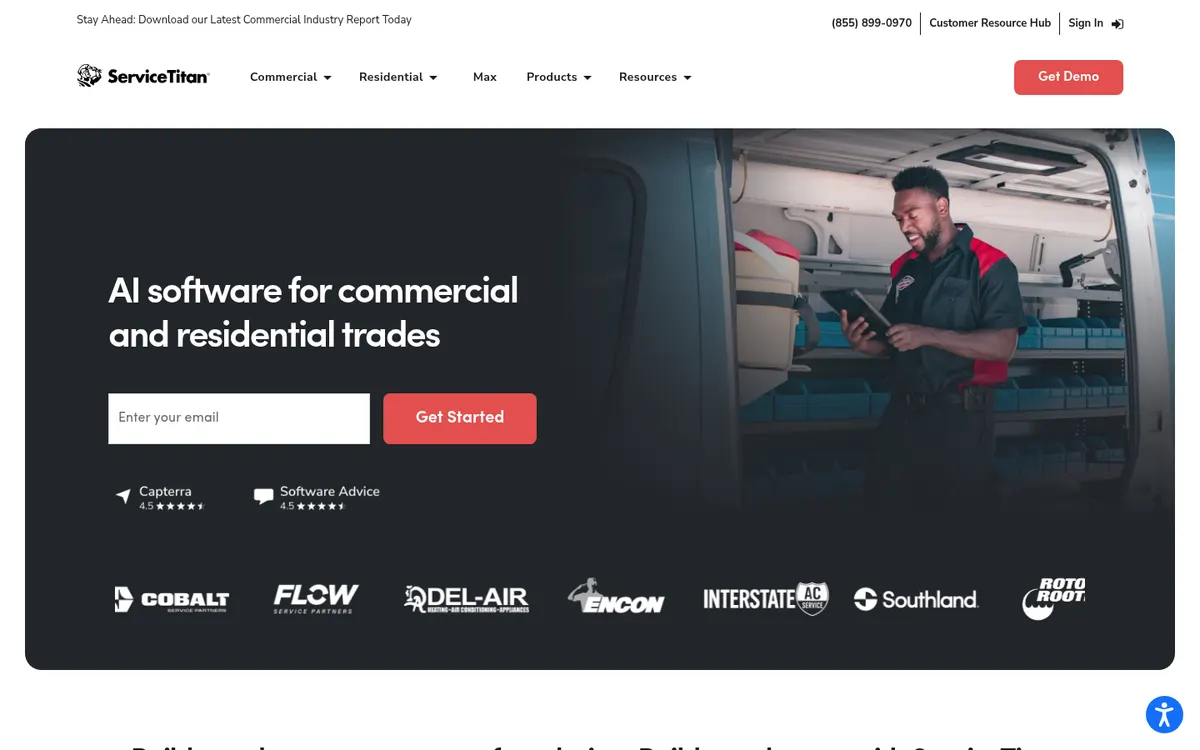
The deepest platform here for multi-technician HVAC firms, provided you can absorb a quoted price, training time and a heavier system.
ServiceTitan is built for larger HVAC firms with multi-technician operations, and it behaves like it. Scheduling and dispatch are built for a crew of technicians rather than a single van: jobs move through a dispatch view, technicians see their day, and customer history travels with the address. The pricebook supports good, better and best option sets, so a technician can present tiers on site instead of guessing at a flat rate. Invoicing and accounting integrations keep office bookkeeping out of spreadsheets, and reporting and analytics are included. Marketing campaigns are part of the platform. The trade-off is cost and effort. Pricing is quoted per business: the pricing page describes packages but only offers a Get Pricing request, so you cannot budget from a published rate. Implementation requires training for office and field roles, and the depth that makes the system useful is the same depth that slows a small shop down. Where it earns its place is scale. A firm with many technicians, a dispatch desk and a marketing budget gets reporting and pricebook tools that smaller platforms do not match. A small operation paying for modules it will never open is a different calculation, and Housecall Pro or Jobber are aimed at that shape of business. Read the quote closely. User counts, modules and onboarding all move the number, and the reports an owner checks each Monday matter more than the ones shown in the demo. Ask what training is included, how long onboarding runs, and whether pricebook setup is done with you or handed to you as homework.
You run several technicians, need reporting and a pricebook that supports tiered options, and can commit to a training period.
You run a very small operation and need a price and a start date quickly.
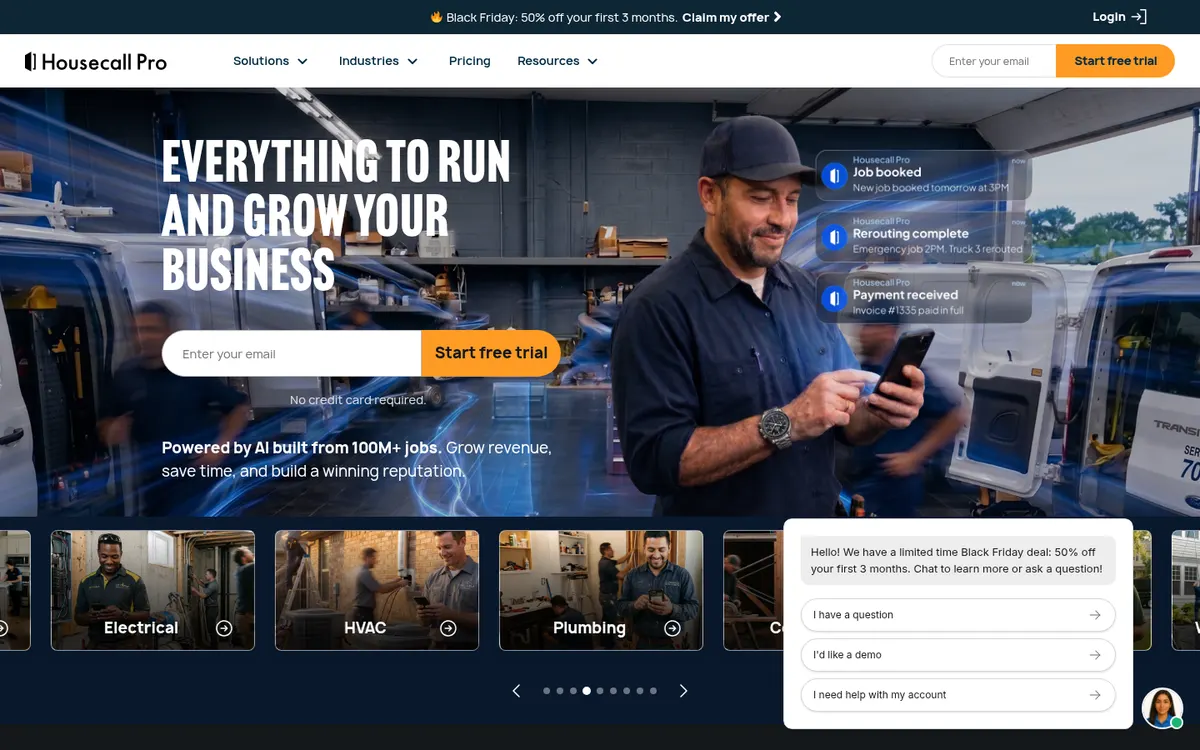
The fastest route off paper for a small HVAC shop, with booking, dispatch and payments in one place and a real trial.
Housecall Pro suits the small HVAC firm still running on paper, texts and a spreadsheet. Setup is quick. Online booking takes customer requests without a phone call, the dispatch calendar and job scheduling put the day in one view, and invoicing with card payments closes the loop without a second payment tool. Customer records keep customer details in one place for the office and field staff. Pricing is quote-based. Plans are listed without rates, and the vendor routes buyers through a demo request, so the number depends on the plan you pick and the users you add. There is a 14-day free trial with no credit card, which is more generous than ServiceTitan, FieldEdge and Simpro offer here, and two weeks is enough to run real jobs through the system before committing. The limits appear as the business grows. Reporting depth trails ServiceTitan, marketing tools are less deep than on larger platforms, and firms with several crews eventually hit work the product does not carry, such as deeper reporting and marketing tools. A small shop may not notice. A larger one will. For a small shop leaving paper behind, speed and a short learning curve matter more than a feature ceiling it will not touch for a year. Check the quote against the number of users you will actually add in twelve months, because per-user pricing changes the math as you hire. Ask what the quote includes for onboarding before you compare it with anything else.
You are a small shop moving off paper and want booking, dispatch and card payments running quickly.
You need deep marketing campaigns or reporting across several crews.
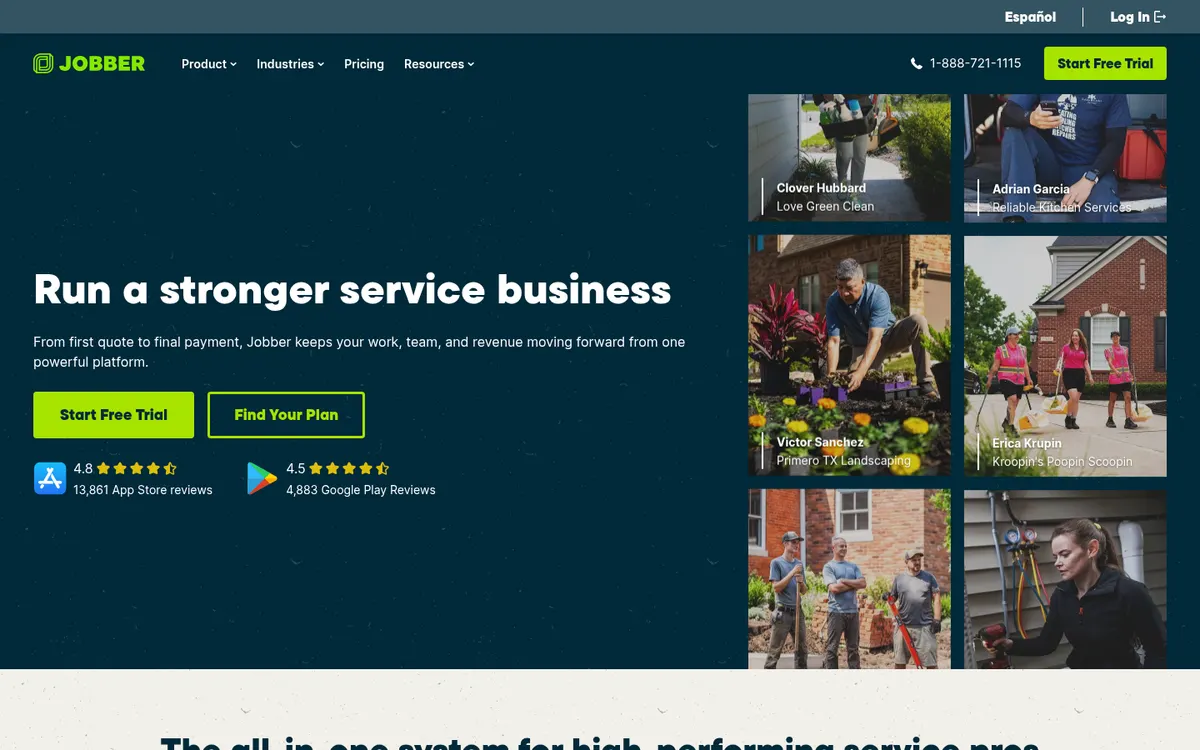
A clean scheduler and client hub for small home-service teams, though HVAC equipment depth is thinner than the trade needs.
Jobber is built for small home-service businesses, and its mixed-trade support lets HVAC firms run alongside other home-service work. Scheduling and quoting are the core. A quote goes out, the customer approves it in the client hub, and job details plus online payment sit in the same place, so the back and forth over a signed estimate shrinks. Invoicing and payments are included rather than sold separately. Pricing is on the vendor site and appears here as See website. Our page check on 2026-11-25 did not return page text, so we are not quoting a rate. A free trial is offered, which is the practical way to test whether the tier you need covers your crew, and tier matters here: larger firms need a higher one before the full feature set appears. The HVAC-specific gap is the real caveat. Equipment tracking and advanced job costing are limited compared with FieldEdge, and a firm that lives on service agreements and per-unit equipment history will feel the absence quickly. Mixed-trade support is a genuine plus for a business that also handles light plumbing or electrical work, since one system covers both. For a small team that wants a clean schedule, quick quotes and a customer-facing hub, Jobber is easy to run and easy to teach. For a shop whose profitability depends on tracking equipment across years, or on costing parts against labor job by job, it is not the first stop on this list. Use the free trial to test the client hub with real customers before you move your schedule onto it.
You are a small home-service team that wants simple scheduling, quick quotes and a customer self-service hub.
Your revenue depends on equipment history per unit or serious job costing.
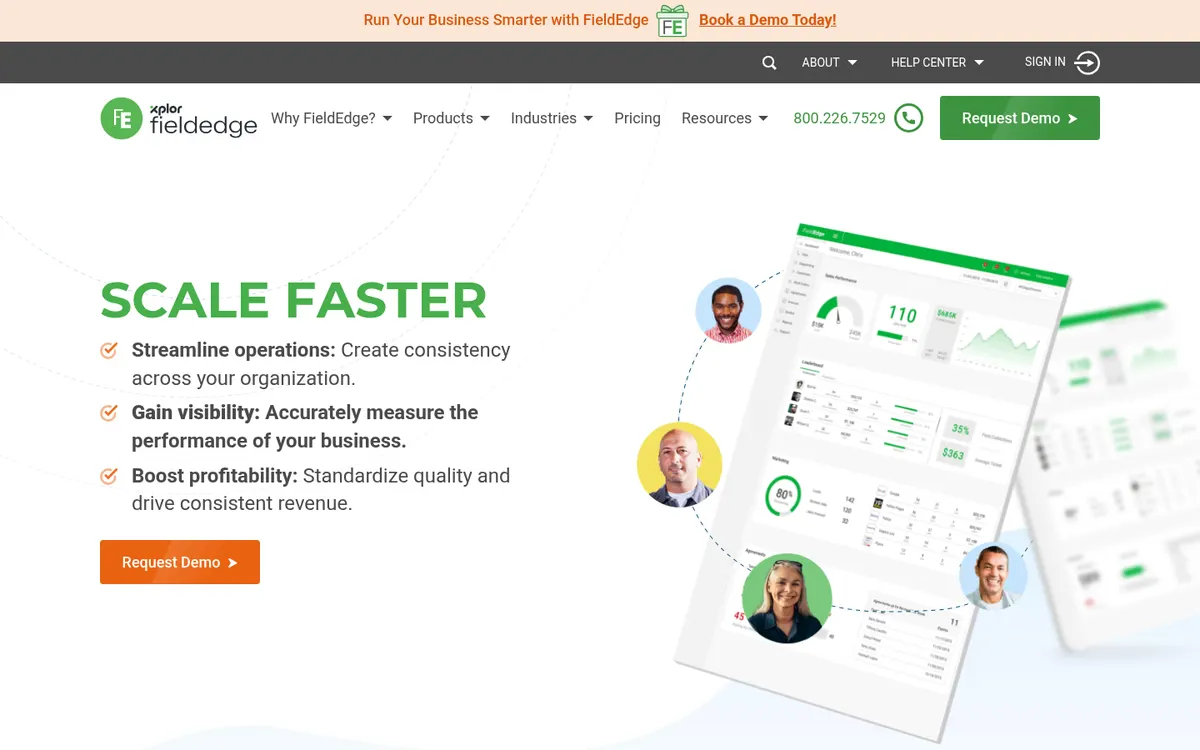
Dispatch and job costing done seriously, wrapped in an older interface and a quote-only price that demands a sales call.
FieldEdge is built around the dispatch board and job costing, which are core to HVAC operations. Jobs are priced against parts and labor, profitability is tracked per job, and equipment and customer history follow the address. A technician can see prior work on a unit before arriving, which shortens diagnostic time on repeat visits and takes some guesswork out of a callback. QuickBooks integration keeps office books aligned with field invoices, which matters for a shop that has been rekeying numbers at month end. Pricing is quote-based: each plan shows Request Pricing or Call for Pricing instead of a dollar amount, and no free trial is listed. Comparison therefore requires a sales conversation, and you should bring a real month of job data to it so the demo covers your actual calls rather than a canned tour. The interface feels dated in places next to newer tools such as Housecall Pro or Workiz. That is not cosmetic. Technicians who find a screen clumsy stop using it halfway through a call, and job costing only works when the field side actually enters parts and time. Budget for training and for a supervisor who checks the data in the first month. It fits firms whose operating problem is dispatch control and knowing which jobs made money, particularly those already running QuickBooks. It fits less well if you need a published price or a self-serve start without a sales cycle. Ask how job costing and reporting are set up, and who does that work, because that decides whether the reporting is worth reading.
Dispatch control and per-job profitability are the problems you need solved and you already run QuickBooks.
You want a published price, a free trial or a modern interface out of the box.
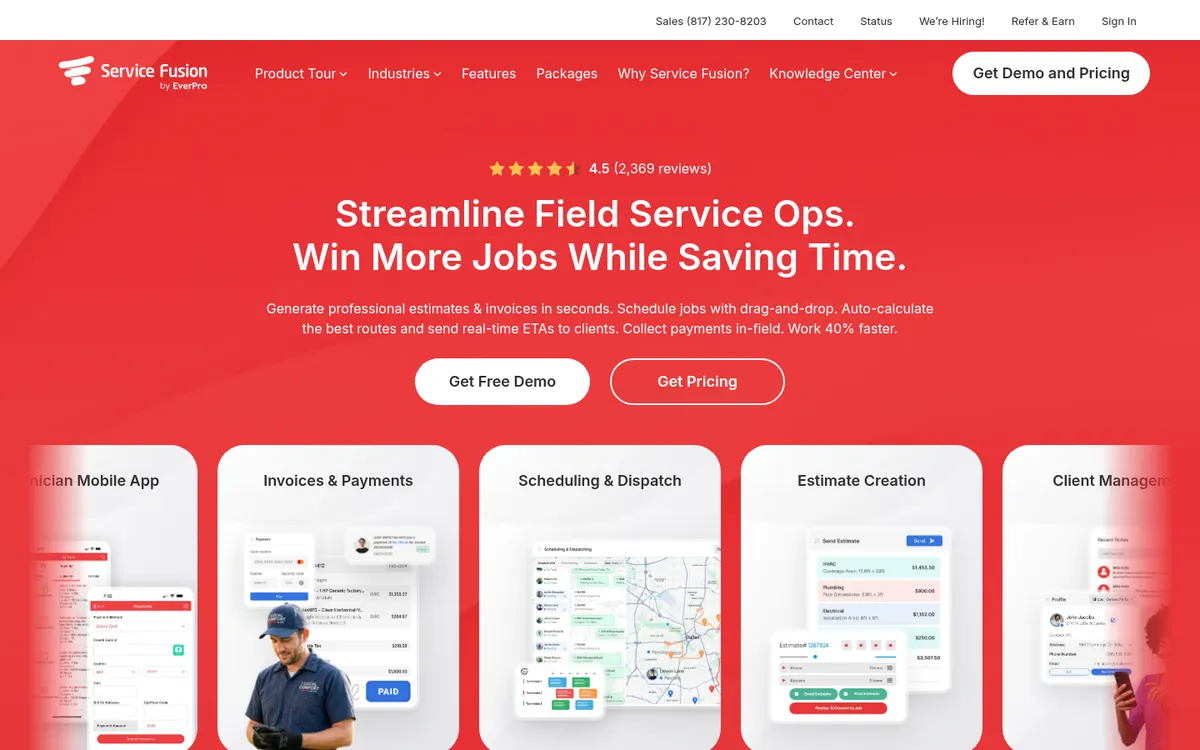
Core scheduling, dispatch and invoicing for mid-size firms, with marketing and reporting depth that stop short of the top tier.
Service Fusion covers the core of a service business in one system: scheduling, dispatch, job tracking, invoicing, a customer portal and online payments. GPS technician tracking gives the dispatcher a view of where the crew is, which helps when a call comes in for the same side of town. The customer portal lets a customer check job status and pay without calling the office to ask. Pricing is quote-based. Package tiers are named on the site, but rates appear only when you request a demo, so the useful number arrives after a conversation about users and modules. A free trial is offered, which matters for a mid-size shop that wants to test dispatch and invoicing on real work before moving the whole office onto a new system. The gaps are on the growth side. Marketing tools are thinner than ServiceTitan's, reporting depth trails the larger platforms, and some advanced features sit on higher tiers, so the entry package can look cheaper than the package you actually need. Read the tier list against your own workflow before comparing totals with a competitor, and ask which tier holds the features named in the demo. It suits a mid-size firm that wants core job management without the cost and complexity of a larger system. It sits in a reasonable middle for mid-size firms, with a setup that is straightforward enough to run without a long implementation project. Firms that expect to double in size in two years should check the higher tiers before signing.
You are a mid-size firm that wants core job management, a customer portal and GPS visibility without a heavy implementation.
Marketing campaigns and deep reporting are central to how you grow.

A budget-friendly starter for small teams, strongest when the optional phone system ties incoming calls to jobs.
Workiz aims at small teams and solo technicians who need the basics working on day one. Scheduling, dispatch, invoicing and online booking are all present, and the optional phone system links incoming calls to jobs, so a caller's history opens while the booking is being taken. Setup is quick, the interface stays out of the way, and training needs are low. Pricing sits below the larger platforms, which is the pitch for a new firm or a technician going out alone. Our page check on 2026-11-25 did not return pricing text, so this entry reads See website and we do not quote a rate. A free trial is offered, the phone system is optional rather than bundled, and the trial is the place to test whether call linking fits how your phone is actually answered. The feature set is smaller than ServiceTitan's, and HVAC-specific depth is limited. That shows up in equipment history and job costing, where a shop selling service agreements needs more than a job note. A firm that grows may need to migrate to another platform, and moving customer lists and job history is work nobody budgets for at the start. It fits a new firm or solo technician that needs scheduling, invoicing and booking without a large monthly commitment. It fits less well once job costing on parts and labor, or per-unit equipment history, becomes the thing that decides whether a job made money. Run the free trial with the phone system switched on, since that is the feature that separates it from the other small-team tools here.
You are a solo technician or a small team that wants booking, invoicing and call-to-job linking at a low monthly cost.
You sell service agreements or need job costing and equipment history per unit.
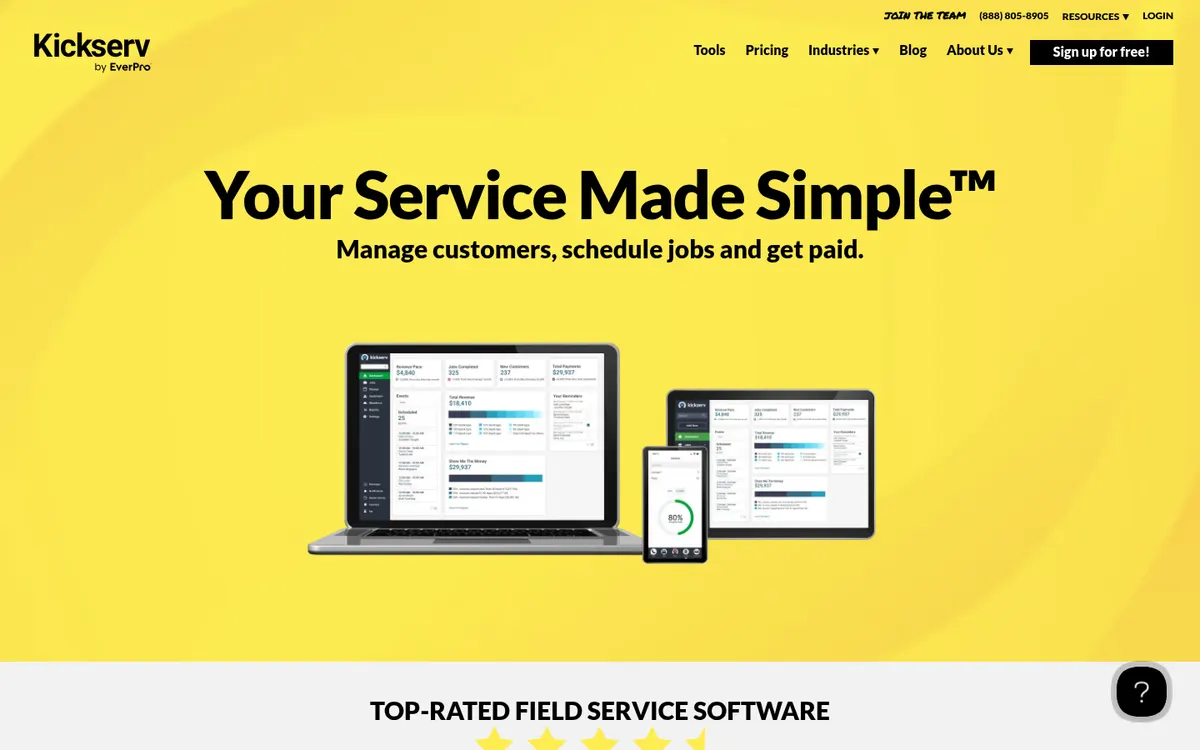
Basic job and invoice tracking at a stated 60 USD per month for 5 users, with little depth beyond the daily loop.
Kickserv is a basic step up from spreadsheets and paper, and it does not pretend otherwise. Job tracking, customer records, scheduling and invoicing cover the daily loop, and the workflow is simple enough that a new office hire can learn it quickly. For a very small HVAC operation that mainly needs to know what is scheduled and who owes money, that is enough. Kickserv is the one tool on this list with a stated entry price: the Start plan at 60 USD per month for 5 users, checked on the vendor page on 2026-11-25. A 30-day free trial is offered, which gives a small shop time to run real jobs before deciding. The feature set is narrower than larger platforms. Marketing tools are limited, and reporting and equipment tools are thin, so it suits the daily loop rather than detailed job costing. Small firms that grow quickly may outgrow the product, and the move costs time and typing. It fits a small firm that wants clean job and invoice tracking with almost no training overhead and a budget it can predict before the first invoice goes out. It does not fit a shop that sells service agreements, needs equipment history per unit, or wants to know which technician and which job type made money last quarter. If you mainly need to stop losing paper tickets, this is an affordable way on the list to do it.
You are a very small firm that wants job tracking and invoicing with a predictable monthly cost and almost no training.
You need a pricebook, equipment history or reporting by technician and job type.
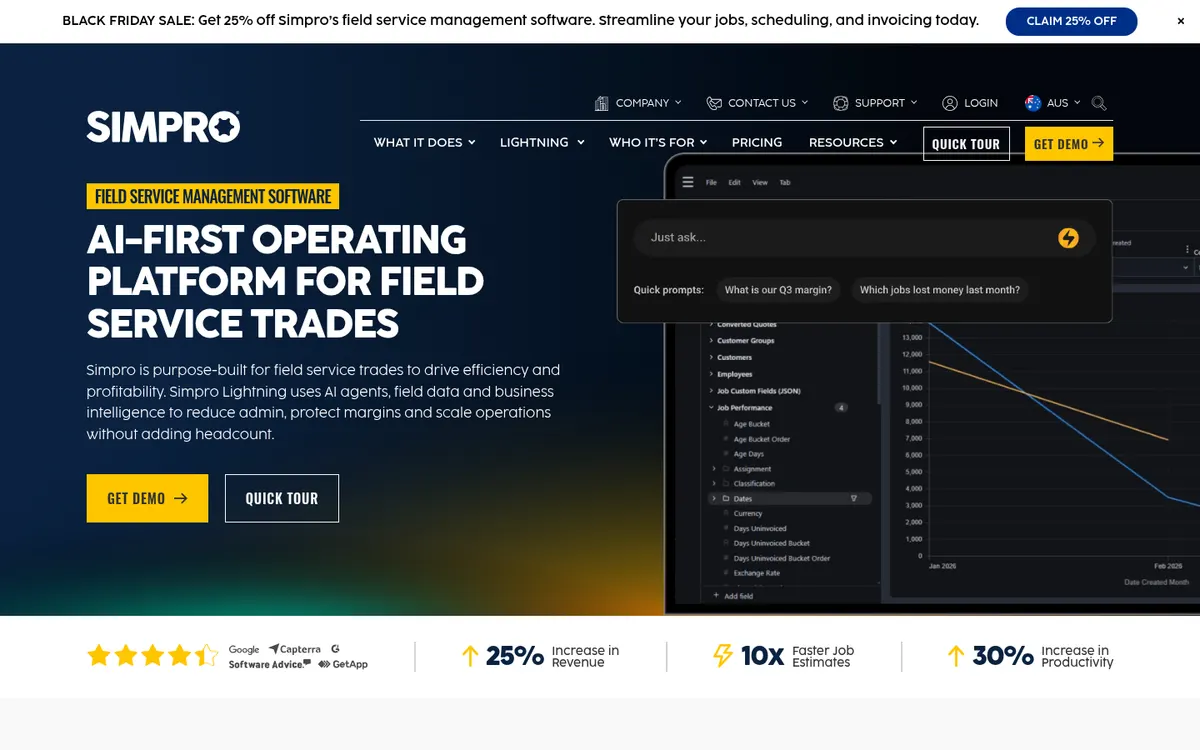
Deep inventory, asset and project control for larger multi-trade firms, with a longer implementation and no published pricing.
Simpro is built for larger trade firms with complex work. Quoting, job costing, asset tracking, inventory control and project management sit in one system, and multi-trade support means several trades can run on the same platform instead of a second database. Inventory control is included, and it matters when trucks carry stock and a job needs a part that is not in the van. Pricing is not published. We had no pricing page content to check for the 2026-11-25 update, so treat cost as a quote conversation and expect it to scale with users and modules. No free trial is listed, which raises the stakes on the demo: ask to walk through your own workflow, not a prepared tour. Implementation takes longer than with simpler tools such as Housecall Pro or Jobber. Projects, assets and inventory all need setup decisions before the first job runs, and that work lands on someone's calendar. Firms that underestimate it may end up running two systems for a while, which is worse than either one alone. It suits a larger HVAC or multi-trade firm with projects, inventory and several crews, where the complexity it handles is real rather than theoretical. It is heavy for a small firm, and the price positioning favors bigger operators. Before you commit, map who owns the asset and inventory records, because the reporting is only as good as the discipline behind those fields.
You are a larger trade firm running projects, inventory and multiple trades on one system.
You are a small HVAC shop that needs a fast start and a visible price.
HVAC software is the operations layer of a service business. It starts when a customer books a call, runs through dispatch and the technician's visit, and ends when an invoice is paid and the equipment record is updated. It is not a load calculation tool or a design program. It is the system that answers three questions every morning: who is going where, what does that address owe us, and which jobs made money. The core modules repeat across almost every product on this list: - Scheduling and dispatch, often a calendar plus a board view for the office
This comparison sits on the Software desk. Readers comparing neighbouring stacks often check our guides to demand forecasting software and glp 1 companies next.
HVAC software pricing takes three shapes on this list: a quoted platform price, named plan tiers with rates hidden behind a request, and the rare published number. Quoted pricing is the norm at the top end. ServiceTitan and FieldEdge present packages and then ask you to request pricing or call, while Simpro lists no public pricing. That is not automatically bad, because the price genuinely depends on user count, modules and onboarding. It does mean you cannot budget without a conversation, and comparing two quotes is harder than comparing two price pages. Tiered plans with hidden rates sit in the middle. Housecall Pro and Service Fusion name their plans but publish no dollar amount, and both route buyers through a demo request. Published rates are rare. Kickserv is the only tool here with a stated number: the Start plan at 60 USD per month for 5 users, checked on 2026-11-25. Jobber and Workiz list pricing on their sites, but our 2026-11-25 check did not return page text, so those entries read See website with no figure attached.
| Model | How it bills | Typical fit | Example from this list |
|---|---|---|---|
| Quoted platform | Per business after a demo, with users and modules moving the number | Firms with several technicians | ServiceTitan, FieldEdge, Simpro |
| Named tiers, rates on request | Per plan, with user count setting the tier | Small to mid-size shops | Housecall Pro, Service Fusion |
| Published entry rate | Monthly per plan with a user allowance | Small teams watching cash | Kickserv, 60 USD per month for 5 users |
| Listed plans, unverified | Per plan on the vendor site | Small home-service teams | Jobber, Workiz |
Every price above was checked on the vendor's own pricing page on November 25, 2026. Where a vendor does not publish a figure we write "See website" instead of guessing. To compare annual and monthly billing quickly, try the free percentage calculator.
It runs the service side of an HVAC business, from the first booking to the final invoice. In practice that means scheduling and dispatch, a pricebook technicians can quote from, customer and equipment history, invoicing with card payments, and reporting on which jobs made money. It is an operations system, not a load calculation or design tool. Larger platforms such as ServiceTitan add marketing campaigns and deeper reporting.
Most tools here do not publish a rate. ServiceTitan and FieldEdge route buyers to a pricing request, Simpro lists no public pricing, and Housecall Pro and Service Fusion list plan names without dollar amounts. Kickserv is the exception on this list, with a Start plan at 60 USD per month for 5 users. Expect user counts, modules and onboarding to move the quote.
Technician access varies by tool, and the facts we checked do not spell out a mobile app for every vendor. What is documented: FieldEdge lets a technician see prior work on a unit before arriving, Service Fusion includes GPS technician tracking, and Jobber's client hub is aimed at customers approving quotes and paying. Ask to see the technician view in a demo before you commit.
Two are named in this list: ServiceTitan lists accounting integrations, and FieldEdge names QuickBooks specifically. The other tools handle invoicing and payments inside their own systems, but the exact accounting connection is not in the facts we checked, so confirm it with the vendor. If your bookkeeper works in QuickBooks, FieldEdge is the one with a named connection here.
When the daily problem is knowing what is scheduled and who owes money, a simple tool is enough. Kickserv covers job tracking, scheduling and invoicing with almost no training, and Workiz adds online booking and an optional phone system. Once you sell service agreements, track equipment per unit, or need job costing on parts and labor, the simpler tools run out.
Vendors can contact us through the details on the site to flag a price change, a new plan or a missing feature. We check the vendor's own pricing page before changing an entry, which is why some tools here read See website rather than a rate. Paid placements are scored on the same rubric as every other listing.
Browse every comparison on the Software desk, with the same rubric and dated prices.