Ranked #1

Outreach
Branching sequence logic
See website
- Best for
- Large enterprise SDR organizations with 50 or more reps
- Free plan
- No
- Rubric
- 6.5 / 10
Ten sales engagement platforms ranked by sequencing depth, bundled data, deliverability and price, with notes on which ones replace a CRM and which ones only feed it.
 Prices checked November 25, 2026
Outreach, Salesloft and Apollo.io lead the best sales engagement platforms for November 2026, each for a different buyer. Outreach fits enterprise SDR teams of 50 or more reps that need conditional branching and deep Salesforce control. Salesloft fits 10 to 200 rep teams that want cadences plus coaching in one place. Apollo.io fits startups and small teams that want contact data and sequences on one published per-seat price. Free plans appear only at Apollo.io, HubSpot Sales Hub and Mixmax; the rest quote through sales.
Branching sequence logic
See website

Cadences with coaching
See website

Data plus price
Basic $49/seat/month billed annually
Disclosure for this page: All 10 tools here are unpaid editorial picks. The position of a paid listing can be part of what the vendor pays for. How we handle paid listings.
| Tool | Best for | Free plan | Actions | |||
|---|---|---|---|---|---|---|
| 1 | Outreach | Large enterprise SDR organizations with 50 or more reps | See website | No | ||
| 2 | Salesloft | Mid-market and enterprise revenue teams of 10 to 200 reps | See website | No | ||
| 3 | Apollo.io | Startups and small to mid-sized sales teams | Basic $49/seat/month billed annually | Yes | ||
| 4 |  HubSpot Sales Hub | Teams already standardized on HubSpot CRM | Starter $7/mo/seat billed annually | Yes | ||
| 5 |  Reply.io | SMB and mid-market teams running multichannel outbound | Email Volume $49/user/month billed annually | No | ||
| 6 | Lemlist | SMB teams that compete on personalization | Email $55/mo billed yearly | No | ||
| 7 | Klenty | Mid-market outbound teams with heavy calling | Starter $50/month billed annually | No | ||
| 8 |  Instantly.ai | High-volume cold email teams and agencies | Growth $47/month | No | ||
| 9 |  Mixmax | SMB sales teams and reps working out of Gmail | Free; paid $29/mo for 100 recipients, billed yearly | Yes | ||
| 10 |  Amplemarket | Mid-market teams consolidating data, sequencing and deliverability | Startup $600/mo annual term (2 users) | No |
We scored ten platforms against five criteria and weighted them for the way buying decisions actually go. Sequencing depth carries 25 percent because branching logic is the main thing separating a real engagement platform from an email sender. Bundled data and CRM integration take 20 percent each, since data vendors and sync depth drive most of the hidden cost. Pricing clarity takes 20 percent and setup speed takes 15 percent, because a tool that needs a quarter to deploy has to earn that time back.
Prices in this list come from vendor pricing pages checked on 2026-11-25. Where a vendor publishes no price list, we say pricing is on the vendor site and do not estimate a number. Promotions are noted where they appeared at the time of checking and are not treated as list prices. Where a vendor's model has changed recently, we say so and tell you to confirm with the vendor before budgeting.
Any entry marked Featured is a paid placement. We score that vendor with the same rubric as every other entry and list its weaknesses in the same place, and placement affects position rather than scores.
The order is editorial. Each entry sits where it does because of the buyer it fits, plus the disclosed Featured position, not because of a weighted total. A tool ranked lower can be the better buy for your team, and the pick and skip lines on each entry are there to help you settle that quickly.
The full process, including how we handle corrections, is on the methodology page. Paid listings follow our advertising disclosure.
| Criterion | Weight | What we check |
|---|---|---|
| Sequencing depth | 25% | How far branching, testing and channel switching go beyond a linear email cadence. |
| Bundled data | 20% | Whether contact records, enrichment and phone numbers arrive in the same subscription. |
| CRM integration | 20% | Depth of native sync, including custom objects and bidirectional activity logging. |
| Pricing clarity | 20% | Whether a buyer can see a real per-seat number before talking to sales. |
| Setup speed | 15% | Time from purchase to a working sequence, including onboarding services and admin work. |
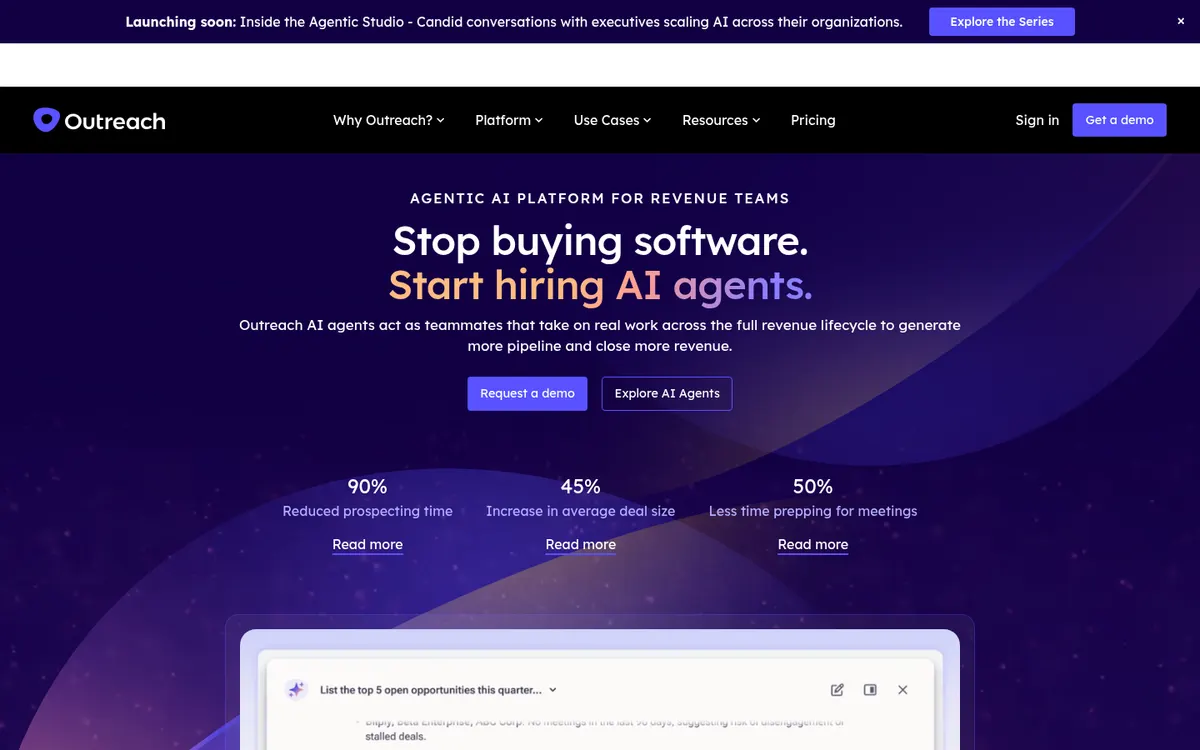
The deepest sequencer here for enterprise SDR teams, provided you can absorb a quote-based price and a multi-week rollout.
Outreach is the deepest sequencer in this comparison, and it is priced like it. Sequences support conditional branching, so a step can split based on prospect behavior, and A/B testing runs across individual steps. AI surfaces recommended next actions for reps, and Kaia conversational AI pulls coaching insight and deal signals out of calls. Teams that need logic trees rather than linear cadences get the most from it, because the branching is the product. The CRM integration is the other reason large teams pick it. The Salesforce sync reaches custom objects, not just standard fields, which matters when territory models or product usage data live outside the default schema. Governance and admin controls cover permissions and audit trails, and those are the pieces regulated sales organizations ask about first. The trade is a dense interface with a real learning curve and an implementation that usually runs several weeks with a RevOps owner attached to it. Pricing runs through sales. There is no published price list, deals are negotiated per seat on annual terms, and real teams typically land in the mid five figures per year. Conversation intelligence is sold as an add-on, and some AI features sit outside the lower tiers, so ask which capabilities are inside your quoted tier before signing anything. Pick it if you run 50 or more SDRs with multi-touch cadences and compliance review. Skip it if you have five reps and need a price you can see today, or if a multi-week rollout is not realistic for your team.
You run a large, compliance-reviewed SDR organization with complex multi-touch cadences.
You need a visible price and a live sequence this week.
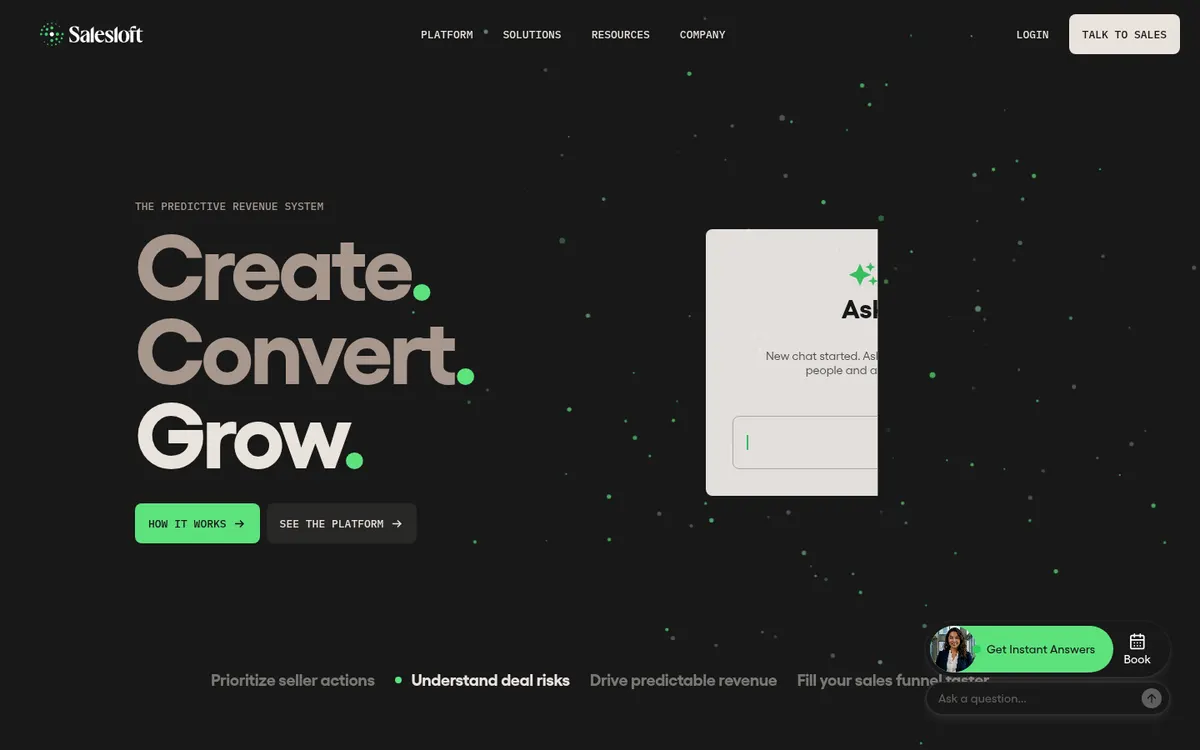
The best balance of cadences and built-in coaching for 10 to 200 rep teams, though branching is shallower than Outreach.
Salesloft pairs cadences with coaching, which is the combination mid-market teams buy it for. The cadence builder lets you attach coaching steps, so a manager can pair a call review with an email touch instead of running coaching in a separate tool. Rhythm workflows link outreach activity to those coaching steps, and conversation intelligence with call recording is built into the platform rather than resold as an add-on. Reps work in one workspace instead of a sequencer plus a separate call tool.
Sequence branching is shallower than Outreach. If your program depends on nested conditions, test the exact logic on your own scenarios before you commit. Setup takes weeks with RevOps support, and the Clari merger means packaging and roadmap may shift while integration work settles, so contract terms and tier contents deserve a second read. Forecasting now comes from the same vendor, which is the point of the merger, but confirm it is usable under your contract before you plan around it.
Pricing is quote based with no published price list. Contracts are annual and billed per seat, and the 10 to 200 rep range is the sweet spot. Analytics dashboards ship with the platform, with the deepest reporting reserved for higher tiers, so ask for a tier by tier comparison in writing rather than a demo screenshot.
Pick it if you want cadences, coaching and forecasting from one vendor without the heaviest enterprise learning curve. Skip it if you only send email sequences, where it is more platform than you need, or if your cadence logic has to nest deeply across channels.
You run 10 to 200 reps and want cadences, coaching and forecasting under one annual contract.
You only need email sequences or your logic trees are deeply nested.
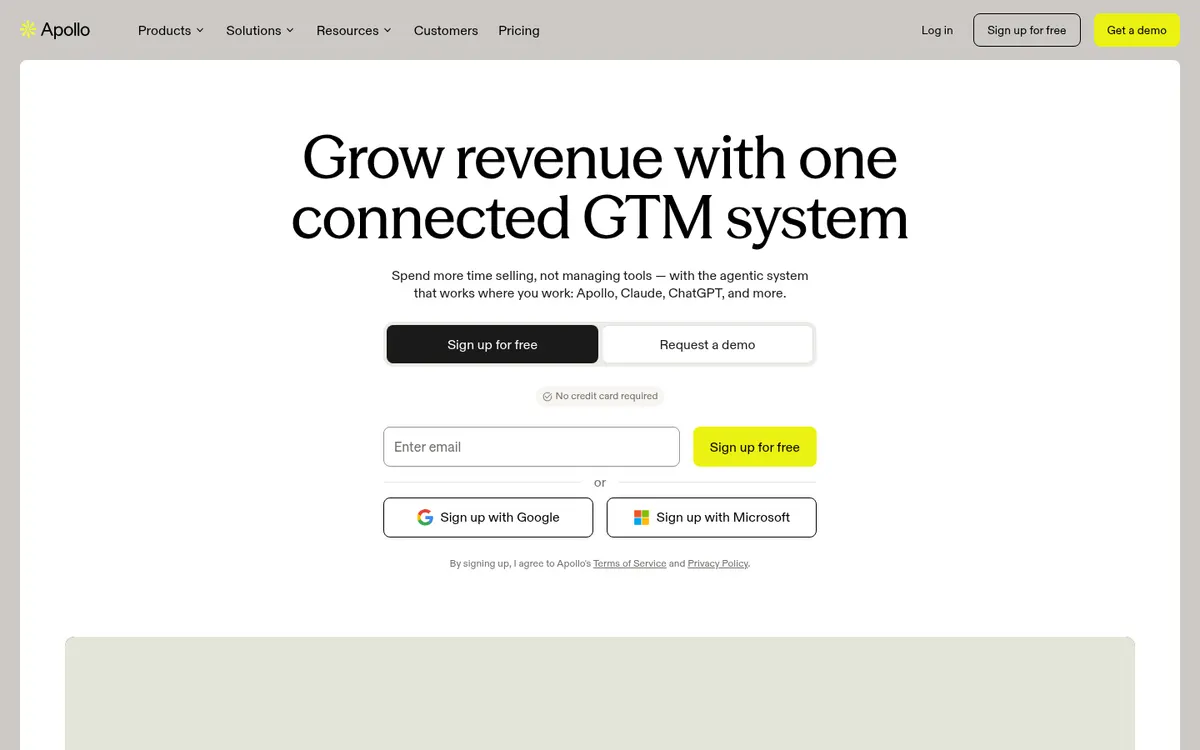
The clearest value for small teams that want contact data and sequences on one published per-seat price.
Apollo.io bundles a B2B contact database with email sequencing, which removes a vendor and a contract from small team stacks. The database handles enrichment, phone and email reveals draw on credits, basic intent signals flag accounts worth a look, and a built-in dialer keeps calling inside the same tool. Sequences are straightforward to build, and setup is self-serve and measured in hours rather than weeks.
Pricing is the reason it earns a high spot for small teams. Basic lists $49 per seat per month billed annually, and monthly billing runs roughly 20 percent above the annual rate. A free tier gives 900 credits and two active sequences, which is enough to test data quality in your market before you pay, though the free plan connects Gmail only and caps sequences at two.
Credits are the catch. They expire, they do not roll over, and overage credits cost extra. Phone reveals and enrichment burn through them faster than most buyers expect. Accuracy also weakens outside North America, so pull a regional sample and check hit rates before rolling out to a team that prospects in Europe or Asia. A 14-day trial lets you run that test without a contract.
Pick it if you want data and outreach on one published per-seat price and your prospecting is mostly North American. Skip it if you need deep conditional sequences, heavy compliance controls, or predictable data costs at very high volume.
You are a startup or small team that wants prospecting data and email sequences on one visible price.
You prospect heavily outside North America or need nested sequence branching.
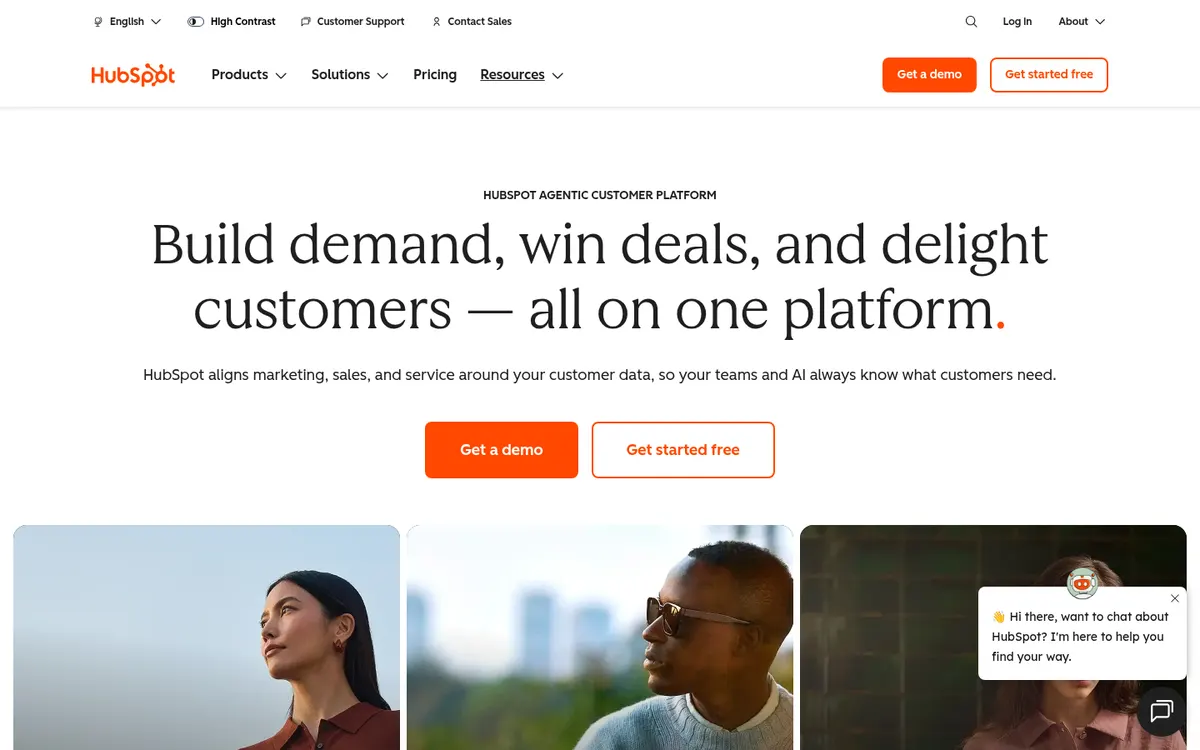
The right buy only if HubSpot CRM is already your system of record, where sequences need no integration at all.
HubSpot Sales Hub keeps sequences inside the CRM, so there is no third-party sync to maintain and no field mapping to babysit. Deals, activity tracking and sequences sit on one object model, and marketing and service teams read and write the same records, which removes the handoff connectors that standalone engagement tools usually require. For a team already on HubSpot, that removes a whole category of admin work.
The pricing structure has traps. Starter advertises $7 per seat per month billed annually, or $20 monthly, but Starter lacks sequences and forecasting, so it is not a sales engagement buy for outbound teams. Professional is $100 per seat per month plus a $1,500 onboarding fee and carries a practical 5-seat minimum, which puts the floor near $500 per month. Enterprise onboarding runs $3,500. Breeze AI agents for prospecting and forecasting sit on higher tiers, and reporting and forecasting only arrive at Professional.
The free plan supports up to two users, which is enough to test the record model before buying. Marketing Hub bills on a separate contact axis, so invoices can surprise teams that add contacts for campaigns. Seats cannot mix tiers within one hub, and contracts are annual.
Pick it if HubSpot CRM is already your system of record and you want sequences, reporting and AI agents on the same records. Skip it if your CRM is Salesforce, or if you need cheap standalone sequencing without a platform commitment.
HubSpot is your CRM and you want sequences, reporting and AI agents on the same records.
Salesforce is your system of record or you want cheap standalone sequencing.
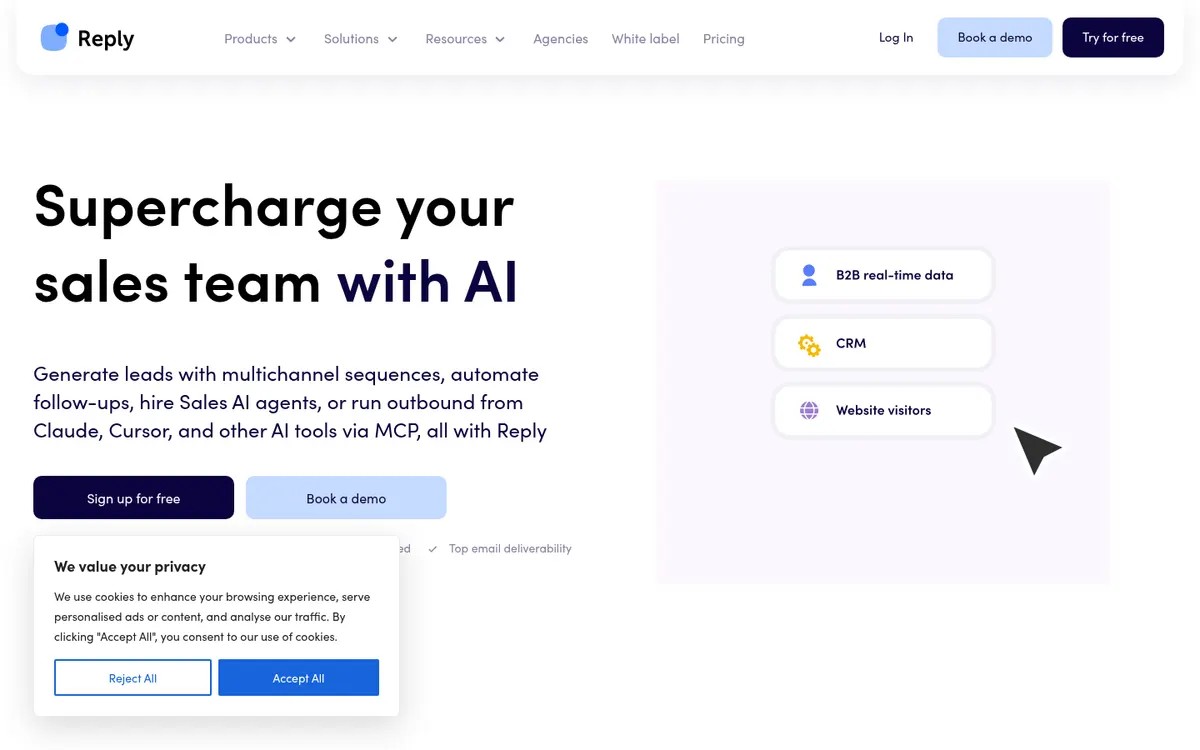
A genuine multichannel engine with contact data included, as long as you budget past the $49 headline price.
Reply.io runs sequences across email, LinkedIn, SMS, WhatsApp and calls from one subscription, and includes a B2B contact database and a deliverability suite with unlimited warmup. For teams that would otherwise stitch a sender, a LinkedIn tool and a data vendor together, that consolidation is the pitch, and it mostly holds up in practice because the channels share one sequence builder and one reporting view.
Pricing is where the headline and the invoice diverge. Email Volume starts at $49 per user per month billed annually, and Multichannel plans run $89 per user per month. The Jason AI SDR add-on for semi-autonomous LinkedIn prospecting starts at $500 per month. LinkedIn and voice capability can be add-ons rather than included, which pushes real cost above the entry price. A temporary Black Friday promo showed $29 at checkout, and that is a checkout price, not a budget line.
Pure email senders overpay here. Dedicated senders at flat rates cost less per thousand emails, and feature density creates a steep learning curve for reps who only need templates and follow-ups. Setup is self-serve over a few days, annual discounts are available, and there is a separate agency tier for teams running outreach for clients.
Pick it if you run genuine multichannel outbound and want contact data and warmup in the same contract. Skip it if email is your only channel, or if you want a tool a new rep can learn in an afternoon.
You run multichannel outbound and want sequencing, data and warmup on one contract.
You only send email or need the simplest possible setup.
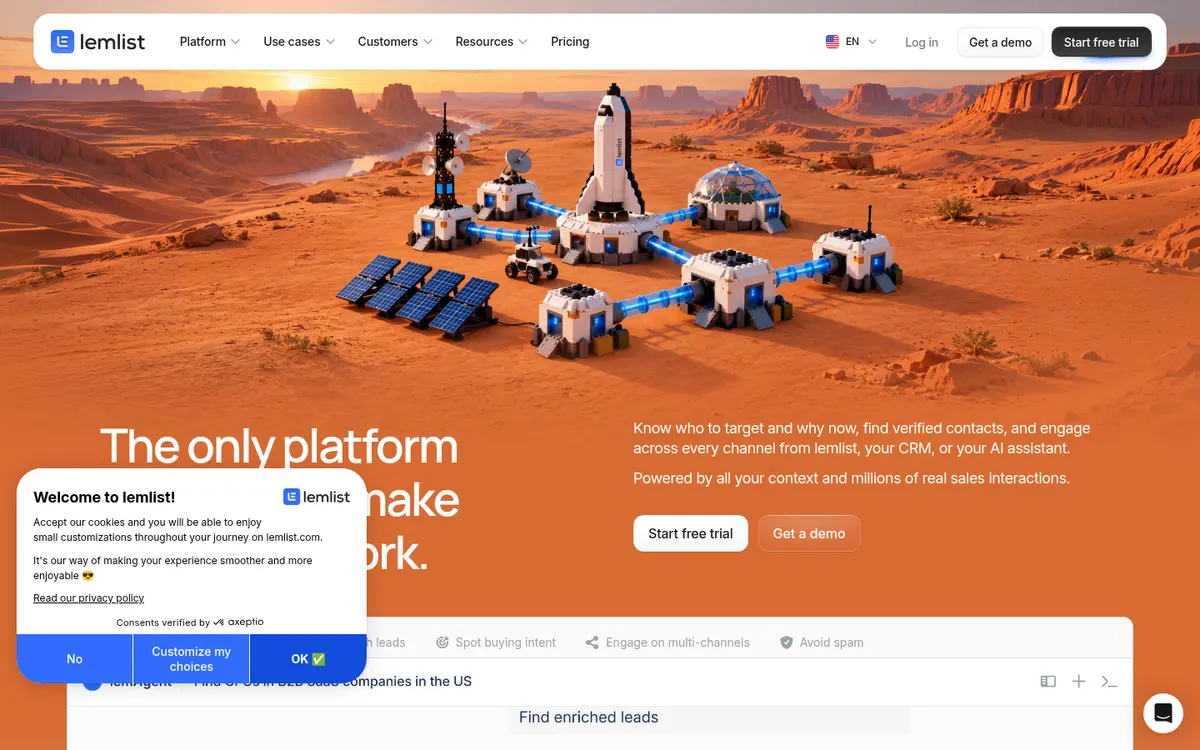
Personalization that shows up in the inbox itself, with add-on costs that can add half again to the sticker price.
Lemlist competes on personalization, and it is the part buyers notice in a demo. Dynamic images and video thumbnails render inside the outreach itself, AI icebreakers write opening lines from prospect context, and Lemwarm plus a deliverability hub handle warmup. Multichannel steps include LinkedIn, and lead finder credits cover prospecting without leaving the tool. Pricing has moved. The Email plan now shows $55 per month billed yearly and $69 monthly, and that plan has at one point been priced by send volume for unlimited users, while Multichannel is per seat. Confirm the current model with the vendor before budgeting, because the structure has shifted more than once and the difference changes the math for a team. Add-ons stack. Lead finder credits, extra mailboxes and WhatsApp additions can add 30 to 50 percent to headline prices, and there is no unlimited mailbox option, so volume senders pay more. The Email plan excludes LinkedIn steps and calls, which means the entry price does not buy the multichannel capability the brand is known for. A 14-day trial covers the test. Setup is quick and the templates look better than most. SMB teams that compete on personalization and send modest volume get real value from the creative options. Pick it if image led, personalized outreach is your edge and your list is a few thousand contacts. Skip it if you send tens of thousands of cold emails a month and want a flat rate.
Your edge is personalized, creative outreach to a defined list.
You need high-volume sending or a stable, predictable pricing model.
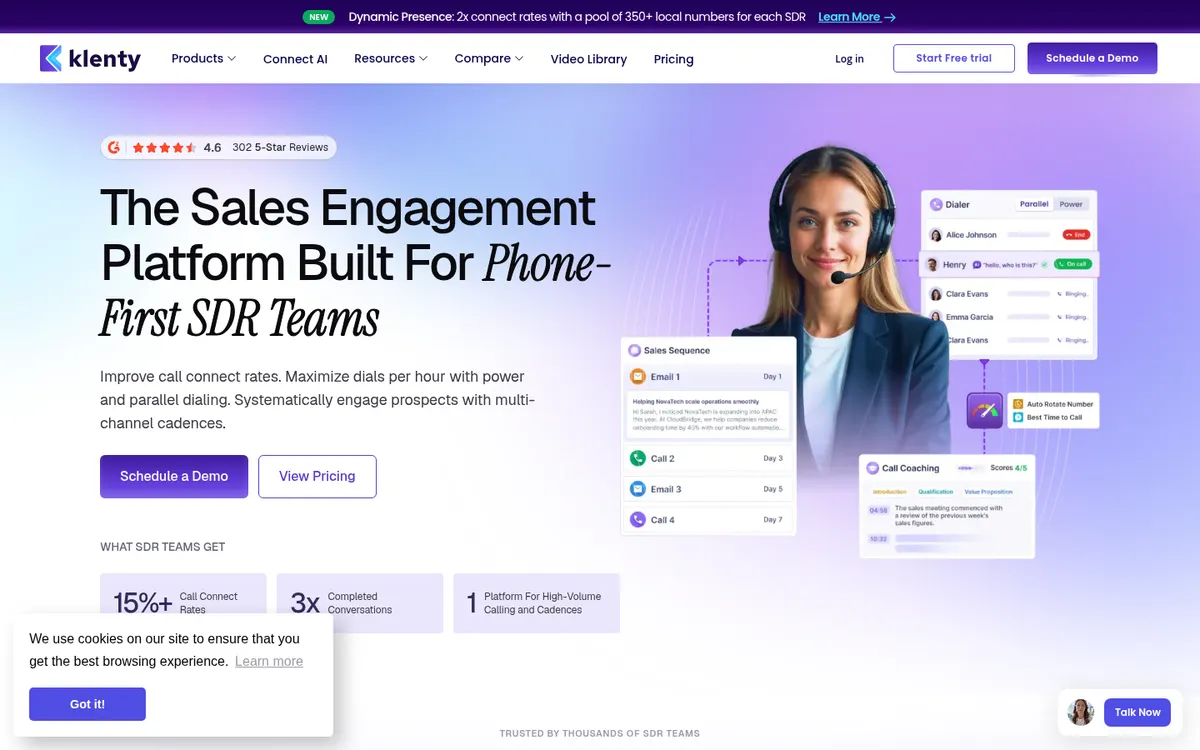
The call-heavy outbound pick, pairing power dialers and AI coaching at $50 to $99 per seat.
Klenty leans on calling, and the calling depth is why it makes this list. Power dialer and parallel dialer are built in, AI call scorecards and call coaching review what reps actually said, and email and call cadences run in one flow. Behavior-triggered playbooks switch channels automatically based on prospect behavior, which turns a static sequence into a branching one without asking a rep to build a logic tree. ProspectIQ adds a contact database of more than 440 million records, and native connectors cover Salesforce, HubSpot, Pipedrive and Zoho. That combination suits mid-market outbound teams where the phone is a primary channel rather than an afterthought. A 14-day trial is available, so you can test dialer quality against your own call lists before committing. Pricing is per seat and scales linearly. Starter is $50 per month billed annually, with a promo at $40 ending November 30, 2026, and Plus runs $99 per seat. A 25-rep team faces a substantial line item, and AI coaching is an add-on on some tiers, so the tier you actually run matters more than the entry price. Lower tiers also leave out some deliverability tooling. Onboarding help comes with annual contracts. Pick it if your outbound motion is call-heavy and you want cadences, dialing and CRM sync from one vendor. Skip it if you send email only, or if per-seat pricing at 25 or more reps costs more than a volume-priced sender.
The phone is a primary channel and you want cadences, dialing and coaching together.
You send email only or headcount above 25 makes per-seat pricing painful.
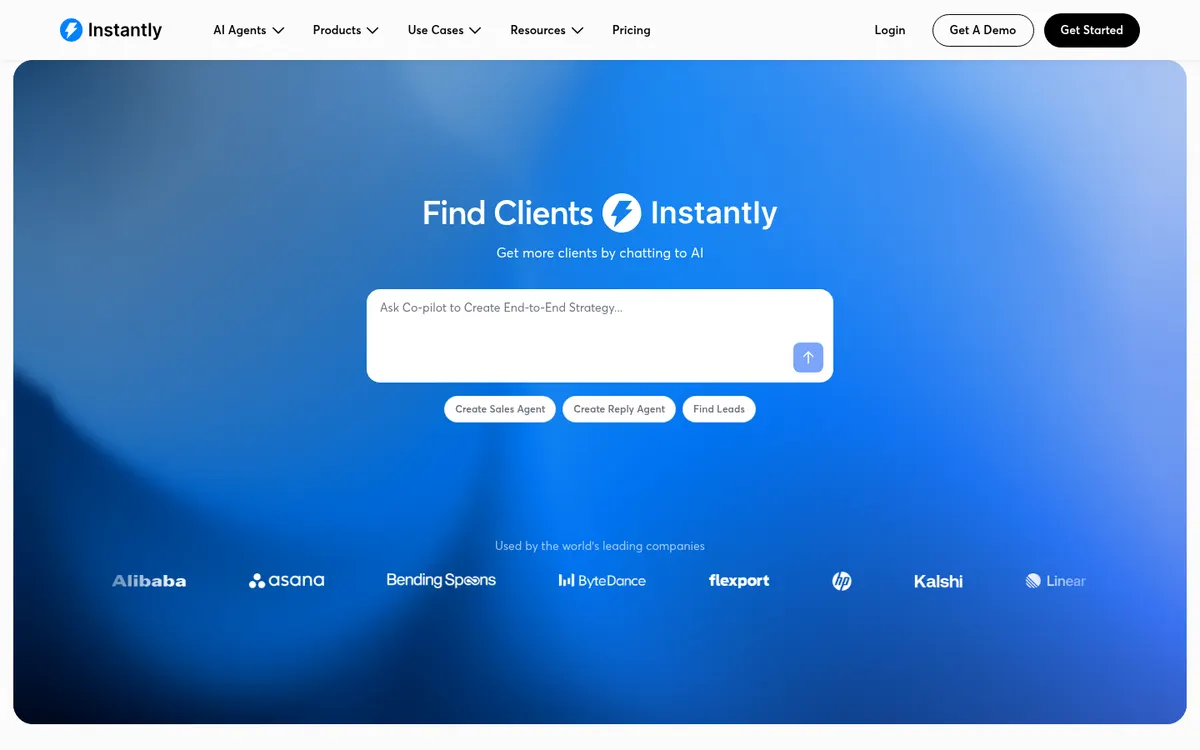
Flat-rate cold email with unlimited inboxes, the cheapest route for a small team sending at real volume.
Instantly.ai is built for volume cold email, and it makes no apology for being narrow. Every plan includes unlimited email accounts and unlimited warmup, and pricing is flat rather than per seat, which rewards larger teams. AI reply handling sorts responses, domain and deliverability tooling help keep sending domains healthy, and setup finishes in under a day, the fastest in this comparison. Growth runs $47 per month and caps contacts and emails tightly, so most serious teams move to Hypergrowth at $97 per month. Annual billing saves about 20 percent. There is no free plan and no trial, which means the first paid month is the test, so start on Growth with one or two domains before you commit a budget. Two costs sit outside the plan. Lead database credits are billed separately, so prospect data is a second billing track even though the sending plan looks complete. The product is email only, with LinkedIn and calling outside the core, so multichannel teams need another tool alongside it and another integration to maintain. The flat model is the reason it earns a place. A team on Hypergrowth pays $97 per month rather than per-seat fees, and unlimited inboxes mean rotation across many sending domains without an upsell. Agencies running outreach for several clients get the most from that. Pick it if you send high-volume cold email with a small team. Skip it if you need multichannel sequences or one invoice covering data.
You send high-volume cold email with a small team or run outreach for clients.
You need multichannel sequences or one invoice that includes prospect data.
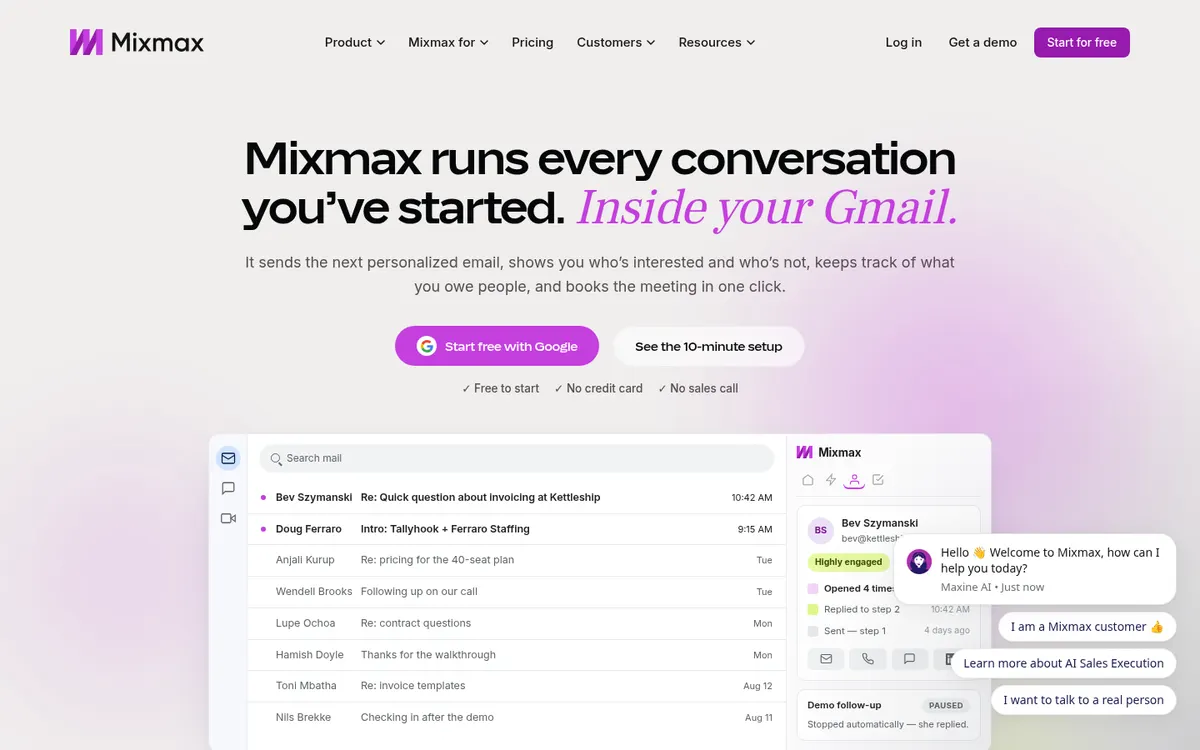
The lowest-friction option for Gmail and Outlook reps, priced by recipients reached rather than by seats alone.
Mixmax lives in the inbox, and that is the whole argument. The Gmail and Outlook extension puts sequences, templates, email tracking and calendar links where reps already work, so adoption takes days rather than weeks and there is no second app to open. Salesforce and HubSpot sync are included on every paid plan, and optional workspace rules and a dialer are available as add-ons.
Sequences are priced by recipients reached each month, not by seats alone. Paid plans start at $29 per user per month billed yearly for 100 recipients, then step up through 3,000 recipients at $129 and 15,000 at $229 per user per month. That structure suits relationship-led outreach to a defined list and punishes high-volume sending, which is the opposite of how volume senders should buy.
Two extras bill separately. Workspace rules and the dialer each cost $9 per member per month, and the dialer also bills per-minute usage. A free tier covers 50 recipients a month with limited features, and a 14-day trial needs no credit card, so testing is genuinely low friction.
Pick it if your reps live in Gmail or Outlook and you want tracking, templates and scheduling without a platform migration. Skip it if you run cold email at scale, since recipient-based pricing climbs quickly past a few thousand sends a month.
Your reps live in Gmail or Outlook and you want tracking, templates and scheduling fast.
You run cold email at scale or need advanced branching logic.
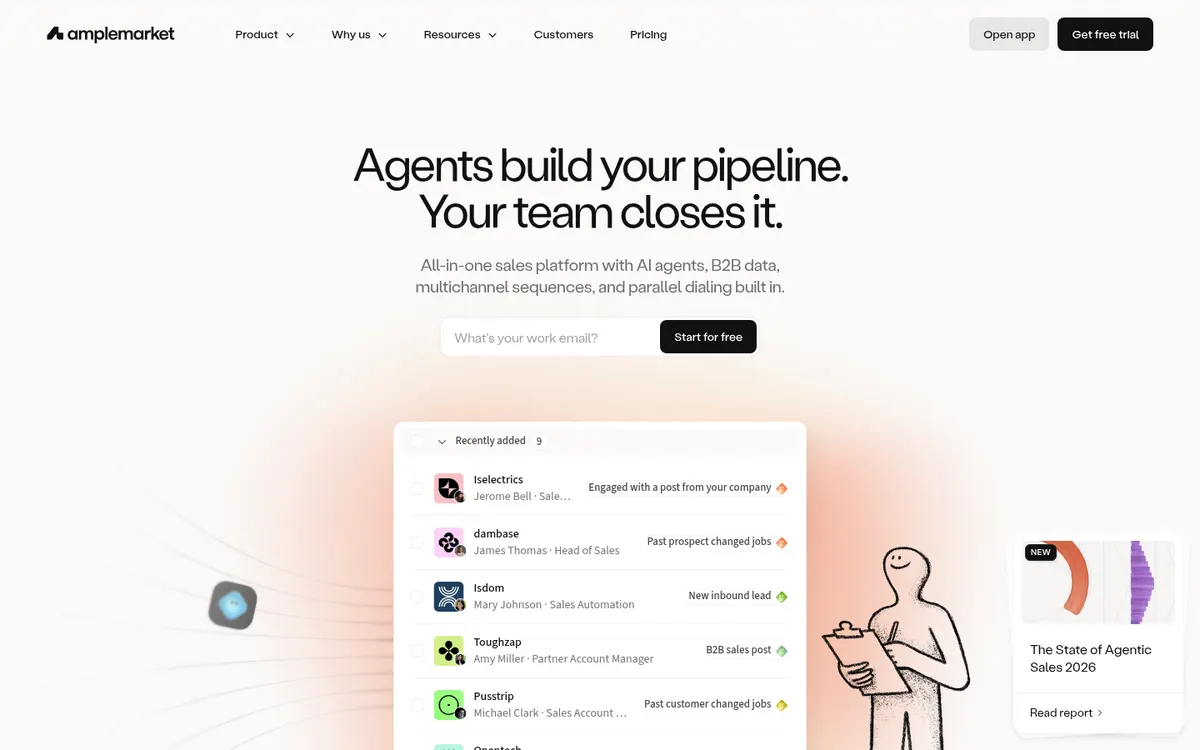
Consolidation done properly, but the annual-only contract and $7,200 floor demand a committed buyer.
Amplemarket puts contact data, multichannel sequencing and deliverability tooling in one contract, which is the consolidation argument mid-market teams respond to. Duo Copilot drafts outreach from account signals, and annual credit pools cover buying signals, job changes and intent rather than metering each one separately. For a team tired of three renewals and two integrations, that packaging is the appeal. Pricing starts at Startup, $600 per month on an annual term for two users, which puts the floor at $7,200 per year. There is no monthly option, so a month-to-month test is not available, though every plan carries a free trial. Growth adds Duo Voice and a dedicated CSM, Elite adds Duo Inbox, and extra seats may cost more, so confirm seat pricing with the vendor if you plan to grow headcount inside the term. Credits are where to look carefully. Phone credit allowances are tight and overage rates are unpublished, so ask for a written overage rate and model a heavy quarter before signing. Onboarding is guided rather than self-serve, which helps a small team but adds calendar time to the rollout. Pick it if you want data, sequencing and deliverability under one annual contract and can commit to a year. Skip it if you need monthly billing for a short pilot, or if two seats is your whole team and $7,200 is the entire budget.
You want data, sequencing and deliverability consolidated on one annual contract.
You need monthly billing or your budget sits below $7,200 a year.
A sales engagement platform is the system that runs outbound touchpoints and records what happened. It holds sequences or cadences (the ordered steps a rep follows), executes email, calls and social touches, tracks opens, clicks and replies, and pushes activity back to the CRM. It is not a CRM in most cases and it does not hold the deal pipeline, though HubSpot Sales Hub is the exception because the CRM and the sequencer are the same product.
The category has consolidated. What used to be four separate purchases now overlaps heavily:
Buyers should decide which layers they already own before comparing features. A team with a clean CRM and a data vendor may need only execution. A five-person startup usually wants data and execution on one bill. An enterprise with a compliance review needs governance, audit trails and CRM sync that reaches custom objects.
Two limits apply to every tool in this list. None can guarantee inbox placement, because placement depends on domain reputation, list quality and recipient behavior, and the warmup features here improve the odds rather than settle them. None replaces a CRM of record for forecasting, pipeline hygiene and handoffs at any real scale.
The practical question is not which platform has the longest feature list. It is which platform removes the most tools from your stack without adding an integration you have to maintain. That answer changes with headcount, channel mix, and whether your data comes from your own list or a vendor database.
This comparison sits on the Sales desk. Readers comparing neighbouring stacks often check our guides to PRM software and workout tracker app next.
Sales engagement pricing follows five models, and most budget surprises come from picking the wrong one for your team shape. Quote-based contracts dominate the enterprise end, published per-seat pricing dominates the small team end, and volume models sit in between.
| Model | How it bills | Typical fit | Example from this list |
|---|---|---|---|
| Quote-based per seat | Annual contract, price set in negotiation | Enterprise teams with RevOps support | Outreach and Salesloft publish no price list |
| Published per seat | Monthly or annual per user, listed on the vendor site | Small and mid-market teams that budget in advance | Apollo.io Basic at $49 per seat per month annually |
| Tiered CRM suite | Per seat per month plus onboarding fees | Teams already on that vendor CRM | HubSpot Sales Hub Professional at $100 per seat per month plus $1,500 onboarding |
| Recipient volume | Price steps up with recipients reached each month | Relationship-led outreach to a defined list | Mixmax at $29 for 100 recipients up to $229 for 15,000 |
| Flat rate | One monthly fee regardless of seats | High-volume cold email and agencies | Instantly.ai Growth at $47 per month |
Every price above was checked on the vendor's own pricing page on November 25, 2026. Where a vendor does not publish a figure we write "See website" instead of guessing. To compare annual and monthly billing quickly, try the free percentage calculator.
Apollo.io, Reply.io, Klenty and Amplemarket all include a contact database in the subscription. Apollo.io ties data to expiring credits, Reply.io pairs a database with multichannel sequences, Klenty ships ProspectIQ with more than 440 million records, and Amplemarket bundles signal and intent credits into annual pools. Outreach, Salesloft and Mixmax do not bundle a contact database, and Instantly.ai sells lead data as separate credits.
Outreach goes deeper on sequence logic, with conditional branching and A/B testing across steps, plus a Salesforce sync that reaches custom objects. Salesloft is easier to learn, includes conversation intelligence and coaching natively, and adds forecasting after the Clari merger. Both quote pricing privately, both need weeks of implementation, and both assume a RevOps owner.
At published rates, five seats on Apollo.io Basic runs $245 per month billed annually, five on Klenty Starter $250, and five on Reply.io Email Volume $245. Instantly.ai charges a flat $47 per month regardless of seats. Mixmax starts at $29 per user per month yearly for 100 recipients, and HubSpot Sales Hub Professional has a practical 5-seat floor near $500 per month plus onboarding.
No, with one exception. HubSpot Sales Hub is a CRM with sequences attached, so it can serve as the system of record. The other platforms in this list are not CRMs, so plan to keep a separate system of record for pipeline, forecasting and handoffs.
No. Placement depends on domain reputation, list quality and recipient behavior, and the vendors that offer warmup or deliverability tooling present it as an improvement rather than a guarantee. Reply.io and Instantly.ai include unlimited warmup, and Instantly.ai adds unlimited sending accounts. Test on your own domains before committing to an annual contract.
Apollo.io, HubSpot Sales Hub and Mixmax publish free plans, with Mixmax capped at 50 recipients a month and HubSpot free for up to two users. Apollo.io, Reply.io, Lemlist, Klenty and Mixmax offer 14-day trials, and Amplemarket trials every plan. Outreach, Salesloft and Instantly.ai list neither a free plan nor a trial.
Browse every comparison on the Sales desk, with the same rubric and dated prices.