Ranked #1

Nunify
Flat subscription
$24Essential, per month
- Best for
- Broad event management without enterprise cost or long setup
- Free plan
- No free plan
- Rubric
- 8.4 / 10
Eight event platforms ranked for November 2026, from a $24 per month flat subscription to quote-based enterprise contracts, with the trade-offs spelled out.
 Prices checked November 25, 2026
Updated November 2026: Nunify is the pick for teams that want registration, check-in, an attendee app and gamification on one flat subscription starting at $24/mo. Bizzabo fits B2B marketing teams running branded conferences, and Whova fits conferences where networking is the main draw. Eventbrite stays the simplest route for free and low-cost public ticketed events, though per-ticket fees scale with size. Eight tools are ranked below by fit for the buyer each entry describes, with vendor prices checked on 2026-11-25.
Flat subscription
$24Essential, per month
Marketing lead capture
See website
Attendee matchmaking
See website
Disclosure for this page: All 8 tools here are unpaid editorial picks. The position of a paid listing can be part of what the vendor pays for. How we handle paid listings.
| Tool | Best for | Free plan | Actions | |||
|---|---|---|---|---|---|---|
| 1 | Nunify | Broad event management without enterprise cost or long setup | $24Essential, per month | No | ||
| 2 | Bizzabo | B2B event marketing teams running branded conferences | See website | No | ||
| 3 | Whova | Attendee engagement and networking at conferences | See website | No | ||
| 4 |  Eventbrite | Simple public ticketed events under 500 attendees | $1.79Free for free events, paid tickets 3.7% + | Yes | ||
| 5 |  Swoogo | Events with complex registration and pricing rules | See website | No | ||
| 6 |  Swapcard | Exhibitor engagement and AI networking at trade shows | See websitecustom quote | No | ||
| 7 |  Accelevents | All-in-one hybrid and virtual event management | $7,500Professional, per event | No | ||
| 8 |  EventMobi | Teams that prioritize easy administration | $1Per event, per product per attendee | No |
Every tool here was scored on five criteria with fixed weights, and the notes and limits come from vendor documentation and published pricing rather than from a sales call. Pricing fit carries 25 percent because cost is the reason most teams start looking at Cvent alternatives at all. Core features carries another 25 percent, covering registration, ticketing, the attendee app and exhibitor tools that decide whether a platform can replace an enterprise suite in daily use. Onsite reliability takes 20 percent, since check-in queues and badge printing failures are the problems attendees remember. Setup effort takes 15 percent, and scale support takes the final 15 percent, covering multi-track programs, large attendee counts and multi-day formats.
Prices were checked on 2026-11-25 against vendor pricing pages. Where a page could not be retrieved or listed no public number, the entry says so and the price shows as quote based rather than as a guessed figure. Fee-based tools such as Eventbrite can look cheap on a small event and expensive on a large one, so the reviews describe the billing model, not just the headline number.
If an entry is marked Featured, that placement is paid. It is scored with the same rubric as every other tool, its weaknesses are listed the same way, and placement earns no credit in the scores. The order of this list is editorial: it reflects fit for the buyer each entry describes, and the Featured position where one exists.
Read the pick and skip lines first. They are the fastest route to a shortlist of two or three tools worth a trial.
The full process, including how we handle corrections, is on the methodology page. Paid listings follow our advertising disclosure.
| Criterion | Weight | What we check |
|---|---|---|
| Pricing fit | 25% | How the billing model and published rate land against a real event budget, not just the headline number. |
| Core features | 25% | Depth of registration, ticketing, the attendee app and exhibitor tools that decide daily usability. |
| Onsite reliability | 20% | Check-in throughput, offline behavior and badge printing, the parts attendees notice when they fail. |
| Setup effort | 15% | How much configuration and technical skill stand between signing and a live, working event. |
| Scale support | 15% | Ability to carry multi-track programs, large attendee counts and multi-day formats without rework. |
Broad event management without enterprise cost: registration, check-in, an attendee app and gamification on a flat $24/mo subscription.
Nunify covers the full event cycle on one subscription: online registration and ticketing, onsite check-in with badge printing, an attendee mobile app with networking, and gamification for engagement. An AI co-pilot and do-it-yourself templates shorten the build for teams without a dedicated event operations group. Unlimited events and registrations sit on a single plan, which matters if you run a steady calendar of small events rather than one flagship conference a year.
Pricing is the reason it leads this list for budget-conscious buyers. The Essential tier is still listed at $24/mo, far below the annual contracts the enterprise suites quote. Higher tiers are quote only, so a large program will need a sales conversation and a custom number. There is no permanent free plan, but the 15-day trial does not ask for a credit card, which is enough time to test registration flows and build the app.
Compliance is covered across SOC 2 Type II, ISO 27001, GDPR and CCPA, which removes a common procurement objection at mid-market companies. On scale, a large expo reportedly handled 319,000 registrations and 1,012 check-ins per hour on the platform, a useful datapoint for anyone worried about badge printing queues. Treat that figure as vendor-supplied rather than independently audited, and ask for references at your size.
It fits associations, internal corporate events and mid-size conferences where the alternative to Cvent is a spreadsheet plus a registration widget. It fits less well at the very top end, where procurement wants named enterprise support tiers and multi-year terms. Teams running one 5,000-person gala with complex pricing rules should compare Swoogo's conditional logic before committing.
You run a steady calendar of events and want registration, check-in, an app and gamification on one predictable subscription.
You need published enterprise pricing and multi-year contract terms before budget approval.
The pick for marketing-led B2B conferences where branding and lead capture matter more than a low entry price.
Bizzabo is built around the marketing side of events. Branded event websites, registration and agenda management, lead capture, an attendee networking app and exhibitor and sponsor tools all sit in one console, with integrations into the marketing stack and reporting a marketing team can take into a pipeline review. If your events exist to generate qualified demand, the feature set maps closely to that job. The cost is the hard part. The vendor site did not return a public rate when we checked, so there is no published starting price to quote here. A 1,000-person event is put at $20,000 or more in total, which is a planning ceiling rather than a quote. Pricing beyond the base tier is quote based, so budget approval needs a sales conversation before it needs a spreadsheet. Our check on 2026-11-25 did not return pricing page text, so confirm the current rate in writing before you commit. Where it earns the price is polish: branded event websites, lead capture, integrations with the marketing stack, and event analytics and reporting. The interface is marketing-oriented in a way general event tools are not, which shortens onboarding for communications and demand generation teams that will not read a manual. It fits companies with a recurring conference program and a marketing budget to match. It does not fit a 200-person user group, a small association, or anyone who needs a published price before the first call. Compare Nunify on cost and Accelevents on hybrid delivery if the budget ceiling is real, and ask for the total for a 1,000-person event rather than the base subscription.
Your events feed a sales pipeline and branding plus lead capture justify a five-figure annual contract.
You are running one or two smaller events a year and need a predictable monthly cost.
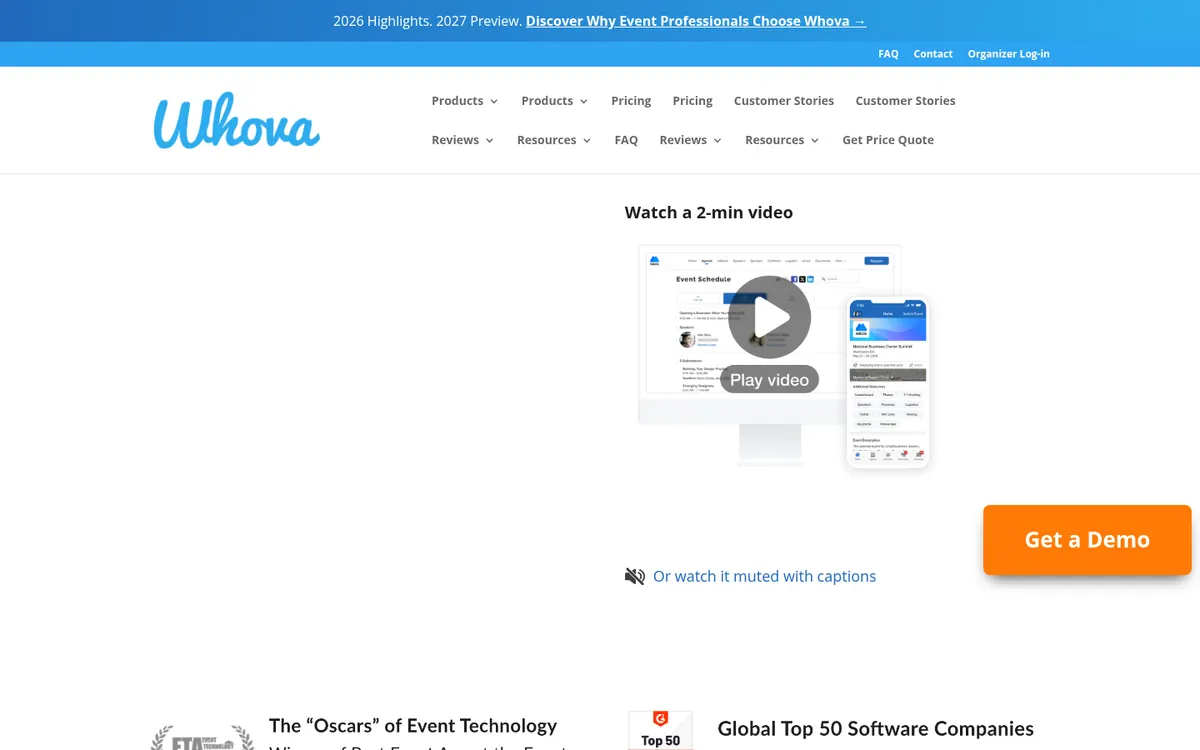
Best when networking is the product: matchmaking, community boards and messaging that keep attendees talking between sessions.
Whova's center of gravity is the attendee experience between sessions. Matchmaking suggests people worth meeting, community boards and discussion threads keep conversations going after a session ends, and messaging plus push notifications carry the logistics. Agenda and session management, exhibitor and sponsor listings and a mobile attendee app round out the package. For an association conference where people come to meet each other, that focus shows. Pricing is the friction. It is quote based, with the number depending on event size and format, plus possible per-ticket fees on top. A 1,000-person event is put at $5,000 to $20,000 in total, which is a wide band to plan around. Our check on 2026-11-25 did not retrieve pricing page text, so no figure could be confirmed on the vendor site. What you get for that is engagement depth general platforms do not match. Community features work for multi-day conferences with parallel tracks, and exhibitor listings give sponsors visibility inside the app rather than only on the show floor. Academic and association organizers tend to land here because the networking tools map to how their attendees actually behave across three or four days. It fits conferences, conventions and expos where relationships are the product. It fits less well as a pure ticketing tool for a single public show, where Eventbrite does the job for far less, and less well for a corporate marketing event that needs branded microsites and lead capture. Ask for a written quote that states whether ticket fees apply before you compare it with a flat subscription such as Nunify.
Networking between attendees is the reason people buy a ticket to your conference.
You need a published price and a simple public ticketing flow for a single event.
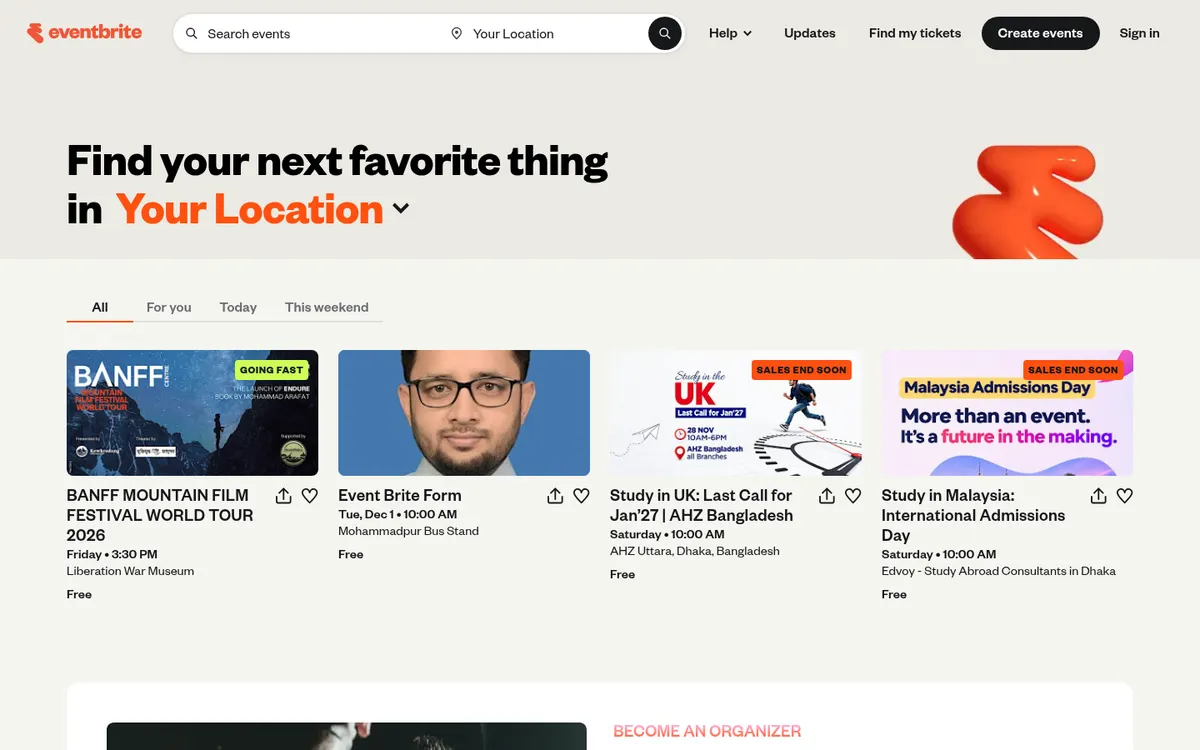
Fastest path to a live public ticketing page, free for free events and priced per ticket on paid ones.
Eventbrite is the fastest route from an idea to a live ticketed event page. You build the page, set ticket types, take payment and scan people in on a phone. The public event marketplace adds discovery that no other tool in this list offers, which matters when the audience does not already know you exist. Payouts, refunds and confirmation emails are handled inside the same account.
The pricing model is the trade-off. Free events cost nothing, which makes it the only genuine free option here for small public events. Paid tickets carry a per-ticket fee, listed at 3.7% plus $1.79 in one place and 6.6% plus $1.79 in another, plus processing charges. The fee structures vary by source, so confirm current rates before budgeting. At scale the percentage bites: a 1,000-person event can exceed $5,000 in fees.
Reporting and analytics are basic compared with enterprise tools. If you need multi-track agendas, speaker management or an attendee app built for matchmaking, Eventbrite will feel thin quickly. Mobile check-in scanning covers entry and attendee email tools handle reminders, but the feature set stops short of the exhibitor and speaker tooling that conferences depend on.
It fits organizers under roughly 500 attendees, community events, workshops and first-time public shows where speed and discovery beat depth. It fits badly for conferences with sponsorship tiers, or for anyone whose ticket revenue is large enough that a fee percentage becomes the biggest line in the budget. Run the fee math against a flat subscription before you commit to a full season of events.
You are running a free or low-cost public event and want ticket sales live this week.
Your paid attendance is large enough that percentage fees outgrow a flat subscription.
The registration engine for programs with conditional logic, multiple attendee types and multi-track agendas to manage.
Swoogo is the registration engine in this list. Conditional-logic forms let you show different questions to different attendees, and multiple attendee types with their own pricing rules handle member and non-member rates, group bookings and session add-ons. Multi-track conference setup, speaker and session management, CRM sync and reporting with exports sit around that core. For a program where the registration rules are the hard part, it is a strong fit. The pricing structure is simple and expensive. Pricing is per user, so a team needs additional seats and a larger number than a single-seat entry point. Our check on 2026-11-25 could not retrieve the pricing page, so the current rate should be confirmed in writing. There is no free plan and no trial listed. CRM sync is the feature that separates it from general event tools. Demand generation teams route registrant data into their marketing automation stack without a middleware project, which is where cheaper tools quietly fail once the list grows. Onsite check-in is included, though offline reliability is only partial, so plan a paper fallback for a venue with poor connectivity. It fits B2B conferences, user conferences and multi-audience programs with tiered pricing. It fits badly for a small public show, where the annual seat cost cannot be justified, or for a team that wants an all-in-one attendee app with matchmaking built in. Compare it with Nunify if unlimited events and registrations on a flat fee matter more than conditional registration logic.
Your registration rules are genuinely complex and CRM sync saves a middleware build.
You need a low annual cost or a large team logging in on one contract.
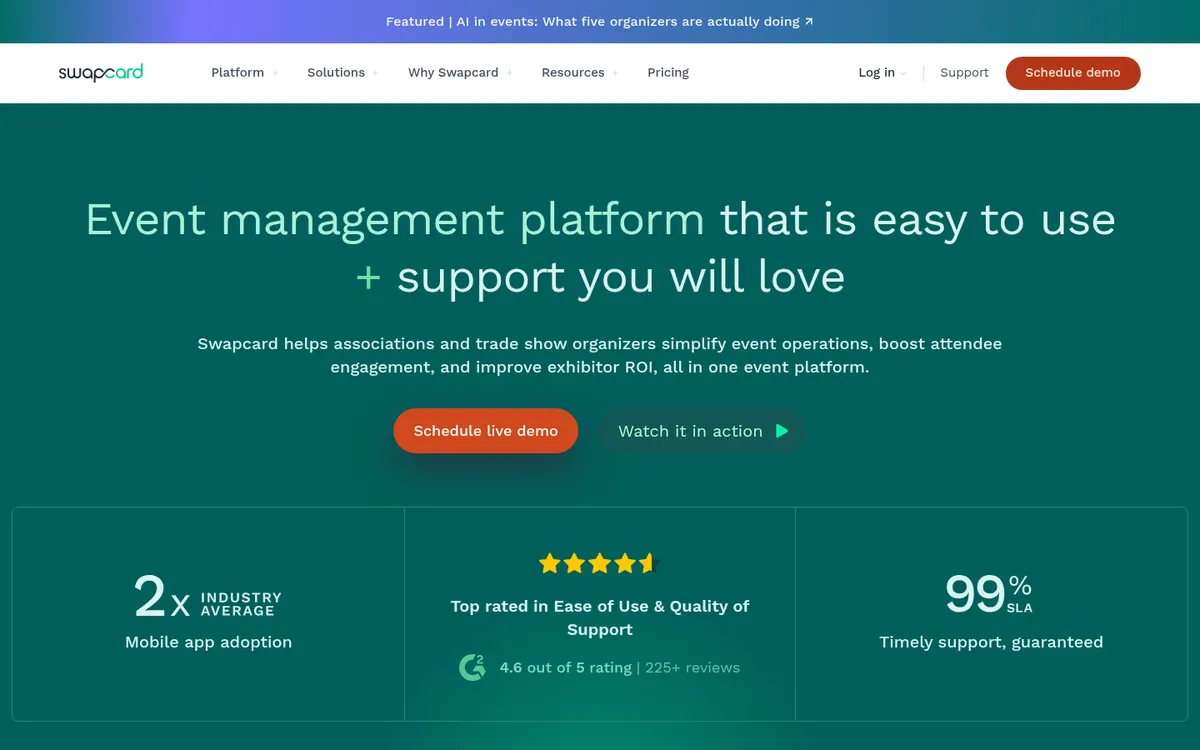
Exhibitor-first trade show platform where AI-suggested meetings, lead retrieval and meeting scheduling drive the return.
Swapcard is designed around the exhibition floor. Exhibitor and sponsor profiles, lead retrieval, meeting scheduling and AI-driven matchmaking are the core, with a mobile event app and messaging layered on top. The AI suggests meetings between buyers and sellers, which is the job exhibitors actually pay for. Self-service setup means a smaller show can launch without a professional services engagement. Pricing runs on custom quotes, and the plan table we checked showed dollar placeholders and demo requests rather than numbers. Self-service plans sit below the enterprise tier, which positions it well for smaller exhibitions. Anything larger moves to an annual subscription quoted by sales, so budget planning needs a call rather than a page. Confirm what is included at the self-service level before assuming the entry price covers lead retrieval. The trade show focus is both the strength and the limit. Deep exhibitor engagement comes at the cost of depth for other formats: a training program or an internal town hall will find little here that a simpler tool does not cover. Self-service plans also limit support, and offline reliability is only partial, so a hall with weak wifi needs a fallback plan on the floor. It fits trade shows, expos and buyer-supplier events where booked meetings are the success metric and sponsors renew on lead quality. It fits less well for marketing-led conferences, academic programs or anyone who needs a full registration engine with conditional logic. Compare it with Whova if attendee-to-attendee networking matters more than exhibitor lead retrieval, and with Accelevents if the event is hybrid rather than in person.
Exhibitor lead retrieval and booked meetings decide whether your sponsors renew.
Your event is a conference or training program with no exhibition floor.
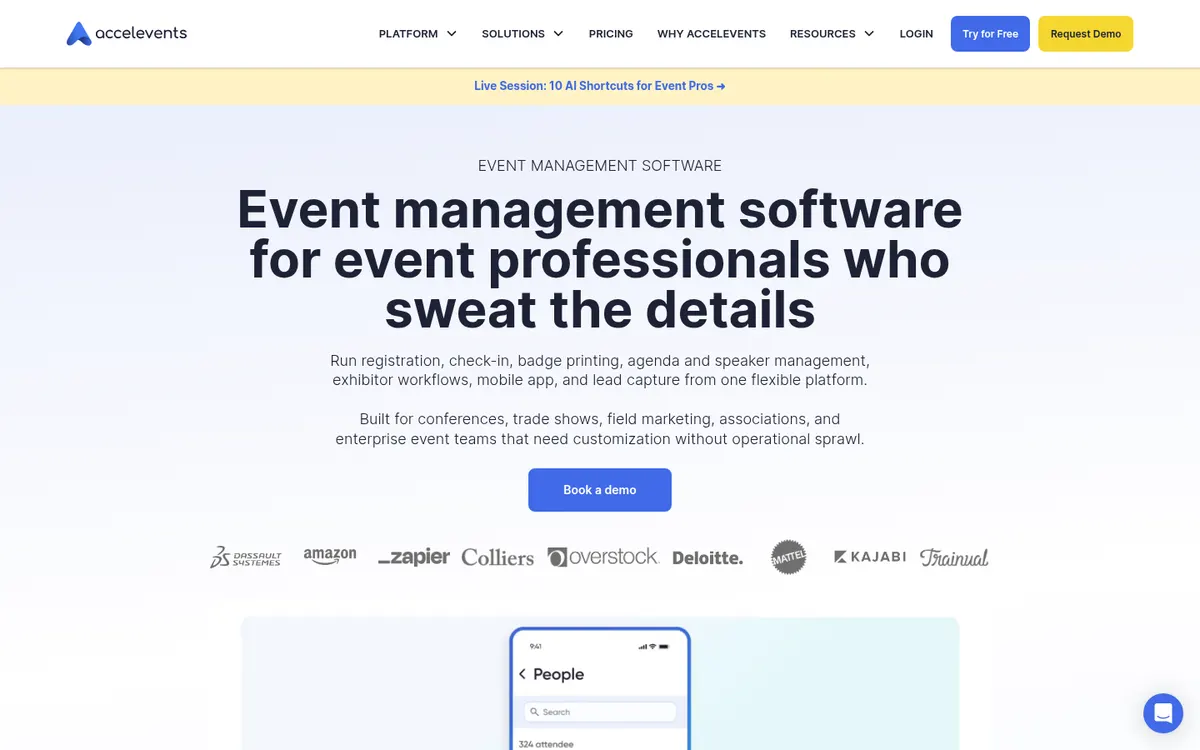
One console for hybrid and virtual events, with streaming, exhibitor booths and gamification priced per event.
Accelevents covers registration and ticketing, an attendee app, virtual and hybrid streaming, engagement tools and exhibitor booths in one console. That breadth is the point: a hybrid conference can run the in-room program and the remote audience from the same setup, with gamification to keep both groups active. Session and agenda tools and event analytics are included, and the mobile app carries onsite attendees through the day. Pricing is per event and scales with the tier. The Professional base is $7,500 per event, and smaller programs are priced below that, so the spread by event size is wide. Because the spread is wide, the only useful exercise is a quote for your actual attendee count and format. Pricing varies enough by tier that a generic comparison table will mislead you, and the per-event structure means a busy calendar multiplies quickly. The strength is format coverage. Teams that used to buy a ticketing tool plus a streaming platform plus an app can consolidate, which usually wins on administration time even when the sticker price is higher than a single-purpose tool. Offline reliability is only partial, so a venue without dependable connectivity needs a manual fallback at the check-in desk. It fits organizers running hybrid and virtual programs, and mid-size conferences that want everything in one place. It fits less well for a simple in-person public event, where Eventbrite is cheaper and faster, and less well for a team that runs many small events on a tight budget, since per-event pricing adds up fast. Compare Nunify on subscription cost if your calendar is busy rather than large.
Hybrid delivery is a real requirement and you want streaming, an app and registration in one place.
You run many small events a year and per-event pricing would multiply your spend.
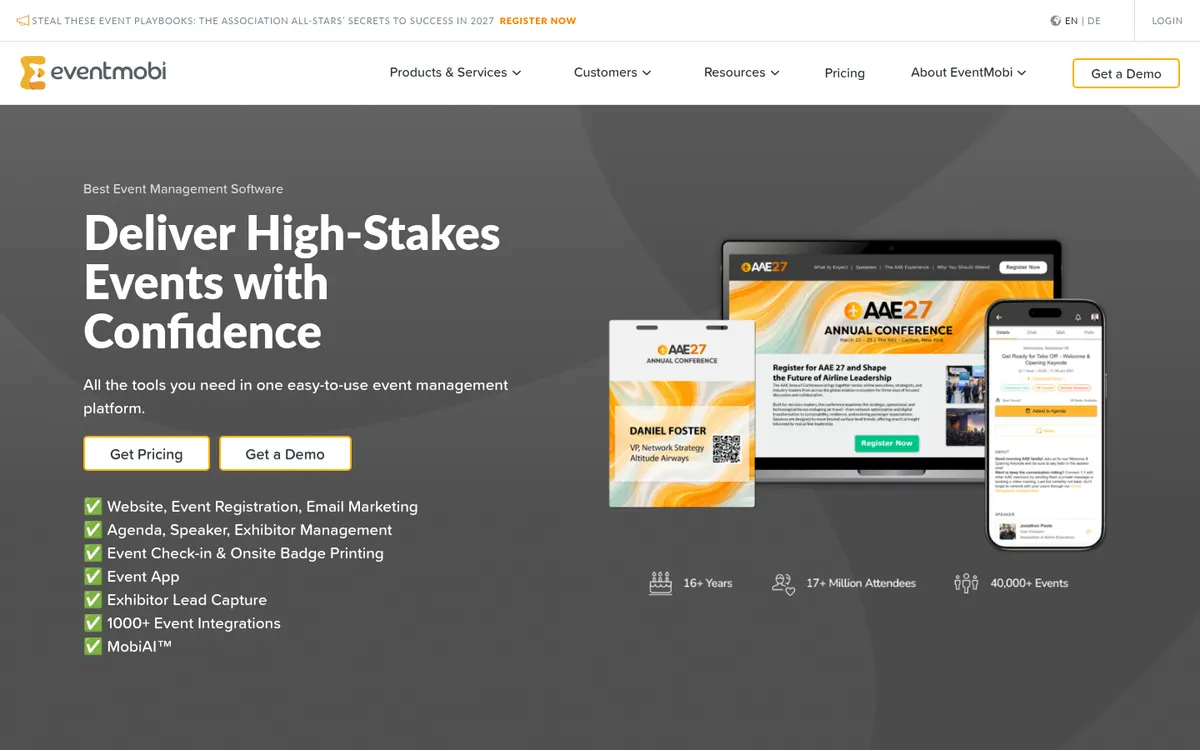
Simple administration and an offline-capable onsite app, priced per attendee for each product you switch on.
EventMobi is built for administrators. The admin console is the part customers talk about: setting up an event, applying branding and themes, and publishing an attendee app without a developer. Registration and agenda tools, exhibitor and sponsor listings and push notifications cover the basics, and the onsite experience is offline-capable, which is the feature most likely to save an event in a venue with bad wifi.
Pricing is per attendee, per product. The rate begins at $1 per product per attendee, with a $3,500 per event minimum, and both per-event and annual plans are offered. A single-product event is cheap at small scale and expensive at large scale; a multi-product event multiplies the rate, so the same headcount can cost several times more depending on how many modules you switch on. There is no way to compare it with a subscription without that product count.
Customization is deep, and that cuts both ways. Technical teams can shape the app closely around a brand, while teams without that skill will spend time in configuration screens they did not budget for. Per-event and annual plans vary enough that the published starting rate is a floor, not an estimate.
It fits organizations that run onsite-heavy events and value simple administration, particularly where the app is the main attendee touchpoint across a multi-day program. It fits less well for a marketing team that needs branded microsites and lead capture, or a public show that lives on discovery and checkout. Compare it with Whova if networking depth matters more than admin simplicity, and model the per-product multiplication before you commit to a headcount.
You want a branded onsite app you can administer without help and connectivity is unreliable.
You only need ticketing, or your event spans several products and the per-attendee math climbs.
Event management software runs the operational side of an event in one place instead of across a registration form, a spreadsheet, an email tool and a printed run sheet. The category covers everything from a 60-person workshop with a single checkout page to a multi-day conference with tracks, exhibitors and an onsite badge printing desk.
Most platforms cover the same five jobs, with different depth:
What separates the enterprise suites from the rest is not the feature list on the sales page. It is how the pieces behave under load, how much configuration sits behind each form, and whether the vendor will sign a security review. Cvent sits at the enterprise end, which is why teams look at alternatives: the depth is real, but so is the implementation project and the contract that comes with it.
The alternatives split into three rough groups. Marketing platforms such as Bizzabo lead with branding and lead capture. Engagement platforms such as Whova and Swapcard lead with matchmaking and exhibitor meetings. Self-serve platforms such as Nunify and Eventbrite lead with speed and a published price. A fourth group, hybrid specialists like Accelevents, adds streaming and virtual rooms to the same console.
Pick the group before you pick the product. A team that needs a branded app with AI matchmaking will be unhappy on a ticketing tool, and a team running a 150-person mixer will overpay for a platform built for exhibitions. The rubric below scores each tool on the same five criteria so the groups stay comparable.
This comparison sits on the Software desk. Readers comparing neighbouring stacks often check our guides to demand forecasting software and glp 1 companies next.
Event platforms bill in six main ways, and the model matters more than the headline number. A flat subscription rewards teams that run a lot of events, while per-ticket fees punish anyone whose attendance grows. Ask which line moves when your event doubles before you compare two quotes.
| Model | How it bills | Typical fit | Example from this list |
|---|---|---|---|
| Flat subscription | One recurring monthly or annual fee, often with unlimited events and registrations | Teams running a steady calendar of small and mid-size events | Nunify Essential at $24/mo |
| Annual per-user license | A yearly fee for each named user, with seats added as the team grows | Complex registration programs run by a core team | Swoogo prices per user, see website |
| Per-ticket fees | A percentage plus a fixed amount on each paid ticket, plus processing | Free and low-cost public events | Eventbrite at 3.7% plus $1.79 per paid ticket |
| Per-event fee | A fee for each event, scaled by size and feature set | Occasional large events and hybrid programs | Accelevents Professional at $7,500 per event |
| Per attendee, per product | A rate for each attendee for each product used, with an event minimum | Onsite-heavy events that need a branded app | EventMobi from $1 per product per attendee, $3,500 minimum per event |
| Custom quote | Sales-scoped pricing based on size, format and support level | Enterprise conferences and trade shows | Bizzabo, Whova and Swapcard |
Every price above was checked on the vendor's own pricing page on November 25, 2026. Where a vendor does not publish a figure we write "See website" instead of guessing. To compare annual and monthly billing quickly, try the free percentage calculator.
Match the platform to the format. Nunify fits teams that want registration, check-in and an app on a flat subscription. Bizzabo fits branded B2B marketing conferences. Whova fits academic and association conferences where networking is central. Swapcard fits exhibitor-led trade shows. Eventbrite fits simple public ticketed events under 500 attendees. Accelevents fits hybrid and virtual programs. Swoogo fits complex multi-track registration, and EventMobi fits onsite-heavy events that need easy administration.
They are not measured in the same unit, so a monthly subscription, a per-event fee and a per-ticket charge cannot be compared line by line. Nunify lists Essential at $24/mo. Swoogo prices per user and does not publish a rate, so see website. Accelevents lists $7,500 per event. EventMobi starts at $1 per product per attendee with a $3,500 per event minimum. Eventbrite charges 3.7% plus $1.79 per paid ticket. Bizzabo, Whova and Swapcard are quote based.
Yes, Eventbrite. It charges nothing for free events and takes a per-ticket fee only on paid tickets, which makes it the practical free tier in this list for a first public event. Nunify offers a 15-day free trial with no credit card, enough to test setup and the app, but not a permanent free plan. No other tool here lists a free plan.
Stay when the program is large, multi-region and already integrated. A 5,000-person conference with complex housing, travel and exhibitor operations carries switching costs that a cheaper subscription does not offset in year one. Stay too if procurement needs a vendor with a completed security review and existing contract terms. Re-evaluate when the annual renewal lands.
Accelevents is the clearest fit, with virtual and hybrid streaming plus exhibitor booths and gamification in one console. Bizzabo and Whova both list attendee networking features, though neither lists streaming. Eventbrite is ticketing only and not built for virtual delivery. If hybrid is the main format rather than an add-on, start with Accelevents and price it per event.
Partly. Per-ticket fees still dominate self-serve ticketing such as Eventbrite, where a 1,000-person paid event can exceed $5,000 in fees. Platforms aimed at organizers with recurring calendars increasingly use flat subscriptions or per-event fees instead, since those are easier to budget. Quote-based enterprise pricing remains common at the top end, so the shift is strongest in the mid-market, not at enterprise scale.
Browse every comparison on the Software desk, with the same rubric and dated prices.