Ranked #1

Rossum
Template-free learning
$18,000Starter, per year, billed annually, unlimited seats
- Best for
- High-volume transactional document processing
- Free plan
- No, free trial only
- Rubric
- 8.1 / 10
Nine tools ranked for document capture work in November 2026, from template-free invoice processing to enterprise capture platforms, with prices, limits and fit for each.
 Prices checked November 25, 2026
Rossum is the pick for high-volume transactional documents, ABBYY for enterprises that need the highest capture accuracy, and UiPath Document Understanding for RPA teams adding extraction to robots they already run, as of November 2026. Those three cover the most common buying situations in this category. The other six fit narrower cases: mid-market finance teams, Microsoft 365 shops, batch scanning operations and unstructured intake workflows. Prices below were checked on vendor pricing pages on 2026-11-25, and quoted-only vendors are labeled as such.
Template-free learning
$18,000Starter, per year, billed annually, unlimited seats

Recognition accuracy
See websiteCustom quote only

In-robot extraction
$25Basic, per month
Disclosure for this page: All 9 tools here are unpaid editorial picks. The position of a paid listing can be part of what the vendor pays for. How we handle paid listings.
| Tool | Best for | Free plan | Actions | |||
|---|---|---|---|---|---|---|
| 1 | Rossum | High-volume transactional document processing | $18,000Starter, per year, billed annually, unlimited seats | No | ||
| 2 | ABBYY | Enterprises that need the highest capture accuracy | See websiteCustom quote only | No | ||
| 3 | UiPath Document Understanding | RPA teams adding extraction to existing automations | $25Basic, per month | Yes | ||
| 4 |  Docsumo | Mid-market finance teams automating invoices and statements | See websitecustom quote | Yes | ||
| 5 |  Hyperscience | Enterprises with very high document volumes | See websiteCustom quote only | No | ||
| 6 |  Infrrd | Complex variable layouts needing no-touch extraction | See websiteReported base commercial tier, per month | No | ||
| 7 |  Microsoft Power Automate AI Builder | Microsoft 365 teams adding extraction to existing flows | $15.00Premium, per user per month, paid yearly | No | ||
| 8 |  Ephesoft | Batch capture and classification of multi-page documents | See websiteReported base server licensing, per month | No | ||
| 9 |  Indico Data | Unstructured documents inside complex enterprise workflows | See websiteReported enterprise entry, per month | No |
We scored nine tools against five criteria and weighted them for the way most buyers actually decide: extraction accuracy 30%, pricing clarity 20%, time to deploy 20%, workflow fit 15%, and scale and support 15%. Accuracy carries the most weight because a platform that misses fields costs more in review labor than it saves in data entry. Pricing clarity rewards vendors who publish a number you can budget from, and a figure reported outside the vendor's own pages counts as weaker evidence than a listed plan. Time to deploy covers implementation effort and whether a team can evaluate the product without a sales-led project.
Prices and plan details come from vendor pricing pages checked on 2026-11-25. Where a vendor publishes nothing, we say so and do not fill the gap with a guess; the note attached to each entry shows what could and could not be confirmed, and figures that appear in third-party analysis are labeled as reported inside the review.
Feature lists come from vendor documentation and from what buyers raise during evaluation. We did not run head-to-head benchmarks on our own document sets, and we do not claim any single accuracy figure applies to your scans. Use the scores to shortlist four tools, then test those four on your own paperwork.
One position on this page can carry the Featured label, which is a paid placement. A Featured listing is scored with the same rubric and gets the same honest cons as every other entry, and its position reflects fit for the buyer that entry describes.
The full process, including how we handle corrections, is on the methodology page. Paid listings follow our advertising disclosure.
| Criterion | Weight | What we check |
|---|---|---|
| Extraction accuracy | 30% | How reliably the platform turns varied documents into correct fields without human correction. |
| Pricing clarity | 20% | Whether a buyer can find a real number to budget from before starting a sales conversation. |
| Time to deploy | 20% | How much implementation effort sits between signing and steady production throughput. |
| Workflow fit | 15% | How well extracted data reaches the systems and exception paths the business already uses. |
| Scale and support | 15% | Headroom for volume growth plus the governance, audit and service levels large buyers need. |
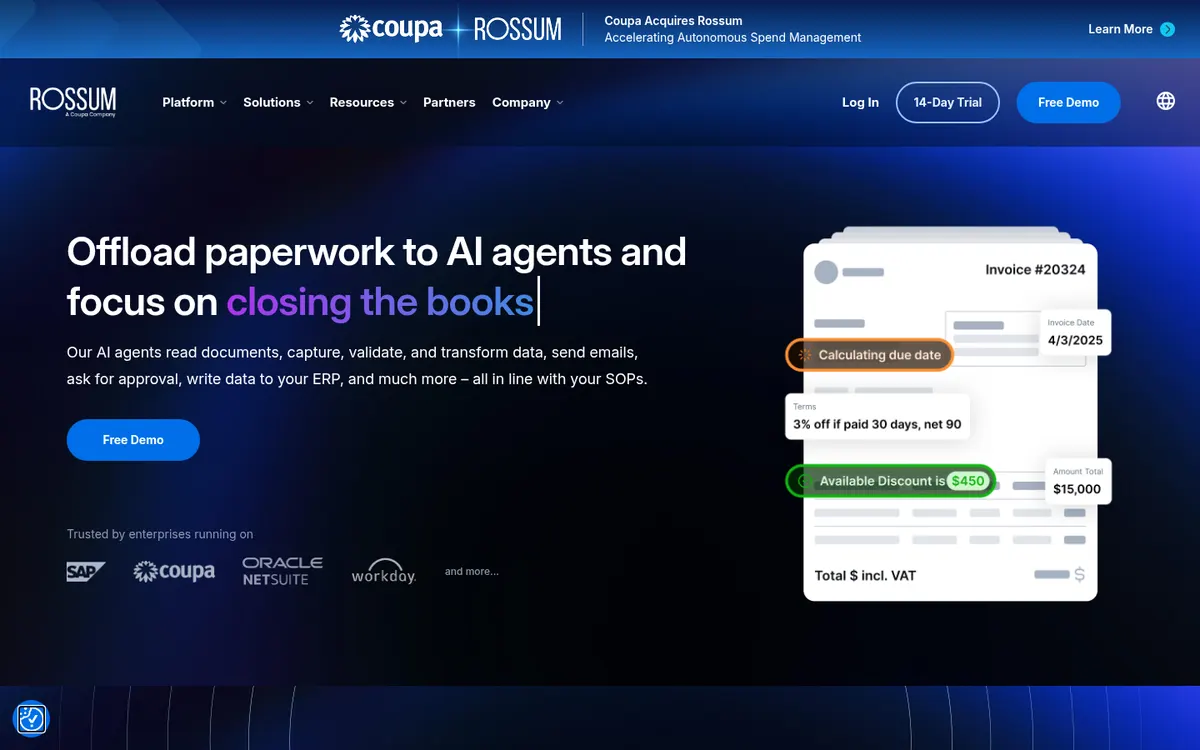
The strongest fit for high-volume supplier documents, if the annual entry price and the 2026 ownership change both clear your review.
Rossum reads supplier documents without a template. It learns the layout of each new invoice, purchase order or shipping document from the document itself, so nobody has to build and maintain a mapping for every supplier that sends a different format. Intake runs across several channels, and the platform extracts fields, validates them against expectations and pushes the result into downstream systems rather than stopping at a spreadsheet export. What buyers tend to notice is the exception path. Low-confidence fields become exceptions with two-way communication attached, so a clerk can ask the supplier or an internal owner a question and keep the document moving instead of parking it in a queue for a week. Because intake, validation and exception resolution sit in one product, Rossum suits accounts payable groups handling thousands of invoices a month far better than a team testing a single document type. Pricing is published at the entry point and quoted above it. Starter is $18,000 per year, billed annually, with unlimited seats. Enterprise contracts are quoted rather than listed, so the public number is a floor, not a forecast. The commercial question for 2026 is ownership: Coupa announced an agreement to acquire Rossum in May 2026, so a buyer who does not run Coupa should ask directly what the standalone product roadmap looks like and get the answer in writing before signing. Pick it for high-volume transactional documents where accuracy on changing supplier formats matters more than a low entry price. Smaller operations will struggle to justify the subscription against the lighter tools further down this list, and buyers outside the Coupa stack carry the most roadmap risk.
Your accounts payable team processes thousands of supplier invoices a month and needs exceptions resolved, not just flagged.
You handle a few hundred documents a month or you need a stable standalone roadmap confirmed before you commit.
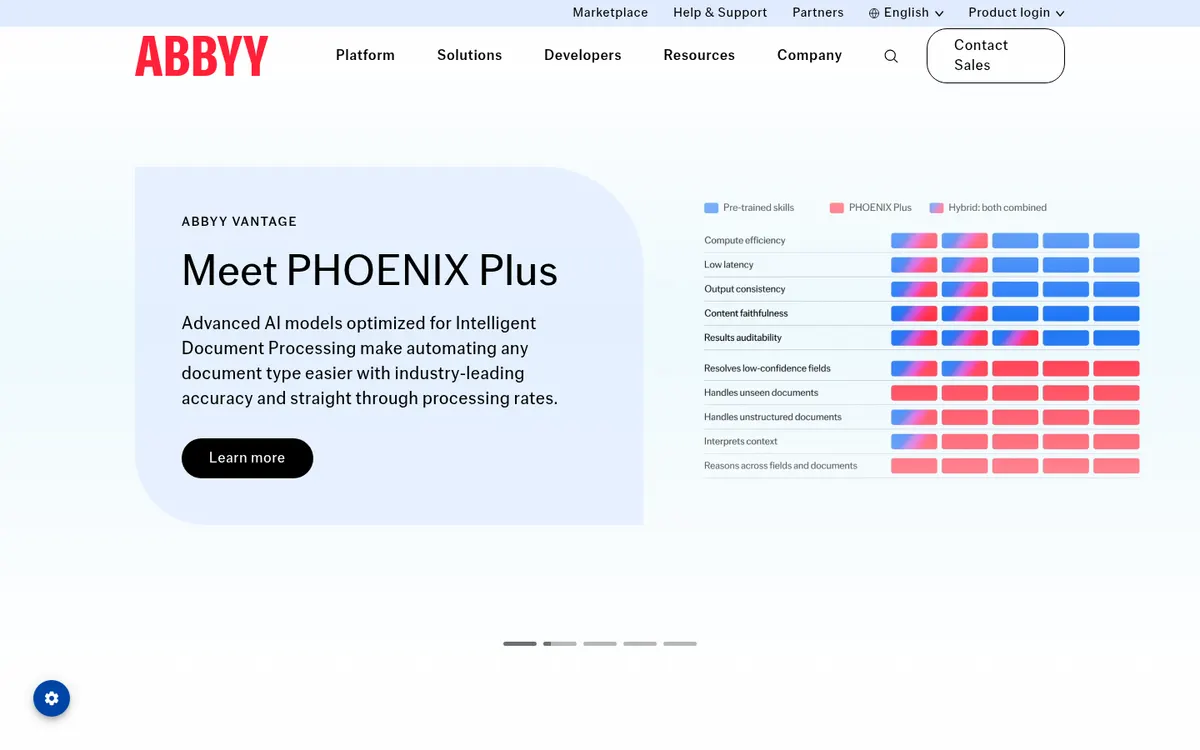
Accuracy is still the reason to buy, but there is no public price and deployment is a project rather than a signup.
ABBYY sells recognition, and it has done so longer than most of this list. Vantage and FlexiCapture cover structured forms, semi-structured documents and free-form text, combining NLP, machine learning and advanced recognition in one engine. Output is designed to feed the RPA and BPM platforms that already exist in the buyer's estate, which is why so many capture programs start here when the requirement is the highest achievable field accuracy on difficult scans. The trade is speed and transparency. There is no published pricing sheet; every deal is a custom quote, and pricing is on the vendor site. Deployment is a project with implementation planning, not a signup, and buyers should expect a pilot on their own document set before any number is agreed. Newer AI-native platforms often reach production faster on standard invoice and receipt work, which matters if the goal is a finance fix this quarter rather than a capture platform for the next decade. ABBYY makes most sense inside an organization that already runs an automation program and needs a capture engine with contractual service levels behind it. Request a scoped quote, insist the pilot uses your documents, and compare the total including implementation effort against the subscription-only tools here. The comparison is often closer than the license fee suggests, because the cheaper platform may carry more internal setup cost. Skip it if you want self-serve setup and a public price you can budget from without a sales cycle, or if your documents are plain digital invoices that a lighter tool already handles.
Capture accuracy on difficult scans is the deciding requirement and you have an automation team to run the deployment.
You need a public price, a fast start and no implementation project.
Cheapest published way into production extraction for UiPath shops, with costs that climb once AI units replace the Basic tier.
Document Understanding is the extraction layer inside UiPath. It classifies documents, pulls fields and hands the result to a robot in the same workflow, so an automation that already opens an invoice can read it without a second vendor and a second integration. Prebuilt models cover common document types, custom models can be trained on your own samples, and a human validation station catches anything the model scores low.
Pricing is the reason it sits high on this list. The Basic plan is publicly listed at $25 per month and a free forever Community plan supports proof-of-concept work, which is the cheapest published route into production-grade extraction covered here. The catch is twofold: Basic is capped at 2 robots, and real document throughput is billed through AI units, so the effective monthly cost rises with volume. Budget from a page estimate at your peak month, not from the headline figure, and ask which consumption counts against the allowance.
Value depends on the stack. In a UiPath shop, adding Document Understanding avoids buying and integrating a separate IDP system, and the validation step is already part of a platform the team knows. Outside UiPath, the robot-centric design and per-unit metering make far less sense than a dedicated document platform with published volume pricing.
Pick it if robots already run your back office and extraction is the missing step in a workflow you have mapped. Skip it if you have no UiPath estate, because most of the price advantage disappears the moment you buy the platform to get the feature.
Your automations already run in UiPath and you want document extraction without a second vendor contract.
You do not run UiPath, or if your volume is high enough that AI unit metering needs careful modeling.
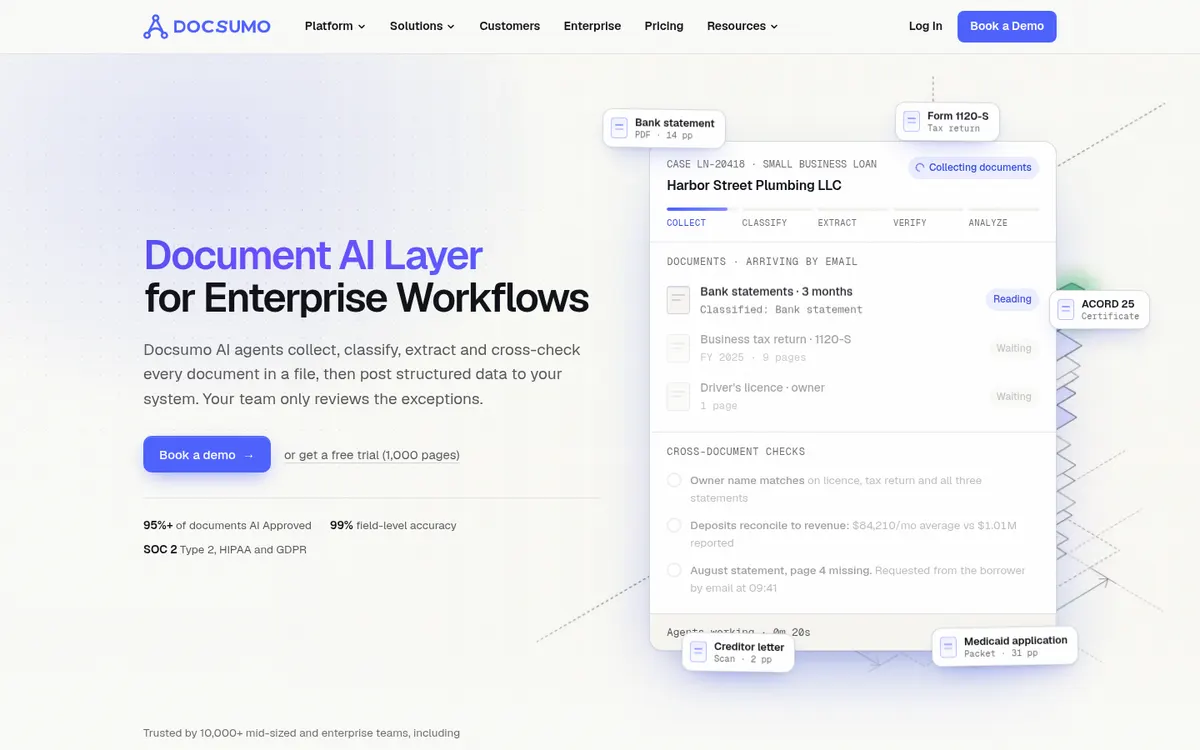
A fast, self-serve finance document tool for mid-market teams, with coverage that stops short of the enterprise suites.
Docsumo targets finance paperwork rather than every document type. Invoices with line items, financial statements, bank statements and identity documents each get a focused template, with validation rules that flag fields a reviewer should check before data leaves the platform. Exports go to spreadsheets and accounting systems, and onboarding is self-serve, so a controller can test the product without booking an implementation project or waiting on IT. That focus is both the pitch and the limit. A mid-market accounts payable team gets a tool it can run itself, at a price band mid-market budgets can absorb, and the 14-day free trial with up to 1,000 pages is enough to test on real supplier invoices before committing. Buyers with freight documents, contracts, clinical records or unusual supplier layouts will find the coverage runs out, and advanced customization options sit in higher tiers that change the economics. Pricing is quoted on volume rather than published as a price list, so ask for a quote scoped to your page volume. Docsumo is also a smaller vendor than the capture incumbents, which matters if your procurement process demands a long reference list in a regulated industry. Pick it if your document problem is invoices and statements and you want it solved this month by the team that owns the process. Skip it if you need broad document coverage, deep customization or a large vendor with an enterprise support structure.
A finance team wants to automate invoices and statements without a procurement project.
Your documents extend well beyond finance paperwork or you need enterprise-scale customization.
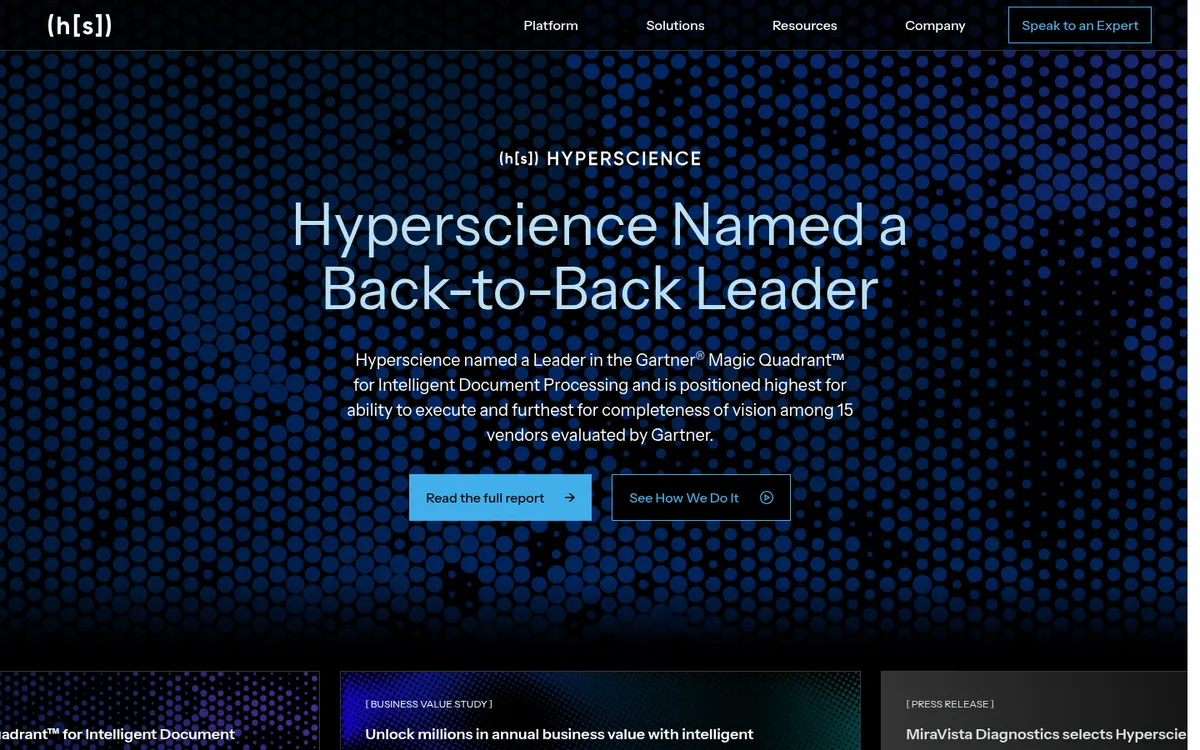
The pick for industrial page volumes and regulated review workflows, priced and sold as enterprise infrastructure rather than software.
Hyperscience is built for volume. Classification and extraction run in a single pipeline across many document types, low-confidence results route automatically to human reviewers, and model training tools let an in-house team tune performance rather than wait on a vendor queue. Audit trails and governance features are aimed squarely at insurance, banking and public sector buyers who have to show how a decision was reached on a specific document.
The engagement model matches that positioning. Nothing is published; every commercial term is quoted, and evaluation is a structured enterprise process rather than a trial signup. Expect a long cycle, a security review and a contract sized for infrastructure rather than a departmental tool. Teams processing hundreds or a few thousand pages a month will find both the price and the process out of proportion to the work, and the vendor usually points them toward lighter options.
Where it earns its place is at millions of pages a year, when the cost of a wrong field or an unreviewed exception outweighs the cost of the platform. The human-in-the-loop design is the strongest part: reviewers see low-confidence items first, which keeps accuracy high at scale without turning every document into a manual job, and the audit trail supports the evidence regulators ask for.
Pick it if document volume is genuinely industrial and you need review, audit and in-house model training under one roof. Skip it if you want a price on a page, a fast trial, or a tool you can run without an implementation partner.
You process millions of pages a year in a regulated sector and need audit trails plus human review built in.
You need a published price, a fast trial or a tool sized for a single department.
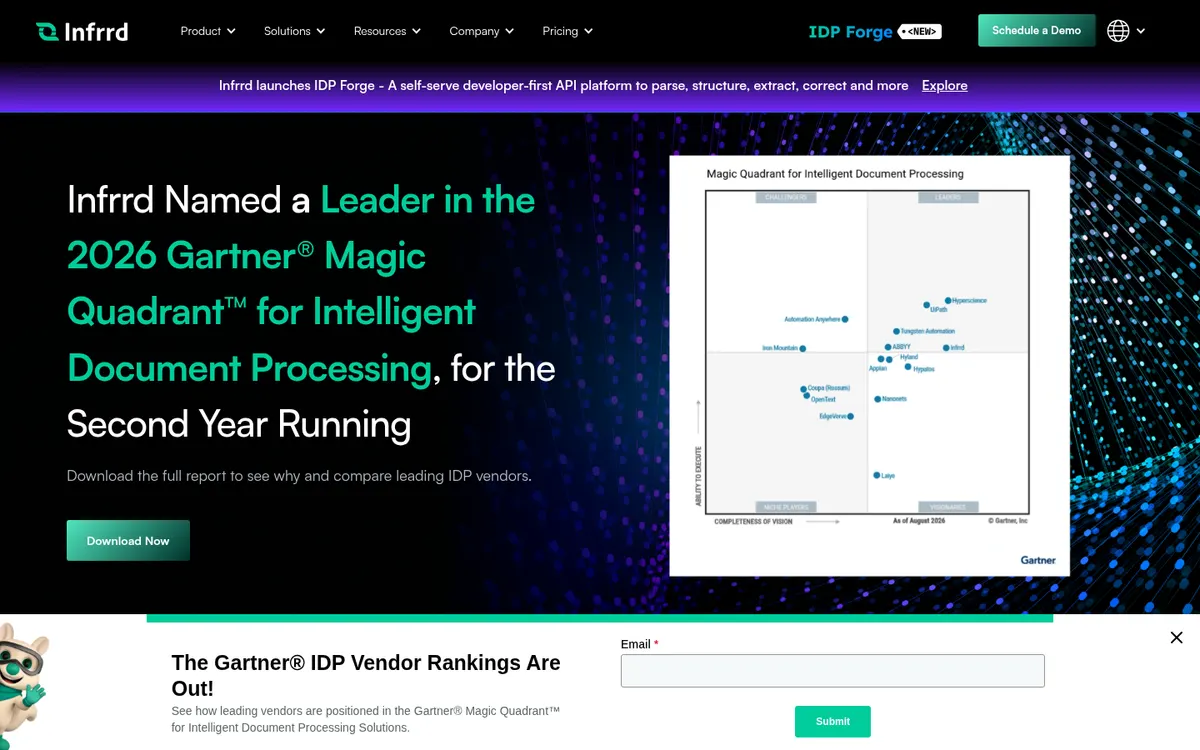
Built for layouts that defeat templates, with pricing quoted on the vendor site and a shorter track record to weigh.
Infrrd goes after the documents that break template-based tools: variable layouts, dense tables, mixed content and scans that arrived in poor condition. Classification and extraction sit in one platform, and the design goal is low-touch processing, meaning most documents pass without a human opening them at all. Accuracy improves through model training rather than through rewriting parsing rules. The proposition is narrow and useful. A buyer whose supplier documents never look the same twice will get more from a pilot here than from a platform built around fixed forms. Pricing is on the vendor site, and enterprise capabilities require a consultation, so the number you budget from will come from a quote scoped to your volume. Two cautions belong in any evaluation. Infrrd is a smaller vendor with a shorter public track record than ABBYY or Hyperscience, so ask for references in your sector and a written statement of what happens to your trained models if the relationship ends. The integration ecosystem is also thinner than the largest platforms, which matters if extracted data has to reach several downstream systems through maintained connectors. Pick it if your layouts are the actual problem and off-the-shelf models keep missing fields on messy scans. Skip it if you need a broad partner network, a long enterprise reference list, or published pricing you can compare without a sales call.
Your documents vary so much that template-based tools keep failing on real samples.
You need a large partner network or published pricing before you can shortlist.
The lowest-friction option if your documents already live in Microsoft 365, and the shallowest on difficult layouts.
AI Builder is document extraction for people who already live in Microsoft 365. Prebuilt models read invoices, receipts and forms, custom models can be trained on your own documents, and the extraction is one step inside a Power Automate flow that can then write to SharePoint, post to Teams, update Dynamics or trigger an approval. There is no new platform to buy, host or learn, which is most of the argument.
The cost structure is the attraction. Premium access is $15.00 per user per month with annual billing, layered on Microsoft 365 licensing the organization already pays, and the 30-day trial lets a team test inside real flows rather than a sandbox. AI credits are metered by usage, so document volume moves the bill, and buyers should confirm which models sit inside the base entitlement before sizing a rollout to a whole department.
Depth is the limit. On clean, standard invoices AI Builder is adequate and the approvals and routing come free with the flow. On dense tables, unusual layouts and heavy exception handling it trails the dedicated platforms here, and the validation experience is thinner than a purpose-built review queue. Outside a Microsoft-centric estate the low price buys much less, because you inherit the platform cost without the integration benefit.
Pick it if your documents already land in SharePoint or Outlook and you want extraction without a procurement project. Skip it if extraction accuracy on difficult documents is the deciding requirement rather than convenience and cost.
Your team already works in Microsoft 365 and wants extraction, routing and approvals without a new vendor.
You process complex or variable documents where field accuracy matters more than platform convenience.
Still effective at splitting and sorting scanned batches, though the interface and the ownership history both ask for patience.
Ephesoft came up in scanning rooms, and that origin still shows. Its strength is taking a batch of scanned pages, separating it into individual documents, classifying each one and then extracting structured data, with operator screens for correction when the classifier is unsure. Deployments run on-premise or in the cloud, which keeps it viable in organizations that cannot send scans to a multi-tenant service. For scan-heavy operations such as mailrooms, claims intake and records departments, that batch-first design is closer to the real work than a tool built around email attachments. The 30-day trial licence is long enough to run a genuine evaluation on a month of incoming paper. The trade is modernity: the interface reads as dated next to AI-native rivals, and the strongest capability is separation and classification rather than deep extraction on unusual documents. Ownership is the question to press on. The product now sits within Tungsten Automation following the Kofax acquisition, so buyers should ask for the forward roadmap and support commitments in writing rather than assuming continuity. Pricing is not published; confirm licensing terms directly with the vendor and ask how the price scales with volume. Pick it if you receive boxes of paper that need splitting and sorting before anything else can happen. Skip it if your documents already arrive as clean PDFs, where newer cloud platforms do the extraction work faster.
You need to separate and classify multi-page scanned batches and prefer an on-premise option.
Your intake is already digital and you need modern extraction on varied document types.
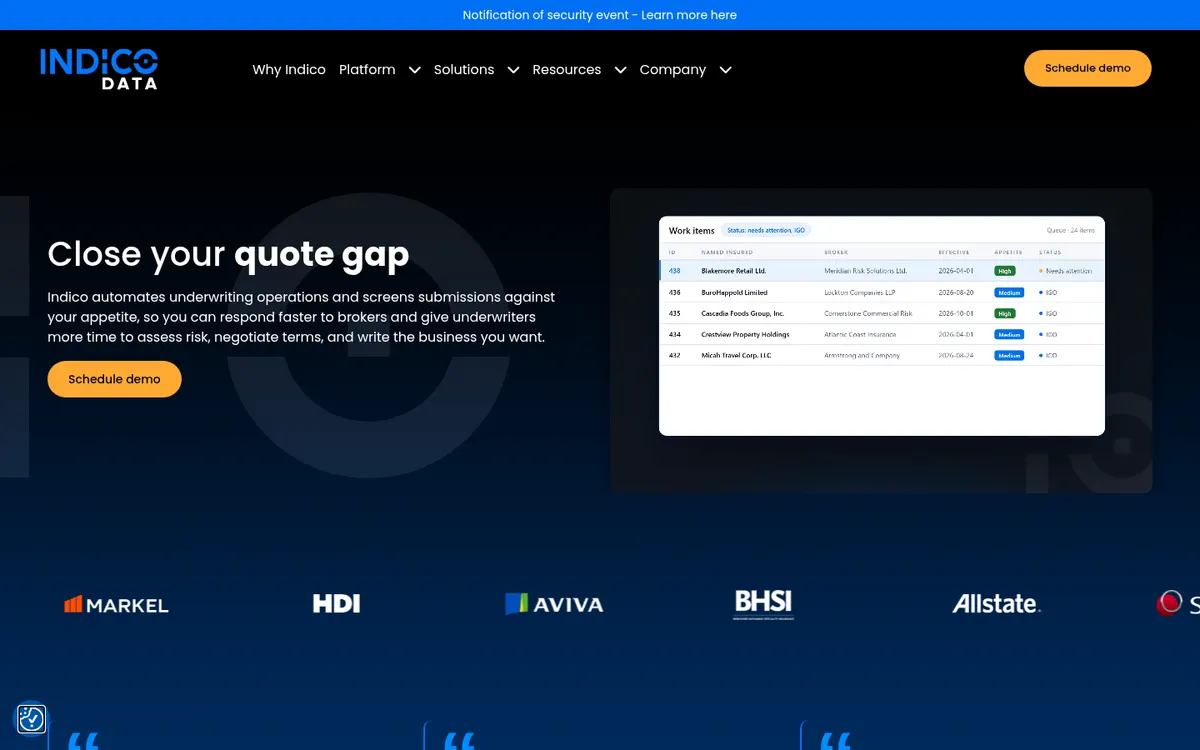
Configured rather than bought, it fits unusual intake and decision workflows, at an enterprise entry price and without self-serve trials.
Indico Data handles the documents that do not fit a category. Intake portals collect submissions, custom classification models sort them, extraction models pull whatever the workflow needs, and the pipeline carries the result through to a decision rather than stopping at a data export. That end-to-end shape suits claims, lending, onboarding and similar processes where a document is an input to a judgment rather than the output itself. None of this is off the shelf. Models are configured per deployment, typically with vendor involvement, and there is no self-serve signup or public trial, only a demo and a consultation. Pricing is on the vendor site and reflects the customization rather than a list product, and standard invoice processing is cheaper almost anywhere else in this list. Buyers should expect a scoping exercise before any number appears. The payoff is fit. An organization whose intake process is genuinely unusual gets a system shaped around it, and unstructured content understanding is the strongest part of the platform. The risk is dependence: a smaller vendor, a bespoke configuration and an ecosystem narrower than the large capture incumbents, all of which belong in the contract discussion around model ownership, support and change requests. Pick it if your workflow is the differentiator and generic models keep failing on your document types. Skip it if you need invoices read this week, a self-serve trial, or a low entry price that a department can approve.
Your intake process is unusual and you need custom classification plus extraction wired to a decision.
You want a quick self-serve trial or a low entry price for standard invoice processing.
Intelligent document processing software turns documents into structured data a system can act on. Plain OCR stops at text: it converts a scan or PDF into characters on a page, with positions. IDP adds three layers on top. Classification decides what kind of document this is. Extraction decides which fields matter and what their values are. Validation decides whether those values make sense and, if they do not, who checks them. The output is a record that can be posted into an ERP, a claims system or a workflow without a person retyping it. The difference shows up on documents that vary. A fixed form with boxes can be read by position. A supplier invoice with a new layout every month cannot, which is why template-free learning and trained models matter more than raw character accuracy. Vendors quote accuracy figures, but the number that decides a business case is straight-through processing: the share of documents that pass with no human touch at all. Ask for that number measured on your samples, at your volume, in your peak week, and ask what happens to the rest. Deployment differs as much as capability. Some tools are configured by a business analyst in a browser, others by IT with an implementation project, and that difference often matters more than a feature checklist. Pricing follows the same pattern, from a per-user subscription bolted onto an existing stack to a quoted annual capture platform with a statement of work. - Business users: Power Automate AI Builder, Docsumo
This comparison sits on the Software desk. Readers comparing neighbouring stacks often check our guides to demand forecasting software and glp 1 companies next.
Most IDP contracts are priced on volume, not seats, and the published entry price rarely predicts what a production deployment costs. Three models dominate this list: a flat annual subscription with seats included, a per-page or per-document rate that scales with throughput, and a per-user or per-unit add-on inside a platform you already own. Enterprise capture platforms quote every deal, so the only reliable number is the one in a written proposal scoped to your document volume.
| Model | How it bills | Typical fit | Example from this list |
|---|---|---|---|
| Annual subscription | Flat fee per year, seats included | Steady, high transactional volume | Rossum Starter at $18,000 per year, billed annually, unlimited seats |
| Platform add-on | Per user per month, plus metered units | Organizations already on the platform | Power Automate AI Builder at $15.00 per user per month, paid yearly; UiPath Basic at $25 per month |
| Volume-based quote | Per page or document, quoted | Mid-market finance teams | Docsumo, quoted on volume, free trial up to 1,000 pages |
| Enterprise licence | Custom quote, annual | Millions of pages a year | ABBYY and Hyperscience, custom quote only |
| Quoted licence | Custom quote, scales with volume | Batch capture and on-premise work | Ephesoft, Infrrd and Indico Data: pricing is on the vendor site |
Every price above was checked on the vendor's own pricing page on November 25, 2026. Where a vendor does not publish a figure we write "See website" instead of guessing. To compare annual and monthly billing quickly, try the free percentage calculator.
IDP adds classification, extraction and validation on top of OCR. OCR converts a scan into text. IDP decides what kind of document it is, which fields matter, what their values are, and whether those values make sense, then routes anything doubtful to a person. The result is structured data that can post into a system without retyping.
Published entries in this list run from $15.00 per user per month to $18,000 per year. ABBYY and Hyperscience quote each deal, so pricing is on the vendor site. Volume, not headcount, drives most of the difference.
Most vendors meter volume, so cost rises with throughput rather than seats. Some bill per page, some per document, some in credits or AI units. A 40-page statement counts as one document on some contracts and 40 pages on others. Ask for pricing at your current volume and at double it before signing.
Most production deployments settle well below the accuracy figures quoted in sales material, because a document can be read correctly and still fail validation. Ask vendors for the share of documents that post with no human touch on your samples, in your peak week. Treat any very high figure on messy real-world paperwork as a claim to verify, not a forecast.
It depends on the tool. Power Automate AI Builder and Docsumo are set up by business users inside existing workflows. Rossum and UiPath Document Understanding usually need an automation or IT team. ABBYY, Hyperscience, Ephesoft and Indico Data arrive as configured deployments with implementation work, which means IT owns the rollout.
Print handwriting on clean forms is broadly workable across this category. Cursive, stamps, margin notes and handwriting mixed into tables still generate exceptions on most platforms. If handwritten documents are a large share of your intake, test that specific set with at least two vendors before shortlisting, and budget for a review step.
Browse every comparison on the Software desk, with the same rubric and dated prices.