Ranked #1

Bullhorn
Shared ATS and CRM
$99Starter, per user per month
- Best for
- Large staffing agencies running contract and temp desks
- Free plan
- No
- Rubric
- 8.0 / 10
Eight agency recruiting platforms ranked for November 2026, from Bullhorn's staffing suite to Manatal's $15 entry tier, with published prices where vendors offer them.
 Prices checked November 25, 2026

Bullhorn is the best agency recruiting software for large staffing firms running contract and temp desks, thanks to a shared ATS and CRM record set plus AI search. JobDiva suits IT and healthcare desks that work through vendor management systems, while Ceipal fits IT staffing firms that want VMS inside the ATS. All three sell through a demo or a quote conversation, so budget for that. Prices below were checked on 25 November 2026 across eight tools, ranked by fit for the buyer each entry describes.
Shared ATS and CRM
$99Starter, per user per month

VMS synchronization
See website

VMS inside ATS
See website
Disclosure for this page: All 8 tools here are unpaid editorial picks. The position of a paid listing can be part of what the vendor pays for. How we handle paid listings.
| Tool | Best for | Free plan | Actions | |||
|---|---|---|---|---|---|---|
| 1 | Bullhorn | Large staffing agencies running contract and temp desks | $99Starter, per user per month | No | ||
| 2 | JobDiva | IT and healthcare staffing desks working through VMS | See website | No | ||
| 3 | Ceipal | IT staffing firms that want VMS inside the ATS | See website | No | ||
| 4 |  Avionté | Temp and light industrial agencies needing payroll and billing | See website | No | ||
| 5 |  Recruit CRM | Small and mid size agencies wanting fast setup | $49Pro, per user per month | No | ||
| 6 | Zoho Recruit | Budget agencies already inside the Zoho suite | $25Standard, per recruiter per month, billed annually | Yes | ||
| 7 |  Loxo | Sourcing first executive search and direct hire firms | $149Core, per user per month, billed annually | No | ||
| 8 |  Manatal | Small agencies on a tight budget | $15Professional, per user per month, billed annually | No |
Every entry was scored against the same five criteria, and the weights reflect what actually decides an agency purchase. Agency fit carries 30 percent because a tool built for corporate hiring rarely survives a contract desk. Back office depth takes 20 percent, since payroll and billing are the difference between one system and three. Sourcing and AI take another 20 percent, because finding candidates is the work the software is meant to speed up. Pricing clarity gets 15 percent, and time to live gets the last 15 percent, since a six month implementation is a real cost. Prices come from each vendor's own pricing page, checked on 2026-11-25. Where a vendor publishes no price, the entry gives no number. We do not convert currencies or estimate quotes. Trials are noted exactly as the vendor states them, including where a vendor offers a demo instead. The order of this list is editorial. It reflects fit for the buyer each entry describes, plus any disclosed Featured position. A Featured listing is a paid placement, and it is scored with the same rubric and given the same honest cons as every other entry. Position in the list is not a weighted total of the scores. Capabilities come from vendor documentation and product pages, and reported customer counts are the vendor's own figures, labeled as such. Anything we could not confirm is flagged in the entry notes rather than presented as fact.
The full process, including how we handle corrections, is on the methodology page. Paid listings follow our advertising disclosure.
| Criterion | Weight | What we check |
|---|---|---|
| Agency fit | 30% | How well the tool serves a firm that fills jobs for many clients rather than one employer. |
| Back office depth | 20% | Depth of payroll, billing, timesheets and onboarding inside the product rather than beside it. |
| Sourcing and AI | 20% | Sourcing, matching and outreach automation that shortens the time to a shortlist. |
| Pricing clarity | 15% | How much of the price is published and how predictable the first year total is. |
| Time to live | 15% | How quickly a small or mid size agency can be productive after signing. |
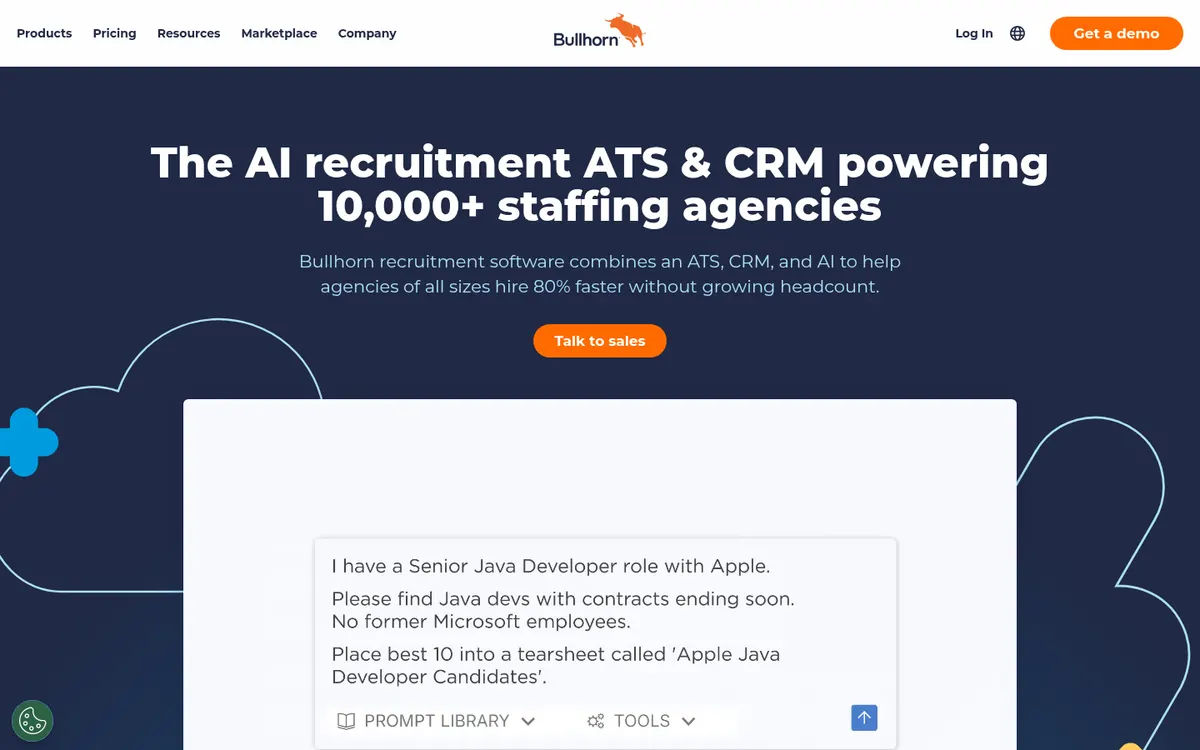
The default choice for large staffing firms that need CRM, ATS and AI search on one shared record set.
Bullhorn is the reference point for staffing agencies that run contract and temp desks, because applicant tracking and CRM share one record set. A recruiter working a client lead sees the same account, contact and placement history as the colleague filling the order, so business development, sourcing and placements do not need to be reconciled between two systems. That shared record is the real product; the rest hangs off it. The AI layer, sold as Amplify, covers search and match ranking, a staffing chat assistant, and digital workers that handle sourcing, screening and outreach steps. A marketplace of more than 300 partner integrations covers many of the tools an agency may already use, which matters when it has a stack it does not want to replace. The partner marketplace is the place to check whether an existing tool you use is supported. Pricing is partly public. The Starter edition is $99 per user per month, and Core is also listed; Pro and Max require a quote, and middle office, onboarding and recruitment cloud modules are quoted separately. That modular structure is how costs climb, so ask for a total that includes the modules you actually need. There is no free trial, only a demo. The vendor reports more than 10,000 firms on the platform and says smaller agencies can deploy in under two weeks, though larger firms should plan weeks for migration and workflow setup. Skip it if you only need basic candidate tracking, where the platform is heavier than the job requires, or if a fixed published price across every seat and module is a hard requirement.
You run contract and temp desks at scale and want client CRM, sourcing and placements on one record.
You place a handful of permanent roles a month and want a cheap tool you can switch on yourself.
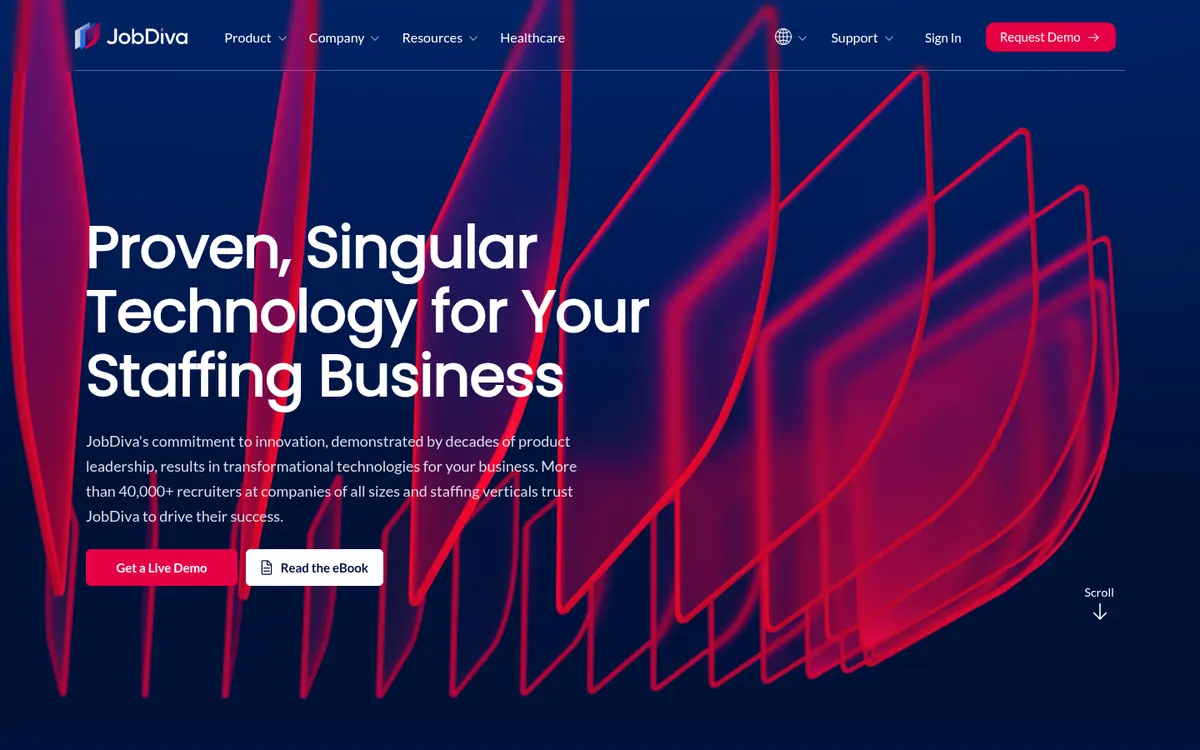
Best for IT and healthcare contract desks that live in VMS programs and want payroll in the same system.
JobDiva is built for IT and healthcare staffing desks that work through vendor management systems, and VMS synchronization is a core reason those firms consider it. Requisitions, submissions and placements can flow between the agency and the client's program without a recruiter rekeying the same candidate into two portals, which is the daily tax on a contract desk. The platform covers the full chain: applicant tracking, CRM for client and business development, onboarding workflows, and DivaFinancials for staffing payroll and billing. That back office matters when an agency bills contract hours and statements of work rather than one time fees for appearing in a list. More than 100 integrations plus an open API cover the custom work that enterprise clients often demand, and there are mobile apps for recruiters, talent and timesheets. Pricing is quote only, so cost depends on module mix and seat count, and there is no free trial. Budget a sales cycle rather than a self serve signup. Ask which modules are included in the first quote and what gets added later. The interface looks dated in places and reporting takes time to learn, which is worth testing with your own data during a demo rather than accepting a vendor walkthrough. The vendor reports more than 40,000 recruiters on the platform, a useful signal when you hire recruiters who expect a familiar tool. Pick it if your desk lives in VMS programs and you want front and back office in one system. Skip it if you want published prices, a modern interface out of the box, or you are a perm only search firm that will never use the payroll side.
Your contract placements run through client VMS portals and you want payroll and billing in the same system.
You need a published price list or a modern interface on day one.
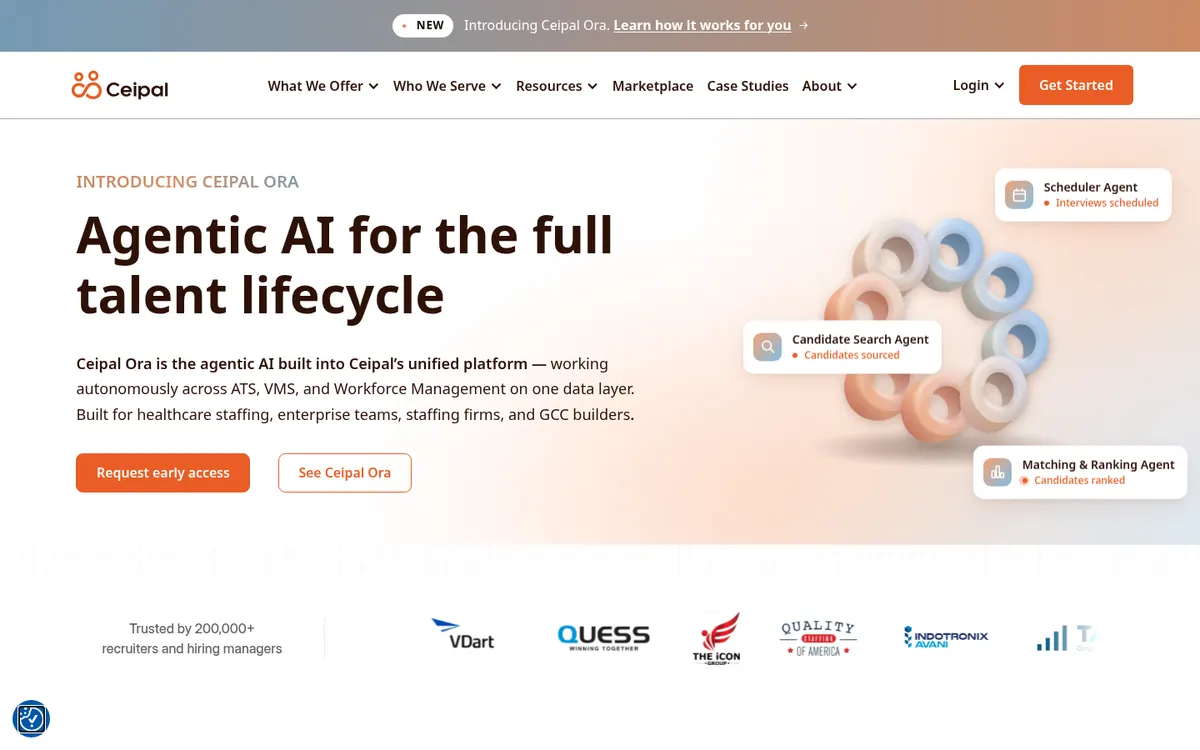
A fit for IT staffing firms that want vendor management, ATS and AI matching inside one platform.
Ceipal suits IT staffing firms that want vendor management inside the applicant tracking system rather than bolted alongside it. Procurewise handles VMS work, so an agency that both places contractors and manages a supplier network can run both functions from one login. That is a narrower pitch than a full back office, and it is the reason Ceipal shows up on shortlists next to JobDiva. The AI side is concrete rather than decorative. Candidate matching returns a percentage score against job requirements, and Recruiter Assistant automates routine workflow steps. There is a dedicated healthcare edition with compliance aware workflows, which matters for credentialing heavy desks. Configurable dashboards and reports cover the reporting most agencies need without a separate analytics tool. Pricing is quote only and there is no free trial, so cost needs a sales conversation about seats and editions. Feature breadth is the other consideration: the platform carries ATS, VMS and workforce management, and small teams can find that overwhelming at first. Some advanced reports need setup help before they are useful. The vendor reports 2,500 plus clients across IT, general and healthcare staffing, and a base of more than 200,000 recruiters and hiring managers. Those numbers describe a platform built for mid size and larger agencies rather than a two person search shop. Pick it if you place IT or healthcare contractors and want VMS inside the ATS. Skip it if you are a small perm desk that wants a fast, cheap, single purpose tool.
You recruit and manage a supplier network in the same shop and want both in one login.
You want a simple tool a two person desk can learn in an afternoon.
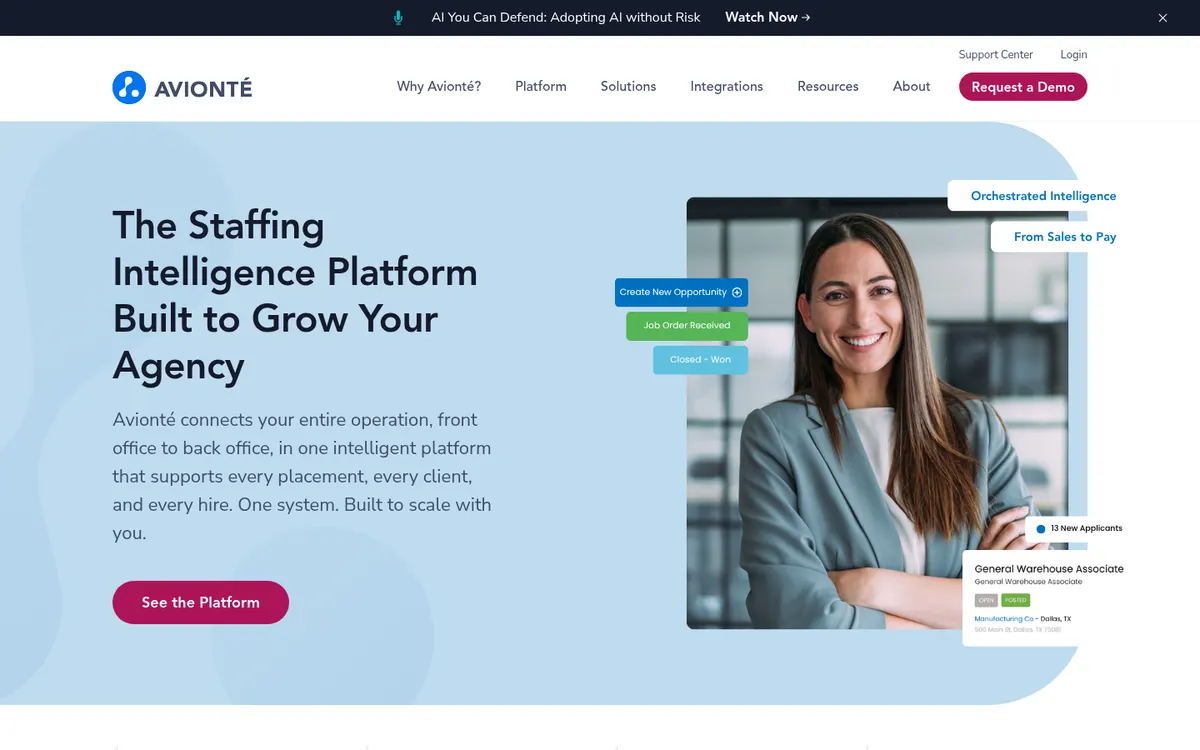
The pick for temp and light industrial agencies where native payroll and billing decide the purchase.
Avionté is for temp and light industrial agencies that need payroll and billing inside the recruiting system. Native payroll processing and client billing run on the same placement records as the CRM and applicant tracking, so there is no reconciliation between a separate payroll tool and the ATS. For a high volume temp desk, that reconciliation is where errors and margin leaks live. The rest of the suite follows the same logic: onboarding and time capture feed the pay and bill cycle, reporting and analytics sit on top, and worker redeployment workflows help a recruiter move a proven temp to the next assignment. The vendor says the platform processes more than $15 billion in payroll a year and 4.6 million W2s, and reports 25,000 plus active users, which is a scale signal worth weighing if high volume temp work is your core business. Pricing is quote only, and implementation is a project rather than a self serve signup, so plan for a rollout with configuration and data migration. There is no free trial. The trade off is depth you may not need. A retained search firm or a direct hire desk gets nothing from payroll processing, and pays for complexity it will not use. Search led firms are usually better served by a lighter tool with stronger sourcing. Pick it if payroll, billing and high volume temp placements are the core of your business. Skip it if you place permanent roles and want a tool you can switch on this week.
You pay workers yourself every week and want pay and bill cycles on the same placement records.
You only charge a fee for appearing in a list and never run a payroll cycle.
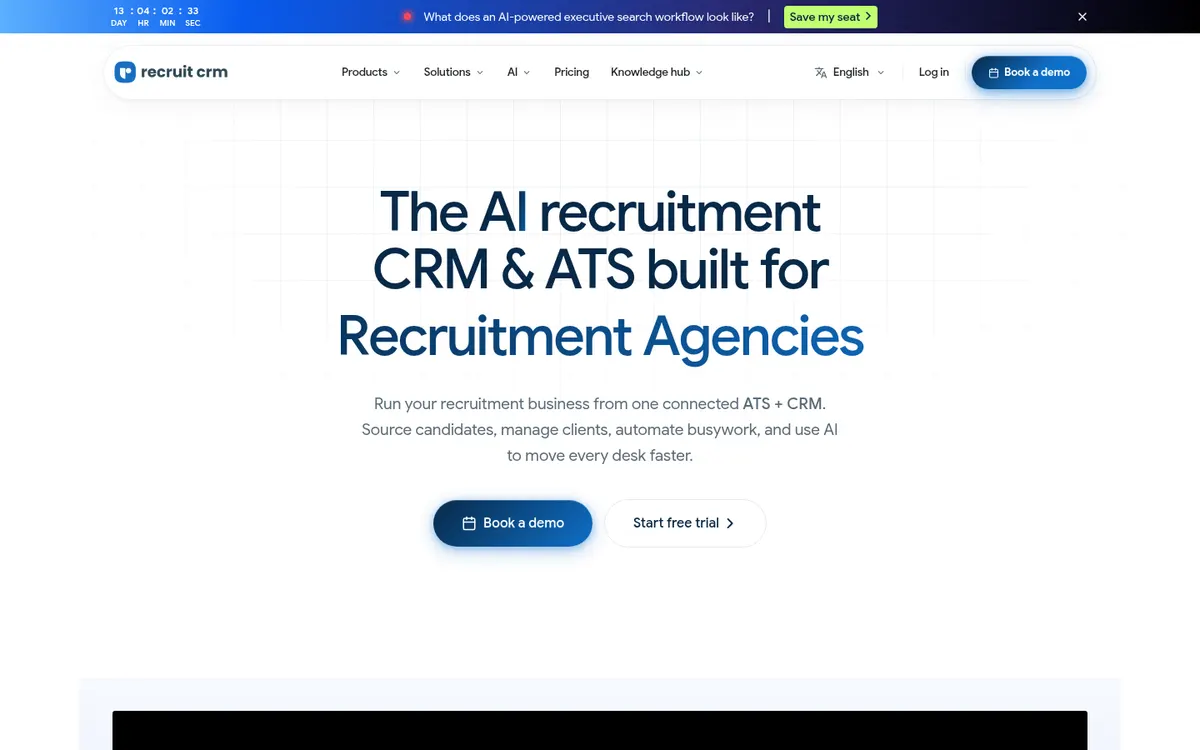
A fast route to a working ATS for small agencies, with sourcing and a free trial included.
Recruit CRM targets small and mid size agencies that want to be productive on day one. Most teams go live within a day according to the vendor, candidates import from spreadsheets or a prior ATS, and a Chrome extension captures profiles from LinkedIn and other pages in one click. For a boutique agency moving off spreadsheets, that speed is the main selling point.
The feature set covers the working day: multiposting to more than 3,000 job boards, two way Gmail and Outlook sync so email threads land on the candidate record, AI matching and resume parsing, AI agents for screening, outreach and record updates, plus timesheets and invoicing. The interface is modern and aimed at perm, contract and search desks rather than one niche.
Pricing starts at $49 per user per month on the Pro plan, and there is a free trial. Cost varies by plan, so confirm what your tier includes before you commit. Some AI agent capabilities are still rolling out, and feature announcements on the site may not be live on every plan, which is exactly the kind of thing to test during the trial rather than assume.
The back office is the limit. Invoicing and timesheets are there, but payroll depth is lighter than Avionté or JobDiva, so firms with complex temp payroll should pair it with a dedicated back office system.
Pick it if you want a modern, fast to deploy ATS with sourcing built in. Skip it if you need native payroll for a high volume contract desk.
You are a boutique agency that wants to import candidates and start submitting this week.
You run weekly temp payroll that needs to sit inside the same system.
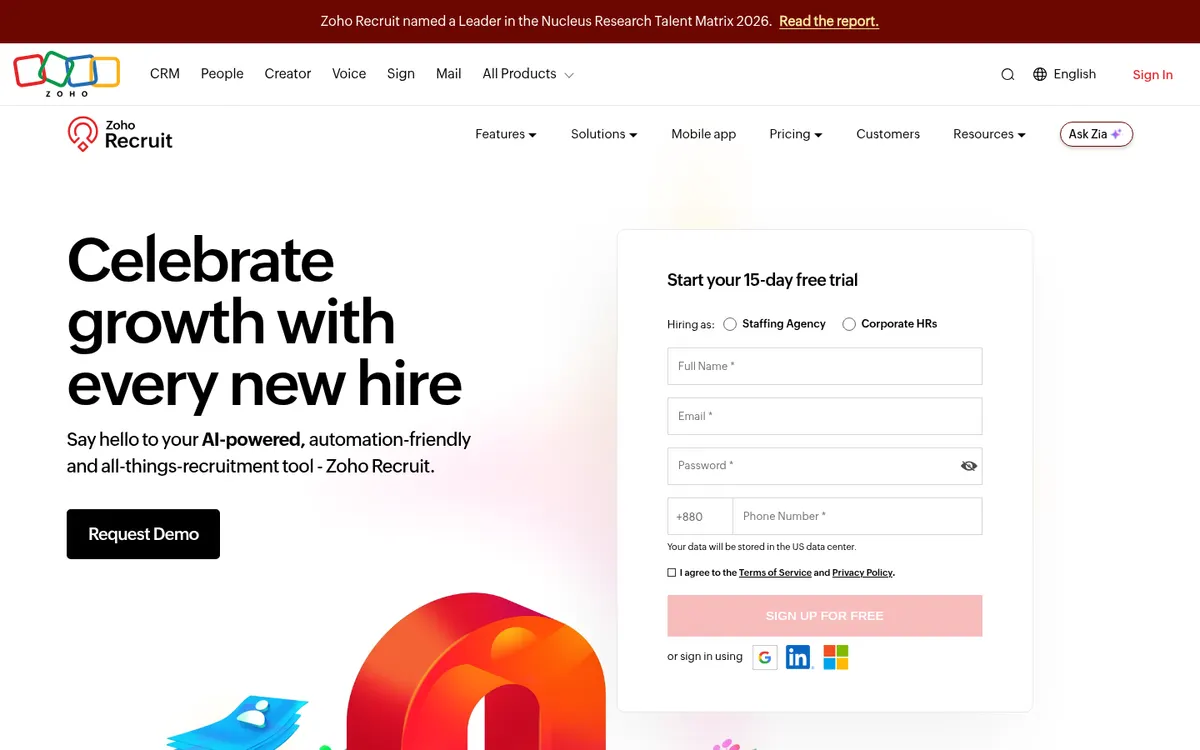
The cheapest way into a real ATS and CRM, provided you do not need payroll in the same place.
Zoho Recruit is the budget option in this list, and the free edition lowers the barrier for small agencies. The Standard plan is $25 per recruiter per month billed annually, and the trial runs 15 days with no credit card. For an agency that needs applicant tracking and a recruitment CRM for nurturing passive candidates, that is a low entry cost. The integration story is the strongest part. More than 200 app integrations include Zoho Books, Zoho People, Teams, Slack, LinkedIn and Google Meet, and data is shared across the wider Zoho suite, so an agency already running Zoho for accounting or HR avoids duplicate admin. Job posting reaches 75 plus free, paid and premium boards plus social channels. Recruiters who live in Slack or Teams can connect those tools. The limits are predictable at this price. There is no native payroll, so temp and contract desks need an external back office, and the interface packs many options into each screen, which slows new recruiters down at first. Automation rules sit on higher tiers, so the entry price buys a simpler workflow engine than the headline suggests. Pick it if you are inside the Zoho ecosystem already, or you want the lowest cost route to a working ATS with a CRM attached. Skip it if you run a temp desk that needs payroll in the same system, or you want deep automation on the entry plan.
You already run Zoho Books or Zoho People and want candidate data to sit alongside them.
You need payroll, timesheets and billing inside the recruiting system.
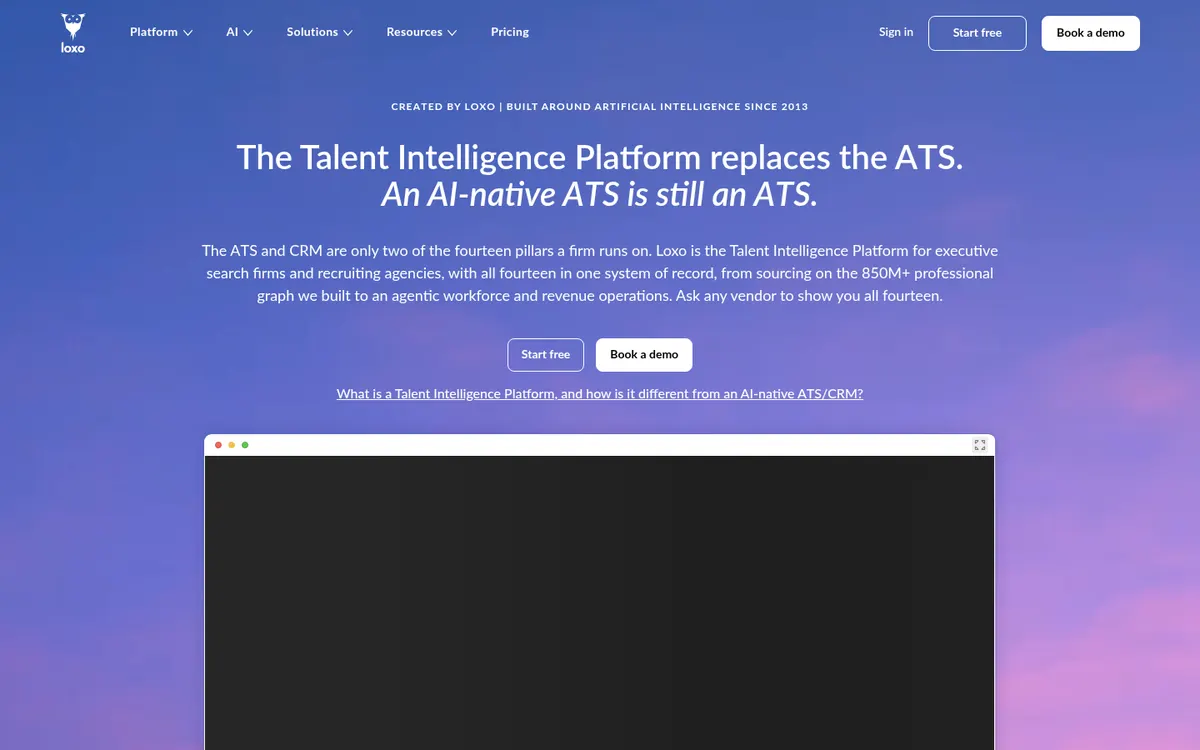
A strong sourcing engine, priced for executive search firms that place permanent roles.
Loxo is for sourcing first executive search and direct hire firms, and the proprietary talent graph is the reason to pay for it. The graph covers 850 million people and is built and maintained in house rather than licensed, so sourcing starts inside the ATS instead of in a separate tool. For a search desk whose day is finding names, that is the core workflow. Applicant tracking and CRM sit in one system, with multi channel outreach from the same candidate record and a unified sales CRM for business development. Shared searches, sequences and pipelines become team standards, which turns individual recruiter habits into a repeatable process, and AI agents run across sourcing and outreach. That combination replaces several point tools, which is part of the cost argument. Pricing starts at $149 per user per month on the Core plan, billed annually, the highest published entry price in this comparison. There is a 7 day free trial. The talent graph data depth varies by region, so test coverage for your market before committing. The fit matters more than the price. Loxo is designed for search work rather than temp desks, and payroll features are thin, so a contract heavy agency will need a separate back office and should weigh that against tools with native payroll. Pick it if sourcing is your bottleneck and you place permanent or direct hire roles. Skip it if you run a temp desk or need payroll in the same system.
Your recruiters spend most of the day searching for names and you want that work inside the ATS.
You run a contract desk and need payroll and billing inside the same platform.
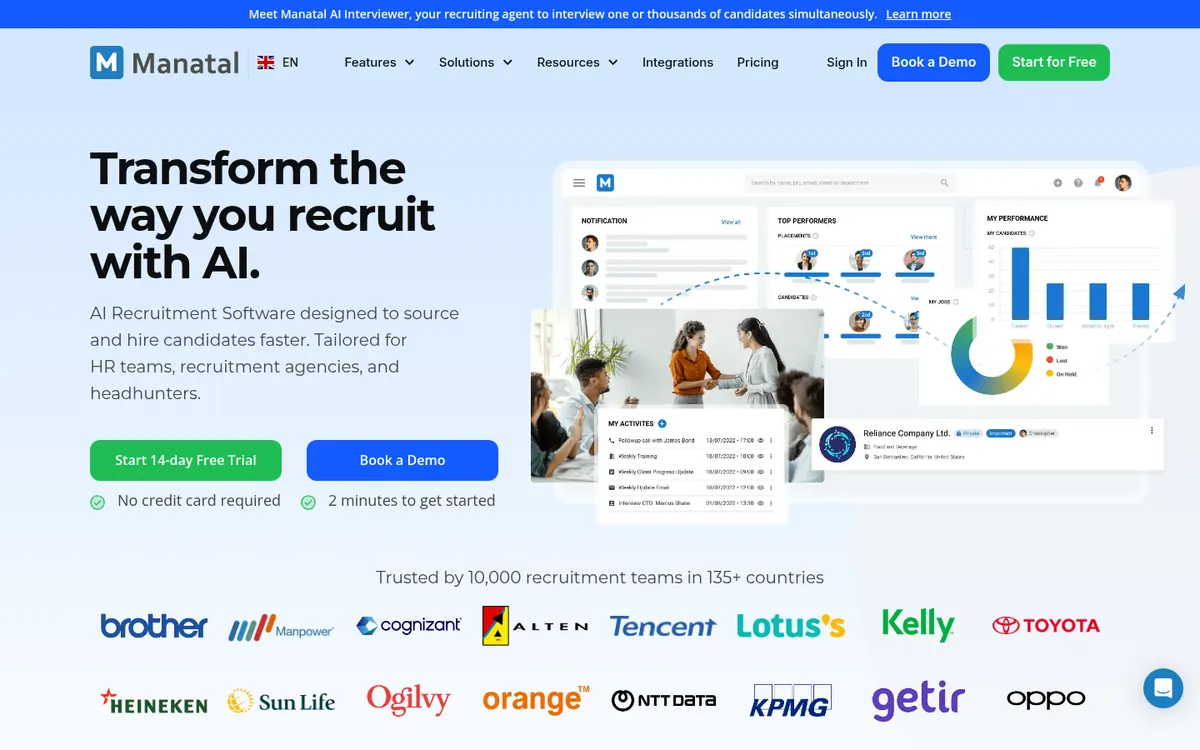
Budget recruiting software with AI screening included, capped in ways that only suit small desks.
Manatal is the cheapest entry point here at $15 per user per month on the Professional plan, billed annually, with a 14 day free trial. For a small agency that needs a working pipeline without a sales call, that combination is hard to beat. The plan caps accounts at 15 jobs and 10,000 candidates, which fits a small desk and constrains a growing one.
The features punch above the price. Sourcing and candidate discovery sit beside a customizable kanban pipeline and job posting to more than 2,500 channels. AI screening interviews run continuously, candidates get scored against job requirements, and profile enrichment pulls from 20 plus social and public sources. There is a branded career page with no development work, which small agencies usually cannot build themselves. Job posting coverage is broad for the price, and the kanban board is easy to explain to a new recruiter.
The limits are worth stating plainly. There is no native payroll, so temp agencies need another system for pay and bill. Enrichment quality depends on the public sources behind it, so spot check results in your own market. The job and candidate caps on Professional limit use for larger desks, and support on lower plans is live chat rather than phone.
Pick it if you are a small agency on a tight budget that wants AI screening and enrichment at the entry tier. Skip it if you place high volume contract work with payroll in house, or you need more than 15 open jobs.
You want AI screening, enrichment and a career page for a team of a few recruiters.
Your desk keeps more than 15 open jobs running at once or you pay temps weekly.
Agency recruiting software is the system a staffing firm uses to run candidates, clients and placements at the same time. A corporate applicant tracking system serves one employer filling its own jobs. An agency tool serves a business that fills jobs for many employers, bills for the work, and often reuses the same candidate across several clients. That difference shows up in three places. - Client and CRM records. Recruiters sell as well as source, so business development, contacts and job orders sit next to candidate records.
This comparison sits on the Software desk. Readers comparing neighbouring stacks often check our guides to demand forecasting software and glp 1 companies next.
Agency recruiting software sells in four ways, and the model matters more than the headline number. Published per user pricing is the easiest to budget. Quote only pricing is common at the enterprise end, where seats, modules and contract length all move the number. Modular pricing starts from a published base and adds quoted modules. Free editions trade features for a low barrier to entry.
| Model | How it bills | Typical fit | Example from this list |
|---|---|---|---|
| Published per user | Per recruiter per month, monthly or annual billing | Small and mid size agencies that want a known cost | Manatal at $15 per user per month on Professional, billed annually |
| Published entry plus quoted tiers | A listed entry edition, higher editions by quote | Growing agencies that add back office later | Bullhorn at $99 per user per month on Starter, with Pro and Max quoted |
| Quote only | Custom quote based on seats and modules | Mid size and large staffing firms, especially contract desks | JobDiva, Ceipal and Avionté |
| Free or low cost entry | A free edition or a small per user rate | Very small agencies and solo recruiters | Zoho Recruit free edition, plus Standard at $25 per recruiter per month billed annually |
Every price above was checked on the vendor's own pricing page on November 25, 2026. Where a vendor does not publish a figure we write "See website" instead of guessing. To compare annual and monthly billing quickly, try the free percentage calculator.
Agency recruiting software handles many clients, not one employer. It puts client CRM, business development and multi client submissions next to candidate records, and it usually connects to timesheets, payroll and billing for contract work. A corporate ATS serves a single hiring company and stops at the offer. If your firm bills clients for placements, an agency tool is the right category.
Five publish a starting price: Bullhorn at $99 per user per month on Starter, Recruit CRM at $49 on Pro, Zoho Recruit at $25 per recruiter per month billed annually, Loxo at $149 on Core billed annually, and Manatal at $15 on Professional billed annually. JobDiva, Ceipal and Avionté quote only, so their cost depends on seats and modules. Prices were checked on 25 November 2026.
When you pay workers yourself. Contract and temp desks that run weekly pay cycles and client invoices need payroll, timesheets and billing on the same placement records, or the systems drift and margin errors appear. Avionté and JobDiva cover this natively. Perm and direct hire firms charge a fee once and can skip payroll entirely.
Yes, with caveats. The Starter edition at $99 per user per month is the entry point, and the vendor says smaller agencies can go live in under two weeks. That said, there is no free trial, Pro and Max editions are quote only, and middle office, onboarding and recruitment cloud modules are quoted separately. A small search shop may find Recruit CRM cheaper and faster.
A vendor management system is a client side portal large employers use to control contract hiring: requisitions, submissions, approvals and rates all run through it. If your agency works those programs, VMS sync moves candidate and placement data between the portal and your ATS. Without it, recruiters rekey every submission and the two records disagree. JobDiva and Ceipal build it in.
Build a first year total. Multiply the published per user rate by daily login seats, add quoted modules, add implementation and training time, then check usage caps. Bullhorn's quoted modules and Manatal's 15 job cap change the math as much as the seat price. Ask every quote only vendor for a written all in figure covering seats, modules and support.
Browse every comparison on the Software desk, with the same rubric and dated prices.