Ranked #1

WildApricot
Longest free trial
100 contacts, $66/month billed monthly
- Best for
- Small nonprofits and associations wanting one combined tool
- Free plan
- Yes (50 contacts, 1 admin, no online payments)
- Rubric
- 7.3 / 10
Nine membership platforms compared on dues, events, member portals and real annual cost, with every price checked on November 25, 2026.
 Prices checked November 25, 2026

WildApricot is the best membership management software for small nonprofits that want one tool for dues, events and a website. MemberClicks fits professional and trade associations with dedicated staff and a bigger budget. YourMembership suits associations that want a broad all-in-one bundle plus hands-on implementation. All prices in this list were checked on November 25, 2026. Nine tools follow, ordered by fit for the buyer each entry describes, plus one Featured placement.
Longest free trial
100 contacts, $66/month billed monthly

Association specific depth
MC Trade from $3,500/year

All in one bundle
See website
Disclosure for this page: All 9 tools here are unpaid editorial picks. The position of a paid listing can be part of what the vendor pays for. How we handle paid listings.
| Tool | Best for | Free plan | Actions | |||
|---|---|---|---|---|---|---|
| 1 | WildApricot | Small nonprofits and associations wanting one combined tool | 100 contacts, $66/month billed monthly | Yes | ||
| 2 | MemberClicks | Professional and trade associations with dedicated staff | MC Trade from $3,500/year | No | ||
| 3 | YourMembership | Associations wanting an all-in-one system with implementation help | See website | No | ||
| 4 |  Glue Up | Chambers and associations where events drive revenue | Professional from $3,000 to $6,500/year | No | ||
| 5 |  MemberPress | WordPress site owners monetizing content or courses | Launch, $199.50/year introductory | No | ||
| 6 |  Neon CRM | Nonprofits where fundraising matters as much as membership | CRM starting at $99/month | No | ||
| 7 |  Raklet | Small clubs and associations wanting transparent self-serve pricing | Essentials, $49/month billed annually | Yes | ||
| 8 |  Brilliant Directories | Entrepreneurs running paid directory businesses | Monthly Plan, $97/month | No | ||
| 9 |  GrowthZone | Chambers of commerce and trade associations with real budgets | See website (custom quote) | No |
Every entry was scored against the same five criteria, and the weights are published above so you can re-weight them for your own situation. Member management carries the most weight at 28 percent, because profiles, dues and renewals are the reason to buy this category at all. Pricing clarity and total cost together carry 36 percent, since the sticker price in membership software is rarely the bill. Events and engagement covers the tools that keep members active between renewals, and implementation and support covers how long setup takes and whether anyone answers when renewal season goes wrong.
Prices and plan details come from each vendor's own pricing page, checked on November 25, 2026. Where a vendor publishes no amount, the entry says so and points you to a quote rather than guessing. Where a plan changed since an earlier check, the entry notes the new figure.
The list order is editorial. Each position reflects fit for the buyer described in that entry, with the Featured placement also taken into account. Scores are not summed into a ranking, and a high score on one criterion does not move a tool up the page.
The Featured vendor is a paid placement. It was scored on the same five criteria as every other entry, and its weaknesses are listed with the same honesty. Treat the Featured label as disclosure of a commercial relationship, not as a quality signal.
Use the scores as a starting filter, then read the cons. A tool with an 8 for member management and a 4 for total cost may still be right if you have staff to run it and a budget to match.
The full process, including how we handle corrections, is on the methodology page. Paid listings follow our advertising disclosure.
| Criterion | Weight | What we check |
|---|---|---|
| Member management | 28% | How well the tool handles profiles, dues, renewals and member self-service. |
| Events and engagement | 20% | Event registration, email, community and mobile tools that keep members active between renewals. |
| Pricing clarity | 22% | Whether real costs are published and how predictably the bill scales as the organization grows. |
| Implementation and support | 16% | Setup time, onboarding help and the support channels a buyer can actually reach. |
| Total cost | 14% | What a realistic first-year bill looks like once add-ons, modules and fees are counted. |

Best fit for volunteer-run nonprofits that want dues, events, email and a website in one place without hiring staff to run it.
WildApricot puts a website builder, member portal, dues collection, event registration and email blasts under one login. For a small nonprofit or association, that means renewals can run automatically, members update their own contact details, and an event page takes registrations without a separate ticketing service bolted on. The member portal is the part buyers underrate: it removes the admin work of resetting passwords and correcting addresses one email at a time. Pricing is tiered by contacts rather than paying members. The entry plan covers 100 contacts at $66 per month billed monthly, or $59.40 on a one year prepay and $56.10 on a two year prepay. There is also a free plan at 50 contacts with one admin and no online payments, plus a 60 day free trial, the longest trial in this list. Watch the contact count. WildApricot counts everyone in the database, including lapsed members, prospects and event guests, so a clean-up before you cross a tier boundary is worth real money. Organizations in the US and Canada that connect their own Stripe or PayPal account also pay a 20 percent surcharge on the subscription, which changes the math against using the vendor's own processing. Where it fits: organizations with no dedicated IT staff, a few hundred to a few thousand contacts and a calendar of events. Where it strains: large associations with needs beyond the core bundle. It is the safest default for a first membership system, not the last tool a growing trade association will buy.
You run a small nonprofit or association and want dues, events, email and a website from one vendor with a 60 day trial.
You run a staffed association with complex needs, or you want your own payment gateway without a 20 percent surcharge.

Built for staffed professional and trade associations that need chapters, committees and elections, and can carry an annual bill above $3,000.
MemberClicks is association software rather than general membership software. The MC Trade product covers a member portal with custom profile fields, chapter management, committee tools with board elections, a career center and job board, event management, email and an association website. Those are the jobs a professional or trade association actually runs on, and It covers elections and chapters inside the same system. Pricing is published in tiers by profile count. MC Trade starts at $3,500 per year, and Level 1 covers 300 custom profiles, with higher levels scaling to 10,000. That entry point is the highest in this list, and the Level 1 cap of 300 profiles means a growing association moves into a new tier quickly, often sooner than the buyer expects. Implementation with vendor help typically takes 4 to 8 weeks. Support is part of the offer, which matters when a renewal season lands and someone needs an answer the same day. There is no free plan and no self-serve trial: you book a guided demo and buy through a sales conversation. It fits associations with at least one staff member whose job includes membership, and a budget that can absorb $3,500 a year at minimum before anything else. It does not fit a 60 member club, a volunteer-run society, or a buyer who wants to sign up today and start tomorrow. Compare the profile cap against your real database, including lapsed records, before you commit to a tier.
You have staff, chapters and board elections to run, and can carry a $3,500 annual entry price.
Your database is small, your team is volunteer-run, or you need a self-serve trial before buying.
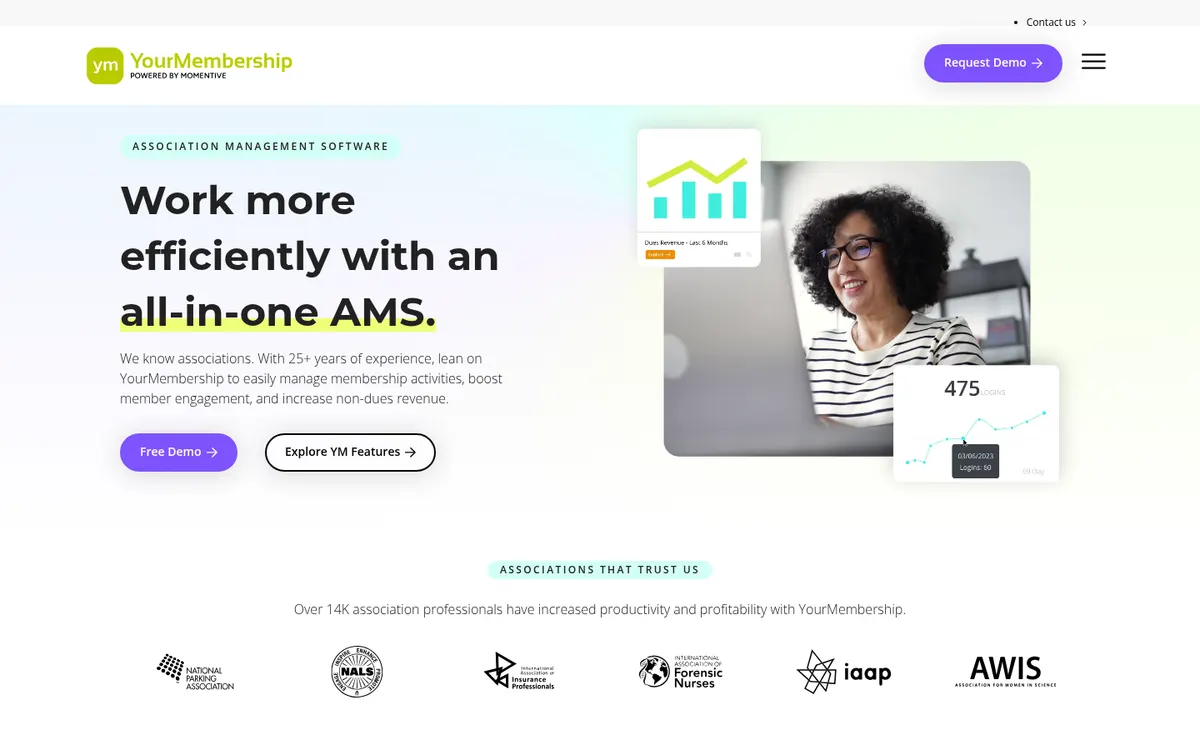
A broad all-in-one bundle with real implementation help, held back by quote-only pricing and reports of slow support.
YourMembership sells breadth. A member portal, an online member community, a career center, event management and a visual analytics dashboard come in the base bundle, which means fewer third-party apps to stitch together and fewer logins for members. For an association that has been running five disconnected tools, that consolidation is the value. The problem is the price. There is no published pricing page, so budgets require a sales conversation. Pricing requires a sales conversation, and the QuickBooks integration is sold as an extra cost. No pricing page could be fetched for this check, so the older quote-based figures stand unconfirmed. Implementation commonly runs 90 to 120 days, and hands-on support through that window is one of the stronger parts of the offer. Ask about support response times after go-live, which is worth weighing if your team depends on same-day answers during renewal season. There is no free plan and no self-serve trial, only a guided demo. It fits associations that want one bundle and are willing to pay for help getting it live, and that have the timeline for a 90 to 120 day rollout. It does not fit a buyer who needs a number before the first call, or a small club that will never use the community, career center or analytics. Ask for a written scope covering the QuickBooks integration and support response times before signing.
You want one broad bundle plus hands-on implementation and can start a 90 to 120 day rollout.
You need a published price before the first call, or if same-day support answers are essential.
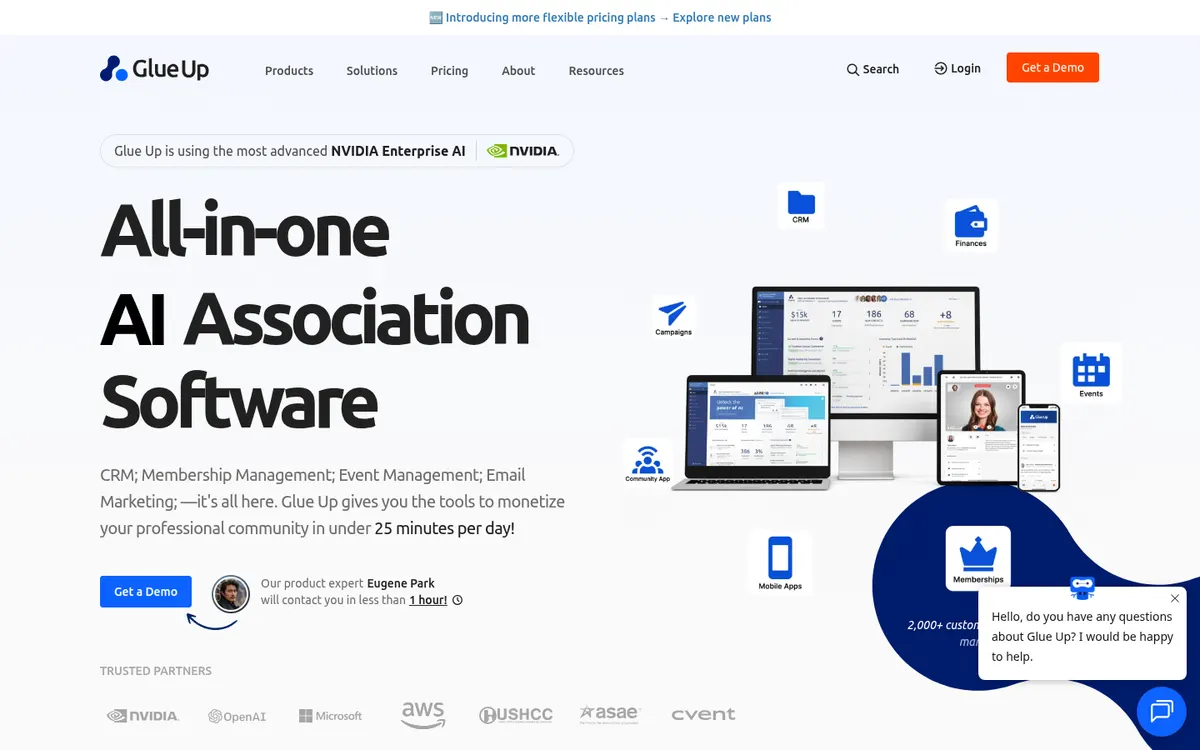
The strongest event engine in this list, best for chambers whose revenue comes from conferences and multi-day programs.
Glue Up started as an event platform and it shows. The conference engine handles multi-day programs, and there are two mobile apps: one for managers running the event and MyGlue for members. Around that core sit modular suites for community, webinars, training and membership management, so a chamber can buy events first and add membership later without changing vendors. Pricing is published as annual ranges rather than a single price. The page shows Professional ranges of $3,000 to $6,500 a year, and onboarding is extra. Contact caps rise with cost, so growth pushes the bill twice: once for the suite and once for the contacts inside it. Setup takes 4 to 8 weeks on annual contracts. Onboarding and module additions add cost, so ask for a written total. The event tooling is deep, which means somebody on staff has to learn it properly. It fits chambers and associations where events drive a meaningful share of revenue and a staff member can own the platform. It does not fit a club running two dinners a year, or a buyer who needs a published price to get budget approval. If events are a large slice of your revenue, the depth earns its keep; if they are a rounding error, you are buying software you will not use.
Events bring in a meaningful share of revenue and you can support a 4 to 8 week setup.
You run a handful of events a year or you need pricing without a sales conversation.
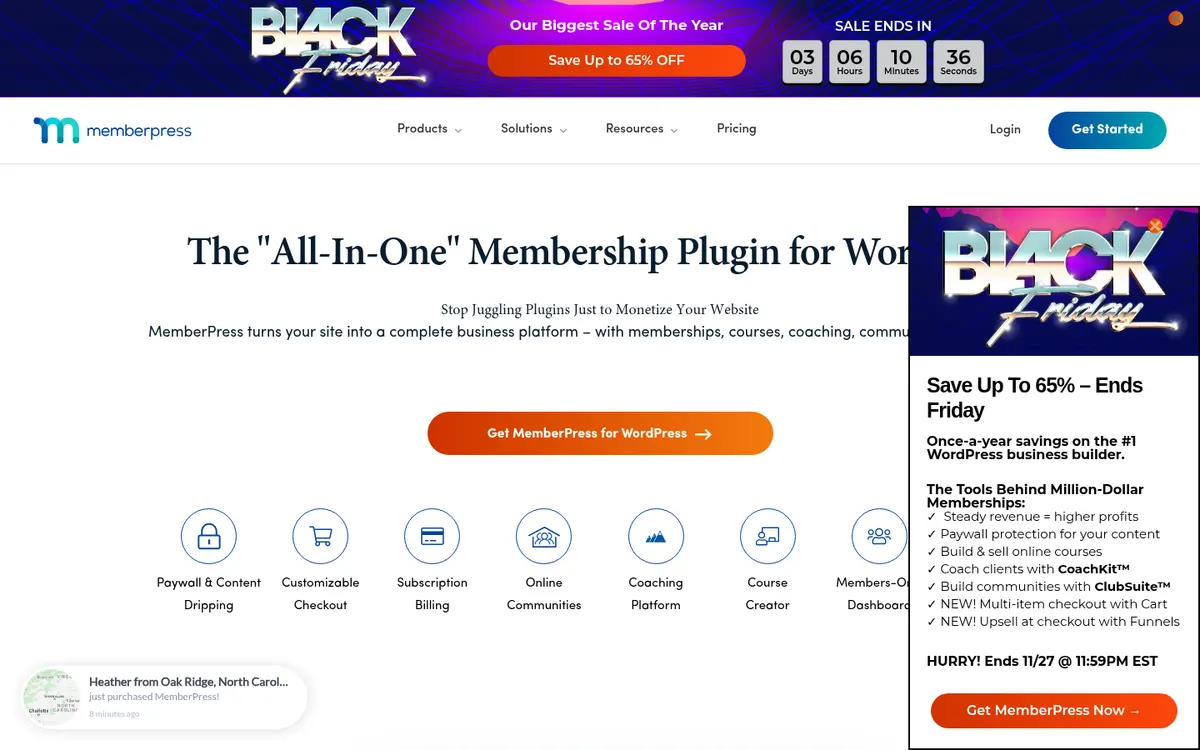
The cheapest path to recurring member revenue if you already run WordPress and will own hosting and maintenance.
MemberPress is a WordPress plugin, not a hosted platform. It handles memberships, content protection, courses with dripped content, coupons and corporate accounts, and every license tier allows unlimited members. There are no per-member fees and no platform transaction cut, which is unusual in this list and matters once member counts grow past a few hundred.
Licensing is annual. Launch is $199.50 in year one at an introductory rate and renews at $399 per year, Basic covers one site, Plus is $599 and Pro is $799 for more sites and features. The Courses add-on turns it into a course platform with dripped content. There is no free plan, only a 14 day money back guarantee, so the trial period is really a refund window.
The real cost is not the license. You supply hosting, security, updates and backups, and the large add-on ecosystem means extras cost money. A membership site that takes payments needs a reliable host and someone who will apply updates, and that labor is the part buyers forget when comparing against hosted tools with support included.
It fits WordPress site owners who already publish content and want to charge for it, course creators, and small associations comfortable running their own site. It does not fit an organization with no web administrator, or anyone who wants a member portal with chapters and elections out of the box. Compare it to WildApricot on total cost, including your own time.
You already run WordPress and want unlimited members with no per-member fees or platform cut.
You have no web administrator or you need chapters and a member portal out of the box.
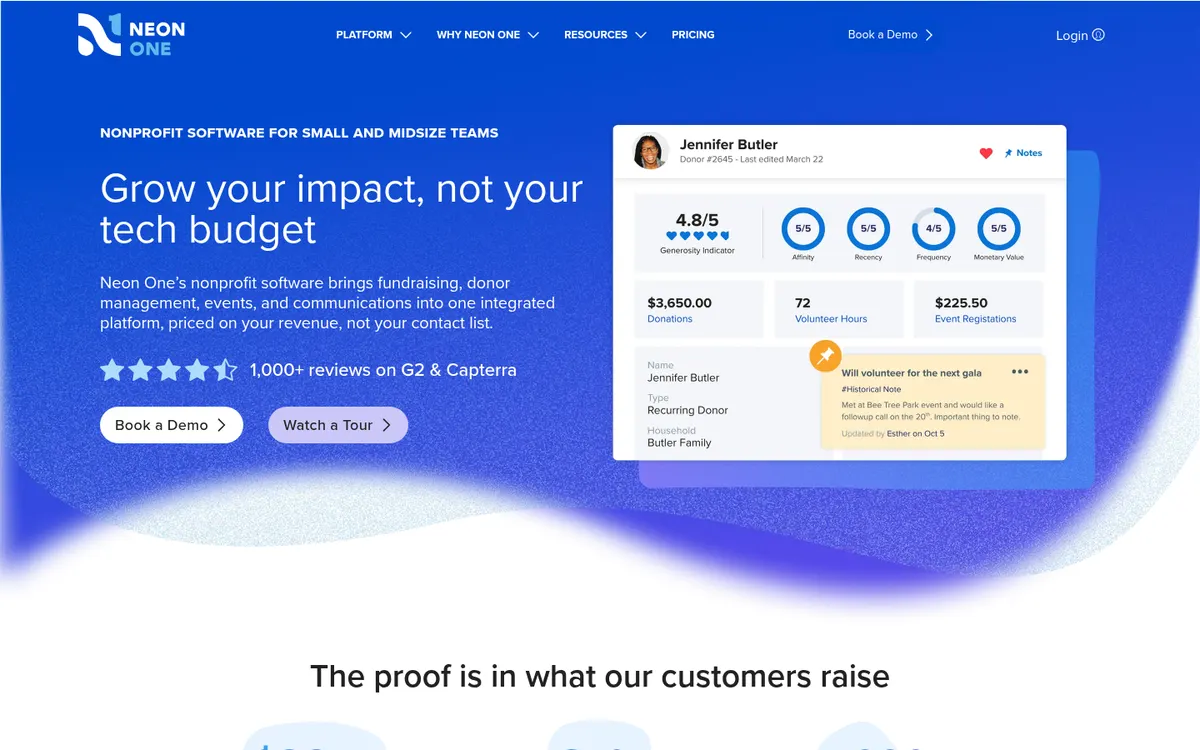
The pick when fundraising and membership share a database, though each module you add moves the price up.
Neon CRM is a nonprofit CRM first and a membership system second, which is the right order for organizations where donations, grants, pledges and peer-to-peer campaigns sit alongside dues. Membership, events and volunteer management are modules on top of that core, and system users are unlimited on the platform, so a volunteer-heavy team can grant access widely without adding seats. Pricing has three tiers. Essentials is $99 per month, Impact is $209 and Empower is $409. The base rate holds regardless of database size, a real advantage over contact-tiered tools once you carry thousands of records. Modules add depth and cost: membership, events and volunteers each add roughly 10 to 20 percent. A nonprofit on Impact with membership, events and volunteers pays around $292 a month before processing fees. Implementation runs 6 to 12 weeks with setup costs of $600 or more, and annual contracts auto-renew. Phone and chat support sits only on the highest tier, so check support channels before you buy Essentials or Impact. It fits nonprofits where fundraising is the main job and membership is one program among several. It does not fit a trade association that needs chapters, committees and board elections, or a small club that wants dues collection and nothing else. Model the module stack before you compare the $99 headline to anything.
Fundraising and membership share one team and you want unlimited users at a base rate that ignores database size.
You need chapters and elections, or if phone support is a requirement at the entry tier.
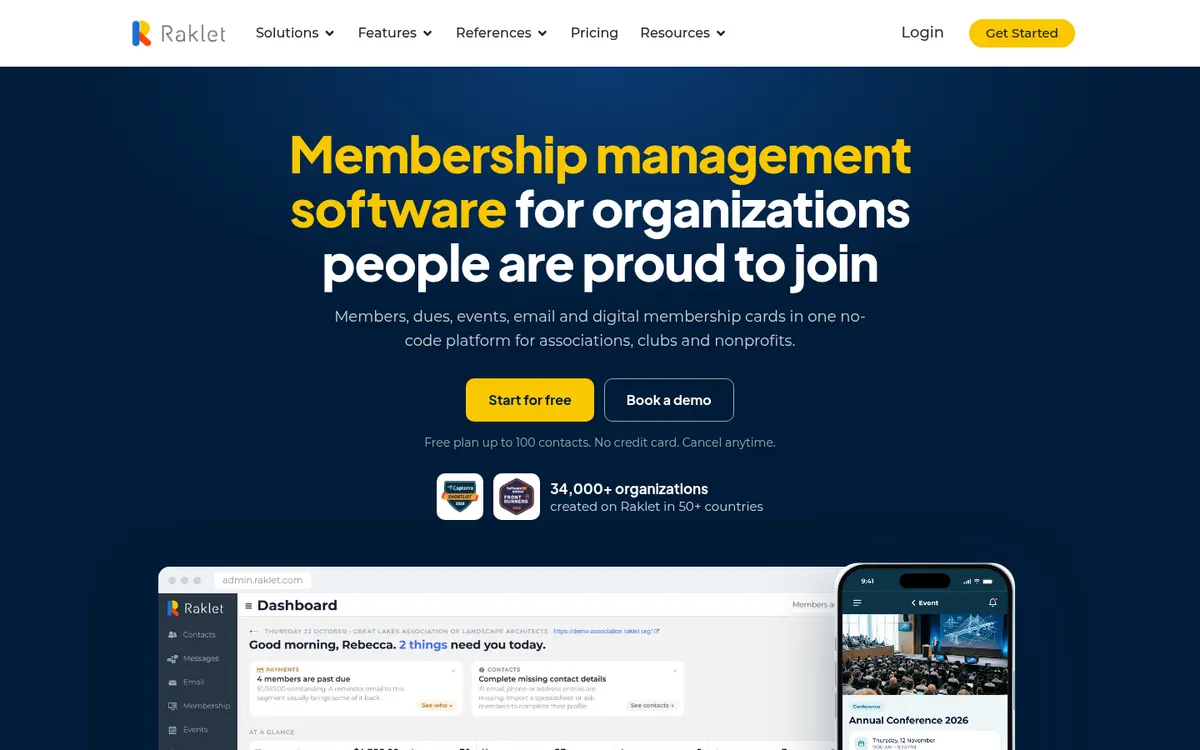
The most transparent pricing here, with published tiers, a free plan and setup measured in days rather than months.
Raklet publishes everything, which is rarer in this category than it should be. Essentials is $49 per month on annual billing and covers 500 contacts, Professional is $99 and Premium is $399, scaling contacts and lowering the platform fee as you move up. A free plan sits at $0, and signup is self-serve with setup measured in days.
The feature set covers memberships and online dues, donations, events, email and a member community, plus a white-label mobile app. A custom branded app at this price point is the standout. Contact packs let you grow the database without changing tier, and a REST API is available on Premium only.
The catch is the platform fee. Raklet takes 1 to 4 percent on top of your payment gateway fees: 4 percent on the free plan, 3 percent on Essentials, 2 percent on Professional and 1 percent on Premium. On $50,000 of annual dues that is a real number, and it is the reason to model the fee alongside the subscription rather than instead of it.
It fits small clubs, societies and associations that want to start this week without a sales call, and smaller organizations that want a branded app without enterprise pricing. It does not fit a large association needing chapters, committees and elections, or a high volume dues operation where a 3 percent fee dwarfs the subscription. Do the fee math against MemberPress if dues volume is high.
You want to start this week with published pricing, a free plan and a branded member app.
You carry high dues volume where a 3 percent platform fee outweighs the cheap subscription.
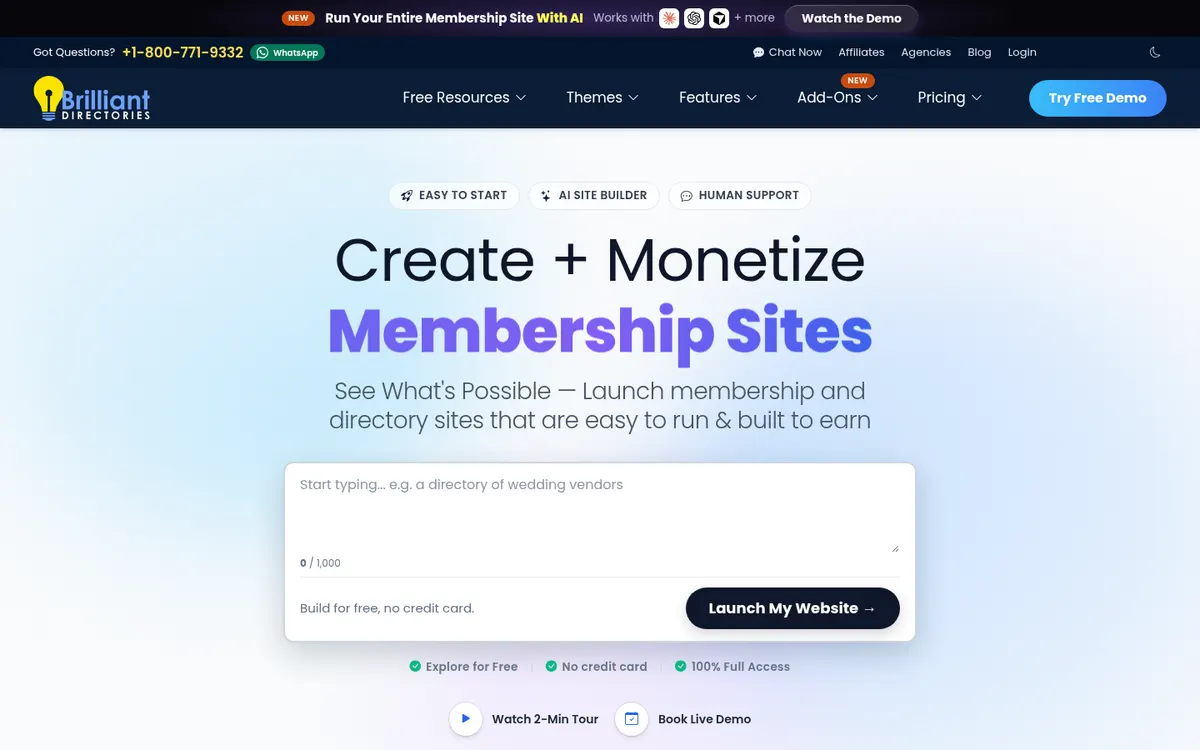
Purpose-built for paid directory businesses rather than associations, with monetization tooling and 100,000 members included.
Brilliant Directories serves a different buyer: someone running a directory as a business and charging members for listings. Paid member listings, claimable business profiles, lead generation and lead sales, banner ad management, review management and gated content are all there. An AI setup wizard gets a site live in hours, and 100,000 members are included at every price point.
Recurring entry is the Monthly Plan at $97 per month, and the page now pushes a $997 one-time lifetime plan. There is no free plan, but a free demo needs no credit card. One site per plan, with multi-site deployments priced by quote.
The headline price is not the bill. Dozens of core capabilities are sold as premium add-ons at roughly $10 a month each, so a realistic build with the add-ons a directory actually needs climbs well above $97. Budget for that before comparing it to a membership platform, because the two are not really substitutes.
It fits entrepreneurs building a paid directory, marketplace or niche listing site, and organizations that already sell listings and want to move them online. It does not fit an association that needs dues, renewals, committees and a member portal in the traditional sense. If your revenue model is membership dues rather than listing fees, start elsewhere in this list.
You are building a paid directory or listing business and want monetization tools on day one.
You run an association collecting member dues rather than charging for listings.
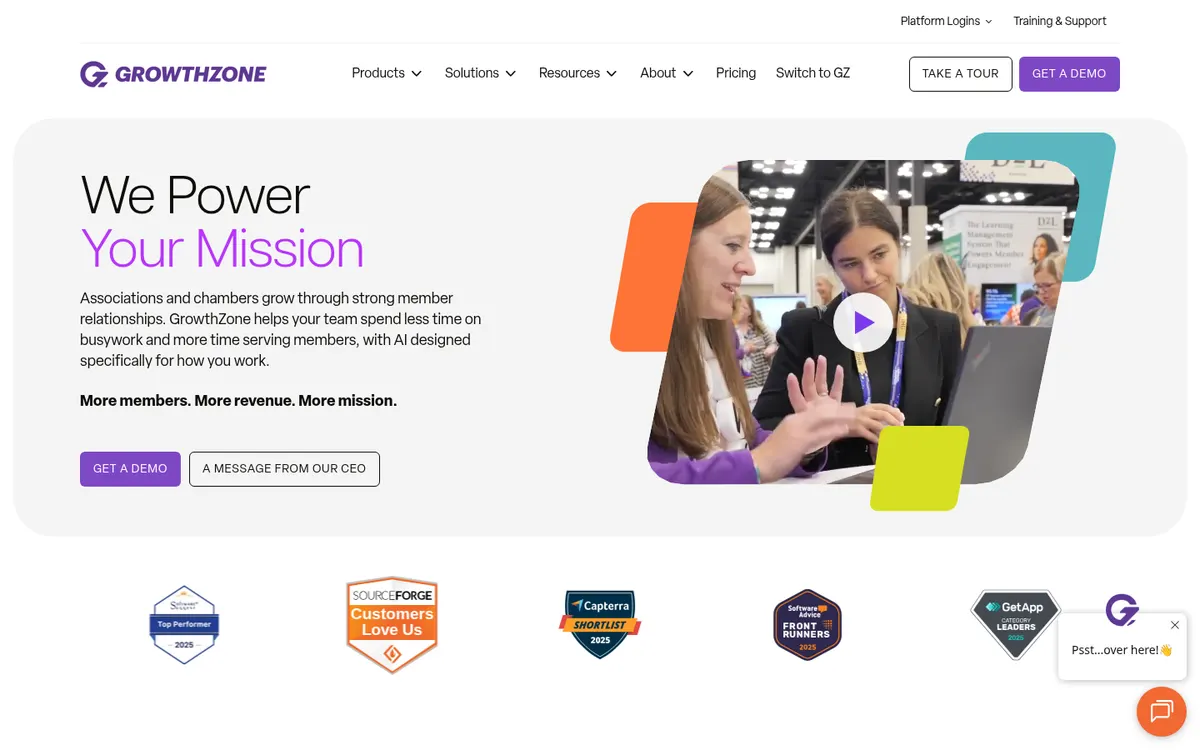
Chamber software with the right features and no published price, which makes it the hardest entry here to budget for.
GrowthZone is built around how chambers actually operate. A business directory, member deals and hot deals listings, ambassador tracking, event management and an association website all sit in one system, with optional modules on top. Phone, chat and email support is included, which is more than several tools here offer at any tier. The problem is the price. The pricing page lists no amounts and routes buyers to a demo and a custom quote, so the old annual figure is no longer published. The vendor does not publish amounts, so ask for a written first-year total that includes onboarding, website work and modules. Buying is enterprise style: demos, quotes, annual contracts and implementations of 2 to 4 months. Growth beyond your first package means going back to sales to renegotiate, which is a different relationship than adding a tier on a pricing page. None of that is unusual for chamber software, and all of it needs to be in your calendar before a renewal season lands. It fits chambers of commerce and trade associations with real budgets and staff who will use the directory, ambassador and deals features. It does not fit a small nonprofit, a club, or any buyer who needs a number before the first call. Ask for a written first-year total including onboarding and modules, and a separate figure for year two.
You run a chamber with a real budget and want directory, deals and ambassador tools in one system.
You need a published price, or if a 2 to 4 month implementation does not fit your calendar.
Membership management software is the system that holds your member records and runs the admin around them: joining, dues, renewals, event registrations and the emails that keep people engaged. It sits between a plain spreadsheet and a full association platform, and the right choice depends on which of those jobs you currently do by hand.
At the small end it replaces three or four tools. A club that collects dues by check, sends renewal reminders from a personal inbox and keeps a roster in a shared file is already doing membership management, slowly and badly. A membership tool turns that into a member portal where people update their own details, an automated renewal cycle, and a record of who paid what and when.
At the association end the job widens. Chapters, committees, board elections, a career center, a business directory and a conference program all attach to the same member record. That is why MemberClicks, YourMembership, Glue Up and GrowthZone look less like membership tools and more like operating systems for an organization.
Most buyers need three things from the category:
Everything else is a tradeoff. Events, websites, courses, fundraising and directories are what separate one tool from another, and they are also where prices diverge fastest.
Two structural choices sit underneath all of this. The first is who owns the website: WildApricot, MemberClicks and GrowthZone ship one, while MemberPress is a plugin that lives on a WordPress site you host and maintain. The second is how the vendor charges: contact tiers, profile tiers, modules, platform fees or a flat license. Neither choice is right or wrong in the abstract, but both decide what your bill looks like in year three, which is the number worth modeling before you sign anything.
This comparison sits on the Software desk. Readers comparing neighbouring stacks often check our guides to demand forecasting software and glp 1 companies next.
Membership software rarely has one price. Nearly every tool here bills on a model that grows with the organization, and the model matters more than the entry figure because it decides what year three costs.
| Model | How it bills | Typical fit | Example from this list |
|---|---|---|---|
| Contact tiers | Monthly or annual, steps up at contact caps | Small orgs with messy databases | WildApricot at $66/month for 100 contacts |
| Profile tiers | Annual license by profile count | Staffed associations | MemberClicks MC Trade from $3,500/year |
| Custom quote | Demo, quote, annual contract | Chambers and larger associations | GrowthZone, no published amounts |
| Self-serve tiers | Published monthly plans on annual billing | Small clubs and societies | Raklet Essentials at $49/month |
| Plugin license | Annual license plus your own hosting | WordPress publishers | MemberPress Launch at $199.50 intro |
| Base plus modules | Core rate plus per-module add-ons | Nonprofits with fundraising | Neon CRM at $99/month plus modules |
Every price above was checked on the vendor's own pricing page on November 25, 2026. Where a vendor does not publish a figure we write "See website" instead of guessing. To compare annual and monthly billing quickly, try the free percentage calculator.
Buying on the sticker price. The $49 or $99 headline is the smallest number in the deal. Modules, add-ons, onboarding, platform fees and payment surcharges decide the real bill, and they are rarely on the pricing page.
Ignoring the payment fee stack. Raklet takes 1 to 4 percent on top of gateway fees, and WildApricot applies a 20 percent subscription surcharge to US and Canadian organizations using their own Stripe or PayPal. Model both before comparing subscriptions.
Treating a demo as a trial. MemberClicks, YourMembership, Glue Up and GrowthZone are demo only. A scripted walkthrough will not show you how the tool behaves with your messy data in week three of a renewal cycle.
Letting the contact database rot. Contact tiers count lapsed members and prospects, so an unpruned list can cost a tier upgrade. Clean before you shop, then set a rule for archiving records that have not paid in two years.
Switching during renewal season. Implementations run 4 to 8 weeks at MemberClicks and Glue Up, 6 to 12 weeks at Neon CRM and 2 to 4 months at GrowthZone. Start after renewals close, not before they open.
Budgets vary by organization size and modules. Raklet Essentials is $49 per month on annual billing and Neon CRM starts at $99 per month before modules. MemberClicks runs $3,500 a year at entry, and GrowthZone pricing is quote based.
When you cannot say who lapsed last quarter without rebuilding a spreadsheet, or when renewal chasing eats several hours a month, manual has stopped working. The symptoms show up earlier: dues paid by check, reminders sent from a personal inbox, and a roster that disagrees with the accounts. A member portal with automated renewals fixes all three at once.
Most tools here take dues online, and the fee structure separates them. MemberPress charges no platform transaction cut, only your gateway. Raklet adds a platform fee of 1 to 4 percent on top of gateway fees depending on tier. WildApricot applies a 20 percent subscription surcharge to US and Canadian organizations using their own Stripe or PayPal account.
Some do and some assume you already have a site. WildApricot ships a website builder with a member portal, MemberClicks and GrowthZone include an association website, and Brilliant Directories builds a directory site. MemberPress is a WordPress plugin, so the site exists before the membership layer goes on. Ask before you compare prices.
Ask for a full export in writing before you sign, and test it during a trial. WildApricot offers 60 days, Neon CRM offers a free trial and Raklet has a free plan, which is enough time to run one import and one export. Ask specifically about contact records, custom profile fields, dues history, event registrations and email lists.
Days for self-serve tools and two to four months for staffed associations. Raklet setup is measured in days and the Brilliant Directories wizard gets a site live in hours. MemberClicks and Glue Up take 4 to 8 weeks with vendor help, Neon CRM runs 6 to 12 weeks, YourMembership 90 to 120 days, and GrowthZone 2 to 4 months.
Browse every comparison on the Software desk, with the same rubric and dated prices.