Ranked #1

The New Black AI
AI model visuals
See website
- Best for
- AI fashion visuals, virtual try-on and tech packs
- Free plan
- Free credits to start
- Rubric
- 7.0 / 10
We compare 11 fashion design tools by fit, output, pricing clarity and workflow, from AI visuals to production pattern CAD.
 Prices checked November 25, 2026
As of November 2026, the best software to design clothes depends on the output you need. The New Black AI suits labels that need AI fashion visuals, virtual try-on and tech packs from product photos. CLO 3D suits studios that need 3D garment design and production-ready patterns. Marvelous Designer suits designers making digital garments for games, film and visual work. The rest of this list covers pattern CAD, flats, made-to-measure tools and beginner kits, with pricing checked on vendor sites on 2026-11-25.
AI model visuals
See website

Production pattern export
See website

Cloth simulation quality
See website
Disclosure for this page: All 11 tools here are unpaid editorial picks. The position of a paid listing can be part of what the vendor pays for. How we handle paid listings.
| Tool | Best for | Free plan | Actions | |||
|---|---|---|---|---|---|---|
| 1 | The New Black AI | AI fashion visuals, virtual try-on and tech packs | See website | Yes | ||
| 2 | CLO 3D | 3D garment design and production patterns | See website | No | ||
| 3 | Marvelous Designer | Digital garments for games, film and visual work | See website | No | ||
| 4 |  Browzwear | Connected 3D product development for teams | See websitecustom quote | No | ||
| 5 |  Optitex | 2D and 3D pattern CAD for manufacturers | See websitecustom quote | No | ||
| 6 | Gerber AccuMark | Industry-standard pattern making and grading | See websitecustom quote | No | ||
| 7 | Tukatech | Pattern CAD plus manufacturing equipment and training | See website | No | ||
| 8 | Adobe Illustrator | Fashion flats, tech packs and print graphics | See website | No | ||
| 9 | CorelDRAW | Vector design with a one-time purchase option | See website | No | ||
| 10 |  Tailornova | Browser-based made-to-measure pattern generation | See website | No | ||
| 11 | Digital Fashion Pro | Beginner clothing-line design kits and sketches | See website | No |
Fit for the buyer comes first. We ranked these 11 tools by the job each entry describes, from AI fashion visuals to production pattern CAD, and by the evidence a buyer can check before paying. The order is editorial: how closely each tool matches the buyer it names, plus any disclosed Featured position. Scores show per-criterion strength and do not set the order.
The rubric has five criteria. Design output (25%) asks whether the tool produces the garment work the buyer needs, such as AI model images, 3D drape, graded patterns or fashion flats. Workflow fit (25%) covers the path from design to sampling, tech packs, manufacturing or publishing. Pricing clarity (20%) checks whether plans, trials and usage limits are visible before commitment. Learning curve (15%) asks how fast the intended user can produce usable work. Ecosystem (15%) covers templates, plugins, export formats and team or vendor connections.
Prices come from vendor pricing pages checked on 2026-11-25. When a pricing page did not return text, we kept the listed figure only as an unconfirmed data point and said so in the entry. That is why several tools say See website even where a plan price is mentioned. Quote-based vendors stay quote-based.
Featured placements, where present, are paid placements. They are scored with the same rubric, given the same pros and cons, and not described as editorial picks. A Featured label changes disclosure, not the standards.
The full process, including how we handle corrections, is on the methodology page. Paid listings follow our advertising disclosure.
| Criterion | Weight | What we check |
|---|---|---|
| Design output | 25% | Breadth and realism of garment design, visualization or pattern output for the buyer described. |
| Workflow fit | 25% | How well the tool connects design work to sampling, tech packs or production. |
| Pricing clarity | 20% | Whether buyers can find plan prices, trials and usage limits before committing. |
| Learning curve | 15% | How quickly the intended user can produce usable work without specialist training. |
| Tool ecosystem | 15% | Templates, plugins, export formats and team or vendor connections that extend the tool. |
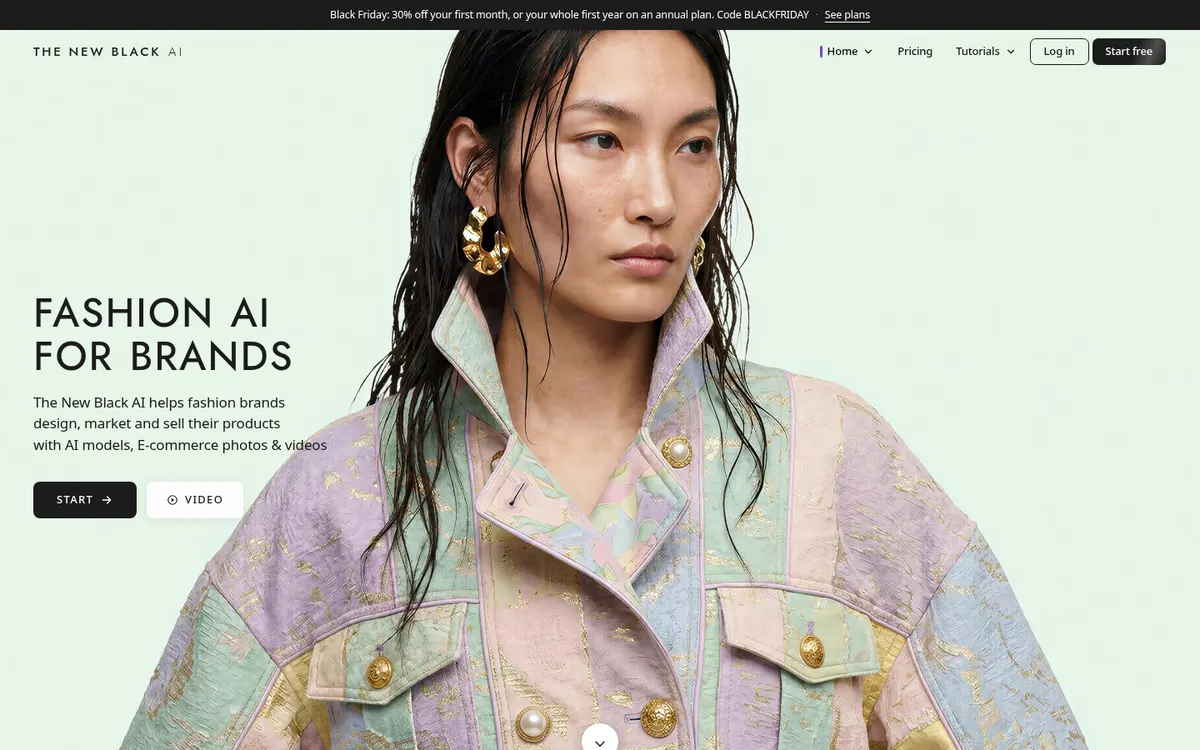
A strong fit for labels that need AI model shots, try-on visuals and starter tech packs without a full 3D studio.
The New Black AI is an AI fashion studio rather than a pattern-making system. It generates on-model photos from product shots, runs virtual try-on on models, and creates fashion designs from text prompts or sketches. That makes it useful for a label with a garment photo or a rough concept but no model shoot budget. It also produces AI fashion video and ad creative, so a small team can build campaign assets from one design direction. The Shopify app adds a route for publishing visuals to a store.
Its limits appear when the work moves into production. It can create tech packs from a design, but it is not pattern-making CAD software, so it will not grade a size range, nest a marker or output factory pattern files. Usage is credit based after the free allocation. The supplied note says credit use runs at roughly 1 credit per image and 10 credits per video, with monthly plans after free credits. Cost therefore rises with image and video volume, especially when a collection needs many revisions.
Pricing should be checked on the vendor site before budgeting. The pricing page fetch returned no text, so the listed plan prices could not be confirmed. A buyer can start with free credits and test one product photo, one try-on and one tech pack, then estimate credits for a full drop. The strongest use case is a direct-to-consumer label that needs model imagery and a starter tech pack fast. It is a weak fit for a pattern maker who needs graded CAD files.
The free credits make the first test low risk, but they do not remove the need to model paid volume. Add video and revision rounds to the estimate before committing. Collection design assistance can help a small team explore directions, yet the tool still depends on good source images and a clear brief.
You need AI model imagery, virtual try-on and starter tech packs from product photos.
You need graded patterns, marker making or factory CAD files.
A production-focused 3D tool that exports pattern data, with a clear individual price and a real learning curve.
CLO 3D is built for 3D garment design that ends in production patterns. You drape fabric on parametric avatars, check fit and proportion, and export pattern data for production teams. Realistic cloth simulation shows how a garment falls before a sample is cut, which supports digital sampling and fewer physical rounds. Enterprise deployment options exist for larger organizations, while individual designers can use the stand-alone plan. The value is in the export. A pattern that leaves CLO 3D as production-ready data can move to a factory or CAD team, so 3D is not only a visual step. The limits matter too. Individual access is subscription only, realistic simulation needs strong hardware, and enterprise terms are quote based. The interface and pattern logic reward users who understand garment construction. A beginner can render a shape but may struggle to produce a clean production pattern without training. The Individual plan pricing is on the vendor site, and a 14-day trial allows testing of drafting, simulation and pattern export. The pricing page fetch returned no text, so pricing could not be confirmed; check the vendor site. That trial is long enough to build one style, test a fit change and export a pattern. It is short if a team must learn patterning from scratch. CLO 3D fits studios that need a digital sampling loop tied to production. Check the hardware and the pattern export path during the trial, because a smooth render is not the same as a factory-ready file. It is overkill for a label that only needs fashion flats, campaign images or a simple made-to-measure pattern.
You need 3D garment design that ends in production-ready pattern files.
You only need fashion flats, campaign images or beginner sketches.
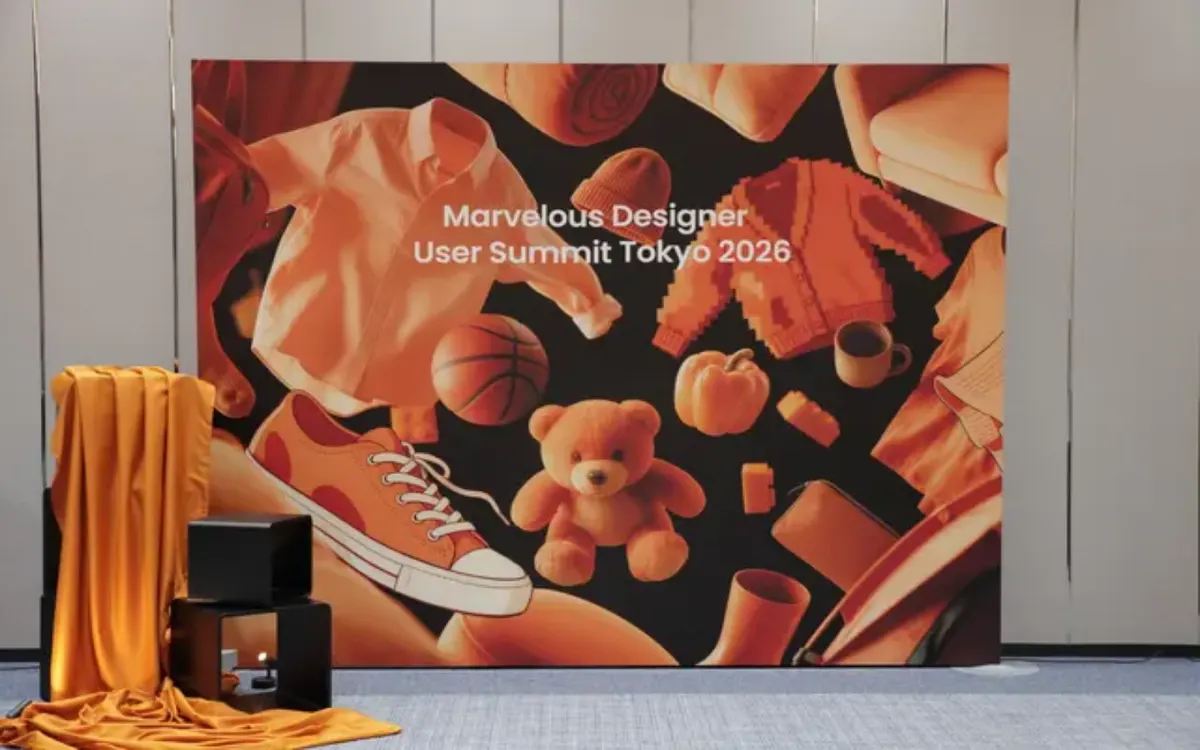
The stronger choice for screen-bound digital garments, with rich cloth simulation and fewer factory pattern tools.
Marvelous Designer makes digital garments that look right on screen. Its cloth simulation handles drape and folds, which suits character costume design, virtual fashion and product visualization. The tool exports to FBX, OBJ, Alembic and USD, so garments can move into game, film and other 3D pipelines. A personal license gives individual designers a lower entry point than CLO 3D. It shares simulation lineage with CLO 3D but aims at visual output rather than manufacturing. That distinction is important. Marvelous Designer has fewer production pattern tools, is not built for grading and marker making, and does not try to be a factory CAD system. If your deliverable is a render, a game asset or a film costume, those limits may not matter. If your factory needs graded patterns and a marker, they do. Pricing for the Personal plan is on the vendor site. The pricing page fetch returned no text, so pricing could not be confirmed; check the vendor site. The 14-day trial is enough to test cloth behavior, export formats and pipeline compatibility with one costume or product. Test an export into your actual 3D pipeline, because a good viewport does not guarantee the file will carry the detail your team needs. Marvelous Designer fits 3D artists, game studios and visual designers. It is a poor fit for a pattern maker who needs production grading, and it should not be bought as a CLO 3D replacement without checking the pattern tools you need. The lower personal price makes it the easier test for screen-bound work.
You make digital garments for games, film, virtual fashion or visual product work.
You need graded production patterns or marker making for a factory.
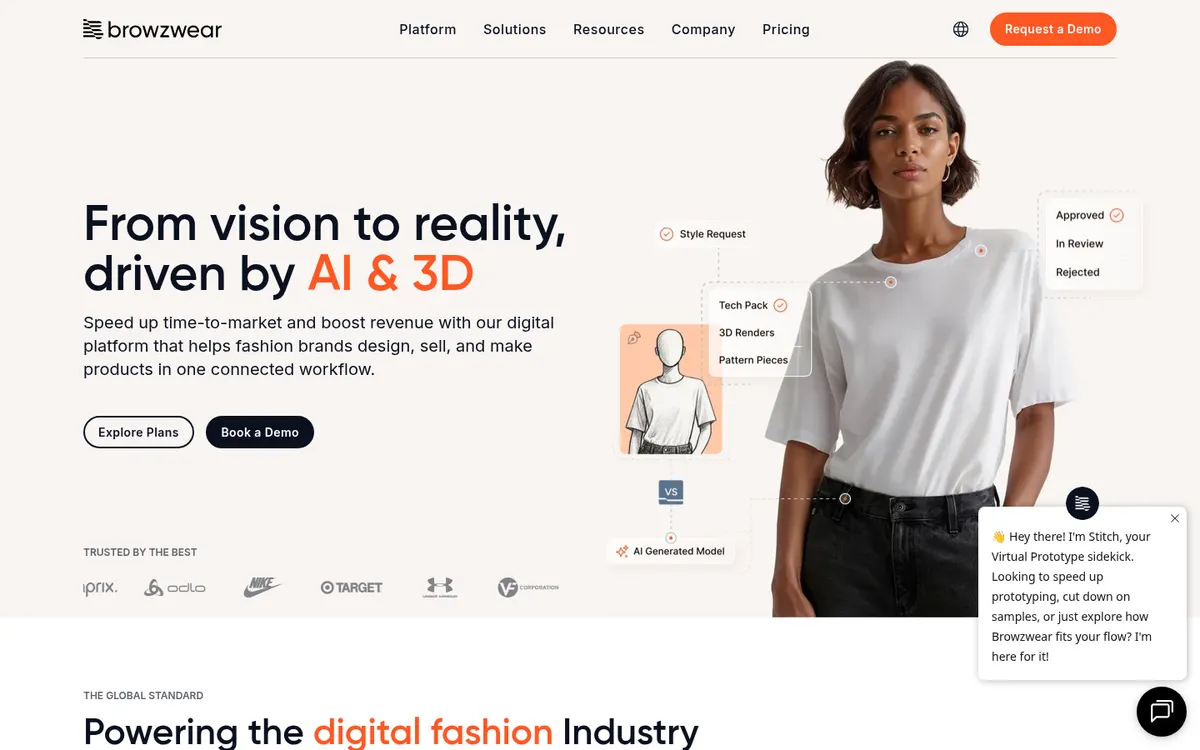
A connected 3D platform for team fit reviews and tech packs, sold through demos and custom quotes.
Browzwear is a connected 3D product development platform for teams. VStitcher handles 3D garment creation, with fit validation, assortment review and tech pack generation. Shared digital assets and vendor collaboration workflows let designers, merchants and suppliers work from the same digital garment. That end-to-end scope is why large global brands use it.
The platform is strongest when a team needs one source of truth from design through tech packs. Fit validation is a core capability, not an add-on, and the assortment review layer helps buyers see a range before samples. The cost is that pricing is not public. Browzwear sells through demos and custom quotes, which makes it complex and costly for solo designers. The buying process is sales led, so a small label should expect a discovery call rather than a checkout page.
There is no public pricing page; the vendor sells through custom quotes. That means the real cost depends on users, modules, implementation and support. A demo should test one garment through fit review, tech pack output and vendor collaboration, not just render quality. Ask how shared assets are governed and how a supplier returns fit feedback, because those steps decide whether the platform replaces email threads or adds another one.
Browzwear fits mid-size and large brands building a connected digital product creation pipeline. It does not fit a solo designer who needs a low-cost visual tool or a beginner pattern kit. The stronger the need for team review and vendor handoff, the more the quote-based model makes sense.
Your team needs connected 3D design, fit review, tech packs and vendor collaboration.
You are a solo designer who needs public pricing and a fast self-serve start.
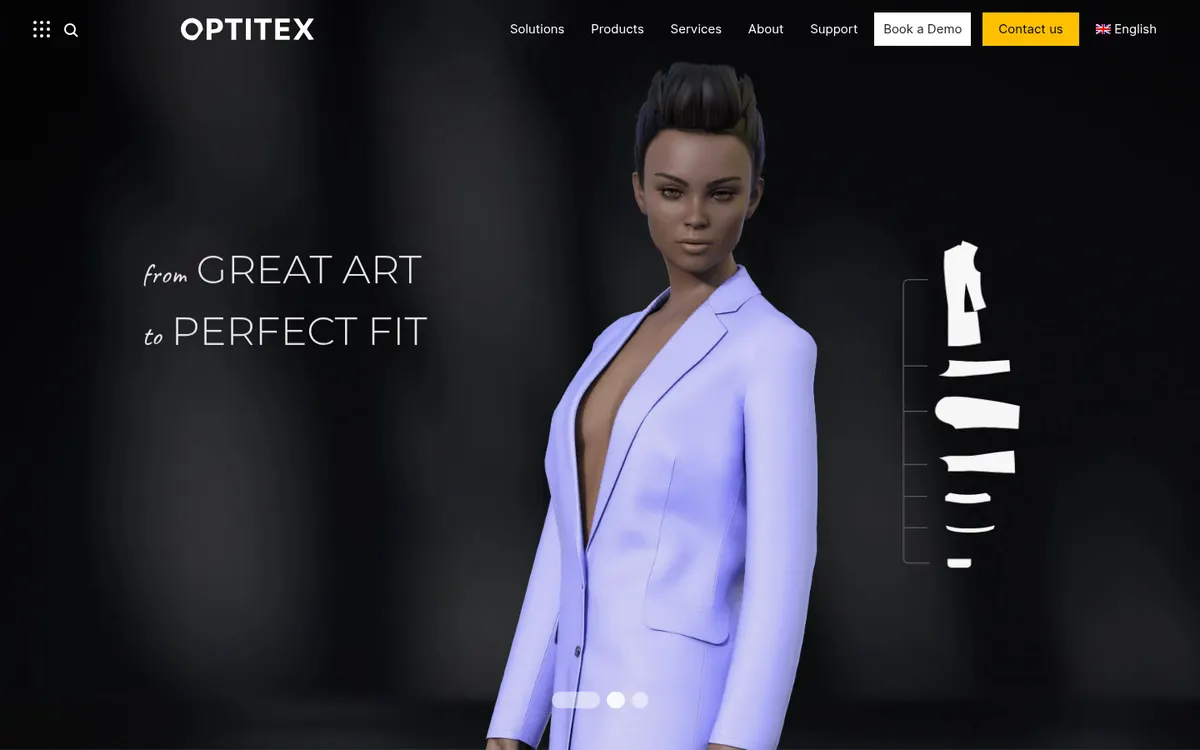
Deep pattern, grading and nesting CAD for manufacturers, with 3D tied to real patterns and quote-based pricing.
Optitex is production pattern CAD with 3D simulation attached to real pattern data. Pattern drafting, grading across size ranges, marker making and fabric nesting are core tools. Its 3D view is built from actual patterns rather than a stand-alone visual model, so a fit change and a pattern change stay connected. Technical design tools and manufacturing workflow support round out the package.
The software has a long history in cutting rooms and focuses on pattern accuracy and fabric efficiency. That makes it a strong fit for manufacturers and production teams. The limits follow the same orientation. Pricing is quote based, the full CAD toolset has a steep learning curve, and the product is less suited to independent designers who need a quick visual or a simple flat. A demo should include a real grade and a marker, not only a 3D view.
No public pricing page exists; the vendor sells through custom quotes. A buyer should ask for modules, user counts, implementation, training and support in the same quote, because a pattern CAD purchase is a workflow purchase. Test how a pattern revision flows into 3D and back, and ask who owns the files when a supplier leaves the project.
Optitex fits factories, technical designers and production pattern makers. It is not the first stop for a beginner designing a clothing line or a label that only needs AI model images and a tech pack template. The product earns its place when fabric savings, grading accuracy and marker efficiency matter more than a fast visual demo.
You need production pattern CAD with grading, marker making and 3D tied to real patterns.
You are an independent designer who needs fast visuals and public pricing.
A production CAD standard for grading and marker making, with enterprise sales and an interface shaped by history.
Gerber AccuMark is a production CAD package for pattern design, grading, marker making and 3D visualization. It is a long-standing name in pattern rooms, and its file compatibility with supply-chain partners is part of the appeal. The software is built around the steps a factory or technical team runs every day: create a pattern, grade it, make a marker and pass the file onward.
The strengths are comprehensive grading and marker making plus broad industry acceptance. The weaknesses are equally practical. Pricing is quote based, the interface reflects a long history, and the buying process is enterprise sales. A new user may find the workflow less modern than a 3D-first tool, but the output is aimed at production rather than presentation. That is the trade a pattern room makes.
Gerber Technology is now part of Lectra, and the gerbertechnology.com domain redirects to lectra.com. AccuMark remains a quote-based production CAD package. No public pricing page exists, so a buyer needs a quote that spells out modules, seats, support and training. Ask how the system handles existing Gerber files and how a new operator is trained, because staff time is part of the real cost.
AccuMark fits established pattern rooms, manufacturers and technical teams that need a recognized CAD standard. It does not fit a solo designer who wants a low-cost subscription or a browser-based pattern generator. The product is best judged on grading throughput, marker efficiency and file exchange, not on how quickly it produces a concept image.
Your pattern room needs a recognized production CAD system for grading, markers and file exchange.
You need a low-cost, modern interface or a self-serve subscription.
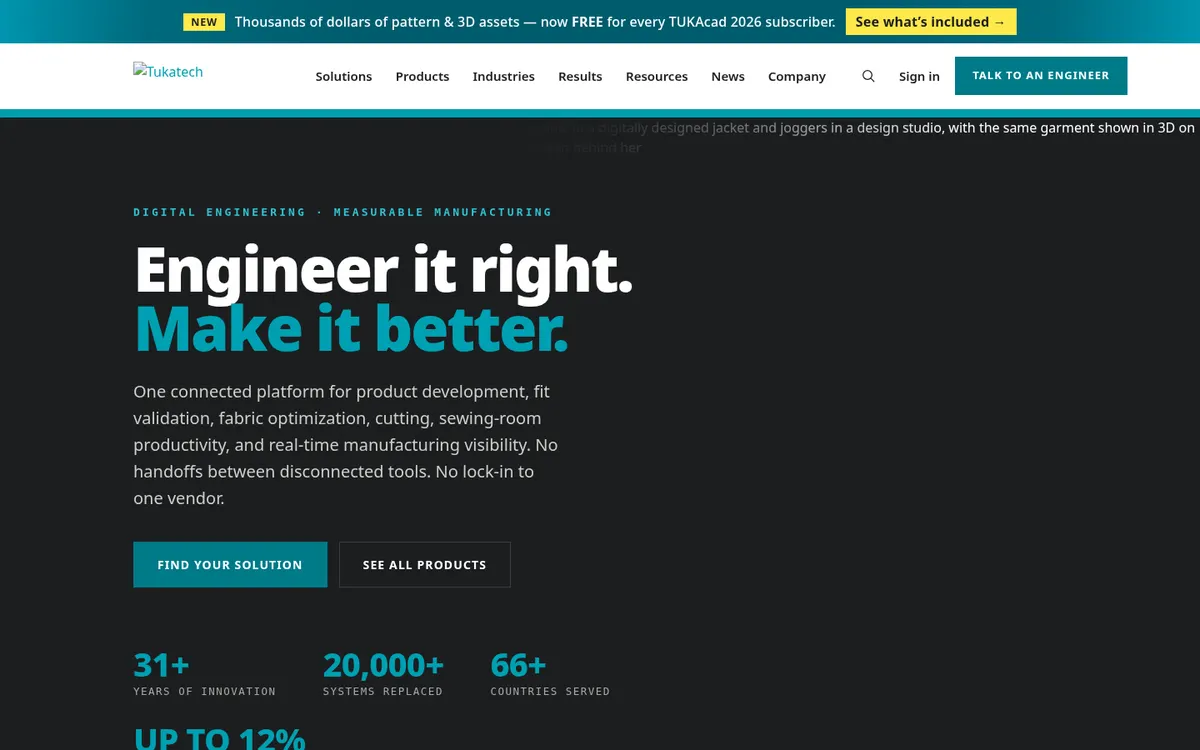
An accessible CAD entry point with training and cutting-room options, though its 3D lags dedicated simulation tools.
Tukatech bundles pattern CAD with training, support and manufacturing equipment. TUKAcad handles pattern making and grading, while TUKA3D adds virtual sampling. The wider ecosystem includes cutting room equipment and workflow digitization, so a growing label can add hardware and services as volume rises. That bundle is the main reason to consider it. TUKAcad has a low-cost subscription entry point for pattern CAD; pricing is on the vendor site. Advanced modules and hardware move into quote-based territory, and the 3D simulation is less developed than CLO 3D or Browzwear. The training and support culture is a real advantage for teams moving from manual patterns to digital files. A buyer should still test the exact modules needed for grading, 3D review and cutting before comparing the total. The pricing page fetch returned no text, so pricing could not be confirmed; check the vendor site. There is no free plan and the trial is demo only. Ask for a walkthrough that uses one of your own patterns, then price the modules you actually need. A low seat price can look different once training days, hardware and support are included. Tukatech fits small and mid-size labels that want CAD plus a path to cutting equipment and training. It is less suitable for a designer who needs high-end cloth simulation or for a factory that already standardizes on Gerber or Optitex. The bundle makes most sense when you plan to digitize more than pattern making.
You want affordable pattern CAD plus training and a path to cutting-room equipment.
You need the most advanced 3D simulation or a self-serve free plan.
The standard graphics layer for fashion flats and tech packs, not a pattern or 3D tool.
Adobe Illustrator is the common tool for fashion flats, technical specification drawings, print and textile graphics, and presentation boards. It is a vector program, not a pattern or 3D tool, so it does not grade sizes or simulate cloth. What it does well is produce clean line art and repeatable artwork that a tech pack, factory or print vendor can read. The template and brush libraries and plugin ecosystem matter in fashion because they shorten repetitive drawing. Illustrator also pairs with Photoshop for fabric fills and presentation work. The limits are subscription only access, no pattern or 3D function, and a short 7-day trial. That trial is enough to test a flat and a tech pack page, but not enough to judge a full season of work. The single-app plan is billed annually; pricing is on the vendor site. The pricing page fetch returned no text, so pricing could not be confirmed; check the vendor site. Illustrator is usually paired with CAD or 3D software because flats and tech packs are communication tools, not production pattern files. A buyer should test file exchange with the pattern maker and factory before standardizing on templates. Illustrator fits fashion designers, technical designers and studios that need industry-standard vector output. It does not fit a buyer who expects one program to design, simulate and grade a garment. The strongest case is a studio that already has CAD or 3D and needs a reliable graphics layer for flats, prints and specification pages.
You need polished fashion flats, technical drawings, prints and presentation boards.
You expect one tool to grade patterns or simulate cloth.
A capable vector suite with a one-time purchase option and a smaller fashion-specific template ecosystem.
CorelDRAW is a vector design suite with illustration, layout, photo editing and typography tools. In fashion it can handle flats, prints and presentation work, and the one-time purchase option is its clearest difference from Adobe Illustrator. The 15-day trial is longer than Illustrator's 7-day trial, which gives a designer more time to test a real flat or print layout. The software is capable for general vector work, but its fashion-specific template and plugin ecosystem is smaller. Illustrator remains the industry standard, so file compatibility and handoff can create friction with partners who expect Adobe files. CorelDRAW is not a pattern or 3D tool, so it should be judged as a graphics layer in a wider workflow. The 2026 suite is available by subscription or as a one-time purchase; pricing is on the vendor site. The pricing page fetch returned no text, so pricing could not be confirmed; check the vendor site. A buyer who values a perpetual license and does not need Adobe ecosystem compatibility may find it attractive. Test a native file exchange with your print vendor and pattern maker before moving a team over. CorelDRAW fits independent designers and small studios doing flats, prints and layout. It is a weaker fit for a team that must exchange native files with Adobe-based partners every day. The one-time license can lower long-run cost, but it does not remove the need for a separate pattern or 3D workflow. Budget for conversion time if partners cannot open Corel files.
You want capable vector design with a one-time purchase option.
Your partners require Adobe-native files or fashion-specific templates.
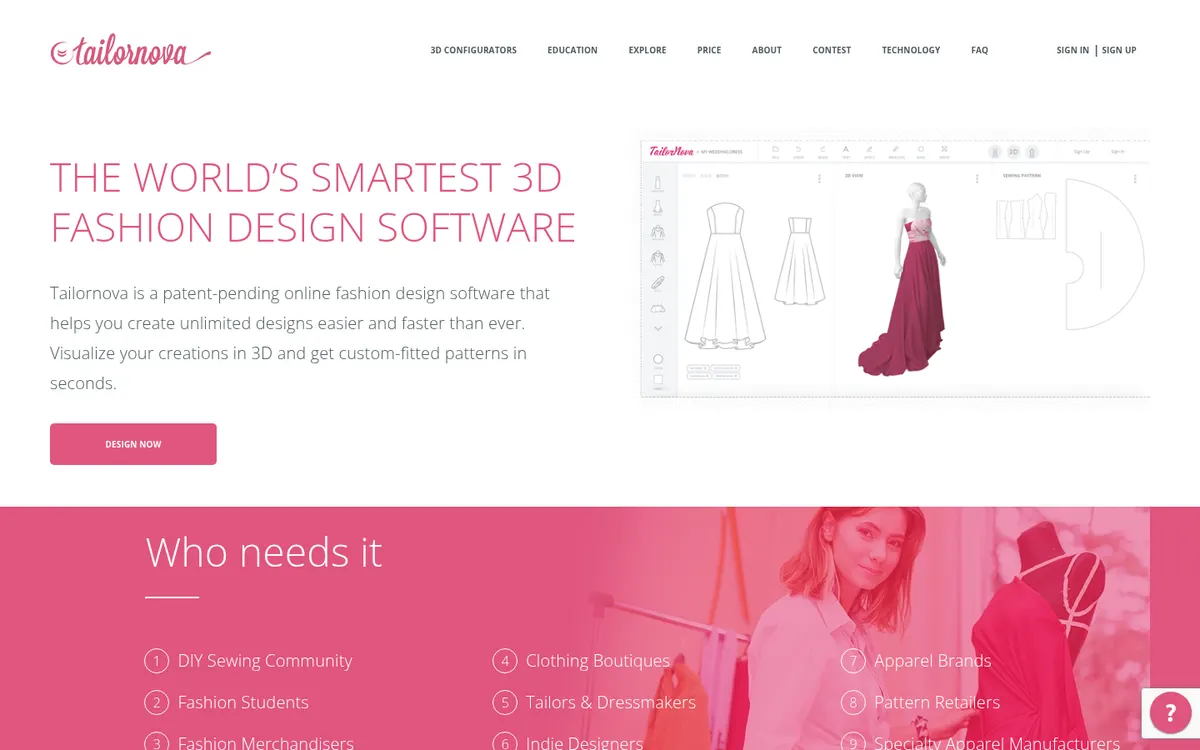
A browser tool for custom-fit pattern generation, best for small runs rather than graded factory production.
Tailornova generates made-to-measure patterns in a browser. You enter body measurements, choose a template, customize the design and preview it in 3D before downloading a cut-and-sew pattern. That workflow suits indie designers, tailors and small made-to-measure labels that need a custom fit without a full CAD installation.
The strength is the measurement-to-pattern loop. It is more direct than drafting by hand for a single client, and the browser access removes hardware setup. The limits are equally clear: it is less suited to graded production runs and is not built for a full size-range production process. A pattern for one body is not the same as a graded pattern for a factory, so the tool should not be bought for that job.
The pricing page lists subscription and pay-as-you-go options, but details change often and should be verified. The pricing page fetch returned no text, so no plan price could be confirmed. There is no free plan and no trial listed. Test one measurement set, one template change and the downloaded pattern before buying, because the value is in the fit of the output, not the range of templates.
Tailornova fits custom-fit and small-run work. It does not fit a brand that needs marker making, grading across sizes or factory-ready production CAD. Use it when the client is a body, not a size range, and keep a production pattern maker involved if the garment will be manufactured at scale.
You need made-to-measure patterns from body measurements in a browser.
You need graded production patterns, marker making or a free trial.
A template-led starter kit for beginners, useful for concepts but not for factory-ready patterns or tech packs.
Digital Fashion Pro is a beginner clothing-line design kit built around templates and training. You choose garment templates, add digital fabric options and follow step-by-step videos to produce concept sketches and presentation images. It is aimed at people who have an idea but do not draw or use CAD. The one-time purchase edition is the main draw. There is no subscription, no drawing skill required and the workflow is deliberately guided. The limits are just as important. Template-based output looks recognizable, it is not a professional production tool, and there is no free plan. It will not create graded patterns, tech packs or factory files. The Basic 2026 edition is a one-time purchase; pricing is on the vendor site. No pricing page text was available, so pricing could not be confirmed; check the vendor site. Output is for concept sketching and early manufacturer conversations, not factory-ready patterns or tech packs. Test whether the template library covers your product category before buying, because a template that does not match your silhouette will not become a technical drawing. Digital Fashion Pro fits a first-time founder testing a line idea or a student learning garment categories. It is a poor fit for a production designer who needs CAD, 3D simulation or technical pack precision. The product is a starting point for communication, not a replacement for a pattern maker or a technical designer. The training videos can shorten the first step, but they do not teach fit, grading or factory construction. If you need to hand a factory a pattern, plan a second tool.
You are a beginner who needs template-led concept sketches without drawing skill.
You need factory-ready patterns, tech packs or professional production files.
Fashion design software is a set of tools that turn a garment idea into something another person can review, sample or produce. The category is broad because the outputs are different. Some tools generate on-model images from a product photo. Some drape a garment on a 3D avatar. Some draft, grade and nest patterns for a factory. Others draw fashion flats, build tech packs or generate made-to-measure patterns for a single client.
The first split is visual versus production. AI fashion tools and 3D visualization tools help a designer see and sell an idea. Pattern CAD tools help a pattern maker create a file that a cutter or factory can use. Vector graphics tools sit between the two: they do not simulate cloth or grade patterns, but they produce the flats, print layouts and specification drawings that move a collection through review. Beginner kits use templates to help a new label create concept sketches without learning CAD.
A useful short list:
Most buyers need more than one kind. A small label may use Illustrator for flats and a made-to-measure tool for samples. A brand may connect 3D design to pattern CAD and a tech pack process. The mistake is assuming one program does everything. Check the output you must hand over, then choose the tool that produces that output and connects to the next step. Pricing follows the same logic: visual tools often bill by credits or seat, CAD tools by quote, and vector tools by subscription or one-time license.
This comparison sits on the Design desk. Readers comparing neighbouring stacks often check our guides to sticker design software and AI tools for sales prospecting next.
Pricing in fashion design software follows the output model, not a single industry rate. Expect credits for AI images, seat subscriptions for 3D design, custom quotes for production CAD, and one-time licenses for some vector or beginner tools. A low entry price can hide module costs, hardware or usage limits, so compare the billing model before the number.
| Model | How it bills | Typical fit | Example from this list |
|---|---|---|---|
| Free credits to paid plan | Free allocation, then credits for images and video | Labels testing AI visuals | The New Black AI, free credits to start |
| Individual subscription | Monthly or annual seat | Freelance designers and small studios | CLO 3D and Marvelous Designer offer individual plans; pricing is on the vendor sites |
| Custom quote | Sales-led annual contract | Mid-size and large brands | Browzwear, Optitex, Gerber AccuMark |
| Low-cost subscription plus modules | Monthly CAD seat, quote for advanced modules | Growing labels and factories | TUKAcad has a low-cost subscription entry point; pricing is on the vendor site |
| Subscription or perpetual | Annual plan or one-time purchase | Vector graphics and beginner kits | Adobe Illustrator, CorelDRAW and Digital Fashion Pro offer subscription or one-time purchase options; pricing is on the vendor sites |
Every price above was checked on the vendor's own pricing page on November 25, 2026. Where a vendor does not publish a figure we write "See website" instead of guessing. To compare annual and monthly billing quickly, try the free percentage calculator.
Beginners should start with tools that remove drawing and CAD barriers. Digital Fashion Pro uses templates, fabric options and training videos for concept sketches. Tailornova fits beginners who want custom-fit patterns from body measurements in a browser. Adobe Illustrator is less forgiving but is the common route for fashion flats if the beginner can invest time in vector drawing. The New Black AI can help with visuals, but it is not a pattern tool.
Small labels do not always need 3D garment software. If the work is custom-fit dresses, simple samples or early concept sketches, Tailornova or Digital Fashion Pro may be enough. 3D earns its place when you need repeatable fit reviews, digital sampling or a shared development file before physical samples. CLO 3D and Marvelous Designer have individual plans, but a small label should test one real style before paying.
Fashion CAD vendors hide prices because they sell configured systems, not a single product. Pattern CAD can include modules, implementation, training, hardware and support, so a public list price would mislead. Browzwear, Optitex and Gerber AccuMark run sales-led processes with custom quotes. Buyers should ask for a written quote that names users, modules, support and export rights, then compare it with subscription tools that publish a seat price.
3D design can reduce physical samples and speed fit review, but it does not replace a pattern maker in most production workflows. A pattern maker resolves fit, grading, construction and factory requirements. CLO 3D exports production pattern data, while Marvelous Designer targets visual output. Use 3D to test ideas and communicate, then keep a pattern professional in the loop for graded production files and maker instructions.
CLO 3D aims at garment production. It drapes on avatars, validates fit and exports production pattern data; pricing is on the vendor site. Marvelous Designer shares simulation lineage but targets digital garments for games, film and visual work, with fewer production pattern tools. Pricing for the Personal plan is on the vendor site. Choose CLO for factory patterns, Marvelous for screen-bound visuals.
Flats and tech packs are usually built in vector software. Adobe Illustrator is the common choice for fashion flats, specification drawings and print graphics; pricing is on the vendor site. CorelDRAW offers vector, layout and photo tools with a one-time purchase option. Neither tool grades patterns or simulates cloth, so most designers pair them with CAD or 3D software.
Browse every comparison on the Design desk, with the same rubric and dated prices.