Ranked #1

Splunk Enterprise Security
SPL hunting depth
See websitecustom quote
- Best for
- Mature SOCs that need deep analytics and threat hunting
- Free plan
- No
- Rubric
- 6.7 / 10
Eight SIEM and security analytics tools that pick up where Exabeam leaves off, ranked for detection depth, cost model and fit with your existing estate.
 Prices checked November 25, 2026
Splunk Enterprise Security leads this list of Exabeam alternatives for November 2026, and it suits mature SOCs that need deep analytics and threat hunting. Microsoft Sentinel is the better value for organizations already running Microsoft 365 and Azure. Elastic Security fits engineering-led teams that want detection rules as code. Exabeam's behavior analytics remain the benchmark the other tools are measured against, so the right replacement depends on whether you need investigation depth, bundled cloud ingestion or a lower cost per gigabyte.
SPL hunting depth
See websitecustom quote

Free Microsoft ingest
See websitePay-as-you-go and commitment tiers, per GB ingested, no figure shown

Rules as code
See websiteHosted and serverless deployment options, no rate shown
Disclosure for this page: All 8 tools here are unpaid editorial picks. The position of a paid listing can be part of what the vendor pays for. How we handle paid listings.
| Tool | Best for | Free plan | Actions | |||
|---|---|---|---|---|---|---|
| 1 | Splunk Enterprise Security | Mature SOCs that need deep analytics and threat hunting | See websitecustom quote | No | ||
| 2 | Microsoft Sentinel | Organizations with Microsoft 365 and Azure estates | See websitePay-as-you-go and commitment tiers, per GB ingested, no figure shown | No | ||
| 3 | Elastic Security | Engineering-led teams wanting open, rules-as-code SIEM | See websiteHosted and serverless deployment options, no rate shown | Yes | ||
| 4 |  CrowdStrike Falcon Next-Gen SIEM | Existing CrowdStrike Falcon endpoint customers | See website | No | ||
| 5 |  Palo Alto Cortex XSIAM | Consolidating SIEM, XDR and SOAR into one platform | See website | No | ||
| 6 |  IBM QRadar SIEM | Regulated on-premises estates with compliance requirements | See website | No | ||
| 7 |  Securonix Unified Defense SIEM | Large enterprises focused on insider threat and behavior analytics | See website | No | ||
| 8 |  Google Security Operations | Hunt-heavy teams needing fast search over long retention | See website | No |
Eight tools made this list because they can plausibly take over the work Exabeam does: collect security data, detect threats, and give analysts somewhere to investigate. Each was scored against the same five criteria, which are weighted to reflect what decides a purchase in practice. Detection depth covers analytical ceiling and content quality, including hunting and rules-as-code. Cost transparency rewards vendors who publish something checkable. Estate fit asks how well the tool matches common deployments, including Microsoft, Google Cloud, Palo Alto and on-premises environments. Operational effort tracks the specialist labor a platform assumes. Investigation speed covers search performance and assisted triage. Prices in this piece were checked against vendor pricing pages on 2026-11-25 where a page showed a figure. Where a page listed no figure, the entry says so and gives no number. Where list data or marketplace listings were the only source, the text names them as reported rather than published. None of the prices were converted between currencies, and none were estimated. Readers should treat every figure as a starting point for a quote at their own volume and retention period. This list carries no Featured placement. Where a Featured entry appears on this site, it is a paid placement, and it is scored with the same rubric as every other tool, with the same honest cons. Position in the list reflects fit for the buyer each entry describes, not a calculated total. Two things are deliberately not scored: brand familiarity and sales promises about roadmaps. Both matter, and both belong in your own diligence rather than in a comparison table. Ask for written roadmap direction and a quote at your real volume before you sign anything.
The full process, including how we handle corrections, is on the methodology page. Paid listings follow our advertising disclosure.
| Criterion | Weight | What we check |
|---|---|---|
| Detection depth | 25% | How high the analytical ceiling goes, including hunting, correlation and detection content quality. |
| Cost transparency | 20% | Whether the vendor publishes a figure a buyer can check before entering a sales process. |
| Estate fit | 20% | How well the tool matches common deployments such as Microsoft, Google Cloud, Palo Alto or on-premises. |
| Operational effort | 20% | The specialist labor and tuning a platform assumes you already have on staff. |
| Investigation speed | 15% | Search performance over retained data and the assistance available during triage. |
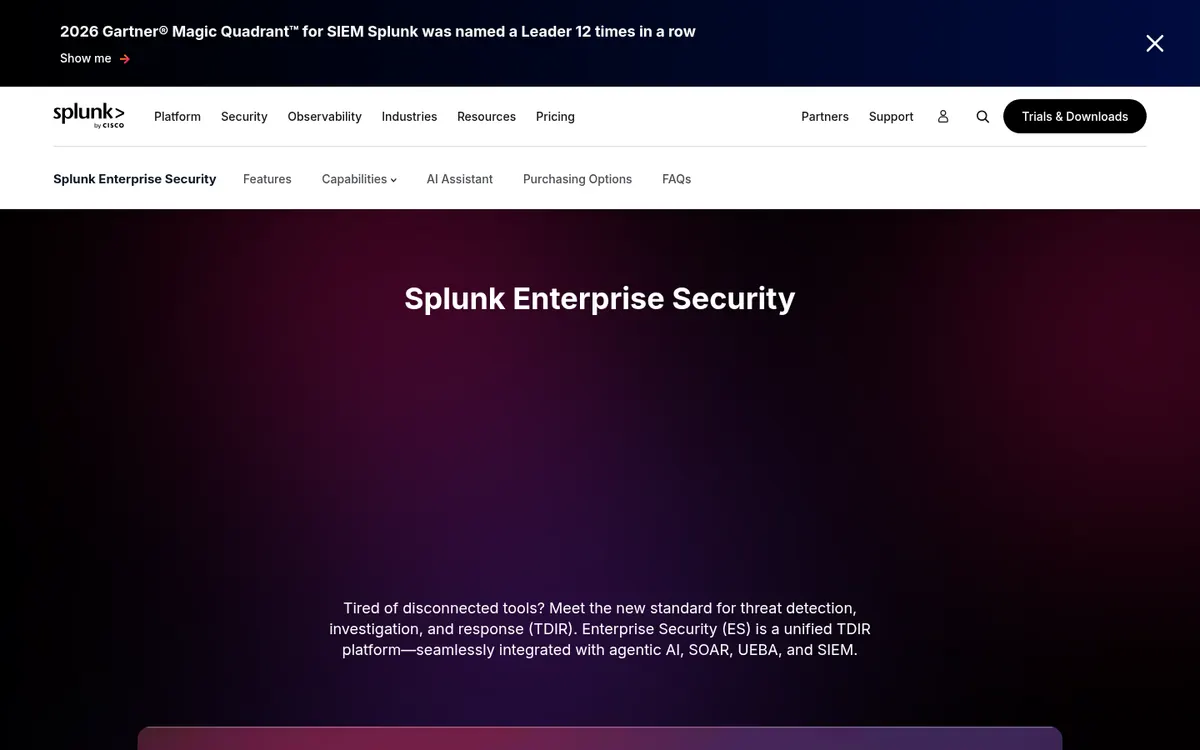
The deepest detection and hunting tool here, priced for large teams that already know Splunk.
Splunk Enterprise Security is the deepest analytics option on this list, and the one most likely to feel familiar to a security operations center that already runs Splunk. Detection logic is written in the Search Processing Language, so investigations and correlations share one query model. Detections can be expressed as code and version controlled, which makes rule changes reviewable the way application code is. Correlation spans many source types, and threat hunting across large data volumes is the core strength rather than an add-on. The app and prebuilt content ecosystem is the second reason teams stay. A large library of third party apps and content packs means many log sources have an existing parser and a starting set of detections. Cloud and self-hosted deployment are both listed options, so the platform can sit where your data has to stay. The trade is skills: tuning and running the platform well takes specialist Splunk staff and continual effort. Pricing is where the case gets harder. Splunk Enterprise Security itself carries no published price and routes to sales for a quote, and the security product is licensed on top of the base platform. List figures cited in late 2026 put the base cloud platform near $80,000 a year at 100 GB a day, and some third party cost models estimate totals well above that depending on data mix and retention. Both lines should be modeled separately before signing. Pick it for a mature SOC with Splunk skills in place and a budget that tolerates quote-only pricing. Skip it if you need predictable per gigabyte costs or cannot staff a dedicated platform owner.
Your SOC already has Splunk skills and needs hunting depth over cost predictability.
You need per gigabyte pricing you can forecast or have no dedicated platform owner.
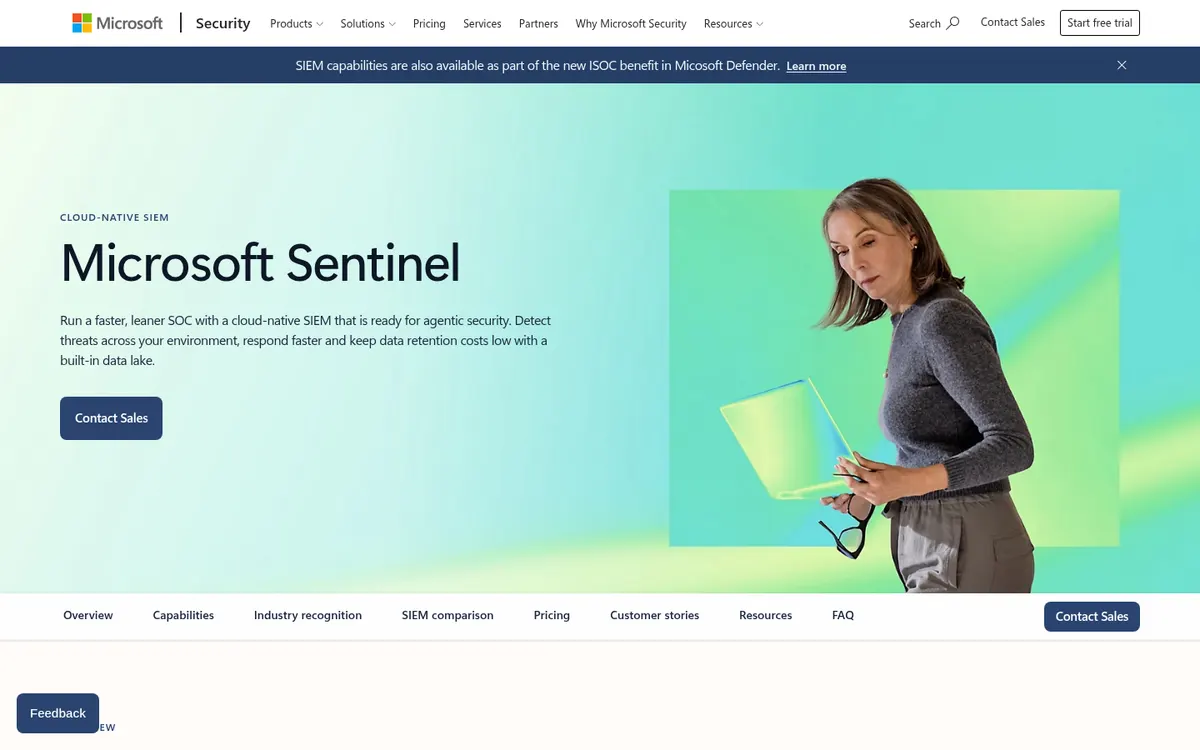
Best value for Microsoft-heavy estates, with free ingestion offsetting some of the per gigabyte bill.
Microsoft Sentinel is the value pick when your logs already live in Microsoft 365 and Azure, because ingestion from those sources carries no charge. Pricing is per gigabyte ingested with pay-as-you-go and commitment tiers, and published per-GB pricing was reported starting at $4.30 in East US, with commitment tiers pulling the effective rate toward $2.05 per GB at high volume. When the pricing page was checked on 2026-11-25 it named the tiers but rendered no per GB figure in the table, so treat those numbers as reported rather than displayed.
The product itself is Azure-native. Analytics rules and incident investigation workflows cover the standard SIEM jobs, the content hub supplies prebuilt detections, and Copilot-assisted triage shortens first-pass review. The free trial lets a team test the workflows before committing. Deployment follows Azure conventions, which is a benefit if your platform team already works there and a tax if it does not.
The weak spot is data mix. Costs climb quickly when most of the volume is third party logs, because the free ingestion applies to Microsoft sources only. Estates with a high share of Microsoft telemetry see markedly lower bills than estates piping in firewall, proxy and appliance logs, and those logs are usually the bulk of a SOC's volume. Advanced tuning also leans on Microsoft expertise. Model the bill against your actual log sources before the first terabyte, not after it.
Pick it for an organization standardized on Microsoft 365 and Azure that wants a modern SIEM with published per GB pricing. Skip it if third party log volume dominates or you need a vendor-neutral platform.
Most of your telemetry already comes from Microsoft 365 and Azure.
Third party firewall, proxy and appliance logs make up the bulk of your volume.
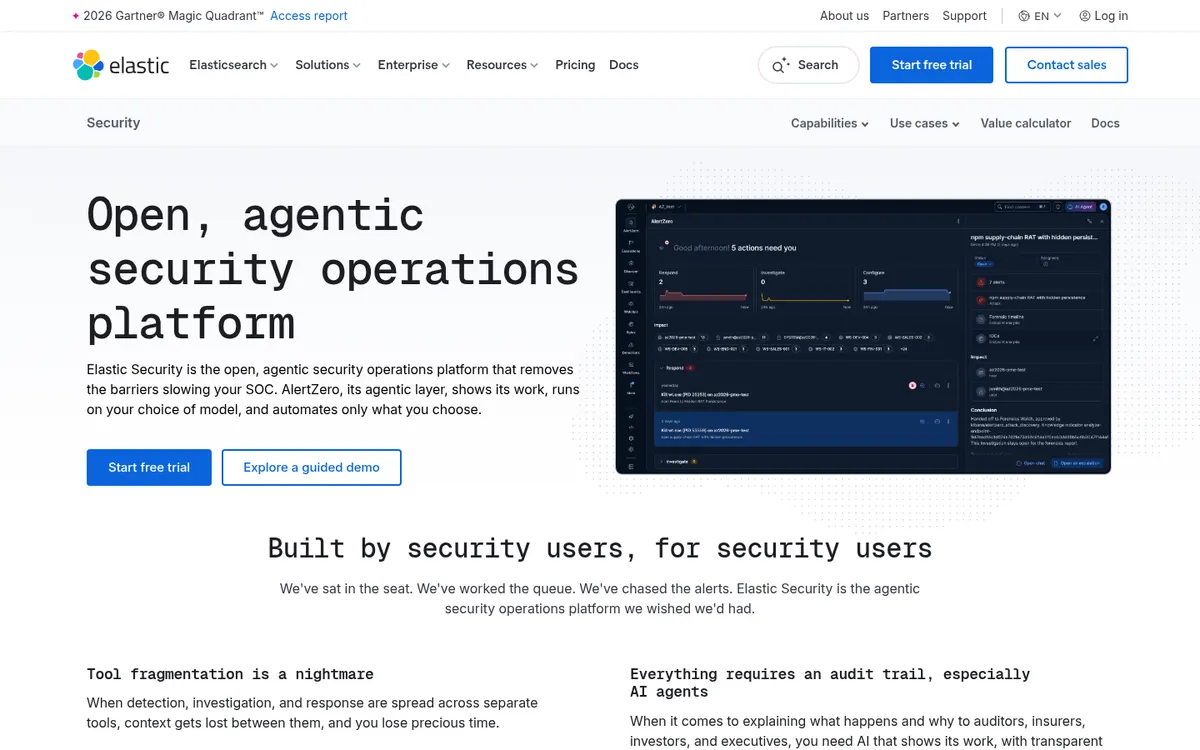
Open, rules-as-code SIEM with a free tier and low metered costs, if you bring engineering time.
Elastic Security treats detection content as code. Rules are written in YAML and version controlled, and many of them are shared publicly on GitHub, so a team can fork, review and test a rule set the same way it handles application configuration. Kibana provides the visualization and dashboard layer, and the Elastic Common Schema normalizes fields across sources so a detection written once works across similar log types. Managed cloud deployment and serverless ingest and retention options are both on offer.
Cost is structured in two parts. Managed cloud starts from roughly $95 a month on a resource-based model, and the serverless path meters ingest from about $0.09 per GB and retention from about $0.017 per GB-month. There is a free tier as well as a free trial, which makes it practical to run a proof of concept without a purchase order. The pricing page was checked on 2026-11-25 and compares hosted against serverless without listing actual figures, so the numbers above are the reported starting points rather than a current quote.
The honest limitation is alert quality out of the box. Detections trail rivals until someone tunes them, and that tuning is engineering work rather than a support ticket. Teams without in-house Elastic skills spend more time on platform upkeep, index management and cluster health than they expect. Budget for that work in headcount, not license line items.
Pick it for an engineering-led team that wants open, reviewable detection content and is comfortable owning the platform. Skip it if you want strong default detections on day one or have no one to maintain the stack.
Your team wants detection content it can review, fork and test like code.
Nobody on staff can own cluster health and index management.
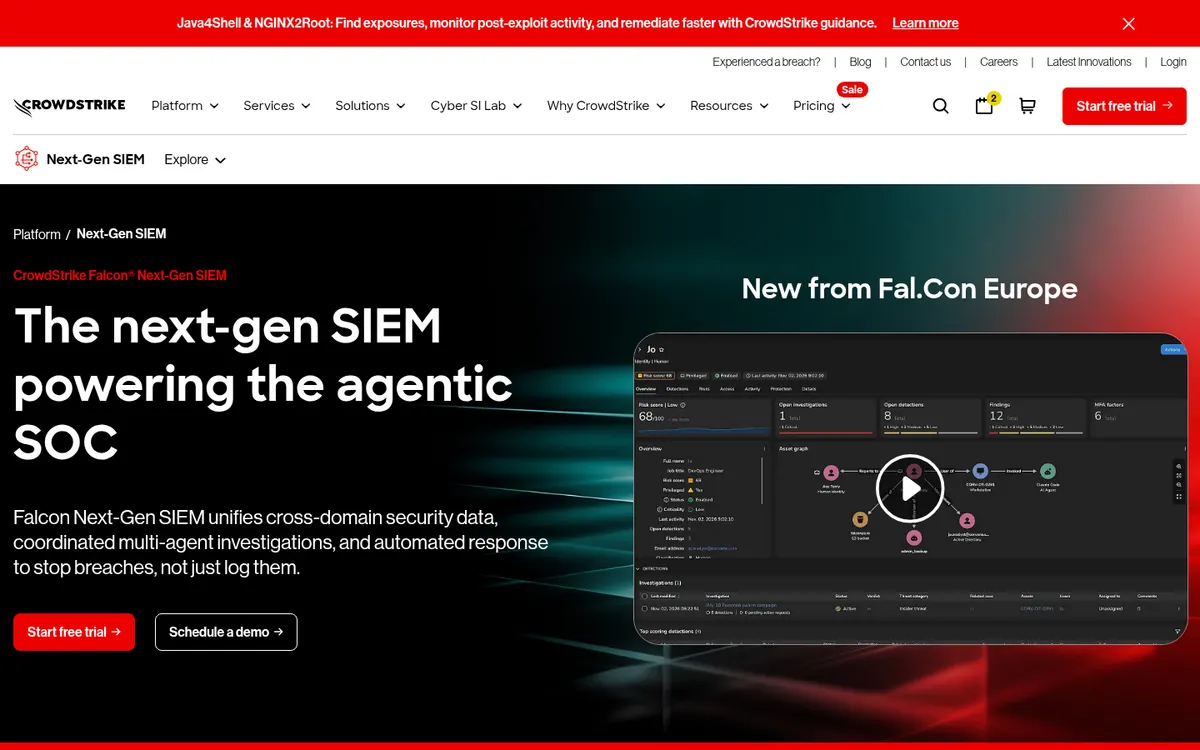
One console for Falcon endpoint data and SIEM, with the best economics inside CrowdStrike estates.
CrowdStrike Falcon Next-Gen SIEM puts endpoint telemetry and SIEM work in one console. If your endpoints already run Falcon, that is the whole argument: Falcon data is included with no extra ingestion charge, and Falcon Insight XDR customers get a daily free allowance of 10 GB, which covers a lot of small and mid-sized estates without a separate SIEM bill. Retention runs to 13 months inside the platform. Third party sources still need onboarding, parsers and normalization, so the data engineering work does not vanish. On the detection side you get the endpoint sensor's telemetry alongside correlated third party logs, Charlotte AI assistance for triage and investigation, and one place for analysts to work. That consolidation removes a handoff between tools and typically shortens the path from alert to endpoint action. The limits are structural. Third party log ingestion is priced per GB and accumulates outside a Falcon estate. A marketplace listing for pay-as-you-go third party ingestion was reported near $5.95 per GB with 13-month retention bundled, but no official pricing page could be fetched when checked on 2026-11-25, so that figure stands unconfirmed and some tiers are quote-only. Ask for a written quote that separates Falcon data from third party volume. Endpoint-led design also delivers less value to shops that do not run Falcon, because the free data advantage disappears. Pick it if CrowdStrike already protects your endpoints and you want SIEM work in the same console. Skip it if your endpoints come from other vendors or third party log volume dominates.
CrowdStrike already runs on your endpoints and analysts want one console.
Your endpoint fleet comes from other vendors.
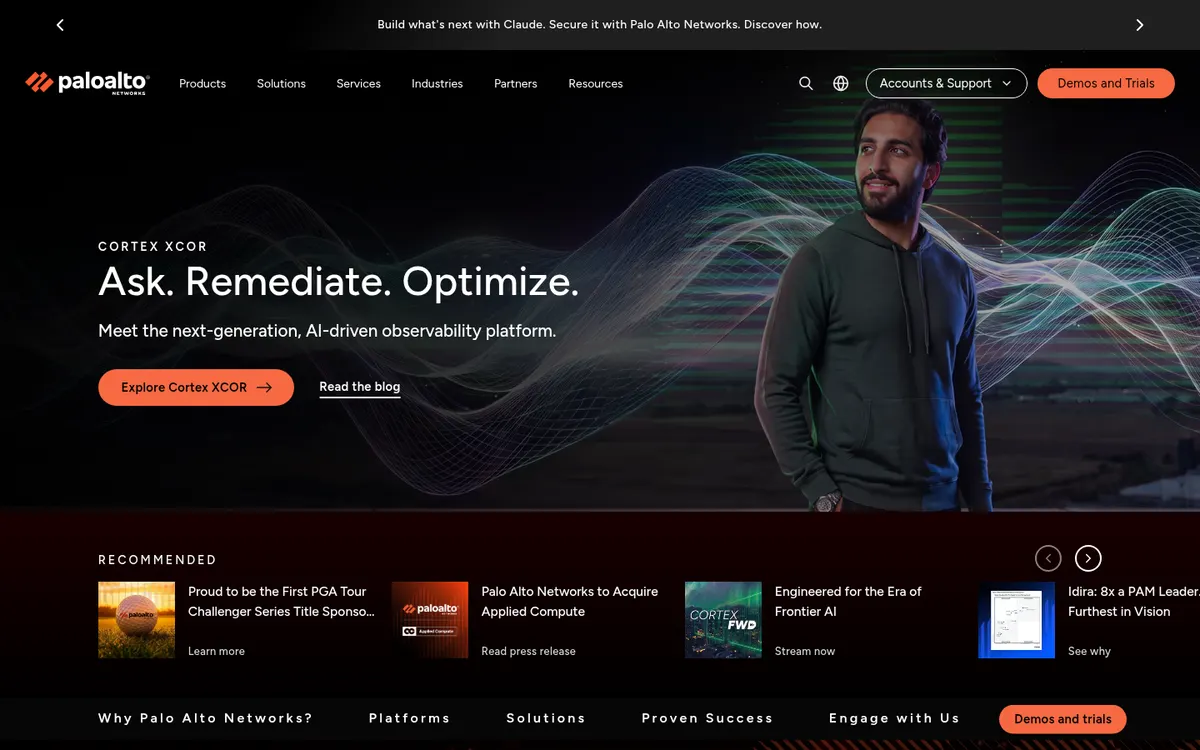
A genuine three-in-one consolidation play, strongest where Palo Alto firewalls and endpoints already sit in depth.
Palo Alto Cortex XSIAM sells consolidation. Instead of stitching a SIEM, an XDR and a SOAR platform together, you buy one system that performs all three jobs, with automation-first triage built into the workflow. That pitch lands hardest in organizations that are already standardized on Palo Alto firewalls and endpoint products, where network and endpoint context arrives in the investigation view without custom integration work. The product also carries detection and response orchestration, so response actions are configured in the same place detections are tuned. The automation story matters more than the label. Automation handles repetitive triage and response steps so analysts spend time on the cases that need judgment. Because detection and response orchestration live in the same product, an automated response can act on the same data the detections see, which is harder to arrange across three separate tools with three separate data stores. That shortens the loop between a detection firing and an automated response taking effect. The costs are the migration, not just the license. Replacing three platforms means retraining analysts, rebuilding detection content and reworking runbooks, and that work happens while the old stack is still running. Consolidation value is also lower outside Palo Alto environments, where the native context does less for you. No pricing is published, so every number comes from a sales conversation. Ask for a migration plan with named owners and a date when the old SIEM is switched off, because consolidation projects stall when both stacks stay live. Pick it if you are consolidating SIEM, XDR and SOAR and run a substantial Palo Alto estate. Skip it if you need published pricing, or if your tooling is already consolidated.
You want to collapse SIEM, XDR and SOAR into one platform on a Palo Alto estate.
You need published pricing or your migration budget is already committed.
Compliance-first SIEM for on-premises estates, with offense correlation that suits audit work and a roadmap worth checking.
IBM QRadar SIEM organizes work around offenses: correlated groups of related events that an analyst investigates as a unit rather than as a stream of individual alerts. For compliance-driven shops, that model maps neatly to case management and audit trails, and it is the reason many regulated teams have stayed on the platform for years.
Deployment is the other differentiator. QRadar runs on premises, which matters where data residency rules or air-gapped networks rule out a cloud SIEM. Support for data residency and air-gapped environments is usually the deciding factor in that comparison. Licensing is built on events per second and flows, a unit that maps to how regulated buyers already budget capacity, and AI assistance has been added to analyst workflows.
Price is quoted rather than published. List data cited in late 2026 showed $12,074.40 a year per 500 EPS unit, which gives a rough shape to a budget but is not a quote. Buyers should also confirm product direction and roadmap directly with IBM, because the QRadar business has been through changes and nobody wants to standardize on a platform whose future is unclear. Ask IBM in writing how the platform you are buying today will be supported in three years.
Operating QRadar well takes specialist skills, and skilled QRadar administrators are a narrower pool than general security analysts. That is a hiring and retention problem as much as a technical one.
Pick it for a regulated on-premises estate with residency or air-gap requirements and existing QRadar skills. Skip it if you want published pricing, cloud-first operations or a clear long-term roadmap before you commit.
Residency rules or air-gapped networks rule out a cloud SIEM.
You need a settled roadmap and published pricing before committing.
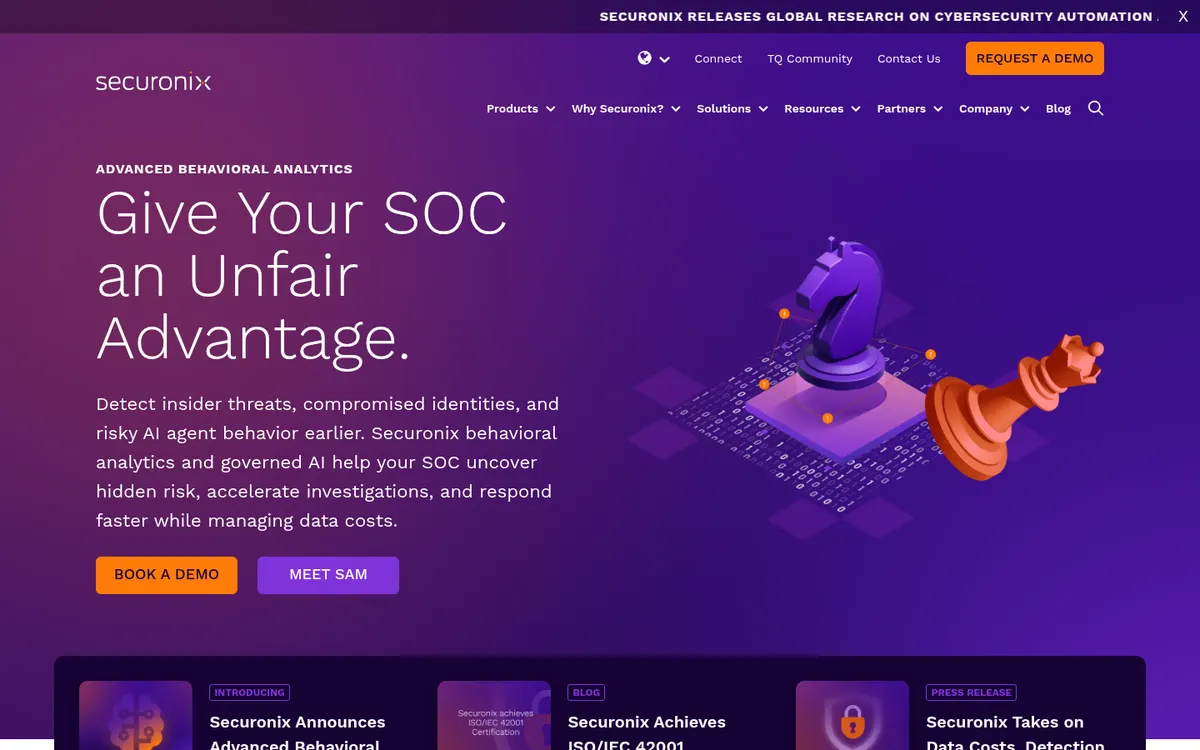
The most direct behavior-analytics replacement for Exabeam, with identity and insider threat at the center.
Securonix Unified Defense SIEM is the closest behavior-analytics substitute for Exabeam on this list. Threat-chain analytics correlate events into a sequence that shows how an attack progressed, rather than leaving an analyst to assemble the story from separate alerts. Identity-based detection looks for compromised accounts through behavior, and insider threat surfacing is treated as a first class use case rather than a bolt-on module.
Architecture is unusually flexible for this category. You can run the product hosted, or bring your own Snowflake or AWS account and keep the data in an environment you already govern. Hosted deployment removes the infrastructure work, while the bring-your-own option keeps control of cost and residency. Licensing is consumption-based, which aligns cost with volume but demands volume forecasting before signature.
That forecasting is the main commercial risk. Consumption pricing is quote-only, with no published pricing sheet to check a vendor proposal against, and enterprise-oriented deployments are heavy for smaller teams to absorb. The analytics are powerful but the product assumes a certain scale of staff and data. Model 12 months of expected volume before you sign, and get the unit definition in writing.
Where it wins is insider risk and account compromise. If Exabeam's behavior analytics were the reason you bought Exabeam, Securonix is the most direct replacement, and the data backend choice is a real architectural difference. Behavior-led detection here is closest to UEBA-style analytics among the alternatives listed.
Pick it if insider threat and identity behavior analytics are the core requirement and you can forecast consumption. Skip it if you want published pricing or run a small team without dedicated analytics staff.
Insider threat and identity behavior were the reasons you bought Exabeam.
You cannot forecast consumption or staff dedicated analytics work.
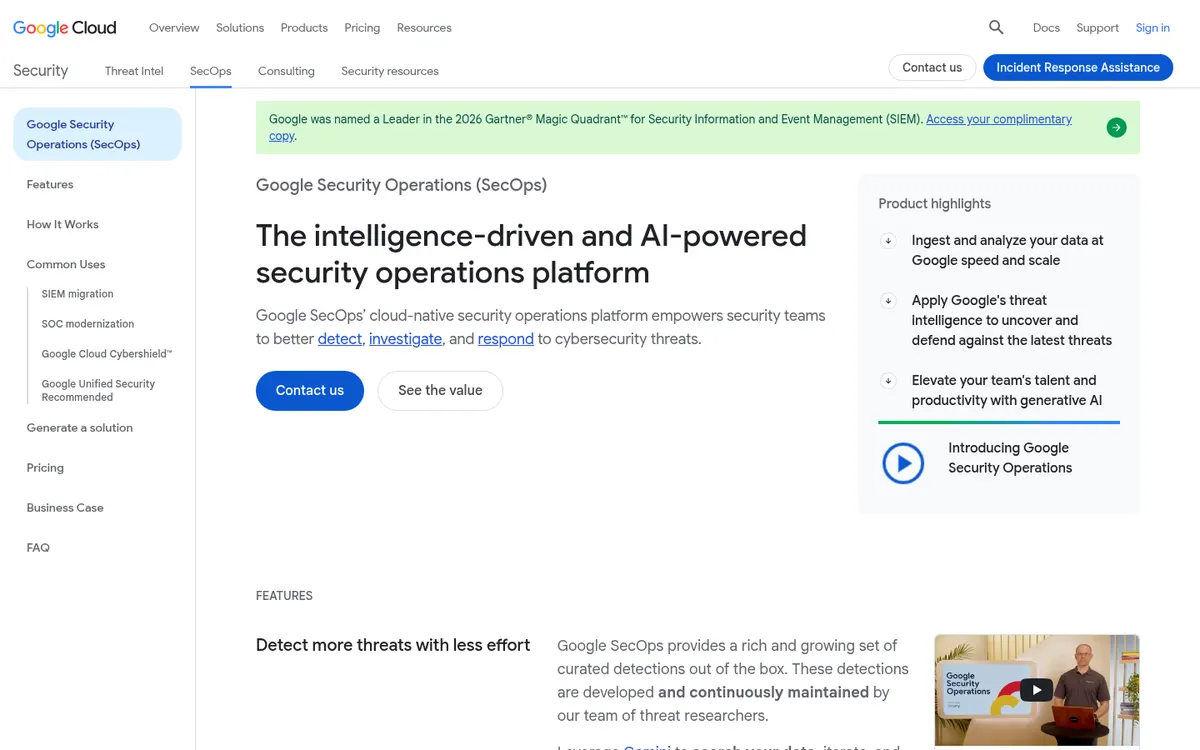
Fastest search over long retention on this list, priced by ingestion through sales quotes only.
Google Security Operations (formerly Chronicle) is built around search speed over long retention. The pitch is simple: keep a year of security data and still query it quickly, so an analyst hunting a slow, low-volume intrusion is not blocked by the retention window or by a short hot tier. Retention length is only useful if queries against old data return in seconds. For organizations with a high log-to-employee ratio, that changes what investigations are practical. Gemini-generated investigation summaries shorten write-ups, which matters because documentation is where a lot of analyst time disappears. Long retention also carries compliance reporting weight, since year old evidence stays queryable. Ingestion-based packages price the platform by data volume, and native Google Cloud integration means Google Cloud logs and identities arrive with less plumbing. The friction is commercial. No pricing is published, so every figure comes from sales, and costs are hard to predict without volume modeling. List data cited in late 2026 placed costs near $1.95 to $4.60 per GB a year. Those are useful anchors, not quotes, and the rate you get depends on the package and term you agree. Ask what happens when your volume doubles, and get the package definition in writing. Platform fit matters too. The design leans on Google Cloud, so the value is highest where the estate is there, and lower for organizations running primarily on another cloud or on premises. Pick it for a hunt-heavy team that needs fast search over a year of retention and can model ingestion costs. Skip it if you need published pricing or your estate is not centered on Google Cloud.
Hunting over long retention is the job your analysts do most.
You need a published figure before you can open a budget line.
A SIEM collects logs and security events from across an estate, normalizes them into a common shape, correlates them into something an analyst can act on, and keeps the result for investigation and compliance. The category has been around long enough that the label covers a wide range of products, from a search platform with detection content bolted on to a tightly packaged service that owns ingest, detection, case management and response in one console.
Exabeam's angle within that market is behavior. Traditional SIEM detection asks whether an event matches a rule. Behavior analytics, often sold as UEBA (user and entity behavior analytics), asks whether an entity is acting unlike itself: a service account logging in from a new country, a finance user pulling files at 3am, a laptop sweeping shares it never touched. The signal is a deviation from a learned baseline, and the output is usually a risk score attached to a user or asset rather than a single alert. Several tools here carry some of that:
Modern SIEM buying also overlaps with XDR. Endpoint detection and response tools hold rich telemetry and are expanding into SIEM work, while SIEM platforms are adding response actions. Most operators still run both, because the endpoint tool sees the host and the SIEM sees everything else.
What changed by 2026 is the billing. Per gigabyte ingest, commitment tiers and consumption models have replaced the flat appliance license for most cloud products, which moves the buying decision from feature comparison to volume forecasting. The tools in this list differ less on what they detect than on how they charge for it and how much specialist labor they assume you have.
This comparison sits on the Software desk. Readers comparing neighbouring stacks often check our guides to demand forecasting software and glp 1 companies next.
SIEM pricing in 2026 comes down to what the vendor meters. Four models dominate this list: per gigabyte ingested, events per second, resource based hosting, and a platform license with a security module on top. Every one of them punishes a different kind of estate, so the first job is knowing your daily volume and how much of it comes from sources the vendor treats as free.
| Model | How it bills | Typical fit | Example from this list |
|---|---|---|---|
| Per GB ingested | Each gigabyte of normalized log data is charged, sometimes with commitment tiers that lower the rate at volume | Cloud estates with predictable volume and a mix of sources | Microsoft Sentinel listed $4.30 per GB in East US, toward $2.05 per GB on commitment tiers |
| Events per second | Capacity is bought as a sustained EPS figure plus flows | Regulated on-premises estates that budget capacity in advance | IBM QRadar list data showed $12,074.40 a year per 500 EPS unit |
| Resource based plus metered | A hosting fee covers the platform, with ingest and retention metered separately | Teams that want open tooling and will manage the stack | Elastic Security managed cloud from roughly $95 a month, serverless ingest about $0.09 per GB |
| Platform plus module | The base data platform is licensed, and the security product is added on top | Large SOCs with existing platform skills | Splunk Enterprise Security carries no published price and sits on top of the base platform |
| Consumption subscription | A committed consumption spend covers analytics and data | Enterprises with variable volume and a long term | Securonix quotes consumption pricing through sales |
Two things follow. First, the cheapest headline rate is rarely the cheapest total, because free ingest from one cloud provider or bundled endpoint data can outweigh a lower per GB number. Second, retention is a separate lever: Google Security Operations sells long retention as the point of the product, while Elastic meters it by GB-month.
Ask every vendor for a written quote at your actual daily volume, your real source mix and a retention period you can defend. Anything less is a guess dressed as a budget.
Every price above was checked on the vendor's own pricing page on November 25, 2026. Where a vendor does not publish a figure we write "See website" instead of guessing. To compare annual and monthly billing quickly, try the free percentage calculator.
Exabeam sells SIEM with behavior analytics built in, and the behavior layer is the part most buyers come for. Its New-Scale platform combines log collection, correlation and user and entity analytics, so risk scoring on identities and assets sits in the same product as detection. The practical effect is that detections do not depend only on matching rules; they also flag entities that deviate from learned baselines. That focus is what the alternatives here are measured against.
There is no published per gigabyte figure we can quote for New-Scale Fusion, so a 50 GB a day estimate has to come from Exabeam or a partner. Use the published anchors on this list as a sanity check: Microsoft Sentinel listed $4.30 per GB in East US, Elastic meters serverless ingest from about $0.09 per GB, and Google Security Operations list data sat between $1.95 and $4.60 per GB a year. Run the same 50 GB a day volume through those rates before you accept a quote.
Microsoft Sentinel is, on the evidence in this list. Ingestion from Microsoft 365 and Azure sources carries no charge, and published per-GB pricing was reported starting at $4.30 in East US, falling toward $2.05 per GB on commitment tiers. An estate where most volume comes from Microsoft sources can therefore run far cheaper than the same volume of firewall and proxy logs, which are billed per gigabyte.
Splunk goes deeper and costs more. Its Search Processing Language, detections as code and app ecosystem give skilled teams an analytical ceiling that is hard to match, and the price reflects it: the base cloud platform was reported near $80,000 a year at 100 GB a day before Enterprise Security is added. Sentinel trades some of that depth for published per-GB pricing and free Microsoft ingestion.
UEBA means user and entity behavior analytics: detection based on how an account or device deviates from its own baseline rather than on a fixed rule. Securonix leads on that style here, with identity-based detection and insider threat surfacing. Splunk can reach similar outcomes through correlation and search, but an analyst has to build more of it. Exabeam itself is the benchmark the category is usually judged against.
Most teams run both, and the reason is coverage. XDR sees endpoint telemetry in depth, while a SIEM correlates identity, network, cloud and application logs that never reach an endpoint sensor. The two categories are converging: CrowdStrike Falcon Next-Gen SIEM and Palo Alto Cortex XSIAM both put detection and response for multiple sources in one console. Even so, replacing a SIEM usually means migrating detection content, not just changing tools.
Browse every comparison on the Software desk, with the same rubric and dated prices.