Ranked #1
QuickBooks Online
Field app sync
$38Simple Start, 1 user, per month, promo $11.40 per month for first 3 months
- Best for
- general-purpose accounting default for most handyman shops
- Free plan
- Yes, QuickBooks Free at $0/mo
- Rubric
- 8.4 / 10
We ranked eight tools on job costing, accounting depth, pricing clarity, mobile use, and integrations, then matched each one to a typical handyman operation and crew size.
 Prices checked November 25, 2026
The best accounting software for handyman business owners in November 2026 is QuickBooks Online for most shops, FreshBooks for hourly billing and estimates, and Wave for solo operators who want free bookkeeping. QuickBooks Online starts at $38 per month on Simple Start for one user and connects to Jobber and Housecall Pro. FreshBooks starts at $23 per month on Lite with five billable clients. Wave's Starter plan is free with unlimited invoicing. Prices were checked on November 26, 2026.
Field app sync
$38Simple Start, 1 user, per month, promo $11.40 per month for first 3 months

Hourly billing
$23Lite, per month, 5 billable clients, promo $2.30 per month for 4 months

Free bookkeeping
FreeStarter, free, unlimited invoices and bookkeeping records
Disclosure for this page: All 8 tools here are unpaid editorial picks. The position of a paid listing can be part of what the vendor pays for. How we handle paid listings.
| Tool | Best for | Free plan | Actions | |||
|---|---|---|---|---|---|---|
| 1 | QuickBooks Online | general-purpose accounting default for most handyman shops | $38Simple Start, 1 user, per month, promo $11.40 per month for first 3 months | Yes | ||
| 2 | FreshBooks | hourly billing, estimates, and invoicing | $23Lite, per month, 5 billable clients, promo $2.30 per month for 4 months | No | ||
| 3 | Wave | free bookkeeping for solo operators | FreeStarter, free, unlimited invoices and bookkeeping records | Yes | ||
| 4 |  Zoho Books | low-cost full accounting with per-organization pricing | $10Standard, per org per month, billed annually, 3 users | Yes | ||
| 5 |  Xero | accountant-friendly alternative with unlimited users | $7Lite, per month after intro rate, 5 invoices and quotes | No | ||
| 6 |  Sage | growing businesses planning to scale | See website | No | ||
| 7 |  Jobber | quotes to invoices in the field | See website | No | ||
| 8 |  Housecall Pro | dispatch plus accounting sync | See websitecustom quote | No |
Every tool here was scored on the same five criteria: fit for handyman work (25 percent), core accounting depth (22 percent), pricing clarity (18 percent), mobile and field use (20 percent), and integrations and sync (15 percent). Fit asks whether the product matches how a handyman actually bills, with quotes, hourly work, materials, and job costing. Depth asks whether it can carry a real general ledger, sales tax, and payroll. Pricing clarity looks at whether a buyer can find a number and predict next year's bill. Mobile and field use covers invoicing and receipt capture from a driveway. Integrations covers sync with field-service apps such as Jobber and Housecall Pro. Prices, plan names, free tiers, and trial lengths come from vendor pricing pages and were checked on 2026-11-26. Where a vendor did not publish a number we could confirm, the entry says pricing is on the vendor site rather than quoting a figure we could not verify. Promo rates are noted as promos, not as standard prices. The order is editorial. It reflects fit for the buyer each entry describes, not a weighted total, and the scores are shown so you can disagree with the weighting and re-sort for your own shop. If this page carries a Featured listing, that placement is paid. The tool is scored on the same rubric as every other entry, and its cons are listed alongside everyone else's.
The full process, including how we handle corrections, is on the methodology page. Paid listings follow our advertising disclosure.
| Criterion | Weight | What we check |
|---|---|---|
| Fit for handyman work | 25% | How closely the product matches quoting, hourly billing, materials, and job costing in a handyman operation. |
| Core accounting depth | 22% | Whether it carries a real general ledger, bank reconciliation, sales tax, payroll, and reports a bookkeeper can file from. |
| Pricing clarity | 18% | Whether a buyer can find a published price and predict the bill twelve months out without a sales call. |
| Mobile and field use | 20% | Invoicing, estimates, and receipt capture from a phone on a job site rather than from a desk. |
| Integrations and sync | 15% | Two-way sync with field-service apps and payment tools, so the same job is never entered twice. |
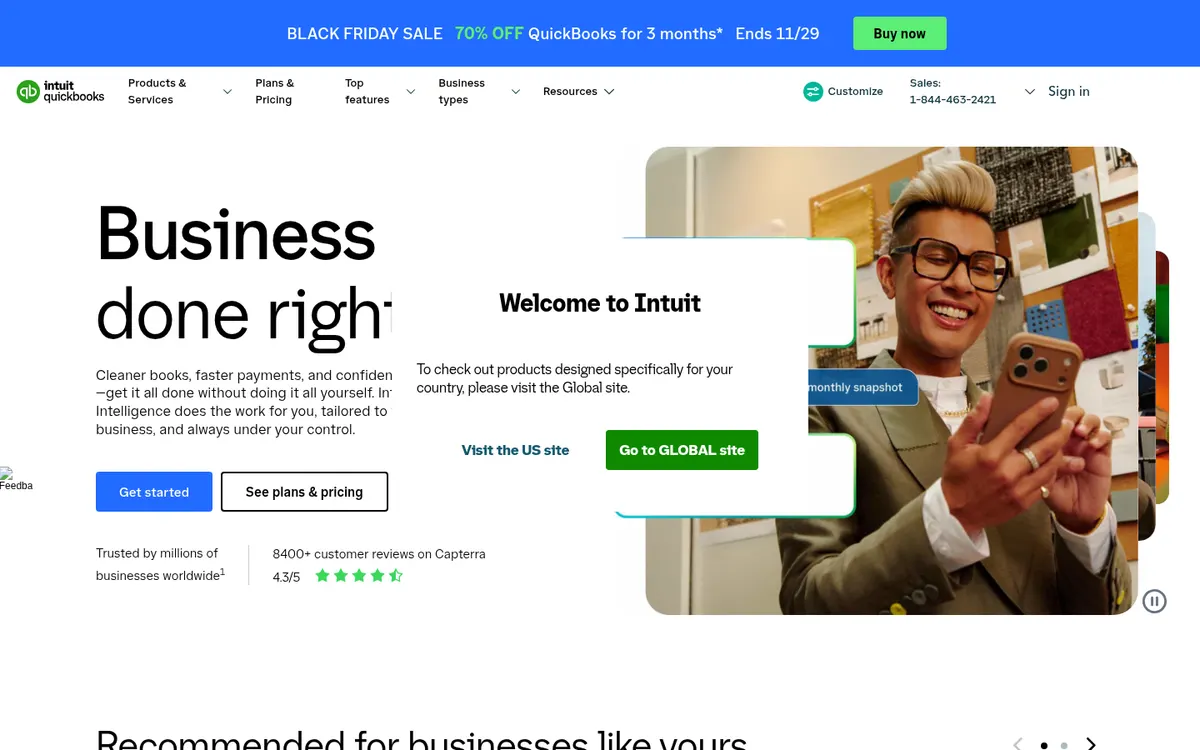
The safest default for a handyman shop that wants one ledger, familiar to accountants, with mature Jobber and Housecall Pro sync.
QuickBooks Online is the general-purpose accounting default for most handyman shops, and for good reason: it covers invoicing, expense tracking, receipt capture, mileage tracking, sales tax, and the tax reports an accountant will ask for at year end. The integrations matter more than the feature list. Jobber and Housecall Pro can post invoices and payments into the ledger, so a job quoted in the field lands in the books without a second entry. Pricing starts at $38 per month on Simple Start, which allows one user, and the vendor currently shows a promo of $11.40 per month for the first three months. There is also a free QuickBooks tier at $0 per month and a 30-day free trial, so a solo operator can test the workflow before paying. Simple Start is the catch for a growing crew: extra team members, payroll, and time tracking push the account to higher tiers or paid add-ons, and the bill climbs faster than the headline price suggests. The interface is heavier than a one-person shop needs, and someone who sends a handful of invoices a month may find FreshBooks or Wave quicker to learn. Where QuickBooks earns its place is at the point where the books have to satisfy a bookkeeper, a lender, or the IRS: broad accountant familiarity, mature field-service integrations, and room to add payroll and seats as the business hires.
You want one ledger your accountant already knows and you plan to add crew, payroll, or a field app.
You are a solo operator who only needs simple invoices and wants the lowest possible monthly cost.
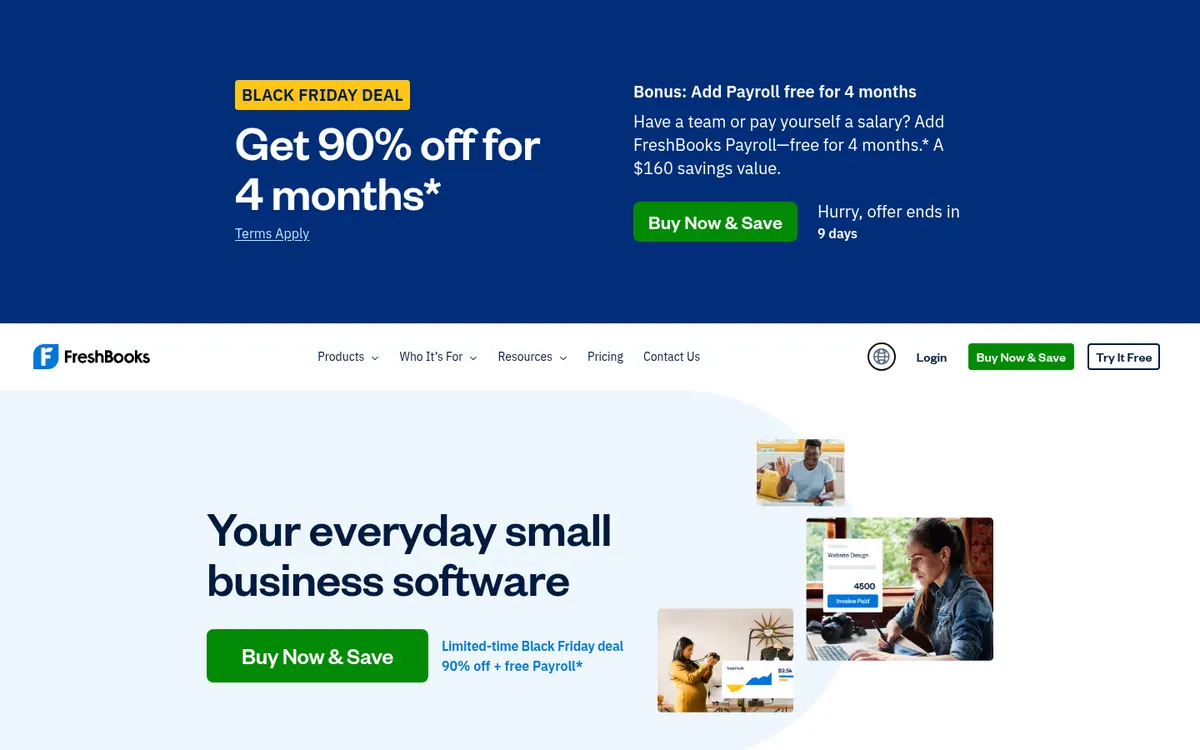
Best when handyman work bills by the hour: fast estimates, time tracking tied to invoices, and a 30-day trial with no card.
FreshBooks is built around the way a handyman actually bills: you write an estimate, the client approves it, you track hours against the job, and the estimate becomes an invoice. Time tracking links directly to billing, so hourly work does not get lost, and the platform accepts online card, ACH, and buy-now-pay-later payments. Lite includes unlimited invoicing, expense tracking, and proposals.
Pricing starts at $23 per month on Lite, which allows five billable clients, and the vendor currently shows a promo of $2.30 per month for four months. That five-client cap is the real limit. A handyman billing six or more clients in a month needs Plus at $43 per month, which raises the cap to 50 clients and adds the pieces a bookkeeper expects: a general ledger, a balance sheet, and bank reconciliation. The 30-day trial does not require a credit card.
The trade-offs are honest ones. There is no inventory management, so a shop that stocks and bills parts should look elsewhere. Reporting is shallower than full accounting suites, which matters if you want job-level profit analysis rather than a clean invoice trail.
FreshBooks fits the operator who quotes by the hour, sends estimates weekly, and wants the paperwork to take minutes on a phone. It fits less well as a long-term ledger for a crew with payroll, inventory, and lenders asking for detailed statements.
You quote by the hour and want estimates, time tracking, and invoices in one place.
You bill more than a handful of clients monthly or need deep job costing and inventory.
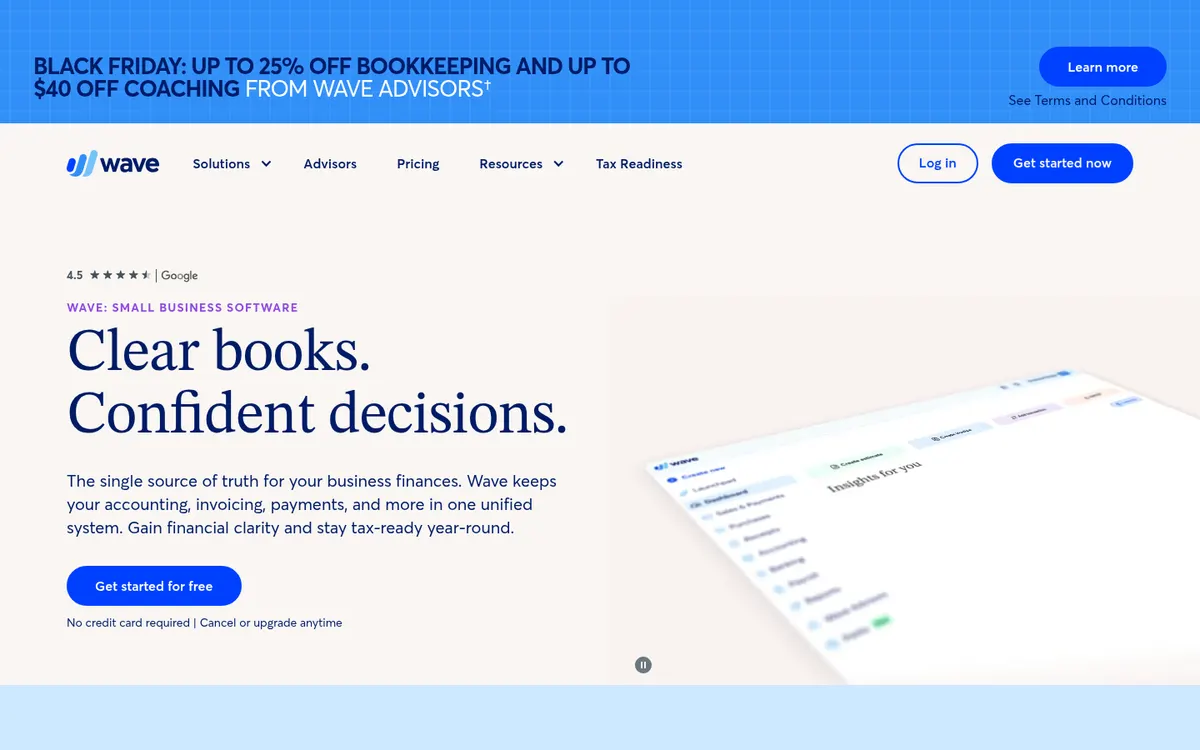
The free option worth taking seriously for a solo handyman with simple books, no payroll, and a tight budget.
Wave is a free option on this list: the Starter plan costs nothing, has no time limit, and includes unlimited invoicing, expense management, basic financial reports, and mobile estimates and invoices. A handyman can send a bill from a driveway and still have a record of income and spending at year end. Card and bank payment acceptance is built in, which means faster payment on small jobs. The free tier has limits worth knowing before you commit. Bank auto-import, receipt scanning, and smarter categorization sit on the paid Pro plan, listed at $190 USD per year. Without auto-import, someone has to enter transactions by hand, and that is easy to fall behind on. Payroll and bookkeeping coaching are separate paid add-ons. Reporting is basic and does not give detailed job costing, third-party integrations are thinner than QuickBooks or Xero, and support is limited. There is no free trial, which is unusual, though the free Starter plan removes most of the risk of trying it. For a solo operator with a simple business, a handful of recurring clients, and no payroll, Wave keeps software cost near zero. Once you hire, need job-level margins, or want a bookkeeper working inside the same file every month, the paid add-ons start to close the gap with a full suite.
You are solo, want zero software cost, and can live with basic reports.
You run payroll, need job costing, or want bank feeds without paying for Pro.
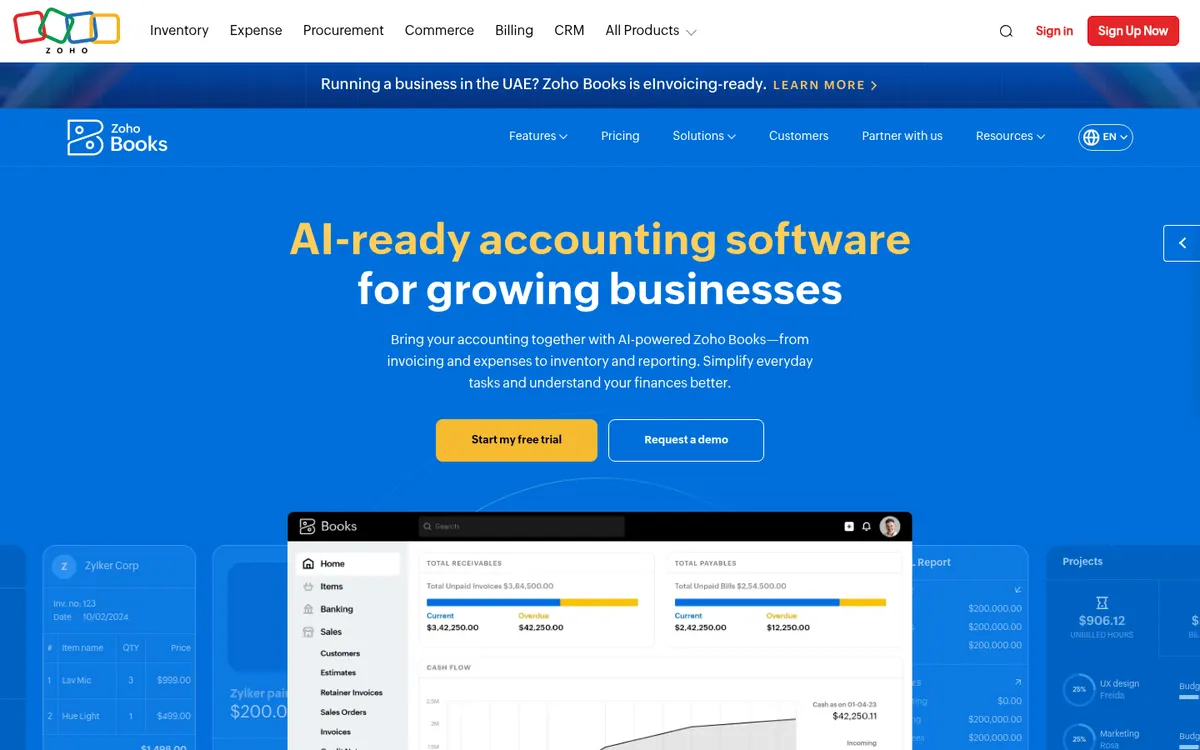
Low-cost double-entry accounting priced per organization, which suits a small crew sharing one ledger.
Zoho Books is the value pick for a small handyman business that wants real double-entry accounting without a big monthly bill. Standard costs $10 per organization per month when billed annually and covers three users, which is a different model from per-seat pricing: adding a second crew member does not automatically raise the price the way it does on some competitors. Bank reconciliation, expense tracking, workflow automation, recurring invoices, and payment reminders are included, and bank feeds arrive on the Standard tier.
There is a free plan as well. It serves one user plus an accountant and allows up to 1,000 invoices per year, subject to a revenue threshold, so a new handyman operation can start at zero and upgrade when the business grows past the limit. A 14-day free trial covers the paid tiers.
The weak spots are mostly about the US ecosystem. Payroll depends on integrations rather than a native engine, and the US accountant network is smaller than QuickBooks or Xero, so your bookkeeper may not know the interface. Automation is strong for the price, but the interface rewards someone willing to configure it rather than someone who wants to sign in and send a bill.
Zoho Books fits a cost-conscious owner who is comfortable in software and wants full accounting rather than a billing tool. It fits less well if your accountant insists on QuickBooks, or if you want payroll handled inside the same system.
You want full accounting at a low flat rate and are happy to configure the setup.
Your bookkeeper only works in QuickBooks or you need native US payroll.
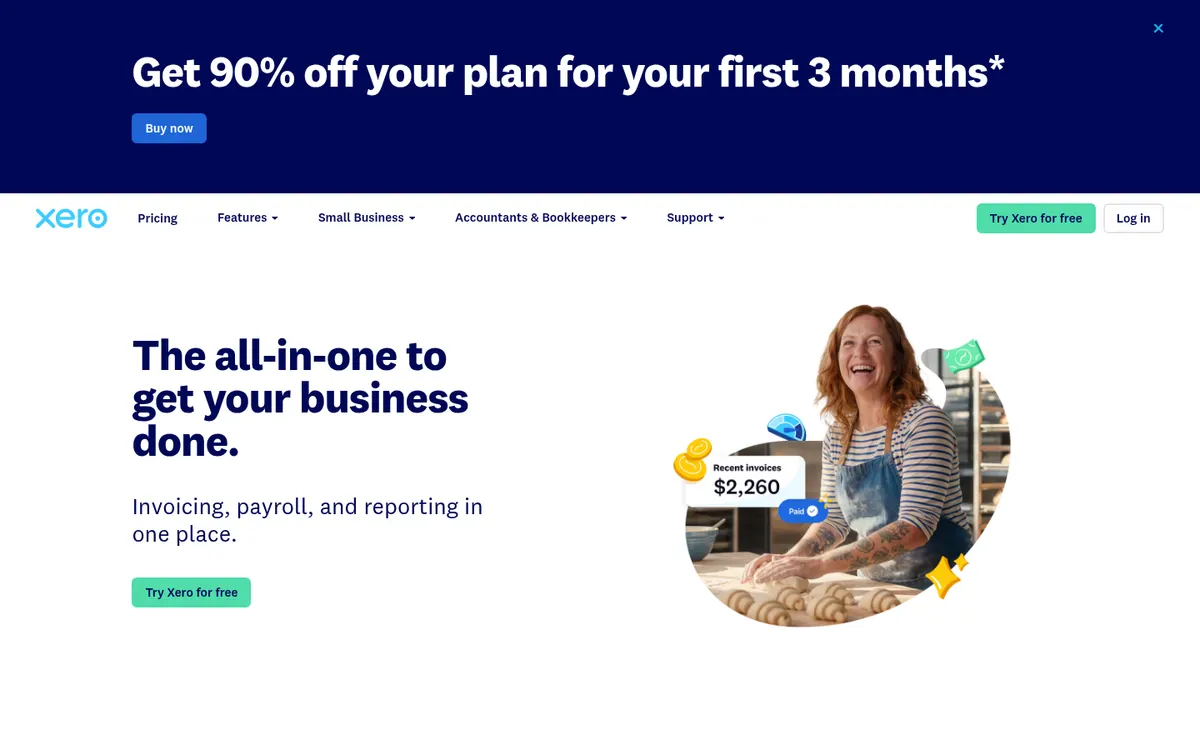
Unlimited users on every plan plus strong reconciliation make it the best fit for shops with shared bookkeeping.
Xero's headline advantage for a handyman business is simple: every plan includes unlimited users. Office help, a spouse who does the books, and a bookkeeper can all log in without triggering a per-seat charge, which is a meaningful difference from tools that price by user. Bank reconciliation is strong, the app marketplace lists 1,000+ integrations, and an AI assistant handles invoicing and financial questions inside the product. Pricing starts at $7 per month on the Lite plan after the intro rate, and that entry tier caps invoices and quotes at five per month. A working handyman will blow past five documents quickly, so the realistic budget is the next tier up rather than the advertised entry price. A 30-day free trial covers evaluation. The gap is US payroll. Xero has no native US payroll and routes it through partners such as Gusto, which means a second subscription and a second place to fix errors. That is fine for a shop already using a payroll provider and awkward for one that wants everything on a single bill. Xero fits an owner who wants clean reconciliation, a wide choice of add-on apps, and unlimited logins, and who is willing to pair payroll separately. It fits less well if you want one vendor for books and payroll, or if your monthly volume of invoices and quotes makes the entry plan a dead end.
Several people need logins and you want a broad choice of connected apps.
You send many invoices monthly on a budget, or want native US payroll included.
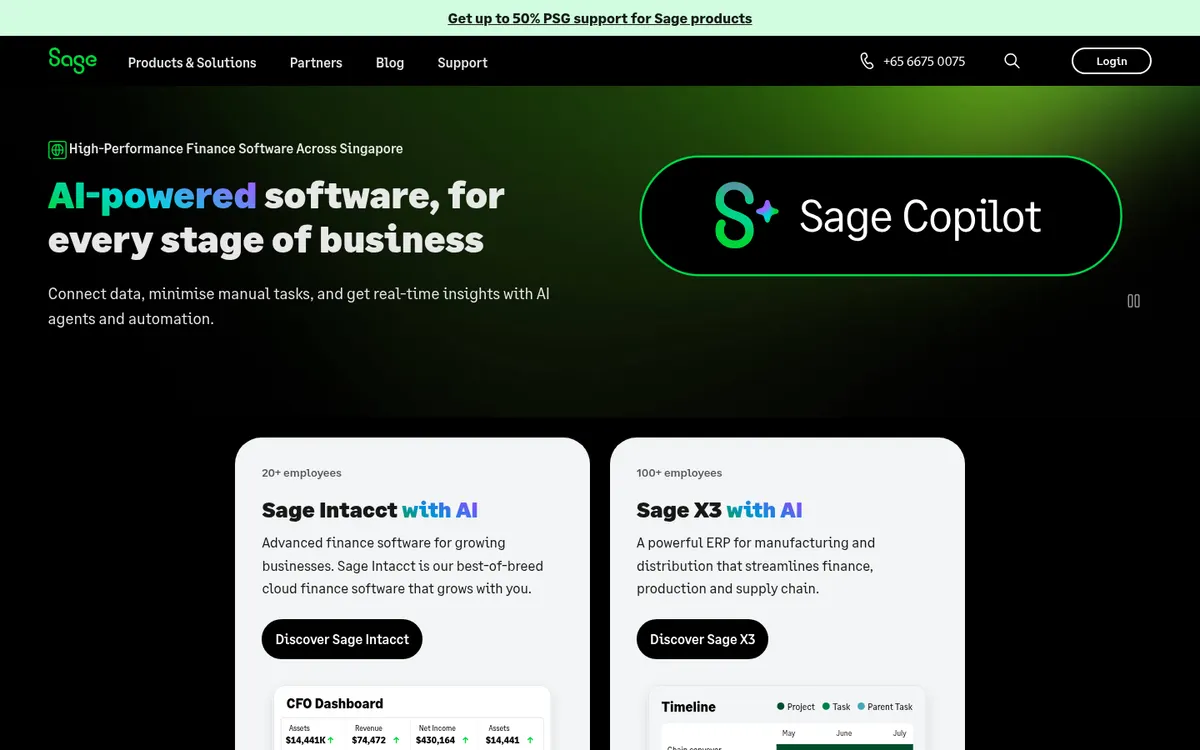
Capable accounting with job costing and a path to mid-market, held back by unpublished pricing and a sales-led process.
Sage has a long accounting heritage. Small-business plan pricing for Sage Accounting is not posted on the website, so a buyer has to contact sales and wait for a quote. That is a real drawback for a handyman who wants to compare numbers on a Sunday evening. A free trial is available, which is the practical way to see the product before talking to anyone. What sits behind the sales process is capable software. Sage Accounting covers invoicing, expense management, bank reconciliation, cash flow forecasting, and reporting and controls, plus job costing for project work. Job costing matters in this trade: knowing whether a bathroom refit made money is different from knowing the bank balance. The wider Sage range extends into mid-market ERP, so a shop that grows into multiple crews and more complex billing has somewhere to go without changing vendors. The honest cons are the buying experience and the interface. The product feels less modern than QuickBooks or Xero, and the absence of a published small-business price makes budgeting guesswork until a quote lands. Expect a discovery call before you see a number. Sage fits an established handyman business with project work, a bookkeeper, and plans to scale into a larger operation. It fits poorly for a solo operator who wants a published price and a fast signup.
You run project work, want job costing, and expect to scale into multiple crews.
You want a published price and self-serve signup today.
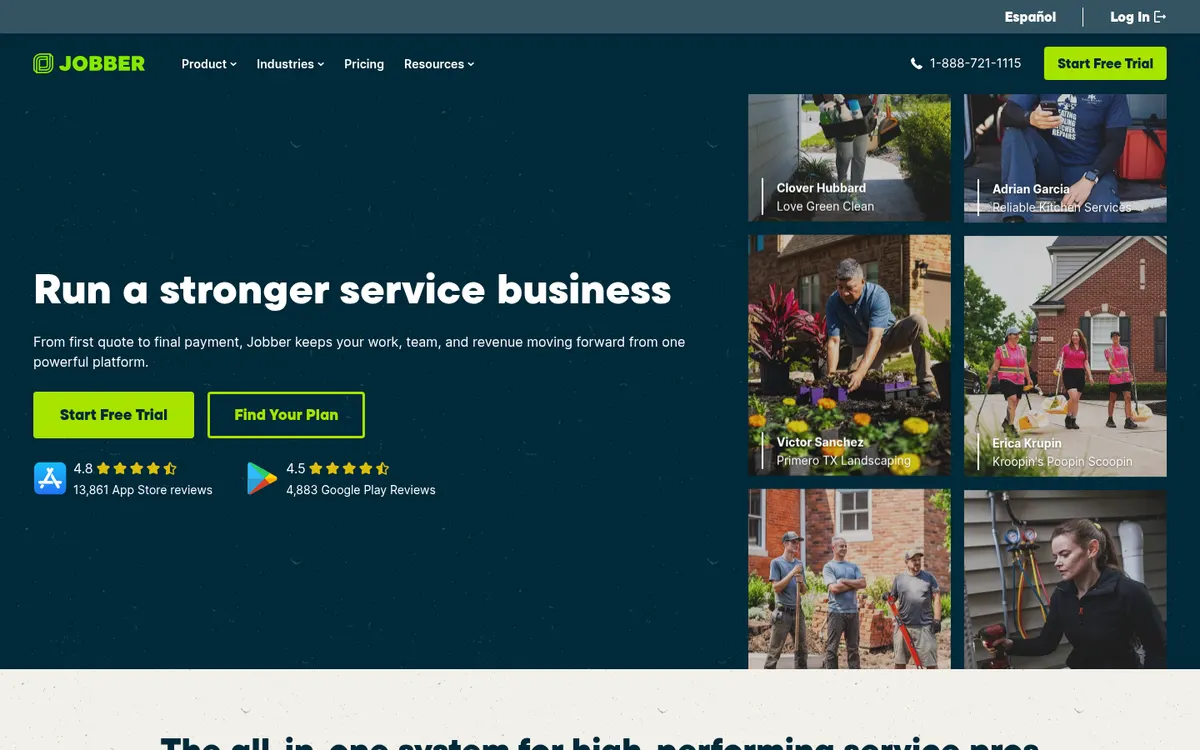
A field-service platform that runs quotes, scheduling, and on-site invoices, then syncs the money side into a real ledger.
Jobber is a field-service platform, not an accounting system, and the distinction is the whole review. It covers online booking, quotes, scheduling, dispatch, on-site invoicing, and card payments, so a handyman can move a job from request to paid without leaving the app. Two-way sync with QuickBooks Online and Xero pushes invoices and payments into the ledger, which removes the double entry that eats evenings.
Pricing is on the vendor site rather than published in a form we could confirm on the date we checked, and a 14-day free trial is available. Whatever the plan cost, budget for a second subscription behind it: Jobber does not replace the general ledger, payroll, or tax reporting, so QuickBooks Online or Xero still has to be in the stack. Advanced functions sit on higher tiers, which means the entry price is rarely the real price for a crew with dispatch needs.
The payoff is operational. Scheduling, dispatch, and on-site invoicing in one app shorten the gap between finishing a job and getting paid, and customer communication improves when the calendar, the quote, and the invoice all live in the same place.
Jobber fits a handyman with two or more technicians, a full calendar, and a steady flow of quotes who wants the day run from one app. It fits poorly as a standalone accounting purchase, and a solo operator with a light schedule may not need it at all.
You have technicians, a busy calendar, and a ledger already in place behind it.
You are solo with light scheduling or you expect one tool to handle your books.
Dispatch and customer communication first, with QuickBooks sync behind it, priced by custom quote after a demo.
Housecall Pro pairs dispatch with customer communication and pushes the financial side into QuickBooks. Scheduling, dispatching, on-my-way texts, review management, invoicing, GPS tracking, mobile payments, and consumer financing for larger jobs are part of the platform, and the QuickBooks sync keeps invoices and payments flowing into the ledger without a second entry.
Pricing is not published. Plans come as a custom quote after a demo request, and the entry cost runs higher than Jobber's, with per-user costs climbing on higher tiers. For a handyman comparing options on price alone, that is a hard start. The 14-day free trial is the practical way to judge whether the dispatch and communication tools justify the premium.
The features that justify it are the ones a growing service business feels daily. On-my-way texts cut no-shows and phone calls. Review management turns finished jobs into public feedback. Consumer financing lets a homeowner say yes to a bigger repair instead of deferring it. GPS tracking and mobile payments tighten the gap between the truck and the bank.
Housecall Pro still needs QuickBooks for full accounting, so the total cost of ownership is the field app plus an accounting subscription. It fits a handyman business with several technicians, a dispatcher, and enough job volume that customer communication and financing move revenue. It fits poorly for a one-person operation that mainly needs a ledger.
You dispatch several technicians and want customer communication and financing in one app.
You work alone, need a published price, or want one tool for the books.
Accounting software keeps the books: bank feeds, double-entry records, sales tax, payroll, and the reports an accountant files. Field-service software runs the day: quotes, scheduling, dispatch, on-site invoices, and card payments. Handyman businesses often need both, and confusing the two can lead to buying the wrong tool. A full accounting tool should handle a few things well. It needs bank reconciliation so the checking account matches the ledger, invoicing that carries job details, expense capture for receipts and mileage, sales tax for materials, and reports a bookkeeper can work from. If you run crews, job costing and payroll matter, and if you quote by the hour, time tracking that flows into an invoice saves hours each week. Field-service apps such as Jobber and Housecall Pro cover quoting, scheduling, and on-site payments. Jobber syncs with QuickBooks Online and Xero, and Housecall Pro syncs with QuickBooks, so invoices and payments can post into the ledger and avoid double entry. The practical split looks like this: - Solo operator, simple invoices, tight budget: Wave, Zoho Books, or QuickBooks Online Simple Start.
This comparison sits on the Finance desk. Readers comparing neighbouring stacks often check our guides to accounting software for electrical contractors and AI tools for sales prospecting next.
Pricing in this category follows several models, and the model matters more than the headline number. A $7 plan that caps invoices at five per month is not cheaper than a $38 plan that covers real volume.
| Model | How it bills | Typical fit | Example from this list |
|---|---|---|---|
| Per seat, tiered | Monthly fee per tier, features and users gated | Shops adding office staff or payroll | QuickBooks Online Simple Start at $38 per month for one user |
| Flat monthly with caps | Monthly fee with a limit on billable clients or documents | Solo owners and small crews | FreshBooks Lite at $23 per month for five billable clients |
| Per organization | Monthly per company file, several users included | Small teams sharing one ledger | Zoho Books Standard at $10 per org per month billed annually for 3 users |
| Free tier plus paid upgrades | $0 base, paid add-ons for banking, payroll, or support | Solo operators watching cash flow | Wave Starter at $0, with Pro listed at $190 USD per year |
| Quoted | Custom quote after a demo or sales call | Larger or scaling operations | Sage and Housecall Pro, both require a quote from the vendor |
Every price above was checked on the vendor's own pricing page on November 25, 2026. Where a vendor does not publish a figure we write "See website" instead of guessing. To compare annual and monthly billing quickly, try the free percentage calculator.
QuickBooks Online is the safest default for most US handyman shops. It is widely known among accountants, covers invoicing, expenses, sales tax, and mileage, and syncs with Jobber and Housecall Pro. Simple Start costs $38 per month for one user, and there is also a free QuickBooks tier at $0 per month plus a 30-day free trial. FreshBooks and Wave fit smaller operations.
Only if your schedule needs it. Accounting software keeps the ledger, sales tax, payroll, and reports. A field-service app handles quotes, scheduling, dispatch, and on-site invoicing. A solo operator can run the whole business from a ledger plus a phone, while a crew with daily dispatch usually benefits from Jobber or Housecall Pro syncing into QuickBooks Online or Xero.
Yes. Wave Starter costs nothing with no time limit and includes unlimited invoicing, expense management, and basic reports. QuickBooks has a free tier at $0 per month, and Zoho Books offers a free plan for one user plus an accountant with up to 1,000 invoices a year, subject to a revenue threshold. Paid upgrades add bank auto-import, receipt scanning, and payroll.
Between nothing and roughly $40 for the books. Wave Starter is free, Zoho Books Standard is $10 per organization per month billed annually, FreshBooks Lite is $23 per month, and QuickBooks Online Simple Start is $38 per month for one user. Add a field-service app only if scheduling and dispatch justify a separate subscription, priced on the vendor site.
Jobber's sync with QuickBooks Online and Xero is two-way, and Housecall Pro syncs with QuickBooks. Field invoices and payments can post into the ledger, which removes the double entry. That removes the double entry, but you still reconcile the bank account and file sales tax in the accounting system.
Browse every comparison on the Finance desk, with the same rubric and dated prices.