Ranked #1
BuildXact
AI-assisted plan takeoff
$199Foundation, per month, unlimited users, monthly or annual billing
- Best for
- Residential builders wanting AI-assisted takeoffs
- Free plan
- No
- Rubric
- 8.6 / 10
Eight residential estimating tools compared on takeoff accuracy, estimate depth, job handoff and published pricing, with the starting prices we checked on November 26, 2026.
 Prices checked November 25, 2026
BuildXact is the best residential construction estimating software for builders who want AI-assisted takeoffs, Contractor Foreman is the value pick for small contractors at $49 per month on the Basic plan billed annually for one user, and STACK suits bidding teams that live in takeoffs. Those three lead this November 2026 list of eight tools, with prices checked on November 26, 2026. Below, each entry covers what the tool estimates well, how it bills, and where it falls short.
AI-assisted plan takeoff
$199Foundation, per month, unlimited users, monthly or annual billing

Price and breadth
$49Basic, per month, billed annually, 1 user

Revision-aware takeoffs
$49Build & Operate module, per user per month, takeoff and estimating priced separately
Disclosure for this page: All 8 tools here are unpaid editorial picks. The position of a paid listing can be part of what the vendor pays for. How we handle paid listings.
| Tool | Best for | Free plan | Actions | |||
|---|---|---|---|---|---|---|
| 1 | BuildXact | Residential builders wanting AI-assisted takeoffs | $199Foundation, per month, unlimited users, monthly or annual billing | No | ||
| 2 | Contractor Foreman | Small contractors needing affordable all-in-one software | $49Basic, per month, billed annually, 1 user | No | ||
| 3 | STACK | Bidding teams focused on takeoffs and estimates | $49Build & Operate module, per user per month, takeoff and estimating priced separately | No | ||
| 4 | Buildertrend | Mid-size and large residential builders | See website | No | ||
| 5 |  Houzz Pro | Remodelers and design-build firms selling on design | See website | No | ||
| 6 |  CoConstruct | Custom home builders weighing their options | See website | No | ||
| 7 |  Projul | Growing contractors who dislike per-user pricing | $199Starter, per month, billed annually at $2,388, up to 3 users | No | ||
| 8 |  Clear Estimates | Contractors wanting fast, simple residential estimates | See website | No |
Every tool here was judged against the same five criteria: estimating depth, takeoff tools, pricing clarity, job handoff and residential fit. Estimating depth asks whether the tool can produce a defensible number, not just a total. Takeoff tools covers plan measurement, symbol counting and revision handling. Pricing clarity rewards vendors who publish a real starting price and penalizes quote-only funnels. Job handoff looks at what happens to the estimate after it is approved, whether it becomes a budget, a purchase order or a schedule. Residential fit is a check that the cost data and templates match home building rather than commercial work.
Prices and plan details come from vendor pricing pages checked on November 26, 2026. Where a vendor does not publish a price, the entry says so and does not guess a number. Plan names, billing terms and seat limits are reported as the vendor states them, and nothing here converts currencies or invents a quote.
Positions reflect editorial fit for the buyer each entry describes. Where a vendor holds a Featured placement, that placement is paid, and the tool is scored on the same rubric and carries the same kind of honest cons as every other entry. A Featured badge does not move a score.
We do not test software on your jobs. Treat these notes as a shortlist and a set of questions, then run a trial or a demo on a real estimate before you commit.
The full process, including how we handle corrections, is on the methodology page. Paid listings follow our advertising disclosure.
| Criterion | Weight | What we check |
|---|---|---|
| Estimating depth | 25% | Whether the tool produces a defensible bid with labor, material and markup, not just a total. |
| Takeoff tools | 20% | Plan measurement, symbol counting, revision handling and how much of the quantity work is automated. |
| Pricing clarity | 20% | Whether a real starting price is published and how much of the bill stays hidden behind a quote. |
| Job handoff | 20% | What happens to the approved estimate, whether it becomes a budget, a purchase order or a schedule. |
| Residential fit | 15% | Whether the cost data, templates and workflow match home building rather than commercial work. |

The most complete residential estimating package here, pairing AI takeoff with dealer pricing at a published $199 entry.
BuildXact puts plan takeoff, estimating and job tracking in one place, which is a combination residential builders often assemble from separate products. The takeoff tool measures digital plans directly, the cost data behind an estimate comes from residential projects rather than generic commercial averages, and live supplier material pricing through dealer connections keeps a bid close to what the lumber yard will actually charge. Blu, the built-in AI assistant, reviews an estimate for missing items and mistakes before it goes out. Pricing starts at $199 per month on the Foundation plan, which covers estimating and bidding with unlimited users and can be billed monthly or annually. Above that sit Pro and Master for builders who want scheduling and fuller job management. The upper plans are quoted after a demo, so a builder running several crews should expect a conversation before knowing the full number. The strengths are coherence and focus. Takeoff, estimating and job tracking sit in one platform, and dealer pricing keeps the material side of a bid aligned with current supplier costs. The limits are equally clear: this is residential software, so a builder chasing commercial work will hit a ceiling, and the AI features are new enough that you should test them on your own plans rather than trust the demo.
You want plan takeoff, estimating and job tracking from one vendor built for home building.
You bid commercial work or need the full price list before booking a demo.
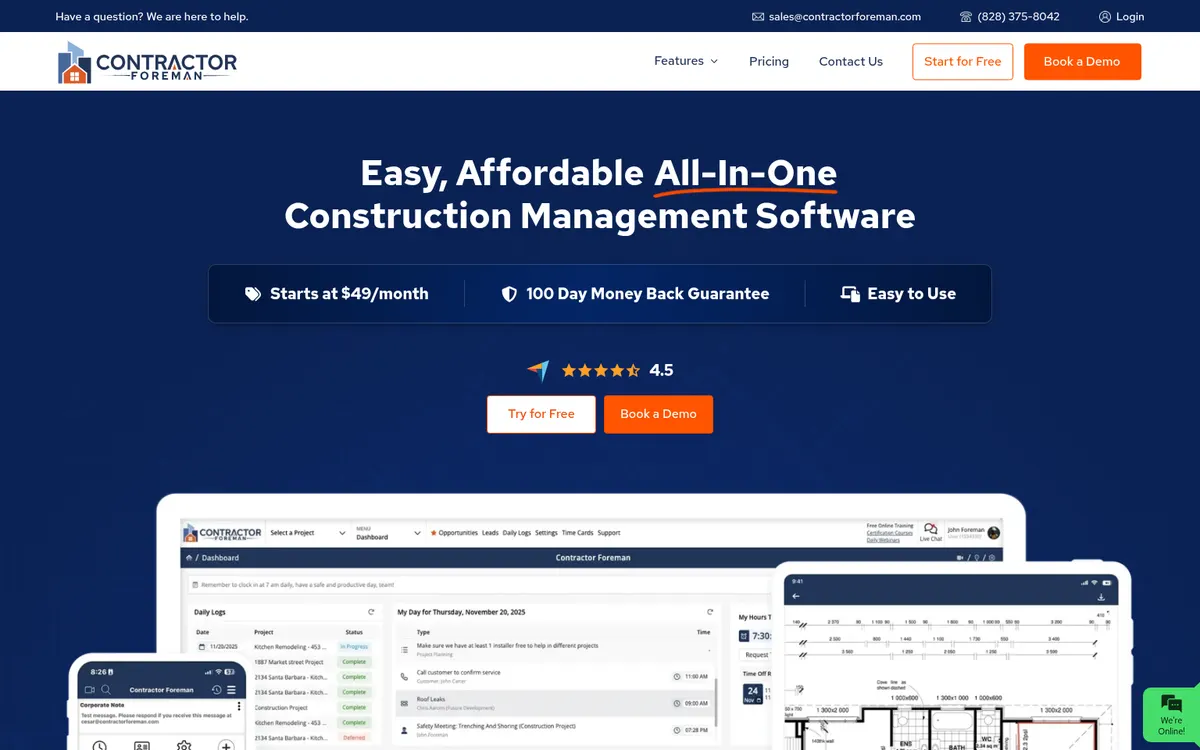
The cheapest credible all-in-one on the list, strong on breadth and weak on plan takeoff depth.
The case for Contractor Foreman is breadth at a low entry price. Estimating, job costing, scheduling, time tracking, documentation and client communication all live in one system, and the vendor lists more than 50 integrations including QuickBooks, CompanyCam, Stripe and Zapier. For a small contractor who is currently running estimates in a spreadsheet and invoices in QuickBooks, that consolidation is the product.
Entry pricing is $49 per month on the Basic plan, billed annually for one user, and a 30 day free trial sits in front of it. The vendor also advertises a 100 day money-back guarantee and a 13 second average support wait, both claims worth testing during the trial rather than taking on faith.
The trade-off is depth. Estimating here is competent but not a takeoff specialist: if your bids depend on measuring plan sheets and counting symbols, you will feel the difference quickly. The interface carries the weight of a very broad feature set, so the first week is slower than the price suggests. Residential and commercial tools also share the same screens, which adds options a home builder will never touch.
Pick it when affordability and one login matter more than estimating sophistication. Skip it when plan takeoff accuracy is the thing your margin depends on.
You are a small contractor who wants estimating, job costing and scheduling under one affordable bill.
Your bids start with measuring plan sheets and counting symbols.

Best takeoff engine here, priced by module, so budget for takeoff and estimating as separate lines.
STACK is built around the front of the job: get the plans in, take them off fast, and turn the quantities into a number. Its AI reads plans and specifications, names sheets and flags revisions, which matters on a project where the architect issues a new set mid bid. Takeoff handles linear, area, count and volume measurements, AI auto-counting handles repeated symbols, and trade libraries cover concrete, electrical, framing, plumbing and roofing. Pricing is modular. The published entry is $49 per user per month for the Build and Operate module, with takeoff and estimating priced as separate lines, so the number a bidding team pays is higher than the headline. A free trial is available. Unlimited viewer seats are included, which keeps the cost of showing a bid to a project manager or a client from climbing. Where it fits: bidding teams at residential firms that produce several estimates a week and need revision control. Where it does not: a builder who wants one system from first call to final invoice. Job costing exists but is lighter than the broader project management suites, and the AI reading of plans is only as good as the scan behind it. Treat STACK as a preconstruction tool and pair it with an accounting or project system, and the value proposition gets much cleaner.
You run a bidding team that produces several residential estimates a week from plan sheets.
You need one system that carries a job from first call through final invoice.
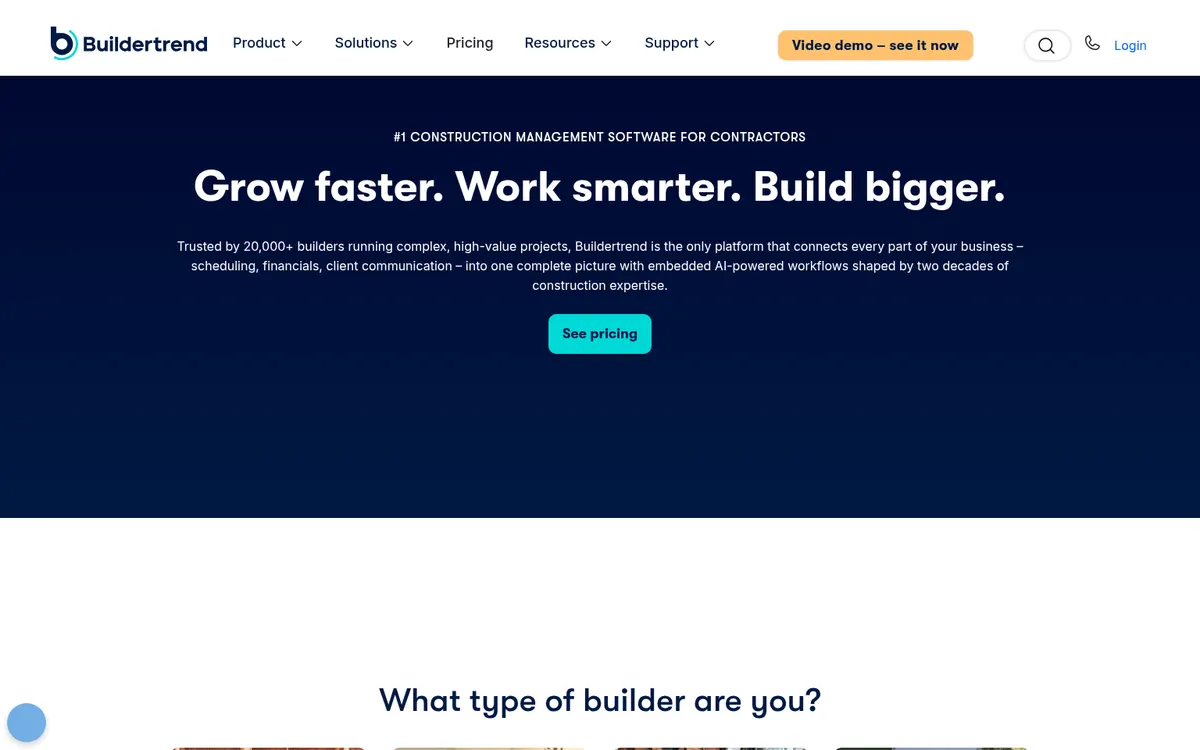
Powerful estimate to job costing chain for established builders, with quote-only pricing and no trial.
Buildertrend is an established name and the one most likely to be proposed by a builder's office manager rather than the estimator. Estimates come from trade specific templates, and the estimate then feeds budgets, purchase orders and job costing, so the number quoted to a client is the same number the field codes against. The client portal shows progress, which removes a chunk of status calls from the week. The vendor reports more than 20,000 builders on the platform and states that 86 percent of customers connect estimates to job costing, a figure that says more about the workflow design than the size of the user base. Pricing is the sticking point. There is no published plan price and no free trial: the vendor quotes according to annual construction volume, which means builders with different annual construction volumes get different numbers for the same software. Budget time for a sales process. The depth that makes Buildertrend strong also makes it heavy. A small remodel operation may pay for scheduling, job costing and client portal features it may never open, and onboarding needs dedicated time. A builder with crews and purchase orders to coordinate gets that cost back. A builder who mainly needs a fast, accurate estimate probably does not.
You are a mid-size builder who needs the estimate to drive budgets, purchase orders and job costing.
You are a small shop that mainly needs a fast, accurate estimate.
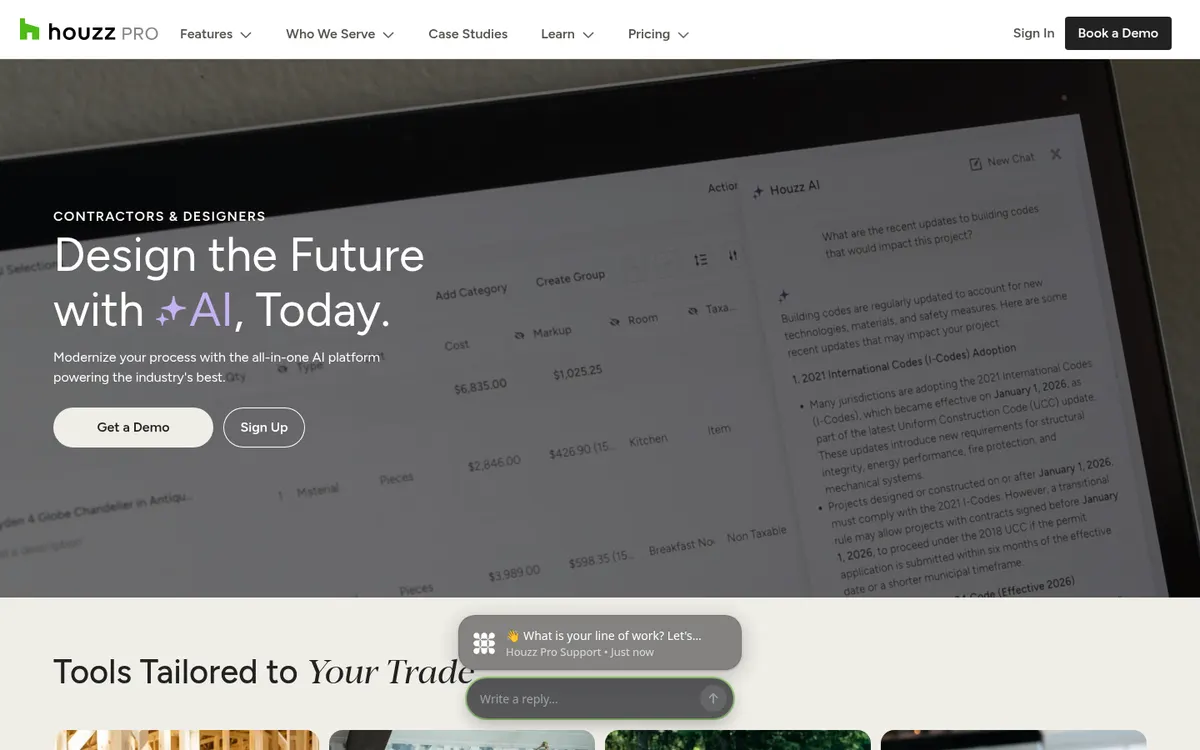
Design-led estimating for remodelers who sell on visuals; pricing is quoted and estimating is adequate rather than deep.
Houzz Pro sits at the design end of residential work. Estimating and takeoffs are present, but the reason a remodeler chooses it is the 3D floor plans, the selections workflow and the client facing proposal that shows a homeowner what they are buying. Estimates and design decisions live together, so a changed tile selection can be priced in the same place the client sees it. Pricing is not published. The vendor quotes, and there is a free trial, so the practical path is to build one real proposal during the trial and see whether the design tools save enough time to justify the subscription. The fit is narrow and specific: remodelers, design build firms and interior focused contractors whose sale depends on visual presentation. A production builder framing the same plan repeatedly gets little from 3D visuals and will find the estimating side adequate but not exceptional. There is also a lead generation business attached to the platform, part of Houzz overall, which reports more than 3 million contractors and design professionals across its network. Upsells toward leads can blur what you are actually paying for, so ask for the software price separated from any marketing package. Pick it when design sells the job. Skip it when speed of takeoff and estimate is the whole game.
You are a design build firm or remodeler whose client decides on visuals and selections.
You are a production builder who needs raw takeoff speed above presentation.
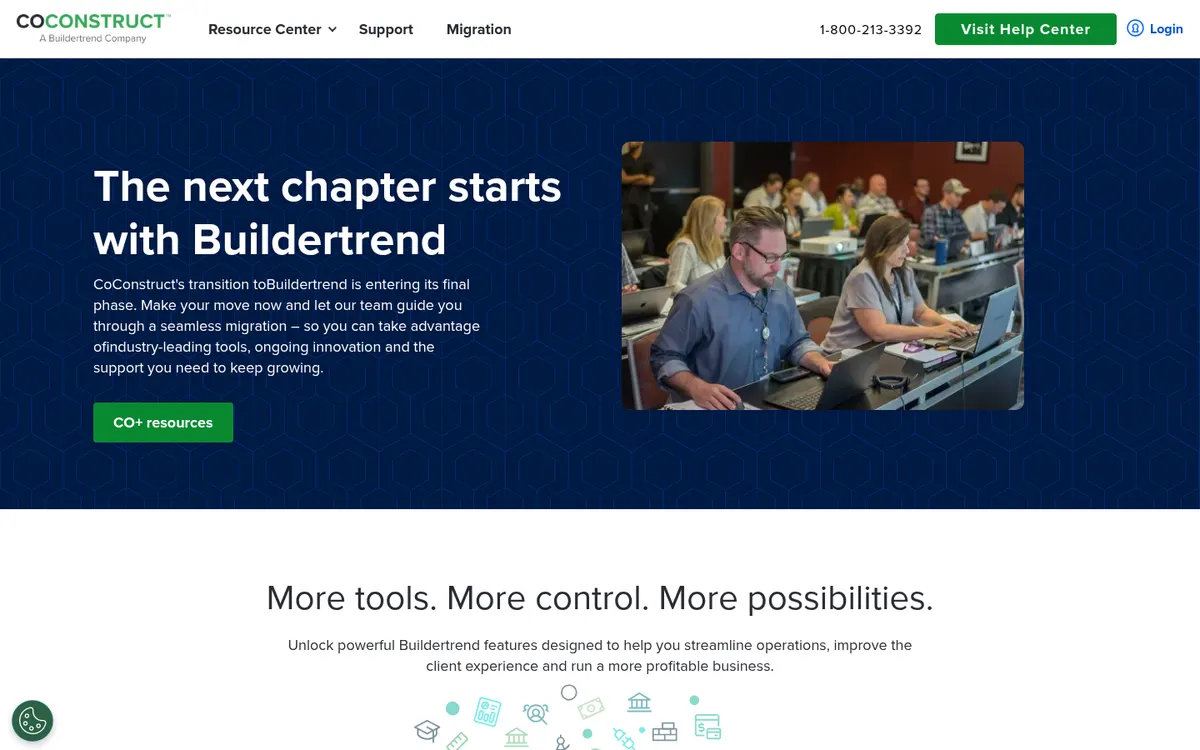
Excellent custom home selections workflow, but the product is being absorbed into Buildertrend, so new buyers should look there first.
CoConstruct remains one of the better custom home estimating and selections tools, and it is also the entry on this list you should be slowest to buy new. The vendor now directs customers toward migration into Buildertrend, and new buyers are pointed at Buildertrend directly. That makes CoConstruct a reasonable choice mainly for an existing user who has not yet moved.
What it does well is selections management. Finish options carry real time price impact, so a client browsing tile or cabinetry sees the budget move as they choose, and the estimate data flows through specifications, bid requests, proposals and budgets without rekeying. For custom builders whose margin lives in change orders and allowances, that is a genuinely useful design.
Financial management is deep, and bid request workflows handle the subcontractor side of a custom build. Mobile capabilities are the weak spot: field use is thin compared with the rest of the market, which matters for superintendents logging daily progress.
No pricing page is available to check, so cost has to come from the vendor. Given the migration path, the sensible question is not what CoConstruct costs but what the Buildertrend equivalent costs and what moves with you. Ask about data migration, contract terms and how long the product will be supported before you sign anything.
Pick it only if you already run CoConstruct and need time to plan a careful move to Buildertrend.
You are buying fresh, since the vendor now points new customers to Buildertrend.
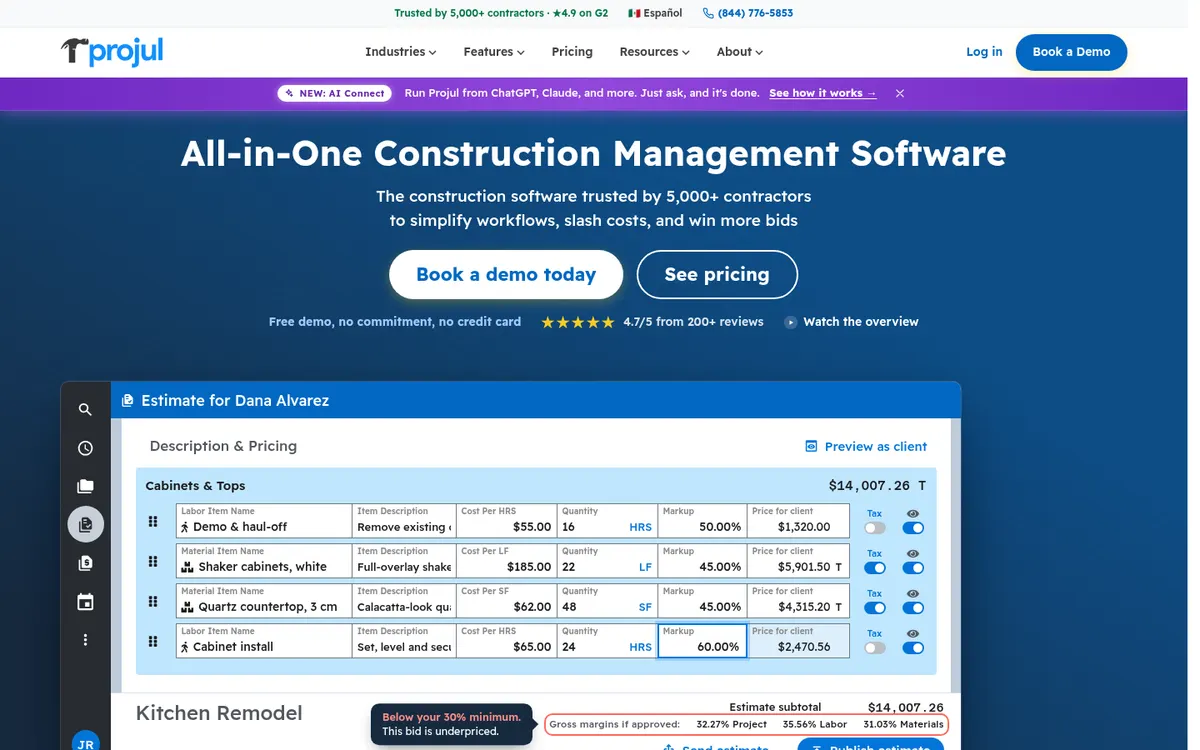
Flat-rate pricing across a wide feature set suits growing teams that dislike per-seat bills and do not need plan takeoff.
Projul's pitch is flat pricing and a wide net. Lead management, estimating from custom templates with e-signatures, scheduling, invoicing and time tracking all sit in one subscription, and higher tiers add job costing, a client portal and geofencing. Estimates convert into scheduled tasks in one click, which is a small feature that saves real time on a busy week. Pricing is published: $199 per month on the Starter plan, billed annually at $2,388, covering up to 3 users. A 10 person team lands around $4,788 per year, which the vendor frames as roughly $1,400 less than a comparable Buildertrend Advanced plan. Monthly billing costs more than the annual figure. There is no free trial. The estimating side is competent rather than specialist. Templates and e-signatures cover the common residential job, and the 1build integration pulls current material costs, but a builder who needs plan takeoff with symbol counting is looking at the wrong product. The company is a newer brand with a smaller integration ecosystem than the established names, which is a support question as much as a software one. Pick Projul if you have a growing team, dislike per seat pricing and want estimating, CRM and invoicing under one roof. Skip it if your bids start with a plan measurement session.
You run a growing team and want one flat annual bill for estimating, CRM and invoicing.
Your bids begin with measuring plan sheets or you need a trial before you commit.
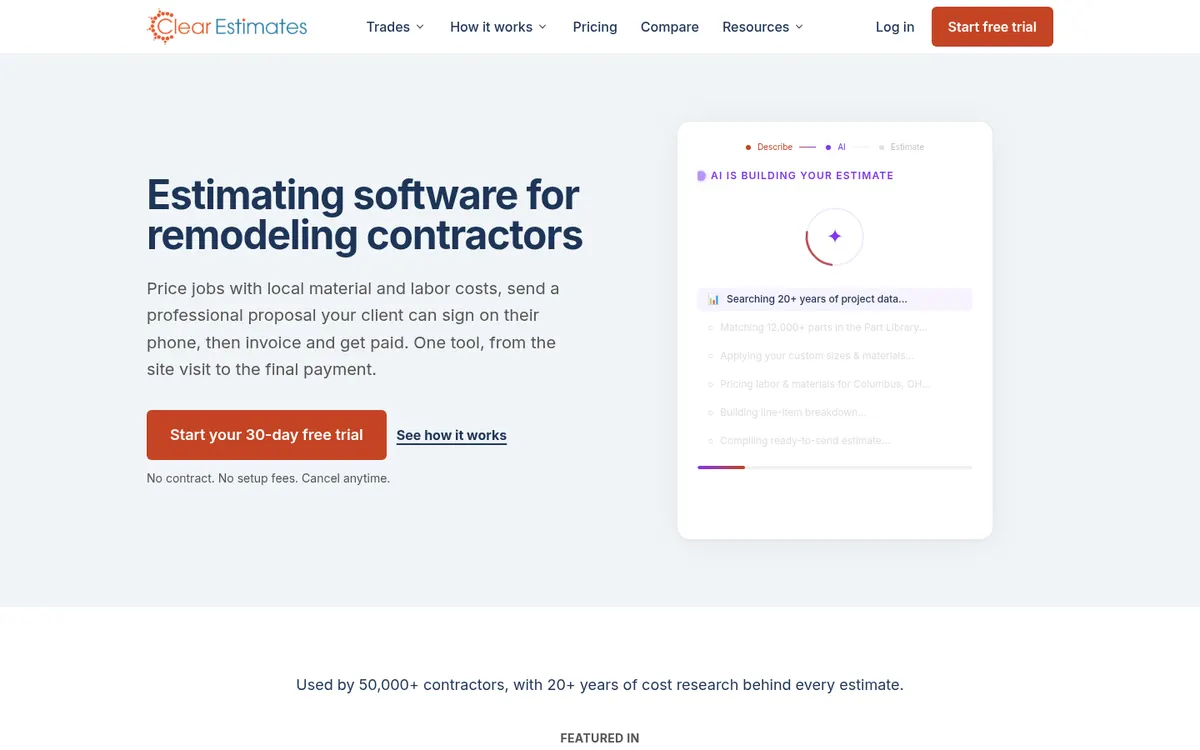
Fast, localized residential quotes from a large template library, with no project management and no published price.
Clear Estimates does one thing and does it quickly: turn a few dimensions into an itemized residential estimate. The library holds more than 500 templates for kitchens, baths, additions, decks and siding, and the database behind them has over 12,000 parts refreshed quarterly. Costs are localized to more than 400 US areas by zip code, which is a meaningful difference from tools that apply a national average to a job in a high cost metro. Proposals come with pre-written contract language, so a contractor can send something that looks and reads like a professional document without drafting it. The web based calculator means no install and a short learning curve. A 30 day risk free trial lets you test it on a real job. Pricing is not published, which is the first friction point. The second is scope: there is no project management, no scheduling and no job costing, so this is a quoting tool that sits beside whatever you use to run work. The template driven approach also strains on unusual custom builds where the assemblies do not match anything in the library. Pick it if you are a remodeling contractor who writes several estimates a week and wants them out the same day. Skip it if you need takeoff from plan sheets, job costing or one system for the whole project.
You write remodeling quotes from standard assemblies and want them out the same day.
You need plan takeoff, job costing or one system for the whole project.
Residential construction estimating software turns a set of house plans and a scope of work into a priced bid, then keeps that bid connected to the job. The category splits into three jobs that are often sold together and sometimes are not: takeoff, estimating and job handoff. Takeoff is measurement. You open a digital plan, set a scale, and quantify the linear feet of wall, the square footage of roof, the count of outlets. Estimating is pricing. Those quantities meet labor rates, material costs and markup to produce a number you can send to a client. Job handoff is everything after the signature: budgets, purchase orders, change orders, selections and job costing that tells you whether the margin you estimated is the margin you earned. A short list of what to expect: - Digital plan takeoff with scale calibration and measurement tools
This comparison sits on the Software desk. Readers comparing neighbouring stacks often check our guides to demand forecasting software and glp 1 companies next.
Three pricing shapes dominate this list, and they tell you who each vendor sells to. Per seat pricing suits companies whose estimating staff grows and shrinks. Flat rate pricing suits a team of 5 to 15 that wants a predictable annual number. Volume based quotes suit builders large enough that a sales process is normal.
| Model | How it bills | Typical fit | Example from this list |
|---|---|---|---|
| Published per month, one user | Fixed monthly fee, billed annually | Small contractors who want a known bill | Contractor Foreman at $49 per month on Basic, billed annually for 1 user |
| Published per user | Per seat per month, modules separate | Bidding teams that scale up and down | STACK at $49 per user per month for the Build and Operate module, with takeoff and estimating priced separately |
| Flat rate | One price for a set number of users, billed annually | Growing teams avoiding per-seat bills | Projul Starter at $199 per month, billed annually at $2,388 for up to 3 users |
| Published entry plus quote | Entry tier published, upper tiers quoted | Builders planning to grow into job management | BuildXact at $199 per month on Foundation with unlimited users |
| Quote only | Price set from annual construction volume or a demo | Mid-size and large builders | Buildertrend, Houzz Pro, CoConstruct and Clear Estimates |
Only four of the eight publish a starting price: BuildXact at $199, Contractor Foreman at $49, STACK at $49 and Projul at $199. Buildertrend sets its number from your annual construction volume, which means two builders can pay very different amounts for the same product. None of the eight offers a free plan. Trials are the free option: Contractor Foreman gives 30 days, BuildXact gives 14, STACK and Houzz Pro offer a free trial, and Clear Estimates runs a 30 day risk free trial.
Every price above was checked on the vendor's own pricing page on November 25, 2026. Where a vendor does not publish a figure we write "See website" instead of guessing. To compare annual and monthly billing quickly, try the free percentage calculator.
Contractor Foreman, at $49 per month on the Basic plan billed annually for one user, is the cheapest credible all-in-one here and includes estimating, job costing and scheduling. Clear Estimates is the better answer if your work is remodeling quotes from standard assemblies. BuildXact is worth the higher $199 entry only if you need plan takeoff and AI review.
Published entry prices run from $49 to $199 per month. Contractor Foreman and STACK both start at $49, though STACK bills per user and per module. BuildXact and Projul start at $199, with BuildXact including unlimited users and Projul covering up to 3 users on annual billing. Four of the eight tools publish no price at all.
No. None of the eight tools in this list offers a free plan. Trials are the free option: Contractor Foreman gives 30 days, BuildXact gives 14 days, STACK and Houzz Pro offer a free trial, and Clear Estimates runs a 30 day risk free trial. Buildertrend, CoConstruct and Projul list no trial.
Takeoff is measurement: you scale a digital plan and quantify walls, floors, counts and volumes. Estimating is pricing, where those quantities meet labor rates, material costs and markup to produce a bid. Some products do both, such as BuildXact and STACK. Others, like Clear Estimates, start from dimensions you enter and skip plan measurement entirely.
Estimating tools price work before it is sold, and accounting tools record money after it moves. The gap between them is where margin disappears. Contractor Foreman integrates with QuickBooks, Projul syncs with QuickBooks Online, and Buildertrend ties job costing to the original estimate so you can compare what you bid with what you spent.
CoConstruct is being folded into Buildertrend. The vendor's site now directs customers toward migration into Buildertrend and points new buyers there directly. Existing CoConstruct users keep a strong selections and custom home workflow for now, but anyone buying fresh should price Buildertrend and ask about data migration before signing.
Browse every comparison on the Software desk, with the same rubric and dated prices.